Support on Patreon | GitHub | Discord | README | Experimental
📖 Navigation: Paketti README | Changeslog (You are here) | Experimental
Every changelog entry below represents hours of development time. Paketti is free, but building it isn't.
Join Patreon to keep Paketti growing → | Other options
Adds two companions to PakettiAddMenuEntry that build a checkbox/toggle menu entry from a single boolean preference. The old pattern was copied by hand dozens of times across the tool: flip preferences.X.value, save the preferences file, print an "ON/OFF" status, and supply a selected callback so the menu checkmark renders. Now it is one line — you pass the preference and the helper generates the flip, the save, the status message, and the strict-boolean checkmark callback (and still routes through the master menu toggle, Menu Configuration per-category gating, sorting, and the duplicate guard). PakettiAddMenuToggleEntry takes a full menu path for a checkbox anywhere; PakettiAddMenuOptionsEntry is a thin wrapper that prepends Main Menu:Options: so you pass only the label. Optional invoke= lets a toggle that does extra work keep its own action while the checkmark still comes from the preference; a get= getter covers toggles whose state is NOT a preference (a runtime global or a state function) so those get the same strict-boolean checkmark without boilerplate; status= overrides the message text; after=function(on) ... end runs right after the flip (e.g. to apply the preference live). Converted every toggle checkbox in the tool — 38 call sites across the Options menu, Tools, the Sample Editor Ruler, the Pattern Editor, the Mixer, the Pattern Matrix, and the Sononymph menus — to the helpers. Also fixed the Pattern Status Monitor and Audition on Line Change checkboxes in Paketti Preferences so they now apply live when you tick them (previously they only saved the setting without starting/stopping the feature until the next restart). Developer-facing plumbing plus that one Preferences-dialog fix — no change to any menu entry, keybinding, or MIDI mapping that users see.
Going up (Backspace / Left / "..") from a Windows drive root (e.g. C:) now lands on a synthetic "Drives" list showing every mounted drive (C:, D:, E:, …); pick one to enter it. Lets Windows users move between volumes with the keyboard, the same way macOS/Linux reach /Volumes. (The "Open Folder…" button does this too; this is the keyboard-only path that never changes focus.)
Added an "Open Folder…" button to the dialog that opens the native folder picker, so you can jump to any folder on any volume — including Windows drives (C:, D:, E:), network shares, and anywhere the OS browser can reach. This fills the gap where the keyboard navigation could only walk the folder tree from the starting location (fine for /Volumes on macOS/Linux, but there was no way to reach other drive letters on Windows).
Press Right-Shift while the dialog is open to load the highlighted file into the smart target slot (the selected instrument if it is empty, otherwise the first empty slot, otherwise a new instrument), select it, close the dialog, turn on Edit Mode and Follow Pattern, and jump straight to the Pattern Editor — so you can start entering notes immediately. (Enter loads the same way but without flipping Edit Mode/Follow; Esc still cancels.)
Pressing the dialog's own shortcut again while it was focused could crash Renoise (SIGSEGV in TWindowImpl::HandleModifiers). The handler used to pass unhandled keys back to Renoise, which re-fired the global shortcut and tore the dialog down from inside the dialog's own keyboard event — destroying the window mid-event. The dialog now owns its keyboard: Enter loads and closes, Esc cancels, and the Spacebar still passes through to Renoise transport so you can start/stop playback while auditioning. (The "press the same external shortcut again to confirm" behaviour is gone because it is exactly what crashed Renoise; Enter does the same job safely.)
In the file list, holding any modifier (Cmd, Option, Shift or Ctrl) with Up jumps the cursor to the top of the list, and with Down jumps to the bottom (plain Up/Down still step one row, PageUp/PageDown still jump a screenful).
The dialog now closes itself and detaches its observers if the song is replaced (New Song / Load Song) while it is open, so its key handler and octave observer can never dangle into a freed window — the Renoise keyboard-dispatch crash class (SIGSEGV in TWeakRefOwner during a key event). Note: if you hit the earlier LIST_W error, that was a stale in-memory copy of the tool — fully quit and relaunch Renoise to load the fixed code.
Fixed a crash that prevented the dialog from opening (variable 'LIST_W' is not declared, left over from the UI rework) — it was unrelated to how many instruments the song had. Also added a menu entry under Instrument Box:Paketti Gadgets:Load Sample (Keyjazz Preview)....
The selected file/folder is now shown as a full-width inverted bar (black background with white text normally, a white bar with black text when selected), exactly like Impulse Tracker, so it reads at a glance. The <DIR> / date / extension column stays put when a row is selected. The file list is drawn on a canvas to make the inverted bar possible; the folder path and the metadata panel remain ordinary Renoise text, and clicking a row selects it (clicking the selected row opens/loads it).
The folder path and the metadata panel use normal, human-readable Renoise text. Going up a folder (Left / Backspace / the ".." entry) now lands the cursor on the folder you just came out of, instead of jumping to the top of the list.
Refinements to the Load Sample browser: the file list no longer shows row numbers — filenames are left-aligned and any "extra data" (a trailing date/time stamp and the file extension) is shown right-aligned in its own column so everything lines up. The folder you navigate to becomes the remembered default (if that folder is later deleted it reverts to ~/Music/Samples), and the very first time you open the dialog it asks you to pick a default folder. The highlighted file is remembered too, so reopening lands you back on the same file (safely clamped if the folder now has fewer files). Twelve folder presets are available: press F1–F12 to jump to a saved folder, Shift+F1–F12 to store the current folder into that slot. The KEYJAZZ OCT readout now updates live when you change the keyboard octave. Pressing the shortcut again when you are not on a file simply closes the dialog instead of showing an error.
The Impulse Tracker "Load Sample" screen, brought to Renoise as a Canvas dialog. Open it and you get a folder/file browser on the left, and on the right the highlighted file's metadata (filename, sample rate, bit depth, channels, length, format, size, date) plus its waveform. Move the cursor with Up/Down (PageUp/PageDown to jump) and the highlighted file is auditioned instantly — play it on the qwerty piano keys (zsxdcvgbhnjm, 23 567 9, qwertyuiop) at the current keyboard octave, during playback, without loading it into your song. The preview uses one hidden scratch instrument, so your instruments and selection are untouched while you browse. Enter on a folder goes in; Backspace/Left goes up a folder. Press Enter on a file (or press the shortcut again) to load it fresh into the smart target slot — the selected instrument if it is empty, otherwise the first empty slot, otherwise a new instrument — with the Paketti default instrument template, then you are returned to the Pattern Editor. Esc cancels and removes the scratch instrument, leaving no residue. Non-WAV formats (.mod/.rex/.rx2/.iff and friends) appear in the list and load on Enter via the normal Paketti expander, though live keyjazz preview is limited to formats Renoise can decode directly.
Global:Paketti:Load Sample Browser Keyjazz PreviewPaketti:Load Sample Browser Keyjazz PreviewMain Menu:Tools:Paketti:Instruments:Load Sample (Keyjazz Preview)Sample Navigator:Paketti:Load Sample (Keyjazz Preview)If the watched volume disconnected while the ProcessSlicer was loading files, the loader kept trying to read from the dead mount, which blocked Renoise long enough to trigger a "tool became unresponsive" error (and could disable the tool's background timers until restart). The loader now checks the volume is still mounted before each file, and the moment it drops out it stops, hands control back to the watcher's offline backoff, and resumes the remaining files automatically when the volume returns.
The NetDrive (folder watcher) now loads every file through a ProcessSlicer, so loading never freezes Renoise — even when a whole burst of files lands at once. A cancelable progress dialog shows the filename and how many remain. It also keeps a durable "load-after" date/time in preferences.xml: files older than that cutoff are never loaded, and the cutoff advances to each loaded file's modification time and is saved, so restarting Renoise resumes from where it left off instead of starting from scratch. The first time you watch a folder the cutoff defaults to now (its existing history is not ingested). Two new controls let you reset or clear the cutoff.
Global:Paketti:Set NetDrive Load-After Cutoff to NowMain Menu:Tools:Paketti:Instruments:Set NetDrive Load-After Cutoff to NowMain Menu:Tools:Paketti:Instruments:Clear NetDrive Load-After Cutoff (Load All)Pattern Sync recordings (the pedal and the shortcut) now name the track and instrument with a wall-clock timestamp captured when recording starts, in the form 2026-09-30 14-32-05 Recording PTN:16 BPM:120 LPB:4. Renoise does not expose the sample recorder's audio input source to scripting, so a take cannot be named after the physical input (ADAT/SPDIF 1 & 2 etc) — the timestamp keeps each take distinct instead. The multi-column Paketti Overdub 12/01 takes and the plain (non-sync) pedal keep their Overdub01/Overdub12 names.
Global:Paketti:Record to Current Track (Pattern Sync)Paketti:Record to Current Track (Pattern Sync) (Pedal) x[Knob]Paketti:Record to Current Track (Pattern Sync) (Pedal) (2nd) x[Knob]Paketti used to restore the Sample Recorder's Pattern Sync setting when a take ended, which flipped the visible sync mode back (for example Pattern to None) the moment you let go. It now leaves that control completely alone: whatever the sync mode is when recording stops, it stays. Combined with the tail-completion fix below, a Pattern Sync take records cleanly to the pattern boundary and never rewrites your None/Pattern choice.
Global:Paketti:Record to Current Track (Pattern Sync)Global:Paketti:Paketti Overdub 12 (No Metronome/No Line Input)Paketti:Record to Current Track (Pattern Sync) (Pedal) x[Knob]When you stopped a Pattern Sync take (via the pedal release or the shortcut), Paketti was grabbing the recorded buffer and restoring your Sample Recorder sync setting the instant you let go — while Renoise was still recording the tail to the end of the pattern. That truncated the take and visibly flipped the sync dropdown from Pattern back to None mid-record. The recorder monitor now waits until the recording is genuinely finished before finalizing the take and restoring your sync setting, so a Pattern Sync recording always completes to the pattern boundary and your None/Pattern choice is left intact until it is done.
Global:Paketti:Record to Current Track (Pattern Sync)Paketti:Record to Current Track (Pattern Sync) (Pedal) x[Knob]Paketti:Record to Current Track (Pedal) x[Knob]You can now have Sononym auto-transfer arm itself automatically when a song loads, so selecting a sample in Sononym pulls it into Renoise with no dialog and no per-session clicking. Previously "live transfer" (the switch that makes a Sononym selection land in Renoise) was a runtime-only state that reset to OFF every session — deliberately, because in its default mode a transfer overwrites the currently selected sample in place, and persisting an armed overwrite would risk silently clobbering a sample just by browsing Sononym. This adds a new persisted preference, exposed as an Options checkbox, that auto-arms live transfer as the Sononymph app starts — but it is guarded to non-overwrite modes only: it takes effect exclusively when "Auto-Transfer New Instrument" or "Auto-Transfer New Sample Slot" is enabled (both of which add rather than overwrite). If you turn it on while neither create-mode is active, it stays dormant and the status bar tells you so — it will never auto-arm an overwrite. Set your Sononym paths once, enable a create-mode, enable this, and Sononym→Renoise transfer works headlessly across song loads and tool reloads.
Main Menu:Options:Sononymph Auto-Arm Live Transfer on Load ToggleFour settings that were previously only reachable by opening a dialog (or, for the Sononymph ones, hidden entirely) are now togglable straight from Main Menu -> Options, each with a checkmark showing whether it's on or off. The three Sononymph "automatic" preferences — Autostart (open the Sononymph dialog when a song loads), Auto-Transfer New Instrument, and Auto-Transfer New Sample Slot — previously had no menu or Preferences presence at all; they lived only inside the Sononymph dialog. They now appear in the Options menu, so you can see and change them at a glance. PlayerPro's "Smart SubColumn" (open the effect dialog automatically when you move into a volume/panning/delay/sample-fx subcolumn) joins the already-present "PlayerPro Auto-Open Smart Dialog" toggle in the same menu. Each toggle saves immediately and shows a status message.
Main Menu:Options:PlayerPro Smart SubColumn ToggleMain Menu:Options:Sononymph Autostart ToggleMain Menu:Options:Sononymph Auto-Transfer New Instrument ToggleMain Menu:Options:Sononymph Auto-Transfer New Sample Slot ToggleYour Dynamic Macro Toolbar presets are no longer wiped when you update Paketti. Two problems are fixed. First, "Save Preset" always wrote into the tool's own DynamicMacro folder — inside the Paketti bundle — even when you had set an Extra Folder. Installing a new Paketti replaces the whole bundle, so every saved preset was deleted on update. Now, if an Extra Folder is set, presets save there (outside the bundle, on whatever drive you chose); if none is set, they still save inside Paketti as before. Second, the Extra Folder path itself was stored only in preferences.xml, which also lives inside the bundle and is wiped on update — so even after reinstalling, Paketti forgot where your folder was and it looked like the presets vanished (they were still on disk, just no longer scanned). The path is now also mirrored to a small file in the parent Tools folder, which a reinstall does not touch, and Paketti restores the setting automatically. The settings dialog label now shows whether presets save to your Extra Folder or inside Paketti. A new Open... button lets you pick a preset and reveal its .txt file in Finder/Explorer so you can attach or send it somewhere.
Main Menu:Tools:Paketti Gadgets:Dynamic Macro Toolbar..."Save All Samples to Folder..." now uses the same native save-file dialog as "Save Selected Sample": you type a base name and pick a location, press Enter, and every sample in the song is saved. Each file is named <date-timestamp>_<name><number>.wav — e.g. type pianopiezomic and you get 2026-09-28_174600_pianopiezomic00.wav, 2026-09-28_174600_pianopiezomic01.wav, … up to the last sample. If the name you type ends in digits, those become the starting number and set the width: type piezomic07 and you get ..._piezomic07.wav, ..._piezomic08.wav, ..._piezomic09.wav, counting upward. The shared date-timestamp (first, so batches sort together) keeps each save grouped and distinct from previous ones; the trailing number is continuous across all instruments. Previously files were named after each instrument (instrumentname_1.wav); now a single base name you type drives the whole batch. The action previously existed only as a menu entry; it now also has a bindable keyboard shortcut. The single-sample "Paketti Save Selected Sample .WAV/.FLAC" shortcuts already existed; this adds the "all samples" companion.
Global:Paketti:Save All Samples to Folder...Main Menu:Tools:Paketti:Instruments:Save All Samples to Folder...The Dynamic Macro Toolbar dialog can now reveal its presets folder and scan a second, user-chosen folder. An Open Presets Folder button reveals the bundle's DynamicMacro folder (and the extra folder, if set) in Finder/Explorer so you can send your .txt macro presets to Esa easily. A Set Extra Folder... button lets you pick an additional folder that is scanned for .txt presets alongside the default one; the choice is stored in preferences (PakettiDMTCustomPresetPath) and persists across sessions. A Clear button removes the extra folder. Presets from both folders appear together in the preset dropdown (the default folder wins on name collisions).
Main Menu:Tools:Paketti Gadgets:Dynamic Macro Toolbar...Every Record to Current Track workflow now protects the selected external-MIDI instrument. The shared recorder checks its MIDI output port and channel, scans subsequent slots for the first unused instrument, and appends one if none is unused. Pattern Sync, current-row, new-track, pedal, menu, and Overdub commands all use this same destination selection, leaving MIDI routing intact rather than overwriting it with a recorded sample.
Global:Paketti:Record to Current Track (Pattern Sync), Global:Paketti:Record to Current Track and Row, Global:Paketti:Record to Current Track and Row New Track, and all Global:Paketti:Paketti Overdub ... commandsPaketti:Record to Current Track ..., Paketti:Record to Current Track ... (Pedal) ..., and all Paketti:Paketti Overdub ... commandsResolved a notifier hang and execution freeze in the NetDrive watcher. Polling a network folder with many files formerly executed hundreds of synchronous io.stat and os.filetype calls on every 1-second tick, causing Renoise to freeze or trigger a user abort under slow I/O conditions. (1) Eliminated the redundant per-file os.filetype checks in directory listing. (2) Restructured the periodic watcher loop to partition files: only new or pending files are statted immediately, while known files are checked for overwrites sequentially using a lightweight rotating stagger (at most 5 files per tick), cutting steady-state file I/O by 99%+. (3) Added robust timer re-entry protection so slow network operations do not stack up pending timer callbacks. (4) Optimized startup by only scanning the newest 50 files alphabetically to locate the most recent take, while indexing older files with a lazy placeholder signature. (5) Exposed the watcher checkmark toggle and folder selection directly in Renoise's Options menu (Main Menu:Options:Automatically Sync Folder to Samples Toggle and Set Folder to Automatically Sync...). (6) Added a smart prompt dialog: manually enabling the option on an offline or missing folder displays a dialog asking the user to choose a valid sync folder instead of silently disabling itself.
Main Menu:Options:Automatically Sync Folder to Samples Toggle, Main Menu:Options:Set Folder to Automatically Sync...Control every track's GlobalGainer from one slider. The dialog reads the current GlobalGainer value without changing the song on open; moving its 0.00-4.00 gain slider creates any missing GlobalGainers and writes the chosen value to every sequencer track. Its placement selector determines whether newly created gainers go at the start or end of a device chain. MIDI knob mappings and the dialog share one setter, so they always apply the same gain and creation behavior.
Mixer:Paketti:GlobalGainer Dialog...Global:Paketti:Open GlobalGainer Dialog...Paketti:Open GlobalGainer Dialog..., Paketti:GlobalGainer Knob Control (start chain), Paketti:GlobalGainer Knob Control (end chain)The automation tools already flip and scale values; these add the missing time axis. Working on the selected automation envelope (the selection range, or the whole pattern if nothing is selected): Quantize Automation Times to Grid snaps every point's time to the nearest line; Shrink Automation Time (Halve) and Expand Automation Time (Double) scale point times around the selection start, so a shape plays back twice as fast or twice as slow. Automation points live on integer lines, so results round to the nearest line; on Expand, points pushed past the selection end are dropped and reported. Per-point curve scaling is preserved. (Complements the existing Flip Horizontal/Vertical and Scale 50/90/110/200%.)
Track Automation:Paketti:Quantize Automation Times to Grid, Track Automation:Paketti:Shrink Automation Time (Halve), Track Automation:Paketti:Expand Automation Time (Double)Track Automation:Paketti:Quantize Automation Times to Grid (+ Global:Paketti:...), Track Automation:Paketti:Shrink Automation Time (Halve) (+ Global:Paketti:...), Track Automation:Paketti:Expand Automation Time (Double) (+ Global:Paketti:...)Paketti:Quantize Automation Times to Grid, Paketti:Shrink Automation Time (Halve), Paketti:Expand Automation Time (Double)The Phrase Value Processor's note transforms, ported to the Pattern Editor selection - across multiple tracks and note columns. Mirror Notes inverts note pitch around a chosen centre note (default C-5). Flip Notes reverses note-event timing around the selection centre, delay-aware, so an off-grid note lands at its true mirror position (unlike a plain line-by-line reversal). Quantize Notes pulls notes toward the nearest line with an adjustable strength (0-100%) and an optional Preserve Lengths so note-offs stay put and note durations don't shift. All three plan every move before touching the pattern, so Safe mode can abort any move that would push a note out of range instead of clamping or dropping it; the delay column is auto-shown when a transform writes a delay. A small dialog gathers the centre note, quantize strength and Safe mode; standalone menu entries, keybindings and MIDI mappings use full-selection, Safe-mode-off defaults.
Main Menu:Tools:Paketti:Pattern Editor:Pattern Note Transforms Dialog..., Pattern Editor:Paketti:Pattern Note Transforms Dialog..., Pattern Editor:Paketti:Pattern Note Transforms: (Mirror Notes in Selection, Flip Notes in Selection, Quantize Notes in Selection)Pattern Editor:Paketti:Pattern Note Transforms Dialog... (+ Global:Paketti:...), Pattern Editor:Paketti:Pattern Mirror Notes in Selection, Pattern Editor:Paketti:Pattern Flip Notes in Selection, Pattern Editor:Paketti:Pattern Quantize Notes in SelectionPaketti:Pattern Note Transforms Dialog, Paketti:Pattern Mirror Notes in Selection, Paketti:Pattern Flip Notes in Selection, Paketti:Pattern Quantize Notes in SelectionSix new note transforms in the Phrase Value Processor, all delay-aware and Safe-mode guarded. The Value Processor already did Set/Add/Sub/Mul/Div/Humanize/Expand/Compress and Linear/Log/Exp interpolation on phrase note and effect columns; these six add proper note editing on top. Flip reverses note timing around the region centre (delay-aware, so an off-grid note lands at its mirror position). Shrink halves and Expand doubles each note's distance from the region start, keeping the phrase length fixed; notes pushed past the phrase end are dropped and reported. Mirror inverts note pitch around a chosen centre note (defaults to C-5); out-of-range mirrors clamp to the note range, or with Safe mode on the whole operation aborts rather than bending a pitch relationship. Quantize pulls notes toward the nearest line with an adjustable strength (0-100%) and a Preserve Lengths option that leaves note-offs in place so note durations don't shift. The Region Clipboard (Cut/Copy/Paste) captures a rectangular block of note and effect columns and writes it back through the Content Mask, so you can, for example, copy a block and paste only its volume column. All operations honour the Selection-only toggle (selection in phrase, or the whole phrase) and Safe mode aborts any move that would push notes out of range instead of clamping or dropping.
Main Menu:Tools:Paketti:Phrases:Phrase Value Processor Flip Notes, ...Shrink Notes, ...Expand Notes, ...Mirror Notes, ...Quantize Notes (Cut/Copy/Paste are in the dialog)Main Menu:Tools:Paketti:Phrases:Paketti Phrase Value Processor Dialog... (also Phrase Editor:Paketti:...) - Timing (Flip/Shrink/Expand/Quantize), Pitch (Mirror around a note), Region Clipboard (Cut/Copy/Paste), Safe mode and Preserve Lengths togglesPhrase Editor:Paketti:Phrase Value Processor Flip Notes, Phrase Editor:Paketti:Phrase Value Processor Shrink Notes, Phrase Editor:Paketti:Phrase Value Processor Expand Notes, Phrase Editor:Paketti:Phrase Value Processor Mirror Notes, Phrase Editor:Paketti:Phrase Value Processor Quantize Notes, Phrase Editor:Paketti:Phrase Value Processor Cut Region, Phrase Editor:Paketti:Phrase Value Processor Copy Region, Phrase Editor:Paketti:Phrase Value Processor Paste RegionNext Transient now wraps from the last transient back to the first (and Previous wraps from the first round to the last) instead of stopping with "already at the last/first transient". Applies to all navigation modes (Zoom to Onset, In Full, Point Cursor).
Two fixes to Transient Navigation. (1) Next/Previous no longer report "already at the last/first transient" when you haven't made a selection: with no selection Renoise reports the selection as the whole sample, which was read as being at both ends at once - a whole-sample selection is now treated as "no cursor yet". (2) Zooming to the last transient no longer crashes with "invalid display_start index": the valid maximum for display_start is number_of_frames - display_length (not +1), and the zoom is now clamped correctly and wrapped so a display quirk can never abort navigation.
Step through a sample by attack transient the way you step through slices - but with no slice markers. The "tab to transient" workflow from Pro Tools, REAPER and Acon Acoustica, ported to Renoise (requested by le(m)on on Discord). Assign Next/Previous Transient to any key (Tab is free in the sample editor) and jump straight to the next detected attack, snapped to a zero-crossing, so you never have to zoom in and out hunting for the real hit. It reuses Paketti's Beat Detector engine (combined lowpass+highpass), so no slices are created. Detection now runs in the background (non-blocking, with a progress % in the status bar) and the result is cached per sample; the first Next/Previous kicks it off and jumps when ready, and everything after is instant. Use Re-detect after editing a sample's audio to refresh. Two zoom styles, toggleable for the unified Next/Previous keys: Zoom to Onset puts the cursor on the transient and zooms in close on the attack (for precise cutting); In Full (Zoom to Fit Region) selects the whole drumbeat from one transient to the next and zooms the view to fit it (like stepping through slices). A plain Point Cursor mode (no zoom) is also available. Then: Slice at Cursor drops a single slice marker where you are, and Delete Left of Cursor / Delete Right of Cursor crop the sample destructively to one side of the cursor (Pro Tools' "a"/"s"), remapping surviving slice markers and loop points - so you can isolate a drum hit entirely from the keyboard.
Sample Editor:Paketti:Transient Navigation: (Next/Previous Transient, Next/Previous Transient (Zoom to Onset), Next/Previous Transient in Full (Zoom to Fit Region), Next/Previous Transient (Point Cursor, No Zoom), Toggle Next/Previous Mode (Region/Point), Slice at Cursor, Delete Left of Cursor, Delete Right of Cursor, Re-detect Transients)Sample Editor:Paketti:Transient Next, Sample Editor:Paketti:Transient Previous, Sample Editor:Paketti:Transient Next Zoom Onset, Sample Editor:Paketti:Transient Previous Zoom Onset, Sample Editor:Paketti:Transient Next in Full Zoom Region, Sample Editor:Paketti:Transient Previous in Full Zoom Region, Sample Editor:Paketti:Transient Next Point Cursor, Sample Editor:Paketti:Transient Previous Point Cursor, Sample Editor:Paketti:Transient Toggle Mode, Sample Editor:Paketti:Transient Slice at Cursor, Sample Editor:Paketti:Transient Delete Left of Cursor, Sample Editor:Paketti:Transient Delete Right of Cursor, Sample Editor:Paketti:Transient Re-detectPaketti:Transient Next, Paketti:Transient Previous, Paketti:Transient Toggle Mode, Paketti:Transient Slice at Cursor, Paketti:Transient Delete Left of Cursor, Paketti:Transient Delete Right of CursorWire one MIDI device to many instruments in one shot, one channel per instrument. Pick a MIDI input device and Paketti assigns it to every instrument (up to 16, since MIDI has 16 channels), giving instrument 1 channel 01, instrument 2 channel 02, and so on. Optionally route each instrument to its matching track and prefix its name with [CHxx]. This is the fast way to set up a multitimbral rig where one external keyboard or controller drives many instruments, each on its own channel - it retro-fits the assignment onto instruments that already exist (Paketti's MIDI Populator does the same wiring while creating instruments). If you have more than 16 instruments, the ones past 16 are left untouched and the status bar says so.
Main Menu:Tools:Paketti:Instruments:Multitimbral MIDI Input Setup...Instrument Box:Paketti:Multitimbral MIDI Input Setup...Global:Paketti:Multitimbral MIDI Input Setup...Paketti:Multitimbral MIDI Input SetupInterpolate Beyond gets a real oscillation-count setting, a selection mode, and a curve-preview dialog. Four upgrades over the initial port: (1) the number of oscillations for the wave shapes is now its own setting (persisted preference + a control in the dialog) instead of being taken from the Edit Step, so you can shape the curve without disturbing note entry; (2) Gradient Noise now re-seeds its randomness on every run, so each result is self-contained; (3) a new Selection mode - if a pattern selection exists, it interpolates the current sub-column across the marked block from its first value to its last (with no selection it still does the cross-pattern cursor search); (4) a preview dialog with a canvas that draws the chosen shape and updates live as you change shape or oscillations, plus an Apply button. (Undo already works as one step - Renoise coalesces the whole interpolation into a single undo.)
Pattern Editor:Paketti:Interpolate Beyond:Dialog (Preview)...Main Menu:Tools:Paketti:Pattern Editor:Interpolate Beyond:Dialog (Preview)...Pattern Editor:Paketti:Interpolate Beyond Dialog...Paketti:Interpolate Beyond DialogInterpolate a column from the cursor, searching across pattern boundaries, with a choice of curve shapes. Ported from GARBANZO's "Interpolate Beyond". Unlike Renoise's built-in interpolation (linear, within one pattern selection) and Paketti's own Interpolate Column Values (selection-based, linear/exponential), this works from the cursor with no selection: it finds the previous and next non-empty value in the current sub-column - searching across pattern boundaries along the sequence - and interpolates between them through the cursor. If only one point is found it extends to the start or end of the track. It works on the sub-column under the cursor (note-column volume / panning / delay / sample-effect amount, or effect-column amount) and offers ten interpolation shapes: Linear, Logarithmic In, Logarithmic Out, Sine, Square, Saw, Triangle, Bounce Out, Bounce In, and Gradient Noise. The number of oscillations for the wave shapes is taken from the current Edit Step.
Pattern Editor:Paketti:Interpolate Beyond: (Linear, Logarithmic In, Logarithmic Out, Sine, Square, Saw, Triangle, Bounce Out, Bounce In, Gradient Noise)Main Menu:Tools:Paketti:Pattern Editor:Interpolate Beyond: (same ten shapes)Pattern Editor:Paketti:Interpolate Beyond Linear and one per shape (Logarithmic In/Out, Sine, Square, Saw, Triangle, Bounce Out/In, Gradient Noise)Save where you are in Renoise under a key, jump back to it instantly. A mark snapshots your whole layout - which frames are showing, the selected instrument/sample/track/device, the pattern position and cursor, the pattern selection, and every track's collapse state - stored under a single key (a-z, 0-9). Jump to a mark and Renoise snaps back to that layout. Three accuracy levels decide how much a jump restores: view (just the window frames), pattern (plus instrument/sample/track/device/sequence), or cursor (plus line/columns/selection/collapse - the default). Marks are saved per-song (serialised into the song's comments, so they travel with the song and survive save/reload) and auto-reload when you open a song. In the Marks dialog, press a key to jump, Shift+key to save, Alt+key to clear. Ported from aklt's "Marks" tool.
Main Menu:Tools:Paketti:Pattern Editor:Marks...Pattern Editor:Paketti:Marks...Global:Paketti:Marks Dialog..., Global:Paketti:Marks Cycle AccuracyPaketti:Marks DialogJump between tracks while skipping collapsed ones, with optional auto-collapse of empty tracks. Ported from Hex's HexTools. Jump to the next/previous active track (skipping collapsed tracks), jump to the next/previous collapsed track, or jump with solo (mutes every other sequencer track). "Auto-collapse before jump" (on by default) tidies the pattern down to only tracks that carry notes before it jumps; "auto-collapse on focus loss" (off by default) re-collapses a track you jumped to but left empty. Unlike the original, Paketti does not recolour your tracks.
Main Menu:Tools:Paketti:Pattern Editor:Track Navigation: (Jump To Next/Previous Track (Skip Collapsed), Jump To Next/Previous Collapsed Track, Jump To Next/Previous Track (With Solo), Collapse Unused Tracks in Pattern, Toggle Auto-Collapse Before Jump, Toggle Auto-Collapse On Focus Loss)Pattern Editor:Paketti:Jump To Next Track (Skip Collapsed) and the matching Previous / Collapsed / With Solo / Collapse Unused / Toggle entriesPaketti:Jump To Next Track (Skip Collapsed) and Previous / Next Collapsed / Previous CollapsedCopy one sample and paste it into any instrument, across instrument and song switches. Renoise's own sample copy/paste is buffer-only and tied to the Sample Editor; this keeps a sample (its audio plus volume, panning, transpose, finetune, loop and playback properties) parked in a clipboard for the length of the session. Copy from the selected sample, paste into a new sample slot of any instrument. Ported in spirit from Hex's HexTools.
Main Menu:Tools:Paketti:!Sample Editor:Sample Clipboard: (Copy Sample to Clipboard, Paste Sample from Clipboard, Clear Sample Clipboard)Sample Editor:Paketti:Copy Sample to Clipboard, ...:Paste Sample from Clipboard, Instrument Box:Paketti:Paste Sample from ClipboardSample Editor:Paketti:Copy Sample to Clipboard / ...:Paste Sample from Clipboard, Global:Paketti:Copy Sample to Clipboard / Paste Sample from Clipboard / Clear Sample ClipboardPaketti:Copy Sample to Clipboard, Paketti:Paste Sample from ClipboardDetect instruments whose samples are the same audio, so you can clean up accidental duplicates. Paketti's "Duplicate Instrument" creates a copy; this is the opposite - a detector that reports which existing instruments are audio-identical. It only reports; nothing is deleted. Each sample is fingerprinted (length, channels, rate, and a checksum over sampled frames) and instruments are grouped by their sample fingerprints, so it stays fast even on long samples. Ported in spirit from Hex's HexTools.
Main Menu:Tools:Paketti:Instruments:Find Duplicate Instruments (by Audio)...Instrument Box:Paketti:Find Duplicate Instruments (by Audio)...Global:Paketti:Find Duplicate Instruments (by Audio)Paketti:Find Duplicate Instruments (by Audio)Move values between a track's volume automation and its note-column volumes across the pattern selection. Convert Volume Automation to Pattern reads the track's pre-FX volume automation over the selection and writes the interpolated value into each note's volume column; Convert Pattern to Volume Automation reads note-column volumes over the selection and builds a volume automation envelope. Ported in spirit from Hex's HexTools pattern<->automation converter, scoped to track volume - the path that works reliably (Renoise has no generic effect-column to DSP-parameter mapping).
Pattern Editor:Paketti:Convert Volume Automation to Pattern, ...:Convert Pattern to Volume AutomationMain Menu:Tools:Paketti:Automation:Convert Volume Automation to Pattern, ...:Convert Pattern to Volume AutomationPattern Editor:Paketti:Convert Volume Automation to Pattern, Pattern Editor:Paketti:Convert Pattern to Volume AutomationPaketti:Convert Volume Automation to Pattern, Paketti:Convert Pattern to Volume AutomationA tunable, dialog-driven BPM detector for the selected sample. Paketti already detects BPM from a sample's transients, but only with fixed settings and no way to adjust them per loop. This adds an interactive dialog that exposes the knobs: pick one of four detection profiles (Simple beats, Complex beats, Crowded beats, Fast crowded beats), or set Energy Threshold and Min Spacing (ms) by hand, then hit Detect BPM. Detection uses spectral-flux transient analysis on the selected sample; the detected transient count becomes the beat count (or tick "Beats in Sample (override)" to force your own count), and BPM is calculated from beats over the sample's duration, octave-folded into a musical range. A scrolling results readout shows transient count, detected BPM, and the nearest plausible whole-number BPM. An "Apply to Song BPM" button sets the project tempo to the detected value. Ported and expanded from Vincent Voois' "Sample BPM detector" tool.
Main Menu:Tools:Paketti:!Sample Editor:Transient BPM Detector...Sample Editor:Paketti:BPM:Transient BPM Detector...Sample Editor Ruler:Paketti:BPM:Transient BPM Detector...Global:Paketti:Transient BPM Detector Dialog...Sample Editor:Paketti:Transient BPM Detector Dialog...Paketti:Transient BPM Detector DialogThrow a folder of Polyend .pti files at Paketti and get a .wav beside each one, carrying the PTI's slice markers as WAV cue points - the layout the Dirtywave M8 loads. Recurses subfolders. Each .pti is read directly from disk as a pure binary transform - no instrument is created, no plugin is loaded, and your song is never touched - so a whole folder converts without spinning anything up. Files with slices get the M8-safe chunk order (fmt -> LIST/adtl labels -> data -> cue), with one cue point per slice plus the implicit marker at the start; files without slices export as a plain WAV. Mono and stereo (planar) PTIs are both handled, and a PTI whose PCM is a few frames short of its declared length is zero-filled rather than rejected. Runs in a ProcessSlicer so Renoise stays responsive on large folders.
Main Menu:File:Paketti Export:Batch Convert PTI Folder to WAV with CUE...Disk Browser:Paketti:Import/Export:Batch Convert PTI Folder to WAV with CUE...Instrument Box:Paketti:Instruments:Batch Convert PTI Folder to WAV with CUE...Global:Paketti:Batch Convert PTI Folder to WAV with CUEPaketti:Batch Convert PTI Folder to WAV with CUEAkai hardware-sampler import is now live in Paketti. A family of Akai importers had been sitting in the repo unused (never loaded); this wires them all in, resolves the format conflicts, and puts them behind menu entries and a preference toggle. Import works from the Renoise disk browser (drop the file) and from menu entries.
.s extension. Dropping a .s file auto-detects which of the three it is (by header) and routes to the right parser. Menu entries also let you force S900/S950 or S1000/S3000 explicitly..snd samples..p and MPC1000/MPC2000 programs .pgm (keygroups / pad assignments / sample mappings)..akp programs.Main Menu:Tools:Paketti:Instruments:Import:Import Any Akai Sample..., ...:Import Akai Folder (Batch)..., ...:Akai S900/S950 Sample (.s)..., ...:Akai S1000/S3000 Sample (.s)..., ...:Akai MPC2000 SND Sample (.snd)..., ...:Akai Program (.p/.pgm)..., ...:Akai AKP Program (.akp)...Main Menu:Tools:Paketti:Instruments:Export:Export Sample as Akai Format..., Main Menu:Tools:Paketti:Instruments:Akai Formats Info...Global:Paketti:Import Any Akai Sample..., Global:Paketti:Import Akai Folder (Batch)..., Global:Paketti:Export as Akai Format..., and per-format Global:Paketti:Import/Export S900/S950 Sample..., ...S1000 Sample..., ...S3000 Sample..., ...MPC2000 SND Sample..., ...Akai Program..., Import AKP File..., Export Current Sample as AKP...Akai (.s/.snd/.akp/.p/.pgm) under Import Hooks Settings.Korg Trinity/Triton, Reason NN-XT and Roland MV-8000 patches now import into Paketti. These are vintage hardware-sampler formats that Paketti previously had no support for. They work both from the Renoise disk browser (drop the file or use File > Import) and from menu entries. Ported and modernised from Martin Bealby's 2011 "Additional File Formats" tool: keyzone mapping was rewritten to the current per-sample mapping API, sample audio is written as standard WAV (fixing wrong playback rates below 32768 Hz in the original), and every binary reader now guards against truncated files.
.ksf single sample - imports 16-bit PCM (byte-swapped from big-endian), sample rate, and loop points, as a sample..kmp multisample - loads all referenced .ksf samples with their keyzones and fine-tune into one instrument (background-loaded with progress)..ksc performance script - loads every .kmp it lists..sxt - imports the sample references with their key range, base note and velocity range (partial: synth/modulation parameters are not translated)..mv0 - extracts the embedded WAVE audio into instrument sample slots (samples only).Main Menu:Tools:Paketti:Instruments:Import:Load Korg Triton KMP Multisample...Main Menu:Tools:Paketti:Instruments:Import:Load Korg Triton KSC Script...Main Menu:Tools:Paketti:Instruments:Import:Load Reason NN-XT Patch...Main Menu:Tools:Paketti:Instruments:Import:Load Roland MV-8000 Patch...Automation Interpolation between two points, with curves (issue #423). Select a range in an automation lane (or leave nothing selected to cover the whole pattern), pick a shape, and Paketti rewrites the points in between so the envelope travels from the value at the start of the selection to the value at the end along that shape. Unlike the existing Automation Curves stamps, this honours the two real endpoint values - it is Renoise's Ctrl+I with curve options. Seven shapes ship: Linear, Ease In, Ease Out, Ease In-Out, Exponential, Logarithmic, S-Curve. If the lane is empty it defaults to a clean 0-to-1 ramp so the command still does something sensible.
Main Menu:Tools:Paketti:Automation:Interpolate Selection (Linear) (and one entry per shape)Global:Paketti:Automation Interpolate Selection Linear (and one per shape, e.g. ... Ease In, ... S-Curve)Paketti:Automation Interpolate Selection Linear [Trigger] (and one per shape)Randomize FX Values on Selection (issue #375). Highlight a block in the Pattern Editor, open the dialog, set a min/max amount range (00-FF) and roll a new effect amount for each effect-column cell. By default it only touches cells that already carry a command, so it randomizes the values of an existing fx. Optionally type a command (e.g. 0S) to stamp it onto every selected cell first, or untick "Only cells that already have a command" to fill the whole block.
Main Menu:Tools:Paketti:Pattern Editor:Randomize FX Values on Selection... and Pattern Editor:Paketti:Randomize FX Values on Selection...Pattern Editor:Paketti:Randomize FX Values on SelectionPaketti:Randomize FX Values on Selection [Trigger]Track DSP Device Copy Dialog (issue #322). A dialog listing every track and its DSP devices with a checkbox each. Tick the source devices you want, then press a target track's "-> Beginning" or "-> End" button to copy the ticked devices into that track, carrying their full preset state. The TrackVolPan mixer device is never listed or touched.
Main Menu:Tools:Paketti:Mixer:Track DSP Device Copy Dialog... and Mixer:Paketti:Track DSP Device Copy Dialog...Global:Paketti:Track DSP Device Copy DialogPaketti:Track DSP Device Copy Dialog [Trigger]A TX16W export big enough to span two 720K disks failed in Cyclone with Missing wave <name> for every wave that landed on disk 2, even though the .C01 was physically present on the mounted image. Two separate defects, both now fixed, and both measured against all 859 reference chunks on the known-good Typhoon library disks sd001 to sd024 rather than guessed at.
Wave references no longer translate underscores into spaces. The 8-byte name inside a .O01 voice, .P01 performance or .X01 setup is byte-identical to the DOS 8.3 filename; not one of the 859 real references contains a space, while 273 contain an underscore. Paketti was rewriting RM1X_DRU as RM1X DRU, which made 49 of the 120 references in a 120-sample drumkit name a wave that existed on no disk.
"Wave length / loop adjusted" and "data after loop will not be loaded" are gone. Paketti only wrote a wave's INST and MARK chunks when the sample actually looped, and never rounded the length. All 38 drum waves on the known-good Typhoon disk carry both chunks and have a frame count that is an exact multiple of 64; a wave that does not loop still carries one, as a dummy 64-frame marker pair parked at the very end with looping switched off, so no sample data ever sits after the loop. Only 4 of 120 waves in a test drumkit met the length rule and only 8 carried the chunks, so Typhoon fixed up every wave on load and said so. Non-looping waves are now padded with silence up to the next multiple of 64 and always carry INST and MARK written the way the real waves write them.
Exported kits start on C-0 again instead of C#0. Paketti added one to every key on the way out, on the reading that the sampler's key fields are one-based. They are not - the sampler's key number is the MIDI note number - so every pad sat a semitone high and the top one fell off the end. A 120-sample kit now occupies Renoise C-0 to B-9 exactly, one sample per semitone.
A sample keeps whatever key span it was given. One sample spread across the keyboard exports as a melodic map covering the whole board; many samples export as a kit with one group per key; RX2 slices export as a kit, one slice per key. An intermediate version of the group change pinned every group to a single key, which would have collapsed a melodic export onto one note - each group now covers from its own key up to just below the next sample's, and the last one up to the top of the voice's range.
Each sample now gets its own group in the voice file, instead of 40 samples sharing one. A drum kit exported as one group holding 40 split points played a single sample across a wide stretch of the keyboard. Every voice on the Yamaha library disks is built the other way: 587 groups across 188 voices, 538 of them holding exactly one wave on exactly one key, and not one using a second split point. Split points are documented for multi-sampled instruments like pianos, but nothing shipped uses them. A 40-sample voice is now 40 groups, each covering the one key its sample sits on.
Performance entries carry the values the format actually uses. Paketti wrote 0 into a byte that is 1, 2, 3 or 5 in all 417 performance entries on the library disks, and a volume of 96 where all 417 use 108.
Disk labels are alphanumeric and each image is named after its label. A 120-sample kit exports as KITNAM1.img labelled KITNAM1 and KITNAM2.img labelled KITNAM2, instead of label KITNA_2 inside KITNAM__DISK2.img. All 18 known-good Yamaha library images carry an alphanumeric label and live in a file whose name starts with it, and the sampler has to be able to find the disk it names.
How to load a kit that spans disks. Load disk 1; the sampler asks for the rest as it needs them and tells you which: Missing wave VIBSLAP (from KITNAM2). That message is the request, not a failure - the Typhoon manual (§4.3.1) says the operator switches diskettes while it is displayed, and "the query is automatically withdrawn if the correct item is found". Swap to that image and press ENTER. The disk name in parentheses appears because Paketti now writes it into every reference; without it the sampler can only report something missing with no idea where it is.
Reverted: multi-disk kits are chained again, not split into standalone disks. A brief change made every disk carry its own voice and performance so it could load alone. That threw away the behaviour that mattered - disk 1 pulling disk 2 in automatically - and it should not have been made. Voices, the performance and the setup are on disk 1, the waves are packed across the disks, and every wave reference names the disk it landed on, so the sampler fetches the later disks itself.
A multi-disk kit now gets a master performance, on every disk. Each disk's own performance addresses only that disk's voice, which covers a 40-key slice of the keyboard - select it, play outside that slice, and the sampler falls back to the group's first split, so every note gives the same sample. That is what a second or third disk sounded like on its own. The master performance addresses every voice in the kit on MIDI channel 1 and channel 10 across the full key range: load all the disks, select it, and the whole kit plays. It is named after the kit with an ALL suffix and is on every disk. The per-disk performance is still there for auditioning one disk at a time.
Every disk in a multi-disk kit is now self-contained. Each one carries a voice, a performance and exactly the waves that voice plays, so it loads on its own with nothing missing, and its pads join whatever is already in the sampler's memory. Load them in any order. A 120-pad kit is three voices of 40 splits, so it is three disks, each with its own performance answering on MIDI channel 1 and channel 10 and covering a disjoint key range.
The old layout stranded all three voices and the single performance on disk 1 while the waves were spread across two disks by size. Disk 1's voices then referenced waves that lived on disk 2, and disk 2 held no voice and no performance at all - it loaded with zero performances and nothing could resolve. None of the nine multi-disk sets in the Yamaha library corpus is built that way: on every one, the first disk carries its voices, performances and setup together with its own waves.
Multi-disk exports also name the diskette in the voice and performance reference fields, which is what makes the sampler tell you which floppy to insert. With the unknown-disk marker Cyclone can only report Missing wave <name> with no disk named; with the real label it prompts for that disk by name. Real Typhoon library disks leave this field unknown and rely on the setup instead, so Paketti now writes both.
Multi-disk exports also write an .X01 setup. The setup is the disk catalogue: it lists every wave alongside the volume label of the diskette that wave actually landed on. Real Typhoon sets do exactly this - all 538 voice references and all 417 performance references on the library disks mark the disk "unknown", and only the setups name one (78 of them, SD009 through SD012). Without an .X01 nothing in the set records where disk 2's waves are, so the sampler is told a wave is missing but never which floppy to ask for. Disk 1 also carries the setup, cataloguing the whole kit.
Every TX16W export manifest now carries the build time on its second line (Built YYYY-MM-DD HH:MM UTC by Paketti), so which export folder is the newest is readable from the manifest itself rather than from file timestamps.
The regression test in tests/tx16w_export_regression.lua was checking the wrong invariants and passed on the broken export. It now parses the FAT directory and every reference chunk, and fails unless each reference names a file that genuinely exists on one of the disks and the setup points every disk-2 wave at disk 2 by name.
Paketti v3.4.4 could abort its entire startup with std::logic_error: 'trying to access a nil object of type 'class RenoiseSong', traced to the Zero Crossings auto-snap initialisation that runs at the end of loading. When Paketti loads, no song document exists yet, and asking Renoise for the song at that moment raises an error rather than returning nothing. The auto-snap teardown routine asked for the song unguarded and then tested the result for nothing, which can never run because the error has already been raised. Every module had loaded correctly; the last few lines of startup then threw and took the whole tool down with them, so the user saw no Paketti at all.
Both places in Zero Crossings that reach for the song during startup or during song teardown now ask for it safely and simply do nothing when there is no song, which is the correct behaviour in both cases: there is nothing to detach from a song that does not exist. Auto-snap arms itself as normal once a song is actually open.
This affected anyone whose Zero Crossings auto-snap preference was switched off, which is the default.
Three Sononymph problems, all reported from Windows.
Sending a sample from Renoise to Sononym for a similarity search failed with Sononym's own Indexing error - Reason: Unable to resolve location. Sononymph was handing Sononym the temporary sample file with forward slashes (C:/Users/.../Renoise_TmpFile.flac), which Sononym's crawler cannot resolve on Windows. The file and folder arguments are now converted to the separators the host system actually uses, so the search starts. The same fix applies to Browse Folder in Sononym. Both arguments are also quoted now, so a user folder or temp folder containing a space no longer breaks the launch.
Sononym keeps its configuration in a folder named after its version, so .../Sononym/1.6.2/query.json becomes .../Sononym/1.6.14/query.json the moment Sononym updates itself. Sononymph was left pointing at a file that no longer existed and simply reported invalid paths, with no hint that a Sononym update was the cause. It now notices that the stored configuration file is gone, picks up the newest Sononym version it can find, and tells you in the status bar which version it switched to.
Open Path, the button that reveals the Sononym configuration folder in your file browser, threw an error when no ConfigPath was set yet and did nothing at all on Linux. It now checks that the folder actually exists, says so in the status bar when it does not, and opens it through Renoise itself, which works the same on Windows, macOS and Linux.
Main Menu:Tools:Paketti Gadgets:Sononymph Dialog...Main Menu:Tools:Paketti:Samples:Sononymph:Search Selected Sample in SononymSample Editor:Paketti:Sononymph:Search Selected Sample in SononymInstrument Box:Paketti:Sononymph:Search Selected Sample in SononymGlobal:Sononymph:Search Selected Sample in SononymGlobal:Sononymph:Open Sononymph Dialog...Installing the Renoise 3.1 build of Paketti into Renoise 3.2 or newer is the worst kind of wrong: it loads, the menus all appear, and then anything that depends on the newer scripting API quietly misbehaves. From the outside that is indistinguishable from Paketti simply being full of bugs, and at least one person has concluded exactly that and said so publicly.
Paketti now detects the mismatch itself and says so. A couple of seconds after Renoise finishes starting, the 3.1 build on a newer Renoise raises a dialog naming the Renoise version you are actually on, explaining that the wrong build is installed and that the bugs are the mismatch rather than Paketti, and listing the three steps to fix it: download Paketti v3.54, uninstall Paketti 3.1 in Tools > Tool Browser, install v3.54. An Open Downloads Page button goes straight to the releases page. The correct build on any supported Renoise shows nothing at all and arms no timer, so it costs nothing.
The build identifies itself two independent ways so the check cannot quietly stop working: the release workflow stamps the build flavor into the file while it assembles the 3.1 package, and the tool also reads the Id and ApiVersion out of its own installed manifest.xml, falling back to its install folder name. Either signal is enough. The workflow fails the build outright if the line it stamps ever goes missing.
You can run the check on demand at any time.
Main Menu:Tools:Paketti:!Preferences:Check Renoise Version CompatibilityThe manual's install instructions were corrected in the same pass, since they were part of how people ended up here. The legacy build's filename was documented as Paketti_V3.54_Renoise3.1_TIMESTAMP.xrnx, which was never what any release actually contained - it is org.lackluster.Paketti31_V3.1_Renoise3.1_TIMESTAMP.xrnx. The Version Compatibility section opened by saying Paketti works on Renoise 3.2 and newer, then described a Renoise 3.1 build twenty lines further down; it now says 3.1 and newer. The "Renoise 3.0.x and older - Not Supported" heading had no text under it at all and now explains itself. And Getting Started told you to download the newest version without ever saying which of the two builds to take - it now leads with a table matching your Renoise version to a filename, and links back to the full compatibility section.
Every GitHub release now opens with a "Which file do I download?" section instead of a one-line compatibility note, and each build is a direct download link you can click straight from the release description - no scrolling to the Assets list and picking the right filename out of a pile of attachments. For Renoise v3.5 and newer, download Paketti v3.54; Renoise 3.2 to 3.4 takes that same build. For Renoise v3.1, download the Paketti31 xrnx. A callout warns not to install the wrong build on a newer Renoise. The two builds still install side by side, since Paketti 3.1 registers under its own tool Id. The links are built from the release's own tag, so they always point at that release's files rather than at whatever happens to be newest.
Running Slices to Pattern, Slices to Pattern (Evenly), Slices to Pattern (Beat Sync Only), Slices to Phrase or Slices to Phrases (Per Slice) on an instrument with a very large number of slices stopped with std::logic_error: 'invalid sample_mapping index' and wrote nothing.
Renoise's keyzone holds 120 notes (C-0 to B-9). When a sample is sliced, the parent sample takes the first note and each slice takes the next one up, so at most 119 slices can ever be given a trigger note. Past that, Renoise keeps creating slice samples but stops creating keyzone mappings, and Paketti was still asking for a mapping for every slice sample it found. The same mismatch appeared on any sliced instrument that had extra non-slice samples added to it afterwards.
All five commands now look up each slice's trigger note through a bounds-checked path that falls back to a safe note instead of stopping, and they write only the slices Renoise can actually trigger. When an instrument has more slices than the keyzone can map, the status bar says so and names how many were used, rather than filling the pattern with notes that play nothing. Instruments within the limit behave exactly as before.
This affects Renoise 3.1 through 3.5 identically.
Switching the selected instrument under an open Single Cycle Waveform Writer now re-reads that instrument's own harmonic drawbar settings from its instrument and sample names. Setting harmonics on instrument 3, different harmonics on instrument 4, passing through an empty instrument 5 and coming back to 3 previously left the drawbars at zero; they now show instrument 3's harmonics again. In a Wavetable A&B instrument both slots are read, so sample slot 1 restores Wave A's drawbars and sample slot 2 restores Wave B's, and switching Edit A / Edit B shows the drawbars that actually built each wave. Menu entry, keybinding, and MIDI mapping names are unchanged.
Harmonic drawbar state is now tied to the instrument it was drawn for. Previously, drawing harmonics on one instrument, closing the Single Cycle Waveform Writer, reopening it on a different instrument and dragging a drawbar pulled the first instrument's waveform and harmonics into the second one - the drawbar mode flag, the per-wave A/B drawbar memories and the captured fundamental all survived the dialog close. Closing the dialog now clears all of it, a fresh open starts from nothing and restores only the levels encoded in the newly selected instrument's own name, and harmonic generation re-captures its fundamental from the wave actually on the canvas if the state ever belongs to a different instrument or wave size. Menu entry, keybinding, and MIDI mapping names are unchanged.
With Live Pickup active (after Write A&B, or when editing a wavetable instrument), the Single Cycle Waveform Writer canvas now refreshes when the sample is changed by something other than the editor - Paketti Normalize, a fade, or any Renoise sample-editor process. Previously the canvas kept drawing the old waveform until you switched sample slots. The editor checks the picked-up sample four times a second and reloads only when the sample no longer matches what the canvas drew, so your own drawing is never interrupted, and Wave A (sample slot 1) and Wave B (sample slot 2) are both watched. Menu entry, keybinding, and MIDI mapping names are unchanged.
The Canvas Only Wavetable A&B panel now right-aligns its Amp, Offset, and Speed values from their actual canvas-font width, so values such as 64.00 remain entirely inside the parameter bar. Menu entry, keybinding, and MIDI mapping names are unchanged.
GitHub issue #538 asked for Repeater control by key and MIDI. Paketti now has a shared Repeater control layer that can target either the selected track or the master track, find the first native Repeater, or insert one when the action needs a device.
New actions cover Toggle Enable/Bypass, Enable, Bypass, Mode Even, Mode Triplet, Mode Dotted, Switch Even/Triplet/Dotted, Halve Divisor, Double Divisor, Toggle Sync Repeats/Lines, and master-track divisor preset keybindings. New MIDI mappings add selected-track and master-track action buttons, per-divisor preset buttons, Hold buttons where press activates and release bypasses, and Free Divisor knobs that switch the Repeater to Free mode before mapping the knob across 1/1 through 1/128.
Device Control's Graphical Automation mode now uses Renoise's selected Active / Bypassed parameter for the device being enabled, disabled or toggled. Renoise does not expose that special parameter through device.parameters (where parameter 1 is often Mix), so the old fallback silently automated the wrong parameter. The target is checked through the numeric selected_track_device_index; Renoise userdata must never be compared directly because it invokes an unsupported __eq metamethod.
To record a graphical bypass envelope, select the target device's Active / Bypassed lane first. If a different device or parameter is selected, Device Control still changes the device live but explains that selection must be made instead of writing an incorrect envelope. Pattern Effects mode is unchanged and continues to write x000 / x001. Keybindings: Global:Paketti:Device Control 01 (Enable/Disable/Toggle) through Global:Paketti:Device Control 34 (Enable/Disable/Toggle). MIDI Mappings: Paketti:Device Control 01 (Enable/Disable/Toggle) through Paketti:Device Control 34 (Enable/Disable/Toggle).
Launch App Filter Mode no longer discards a CLI filter's error output or treats a failed command as merely a missing file. It captures the process exit code and stderr, reports the actual failure in Renoise, and rejects output that is not a WAV before attempting to import it.
The per-slot stdin and stdout controls now work: stdin supplies the temporary input WAV to the process and stdout captures a WAV stream as the output. $infile and $outfile remain supported, with an explicit configuration message when an argument template does not route output or attempts to use both $outfile and stdout. This makes shell filters such as sox, ffmpeg, and scripts diagnosable rather than silently failing. No menu, keybinding, or MIDI mapping names changed.
Open a song on a machine that no longer has one of its VST/VST3/AU/LADSPA/DSSI effects and Renoise keeps the device in the chain as a dead placeholder. They pile up in old songs and on machines you have moved to. This finds every one of them.
Three places are checked: track DSP chains and sample FX chains, both of which can be cleaned out, and instrument plugins, which are reported but deliberately never removed - deleting one throws away the instrument's plugin settings, and that is not a housekeeping decision to make on your behalf.
A device counts as missing only when its saved device path is absent from that chain's own available-devices list, and only paths under Audio/Effects/VST|VST3|AU|LADSPA|DSSI are ever considered, so native, routing and meta devices can never be touched.
Find Missing Plugins... scans and shows a report grouped by track and chain, with a Remove These N button - so a destructive sweep is never one misclick away. Remove Missing Plugins skips the confirmation for when you already know what you are doing. Both report anything that failed to delete rather than failing silently, and both are one undo step.
Main Menu:Tools:Paketti:Plugins/Devices:Find Missing Plugins...Main Menu:Tools:Paketti:Plugins/Devices:Remove Missing PluginsMixer:Paketti: and DSP Chain:Paketti:Global:Paketti:Find Missing Plugins...Global:Paketti:Remove Missing PluginsPaketti:Find Missing Plugins... and Paketti:Remove Missing PluginsThe Keyzone Distributor's existing velocity distribution spreads every sample in the instrument across velocity in one sequence, ignoring where they sit on the keyboard. That is a velocity multisample. Spread Round Robins by Velocity handles the other case: several samples mapped to the same key, which is a round robin.
Each group of samples sharing a key is split into its own velocity bands, independently of every other group - so four snares on C-4 and three hats on F#4 each get their own spread, in one go. Groups of eight or fewer use the fixed layout 71-7F, 61-70, 51-60, 41-50, 31-40, 21-30, 11-20, 01-10 from the top down, and the lowest sample is stretched down to 00 so no velocity is left unmapped. More than eight samples on one key divides 0-127 evenly instead of refusing. Keys holding only one sample are left completely alone.
Crucially it turns VEL->VOL off on every mapping it touches, because in a round robin velocity is choosing which sample plays, not how loud it is - leaving it on makes your quiet round robins actually quiet, which is never the intent. Read-only slice mappings are skipped rather than throwing.
It also groups round robins mapped across a range of keys, not just a single key, as long as every member covers the same range.
Main Menu:Tools:Paketti:Instruments:Spread Round Robins by VelocitySample Mappings:Paketti:Spread Round Robins by VelocityInstrument Box:Paketti:Spread Round Robins by VelocityGlobal:Paketti:Spread Round Robins by VelocitySample Keyzones:Paketti:Spread Round Robins by VelocityPaketti:Spread Round Robins by VelocityFinds note columns that play more than one instrument and jumps to them. A column holding two or more different instrument numbers is either deliberate or a mess left from pasting, and this finds every one of them. It pairs with Split Track by Instrument - the dialog has a button that splits the track you have just been jumped to.
It scans the pattern sequence in playback order rather than the pattern list, so hits come out in the order you would hear them, and a pattern used twice in the sequence is reported at each position. The status line names the sequence position, pattern, track, column, row and which instruments are involved.
The shortcuts work without the dialog open: Find Multi-Instrument Columns Next and Previous jump straight to the next hit, wrapping around at the ends, and scan by themselves the first time you use them or when the song has changed. Inside the dialog, Return is Find Next, Shift+Return is Find Previous, and Escape closes it.
Main Menu:Tools:Paketti:Pattern Editor:Find Multi-Instrument Columns... (plus Next, Previous, Rescan)Pattern Editor:Paketti:Tracks:Global:Paketti:Find Multi-Instrument Columns... (plus Next, Previous, Rescan)Pattern Editor:Paketti:Paketti:Find Multi-Instrument Columns... (plus Next, Previous, Rescan)Takes a track with several instruments jumbled together and gives each instrument its own track. A track playing instruments 00, 03 and 07 becomes three tracks, in ascending instrument order, inserted directly after the source.
This is not the same as the existing Explode Notes to New Tracks, which splits on pitch - one track per note, which is what you want for a drum kit. This splits on instrument instead.
The new tracks inherit the source track's DSP chain, colour, collapsed state and column visibility, so splitting does not change how anything sounds. Each note carries its volume, panning, delay and sample-effect values across. A note with no instrument number set follows the last instrument seen in that same note column, which is how Renoise plays it back anyway. Track effect commands go to the leftmost instrument playing on that line, or to the last instrument seen above it when the line has no notes. When one instrument plays more than once on the same row, the extra notes land in extra note columns on that instrument's track rather than getting lost.
It works across every pattern in the song, not just the current one: an instrument that only plays in pattern 7 still gets its notes, and its track stays empty in the patterns where it does not play.
Automation is not moved - it belongs to the source track. That is why the plain version is completely non-destructive: it keeps the source track exactly as it was and simply mutes its note columns, so nothing double-triggers and nothing is lost. Unmute them and you have the original track back. The (Delete Source Track) variants remove it outright, and the status line tells you when a deleted track had automation on it. Renoise can mute note columns but not effect columns, so if the source carries effect commands the status line warns you they will still play.
Main Menu:Tools:Paketti:Pattern Editor:Split Selected Track by InstrumentMain Menu:Tools:Paketti:Pattern Editor:Split Selected Track by Instrument (Delete Source Track)Main Menu:Tools:Paketti:Pattern Editor:Split All Tracks by InstrumentMain Menu:Tools:Paketti:Pattern Editor:Split All Tracks by Instrument (Delete Source Tracks)Pattern Editor:Paketti:Tracks: and Mixer:Paketti:Global:Paketti:Split Selected Track by Instrument (and the other three)Paketti:Split Selected Track by Instrument (and the other three)Paketti could already hide unused columns three different ways, but none of them closed gaps. A track with notes in note columns 1 and 4 kept four columns visible with two empty ones stranded in the middle, because every existing tool only looked for the last used column and set the visible count to that.
Compact Columns to the Left closes the gaps. For every track it finds each note and effect column holding data anywhere in the song, slides those columns left in their original left-to-right order, and then sets the visible column count to what is left. Note column names and note column mute states travel with their columns, because the move uses Renoise's own track-level column swaps rather than copying data by hand.
It lives beside the tools it complements, in Main Menu:View:Paketti:Visible Columns next to Hide All Unused Columns, as well as under Tools and the Pattern Editor and Pattern Matrix right-click menus.
It never buries anything: a column that holds data but had been hidden gets revealed again, and the status line tells you when that happened. One effect column is always left visible so there is somewhere to type a command - use the existing Hide All Unused Columns if you want the last one gone too. Tracks with nothing to do are skipped, and the whole thing is a single undo step.
Main Menu:View:Paketti:Visible Columns:Compact Columns to the LeftMain Menu:View:Paketti:Visible Columns:Compact Columns to the Left (Selected Track)Main Menu:Tools:Paketti:Pattern Editor:Visible Columns:Compact Columns to the LeftMain Menu:Tools:Paketti:Pattern Editor:Visible Columns:Compact Columns to the Left (Selected Track)Pattern Editor:Paketti:Tracks:Visible Columns:Compact Columns to the LeftPattern Editor:Paketti:Tracks:Visible Columns:Compact Columns to the Left (Selected Track)Main Menu:Tools:Paketti:Pattern Editor:Compact Columns to the LeftMain Menu:Tools:Paketti:Pattern Editor:Compact Columns to the Left (Selected Track)Pattern Editor:Paketti:Compact Columns to the LeftPattern Editor:Paketti:Compact Columns to the Left (Selected Track)Pattern Matrix:Paketti:Compact Columns to the LeftGlobal:Paketti:Compact Columns to the LeftGlobal:Paketti:Compact Columns to the Left (Selected Track)Pattern Editor:Paketti:Compact Columns to the LeftPattern Editor:Paketti:Compact Columns to the Left (Selected Track)Paketti:Compact Columns to the LeftPaketti:Compact Columns to the Left (Selected Track)The three menu entries for Hide All Unused Columns (Selected Track) called a function that was never written, so clicking any of them threw an error instead of hiding anything. They now call the real one. The (All Tracks) entries were always fine.
Main Menu:View:Paketti:Visible Columns:Hide All Unused Columns (Selected Track)Main Menu:Tools:Paketti:Pattern Editor:Visible Columns:Hide All Unused Columns (Selected Track)Pattern Editor:Paketti:Tracks:Visible Columns:Hide All Unused Columns (Selected Track)The Paketti:Selected Track Dev ... MIDI mappings moved the live device parameter and made it visible in the mixer, but left no automation behind, so a knob sweep was gone the moment you moved the knob again. They now record into the parameter's automation envelope as well, creating it if it does not exist yet, following the same rule the rest of Paketti's MIDI automation writing uses: only while Edit Mode is on, at the playhead when Follow Pattern is on during playback, and at the edit cursor otherwise. With Edit Mode off nothing is recorded and the knobs behave exactly as before.
This covers every device those mappings reach: Compressor (Threshold, Ratio, Release, Makeup), EQ 10 (all 10 Gain, Frequency and Bandwidth mappings), Comb Filter 2, RingMod 2, Delay, Analog Filter, XY Pad, Doofer macros, mpReverb 2, Phaser 2 and LofiMat 2. Closes GitHub issue #610.
Paketti:Set Repeater Mode (Automation) x[Knob] and its siblings compared two Renoise track objects with == to work out which track to write to. Renoise track objects have no equality operator and throw unknown property or function '__eq' when compared, which aborted the writer before it reached the envelope, so the Repeater automation mappings recorded nothing at all. They compare by identity now and write as intended.
A strummed chord's note-offs were written at the very start of their row with no delay value, while the notes themselves carried the strum's delay. In Delays mode a note starting at delay 7F was therefore cut short by a note-off three quarters of a row early, every note in the chord got a different length, and the release did not strum in the same shape as the attack. The same was true of the fractional part of a Rows-mode strum.
Each note-off now carries the same delay as the note that it ends, so every note gets exactly the Length its slot asks for. A chord written in Delays mode with Strum 8 now reads C-4 d00 / E-4 d3F / G-4 d7F on its first row and OFF d00 / OFF d3F / OFF d7F four rows later. The delay column is shown whenever any delay is written, not only when a slot is in Delays mode, and Receive from Pattern reads the delays on both the note and its note-off when working out Length.
Setting Global Strum to 10 and then clicking eight per-slot popups to switch them all to Delays was silly. Global Mode sits beside Global Strum in the top row and flips all eight slots between Rows and Delays at once. It is MIDI mappable as Paketti:Paketti Chords Global Strum Mode x[Toggle] - a switch, a knob past halfway, or a button press all work - and has keybindings Global:Paketti:Paketti Chords Global Strum Mode Rows, Global:Paketti:Paketti Chords Global Strum Mode Delays and Global:Paketti:Paketti Chords Toggle Global Strum Mode.
Delays mode writes the strum into the delay column, which is no use if that column is hidden - the strum is there but invisible. The delay column is now shown automatically on the selected track whenever a slot is switched to Delays, whether from a per-slot popup, from Global Mode, or from writing a Delays-mode progression to the pattern.
Receive from Pattern is the inverse of Write to Pattern, on a button beside it and on Ctrl+R inside the dialog, keybinding Global:Paketti:Paketti Chords Receive from Pattern and MIDI Mapping Paketti:Paketti Chords Receive from Pattern outside it. It reads the selected track back into the eight slots and works out the rest from what is written: the chord types and the key from the pitches (all twelve keys are tried and the one that explains the most chords wins), Base Octave from the lowest note, Interval from the spacing between chords, Strum and Strum Mode from how far the notes are spread across rows or delay values, Strum Order from which pitch sits in which column, Length from where the note-offs land, Velocity from the volume column, and EX1/EX2 from the columns past the chord itself. Notes that are not one of the 13 chord types are matched to the closest one and the status line says how many were approximated.
Auto-Receive does that automatically as you move around: select a different track and its chords appear in the slots. A track with no notes is left alone rather than clearing the progression, so moving through empty tracks costs you nothing.
Some things a pattern simply does not record, and the dialog is honest about them rather than inventing a value. A note that runs into the next chord has no note-off written, so its Length reads back as the gap to that chord - which is what the pattern actually plays. The last chord in a pattern with no note-off keeps whatever length the slot had. A chord with no strum is the same in Rows mode and Delays mode, so the slot keeps its current mode. And a single extra note always reads back as EX1, because EX1 and EX2 write into the same column when only one of them is on.
Renoise note strings are always three characters - C-4 for a natural, C#4 for a sharp - and the player was building A#-3, which throws and aborts the write. Any progression whose chords contained a sharp failed to write at all. It writes them now.
Five additions to Main Menu:Tools:Chords - Progression Player....
Global Strum and Global Length sit in the top row beside Interval and set Strum, or note Length in beats, on all eight slots at once. Both are MIDI mappable, so a knob can sweep the strum of the whole progression: MIDI Mapping Paketti:Paketti Chords Global Strum x[Knob] covers 0-16, and Paketti:Paketti Chords Global Length x[Knob] covers 0.25 to 16 beats in quarter-beat steps. The per-slot valueboxes still work on their own and move to follow the global ones.
Auto-Write writes the progression to the pattern on every change - chord picks, strum, velocity, presets, paste, slot moves, key, octave, interval - so a knob sweep lands in the pattern as you turn it, with no Ctrl+W.
Auto-Resize fixes the case where a progression could not fit. Eight chords at 4 beats with LPB 4 need 128 lines, so writing them into a 64-line pattern silently dropped half of them and the pattern played nothing recognisable. With Auto-Resize on, the pattern grows to hold the whole progression, up to Renoise's 512-line maximum, and the status bar reports the resize. With it off, the status bar now says how many lines the progression actually needs.
Repeat Content goes with it: when the pattern grows, whatever the other tracks already held is repeated to fill the new length - notes, effect columns and automation. A 64-line loop that receives a 512-line chord progression keeps playing all the way through instead of falling silent after its first bar.
The dialog now saves its progression. All eight slots and every global setting are stored when the dialog closes, and a couple of seconds after any change, so re-opening the player brings back the chords rather than an empty grid.
Write to Pattern is also reachable from outside the dialog now, as keybinding Global:Paketti:Paketti Chords Write to Pattern and MIDI Mapping Paketti:Paketti Chords Write to Pattern.
The same Velocity number was scaled three different ways in Main Menu:Tools:Chords - Progression Player.... Audition divided it by 80, Play divided it by 127, and Write to Pattern wrote it straight into the volume column, whose full scale is 0x80 - 128. At the default velocity of 80 that meant auditioning at full volume, playing at 63%, and a pattern that matched playback but not the audition, about 4 dB apart. Any velocity above 80 auditioned at full scale regardless of the number.
Velocity is now one thing everywhere: a Renoise volume-column value, converted once as velocity/128 for audition, playback and extra notes, which is exactly what Write to Pattern puts in the volume column. The per-slot Velocity valuebox now goes to 128 rather than 127, so 0x80 - full volume - is actually reachable, and its tooltip says so.
Two faults in Main Menu:Tools:Chords - Progression Player... (keybinding Global:Paketti:Paketti Chords - Progression Player..., MIDI mapping Paketti:Paketti Chords - Progression Player).
Write to Pattern used the Instrument valuebox, but audition and playback used whatever instrument was selected in Renoise. The valuebox was only filled in once, when the dialog opened, so selecting a different instrument afterwards made the two disagree: you would hear instrument 01 while the pattern got written with instrument 00, and nothing played back. The valuebox is now the single source of truth for audition, playback and Write to Pattern, and it stays in step with Renoise's selected instrument in both directions - select in Renoise and the box follows, type in the box and Renoise's selection follows.
Every timer in the dialog is now a one-shot. Renoise timers repeat until they are removed, and the playback tick was never removed, so once the progression reached its last chord the tail kept re-firing: the last slot buttons flashed, their notes retriggered as clicks and pops, and the highlight was left stuck. When a progression now finishes on its own, playback stops once, the notes stop once, and no slot is left highlighted.
Paketti could read REX2 two ways and write it none, so a break that came in from a .rx2 could never go back out as one. It can now: the selected instrument becomes a real .rx2 carrying its slices, tempo and compressed audio, with nothing external installed.
The files it writes are byte-for-byte what ReCycle itself would write. That was checked by decoding 120 real commercial .rx2 files, re-encoding them, and comparing the compressed audio against the originals - all 120 matched exactly. Encoding is a slow business, so it runs on a progress dialog you can cancel.
One caveat stated plainly: every REX2 file available for testing was stereo, so mono export round-trips correctly through Paketti's own decoder but has not been compared against ReCycle's own mono output.
Main Menu:File:Paketti Export:REX2 (.rx2)...Main Menu:Tools:Paketti:Instruments:File Formats, Sample Editor:Paketti:Save and Instrument Box:Paketti:SaveGlobal:Paketti:Export REX2Paketti:Export REX2Four formats were one-way streets - Paketti could export them and never open one again. All four now import, and each rebuilds a sliced instrument with its slice markers in place.
An Akai MPC program (.xpm) is read with the WAV that sits beside it, each pad's start and end becoming a slice. An OP-XY preset (.preset.zip) holds one WAV per region, so the regions are joined back into a single sample and sliced at the joins. A Digitakt II preset (.dt2pst) is read straight out of its ZIP, slice positions taken from the binary preset. An Apple Loop (.caf) is handed to Renoise to decode while its beat markers become slices, and its tempo is reported.
Main Menu:File:Paketti Import:Akai MPC Program (.xpm)...Main Menu:File:Paketti Import:OP-XY Preset (.preset.zip)...Main Menu:File:Paketti Import:Digitakt II Preset (.dt2pst)...Main Menu:File:Paketti Import:Apple Loop (.caf)...Main Menu:Tools:Paketti:Instruments:File Formats and Instrument Box:Paketti:LoadGlobal:Paketti:Import Akai MPC Program, Global:Paketti:Import OP-XY Preset, Global:Paketti:Import Digitakt II Preset, Global:Paketti:Import Apple LoopPaketti:Import Akai MPC Program, Paketti:Import OP-XY Preset, Paketti:Import Digitakt II Preset, Paketti:Import Apple LoopPaketti already read and wrote WAV cue markers in both directions. AIFF's equivalent, the MARK chunk, is now handled the same way: an AIFF's markers become slices on import, and an exported AIFF carries one marker per slice. Renoise writes the audio itself and the markers are added to what it wrote, so the sound is unchanged.
Main Menu:File:Paketti Import:AIFF with Markers (.aif)...Main Menu:File:Paketti Export:AIFF with Slice Markers (.aif)...Main Menu:Tools:Paketti:Instruments:File Formats, and the export under Sample Editor:Paketti:SaveGlobal:Paketti:Import AIFF with Markers, Global:Paketti:Export AIFF with Slice MarkersPaketti:Import AIFF with Markers, Paketti:Export AIFF with Slice MarkersPaketti could write a Simpler preset and a Drum Rack, but not a Live Set. It can now: the selected instrument becomes a Live Set holding one MIDI track with a Simpler on it, sliced, ready to play - so "open this in Live" no longer means dragging a preset onto a track you made yourself. Verified by opening the result in Ableton Live 12.
Main Menu:File:Paketti Export:Ableton Live Set (.als)...Main Menu:Tools:Paketti:Instruments:File Formats and Instrument Box:Paketti:SaveGlobal:Paketti:Export Ableton Live SetPaketti:Export Ableton Live SetBoth reference documents were written into Docs/, which this repository ignores, so neither had ever been published. They now sit at the top level beside the other format notes: typhoon-tx16w-format.txt and rex2-format.txt.
The TX16W notes gained a section on booting, prompted by a report of "OS not supported" when loading from a Gotek. The TX16W keeps no operating system in ROM and loads one from the floppy at power-on, so a Paketti disk - which is a data disk - cannot be booted from. The Typhoon system image has to be the selected image when the machine powers up; only then does the Paketti disk get loaded from Typhoon's own Disk menu. A machine still running the stock Yamaha OS will never read one, because that OS wants MSX-DOS rather than DOS FAT12.
The section also records what has actually been checked about the disk images, measured against the real Typhoon 2000 floppy: three exported images pass fsck_msdos clean, mount natively, carry the same 720K parameter block, and hold 163 of 163 files byte-identical to their sources. No part of it has been read by a real TX16W.
An audit of the TX16W code turned up six things that were quietly wrong, all now fixed.
Unticking a checkbox in the export dialog was ignored. "Mix to mono" and "Keep this instrument's key layout" fell back to the saved preference whenever you turned them OFF, so turning mono off still exported mono if the preference said so.
"Follow the instrument's own AHDSR" never did anything. The envelope was read through a call that does not exist in Renoise, so every export silently kept the template's envelope instead. It now reads the instrument's Volume AHDSR, preferring the volume envelope over a cutoff or pitch one.
"Create TX16W Filter Table (.T18)..." could never write its file, and reported a write error every time. It also opened a second window each time you picked it from the menu instead of toggling like every other Paketti dialog.
A kit that filled a 720K disk exactly failed at the very last step, after all the samples had been encoded, because room was left in the disk's directory for the voice file but not for its contents. The voice, performance and setup files now have their space held back too, so a full kit spills onto a second disk instead of failing.
Importing a voice with velocity layers stacked every layer on the same keys at full velocity. The key and velocity range live on the voice's group, and were not being read back. A multi-layer TX16W voice now imports with its layers intact, and a group that answers only part of the keyboard no longer spills past it.
Editing the modulation table could overwrite the built-in factory routing in memory, so "Restore factory routing" restored whatever had been edited.
The TX16W modulation table, filter table and MIDI (SDS) send also moved from Main Menu:File:Paketti Import to Main Menu:File:Paketti Export.
Main Menu:File:Paketti Export:TX16W Modulation Table...Main Menu:File:Paketti Export:Create TX16W Filter Table (.T18)...Main Menu:File:Paketti Export:Send Sample to Sampler over MIDI (SDS)...The Yamaha TX16W (Typhoon) export dialog crashed on opening with "a view with the id 'tx_mono' was already registered", because the "Mix to mono" and "Monophonic" checkboxes were both using the same internal id. They are now separate, so the dialog opens again, and the "Monophonic (one note at a time)" setting is written to the exported voice instead of being taken from the "Mix to mono" checkbox.
Main Menu:File:Paketti Export:Export Instrument to Yamaha TX16W (.C01+.O01+720K disks)...Export DWVW Sample (.C01)... also moved out of Main Menu:File:Paketti Import into Main Menu:File:Paketti Export, where every other export lives.The Lua decoder is now a preference rather than a separate menu entry. Turn on RX2: decode in Lua in Paketti Preferences, beside the RX2 import toggle, and every way of opening a .rx2 uses it — the file import hook, drag-and-drop, the menu entries, Expand Loadable and the fuzzy sample search. Off, which is the default, keeps the external decoder.
The switch lives in one place: rx2_loadsample, which every one of those paths already calls, so none of them needed its own branch. .rex is unaffected, being a different container with its own reader.
Loading the same file both ways shows what the setting changes: the external decoder gives 88200 frames with 10 markers, and the Lua decoder 91528 frames with 9 — the file's own length, with the container's own slice positions.
Paketti can now decode REX2 audio itself. Import RX2 with Paketti's Own Decoder reads a .rx2 and produces the instrument — audio and slice markers — with no decoder binary and no Wine, on every platform.
REX2 stores its PCM with a lossless predictive codec that is documented nowhere. Five predictors of increasing order run in parallel, and each sample uses whichever currently has the smallest running error, so the choice costs no bits; the residual is Golomb-coded with an adaptive width, the sign is folded into the low bit, and the second channel is stored as a difference from the first.
Verified sample-for-sample against reference PCM, not by ear: the decoded waveform correlates at 1.000000 with the reference over 2000 samples, and after accounting for the 5/6 headroom gain the reference decoder applies, the largest remaining difference is 0.52 of one LSB — rounding.
What this is good for, and what it is not. The existing decoder is a native binary on macOS and Windows and takes about 55 ms; this takes 1.2 s for a two-second loop and 3.3 s for a five-second one, so it is roughly forty times slower and runs on a ProcessSlicer with progress and a cancel button. It is not a speed improvement. What it gives you is a .rx2 import that needs nothing installed — which on Linux replaces running a Windows executable under Wine — and slice markers that line up with the audio.
That last point is a real difference. The external decoder renders the loop time-stretched to a target tempo, so its audio and its markers agree with each other but not with the frame numbers stored in the file. Paketti's decoder returns the file's own audio, so the container's own slice positions land exactly where they belong.
The existing .rx2 import is untouched and remains the default.
Main Menu:File:Paketti Import:RX2 with Paketti's Own Decoder (no Wine)...Main Menu:Tools:Paketti:Instruments:File Formats:Import RX2 with Paketti's Own Decoder...Global:Paketti:Import RX2 with Paketti Decoder.rex and .rcy files now import completely in Lua — audio, slice markers and tempo — with no decoder binary on any platform.
They turned out not to be the REX2 container at all: a REX 1 or ReCycle document is an AIFF, FORM ... AIFF with COMM and SSND, carrying an APPL chunk holding the tempo and slice table. Crucially their audio is uncompressed PCM, so none of the REX2 decompression applies. Paketti reads the container, extracts the audio, and places a marker per slice.
This replaces what the old .rex import did, which was to strip a fixed 256-frame header and load whatever followed as raw audio.
Slice counts also now match what other tools report. The REX2 slice table is the raw analysis and holds far more boundaries than ReCycle displayed — one break reads 44 raw where Propellerhead's own decoder produces 29. Paketti applies the same visibility rules the format defines, so the count agrees.
One thing worth knowing if you compare against the old decoder: it renders the loop time-stretched to a target tempo, so its output has a different frame count and its markers land at different positions than the ones stored in the file. Both are right about their own timeline; they cannot be mixed.
Format notes are in rex2-format.txt.
Main Menu:File:Paketti Import:REX 1 / ReCycle Document (.rex/.rcy)...Main Menu:Tools:Paketti:Instruments:File Formats:Import REX 1 / ReCycle (.rex/.rcy)...Global:Paketti:Import REX 1 ReCycle DocumentPaketti's .rx2 import shells out to a Windows decoder under Wine, which blocks Renoise's UI thread and is simply unavailable on many machines. Inspect REX File reads the container itself, in Lua, on every platform: tempo, detected tempo, time signature, sample rate, bit depth, channels, loop points, creator metadata, and the whole slice table with each slice's position, length and mute/lock state.
It does not decode the audio — REX2 stores PCM in a proprietary DPCM scheme, and that remains a separate piece of work. This answers "what is in this file" without Wine, which is what slice counts, BPM detection and sorting through a folder of loops actually need.
Verified against a set of labelled test files, each parsing to exactly what its name claims — 100 and 120 and 240 BPM, 24-bit, 7/8, stereo, 500 slices — and across 300 real .rx2 files with no failures and no crashes, reading 15,346 slices. Corrupt files and failed web downloads saved as .rx2 are reported rather than silently mangled.
The container is documented in rex2-format.txt.
Main Menu:Tools:Paketti:Instruments:File Formats:Inspect REX File (.rx2/.rex/.rcy)...Main Menu:File:Paketti Import:Inspect REX File (.rx2/.rex/.rcy)...Global:Paketti:Inspect REX FileTwo formats that needed real audio-container writers rather than a sidecar.
OP-1 drum kit (.aif) — an AIFF carrying the OP-1's APPL metadata chunk, with slice positions in its start and end arrays, up to 24 pads. The export reports when a kit runs past the roughly 20 seconds of stereo or 12 of mono the device holds.
Apple Loop (.caf) — Core Audio Format with the two UUID chunks Logic Pro and GarageBand look for: loop metadata (tempo taken from your song, beat count, time signature, category) and beat markers, which is where slice positions go. Drop it into Logic or GarageBand and it behaves as a loop rather than a plain file. Apple Loops are 44.1 kHz only, and the export says so instead of writing something Logic refuses.
Both are big-endian formats, and both let Renoise render the audio and then flip it — one pattern substitution over the PCM rather than a million-iteration Lua loop, which keeps a multi-second kit instant.
Main Menu:File:Paketti Export:OP-1 Drum Kit (.aif)...Main Menu:File:Paketti Export:Apple Loop (.caf)...Main Menu:Tools:Paketti:Instruments:File Formats: and Sample Editor:Paketti:Export:Global:Paketti:Export OP-1 Drum Kit, Global:Paketti:Export Apple LoopThree more targets, all sidecar-plus-audio, all writing regions from a sliced instrument.
Akai MPC program (.xpm) for MPC Live, One, X and Force — XML with one Instrument per pad, each pad a start/end window into one WAV, up to 128 pads. Slice loops carry across as the pad's loop.
Decent Sampler (.dspreset) — XML with one <sample> per region, mapped from note 24 up, or lower when a set would not otherwise fit inside 128 notes.
Elektron multi-sample mapping (_slices.txt) — the key-zone config plus one slice_NN.wav per zone, 64 zones.
MPC and Decent Sampler point into a single shared WAV; Elektron wants one file per slice, like OP-XY.
Main Menu:File:Paketti Export:Akai MPC Program (.xpm)...Main Menu:File:Paketti Export:Decent Sampler Preset (.dspreset)...Main Menu:File:Paketti Export:Elektron Multi-Sample Mapping (_slices.txt)...Main Menu:Tools:Paketti:Instruments:File Formats: and Sample Editor:Paketti:Export:Global:Paketti:Export Akai MPC Program, Global:Paketti:Export Decent Sampler Preset, Global:Paketti:Export Elektron Multi-Sample MappingWorth noting alongside this: Paketti's older Akai support (S900/S1000/S3000/MPC2000, PakettiAkai*.lua) is not loaded by main.lua, so those menu entries do not currently register. The MPC program export above is a separate, modern path and works independently of them.
Export OP-XY Preset writes the selected instrument as an OP-XY drum preset — a ZIP holding patch.json and one WAV per region, laid out from key 53 where the device's pads begin.
Unlike the Ableton Drum Rack, where every pad points into one shared file, OP-XY wants each region as its own audio file. A sliced Renoise instrument gives its slices — their buffers already view only their own frames, so each writes out as exactly one slice — and any other instrument gives its samples. A looping slice becomes a looping region.
The device takes 24 regions; anything beyond that is dropped and the status line says how many.
Main Menu:File:Paketti Export:OP-XY Preset (.preset.zip)...Main Menu:Tools:Paketti:Instruments:File Formats:Export OP-XY Preset (.preset.zip)...Sample Editor:Paketti:Export:Export OP-XY Preset (.preset.zip)...Global:Paketti:Export OP-XY PresetThe Ableton exports were reachable only from the Tools and Sample Editor menus, not from Main Menu:File:Paketti Export where the other format exports live. They are there now, and they gain the same two batch modes SFZ has.
Ableton Export All Instruments as Drum Racks writes one .adg per audio-bearing instrument into a folder you pick. Ableton Batch Convert Folder walks a folder of .xrni, .wav, .mp3, .flac, .aif and .ogg, recursing, and writes a .adg beside each source. Both run on a ProcessSlicer with progress and cancel, and restore your selected instrument.
Also fixed: a Drum Rack whose preset name matched its sample name wrote its audio as break_01_01_break.wav. A single-sample export now writes plainly named audio, and multi-sample exports stop repeating a sample name that already matches the preset.
Main Menu:File:Paketti Export:Ableton Simpler (.adv)...Main Menu:File:Paketti Export:Ableton Drum Rack (.adg)...Main Menu:File:Paketti Export:Ableton Export All Instruments as Drum Racks...Main Menu:File:Paketti Export:Ableton Batch Convert Folder (.xrni/.wav/.mp3/.flac)...Disk Browser:Paketti:Import/Export:Ableton Batch Convert Folder...Main Menu:Tools:Paketti:Instruments:File Formats:Ableton:Export All Instruments as Drum Racks...Main Menu:Tools:Paketti:Instruments:File Formats:Ableton:Batch Convert Folder to Drum Racks...Global:Paketti:Export All Instruments as Ableton Drum RacksGlobal:Paketti:Ableton Batch Convert FolderPaketti:Export All Instruments as Ableton Drum RacksBoth new exporters now sit in Main Menu:File:Paketti Export alongside the Octatrack and Polyend entries, and SFZ gains two batch modes.
Export All Instruments in Song as SFZ writes one .sfz per instrument that holds audio, into a folder you pick, skipping empty and plugin instruments.
SFZ Batch Convert Folder walks a folder — .xrni, .wav, .mp3, .flac, .aif, .aiff, .ogg, recursing into subfolders — and writes a .sfz beside each source. A source that is already an audio file is referenced rather than copied, so converting a folder of breaks leaves the folder as it was plus one .sfz per file. A WAV carrying CUE points arrives already sliced, since Renoise turns those into slice markers on load, and its .sfz comes out with a region per slice.
Both run on a ProcessSlicer with progress and a cancel button, and both restore your selected instrument afterwards.
Main Menu:File:Paketti Export:SFZ Export Current Instrument...Main Menu:File:Paketti Export:SFZ Export All Instruments in Song...Main Menu:File:Paketti Export:SFZ Batch Convert Folder (.xrni/.wav/.mp3/.flac)...Main Menu:File:Paketti Export:Digitakt II Preset (.dt2pst)...Disk Browser:Paketti:Import/Export:SFZ Batch Convert Folder...Main Menu:Tools:Paketti:Instruments:File Formats:Export All Instruments as SFZ...Main Menu:Tools:Paketti:Instruments:File Formats:SFZ Batch Convert Folder...Global:Paketti:Export All Instruments as SFZGlobal:Paketti:SFZ Batch Convert FolderPaketti:Export All Instruments as SFZPaketti could turn SFZ into XRNI; it now goes the other way. Export SFZ Mapping (.sfz) writes a plain-text SFZ beside its WAV — an open format read by sfizz, Sforzando, Bitwig, Falcon and most free samplers.
A sliced instrument becomes one WAV with a region per slice, delimited by offset and end, laid out from C1 up — or lower when a set would not otherwise fit inside 128 notes. Anything else becomes one WAV and one region per sample, keeping each sample's own key range, root note, velocity range, transpose and fine tune. Loops travel in both shapes, including ping-pong as loop_alternate.
Main Menu:Tools:Paketti:Instruments:File Formats:Export SFZ Mapping (.sfz)...Sample Editor:Paketti:Export:Export SFZ Mapping (.sfz)...Global:Paketti:Export SFZ MappingExport Digitakt II Preset (.dt2pst) writes the selected instrument as a Digitakt II preset: a ZIP holding manifest.json, the sample under Samples/transfers-YYMMDD/, and a binary preset carrying one entry per slice. Slice positions, the payload name and a CRC-32 of the audio are written where the device expects them.
The device takes 64 slices and a twelve-character name of letters, digits and spaces, so longer names are trimmed and slices past the 64th are dropped — the status line says how many.
This needed a ZIP writer, which Paketti now has (stored entries, no compressor — the same trick as the gzip writer). That also opens the door to OP-XY presets and native .xrni handling later.
Main Menu:Tools:Paketti:Instruments:File Formats:Export Digitakt II Preset (.dt2pst)...Sample Editor:Paketti:Export:Export Digitakt II Preset (.dt2pst)...Global:Paketti:Export Digitakt II PresetWipe&Slice can put a loop on every slice, and those loops now reach Live. A pad whose slice loops is written as a Sampler carrying the loop's start, end and mode in frames of the whole file; a pad whose slice does not loop stays a Simpler with the waveform view.
That split is forced by Live, not chosen: Simpler keeps its loop in Player/LoopModulators, which Live refuses from a written preset, and Sampler keeps it in the zone's SustainLoop, which Live accepts. A Sampler pad shows Live's Sampler panel rather than the Simpler waveform — the price of the loop travelling at all. Slice without looping and you keep the waveform view.
A 128-slice looping Amen exports as 128 Sampler pads, each with its slice region and its loop inside that region.
A looping sample now takes its loop to Live. The two Live devices keep loops in different places, and only one of them accepts a written one: Simpler's loop lives in Player/LoopModulators, which Live refuses from a generated preset, while Sampler's lives in the sample zone's SustainLoop. Every non-zero SustainLoop in a real library sits inside a Sampler, never a Simpler.
So an instrument whose sample loops is written as a Sampler rather than a Simpler, carrying the loop's start, end and mode. A non-looping sample is still written as a Simpler, with its waveform and Start / Loop / Length controls. Layered Drum Rack pads are already Samplers, so their samples' loops travel too.
Renoise's forward loop maps to Sampler mode 1 and ping-pong to mode 2. Reverse has no equivalent in Live and travels as forward. Drum Rack pads holding a single sample are Simplers and still cannot carry a loop.
Exporting a melodic instrument as a Simpler preset rooted every sample at C3 no matter where it actually sat, so a sample rooted at C-4 in Renoise came out a fourth off across the whole keyboard.
The Simpler preset now takes its key range from the instrument's own note range, and its root note from base_note less any transpose — transposing up moves the key at which the sample sounds unpitched down. Fine tune travels too, converted from Renoise's -127…127 to Live's cents.
Drum Rack pads are unaffected in principle: a pad always receives note 60, so its zones stay rooted there — but a transposed sample now offsets that root, so a pitched drum keeps its pitch.
Which export to use: Simpler (.adv) for anything melodic, since it stays playable across the keyboard. Drum Rack (.adg) for slices and drum kits. A melodic instrument sent to a Drum Rack lands on a single pad and is only playable from that one key.
Renoise lets several samples share one key — eight kicks all on C-0, eight snares on C#0. Export walked the sample list in order and gave each sample its own pad, so those sixteen samples landed on sixteen different keys and the instrument no longer played the way it did in Renoise.
Pads are now grouped by note mapping: one pad per Renoise note, laid out from C1 upward. The kicks-and-snares instrument above exports as two pads, eight samples each, instead of sixteen pads.
A pad holding one sample is still a Simpler. A pad holding several becomes a Sampler (MultiSampler) with one zone per sample — the only one of the two devices that can hold more than one — and velocity ranges carry across, so a velocity-layered Renoise drum arrives as a velocity-layered Sampler pad rather than everything stacking at once.
Sliced instruments are unaffected; they already made one pad per slice.
Importing a Live preset now brings its loops across: a looping Simpler pad becomes a looping Renoise slice. Simpler keeps its loop on the device rather than on the sample, in Player/LoopModulators, and Simpler only loops forwards, so Renoise's reverse and ping-pong have no equivalent going the other way.
Export does not write loops. Handing Live a LoopModulators block — in any shape tried, minimal or complete — made it show every pad as "Multisample Mode" with no waveform and no Start / Loop / Length controls. Live reconstructs those parameters itself and objects to being given them, so Paketti leaves the block out. Renoise slice loops therefore do not reach Live yet.
Import also no longer loses the first slice. Renoise's own slicer puts its first marker at frame 1, and Paketti had been skipping any marker there, so a 128-pad rack came back as 127 slices. It now comes back as 128.
Two things in the generated XML were wrong, both found by diffing an exported Simpler against a Live-authored one rather than by reasoning about symptoms.
Globals/IsSimpler was missing entirely. Every OriginalSimpler in a real rack carries it as true and every MultiSampler as false; left out, Live defaults it to false and draws the Sampler's panel.
Live's Id attributes are positional, not globally unique — OriginalSimpler, MultiSamplePart, AutomationTarget and ModulationTarget are always Id="0", and only DrumBranchPreset counts 0…N−1 as an index into its collection. Paketti had been handing out globally increasing numbers reaching into the thousands.
The device also now writes its full ViewSettings block and the rest of Player (Reverse, Snap, SampleSelector).
A Drum Rack has 128 pads, one per MIDI note, so a rack that starts its pads at C1 only has room for 92 of them. Export was laying pads out from C1 and discarding every slice that ran past MIDI note 127 — a 128-slice instrument silently arrived in Live as 92 pads with 36 slices missing, and nothing said so.
Export now makes room instead of dropping: when a set does not fit from C1 the first pad moves down far enough that it does, and anything past 128 pads is split across further files (Kit.adg, Kit 2.adg, …) the way Live does when you slice more than one rack's worth. The status line names each file, its pad count and its starting note.
A 128-slice instrument now exports whole. A 256-slice one becomes two racks of 128 and 127.
Live stores a Drum Rack pad's key inverted: ZoneSettings/ReceivingNote holds 128 minus the MIDI note, so the standard C1 pad (36) is written as 92. Checked across a whole library of real racks -- every one of them tops out at 92, an eight-pad kit reads 92 down to 85, a twenty-four pad slice rack 92 down to 69.
Paketti had been taking that number at face value in both directions. Exported racks landed their pads roughly two octaves too high instead of starting at C1, and imported racks came in at the wrong pitches. It also made the pad order look reversed, because descending stored values are ascending pitches -- so the earlier "sort the pads by note" change had been sorting them backwards.
Both directions now convert, and the note-order warning that came out of the same misreading is gone: those racks were never inverted.
Export WAV with Embedded CUE Headers used to append its cue points and its label block onto the end of the file, giving fmt -> data -> cue -> LIST. The M8's WAV parser will not accept that trailing LIST, so those files did not load on the device.
The file is now rebuilt in one pass as fmt -> LIST -> data -> cue. Nothing follows the audio except the cue points, which is the shape the M8 wants, and the labels are kept — they simply sit ahead of the audio instead of behind it. Anything else Renoise had written (INFO metadata, smpl, fact) is left out rather than trailing the audio. Cue points also carry their position in dwPosition as well as dwSampleOffset, since readers differ over which one they trust.
Verified round-tripping through Paketti's own cue reader: 25 cue points and 25 labels back out, at the same frame offsets.
Main Menu:File:Export WAV with Embedded CUE Headers...Sample Editor:Paketti:Export:Export WAV with Embedded CUE Headers...Sample Navigator:Paketti:Export WAV with Embedded CUE Headers...Paketti reads and writes Ableton Live presets. Drop a .adv (Simpler), .adg (Drum Rack), .als (Live Set) or .alc (Live Clip) onto Renoise and it becomes an instrument; send an instrument the other way and Live opens it.
The case this was built for is slicing. A Drum Rack made by Live's "Slice to New MIDI Track" is a set of pads all pointing at one file, each playing one region — Paketti collapses that into a single Renoise sample with a slice marker per region, instead of loading two dozen identical copies. Exporting a sliced Renoise instrument produces the same shape back: one WAV, one pad per slice. A Simpler in Slicing mode carries its slice points across in both directions.
Live Pack audio is encrypted (AIFF-C able) and nothing outside Live can decode it. Paketti now recognises those files and says so in one sentence, rather than letting Renoise raise a "no decoder is installed" dialog per pad.
When a preset points at samples that have moved, Paketti searches the preset's own folder, its Live Pack parents, and the sample library roots you configure — the same shared setting the Octatrack and EXS24 importers use.
Main Menu:Tools:Paketti:Instruments:File Formats:Ableton:Import Live Preset (.adv/.adg/.als)...Main Menu:Tools:Paketti:Instruments:File Formats:Ableton:Export Instrument as Simpler (.adv)...Main Menu:Tools:Paketti:Instruments:File Formats:Ableton:Export Instrument as Drum Rack (.adg)...Main Menu:Tools:Paketti:Instruments:File Formats:Ableton:Add Sample Library Root (for missing samples)...Main Menu:File:Paketti Import:Ableton Live Preset (.adv/.adg/.als)...Sample Editor:Paketti:Ableton:Export Instrument as Simpler (.adv)...Sample Editor:Paketti:Ableton:Export Instrument as Drum Rack (.adg)...Global:Paketti:Import Ableton Live PresetGlobal:Paketti:Export Instrument as Ableton SimplerGlobal:Paketti:Export Instrument as Ableton Drum RackAbleton presets are gzipped XML, and Paketti had no compression code of any kind, which is what kept every gzip- and zip-wrapped instrument format out of reach. Paketti now decodes DEFLATE and reads and writes gzip in pure Lua, so it behaves the same on macOS, Windows and Linux with no shell tools and no external binaries. Verified byte-identical against system gunzip on Ableton presets up to a megabyte.
Loading the 30-Band EQ replaced the tool-wide dialog key handler with an EQ-only one that recognised nothing but Cmd+H. From that moment on, the close key you set in Paketti Preferences (Tab by default) stopped closing any of the ~50 Paketti dialogs that use the shared handler. The EQ's handler is now its own function and no longer overwrites the shared one.
Two versions of this action existed and the one that actually ran read a preference that does not exist, so the shortcut threw instead of resetting the counter.
Global:Paketti:Reset Slice CounterThe per-row < and > buttons moved the checkboxes on screen but never committed the shift, so the pattern was unchanged. Shifting a single row now writes that row to the pattern, the same way Shift All Rows already did.
Two modules each defined a horizontal_rule divider bound to their own ViewBuilder, and the later one won. The Preferences dialog was therefore drawing dividers made by the MIDI Populator's ViewBuilder. There is now one divider helper and it uses the ViewBuilder of whichever dialog calls it.
Beyond the fixes above, 16 more global functions were defined two or three times across the codebase, with the last file to load silently winning and the other copies sitting as dead code. Each now has a single definition. validate_sample, instrument_is_empty, search_empty_instrument, isSampleEditorVisible and horizontal_rule join the shared helper block in main.lua; the rest keep the definition that was already winning, with any behaviour that lived only in the discarded copy folded in — random sample selection reseeds its generator again, and applying phrase settings reports to the status bar again. A new check in .spine/check.py fails the build if a duplicate global function name is introduced.
get_master_track_index had three identical global implementations, and focus_sample_editor had two. They now have one canonical definition in main.lua, loaded before every feature module. showhidepatternmatrix also had two competing global versions; the shared version preserves the behavior users actually received from the later-loaded MIDI module: it toggles only Pattern Matrix visibility without changing the active editor.
Global:Paketti:Show/Hide Pattern MatrixPaketti:Show/Hide Pattern Matrix x[Toggle]Paketti Function Search and Action Selector rebuild command callbacks from their saved source text. A callback that named a local function lost that file-local scope when replayed, so it threw a strict-global error even though the normal Renoise shortcut still worked. All 76 replayed helpers across the 19 affected modules are now callable globals. This restores 62 keybinding actions in both tools and 64 MIDI-mapping actions in Function Search, including LFO shape selection and "Divide LPB by 4, return to Original".
The Action Selector saves this command as a separately compiled callback. Its saved callback called ALT-X's file-local helper, which is not visible outside PakettiImpulseTracker.lua, so selecting it raised variable 'alt_x_functionality' is not declared instead of interpolating and clearing the Volume column. ALT-X is now exposed as the action's global callable while retaining its existing Pattern Editor shortcut behavior.
Pattern Editor:Paketti:Impulse Tracker ALT-X Volume Column (Interpolate&Clear)Pattern Editor:Paketti:Impulse Tracker ALT-X Effect Column (Interpolate&Clear)Pattern Editor:Paketti:Impulse Tracker ALT-X Smart (Auto-detect Column)Pressing a Load-device shortcut for a plugin that isn't installed - or one that is installed but crashes while starting up - made Renoise raise std::logic_error: 'failed to instantiate the device ...' straight out of insert_device_at, which surfaced as a Paketti error dialog with a Lua stack traceback. Reported for "Load OhmForce OhmBoyz" on a machine without OhmBoyz.
Every device insert done by Paketti's Load Device and Load VST/AU shortcuts, menu entries and MIDI mappings is now protected. Nothing is added to the track or Sample FX chain, and you get one of two readable status messages:
The device path is written to the scripting terminal in both cases so a missing plugin can still be identified exactly. Devices that load fine are unaffected, including the hidden native devices that Renoise doesn't list.
Turning the feature off from the Options menu, the Mixer or Pattern Matrix context menus, the keyboard shortcut or the MIDI mapping only flipped an in-memory flag - it never touched Always Open Track DSPs in the Paketti Preferences and never saved preferences.xml. On the next tool reload Paketti read the untouched preference, found it still on, and forced the feature back on with the checkmark showing in the Options menu. There was no way to make "off" stick short of hand-editing preferences.xml.
The toggle now writes the preference and saves it immediately, so on/off survives a tool reload and a Renoise restart. The Paketti Preferences checkbox is also guarded so that merely opening the Preferences dialog can no longer flip the setting on its own.
The Sample FX Chain counterpart had the same missing save and is fixed the same way.
Main Menu:Options:Automatically Open Selected Track Device Editors ToggleMain Menu:Tools:Paketti:!Preferences:Toggle Automatically Open Selected Track Device Editors On/OffMixer:Paketti:Toggle Automatically Open Selected Track Device Editors On/OffPattern Matrix:Paketti:Toggle Automatically Open Selected Track Device Editors On/OffGlobal:Paketti:Toggle Automatically Open Selected Track Device Editors On/OffPaketti:Toggle Auto-Open Track DevicesMain Menu:Tools:Paketti:Instruments:Toggle Automatically Open Selected Sample FX Chain Device Editors On/OffSample FX Mixer:Paketti:Toggle Automatically Open Selected Sample FX Chain Device Editors On/OffGlobal:Paketti:Toggle Automatically Open Selected Sample FX Chain Device Editors On/OffPaketti:Toggle Auto-Open Sample FX Chain DevicesMusic Mouse arpeggiates continuously while the window is open, so stepping a gravitation node with the cursor keys only moved the harmony that the running arpeggio happened to be reading. An earlier attempt to make the step audible fired a single extra note, which landed on top of the arpeggio already playing rather than replacing it.
A node is a trigger, and it now performs the current treatment's whole gesture for that chord: the full arpeggio run in the chosen direction, the complete rake in Strum, the ascending run in Line, the four-voice entry in Improvise, and a struck or raked chord in Chord. The free-running clock stands aside for the length of the burst instead of playing through the middle of it, and pressing again cancels a burst still in flight, so holding the key retriggers rather than piling voices up. Spacing is the Arp/Line Rate, or the Strum spacing when raking. Automatic Gravity Play is unchanged: it still moves the harmony under the continuously running clock.
Measured with one cursor-right press per treatment, four voices: Up gives four notes, Down four, Up/Down six, Strum four, Line four, Improvise four, Chord with Strum four. Previously every one of them gave one.
There were four ways to change the Treatment — the dropdown, cmd-1 to cmd-4, F1 to F4, and MIDI — and only the dropdown shut down the phrase-arpeggio prototype on the way out. Leaving Line or Arpeggiate from the keyboard left the previous phrase held and playing underneath the new treatment. All four paths now go through one place that stops the phrase, clears any stale keymap mode, resets the sequence and cancels a gesture still in flight.
The pseudo-random helper behind Scatter was declared about 390 lines below the arpeggio stamper that calls it. Under Renoise's strict globals that reads a name that does not exist yet and throws, aborting whatever invoked it. The helper has been moved above its callers. python3 .spine/check.py now reports this whole class across the repo — a call to something declared later in the same file, or never declared anywhere — because neither the Lua compiler nor the load harness catches it.
Stepping a gravitation seed with the cursor keys moved the harmony but, in the Arpeggiate, Line and Improvise treatments, produced no sound at the moment of the press and rewound the sequence to its first voice. The next tick of the clock therefore always played the same lowest note, so holding the cursor key walked through the seeds while repeating one note. Only the Chord treatment sounded.
A deliberate gesture — a seed step with cursor left or right, or an octave shift with cursor up or down — now plays one step of the current treatment immediately, and the sequence carries on from where it was instead of restarting. Four presses now give four notes that walk the chord, in all four treatments. Mouse movement is unchanged: it still re-seeds the sequence without striking, so sweeping the grid does not flood the voices.
Reloading the tool rebuilds Music Mouse's live state from its defaults — no seeds, Sync on, 28 ms strum spacing — and the saved settings are only read back when the Music Mouse window is next opened. In between, any control that saves a setting (a loudness key, a checkbox, a MIDI-mapped tempo knob) wrote those defaults over the real ones, and the dropped gravitation seeds were gone for good. Settings are now only written back once they have actually been loaded, so a reload with the window closed can no longer destroy them.
The Music Mouse panel offers Strum in two places. The Arp Mode dropdown sits immediately to the right of the Treatment dropdown, so the pair reads as one setting — Chord, Strum. It was not one setting: the Chord treatment ignored Arp Mode entirely, and the control that actually rakes a chord is an unlabelled checkbox further down the panel, beside the Strum spacing box. Choosing Strum next to Chord therefore did nothing, silently, including when stepping the gravitation seeds with the cursor keys.
Both controls now mean the same thing: a chord is raked when the Strum checkbox is on, or when Arp Mode is set to Strum while the Treatment is Chord. The Arp Mode tooltip says so, and the checkbox hint now reads "Strum chords (or set Arp Mode = Strum)". The other Arp directions still need Treatment = Arpeggiate, as before.
A state read-out was added for answering "which mode is it actually in" without guesswork. It prints the live Treatment, Arp Mode, Arp rate, strum state, Gravity Play state and seed count, sync, patterning, articulation, voice count and freeze state to the status bar and copies the same line to the clipboard.
Main Menu:Tools:Paketti:Instruments:Music Mouse Show Current StateMusic Mouse strums a chord by triggering its notes a few milliseconds apart. Nothing checked that the whole rake finished before the next chord arrived. At the default 28 ms it usually did; at a wider spacing it did not — 67 ms across a four-note chord takes 201 ms, and a row at 120 BPM lasts 125 ms. The last notes of the rake then fired after their voices had already been reassigned and released, so they hung, and the strum was not heard as a strum at all. Gravity Play made this constant rather than occasional, because it changes chord on a fixed row clock.
The strum spacing is now narrowed automatically whenever the full rake would not fit inside the beat that started it, measured against the note rate for Arpeggiate, Line and Improvise and against the row (times the Gravity Rate) for Chord. Starting a new chord cancels any rake still in flight, and stopping the sound, freezing, or disconnecting the mouse cancels it too. Staccato now releases each strummed note just after that note sounds, rather than releasing the whole chord before most of it had been played. The Strum spacing control itself is unchanged — it is still the spacing you get whenever there is room for it.
Lua allows 200 local variables live at once inside any one function, and a .lua file is itself a function, so every top-level local in a Paketti module spends one of the 200. Crossing the line is not a warning: the file stops compiling entirely, which in Renoise means a brittle file and an aborted tool load. Music Mouse had 20 left. python3 .spine/check.py now reports the remaining headroom for every file in the repo and prints a warning under 25, so a module can be tidied on purpose instead of on the day one more helper tips it over. The probe asks the real compiler rather than estimating, works under both lua and luajit, and is advisory only — it never fails the build.
Music Mouse itself was given room: its Launchpad section is now scoped so its sixteen locals are released, taking it from 20 to 36 with no renaming and no behaviour change. The reasoning, the measurements against Groovebox 8120 and the other large modules, and the plan for the next steps are written up in PakettiMusicMouse-LOCALS.md.
Gravity Play used to be a closed loop: it stepped through the dropped gravitation seeds and struck a block chord itself, ignoring the Treatment and the Arp/Line Rate entirely. Now it only ever moves the position, and the selected Treatment (Chord / Arpeggiate / Line / Improvise) articulates whatever chord it lands on, at the Arp/Line Rate — so a seed can be strummed, arpeggiated up or down, played as a line, or held as a block chord, and the phrase-arpeggio prototype applies too. The seed clock and the note clock are separate, so a slow chord change can carry a fast arpeggio.
Gravity Play now runs on the pattern row clock whether or not Renoise is playing, so stopping the transport no longer makes it drift to a different tempo. Changing the Treatment, the Arp/Line Rate, the Tempo or the Sync checkbox no longer re-phases it, which means a dropdown change can no longer retrigger the chord that is already sounding. While Gravity Play runs the mouse only aims — you can still drop and remove seeds, but the seed sequencer owns the sounding position, which is what makes right-shift Record to Pattern usable: one chord change per gravity beat, landing on the row, instead of several unrelated chords stamped into the same row.
The Gravity Rate popup is now stated in pattern rows and offers every 1, 2, 4, 8 or 16 rows. A Gravity Step row of ◀ Prev / Next ▶ buttons was added beside it.
left / right — previous / next gravitation seed, triggered one at a time. Works with Gravity Play running (it re-phases the auto clock so the timer does not jump ahead on the next row) or stopped, for fully manual playing.up / down — octave down / up on the current grid position, re-articulated through the current Treatment so it follows the arpeggio, strum, line or phrase instead of forcing a block chord. cmd-up / cmd-down still select the previous / next instrument.Paketti:Music Mouse Gravity Seed NextPaketti:Music Mouse Gravity Seed PreviousPaketti:Music Mouse Key Prev seed, Paketti:Music Mouse Key Next seed, Paketti:Music Mouse Key Octave +, Paketti:Music Mouse Key Octave - (from the on-screen keymap)Main Menu:Tools:Paketti:Instruments:Music Mouse...Until now Paketti could only read disks written by Typhoon. A TX16W disk made with the sampler's original operating system stores its sounds in Yamaha's own format, .W01 and up, and those were unreadable - which put a hole in "read my whole collection" exactly the size of your oldest disks.
That format is now decoded, from 220 files across ten Yamaha-format library disks. Waves come in with their loops intact, and the loops are right: this format stores a sound as an attack followed by a repeating tail, which is the machine's own rule that a loop always runs to the end of the wave.
Verified by decoding all 220. The measure is how smooth the result is - a pure sine scores 125 on it and white noise 1365, and every wrong interpretation scored around 1100. The correct one gives a median of 90, with peaks filling the full 12-bit range. As a cross-check, a guitar sample named GTB1 has a loop exactly 268 frames long, which at the sampler's standard rate is 124 Hz - the note B, which is what its name says.
Sample rates come across correctly too, and finding them took going against the published description of this format. Every reference puts the rate in one particular byte with three possible values; on real factory disks that byte holds 79 different values and only a quarter of files are even in range. The rate is actually packed into the top bits of a different byte, sharing it with part of the length. Establishing that was possible because the same libraries existed in both formats - the originals, and conversions made on real hardware which state their rate outright - so the two could be paired: 219 waves, one-to-one, no exceptions.
Checked against those conversions, this reads 218 of 218 waves with the right length, the right sample rate and the right loop end, and 217 of 218 with the right loop start. The one difference is a loop that looks hand-adjusted.
A handful of header bytes remain unexplained, and they are listed in the format notes.
Main Menu:File:Paketti Import:Import TX16W Disk Image (.img)... reads both formatsMain Menu:File:Paketti Import:Import TX16W Folder (.O01 + .C01)... now also picks up .W##.W01-.W99 in either letter casePerformances and setups are now read, not just written. Importing a disk used to hand back a pile of loose instruments even when the disk knew how they were arranged. Now the performance is read too, and each voice's MIDI channel appears in the instrument name - DRUMKIT (MIDI 10). The full layout, every entry and every program change, is printed to the scripting console. Setups are read as well and report what the machine had loaded. Verified against the factory MULTI.P01, which the Typhoon release notes document as ANA_STRS on channel 1, UNISON on 2 and DRUMKIT on 10: all three come back exactly right, as do its four program changes.
Names now match across the space/underscore boundary, because an item can be called ANA STRS inside a performance while its file on disk is ANA_STRS.O01. That mismatch was quietly losing one of the three channel assignments.
Send a sample to the sampler over MIDI. Typhoon can receive waves over MIDI, so a sample can go from Renoise to the machine with no floppy at all. Pick a MIDI port, a device channel and a sample slot, and Paketti sends it using the MIDI Sample Dump Standard. Sending is paced properly - MIDI is slow enough that firing messages back to back makes short ones overtake long ones - and a long sample takes minutes, which is the nature of MIDI rather than a fault. Verified byte for byte against the published standard: 21-byte header, 127-byte packets, checksums independently recalculated.
Monophonic voices. The polyphony flag in the voice format is now understood, so a lead or bass can be exported to play one note at a time instead of stacking. There is a checkbox in the export dialog.
Main Menu:File:Paketti Import:Send Sample to Sampler over MIDI (SDS)...Sample Editor:Paketti:Save:Send Sample to Sampler over MIDI (SDS)...Global:Paketti:Send Sample over MIDI SDSPaketti:Send Sample over MIDI SDS.P01-.P99 and .X01-.X99Every TX16W export resamples, because the sampler runs at 33333 Hz and your samples almost certainly do not. That conversion was plain linear interpolation with no band-limiting, which means going from 44100 Hz to 33333 Hz folded every partial above 16.7 kHz back down on top of the music. On bright material - hi-hats, cymbals, anything with air - that is plainly audible, and it sounds like the sampler's fault when it was ours.
Exports are now band-limited before resampling, with a 63-tap windowed-sinc filter placed just under the new Nyquist. Measured on test tones through the real export path: a 19 kHz tone that used to alias down to 14.3 kHz is now 90 dB down and its alias is at the noise floor, while 14 kHz still passes within 3 dB and 8 kHz within 1 dB. Upsampling is untouched, since it cannot alias.
This costs time - roughly 370 ms per sample, so about a third longer on a big kit - and it runs inside the progress dialog like the rest of the export. Worth it: this affected every single sample anyone has exported.
The struck sound in Bell mode was one fixed shape - 1.3 seconds with a fixed fade - baked into the code with no way to change it. Every bell in Music Mouse was the same bell.
The panel now has a Strike row with three named shapes and two controls behind them:
Length sets how long the sound rings, from 50 ms to 8 seconds. Decay sets how fast it fades, and reads in tenths so 90 is a plink, 45 a bell, 16 a gong. Move either one and the switch shows Custom instead of a preset name. Changes re-render and re-strike immediately so you hear them, and both settings are remembered.
A long ring with a slow fade used to be a problem - the sound was still at full-ish level when the sample ran out, which clicks. Every strike now tapers to silence over its last stretch, so any Length and Decay pair you dial in ends cleanly.
Sustain mode is unaffected: it is a single looping cycle with no decay to shape, and the row says so.
b still toggles Bell / SustainMusic Mouse builds a Pakettified instrument, but every time it rendered a waveform it wrote fresh sample data and then forced interpolation to None and oversampling off - throwing away the settings the instrument had just been given. Autofade was never applied at all. So pressing the waveform keys gave you a raw, un-Pakettified sample no matter what your preferences said.
It now applies your Paketti sample settings on every render: interpolation, oversampling, autofade, autoseek and new note action. If your loader is set to Sinc with oversampling and autofade on, that is what Music Mouse produces.
Loop mode and oneshot are deliberately left alone, because Music Mouse owns them - a Bell is one-shot with looping off, a Sustain waveform is a single-cycle forward loop - and following the loader there would silence it.
Keep this instrument's key mapping was off by default, so a kit you had carefully placed - a General MIDI drum layout, a multisample - was silently replaced with a sequential one-sample-per-key layout on the way to the sampler. Every drum moved.
It now decides for itself. If the instrument's samples sit on distinct narrow key ranges, it has a layout worth keeping and the option is on. If every sample answers the whole keyboard, it is an unmapped pile and the one-per-key layout is what you want. The dialog states plainly which of the two you are about to get.
General MIDI naming also switches itself on when three or more samples are already on GM drum keys, so a kit built on Renoise's GM template arrives named KICK1, SNARE1, HHCLOSED without you asking. Renoise's note numbers match MIDI's, so the GM kick is the row Renoise labels C-3.
Main Menu:File:Paketti Import:Export Instrument to Yamaha TX16W (.C01+.O01+720K disks)...The .T## filter table format is decoded and Paketti can now write one. Choose low pass, high pass, band pass or notch and a free slot, and you get a file to put on a disk alongside your kit and assign as the group's filter.
Each table is an 11 by 11 grid of filter responses - one axis cutoff, the other resonance or level - which is the matrix the sampler's own filter page shows. Behind it, each cell is a gain word and fifteen filter coefficients.
The structure is verified about as hard as it can be without the hardware: feeding a factory table's own coefficients back through this writer reproduces LOWPASS.T17 byte for byte, all 4096 of them, and every generated table was checked for correct frequency response across the cutoff range. How the results sound on a real TX16W is untested, and the dialog says so.
Main Menu:File:Paketti Import:Create TX16W Filter Table (.T18)...Main Menu:Tools:Paketti:Instruments:File Formats:Create TX16W Filter Table (.T18)...Global:Paketti:Create TX16W Filter TableTwo more of Typhoon's file formats are now written. A performance (.P01) is the multitimbral layer: it puts each voice on its own MIDI channel with a volume and transposition, and carries a program change table. A setup (.X01) is the whole machine - load one and the sampler clears itself and rebuilds every performance, voice and wave the song needs.
The new song export produces both. Every instrument with sample data becomes a voice, instruments take MIDI channels 1 to 16 in order, and everything gets a program change number so one channel can step through the voices. The manifest lists the channel and program number for each instrument next to the disk contents.
Verified against the factory files: the chunk sizes match MULTI.P01 and DEMO.X01 exactly, and the built disk images mount natively.
Main Menu:File:Paketti Import:Export Song to Yamaha TX16W (setup + performance + voices)...Main Menu:Tools:Paketti:Instruments:File Formats:Export Song to Yamaha TX16W (setup + performance + voices)...Global:Paketti:Export Song to Yamaha TX16WPaketti:Export Song to Yamaha TX16WThe group parameter block is decoded far enough to write the settings that matter, instead of inheriting all of them from a factory template. Pitch is carried as semitones, cents and octaves; the filter model, the output routing and the amplitude envelope are now yours to choose per export.
The Envelope choice includes One-shot, which lets every sample play out untouched. That is the envelope a real TX16W drum voice uses, and it is what a kit wants. There is also Follow the instrument's own AHDSR, which carries a Renoise envelope across.
Filter offers all seventeen of the sampler's filter models, including 17 LOWPASS which Typhoon 2000 added, or None.
And if your kit is laid out on General MIDI percussion keys - which is exactly what Renoise's own GM kit template gives you - the new naming option names each exported wave for the drum on its key: KICK1, SNARE1, HHCLOSED, CRASH1. Eight characters is all the sampler shows, so this is the difference between browsing a kit and guessing at it.
Main Menu:File:Paketti Import:Export Instrument to Yamaha TX16W (.C01+.O01+720K disks)...The eight-entry modulation table is now decoded and configurable. Each entry is a source, a destination, an amount and a Hold flag, and whatever you set goes into every voice you export - so a kit arrives on the sampler already routed rather than needing the routing entered by hand on its own screen, voice by voice.
All fifteen sources and thirteen destinations the machine has are offered. Restore factory routing puts back the table the Typhoon factory voices ship with.
Two hardware facts the dialog states, because they change what is possible: External controller 1 and 2 are the machine's only free MIDI CC slots and which CC each listens to is set on the sampler under System Setup > X-Cntls rather than per voice, so routing a given CC to the filter means pointing XCtl1 at it once on the machine and then routing External controller 1 to Filter here. And a group has only one modulatable filter axis, so cutoff and resonance cannot both be modulated on the same group.
Main Menu:File:Paketti Import:TX16W Modulation Table...Main Menu:Tools:Paketti:Instruments:File Formats:TX16W Modulation Table...Global:Paketti:TX16W Modulation TableVelocity-layered instruments now export properly. The TX16W carries the velocity range on the group rather than the split, so each distinct velocity range in your instrument becomes its own group in the voice file. This is how the factory library does it - the NOISEWAV voice on the Typhoon system disk is a velocity-gated layer at 90-127 - and it means a Renoise instrument with soft and hard layers arrives on the sampler as one. Instruments with a single velocity range export exactly as before.
The export now opens a dialog with the sample rate, your TX16W's installed RAM, mono mixing and key mapping, and shows live how much sample memory the kit needs. It warns before writing if the kit will not fit. This matters because disk space and sample memory are different limits: a kit can split across floppies perfectly and still be too big to load, since DWVW only compresses the copy on the disk while the machine holds the decoded audio.
Every export writes a KITNAME_DISKS.txt manifest listing which sample went on which disk, with the disk labels, so the prompt for the next floppy is no longer guesswork. Disks now follow the instrument's own order too, so disk 1 holds the first samples rather than whichever happened to be largest.
Main Menu:File:Paketti Import:Export Instrument to Yamaha TX16W (.C01+.O01+720K disks)... now opens the dialogMain Menu:File:Paketti Import:Export Instrument to Yamaha TX16W with Saved Settings...Global:Paketti:Export Instrument to Yamaha TX16W with Saved SettingsPoint it at a TX16W disk image and Paketti reads the FAT12 filesystem, decodes every DWVW wave on it, and rebuilds each Typhoon voice as a Renoise instrument. Splits become key ranges exactly as Typhoon defines them - a split is stored by its first key and runs up to the key below the next one - and single-key splits get their root note centred so drums play at their recorded pitch. Waves no voice claims still arrive, one per key, in an instrument named after the diskette.
Voice references resolve by Typhoon's own wave id first and by filename second, so a disk whose files were renamed still loads. Unreadable files are reported and skipped rather than stopping the import.
Exported disks now carry real names, and the voice records which diskette each wave landed on - so on a multi-disk kit the sampler asks for the right floppy by name. The export also creates its output folder if it does not exist yet, instead of failing.
Main Menu:File:Paketti Import:Import TX16W Disk Image (.img)...Main Menu:File:Paketti Import:Import Typhoon Voice (.O01)...Main Menu:File:Paketti Import:Import TX16W Folder (.O01 + .C01)...Global:Paketti:Import TX16W Disk ImageGlobal:Paketti:Import Typhoon VoiceGlobal:Paketti:Import TX16W FolderPaketti:Import TX16W Disk Image.img, .ima and .O01-.O99 in either letter caseLooped samples are now trimmed at their loop end on export. The TX16W has no loop end - its loop always runs from the loop point to the end of the wave - so a Renoise sample whose loop ended early used to be re-heard on the sampler as a longer loop, a different sound. Nothing is lost by the trim, because Renoise never plays the audio past a forward or ping-pong loop end either. Samples with looping off are unaffected.
The maximum wave length is now 262016 frames rather than 262144. That is the figure the Typhoon 2000 release notes state outright, and it matches the longest sample found in a 1006-file survey of real TX16W libraries. The old cap would have passed samples the sampler cannot hold.
The Batch Convert sample rate list now offers the TX16W's four real rates - 50000, 33333, 25000 and 16666 Hz, all divisions of one 50 kHz clock. 25000 Hz was missing, and 20008 Hz was listed but is not a rate the machine has.
Main Menu:File:Paketti Import:Batch Convert WAV/AIFF to DWVW (.C01)...Main Menu:File:Paketti Import:Export Instrument to Yamaha TX16W (.C01+.O01+720K disks)...Main Menu:File:Paketti Import:Export DWVW Sample (.C01)...Exporting an instrument to the TX16W, and batch converting a folder to DWVW, both now open the destination folder in Finder when they finish. Previously the disk images were written and nothing pointed at them, so the obvious question after running the export was where the files went. The status message and the scripting console also name the full path now.
One command turns the selected instrument into everything a Yamaha TX16W running Typhoon needs: a .C01 wave per sample, a .O01 voice file that maps them across the keyboard, and as many 720K floppy images as they take.
Global:Paketti:Export Instrument to Yamaha TX16WPaketti:Export Instrument to Yamaha TX16WMain Menu:File:Paketti Import:Export Instrument to Yamaha TX16W (.C01+.O01+720K disks)...Main Menu:Tools:Paketti:Instruments:File Formats:Export Instrument to Yamaha TX16W (.C01+.O01+720K disks)...Sample Editor:Paketti:Save:Export Instrument to Yamaha TX16W (.C01+.O01+720K disks)...Sample Mappings:Paketti:Save:Export Instrument to Yamaha TX16W (.C01+.O01+720K disks)...Instrument Box:Paketti:Save:Export Instrument to Yamaha TX16W (.C01+.O01+720K disks)...Disk Browser:Paketti:Export Instrument to Yamaha TX16W (.C01+.O01+720K disks)...You pick a folder and get KITNAME_DISK1.img, KITNAME_DISK2.img and so on, plus a files folder holding the same waves and voice loose, in case you would rather copy them onto a disk yourself. Write the images to real floppies, or drop them straight onto a Gotek or HxC floppy emulator.
The voice file format was worked out from 266 real Typhoon voice files across 65 TX16W library archives. Samples are laid out one per key from the base key upward, or on the keys Renoise already has them mapped to. Each wave carries the identifier its voice refers to it by, which is how the sampler pairs them up.
The disk images are genuine 720K DOS floppies, which is what Typhoon reads. Two limits decide how many disks you get: the 730112 bytes of space, and the 112 entries a DOS root directory holds - a 120-sample kit runs out of directory entries long before it runs out of room, so the samples are spread evenly rather than cramming the first disk full. The voice file always goes on disk 1.
Tested by exporting a 120-sample kit, mounting both images, and checking every wave on them byte for byte, and that the voice resolves all 120 of its references.
Tested against 1006 .C01 files from real Yamaha TX16W libraries. All 1006 now read correctly, and 1002 of them re-encode to a bit-identical compressed stream; the remaining four decode to exactly the same audio, they just made a different legal choice in two spots.
Two fixes came out of that:
Files that carry stray bytes after the end of the FORM chunk no longer fail to load. Paketti now trusts the size the file declares instead of the size on disk, which is what two files in a real library needed.
Exported files are now given TX16W-legal names. Typhoon reads plain 720K DOS floppies, so filenames have to be eight characters plus a three-character extension, in capitals. Kick 01 (bright) becomes KICK_01_.C01. When two samples shorten to the same name, the extension counts up - BASS.C01, BASS.C02, BASS.C03 - which is the same convention the original TX16W libraries use. There is a checkbox in the batch dialog to turn this off if you are converting for something other than the sampler.
Paketti also now warns when an exported sample is longer than 262144 frames, which is more than the TX16W can hold. The longest sample in the 1006-file survey is 262016 frames, just under that ceiling.
There are now two ways to convert a folder. Batch Convert WAV/AIFF to DWVW (.C01)... opens the settings dialog. Batch Convert Folder to DWVW (.C01) with Saved Settings... just asks for a folder and converts it using whatever rate, bit depth and mono setting you last chose, with no dialog in between. Both are also on the Disk Browser's right-click menu.
Global:Paketti:Batch Convert Folder to DWVW with Saved SettingsPaketti:Batch Convert Folder to DWVW with Saved SettingsMain Menu:File:Paketti Import:Batch Convert Folder to DWVW (.C01) with Saved Settings...Main Menu:Tools:Paketti:Instruments:File Formats:Batch Convert Folder to DWVW (.C01) with Saved Settings...Sample Editor:Paketti:Save:Batch Convert Folder to DWVW (.C01) with Saved Settings...Disk Browser:Paketti:Batch Convert Folder to DWVW (.C01)...Disk Browser:Paketti:Batch Convert Folder to DWVW (.C01) with Saved Settings...DWVW export now writes the sample's root note, key range and loop points into the file, in the INST and MARK chunks real Yamaha TX16W files use, so a .C01 written by Paketti carries everything the sampler needs rather than bare audio. Loop positions are rescaled when the export changes the sample rate. Renoise's ping-pong loop is written as AIFF forward/backward; reverse loops are written as forward, since AIFF has no reverse loop.
Import reads the same chunks back, applying the file's root note and, when it has one, its loop points and loop mode. All 43 files in a test set of genuine TX16W material read their root note and markers correctly.
The batch conversion dialog gained a Keep each sample's own rate (no resampling) option. Without it, importing a 50000 Hz TX16W sample and exporting it straight back produced a resampled 33333 Hz file; with it, the round trip is exact - the FVER, COMM and SSND chunks Paketti writes come back byte-identical to the original file's.
Renoise matches file import hook extensions case-sensitively, and real Yamaha TX16W files are named .C01 in uppercase, so dragging one onto Renoise did nothing. Both letter cases are now registered, for .C01 through .C99 as well as .dwvw.
Files written by Paketti now also carry the AIFF-C FVER chunk that real Typhoon files have, and use the same compression-name length byte those files use, so the header Paketti writes is byte-identical to a genuine TX16W header. The batch conversion dialog gained the other two rates real TX16W material uses: 50000 Hz and 20008 Hz.
Verified against 43 genuine TX16W .C01 files: all 43 decode, and re-encoding each one reproduces its original compressed stream bit for bit.
Paketti now reads and writes DWVW, the lossless codec Typhoon OS uses for the Yamaha TX16W sampler and the Cyclone emulator. DWVW files are AIFF-C containers, normally named .C01 through .C12.
Import loads a .C01 into a new instrument with your Paketti default instrument settings applied, at the sample rate and bit depth stored in the file. Dropping a .C01 or .dwvw file onto Renoise also works, via a new import hook you can switch off in Import Hooks Settings.
Export writes the selected sample as a .C01 at 33333 Hz, 12-bit, mixed to mono - the TX16W's native format. Batch Convert takes a whole folder of WAV/AIFF/FLAC/OGG files and writes a .C01 beside each one (or into a folder you choose), with selectable sample rate (33333 Hz, 16666 Hz, 44100 Hz, 22050 Hz, 8000 Hz), bit depth (12/8/16), mono mixdown and subfolder recursion. Every file is converted in a temporary instrument slot that is removed afterwards, so your instrument list is untouched. Import, export and batch conversion all run through ProcessSlicer, so Renoise stays responsive and every operation has a progress dialog with a Cancel button.
The encoder follows the original DWVW specification rather than the widely-circulated C reference implementation, which mis-encodes a sample-to-sample difference of exactly negative full scale and desynchronises the rest of the stream from that point on. A single such difference corrupted the remainder of the file. Paketti's encoder is lossless on all material, including full-scale square waves and noise.
Global:Paketti:Import DWVW Sample (.C01)...Global:Paketti:Export DWVW Sample (.C01)...Global:Paketti:Batch Convert WAV/AIFF to DWVW (.C01)...Paketti:Import DWVW Sample (.C01)Paketti:Export DWVW Sample (.C01)Paketti:Batch Convert WAV/AIFF to DWVW (.C01)Main Menu:File:Paketti Import:Import DWVW Sample (.C01)...Main Menu:File:Paketti Import:Export DWVW Sample (.C01)...Main Menu:File:Paketti Import:Batch Convert WAV/AIFF to DWVW (.C01)...Main Menu:Tools:Paketti:Instruments:File Formats:Import DWVW Sample (.C01)...Main Menu:Tools:Paketti:Instruments:File Formats:Export DWVW Sample (.C01)...Main Menu:Tools:Paketti:Instruments:File Formats:Batch Convert WAV/AIFF to DWVW (.C01)...Sample Editor:Paketti:Load:Import DWVW Sample (.C01)...Sample Editor:Paketti:Save:Export DWVW Sample (.C01)...Sample Editor:Paketti:Save:Batch Convert WAV/AIFF to DWVW (.C01)...Sample Navigator:Paketti:Load:Import DWVW Sample (.C01)...Sample Navigator:Paketti:Export:Export DWVW Sample (.C01)...Sample Mappings:Paketti:Load:Import DWVW Sample (.C01)...Sample Mappings:Paketti:Save:Export DWVW Sample (.C01)...Instrument Box:Paketti:Load:Import DWVW Sample (.C01)...Instrument Box:Paketti:Load:Batch Convert WAV/AIFF to DWVW (.C01)...Disk Browser Files:Paketti:Import/Export:Import DWVW Sample (.C01)...Disk Browser Files:Paketti:Import/Export:Batch Convert WAV/AIFF to DWVW (.C01)...In the Single Cycle Waveform Writer's Canvas Only view, Up now duplicates the active Wave A or B waveform into two continuous cycles, raising it one octave. Down stretches the first half of the active waveform across the canvas, lowering it one octave; this turns two cycles back into one. Shift+Up and Shift+Down retain the existing selected-frame editing behavior. The existing Global:Paketti:Show Paketti Single Cycle Waveform Writer... keybinding and its menu entries are unchanged.
The Single Cycle Waveform Writer now remembers the Track DSP Wavetable Mod *LFO / *Instr. Macros control pair created for each A&B instrument. Its canvas controls continue to show and modify that instrument's bound LFO when notes are entered or selected on another pattern track. Existing A&B instruments are associated when their original control track is selected. The existing Global:Paketti:Show Paketti Single Cycle Waveform Writer... keybinding and its menu entries are unchanged.
With the Single Cycle Waveform Writer canvas active, unmodified Space now runs the same Write A&B action as its button, creating the two-wave instrument without leaving the canvas. Space remains available while typing in the Hex Editor. The existing Global:Paketti:Show Paketti Single Cycle Waveform Writer... keybinding and its menu entries are unchanged.
Creating a Wave A&B instrument no longer clears the editor's two waveform buffers while the new destination instrument is being selected. The resulting Wave A and Wave B samples now contain the selected waveform data rather than silence. The existing Global:Paketti:Show Paketti Single Cycle Waveform Writer... keybinding and its menu entries are unchanged.
When Music Mouse is set to Single note via Shift+Space or its Playback control, the grid now highlights and draws only the root note that it plays, rather than the complete underlying chord. The Paketti:Music Mouse Key shift-Chord/Single note MIDI mapping and existing Music Mouse menu entries are unchanged.
Shift+Space now toggles Music Mouse playback between the full chord and its root single note. The toggle immediately releases the previous voicing, affects hover playback and recorded notes, and is available from the new Playback control and Music Mouse Keyboard Map. Plain Space is unchanged: it still freezes/unfreezes hover playback without changing the selected playback voicing. Added Paketti:Music Mouse Key shift-Chord/Single note MIDI mapping; existing Main Menu:Tools:Paketti:Music Mouse..., Main Menu:Tools:Paketti:Instruments:Music Mouse..., Instrument Box:Paketti:Music Mouse..., Global:Paketti:Music Mouse Show/Hide, and Paketti:Music Mouse Show/Hide entries are unchanged.
In the Single Cycle Waveform Writer's Canvas Only view, Left and Right now operate the visible Waveform dropdown exactly like its on-screen < and > buttons, selecting the previous and next waveform and wrapping at either end. Up and Down continue to edit the selected frame; Full view retains its existing Left/Right frame-navigation behavior. The existing Global:Paketti:Show Paketti Single Cycle Waveform Writer... keybinding and its menu entries are unchanged.
Pressing Space now mutes mouse-triggered notes while the Music Mouse crosshair continues to follow the selected grid cell, so the next unfreeze plays from the intended position. Space no longer turns off Right-Shift Record to Pattern, allowing a performer to pause mouse movement, retain the recording arm, and resume it with the next Space press. The existing Main Menu:Tools:Paketti:Music Mouse..., Main Menu:Tools:Paketti:Instruments:Music Mouse..., Instrument Box:Paketti:Music Mouse..., Global:Paketti:Music Mouse Show/Hide, and Paketti:Music Mouse Show/Hide entries are unchanged.
Music Mouse now triggers every chord voice with Renoise's playback-safe integer note form rather than the unreliable table-form chord trigger. Moving the mouse, playing arpeggios, and strumming are audible while transport playback is running. The existing Main Menu:Tools:Paketti:Music Mouse..., Main Menu:Tools:Paketti:Instruments:Music Mouse..., Instrument Box:Paketti:Music Mouse..., Global:Paketti:Music Mouse Show/Hide, and Paketti:Music Mouse Show/Hide entries are unchanged.
Several Paketti preferences were being flipped rather than applied every time a song was created or loaded, so they behaved inconsistently or silently switched themselves back off.
Global:Paketti:Toggle Automatically Open Selected Track Device Editors On/Off keybinding, the Paketti:Toggle Auto-Open Track Devices MIDI mapping and the matching Main Menu:Options:Automatically Open Selected Track Device Editors Toggle menu entry are unchanged.Global:Paketti:Toggle Audition Current Line on Pattern Row Change, Pattern Editor:Paketti:Toggle Audition Current Line on Pattern Row Change, the Paketti:Toggle Audition Current Line on Pattern Row Change x[Toggle] MIDI mapping, and Main Menu:Options:Audition Current Line on Pattern Row Change Toggle.Global:Paketti:Paketti Automation Hack once, every song created or loaded afterwards hit an error, because the two Paketti Automation Doofers live inside the song and a new song does not have them. Startup now checks that both Doofers are present on the master track before monitoring them.Global:Paketti Theme Selector:Open Paketti Theme Selector Dialog... could not load favourites. Choosing a favourite from the dropdown, pressing the next or previous favourite buttons, or pressing Randomize Favourite reported an error instead of loading the theme, because favourites are stored without the .xrnc extension and were being looked up against the theme list that includes it. All favourite lookups are fixed. Global:Paketti Theme Selector:Pick a Random Theme (All) could also never pick the first theme in the list; it now picks from all of them.
Main Menu:Song:Paketti:Show Current Song Info... now renders an empty Plugin Instruments, Track DSP Devices, or Instrument DSP Devices section as one aligned Title: None row. The dialog width is reduced from 760 to 480 units while retaining fixed title/value columns.
Main Menu:Song:Paketti:Show Current Song Info... keeps every field title bold and strong, while BPM and LPB values now use the same normal text style as every other value.
Main Menu:Song:Paketti:Show Current Song Info... now shows the instrument count and pattern-sequence entry count in both decimal and hexadecimal, for example 25 (0x19).
Every field title in Main Menu:Song:Paketti:Show Current Song Info... now uses Renoise's bold, strong text style. BPM and LPB values remain bold and strong as well.
Main Menu:Song:Paketti:Show Current Song Info... no longer adds outer padding or loose spacing. Its fixed label/value columns keep every value aligned, and BPM and LPB are now bold, strong rows. The dialog now lists every loaded plugin instrument, every track DSP device, and every instrument sample-FX device with its Renoise device path.
Paketti Menu Configuration now labels each category by its actual Renoise context, such as Pattern Editor, DSP Device, and Track Automation, instead of repeating the word Menus on every checkbox.
Global Paketti Gadgets is listed first so the global Paketti gate is immediately visible.
Paketti Menu Configuration now exposes separate toggles for Main Menu:File, Edit, View, Options, Tools, Song, and Help. Added Main Menu:Song:Paketti:Show Current Song Info... as a real song-information dialog.
The Song-menu dialog uses Renoise's supported sequencer_track_count property.
The dialog reports BPM, LPB, TPL, track count, instrument count, pattern count, and total sample count.
Added Main Menu:Song:Paketti:Impulse Tracker New Song..., reusing the existing Paketti New Song dialog.
Menu Configuration now places all Main Menu: ... categories first, followed by Global Paketti Gadgets, then the remaining context categories.
Added Main Menu:Help:Paketti:Formula Device Dialog... and Main Menu:Help:Paketti:Pattern Editor Cheatsheet....
Paketti Menu Configuration now includes a bottom audit section listing official Renoise menu contexts that Paketti does not currently map to a menu toggle. The unmapped contexts are shown as a compact three-column grid instead of one long dialog-widening line.
Added the missing Global:Paketti:Show Paketti Menu Configuration... keybinding so Renoise's keyboard preferences can find the Menu Configuration dialog by searching for paketti menu. The dialog already had menu entries and a MIDI mapping, but no keyboard shortcut entry.
The old Paketti Gadgets Menus (0) checkbox was a placeholder with no mapped menu context, so toggling it could not affect anything. It is now Global Paketti Gadgets and gates any menu entry whose path contains Paketti Gadgets, independent of the normal host context toggle. For example, Sample Editor:Paketti Gadgets:... entries are controlled by Global Paketti Gadgets, while non-Gadgets Sample Editor:Paketti:... entries remain controlled by Sample Editor Menus.
The menu configuration gate now normalizes separator-prefixed menu names before matching their context, so entries such as -- DSP Device:Paketti:Load Renoise Native:(Hidden) Chorus correctly obey the DSP Device Menus toggle. Disabling the Track DSP Device menu no longer leaves an orphan Paketti > Load Renoise Native > (Hidden) submenu behind in the Track DSP context.
The Selected Device Parameter Editor now keeps the live status focused on the touched parameter value, e.g. Mix = 0.220, instead of prefixing it with a long plugin name. The device name is shown in a fixed-width header field with the parameter count there, the idle status after Refresh stays blank until a parameter is touched, Grid stripes and Configure stay together as related display controls, the dialog title stays stable so it cannot get stuck on a previous plugin, and the canvas now sizes from the active parameter count with a 960-1120px range so dense plugins remain readable without returning to the old 1280px-wide window.
.MOD Loader... > Make Me One With Everything now explicitly creates both Renoise-side .MOD wavetable forms: the plain .MOD as Wavetable instrument with all sample memory concatenated into one sample, and a separate pakettified sliced wavetable instrument whose slice markers show exactly where each original .MOD sample starts. The sliced instrument is then mirrored into Amigo without deleting the Renoise source, so the dialog leaves the individual sample instruments, the raw wavetable, the sliced wavetable, and the Amigo result available for inspection.
The Sample Editor:Paketti:Nudge Slice 01-32 by (-32/-16/-10/-1/+1/+10/+16/+32) keybindings now register from a fixed numeric list instead of Lua's undefined table iteration order, so Renoise's shortcut list stops reshuffling those entries between launches. The startup checker also now fails any Paketti keybinding name that does not have exactly three colon-separated parts (Context:Paketti:Name), catching the class of malformed keybinding that can abort tool loading before it ships.
Load .MOD as Sample, Load .MOD as Wavetable, the Multi-File Raw Loader, and the wavetable half of Make Me One With Everything were all loading modules as a wall of noise instead of the module's own waveforms. The header and pattern data were being stripped correctly, but the sample audio itself was then read with the wrong sign convention: a module stores its audio as signed 8-bit, while the raw loader converts bytes the unsigned way that every other file type (.exe, .dll, .bin) needs. The two disagree exactly where the audio is quietest, so anything near silence came out pinned to full volume. Measured on a real 655KB module: 72% of the audio was sitting at full scale before the fix, 0.1% after, and the constant offset that was pulling the whole waveform off-centre is gone.
This only ever affected the routes that load a module as one raw sample. Load Samples from .MOD, the Amigo routes, and the slices produced by Make Me One With Everything were already correct — which is why that command gave you a working Amigo alongside a broken Renoise sample. There are no new menu entries, keybindings or MIDI mappings.
Instrument Box:Paketti:Steppers:Show Selected Instrument [Pitch/Volume/Panning/Cutoff/Resonance/Drive] StepperSample Modulation Matrix:Paketti:Clear [Pitch/Volume/Panning/Cutoff/Resonance/Drive] StepsGlobal:Paketti:Clear [Pitch/Volume/Panning/Cutoff/Resonance/Drive] StepsCCizer now has a direct control surface for its text files. Instead of only creating Renoise's native *Instr. MIDI Control device, CCizer Control Surface... opens a live MIDI panel: choose a CCizer file, choose MIDI Out and channel, then drag labeled sliders to send CCs immediately.
The surface defaults to ccizer/sc88st.txt when present, which makes the SC-88ST file usable as a ready hardware panel. It uses every active line in the file rather than stopping at the native MIDI Control device's 35-controller limit. Pitchbend entries send MIDI pitchbend; CC entries send standard channel CC messages.
Main Menu:Tools:Paketti:MIDI:CCizer Control Surface...Global:Paketti:CCizer Control SurfacePaketti:CCizer Control SurfaceEvery Amigo feature that pops the plugin editor for you used to hide the previous editor and show the next one within the same tick. Amigo builds a file browser when its editor opens, and that browser keeps scanning folders on a background thread; a Linux crash report showed Renoise dying inside that scanner while it was building the next Amigo window. The close and the open are now separated by a real return to Renoise's idle loop, so the plugin gets to finish tearing the old editor down before the new one is created. Repeated Amigo imports no longer stack a close and an open into one instant. This affects Sliced Import to Amigo, RX2 Import to Amigo, Wipe&Slice&Amigo, Pitchbend Loader to Amigo, Drumkit Loader to Amigo and Chain Instrument to Amigo - none of their menu entries, keybindings or MIDI mappings changed.
The SysEx Monitor now has Analyze SDS, a validator for MIDI Sample Dump Standard captures. This gives a concrete proof path for old ReCycle “send via MIDI” / Transmit workflows: route ReCycle's Generic SDS/MIDI sampler output into Renoise, capture it in Paketti, then analyze the captured stream.
The analyzer finds SDS dump headers, decodes sample number, bit depth, sample period/rate, sample length and loop metadata, then verifies every data packet's 127-byte envelope, packet sequence number and XOR checksum. It also compares the number of captured data packets against the count implied by the SDS header. A clean OK report means ReCycle sent a complete SDS sample stream and Paketti captured it intact.
Paketti Sysexizer - SysEx Monitor button Analyze SDSMain Menu:Tools:Paketti:MIDI:Sysexizer SysEx Monitor...Global:Paketti:Sysexizer SysEx MonitorPattern note instrument numbers can now be shifted directly, in the same spirit as transposing notes. The selection commands edit every playable note in the current pattern selection, or the current note column when there is no selection. Row commands edit all playable note columns on the current row of the selected track. Matching-note commands use the note under the cursor, for example D-5, and shift every matching note in the selected track/current pattern or in the whole song.
The new knob mapping maps MIDI 0..127 across the actual instruments that exist in the song, so a song with 10 instruments is spread across instruments 00..09 instead of trying to write missing instruments up to 7F.
Pattern Editor:Paketti:Selection Instrument +1Pattern Editor:Paketti:Selection Instrument -1Pattern Editor:Paketti:Current Row Instruments +1Pattern Editor:Paketti:Current Row Instruments -1Pattern Editor:Paketti:Current Note in Pattern Instruments +1Pattern Editor:Paketti:Current Note in Pattern Instruments -1Pattern Editor:Paketti:Current Note in Song Instruments +1Pattern Editor:Paketti:Current Note in Song Instruments -1Paketti:Selection Instrument +1 [Trigger]Paketti:Selection Instrument -1 [Trigger]Paketti:Current Row Instruments +1 [Trigger]Paketti:Current Row Instruments -1 [Trigger]Paketti:Current Note in Pattern Instruments +1 [Trigger]Paketti:Current Note in Pattern Instruments -1 [Trigger]Paketti:Current Note in Song Instruments +1 [Trigger]Paketti:Current Note in Song Instruments -1 [Trigger]Paketti:Selection Instrument x[Knob]Linux RX2 import now runs the bundled Windows decoder with WINEARCH=win64 and a Paketti-owned Wine prefix at ~/.paketti-rx2-wine64, instead of inheriting whatever default Wine prefix the user already has. This avoids crashing or mutating a user's existing prefix when the RX2 loader is first used from Renoise.
The shared RX2 decoder command builder also quotes the decoder executable path on every platform again, so paths with spaces are handled consistently by single RX2 import, RX2→PTI, RX2→OT and RX2→XRNI.
Sysexizer can now transmit the selected Renoise sample using MIDI Sample Dump Standard, which is the route for getting samples into a TX16W, including Typhoon machines that have no parameter SysEx beyond SDS.
The control-surface dialog has a new SDS Sample row with sample number, Send Selected Sample, and Stop. The sender builds a standard SDS dump header from the selected sample's frame count, sample rate and loop points, then sends 127-byte data packets with 40 16-bit sample words per packet and the standard XOR checksum. Stereo samples are folded to mono because classic SDS is one waveform stream. This first implementation is open-loop: it uses the existing timed MIDI pacing, but it does not yet wait for ACK/NAK/WAIT handshake replies.
Main Menu:Tools:Paketti:MIDI:Sysexizer Send Selected Sample as SDSGlobal:Paketti:Sysexizer Send Selected Sample as SDSPaketti:Sysexizer Send Selected Sample as SDSAdded a single .MOD Loader... dialog for the four module-loading routes: Load Samples from .MOD, Load .MOD as Wavetable, Load Samples from .MOD as Amigo, and Load .MOD as Wavetable to Amigo. Pick a module once, then choose the destination path from the dialog, which avoids having to hunt through separate menu entries when Renoise's own .mod loading gets in the way.
The dialog now stays open after running a loader, so the same picked file can be sent to another destination without reopening the tool. Added three aggregate buttons: All Renoise loads both the per-sample Renoise instruments and the combined wavetable sample; All Amigo loads both the per-sample Amigos and the combined wavetable Amigo; Make Me One With Everything creates alternating Renoise/Amigo sample pairs first, then appends both wavetable destinations.
Main Menu:Tools:Paketti:Instruments:File Formats:.MOD Loader...Main Menu:File:Paketti Import:.MOD Loader...Instrument Box:Paketti:Load:.MOD Loader...Sample Editor:Paketti:Load:.MOD Loader...Disk Browser Files:Paketti:Import/Export:.MOD Loader...Global:Paketti:.MOD LoaderPaketti:.MOD LoaderAmigo has one set of loop settings for the whole plugin — loop, loopstart, pingpong, reverse, sampleend. Its slice0 to slice63 parameters are positions and nothing else, so there is no such thing as a per-slice loop in Amigo.
That means Load .MOD as Wavetable to Amigo cannot keep the loops of a looped module sample: everything is chained into one sample, and a single loop across that chain would just loop over slice boundaries. It has always left the loop settings alone there, which is correct, but it did so silently.
It now counts them and tells you, so a module with looped samples does not lose them without a word: "6 samples chained, 6 Amigo slices - 2 had loops, which Amigo cannot hold per slice; use Load .MOD Samples to Amigo for those". The per-sample command gives each sample its own Amigo, so each one keeps its own loop.
Every sample sent to Amigo arrived unlooped. Amigo has loop, loopstart, pingpong, reverse and sampleend parameters and Paketti never wrote any of them, so the loop points of a looped .MOD sample, a looped IFF, or any loop set by hand in Renoise were simply dropped on the way in.
They are carried across now, for everything sent to Amigo rather than just modules. Renoise's forward, ping-pong and reverse loop modes all map over. Amigo has no loopend — it loops from loopstart to sampleend — so a Renoise loop end becomes sampleend, which is also how ProTracker behaves, since audio past the loop end is never heard.
Sliced samples are left alone: in slice mode Amigo plays slices and the loop settings do not mean the same thing.
Verified against CastleMaster.mod, which has two looping samples among six. ST-12:newwhist loops from byte 1286 for 3672 of its 5786 and arrived as loop=1, loopstart=0.222299, sampleend=0.856871; ST-22:human loops its whole length and arrived as loop=1, loopstart=0.0, sampleend=1.0; the other four arrived with loop=0.
Release tags are generated on a GitHub Actions runner, and those run in UTC. A push at 21:34 Finnish time produced a release tagged 2026-08-23_18-34-35, and the .xrnx files carried that same three-hours-behind stamp in their filenames — so the build you just made always looked like it came from the afternoon.
The tag is now stamped in Europe/Helsinki. Existing tags keep their old UTC names; from the next build onward the timestamp matches the wall clock it was built at, which means the first new tag will appear to jump forward three hours. Daylight saving is handled by the zone itself, and the hour that repeats at the autumn fallback is harmless because "newest release" is resolved by GitHub's creation date, never by sorting the tag text.
Typhoon has no parameter SysEx, but it does take MIDI controllers as modulation sources, so CC is the way into a Typhoon TX16W. Sound on Sound's June 1994 review describes eight simultaneous modulations with 15 sources and 13 destinations, two definable external controllers that can be assigned controller numbers, and a Remote option that maps controller numbers onto the TX16W's own front panel buttons.
Nothing here needs reverse engineering, because Typhoon's external controllers are user-definable — you pick the controller number on the machine, so you simply make it agree with the file. ccizer/typhoon_tx16w.txt covers the fixed sources (mod wheel, breath, foot, data entry, volume, pan, sustain, pitchbend) plus two slots for the definable external controllers, with the honest caveat that only two are freely assignable per voice, so this is not thirty live knobs.
Main Menu:Tools:Paketti:MIDI:CCizer Loader...The shipped Yamaha TX16W definition file now records what the primary sources actually say, because the answer depends entirely on which operating system the machine is running.
On the stock Yamaha OS, parameter-change SysEx exists. The Operating Manual p.25 states the TX16W sends and receives System Exclusive for front panel switches, parameter changes and bulk data — and then tells programmers to contact Yamaha for the format, which was never printed. Since the machine transmits those messages when you move its front panel, the SysEx Monitor can recover the format directly from the hardware. Device Number is set in SYSTEM SETUP job 6 (p.8) and pairs with the 10+CH token.
On Typhoon / Typhoon 2000, there is nothing to send. The Typhoon FAQ is explicit: besides Sample Dump Standard, there is no System Exclusive handling at all. A SysEx control surface cannot work on that OS; CCizer driving Typhoon's modulation matrix is the route instead. Typhoon does implement Sample Dump Standard in both directions.
Recording this in the file itself so the next person to open it does not spend an evening capturing SysEx from a machine that never emits any.
Plenty of synths never had their System Exclusive format published. The Yamaha TX16W is the case in point: its manual says the machine transmits SysEx for front panel switches and parameter changes, then tells programmers to contact Yamaha for the byte format. That document is not in the manual and not coming.
You do not need it. The machine tells you itself. Move a parameter on the front panel, capture what it emits, move the same parameter to a different value, capture again — the byte that changed is the value, and the bytes around it are the address.
The Monitor does that. Pick a MIDI input, and every complete SysEx message that arrives is listed with its length and full hex. Diff Last Two compares the two most recent captures and reports every differing byte offset; when exactly one byte moved, it writes the finished Sysexizer definition line for you, with VV already in the right place, ready to paste into a .txt in the sysexizer folder. Save .syx... writes everything captured to a file.
Incoming SysEx arrives from Renoise in 256-byte chunks rather than whole messages, so the Monitor reassembles F0…F7 itself — a long bulk dump is listed as one message, not shredded into pieces.
Main Menu:Tools:Paketti:MIDI:Sysexizer SysEx Monitor...Global:Paketti:Sysexizer SysEx MonitorRenoise has no native device that sends System Exclusive, so where CCizer builds a *Instr. MIDI Control device and lets Renoise do the sending, Sysexizer owns its own surface and transmits the bytes itself. It is the same idea though: plain text files describe a synth, and you pick one from a popup.
The dialog has 32 slots. Each slot has a permanent MIDI mapping — Paketti:Sysexizer Control 01 [Knob] through Paketti:Sysexizer Control 32 [Knob] — so you bind a hardware knob or fader once, and it keeps working across every definition file you load afterwards. Incoming 0-127 is scaled into whatever range the definition gives that control, so a knob sweeping a parameter that only accepts 40-88 sends 40-88, not 0-127.
Definition files live in the sysexizer folder as .txt, one control per line: a name, the SysEx template as hex, and an optional min max default. Templates take literal hex bytes plus a handful of tokens — VV for the value, VH/VL for the two halves of a 14-bit value, CH and XX+CH for channel substitution (so Yamaha's 1n byte becomes 10+CH), and ~ … SUM for a Roland/Yamaha checksum over a marked region. Shipping with it: universal.txt (Device Inquiry, Master Volume/Balance, GM On/Off — all from the MIDI 1.0 spec), roland_gs.txt (GS Reset, master and reverb/chorus parameters, checksummed), _format.txt documenting the format, and a Yamaha TX16W template whose lines are deliberately left commented out because the TX16W implementation chart was not available to verify them against.
The .syx dumper reads a SysEx file, splits it into individual F0…F7 messages and sends them to a chosen output port. It paces itself: MIDI runs at 31250 baud, so a 512-byte block needs about 164 ms on the wire, and firing the next message before the previous one has drained backs up the driver queue — which lets short messages overtake long ones already queued. That was verified on a loopback port, where a 6-byte terminator arrived six places early behind eight 512-byte blocks. Each gap is now the message's own transmission time plus a configurable inter-message delay, and a 4102-byte nine-block dump arrives in order, byte-identical.
Main Menu:Tools:Paketti:MIDI:Sysexizer Control Surface...Main Menu:Tools:Paketti:MIDI:Sysexizer Dump .syx File...Global:Paketti:Sysexizer Control SurfaceGlobal:Paketti:Sysexizer Send All ControlsGlobal:Paketti:Sysexizer Dump Syx FilePaketti:Sysexizer Control 01 [Knob] … Paketti:Sysexizer Control 32 [Knob]Paketti:Sysexizer Send All ControlsPaketti:Sysexizer Dump Syx FileLoad .MOD as Sample and the Multi-File Raw Loader each carried their own copy of the .MOD offset maths, older and wronger than the one in the parser. Both are gone; there is now a single implementation.
Three real bugs came out of that duplicate. It recognised only six format tags — M.K., FLT4, FLT8, 4CHN, 6CHN — and missed M!K!, M&K!, N.T., 8CHN, CD81, OKTA, TDZ1-TDZ3, StarTrekker FA0x and 10CH-32CH. It only checked the filename for a .mod extension, so an Amiga module named mod.SongName, which has no extension at all, was not recognised as a module and the entire file — the 1084-byte header and every byte of pattern data — was loaded as audio, heard as a burst of garbage in front of the actual sound. And any tag it did not know fell back to a 4-channel guess, which sizes the pattern block at half its real length for an 8-channel module and lands the read in the middle of the pattern data.
It also took the highest pattern number over only the used order slots, so a module storing patterns past the end of its song list had its sample data read from the wrong offset — the bug already fixed in the parser, still live here.
Both loaders now call PakettiMODParser, which knows every tag, checks both the .mod extension and the mod. prefix, works the pattern count out from the whole 128-entry order table, and cross-checks that against the real file size.
The PitchBend Multiple Sample Loader now accepts .pti, .sf2 and .exs alongside the formats added earlier. Those three importers run in the background and finish after they return, so rather than being converted into samples they load as their own instruments, exactly as their own importers produce them, and the status bar names what arrived.
Nothing is ever removed from your song. The conversion step only ever adds: it never deletes an instrument it did not create moments earlier in the same uninterrupted step, and the path that has to wait for a background importer does not delete at all. Verified by marking every instrument in a song before a mixed .mod + .rex + .iff + .pti load and confirming all of them survived, with the instrument count only ever going up.
The PitchBend Multiple Sample Loader and the PitchBend Drumkit Sample Loader only ever offered .wav, .aif, .flac, .mp3 and .aiff in their file dialog. On macOS that filter is a hint you can work around; on Linux the file dialog enforces it, so Linux users simply could not select a .mod, .rex or .rx2 at all. Even where the file could be picked, the loaders called Renoise's plain audio loader on it, which does not understand those formats.
Both halves are fixed. On Linux the file dialog now opens wide (*) — an extension list can never be complete, since an Amiga module named mod.SongName carries no extension at all and files copied off old media routinely have the wrong case or none. macOS and Windows keep a readable list, now covering every format Paketti can convert.
Anything that is not plain audio is converted before loading. A .mod is decoded into one sample per module sample, so a 31-sample module becomes 31 entries in the loader — which is what a "multiple sample loader" should do with a module. .rex, .rx2, .iff, .8svx, .16sv, .iti, .ot, .wt and .mti are handled by the Paketti loader that already owns each format: it builds its instrument, the audio is taken out of it, and the instrument is removed again, leaving your song exactly as it was. Plain audio passes straight through with no re-encoding.
Converted samples keep their real names, so a module gives you ST-12_newwhist rather than paketti_temp_1787509778_482014.
.pti, .sf2 and .exs load in the background on their own and cannot be converted this way. Rather than silently dropping them, the loader names them and points you at File > Paketti Import. Anything else that cannot be converted is reported the same way instead of failing quietly.
A Linux user hit PakettiRX2Loader.lua:300 ... failed to execute in one of its file import hooks followed by Script execution terminated by user. That second line is the tell: the import was not erroring, it was hanging, and the user aborted Renoise's long-running-script prompt.
On Linux the .rx2 decoder is a Windows executable run through Wine, and the command was a bare wine decoder.exe ... passed to os.execute(), which blocks Renoise's UI thread with no time limit. Two normal Wine situations then freeze Renoise outright: a fresh WINEPREFIX pops the "Wine Mono / Wine Gecko is not installed" installer dialogs (which can open behind Renoise, so they are never dismissed), and a wedged wineserver never returns either.
Three changes:
WINEDLLOVERRIDES=mscoree,mshtml= so Wine never opens the Mono/Gecko prompts, and wrapped in timeout (when available) so the worst case is a clear error after two minutes rather than a frozen Renoise. A timeout says what to do — run wine --version once in a terminal to let Wine finish its first-run setup.%q, which escapes for Lua source, not for /bin/sh. A sample path containing $, a backtick, or a quote was passed through to the shell and expanded — $HOME became the home directory and backticks ran as a command. This affected every platform, not just Linux. Paths are now single-quoted with correct escaping.The whole RX2 decoder layer is now in one place. There were four copies of the Linux branch — the single-file import, both batch RX2 converters, and a byte-identical duplicate of the entire OS-setup function inside PakettiPolyendSuite.lua (used by RX2 to PTI conversion). That last one meant a Wine fix could land in the RX2 loader and silently miss the Polyend path. All of it now lives in PakettiRX2Loader.lua behind four shared entry points — PakettiRX2SetupDecoderPaths (decoder location, macOS quarantine/chmod, Linux Wine pre-flight), PakettiRX2BuildDecoderCommand, PakettiRX2TempFolder, PakettiRX2WineAvailable — and PakettiPolyendSuite.lua calls them instead of carrying its own copy.
The shell-quoting fix went to every shell-out in the tool, not just RX2: pakettiFSPath.shell_quote() is now shared, and PakettiHack.lua (unzip/zip of a temporary .xrni) and PakettiXRNSProbe.lua (plutil) use it too.
Verified on macOS (import of a 15-slice .rx2 still produces a 16-sample instrument with 15 slice markers) and by round-tripping a path containing spaces, quotes, $HOME and backticks through a real shell. The Linux path itself is not verified — I have no Linux machine to test on.
Two new ways to get an Amiga module into the PotenzaDSP Amigo Sampler.
Load .MOD Samples to Amigo makes one Amigo per sample — a 31-sample module becomes 31 Amigo instruments, each named after the sample in the module and carrying its loop points. Load .MOD as Wavetable to Amigo makes one Amigo holding the whole module: every sample is welded head to tail into a single sample with a slice marker at each join, so 31 samples become 31 slices playable chromatically up the keyboard. Samples are resampled to one common rate before joining, so the merge does not pitch anything wrong.
Both run on the same .MOD parser as Load Samples from .MOD, so they read 15-sample Soundtracker modules as well as 31-sample ones. Both run on a ProcessSlicer with a progress dialog, so Renoise stays usable while the plugin instances load. Amigo's 64-slice ceiling is passed through rather than assumed — a .MOD carries at most 31 samples so it cannot bite, but the status line would report any that were left out.
Main Menu:File:Paketti Import:Load .MOD Samples to AmigoMain Menu:File:Paketti Import:Load .MOD as Wavetable to AmigoMain Menu:Tools:Paketti:Instruments:Amigo:Load .MOD Samples to AmigoMain Menu:Tools:Paketti:Instruments:Amigo:Load .MOD as Wavetable to AmigoMain Menu:Tools:Paketti:Instruments:File Formats:Load .MOD Samples to AmigoMain Menu:Tools:Paketti:Instruments:File Formats:Load .MOD as Wavetable to AmigoInstrument Box:Paketti:Load:Load .MOD Samples to AmigoInstrument Box:Paketti:Load:Load .MOD as Wavetable to AmigoSample Editor:Paketti:Load:Load .MOD Samples to AmigoSample Editor:Paketti:Load:Load .MOD as Wavetable to AmigoSample Navigator:Paketti:Load .MOD Samples to AmigoSample Navigator:Paketti:Load .MOD as Wavetable to AmigoDisk Browser Files:Paketti:Import/Export:Load .MOD Samples to AmigoDisk Browser Files:Paketti:Import/Export:Load .MOD as Wavetable to AmigoGlobal:Paketti:Load .MOD Samples to AmigoGlobal:Paketti:Load .MOD as Wavetable to AmigoPaketti:Load .MOD Samples to AmigoPaketti:Load .MOD as Wavetable to AmigoTakes an Amiga ProTracker/Soundtracker module and puts its samples into the Amigo Sampler, in two shapes.
Load .MOD Samples to Amigo gives you one Amigo per sample — a 31-sample module becomes 31 Amigo instruments, each named after the sample in the module and carrying the module's loop points. Each sample's .wav is written into the Paketti Amigo Samples folder in your home directory, which is what Amigo plays from.
Load .MOD as Wavetable to Amigo gives you one Amigo holding the whole module: every sample welded head to tail into a single sample with a slice marker at each join, so 31 samples become 31 slices playable chromatically from Amigo's root note. Everything is resampled to one common rate before joining, so nothing is pitched wrong by the merge.
Both reuse the existing Amigo chain builder rather than duplicating it, and both run on the same .MOD parser as Load Samples from .MOD, so they inherit its format coverage — 15-sample Soundtracker modules as well as 31-sample ones, and channel counts read from every common format tag. Amigo holds 64 slices and a .MOD carries at most 31 samples, so neither command can hit the ceiling; the cap is passed through rather than assumed.
Main Menu:Tools:Paketti:Instruments:Amigo:Load .MOD Samples to Amigo and ...:Load .MOD as Wavetable to AmigoMain Menu:File:Paketti Import, Main Menu:Tools:Paketti:Instruments:File Formats, Instrument Box:Paketti:Load, Sample Editor:Paketti:Load, Sample Navigator:Paketti and Disk Browser Files:Paketti:Import/ExportGlobal:Paketti:Load .MOD Samples to Amigo, Global:Paketti:Load .MOD as Wavetable to AmigoPaketti:Load .MOD Samples to Amigo, Paketti:Load .MOD as Wavetable to AmigoPoint Paketti at a folder of ProTracker/Soundtracker modules and it turns them into Renoise instruments. Unlike the .WAV converter the output is real instruments, so the Paketti default instrument (Pitchbend modulation set, macros visible), your sample loader preferences and the module's own loop points all come along.
Two grouping modes:
modulename-NN-samplename.xrni, matching how the .WAV converter names its output and how Load Samples from .MOD splits a module up.modulename.xrni, every sample of the module in a single instrument in the module's own sample order.The rest matches the .MOD to .WAV converter: source folder, optional recursion, write beside each .mod or into one output folder, "Skip .xrni files that already exist" for resuming an interrupted run, ProcessSlicer progress with a Cancel button. Each instrument is built in a temporary instrument slot and the slot is removed again whether the save worked or not, so a long run never walks into the 255-instrument ceiling and your own instruments and selected instrument are left as they were.
The per-sample loading logic is now shared with Load Samples from .MOD instead of being written twice, so the two cannot drift apart. Load Samples from .MOD also takes an optional file path now, so it can be driven without the file dialog.
Main Menu:Tools:Paketti:Instruments:File Formats:Batch Convert .MOD to .XRNI...Main Menu:File:Paketti Import:Batch Convert .MOD to .XRNI...Instrument Box:Paketti:Load:Batch Convert .MOD to .XRNI...Sample Editor:Paketti:Export:Batch Convert .MOD to .XRNI...Disk Browser Files:Paketti:Import/Export:Batch Convert .MOD to .XRNI...Global:Paketti:Batch Convert .MOD to .XRNIPaketti:Batch Convert .MOD to .XRNIThe same thing as the .MOD batch converter, for Renoise's own instruments. Point it at a folder of .xrni files and every sample of every instrument comes out as instrumentname-NN-samplename.wav.
Unlike the .MOD converter this one goes through Renoise, because a .xrni is a zip archive whose audio may be FLAC: each instrument is loaded into a temporary instrument slot, its sample buffers are written out, and the slot is deleted again. Sample rate and bit depth are whatever the instrument already had — a 24-bit 44.1 kHz sample comes out 24-bit 44.1 kHz. Your own instruments are untouched and the selected instrument is put back when the run finishes; the scratch slot is removed whether the instrument loaded or not, so a long run never walks into the 255-instrument ceiling.
Options match the .MOD converter: source folder, optional recursion into subfolders, write beside each .xrni or into one output folder, and "Skip .wav files that already exist" for resuming an interrupted run. It runs on a ProcessSlicer with progress and a Cancel button. Empty sample slots are skipped, and sample names that already carry a file extension no longer produce kick.wav.wav.
The filename sanitising and folder walking are now shared by both converters (in PakettiFSPath.lua) rather than written twice.
Main Menu:Tools:Paketti:Instruments:File Formats:Batch Convert .XRNI to .WAV...Main Menu:File:Paketti Import:Batch Convert .XRNI to .WAV...Instrument Box:Paketti:Load:Batch Convert .XRNI to .WAV...Sample Editor:Paketti:Export:Batch Convert .XRNI to .WAV...Disk Browser Files:Paketti:Import/Export:Batch Convert .XRNI to .WAV...Global:Paketti:Batch Convert .XRNI to .WAVPaketti:Batch Convert .XRNI to .WAVPoint Paketti at a folder of ProTracker/Soundtracker modules and it writes every sample of every module out as its own .wav, named modulename-NN-samplename.wav — so 500 modules become 500 x samples-per-module WAV files in one pass. Sample names that are empty or contain characters the filesystem refuses are cleaned up automatically (an unnamed sample becomes untitled), and the two-digit number keeps the files in the module's own sample order.
The dialog takes a source folder, optionally recurses into subfolders, and writes either beside each .mod (which preserves the folder structure) or into one output folder you choose. "Skip .wav files that already exist" lets an interrupted run be resumed without redoing work. Sample rate can be Amiga 8363 Hz with each sample's finetune applied (the default, so the WAV plays at the pitch the module intended), 8363 Hz flat, 16726 Hz, 22050 Hz, or 44100 Hz. The run happens on a ProcessSlicer with a progress dialog and a Cancel button, so Renoise stays usable and a 500-module job can be stopped. Two modules with the same filename in different subfolders no longer overwrite each other's output, and re-running the converter over the same folder overwrites its own previous output instead of piling up copies.
The .MOD parser was pulled out into its own file and made considerably more capable in the process. It now recognises 15-sample Soundtracker modules as well as 31-sample ones, and reads the channel count from every common format tag (M.K., M!K!, M&K!, N.T., FLT4/FLT8, 4CHN-9CHN, 10CH-32CH, CD81, OKTA, TDZ1-TDZ3, StarTrekker FA0x) rather than only six of them. The pattern count is now worked out from the whole 128-entry order table, cross-checked against the file's actual size — the old code only scanned the used entries, so any module with patterns stored past the end of its song list had its sample data read from the wrong offset and came out as noise. Truncated or corrupt files are clamped instead of crashing.
Load Samples from .MOD runs on the same parser, so it inherits all of that.
Main Menu:Tools:Paketti:Instruments:File Formats:Batch Convert .MOD to .WAV...Main Menu:File:Paketti Import:Batch Convert .MOD to .WAV...Instrument Box:Paketti:Load:Batch Convert .MOD to .WAV...Sample Editor:Paketti:Export:Batch Convert .MOD to .WAV...Disk Browser Files:Paketti:Import/Export:Batch Convert .MOD to .WAV...Global:Paketti:Batch Convert .MOD to .WAVPaketti:Batch Convert .MOD to .WAVWhen a ProcessSlicer worker threw, ProcessSlicer re-raised the error from inside an app_idle notifier. Renoise responds to that by disabling the tool's notifiers "to prevent further errors" — which silently kills every ProcessSlicer feature in Paketti (PTI loading, the sample loaders, ITI export, the Amigo batches) until Renoise is quit and relaunched. Reloading the tool does not bring them back, so the tool looks loaded and simply does nothing in the background.
It now stops that one task and reports it instead of re-raising, so the rest of the tool keeps working.
The report is also worth reading now. Previously the log only showed process_slicer.lua:89, which says nothing about which feature broke. It now prints the failing worker's own traceback, captured from its coroutine before it is torn down, plus a status-bar pointer to the scripting console.
Every Octatrack drumkit builder copied its audio with set_sample_data(ch, dest_pos + frame - 1, ...), where dest_pos starts at 1 and frame counts from 0 — so the very first write addressed frame 0, which Renoise rejects with invalid frame index '0'. The error killed the ProcessSlicer coroutine part way through, leaving a drumkit instrument with allocated but empty audio and no slice markers, and Renoise then disabled the tool's idle notifier "to prevent further errors". Five copies of the same line, across the Smart, Mono and Play-to-End builders, are corrected to dest_pos + frame.
Pitchbend Loader to Amigo runs Paketti's PitchBend Multiple Sample Loader and then builds an Amigo beside each instrument it created, opening the editor on the last one. Drumkit Loader to Amigo runs the PitchBend Drumkit Loader, chains the loaded samples into one sample with a slice marker at every boundary, and sends that into Amigo — capped at Amigo's 64 slices, with the status saying how many samples were left out. Chain Instrument Samples into Amigo does the chaining half on an instrument you already have.
Both loaders now take an optional file list so they can be driven without a dialog, and the pitchbend loader takes an optional completion callback.
Main Menu:Tools:Paketti:Instruments:Amigo:Pitchbend Loader to Amigo... (and Normalize)Main Menu:Tools:Paketti:Instruments:Amigo:Drumkit Loader to Amigo...Main Menu:Tools:Paketti:Instruments:Amigo:Chain Instrument Samples into AmigoInstrument Box:Paketti:Load:Pitchbend Loader to Amigo... / Drumkit Loader to Amigo...Main Menu:File:Paketti Import:Pitchbend Loader to Amigo... / Drumkit Loader to Amigo...Global:Paketti:Pitchbend Loader to Amigo (and Normalize), Global:Paketti:Drumkit Loader to Amigo, Global:Paketti:Chain Instrument Samples into AmigoPaketti:Pitchbend Loader to Amigo, Paketti:Drumkit Loader to AmigoAmigo 2.0.1's VST3 exposes an embedsample parameter but does not implement it — setting it produces no EMBEDDED_FILE, and moments after writing it the plugin crashed in Process on the audio thread, taking Renoise with it. Amigo 1.0.2's VST3 had no such parameter at all, so this could not happen before. Renoise to Amigo (Embedded) now refuses on anything other than the AU and says so; the sample is linked by pathname regardless, which is what actually makes it play.
Everything else about Amigo 2.0.1 needed no changes: the plugin state format is unchanged, and a no-op rewrite of a 2.0.1 preset comes back byte-identical on both AU and VST3.
Load Phrase Presets from Folder Tree (One Instrument per Subfolder) walks a folder and all its subfolders and gives each folder its own instrument, named after that folder. It is the mirror image of Save Phrases of All Instruments as Presets (Subfolders), so an exported tree comes back as the instruments it came from instead of collapsing into one. It also removes the 126-phrase ceiling as a way to lose files: a folder holding more than that spills into FolderName (2), (3) and so on.
All four phrase batch commands are now documented in the manual under "Phrase Presets: Batch Import and Export", which is where to point people who ask where this lives.
Main Menu:Tools:Paketti:Instruments:Load Phrase Presets from Folder Tree (One Instrument per Subfolder)...Global:Paketti:Load Phrase Presets from Folder Tree (Per Subfolder)...Paketti:Load Phrase Presets from Folder Tree (Per Subfolder)Save Phrases of All Instruments as Presets (Subfolders) called os.mkdir for each per-instrument subfolder, but Renoise's os.mkdir does not create missing parents — so pointing it at a folder that did not exist yet failed for every single phrase, and save_instrument_phrase puts up a modal error each time. Exporting a song with dozens of phrases buried the screen in dialogs.
It now creates the destination path up front, checks it worked, and stops with one clear message if a folder cannot be created or a write fails.
Load All Phrase Presets from Folder (.xrnz) only looked at the top level of the folder you picked. It now walks every subfolder underneath as well, at any depth, and loads them in path order.
While testing that, a worse bug surfaced: the loader called load_instrument_phrase() once per file without making a new phrase slot first, and that call fills the selected slot — so every file overwrote the previous one and you ended up with a single phrase no matter how many files you chose, while the status line cheerfully reported the full count. Each file now gets its own slot.
New companion on the export side: Save Phrases of All Instruments as Presets (Subfolders) walks the whole song and writes one subfolder per instrument (1A_InstrumentName/01_PhraseName.xrnz), which is exactly the tree the recursive loader reads back.
Main Menu:Tools:Paketti:Instruments:Save Phrases of All Instruments as Presets (Subfolders)...Global:Paketti:Save Phrases of All Instruments as Presets (Subfolders)...Autofade already gives you click-free slices at playback time, and for most uses that is the right answer. Slice Fades is for when you want the fade baked into the audio instead: exported slices, hardware with no autofade, or simply wanting to see it in the waveform.
It writes a linear fade into the end of every slice region, optionally into the start as well. Slice samples in Renoise are read-only aliases, so the fades go into the parent sample's buffer at the region boundaries — which means it works on a normally sliced instrument with no preparation. A fade is never allowed to eat more than half a region, so short slices get a proportionally shorter fade rather than being silenced, and the status line says how many were shortened. The whole pass is a single sample change, so one Undo takes it back.
Ready-made lengths are 0.5, 1, 2, 5, 10 and 20 ms, and the dialog takes any value up to 500 ms for fade-in and fade-out separately.
Main Menu:Tools:Paketti:Slice Tools:Slice Fades Dialog...Main Menu:Tools:Paketti:Slice Tools:Fade Out Slice Ends 0.5ms through 20msSample Editor:Paketti:Slice Fades:Fade Out Slice Ends … and Fade Both Slice Ends …Instrument Box:Paketti:Slice Fades:Slice Fades Dialog...Global:Paketti:Slice Fades Dialog...Global:Paketti:Fade Out Slice Ends 0.5ms through 20ms, and Global:Paketti:Fade Both Slice Ends …Paketti:Slice Fades Dialog, Paketti:Fade Out Slice Ends 0.5ms through 20msAmigo to Renoise Drumkit brings an Amigo back as separate one-shot samples, one per slice, laid out one per key from C-0 — rather than as a single sliced instrument. There is a batch version for every Amigo in the song. Both the sliced instrument and the drumkit are kept.
Print Amigo Slices to Pattern writes one note per slice into the selected track, spread evenly across the pattern. Amigo maps its slices chromatically upward from its basenote parameter, one slice per semitone starting at C-4, with nothing below the root — measured by rendering a probe rather than assumed. Wipe&Slice&Amigo&Print (002) through (064) does wipe, slice, Amigo and print in one keypress.
Transient Slice & Amigo runs Paketti's Beat Detect engine over the sample and hands the detected slices to Amigo. BPM Slice & Amigo cuts at the song tempo, from a quarter beat up to eight beats per slice.
Main Menu:Tools:Paketti:Instruments:Amigo:Amigo to Renoise Drumkit (One-Shot per Slice)Main Menu:Tools:Paketti:Instruments:Amigo:Batch: Every Amigo in Song to Renoise DrumkitsMain Menu:File:Paketti Import:Import Amigo as Renoise Drumkit (One-Shot per Slice)Main Menu:Tools:Paketti:Instruments:Amigo:Print Amigo Slices to PatternMain Menu:Tools:Paketti:Instruments:Amigo:Wipe&Slice&Amigo&Print (002) through (064)Main Menu:Tools:Paketti:Instruments:Amigo:Transient Slice & AmigoMain Menu:Tools:Paketti:Instruments:Amigo:BPM Slice & Amigo (Quarter Beat / Half Beat / 1 Beat / 2 Beats / 4 Beats / 8 Beats)Global:Paketti:Amigo to Renoise Drumkit One-Shot per Slice, Global:Paketti:Batch Every Amigo in Song to Renoise DrumkitsGlobal:Paketti:Print Amigo Slices to Pattern, Global:Paketti:Wipe&Slice&Amigo&Print (002) through (064)Global:Paketti:Transient Slice and Amigo, Global:Paketti:BPM Slice and Amigo (…)Paketti:Amigo to Renoise Drumkit One-Shot per Slice, Paketti:Print Amigo Slices to Pattern, Paketti:Transient Slice and AmigoBeat Detect's AnalyzeSample now takes an optional parameter table, so the detector can run with no dialog open. Existing callers are unaffected.
Exporting an instrument to ITI now runs inside a ProcessSlicer with a progress dialog. Writing the PCM of a long sample takes over a minute, and doing it in one go made Renoise offer to terminate the script. The exporter yields while extracting sample data and between samples, but only when it is actually running inside a coroutine, so anything calling it directly still behaves exactly as before. Measured on a 2.4 million frame, 40 sample, 19MB instrument: 85 seconds, Renoise answering continuously throughout, and the output byte-identical to the synchronous path.
The same applies to Batch Convert XRNI Folder to ITI and friends, and to the Amigo export commands. In every case the file and folder pickers stay on the main thread — only the writing moves into the background.
Octatrack .ot import no longer pops its analysis dialog on every import. That dialog is a debugging aid and it interrupted every single drag-and-drop; it is still available on demand from Sample Editor:Paketti:Octatrack:Debug (.ot).
One command that wipes the selected sample's slicing, cuts it into N equal slices with the existing Wipe&Slice engine, builds the Amigo beside it and opens Amigo's editor. Same shape as Wipe&Slice&Pattern and Wipe&Slice&Phrase, and like the import path it keeps the sliced Renoise instrument rather than replacing it.
Counts stop at 64 because that is how many slice slots Amigo has.
Main Menu:Tools:Paketti:Instruments:Amigo:Wipe&Slice&Amigo (002) through (064)Instrument Box:Paketti:Amigo: and Sample Editor:Paketti:Amigo:Global:Paketti:Wipe&Slice&Amigo (002) through (064)Paketti:Wipe&Slice&Amigo (002) through (064)Amigo's slice0 already means the sample start, so a Renoise slice marker sitting on frame 1 was being written into a slot of its own — it duplicated the start and pushed the last real cut point out of the 64 available slots. Frame-1 markers are now skipped, so 64 Renoise slices land in Amigo's 64 slots exactly. Verified: 64 slices out, all 64 slots used, 64 slices back with a maximum frame difference of zero.
The Digitakt exporter wrote a 48kHz header onto whatever rate the source happened to be, without converting it. A 44.1kHz one-second sample came out as 44100 frames labelled 48000Hz, so the chain played about 8.8% fast and short on the hardware. It tried to convert by calling RenderSampleAtNewRate on the song's own sample inside a pcall — which edited your instrument if it worked, and silently did nothing when it didn't.
The extracted audio is now resampled properly instead, leaving everything in the song untouched. Upsampling uses Catmull-Rom cubic interpolation; downsampling lowpasses first with an 8th-order Butterworth at 45% of the target rate so nothing folds back as aliasing. Verified: a 1kHz sine at 44.1kHz and the same at 96kHz both come out as 48000 frames at 48kHz, still 1kHz, at the original level, and a 30kHz tone downsampled from 96kHz lands 39dB down instead of folding to 18kHz at full level.
This applies to every Digitakt export, including Digitakt Quick Export (Mono), (Stereo) and (Chain Mode).
Exporting to PTI read .duration off the AHDSR modulation device to get its decay stage. On current Renoise that property does not exist — the device exposes .decay — so the read threw and killed the whole export, writing nothing. Since the Paketti default instrument carries a Volume AHDSR, PTI export failed on anything loaded through it. It now reads .decay and falls back to .duration for older builds.
The ITI exporter built one Lua string per sample frame, which for a 9.5MB sample meant several million tiny strings. Bytes are now collected into 4096-byte blocks. Output is byte-identical — verified by checksum against the previous exporter on four files.
Two more export targets alongside Octatrack, Digitakt and WAV+CUE, again for the selected Amigo and for every Amigo in the song at once. PTI holds 48 slices against Amigo's 64, so a heavily sliced Amigo loses its tail slices. ITI writes the full sample plus one sample per slice, the way Renoise itself keyzones a sliced instrument.
Main Menu:Tools:Paketti:Instruments:Amigo:Amigo to Polyend PTI (.pti)Main Menu:Tools:Paketti:Instruments:Amigo:Amigo to Impulse Tracker ITI (.iti)Main Menu:Tools:Paketti:Instruments:Amigo:Batch: Every Amigo in Song to Polyend PTI (.pti)Main Menu:Tools:Paketti:Instruments:Amigo:Batch: Every Amigo in Song to Impulse Tracker ITI (.iti)Main Menu:File:Paketti Export: and Instrument Box:Paketti:Amigo:Global:Paketti:Amigo to Polyend PTI, Global:Paketti:Amigo to Impulse Tracker ITIGlobal:Paketti:Batch Every Amigo in Song to Polyend PTI, ... to Impulse Tracker ITIPaketti:Amigo to Polyend PTI, Paketti:Amigo to Impulse Tracker ITIWhatever an Amigo is holding can now be written straight out as hardware-ready files, either for the selected Amigo or for every Amigo in the song at once. Octatrack gives a .wav plus a .ot with the slice table; Digitakt gives a chain .wav with the slices as chain slots; WAV with CUE Header gives a .wav carrying the slices as CUE markers plus a .cue sidecar. Paketti's existing exporters do the writing, so the files are the same ones those commands have always produced.
The Amigo instruments are only read — their plugin state is byte-identical afterwards, and the Renoise instrument used to carry the audio to the exporter is temporary and removed again. The batch versions ask for a folder and never overwrite anything already in it.
Main Menu:Tools:Paketti:Instruments:Amigo:Amigo to Octatrack (.ot + .wav)Main Menu:Tools:Paketti:Instruments:Amigo:Amigo to Digitakt Chain (.wav)Main Menu:Tools:Paketti:Instruments:Amigo:Amigo to WAV with CUE HeaderMain Menu:Tools:Paketti:Instruments:Amigo:Batch: Every Amigo in Song to Octatrack (.ot + .wav)Main Menu:Tools:Paketti:Instruments:Amigo:Batch: Every Amigo in Song to Digitakt Chain (.wav)Main Menu:Tools:Paketti:Instruments:Amigo:Batch: Every Amigo in Song to WAV with CUE HeaderMain Menu:File:Paketti Export: and Instrument Box:Paketti:Amigo:Global:Paketti:Amigo to Octatrack ot and wav, Global:Paketti:Amigo to Digitakt Chain, Global:Paketti:Amigo to WAV with CUE HeaderGlobal:Paketti:Batch Every Amigo in Song to Octatrack ot and wav, ... to Digitakt Chain, ... to WAV with CUE HeaderPaketti:Amigo to Octatrack ot and wav, Paketti:Amigo to Digitakt Chain, Paketti:Amigo to WAV with CUE HeaderExporting a sliced instrument as a Digitakt chain put the entire source loop in front of its own slices, because sample 1 of a sliced instrument is the whole thing and samples 2 and up are the slices — the chain came out exactly twice as long as it should be. The chain now starts at the slices.
When a sliced import also goes into Amigo, Amigo's own editor window now opens on the instrument that was just made, so you can hear and tweak it straight away. Dropping ten files gives ten pairs and one editor window showing the last of them rather than ten stacked windows — each new one closes the window the previous import opened. An Amigo editor you opened yourself is never closed.
Two new commands convert a whole song at once. Batch: Every Amigo in Song to Renoise Instruments walks the song and builds a sampled Renoise instrument, slice points and all, for every instrument holding Amigo — so a song of 10 Amigos becomes those 10 Amigos followed by 10 sampled instruments. Batch: Every Sampled Instrument in Song to Amigo is the mirror image. Both append to the end of the instrument list and never move, alter or remove anything already in the song, which matters because inserting in the middle would renumber every instrument after it and pattern data points at instrument numbers. The Amigo instruments come through byte-identical.
Main Menu:Tools:Paketti:Instruments:Amigo:Batch: Every Amigo in Song to Renoise InstrumentsMain Menu:Tools:Paketti:Instruments:Amigo:Batch: Every Sampled Instrument in Song to AmigoMain Menu:File:Paketti Import:Import Every Amigo in Song to Renoise InstrumentsMain Menu:File:Paketti Export:Export Every Sampled Instrument in Song to AmigoInstrument Box:Paketti:Amigo:Batch: Every Amigo in Song to Renoise InstrumentsInstrument Box:Paketti:Amigo:Batch: Every Sampled Instrument in Song to AmigoGlobal:Paketti:Batch Every Amigo in Song to Renoise InstrumentsGlobal:Paketti:Batch Every Sampled Instrument in Song to AmigoPaketti:Batch Every Amigo in Song to Renoise InstrumentsPaketti:Batch Every Sampled Instrument in Song to AmigoExported wavs no longer overwrite each other. Two samples sharing a name become name.wav and name-2.wav, and a file already sitting in the Paketti Amigo Samples folder is never clobbered — the one exception being a re-export into an Amigo that already points at that exact file. Names are also capped at 80 characters, because Octatrack .ot samples arrive named with their whole slice table baked in and produced a 208-character filename.
The import option now covers .iti and .ot as well, so it is renamed to Main Menu:Options:Sliced Imports Also Go Into Amigo (RX2, REX, PTI, ITI, OT, WAV+CUE) Toggle.
The Amigo import option now covers .rex and .pti as well as .rx2 and WAV with CUE markers, so the toggle is renamed to Main Menu:Options:Sliced Imports Also Go Into Amigo (RX2, REX, PTI, WAV+CUE) Toggle (keybinding Global:Paketti:Toggle Sliced Imports Also Go Into Amigo). Each import leaves the Renoise instrument untouched and builds a second instrument holding Amigo beside it, with the slice markers carried across.
Also fixed while wiring REX up: REX import used to return early when the selected track was the Master track, skipping the rest of the function — including restoring the Auto-Samplify monitoring state it had switched off. It now just skips the macro device and carries on.
Amigo to Renoise now reconstructs Renoise slice markers from Amigo's own slice points, so slicing you did inside Amigo comes back with the audio. The round trip is frame-exact: a 35-slice RX2 sent into Amigo and pulled back gives 35 Renoise slice markers on precisely the same frames.
This also gives you a way back if an Amigo instance has slices that its Renoise counterpart is missing — select the Amigo instrument and run Amigo to Renoise.
The Amigo import option no longer converts the imported instrument in place. It now leaves the Renoise instrument exactly as it is — every sample, every slice — and builds a second instrument right after it holding Amigo with the same audio and the same slice points. Two instruments, nothing removed, and no double triggering since they are separate.
The same option now also covers WAV files with CUE markers loaded through File:Paketti Import:Load WAV with CUE Markers..., so the toggle is renamed to Main Menu:Options:RX2 and WAV+CUE Imports Also Go Into Amigo Toggle (keybinding Global:Paketti:Toggle RX2 and WAV CUE Imports Also Go Into Amigo). Plain WAV files dropped onto Renoise are loaded by Renoise itself and never reach Paketti, so the CUE half only applies to that menu entry.
Dropping ten RX2 files at once gives ten pairs in order, each RX2 instrument followed by its Amigo.
Renoise to Amigo on a single sample now carries slice markers across as well, which it did not before.
A new Options toggle, Main Menu:Options:RX2 Import Goes Straight Into Amigo Toggle, changes what happens when you import an .rx2. With it on, the RX2 is decoded and sliced as usual and then handed straight to the Amigo Sampler: the audio is written into your "Paketti Amigo Samples" folder, Amigo is loaded onto that same instrument, every slice marker becomes one of Amigo's own slice points, and Amigo is switched into SLICE mode. The Renoise samples are removed afterwards, because an instrument holding both a plugin and samples would trigger both on every note. Amigo has 64 slice slots, so an RX2 with more slices keeps the first 63 and the status bar says how many were dropped. With the toggle off, RX2 import behaves exactly as before.
Main Menu:Options:RX2 Import Goes Straight Into Amigo ToggleGlobal:Paketti:Toggle RX2 Import Goes Straight Into AmigoExported filenames no longer keep the source extension, so an RX2 named loop.rx2 becomes loop.wav rather than loop.rx2.wav.
Removed: the old PakettiAmigoInspect.lua and its six Tools:Paketti:Xperimental/WIP:Amigo entries. That code read the plugin state with hand-guessed byte offsets that do not match the real format, required the macOS plutil command, and its export would have written a preset Amigo could not read. Everything it was meant to do is now in the Amigo entries under File:Paketti Import, File:Paketti Export and Tools:Paketti:Instruments:Amigo.
Paketti now moves a single sample between Renoise and the PotenzaDSP Amigo Sampler plugin, in both directions, on both the AU and the VST3 build of Amigo.
Renoise to Amigo takes the selected sample, writes it as a .wav into a "Paketti Amigo Samples" folder in your home directory, and points an Amigo instance at it. If the selected instrument already hosts Amigo, that instance is retargeted; otherwise a new instrument with Amigo loaded is created right after the current one and named after the sample. A second command additionally asks Amigo to bake the wav into its own preset state, so the preset travels without the file (needs Amigo AU v1.1.6 or newer — older builds have no Embed).
Amigo to Renoise reads whatever the selected instrument's Amigo is holding and loads it into a brand new Renoise instrument built from your default instrument template. It uses the sample file on disk when it is still there and falls back to Amigo's embedded copy when it is not, so an embedded preset imports even if the original wav is long gone.
The plugin state is now parsed and rewritten properly rather than patched byte-by-byte: the JUCE ValueTree, the VST3 chunk with its JUCEPrivateDataList offset table, and the AU binary plist are all read and written natively in Lua. There is no longer any dependency on the macOS plutil command, so this works on Windows and Linux too. A rewrite with no changes reproduces the plugin's own state byte for byte, on both formats.
Main Menu:File:Paketti Export:Export Selected Sample to Amigo SamplerMain Menu:File:Paketti Export:Export Selected Sample to Amigo Sampler (Embedded)Main Menu:File:Paketti Import:Import Sample from Amigo SamplerMain Menu:Tools:Paketti:Instruments:Amigo:Renoise to Amigo (Selected Sample)Main Menu:Tools:Paketti:Instruments:Amigo:Renoise to Amigo (Selected Sample, Embedded)Main Menu:Tools:Paketti:Instruments:Amigo:Amigo to Renoise (New Instrument)Main Menu:Tools:Paketti:Instruments:Amigo:Dump Amigo State to ConsoleInstrument Box:Paketti:Amigo:Renoise to Amigo (Selected Sample)Instrument Box:Paketti:Amigo:Amigo to Renoise (New Instrument)Sample Editor:Paketti:Amigo:Renoise to Amigo (Selected Sample)Sample Editor:Paketti:Amigo:Amigo to Renoise (New Instrument)Global:Paketti:Renoise to Amigo Selected SampleGlobal:Paketti:Renoise to Amigo Selected Sample EmbeddedGlobal:Paketti:Amigo to Renoise New InstrumentPaketti:Renoise to Amigo Selected SamplePaketti:Amigo to Renoise New InstrumentThe two older Xperimental/WIP Amigo entries that imported and exported a sample now run the new code as well.
Paketti Overdub 01 and Overdub 12 now record with the Sample Recorder's Pattern Sync (recording quantization) turned on, so Renoise starts and stops the take against the pattern itself.
More importantly, Overdub now works out whether the recording is actually the right length to loop. When the recording finishes it calculates how long the pattern really is — from the tempo, the lines-per-beat and the number of lines — converts that to a frame count at the sample's own sample rate, and compares it against what was recorded. What happens next depends on the answer:
Either way the finished sample is measured again and the result is reported, so you are told in plain frames and milliseconds whether the clip loops cleanly or how far off it is. Previously Overdub always chopped a flat 3500 frames off the end (with one special case for a specific 336960-frame recording) — a figure reverse-engineered by hand for one particular tempo, pattern length and lines-per-beat, which was wrong for every other combination and destroyed good audio whenever the take was already correct. The trim now fires only when there is genuinely something extra, and trims to a computed length rather than a fixed guess.
Overdub also restores your own Pattern Sync setting when it finishes, so using Overdub no longer quietly changes how the Sample Recorder behaves for everything else, and it starts playback if the transport is stopped, because Pattern Sync only quantizes against a running transport.
Every Overdub start turns Pattern Sync on. This is not a setting and not a separate command variant — Overdub records into a pattern, so the take is always quantized to that pattern. It requires Renoise 3.5 or newer; on Renoise 3.1 through 3.4 Overdub records unsynced exactly as it did before, keeps the manual trim, and reports that Pattern Sync is unavailable rather than failing.
Alongside this, all twenty Sample Recorder calls across the tool were moved onto a single version-aware compatibility layer. Renoise 3.5 replaced the old start/stop toggle with explicit Start, Stop and Cancel commands and added a way to ask whether recording is actually running. Paketti now uses those on 3.5 and falls back cleanly on older versions. This also fixes a real crash: the Sampling and Automation-triggered recording features were already calling the Renoise 3.5-only commands with no version check at all, which would error out on Renoise 3.4.
No menu entries, keyboard shortcuts or MIDI mappings changed — the eight existing Paketti Overdub 01 and Overdub 12 commands keep their exact names and bindings.
Create Phrase Per Slice assigned every slice correctly, but each successive phrase played its slice pitched a semitone higher than the one before it. Two things could each cause that on their own, and both are now closed off.
The note written into each phrase was the slice's own keyzone note, which climbs by a semitone per slice. That is the right note for triggering a slice from the keyboard, but naming the slice in the phrase's instrument column bypasses the keymap, so the note stops being a slice selector and becomes a pitch — and a climbing note means a climbing pitch. Every phrase now writes the same no-transpose note (C-4) and lets the instrument column do the choosing.
Separately, a phrase carries its own key tracking setting alongside the one on its keyboard mapping. Phrases laid out one-per-key are triggered by an ascending key, so anything left on transpose there also rises per phrase. Both the phrase and its mapping are now set together, in Create Phrase Per Slice and in Map Phrases One Per Key / Spread Phrases Across Keyboard.
No menu, keybinding or MIDI mapping changes.
Slice a break, hit one key, and you get one phrase per slice with every phrase already assigned to its own slice and already laid out across the keyboard in Keymap mode. Phrase 1 is the full unsliced sample, then Slice 01, Slice 02 and so on, each one 16 lines long at the song's LPB and set to one-shot so a key press shoots it once. Room is left in each phrase to write beats around the slice.
Each phrase pins its slice two ways at once — by the slice's own keyzone trigger note, read from the instrument rather than assumed, and by the slice's sample number in the phrase's instrument column, which inside a phrase selects a sample. So the phrase plays the slice you meant either way.
Create Phrase Per Slice and Keymap does the whole thing. Create Phrase Per Slice just makes the phrases and leaves the keyboard alone, for when you want to lay them out yourself or add more phrases first.
Global:Paketti:Create Phrase Per Slice and Keymap, Global:Paketti:Create Phrase Per SlicePaketti:Create Phrase Per Slice and Keymap, Paketti:Create Phrase Per SliceMain Menu:Tools:Paketti:Phrases:Create Phrase Per Slice and Keymap / Create Phrase Per Slice, and the same pair in the Sample Editor, Phrase Editor and Instrument Box right-click menusRenoise has no one-click way to lay phrases out over the keyboard, so mapping twenty phrases means twenty drags. Two new one-shot commands do it for you, both working on the selected instrument and both switching it into Keymap phrase playback so the mapping actually triggers.
Map Phrases One Per Key gives every phrase a single chromatic key, starting at C-4: phrase 1 on C-4, phrase 2 on C#4, phrase 3 on D-4, and so on. Key tracking is off, so each key fires its own phrase from line 1, unpitched — hit a key, shoot a phrase. If the phrases would run off the top of the keyboard the whole block slides down to fit, and the status bar tells you the range it used.
Spread Phrases Across Keyboard divides all 120 keys into equal-width zones, one per phrase, with key tracking set to transpose and each zone's base note at its bottom key — so you still get pitched playback within each phrase's zone. Leftover keys are shared out between zones instead of all piling onto the last one.
Both wipe the instrument's existing phrase mappings first and re-lay them out low-to-high, since Renoise will not allow phrase mappings to overlap. Your phrases themselves are never touched — only their key assignments.
Global:Paketti:Map Phrases One Per Key, Global:Paketti:Spread Phrases Across KeyboardPaketti:Map Phrases One Per Key, Paketti:Spread Phrases Across KeyboardMain Menu:Tools:Paketti:Phrases:Map Phrases One Per Key / Spread Phrases Across Keyboard, and the same pair in the Phrase Editor, Phrase Mappings and Instrument Box right-click menusFix: Mute Source did not mute. The Send device's Mute Source switch is not a device parameter — it exists only inside the device's preset XML — so setting parameters could never touch it, and "Mute Source" behaved identically to "Keep Source". Mute Source now writes the switch into the device's preset data, so the source arrives genuinely muted.
New: Direct Send. Keep Source still creates the Send device silent at -inf dB, so you dial the amount in by hand. Direct Send is the same thing at 0dB unity — source kept, send immediately audible, nothing to reach for. Mute Source is also at 0dB.
So the three modes are: Keep Source = source kept, send silent · Direct Send = source kept, send at 0dB · Mute Source = source muted, send at 0dB.
Create New Multiband Send Track gets all of the above too, and two fixes of its own: all three bands now feed the new send track (previously only the first band was pointed at it), and Mute Source mode sets the per-band Mute Source switches — which the Multiband Send device does have, despite an old code comment claiming otherwise.
Global:Paketti:Create New Send Track (Direct Send) (Preset++), Global:Paketti:Create New Multiband Send Track (Direct Send) (Preset++)Global:Paketti:Create New Send Track (Keep Source) (Preset++), Global:Paketti:Create New Send Track (Mute Source) (Preset++), and the Multiband equivalentsMixer:Paketti:Preset++:Create New Send Track (Direct Send) and Create New Multiband Send Track (Direct Send), plus the same pair under DSP Chain, DSP Device, Pattern Matrix and Pattern EditorTicking or unticking Always Open Sample FX Chain Devices in the Paketti Preferences dialog threw variable 'PakettiAutomaticallyOpenSampleDeviceChainExternalEditorsEnabled' is not declared. The checkbox compared against a global that never existed — the sample-side feature keeps its on/off state in the preference itself, not in a separate global (unlike the Track DSP equivalent). It now saves the preference and applies it directly, so the checkbox no longer errors and no longer risks flipping the setting straight back off. No menu, keybinding, or MIDI mapping changes.
PakettiStepMute.lua initialised its state table with PakettiStepMuteState = PakettiStepMuteState or {}, which READS the global before it exists. Under Renoise's strict-globals mode that read throws variable 'PakettiStepMuteState' is not declared, and because it happened at file-load time it aborted the entire Paketti tool load (reported on Renoise 3.5.2 and 3.5.4, Windows and Linux). Changed to a plain PakettiStepMuteState = {} assignment, which is always safe. No behaviour or mapping changes.
A new way to gate parts of a melody/arp on and off from a MIDI controller (LPD8, APC, etc.) without destroying the notes. Where the Groovebox 8120 step toggles delete/rewrite notes, Step Mute instead flips the note-column volume of a line to 0 and remembers the original — toggle a step off and it goes silent, toggle it back on and the exact original volume is restored (an empty/unset volume returns to full). Your 8-note arp keeps all its notes; you just gate bits of it in and out. It works on the selected track only. A dynamic sliding window maps N MIDI buttons (N = 8/16/32/64, your choice) to N consecutive lines: the window follows the playhead while playing and the edit cursor when stopped, so an LPD8's 8 pads always address the 8 lines "where you are", and as playback moves into the next chunk the pads automatically re-map to those lines. A dialog shows the current window as clickable step buttons (green = playing, red = muted, brighter = the playhead line) and follows along live. New menu entries: Main Menu:Tools:Paketti:Sequencer:Step Mute (Non-Destructive)..., Pattern Editor:Paketti:Step Mute:Show Step Mute Dialog..., Pattern Editor:Paketti:Step Mute:Toggle Mute Current Row, Pattern Editor:Paketti:Step Mute:Unmute All in Track. New keybindings: Global:Paketti:Step Mute Show/Hide Dialog, Global:Paketti:Step Mute Toggle Current Row, Global:Paketti:Step Mute Unmute All in Track, Global:Paketti:Step Mute Window Previous, Global:Paketti:Step Mute Window Next, and Global:Paketti:Step Mute Window Size 8/16/32/64. New MIDI mappings: Paketti:Step Mute Toggle Step 01…64 [Trigger] (window-relative step buttons — map your pads to Steps 01-08 for an LPD8), Paketti:Step Mute Show/Hide Dialog [Trigger], Paketti:Step Mute Toggle Current Row [Trigger], Paketti:Step Mute Unmute All in Track [Trigger], Paketti:Step Mute Window Previous/Next [Trigger], Paketti:Step Mute Set Window Size 8/16/32/64 [Trigger], and Paketti:Step Mute Set Window Size x[Knob]. Per-controller banks (so you can have several controllers plugged in at once and map each one's pads to its own independent set of step buttons — all driving the same shared window): Paketti:Step Mute LPD8 Step 01…08 [Trigger] (8 pads), Paketti:Step Mute MidiMix Step 01…16 [Trigger] (16 buttons), Paketti:Step Mute APCKey25 Step 01…40 [Trigger] (40-pad grid), and Paketti:Step Mute Launchpad Step 01…64 [Trigger] (64-pad grid).
Added a one-shot toggle that writes 0G01 into the first effect column of the current pattern's current row — or wipes it if that row already holds 0G01. Press once to place 0G01, press again on the same row to clear it. Complements the existing full-pattern and from-cursor 0G01+0D00/0G01+0U00 fills. Available as menu entry Pattern Editor:Paketti:Effect Columns:Toggle 0G01 at Current Row, keybinding Pattern Editor:Paketti:Toggle 0G01 at Current Row, and MIDI mapping Paketti:Toggle 0G01 at Current Row [Trigger].
Expanded the true Byzantine chant tunings in the Paketti Microtonal Tunings dialog/menu from four genera to the complete eight-Tone octoechos, grounded in Panteli & Purwins (2013, Journal of New Music Research 42(3), Table 1) — the authoritative study of the 72-moria Chrysanthine system. Twelve presets in total. Theoretical (6): First / First Plagal (Diatonic 10-8-12), Second (Soft Chromatic 8-14-8), Second Plagal (Hard Chromatic 6-20-4), Third / Grave (Enharmonic 12-12-6), Fourth (the irregular Tone, 8-12-12), and Fourth Plagal (Diatonic 12-10-8). The four genera shipped earlier today are now correctly named for the Tone each one is (Second, Second Plagal, Third/Grave, Fourth Plagal). Performance practice (6): the same six Tones rebuilt from the empirically measured step sizes in the same study (94 chants, four master cantors) — small steps run wider and the large ~333-cent step is compressed to ~277 cents, giving an audibly "as actually sung" set; each is octave-normalized so it stays octave-repeating. Apply any of them to the selected instrument from the Microtonal Tunings dialog. Menus/keybindings unchanged.
Extended the Double Harmonic (Byzantine) scale family — added for the Music Mouse earlier today — into three more places. Arpeggiator: four new modes in the Mode dropdown — double harmonic, hungarian minor, phrygian dominant and harmonic major — with correct per-degree triads (two exotic triad qualities, majb5 = major-third-plus-diminished-fifth and sus2b5, were added so the augmented-second degrees of Double Harmonic and Hungarian Minor build correctly instead of crashing). Phrase Generator: four new scales in the scale popup — Double Harmonic / Byzantine (C), Hungarian Minor (C), Phrygian Dominant (C) and Harmonic Major (C) (all correctly spelled; note the pre-existing "Spanish/Phrygian Dominant" entry is actually a Double Harmonic scale — left as-is to avoid changing existing output). Microtunings (Paketti Microtonal Tunings dialog / menu): eight new tuning presets — the four Double Harmonic family scales as 12-TET scale-as-tuning, plus four true Byzantine chant genera in the authentic 72-moria (72-EDO) system: Byzantine Diatonic (moria 12-10-8), Soft Chromatic (8-14-8), Hard Chromatic (6-20-4) and Enharmonic (12-12-6). Menus/keybindings for the three tools are unchanged.
Added four new harmony modes to the Music Mouse: Double Harmonic (Byzantine) (1 b2 3 4 5 b6 7), Hungarian Minor (1 2 b3 #4 5 b6 7, of which Double Harmonic is mode V), Phrygian Dominant (1 b2 3 4 5 b6 b7) and Harmonic Major (1 2 3 4 5 b6 7). Pick any of them from the Harmony dropdown in the Music Mouse window — the quantiser, voice stacking and gravity behave exactly as with the built-in scales. The keyboard scale shortcuts (q/w/e/r/t/y) are unchanged and still select the original six scales (the letter row is fully assigned, so the new modes are dropdown-only). Open the Music Mouse with the Global:Paketti:Music Mouse Show/Hide keybinding or the Main Menu:Tools:Paketti:Music Mouse... menu (also Instrument Box:Paketti:Music Mouse...).
Added a "Play at 125% Speed (Song BPM)" command to sit alongside the existing "Play at 75%" — a quick way to nudge the song tempo up by a quarter while auditioning, then snap back to your original tempo. "Play at 100% Speed (Song BPM)" now restores the tempo you started from exactly: the tempo before the first speed change is remembered and restored on 100%, instead of dividing back out (which was only correct after 75% and drifted). Works from both 75% and 125%, and BPM is clamped to Renoise's 32–999 range so extreme tempos are handled safely. New keybinding: Global:Paketti:Play at 125% Speed (Song BPM). New menu entries: Pattern Editor:Paketti:BPM&LPB:Play at 125% Speed (Song BPM) and Pattern Matrix:Paketti:Transport:Play at 125% Speed (Song BPM).
The "Set Global LPB to *" commands were bound only in the Pattern Editor, so their keyboard shortcuts didn't fire from other views. Each one now also has a Global-scope keybinding, so you can set the global Lines-Per-Beat from anywhere without switching to the Pattern Editor first. The original Pattern-Editor-scope keybindings are unchanged (any shortcuts you already assigned still work). New keybindings: Global:Paketti:Set Global LPB to 001 … 016, plus 024, 032, 048, 064, 128, 256.
Added a direct Mixer command that opens the Paketti Parameter Editor on whatever device is currently selected — just what you'd expect when you want to reach for the Parameter Editor from the mixer. It opens the same Selected Device Parameter Editor as before, acting on the mixer/track device selection (song.selected_device). New menu: Mixer:Paketti:Open Selected Device with Parameter Editor. New keybinding: Global:Paketti:Open Selected Device with Parameter Editor. New MIDI mapping: Paketti:Open Selected Device with Parameter Editor [Trigger].
Four fixes to the PCM (Single Cycle) Waveform Writer's Wavetable A&B workflow. (1) The real reason "Create A&B" was still popping the Parameter Editor: the device loader itself opens it. When your Paketti "device load behaviour" preference is set to open the Parameter Editor, every native device loaded (the *Instr. Macros + Wavetable Mod *LFO that A&B creation spawns) opened it directly — bypassing the earlier auto-open suppression. Fixed by loading those internal A&B devices silently, so the editor no longer opens on Create A&B / Random AKWF A&B. (2) The on-canvas Harmonic Drawbars are now shown on the panel in BOTH the Full view and the Canvas Only view (previously Canvas Only only). (3) When you switch instruments while the dialog is open, BOTH the Wave A and Wave B canvas displays now reload from the newly selected instrument (slot 1 → Wave A, slot 2 → Wave B) — previously, once Live Pickup was active, switching instruments left the displayed waves stale. (4) Each of Wave A / Wave B now remembers its own harmonic drawbar settings in-session: editing harmonics on Wave A, switching to Wave B, and switching back to A restores A's drawbars (previously they were reset on every switch). Keybinding to open the dialog is unchanged: Global:Paketti:Show Paketti Single Cycle Waveform Writer....
Three refinements to the PCM (Single Cycle) Waveform Writer's Wavetable A&B workflow. (1) Using "Create A&B" (or "Random AKWF A&B") no longer pops the Parameter Editor open. Creating the wavetable spawns a "Wavetable Mod *LFO" device, and if you had the Parameter Editor's auto-open enabled that device would trigger it — now A&B creation briefly suppresses auto-open so it stays out of the way. This does NOT change your auto-open preference; it only mutes it for the moment of creation, so auto-open still works everywhere else. (2) The Harmonic Drawbars are now available in the Canvas Only view: the on-canvas Wavetable A&B panel gained an 11-bar harmonic drawbar section along its bottom — left-drag a bar to add that harmonic on top of your current wave, right-click to zero it (it augments Wave A/B directly, auto-entering harmonic mode on first touch). (3) To make room for the drawbars, the "Wavetable A&B" title font is smaller and the Amplitude/Offset/Speed bars are tighter in the Canvas Only view. Keybinding to open the dialog is unchanged: Global:Paketti:Show Paketti Single Cycle Waveform Writer....
With the PCM (Single Cycle) Waveform Writer dialog open, switching from a track/instrument that has no Wavetable A&B (12st_WT) setup to one that does now updates the dialog immediately — the LFO Amplitude/Offset/Speed controls and the on-canvas Wavetable A&B panel refresh on the spot, instead of only after closing and reopening the dialog. Previously the dialog only watched for sample changes, so a plain track/instrument switch left everything stale. It now also watches the selected-track and selected-instrument, refreshing the same way a reopen does (showing/populating the LFO controls and auto-entering Live Pickup for a freshly-selected wavetable), and hiding those controls again when you switch to a track without a wavetable. The new observers are detached on dialog close and before a New/Load Song, preserving the song-lifecycle crash safety. Menu/keybinding to open the dialog is unchanged: Global:Paketti:Show Paketti Single Cycle Waveform Writer....
The Harmonic Drawbars in the PCM (Single Cycle) Waveform Writer are meant to augment your current waveform with added harmonics — but they were overwriting it: entering the mode replaced your wave with a sine (it forced the first drawbar to full), and each drag re-read the already-modified wave as its starting point, so harmonics compounded and your original waveform was lost. Fixed by capturing the waveform as a fixed "fundamental" the moment you enter Harmonic Drawbar mode and always adding the drawbar harmonics ON TOP of that fixed fundamental. Now: entering the mode leaves your waveform untouched (all drawbars start at zero); dragging a drawbar adds that harmonic on top of your wave; and pulling a drawbar back to zero cleanly removes it, returning to your original waveform. When editing a Wavetable A&B (12st_WT) instrument the fundamental is re-based correctly each time you switch between Wave A and Wave B, and reopening a harmonic-encoded instrument reconstructs the fundamental so the drawbars keep editing rather than doubling. Menu/keybinding to open the dialog is unchanged: Global:Paketti:Show Paketti Single Cycle Waveform Writer....
The Paketti PCM (Single Cycle) Waveform Writer dialog now has two views you switch with a "View" switch above the canvas: Full (all the button rows plus the canvas, exactly as before) and Canvas Only (a minimal view showing just the canvas, so you can draw and shape without the surrounding toolbars). A "Boot into Canvas Only view" checkbox next to the switch lets you make the dialog open straight into the minimal view every time (saved in preferences); off by default, so nothing changes unless you opt in. Switching views rebuilds the dialog instantly. To the right of the waveform there is now an on-canvas Wavetable A&B panel that fills the previously-empty space: when the instrument is NOT yet a Wavetable A&B (12st_WT) setup it shows two clickable buttons — Create A&B (builds the wavetable from your current Wave A + Wave B) and Random AKWF A&B (builds it from two random AKWF waveforms); once a Wavetable A&B setup is detected the panel turns into three live, drag-to-edit bars — Amplitude, Offset and Speed — that drive the Wavetable Mod LFO directly on the canvas, so you no longer have to jump out to a separate parameter editor to morph between Wave A and Wave B. Keybinding to open the dialog is unchanged: Global:Paketti:Show Paketti Single Cycle Waveform Writer....
In the Paketti PCM (Single Cycle) Waveform Writer dialog you can now press the 1 key to instantly toggle between editing Wave A and Wave B on the canvas — no need to click the "Edit A" / "Edit B" buttons anymore (they still work, and clicking still switches). The "1" key preserves your cursor position and updates the canvas display immediately. The Edit buttons are now colored to match the canvas wave theme: Edit A is red and Edit B is blue when active (gray when inactive), matching the red Wave A and blue Wave B lines drawn on the canvas. The "1" toggle is ignored while you are typing into the hex value field.
The Parameter Editor can now be customized per plugin. With "Customized Ordering Mode" enabled (Paketti Preferences → Parameter Editor), a new "Configure..." button (also Mixer:Paketti Gadgets:Configure Parameter Editor for Selected Device and keybinding Global:Paketti:Configure Parameter Editor for Selected Device) opens a dialog where you can, for the selected device: reorder parameters (↑/↓), hide parameters (Show checkbox), and rename their displayed labels — with Save / Reset to Plugin Default / Cancel. This is a display layer only: it never changes the plugin's real parameter order or names, so drawing, automation, expose-on-mixer, and A/B all still act on the real parameters. The config is keyed by the device's device_path and persists in Paketti preferences. When the mode is off, or a device has no config, the editor behaves exactly as before (the Wavetable Mod *LFO skip-first-3 rule is preserved). Verified via the real BuildDisplayedParameters path: mode-off equals baseline, reset restores baseline, and reorder/hide/rename apply as configured. Menu: Mixer:Paketti Gadgets:Selected Device Parameter Editor....
Added the structured Renoise document models and preference-list storage for future per-plugin Parameter Editor customization configs, keyed for plugin/device-specific display-layer data. This is groundwork only: it stores no active behavior yet, but lays down the non-stringly, preferences-backed schema needed for future reorder/hide/rename configuration without touching Renoise's real parameter order. Paketti Preferences: Main Menu:Options:Paketti Preferences..., Main Menu:Tools:Paketti:!Preferences:Paketti Preferences....
Refactored the Selected Device Parameter Editor so its automatable-parameter list is now built through one shared internal helper instead of duplicated init/device-change code. This preserves the current behavior — including the Wavetable Mod *LFO routing-parameter hide rule — while removing a brittle duplication point ahead of per-plugin reorder/hide/rename work. Menu: Mixer:Paketti Gadgets:Selected Device Parameter Editor....
Added a new Parameter Editor preference toggle, Customized Ordering Mode, in the Paketti Preferences dialog. This is the first low-risk groundwork for future per-plugin Parameter Editor display customization (reorder / hide / rename as a display layer): the preference is persisted in preferences.xml, defaults to OFF, and intentionally changes no current Parameter Editor behavior until the actual configuration tools are added. Menu: Main Menu:Options:Paketti Preferences..., Main Menu:Tools:Paketti:!Preferences:Paketti Preferences.... Keybinding: Global:Paketti:Show Paketti Preferences.... MIDI: Paketti:Paketti Preferences....
Fixed the brittle "Expose on Mixer" checkbox in the Selected Device Parameter Editor. Enabling it now immediately exposes the selected track's automated mixer parameters even when Renoise is not currently showing the Mixer frame, instead of waiting for a mixer-visible moment or a later drag. The per-drag path still exposes the parameter you are touching, while the checkbox/refresh path no longer broadens to every parameter on the device. It also no longer crashes by comparing Renoise AudioDevice objects directly, and clicking the "Expose on Mixer" text now does the exact same toggle/action as clicking its checkbox. Menu: Mixer:Paketti Gadgets:Selected Device Parameter Editor....
Three Parameter Editor improvements. (1) "Expose on Mixer" now works with Automation Sync OFF — dragging a parameter bar surfaces it in the mixer whenever the option is ticked (it was previously gated behind Automation Sync, so it appeared to do nothing). (2) New "Expose Automated Parameters on Mixer" command surfaces only the selected track's parameters that actually have automation (is_automated), not every parameter — keybinding Global:Paketti:Expose Automated Parameters on Mixer, MIDI Paketti:Expose Automated Parameters on Mixer [Trigger], menu Mixer:Paketti Gadgets:Expose Automated Parameters on Mixer. (3) New "Grid stripes" checkbox paints alternating light/dark backgrounds behind each parameter column for grid-style reading. Two further requests (per-plugin parameter reorder/hide/rename, and a Renoise↔Ableton Live sample round-trip) are captured as feasibility studies in Research/parameter-editor/feasibility.md with proposed designs. Menu: Mixer:Paketti Gadgets:Selected Device Parameter Editor....
Two follow-ups. (1) Pressing a pattern-contour number key that's ALREADY playing now stops it (toggle off); pressing a different number switches to that contour. (2) Line and Improvise recording now STACK their notes into consecutive note columns across lines so they ring and build up a sustained chord — matching how they sound live (each voice enters and holds) — instead of the old choppy one-note-per-line in column 1. Menu: Main Menu:Tools:Paketti:Music Mouse....
Four fixes to make Music Mouse line up with the pattern. (1) When Sync is on and the transport is playing, the Music Mouse clock now PHASE-LOCKS to the pattern grid — a Music Mouse beat is exactly one pattern line, fired as the playhead crosses each line, so what you hear matches the pattern rhythm and what gets recorded (no more drift; Arpeggiate's sub-steps space evenly inside the line). (2) Pressing a pattern-contour number key (1-9, 0) now turns pattern mode ON and starts it, instead of only selecting the contour (you no longer have to also toggle the Pattern box). (3) New "Strum chords" checkbox by the Strum spacing control — when on, Chord treatment rakes its notes low-to-high (live audio staggered by the Strum spacing, and written across note columns with delay values) instead of a block chord. (4) Improvise recording now spreads its notes across note columns like the other treatments, instead of flooding column 1. Menu: Main Menu:Tools:Paketti:Music Mouse....
Added a "Strum spacing" valuebox (1-250 ms) to the Music Mouse control panel. It drives BOTH the live audio strum (how far apart the notes actually sound) AND the delay-column spacing written into the pattern when recording/stamping a strum — the two always match. Lower = tighter strum, higher = a slower rake. The value is saved and restored. Menu: Main Menu:Tools:Paketti:Music Mouse....
Arming Record to Pattern (right-shift) or Record to Row on a Master, Group, or Send track now refuses and shows a status message ("can't Record … on the Master track — it has no note columns. Select a regular (sequencer) track to write notes.") instead of silently arming and writing nowhere. Those track types have no note columns, so recording there produced nothing — now you're told immediately rather than losing time writing into a track that can't hold notes.
Added a "Strum spacing" valuebox (1–250 ms) to the Music Mouse controls. It sets the milliseconds between successive strummed notes and drives BOTH the live audio strum AND the delay-column spacing written into the pattern when recording an Arpeggiate/Strum. Persisted across sessions.
Added a "Grid Range" control (two octave valueboxes + a live note-name label, e.g. "C-3 .. C-6") in the Music Mouse control panel. The grid used to be a fixed 6-octave span; now you can narrow it — down to a single octave — and the whole grid physically shrinks (the play area is sized to the number of white keys), so there are far fewer "in-between" positions that snap to the same notes. The chosen range is saved and restored across close/reopen. Menu: Main Menu:Tools:Paketti:Music Mouse....
The arpeggiate/strum recorder (and the Strum arp-stamp) now writes delay-column values and turns the delay column on, so a recorded strum is a real strum in the pattern: the chord's notes sit on one line across note columns, each nudged later in time via the delay column. The spacing is computed from the song's BPM and LPB — one pattern line is 60000/(BPM×LPB) ms and the delay column spans that whole line as 00..FF, so each note is offset by the ~28 ms live-strum gap converted to delay units (clamped so the whole strum stays inside the line). Faster tempo → larger delay fraction, so it always reads as the same strum you hear. Menu: Main Menu:Tools:Paketti:Music Mouse....
If the selected instrument is NOT a Music Mouse instrument (any other loaded sample, recognised by instrument name), the sound keys (u / i / o / p, å, cycle) and the Bell/Sustain switch no longer regenerate a Music Mouse waveform over it — they now just punch-jazz/trigger that sample and leave it completely untouched. So you can point Music Mouse at any instrument and play it as-is. Music Mouse instruments still switch waveform as before, an empty instrument still auto-creates one on first press, and "Create New" always builds a fresh Music Mouse instrument. Menu: Main Menu:Tools:Paketti:Music Mouse....
When Record to Pattern was on in Arpeggiate, Line, or Strum mode, every individually-struck note was written to note column 1 at the playhead line — so notes hitting the same line overwrote each other and cut off, and the pattern just filled column 1. The recorder now round-robins each note across note columns (resetting to column 1 on each new line), so an arpeggio/strum lands across multiple columns and rings together, exactly like a strum should. Block-chord recording is unchanged. Menu: Main Menu:Tools:Paketti:Music Mouse....
Reworked the Music Mouse layout so hiding sections actually reclaims the space instead of leaving an empty gap. The three toggles now live in a minimal top row (they read "Hide Pianos / Details / Rec to Row" when shown and flip to "Show …" when hidden), alongside Light/Dark, Keys/MIDI Map, Re-Init and Close. Hiding a section now rebuilds the dialog so the window resizes down to just the visible parts — hide everything and you get the bare "buttons on top, piano+grid below" view with no wasted space. State persists across close+reopen. Menu: Main Menu:Tools:Paketti:Music Mouse....
Added a "Hide Rec to Row" button (next to Hide Pianos / Hide Details) that hides the entire vertical Record-to-Row slider column — the Rec to Row button, the Row readout, the slider, and the Top/¼/½/¾/End buttons — for an even more compact window. Like the other two hide toggles, the state is saved on close (and on toggle), so Music Mouse reopens with the Rec to Row area hidden if that's how you left it. Menu: Main Menu:Tools:Paketti:Music Mouse....
Hitting "Hide Pianos" in the Music Mouse dialog no longer just blanks the four edge keyboards — it now drops the 40px keyboard surround entirely and shrinks the canvas by 80px in each dimension, so the play grid takes genuinely less space (the optimized, narrow interface). "Hide Pianos", "Hide Details", and the new waveform "Preview" toggle are now saved on close (and on toggle), so Music Mouse reopens in whatever mode you left it in. Also fixed: changing the Waveform dropdown while a chord is held no longer re-strikes the chord — it stays silent by default so you can tweak the timbre while composing. A new "Preview" checkbox (Waveform section, "re-strike chord when changing waveform") re-enables the old behavior when you want to audition timbres. The i/o/p/u sound keys still strike as always — that's core Music Mouse. Menu: Main Menu:Tools:Paketti:Music Mouse....
Added a Hapax MIDI probe (modeled on the APC probe) to study whether the Squarp Hapax can get the same 8120 controller integration as the APC Key 25 / LPD8 / MidiMix. Feasibility finding (from the 159-page manual): the Hapax can send pad notes and assignable encoder CCs to the computer, but has NO documented way to light its own pads/steps from incoming MIDI (no SysEx anywhere in the manual) — so the defining APC-style feature, the 8120 painting step state back onto the controller's LEDs, is not supported; only a one-way "Hapax plays the 8120" path is feasible. The probe lets Josh confirm this empirically on hardware — and it opens a self-contained copyable window so no one has to enable the hidden scripting terminal. "Hapax Probe — Open Window" shows a dialog with a live, copyable log (multiline text field — click in, select-all, copy, paste it back) plus three numbered buttons: 1) Open probe (logs the device inventory + every incoming pad/encoder message), 2) Test grid LEDs (blasts Note On + CC sweeps so you watch whether anything lights), 3) Close probe. The whole test runs from that one window. Menu: Main Menu:Tools:Paketti:!Preferences:Debug:MidiControllers:Hapax Probe — Open Window/Test grid LEDs/Close. Keybindings: Global:Paketti:Paketti Groovebox 8120 Hapax Probe Open, ... Close, ... Test LEDs, ... Hapax Probe Window. Full write-up in Research/hapax-8120/FEASIBILITY.md.
The Gang tools could only shape the ganged steps as a flat set (ABS overwrites all to one value, REL offsets each, Random scatters) — there was no way to make a rising/falling gradient. Added a positional Ramp that paints a straight linear slope across the ganged steps (or the whole row when Gang is off) of every armed ("S") row, distributing values from a start at the first step to an end at the last. Two ways to use it: (1) a new "Ramp" entry in the Sculpt dropdown — engage HOLD SCULPT and it paints A→B (knob A = start, knob B = end; switching to Ramp defaults B to 127 so it reads 00→127), works with Gang on (ganged subset) or off (whole row); (2) two one-click toolbar buttons "Ramp 00>127" (rising) and "Ramp 127>00" (falling) that fill the ganged set of every armed row in a single click — no hold needed, and MIDI-learnable by clicking them in cmd-M mode. For a full-row 00→127 ramp, set Gang every 1 (or turn Gang off). Keybindings: Global:Paketti:HyperEdit Ramp Ganged 00 to 127, Global:Paketti:HyperEdit Ramp Ganged 127 to 00. MIDI Mappings: Paketti:HyperEdit Ramp Ganged 00 to 127, Paketti:HyperEdit Ramp Ganged 127 to 00.
The "Mode" and "Sculpt" popups on the first two rows of the HyperEdit dialog now line up vertically. The "Mode" label was 36px wide while "Sculpt" was 44px, so the two popups started at different x positions; both labels are now 44px so the dropdowns align.
Each app slot row in the App Selection dialog now has a "Launch" button that opens or brings the configured app to the foreground (no sample sent). The app-path shown on the right is now itself a clickable button — clicking the path launches/foregrounds that app too. Both honor the app currently configured in that slot and show a status message if the slot is empty. Uses the existing cross-platform appSelectionLaunchApp (open -a on macOS, start on Windows, exec on Linux).
The buttons in the App Selection & Smart Folders / Backup Folders dialog are now directly MIDI-mappable using Renoise's MIDI learn mode, exactly like Groovebox 8120. Turn on MIDI Mapping learn mode (cmd-M), click a button in the dialog — "Send Selected Sample to App", "Send Sample Range to App", "Save Selected Sample to Folder", or "Save All Samples to Folder" — then press a MIDI key/pad, and that control is bound. The Send buttons use new stable per-slot mappings (Paketti:Send Selected Sample to App Slot 1…6 and Paketti:Send Sample Range to App Slot 1…6) that fire the app currently configured in that slot, so re-Browsing a different app keeps your mapping working. The Save buttons reuse the existing Paketti:Save Sample to Smart/Backup Folder 1…3 and Paketti:Save All Samples to Smart/Backup Folder 1…3 mappings. MIDI Mappings: Paketti:Send Selected Sample to App Slot 1-6, Paketti:Send Sample Range to App Slot 1-6, Paketti:Save Sample to Smart/Backup Folder 1-3, Paketti:Save All Samples to Smart/Backup Folder 1-3.
Added an always-present top-level menu entry Main Menu:Options:Configure Launch App Selection... so the app-launcher configuration is easy to find without hunting through Tools:Paketti:Launch App. It opens the same dialog as before and is present regardless of whether any apps have been configured yet. The existing keybinding Global:Paketti:Configure Launch App Selection... and the Tools submenu entry are unchanged.
Both "Select First Half of Sample Buffer" and "Select Second Half of Sample Buffer" are now toggles. Pressing "Select Second Half" again while the second half is already selected flips the selection to the first half; pressing it once more flips back to the second half. "Select First Half" behaves the same way in reverse. Each action still prefers its named half on the first press, and only flips once that half is exactly the current selection. Keybindings: Sample Editor:Paketti:Select First Half of Sample Buffer, Sample Editor:Paketti:Select Second Half of Sample Buffer.
Point it at a folder of .xrni instruments (subfolders walked recursively, output written next to each source, temp instruments deleted after each so the 255-instrument cap is never hit) and it writes a .wav per sample — single-sample instruments write name.wav, multi-sample write name-01.wav, name-02.wav… Any slice markers on a sample come along as standard WAV CUE points: this uses Renoise's native sample_buffer:save_as(..., "wav"), which embeds slice markers as cue chunks directly (verified by roundtrip — 4 slice markers exported and parsed back as 4 cues at exact frame positions), so there's no duplicate-marker artifact. Menu: Main Menu:File:Paketti Export:Batch Convert XRNI Folder to WAV (with CUE)... and Disk Browser:Paketti:Import/Export:Batch Convert XRNI Folder to WAV (with CUE).... Keybinding: Global:Paketti:Batch Convert XRNI Folder to WAV (with CUE). MIDI Mapping: Paketti:Batch Convert XRNI Folder to WAV (with CUE).
Extends the "drop a folder of .xrni, get files back beside them" idea from PTI to five more targets. Point any of these at a folder of .xrni instruments (subfolders walked recursively, output written next to each source so structure is preserved, temp instruments deleted after each so the 255-instrument cap is never hit): 8SVX (Amiga 8-bit) and 16SV (Amiga 16-bit) and IFF — one file per sample, single-sample instruments write name.ext, multi-sample write name-01.ext, name-02.ext…; Octatrack — writes name.wav + name.ot (slice metadata) per instrument; ITI — Impulse Tracker instrument files (note: .iti, not .it modules), verified by an export→re-import roundtrip; Digitakt Chain — combines the instrument's samples into one chained .wav with CUE slice markers. Each reuses the existing single-file exporter (given an optional output-path so batch skips its Save dialog) — no exporter logic duplicated. Menus: Main Menu:File:Paketti Export:Batch Convert XRNI Folder to <FORMAT>... and Disk Browser:Paketti:Import/Export:Batch Convert XRNI Folder to <FORMAT>... for each of the six format names (8SVX, 16SV, IFF, Octatrack (WAV+.ot), ITI, Digitakt Chain). Keybindings: Global:Paketti:Batch Convert XRNI Folder to <FORMAT>. MIDI Mappings: Paketti:Batch Convert XRNI Folder to <FORMAT>.
Drop a whole folder of .xrni instruments — organised into subfolders by sound type if you like — and Paketti converts every one to a .pti, writing each file right next to its source .xrni so your folder structure is preserved for free. It walks subfolders recursively, skips nothing, and removes each instrument after export so you never hit Renoise's 255-instrument limit no matter how many hundreds of files you convert. This closes the gap where PTI was the one format with no batch export — previously you had to export instruments one at a time. Also fixed a crash in all PTI export: any instrument carrying an LFO modulation device aborted the export because the code read a non-existent .amount property on the LFO — corrected to Renoise's actual .amplitude (verified live against SampleLfoModulationDevice), so pti_savesample, "Convert REX/RX2/ITI to PTI", and the new batch converter now all survive LFO-bearing instruments. Menu: Main Menu:File:Paketti Export:Polyend (PTI) Batch Convert XRNI Folder to PTI..., Instrument Box:Paketti:Instruments:Batch Convert XRNI Folder to PTI..., Disk Browser:Paketti:Import/Export:Batch Convert XRNI Folder to PTI..., and a button in the Polyend Buddy dialog's Convert row (XRNI Folder→PTI (Batch)). Keybinding: Global:Paketti:Batch Convert XRNI Folder to PTI. MIDI Mapping: Paketti:Batch Convert XRNI Folder to PTI.
A wide round of Music Mouse improvements. Sound: changing any dropdown/checkbox/switch (harmony, voices, format, transposition, etc.) no longer re-strikes the chord — the new state is heard on the next mouse move or i/o/p punch, and nothing ever triggers while frozen. Chord changes are now batched into single note-off/note-on calls, killing the per-voice MIDI jitter/flam; unchanged voices are left ringing. Patterns: with Pattern Applies = Melody/Bass the contour now sequences only that voice over a sustained chord instead of re-triggering the whole chord every step (the flood bug). Contour length raised from 16 to 64 with an 8/16/32/64 switch and Len+ feedback at the cap. Arpeggiate gains sub-modes Up / Down / Scatter / Strum (Strum writes the chord across note columns with rising delay-column offsets). Gravity Play gains a divisor — hit a seed every beat / 4th / 8th / 16th. space is captured before anything else so it never bleeds into the pattern editor; recording auto-widens the track to the voice count. Sound keys: i / o / p punch three saved favorite waveforms (set + persisted in the panel), å re-triggers the current sound, shift-i round-robins the favorites. Tuning is now a dropdown (tab still cycles); < / > transpose alongside z / x. Layout: strong proportional labels (no wide mono), tighter mute row, aligned Waveform+Mode+Create row, Record→Pattern is a RED-when-armed button, help text moved to tooltips, plus Hide pianos and Hide details toggles. The Keyboard Map is rebuilt as clickable, MIDI-mappable buttons (cmd-M highlights them) with de-duped title, bold headings and even alignment. Keybindings/MIDI: Global:Paketti:Music Mouse ...; new per-key MIDI mappings Paketti:Music Mouse Key ....
Every Paketti dialog now has a clean, window-cropped screenshot (157 dialogs), embedded directly into the Experimental manual — each with a three-line description — and exposed as a JSON manifest so PakettiAskBot attaches the matching picture when you ask about a dialog. The "Dialog of Dialogs — Screenshot All" tool was upgraded from full-screen grabs to clean per-window capture: it resolves the front dialog's window ID via a tiny bundled helper (Research/dialog-screenshot-tools/) and captures just that window (no desktop/menu-bar clutter), falling back to full-screen if unavailable. Added two dialogs the batch had missed (Keyzone Distributor, Stacker). Menu: Main Menu:Tools:Paketti:Xperimental/WIP:Dialog of Dialogs Screenshot All. Gallery: manual/DIALOG-GALLERY.md and the embedded section in Experimental.html.
The Renoise→Polyend effect mapping gained the two cases it was missing versus the import map, so the common mappable effects now round-trip in both directions: Renoise Set Groove (ZD) → Polyend Swing (17), and Renoise Fine Pitch (0M) → Polyend Micro-tune/Pitchbend (34), each the exact inverse of the existing import scaling. Verified by a new offline round-trip test (Research/polyend-roundtrip-tests/fx-roundtrip-test.py) that exports a pattern carrying each mapped effect and asserts the Polyend FX type on re-read — 16/16 effects pass.
A new PakettiScreenshotAllDialogs(dir) walks every entry in the Dialog of Dialogs, opens each, screenshots it (macOS screencapture, fired detached so it never blocks Renoise's main thread), and closes it — saving NNN_<dialog name>.png into a folder. Runs in a ProcessSlicer so the UI renders between open and capture. Menu: Main Menu:Tools:Paketti:Xperimental/WIP:Dialog of Dialogs Screenshot All. Drivable headlessly via PakettiMCP (open a dialog + the paketti_screenshot tool + read the PNG), which is what lets an assistant/bot attach a dialog screenshot to a chat. First run captured 40 dialogs cleanly (verified — e.g. the full Paketti Preferences panel) before freezing on "Paketti Action Selector", whose open() blocks on a native modal; such dialogs are now added to the smoke-test SKIP_LIST so subsequent runs skip them.
paketti_introspect lists Paketti global functions matching a filter, each with its parameter count, vararg flag, and source file:line (via debug.getinfo) — so a client can discover what's callable (and with how many args) before driving it via paketti_eval. Added live via the in-place hot-reload (91 → 92 tools, no restart) and verified: a PakettiPolyendExport filter returned all four export functions with correct arities. Dev-tool only.
Two more PakettiMCP dev tools, both added live via the new in-place hot-reload (no Renoise restart): paketti_undo_checkpoint names the current undo step (song:describe_undo) so a test mutation can be reverted with a single Undo, and paketti_render renders the song to a WAV (Renoise's GUI blocks during the render, so the file on disk — not MCP — is polled for completion). Both verified live: render produced a 1.2 MB stereo 16-bit/44.1 kHz WAV in ~1 s, and the hot-reload took the tool count 89 → 91 without dropping the MCP connection. Dev-tool only; no user-facing changes.
Hardened the PakettiMCP dev server. Reload no longer wedges the socket: PakettiMCPReloadTools (and a new paketti_reload tool) now reload only the tool files in place via router.load_tools_dir — they no longer re-require the server module, which used to orphan the bound socket so port 19714 stayed LISTEN but answered nothing. Watchdog self-heal: the 100 ms poll now retries create_server (throttled to ~1 s) instead of giving up after a socket error, and reaps half-open clients after ~30 s. New tools: paketti_eval_json (structured {ok,type,value,stdout,error} with captured print), paketti_screenshot (grab the Renoise front window/dialog to a PNG — fires screencapture detached so it can never block Renoise's main thread), and paketti_read_file / paketti_write_file. All verified live (reload kept MCP responsive; screenshot captured a Paketti dialog without freezing). Dev-tool only; no user-facing menu/keybinding/MIDI changes.
A Renoise pattern longer than Polyend's 128-step max is now split into multiple .mtp parts during full-project export, and the device playlist is expanded so the parts play back in order — a 200-line pattern becomes pattern_01.mtp (128 steps) + pattern_02.mtp (72 steps), and a Renoise sequence of [Long-A, Short-B, Long-A] exports to playlist [1, 2, 3, 1, 2] automatically. Patterns are numbered sequentially in first-appearance order (matching how the device names them), and split parts are labelled Name (1/2), Name (2/2) in patternsMetadata. Verified live via PakettiMCP: 3 files with the correct 128/72/64-step lengths and the exact [1,2,3,1,2] playlist. No menu/keybinding/MIDI changes (rides on the existing Export Polyend Project).
Exporting a Renoise song as a Polyend project previously wrote only the patterns, project.mt and metadata — no instruments, so the project loaded on the Tracker with empty instrument slots. The project exporter now also writes each Renoise instrument that has sample data to instruments/<N> <name>.pti (N = 1-based instrument number, matching real device files), using Paketti's existing PTI exporter — so an exported project actually plays. The pattern step instrument byte was also corrected to a direct device mapping (Polyend 0-based index = Renoise instrument_value, clamped to 0-47), replacing a fragile -2 offset that assumed one specific import slot scheme; this lines the step bytes up with the exported .pti filenames. The whole-project exporter is also now available headless (PakettiExportPolyendProjectToFolder). Menu/MIDI unchanged (existing Export Polyend Project). Instrument step-byte mapping verified offline; the .pti write path uses the same exporter already validated for single-instrument export.
Three additions to Renoise→Polyend pattern export. Long patterns auto-split: a Renoise pattern longer than Polyend's 128-step maximum now exports as multiple .mtp files (a 200-line pattern → pattern_part01.mtp lines 1–128 + pattern_part02.mtp lines 129–200) instead of being truncated — verified live, every note landing at the correct step. Selection / clipboard export: the selected line-range in the Pattern Editor exports to a single .mtp (lines 50–80 → a 31-step pattern), so you can lift a chunk of a Renoise song straight onto the Tracker. Both ride on a new line-range parameter on the exporter (start_line/num_lines), keeping the byte-faithful container. Menu: Main Menu:Tools:Paketti:Xperimental/WIP:Polyend:Export Selection to MTP and ...:Export Pattern to MTP (auto-split >128). MIDI Mappings (drive export from a controller): Paketti:Export Pattern to Polyend MTP, Paketti:Export Selection to Polyend MTP, Paketti:Export Pattern to Polyend MTP (auto-split), Paketti:Export Polyend Project, Paketti:Import Polyend MT Project File. All exports validated against the official Polyend tracker-lib and the reference parser.
Exporting a Renoise song as a Polyend project wrote a malformed project.mt: it hand-rolled a 2096-byte file from zeros (real device projects are 2320 bytes), wrote the tempo at offset 0x80 (the device reads 0x1C0, so exported projects loaded at 0 BPM), used a fileStructureVersion of 1.0.0.0 that desynced the version-gated project-name offset, and named the pattern files pattern_000.mtp (0-based) while the device and Paketti's own loader use pattern_01.mtp (1-based) — so exported projects couldn't be reloaded. The exporter now starts from an embedded real-device project.mt template (a clean 2320-byte project the Tracker itself wrote, with valid firmware/structure version and instrument/delay/reverb config) and patches the playlist, tempo (float32 @ 0x1C0, from the Renoise BPM), project name (@ 0x80C), and track names onto it — so the output is byte-shaped exactly like a device file. Pattern files are now written pattern_NN.mtp 1-based to match the playlist and reload correctly. Verified live via PakettiMCP (real Renoise → 2320-byte project.mt, tempo read back at the right offset) and offline (export → re-read with Paketti's corpus-validated reader: BPM, name, playlist all round-trip). No menu/keybinding/MIDI changes.
Exporting a Renoise pattern to Polyend .mtp produced a file the Tracker rejected. The header wrote "--" as the file id (real Tracker files use "KS"), the per-track "last step" marker was written only on track 1 and zeroed on tracks 2–16 (the device writes it on all tracks), and the CRC handling was broken — it never wrote the 4 CRC bytes, then seek(end,-4) overwrote the last step's note data, leaving a file 4 bytes too short (12332 instead of 12336) so track-count detection failed on import. The writer now emits a byte-faithful container: "KS" id, type 2, firmware 1.9.1.1, structure 5.5.5.5, the size field = total file size, the last-step marker on every track, and a zero CRC (real device files and the official Polyend tracker-lib both store 0). The exported header is now byte-identical to a real device pattern's header, the file is exactly 12336 bytes for 16 tracks, and — verified against the official Polyend tracker-lib (the same code the Polyend web editors use) — a Paketti-exported .mtp parses identically to a real device file. Verified with an offline harness: export → re-read with Paketti's own reader (notes, note-offs, FX preserved) → parse with the official library. No menu/keybinding/MIDI changes.
Importing a Polyend Tracker project (project.mt) into Renoise read the song tempo from byte offset 0x80, which is 0.0 on every real device file — so the imported BPM silently fell back to a default and your project always came in at the wrong tempo. The correct location is a little-endian float32 at 0x1C0. This was verified three ways: by decoding Polyend's own official 2324-byte project template (130.0 at 0x1C0), against the official tracker-lib source, and against real device projects whose tempo is in their folder name — "Treasure Island 140bpm", "Bios Creatures 170bpm", and a 130 BPM project — all of which now import at exactly 140 / 170 / 130. Also made the project-name reader firmware-version-aware (newest Tracker+/Mini firmware stores the name at 0x810, older 16.x files at 0x80C, legacy/OG at 0x600) so project names import correctly across all firmware. Verified with an offline harness running Paketti's actual reader against real .mtp/project.mt files. No menu/keybinding/MIDI changes.
Converting a sample to .PTI (the Polyend Buddy REX/RX2/ITI→PTI button, and any PTI export) crashed with unknown property or function 'attack' for an object of type 'SampleStepperModulationDevice' whenever the instrument's modulation set contained anything other than a plain AHDSR — most commonly a Pitch Stepper, which Paketti's default instrument adds, so sliced REX2 kits hit it immediately. The PTI modulation extractor (extractModulationForPTIExport in PakettiPTILoader.lua) detected the device type by reading a type-specific property (device.attack, device.mode), but Renoise raises an error when you read a property that doesn't exist on that device type — so probing .attack on a Stepper aborted the whole conversion. It now identifies each device by its fixed device.name ("… AHDSR" / "… LFO") and only reads properties that type actually has; Stepper / Envelope / Fader / Key Tracking / Operand / Velocity Tracking devices (which have no PTI envelope/LFO equivalent) are skipped cleanly. Two latent crashes in the same function were fixed in passing: AHDSR's decay stage is read from duration (Renoise has no .decay), and the LFO amount is read from amount (Renoise has no .amplitude). Verified with an offline harness that replicates Renoise's strict property access — reproducing the original crash and confirming Stepper/AHDSR/LFO/mixed instruments all convert without error. No menu/keybinding/MIDI changes.
PakettiLull.lua)Three ways to drop the volume of a pattern selection, reversibly — answering the Discord request to "offset the volume of all selected notes." All three were proven against a live Renoise 3.5.4 via PakettiMCP (.spine/lull_test.lua / .spine/lull_test.sh): (1) Volume-column offset — adds/subtracts from the volume_value of every selected note (clamped 0x00–0x80, empty→full), instrument-agnostic so it works on drumtracks with many instruments; generalises to panning/delay via the same PakettiColumnOffsetRange. (2) Lull instrument duplicate — duplicates each instrument used in the selection, names it <orig> (Lull), remaps the notes to it and scales that duplicate's volume relatively (clamped to +6 dB), with dedup so repeated presses re-tweak the same dupe instead of piling up; revert with the existing "Set Selection to Instrument". (3) Lull track-volume automation — writes prefx_volume automation over the selected line-range (drops the whole track for that segment — best for drum kits; postfx_volume is not automatable, prefx_volume is). Keybindings under Pattern Editor:Paketti:Selection Volume Offset ±1/±8/±16 and Pattern Editor:Paketti:Lull Selection Instrument / Track Volume (Quieter −6/−3 dB, Louder +3 dB); MIDI mappings Paketti:Selection Volume Offset … and Paketti:Lull Selection Instrument/Track Volume …. Core functions take explicit ranges so they're unit-testable.
The Sample Editor entries Double Beatsync Line and Halve Beatsync Line (Sample Editor:Paketti:Beatsync/Slices:...) invoked doubleBeatsyncLines() / halveBeatsyncLines(), which were never defined — so clicking them did nothing. They now call the real selected-sample variants (doubleBeatsyncLinesSelected() / halveBeatsyncLinesSelected()), doubling or halving the beat-sync line count of the selected sample so it locks to the song at half or double speed.
Map your microtonal / just-intonation tuning work to a MIDI controller, so you can switch a track in and out of microtonal worlds without touching the mouse. MIDI Mappings: Paketti:Apply User-Set Tuning to Selected Track, Paketti:Clear Tuning Effects from Selected Track, Paketti:User-Set Tuning Preferences Dialog..., Paketti:Toggle Auto-Input Tuning.
The AKAI MidiMix, APC and Akai LPD8 running the Paketti Groovebox 8120 can now page themselves from a controller and start/stop the hardware step sequencer mid-jam. MIDI Mappings: Paketti:Groovebox 8120 {MidiMix,APC,LPD8} Next Page, ... Previous Page, ... Toggle Follow-Page Mode (all three controllers), plus Paketti:Groovebox 8120 {APC,LPD8} Step Sequencer Start and ... Step Sequencer Stop.
Load and convert sample formats hands-on from a controller. MIDI Mappings: Paketti:Convert REX/RX2/ITI to PTI, Paketti:Convert IFF to WAV..., Paketti:Convert WAV to IFF..., Paketti:Load Samples from .MOD, Paketti:Load IFF Sample File..., Paketti:Export .PTI Instrument, Paketti:Export Subfolders as Drum Slices, Paketti:Export Subfolders as Melodic Slices.
Build, fill, convert and perform phrases entirely from pads. MIDI Mappings — dialogs: Paketti:Show PhraseGrid Dialog, Paketti:Show PhraseGrid Performance Hub, Paketti:Show PhraseGrid Quick Popup; performance toggles: Paketti:Toggle Phrase Transport, Paketti:Toggle Phrase Auto-Spawn on Selection; templates: Paketti:Create Empty Phrase (16 lines), Paketti:Create Phrase From Slices, Paketti:Create Drum Pattern (Basic), Paketti:Create Drum Pattern (Four Floor), Paketti:Create Arp Pattern (Ascending), Paketti:Create Arp Pattern (Descending); pattern integration: Paketti:Auto-Fill Pattern with Phrase, Paketti:Auto-Fill with Variations, Paketti:Convert Phrase to Pattern, Paketti:Convert Pattern to Phrase, Paketti:Dump Phrase to Pattern at Cursor, Paketti:Selection to Phrase, Paketti:Replace Selection with Phrase.
PakettiDeadKeybindings is not declaredFixed a fatal boot error (main.lua:1055: variable 'PakettiDeadKeybindings' is not declared) that prevented the entire tool from loading. The keybinding-scope validation block declared its bookkeeping tables with the self-referential idiom X = X or {}, which reads the global before it exists — and Renoise's strict-globals guard throws on reading any undeclared global. Changed PakettiDeadKeybindings, PakettiRemappedKeybindings, and PakettiUnexpectedDeadKeybindings to plain direct assignment (X = {}), since each is declared exactly once. No user-facing menu/keybinding/MIDI changes.
Tempo/LPB from a controller: Double/Halve LPB, Double-Double/Halve-Halve LPB, Multiply BPM & Halve LPB, Halve BPM & Multiply LPB, Write Current BPM&LPB to Master, Renoise Random BPM & Write to Master, Random BPM (60-180).
Slice work from a controller: Wipe/Double/Halve Slices, Prepare Sample for Slicing, Auto-Slice (Using First Slice Length / every 8 beats), Whole Hog (Complete Workflow).
Write LFO-shaped effect patterns from a controller: LFO Write to Effect Column 1 (0Dxx/0Gxx/0Rxx/0Sxx/0Uxx/0Yxx/Amount-Only), plus LFO Write Single Parameter to Automation.
A controller becomes a note generator: Write Notes Ascending/Descending/Random, each in plain · EditStep · Flood · Flood-EditStep · Pro · Pro-EditStep · Flood-Pro · Flood-Pro-EditStep (24); plus Write Values/Notes (SubColumn Aware) Ascending/Descending/Random in plain · EditStep (6).
Per-shape BUTTONS that stamp a curve onto the automation selection (complementing the existing knobs): Automation Curve — Top to Top, Bottom to Bottom, Selection Up/Down (Exp), Selection Up/Down (Linear), Center to Top/Bottom (Exp), Top/Bottom to Center (Exp), Set to Center.
Drop a modulation device into a chosen domain of the selected modulation set, from a controller: Load Modulation Device — {AHDSR, Envelope, Fader, Key Tracking, LFO, Operand, Stepper, Velocity Tracking} × {01 Volume, 02 Panning, 03 Pitch, 04 Cutoff, 05 Resonance, 06 Drive} = 48. (Renoise's API exposes the selected set but not a focused domain, so domain is explicit per mapping.)
One-button Octatrack from a controller: Export (.WAV+.ot / .ot only), Import (.ot), Generate Drumkit (Smart / Force Mono / Play to End), Set .ot Loop to Slice, Debug (.ot), Generate/Quick/Export OctaCycle, Import STRD Bank, Batch Convert RX2→OT and .ot→CUE.
Plugin actions + panel openers from a controller: Randomize Selected Instrument Plugin Parameters, Switch Plugin AutoSuspend Off, Import Selected Sample to Selected Convolver, Load Devices/Plugins Dialog, Show Effect/Plugin Details Dialog, Dump Available Effects/Plugins to Dialog, Configure Plugin Slots.
Insert any native device from a controller — one mapping per device: Analog Filter, Bus Compressor, Cabinet Simulator, Chorus, Compressor, Convolver, DC Offset, Delay, Doofer, EQ 5, EQ 10, Exciter, Gainer, Maximizer, Mixer EQ, Multitap, Repeater, Reverb, Stereo Expander, #Line Input, #Multiband Send, #ReWire Input, #Send, *Formula, *Hydra, *Instr. Automation, *Instr. Macros, *Instr. MIDI Control, *Key Tracker, *LFO, *Meta Mixer, *Signal Follower, *Velocity Tracker, *XY Pad.
From a controller: Show Selected Instrument Stepper (Cutoff/Drive/Panning/Pitch/Resonance/Volume), plus Modify PitchStep Steps (Minor Flurry).
From a controller: Slice Drumkit (Percussion/Texture), Beatsync Lines Halve/Double (All / Selected Sample), Analyze Slice Markers, Convert Beatsync to Sample Pitch.
Shape the custom LFO envelope from a controller: Editor dialog; Center; Curve — Bell, U-Shape, Double Peak, Double Valley, Exponential Up/Down, Linear Up/Down, Logarithmic Up/Down; Double/Halve Resolution; Flip; Mirror; Invert; Humanize; Randomize; Max; Min; Slapback; Scale 50%/150%.
From a controller: Generate Delay Value (on Note Columns / Entire Pattern / Selection; and Notes-Only: Row / Pattern / Selection), Reverse Notes in Selection, Apply/Clear Note Column Sample Effects M00/MFF, Note-Off Paste, Convert 3 Note Chord to Arpeggio, Flood Fill Note and Instrument.
From a controller: Create Kick/Snare/Hat Trigger Instrument, Save/Load Sidechain Recipe.
From a controller: Invert Effect Column Subcolumns, Wipe All Effect Columns (Selected-Track-on-Song / Selected Pattern / Song), and the +1 writers (Uxx) Slide Pitch Up, (Dxx) Slide Pitch Down, (Gxx) Glide.
Sample processing from a controller: Normalize (Sample, All Samples in Instrument, Slices Independently, and -12dB for Sample / Instrument / All Instruments); Invert (Left/Right channel, Sample, Random Samples); Strip Silence; Move Beginning Silence to End (selected + all); 15-Frame Fade In&Out; Cross-fade Loop Edges; Toggle Signed/Unsigned; Scale Unsigned→Signed; Convert to 8/16/24/32-bit (single + all samples); Stereo→Mono (Keep Left/Right/Mix); All Samples→Mono (Left/Right/Mix); Mono to Left/Right with Blank; Truncate 2/4/8/16/32/64×; Trim (to Loop, to Selection, to Selection+Normalize, All to Loop); FT2 Minimize; Create Wrecked Variants; Max-Amp DC-Offset Kick; Experimental Sample FX Render.
Insert the deprecated/hidden legacy Renoise native devices from a controller (Paketti:Load Renoise Native (Hidden): <device>): Chorus, Comb Filter, Distortion, Filter, Filter 2, Filter 3, Flanger, Gate, LofiMat, Phaser, RingMod, Scream Filter, Shaper, Stutter, mpReverb.
Jump to a Renoise pane from a controller (Paketti:Switch to ..., fires on button press): Pattern Editor, Mixer, Phrase Editor, Sample Keyzones, Sample Editor, Sample Modulation, Sample Effects, Plugin Editor, MIDI Editor (middle frames); Track Scopes, Master Spectrum (upper frame); Track DSPs, Track Automation (lower frame). Upper/lower jumps reveal the frame first.
Open (and close, where the dialog toggles) Paketti dialogs from a controller (Paketti:..., fires on button press): Paketti Preferences, Paketti KeyBindings, Menu Configuration, Function Search, Renoise KeyBindings Dialog, MCP Server Dialog, Pattern / Phrase Init Preferences, and Dynamic View Preferences Dialog 1-3 / 4-6 / 7-9.
Music Mouse now drives a Novation Launchpad as a hardware front-end. A new Launchpad selector in the control panel (and a "Music Mouse Launchpad Mode (Cycle)" keybinding / menu / MIDI mapping) switches between three modes: Off (devices released, LEDs cleared), Play chords (the 8×8 grid maps onto the Music Mouse play area — pressing a pad punches the 4–9-voice chord at that X/Y exactly like clicking, regardless of Freeze/Keyjazz, while an LED mirrors the live cursor pad and your last press flashes white), and Raindrops demo (everything Play does, plus an animated light show — expanding rings of colour ripple outward from every press and from ambient drops, like rain on water). The Launchpad is opened/closed automatically with the mode and released when Music Mouse closes (or on song change). Layout is Programmer-mode note = row*10 + col; LED colours use the mk3 velocity palette. Menu: Tools:Paketti:Instruments:Music Mouse Launchpad Mode (Cycle). Keybinding: Global:Paketti:Music Mouse Launchpad Mode Cycle. MIDI Mapping: Paketti:Music Mouse Launchpad Mode (Cycle).
With Gang on, holding SCULPT while the pattern plays now keeps modifying the ganged steps every ramp tick (Random REL keeps re-scattering, REL keeps drifting), instead of applying just once at the moment you engaged. Gang deliberately bypasses the per-step playhead path, so the hold-timer is its only continuous driver — it now runs whether the transport is stopped or playing. (Non-gang holding is unchanged: stopped ramps via the timer, playing accumulates once per pass via the playhead.)
Three follow-ups to HyperEdit's Sculpt/Gang. The gang highlight, HOLD SCULPT button and "S" arm buttons now follow the "Capture Track Color" preference like the rest of HyperEdit (instead of fixed colors), so the sculpt UI matches your track theming; toggling the preference recolors them immediately. The hold-ramp speed is now a setting — a "ramp" value box (20–2000 ms) in the Sculpt toolbar controls how fast the held sculpt ramps while stopped, persisted in preferences, replacing the hardcoded 120 ms. And "Gang every" now ranges 1–512 (with offset 0–511) so you can gang at any musical division — 1, 2, 4, 8, 16, 32, 64, 128, 256, 512 — not just up to 64.
Music Mouse's tab now cycles the selected instrument through Paketti's microtonal tuning presets (12-TET first, then every bundled Scala / Wendy Carlos / etc. tuning, wrapping around) and re-strikes the chord so you hear it — the notes play in that tuning via the instrument's native trigger_options.tuning, while the 12-TET keyboard grid stays put (as Spiegel's manual notes for microtonal mode). Also fixed Loudness persistence: the value you set is now restored across close/reopen and reloads, and a previously-stored 0 (silent) falls back to an audible default instead of booting near-mute.
The Gang highlight (the gold tint on ganged step columns) was being drawn on every row regardless of its "S" arm state, so a disarmed row looked like it was still part of the gang. Now the highlight only appears on armed rows, matching the actual behaviour: gang writes (draw-linkage and the sculpt hold) only touch armed rows. Arming/disarming a row (the per-row S button, or Arm All / Arm None) now redraws immediately so the highlight tracks the arm state live.
A from-scratch Canvas port of Laurie Spiegel's Music Mouse (40th-anniversary tribute). Move the mouse over a four-sided piano-keyboard grid to play voices — mouse X drives the treble chord, mouse Y the bass melody — with the position quantized to a chosen harmony so you can't play wrong notes. Harmony modes q w e r t y (Chromatic / Octatonic / Middle-Eastern / Diatonic / Pentatonic / Quartal, from Spiegel's own scale + voice-stacking tables); transposition z x c; melodic patterning a + 0-9 (ten contour arrays, with a built-in step-bar Pattern Editor and an "applies to" target — all voices / melody / bass); voicing d f, articulation/treatment cyclers g/h; articulation /, loudness , ., muting shift-1..9; dual tempo - + [ ] \ with **Sync-to-BPM** (the pattern player locks to the song BPM/LPB, live). Sound is the **selected instrument** or a one-click **Pakettified** waveform instrument (loads the Paketti Default Instrument, renders a single-cycle wave into it, tuned via the PCM Writer convention so it's editable there) — **Bell** mode (non-looping baked decay) is the default, **Sustain** (looping) the alternative; waveforms Triangle/Square/Saw/Sine/Rounded-Square/Pulse/Diode/Gauss (u i o p, m cycles). **4–9 voices** (4 = classic Music Mouse; 5–9 stack extra thirds into rich 7th/9th/11th/13th chords). Beyond the original: **Keyjazz punch** (j — aim silently, fire with u/i/o/p), **freeze** (space), **lock/retain** (enter / shift-enter), **Light/Dark** theme (k), an in-app **Keys...** reference, and **Record → Pattern** (right-shift — switches to the Pattern Editor, turns on Edit Mode + Follow, starts playback, and imprints what you play onto the selected track at the playhead, write-on-trigger, with your loudness as the volume column). Plus **gravitation seeds** — left-click drops a marker chord — and **Gravity Play** (; / button / MIDI) sequences the seeds in recorded order at tempo. Tempo, loudness and the seeds persist across close/reopen and reloads.
Main Menu:Tools:Paketti:Music Mouse... (also Main Menu:Tools:Paketti:Instruments:Music Mouse... and Instrument Box:Paketti:Music Mouse...)Global:Paketti:Music Mouse Show/HidePaketti:Music Mouse Show/Hide, Paketti:Music Mouse BPM (Slider), Paketti:Music Mouse Tempo (Slider), Paketti:Music Mouse Gravity Play (Toggle)Two fixes to the HyperEdit Sculpt/Gang tools. Holding "HOLD SCULPT" while stopped now keeps moving the parameter for as long as you hold it (REL ramps, Random keeps scattering) instead of applying just once — previously you had to release and re-press to make each change. (While playing, the playhead still drives once-per-pass accumulation as before.) Changing "Gang every" or "offset" now auto-enables the Gang checkbox, so dialing the interval just works instead of silently doing nothing when the checkbox happened to be off.
The Microtonal Tunings system now reads standard Scala (.scl) files straight from Paketti's tunings/ folder and turns each into a ready-to-apply tuning preset. Drop any .scl file into tunings/ and it appears automatically in the Microtonal Tunings dialog popup (and its A/B comparison) and gets its own Apply menu entry the next time the tool loads — no scripting required. The parser handles both cents and ratio (3/2, 17/16, bare-integer) pitch lines, and supports non-octave scales (period taken from the last pitch), applied via Renoise's native Scala tuning. Eight Wendy Carlos scales ship bundled: the famous non-octave-repeating Alpha (78c step, fifth/9, 18 notes), Alpha Prime (39c, fifth/18, 36 notes), Alpha Benson-optimized (18 notes), Beta (63.8c, fifth/11, 22 notes), Beta Prime (31.9c, fifth/22, 44 notes) and Gamma (35.1c, fifth/20, 35 notes) — whose period of repetition is the perfect fifth, not the octave — plus the octave-repeating just-intonation Carlos Harmonic and Carlos Super Just (12 notes each). These complement the existing compact algorithmic Carlos generators rather than replacing them. Use the existing Reset to 12-TET to return to standard tuning.
Main Menu:Tools:Paketti:Microtonal Tunings:Apply <scale> — one entry per .scl file found in tunings/ (also under Instrument Box:Paketti:Microtonal Tunings)tunings/carlos_alpha.scl, carlos_alpha2.scl, carlos_alphab.scl, carlos_beta.scl, carlos_beta2.scl, carlos_gamma.scl, carlos_harm.scl, carlos_super.sclThe Sculpt toolbar gains Gang, ported from the Cirklon "GANG by step/row" idea. Turn on the Gang checkbox and set Gang every N (with an offset): the matching steps — every step when N=1 (the whole row), every 3rd step when N=3, etc. — are highlighted on every armed row's canvas. While Gang is on, drawing on any one highlighted step moves every ganged step of every armed ("S") row together — the "S" toggles pick which rows participate, so one drawn step writes across all armed rows at once (drawing a non-highlighted step stays a normal single step). And engaging the Sculpt hold shapes that whole ganged set at once, live — move the value (the A/B boxes, or Alt+drag a canvas for a live knob A) and every ganged step of every armed row moves together, using the active mode (ABS overwrites, REL offsets from each step's value at the moment you engaged, Random scatters within A…B). Scope is each row's own step cycle. Gang replaces the single-step playhead behaviour while it's on; turn Gang off to go back to shaping one playing/edit step at a time. Gang on/off, interval and offset persist in preferences.
HyperEdit gains a Sculpt toolbar (above the rows) that ports the four sculpt modes from the Cirklon sequencer. Pick a mode — Regular (off), Sculpt ABS, Sculpt REL, Random ABS, Random REL — set the value(s) (−127…127, where 127 is thought of as 1.0), then engage the hold while the pattern plays. The toolbar shows the right controls for the mode: ABS and REL show a single value box; the Random modes show two boxes as a range (-12 <> +23); Regular shows none to shape the currently-playing step of every armed row, once each pass. Sculpt ABS overwrites the playing step with knob A. Sculpt REL offsets it by knob A every pass, cumulatively (e.g. −3 walks each step down to 0, +3 walks it up to full). Random ABS replaces the playing step with a random value in the A…B range. Random REL adds a random A…B offset each pass, accumulating. Works in both Effect-parameter and Stepper modes. The hold can be driven four ways: the HOLD SCULPT button (momentary), Alt+drag on a row's canvas (momentary; mouse-Y becomes a live knob A — a plain drag still draws normally), a keyboard shortcut (toggle — Renoise has no key-up to hold against), or a MIDI button (momentary via note/CC release). Sculpt writes into the playing step whether or not it already had content, so ABS/REL/Random fill silent steps instead of leaving them quiet. Sculpt also works while stopped: engaging the hold acts immediately on the step under the edit cursor, and moving the edit cursor while held shapes each step you land on (playing still drives once-per-pass crossings, which is what REL needs to accumulate). Each row has an S arm toggle (green = armed); only armed rows respond, with Arm All / Arm None for convenience. Sculpt mode and knob A/B persist in preferences; the engaged state is always a live hold and never persists.
Global:Paketti:HyperEdit Toggle Sculpt HoldPaketti:Paketti HyperEdit Sculpt HoldThe Groovebox 8120 dialog now has a Mode button (in the top control row, next to the 8/16/32 step switch) that flips all eight rows between two modes. Single Sample mode (MODE1) is the original behaviour: each row plays one sample chosen by its slider, and the control strip (< >, Clear, Random Steps, instrument dropdown, Load, RandomLoad, slider, Random, Show, …) is shown. Per-Step Sample mode (MODE2) shows, under every step checkbox, a 1–120 number field (type a value, or focus it and press Up/Down to nudge ±1; out-of-range snaps back) that chooses which sample triggers on that step — so each of the 16/32 steps can fire a different sample from the row's 120-sample kit. The first time you enter Per-Step mode the row instruments are remapped to one-note-per-sample (sample i → note i-1), so the note value selects the sample; from then on both modes write note numbers and the slider no longer choke-mutes. Existing songs are untouched until you opt in. Per-step sample numbers are session-only (in-memory) for now. Fetch reads per-step samples back from the pattern.
Global:Paketti:Paketti Groovebox 8120 Toggle Step ModePaketti:Paketti Groovebox 8120:Toggle Step ModeAudit follow-up to the "Fill Effect Column (From Cursor)" fix below: the same wrong assumption (that an empty effect column or note-column effect reads back as "..", when it actually reads as "00" with value 0) was breaking several other fill/interpolate features. All now use a value/is_empty check. Fill Sample Effects Between Notes — only filled cells whose effect string equalled "..", which is never true, so it wrote nothing; now fills every empty cell between notes as intended. Interpolate Sample Effects (linear and exponential / Multipliers) — interpolating from an empty start cell into a populated end cell silently did nothing (the "start is empty, treat as 0" branch never triggered); now interpolates from 0 correctly. Pattern Editor CheatSheet "Don't Overwrite" mode — when enabled, it treated every column (even empty ones) as already-occupied and refused to write anything; now it correctly writes to empty columns and skips only ones that really have an effect. No menu/keybinding/MIDI names changed — these are behavioural fixes to existing features.
Pattern Editor:Paketti:Fill Sample Effects Between NotesPaketti:Fill Sample Effects Between NotesThe "(From Cursor)" effect-column fillers (0G01+0D00 / 0G01+0U00) toggle between fill and wipe: press once to fill the column, press again to clear it. The fill side never worked — every press only ever cleared the column and showed "Cleared effect column rows 1-64. Run again to fill", and running again just cleared again. The cause: an empty Renoise effect column reads back as number_string/amount_string of "00" (with is_empty=true), never "..", so the "does this range already have content?" test was always true and the function took the wipe branch every time. Now it detects emptiness via is_empty, so the toggle fills → wipes → fills as intended. Same fix applied to the Command Wheel's "find first empty effect column" placement logic (Find Compatible / Create New policies), which had the identical == ".." mistake and so never recognised an empty column. The plain (non-cursor) Fill Effect Column with 0G01+0D00 / 0G01+0U00 fillers were never affected.
Pattern Editor:Paketti:Fill Effect Column with 0G01+0D00 (From Cursor)Pattern Editor:Paketti:Fill Effect Column with 0G01+0U00 (From Cursor)Paketti:Fill Effect Column with 0G01+0D00 (From Cursor) [Trigger]Paketti:Fill Effect Column with 0G01+0U00 (From Cursor) [Trigger]Pattern Editor:Paketti:Effect Columns:Fill Effect Column with 0G01+0D00 (From Cursor)Pattern Editor:Paketti:Effect Columns:Fill Effect Column with 0G01+0U00 (From Cursor)Five new presets in Microtonal Tunings (selectable in the Microtonal Tunings Dialog and via menu/keybinding, like the existing 36-EDO etc.). Wendy Carlos Alpha (78c), Beta (63.8c), Gamma (35.1c) — her famous non-octave scales, built exactly as equal divisions of the perfect fifth (3/2 into 9 / 11 / 20 steps), so they repeat every fifth rather than every octave and have no octaves at all. Slendro and Pelog — representative Indonesian gamelan example tunings (measured cents with the characteristic slightly-stretched octave: slendro ~1208c, pelog ~1206c); gamelan tunings vary per ensemble, so these are examples rather than a single canonical tuning. In the Scala Tuning Map, the new FRAC column gives a fraction reading for all of these, while the EDO-only MICRO (ups-and-downs) column shows an em dash for the non-octave ones (as expected).
Main Menu:Tools:Paketti:Microtonal Tunings:Apply Wendy Carlos Alpha (78c) … Beta … Gamma … Apply Slendro (gamelan example) … Apply Pelog (gamelan example) (also under Instrument Box:Paketti:Microtonal Tunings)Two fixes from microtonal-artist feedback. (1) The DEG column showed the scale degree as a fraction-looking "18/31", which read like a ratio; it's now just the integer degree (0 = unison), matching the xen wiki convention. (2) New FRAC column (between DEG and RATIO, toggleable) showing the within-period ratio as a fraction: exact for just-intonation .scl files (e.g. 3/2, 5/4, 81/64), and the nearest just-intonation reading for EDO/irrational steps via continued-fraction approximation, marked with "~" (e.g. 31EDO degree 18 → ~3/2, degree 10 → ~5/4, degree 1 → 45/44 — matching the xen wiki's approximate-ratios column). FRAC is universal — it works even for non-octave and non-Western tunings where the ups-and-downs MICRO notation doesn't apply.
Added Main Menu:Tools:Paketti:!Preferences:MCP Reload Tools and the keybinding Global:Paketti:MCP Reload Tools (function PakettiMCPReloadTools) so you can re-scan PakettiMCP/tools/*.lua after adding or editing a tool file (e.g. composition.lua) without opening the MCP Server Dialog. It stops the server if running, clears the cached PakettiMCP.* tool modules, reloads them from disk, and restarts the server when it was running or when Auto-Start PakettiMCP is ON.
Added PakettiMCP/tools/composition.lua with three new MCP tools so an external MCP client (or the local-LLM bridge) can generate musical material, not just twiddle parameters: generate_breakbeat (styles: amen, think, funky_drummer, apache, straight, two_step — deterministic, recognizable 16-step grids written across 4 note columns using GM drum notes, tiled to fill the pattern; tempo unchanged so you pair it with transport_set_bpm — e.g. "amen break at 174"), generate_bassline (scale-aware: minor, minor_pentatonic, dorian, phrygian, major; root note configurable), and add_drum_fill (ascending-velocity snare roll over the last few lines). Inspired by the generators in zakhap/renoise-mcp's pattern_gen.py (MIT) but rewritten deterministic and writing straight into the Renoise pattern via the Lua API. These appear in tools/list after a PakettiMCP "Reload Tools" (or server restart). No menu/keybinding/MIDI changes — they are MCP tools.
Moved the per-controller "Ctrl Follow:" checkboxes (APC / MM / LPD8), the MK1->MK2 button, and the Initialize EQ30 button off the crowded top control row onto a new second row, so the dialog is much less wide. The first row now keeps step-mode / Play / Follow / BPM / Random Gate / Fetch / Fill; the second row holds the follow checkboxes + MK1->MK2 + Initialize EQ30. No behavior changed — layout only.
Reworked the earlier single "Ctrl Follow" master toggle into three independent per-controller follow settings, so you can leave the APC Key 25 non-rotating (showing all 32 steps) while the MidiMix and/or LPD8 page to track the playhead — or any mix. The 8120 dialog now shows three checkboxes under a "Ctrl Follow:" label — APC, MM, LPD8 — each backed by its own persisted preference (pakettiGroovebox8120FollowAPC, pakettiGroovebox8120FollowMidiMix, pakettiGroovebox8120FollowLPD8, all off by default). Each controller's follow keybinding (Global:Paketti:Paketti Groovebox 8120 APC/MidiMix/LPD8 Toggle Follow Page), [Trigger] MIDI mapping, and !Preferences:Debug:MidiControllers menu entry now toggles only that controller and stays in sync with its own checkbox. Arming a controller reads its own saved setting, so each follows (or not) headlessly after a restart.
Added a Main Menu:Options:Auto-Start PakettiMCP toggle (checkmarked, persisted in preferences as PakettiMCPAutoStart). When ON, the PakettiMCP HTTP server (localhost:19714) is kept running: a slow keepalive timer re-starts it whenever it's found not running, an app_new_document notifier re-ensures it on every song load, and a one-shot boot timer brings it up shortly after the tool loads. This fixes the problem where the server's socket was torn down on tool code-reload / song-load and never came back, dropping external MCP clients (and the local-LLM MLX bridge). Toggling the menu entry ON also starts the server immediately. No keybindings or MIDI mappings added; menu entry only: Main Menu:Options:Auto-Start PakettiMCP.
Redrew the monospace canvas font in a blocky, right-angle "terminal/VGA" style (square bowls, no curves, uniform width) — keeping the rectilinear retro feel of the 8bit font while staying clearly distinct from it. Also widened the Scala Tuning Map's RATIO / CENTS-P / CENTS-R columns, redistributing the spare width so the numbers aren't bunched up.
Added a Ctrl Follow checkbox to the Groovebox 8120 dialog's top control row (next to Play / Follow). It is one persisted master setting (Main Menu:Options preference pakettiGroovebox8120Follow) that turns follow-page mode on for whichever AKAI controller is armed — APC Key 25, MidiMix, or LPD8 — so the controller's step view pages to track the playhead through a 32-step pattern. The three previously separate per-controller follow toggles (keybindings Global:Paketti:Paketti Groovebox 8120 APC/MidiMix/LPD8 Toggle Follow Page, their [Trigger] MIDI mappings, and the !Preferences:Debug:MidiControllers menu entries) now all drive this single mode and stay in sync with the checkbox. Arming any controller reads the saved setting, so follow "just works" headlessly after a restart. The setting is off by default. Manual Next/Previous Page still browses pages; while follow is on and playing, the window re-snaps to the playhead on the next refresh.
Cleanup of menu-path typos surfaced while folding the Paketti.. submenus. (1) "Create MIDI Control from Text File" was registered under Paketti:Xperimental (missing /WIP), landing in a separate folder from the canonical Xperimental/WIP — now corrected. (2) Five entries used Main Menu with a double space, which Renoise treats as a different root menu so they never appeared under the normal Tools menu — Paketti EQ30, Change Fonts (classic/default/Agave), Visualize Sample (Canvas), Wacky Filter; all now Main Menu. (3) The Polyend "Pattern Browser" entry had a double colon (Main Menu:Tools::Paketti:Xperimental/WIP:Polyend WIP:Pattern Browser), creating an empty menu segment — now a single colon. Most of the double-space entries were commented-out lines; they were fixed too so re-enabling them won't reintroduce the typo. No keybindings or MIDI mappings changed.
The per-category menu-entry counts in Paketti Menu Configuration are now tallied at startup as each entry passes the registration gate, instead of by scanning source text. Because the gate sees each entry once with a fully-resolved name, entries whose name is built by string concatenation (name=var.."...") or generated inside a for-loop — which the text scanner couldn't attribute to a context — are now counted correctly against their real category. The tally is frozen after the boot flush so live re-registration can't inflate it. Also renamed the Paketti Toggler dialog to Paketti Deactivator throughout (window title, menu entry, keybinding, main-menu button, keybinding presets).
Main Menu:Tools:Paketti:!Preferences:Paketti Deactivator... (was "Paketti Toggler...")Global:Paketti:Paketti Deactivator... (was "Paketti Toggler...")Track/Instrument Organization.. → Track/Instrument OrganizationCleanup sweep for any remaining ..: submenu names. The Track/Instrument Organization.. subcategory still carried trailing dots in its right-click context-menu copies (Instrument Box, Mixer, Pattern Editor, Pattern Matrix — 12 entries), even though the Tools-menu copy had already dropped them. All now read Track/Instrument Organization with no dots, consistent everywhere. After this there are zero ..:-style submenu names left anywhere in the codebase. No keybindings or MIDI mappings changed — menu paths only.
Both controllers can now follow the playhead through a 32-step pattern, matching what the LPD8 already does. MidiMix: it has only 16 LEDs, so at 32 steps it previously showed steps 1–16 only and the playhead vanished past step 16. New Next/Previous Page windows the 16 LEDs over steps 1–16 ↔ 17–32, and Follow-Page mode auto-snaps that window to the playhead. APC Key 25: at 32 steps it previously filled all 32 pads with steps and dropped the probability row entirely. New Follow-Page mode switches it to a 16-steps + 16-probability layout that pages with the playhead — so you get probability editing back at 32 steps and the page tracks playback; Next/Previous Page move the window manually. At 8/16 steps there is a single page, so the toggles are harmless no-ops. New keybindings (Global:Paketti:Paketti Groovebox 8120 APC Next Page, APC Previous Page, APC Toggle Follow Page, and the three MidiMix equivalents), MIDI mappings (Paketti:Paketti Groovebox 8120:APC Next Page [Trigger] etc. and the MidiMix equivalents), and menu entries under Main Menu:Tools:Paketti:!Preferences:Debug:MidiControllers (APC/MidiMix Next Page, Previous Page, Toggle Follow-Page Mode).
Paketti.. context-menu submenus into Paketti too (right-click menus)Follow-up to the Tools-menu fold: the duplicate Paketti.. submenu that also appeared in the right-click context menus is gone. Its entries now live under the single Paketti submenu in each context: Sample Editor (Manual Slicer, Oldschool Slice Pitch, SlicePro, SliceSafely, Slices to Pattern/Phrase, Curved Slice Creator), Pattern Editor (Command Wheel, Effect Column Curve Fill, Oldschool Slice Pitch Workflow, Slices to Pattern/Phrase, Equal/Random Slice Distribution), Instrument Box (SlicePro, SliceSafely), Instrument Phrases (Phrase Recording), and Phrase Editor (Command Wheel). The inner Slices.. subcategory dropped its dots to Slices. Separately, the Paketti:Experimental context-menu entry "Create MIDI Control from Text File" (in the DSP Device, Sample FX Mixer, and Mixer right-click menus) moved into Paketti:Xperimental/WIP to match the canonical experimental folder. The Menu Configuration dialog's stored paths were updated in lockstep. No keybindings or MIDI mappings changed — menu paths only.
The in-Renoise MCP server (PakettiMCP/, an embedded port of kraken's ReMCP exposing 79 JSON-RPC tools on localhost:19714/mcp) was still showing its upstream branding. The control panel header now reads "PakettiMCP Server", the dialog title is "PakettiMCP", the ready-log line and the could-not-start/restart warnings now say PakettiMCP, and the wire identity in GET /health and initialize→serverInfo is now "PakettiMCP" (was "renoise-mcp"). Also fixed the Reload Tools button: it was clearing stale mcp.* / tools.* Lua module-cache keys that never matched the actual PakettiMCP.* namespace, so reload didn't re-read files from disk — it now clears PakettiMCP.server/router/json and PakettiMCP.tools.* correctly. The dialog auto-starts the server on open (which is why its toggle button reads "Stop Server" while running). No menu entries, keybindings, or MIDI mappings changed. Menu: Main Menu:Tools:Paketti:!Preferences:MCP Server Dialog... / MCP Server Start / MCP Server Stop; keybindings Global:Paketti:MCP Server Dialog / MCP Server Start / MCP Server Stop. Also added two Gherkin feature cards under features/: mcp-claude-bridge.feature (the three Renoise↔Claude bridges — MCP server, Claude Probe, Claude Chat) and device-hotswap-missing-to-actual.feature (designed-stage idea for swapping missing VST/AU devices to installed equivalents and injecting saved parameters by name).
The two Main Menu:Options toggles now read Auto-Samplify Enable Monitoring Toggle and Auto-Samplify Pakettify Toggle (was lowercase "Auto-samplify"), and the matching status message uses the same capitalization. Cosmetic only — no behavior, keybindings, or MIDI mappings changed.
The Groovebox 8120 menu was crowded with MIDI-controller debug and demo entries that did not belong in the Groovebox feature space. Moved all 29 of them — every LPD8, APC Key 25, and AKAI MidiMix probe/demo/lights/step-sequencer/page entry — into a new dedicated Main Menu:Tools:Paketti:!Preferences:Debug:MidiControllers submenu (e.g. APC Probe — Open, APC Demo — Light Show, APC — Fireworks, APC Step Sequencer — Start/Stop, MidiMix Bridge Toggle, LPD8 Next/Previous Page, LPD8 Toggle Follow-Page Mode, LPD8 Toggle 4Steps+4Probability Layout, LPD8 Step Sequencer — Start/Stop, LPD8 Probe — Open/Test/Close, LPD8 Lights — Lightshow/Blink/Stars/Scroll/Snake/Stop). The three Auto-Start toggles (AKAI MidiMix Bridge, AKAI APC Key 25, AKAI LPD8) were already present under Main Menu:Options and only duplicated in Groovebox — the Groovebox duplicates were removed, leaving them in Main Menu:Options. The standalone Main Menu:Tools:Paketti:Debug:Trigger Sample Manual Test entry was folded into Main Menu:Tools:Paketti:!Preferences:Debug alongside the other debug tools. The Groovebox menu now keeps only its actual features: Sequential Load / RandomLoad / RandomLoadAll, Kit, Toggle Auto-Fill Default Instrument Slots, Canvas View (MK2), and the 8ch960samp prototype. No keybindings or MIDI mappings changed — menu paths only.
Paketti.. Tools submenu back into the main Paketti menuThe second Main Menu:Tools:Paketti.. submenu is gone — its 70 entries now live in the single Main Menu:Tools:Paketti menu, so there is one Paketti menu instead of two. Each moved subcategory dropped its trailing dots and merged into the existing folder where one already existed: Paketti..:Automation.. → Paketti:Automation, Paketti..:Instruments.. → Paketti:Instruments, Paketti..:MPC Cycler.. → Paketti:MPC Cycler, Paketti..:Track/Instrument Organization.. → Paketti:Track/Instrument Organization, Paketti..:Phrase Recording → Paketti:Phrase Recording, Paketti..:PhraseGrid → Paketti:PhraseGrid, Paketti..:Phrases → Paketti:Phrases. The Paketti..:Experimental/WIP:Multitap Experiment entry moved into the canonical Paketti:Xperimental/WIP folder. Separately, the old Paketti:Experimental submenu (Block Loop Snap to Cursor (Manual); Block Loop Toggle & Snap to Cursor) was also folded into Paketti:Xperimental/WIP so all experimental entries share one folder. No keybindings or MIDI mappings changed — menu paths only.
New MICRO column (between NOTE and DEG, toggleable) that shows each note's microtonal spelling in universal ups-and-downs notation — the nearest 12TET note plus ↑/↓ arrows for the steps in between, so you can read at a glance how a 12TET name re-notates in the loaded tuning. For example in 22EDO the degrees spell C, ↑C, ↓C#, C#, D, ↑D, … and in 36EDO C, ↑C, ↓C#, C#, ↑C#, ↓D, …. The anchors are the 12 chromatic notes placed by the tuning's own circle of fifths, so the spelling is correct per-EDO (12-EDO stays plain C/C#/D…). Applies to equal divisions of the octave; non-EDO tunings (just intonation, non-octave) show an em dash. The focused-note readout shows it too (e.g. "C#4 = ↓C#").
The 8bit-vs-Monospace canvas font switch now lives directly in the Paketti Preferences dialog (Main Menu:Tools:Paketti:!Preferences:Paketti Preferences...), not just in the Canvas Font Demo — a "Canvas Dialog Font" row that sets the same persisted preference every canvas dialog reads. Also stopped calling the 8bit font "tDR" anywhere (that was just an internal nickname); it's referred to as "8bit (Asteroids-style)".
The Pattern Editor block in Paketti Preferences laid two of its rows out as three columns, but that section lives in the dialog's first column (fixed width, sized for two text+checkbox columns). The third column overflowed the fixed width and was clipped, so Trigger on Input and SBx Pattern Loop Follow (and their checkboxes) never rendered. Regrouped the eight settings into four two-per-row lines so every one is visible and clickable: Exploded Track Naming / Wipe Exploded Track · Pattern Status Monitor / Audition on Line Change · Trigger on Input / Automatic Rename Track · Select Used Instrument / SBx Pattern Loop Follow.
Big LPD8 expansion for the Groovebox 8120, all headless-safe. Pages: since the LPD8 has only 8 pads, a page offset windows them over a 16/32-step pattern — Next/Previous Page (or an absolute "Select Page" knob) flips steps 1-8 → 9-16 → 17-24 → 25-32. Follow-page mode: the LPD8 auto-flips its page to track the playhead, so the 8 pads follow the sequence through any step count. 4 Steps + 4 Probability layout: the top 4 pads edit 4 steps and the bottom 4 pads edit those steps' probability, paging 4 at a time. Row select: three independently-bindable copies each of the 01-08 and reversed 08-01 single-knob row selectors (bind LPD8 knobs or any knobs/faders). The 8 Disabled LPD8 01..08 do-nothing absorbers (already present) let the pads sequence without triggering samples.
Paketti:Paketti Groovebox 8120:LPD8 Next Page / Previous Page [Trigger], LPD8 Select Page (Knob), LPD8 Toggle Follow-Page Mode [Trigger], LPD8 Toggle 4Steps+4Probability Layout [Trigger]Paketti:Paketti Groovebox 8120:Select Row (Knob 01-08) 1st/2nd/3rd Bind and ... (Knob 08-01) 1st/2nd/3rd BindPaketti:Paketti Groovebox 8120:Disabled LPD8 01..08 (do-nothing pad absorbers)Main Menu:Tools:Paketti:Groovebox:LPD8 Next Page / Previous Page / Toggle Follow-Page Mode / Toggle 4Steps+4Probability LayoutGlobal:Paketti:Paketti Groovebox 8120 LPD8 Next Page / Previous Page / Toggle Follow Page / Toggle 4Steps 4ProbabilityThe first monospace draft looked almost identical to the 8bit font (same thin, angular, pointed letterforms), so the Canvas Font Demo's two panels appeared the same. Redrawn the monospace as a genuinely different typewriter/terminal face: round bowls (arc-generated curves) on C G O Q S U B D P R J and all the digits, and slab serifs (feet) on the vertical stems of A E F H I K L M N T V Y. Side by side it now clearly reads as a separate monospace.
8-step mode is now a first-class option: the top-left step switch reads 8 / 16 / 32 (was just 16/32). Fix: in 8-step mode the pattern now actually loops every 8 — previously, if a row's step count was still 16 after dropping to 8 steps, the pattern repeated every 16 (8 notes + an 8-row gap) instead of filling per 8. The repeat now uses the real written block (min(grid width, row steps)), so a 64-row pattern with 8 steps tiles cleanly 8×. LPD8 LED art: the snake now slithers along real serpentine paths — three of them: 1·2·3·4·8·7·6·5, 5·1·2·6·7·3·4·8, and 5·6·7·8·4·3·2·1. New Stars mode twinkles a random pad on/off (never the same one twice running). New Lightshow cycles through every demo (blink → scroll → all three snakes → stars) on a loop.
Main Menu:Tools:Paketti:Groovebox:LPD8 Lights — Lightshow (all) / Blink / Stars (random twinkle) / Scroll / Snake 1·2·3·4·8·7·6·5 / Snake 5·1·2·6·7·3·4·8 / Snake 5·6·7·8·4·3·2·1 / Stop AnimationGlobal:Paketti:Paketti Groovebox 8120 LPD8 LightshowThe Paketti Menu Configuration dialog (Main Menu -> Options) now shows how many menu entries each context contributes — every checkbox reads e.g. "Instrument Box Menus (118)", with a header line giving the grand total across all categories. The count is scanned from source (counting both raw add_menu_entry and PakettiAddMenuEntry wrapper calls — the old total-only counter missed the wrapper) and memoized. Added Enable All Menus and Disable All Menus buttons (each labelled with the total), moved here from the Paketti Toggler so the per-context list and the bulk on/off live in one place; the dialog refreshes itself after a bulk toggle so the checkboxes update. Entries whose name is built by string concatenation (no literal name="...") can't be attributed to a context and are not counted per-category.
Paketti's canvas dialogs have always drawn text in the 8bit (Asteroids-style) vector font. There's now a Monospace font too, and a single Paketti preference picks which one every canvas dialog uses — the setting mirrors to all of them at once (DRY: they all draw through one routed PakettiCanvasFontDrawText). Default is 8bit. A new Canvas Font Demo dialog renders the same sample text in both fonts side by side (with the switch built in) so you can compare and screenshot. The monospace set covers A–Z, 0–9 and common punctuation; any character it doesn't define falls back to the 8bit glyph, so nothing ever disappears, and both fonts use the same character advance so existing dialog layouts stay aligned when you switch.
Main Menu:Tools:Paketti:Canvas Font Demo (8bit vs Monospace)...Global:Paketti:Canvas Font DemopakettiCanvasFontStyle ("8bit" default, or "monospace"), switchable in the Canvas Font Demo dialogFollow-up to the LPD8 support after a hardware probe. The pad notes are confirmed (36–43); they're now mapped top-row-first (steps 1–4 top row, 5–8 bottom row). Test pad LEDs now auto-opens the device if it isn't open (no need to "Open" first). New LED animations — Blink, Scroll, and a Snake (a 3-pad worm that slithers across the pads) — plus a Stop. And an Auto-Start AKAI LPD8 setting (Options menu, like the MidiMix/APC ones) that arms the 8-step sequencer at launch / on song load; because it forces 8-step mode it's opt-in (default off), so it only auto-arms on 8120 open when the setting is enabled.
Main Menu:Tools:Paketti:Groovebox:LPD8 Lights — Blink / Scroll / Snake / Stop AnimationMain Menu:Options:Auto-Start AKAI LPD8 (checkable)Global:Paketti:Paketti Groovebox 8120 LPD8 Lights Snake / ... LPD8 Lights StopPakettiEightOneTwentyLPD8AutoStart (default OFF)The "Menu Categories" checkbox grid was duplicated in both the Paketti Toggler and the Paketti Menu Configuration dialogs. Now that Menu Configuration (Main Menu -> Options) owns the per-context menu on/off — alphabetical, all contexts — the duplicate is removed from the Toggler. The Toggler keeps what only it does: registration counts, the master Enable/Disable ALL toggles for Menu Entries + Keybindings + MIDI Mappings, the Enable/Disable All Registrations buttons, and the per-format Import Hooks toggles. In place of the removed grid, the Toggler now shows a one-line note plus an "Open Paketti Menu Configuration..." button, so both halves of the same enable/disable area are reachable from one place. No preferences changed — the master toggles still flip every menu category, so nothing is lost.
The Scala Tuning Map crashed on open with unknown property or function 'invalidate' for an object of type 'Canvas'. The Renoise 3.5 Canvas redraw method is :update(), not :invalidate(). Fixed every canvas redraw in the Scala Tuning Map, and the same latent crash in the Microtonal Tunings "Phi Interval Circle" dialog (its tuning/compare popups and the compare checkbox).
Opening the Groovebox 8120 Canvas View while any lane held a step count higher than the current step mode (e.g. a row set to 32 steps, then the dialog rebuilt in 16-step mode) threw ViewBuilder: invalid value for valuebox: '32'. value must be [1 - 16] and the whole Canvas View failed to open. The per-lane step count is now clamped to the live [1, MAX_STEPS] range when read, so the valuebox always gets a valid initial value. The clamp is read-only — the lane's underlying step count is preserved (the classic dialog's box accepts up to 512), so nothing is lost; the Canvas View just displays it capped to the current mode until you change it there.
A third controller for the 8120: the LPD8's 8 pads as an 8-step sequencer for the selected row. Starting it forces the groovebox into 8-step mode so the 8 pads map 1:1 to steps 1–8; press a pad to write/clear that step, and the pad LED highlights when the step is on (and inverts on the playhead). It reads/writes the pattern directly via the same shared step engine as the MidiMix and APC, so it works headless and cross-syncs with the other controllers. The LPD8 pad note-numbers vary by the unit's selected program, so there's a probe (read pads to terminal + test LEDs) to confirm them, and an editable PAKETTI_LPD8_PAD_NOTES table (default 36–43). Eight Disabled LPD8 01–08 do-nothing absorbers are included to stop the pads also triggering samples.
Main Menu:Tools:Paketti:Groovebox:LPD8 Step Sequencer — Start (8 steps) / StopMain Menu:Tools:Paketti:Groovebox:LPD8 Probe — Open / Test pad LEDs / CloseGlobal:Paketti:Paketti Groovebox 8120 LPD8 Step Sequencer TogglePaketti:Paketti Groovebox 8120:LPD8 Step Sequencer Toggle [Trigger] + Disabled LPD8 01..08The "Paketti Toggler" dialog's per-context checkboxes were hand-maintained and only listed 17 of the 24 menu categories — so Track Automation List (and DSP Device Automation, Phrase Grid, Phrase Mappings, Sample Editor Ruler, Sample FX Mixer, Sample Modulation Matrix) had a working preference and registration gate but no checkbox to toggle them from this dialog. The checkboxes are now generated straight from the canonical category list, sorted alphabetically and balanced across three columns, so every context — including Track Automation List — can be turned on/off here, persists to preferences.xml, and is honored on the next Renoise restart. (The separately-titled "Paketti Menu Configuration" dialog was already brought in line in an earlier commit; this matches the Toggler to it.)
The MidiMix + APC Key 25 step sequencer integration is confirmed working on hardware (step toggling, headless per-step probability, the Master Low-Cut high-pass, and live two-way sync between both controllers). Removed the temporary terminal diagnostics (the per-toggle YXX HEADLESS print, the per-knob-move MidiMix refresh print, and the APC auto-arm reminder print). The APC step sequencer no longer closes-and-reopens its MIDI device when it's re-armed (which happened on every 8120 dialog open and every 16/32 step-mode toggle) — if it's already armed it just repaints, removing a brief LED flicker. Feature cards added for the grid controllers and the master low-cut.
Added a vertical scrollbar beside the canvas so you can scroll smoothly through all 120 notes (C-0…B-9) instead of relying only on the Period/Note buttons. The thumb size reflects how much of the range is visible, and it stays in sync when you use the Period/Note/Jump-to-Current buttons or "Follow note input". Built with the Renoise 3.5 vb:scrollbar view (offset-into-content with pagestep = visible rows).
The Paketti Menu Configuration dialog (Options menu, or Main Menu:Tools:Paketti:!Preferences:Paketti Menu Configuration...) now lists every toggle in alphabetical order across two columns, and the list has grown from 16 toggles to 24 so you can switch each Renoise menu context on or off individually. New per-context toggles: Track Automation List, DSP Chain, DSP Device Automation, Sample Editor Ruler, Sample FX Mixer, Sample Modulation Matrix, Phrase Mappings and Phrase Grid — previously these either had no toggle or were lumped under a broader context. Fixed a bug where the Track Automation List right-click menu kept showing Paketti entries even when Automation menus were disabled: the context-matcher checked Track Automation: but never Track Automation List:, so those entries fell through and were never gated. As before, changes take effect after restarting Renoise.
Main Menu:Options:Paketti Menu Configuration...Main Menu:Tools:Paketti:!Preferences:Paketti Menu Configuration...The "wipe all automation" commands are now exposed straight from the Track Automation List (the right-click parameter list) and the Track Automation editor lane, the same way the Pattern Matrix already offers them — so you no longer have to leave the automation view to clear a track. Added the user-facing Clear synonyms alongside the existing Wipe names for searchability. All point at the same delete_automation engine; "Wipe", "Clear" and "Delete" mean the same thing here.
Track Automation List:Paketti:Clear All Automation in Current TrackTrack Automation List:Paketti:Clear All Automation in Current Track for All PatternsTrack Automation List:Paketti:Wipe All Automation in Track on Current Pattern (also: in Track on Whole Song; in All Tracks on Current Pattern; in All Tracks on Whole Song)Track Automation:Paketti:Clear All Automation in Current Track (plus the full Wipe set, same as the Automation List)Global:Paketti:Clear All Automation in Current TrackGlobal:Paketti:Clear All Automation in Current Track for All PatternsWhen a row's step count doesn't divide the pattern length evenly (e.g. 3 steps in a 64-row pattern), the repeat logic stopped after the last complete block and left the leftover rows at the end of the pattern empty — the final row (row 63 in a 64-row pattern) never got its trigger. The writer now fills the trailing partial block by copying as many leading steps of the cycle as fit, so the repeat continues right to the last pattern row. Applies to both note-trigger and phrase-trigger pattern writes.
In the Kit (8120) loader progress dialog, the bracketed category name ([Kick], [Snare], … [Rimshot]) is now space-padded to a fixed width, so the "Loading …" / "Queued …" text on every Part line starts at the same column instead of jittering left and right with the name length.
The map now has two cents columns: CENTS-P (cents within the period — resets at each octave/period root, interval-table style) and CENTS-R (cents from the absolute root, C-4 = 0). Each has its own checkbox in the dialog to turn the column on or off, and the focused-note readout line adds/removes them to match. Columns lay out dynamically and the within-period bar fills the remaining width, so the table stays tidy whichever combination is shown.
When exporting Wave A or Wave B from the Single Cycle Waveform Writer into an empty instrument, the instrument wasn't being pakettified first — it just dropped the sample into a bare instrument. (The main "Export to Sample Slot" already handled this; the A/B variants were missing the empty-instrument branch.) Both Export A and Export B now apply the Paketti default instrument chassis (pitch-bend modulation + *Instr. Macros) before writing the sample, matching the main export.
A simple play/stop toggle — if the transport is playing it stops, otherwise it starts from the current position. No record, no follow (unlike the existing "Record and Follow and Start/Stop" mapping). Bind it to a single controller button or key.
Paketti:Start/Stop Playback Toggle [Trigger]Global:Paketti:Start/Stop Playback ToggleA new All Rows checkbox in the HyperEdit toolbar. When it's on, clicking any step-count button (1, 2, 4, … 256) or any 0.0 / 0.5 / 1.0 value button applies to every row at once instead of just the clicked row; when off, it's the usual per-row behaviour. (Renoise's button notifiers can't see modifier keys — cmd/ctrl/alt/shift-click is undetectable on a button — so this toggle is the working equivalent of the requested modifier-click.)
The APC Key 25 step sequencer used to arm only when the 8120 dialog opened, so with the dialog closed the pads did nothing. There's now a persistent setting, mirroring the MidiMix one: turn Auto-Start AKAI APC Key 25 ON once and the step sequencer arms at every launch and on song load, so the pads sequence the selected row with the dialog closed. Turning it ON arms immediately (or says it'll arm when the APC is next detected); turning it OFF stops it. Checkable entry in both the Options menu and the Groovebox menu, saved in preferences (default OFF).
Main Menu:Options:Auto-Start AKAI APC Key 25 (checkable)Main Menu:Tools:Paketti:Groovebox:Auto-Start AKAI APC Key 25 (checkable)PakettiEightOneTwentyAPCAutoStart (default OFF)The map was staying static. It now attaches observers to the selected-instrument index and the instrument's tuning / tuning_name observables, so it refreshes the instant you switch instruments or load/change a tuning — and the polling timer re-reads every tick as a backstop. All observers detach on dialog close and on document release (song-lifecycle safe).
A colour-coded canvas dialog that reads the selected instrument's native Renoise 3.5 Scala / custom tuning (trigger_options.tuning) and shows, for every note, its scale degree, within-period ratio, cents, and absolute frequency in Hz. Built for composing in tunings with more or fewer than 12 notes per octave (e.g. 22EDO), where the standard 12-tone note names no longer line up with octaves. Octave-equivalent notes share the same colour (same scale degree), and period roots are drawn off-white with a separator line — so you can see at a glance which notes are "an octave apart" even when the period isn't 12 notes. The row under the pattern-editor cursor is highlighted live and the table auto-refreshes when you load a different tuning or switch instruments. Click any row to preview that note through the instrument. Buttons: Load Scala (.scl) straight onto the instrument, Reset to 12-TET, period/note navigation, and Follow note input. This is the read/visualise companion to Microtonal Tunings (which generates and applies tunings). Requires Renoise 3.5+ (Canvas API).
Main Menu:Tools:Paketti:Microtonal Tunings:Scala Tuning Map...Instrument Box:Paketti:Microtonal Tunings:Scala Tuning Map...Global:Paketti:Scala Tuning MapPaketti:Scala Tuning MapTwo fixes for the APC step sequencer. (1) Opening the Groovebox 8120 now auto-detects a connected APC Key 25 and arms the step sequencer, with a clear status: "APC Key 25 detected — step sequencer ARMED" (silent if no APC). Previously you had to start it by hand, so pads did nothing. (2) Forty new do-nothing MIDI mappings Disabled APC 01 … Disabled APC 40 (mirroring the MidiMix's Disabled 01..16): map each pad to one in Renoise MIDI Map mode and Renoise stops turning the pad's note into a played sample, while the bridge still sequences. That stops the "press a pad → it just triggers a sample" bleed.
Paketti:Paketti Groovebox 8120:Disabled APC 01 … Disabled APC 40 (do-nothing absorbers)The 40 colour pads now drive the selected 8120 row. 16-step mode: the top two rows are steps 1–16 (press to toggle, green = on, yellow = the moving playhead), the next two rows are per-step probability — Renoise's 0Y "Maybe" command, already the 8120's yxx per-step toggle (red = on), and the bottom row of 8 selects which instrument/row is active (green = selected, red = the others). 32-step mode: the top four rows become steps 1–32, bottom row still selects the row. It works whether or not the 8120 dialog is open (same headless step/probability read-write the MidiMix uses), with a timer redraw so the playhead animates. New headless helpers GetStepYxx/ToggleStepYxx mirror the step ones.
Main Menu:Tools:Paketti:Groovebox:APC Step Sequencer — Start / StopGlobal:Paketti:Paketti Groovebox 8120 APC Step Sequencer TogglePaketti:Paketti Groovebox 8120:APC Step Sequencer Toggle [Trigger]Proper light-art on the APC's 8×5 grid, driven by a small frame-buffer engine with a diff renderer (sends only changed pads, so it's smooth not a MIDI flood). Scroll Text scrolls "PAKETTI SUPPORTS APC KEY 25 - STAY TUNED FOR PAKETTI GROOVEBOX 8120" right-to-left in a 5-row font, colours cycling green/yellow/red. Fireworks launches expanding colour rings at random pads. Lightning flashes zigzag bolts down the grid. And a real Stop that turns every pad off (including the blink velocities) — fixing that the old Test/Close left pads flashing forever (Close now also clears the LEDs before releasing the device). Animations auto-open the device if needed.
Main Menu:Tools:Paketti:Groovebox:APC — Scroll Text / Fireworks / Lightning / Stop (clear all LEDs)Global:Paketti:Paketti Groovebox 8120 APC Scroll Text / Fireworks / Lightning / StopBuilding on the probe, the APC Key 25 mk1's pad layout and LED colours are now confirmed: pads send Note On ch1 with note = row*8 + col (note 0 = bottom-left, top row = 32–39), and pad LEDs are set by velocity (1 green, 3 red, 5 yellow, +blink variants). A new interactive demo proves real-time read + per-pad write end to end: "APC Demo — Open" lights an intro sweep across all 40 pads, then every pad press cycles that pad's colour (off → green → red → yellow) and prints its row/col. This is the full toolkit the real 8x5 grid step sequencer will be built on.
Main Menu:Tools:Paketti:Groovebox:APC Demo — Open (press pads to paint)Main Menu:Tools:Paketti:Groovebox:APC Demo — Light ShowGlobal:Paketti:Paketti Groovebox 8120 APC Demo Open / APC Light ShowA read/light probe for the APC Key 25 (8x5 = 40 colour pads), the first step toward a full grid step sequencer for the Groovebox 8120. "APC Probe — Open" opens the device and prints every pad/key press to the terminal (APC IN: …) so the exact pad note-numbers can be confirmed; "APC Probe — Test pad LEDs" sends Note On with cycling velocities to pads 0–39 to reveal the colour map; "APC Probe — Close" releases it. Empirical first, so the real sequencer is built on confirmed note/LED data rather than guesses.
Main Menu:Tools:Paketti:Groovebox:APC Probe — Open (read pads to terminal)Main Menu:Tools:Paketti:Groovebox:APC Probe — Test pad LEDsMain Menu:Tools:Paketti:Groovebox:APC Probe — CloseGlobal:Paketti:Paketti Groovebox 8120 APC Probe Open / Close / Test LEDsThe reason the headless LEDs looked dead was simply that the MidiMix bridge wasn't open (it only auto-opened with the 8120 dialog). There's now a persistent setting: turn Auto-Start AKAI MidiMix Bridge ON once and the bridge opens at every launch (and on song load), so the step sequencer LEDs + buttons work with the dialog closed from then on — no manual toggling. Turning it ON opens the bridge immediately. It's a checkable entry in both the Options menu and the Groovebox menu, saved in preferences (default OFF).
Main Menu:Options:Auto-Start AKAI MidiMix Bridge (checkable)Main Menu:Tools:Paketti:Groovebox:Auto-Start AKAI MidiMix Bridge (checkable)PakettiEightOneTwentyMidiMixAutoStart (default OFF)The Select Row (Knob 01-08 / 08-01) selectors no longer spam the status bar with bridge state on every move — their LED refresh is now silent and instead prints a one-line diagnostic to the terminal (MIDIMIX REFRESH (knob): bridge_out=… row=…) that can be copied. Opening the bridge also prints the detected MidiMix input/output names and the full available-device lists to the terminal, so it's easy to see whether the MidiMix output was found. The explicit "Refresh LEDs" action still reports to the status bar (and terminal).
To use the MidiMix step LEDs without the 8120 dialog you need the MidiMix "bridge" open (it reads the buttons and drives the LEDs). It was only openable via a MIDI mapping or by opening the dialog; now there's a menu entry and keybinding for it, plus a "Refresh LEDs" action. The bridge toggle reports clearly whether it opened and found the MidiMix output. The row-select knob's LED refresh now also reports its result — if the LEDs aren't updating it says "bridge is NOT open" so you know to start it. So: run MidiMix Bridge Toggle once (menu/keybinding/MIDI) and the headless step LEDs come alive.
Main Menu:Tools:Paketti:Groovebox:MidiMix Bridge Toggle (start headless LEDs)Global:Paketti:Paketti Groovebox 8120 MidiMix Bridge ToggleGlobal:Paketti:Paketti Groovebox 8120 MidiMix Refresh LEDsPaketti:Paketti Groovebox 8120:MidiMix Refresh LEDs [Trigger]With the dialog closed, sweeping the Select Row (Knob 01-08 / 08-01) selector changed the focused row but the LEDs stayed frozen on the previous row's pattern. The knob now forces an immediate MidiMix LED redraw the instant it changes rows, instead of relying on the idle poller. The idle poller itself is also now wrapped in a guard so a transient error can't make Renoise disable it (which would freeze the LEDs). So headless, sweeping the knob makes the 16 LEDs jump to the newly-selected row's steps right away.
The step-position highlight used to be on-screen only — the playhead updater bails the moment the 8120 dialog is closed, and it never touched the MidiMix anyway — so with the dialog closed there was no moving highlight at all. The MidiMix LEDs now show the playhead: while the transport plays, the LED at the current step is inverted so a cursor runs across the 16 LEDs, on top of the step on/off display. Because it lives in the bridge's idle poller (which keeps running while the bridge is open), it works with the dialog closed.
The headless step sequencer added moments ago still looked dead with the dialog closed because closing the 8120 dialog also closed the MidiMix bridge — which is what drives the LEDs and reads the buttons — so the row-select knob had nothing to update. The dialog no longer closes the bridge: once opened it stays running, so with the dialog closed the Select Row knob updates the LEDs and the step buttons keep sequencing the pattern. Turn the bridge off explicitly with the MidiMix Bridge Toggle mapping when you want it off.
The MidiMix step sequencer no longer needs the 8120 dialog open. The step toggles (Selected Row StepNN, RowNN StepNN, and the direct MidiMix buttons) and the MidiMix LEDs previously only worked through the dialog's on-screen checkboxes, so with the dialog closed nothing happened. They now fall back to reading and writing the selected pattern directly when the dialog is closed: a groovebox row maps to its track + instrument, a step is a pattern line (ON = a C-4 note, repeated across the pattern), so you can sequence and see the LEDs from the MidiMix with no window open. The Select Row (Knob 01-08 / 08-01) row selector therefore also drives the headless step display: pick a row with the knob and the 16 LEDs + buttons follow it against the live pattern. When the dialog is open, behaviour is unchanged (it still goes through the checkboxes).
A trigger-and-hold companion to the Master Low-Cut toggle: the 200Hz high-pass on the master is active while you hold the button and turns off the moment you release it — for momentary low-end drops. It reads the button's value (press vs release) rather than just the trigger edge, so it catches both the hold and the let-go.
Paketti:Master Low-Cut 200Hz HoldThe F8 Stop Playback (Panic) action (and its "(2nd)" companion) now also exists as a Pattern Editor keybinding, in addition to the existing Global ones — so you can assign it specifically in the Pattern Editor context.
Pattern Editor:Paketti:Impulse Tracker F8 Stop Playback (Panic)Pattern Editor:Paketti:Impulse Tracker F8 Stop Playback (Panic) (2nd)A one-button "punch it in, punch it off" toggle for dropping the low end. Punch it ON and a high-pass at 200Hz is added to the master track — a native Digital Filter in Biquad high-pass mode (the same configuration as Paketti's "Hipass (Preset++)"), so everything below 200Hz is filtered out; punch it OFF and the device is removed, restoring the lows — great for live build-ups and drops. The device is tagged by name so the toggle finds and removes exactly its own device; the high-pass shape comes from the proven preset and the 200Hz cutoff is dialed in by reading the parameter's displayed value back.
Paketti:Master Low-Cut 200Hz ToggleGlobal:Paketti:Master Low-Cut 200Hz ToggleMain Menu:Tools:Paketti:Master Low-Cut 200Hz ToggleA new MIDI mapping toggles the Paketti HyperEdit dialog from a controller button — press once to open it, again to close it.
Paketti:Paketti HyperEdit Open/CloseTwo MIDI mappings for one absolute knob/fader: the 0–127 range is split evenly into the 8 rows, so sweeping it walks the whole selection through the rows — each position selects that row's track and its instrument and focuses the row, so the Selected Row Step01–16 buttons and the MidiMix LEDs follow. 16 values per row. Select Row (Knob 01-08) goes 0→127 = row 1→8; Select Row (Knob 08-01) is the reverse (0→127 = row 8→1) for a fader whose travel feels inverted.
Paketti:Paketti Groovebox 8120:Select Row (Knob 01-08)Paketti:Paketti Groovebox 8120:Select Row (Knob 08-01)In Stepper mode the rows used to follow whatever order the Stepper devices happened to sit in the modulation chain. They are now always presented in a fixed, musically sensible order — Volume, Cutoff, Resonance, Pan, Drive, Pitch — both in the row assignment when you open it and in the per-row stepper dropdown. Unknown stepper types fall to the end in their original order.
Two MidiMix workflow tidies. (1) The Global Step MIDI mappings are now Global Step 001 … Global Step 512 (zero-padded to three digits) instead of Global Step 1, so they sort numerically in the MIDI mapping list (<< and >> unchanged). (2) Moving a row's Row01 Sample Slider … Row08 Sample Slider now also focuses that row, so the Selected Row Step01–16 buttons and the MidiMix LEDs follow whichever row's fader you just touched — pick a sound with the fader, then sequence that row with the 16 buttons.
Paketti:Paketti Groovebox 8120:Global Step 001 … Global Step 512 (was Global Step 1 …)Global Step N names needs re-binding to the zero-padded Global Step NNN.If pressing the Akai MidiMix buttons toggles the 8120 steps and also plays a sample, you no longer have to disable the MidiMix as a Renoise MIDI input. Sixteen new do-nothing MIDI mappings, Disabled 01 … Disabled 16, exist purely to absorb a controller message: Renoise consumes any MIDI message that's bound to a MIDI mapping, so it never reaches the note-input path. Map each MidiMix step button to one of these in Renoise's MIDI Map mode and the note-bleed stops — while the 8120's direct MidiMix bridge still reads the same button independently to toggle the step and light its LED. So the buttons work as a clean step sequencer with no played notes, and the MidiMix stays a normal Renoise input.
Paketti:Paketti Groovebox 8120:Disabled 01 … Disabled 16 (do-nothing absorbers)The 16 step-toggle MIDI mappings are now named Selected Row Step01 … Selected Row Step16 (renamed from Focused Row Step1..16, now zero-padded). They — and the dedicated, direct-from-input Akai MIDImix bridge (with LED feedback and bank Left/Right) — act on the groovebox's focused row, the self-contained focus the bridge already owns. The focus is moved by the MIDImix bank buttons, by the Focused Row Next/Previous/Set mappings, and now also by interacting with any row in the dialog (clicking a row's controls focuses it), at which point the 16 buttons re-route and the MIDImix LEDs redraw to that row's step pattern. The focus is deliberately NOT tied to Renoise's selected track, so the direct MIDImix reader stays reliable. Bind 16 buttons on a MIDImix (or any controller) once and use it as a step sequencer for whichever row you're working on. Also zero-padded the per-row step mappings to Row01 Step01 … Row16 Step16 so they sort numerically.
Paketti:Paketti Groovebox 8120:Selected Row Step01 … Selected Row Step16 (renamed from Focused Row Step1..16)Paketti:Paketti Groovebox 8120:Row01 Step01 … Row16 Step16 (step number now zero-padded)Focused Row Step1..16 names needs re-binding to Selected Row StepNN.The per-row MIDI mappings were named Row1…Row16, which sorted as Row1, Row10, Row11… Row16, Row2 in the MIDI mapping list. They are now Row01…Row16 so the rows list in numeric order. Affects the Row step toggles, the per-row buttons (shift/randomize etc.), and the per-row Sample Slider mappings.
Paketti:Paketti Groovebox 8120:Row01 Step NN … Row16 … (was Row1 …)Kit is a smarter sibling of Sequential RandomLoadAll. You pick one base folder (scanned recursively, subpaths included) and instead of dumping random samples into every row, Kit reads each sample's filename and sorts it into a drum category, then gives each of the 8 rows a type and fills it with up to 120 samples of that type: row 1 Kick (KICK/BD/BASSDRUM…), row 2 Snare (SNARE/SNAR/SN…), row 3 Hihat (HIHAT/HAT/HH…), row 4 Clap (CLAP/CLP/CLA…), row 5 Ride, row 6 Perc (PERC/CONGA/BONGO…), row 7 Rimshot (RIMSHOT/RIM…), row 8 Toms/Cymbals/Misc (TOM/CRASH/CYMBAL/OPENHAT/COWBELL/SHAKER…). Each file is assigned to the first category it matches (row order = priority) so a kick never doubles as "Other", and keyword matching is anchored at a token boundary so "SN" matches "SN_01"/"Snare" but not "bassnote". The result is an instantly playable drum machine where every row is a known style and you can scroll through up to 120 alternatives per slot. Categories with no matches are left empty and reported; a per-category count is printed and shown on completion. The category keyword lists are a plain table at the top of the function (PakettiEightOneTwentyKitCategories), easy to edit.
Main Menu:Tools:Paketti:Groovebox:Kit (1 folder, sorted into 8 drum categories)…Global:Paketti:Paketti Groovebox 8120 KitPaketti:Paketti Groovebox 8120:Kit [Trigger]The twelve "Add" keybindings were registered as Chordsplus (Add NN) (lowercase p) while the matching "Sub" ones used ChordsPlus (Sub NN). They are now all ChordsPlus, so the Add and Sub bindings sort and read together in the keybinding list.
Pattern Editor:Paketti:ChordsPlus (Add 01) through ChordsPlus (Add 12) (was Chordsplus (Add NN))HyperEdit can now edit Stepper modulation devices as well as track-device automation. A new Mode dropdown at the top of the HyperEdit toolbar switches between Effect Parameters (the original: each row edits a track device parameter and writes a pattern automation envelope) and Steppers (each row edits one Stepper modulation device on the selected instrument, writing directly into the Stepper's points). In Stepper mode the top "device" dropdown lists the instrument's sample modulation sets and the second dropdown lists the Stepper devices inside the chosen set (Volume / Cutoff / Resonance / Pitch / Panning / Drive Stepper). When you open it, HyperEdit assigns the selected sample's Steppers to the rows (then any remaining sets' Steppers) and reads each one in — the row's step count snaps to the Stepper's length, and the curve you see is the Stepper's actual points. Drawing on a row, the 0.0 / 0.5 / 1.0 set-all buttons, the step-count buttons, Clear All, and even live MIDI Write all write straight into the Stepper's points; the step-count buttons also resize the Stepper's loop length. Because a modulation Stepper loops over its length automatically while a note is held, this gives you a multi-row visual editor for several looping modulation sequences (e.g. volume wobble + filter sweep + pitch arp) on one instrument at once. Switching the selected instrument re-scans and re-assigns the rows. The whole drawing canvas, fill, and step-count machinery is shared with the original mode — only the read/write target changes. The mode is remembered in preferences (PakettiHyperEditMode). Crucially, a Stepper is not tied to pattern playback: it advances one step on every note-on of its instrument (trigger four notes and the stepper moves four steps). So in Stepper mode the playhead follower counts the instrument's note-on triggers as the pattern playhead crosses each line and advances the row highlights by that count (each row wrapping at its own Stepper length) — and live MIDI Write records into whichever step the Stepper is currently on, not the pattern line. The follower count resets when the transport (re)starts. Effect Params mode is unchanged.
Pattern Editor:Paketti Gadgets:Paketti HyperEdit (Steppers)Mixer:Paketti Gadgets:Paketti HyperEdit (Steppers)Instrument Box:Paketti Gadgets:Paketti HyperEdit (Steppers)Global:Paketti:Paketti HyperEdit (Steppers)effect / stepper), default effectThe New Song / Load Song crash kept recurring after the earlier batches because those targeted tools with dialogs. This one came from always-on, no-dialog features that watch the song in the background and were never told to let go when the song is swapped. Zero Crossings auto-snap (which runs all the time, regardless of whether its snap option is on) was watching the selected sample and the sample's selection, using a watcher it could never actually remove — so every New Song left it pointing at the destroyed song. It now uses a proper, removable watcher and detaches before the song is released. Trigger Sample on Pattern Input During Record had the same gap (latent, only when you enable it) and now detaches too. Both re-attach automatically to the new song. The codebase was also swept for any other always-on background watcher with this gap — none remain.
Two Groovebox 8120 workflow upgrades. (1) Record button → Pakettified instrument: pressing a row's Record button now loads a fresh Paketti Default Instrument chassis into that row's instrument slot before recording, so your recorded take lands inside a proper Paketti instrument (pitch-bend modulation + *Instr. Macros) instead of a bare one — and when you press Record again to stop, the recorded sample is mapped as the row's primary sample and pointed at the chassis's modulation set. Each Record press starts from a clean chassis. (2) Empty-song auto-fill: when you open Groovebox 8120 on an empty song (no real instruments yet), it creates all 8 instrument slots (rows 01–08) and loads the Paketti Default Instrument into each, so the groovebox is ready to play immediately. This happens only when you open 8120 — never on New Song — and it never touches a song that already has instruments. It is on by default and can be toggled off.
Main Menu:Tools:Paketti:Groovebox:Toggle Auto-Fill Default Instrument Slots (empty song)Global:Paketti:Groovebox 8120 Toggle Auto-Fill Default SlotsThe third and final batch of the New Song / Load Song crash fix completes the sweep started with the Groovebox 8120, HyperEdit and Parameter Editor. These nineteen tools each attach a song observer when their dialog opens but only let go when the dialog is closed — so creating or loading a song while the dialog stayed open left an observer pointing at the song Renoise was destroying, which could crash. All nineteen now also tear down on app_release_document_observable (fires while the outgoing song is still valid), detaching their observers and closing their dialog before the song is released. In several of them this also fixed observers that were never being detached at all. This batch covers: Command Wheel, Digitakt (exporter), Frame Calculator, Foreign Snippets (sample visualizer), Loaders (Randomizer + auto-open device/sample-chain), Metric Modulation (both dialogs), Mixer Parameter Exposer, Oldschool Slice Pitch (BPM detect), OpenMPT Linear Keyboard Layer, Pattern Delay Viewer, Pattern Length, Phrase Generator, Pitch Control (BPM from sample), Polyend Slice Switcher, Requests (Convolver / VolDelayPan / Switch Note dialogs), Stacker, Stem Slicer, Steppers, and WT Import. With this, all 30 tools found by the audit — plus the original three — are crash-proofed against song changes.
The second batch of the New Song / Load Song crash fix. These four tools already tried to handle song changes, but on the wrong moment: they cleaned up on "new document" (which fires after the old song is already gone) instead of on "document release" (which fires while the old song is still alive). That meant their song observers were still attached to the song Renoise was destroying. All four now detach on app_release_document_observable before the old song is freed, and re-attach to the new song afterwards — so they keep working across song changes without crashing. This batch covers: Automate Last Touched, Experimental Verify (playback monitor), Pattern Editor (edit-mode/track signaler), and Phrase Workflow (phrase-voice selection).
A repo-wide audit found that the same New Song / Load Song crash fixed in the Groovebox 8120, HyperEdit, and Parameter Editor also lurked in seven more tools that keep a canvas or timer reading the song, or hold song observers, while their dialog stays open. Each could crash Renoise with a SIGSEGV in the song teardown if you created or loaded a song while the tool was open. All seven now tear everything down on app_release_document_observable — which fires while the outgoing song is still valid — detaching their observers, stopping their timers, and closing their dialog/canvas before the song is released. This batch (the highest-risk "Group A") covers: PCM Writer, PlayerPro Suite, PlayerPro Waveform Viewer, EQ30 / EQ64, Slice Effect Step Sequencer, Gater, and Chords. Two more batches (medium- and lower-risk tools) follow.
Creating a new song or loading a song while HyperEdit or the Parameter Editor was open could crash Renoise with a SIGSEGV deep in the song/pattern-pool teardown — the same class of crash fixed for the Groovebox 8120 on 2026-06-08, now closed in the two remaining canvas tools. Both tools left their observers (HyperEdit: transport/track/device watchers; Parameter Editor: the selected-device watcher, the auto-open watcher, and per-parameter watchers) and their live canvas pointing at the song Renoise was about to destroy, because they only cleaned up when the dialog was closed. Both tools now also tear everything down on app_release_document_observable — which fires while the outgoing song is still valid — detaching every observer/timer and closing the dialog before the song is released. The Parameter Editor's auto-open watcher is reinstalled automatically on the newly loaded song. Reopen HyperEdit after the new song has loaded.
HyperEdit can now capture external MIDI knobs straight into its step grid while a song plays. Map your controller's knobs to the new per-row MIDI mappings (one per row, up to 16), turn on the new MIDI Write checkbox in the HyperEdit toolbar, and tweaking a knob writes its value into that row's step that is currently playing (with Follow on this records as the playhead moves). When the transport is stopped it writes into the step under the edit cursor instead. So knob 1 records into row 1's parameter, knob 8 into row 8's, etc. Each write reuses HyperEdit's existing per-row step data and automation writer, so the result is identical to drawing the step by hand (POINTS-mode automation on the row's parameter). Absolute knobs (0–127) and endless/relative encoders are both supported; redundant repeats on a parked knob are ignored. The toggle is saved in preferences (PakettiHyperEditMidiWrite).
Paketti:Paketti HyperEdit:MIDI Write Row 01 … Paketti:Paketti HyperEdit:MIDI Write Row 16control.midi_mapping mechanism the Groovebox 8120 Play control uses)(A raw "open a MIDI device and auto-bind CC..CC+7 to rows 1–8" capture mode is planned as a follow-up; this release uses Renoise's MIDI-Learn mappings, which persist per controller and need no device handling.)
Creating a new song or loading a song while the Groovebox 8120 (or its Canvas View) was open could crash Renoise with a SIGSEGV in the song/pattern-pool teardown. The 8120 only detached its observers and timers when the dialog was closed, so on a song change its per-row mute/solo/transpose/volume observers, the playhead timer, the beatsync/BPM observers, and the canvas's pattern reads were all left pointing at the song Renoise was about to destroy. The tool now also tears everything down on app_release_document_observable — which fires while the outgoing song is still valid — detaching every observer/timer and closing the 8120 dialog and Canvas View before the song is released. Reopen the 8120 after the new song has loaded.
Clicking a checkbox, knob, slider, or valuebox in the 8120 dialog used to leave keyboard focus on the tool window, which swallowed Renoise global shortcuts — you couldn't press Shift-V to load a plugin or Shift-A to load a device after touching a control. Every interactive 8120 control now hands keyboard focus back to Renoise's middle frame after you use it (step checkboxes, number buttons, pitch/volume/global-pitch knobs, output-delay/groove/fill/Yxx sliders, mute/solo/play/follow/groove checkboxes, and the per-instrument beatsync checkbox + lines valuebox). The row controls share a single focus-return point in the row-highlight routine; the rest call it directly.
The per-row Record button used to need three presses (open recorder → start → stop). If you recorded with Renoise's own record control instead of advancing through all three, the row's "stop" step never ran, so the sample name, sample slider, and beatsync state never updated. Record is now a two-press toggle: the first press opens the sample recorder and starts recording immediately; the second press stops recording and finalizes the take (maps it to 00-7F, refreshes the sample-name label, and activates the per-row beatsync controls). On finalize, if the row has no active steps yet, its first step is switched on automatically so the recording is audible on the next play (an already-programmed row is left untouched). This is what makes the beatsync/name/slider updates actually fire after a recording.
Recording a sample into an 8120 row and then toggling beatsync — either the per-row "Beatsync per Instrument (00-7F sample)" checkbox or the beatsync switch in Renoise's Sample List — could do nothing, because the row's beatsync controls were bound to the wrong sample. The row picks its "primary" sample by looking for the one mapped across the full 00-7F velocity range; if an empty placeholder slot still held that mapping, the controls watched the placeholder instead of the recorded take. Robustifications: (1) the primary-sample lookup now prefers a sample that actually carries audio (data-bearing + full-velocity, then any data-bearing slot, then any full-velocity slot, then slot 1) so the controls bind to the real recording, not an empty slot; (2) record-finalize re-points the per-row beatsync controls/observers at the recorded sample AND refreshes the row's sample-name label, so toggling beatsync in the Sample List reflects on the row and vice-versa, and the label stops showing "No sample available" after a take is recorded; (3) since Renoise commits the recorded sample asynchronously (the slot and its audio do not exist the instant recording stops — which left the label stuck on "No sample available" and the beatsync checkbox greyed out / unclickable), finalize now only acts once a data-bearing sample is actually present, and recording-stop polls every 100 ms (up to ~6 s) until the take appears, then maps it, refreshes the label, and activates the beatsync checkbox exactly once; (4) the row's sample-name label now resolves its sample through the same helper the beatsync controls use, so label and beatsync never disagree about which sample the row represents. No menu/keybinding/MIDI changes — behavior fix only.
Pressing the per-row Record button in the Groovebox 8120 dialog threw variable 'track_indices' is not declared and aborted. PakettiEightOneTwentyRowRecordToggle is defined near the top of PakettiEightOneTwenty.lua, but track_indices was declared as a file-local lower down — so the function's reference resolved to the (undeclared) global namespace and tripped Renoise's strict-globals check. Fixed by forward-declaring track_names, track_indices, and instrument_names alongside the existing canvas forward declarations at the top of the file, so functions defined above the initialization block capture them as upvalues. No behavior change beyond the crash being gone.
SlicePro now optionally pushes slices (and the root sample) past Renoise's 512 beat_sync_lines cap so long-form sliced material stays tempo-locked far beyond what the native UI allows. When Extended sync is enabled, any slice whose musical length works out to more than 512 lines is injected with its true value through the BeatSyncHack XRNI roundtrip instead of being silently clamped to 512. All over-512 slices in an instrument are injected in a single save/reload pass (not one reload per slice), and the injection runs after every other per-slice property is set, so mute group, NNA, loop mode, autofade, oneshot and beat sync mode are all preserved. The extended values exist only at runtime — saving the song stays crash-safe (see the BeatSyncHack save protection below). Default is OFF. macOS/Linux only (uses shell zip/unzip). Toggle via the new "Extended sync >512 (runtime only, XRNS-safe)" checkbox in the SlicePro dialog, or the SliceProExtendedSync preference. When disabled, behavior is unchanged (clamp to 512 with a warning).
Two reliability upgrades to the BeatSyncHack save protection. (1) Reload restoration: the list of samples using extended (>512) BeatSyncLines is now stored inside the song as legal restoration metadata (renoise.song().tool_data, written during app_will_save_document_observable). When the project is reopened, the metadata is read and the extended values are re-applied automatically on a one-shot idle tick — previously, hacked values were lost on reload and had to be re-applied by hand. The illegal value itself is never written to a song property; only the recipe to rebuild it persists. (2) Batch roundtrip: restoration after save now groups hacked samples by instrument and re-injects each instrument in one XRNI save/reload instead of one reload per sample, and surfaces failures explicitly (restored N, FAILED M — re-apply manually) instead of leaving a sample silently clamped. A new global pakettiBeatSyncHackRoundtrip(instrument_index, {[sample_index]=lines, ...}) is the shared core used by the dialog presets, the SlicePro extended-sync path, the after-save restore, and the after-reload restore. The save-time clamp-to-512 (which keeps the XRNS crash-safe) is unchanged.
New shortcuts to shift the basenote of all samples in the selected instrument up or down by one octave (12 semitones). Useful when a loaded sample plays back too fast or too slow — nudge the basenote by octave until it sits at the right pitch. Clamped to valid MIDI range (C-0 through B-9) so it never errors out at the extremes. When the instrument has slice markers, only the first sample's basenote is shifted (slices inherit from it).
Sample Navigator:Paketti:Basenote:Basenote Octave UpSample Navigator:Paketti:Basenote:Basenote Octave DownSample Editor:Paketti:Basenote:Basenote Octave UpSample Editor:Paketti:Basenote:Basenote Octave DownInstrument Box:Paketti:Basenote:Basenote Octave UpInstrument Box:Paketti:Basenote:Basenote Octave DownGlobal:Paketti:Basenote Octave UpGlobal:Paketti:Basenote Octave DownPattern Editor:Paketti:Basenote Octave UpPattern Editor:Paketti:Basenote Octave DownSample Editor:Paketti:Basenote Octave UpSample Editor:Paketti:Basenote Octave DownPaketti:Basenote Octave UpPaketti:Basenote Octave DownBoth Beatsync Seamless variants (single-pattern and multi-pattern) now run their trim, normalize, chop, and pattern-creation work inside a ProcessSlicer with a progress dialog. Multi-minute samples (hundreds of millions of sample-frame writes across all chunks) no longer freeze Renoise's UI or trigger the "Script not responding" dialog — progress updates as each chunk is built, and the dialog has a Cancel button.
New variant of the Beatsync Seamless tool that lays each chunk into its own new pattern instead of stacking them into a single pattern. After the same trim/normalize/chop pipeline, the tool inserts N new patterns immediately after the current sequence slot — each pattern is per_chunk lines long, with the i-th chunk's note placed at line 1 of the i-th pattern. The first of the new sequence slots is marked as the start of a section named after the source instrument, so a single 37-chunk sample yields 37 patterns under one named section in the matrix. Useful when you want pattern-per-chunk playback for arrangement instead of a single long pattern.
Main Menu:Tools:Paketti:Samples:Beatsync Seamless (Auto-Chop to Multiple Patterns)Sample Editor:Paketti:Process:Beatsync Seamless (Auto-Chop to Multiple Patterns)Global:Paketti:Beatsync Seamless Auto-Chop Multi-PatternPaketti:Beatsync Seamless Auto-Chop Multi-PatternSecond pass on the cross-reference picked up 4 more legitimate dialogs missing from Dialog of Dialogs. Added to PakettiMainMenuEntries.lua:
Euclidean Fill → show_euclid_dialog (PakettiGroovebox8ch960samp.lua:708) — was local function, removed local so the string lookup finds itPaketti Chords - Progression Player → PakettiChords_CreateDialog (PakettiChords.lua:1454) — the sEptIQ progression playerPaketti MIDI Import → show_midi_import_dialog (PakettiMidiImport.lua:565) — .mid file importer (distinct from existing Midi Mappings button); was local function, removed localPlayerPro Waveform Viewer → PakettiPlayerProWaveformViewerShowDialog — uncommented the existing entry at PakettiMainMenuEntries.lua:388Cross-referenced every show_custom_dialog("Title", ...) in the codebase against existing DoD button labels. Found 8 genuine dialogs missing from DoD (skipped 6 confirmed duplicates: Show Largest Samples, Slice to Pattern Sequencer Dialog, Randomize Devices and Plugins, Protracker MOD Modulation Effect, Rename Instrument, Volume Delay Pan Equation Calculator — all already had DoD entries under slightly different wording pointing at the same function).
Added to PakettiMainMenuEntries.lua:
BPM Switcher → PakettiBPMSwitcherDialog (PakettiPatternEditor.lua:220)Paketti Arpeggiator → PakettiArp_ShowDialog (PakettiArpeggiator.lua:1753)Paketti Golden Chord Library → show_golden_chord_dialog (PakettiMicrotonalTunings.lua:1772)Paketti Golden Ratio Tempo/Rhythm → apply_golden_tempo_relationship (PakettiMicrotonalTunings.lua:1847)Paketti Microtonal Tunings → show_microtonal_tuning_dialog (PakettiMicrotonalTunings.lua:2048)Paketti Randomize Delay Column → PakettiFillRandomizeDelayDialog (PakettiFill.lua:2100)Paketti Sectionizer → PakettiSectionizer (PakettiSandbox.lua:541)Paketti Split Note into N Equal Pieces → PakettiNoteSplitDialog (PakettiNoteSplit.lua:225)Three of those (Golden Chord, Golden Tempo, Microtonal) were declared as local function ... in PakettiMicrotonalTunings.lua. They worked via keybindings (closure capture) but couldn't be resolved by the DoD string-lookup which uses rawget(_G, name). Removed the local qualifier from all three so the names appear in the global table.
User pointed out the correct grep technique: grep "show_custom_dialog(\"<title>" directly returns the file:line of the dialog, then awk finds the enclosing function. Should have done this from the start. Each remaining MISSING entry resolved in one shot:
Offset Sample Buffer → pakettiOffsetDialog (same function as the working Paketti Offset Dialog button)Paketti RePitch → pakettiSimpleSampleTuningDialog (same function as the working Sample Cycle Tuning Calculator button — PakettiRePitch.lua has no RePitch-named dialog opener; the file's actual dialog opener is the Cycle Tuning Calculator)Paketti XYPad Sample Rotator → xypad (in PakettiExperimental_Verify.lua:967)Set EditStep&Enter → pakettiEditStepDialog (same function as the working EditStep Dialog button)Track Mapping → REMOVED from button list with explanatory comment. The dialog at PakettiPolyendPatternData.lua:1642 is a sub-dialog inside import_pattern_to_renoise(pattern_data, target_pattern_index, track_mapping, filepath) and needs real import args to render — it can't be opened standalone. If a standalone version is wanted, a wrapper function needs to be written first.Smoke Test should now show 0 MISSING.
User correctly pointed out that "Advanced Subdivision Calculator" has a working keybinding — meaning the feature exists, just under a different function name than the button list referenced. Re-grepped via keybinding registration name (grep -E "add_keybinding|add_menu_entry" | grep -i <label>) to find the real function for each label instead of guessing from the broken global name. Updated PakettiMainMenuEntries.lua:
Advanced Subdivision Calculator → show_subdivision_calculator_dialog (was pakettiAdvancedSubdivisionDialog)Category Management (MIDI) → show_category_statistics (was pakettiCategoryManagementDialog)CCizer TXT->CC Loader → PakettiCCizerLoader (was pakettiCCizerTXTCCDialog)CCizer TXT->MIDI Control Loader → PakettiCreateMIDIControlFromTextFile (was pakettiCCizerTXTMIDIDialog)Effect Details → pakettiDebugDeviceInfoDialog (was pakettiEffectDetailsDialog)Octatrack .OT File Analysis → PakettiOTDebugDialog (was pakettiOTFileAnalysisDialog — same function as the working OT Debug button, kept both labels)Paketti Minimize Cheatsheet → pakettiMiniCheatsheetHorizontal (was pakettiMinimizeCheatsheetDialog — vertical variant pakettiMiniCheatsheetVertical also available)Plugin Details → pakettiDebugPluginInfoDialog (was pakettiPluginDetailsDialog)Set Pattern/Phrase Length → pakettiLengthDialog (was pakettiPatternPhraseLength — same function as the working Paketti Pattern/Phrase Length Dialog button, kept both labels)Still MISSING — 5 entries with no keybinding/menu match anywhere in the codebase: Offset Sample Buffer (only PakettiOffsetSampleBuffer(op, num) exists as an action helper with args, no dialog wrapper), Paketti RePitch (no RePitch dialog opener in PakettiRePitch.lua), Paketti XYPad Sample Rotator (no Sample Rotator dialog found; XY Pad Sound Mixer works as a different button), Set EditStep&Enter (no dedicated keybinding; closest is pakettiEditStepDialog already wired up as EditStep Dialog), Track Mapping (no Track Mapping dialog opener; closest helpers are PakettiOrganizeInstrumentsByTrackUse / PakettiOrganizeTracksByInstrumentBox which are non-dialog actions). These need the user to point at the correct function names.
First completed Smoke Test run found 154 OK / 2 LUA_ERROR / 0 LOG_ERROR / 20 MISSING out of 213 buttons. This commit fixes 2 LUA_ERROR + 6 MISSING (the remaining 14 MISSING are genuinely unimplemented features the user needs to triage manually).
LUA_ERROR — Pattern Delay Viewer crashed with std::logic_error: 'custom dialog: content view with size: '720x9432' is way too big to fit on screen'. Cause: each pattern column rendered one 17px button per line-with-data — a pattern with many notes blew past Renoise's ~800px screen ceiling (9432px in the user's case). Fix in PakettiPatternDelayViewerBuildPatternColumn: cap lines_with_data per column at MAX_VISIBLE_LINES_PER_COLUMN = 35 (≈595px), and show a +N more lines (capped at 35) italic-disabled footer when the cap kicks in. Same family of bug as the Dialog of Dialogs height crash fixed 2026-05-24.
LUA_ERROR — ZDxx Pattern Delay crashed with unknown property or function 'notifier'. can not assign new properties to an object of type 'Slider'. Cause: show_zdxx_dialog() in PakettiZDxx.lua constructed a slider with a notifier, then tried to re-assign delay_slider.notifier = function ... after apply_button existed — Renoise's Slider doesn't allow re-assigning notifier after construction. Fix: forward-declare local apply_button so the slider's construction-time notifier can reference it via if apply_button then apply_button.text = ..., and removed the post-construction delay_slider.notifier = ... assignment. Same pattern works for any future "notifier needs to reference a sibling view" situation.
MISSING — 6 button targets pointed at non-existent globals but the actual functions exist under different names. Fixed in PakettiMainMenuEntries.lua:
MPC Cycler: removed local qualifier from show_mpc_cycler_dialog in PakettiMPCCycler.lua:1074 so it becomes a global the string-lookup can resolve.OctaCycle Generator: button target changed from pakettiOctaCycleDialog → PakettiOctaCycle (the real function name in PakettiOctaCycle.lua:52).Polyend Pattern Browser: button target changed from showPolyendPatternBrowser → PakettiPolyendPatternBrowser (the real function name in PakettiPolyendPatternData.lua:1958).Sononymph: button target changed from show_sononymph_dialog to a function literal that calls SononymphStart(true) (the real entry point in Sononymph/AppMain.lua:82).Humanize Selection: removed — it was a duplicate of the existing Humanize button (both pointed at the same conceptual feature; the working one resolves to showHumanizeDialog).Metric Modulation Calculator: removed — duplicate of the existing Metric Modulation button (working one resolves to show_metric_modulation_dialog).Still MISSING — these 14 entries reference globals that have no implementation anywhere in the codebase. Likely future-feature placeholders or removed features. User triage needed: Advanced Subdivision Calculator, Category Management (MIDI), CCizer TXT->CC Loader, CCizer TXT->MIDI Control Loader, Effect Details, Octatrack .OT File Analysis, Offset Sample Buffer, Paketti Minimize Cheatsheet, Paketti RePitch, Paketti XYPad Sample Rotator, Plugin Details, Set EditStep&Enter, Set Pattern/Phrase Length, Track Mapping.
Three problems with the first cut: (1) tight synchronous loop firing 200+ dialog opens froze Renoise's UI before a single dialog rendered; (2) the report only wrote at the END, so a Renoise halt mid-run discarded everything; (3) no attempt to close opened dialogs piled the screen with windows that the user had to dismiss by hand. Rewritten: now runs inside a ProcessSlicer coroutine with coroutine.yield() between each open / toggle-close / next-button so app_idle_observable ticks and the UI stays responsive (and the standard ProcessSlicer Cancel dialog appears). After each button the partial report is flushed to disk — a Renoise halt on button 47 leaves results 1–46 intact in DialogOfDialogs-SmokeTest.md. Toggle-close attempt: after the open call yields twice (so the dialog renders), the function is invoked a second time with pcall — most Paketti dialogs follow the if dialog and dialog.visible then dialog:close() else show() end pattern, so a second call closes them. Dialogs that don't follow the pattern (or trigger native macOS sheets like the LiHei Pro CJK font download) can be added to a SKIP_LIST at the top of the file; SKIPPED is now its own status category in the report. Re-invoking the test while it's already running shows a status message instead of starting a second runner.
PakettiDialogOfDialogsSmokeTest.lua walks the same button list create_button_list() returns to the Dialog of Dialogs grid and calls each entry programmatically, so regressions like the V3.5 GUI Demo silent-no-op (button referenced a global that didn't exist) get caught in bulk instead of one-by-one by hand. For each entry: resolves _G[name] (or uses the function literal directly), snapshots Renoise's Log.txt size, pcalls the function, reads back the log delta, and classifies the result as OK, LUA_ERROR (pcall caught a Lua throw), LOG_ERROR (engine wrote std::logic_error / std::runtime_error / std::exception / ERROR: / *** / exception / assertion failed into Log.txt), or MISSING (the named global doesn't exist — exactly the V3.5 GUI Demo failure mode). Writes a markdown report to <bundle>/DialogOfDialogs-SmokeTest.md and opens it. Log.txt path derived the same way the Preferences Email button derives the VScripts<sep>Tools<sep><toolname><sep> from bundle_path). Caveat: dialogs that require a specific selection state (selected sample, track, instrument) may LUA_ERROR with state-dependent crashes — that's still useful signal, just not a real regression. Menu entry: Main Menu:Tools:Paketti:Xperimental/WIP:Dialog of Dialogs Smoke Test. Keybinding: Global:Paketti:Dialog of Dialogs Smoke Test.
Paketti35.lua defined the demo dialog function as show_gui_demo(), but PakettiMainMenuEntries.lua Dialog of Dialogs registered its button as {"V3.5 GUI Demo", "pakettiGUIDemo"} — a string lookup the runtime resolves via _G[name](). Since no global named pakettiGUIDemo existed, the button silently did nothing. Renamed the function to pakettiGUIDemo in Paketti35.lua (also dropped the stray leading indentation on its declaration), and updated the single existing caller in PakettiMenuConfig.lua (Main Menu:Tools:Paketti:V3.5:Example Tool...) to match.
PakettiMainMenuEntries.lua Dialog of Dialogs crashed with std::logic_error: 'custom dialog: content view with size: '600x3574' is way too big to fit on screen' when the user had Columns per row set low (1 produces a 210-row vertical wall on a typical Paketti install). Four-part fix: (1) Minimum columns lifted from 1 to 3 in the valuebox (min = 3) with a defence-in-depth if value < 3 then value = 3 guard in the notifier — the dialog cannot be set to fewer than 3 columns from the UI. (2) Sanitize-on-load: any stored preference value < 3 (legacy installs that already saved 1 or 2) snaps to 3 and is re-saved at both the module-level load and inside pakettiDialogOfDialogsToggle. Backward compatible. (3) Auto-clamp upward: if the resulting grid height would still exceed 720px (safe for 800px-tall displays), buttons_per_row is auto-widened for the current render until it fits — never overwriting the user's preference. Status text reports the auto-fit when it happens. (4) calculate_dod_dialog_width bug fixed: was inspecting only the first 120 buttons when sizing columns (math.ceil(120 / buttons_per_row)), which could clip column widths for the last 90+ buttons. Now inspects every button. Layout also tightened: the three stacked header rows (Search / Columns / Status) collapsed into a single horizontal row with consistent label widths, debug print spam removed, content column given proper margin/spacing.
After the prepare/finalize fix, Beatsync Seamless Auto-Chop hit a second crash: unknown property or function 'normalize' for an object of type 'SampleBuffer'. renoise.SampleBuffer has no built-in normalize() method — that API call was imagined. Initial fix added a local normalize_buffer(sbuf) helper, but Paketti already had a normalize implementation (the inner process_sample closure inside normalize_and_reduce in PakettiProcess.lua) doing exactly the same peak-scan + scale work. Real fix: extracted that closure as a public PakettiNormalizeSample(sample, db_reduction) function in PakettiProcess.lua (db_reduction=0 → pure 0 dBFS normalize, db_reduction=-12 → menu/keybinding behavior), routed normalize_and_reduce through it (backward compatible), and replaced the local helper in PakettiBeatsyncSeamless.lua with a single PakettiNormalizeSample(sample, 0) call. Future Paketti code that needs synchronous normalize on a specific sample now has one shared entry point instead of growing more copies.
PakettiBeatsyncSeamless.lua crashed with std::logic_error: 'do NOT call 'prepare/finalize_sample_data_changes' before/after loading or creating new sample buffers' when triggered. Two callers wrapped create_sample_data + set_sample_data in prepare_sample_data_changes() / finalize_sample_data_changes() — trim_sample_range (silence trim path) and populate_chunk (per-chunk fill). The Renoise rule is that prepare/finalize is only for modifying existing buffer data; freshly created buffers via create_sample_data must not be wrapped. Removed both prepare_sample_data_changes() / finalize_sample_data_changes() calls. The sbuf:normalize() wrap remains correct (that one modifies existing data).
The Email button now derives Renoise's user prefs folder from renoise.tool().bundle_path (stripping the trailing Scripts<sep>Tools<sep><toolname><sep> to land on the V<version> root), checks whether KeyBindings.xml exists there, and attaches it alongside preferences.xml when present. The subject line is now Paketti report (Renoise <X.Y.Z>) using renoise.RENOISE_VERSION, and the body lists both attachments, the detected Renoise version, and the detected OS — so reports come in pre-tagged with the most useful debug context. All three branches handle the second attachment: macOS adds a second make new attachment AppleScript line; Linux adds a second --attach flag to xdg-email; Windows Thunderbird uses Thunderbird's comma-separated attachment=file:///a,file:///b syntax. Windows without Thunderbird reveals both files in Explorer.
Paketti0G01_Loader.lua Folders row in the Paketti Preferences dialog now has two new buttons aimed at making it easy to send a preferences file when reporting an issue. (1) "Reveal preferences.xml (for esaruoho@gmail.com)" — calls preferences:save_as("preferences.xml") first to flush any in-memory edits, then renoise.app():open_path(renoise.tool().bundle_path .. "preferences.xml") to open the file in Finder/Explorer/Nautilus with the file selected. Status bar tells the user to drag it into a new email. (2) "Email preferences.xml to esaruoho" — on macOS, writes an AppleScript to a tempfile and runs it via osascript, telling Mail.app to create a new outgoing message addressed to esaruoho@gmail.com with subject Paketti preferences.xml, a prefilled multi-line body, AND the preferences.xml file actually attached via make new attachment with properties {file name:(POSIX file "...")}. On Linux, uses xdg-email --subject ... --body ... --attach <prefs_path> esaruoho@gmail.com from the xdg-utils package, which routes through the user's configured default mail handler (Thunderbird, Evolution, KMail, etc.) with the file actually attached. On Windows, probes for Thunderbird on PATH (where thunderbird) and if found uses thunderbird -compose "to=...,subject=...,body=...,attachment=file:///..." for real attachment; otherwise falls back to revealing the file + opening a bare mailto:esaruoho@gmail.com via start "" (Windows Mail / Outlook web have no CLI attachment hook). Why the platform split: the original cross-platform mailto:?subject=...&body=... approach broke because (a) renoise.app():open_url() routes through the default browser per the API docs, not the OS default-handler, so mailto: got silently dropped; and (b) after switching to os.execute('open "mailto:..."'), macOS Mail rendered the percent-escaped subject/body as literal %20/%0A text instead of decoding them. AppleScript bypasses both problems and gives a real attachment as a bonus.
PakettiExperimental_Verify.lua's SBx Pattern Loop Follow watcher (the 0SB0/0SBx tracker-style loop handler) was effectively dead before commit 6a3f6b1 (2026-04-08) because it tried to call add_line_notifier on PatternTrack objects, which don't expose that method. That commit fixed the registration (switched to Pattern-level notifiers) — at which point the watcher actually started running on every Renoise idle tick AND re-scanning the entire pattern (every track × every line × every effect column) on every selected_pattern_index change. Combined with PakettiSBxFollowEnabled=true as the default, every Paketti user was paying that cost on every pattern matrix scroll click. Three changes ship together: (1) Paketti0G01_Loader.lua:161 — PakettiSBxFollowEnabled default flipped from true to false so the feature is opt-in. (2) PakettiExperimental_Verify.lua — analyze_loops(pattern_index) now caches its {end_lines, pairs} result in a new sbx_pattern_cache table keyed by pattern index, so revisiting a pattern is an O(1) table lookup instead of a full re-scan. Cache entries are invalidated by sbx_on_line_edited when the user actually edits the watched pattern, and the whole cache is cleared on song change (PakettiSBxNewDocumentHandler) and on disable_monitoring. (3) Paketti0G01_Loader.lua Pattern Editor preferences row — adds a visible "SBx Pattern Loop Follow" checkbox next to "Select Used Instrument" that calls PakettiToggleSBxFollow(), so users can find and toggle the feature without hunting through Main Menu:Options:SBx Pattern Loop Follow Toggle. Tooltip explains what the feature does and why it should stay off unless needed.
PakettiBeatsyncSeamlessAutoChop() automates the live-usage workaround for Renoise's beat_sync_lines = 512 cap so a sample longer than the cap can still play perfectly in time with the song. The pipeline runs in a single undo step (Paketti Beatsync Seamless Auto-Chop): scan the selected sample for the first and last frame above -60 dB peak and trim the leading/trailing silence; normalize the buffer to 0 dBFS via sample_buffer:normalize(); read transport.bpm and transport.lpb and compute needed_lines = ceil(seconds × bpm × lpb / 60), N = ceil(needed_lines / 512), per_chunk = ceil(needed_lines / N) so that every chunk fits inside the 512-line cap; duplicate the sample into N equal pieces (floor(total_frames / N) frames each) by inserting fresh samples at consecutive instrument indices and copying the corresponding frame range from the source, then deleting the source; set beat_sync_enabled = true, beat_sync_lines = per_chunk, autoseek = true, autofade = false, loop_mode = LOOP_MODE_OFF on every chunk; keyzone the chunks as a drumkit by setting sample_mapping.note_range = {note, note}, base_note = note, velocity_range = {0, 127} chromatically from C-4 upward; resize the current pattern to per_chunk × N lines (capped at 512) and write a note for each chunk at line (i-1) × per_chunk + 1 of the selected sequencer track using the current instrument. The result: triggering the pattern plays the original sample at its original duration, seamlessly stitched from N beatsynced chunks, locked to the song BPM. If the total chopped length exceeds the 512-line pattern cap, the pattern is capped at 512 and only the chunks that fit are placed; the status bar reports placed X of N chunks. Reachable from Main Menu:Tools:Paketti:Samples:Beatsync Seamless (Auto-Chop Long Sample), Sample Editor:Paketti:Process:Beatsync Seamless (Auto-Chop Long Sample), the Global:Paketti:Beatsync Seamless Auto-Chop keybinding, and the Paketti:Beatsync Seamless Auto-Chop MIDI mapping.
pakettiBeatSyncHackRenderAndRestore() adds the production move that the Discord conversation asked for: bake the time-stretched playback of a BeatSyncHacked sample into a new WAV, then clamp the original sample's BeatSyncLines back to 512 so the song becomes XRNS-safe. Pipeline: look up the hacked lines value in PakettiHackCache, snapshot pattern length / mute states / selection / edit_mode, insert a temporary sequencer track at master_idx - 1, set the current pattern's length to min(512, hacked_lines), place a single C-4 note triggering the hacked instrument on the temp track, add extra sequencer slots referencing the same pattern when the hacked value exceeds 512 (so the render covers the full stretched span), mute every other sequencer track, and call song:render from the start of the current sequence slot to the end of the last added slot. On completion the rendered WAV loads as a new sample at the end of instr.samples, named <original> (BSH render), with BeatSync disabled. The original sample's beat_sync_lines is clamped to 512, beat_sync_enabled is set to false, and the cache entry is cleared — the song is now safe to save as XRNS. Teardown deletes the temp track, deletes the extra sequence slots, restores pattern length, mute states, edit_mode, and instrument selection. Reachable from Main Menu:Tools:Paketti:Xperimental/WIP:BeatSyncHack:Render & Restore Current Sample, Sample Editor:Paketti:BeatSyncHack:Render & Restore Current Sample, Instrument Box:Paketti:BeatSyncHack:Render & Restore Current Sample, the "Render Current Sample + Restore BeatSync" button in the BeatSyncHack dialog, and the Global:Paketti:BeatSyncHack Render & Restore keybinding.
PakettiHack.lua now intercepts XRNS song saves to prevent the SIGSEGV crash that occurs when a BeatSyncLines>512 value is written to a song file and then reloaded (root cause: weak-ref-owner use-after-free in TPatternPool teardown during the load swap). A persistent PakettiHackCache is populated every time paketti_hack_set_beatsync_lines succeeds, keyed by <instr_idx>:<sample_idx> -> hacked value. Two new observable hooks are wired: app_will_save_document_observable walks the cache, snapshots every hacked sample into a restore queue, and clamps sample.beat_sync_lines = 512 via the API setter so the XRNS serializer writes safe values. app_saved_document_observable walks the restore queue and re-applies each hacked value via the existing XML roundtrip pipeline, then clears the queue. Status bar reports clamped N sample(s) for safe XRNS save and restored N sample(s) after save. Caveat: the cache is in-memory only; if Paketti is reloaded between applying the hack and saving the song, the cache is empty and save protection cannot find the hacked samples — sidecar persistence is a future improvement.
PakettiCalculator.lua adds a lightweight calculator dialog so you don't have to Alt-Tab out of Renoise for the constant arithmetic that tracker work generates: BPM math, ms-per-line, hex effect values, LPB/groove conversions, cents↔ratio, semitones↔ratio. Expressions are full Lua math (sandboxed via loadstring + setfenv), with extra helpers exposed: bpm(), lpb(), tpl(), ms_per_line(), ms_per_beat(), hz_from_bpm(), cents_to_ratio(c), ratio_to_cents(r), semi_to_ratio(s), ratio_to_semi(r), plus the previous result as ans. Every result is shown four ways: decimal (with float precision), rounded integer, full hex (0xNNN), and a byte string (00-FF when in range) — the byte form is what you actually paste into pattern effect amounts. Four one-click "Insert into selected column" buttons send the rounded value to the currently selected effect amount, volume column, panning column, or delay column. A 12-line history pane keeps recent expression = result lines visible. Enter/Return triggers =, Esc closes. Reachable from Main Menu:Tools:Paketti:Calculator..., right-click in Pattern Editor / Sample Editor / Instrument Box, and Global:Paketti:Calculator Dialog keybinding. Also registered in the Dialog of Dialogs as "Paketti Calculator".
PakettiHack.lua introduces a generalisable hack pipeline for pushing XRNI XML values past their UI-clamped API limits. The first hack ships against BeatSyncLines, whose Renoise API range is 1..512 but whose XML loader accepts much larger values (8192, 16384, 32768). The pipeline saves the currently selected instrument to a temp .xrni, extracts Instrument.xml, patches the Nth <BeatSyncLines> block (matching selected_sample_index), zips the patched XML back into the same archive (preserving SampleData/), and reloads it into the same instrument slot. Instrument name and sample selection are restored after reload. Beat sync is auto-enabled on the target sample so the patched value takes effect. Adds a dialog with one-click preset buttons (1024, 2048, 4096, 8192, 16384, 32768) and a custom value box up to 65535, plus standalone menu and keybinding entries per preset. Menu: Main Menu:Tools:Paketti:Xperimental/WIP:BeatSyncHack:Set BeatSyncLines <N>, Main Menu:Tools:Paketti:Xperimental/WIP:BeatSyncHack:Set BeatSyncLines Dialog..., Sample Editor:Paketti:BeatSyncHack:Set BeatSyncLines <N>, Sample Editor:Paketti:BeatSyncHack:Set BeatSyncLines Dialog..., Instrument Box:Paketti:BeatSyncHack:Set BeatSyncLines <N>, Instrument Box:Paketti:BeatSyncHack:Set BeatSyncLines Dialog.... Keybindings: Global:Paketti:Set BeatSyncLines <N> (for each preset), Global:Paketti:Set BeatSyncLines Dialog. Currently shells out to unzip/zip, so macOS/Linux only; Windows shows a status message and exits.
PakettiAutomationCurves.lua now ships seven extra Automation Curves / LFO Custom Waveform shapes aimed at more immediately musical movement: Log Up, Log Down, Exponential Up, Exponential Down, Half-Sine Pump, Half-Sine Lift, and Double Pulse. They are available directly in the Enhanced Automation (Curves) dialog as a new extra row of shape buttons, and each shape also gets its own generated keybinding under Global:Paketti:Automation Curve Insert <Shape Name>. While wiring this in, the generated per-shape keybinding list was also brought into line with the existing pulse buttons so Pulse 33%, Pulse 66%, and Pulse 90% are included too.
What supporters funded this month:
number_of_lines error on PatternTrackMain Menu:OptionsPakettiCompat.lua — all API-version compatibility flows through one file (41 files refactored)Fixed a Lua forward-reference error in PakettiLaunchApp.lua where filterProcessPoll() called filterLoadResult() before it was declared, causing variable 'filterLoadResult' is not declared at runtime. Reordered the two functions so filterLoadResult is defined before filterProcessPoll, which is the standard Lua 5.1 requirement for local functions.
Fixed a crash in handle_sample_recording() (PakettiRecorder.lua) where pressing the "Start/Stop Sample Recording and Pakettify" keybinding a second time (to stop recording) would error with "attempt to index local 'sample' (a nil value)" if renoise.song().selected_sample was nil after the recording stopped. Added a nil guard so the function returns safely with a status message instead of crashing. Also removed a dead local variable from the else block. Affects keybinding Global:Paketti:Start/Stop Sample Recording and Pakettify and Global:Paketti:TouchOSC Sample Recorder and Record.
Drop a drum loop on the instrument. Click any of the eight buttons under Wipe & Slice → Phrase (Continuous) (2 / 4 / 8 / 16 / 32 / 64 / 128 / 256). Paketti does three things in one click:
Each phrase is mapped to a consecutive note starting at C#0 (phrase 1 = C#0, phrase 2 = D-0, phrase 3 = D#0, …) and loops continuously until you release the note. So with a 32-slice cut: hit C#0 → full loop cycles forever; hit D-0 → loop starts from slice 2 and cycles; hit G#0 → loop starts from slice 8 and cycles. Pick up the groove from any beat without re-slicing or touching the original audio. Mapped to keybindings (Global:Paketti:Wipe&Slice&Phrase (064) etc.) and MIDI mappings too, so a controller pad can do it.
The "Continuous" wrapper was building one phrase containing all slices, then looping it. That's not what "Continuous" was supposed to mean.
Correct semantics, confirmed: for BOOM TCHIK CLAP TCHIK, triggering phrase 1 plays BOOM TCHIK CLAP TCHIK; phrase 2 plays TCHIK CLAP TCHIK; phrase 3 plays CLAP TCHIK; phrase 4 plays TCHIK. One looping phrase per starting slice, mapped to consecutive notes (C#0, D-0, D#0, …). This is exactly what pakettiSlicesToPhrasesPerSlice already does.
Fix: WipeSliceAndPhraseContinuous(N) now calls pakettiSlicesToPhrasesPerSlice(false, true) with a new in_place parameter on that function (mirroring the one added to pakettiSlicesToPhrase earlier today). The in_place mode wipes existing phrase mappings + phrases on the current instrument and rebuilds them — no instrument duplicate. The dropped looping-on-single-phrase logic is gone.
PakettiSlice.lua — WipeSliceAndPhraseContinuous()PakettiOldschoolSlicePitch.lua — pakettiSlicesToPhrasesPerSlice() gains in_place parameterThe "Continuous" wrapper shipped earlier only built the phrase; it didn't enable looping, so triggering the phrase played the slice sequence once and stopped. "Continuous" was just a label. Fix: after the phrase is built, the wrapper now sets phrase.looping = true with loop_start = 1 and loop_end = phrase.number_of_lines. Triggering the phrase now cycles the slice sequence indefinitely until note-off, matching drum-loop intent.
PakettiSlice.lua — WipeSliceAndPhraseContinuous()Two new button banks in the Slice Tools dialog, mirroring the existing Equal Slicing (Wipe & Slice) 2/4/8/16/32/64/128/256 set:
lines_per_slice = pattern_lines / slice_count.Implementation reuses existing primitives: slicerough(N) for the wipe&slice step; pakettiSlicesToPhrase(false, false, in_place=true) (new in-place parameter) for the phrase build; pakettiSlicesToPatternEvenly(true) for the pattern write. Two ~3-line wrappers (WipeSliceAndPhraseContinuous, WipeSliceAndPatternEqual) in PakettiSlice.lua.
Surfaced as:
Paketti Slice Tools, named "Wipe & Slice → Phrase (Continuous)" and "Wipe & Slice → Pattern", each with eight slice-count buttons.Global:Paketti:Wipe&Slice&Phrase (002) through (256) and Global:Paketti:Wipe&Slice&Pattern (002) through (256) — 16 new bindings.Paketti:Wipe&Slice&Phrase (002) x[Toggle] through (256) and Paketti:Wipe&Slice&Pattern (002) x[Toggle] through (256) — 16 new mappings.The new in_place parameter on pakettiSlicesToPhrase(add_trigger_note, use_detected_bpm, in_place) defaults to false so existing callers (the dialog "With Trigger" / "Phrase Only" buttons, keybindings, MIDI mappings) keep their non-destructive copy-instrument behavior unchanged.
PakettiSlice.lua — new WipeSliceAndPhraseContinuous, WipeSliceAndPatternEqual, 16 new keybindingsPakettiOldschoolSlicePitch.lua — pakettiSlicesToPhrase gains in_place parameterPakettiMidi.lua — 16 new MIDI mappingsPakettiSliceToolsDialog.lua — two new collapsible sections in column 1Paketti0G01_Loader.lua — new pakettiSliceToolsShowWipeSlicePhrase and pakettiSliceToolsShowWipeSlicePattern preferencesAfter the three-column split, button rows within sections had different total widths because the original constants (sw=45, bw=160, fw=325) didn't divide cleanly. The 2-button row (320px) was 5px narrower than the full-row button (325px); the 4-button row (180px) left 140px of empty padding inside its 320px-wide section. Result: in the same panel, "Manual Slicer (Longest) | Manual Slicer (Shortest)" appeared narrower than the "Slice Step Sequencer…" button above it, and the numeric slice-count buttons floated in oversized empty space.
Fix: reset the width constants so every row sums to the same fw=320:
sw = 80 (quarter-row, was 45) — 4 * 80 = 320tw = 107 (third-row, new) — 3 * 107 = 321bw = 160 (half-row, unchanged) — 2 * 160 = 320fw = 320 (full-row, was 325) — single buttoncw = 336 (column lock, was 340) — fits fw + section group margin + slackZero-Crossing Slicing's second row (32 / 64 / 128) now uses tw per button so it spans the same width as the 4-button row above it instead of leaving a quarter of the panel empty.
PakettiSliceToolsDialog.luaBoth pakettiSlicesToPhrase and pakettiSlicesToPhrasesPerSlice produced phrases where each successive slice played progressively higher in pitch. Discord report from tdel00 confirmed the workaround: toggling off the phrase's sample column (## button, phrase.instrument_column_visible) eliminated the rise. That pinpointed the root cause.
Root cause: previous fixes wrote instrument_value = slice_idx AND set note_value to the keyzone mapping's base_note. With the instrument (sample) column visible, Renoise plays the slice sample directly and compares note_value to the sample's intrinsic base_note (uniformly C-4 across all slices in a sliced instrument — they share one buffer). The keyzone mapping's base_note is a different field (the natural-pitch reference for the keyzone slot), often ascending (C-4, C#4, D-4, …). Writing those ascending values as note_value caused +1, +2, +3 semitone shifts per slice → rising pitch.
Fix (Option A — matches the empirically-working pakettiSlicesToPattern → Pattern-to-Phrase path):
phrase.instrument_column_visible = false — playback routes purely through the instrument's keyzone.instrument_value per note.note_value = mapping.note_range[1] — the keyzone trigger note (what pakettiSlicesToPattern uses at line 977). This is the note that, played through the keyzone, selects the corresponding slice at natural pitch.Reverts the base_note-based logic from commit 56e7b2e (2026-05-15) — that fix was reading the wrong field. The ascending-pitch bug (e091cfa) and the rogue C-4 bug (5772872) both stay fixed because the keyzone trigger notes are ascending and per-slice, not a single shared C-4.
PakettiOldschoolSlicePitch.lua — pakettiSlicesToPhrase(), pakettiSlicesToPhrasesPerSlice()The "Slices to Pattern" and "Slices to Phrase" sections were missing four bound-but-unsurfaced features. Added:
Slices to Pattern → BPM Detect (1st Row) and BPM Detect (Cur Row) — invokes pakettiSlicesToPattern with use_detected_bpm=true
Slices to Phrase → BPM Detect (Trigger) and BPM Detect (Phrase Only) — invokes pakettiSlicesToPhrase with use_detected_bpm=true
Slices to Phrase → Per Starting Slice — invokes pakettiSlicesToPhrasesPerSlice() (the multi-phrase per-slice generator that creates one phrase per slice with the correct per-slice base_note)
Slices to Phrase → Per Starting Slice (BPM Detect) — same with use_detected_bpm=true
File: PakettiSliceToolsDialog.lua — PakettiSliceToolsDialog()
The Paketti Slice Tools dialog was previously a single tall column of 11 collapsible sections, forcing vertical scrolling on most displays. It is now laid out in three side-by-side columns, source order preserved:
Each section's collapsed/expanded state is still individually preserved via the existing pakettiSliceToolsShow* preferences — collapse a section in column 2 and it stays collapsed across reopens, exactly as before.
PakettiSliceToolsDialog.lua — PakettiSliceToolsDialog()slicerough() (the function behind every MIDI-mapped Wipe&Slice 004 / 008 / 016 / 032 / 064 / 128 / 256) stopped inserting a slice marker at frame 1 in February. The first slice region therefore ran from the implicit sample start to the first computed marker, instead of from an explicit frame-1 marker — a regression that broke the round-trip with WipeSliceAndWrite and made the first slice's keyzone mapping inconsistent.
Root cause: commit f60f8e5 (Feb 23 2026) removed insert_slice_marker(1) to dodge a duplicate-position-1 crash that only happens when tw < 1 (sample has fewer frames than changer slices). The crash guard was correct; throwing away the frame-1 marker for the 99.9% common path was not.
Fix: restore insert_slice_marker(1) and seed last_inserted = 1. The existing pos > last_inserted guard still skips the duplicate when tw < 1.
PakettiSamples.lua — slicerough()Disabling a context (e.g. Mixer, Pattern Editor, Sample Editor) in Main Menu:Options:Paketti Menu Configuration now actually skips registering those menu entries at boot, including the ~2,390 entries that call renoise.tool():add_menu_entry{...} directly instead of going through the PakettiAddMenuEntry helper. Previously only the ~860 helper-routed entries honored the per-context preference; the remaining 2,390 direct calls were always queued, sorted, and registered regardless of the toggle — so disabling a category never made reloads faster.
Fix: the per-context decision is now a shared global PakettiShouldRegisterMenuEntry(name) called by both the helper and the proxy interceptor in main.lua. Entries with a disabled context return early before queueing — no queue cost, no sort cost, no add_menu_entry cost at flush.
Paketti0G01_Loader.lua — new PakettiShouldRegisterMenuEntry, PakettiMenuContextPrefKey promoted to globalmain.lua — proxy_add_menu_entry checks PakettiShouldRegisterMenuEntry before queueingFixed a regression where all slice notes in phrases came out as the same note (e.g. C#3) regardless of which slice was playing, causing progressive pitch drift. The previous fix had swung too far: it replaced the ascending-note bug with a single shared base note for every slice. But in a Renoise sliced instrument, each slice sample has its own base_note in the keyzone mapping (incrementing by one semitone per slice). When instrument_value selects a specific slice sample, the phrase note must match that slice's base_note for zero pitch offset — otherwise earlier/later slices play sharp or flat relative to their natural pitch.
Fix: both pakettiSlicesToPhrase() and pakettiSlicesToPhrasesPerSlice() now read each slice's individual base_note from instrument.sample_mappings[1][i+1] (where [1] is the original sample and [i+1] is slice i). Each slice note in the phrase gets its own correct pitch value instead of a single shared one.
PakettiOldschoolSlicePitch.lua — pakettiSlicesToPhrasesPerSlice() and pakettiSlicesToPhrase()Fixed a bug where each triggered slice in a phrase was gradually increasing in pitch. The root cause: when writing slice notes into phrases, ascending note values were used (C-4, C#4, D-4, D#4, ...) alongside the instrument_value column that selects each slice. In a phrase, instrument_value already handles which slice to play — the note value only controls pitch. Using ascending notes caused each successive slice to play one semitone higher than the last. Fix: all slices now use the same base note (the first slice's mapping base note), and only instrument_value varies to select the correct slice.
Also fixed pakettiSlicesToPhrase() (single phrase variant) which had the same ascending note bug plus a second bug where instrument_value was set to the song-level instrument index instead of the sample index within the instrument. Both paths (equal-spacing and frame-accurate) in both functions are patched.
PakettiOldschoolSlicePitch.lua — pakettiSlicesToPhrasesPerSlice() and pakettiSlicesToPhrase()Fixed a bug where every phrase generated by "Slices to Phrases Per Starting Slice" had a rogue C-4 note (with no instrument number) stuck in note column 1 of the first row. Renoise's insert_phrase_at() initializes new phrases with a default C-4 on line 1. The collision-avoidance loop that finds empty note columns would see this default C-4 as occupied, pushing the real first slice note to column 2 and leaving the rogue C-4 behind. Fix: phrase:clear() is now called immediately after creating each phrase to wipe default content before writing slice data. Both pakettiSlicesToPhrase() and pakettiSlicesToPhrasesPerSlice() in PakettiOldschoolSlicePitch.lua are patched.
Each Chebyshev polynomial T_k(x) now gets an optional sign(y) * |y|^exp[k] shaping pass applied BEFORE its coefficient multiplies and sums into the LUT. The shaping is a 12-element exponent table (one per harmonic H2..H13), default 1.0 across the board (identity — behaves exactly like before, hits the fast Clenshaw path). Values < 1.0 expand each harmonic's contribution (steepens near zero, softens peaks); values > 1.0 compress it (flattens near zero, sharpens peaks). Each polynomial reshapes independently, giving a different timbral palette than linear gain mixing alone.
Per-sample cost stays at zero — the shaping bakes into the existing 4096-entry LUT at parameter-change time (cold path). LUT build is roughly 33K extra pow() calls per parameter change with all harmonics active, ~5–30ms in Lua 5.1 — imperceptible during slider drag. When all 12 exponents are 1.0, the code falls back to the original Clenshaw recurrence so existing presets behave identically.
PakettiChebyshevWaveshaper.lua — new state array harmonic_exponents, new make_series_per_polynomial() evaluator alongside make_series_clenshaw(), branch selection at LUT build, "H Shape" UI row of 12 valuefields under the parameter canvas, "Reset Shapes" button, dynamic ViewBuilder IDs (per Paketti house rule).Taktik confirmed (2026-05-13) that renoise.song():trigger_instrument_note_on(1, 1, 48, 1.0) works fine during playback. My earlier "this API is silently broken during playback" conclusion was wrong — it was based on a single test that called the function with the note wrapped in a table ({48}) instead of as a plain integer (48). The integer form works. I never tested the integer form before parking the feature. Mea culpa.
What's restored:
Main Menu:Options:Trigger Sample on Pattern Input During Record Toggle checkmarkPattern Editor:Paketti:Trigger Sample on Pattern Input During Record Toggle checkmarkMain Menu:Tools:Paketti:Debug:Trigger Sample Manual TestWhat changed in the implementation:
trigger_instrument_note_on(idx, track, note, vel) — note as a plain integer, not a table.pcall error-swallowing removed so real errors surface in the Scripting Terminal.toi_debug = true) for one round of testing — flip to false in the file once you've confirmed it works.The OSC code is gone. The Parked Features section in manual/README.md has been removed.
PakettiTriggerOnInput.luaPakettiMenuConfig.lua (menu entry uncommented)PakettiImpulseTracker.lua (IT Bootstrap auto-enable restored)manual/README.md (Parked Features section removed)Two new variants of the existing "Fill Effect Column with 0G01+0Xxx" commands. The existing ones overwrite the whole pattern. The "(From Cursor)" variants behave smarter and toggle: if the cursor is on row 1 they do exactly the same as the original (0G01 on row 1, 0U00/0D00 on rows 2..end). If the cursor is on any other row N, they fill only rows N..end with the glide effect and leave rows 1..N-1 untouched. Same shortcut twice = wipe: when the target range is already filled with the exact effect being requested, running the command again clears that same range instead. Third press refills. So you can use the same keybinding/MIDI button to create, wipe, and recreate without touching anything else.
Pattern Editor:Paketti:Effect Columns:Fill Effect Column with 0G01+0D00 (From Cursor)Pattern Editor:Paketti:Effect Columns:Fill Effect Column with 0G01+0U00 (From Cursor)Pattern Editor:Paketti:Fill Effect Column with 0G01+0D00 (From Cursor)Pattern Editor:Paketti:Fill Effect Column with 0G01+0U00 (From Cursor)Paketti:Fill Effect Column with 0G01+0D00 (From Cursor) [Trigger]Paketti:Fill Effect Column with 0G01+0U00 (From Cursor) [Trigger]One-shot command that brings Renoise into IT-style working mode in a single keypress. Loads the bundled Dynamic Views layout from KeyBindings/Paketti Dynamic Views F2 F3 F4 F11.txt into the Dynamic Views preferences (note: you still have to assign Dynamic View 01/02/03/04 to F2/F3/F4/F11 yourself in Renoise keybindings for them to fire — Paketti just provides the layout), and force-enables three IT-mode toggles regardless of their current state: SBx Pattern Loop Follow, Trigger Sample on Pattern Input During Record, and Audition Current Line on Pattern Row Change. Safe to run again any time you want to reset back to IT-mode defaults. load_dynamic_views_from_txt() now accepts an optional path argument; passing nil keeps the existing file-prompt behaviour.
Global:Paketti:Impulse Tracker BootstrapPaketti:Impulse Tracker BootstrapMain Menu:Tools:Paketti:Impulse Tracker BootstrapPattern Editor:Paketti:Impulse Tracker BootstrapFixed a crash when toggling "Audition Current Line on Pattern Row Change" on or off. The code was calling instrument:trigger_note_off() which does not exist on the Instrument object. Replaced both occurrences (in the timer callback and in the toggle-off path) with the correct Song-level API: song:trigger_instrument_note_off(instrument_index, track_index, note_value).
PakettiPatternEditor.lua (lines ~8453, ~8504)After exhausting every available path, this feature is parked. The Renoise 3.5 / API 6.2 Lua and OSC interfaces do not expose any way to preview a note during playback without also recording it into the pattern. Specifically:
trigger_pattern_line() errors out when playback is running (documented).trigger_instrument_note_on() is silent during playback (verified empirically via manual test that bypassed our notifier path — same instrument, same track, same note, only difference was transport.playing — stopped played sound, playing produced nothing). This restriction is not documented anywhere./renoise/trigger/note_on via the built-in OSC server is implemented internally as song:trigger_instrument_note_on(...) (osc.md line 248), so it inherits #2 — AND when edit mode is on, OSC trigger inputs get recorded into the pattern like an external MIDI controller, which combined with add_line_edited_notifier creates immediate runaway feedback that fills the pattern and freezes Renoise.The 7 built-in OSC commands do not include any preview-without-recording endpoint.
The toggle, keybinding, MIDI mapping, and menu entries remain in place (so existing user setups don't break) but they now show a status-bar message explaining the limitation instead of doing anything. The persisted preference is forced to false on every boot so legacy true state from earlier broken attempts can't auto-re-enable.
Workaround for users: keep Follow Player ON. Renoise auditions natively when the edit cursor and the playback cursor coincide.
PakettiTriggerOnInput.luaadd_line_edited_notifier + duplicate-menu crashTwo real bugs were keeping the feature silent and causing a boot crash:
pattern:add_line_notifier() (generic — fires on any pattern content change, including script-driven). Switched to pattern:add_line_edited_notifier(), which is the dedicated API documented as: "fires only when the user added, changed or deleted a line with the computer or MIDI keyboard." This is exactly the event we want.pcall was swallowing errors. Any failure inside the callback or note trigger was hidden, so when something went wrong you just got silence with no clue. Removed the error-swallowing pcalls; real errors now surface in the Scripting Terminal.Main Menu:Options entry crashed boot — the same menu name was registered both in PakettiTriggerOnInput.lua and PakettiMenuConfig.lua. Kept the one in PakettiMenuConfig.lua (central menu config owns Options-menu entries).Also added diagnostic print() lines and show_status() calls so it's possible to confirm at runtime that the notifier is attaching and firing — flip toi_debug = false in the file once it's verified working.
PakettiTriggerOnInput.luaFixed the core bug: trigger_pattern_line() only works when playback is stopped (Renoise API limitation). Replaced with trigger_instrument_note_on() which works in all states — playing, stopped, follow on/off. The feature now correctly reads note values and instrument indices from the edited line, respects volume column for velocity, groups notes by instrument for multi-instrument lines, and sends proper trigger_instrument_note_off() to stop previously previewed notes before triggering new ones.
PakettiTriggerOnInput.luaNew toggle feature that auditions notes as you type them into the pattern editor during record mode. When enabled, every note entered triggers trigger_instrument_note_on() so you hear what you typed — regardless of whether playback is running, stopped, or what the follow mode is. This fills the gap where Renoise is silent during note entry in certain states (playing + follow OFF).
Uses event-driven add_line_notifier (not timer polling), following the proven SBx Pattern Loop Follow lifecycle. Only fires when edit mode is ON and an actual note (value < 120) is present on the edited line.
Main Menu:Options:Trigger Sample on Pattern Input During Record Toggle (checkmark toggle)Pattern Editor:Paketti:Trigger Sample on Pattern Input During Record Toggle (checkmark toggle)Global:Paketti:Trigger Sample on Pattern Input During Record TogglePaketti:Trigger Sample on Pattern Input During Record x[Toggle]pakettiTriggerOnInputEnabled (persisted, restored on new document)PakettiTriggerOnInput.luaOption→Control instead of Option→Alt)A previous Mac→Linux/Windows keybinding conversion silently produced malformed entries: any binding that used both Option and Control on Mac became Control + Control + X on LWin (duplicate modifier). Renoise can't parse duplicate modifiers, so on load it dropped both Controls and re-saved the binding as a fragmentary Shift + Alt + Control + with no actual key — making the feature un-triggerable. The Mac convention Option + Control + 1 (Toggle Track Slot Mute 01) is correctly Alt + Control + 1 on LWin, but the shipped file had it as Control + Control + 1 (junk).
26 duplicate-modifier entries fixed in KeyBindings/2025_07_10_PakettiKeyBindings_Linux_Windows.xml:
Option→LWin Alt, Mac Command→LWin Control). Examples: Toggle Track Slot Mute 01/02 → Alt + Control + 1/2, TouchOSC Sample Editor → Alt + Control + F3, Quick Sample to New Track (Sync Off) → Alt + Control + Q, Stem Loader → Alt + Control + O, Master Track Mono/Pan Cycle → Shift + Alt + Control + Q, Pick a Random Theme (All) → Shift + Alt + Control + Comma, plus 10 more.Option + Command + Control + X) which can't fit on LWin (only two non-Shift modifiers exist). Examples: Rename Tracks By Played Samples → Alt + Control + R; Phrase Editor :: Nudge and Move Selection Up/Down → Alt + Control + Up/Down; Pattern Name Loop - Next → Shift + Alt + Right; Modify PitchStep Steps (Hard Detune) → Shift + Alt + P; Load Device (AudioUnit) Uhbik-D → Shift + Alt + Control + V. Four Pattern Editor cases (ChordsPlus Arpeggio Up, Replicate Above Into Selection Only, Pattern Editor Nudge and Move Selection Up/Down) left unbound because the arrow-key space in that scope is fully saturated by Impulse Tracker emulation and existing Paketti bindings.Sequence Selection (Next)/(Previous), Quick Sample to New Track (Sync On + 0G01), Paketti PitchBend Drumkit Sample Loader (Random), and Transpose Octave Down Note Column (Selection/Note Column) lost their <Key> so the remapped bindings claim their rightful position.Re-import the keybinding preset (Edit → Preferences → Keys → Load) to pick up the new defaults. The Mac file (2025_07_10_PakettiKeyBindings.xml) is unchanged.
The shipped KeyBindings/2025_07_10_PakettiKeyBindings_Linux_Windows.xml had 48 keyboard shortcut collisions (the macOS file has zero — Cmd vs Ctrl gives Mac users two separate spaces; Linux/Windows users had to fold everything onto Ctrl and bindings collided). 15 of the worst collisions (same key combination bound to two different actions in the same scope) are now resolved by stripping the <Key> element from the loser side (the keybinding entry remains so menus and Lua references still work — only the default keyboard shortcut assignment is removed). Re-import the keybinding preset to pick up the new defaults.
Impulse Tracker emulation wins (11 keyboard shortcuts):
Ctrl+F7 — IT Capture Marker Position keeps it (Cycle Paketti Dynamic View 07 unbound)Ctrl+N — IT New Song Dialog keeps it (Load New Instrument with Current Slice Markers unbound)Ctrl+O — IT Pattern to Sample keeps it (Add Gainer A unbound)Pattern Editor Ctrl+Up — IT Home*2 keeps it (Cycle Chord Inversion Up unbound)Pattern Editor Ctrl+Down — IT End*2 keeps it (Replicate Selected Track Above unbound)Pattern Editor Ctrl+Left / Ctrl+Right — IT Alt-Left/Right keep them (Delay Column ±1 unbound)Mixer Ctrl+Up / Ctrl+Down / Ctrl+Left / Ctrl+Right — IT navigation keeps them (Parama Param previous/next/decrease/increase unbound)Renoise natives win (4 keyboard shortcuts):
Ctrl+B — Show/Hide Disk Browser keeps it (Show BPM Calculation Dialog unbound)Ctrl+K — Show/Focus Track Editors keeps it (PlayerPro OpenMPT Keyboard Layer unbound)Ctrl+S — Save Song keeps it (Sample Effect Generator unbound)Mixer Alt+Ctrl+Left — Move Track Left keeps it (Move DSPs to Previous Track unbound)33 Paketti-vs-Paketti keyboard shortcut collisions remain (Ctrl+C, Ctrl+D, Ctrl+E, Ctrl+P, Ctrl+U, Ctrl+V, Ctrl+Z, Ctrl+Shift+A/P/Q/S/X, etc.) and need per-chord decisions — list saved to /tmp/paketti_lwin_deferred.md for follow-up.
Added an AU loader for the Esa Ruoho ParaEQ plugin (aufx:peQA:EsaR). When loaded — either via the new keybinding or any pathway that goes through loadvst() — the plugin opens its external editor instead of the Renoise parameter editor, matching the existing FabFilter Pro-Q 3 behaviour. Detection works either by VST/AU identifier prefix or by "esa ruoho" + "paraeq" in the device name (case-insensitive), so manually-loaded instances are handled too.
Global:Track Devices:Load Esa Ruoho ParaEQ (AU)Restored all 6 SampleStepperModulationDevice entries in the four v31-compatible instrument presets (12st_Pitchbend.xrni, 12st_Pitchbend_Drumkit_C0.xrni, 12st_Pitchbend_Drumkit_C0_mutegroup.xrni, 12st_WT.xrni). The Stepper's <Nodes> format includes <ValueQuantum> and <Polarity> elements from modulation set v5 (Renoise 3.2+), which Renoise 3.1 cannot parse — causing all Stepper point values to reset to 0 (Volume×0 = silence, Cutoff×0 = filter closed). Fix: rebuilt from v33/v34 backups, stripped <ValueQuantum> and <Polarity> from inside <Nodes>, and set all Stepper point values to 1.0 (neutral for multiply operators, maximum range for additive operators). The Stepper devices are now present and ready for the user to program on Renoise 3.1. Targets: Panning (+), Drive (+), Resonance (+), Pitch (+), Cutoff (×), Volume (×).
Renamed the two older MIDI mappings in PakettiMidi.lua (MidiRecordAndFollowToggle) to make it clear they also start/stop playback — unlike the newer Record+Follow Toggle mappings which only toggle edit mode and follow player.
Paketti:Record and Follow x[Toggle] → Paketti:Record and Follow and Start/Stop Playback x[Toggle]Paketti:Record and Follow On/Off x[Knob] → Paketti:Record and Follow and Start/Stop Playback On/Off x[Knob]Added four MIDI mappings for the Record+Follow Toggle function, allowing it to be mapped to multiple MIDI controllers simultaneously. These call the same RecordFollowToggle() used by the existing keybindings (2nd/3rd/4th), which handles pattern editor, phrase editor, and various edit/follow/play state toggling.
Paketti:Record+Follow Toggle (1st) x[Toggle]Paketti:Record+Follow Toggle (2nd) x[Toggle]Paketti:Record+Follow Toggle (3rd) x[Toggle]Paketti:Record+Follow Toggle (4th) x[Toggle]The default Preset++ device chain (hipass_lopass_dcoffset.xrnt) uses DigitalFilterDevice, a Renoise 3.5-only (doc_version 22) DSP type that does not exist before API 6.1. On Renoise 3.1 this caused the error "was saved with an incompatible, more recent version of Renoise" when creating a new track with channelstrip. Fixed by:
PAKETTI_V2_ONLY_DEVICE_CHAINS in PakettiCompat.luapakettiGetXRNTDeviceChainFiles()) on API < 6.1pakettiPresetPlusPlusDeviceChain to "" (none) on API < 6.1 instead of the incompatible chainPakettiCreateNewTrackWithChannelstrip() to catch persisted preferences pointing to blacklisted chainsPakettiNoteReleaseGate.lua used tool_will_unload_observable and tool_finished_loading_observable unconditionally at load time. Both observables were introduced in API 6.1 (Renoise 3.3) and do not exist in Renoise 3.1, causing a fatal unknown property or function 'tool_will_unload_observable' error that prevented the entire tool from loading. Both calls are now guarded with if PAKETTI_API >= 6.1, matching the established pattern in PakettiExperimental_BlockLoopFollow.lua. On older Renoise versions, cleanup happens via app_new_document_observable (already registered) and natural tool unload.
The GitHub Actions CI pipeline (package-api5 job) now automatically replaces v33/v34 XRNI presets with their v31-compatible versions before packaging the Renoise 3.1 build. Previously, the Paketti 3.1 .xrnx release contained v33/v34 instrument files that Renoise 3.1 cannot load — the runtime pakettiGetVersionedPresetPath() routing worked for code paths that used it, but any direct Presets/filename reference would still fail. Now the build copies Presets/v31/*.xrni over the originals in Presets/ before zipping, providing belt-and-suspenders coverage. Both the API 6 and API 5 builds also now exclude Presets/v31/ and Presets/backup_v33_v34/ from their zip archives to reduce package size.
Added version-aware XRNI preset loading so Paketti works correctly on Renoise 3.1 (API 5). The XRNI instrument presets shipped in Presets/ are doc_version 33/34 (Renoise 3.3/3.5 format) which Renoise 3.1 cannot load. This caused silent failures when Paketti tried to load scaffolding instruments for features like pitchbend instruments, drumkits, RingMod, wavetable, SF2 import, stem slicing, and MuteTrig.
What changed:
Presets/backup_v33_v34/Presets/v31/ containing stripped-down doc_version=31 copies of all 13 active preset XRNI files (removed PitchbendMacro, ModulationWheelMacro, ChannelPressureMacro, FilterBankVersion, MonophonicGlide, BeatSyncMode, AutoFade, SingleSliceTriggerEnabled, MtsEspTuning, SelectedPresetLibrary)pakettiGetVersionedPresetPath(filename) helper in PakettiCompat.lua — on API < 6 (Renoise 3.0/3.1) it resolves to Presets/v31/filename, on API 6+ it uses the normal Presets/filenamePaketti0G01_Loader.lua, PakettiRequests.lua, PakettiSamples.lua, PakettiSF2Loader.lua, PakettiStemSlicer.lua, PakettiPCMWriter.lua, PakettiExperimental_Verify.luav31/ subdirectory is not scanned), and selected presets are resolved through the versioned path helper automaticallyFiles affected: 12st_Pitchbend.xrni, 12st_Pitchbend_Drumkit_C0.xrni, 12st_Pitchbend_Drumkit_C0_mutegroup.xrni, 12st_WT.xrni, RingMod.xrni, RingModLegacy.xrni, empty.xrni, and all 6 *_Legacy_with_VolAmp_VolFreq.xrni variants.
Added PakettiMCP/tools/paketti.lua with four MCP verbs that wrap existing Paketti functions so they can be invoked from any external process via the MCP server on localhost:19714:
paketti_pattern_preset_dialog — toggles PakettiPatternPresetDialog()paketti_groovebox — toggles GrooveboxShowClose() (Paketti Groovebox 8120)paketti_pattern_shrink — calls resize_pattern(selected_pattern, lines * 0.5, 0) (dBlue Pattern Shrink)paketti_pattern_expand — calls resize_pattern(selected_pattern, lines * 2, 0) (dBlue Pattern Expand)These are MCP tools only — no new menu entries, no new keybindings, no new MIDI mappings. They expose the existing Pattern Editor keybindings (Pattern Editor:Paketti:Pattern Shrink (dBlue) / Pattern Expand (dBlue)), the global Groovebox keybinding (Global:Paketti:Paketti Groovebox 8120), and the Pattern Preset Dialog function so they can be triggered from pmcp, the Apple repo's hey-sal voice router, AppleScript / Shortcuts / Loupedeck, or any HTTP client. Demo: pmcp paketti_groovebox from a shell or "open the groovebox" via hey-sal.
#filenames × 3 slicesCreate New Rhythmic Slice DrumChain with Current Slices (and the Randomize variant) used a shared attempts counter declared once outside the per-slice loop, with max_attempts = #filenames * 3. Once that counter hit the cap, every remaining slice fell through to the silence-padding fallback. With 1 file selected, the chain capped at 3 successful slices; with 2 files, at 6; etc. The resulting WAV had the rest of the slice slots filled with silence — looking like the function "cut off at 3 samples." Moved attempts and max_attempts inside the per-slice for-loop so each slice gets its own attempt budget. Cap is now math.max(#filenames, 1) * 2 per slice, which is enough to retry each selected file twice (in case of a silent or broken file) without prematurely capping the whole chain. Selecting 1 sample to fill an 8-slice rhythmic chain now works correctly. Same fix applied to both the regular and Randomize coroutines.
Pattern Preset bank text files are now actually editable by humans. The previous v1 format dumped the internal storage (H#32#1#1#1~L#1#48,12,255,255,0,0,0#0,0…) which was efficient for preferences.xml but unreadable. The new v2 format uses Renoise-style notation with sectioned slots, hex bytes, and dot sentinels for empty fields. Save now writes v2; Load auto-detects v1 vs v2 from the PakettiPatternPresetBank vN header, so existing v1 files keep working.
Example v2 output:
PakettiPatternPresetBank v2

[Slot01]
Name=Kick (P1/T2)
Lines=32
NoteCols=1
EffectCols=1
TrackType=1
001: C-4 0C .. .. 00 00 00 || 00 00
005: C-4 0C .. .. 00 00 00 || 00 00
009: C-4 12 .. .. 00 00 00 || 00 00
…
Per-line: <line>: <NC> | <NC> | … || <EC> | <EC> | …. NC fields: <note> <inst> <vol> <pan> <delay> <fxN> <fxA>. EC fields: <num> <amt>. Notes C-4 / C#4 / OFF / ---. Bytes 00–FF hex, .. for empty (instrument / volume / panning only — delay and FX bytes are always shown as hex). Section header per slot includes Lines, NoteCols, EffectCols, TrackType (1=Sequencer, 2=Master, 3=Send, 4=Group). You can edit a saved bank in any text editor — change a note from C-4 to D#5, a volume from 7F to 40, add or remove rows — and Load will round-trip cleanly.
Two big additions to Pattern Preset:
Slice & Distribute. Take the currently selected matrix slot, divide it into 2 / 4 / 8 / 16 / 32 equal-length pieces, and drop each piece into its own preset bank starting at a chosen slot. A 64-row pattern sliced into 8 fills slots 01–08 with eight 8-row chunks; each chunk's stored line numbers are remapped to start at 1 so it behaves as a standalone N-line preset. Combined with Put at cursor + Advance to End of Put you can hammer 1, 2, 3, 4, 5, 6, 7, 8 to lay them down sequentially in any destination matrix slot. Dialog row: Slice current pattern into [N] equal pieces, starting at slot [NN] + button. PakettiPatternPresetSliceCurrent(num_slices, start_slot). Menu entries: Pattern Matrix:Paketti:Pattern Preset:Slice into 2, ... into 4, ... into 8, ... into 16, ... into 32. Keybindings: Global:Paketti:Pattern Preset Slice into 2/4/8/16/32.
Bank text-file save/load. Save all 32 slots (data + names) to a plain text file, load them back later. Format is line-based and human-readable: a PakettiPatternPresetBank v1 header followed by Slot01|Name|<name> and Slot01|Data|<serialized> rows for each slot. Lets you share preset banks, snapshot them into a project folder, or version-control them. PakettiPatternPresetSaveBank(filename) / PakettiPatternPresetLoadBank(filename) (filename optional — pops a file chooser if omitted). Dialog buttons: Save Bank to File..., Load Bank from File.... Menu entries: Pattern Matrix:Paketti:Pattern Preset:Save Bank to File..., ... Load Bank from File.... Keybindings: Global:Paketti:Pattern Preset Save Bank to File, ... Load Bank from File. MIDI mappings: Paketti:Pattern Preset Save Bank to File, ... Load Bank from File.
New Advance to End of Put checkbox in the Pattern Preset dialog. When Put at cursor is on and this checkbox is enabled, every Put jumps selected_line_index to the line right after the placed preset (cursor lands on applied_at_line + stored_pattern_length, clamped to the last pattern line). Lets you stack consecutive presets back-to-back regardless of edit-step value: pick a 16-line pattern, put it at line 1, cursor jumps to 17, put a 12-line pattern, cursor jumps to 29, and so on. Takes precedence over Use Edit Step if both are checked. Persisted in preferences.xml (PakettiPatternPreset.AdvanceToEnd).
New Use Edit Step checkbox in the Pattern Preset dialog (mirrors the OctaMED Pick/Put Row dialog's behaviour). When both Put at cursor and Use Edit Step are enabled, every Put advances song.selected_line_index by transport.edit_step after placing the preset, so you can stack consecutive presets down a pattern by tapping 1, 2, 3 … without manually moving the cursor between Puts. Persisted in preferences.xml (PakettiPatternPreset.UseEditStep). Cursor stops advancing at the last line of the pattern.
Each Pattern Preset slot card now has two persistent text rows under the buttons: a compact stats line (<lines>L <ncols>N <ecols>E <filled>F) and a multi-character preview of the slot's first six first-column notes (C-4 D#5 G-4 A-4 E-5 ... style). Cards widened to 130 px / ~16 monospace characters of preview, so you can spot what's stored in each slot at a glance instead of having to put it into a pattern to find out. Empty slots show Empty and (empty) respectively.
The Pattern Preset dialog is rebuilt around a QWERTY-keyboard layout: 32 slot mini-cards arranged in four rows that mirror the keyboard — 1234567890 (slots 01–10), qwertyuiop (11–20), asdfghjkl; (21–30), zx (31–32). Each card shows the key letter, the slot number, Put / Pick / Clear buttons, and a live summary line. While the dialog is focused: pressing <key> puts that slot, pressing Shift+<key> picks into that slot — same one-handed flow as the Paketti Enhanced Automation dialog. Click cards directly for the same actions. New Put at cursor checkbox: when on, Put places the preset starting at the currently selected line and only clears the destination range it overwrites — outside lines stay untouched. So picking a 16-line pattern and putting it at line 16 of a 32-line pattern lays the 16 lines into rows 16–31 without nuking rows 1–15. The checkbox state persists in preferences.xml (PakettiPatternPreset.PutAtCursor). Pressing the standard dialog-close key (default esc) closes the dialog. All previously registered keybindings, MIDI mappings, and Pattern Matrix submenu entries remain intact.
The 32 banks added to Pattern Preset earlier today are now fully exposed as menu entries inside the Pattern Matrix right-click menu under a Pattern Preset submenu: Pattern Matrix:Paketti:Pattern Preset:Open Dialog, plus Pick 01–Pick 32, Put 01–Put 32, and Clear 01–Clear 32 (97 entries total). The dialog also gets a top-level slot in the Renoise main menu — Main Menu:Options:Paketti Pattern Preset Menu — so the editing UI is reachable directly from the Options menu without diving into the Tools submenu.
Sister system to OctaMED Pick/Put Slots — but instead of a single row, Pattern Preset picks/puts a complete Pattern Matrix slot (all the lines for the currently selected track within the currently selected pattern, including all visible note and effect columns) across 32 banks stored persistently in preferences.xml. Pick captures the cell at selected_pattern × selected_track; Put writes the stored cell into the cell currently selected in the Pattern Matrix. Track type, visible note column count, and visible effect column count all roundtrip; visible columns auto-expand on Put if the stored slot has more than the destination. Empty pattern lines aren't serialized, so the on-disk footprint stays compact even when storing 32 full-pattern banks. PakettiPatternPresetPick(slot), PakettiPatternPresetPut(slot), PakettiPatternPresetClear(slot), PakettiPatternPresetClearAll(), and PakettiPatternPresetDialog() are the entry points. The dialog lays out all 32 slots in two columns of 16 with per-slot Pick / Put / Clear buttons and a live summary line per slot. Menu entries: Main Menu:Tools:Paketti:Pattern Editor:Pattern Preset Dialog..., Pattern Editor:Paketti:Pattern Preset Dialog..., Pattern Matrix:Paketti:Pattern Preset Dialog.... Dialog keybindings: Global:Paketti:Pattern Preset Dialog, Pattern Matrix:Paketti:Pattern Preset Dialog, Pattern Editor:Paketti:Pattern Preset Dialog. MIDI mapping: Paketti:Pattern Preset Dialog. Per-slot keybindings (1–32) in three scopes: Global:Paketti:Pattern Preset Pick Slot NN / ... Put Slot NN, Pattern Matrix:Paketti:Pattern Preset Pick Slot NN / ... Put Slot NN, Pattern Editor:Paketti:Pattern Preset Pick Slot NN / ... Put Slot NN. Per-slot MIDI mappings: Paketti:Pattern Preset Pick Slot NN / Paketti:Pattern Preset Put Slot NN. 64 keybindings × 3 scopes + 64 MIDI mappings cover the full 32-bank pick/put surface.
New MIDI knob mapping Paketti:Midi Set Selection to Block Loop x[Knob] divides the current pattern into N equal-sized blocks (where N = transport.loop_block_range_coeff, the same coefficient that drives Renoise's block-loop button) and lets a continuous knob jump the Pattern Editor selection_in_pattern between blocks on the currently selected track. Pair it with Paketti:Change Current Slot Instruments x[Knob] for a two-knob workflow: one knob picks which block to target, the other slams a new instrument into that block. Examples with loop_block_range_coeff = 4: a 64-row pattern gives four 16-line blocks (1-16, 17-32, 33-48, 49-64); knob at 0 selects block 1, knob at 127 selects block 4. Increase the coefficient (up to 16) for finer subdivisions. Block size uses math.ceil(pattern_lines / coeff) so odd-length patterns still expose every row through some block. The selection covers all visible note + effect columns of the current track. Includes a "skip-no-op" guard so duplicate CC values don't churn the selection. PakettiBlockLoopSelectionKnobHandler(message) handles both absolute and relative MIDI controllers.
Companion trigger actions for stepping the block-loop selection by one block at a time (with wrap-around at the ends) — bind these to keys, footswitches or pads when you don't want a continuous knob: PakettiBlockLoopSelectionStepNext() / PakettiBlockLoopSelectionStepPrevious(). Keybindings: Global:Paketti:Set Selection to Next Block Loop, Global:Paketti:Set Selection to Previous Block Loop, Pattern Editor:Paketti:Set Selection to Next Block Loop, Pattern Editor:Paketti:Set Selection to Previous Block Loop. MIDI mappings: Paketti:Midi Set Selection to Next Block Loop, Paketti:Midi Set Selection to Previous Block Loop.
A clean trio of Next/Previous instrument-bumpers that operate on three distinct, sharply-defined scopes — all with wrap-around (Next at the last instrument wraps to the first; Previous at the first wraps to the last) and all reusing the same paint-the-slot-color-and-rewrite engine added earlier today:
Set Current Track Instrument to Next / ... to Previous — always operates on the whole currently selected track in the current pattern, regardless of any selection. PakettiSetCurrentTrackInstrumentToNext() / PakettiSetCurrentTrackInstrumentToPrevious(). Keybindings: Global:, Pattern Editor:, Pattern Matrix: (× both directions). MIDI mappings: Paketti:Midi Set Current Track Instrument to Next / ... to Previous.Set Selection Instrument to Next / ... to Previous — operates only on selection_in_pattern (Pattern Editor selection). Bails with a status notice when no selection exists, so Next/Previous don't silently scroll the instrument list. PakettiSetSelectionInstrumentToNext() / PakettiSetSelectionInstrumentToPrevious(). Same six keybinding contexts and two MIDI mappings.Set Selection or Track Instrument to Next / ... to Previous — uses selection_in_pattern if it exists, otherwise falls back to the whole current track. The "do the right thing" middle-ground variant. PakettiSetSelectionOrTrackInstrumentToNext() / PakettiSetSelectionOrTrackInstrumentToPrevious(). Same six keybinding contexts and two MIDI mappings.Internals refactored: PakettiChangeSlotInstrumentsApplyOps(ops, source_label) is the shared apply-engine; PakettiChangeSlotInstrumentsBuildOpsTrackOnly(), ...BuildOpsSelectionOnly(), ...BuildOpsSelectionOrTrack(), ...BuildOpsMatrixOrCurrent() are scope builders; PakettiChangeSlotInstrumentsComputeSlotColor() is the inverted+hardened track-color helper; PakettiChangeSlotInstrumentsBumpInstrumentWrap(direction) is the wrap-around bumper (logs [WRAPPED] to the Scripting Terminal when wrap fires). The existing PakettiChangeCurrentSlotInstrumentsToSelectedInstrument() is now just a thin shim that picks the most specific scope (selection > matrix > current slot) and delegates to the apply-engine — its keybindings, menu entry and MIDI mappings are unchanged.
New action PakettiChangeCurrentSlotInstrumentsToSelectedInstrument() in PakettiImpulseTracker.lua rewrites every non-empty note column to use the currently selected instrument, with three-tier scope priority: (1) Pattern Editor selection_in_pattern — restricts to the selected line range and note-column range across the selected track range in the current sequence; (2) Pattern Matrix selected slots — whole pattern, all visible note columns, per slot; (3) Fallback — the currently selected slot (track + sequence), whole pattern. Then colors the affected slot(s) with an inverted + hardened version of the currently selected track's color (each channel inverted via 255 - c, then snapped to its nearest extreme — 0 or 255 — to maximize contrast and saturation; pure black is nudged to white so Renoise still renders a slot color), with a fallback magenta {0xFF, 0x00, 0xFF} when the track has no color set (the Renoise renoise.Instrument API doesn't expose a color property) so the change is visible at a glance in the matrix. Falls back to the currently selected slot when no matrix selection exists. Skips Send/Master/Group tracks and aliased pattern tracks (only colors aliases). Reports each modified slot in the status bar as Changed Pattern X Track Y (name) Slot Z to instrument NN (instrname), or a summary Changed N slots to instrument NN (instrname) when multiple slots were touched. Menu entry: Pattern Matrix:Paketti:Change Current Slot Instruments to Selected Instrument. Keybindings: Pattern Matrix:Paketti:Change Current Slot Instruments to Selected Instrument and Pattern Editor:Paketti:Change Current Slot Instruments to Selected Instrument. MIDI mappings: Paketti:Change Current Slot Instruments to Selected Instrument (trigger — apply currently selected instrument) and Paketti:Change Current Slot Instruments x[Knob] (knob — scales int_value 0..127 to an instrument index in [1..#instruments], sets selected_instrument_index to that, and immediately rewrites the current slot(s) to use it; supports both absolute and relative MIDI controllers; remembers the last applied instrument so the rewrite is skipped when the knob hasn't moved to a new instrument). Companion actions PakettiSetCurrentSlotInstrumentToNext() / PakettiSetCurrentSlotInstrumentToPrevious() bump selected_instrument_index by ±1 (clamped to [1..#instruments], with a status-bar notice when already at the first/last instrument) and immediately rewrite the current slot(s); keybindings Global:Paketti:Set Current Slot Instrument to Next, Global:Paketti:Set Current Slot Instrument to Previous, Pattern Matrix:Paketti:Set Current Slot Instrument to Next, Pattern Matrix:Paketti:Set Current Slot Instrument to Previous, Pattern Editor:Paketti:Set Current Slot Instrument to Next, Pattern Editor:Paketti:Set Current Slot Instrument to Previous; MIDI mappings Paketti:Midi Set Current Slot Instrument to Next, Paketti:Midi Set Current Slot Instrument to Previous (matching Renoise's Paketti:Midi Change Selected Instrument x[Knob] naming convention).
PakettiDump.lua adds a global function pdump(value, label) callable from Renoise's Scripting Terminal that takes any Lua value, dumps it to /tmp/paketti-<label>-<timestamp>.txt, and opens the file in the system default editor (open on macOS, start on Windows). Tables are walked via rprint with print temporarily monkey-patched to redirect into the file; userdata is walked via oprint; primitives are tostring'd. Companion pdump_quiet(value, label) writes the file without opening it. Designed to make introspection one-liners trivial — e.g. pdump(renoise.song().selected_track.available_device_infos, "devices") produces a grep-able file with all VST/VST3/AU/Native plugin names + paths.
Paketti now hosts a Streamable HTTP MCP server on localhost:19714/mcp, letting Claude (or any MCP client) drive Renoise via JSON-RPC 2.0 over HTTP. The MCP core (json/router/server/dialog + tools for transport, song, tracks, patterns, sequencer, instruments, devices) is adapted from kraken@renoise.com's ReMCP project (https://github.com/renoise/xrnx, MIT licensed) into Paketti's namespace under PakettiMCP/. Start the server via menu entry Main Menu:Tools:Paketti:!Preferences:MCP Server Start or keybinding Global:Paketti:MCP Server Start. Verify with curl http://localhost:19714/health. Tools/list and tools/call work from any MCP client — Claude Desktop, Claude Code via mcp-remote, plain curl. This collapses the OSC + probe-file feedback hack into a proper bidirectional API surface. Added: 3 keybindings (MCP Server Dialog/Start/Stop), 3 menu entries under Paketti Preferences, full server source under PakettiMCP/ (json.lua, router.lua, server.lua, dialog.lua, tools/{transport,song,tracks,patterns,sequencer,instruments,devices}.lua).
PakettiClaudeProbe.lua adds keybinding-callable functions that evaluate Renoise API expressions in tool context (full io access, unlike /renoise/evaluate's sandbox) and dump the result to /tmp/paketti-probe.txt for Claude to read. Five quick probes: Selected Track, Available Devices, Selected Instrument, Song summary, plus a Custom Expression dialog for arbitrary Lua. Output format includes timestamp, expression, result type, ok-flag, and a stable Lua-table-style serialization (numeric keys first, then string keys, sorted). Pairs with the upgraded ~/.claude/bin/renoise-eval which now routes via PakettiClaudeProbeRun instead of trying to write files from the sandboxed eval context. Added: 5 keybindings (Global:Paketti:Claude Probe ...), 5 menu entries under Paketti Preferences.
PakettiClaudeChat.lua adds a chat dialog inside Renoise that talks to a Claude Code session via the OSC /renoise/evaluate channel and a /tmp/claude-inbox.txt mailbox. You type a message, click Send (or press Return), the message is written to the inbox file with a timestamp; Claude (running in /loop mode) polls the inbox, generates a reply, and sends it back via OSC /renoise/evaluate calling the global _PakettiClaudeReply(text), which appends to the dialog's response area. Round-trip latency is ~20-60s — this is an "ambient assistant inside Renoise," not real-time chat. Includes Esc-to-close, Return-to-send, Shift+Return for newline, a Clear button, and a persistent on-disk log at /tmp/claude-chat-log.txt. Pairs with the new ~/.claude/bin/renoise-eval Python helper that sends Lua to Renoise via UDP/8000. Added: keybinding Global:Paketti:Claude Chat Dialog, menu entry Main Menu:Tools:Paketti:!Preferences:Claude Chat Dialog.... Requires Renoise's OSC server enabled in Preferences > OSC (UDP, port 8000).
Added a new dialog that walks the user through importing Paketti's bundled keybinding presets into Renoise. The Renoise Lua API has no function to apply default keyboard shortcuts — the Tool API doc explicitly states "Users manually have to bind them in the keyboard prefs pane" — so this dialog automates everything Paketti is allowed to automate around that constraint:
.xml preset file found inside the tool bundle's KeyBindings/ folder (currently 2025_07_10_PakettiKeyBindings.xml for macOS and 2025_07_10_PakettiKeyBindings_Linux_Windows.xml for Linux/Windows). The recommended file for the current OS is starred and shown in bold.renoise.app():open_path().KeyBindings.xml is read from at startup and saved back to at quit (~/Library/Preferences/Renoise/V<ver>/ on macOS, %APPDATA%\Renoise\V<ver>\ on Windows, ~/.config/Renoise/V<ver>/ on Linux). Falls back to a friendly warning if the folder doesn't exist yet.Edit > Preferences > Keys > Import... flow with notes that import merges (does not wipe), and that Renoise only persists the merged result on next quit.Registered via Main Menu:Tools:Paketti:!Preferences:Paketti Keybindings Loader Dialog... and Main Menu:Options:Paketti Keybindings Loader Dialog... (both via the sortable PakettiAddMenuEntry{} wrapper), Global:Paketti:Paketti Keybindings Loader Dialog keybinding, and Paketti:Paketti Keybindings Loader Dialog x[Toggle] MIDI mapping. Toggle behaviour: invoking the menu/key while the dialog is open closes it.
The Ctrl+Up / Ctrl+Down "Duplicate Pattern Above/Below & Clear Muted Tracks" actions in PakettiPatternMatrix.lua now keep the workflow fluid when the user is mid-loop. If, at the moment of duplication, playback is on AND the current pattern is being looped (either via transport.loop_pattern or via a single-slot transport.loop_sequence_range == {N, N}), the loop and the playhead are now handed off to the freshly created duplicate. Specifically:
{N, N}) is moved to {new_seq_index, new_seq_index}. Multi-slot ranges (e.g. {3, 7}) are intentionally left alone — those are song-structure loops, not "loop this one pattern".transport:set_scheduled_sequence(new_seq_index), which queues the jump for the next pattern boundary. The current loop iteration finishes naturally and playback rolls into the duplicate without a mid-bar cut. Pattern Loop (transport.loop_pattern) is left as-is — once playback lands on the duplicate, it auto-loops the new pattern just like it did the old one.was_playing and was_looping were true.[loop+playback moved to new pattern] so it's clear what just changed.Two new global helpers in PakettiPatternMatrix.lua factor the logic: PakettiCapturePatternLoopState(song, seq_index) snapshots the relevant loop fields before mutation, and PakettiHandoverPatternLoopAndPlayback(song, prior_state, new_seq_index) performs the loop-range move and the scheduled-sequence jump after insertion. Both emit verbose print() debug lines so the scripting console shows exactly what was decided each time.
The duplicate-pattern-and-wipe-muted-tracks workflow that has lived under Ctrl+Up / Ctrl+Down in the Pattern Matrix is now bound to the same keys in the Pattern Sequencer by default. The Lua keybindings (Pattern Sequencer:Paketti:Duplicate Pattern Above & Clear Muted Tracks and Pattern Sequencer:Paketti:Duplicate Pattern Below & Clear Muted Tracks) were already registered against the existing duplicate_pattern_and_clear_muted_above / duplicate_pattern_and_clear_muted functions in PakettiPatternMatrix.lua — they just weren't bound to keys in the default keybinding presets. Added <Key>Control + Up</Key> and <Key>Control + Down</Key> to both KeyBindings/2025_07_10_PakettiKeyBindings.xml (macOS) and KeyBindings/2025_07_10_PakettiKeyBindings_Linux_Windows.xml (Linux/Windows) inside the Pattern Sequencer section (<Identifier>Pattern Sequencer</Identifier>). Re-import the keybinding preset to get the new defaults; existing users can also bind these manually via Edit → Preferences → Keys → Pattern Sequencer → Paketti.
Fixed two Renoise 3.1 (API 5) crashes:
PakettiInjectDefaultXRNI ("Pakettify Current Instrument") unconditionally set to_sample.device_chain_index = 1 in three locations without checking whether the instrument has any device chains. On Renoise 3.1, the loaded XRNI template may have 0 device chains, causing std::logic_error: 'invalid device_chain_index value'. All three assignments now guarded with if #instrument.sample_device_chains > 0.show_custom_dialog (where a key handler is expected). On Renoise 3.1 this causes a No matching overload error. Fixed by adding a proper create_keyhandler_for_dialog() keyhandler and guarding the close callback (4th arg) behind PAKETTI_API >= 6.Added a new "Folders" row in the Paketti Preferences dialog with a button labelled "Open folder to Paketti KeyBindings (macOS/Linux/Windows)". Clicking it opens the KeyBindings/ folder inside the Paketti tool bundle in the OS file manager (Finder on macOS, file manager on Linux, Explorer on Windows). Uses renoise.app():open_path() for cross-platform compatibility with an io.exists() guard to show a warning if the folder is missing.
A robust replacement for the brittle "Note Release Device Gate" prototype tool. Plays a MIDI note → the targeted device on the track turns ON; release the note → the device turns OFF. Solves the long-standing gap that Signal Follower can't fill: held-key gating that doesn't depend on an audio signal (so a snare hit can feed into a delay that keeps building until you actually release the key).
Differences from the prototype it replaces:
{track_index, device_index} and resolved at fire-time, so device insert/delete/swap can't dangle them.(pattern, line) is not re-written.is_active while playing back.Menu entries added under Main Menu:Tools:Paketti:Note Release Gate: — Add Selected Device as Target, Remove Targets For Current Track, Clear All Targets, List Targets, Start, Stop, Toggle Start/Stop, Toggle Latch Mode, Toggle Automation Writing, Toggle Pattern Scanner. Also DSP Device:Paketti:Note Release Gate Add as Target and Mixer:Paketti:Note Release Gate Toggle Start/Stop.
Keybindings (Global): Paketti:Note Release Gate Add Selected Device as Target, Paketti:Note Release Gate Toggle Start/Stop, Paketti:Note Release Gate Start, Paketti:Note Release Gate Stop, Paketti:Note Release Gate Toggle Latch Mode, Paketti:Note Release Gate Toggle Automation Writing, Paketti:Note Release Gate Toggle Pattern Scanner, Paketti:Note Release Gate Clear All Targets, Paketti:Note Release Gate List Targets.
MIDI mappings: Paketti:Note Release Gate Toggle Start/Stop, Paketti:Note Release Gate Toggle Latch Mode.
Engine landed first; UI dialog (target list editor with per-row note range / channel / latch toggle) ships in the same release.
Per-target release_quantize_lines (0–64, 0 = immediate). When transport is playing and a key is released, instead of firing the gate-off immediately, the gate schedules it to fire at the next pattern line where (line - 1) % N == 0. With LPB=4 and release_quantize_lines = 4, releases snap to the next downbeat. Note-on for the same target before the scheduled release fires cancels the pending release (clean re-trigger). If the transport stops or the pattern changes before the fire line is reached, the pending release fires immediately. Pending releases are cleared on Stop. Exposed in the dialog as the quant(lines) valuebox per row.
Three musical primitives added to make the gate genuinely performable:
attack_ms and release_ms fields (0–5000 ms). On note-on the parameter ramps from its current value to on_value over attack_ms; on note-off it ramps to off_value over release_ms. A 16ms timer drives the interpolation. Ramps are linear and only apply to non-is_active parameters (the bypass flag stays binary). New ramps cancel any in-flight ramp on the same target. Exposed in the dialog as atk(ms) and rel(ms) valueboxes per row.velocity → on scales the effective on-value by note velocity: effective_on = off_value + (velocity / 127) * (on_value - off_value). A soft-played note opens the gate less than a hard hit. Off by default; per target.pakettiNoteGateSustainPedalEnabled. When enabled, pedal-down (CC 64 ≥ 64) opens every target matching the channel filter as if held; pedal-up closes them. Foot-driven all-gates-open performance gesture. Independent of note-driven holds; both can coexist.New menu entry: Main Menu:Tools:Paketti:Note Release Gate:Toggle Sustain Pedal (CC 64).
New keybinding: Global:Paketti:Note Release Gate Toggle Sustain Pedal.
The pattern scanner and the live MIDI gate previously fought when a held key and a pattern note OFF on the same track collided: the scanner would force the target off mid-hold, then the MIDI release would set off again. With this fix, a live MIDI hold beats the scanner — held targets are not force-released by pattern OFFs while the key is still down. The scanner regains control as soon as the key releases.
Rewrote the engine to gate an arbitrary parameter on a device, not only the device's bypass. New default behaviour: when you add a #Send or #Multiband Send device as a target, the gate automatically wires up the Send's Amount (or Band1Volume) parameter with on=1.0 / off=0.0. Note-on opens the gate, note-off closes it; the destination effect on the Send track keeps running, so the delay/reverb tail decays naturally. This is the use case Signal Follower can't handle (audio gating depends on signal presence; this is gestural).
Changes:
(scope, track_index | instrument_index/chain_index, device_index, parameter_index, on_value, off_value, channel, note_lo, note_hi, device_name_snapshot, parameter_name_snapshot). The legacy "gate is_active" mode survives as a parameter_index = -1 sentinel.Instrument > Sample FX > devices) as a target. Gate works the same way — wired to the chain's device parameters.#Send or #Multiband Send, the new target defaults to its Amount (or Band1Volume) parameter with on=1.0 / off=0.0, and the parameter is set to off at rest so the gate is closed by default.display_name and the parameter's name at add time; on resolve, if the indexed slot doesn't match the snapshot, the gate searches the device list / parameter list for a name match before declaring the target unresolved. Survives swap_devices_at and insert_device_at reshuffles.describe_undo("Note Gate Automation Write") on every automation write.New menu entries: Main Menu:Tools:Paketti:Note Release Gate:Add Selected Sample FX Chain Device as Target, Sample Editor:Paketti:Note Release Gate Add Sample FX Device as Target.
New keybinding: Global:Paketti:Note Release Gate Add Sample FX Device as Target.
Dialog updates: per-row parameter readout, per-row channel popup (Inherit + Ch 1-16), per-row on / off valuefields, per-song header showing current song's filename, scope indicator (track vs Sample FX Chain), and an Add Sample FX Device button.
Configuration dialog for the Note Release Gate. Pick the MIDI input device and channel filter, toggle Latch / Automation Writing / Pattern Scanner / Auto-start, manage the target list (add selected device, jump to a target's track and device, edit per-target note range with note-name display, remove individual targets, clear all), and Start/Stop the gate from one window. Note range valueboxes display as C-4, F#3, etc.
Added: Main Menu:Tools:Paketti:Note Release Gate:Show Dialog..., keybinding Global:Paketti:Note Release Gate Show Dialog, MIDI mapping Paketti:Note Release Gate Show Dialog.
Fixed the persistent C-4-on-line-1 bug: without an explicit instrument value, note events were resolved through keyzone lookup where the parent sample (sample 00, full break) covers the entire keyboard and "wins" the conflict, causing the whole sample to play through on every phrase. Now each note explicitly sets instrument_value to the correct slice sample index (sample 01 = slice 1, sample 02 = slice 2, etc.), bypassing keyzone ambiguity entirely. The instrument column is now visible in generated phrases.
Fixed two playback bugs and adjusted keymapping for the Slices to Phrases Per Starting Slice feature:
instrument_value = 0 which forced sample 0 (the unsliced parent sample) to trigger on every note, causing the full break to play through on top of the individual slice hits. Now the instrument column is left empty so Renoise's keyzone routing correctly triggers each slice.Instrument column is now hidden in generated phrases since it's no longer needed.
New feature that creates N phrases from a sliced break — one phrase per starting slice. Phrase 1 plays from slice 1 through the entire break. Phrase 2 starts from slice 2 onward, etc. All note timing is recalculated relative to each phrase's starting slice (first note forced to line 1 delay 0, subsequent notes repositioned with sub-line delay precision). The result is a new duplicated instrument with phrase playback set to Keymap mode, each phrase mapped to a consecutive note starting from C#0.
Supports both beat-sync timing (when the sample has beat sync enabled) and BPM/LPB-based frame-accurate timing. Optional detected-BPM variants use transient analysis for orphaned breaks without known tempo.
Pattern Editor:Paketti:Slices to Phrases Per Starting SliceSample Editor:Paketti:Slices to Phrases Per Starting SlicePattern Editor:Paketti:Slices to Phrases Per Starting Slice (detected BPM)Sample Editor:Paketti:Slices to Phrases Per Starting Slice (detected BPM)Paketti:Slices to Phrases Per Starting SlicePaketti:Slices to Phrases Per Starting Slice (detected BPM)Per-cell velocity is now a real 8120 feature, not a canvas-only illusion. Both views read/write the same row_elements.velocities[step] table; print_to_pattern writes the explicit volume_value into the pattern's note column. nil (default) leaves the volume column empty so Renoise plays the note at full velocity, identical to pre-refactor behaviour.
Canvas mouse model now matches the spec:
Cells render velocity as bar height, dropping back to full when the velocity is nil. In Yxx mode the velocity is irrelevant (Yxx is boolean), so cells render full-height there.
Parity batch 1 — per-row controls in left strip:
rows[r].solo_checkbox.value)rows[r].random_button_pressed() — same as 8120's Random per row)rows[r].valuebox.value). Cells past the per-row step count render dimmed so you can see the active region.Animated playhead in canvas: hooked into 8120's existing play_step_index update loop. The amber border now follows the play cursor across cells just like 8120's classic dialog highlights its number buttons.
The standalone PakettiGroovebox8ch960samp.lua file was a parallel re-implementation that could only access ~15% of 8120's surface (file-local functions like random_gate, fill_empty_steps, clear_all, fetch_pattern, reverse_all, random_all were unreachable). The MK2 promise — feature-complete with 8120, plus selection-based editing on top — was unachievable from outside.
Moved the canvas view to live INSIDE PakettiEightOneTwenty.lua at the bottom of the file, where it has direct access to every file-local 8120 function. The canvas is now a real second view of 8120's actual state — clicking a cell fires 8120's existing print_to_pattern notifier, the verb palette calls 8120's actual random_gate/clear_all/fetch_pattern/reverse_all/random_all/randomize_all/randomize_groove directly, and the Sequential Load family is on the same palette.
Verbs that work right now in Canvas View:
Selection model: click a cell to toggle, click+drag to range-select within or across rows, alt+click selects the entire 4-step quadrant, shift+click extends the existing selection.
Launch points:
Main Menu:Tools:Paketti:Groovebox:Canvas View (MK2)…Pattern Editor:Paketti:Groovebox 8120 Canvas View (MK2)…Global:Paketti:Paketti Groovebox 8120 Canvas ViewPaketti:Paketti Groovebox 8120:Canvas View [Trigger]The classic 8120 dialog auto-opens in the background if it isn't already (so rows[] is populated). Closing the canvas view leaves the classic 8120 dialog open. Both windows can be visible simultaneously and edit the same state. Future passes will layer in automation-stack drawing per row, automatron-style modulator generators, per-cell velocity/probability/roll modes, and Akai MidiMix LED feedback for selection — all alongside the canvas, all with full access to 8120's data model.
Removed: PakettiGroovebox8ch960samp.lua (deleted), timed_require("PakettiGroovebox8ch960samp") (removed from main.lua). The previous standalone-file CHANGESLOG entries for the 8ch960samp prototype refer to functionality that is now part of 8120 itself.
The MK2 prototype was rendering seeded fake data (kick-808.wav, snare-clap.wav, etc.) and a hardcoded "lane 5 muted" — none of which reflected the user's actual song or 8120 state. Lane heights also didn't align with the side-strip text rows because style="panel" added chrome padding the canvas didn't account for, so the canvas extended below the side strips.
Changes:
rows[] (the existing per-row checkbox state). Click a cell and 8120's own print_to_pattern notifier fires — same path as if you'd clicked the checkbox in 8120's dialog. All verbs (nudge / invert / reverse / fill / clear / density / euclid / curve) operate on the real pattern.renoise.song().instruments[r].name so you see the actual instrument names you've loaded, not the hardcoded demo strings.mute_checkbox (or track mute state as a fallback). Clicking M in the prototype toggles the real lane.style="panel" removed and lane height tightened (90 → 56 px) so the cells align with the side text rows pixel-for-pixel rather than overflowing.rows[] is populated before the canvas tries to read it.The MK2 prototype now exposes the same Load…, RandomLoad…, and RandomLoadAll… buttons as 8120 in its verb palette. They call the existing 8120 load functions (loadSequentialSamplesWithFolderPrompts, loadSequentialDrumkitSamples, loadSequentialRandomLoadAll) which populate the actual song instruments — independent of the prototype's local model — so the same workflow works in both dialogs without bouncing between them.
The three Sequential Load actions (Sequential Load, Sequential RandomLoad, Sequential RandomLoadAll) used to live only as buttons inside the open dialog, which meant: no MIDI mapping (couldn't fire from a controller), no keybinding, no menu entry, and no way to use them when nothing was selected or no row was focused. Now wired for all three trigger paths so you can repopulate the entire 8120 from any state — including a fresh empty song where nothing has been touched yet.
Each safe-launcher opens the 8120 dialog first if it isn't already open, so the launchers also serve as a one-shot "boot a Groovebox from scratch" button.
Global:Paketti:):Paketti Groovebox 8120 Sequential LoadPaketti Groovebox 8120 Sequential RandomLoadPaketti Groovebox 8120 Sequential RandomLoadAllPaketti:Paketti Groovebox 8120:):Sequential Load [Trigger]Sequential RandomLoad [Trigger]Sequential RandomLoadAll [Trigger]Main Menu:Tools:Paketti:Groovebox:):Sequential Load (8 folders)…Sequential RandomLoad (8 folders, random sample each)…Sequential RandomLoadAll (1 folder, all 8 rows)…PakettiEightOneTwentyFocusedRow = PakettiEightOneTwentyFocusedRow or 1 read the global before declaring it, which trips Renoise's strict-globals guard (__index blocks unknown globals) and prevented Paketti from loading at all on a fresh tool install. Replaced with a rawget / rawset pair so the variable is created without a prior read. Reported by Issou2suc on Renoise 3.5.4 / Windows.
The Akai MidiMix is now auto-opened (input + output) when the 8120 dialog appears, and auto-closed when it goes away. No MIDI-learn dance, no Renoise mapping required — Paketti talks to the device directly.
Device detection is name-fuzzy (matches "MIDI Mix", "MidiMix", "MIDIMIX", with or without bus suffixes). If no MidiMix is attached the bridge silently no-ops; the rest of 8120 is unaffected.
New mapping for manual control: Paketti:Paketti Groovebox 8120:MidiMix Bridge Toggle [Trigger] — toggle the bridge on/off without closing the dialog.
The "Solo" button (note 27) is currently unused — reserved for a future modifier (clear / half-velocity / select).
A single bank of 16 physical buttons on a MIDI controller (e.g. EXP1-EXP8 + P1-P8) can now drive the step grid of whichever of the 8 rows is currently focused, instead of needing one bank per row. The focused row is changed with "Focused Row Next/Previous" or "Focused Row Set 1..8" mappings — typically bound to a "page" / "scene" button on the controller. The focused row is highlighted in the dialog as you switch.
New MIDI mappings under Paketti:Paketti Groovebox 8120::
Focused Row Step1 .. Focused Row Step16 (or 32 in 32-step mode) — toggle the step on the currently focused rowFocused Row Next [Trigger] / Focused Row Previous [Trigger] — wrap-around row navigationFocused Row Set 1 [Trigger] .. Focused Row Set 8 [Trigger] — direct row jumpFocused Row < / > / Clear / Randomize / Load / Show / Random / Automation / Reverse — utility buttons re-routed to the focused rowLED feedback (lighting the controller's buttons to mirror the focused row's step state) is a follow-up: it requires sending MIDI back out and the SysEx vocabulary differs per controller — name the controller to wire that next.
Second pass on the canvas prototype — wired every stub verb, added per-lane view modes, and added the modifier-key selection model.
nudge ←/→ rotates within the selection (per row)nudge ↑/↓ rotates rows within multi-row selection (move pattern between lanes)invert / reverse / fill / cleardensity+ finds the longest empty stretch in each selected row and inserts a trigger in the middledensity− removes the lowest-velocity trigger in each selected rowhumanize jitters velocities ±15%roll −/+ decrements/increments the roll-count per cell (1..8, badge rendered)copy / paste use a module-local clipboard (rectangular)euclid… opens a sub-dialog (pulses + offset valueboxes), fills the selection with an Euclidean rhythmapply curve… opens a sub-dialog using PakettiAutomationCurvesShapes, samples the chosen curve at each step's normalized position, writes into either velocity or probabilityreset model re-seeds the demo dataStill no song integration — next pass wires the EightOneTwenty pattern read/write so the prototype edits actual tracks.
Working render-only Lua prototype of the rethought 8120 dialog. Single canvas paints all 8 lanes (4-white/4-black quadrant backgrounds, contrast-inverted triggers, velocity-as-bar-height, playhead as 2px amber border, selection as purple wash + border). Click toggles a cell, click+drag selects a range or rectangle, verb palette acts on the active selection. Working verbs: nudge ←/→ (rotate within selection), invert, reverse, fill, clear. Stub verbs (status-line only): density±, humanize, roll, copy/paste, euclid…, curve…. Step count toggles 16↔32 live. No song integration yet — this is a visual scratchpad to refine layout before wiring to the EightOneTwenty data model.
PakettiGroovebox8ch960samp.luaMain Menu:Tools:Paketti:Groovebox:Groovebox 8ch960samp (MK2 prototype)… and Pattern Editor:Paketti:Groovebox 8ch960samp (MK2 prototype)…Global:Paketti:Show Groovebox 8ch960samp (MK2 prototype)PakettiEightOneTwenty in main.luaFirst sketch of the Groovebox 8120 successor. Canvas-rendered grid with 4-white/4-black quadrant backgrounds (and 8-quadrant 32-step variant), selection-as-primary-gesture (single-row range, alt+click quadrant, shift+drag rectangle across rows), verb palette acting on the active selection (nudge ←/→/↑/↓, invert, reverse, density±, humanize, roll, copy/paste/stamp, euclid, apply curve, probability), per-cell velocity rendered as bar height, playhead drawn as a 2px border so quadrant identity survives playback, per-lane settings collapsed into a right-side ribbon. Mockup files: manual/Screenshots/groovebox_8ch960samp_mockup.svg (source) and groovebox_8ch960samp_mockup.png (2560-wide render). No code changes — design exploration only.
Five more Sidechain Doofer follow-ons completing the Mr. Zensphere video roadmap.
Trigger Phrase Library. Generates 12 ready-made rhythmic ducking phrases inside the chosen trigger instrument (named with SC: prefix): 4-on-floor, Half-time, 8th-gate, 16th-gate, Trance gate, Dub-stab, Garage swing, Beats 1+3, Beats 2+4, Off-beats, Triplet 8ths, Build-up. Drop a phrase trigger in your pattern instead of placing notes by hand. Skips duplicates if phrases already exist. Menu: Main Menu:Tools:Paketti:DSP:Generate Trigger Phrase Library and Instrument Box:Paketti:Generate Trigger Phrase Library. Keybinding: Global:Paketti:Generate Trigger Phrase Library. MIDI mapping: Paketti:Generate Trigger Phrase Library.
Sidechain Recipe save/load. Save the full active_preset_data of the Sidechain Doofer's three (or four) devices on the selected track to an XML file in Presets/SidechainRecipes/. Reload writes it back onto the matching devices. Use case: save "Verse Pump", "Chorus Pump", "Bridge Pump" recipes and switch them per song section. Menu: Main Menu:Tools:Paketti:DSP:Save Sidechain Recipe... and Load Sidechain Recipe.... Keybindings: Global:Paketti:Save Sidechain Recipe Dialog, Global:Paketti:Load Sidechain Recipe Dialog.
Trigger-Driven Modulator. Same Key Tracker → Custom LFO chassis as the Sidechain Doofer, but the LFO destination is user-pickable: any device on the track, any parameter on that device. Reframes "sidechain compression" as generic rhythm-locked modulation. Apply the Sidechain Curve Pack to filter cutoff, send amount, sample offset, reverb size, EQ band gain — anything modulatable. Dialog with target-device popup, target-parameter popup, and curve picker. Menu: Main Menu:Tools:Paketti:DSP:Trigger-Driven Modulator... (also Mixer + DSP Chain). Keybinding: Global:Paketti:Trigger-Driven Modulator Dialog. MIDI mapping: Paketti:Trigger-Driven Modulator Dialog.
Sidechain Hydra Fanout. Inserts Key Tracker → *LFO → *Hydra on the selected track and wires the LFO into the Hydra's Input. The Hydra's 9 outputs can each be routed to a different destination (manually wired by user), so one trigger curve drives nine destinations across the project at near-zero CPU. Project-wide ducking from a single shape. Menu: Main Menu:Tools:Paketti:DSP:Insert Sidechain Hydra Fanout (also Mixer). Keybinding: Global:Paketti:Insert Sidechain Hydra Fanout. MIDI mapping: Paketti:Insert Sidechain Hydra Fanout.
Capture Trigger Notes from Sample. Walks the selected sample's audio buffer in line-sized windows (samples_per_line = sample_rate × 60 / (BPM × LPB)), peak-detects with onset/debounce thresholds, and writes trigger notes into a target pattern column at the corresponding line + delay position (sub-line accurate via delay column). Velocity = scaled peak amplitude with linear / sqrt / squared curves. Use case: take any audio kick, snare, or rhythmic loop and convert it to a programmable trigger pattern. Dialog at Main Menu:Tools:Paketti:DSP:Capture Trigger Notes from Sample... and Sample Editor:Paketti:Capture Trigger Notes from Sample.... Keybindings: Sample Editor:Paketti:Capture Trigger Notes from Sample Dialog, Global:Paketti:Capture Trigger Notes from Sample Dialog. MIDI mapping: Paketti:Capture Trigger Notes from Sample Dialog.
Three follow-on features for the Sidechain workflow.
Trigger Column Mirror. Mirrors note positions from a source track's note column into a target track's note column as trigger-instrument notes — automating the manual copy/paste step from the Mr. Zensphere video. Dialog at Main Menu:Tools:Paketti:DSP:Trigger Column Mirror... and Pattern Editor:Paketti:Trigger Column Mirror... lets you pick: source track + column, target track + column, trigger instrument (auto-defaults to existing trigger), scope (current pattern / all patterns), every-Nth-hit filter (1–16), minimum velocity threshold (0–127), and whether to tag the target column "trigger". Preserves source velocity into the target column. Preserves source delay column for sub-line accuracy. Keybindings: Global:Paketti:Trigger Column Mirror Dialog, Pattern Editor:Paketti:Trigger Column Mirror Dialog. MIDI mapping: Paketti:Trigger Column Mirror Dialog.
Velocity-Sensitive Sidechain Doofer. New checkbox in the Sidechain Doofer Auto-Loader dialog: when enabled, inserts a *Velocity Tracker device alongside the Key Tracker, routed to the LFO's Amplitude parameter. Soft trigger notes duck softly, hard trigger notes slam — dynamic sidechain that native audio compressors can't easily replicate. Filtered to the same chosen instrument as the Key Tracker.
Column Tagging. New keybinding Pattern Editor:Paketti:Tag Selected Note Column as Trigger renames the currently selected note column to "trigger" via track:set_column_name(), making sidechain trigger columns visually distinct from melodic content. Auto-applied to the target column by Trigger Column Mirror (toggle in dialog).
Drops the full Mr. Zensphere–style sidechain chain on the selected track in one operation: inserts *Key Tracker → *LFO → Compressor at the end of the track DSP chain, wires the Key Tracker to reset the LFO on every note from a chosen trigger instrument, wires the LFO to drive the compressor's threshold, applies a default ducking curve (defaults to EDM Pump but the dialog offers all 8 sidechain curves plus 4 inverted classic shapes), and sets sane sidechain compressor defaults (~4:1 ratio, fast attack, ~80ms release). Auto-detects existing trigger / Kick Trigger / Snare Trigger / Hat Trigger instruments and pre-selects them. Standardized macro names across all auto-loaded sidechain instances: Threshold, Ratio, Attack, Release, Makeup, Lines/Cycle, Amount, Offset — same order, same names, every time, so muscle memory builds. Dialog: Main Menu:Tools:Paketti:DSP:Sidechain Doofer Auto-Loader... with trigger instrument popup, curve popup, envelope length popup (64/128/256/512/1024), and lines-per-cycle valuebox. One-click variant for power users: Main Menu:Tools:Paketti:DSP:Insert Sidechain Doofer (defaults). Mirrored under Mixer:Paketti: and DSP Chain:Paketti:. Keybindings: Global:Paketti:Sidechain Doofer Auto-Loader Dialog, Global:Paketti:Insert Sidechain Doofer Defaults. MIDI mappings: Paketti:Sidechain Doofer Auto-Loader Dialog, Paketti:Insert Sidechain Doofer.
Creates a silent MIDI-trigger instrument matching the spec from the Mr. Zensphere sidechain video — single zero-amplitude mono sample (8 frames at 44100 Hz, 16-bit), velocity→volume disabled, key→pitch disabled, no loop, sample volume at -INF dB, full velocity range, full key range. The instrument exists only to emit note events that drive a Key Tracker inside a Sidechain Doofer; it produces no sound. If an instrument with the requested name already exists, selects it instead of creating a duplicate. Menu entries added under Main Menu:Tools:Paketti:DSP:Sidechain Trigger Instrument: for trigger (default), Kick Trigger, Snare Trigger, Hat Trigger, and Custom name... (opens a textfield prompt). Also added under Instrument Box:Paketti:Create Sidechain Trigger Instrument and Instrument Box:Paketti:Create Sidechain Trigger Instrument (custom name).... Keybindings: Global:Paketti:Create Sidechain Trigger Instrument, Global:Paketti:Create Sidechain Trigger Instrument Kick, Global:Paketti:Create Sidechain Trigger Instrument Snare, Global:Paketti:Create Sidechain Trigger Instrument Hat, Global:Paketti:Create Sidechain Trigger Instrument Custom. MIDI mapping: Paketti:Create Sidechain Trigger Instrument.
Added 8 ready-made sidechain ducking curves that plug into the existing PakettiAutomationCurves LFO Custom Waveform writer. Each shape applies to the currently selected *LFO device in a track DSP chain or sample FX chain — useful inside Mr. Zensphere–style sidechain Doofers (Key Tracker → Custom LFO → Compressor) or any rhythm-locked parameter modulation. The pack: EDM Pump (instant drop, exponential recovery), Reverse Pump (slow descent, snap recovery — for cycling LFOs), Double Tap (two pumps per cycle), Triple Tap (three pumps per cycle), Kick Ghost (tiny brief dip near start, mostly flat), Bump Pump (fast drop, two-stage release), Breath Pump (smooth cosine swell), Swing Duck (asymmetric off-beat duck with secondary dip). Menu entries added under Main Menu:Tools:Paketti:DSP:Sidechain Curves:<Name> and DSP Device:Paketti:Sidechain Curves:<Name>. Keybindings added: Global:Paketti:Sidechain Curve <Name> for all 8. MIDI mappings added: Paketti:Sidechain Curve <Name> for all 8. Shapes are also injected into the global PakettiAutomationCurvesShapes table so the existing automation insert pipeline can use them.
Fixed ValhallaVintageVerb's Mix parameter (parameter 1) being set to 0.304 (30.4% wet) instead of 0 (fully dry) when inserted into a Sample FX Chain. The Track FX chain version already correctly set Mix to 0. Also added missing ValhallaDelay and ValhallaShimmer default parameter overrides to the Sample FX chain path — these were only present in the Track FX chain path before.
Moved 6 menu entries from the orphan submenu Main Menu:Tools:Paketti:Pattern into the established Main Menu:Tools:Paketti:Pattern Editor submenu where they belong. Affected entries: Alias Identical Pattern Slots, Clear Pattern Aliases, Copy Delay to All Same Notes in Track, Match Automation with all Aliases, Pattern Delay Viewer, Set Delay for All Same Notes in Track. Also fixed the previously shipped Paketti Export.. → Paketti Export typo in Main Menu → File that caused Batch Convert SF2 to XRNI to appear in a separate rogue submenu.
Added a "Remember to Restart Renoise!" button at the bottom of the Paketti Menu Configuration dialog (Main Menu:Options:Paketti Menu Configuration...). Since the Renoise Lua API does not provide a way to quit or restart Renoise programmatically, this button closes the dialog and shows a status bar reminder that Renoise needs to be restarted for menu changes to take effect.
Fixed a crash when pressing "Apply" in the Paketti Instrument Transpose dialog. The error was unknown property or function 'number_of_lines' for an object of type 'PatternTrack' — the code was accessing number_of_lines on a PatternTrack object, but that property belongs to Pattern. Changed to use pattern.number_of_lines instead.
All Paketti menu entries (including "Paketti Gadgets" submenus in Mixer, Pattern Editor, Sample Editor, Instrument Box, etc.) are now registered in alphabetical order. Previously, menu entries appeared in the order their source files happened to load — which was effectively random and changed unpredictably across Renoise sessions.
How it works: Instead of registering menu entries immediately as each module loads, they are now queued into a pending table. After all modules finish loading, the entire queue is sorted alphabetically by name and then registered in sorted order. This is a two-phase approach: accumulate → sort → flush.
This affects ALL ~500+ menu entries registered via PakettiAddMenuEntry and renoise.tool():add_menu_entry. The -- prefix (disabled/separator entries) is stripped for sorting purposes so disabled entries sort alongside their enabled counterparts. Shortcut hints are still appended during registration.
The "Batch Convert SF2 to XRNI (Per Preset)..." menu entry was incorrectly placed under Main Menu:File:Paketti Export.. (with trailing dots) instead of the standard Main Menu:File:Paketti Export submenu. Fixed the menu path so it appears alongside all other export entries.
Main Menu:File:Paketti Export:Batch Convert SF2 to XRNI (Per Preset)...The Paketti Menu Configuration dialog is now also available under Main Menu:Options:Paketti Menu Configuration..., right next to the existing Paketti Preferences entry. This makes it much easier to discover — previously it was only accessible via Main Menu:Tools:Paketti:!Preferences:Paketti Menu Configuration....
The Switch Note Instrument Dialog (Pattern Editor:Paketti:Switch Note Instrument Dialog...) had a bug where closing the window with the X button didn't actually fully close it — the dialog would pop back up every time you switched tracks, and after a few cycles of this, Renoise would crash.
What was happening: The dialog was leaving invisible "listeners" behind when you X'd it out. Those listeners kept watching for track changes, and every track switch would force the dialog back open. Each reopen left more listeners behind, piling up until Renoise gave up and crashed.
What's fixed: Closing the dialog now properly cleans up after itself no matter how you close it — X button, ESC key, or switching songs. If anything unexpected happens during a refresh, the dialog quietly closes itself instead of crashing. It also no longer tries to scan send tracks, master tracks, or group tracks (which don't have notes and would cause errors).
Inspired by Halebop's gorgeous 8chip Renoise tool, both Paketti's phrase tools gained the classic tracker-arp note motions that were missing.
Paketti Phrase Generator — three new buttons next to Random / Ascending / Descending in the note-order row:
The three shapes auto-sync the dialog's note-count slider so the displayed count stays accurate. Open via Main Menu:Tools:Paketti Gadgets:Phrase Generator....
Musical Chord Progression Arpeggiator — six new named pattern-shape Type buttons (Asc · Desc · Ping-Pong · Down-Up · Skip · Random) alongside the existing "Straight" and "Looped" permutation modes. Before, picking a 4-note arp meant scrolling through 24 permutations on the canvas grid. Now you click the shape you want and get one clean pattern. Random reshuffles every time you press it — instant inspiration. When a named shape is selected, only one pattern canvas appears (no grid clutter). Open via Main Menu:Tools:Paketti Gadgets:Musical Chord Progression Arpeggiator... or Global:Paketti:Musical Chord Progression Arpeggiator....
Both tools work with any chord, any scale, any instrument — drop them into a phrase, hit play, done.
Big thanks to Halebop for 8chip — go grab it, it's a beauty: https://github.com/halebop17/8chip
No new menu entries, keybindings, or MIDI mappings — both changes extend existing dialogs.
Added delay column fill/randomization to Paketti, both integrated into the existing Fill dialog and as a standalone tool.
Paketti Fill Dialog — New "Fill Delay" checkbox with Delay Min / Delay Max vertical sliders (00-FF). When enabled, filled lines also receive random delay values in the specified range. The delay column is auto-made visible when filling. This works with all existing fill modes (Constant, From-To, Random, Euclidean, etc.).
Standalone Randomize Delay Column Dialog — A dedicated dialog (Main Menu:Tools:Paketti Gadgets:Randomize Delay Column Dialog...) with Min/Max sliders and buttons for Selection and Track operations. Enter key triggers "Randomize Track". Includes clear functions to zero out delay values.
Menu entries added:
Main Menu:Tools:Paketti Gadgets:Randomize Delay Column Dialog...Main Menu:Tools:Paketti:Pattern Editor:Randomize Delay Column (Selection)Main Menu:Tools:Paketti:Pattern Editor:Randomize Delay Column (Track)Main Menu:Tools:Paketti:Pattern Editor:Clear Delay Column (Selection)Main Menu:Tools:Paketti:Pattern Editor:Clear Delay Column (Track)Keyboard shortcuts added:
Global:Paketti:Randomize Delay Column Dialog...Pattern Editor:Paketti:Randomize Delay Column (Selection)Pattern Editor:Paketti:Randomize Delay Column (Track)Pattern Editor:Paketti:Clear Delay Column (Selection)Pattern Editor:Paketti:Clear Delay Column (Track)MIDI mappings added:
Paketti:Pattern Editor:Randomize Delay Column (Selection)Paketti:Pattern Editor:Randomize Delay Column (Track)Paketti:Pattern Editor:Clear Delay Column (Selection)Paketti:Pattern Editor:Clear Delay Column (Track)Paketti:Pattern Editor:Randomize Delay Column DialogThe Function Search (autocomplete) now automatically detects when any .lua file has been modified since the cache was last built, and rebuilds the cache on next open. Previously, newly added menu entries, keybindings, or MIDI mappings would not appear in the Function Search until the user manually rebuilt the cache via Main Menu:Tools:Paketti:!Preferences:Function Search Debug:Rebuild Autocomplete Cache.
Added three Dynamic Views menu entries to Main Menu:Options:
Main Menu:Options:Paketti Dynamic Views 1-3...Main Menu:Options:Paketti Dynamic Views 4-6...Main Menu:Options:Paketti Dynamic Views 7-9...These open the Dynamic View configuration dialogs directly from the Options menu, making it easy to set up your preferred view layouts without navigating through Tools:Paketti:!Preferences.
Added Main Menu:Options:Paketti Function Search... menu entry so that the Function Search dialog is easy to find from the Options menu. The entry invokes pakettiAutocompleteToggle, the same function used by the existing keybinding Global:Paketti:Paketti Function Search... and the Main Menu:Tools:Paketti Gadgets entry.
All three renoise.PatternTrackAutomation.PLAYMODE_* class statics (PLAYMODE_POINTS, PLAYMODE_LINES, PLAYMODE_CURVES) do not exist in API 5 (Renoise 3.1.1) — even reading them causes a fatal std::logic_error at boot. Replaced all 53 references across 6 files with safe global constants PAKETTI_PLAYMODE_POINTS (1), PAKETTI_PLAYMODE_LINES (2), PAKETTI_PLAYMODE_CURVES (3 on API 6+, degrades to 2 on API 5) defined in PakettiCompat.lua using hardcoded numeric values. Files changed: PakettiAutomation.lua, PakettiAutomationCurves.lua, PakettiAutomationStack.lua, PakettiCanvasExperiments.lua, PakettiEQ30.lua, PakettiHyperEdit.lua.
Paketti now supports Renoise 2.8 (API version 4). The module loading in main.lua has been restructured into three clearly separated tiers:
if PAKETTI_API >= 5 then — all slice_markers, phrases, sample_modulation_sets, and sample_device_chains featuresThe manifest is set to <ApiVersion>4</ApiVersion> with <Id>org.lackluster.Paketti28</Id> and <Name>Paketti 2.8</Name>, allowing side-by-side installation with Paketti 3.1 and Paketti 3.5.
Added PAKETTI_HAS_SLICING flag to PakettiCompat.lua. Fixed align_instrument_names() in main.lua to guard sample_device_chains access behind PAKETTI_HAS_DEVICE_CHAINS.
Updated the CI/CD build pipeline so the Renoise 3.1.x legacy build uses a different tool identity, allowing both versions to be installed simultaneously in Renoise's Tools folder.
Changes to the API 5 (Renoise 3.1.x) build:
<Id> changed from org.lackluster.Paketti to org.lackluster.Paketti31 — Renoise uses this to identify tools, so different Ids = side-by-side installation<Name> changed from Paketti to Paketti 3.1 — clearly distinguishes it in Renoise's Tools menu<Version> changed from 3.54 to 3.1 — matches the target Renoise versionUsers running Renoise 3.1.x and 3.5 on the same machine can now have both "Paketti" and "Paketti 3.1" installed without conflicts.
Created PakettiCompat.lua — a single centralised file for all API-version compatibility code. This replaces the scattered renoise.API_VERSION checks throughout the codebase with clean global flags and helper functions.
New file: PakettiCompat.lua — loaded first by main.lua before anything else. Contains:
pakettiSafe*() wrapper functions (previously inline in main.lua): pakettiSafeDeviceShortName, pakettiSafeInfoShortName, pakettiSafeCopyBeatSyncMode, pakettiSafeSetBeatSyncMode, pakettiSafeGetBeatSyncMode, pakettiSafeGetScaling, pakettiSafeAddPointAt, pakettiSetViewStyle, pakettiSafeTriggerPatternLinepakettiSteps(...) — replaces 36 inline (renoise.API_VERSION >= 6) and {...} or nil ternaries for valuebox/slider step propertiespakettiVertSep(vb) — style-aware vertical separator helperPAKETTI_API — cached renoise.API_VERSION value used by all checksPAKETTI_HAS_CANVAS, PAKETTI_HAS_PHRASES, PAKETTI_HAS_TRIGGER_LINE, PAKETTI_HAS_SHORT_NAME, PAKETTI_HAS_BEAT_SYNC_MODE, PAKETTI_HAS_STYLE, PAKETTI_HAS_STEPS, PAKETTI_HAS_SCALING, PAKETTI_HAS_PHRASES_BASIC, PAKETTI_HAS_MODULATION_SETS, PAKETTI_HAS_DEVICE_CHAINSpakettiSafeGetPhrases, pakettiSafeGetModulationSets, pakettiSafeGetDeviceChains, pakettiSafeSetMiddleFrameRefactored 41 files — replaced all 119 renoise.API_VERSION checks with the appropriate PAKETTI_HAS_* flags or PAKETTI_API references. Replaced all 36 inline steps ternaries with pakettiSteps() calls. Every API compatibility check in Paketti now flows through one file.
PakettiTkna.lua sliceDrumKit() now uses pakettiSafeSetBeatSyncMode() to apply beat_sync_mode only on API ≥ 6. On Renoise 3.1.1, percussion/texture beat sync modes are silently skipped instead of crashing. Affects Sample Editor:Paketti:Slice Drumkit (Percussion) and Sample Editor:Paketti:Slice Drumkit (Texture).
steps properties for dual Renoise 3.1.1 / 3.5 compatibilityRestored all 36 steps properties on valuebox and slider widgets across 10 files, wrapped with (renoise.API_VERSION >= 6) and {...} or nil. On Renoise 3.5+ (API 6.2), custom step increments work as designed. On Renoise 3.1.1 (older API), the guard evaluates to nil, which is the same as omitting the property entirely — no crash. Files: PakettiFill.lua (6), PakettieSpeak.lua (5), PakettiPhraseGenerator.lua (5), PakettiStemLoader.lua (5), PakettiEightOneTwenty.lua (4), PakettiStretch.lua (4), PakettiPitchControl.lua (3), PakettiMidi.lua (2), PakettiPCMWriter.lua (1), PakettiAudioProcessing.lua (1).
Added 12 new "Flood" variants of Write Notes. Unlike the standard Write Notes functions (which only write notes that have sample mappings), the Flood variants write ALL 120 notes (C-0 through B-9) regardless of whether the instrument has samples mapped to those notes. This is useful for "flooding" a pattern with note data that doesn't necessarily need to trigger a sample — for example, controlling external MIDI gear, testing, or creative purposes.
New keybindings (all Pattern Editor:Paketti: scope):
Write Notes Flood Ascending / Descending / RandomWrite Notes Flood EditStep Ascending / Descending / RandomWrite Notes Flood Pro Ascending / Descending / Random (multi-column selection via selection_in_pattern_pro)Write Notes Flood Pro EditStep Ascending / Descending / RandomNew menu entries under Pattern Editor:Paketti:Write Notes::
The Flood Pro variants use selection_in_pattern_pro() and silently skip group/send/master tracks and effect columns, same as the existing Pro variants.
Fixed crashes in PakettiExperimental_Verify.lua where has_line_notifier(), add_line_notifier(), and remove_line_notifier() were called on PatternTrack objects (returned by pattern:track(idx)). These methods only exist on Pattern objects, not PatternTrack. The SBx loop analyzer (sbx_add_line_notifiers / sbx_remove_line_notifiers) now uses a single Pattern-level notifier instead of per-PatternTrack notifiers. The Pattern notifier callback already receives pos.track, so no functionality is lost.
Refactored writeNotesMethod and writeNotesMethodEditStep (PakettiPatternEditor.lua) into a shared writeNotesCore function. When a selection exists, notes are now written across ALL note columns in the highlighted selection (across multiple tracks if selected), not just the column where the cursor sits. Effect columns in the selection are silently skipped. If the selection contains only effect columns, the user sees "No note columns in selection. Effect columns cannot contain notes." When no selection exists, the previous behavior is preserved: cursor must be on a note column, writes from cursor to end of pattern.
Affects all six Write Notes variants:
Pattern Editor:Paketti:Write Notes AscendingPattern Editor:Paketti:Write Notes DescendingPattern Editor:Paketti:Write Notes RandomPattern Editor:Paketti:Write Notes EditStep AscendingPattern Editor:Paketti:Write Notes EditStep DescendingPattern Editor:Paketti:Write Notes EditStep RandomAdded 6 new "Pro" Write Notes variants that write across ALL selected note columns in a selection_in_pattern highlight, spanning multiple tracks. These use selection_in_pattern_pro() to identify every selected note column across all selected tracks. Group tracks, send tracks, master tracks, and effect columns are gracefully skipped — no errors.
Behavior:
New keybindings (Pattern Editor:Paketti:...):
Write Notes Pro AscendingWrite Notes Pro DescendingWrite Notes Pro RandomWrite Notes Pro EditStep AscendingWrite Notes Pro EditStep DescendingWrite Notes Pro EditStep RandomNew menu entries under Pattern Editor:Paketti:Write Notes: with matching names.
Also refactored shared note-building and ordering logic into helper functions buildNotesList() and orderNotes() in PakettiPatternEditor.lua.
Both writeNotesMethod and writeNotesMethodEditStep (PakettiPatternEditor.lua) now respect the highlighted selection in the pattern editor. Previously, these functions always wrote from the cursor position to the end of the pattern. Now, if a selection exists (selection_in_pattern), notes are written only within the selected range. If no selection exists, the old behavior (cursor to end of pattern) is preserved.
This affects all six Write Notes variants:
Pattern Editor:Paketti:Write Notes AscendingPattern Editor:Paketti:Write Notes DescendingPattern Editor:Paketti:Write Notes RandomPattern Editor:Paketti:Write Notes EditStep AscendingPattern Editor:Paketti:Write Notes EditStep DescendingPattern Editor:Paketti:Write Notes EditStep RandomFixed a crash in both loadNewWithCurrentSliceMarkers and loadNewWithCurrentSliceMarkersLengthMatching (PakettiLoaders.lua) where scaling slice marker positions could produce a value of 0 after rounding. Renoise requires slice positions to be >= 1, so assigning a 0 caused logic_error: 'invalid slice sample position index 0, valid values are 1 to ...'. Both functions now clamp markers to >= 1, sort them in ascending order, and remove duplicates before applying.
Instrument Box:Paketti:Load:Load New Instrument with Current Slice MarkersInstrument Box:Paketti:Load:Load New Instrument with Current Slice Markers (Length Matching)Five additional robustness improvements to the SBx Pattern Loop Hack (PakettiExperimental_Verify.lua):
playing_observable notifier: Repeat counts and state are now reset instantly when playback stops via transport.playing_observable, instead of waiting for the next idle callback to notice. This eliminates the brief window where stale state could persist.
Live re-analysis on pattern edits: Line edit notifiers are installed on the currently-playing pattern's tracks. When the user adds, removes, or modifies SBx commands during playback, the monitor detects the change and re-analyzes on the next idle tick — preserving repeat counts for unchanged loop pairs.
Fixed double analysis in reset_repeat_counts(): Previously called analyze_loops() and then InitSBx() which called analyze_loops() again. Now analyzes once and directly ensures the idle notifier is active.
Status bar feedback: During playback, the status bar now shows SBx: loop 2/5 (lines 8-16) when a loop triggers, giving visual confirmation that SBx is working.
Proper cleanup on disable/document change: disable_monitoring() and PakettiSBxNewDocumentHandler() now remove line edit notifiers and reset the sbx_needs_reanalyze flag, preventing stale notifiers from accumulating across songs or toggle cycles.
Complete rewrite of the SBx Pattern Loop Hack (PakettiExperimental_Verify.lua) for reliability and performance:
Scans all tracks: SB0/SBx commands are now detected across ALL sequencer tracks, send tracks, and master track, in ALL effect columns — not just the Master Track's first effect column. This matches Impulse Tracker behavior where SBx is a global pattern command.
O(1) playback lookup: Analysis pre-builds a hash table keyed by SBx end-line numbers. During playback, the idle callback does a simple table lookup per line instead of iterating all pairs — zero overhead when no SBx is on the current line.
First-tick coverage: On playback start or pattern wrap, the monitor now checks the range [1, current_line] instead of only [current_line, current_line], preventing missed SBx commands if the first idle tick fires late.
Repeat counts reset on stop: When playback stops, all repeat counts are immediately reset. Previously they survived across stop/start cycles, causing loops to resume mid-count.
Correct initialization order: playPattern() (Impulse Tracker F6) now initializes SBx monitoring AFTER setting the playback position, so the correct pattern is analyzed.
Preference sync: Replaced ambiguous monitoring_enabled with sbx_monitoring_enabled to avoid shadowing the same variable name used in PakettiAutoSamplify.lua. State now always syncs from preferences.PakettiSBxFollowEnabled.
All previous fixes retained: Playing-pattern-vs-selected-pattern, range-based line checking, stale-pairs-across-patterns, off-by-one reset, and wrap detection — all carried forward from the prior commit.
Files changed: PakettiExperimental_Verify.lua, PakettiImpulseTracker.lua.
Removed PakettiM8Export.lua and PakettiOP1Export.lua entirely. Both modules were already disabled (commented out in main.lua) and non-functional. They have been fully deleted along with all references in the autocomplete cache, preferences, and manual documentation.
Files removed: PakettiM8Export.lua, PakettiOP1Export.lua.
Files changed: main.lua (removed commented-out require lines), preferences.xml (cleared stale M8 reference), autocomplete_cache.txt (removed 18 cached entries), manual/Experimental.md (removed M8 and OP-1 documentation sections).
Added Batch Sample Adjust Dialog — converts ALL samples in the selected instrument at once, combining sample rate, bit depth, channel mode, and phase inversion into a single pass. Previously, Paketti had batch conversion for bit depth and mono/stereo separately, and the single-sample "Paketti Sample Adjust" dialog for combined settings — but no unified batch version. Now there is.
The dialog scans the instrument to show a summary (sample count, most common format) and defaults to the most common settings. Uses ProcessSlicer for non-blocking operation with a progress indicator. All sample properties (name, volume, panning, transpose, fine tune, beat sync, loop, keyzone mapping, etc.) are preserved through the conversion.
Menu entries: Sample Editor:Paketti Gadgets:Batch Sample Adjust Dialog..., Sample Navigator:Paketti Gadgets:Batch Sample Adjust Dialog..., Sample Mappings:Paketti Gadgets:Batch Sample Adjust Dialog..., Instrument Box:Paketti Gadgets:Batch Sample Adjust Dialog..., Main Menu:Tools:Paketti:Paketti Gadgets:Batch Sample Adjust.
Keybindings: Sample Editor:Paketti:Batch Sample Adjust Dialog..., Global:Paketti:Batch Sample Adjust Dialog..., Sample Keyzones:Paketti:Batch Sample Adjust Dialog....
MIDI mapping: Paketti:Batch Sample Adjust Dialog....
Files changed: PakettiAudioProcessing.lua (new functions: show_batch_sample_adjust_dialog, batch_sample_adjust_process), PakettiMenuConfig.lua, PakettiMainMenuEntries.lua.
Added Nudge Sequence Selection — select a range of sequence slots (rows) in the Pattern Sequencer/Matrix, then nudge the entire block up or down one row at a time. Each keypress moves the whole selection by 1 position, so tapping down 5 times moves the block down 5 rows. The selection follows the block automatically. If no selection exists, nudges the current single sequence slot. Mute states are preserved through the move.
Optimization (2026-04-06): Completely rewritten to move sequence slot references (insert_sequence_at / delete_sequence_at) instead of copying all pattern data line-by-line. The old approach iterated every line of every track of every column, causing multi-second freezes with the macOS beachball on large songs. The new approach is O(1) regardless of pattern size or track count — it just relocates which pattern index lives at which sequence position.
Menu entries: Pattern Sequencer:Paketti:Nudge Sequence Selection Down, Pattern Sequencer:Paketti:Nudge Sequence Selection Up, Pattern Matrix:Paketti:Nudge Sequence Selection Down, Pattern Matrix:Paketti:Nudge Sequence Selection Up, Pattern Editor:Paketti:Nudge Sequence Selection Down, Pattern Editor:Paketti:Nudge Sequence Selection Up.
Keybindings: Global:Paketti:Nudge Sequence Selection Down, Global:Paketti:Nudge Sequence Selection Up, plus Pattern Sequencer, Pattern Matrix, and Pattern Editor scoped variants.
MIDI mappings: Paketti:Nudge Sequence Selection Down, Paketti:Nudge Sequence Selection Up.
Files changed: PakettiPatternMatrix.lua (PakettiNudgeSequenceSelectionDown, PakettiNudgeSequenceSelectionUp rewritten).
Added Filter Mode to the Launch App system. Each of the 6 app slots can now be toggled to filter mode, allowing CLI tools (sox, ffmpeg, shell scripts) to process samples non-blockingly and return the result as a new instrument or new sample slot.
How it works: Enable the "Filter Mode" checkbox next to any app slot in the Launch App dialog. Enter arguments in the Args textfield using $infile and $outfile placeholders (e.g. $infile -r 8000 $outfile for sox). When you click "Send Selected Sample to App" or "Send Sample Range to App", instead of launching a GUI application, Paketti saves the sample to a temp WAV, runs the CLI command in the background (non-blocking), polls for completion, and loads the result back into Renoise. The processed audio creates either a new pakettified instrument or a new sample slot, controlled by the "Filter Output" preference in the dialog.
New preferences (25 total): FilterMode1–FilterMode6 (checkbox per slot), FilterArgs1–FilterArgs6 (arguments template per slot), FilterUseStdin1–FilterUseStdin6 (reserved for v2), FilterUseStdout1–FilterUseStdout6 (reserved for v2), FilterOutputMode (popup: "New Instrument" or "New Sample Slot").
New functions: getSlotIndexForAppPath(), filterBuildCommand(), filterProcessPoll(), filterLoadResult(), filterExecuteAsync(), filterSendSample(), filterSendSampleRange(). The existing saveSelectedSampleToTempAndOpen and saveSelectedSampleRangeToTempAndOpen functions transparently redirect to the filter pipeline when filter mode is enabled for a slot — no changes needed to the 20+ menu/keybinding/MIDI invoke closures.
Dialog changes: Each app slot row now has a filter controls row beneath it (Filter Mode checkbox, Args textfield, stdin/stdout checkboxes greyed out for v2). A new "Filter Output" popup at the top of the dialog controls whether processed audio becomes a new instrument (pakettified) or a new sample slot.
Files changed: PakettiLaunchApp.lua (309 lines added), Paketti0G01_Loader.lua (25 new preferences + safety defaults).
Fixed a boot crash where main.lua called PakettiAddMenuEntry at lines 511 and 522 — before Paketti0G01_Loader.lua (which defines that function) was loaded at line 1048. The two affected menu entries (Main Menu:Tools:Paketti:!Preferences:Which Sub-Column? and Main Menu:Tools:Paketti:!Preferences:Toggle Timed Require Debug) now use direct renoise.tool():add_menu_entry calls instead, fixing the variable 'PakettiAddMenuEntry' is not declared error that prevented the entire tool from loading.
The Paketti Menu Configuration dialog (Main Menu → Tools → Paketti → Paketti Menu Configuration...) lets you uncheck entire right-click menu contexts to reduce clutter — Disk Browser, DSP Device, Sample Editor, Main Menu (Tools/File/View), Pattern Editor, Mixer, and so on. But until today, unchecking things did absolutely nothing. You'd uncheck a context, restart Renoise, and the menus were still there. Here's what was wrong and what got fixed:
Bug 1 — The toggles never actually toggled. Every conditional check was written as if preferences.pakettiMenuConfig.MainMenuTools then — but in Renoise's preference system, that's checking if the preference object exists (it always does), not whether the user set it to true or false. All 278 checks were fixed to if preferences.pakettiMenuConfig.MainMenuTools.value then.
Bug 2 — Hundreds of menus bypassed the system entirely. 529 menu entries in PakettiMenuConfig.lua and ~500 more across 88 other files were registered unconditionally — they never checked any preference at all. All were wrapped in proper preference checks or routed through the PakettiAddMenuEntry wrapper that respects Menu Configuration.
Bug 3 — 4 Automation Curve entries still used direct registration. Four Track Automation:Paketti:Automation Curves:... entries in PakettiAutomation.lua bypassed the system. Fixed to use PakettiAddMenuEntry.
Bonus — Dialogs now tell you what's going on. Both Menu Configuration and Paketti Toggler dialogs now show a bold notice: "Note: Changes will only take effect after Renoise has been restarted."
How to use it: Open Tools → Paketti → Paketti Menu Configuration..., uncheck any contexts you don't want (e.g. uncheck "Disk Browser Menus" to remove all Paketti entries from the Disk Browser right-click menu), close the dialog, restart Renoise. The menus will be gone. Every single Paketti menu entry — all 2,200+ of them — now respects these toggles.
Added a new Version Compatibility section to the manual explaining which Renoise versions Paketti supports and what features are available on each. Every release now ships two builds: one for Renoise 3.2+ and one legacy build for Renoise 3.1.x. Both are available on the Releases page. Features gracefully scale up with your Renoise version — buttons, menus, keybindings, and MIDI mappings for unsupported features are automatically hidden.
New feature that is the inverse of "Replace Selection with Phrase" — push the selected phrase's content into the pattern at the current edit cursor position. Designed for quickly accessing breakbeat pattern libraries stored as instrument phrases without the usual copy/paste workflow.
Unlike the existing "Convert Phrase to Pattern" (which always writes at line 1 and overlays onto existing data), "Dump Phrase to Pattern at Cursor" clears the destination lines first for a clean overwrite, writes at whatever line your cursor is on, expands pattern length / columns / sub-column visibility as needed, and stamps the correct instrument value on every note.
Global:Paketti:Dump Phrase to Pattern at Cursor, Pattern Editor:Paketti:Dump Phrase to Pattern at CursorMain Menu:Tools:Paketti..:PhraseGrid:Pattern Integration:Dump Phrase to Pattern at Cursor, Pattern Editor:Paketti:PhraseGrid:Dump Phrase to Pattern at Cursor, Phrase Editor:Paketti:PhraseGrid:Dump to Pattern at CursorPaketti:Dump Phrase to Pattern at Cursor [Trigger]Paketti now supports Renoise 3.1.x through runtime API gating and a consolidated CI workflow that produces two .xrnx files per release.
Runtime gating (code changes across 19 files):
beat_sync_mode (API 6 / Renoise 3.2+ only) — 73 direct property accesses replaced with safe helpers across 13 unconditionally-loaded modules:
pakettiSafeCopyBeatSyncMode(dst, src) — copies beat_sync_mode between samples (no-op on API 5)pakettiSafeSetBeatSyncMode(sample, mode) — sets beat_sync_mode (no-op on API 5)pakettiSafeGetBeatSyncMode(sample) — reads beat_sync_mode (returns nil on API 5)Automation point .scaling (API 6 / Renoise 3.2+ only) — 40 property accesses replaced across 4 files:
pakettiSafeGetScaling(point) — returns point.scaling on API 6+, 0 on API 5pakettiSafeAddPointAt(automation, time, value, scaling) — wraps add_point_at with/without scaling argkey_handler_options (API 6 / Renoise 3.2+ only) — gated in PakettiOpenMPTLinearKeyboardLayer.lua with fallback to 3-arg show_custom_dialog on API 5
beat_sync_mode_observable — gated behind renoise.API_VERSION >= 6 in PakettiEightOneTwenty.lua
CI workflow consolidation (.github/workflows/main.yml):
org.lackluster.Paketti_V3.54_TIMESTAMP.xrnx — API 6, Renoise 3.2+org.lackluster.Paketti_V3.54_API5_TIMESTAMP.xrnx — API 5, Renoise 3.1.xDevice chain preset files (.xrdp/.xrnt) that contain v2 DSP devices are now properly gated on Renoise 3.2.
PakettiDeviceChains.lua:
Global:Paketti:Load Device Chain ClippyClip) now gated behind if renoise.API_VERSION >= 6.1 — ClippyClip.xrdp contains Distortion2Deviceif renoise.API_VERSION >= 6.1 — these .xrdp files contain DigitalFilterDevicePakettiRandomDeviceChain) now filters out 7 known v2-only preset files on API < 6.1 (ClippyClip variants, hipass_lopass_dcoffset, Low - High Cut variants)All "v2" DSP devices (Chorus 2, Comb Filter 2, Digital Filter, Distortion 2, Flanger 2, Gate 2, LofiMat 2, mpReverb 2, Phaser 2, RingMod 2) — introduced in Renoise 3.3 (API 6.1) — are now fully gated so Renoise 3.2 users never see keybindings, menu entries, or MIDI mappings for devices that don't exist in their version.
PakettiLoaders.lua:
Global:Track Devices:Load Renoise Chorus 2, etc.) moved into if renoise.API_VERSION >= 6.1 blocknativeDevices table split: base table has v1 devices only; v2 devices added conditionally on API >= 6.1PakettiMidi.lua:
target_devices table into conditional API >= 6.1 block — their MIDI mappings are only registered on Renoise 3.3+PakettiControls.lua:
target_devices table and added conditionally on API >= 6.1 — device enable/disable/toggle keybindings for v2 devices only appear on 3.3+PakettiPresetPlusPlus.lua:
HipassPlusPlus() now checks API version and shows a warning + returns early on Renoise < 3.3 (Digital Filter not available)PakettiMetaSynth.lua (comprehensive v1 fallbacks):
"Lofimat 2" → (API >= 6.1) and "Lofimat 2" or "LofiMat"constraint_map now maps both v1 and v2 device names to constraint togglesPakettiMetaSynthFXDeviceList split: base list + conditional v2 or v1 equivalentsPakettiMetaSynthSafeFXDevices full v1/v2 conditional blockPakettiMetaSynthHeavyFXDevices uses ternary for mpReverb 2 → mpReverbPakettiMetaSynthSelectableFXTypes uses _v2 variable for all device referencesdevice_pool uses ternary for Chorus 2 → ChorusPakettiImageToSample.lua:
if renoise.API_VERSION >= 6.2; shows "Waveform preview requires Renoise 3.5+" text on older versionsPakettiSliceEffectStepSequencer.lua:
if renoise.API_VERSION >= 6.2 blockPakettiMenuConfig.lua:
main.lua:
14 Dialog of Dialogs entries that reference functions from API 6.2-only modules (Canvas, Phrases, EQ30, HyperEdit, etc.) are now properly gated behind if renoise.API_VERSION >= 6.2. On Renoise 3.2–3.4, these dialogs are completely invisible instead of appearing as non-functional buttons that crash with "variable 'X' is not declared".
Entries moved into the API 6.2 gate:
PCMWriterDialog → PCMWriterShowPcmDialog)Defensive fix in execute_dod_selection():
_G[func] to rawget(_G, func) to bypass Renoise's strict global access metatable. If a dialog function is somehow missing (e.g. module not loaded), this now shows a friendly warning instead of crashing with a Lua error.Two remaining unguarded API 6.2 features found and fixed during comprehensive audit:
show_phi_interval_circle() used vb:canvas (API 6.2 only) without a version gate. Now shows a warning and returns early on Renoise < 3.5. Menu entry, keybinding, and button in tuning dialog are safe (the function handles the guard internally).song:trigger_pattern_line() (API 6.2 only) were unguarded: in pakettiPlayerProTranspose (playback mode), pakettiPlayerProTransposeAllInstruments (playback mode), and scan_next_line (Scanner). All now wrapped in if renoise.API_VERSION >= 6.2. On older Renoise, transpose still works but line preview is silently skipped; scanner skips note preview.Comprehensive audit and fix for API 6.1+ features used in unconditionally-loaded modules, ensuring Paketti works on Renoise 3.2 (API 6.0) without crashes.
main.lua — New global helper functions:
pakettiSafeDeviceShortName(device) — safe accessor for AudioDevice.short_name (added in API 6.1). Falls back to display_name or name on older Renoise versions.pakettiSafeInfoShortName(info) — safe accessor for AudioDeviceInfo/PluginInfo .short_name. Falls back to name or extracts from path on older versions.PakettiExperimental_BlockLoopFollow.lua — CRITICAL fix:
tool_finished_loading_observable (API 6.1 only) now gated with if renoise.API_VERSION >= 6.1. Falls back to app_new_document_observable on older versions. This previously prevented the entire tool from loading on Renoise 3.2.All .short_name accesses replaced across 8 files:
get_device_name() helper now uses pakettiSafeDeviceShortName()tostring() on favorite_name/is_bridged/is_favoriteFinderShower2() device matching, FinderShowerByPath() error messages, User Preferences load/save debug output, User Preferences dialog device groupingPakettiLoaders.lua — Device list fixes:
nativeDevices table (it's API 6.2 only)table.insert for "Notepad" and "Splitter" behind if renoise.API_VERSION >= 6.2, so their menu entries only appear on Renoise 3.5+Fixed backwards compatibility for Renoise versions older than 3.5 (API < 6.2). Canvas-based features now properly check the API version before executing, preventing crashes on Renoise 3.2–3.4.x.
PakettiChebyshevWaveshaper.lua:
Global:Paketti:Show Chebyshev Polynomial Waveshaper, Sample Editor:Paketti:Show Chebyshev Polynomial Waveshaper) are now wrapped in if renoise.API_VERSION >= 6.2 — they will no longer appear on older Renoise versionsshow_chebyshev_waveshaper() as a defensive fallbackPakettiForeignSnippets.lua:
pakettiSampleVisualizerDialog() (canvas sample visualizer — currently commented-out registrations, but now safe if re-enabled)PakettiPlayerProSuite.lua:
if renoise.API_VERSION >= 6.2 checks — no changes neededAdded extensive new features from Christian Lange's "Phi Music System 7/10" spreadsheet — a system bridging 10 equal divisions of the octave with Phi^(n/7) tuning, developed over many years of research rooted in Viktor Schauberger's mathematical principles.
3 New Tuning Presets:
New Wavetable Generator:
3 New Tool Dialogs:
Menus (per location: Main Menu + Instrument Box):
Microtonal Tunings → Apply 10-TET Decagono (Lange)Microtonal Tunings → Apply Phi 7/10 Hybrid (Lange)Microtonal Tunings → Apply Lange Phi Music System (304.295 Hz)Microtonal Tunings → Generate Phi Harmonic Strings Wavetable (Lange)Microtonal Tunings → Phi Sum/Product Chord Builder (Lange)...Microtonal Tunings → Phi Interval Circle...Microtonal Tunings → Phi Tuning-Aware Note Display...Keybindings:
Global:Paketti:Apply 10-TET Decagono Lange TuningGlobal:Paketti:Apply Phi 7/10 Hybrid Lange TuningGlobal:Paketti:Apply Lange Phi Music System TuningGlobal:Paketti:Phi Harmonic Strings Wavetable LangeGlobal:Paketti:Phi Sum Product Chord Builder LangeGlobal:Paketti:Phi Interval Circle VisualizationGlobal:Paketti:Phi Tuning-Aware Note DisplayMIDI Mappings:
Paketti:Microtonal Tunings:Apply 10-TET Decagono LangePaketti:Microtonal Tunings:Apply Phi 7/10 Hybrid LangePaketti:Microtonal Tunings:Apply Lange Phi Music SystemPaketti:Microtonal Tunings:Phi Harmonic Strings WavetableAdded Trim Selected Sample to Selection and Normalize — a combined operation that first trims the selected sample to the current selection range in the Sample Editor, then immediately normalizes the trimmed result. This is a common two-step workflow now available as a single action.
Global:Paketti:Trim Selected Sample to Selection and NormalizeMain Menu → Tools → Paketti → Samples → Trim Selected Sample to Selection and NormalizeSample Editor → Paketti → Process → Trim Selected Sample to Selection and NormalizePaketti:Trim Selected Sample to Selection and NormalizeAdded Destructive Clean Render In Place — a variant of Clean Render In Place that also strips all DSP devices from the rendered tracks after rendering. Once the audio is bounced with all effects baked in, the original DSP chains are no longer needed, so this removes them automatically.
Available for both the Pattern Editor and the Pattern Matrix:
Pattern Editor:
Pattern Editor:Paketti:Destructive Clean Render In PlacePattern Editor → Paketti → Clean Render → Destructive Clean Render In PlacePaketti:Destructive Clean Render In PlacePattern Matrix:
Pattern Matrix:Paketti:Destructive Clean Render Matrix In PlaceGlobal:Paketti:Destructive Clean Render Matrix In PlacePattern Matrix → Paketti → Destructive Clean Render Matrix In PlacePaketti:Destructive Clean Render Matrix In PlaceThe status bar reports exactly what was cleaned up, e.g. "deleted 3 unused instruments, stripped 7 DSP devices".
Added Clean Render Matrix In Place — the Pattern Matrix equivalent of Clean Render In Place. Select slots in the Pattern Matrix, trigger the function, and it will:
Works with single or multiple tracks. The instrument is named to show the sequence range and track names (e.g. "Clean Matrix Render S01-S04 (Bass+Pad+Lead)").
Pattern Matrix:Paketti:Clean Render Matrix In PlaceGlobal:Paketti:Clean Render Matrix In PlacePattern Matrix:Paketti:Clean Render Matrix In PlacePaketti:Clean Render Matrix In PlaceFixed two issues with Clean Render In Place:
+12dB headroom compensation: The rendered sample now has its volume set to +12dB (math.db2lin(12)) to match Renoise's native "Render Selection To Sample" behavior. Previously the rendered sample sounded quieter because no headroom compensation was applied.
Multitrack rendering: Selecting across multiple tracks now renders ALL selected tracks together (by soloing all of them during render), clears notes on ALL selected tracks, and places the C-4 on the first track. Previously only the first track was rendered and the others were left intact. Instruments are now collected from all selected tracks for the unused-instrument cleanup. The instrument name includes all rendered track names when multitrack (e.g. "Clean Render L1-L16 (Track 01+Track 02+Track 03)").
Pattern Editor:Paketti:Clean Render In PlacePattern Editor:Paketti:Clean Render:Clean Render In PlacePaketti:Clean Render In PlaceAdded Clean Render In Place — a one-keybind workflow that renders the selected pattern area, clears the original notes, places a C-4 note with the rendered instrument at the start of the selection, and automatically deletes any instruments that were only used in that selection and are now unused anywhere in the song. This replaces the manual process of: render selection → Ctrl+X → delete unused instruments → fix instrument references.
The render uses the same engine and preferences as the existing Render Pattern Selection (sample rate, bit depth, interpolation, DC Offset). After rendering, instrument indices are automatically adjusted so the C-4 note always points to the correct rendered instrument even after unused instruments are deleted and indices shift.
Pattern Editor:Paketti:Clean Render In PlacePattern Editor:Paketti:Clean Render:Clean Render In PlacePaketti:Clean Render In PlaceAdded 10 keyboard shortcuts for triggering Dynamic Macro Toolbar slots directly, without opening the dialog. Each keybinding calls the same logic as the existing MIDI mappings — build the action list and execute the action assigned to that slot.
Global:Paketti:Dynamic Macro Toolbar Trigger Slot 01 through Slot 10Added Replace Selection with Phrase — select a region in the Pattern Editor and instantly convert it into a phrase while replacing the original notes with a single phrase trigger. The selection is copied into a new phrase on the current instrument (with matching note/effect columns, sub-column visibility, and LPB), then the selected rows are cleared and a C-4 note with a Zxx phrase-trigger command is written at the first line. Phrase playback mode is automatically set to Selective so the Zxx command works immediately. The new phrase is selected in the UI so you can edit it right away.
Pattern Editor:Paketti:Replace Selection with PhraseGlobal:Paketti:Replace Selection with PhraseMain Menu:Tools:Paketti..:PhraseGrid:Pattern Integration:Replace Selection with PhrasePattern Editor:Paketti:PhraseGrid:Replace Selection with PhrasePaketti:Replace Selection with Phrase [Trigger]Added a dedicated Selection to Phrase feature that grabs whatever you've selected in the Pattern Editor and turns it into a new phrase on the selected instrument. Select a region, fire the shortcut, and you've got a phrase — complete with the same number of note columns, effect columns, volume/panning/delay sub-column visibility, and your current LPB. The phrase is set to loop by default and named with the source pattern and line range for easy identification.
Also fixed the existing Pattern to Phrase function: instrument column values are now correctly cleared when copying to a phrase (previously, the song instrument index was copied raw into the phrase's sample-index column, which could cause wrong samples to play). Both functions now support undo.
Pattern Editor:Paketti:Selection to PhraseMain Menu:Tools:Paketti..:PhraseGrid:Pattern Integration:Selection to PhrasePattern Editor:Paketti:PhraseGrid:Selection to PhrasePaketti:Selection to Phrase [Trigger]Global:Paketti:Pattern to Phrase — now also fixes instrument column, adds undo, copies sub-column visibilityRemoved unnecessary padding from four dialogs so they take up less screen space:
All four now use Renoise's default compact layout with no extra margins.
Previously, when you generated a sine wave or an amplitude-modulated sine wave using the built-in generators, the resulting sample ignored all of your Paketti Loader preferences — interpolation was left at Renoise's default instead of your chosen setting (e.g. Sinc), and oversample, autofade, autoseek, new note action (NNA), oneshot, and loop release were all at factory defaults regardless of what you had configured. Now both generators apply your full Paketti Loader settings to every sample they create, so generated waveforms behave consistently with loaded samples right out of the box.
Previously, selecting SF2, RX2, PTI, ITI, or IFF files in Fuzzy Sample Search only showed a status message saying "Use the menu loader" — the existing Paketti loaders were not wired up. Now all formats load immediately when selected:
import_sf2() (PakettiSF2Loader.lua)rx2_loadsample() (PakettiRX2Loader.lua) — REX and RX2 now share the same loaderpti_loadsample() (PakettiPTILoader.lua)iti_loadinstrument() (PakettiITIImport.lua)loadIFFSample() (PakettiIFFLoader.lua)importMPC2000Sample() (PakettiAkaiMPC2000.lua)Also added 4 new file extensions to the scan list: ogg, 8svx, 16sv, snd. Total supported formats: 18 (up from 14).
Fixed a race condition in the Chebyshev Waveshaper where rapidly dragging sliders with auto-preview enabled would crash with finalize_sample_buffer_changes called without prepare_sample_data_changes. The root cause was concurrent ProcessSlicer coroutines: each slider drag started a new async processing coroutine without stopping the previous one, causing their prepare/finalize buffer locks to interleave and corrupt each other. The fix tracks the active slicer in a module-level variable and explicitly stops it (with safe cleanup of any outstanding buffer prepare) before starting a new preview cycle. All code paths that restore sample data (reset, toggle preview off, apply) now also stop any in-flight slicer first.
Fixed the Dynamic Macro Toolbar crashing on open with unknown property or function 'menu_entries'. The Renoise API does not expose renoise.tool().menu_entries or renoise.tool().keybindings for enumeration — those properties don't exist. Rewrote the action list builder to use the existing create_button_list() function (now made global) which provides 170+ Paketti dialog actions. Also fixed create_button_list being local in PakettiMainMenuEntries.lua so it's accessible from other modules.
Added a new Dynamic Macro Toolbar: a 2×5 grid of configurable buttons, each assignable to any Paketti dialog action (170+ dialogs from the Dialog of Dialogs list). Toggle Edit Mode to reveal per-slot popup selectors for assigning actions. Supports named preset save/load/delete (stored in DynamicMacroToolbar_Presets/ directory). All 10 slots are individually MIDI-mappable.
New menu entries:
Main Menu:Tools:Paketti Gadgets:Dynamic Macro Toolbar...Pattern Editor:Paketti Gadgets:Dynamic Macro Toolbar...Mixer:Paketti Gadgets:Dynamic Macro Toolbar...Sample Editor:Paketti Gadgets:Dynamic Macro Toolbar...New keybinding:
Global:Paketti:Dynamic Macro Toolbar ToggleNew MIDI mappings:
Paketti:Dynamic Macro Toolbar:Trigger Slot 01 through Trigger Slot 10New preferences: PakettiDMTSlot01 through PakettiDMTSlot10 — store the assigned action for each toolbar slot.
Also added to the Dialog of Dialogs list as "Dynamic Macro Toolbar".
Added a Snap Grid option to the Real-Time Slice feature. When enabled, slice markers are automatically snapped to the nearest musical grid position (1/4, 1/8, 1/16, 1/32, or 1/64 note) based on the song BPM and sample rate. Works with both beat-synced and non-beat-synced samples.
New preference: Paketti Preferences → Real-Time Slice → Snap Grid popup (Off, 1/4, 1/8, 1/16, 1/32, 1/64). Default: Off (existing behavior preserved).
The snap calculation uses the song's current BPM to determine grid frame positions. For beat-synced samples, it uses the beat_sync_lines and LPB to compute the correct musical grid within the sample's stretched duration.
Fixed a crash (std::logic_error: invalid note_column index '0') in writeNotesMethod and writeNotesMethodEditStep when the cursor was on an effect column instead of a note column. song.selected_note_column_index returns 0 in that case, and passing 0 to note_column() is invalid (valid range is 1–12). Both functions now check for this and show a status message ("Please select a note column first.") instead of crashing.
Affected keybindings (Pattern Editor → Paketti):
Write Notes AscendingWrite Notes DescendingWrite Notes RandomWrite Notes EditStep AscendingWrite Notes EditStep DescendingWrite Notes EditStep RandomMajor expansion of the Microtonal Tunings system with new instrument generators, wavetable generators, composition tools, and sacred geometry waveforms.
New Tuning Presets (4 sacred geometry tunings added):
New Wavetable Generators:
Spectral Morph JI-to-Golden — 12 positions morphing from Just Intonation triad to Golden triadTuning History Wavetable — 12 positions representing the history of tuning: Pythagorean, Werckmeister, Meantone, Just, Kirnberger, 12-TET, 24-TET, through to GoldenSacred Geometry Wavetable — 12 positions each using a different irrational constant (phi, pi, e, sqrt(2), silver ratio, sqrt(3), sqrt(5), phi^2, ln(2), phi/pi, e/phi, pi*phi)New Instrument Generators:
Golden Drone Pad — 7 drones with golden-ratio partials and slow amplitude modulation, 4 seconds each, with Golden Pythagorean tuning auto-appliedGolden Binaural Beats — 12 stereo samples (C3–G4) where left/right channels differ by golden-ratio Hz, creating theta-wave binaural beating for meditationFull Colundi (128 frequencies) — all 128 Colundi sequence frequencies across the audible spectrum, with Colundi tuning appliedNew Composition Tools:
Golden Chord Library — dialog with 6 golden-ratio chord types (Golden Major, Minor, Power, Sixth, Sus, Stacked 3rds), insert at cursor or all on successive linesGolden Ratio Tempo/Rhythm — dialog showing BPM * phi and BPM / phi, golden pattern lengths (64/phi=40, 128/phi=79), write golden-ratio delay values to patternGolden Arpeggio Phrases — generates 6 phrase presets (Triad Up/Down, Scale Up/Down, Penta, Shimmer) using golden scale degreesTuning Comparison A/B — duplicates selected instrument, lets you apply different tunings to each copy and switch between themNew PCMWriter Waveforms (4 sacred geometry types):
pi_harmonic — partials at pi, pi^2, pi^3...e_harmonic — partials at e, e^2, e^3...silver_ratio — partials at silver ratio powerssqrt2_tritone — partials at sqrt(2) powers (tritone as harmonic generator)All new features available via Main Menu, Instrument Box context menu, keybindings, and MIDI mappings. Everything accessible from the unified Microtonal Tunings Dialog.
The Slice Tools Dialog now has collapsible sections. Each of the 11 sections (Equal Slicing, Zero-Crossing Slicing, Advanced Slicing, All Slices Loop Mode, Slices to Pattern, Slices to Phrase, Slice Marker Management, DrumChain / Conversion, Beatsync, Specialized Tools, Oldschool Gap Fill) has a checkbox that shows/hides its contents. Section visibility is saved to preferences and persists across sessions, so you can hide the sections you rarely use and keep only what you need visible.
Fixed a crash in the Slice Effect Step Sequencer when using Two Octaves or Octave Up/Down presets on instruments with fewer slices than the transpose pattern requires. The transpose offsets (+-12, +-24) could push slice note values outside the valuebox's valid range, causing std::logic_error: invalid value for valuebox. Values are now clamped to the instrument's actual slice range. Also added defensive clamping in PakettiSliceStepRefreshSliceUI to prevent similar issues during UI refresh.
Comprehensive microtonal tuning system for Renoise instruments using the native trigger_options.tuning API. Apply any of 23 built-in tuning presets to instruments with a single click — no multi-sample workarounds needed.
Tuning Presets:
Dialog shows scale degrees with ratios and cent values. Apply to selected instrument or all instruments at once. Load Scala (.scl) files. Export any preset as Scala file for sharing.
Wavetable Generators:
PCMWriter Golden Waveforms (5 new waveform types in Single Cycle Waveform Writer):
golden_sine — fundamental + partials at phi-ratio frequenciesgolden_additive — additive synthesis with phi-spaced partials (controllable via shape)golden_fm — FM synthesis with modulator at phi × carrier frequencygolden_ring — ring modulation at golden ratio (bell-like timbres)solfeggio_chord — layered solfeggio frequency ratiosMenu Entries (Main Menu → Tools → Paketti → Microtonal Tunings):
Microtonal Tunings Dialog...Apply Golden Pythagorean (13-note), Apply 36-EDO, Apply Solfeggio, Apply ColundiApply Just Intonation (5-limit), Apply Pythagorean (pure fifths), Reset to 12-TETGenerate Golden Shimmer Wavetable, Generate Golden Beating WavetableSame entries available in Instrument Box context menu.
Keybindings (Global → Paketti):
Microtonal Tunings Dialog, Apply Golden Pythagorean Tuning, Apply 36-EDO TuningApply Solfeggio Tuning, Apply Colundi Tuning, Reset Instrument to 12-TETMIDI Mappings: Paketti:Microtonal Tunings:Apply Golden Pythagorean, Apply 36-EDO, Apply Solfeggio, Apply Colundi, Reset to 12-TET
Fixed a crash in the Slice Effect Step Sequencer when using Two Octaves or Octave Up/Down presets on instruments with fewer slices than the transpose pattern requires. The transpose offsets (±12, ±24) could push slice note values outside the valuebox's valid range, causing std::logic_error: invalid value for valuebox. Values are now clamped to the instrument's actual slice range. Also added defensive clamping in PakettiSliceStepRefreshSliceUI to prevent similar issues during UI refresh.
The Columnizer +1/+10/-1/-10 shortcuts for Delay, Panning, Volume, Effect Number, and Effect Amount now support pattern editor selections using selection_in_pattern_pro(). When a selection is active, the change is applied to every selected note column (for delay/panning/volume) or every selected effect column (for effect number/amount) across all selected lines and tracks. The selection-aware logic properly identifies which columns are note columns vs effect columns, even when a selection spans multiple tracks with different column configurations. When no selection is active, behavior is unchanged (cursor row only). Includes proper undo support (describe_undo) and a status bar message showing how many cells were modified (e.g. "Columnizer: Delay +10 applied to 32 cells"). Works with all existing keybindings (Pattern Editor:Paketti:Columnizer Increase/Decrease Delay/Panning/Volume/Effect Number/Effect Amount) and MIDI mappings.
Split any note into perfectly even subdivisions with calculated delay values — triplets, quintuplets, septuplets, or any number up to 128. Select a range of lines containing a note, choose how many pieces, and each piece is placed at the mathematically correct position using the delay column for sub-line precision.
Dialog with a real-time slider — drag it and watch the pattern update live. Also includes a valuebox for precise input and quick-split buttons for 2 through 8.
No-selection mode — if nothing is selected, Paketti auto-detects the note length by scanning forward for the next note or NOTE_OFF.
Preserves original note properties (note value, instrument, volume, panning). Writes a NOTE_OFF at the end of the range. Full undo support.
Keybindings (Pattern Editor → Paketti):
Split Note into N Equal Pieces... (dialog)Split Note into 02 Equal Pieces through Split Note into 08 Equal PiecesMIDI mappings available for all nine functions.
New consolidated "Slice Tools" dialog accessible from Main Menu > Tools > Paketti > Slice Tools > Slice Tools Dialog... and Sample Editor > Paketti > Slice Tools. Brings together all slice-related operations into a single discoverable hub with 11 grouped sections: Equal Slicing, Zero-Crossing Slicing, Advanced Slicing launchers, All Slices Loop Mode, Slices to Pattern, Slices to Phrase, Slice Marker Management, DrumChain/Conversion, Beatsync, Specialized Tools, and Oldschool Gap Fill. Existing individual menus and keybindings remain unchanged — this adds a central access point. Available via keybinding (Global:Paketti:Slice Tools Dialog) and MIDI mapping.
Fixed a crash when toggling the "0G01 Loader" checkbox in the Paketti Toggler dialog. The checkbox notifier was calling a non-existent function update_0G01_loader_menu_entries(). Replaced with the correct manage_sample_count_observer() call so the observer is properly attached/detached when toggling.
"Replicate Into Selection" and "Replicate Above Into Selection Only" were two separate implementations doing the exact same thing — taking whatever is above your selection and tiling it downward into the selected rows. Removed the duplicate code (~240 lines) and unified both shortcuts to use the same single implementation. Both keybinding names still work, no workflow changes needed.
Fixed a crash in the Autocomplete dialog that could happen when clicking on certain command suggestions (e.g. AKAI-related entries). Instead of crashing, those entries now safely show "Failed to execute" so the dialog stays usable.
Full MIDI mapping file management — save your controller setup, load it into another song, merge mappings from multiple files, or do a clean replace. Ideal for switching between different MIDI controllers or sharing setups between projects.
Save MIDI Mappings — exports all current song MIDI mappings to an .xrnm file via file picker.
Load MIDI Mappings from File (Merge) — loads an .xrnm file and merges it with your existing mappings. Existing bindings stay, new ones are added.
Load MIDI Mappings from File (Replace All) — clears all existing mappings first, then loads from the selected .xrnm file. Clean slate.
Load Default MIDI Mappings — loads the .xrnm file configured in Paketti Preferences (merge behavior).
Clear & Reload Default MIDI Mappings — clears all mappings, then loads the configured default (replace behavior).
Load Paketti MIDI Mappings — loads the bundled MIDI mapping presets shipped with Paketti (from the KeyBindings/ folder). If multiple .xrnm files are bundled, presents a picker dialog.
Clear All MIDI Mappings — removes every MIDI mapping from the song.
Menu entries (Main Menu → Tools → Paketti → MIDI Mappings):
Load Paketti MIDI MappingsSave MIDI Mappings (.xrnm)...Load MIDI Mappings from File (Merge)...Load MIDI Mappings from File (Replace All)...Load Default MIDI MappingsClear & Reload Default MIDI MappingsClear All MIDI MappingsKeybindings (Global → Paketti):
Load Paketti MIDI MappingsSave MIDI Mappings (.xrnm)...Load MIDI Mappings from File (Merge)...Load MIDI Mappings from File (Replace All)...Load Default MIDI MappingsClear & Reload Default MIDI MappingsClear All MIDI MappingsMIDI mappings available for all seven functions.
Save All Phrases as Presets — exports every phrase in the selected instrument as individual .xrnz preset files to a chosen folder. Files are named 01_PhraseName.xrnz, 02_PhraseName.xrnz, etc. for easy browsing and auditioning.
Load All Phrase Presets from Folder — imports all .xrnz files from a chosen folder into the selected instrument as phrases. Files are loaded in alphabetical order. Respects Renoise's 126-phrase limit and warns if the folder contains more presets than available slots.
Designed for workflows involving large phrase collections — batch-import 200+ MIDI files as phrases, save them all as presets in one click, then load them back into any instrument later.
Menu entries (Main Menu → Tools → Paketti → Instruments):
Save All Phrases as Presets (.xrnz)...Load All Phrase Presets from Folder (.xrnz)...Keybindings (Global → Paketti):
Save All Phrases as Presets (.xrnz)...Load All Phrase Presets from Folder (.xrnz)...MIDI mappings available for both functions.
Four ways to merge patterns end-to-end into a new combined pattern, with automation time-shifted correctly:
Merge with Next — combines the current pattern with the one immediately after it in the sequence, inserts the merged result after both source slots.
Merge with Previous — combines the pattern before the current one with the current pattern, inserts the merged result after the current slot.
Merge Selected — merges all patterns within the current Pattern Sequencer selection range into a single new pattern, inserted after the selection end.
Merge All → Monster — concatenates every pattern in the entire sequence into one large pattern (capped at Renoise's 512-line maximum), appended at the end.
Source patterns are never modified. Automation envelope points from later patterns have their time values offset by the accumulated line count so they land in the correct position. Merged patterns are named automatically (PatternA+PatternB+...).
Menu entries (Pattern Sequencer and Pattern Matrix, ×4 each):
Pattern Sequencer:Paketti:Merge Current with Next PatternPattern Sequencer:Paketti:Merge Current with Previous PatternPattern Sequencer:Paketti:Merge Selected PatternsPattern Sequencer:Paketti:Merge All Patterns to MonsterPattern Matrix:Paketti:Merge Current with Next PatternPattern Matrix:Paketti:Merge Current with Previous PatternPattern Matrix:Paketti:Merge Selected PatternsPattern Matrix:Paketti:Merge All Patterns to MonsterKeybindings (Pattern Sequencer and Global, ×4 each):
Pattern Sequencer:Paketti:Merge Current with Next PatternPattern Sequencer:Paketti:Merge Current with Previous PatternPattern Sequencer:Paketti:Merge Selected PatternsPattern Sequencer:Paketti:Merge All Patterns to MonsterGlobal:Paketti:Merge Current with Next PatternGlobal:Paketti:Merge Current with Previous PatternGlobal:Paketti:Merge Selected PatternsGlobal:Paketti:Merge All Patterns to MonsterLike the existing XO plug-in shortcut, but fully user-configurable: assign any VST, VST3, AU, LADSPA, or DSSI instrument plugin to one of 5 named slots, then use a keybinding (or menu entry) to load it / show its external editor / hide it — exactly the same add→show→hide cycle as the hardcoded XO shortcut.
Configuration dialog
Main Menu:Tools:Paketti:Plugins/Devices:Plugin Slots:Configure Plugin Slots...Instrument Box:Paketti:Plugins/Devices:Plugin Slots:Configure Plugin Slots...Global:Paketti:Plugin Slots:Configure Plugin SlotsThe dialog shows all available instrument plugins grouped by type (AU → VST3 → VST → LADSPA → DSSI), sorted alphabetically within each group. Selecting a plugin stores both its load path and its display name in preferences.xml for instant recall across sessions.
Per-slot toggle (×5, replace N with 1–5)
Main Menu:Tools:Paketti:Plugins/Devices:Plugin Slots:Toggle Slot NInstrument Box:Paketti:Plugins/Devices:Plugin Slots:Toggle Slot NGlobal:Paketti:Plugin Slots:Toggle Slot N Show/HidePaketti:Plugin Slots:Toggle Slot N Show/HideToggle behaviour per slot:
external_editor_visible (show ↔ hide)loadPlugin() inserts a new instrument and shows the editor[Full changelog below ↓]
The Plugin Slots Configuration dialog is now registered in Paketti's Dialog of Dialogs (the central hub for launching all Paketti dialogs). Search for "plugin slots" or "slot" to open it alongside all other Paketti dialogs.
Global:Paketti:Dialog of Dialogs (existing), then filter for "slot"Four new functions that concatenate patterns end-to-end into a single new pattern of combined length (capped at Renoise's 512-line maximum). All source patterns are left intact; the merged result is inserted as a new sequence slot and navigated to automatically. Automation envelope points from the second pattern onward are time-shifted so they land in the correct position inside the merged pattern.
A+Bprev+currentMenu entries added under:
Pattern Sequencer:Paketti:Merge Current Pattern with NextPattern Sequencer:Paketti:Merge Current Pattern with PreviousPattern Sequencer:Paketti:Merge Selected PatternsPattern Sequencer:Paketti:Merge All Patterns to Monster PatternPattern Matrix:Paketti:Merge Current Pattern with NextPattern Matrix:Paketti:Merge Current Pattern with PreviousPattern Matrix:Paketti:Merge Selected PatternsPattern Matrix:Paketti:Merge All Patterns to Monster PatternKeybindings added under Pattern Sequencer:Paketti: and Global:Paketti: for all four operations.
New SampleRecorderWithTrackScopes() function in PakettiRecorder.lua. First press: adds #Line Input device to the selected track (if not already present), switches the upper frame to Track Scopes so you can see the live input waveform, and opens the Sample Recorder dialog. Second press: closes the recorder and removes the #Line Input device. Gives a visual waveform monitor during recording without needing a third-party VST oscilloscope.
Global:Paketti:Display Sample Recorder with #Line Input and Track ScopesMain Menu:Tools:Paketti:Recording:Display Sample Recorder with #Line Input and Track ScopesSample Editor:Paketti:Display Sample Recorder with #Line Input and Track ScopesAll random BPM functions now use a configurable Min/Max range instead of a hardcoded list of {80, 100, 115, 123, 128, 132, 135, 138, 160}. Two new preferences (RandomBPMMin default 60, RandomBPMMax default 180) with valueboxes in the Paketti Preferences dialog (range 32-999, with cross-validation so min can't exceed max). Affects randombpm(), randomBPMMaster(), randomBPMFromList(), randomBPM(), and the bell curve BPM generator used by "New Song BPM Randomizer". Values persist across sessions.
Paketti's shortcut hint system — which appends keyboard shortcuts like [Opt+K] to menu entry names — was silently broken because renoise.tool() returns a new wrapper object on every call, so monkey-patching methods on it had no effect. Replaced the broken approach with a renoise.tool proxy that intercepts add_menu_entry, add_keybinding, and add_midi_mapping at the source. The proxy also handles conditional keybinding/midi registration via master toggles. Shortcut hints now display correctly in all Paketti menu entries. A new module PakettiShortcutHints.lua parses KeyBindings.xml and the tool's autocomplete_cache.txt to match menu entries to their keybindings by both function identity and display name.
Paketti now includes a pure Lua MIDI file parser that converts Ableton/GM MIDI drum clips into Renoise instrument phrases. Drop a .mid file onto an instrument via the file import hook, or use the batch import dialog to convert an entire folder of MIDI clips into phrases at once. Features include configurable LPB (4/6/8/12/16/24), optional delay column for sub-line timing precision, automatic polyphony detection (up to 12 note columns), volume/velocity preservation, and automatic instrument overflow when the 126 phrase limit is reached. Supports MIDI Format 0 and Format 1 files.
Single file import: menu entry Main Menu:Tools:Paketti:Instruments:MIDI Drum Pattern to Phrase (Import)..., keyboard shortcut Global:Paketti:MIDI Drum Pattern to Phrase (Import)..., MIDI mapping Paketti:MIDI Drum Pattern to Phrase (Import)... x[Button], plus drag-and-drop via the .mid file import hook.
Batch folder import: menu entry Main Menu:Tools:Paketti:Instruments:MIDI Folder Batch Import to Phrases..., keyboard shortcut Global:Paketti:MIDI Folder Batch Import to Phrases..., MIDI mapping Paketti:MIDI Folder Batch Import to Phrases... x[Button].
Running the MetaSynth instrument generator on Renoise v3.4 would crash with '[BinStream]' was saved with an incompatible, more recent version of Renoise. The generated LFO and Send devices were being built in a format only Renoise v3.5.4 understands. Paketti now detects which version of Renoise you're running and generates devices in the matching format, so MetaSynth works on both v3.4 and v3.5.4.
Added MIDI mappings for "Roll the Dice on Notes" (Paketti:Roll the Dice on Notes) and "Randomize Positions of Note-Offs" (Paketti:Randomize Positions of Note-Offs). Note position randomization now has 1 menu entry (Pattern Editor → Paketti → Note Columns → Roll the Dice on Notes in Selection), 2 keyboard shortcuts (Global:Paketti:Roll the Dice on Notes, Pattern Editor:Paketti:Randomize Positions of Note-Offs), and 2 MIDI mappings.
slicerough — the fast rough-slicer that divides a sample into N equal parts — would crash Renoise with a C++ std::logic_error ("invalid slice sample_position index '0'") when the target sample was very short relative to the requested slice count. The bug had two causes working together: an unconditional insert_slice_marker(1) call before the loop, followed by the loop itself computing a frame position of 0 (via math.floor(tw * i) rounding down) and attempting to insert a second marker at or before position 1. Renoise rejects any slice marker at a frame index that has already been used, which surfaces as the misleading index-0 error.
Fixed by removing the standalone pre-loop insert_slice_marker(1) call (the sample start is implicit; Renoise does not need an explicit marker there) and adding a last_inserted guard inside the loop so that any computed position equal to or less than the previous one is silently skipped. All positions are also clamped to a minimum of 1. This makes slicerough safe for very short samples and for large slice counts.
When a user searched Preferences → Keys for Write Current BPM&LPB to Master Column — the exact wording shown in the menu entry — nothing came up. The existing keybindings used a shorter internal name (Write BPM/LPB to Master) that didn't match what users had read in the menu.
Three new keybindings now exist under Global, Pattern Editor, and Mixer scopes — all named Write Current BPM&LPB to Master Column — matching the menu entry word-for-word. The original Write BPM/LPB to Master keybindings remain untouched alongside them.
The phrase_follow_notifier (which syncs the Phrase Editor display during playback) would crash with a nil-access error whenever the selected instrument had no phrases — or when playback started before any phrase had been selected. The notifier fires on every idle tick during playback, so this caused the notifier to permanently disable itself mid-session. Fixed by adding a nil-guard: if song.selected_phrase is nil the notifier now exits cleanly instead of erroring out.
https://www.loom.com/share/29043519c0a548a1a30fd696560f580f?sid=b2bd3dc7-8647-4294-b3d3-01545f44be5b
Impulse Tracker for easier discoverability.No more guessing. Note: "Mixpaste" is still not working, i started work on it but somehow couldn't get it going, will hopefully look at that later
their naming has been tweaked also for better discoverability
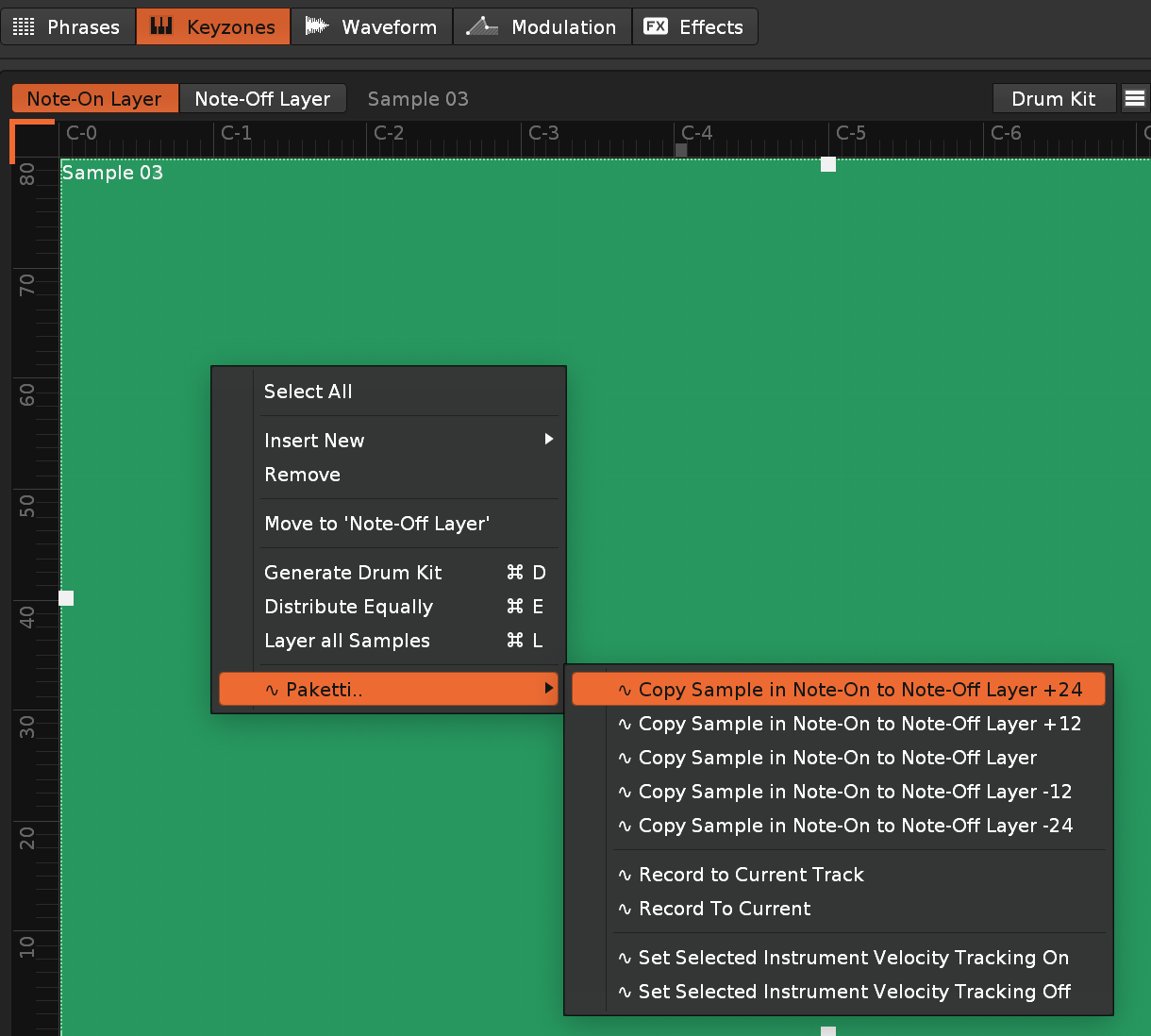
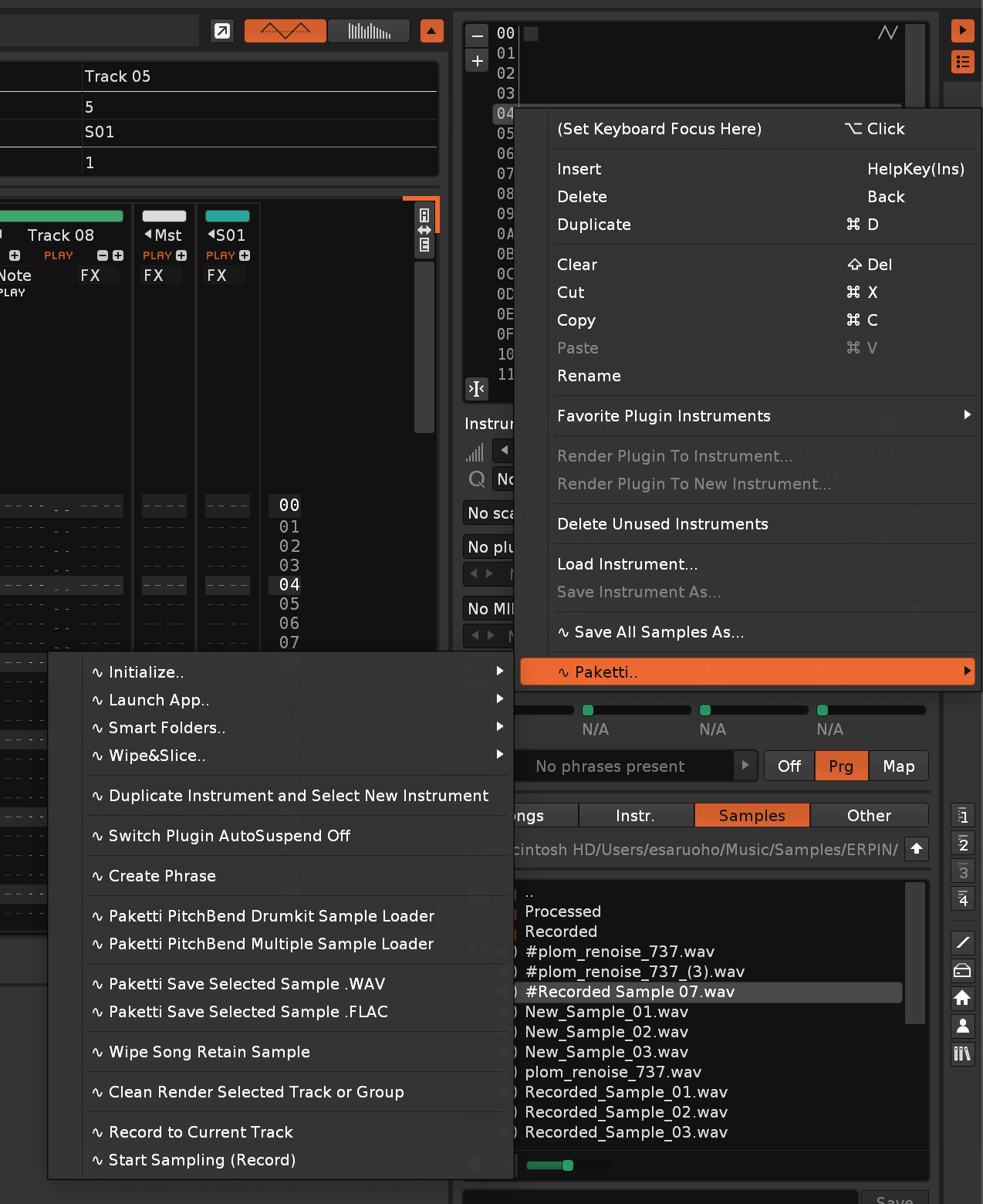


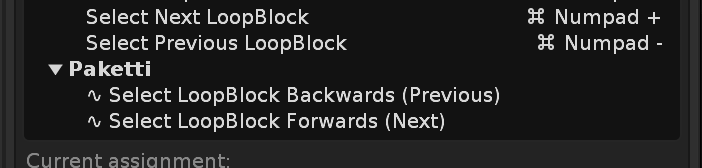
(Meaning: now compatible with Renoise 3)

Backend Improvement: there's now a global function for giving a XML Preset and loading it directly to a plugin. which'll be useful in the future for loading XML content into active_preset_data for a plugin or a device.
I've removed that since it benefits no-one - the viewport should stay the same no matter what
ALT-L *2 functionality.Now, if you are on Send or Master, and press ALT-L, it will select the content of the Send or Master track. when you press ALT-L again, it will select all of the pattern data (including sends + masters). instead of "only the tracks and not sends + masters".
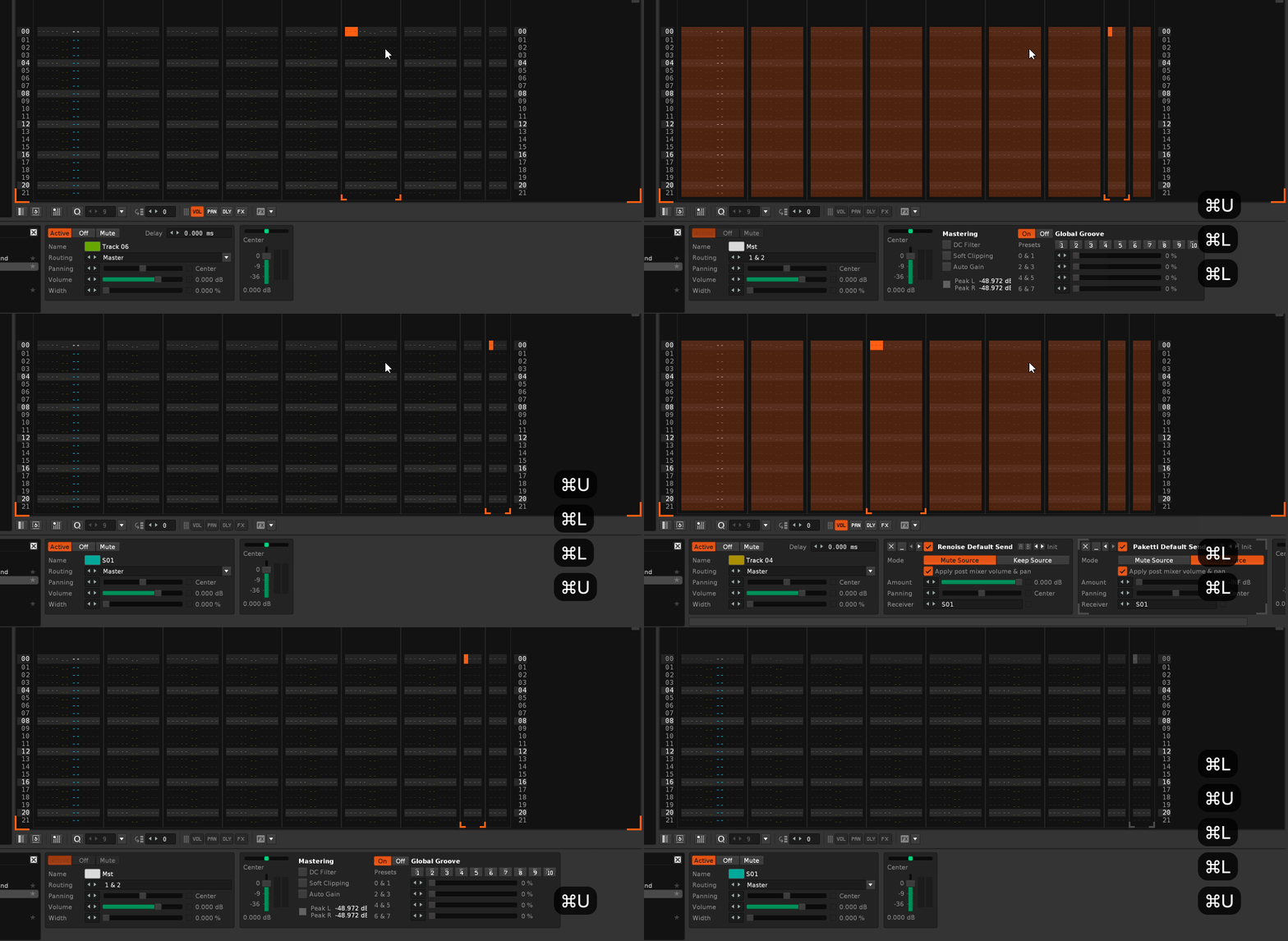
now no error is shot no more and the automation works as expected.
And they're sorted correctly
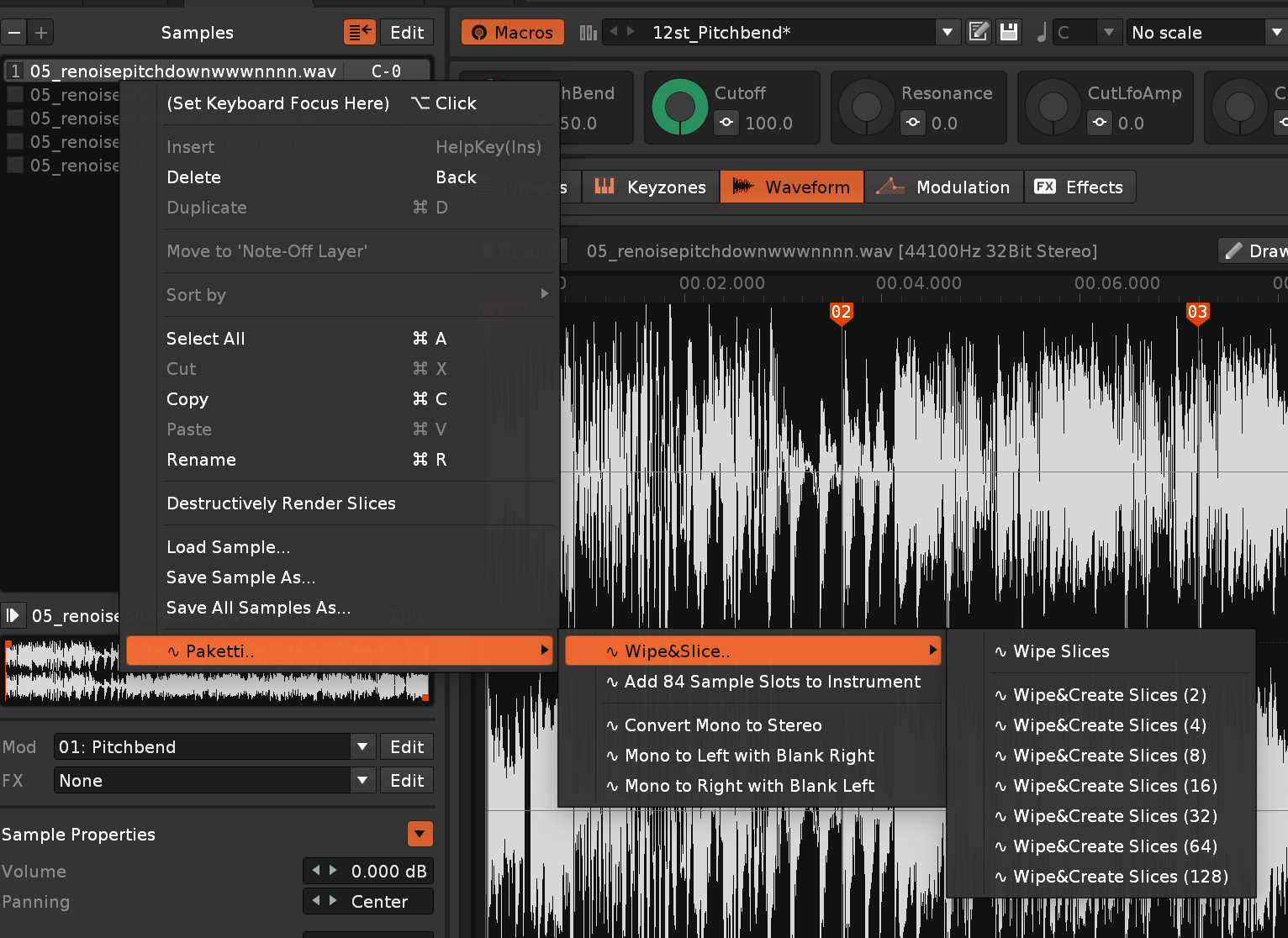
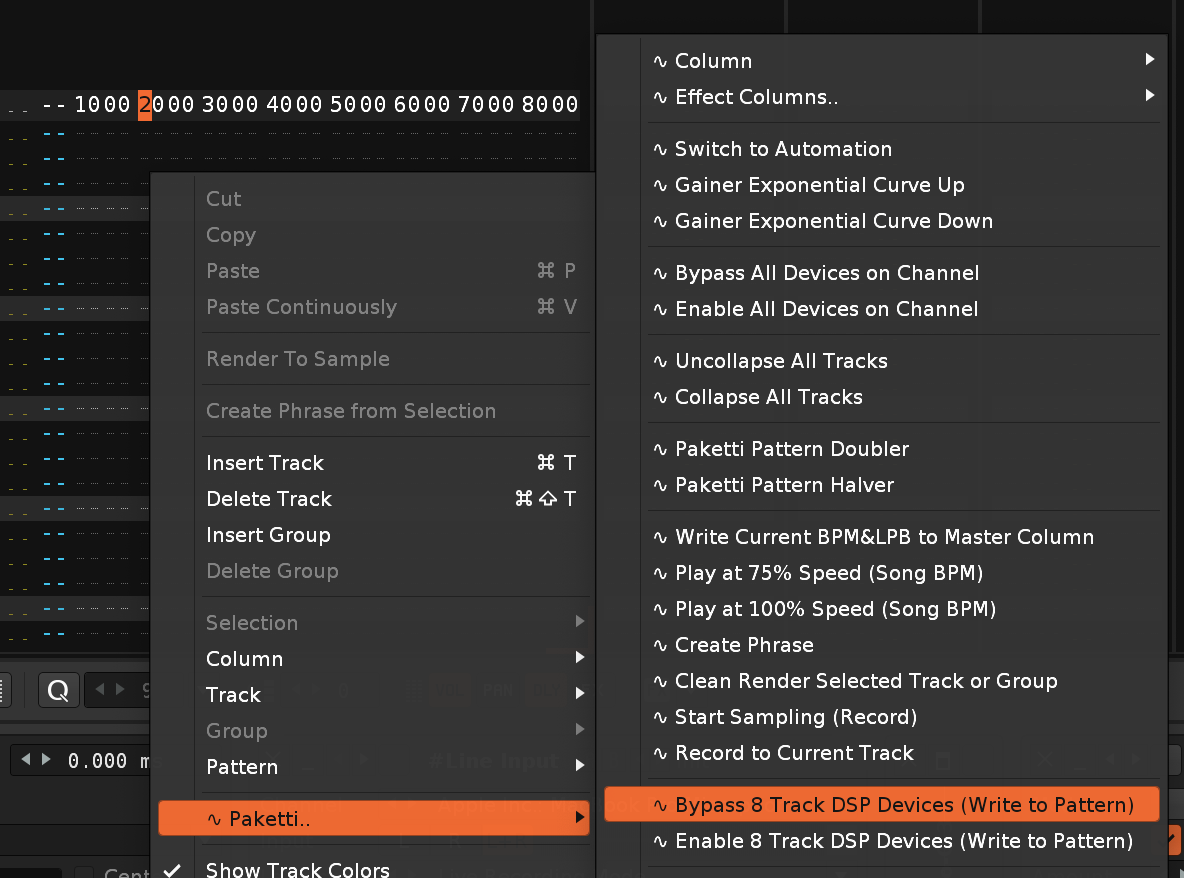
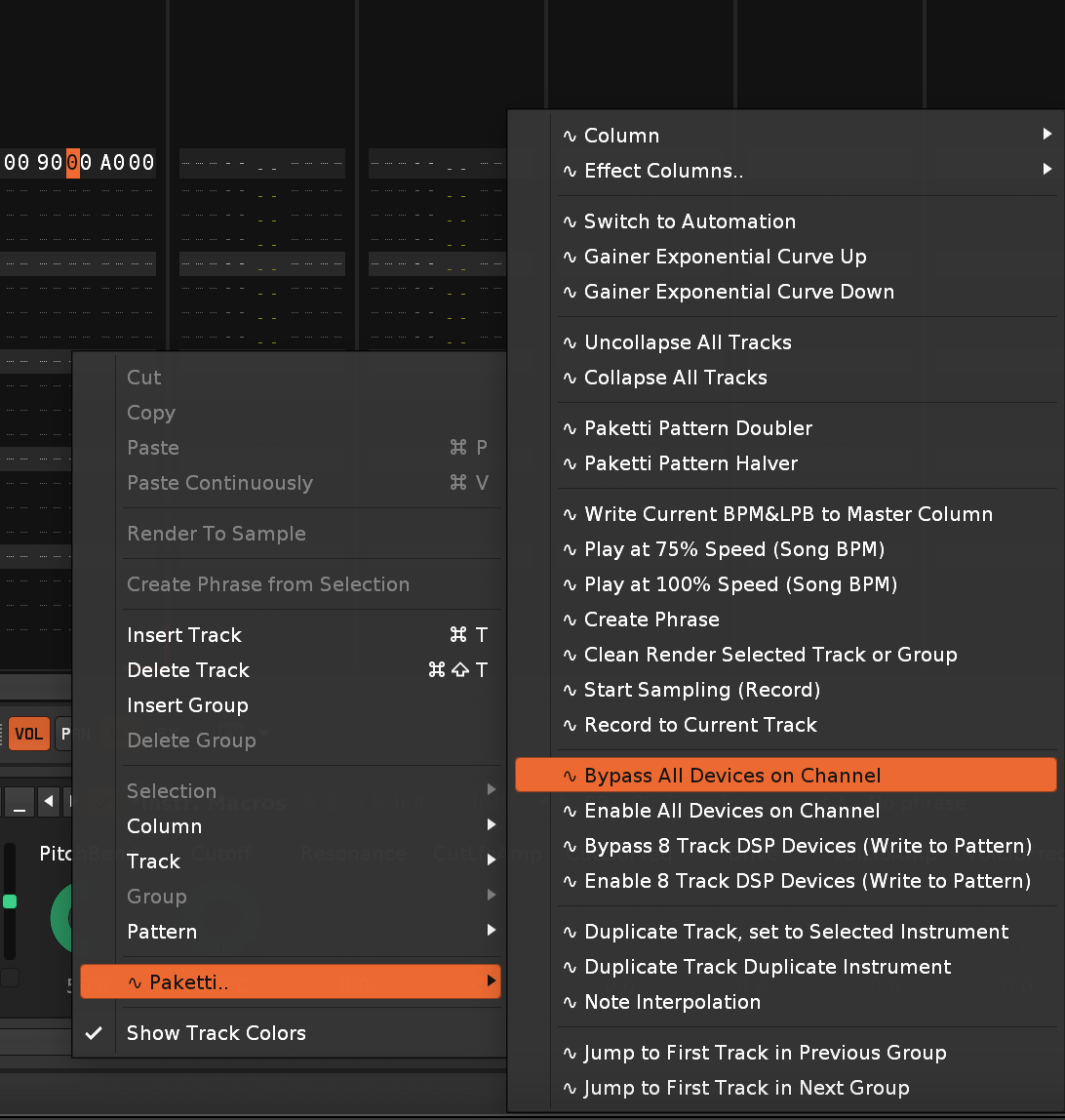
this Loop Release mode, coupled with Backward - means that whenever you let go of the playing slice, it will start playing backwards until the beginning of the sample is reached.
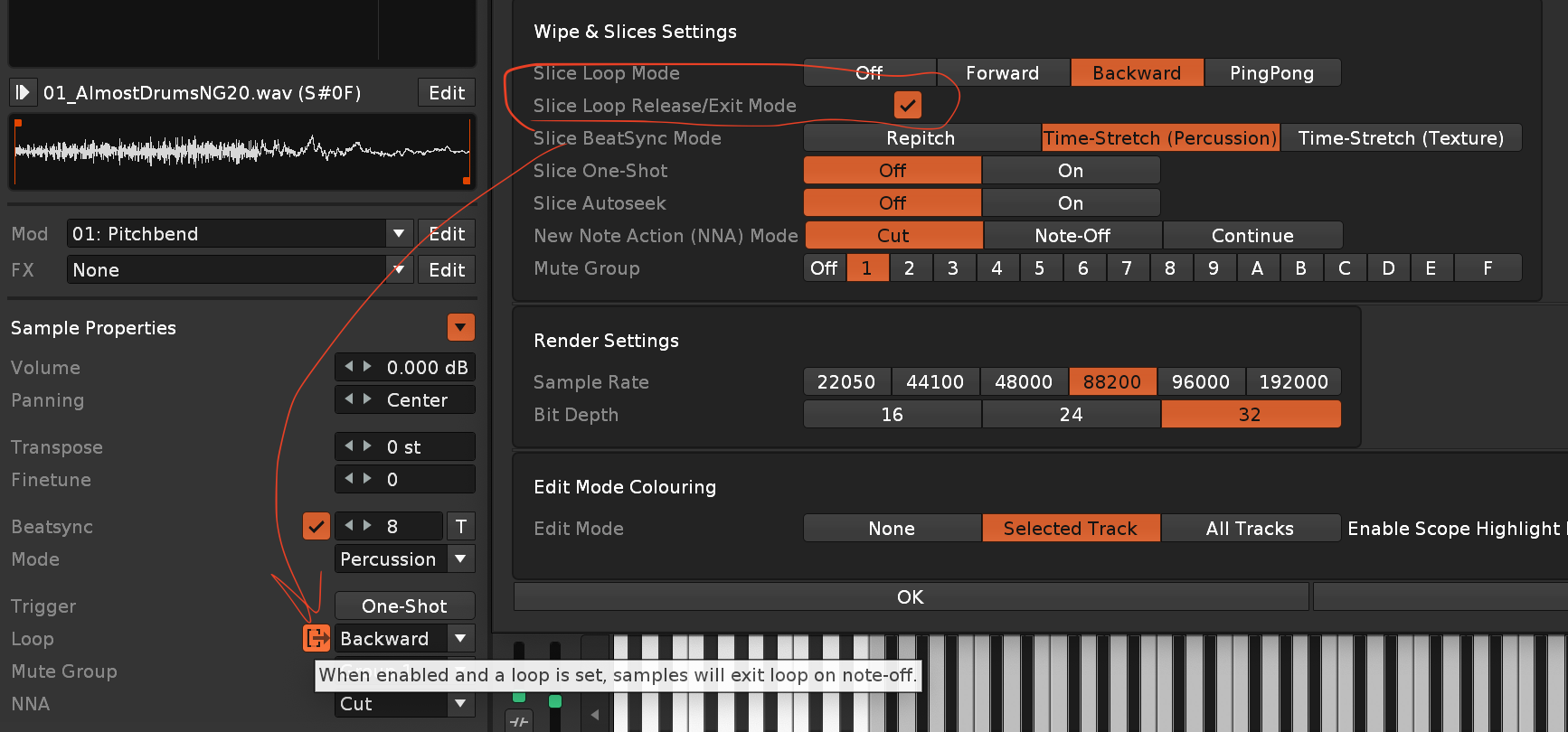
pretty much does what it says on the tin - if there are no groups, then it doesn't do anything.
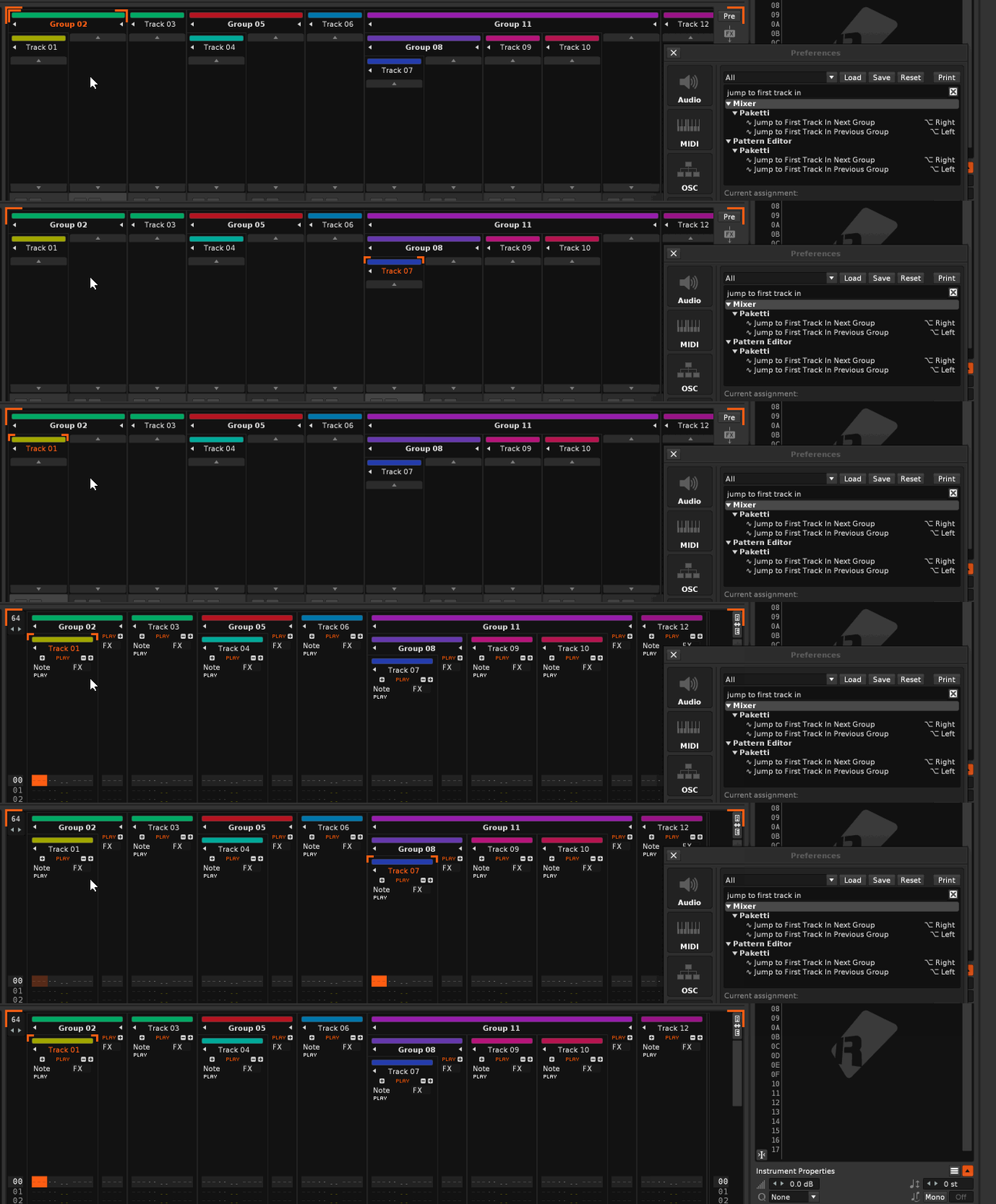
these init instruments were lagging behind from 12st_pitchbend which had all the goodies

more tweaks incoming later (additional efx, grouping)
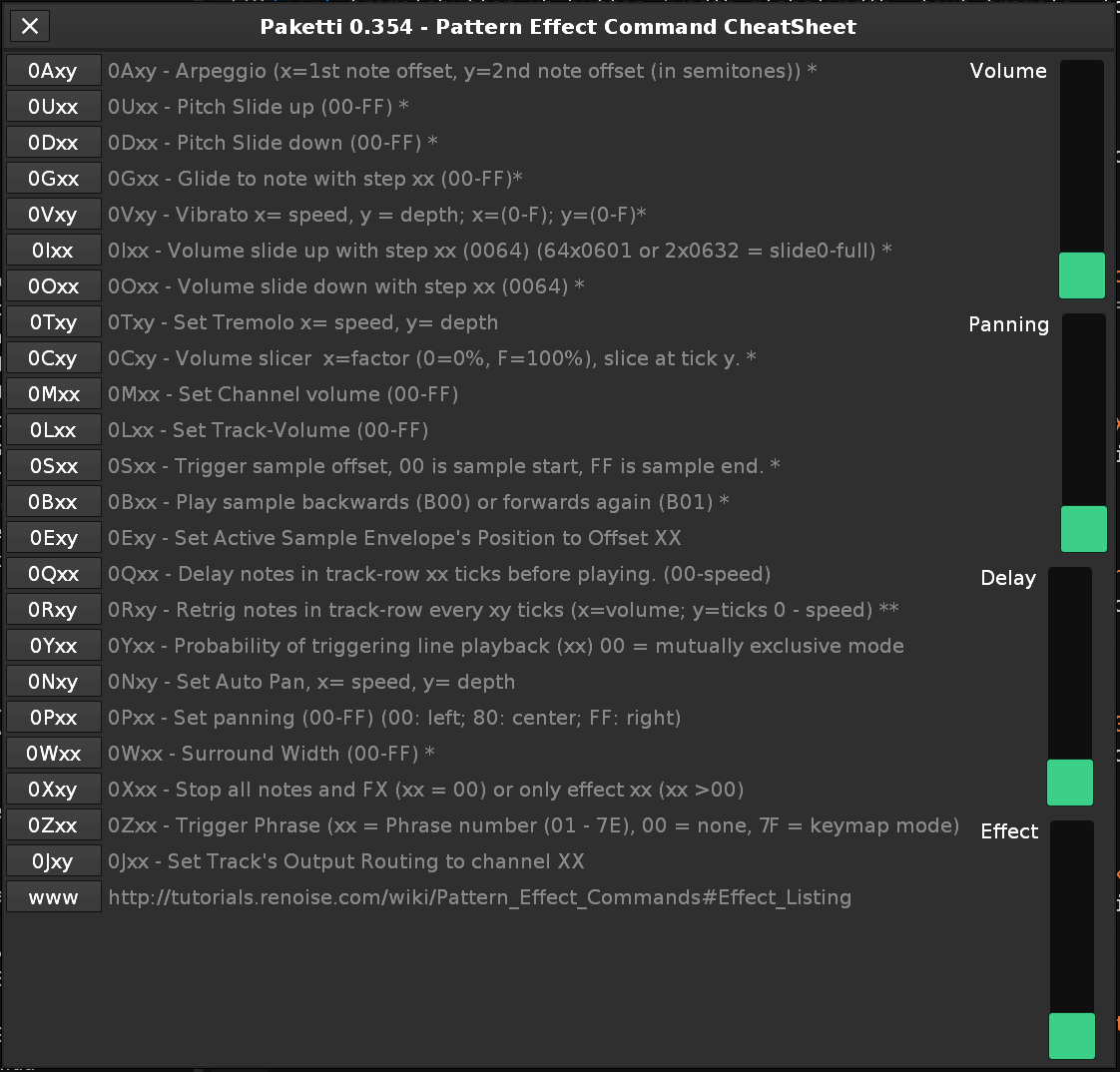
Effect Commands Cheatsheet (Renoise Forum post, printable PDF by someone else)
these change the Column Visibility of all regular Tracks to On/Off (Toggle) or Set to Visible.
(found this on a Renoise Forum post by ViZiON from 2008)
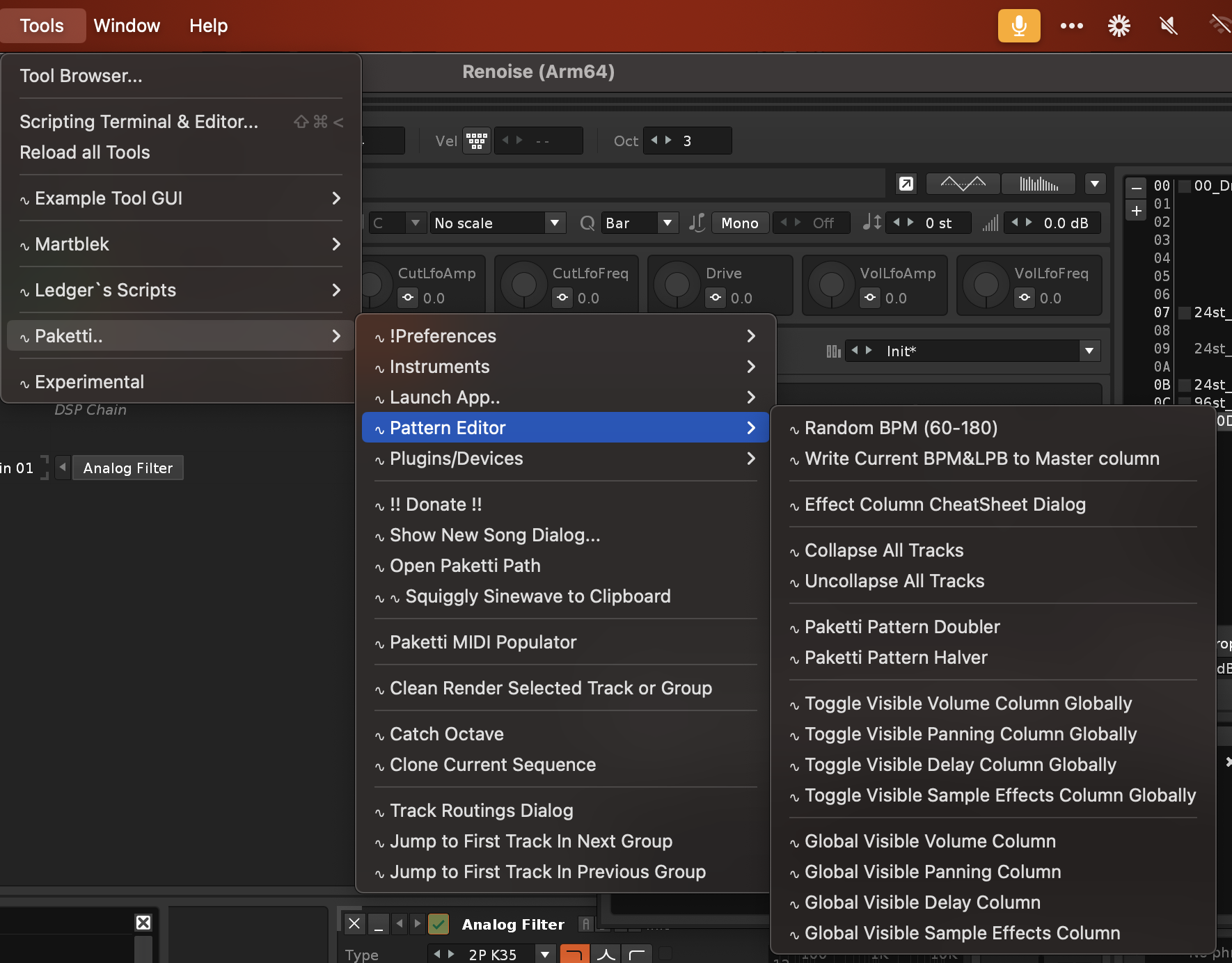
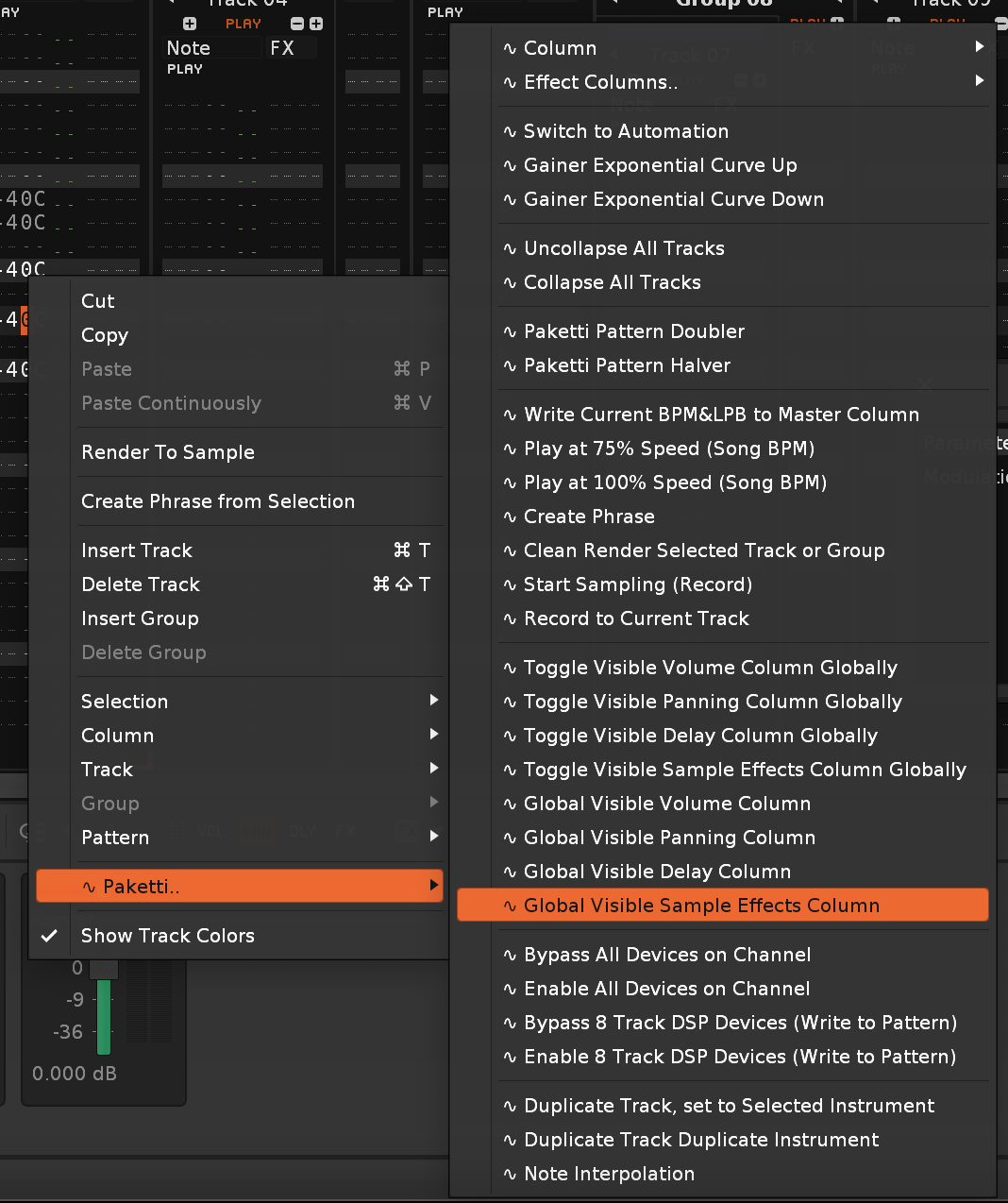
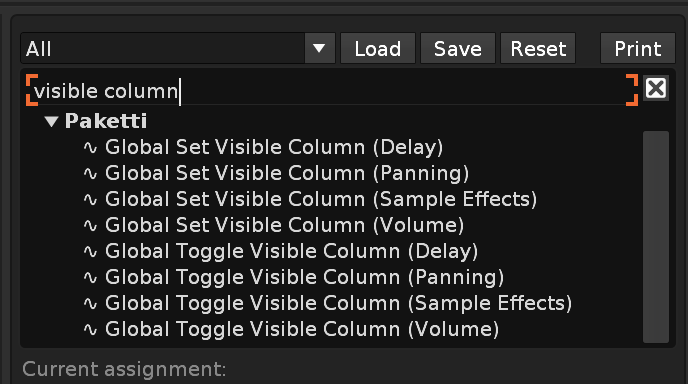
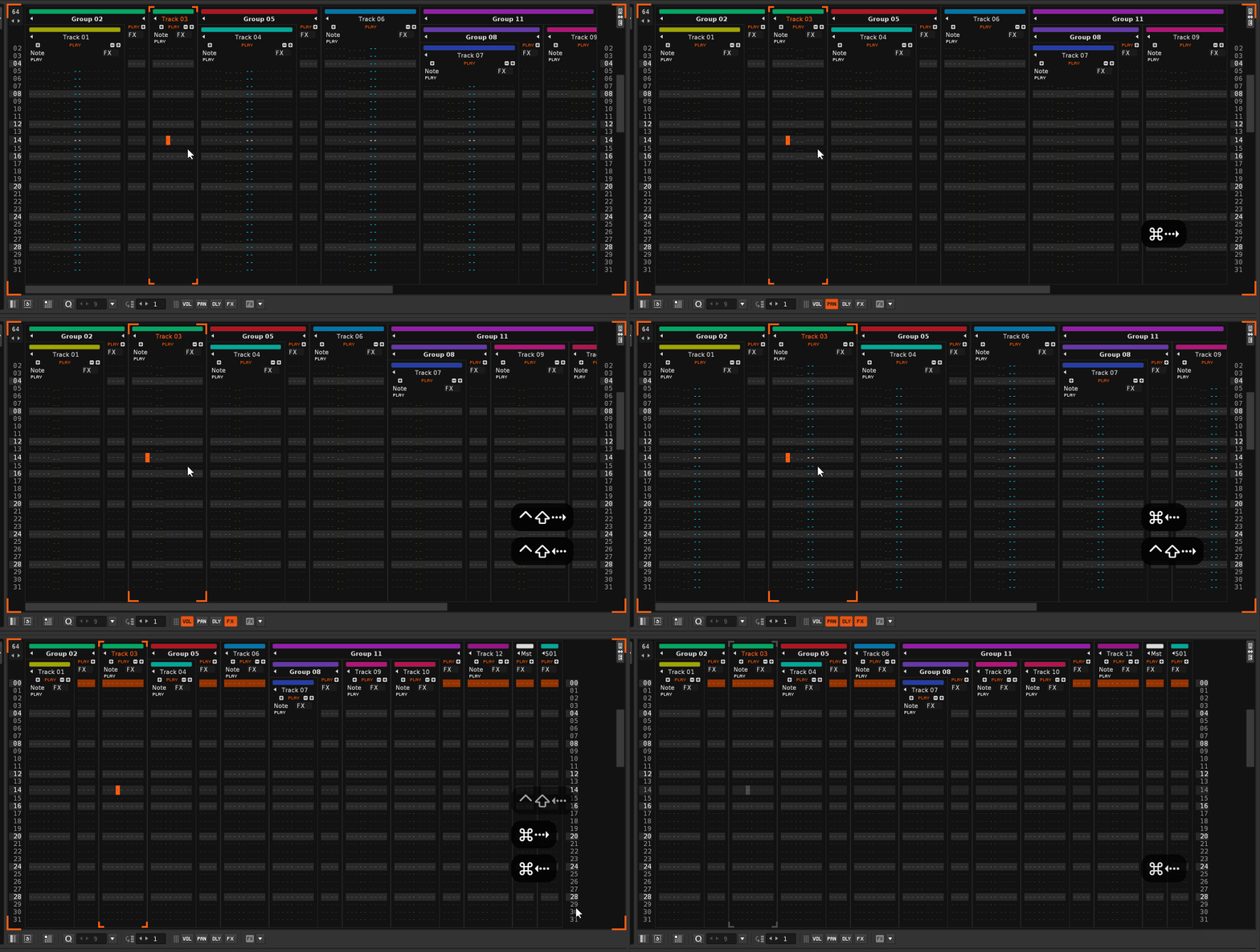
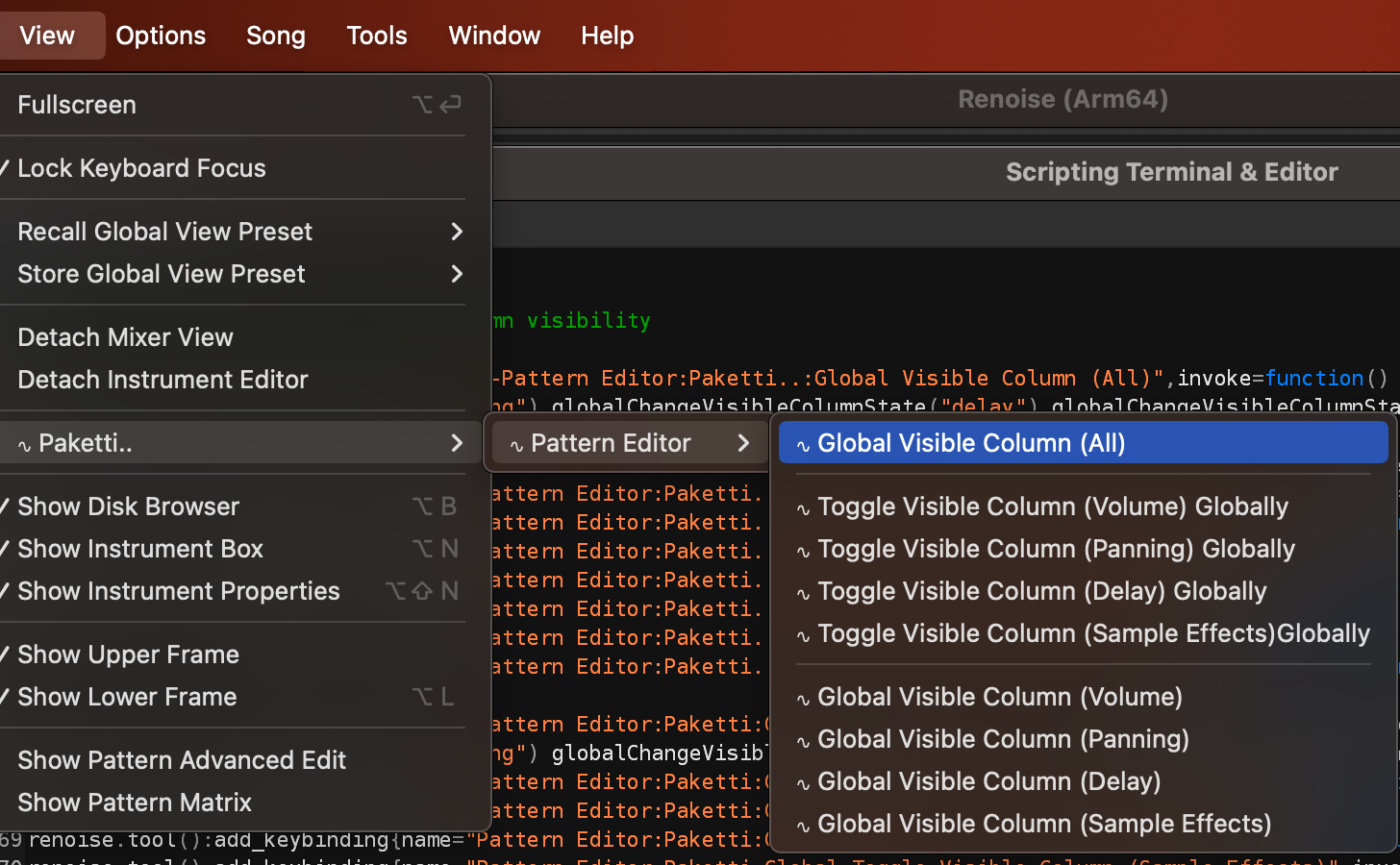
Bypass all Effects on Channel now shows status Disabled all Track DSP Devices on Selected ChannelEnable all Effects on Channel now shows status Enabled all Track DSP Devices on Selected Channel
Tweaked most Track DSP Device hiding shortcuts + menu entries to make mention of "External Editor"
and added "All open External Editors for Track DSP & Sample FX Chain Devices have been closed." and "No Track DSP or Sample FX Chain Device External Editors were open, did nothing." for informing the user what is going on.
this show_status thing will need to be done for hundreds of functions so whenever you see one that doesn't tell you what it does, hit me up and i'll tweak it in. there's too many for it to be doable in one go.

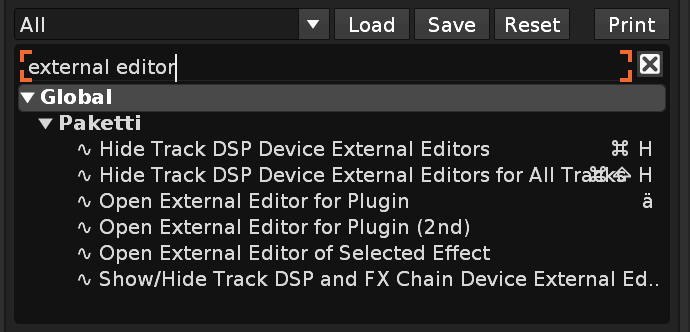
Bypass All Other Track DSP Devices (Toggle) as a keyshortcut, menu entry for Mixer + Track DSP (Lower Frame) -- as requested by untilde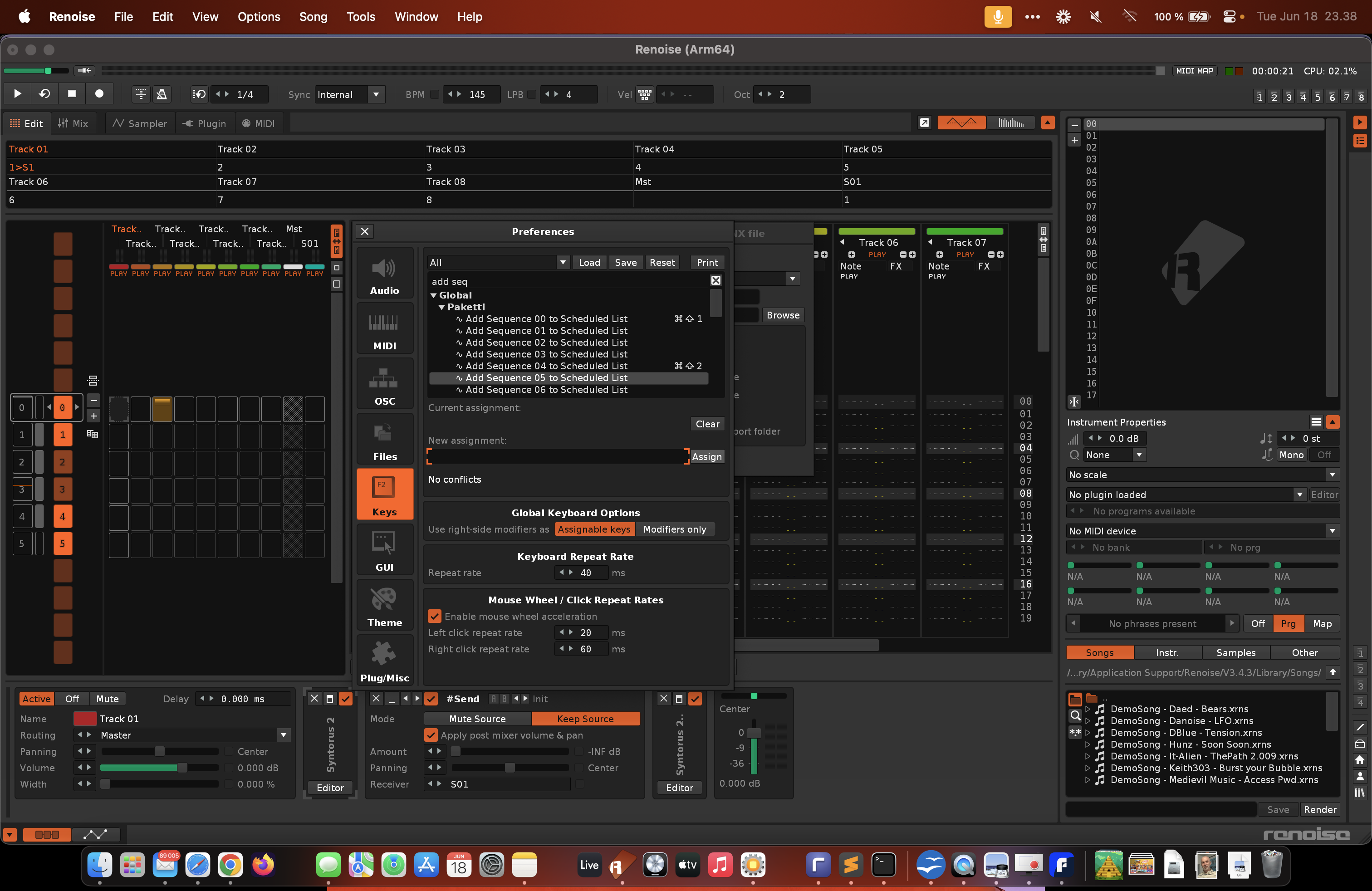
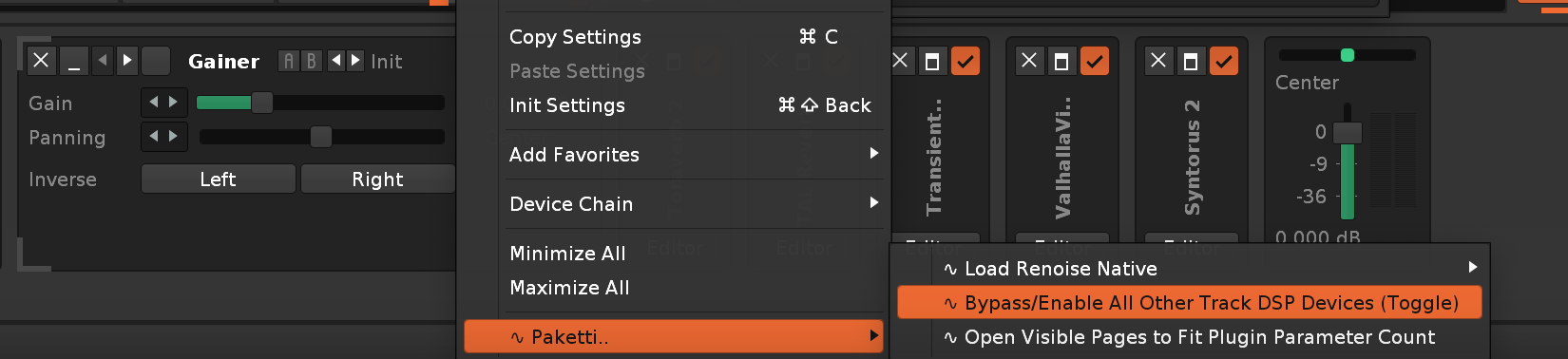
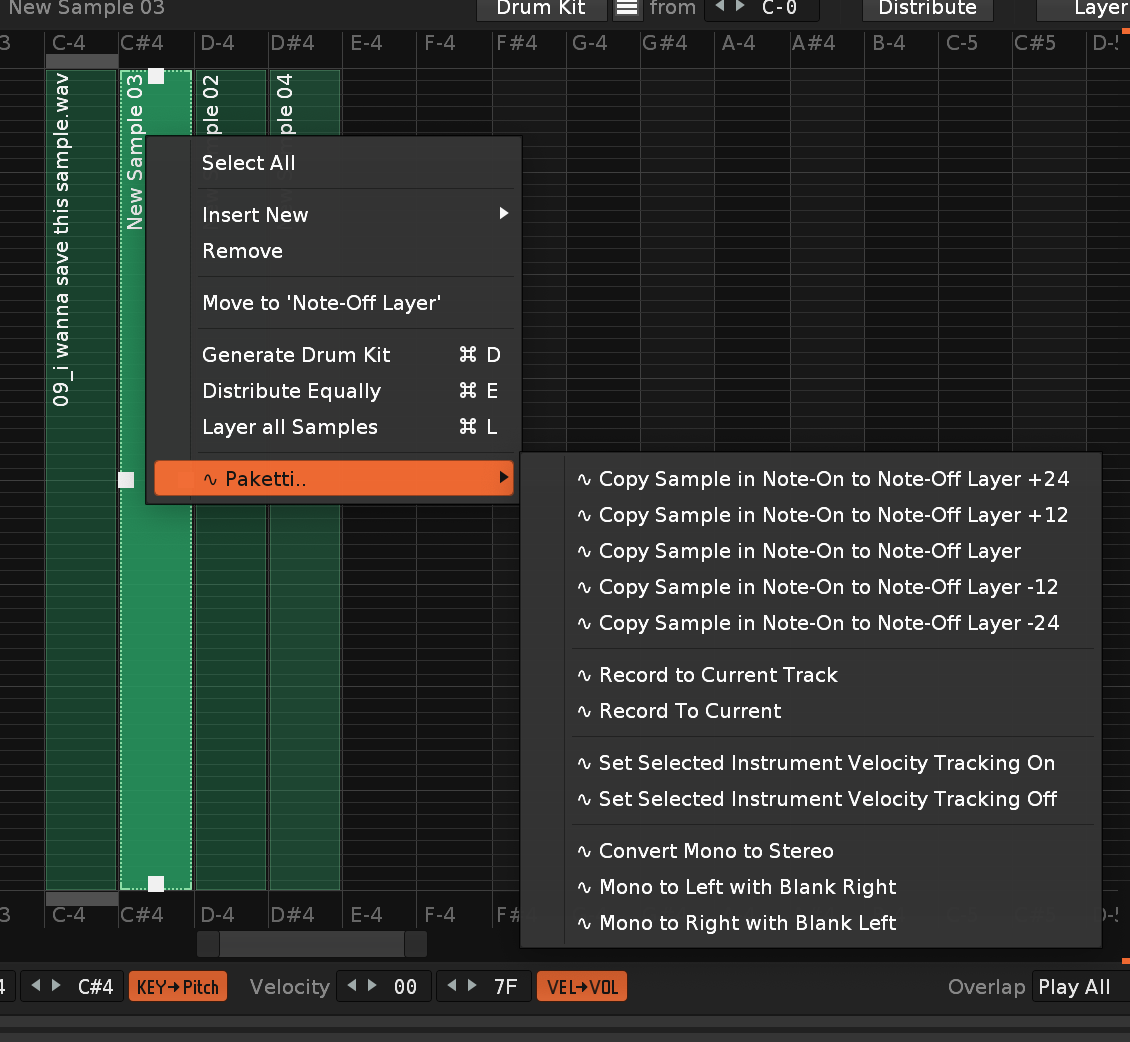
(this closes https://github.com/esaruoho/org.lackluster.Paketti.xrnx/issues/183 )
I've also removed sox usage for adjusting 32bit samples to 24bit samples, which is no longer needed since Logic Pro can handle 32bit wavefiles nowadays.
NOTE: if there are apps out there that can't handle 32bit wavefiles, please tell me which ones they are, so i can try them out and add "adjust to 16bit" "adjust to 24bit" next to the Smart Folder path buttons.
(this closes https://github.com/esaruoho/org.lackluster.Paketti.xrnx/issues/161 )
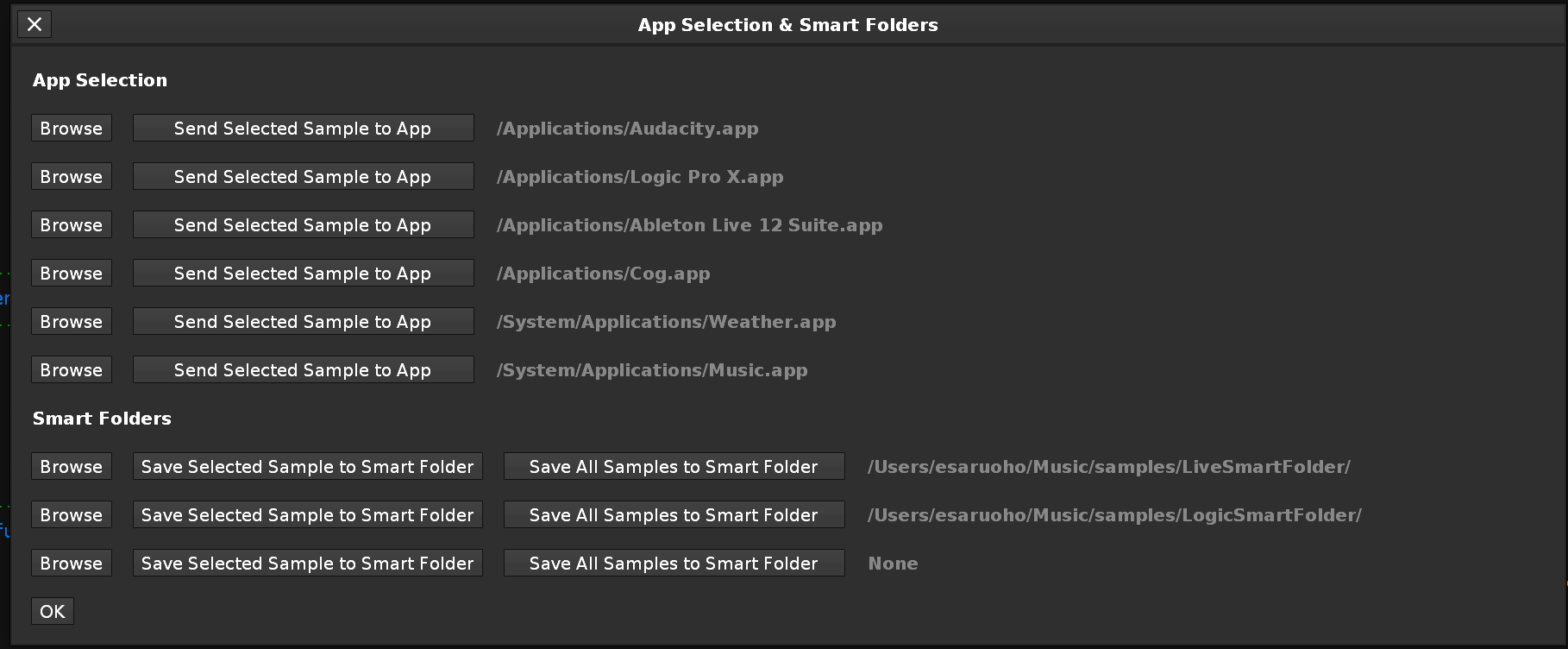
Feature: Create Identical Track. if your track has X amount of Note Columns, Effect Columns, Panning, Delay, Volume, Sample FX Columns visible or the track is collapsed -- (or if none of these are visible or on), the "Create Identical Track" shortcut will create a Track that matches the track you were on. closes https://github.com/esaruoho/org.lackluster.Paketti.xrnx/issues/208 (as requested by ViZiON on the Renoise Forums in January2009)
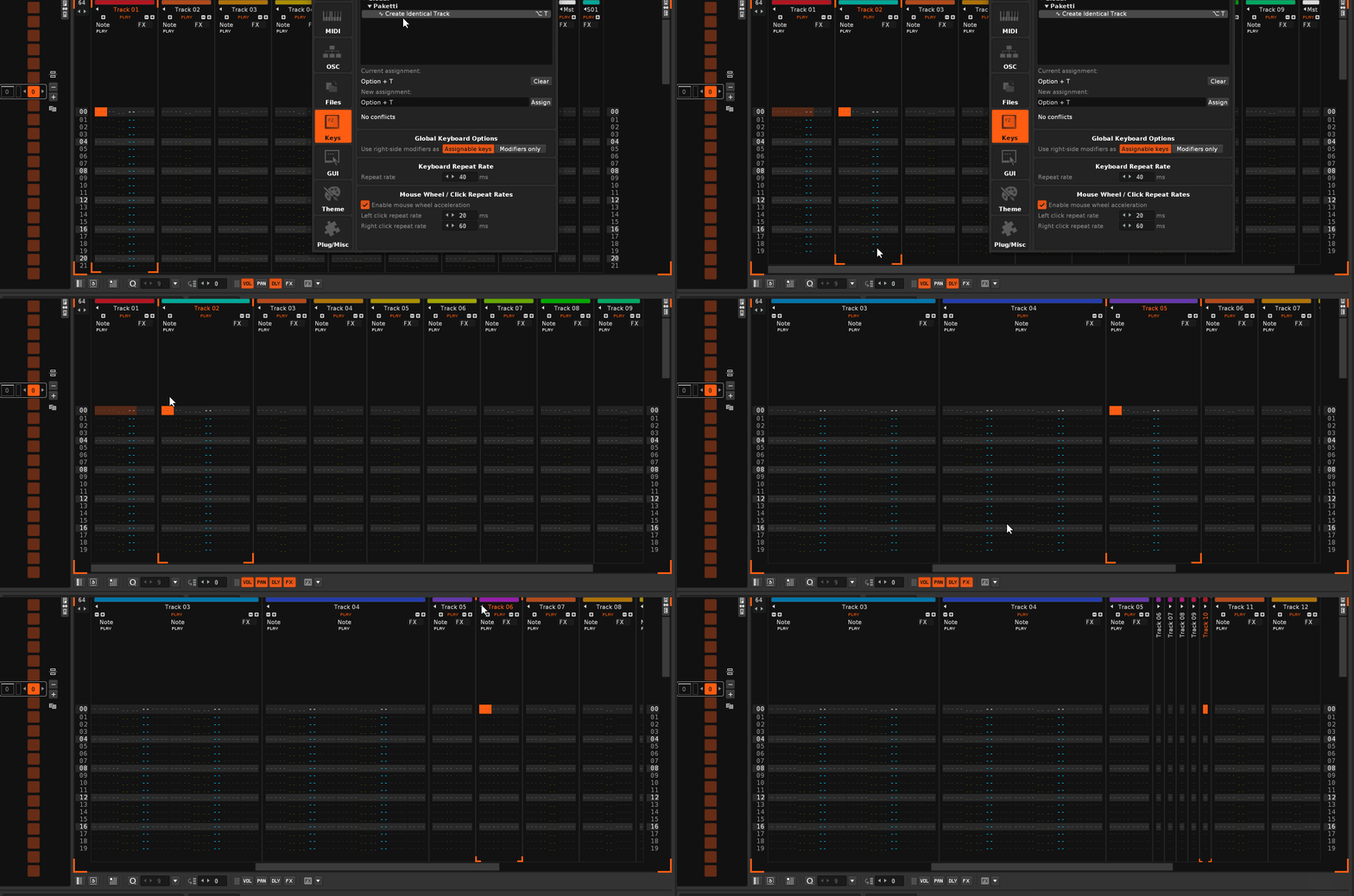
Feature: Randomize Selected Device Parameters:
https://www.loom.com/share/52748313bf284544976bf7f90b62e6c6?sid=b3198df4-229b-47e0-a5ce-465ca11f90e6
Feature: Randomize Selected Instrument (All) Plugin Parameters .. but since it randomizes each parameter, you might have a bad time if the synth sets itself to not play anything (outputs that you're not listening to, etc..)
Improvement: Randomize Selected Device Parameters now shows the name of the device that was randomized.

Feature: LADSPA/DSSI Device loader (shortcut + midimapper) GUI created. if you have Linux, please DM me and i'll send you a xrnx and please take some video + screenshots, i can't test how it works myself. EDIT: there's apparently some noisy devices there that have a really long name (looking at you:
721 Audio/Effects/LADSPA/lsp-plugins-ladspa.so:http://lsp-plug.in/plugins/ladspa/sc_mb_dyna_processor_stereo
fun. but shoot me some screenshots + video so i can pick up the pieces. seems to work anyway.
Improvement: Gainer Exponential Curve Up, Gainer Exponential Curve Down now goes from 0.0dB to INF or from INF to 0.0dB - instead of to "12.5dB" - thus boosting the input signal by +12dB. fixes https://github.com/esaruoho/org.lackluster.Paketti.xrnx/issues/171
usecase: make a way to fade in a sound by adding a gainer device to the track and fading sound in or sound out.

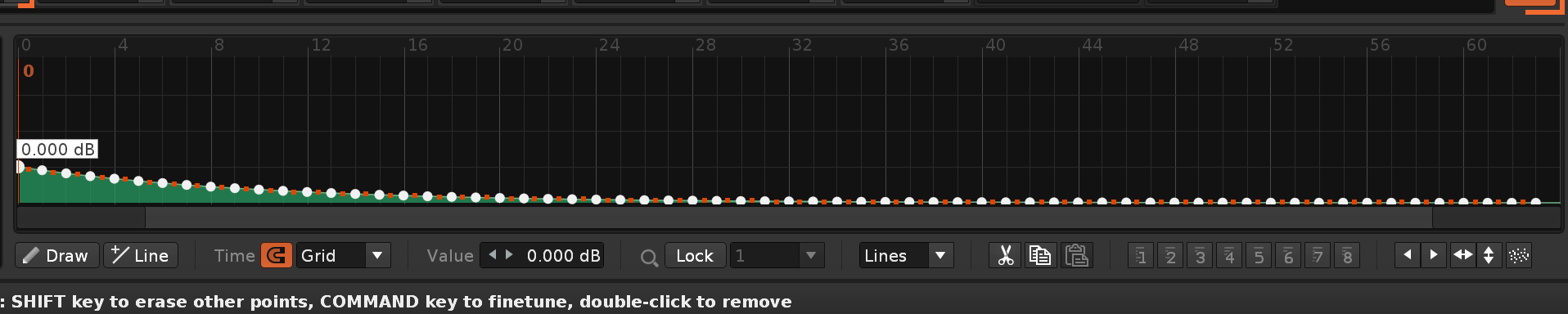
Improvement: Moved "Jump to First Track in Next Group" & "Jump to First Track in Previous Group" to Main Menu:Tools:Paketti..:Pattern Editor:
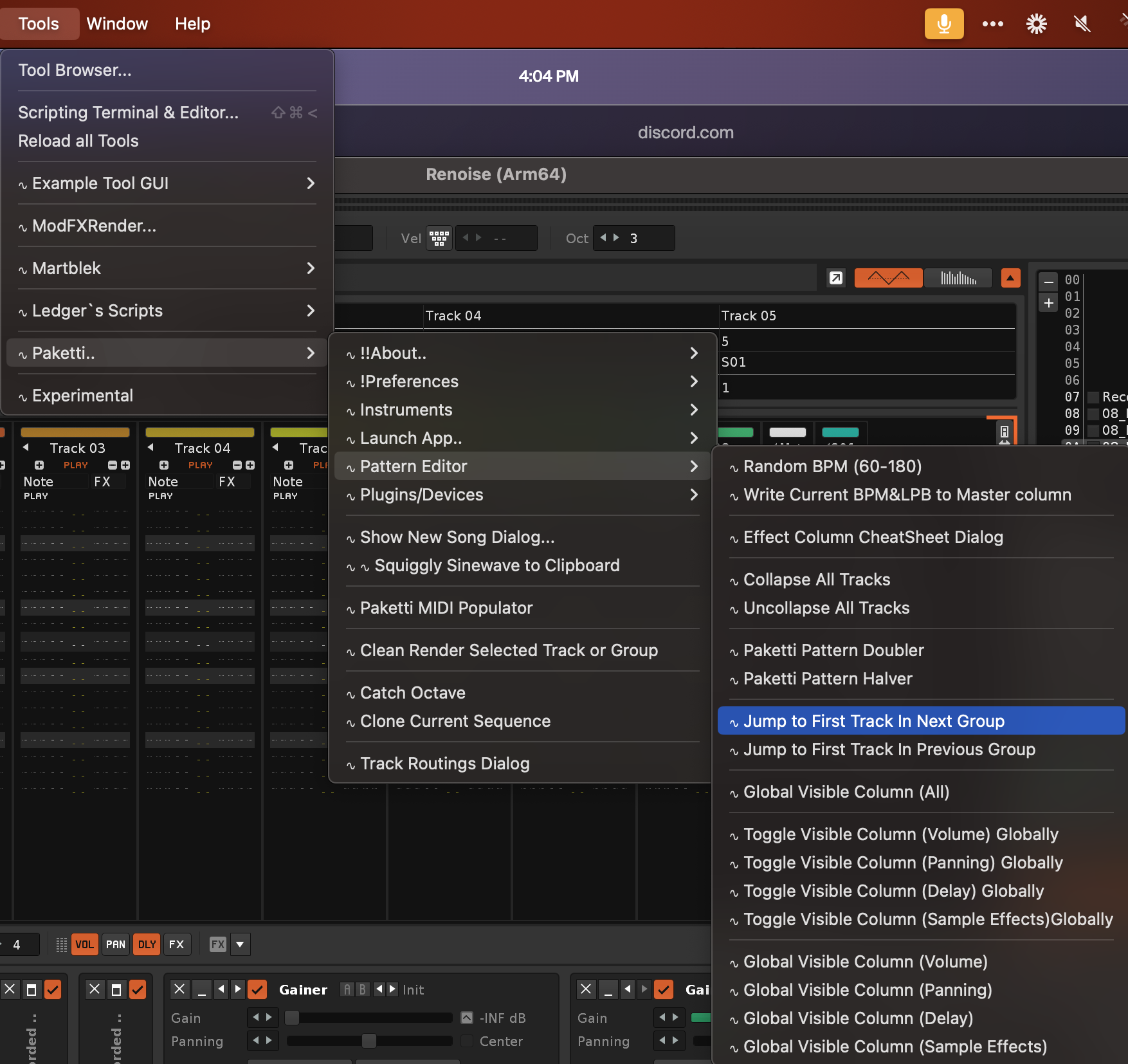
Improvement: Added "Create Identical Track" to Tools->Paketti.. -> Pattern Editor
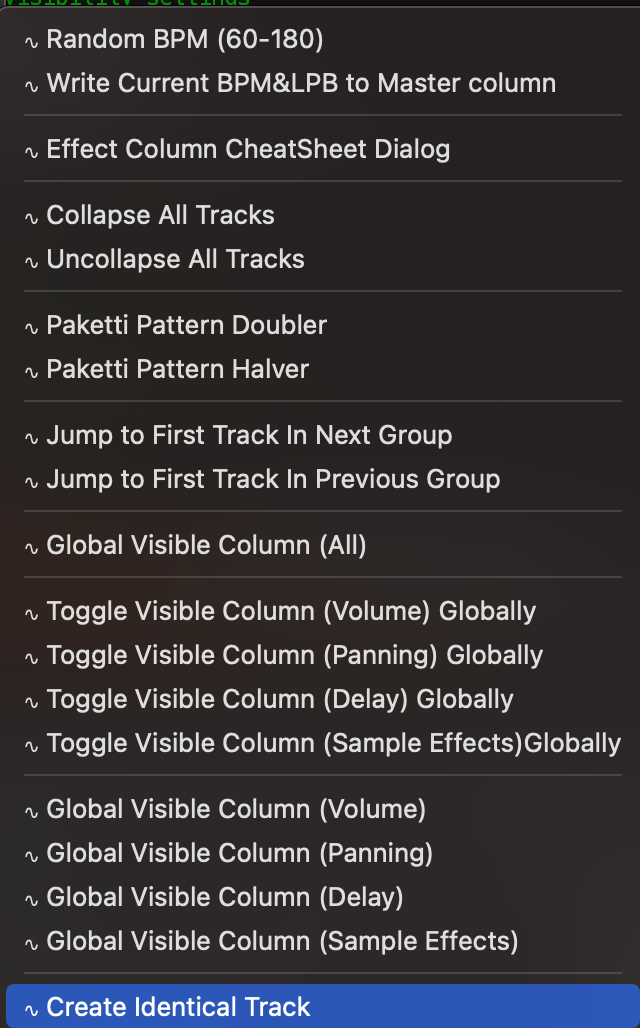
Improvement: Added "Randomize Selected Instrument Plugin Parameters" &."Randomize Selected Device Parameters" to Tools->Paketti..->Plugins/Devices
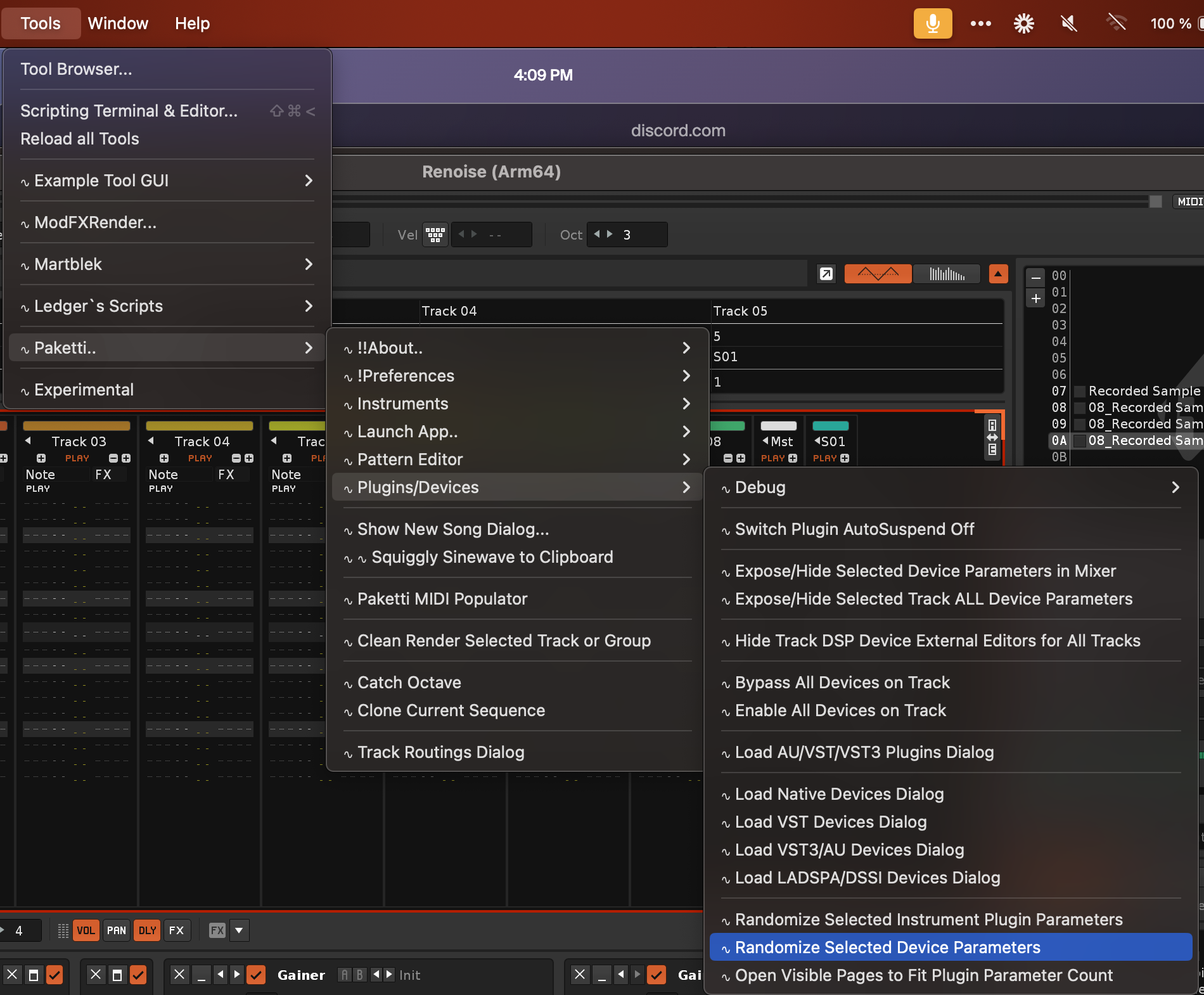
Feature: Move Slice End Left/Right by +10/-10, +100/-100, Move Slice Start LeftRight by +10/-10 +100/-100:
this means that you can be in the slice itself, and adjust the slice visually with nudges.
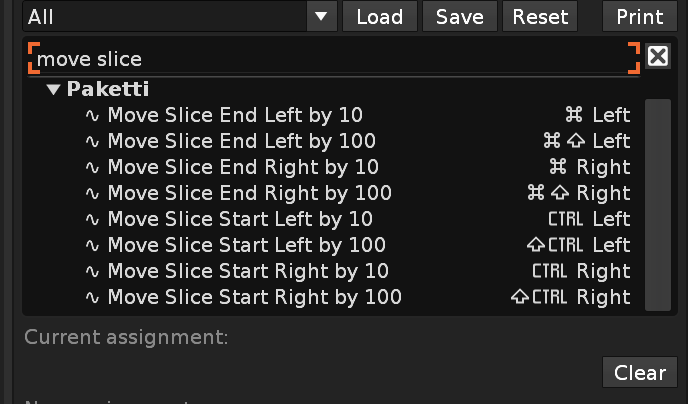
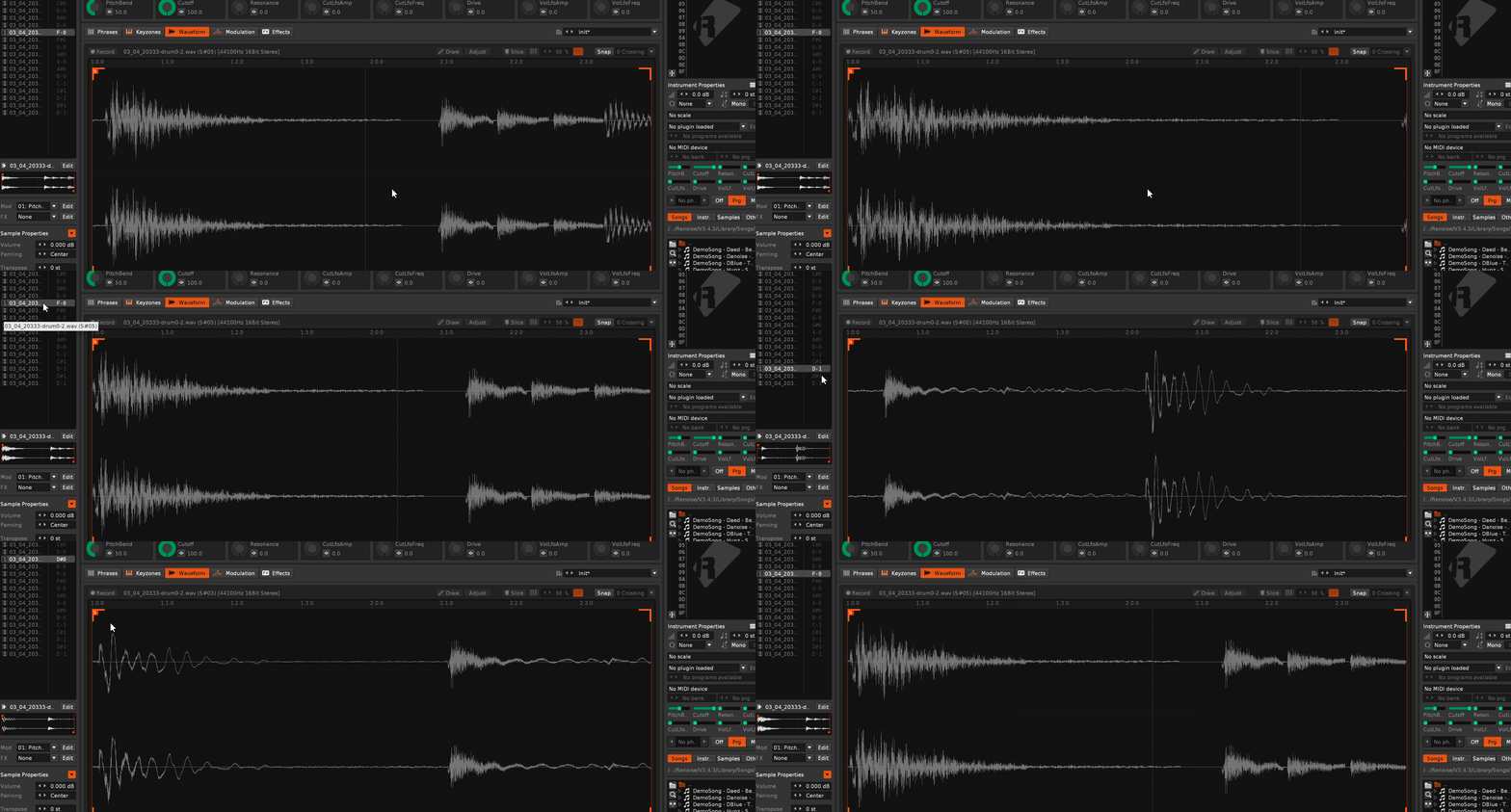
Improvement: Wipe Slices (in Wipe&Slice suite of features) now will properly wipe all slices from the sample even if a slice was selected when you wipe slices. (it used to do nothing)
Improvement: If there are no apps configured in App Selection, the dialog does not forcibly open on every new song, Renoise start, etc. Just a show_status message instead:
No apps have been configured in Paketti..:Launch App..:Configure Launch App Selection, cannot populate Menu.
Improvement: if no LADSPA or DSSI devices found on computer, display a sensible message (No LADSPA/DSSI Devices found on this computer. ) instead of ruining the GUI by making the buttons not show properly
Improvement: if no AU, VST or VST3 plugins found on computer, display a sensible message ( No AudioUnit Plugins found on this computer. or No VST Plugins found on this computer. or No VST3 Plugins found on this computer.) instead of ruining the GUI by making the buttons not show properly
Feature: Solo Selected Track in Group using Note Column Mute:
closes https://github.com/esaruoho/org.lackluster.Paketti.xrnx/issues/106
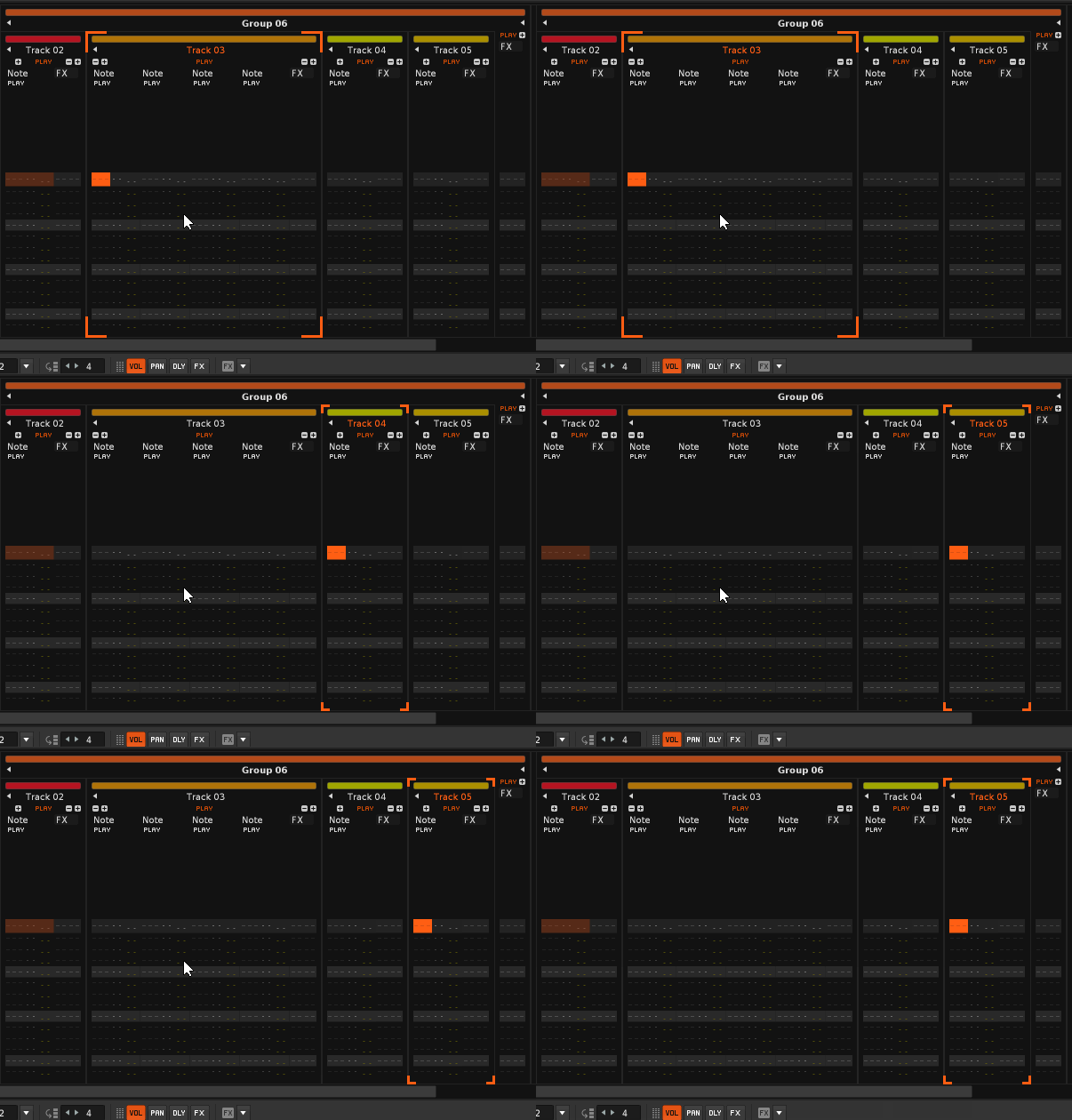
Improvement: +300/-300 +500/-500 for both Slice Start & Slice End:
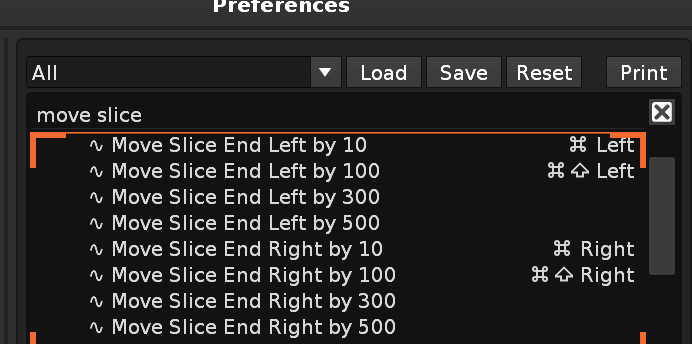
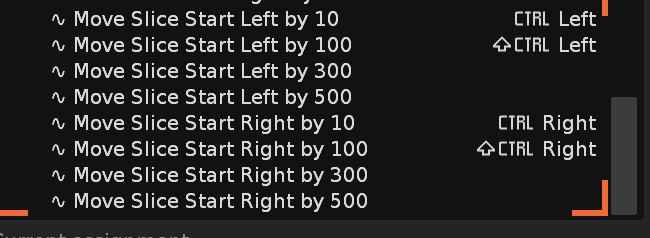
Improvement: Midi Mapping Sample FX Column knob now shows the Sample FX Column, for better visibility.
Improvement: Midi Change 01 Volume Column Value / 02 Panning Column Value / 03 Delay Column Value / 04 Sample FX Value: if you have nothing selected, it'll output to current_line row. if columns are not visible, they are made visible. if you have a selection, then the whole selection will be changed by midi knobs.
https://www.loom.com/share/3af37cfeac9a4aa78834d7b6c74b7f36?sid=0285c5a2-1d7b-4c83-820c-e9e07f40a52f
Feature: Selected Device Parameter Randomizer Dialog. Offers a slider for controlling percentage of randomization auto-updates to new device if you select a new device.
https://www.loom.com/share/6358542ad6db449daf581421653548fa?sid=aee4ccb0-2738-4214-933d-0bd5c50eb163
Improvement: BPM +0.1 / BPM -0.1 (in addition to +1/+5/-5/-1 already being there since 14 years ago in Paketti.) this is ripped straight from the ModPlugTracker playbook:
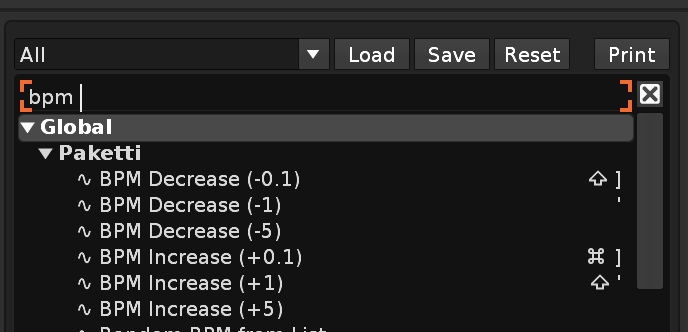
Improvement: Randomize Selected Device Parameters Dialog now updates if no Device is selected. also, after clicking on the Randomize button, the keyboard focus is returned to Renoise / the Tracker, so you can continue shortcutting+keyjazzing.
Feature: "Duplicate Effect Column Content to Pattern"
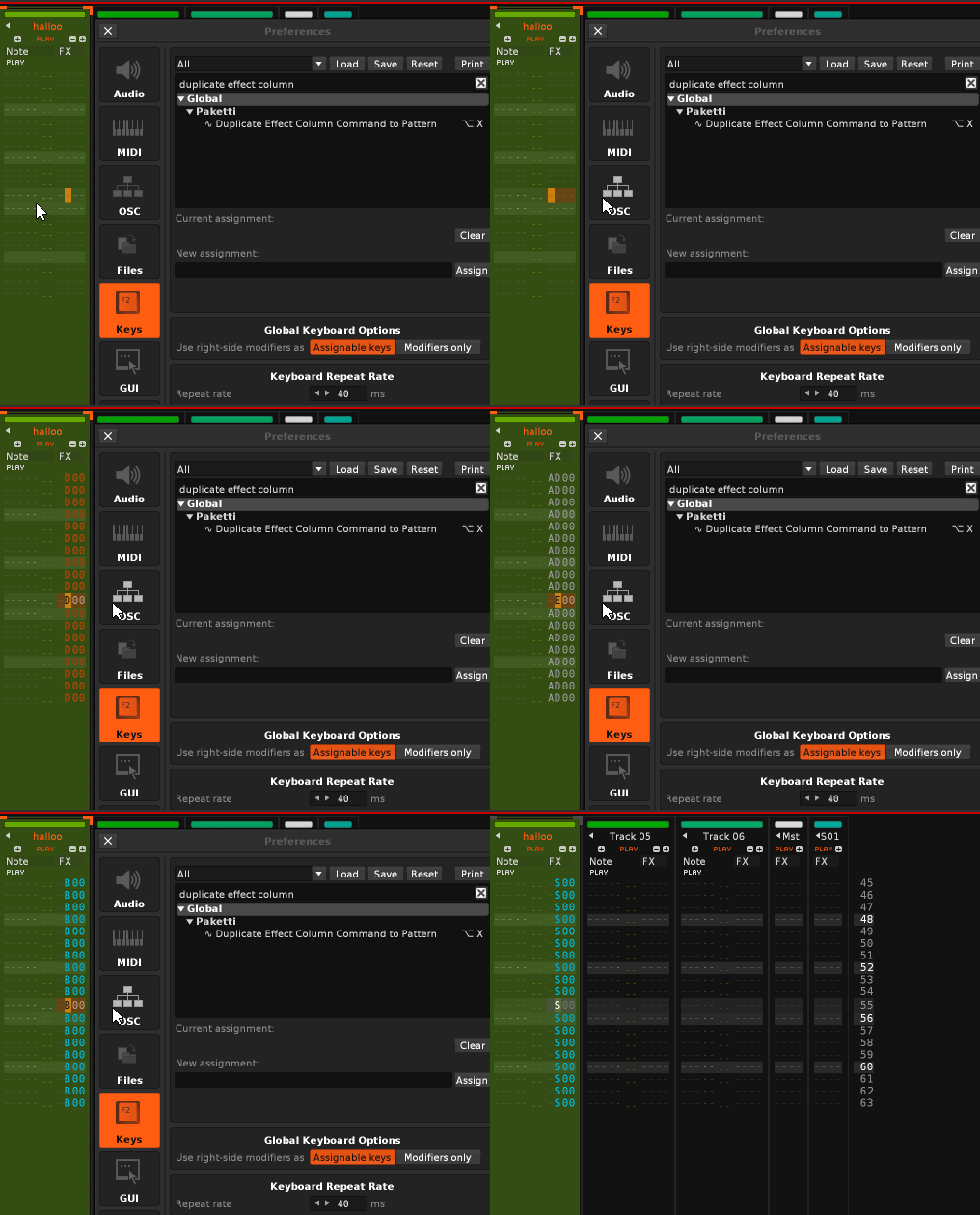
Improvement: "Duplicate Effect Column Content to Pattern or Selection" -> if something is selected, your current row effect parameter is input to selection.. if nothing selected, then the whole pattern gets the effect parameter input
Feature: "Randomize Effect Column Parameters for Pattern or Selection"
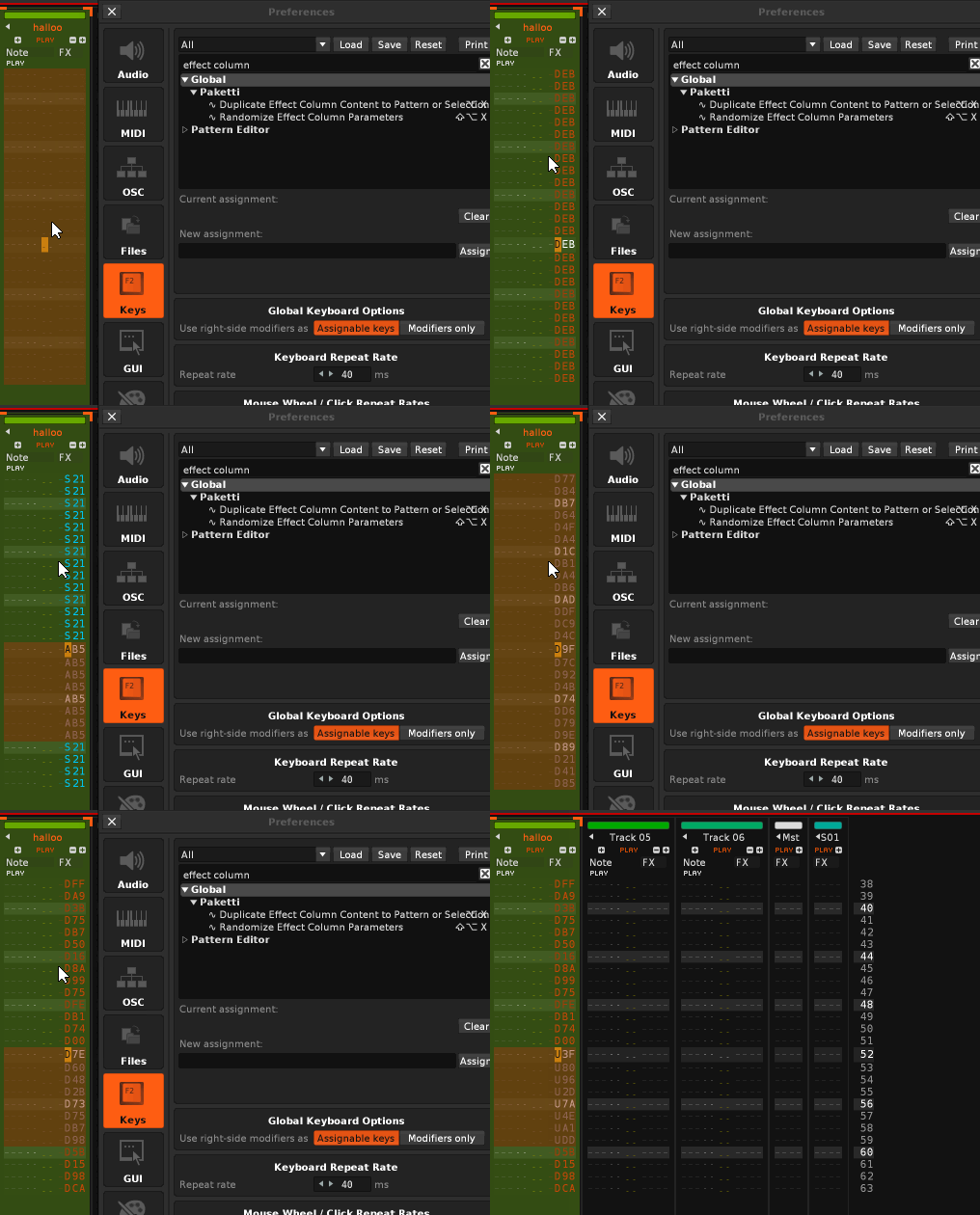
Feature: Effect Column Interpolation for Selection or Pattern.
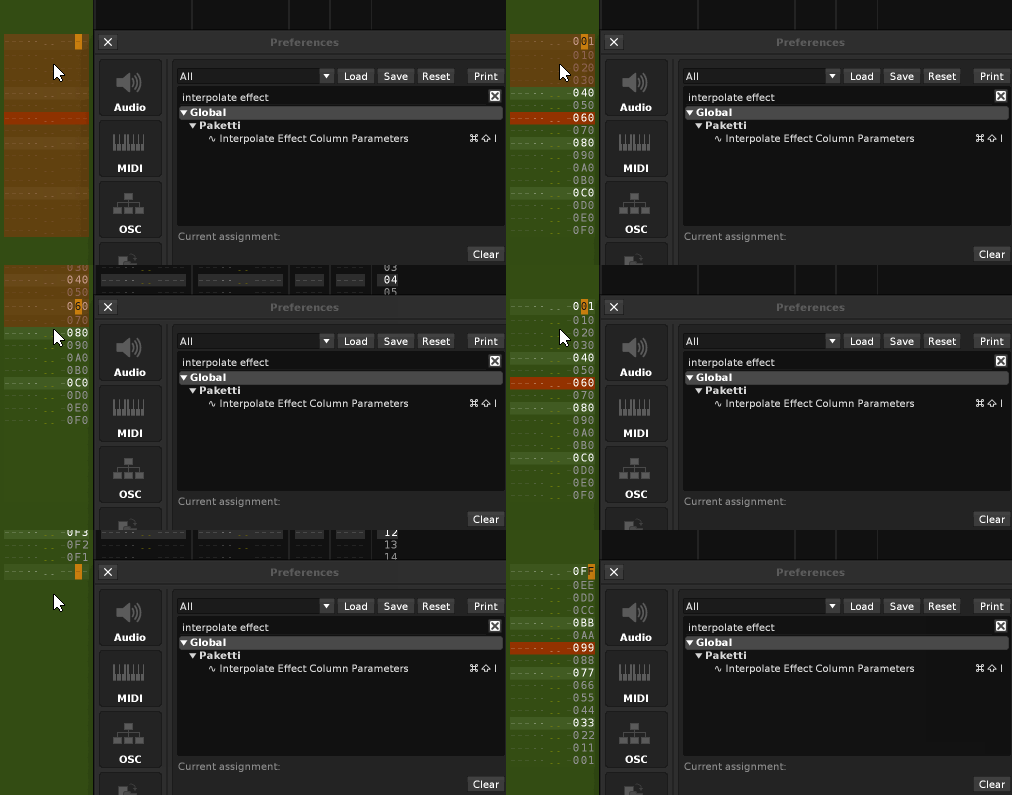
Feature: Flood Fill Selection or Track with Instrument + Note:
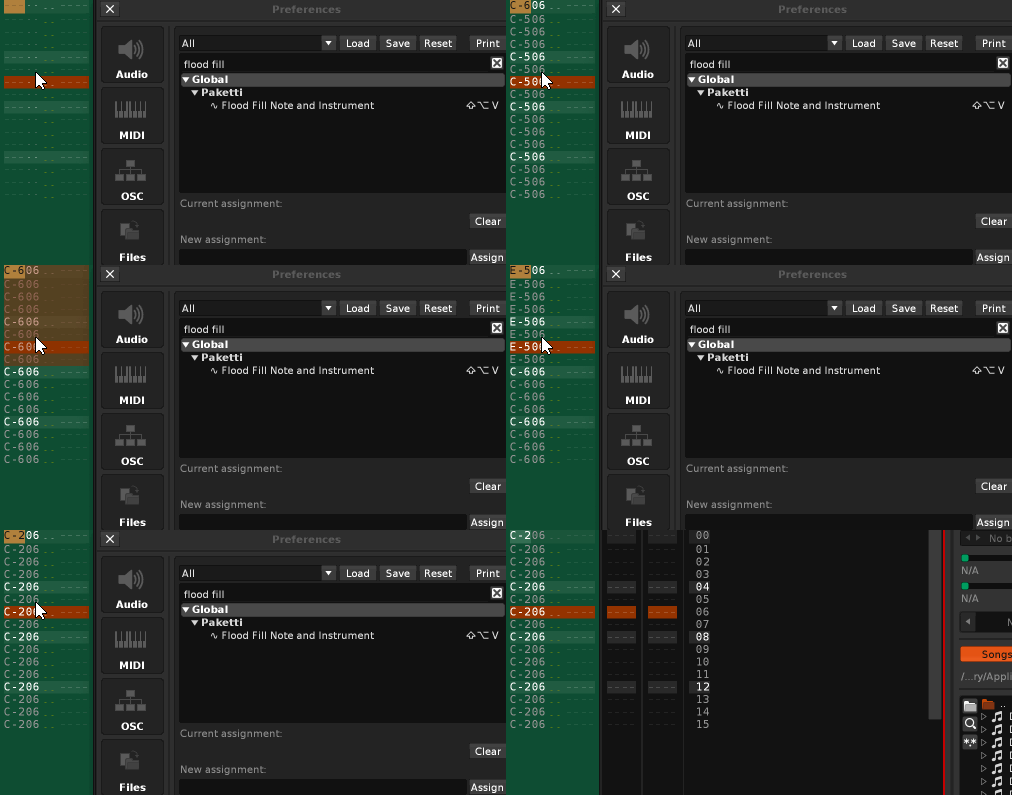
Improvement: now all Plugin parameters can be randomized, or all plugins in the whole song can be randomized. same GUI as Selected Track Device & All Devices on Selected Track.
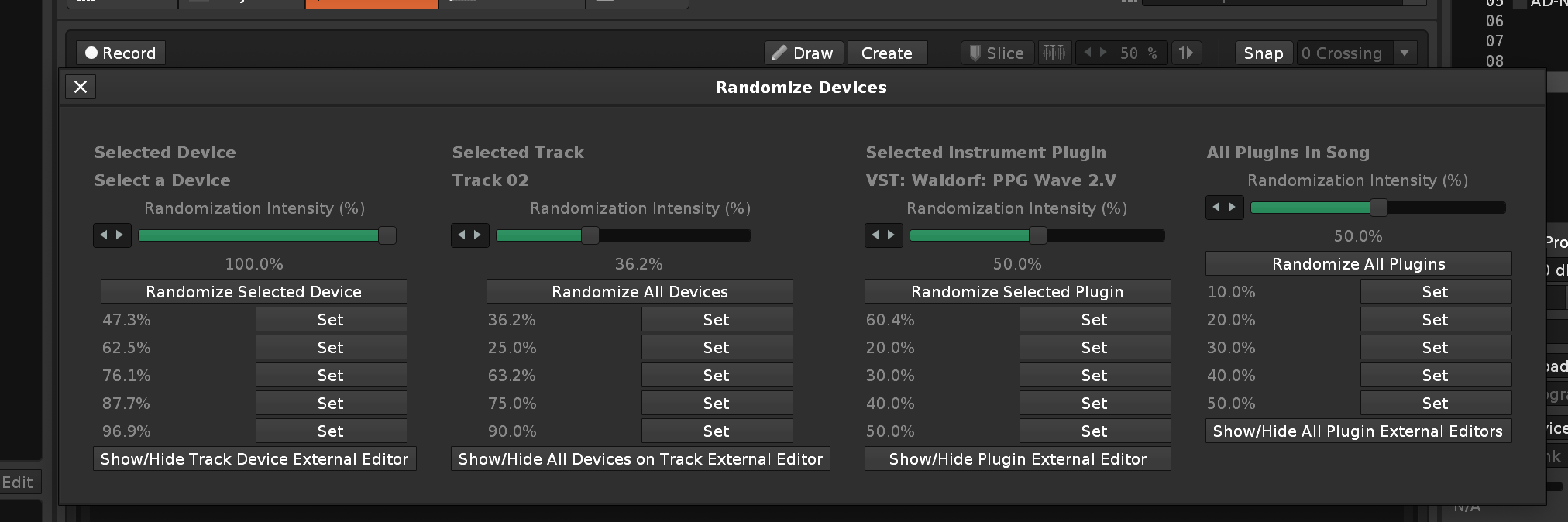
Improvement: If currently selected instrument has no plugin, Randomize Devices & Plugins dialog will still open.
If there are no plugins in the song, then Randomize All Plugins will show_status stating there are no plugins, instead of saying "yes, randomized all plugins in song". and in the same situation, "Show/Hide all Plugin External Editors" will also show a status.
and visual update: the fourth column now has empty space before the "Randomization intensity (%)" line to better line up.
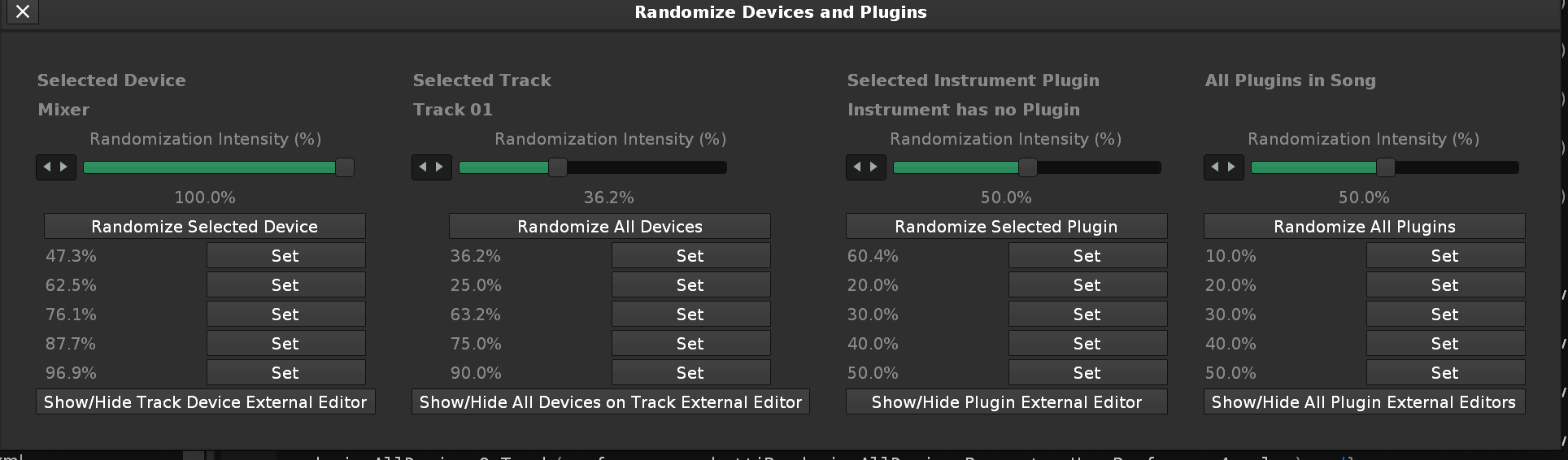
Feature: Impulse Tracker ALT-Left / ALT-Right (two flavors, one that Wraps (last track to first track.. or first track to last track), and another that doesn't wrap (press alt-left enough, and you'll be in first track but that's it.. same for alt-right)))
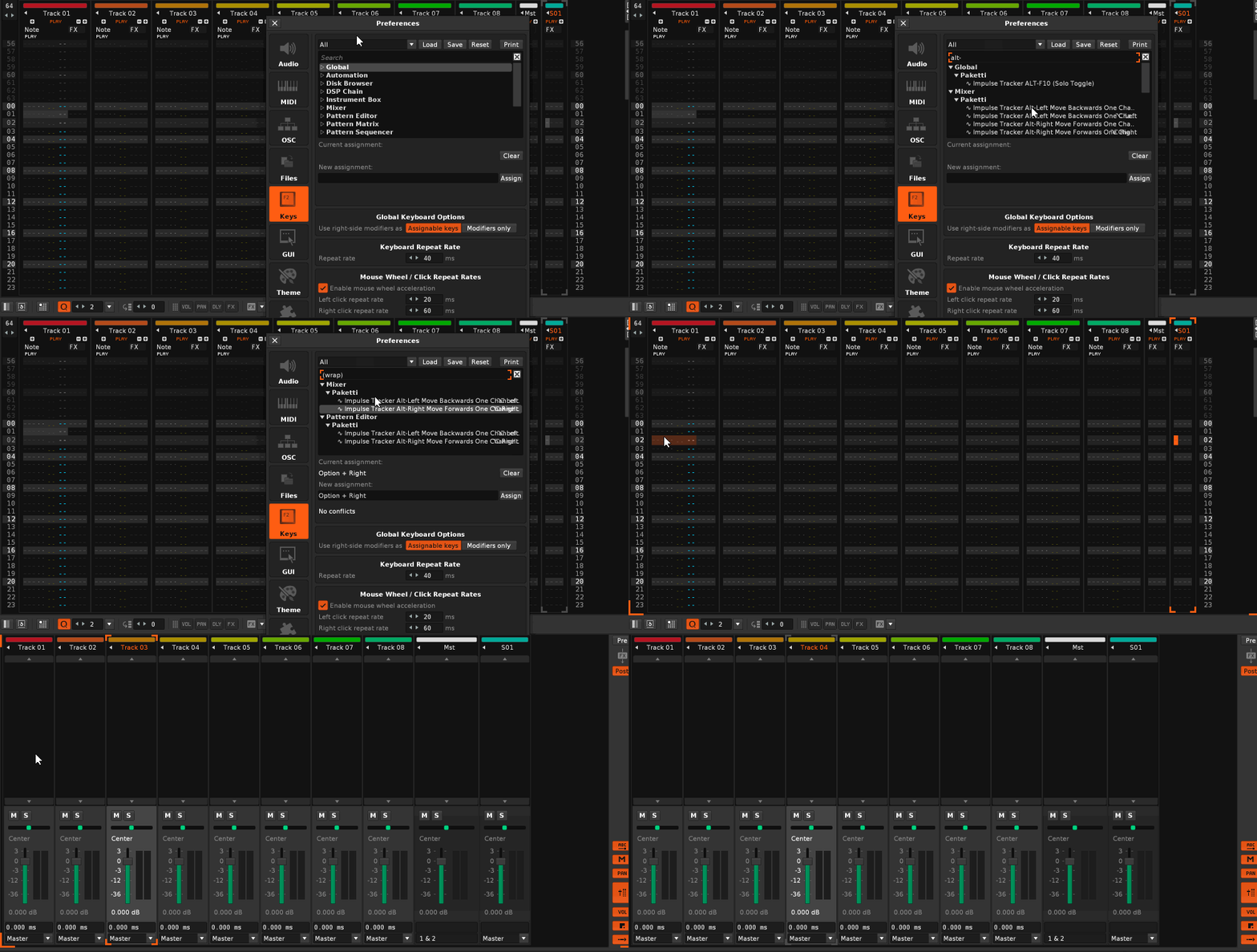
Feature: Impulse Tracker "Slide Content Up / Down". this takes Selected Track.. or Selected Note Column or Selected Effect Column. will slide it up and down.
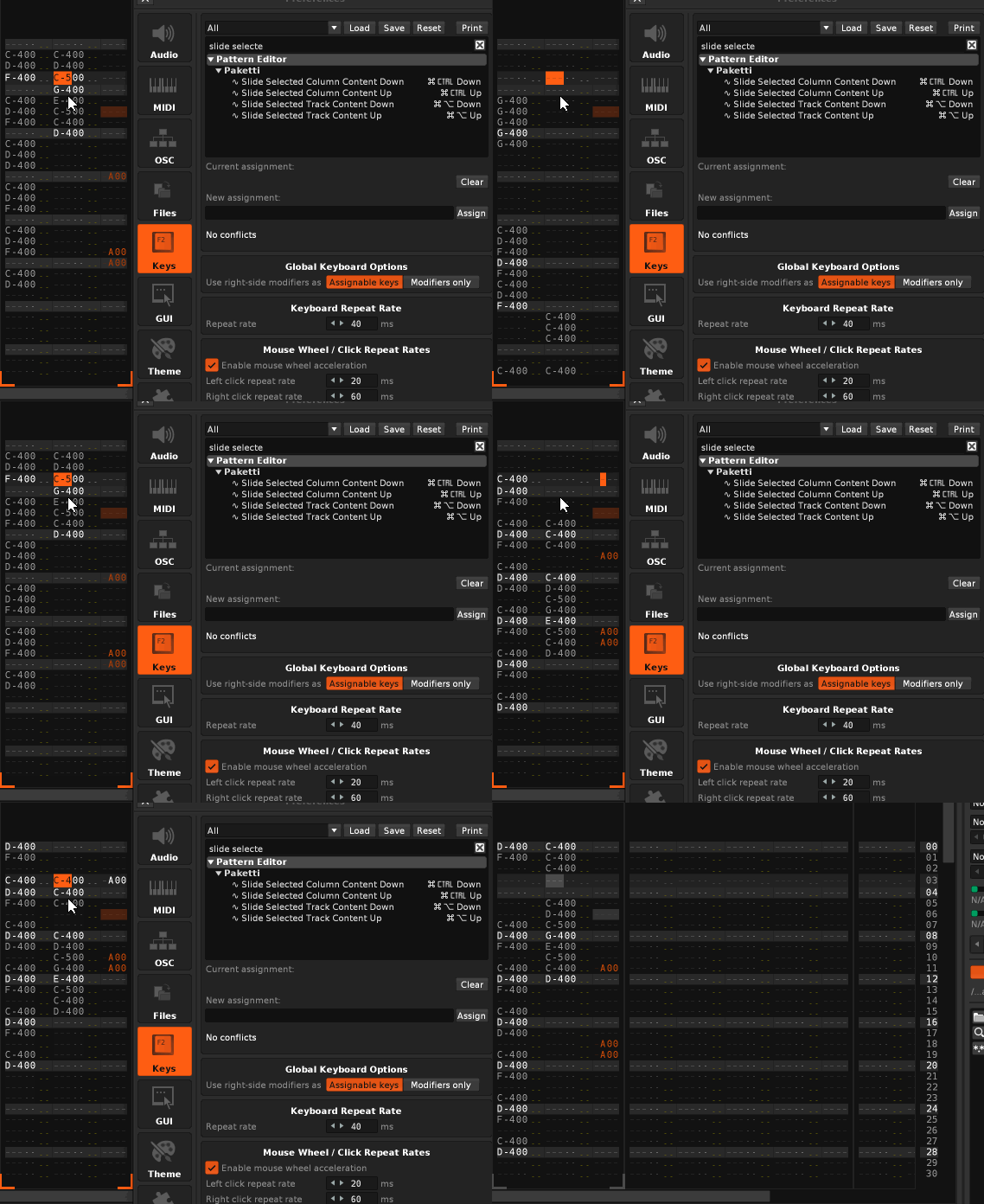
Feature: Solo Tracks - if no pattern selection - then mute currently selected track. if current track is selected or has selection, mute that. draw selection around multiple tracks and run shortcut = all other tracks are muted. or unmuted.
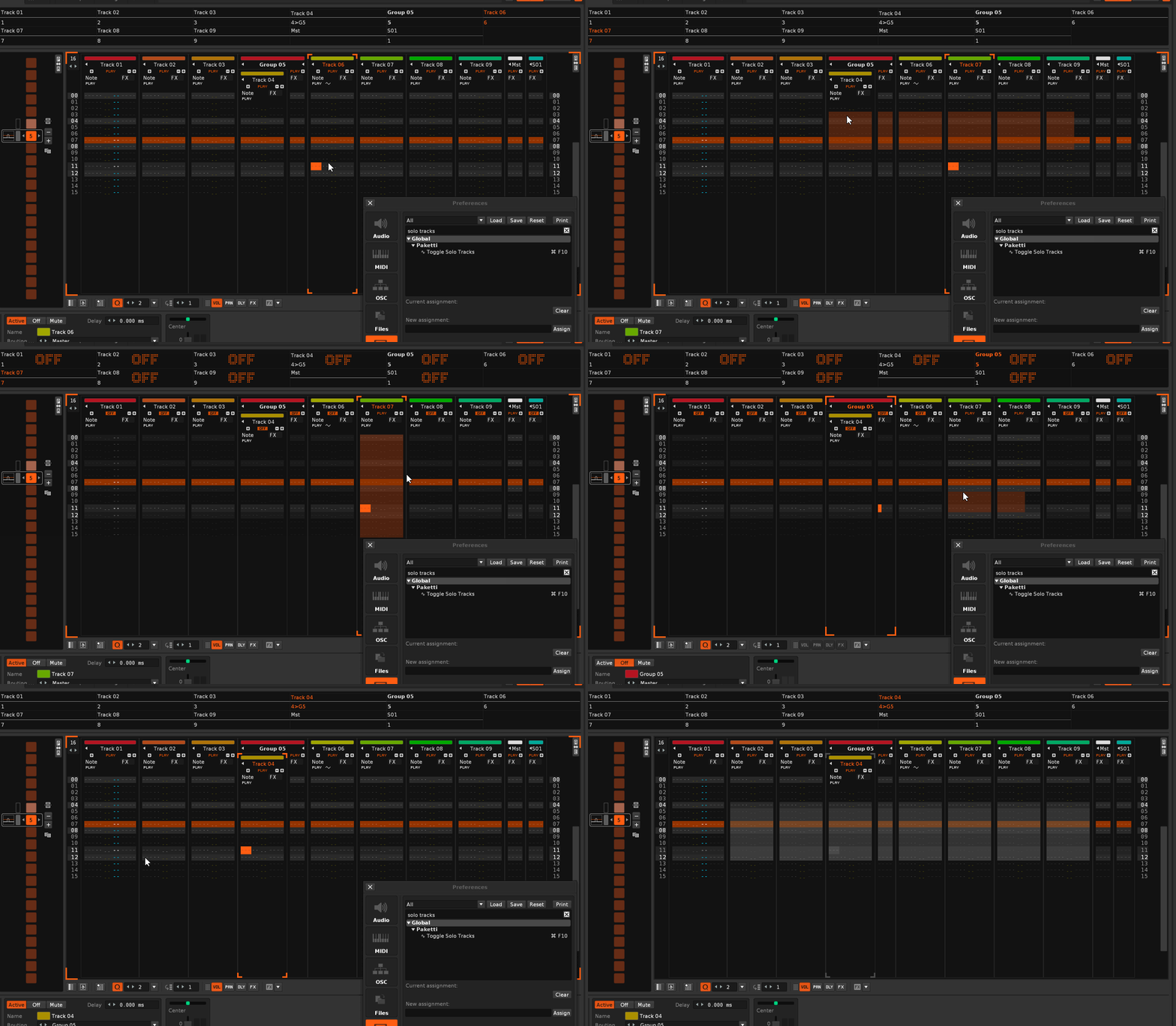
Improvement: Note Interpolation now works on any note column on the track. same with selection. and.. if you have multiple note columns selected, and there's notes there at the start + end of pattern rows, the interpolation will happen. and if you have a selection within a track, the note interpolation will happen for the whole selection.
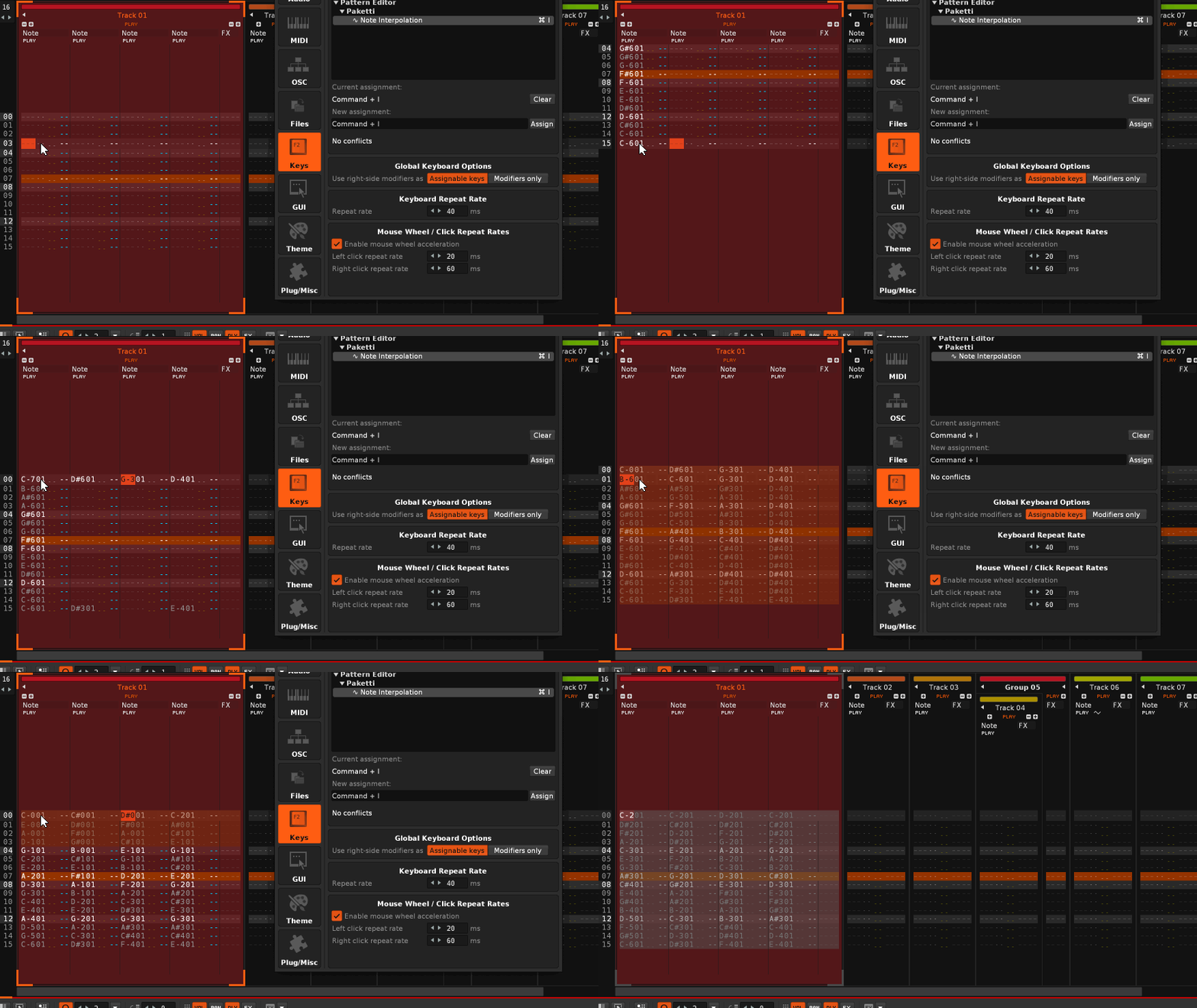
Feature: ALT-Y "Swap Block" straight from ImpulseTracker2/SchismTracker/ScreamTracker3(?)
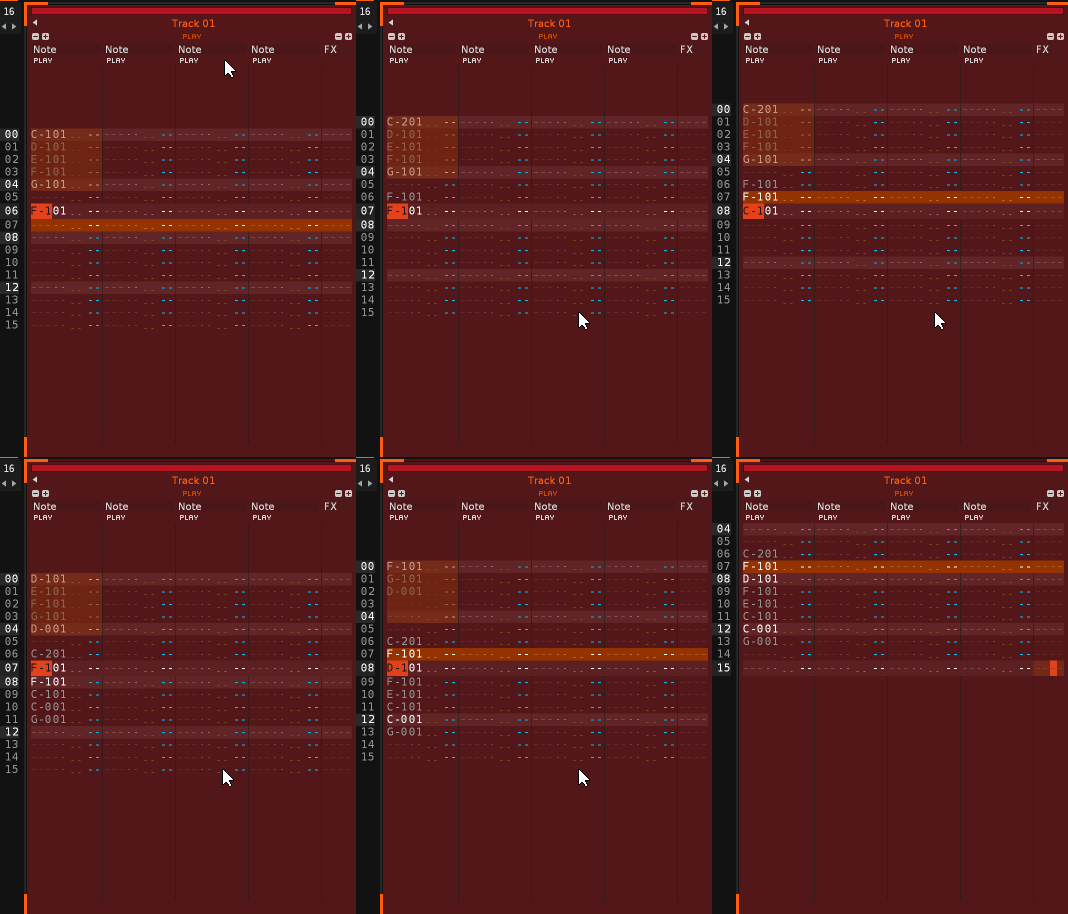
Improvement: Alt-Y will now work with tracks that don't have "enough" note columns, they will be resized. and now this can be used for multiple note columns, and to the track you're at.
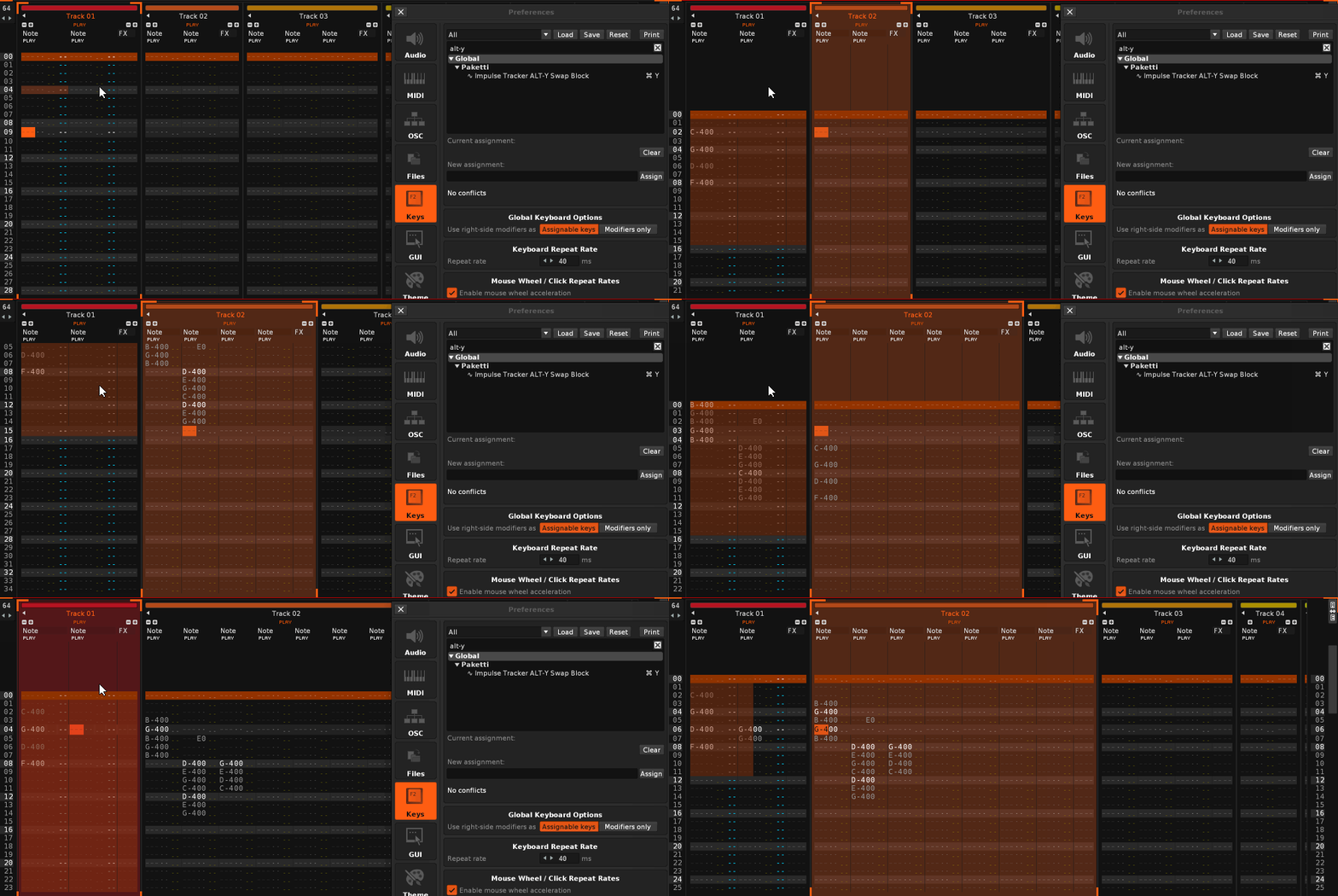
Improvement: Transpose +12 / -12 / +1 / -1 so that if nothing is selected in the pattern, it will transpose the whole selected_track. if something is selected in the pattern, then it'll transpose the selection. Feature: Transpose +12/-12/+1/-1 for selection, or just current note column.
both of these transposes actually go from C-9 to C-0 if you keep transposing.
Feature: Duplicate Instrument and Reverse Sample -- this just takes your currently selected instrument, duplicates it below it, and reverses the samples in the instrument. (and selects the newly created reversed instrument)
Improvement: F5 "Impulse Tracker Play" used to have a 0.4 second delay after Panic + playback starting. it was to avert plugins from crashing (F5 is a macro that stops playback, runs Renoise Panic (to kill all audio) and then starts playback with follow pattern = on)) - now i cut it down to 0.225second, so it "feels less sluggish".
Feature: Paketti Renamer - shortcut + menu entry for renaming a track. opens a dialog with current name highlighted, you can type, press enter -> renaming done. works for master, send, group, track.
Improvement: Now Paketti Track Renamer reads selection-in-pattern for multi-track renaming one at a time.
Improvement: "Wipe Plugins" added to CTRL-N, it will look through all the instruments and clear the plugins from the instruments.
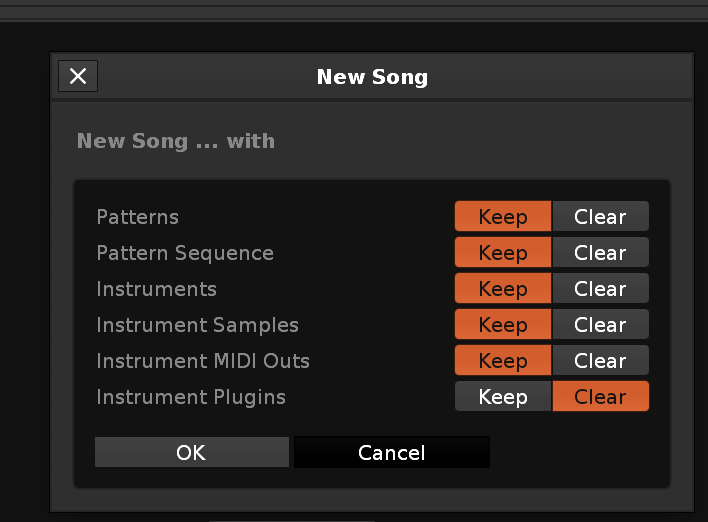
Improvement: Added the Note-On to Note-Off (with transpose) copying to Sample Navigator, since i went there to try and run it and realized it's not there. it's now in sample editor, sample mappings, and sample navigator.
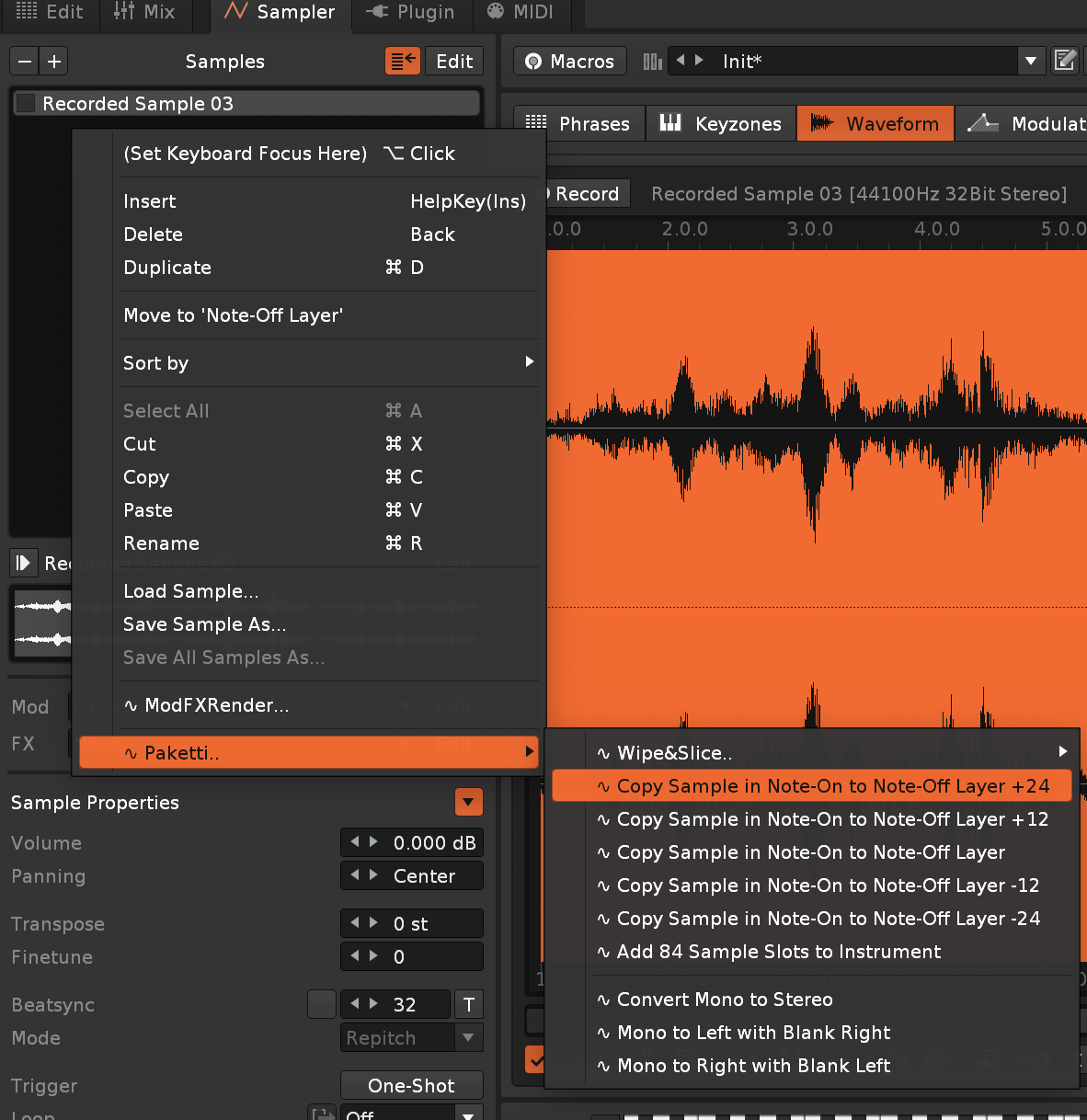
Improvement: Solo Tracks will now:
still ironing out 4 other issues, then it's ready. .. 🫢
Feature: Isolate Slices to New Instruments - this takes the slices in your sliced instrument, and copies all their settings and modes, and creates new instruments, naming them according to the slice.
available in Sample Editor, Sample Navigator, Sample Mappings and Instrument Box. and a global shortcut.
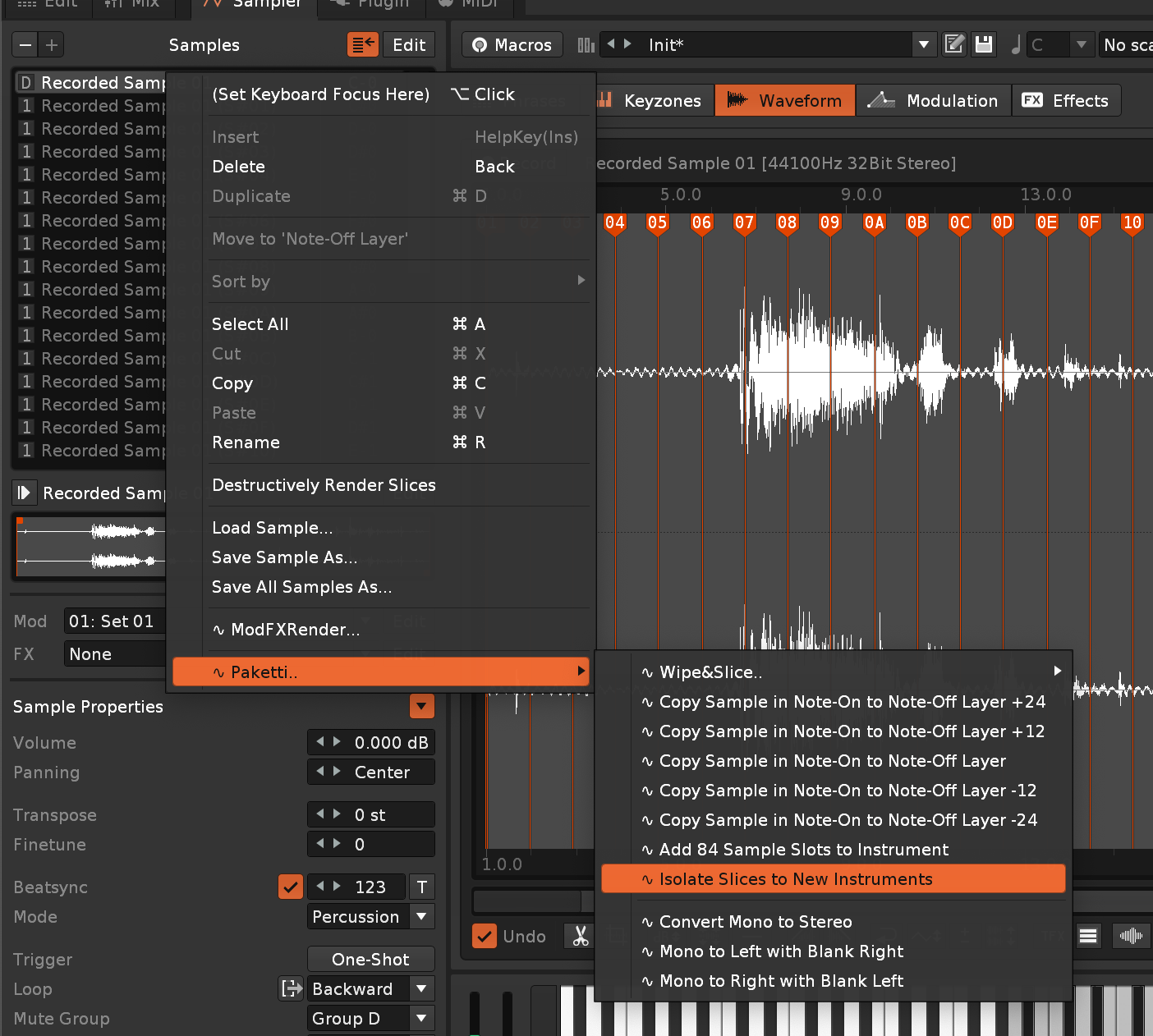
Feature: Reverse Notes in Selection
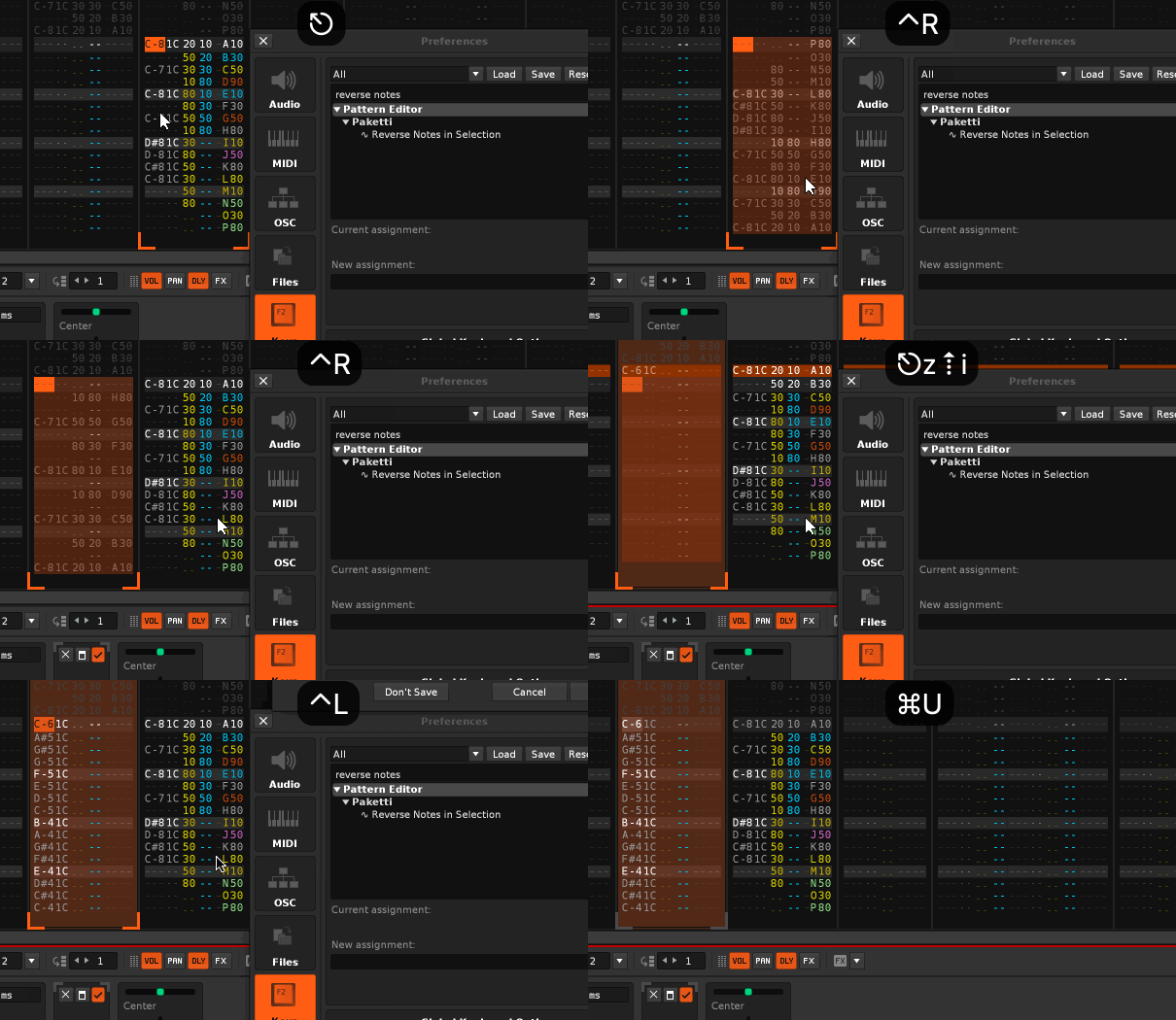
Improvement: Load Native Devices Dialog can be opened multiple times instead of only once (and then the gui fails to render)
Improvement: the Smart Folders segment of this dialog has been, more understandably, modified to include "Backup Folders" and for the buttons to refer to "Folders" instead of "Smart Folders" - because the usecase is of course that you can set the folder of your choice to be a folder that's a smart folder (macOS) or any folder (such as a backup folder). think "folder 1 = drums, folder 2 = melodies, folder 3 = pads" or something like that
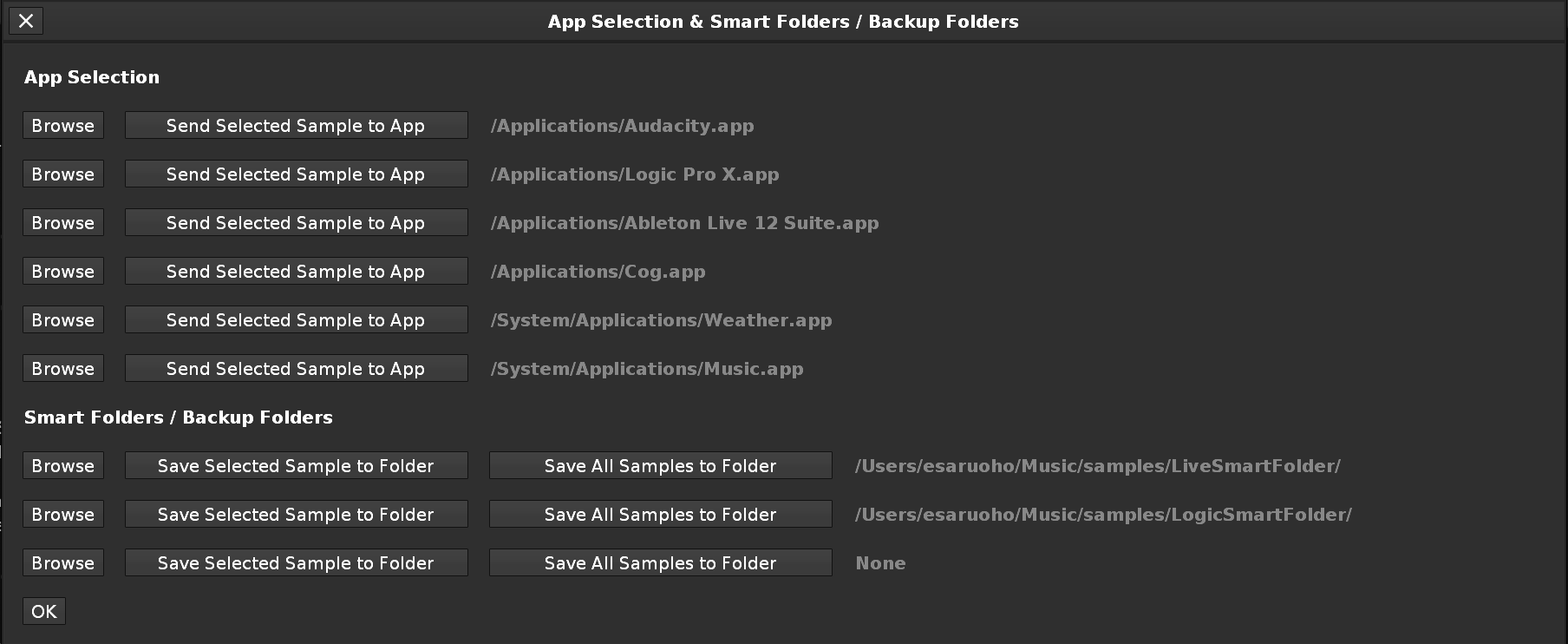
Improvement: End *2 now actually first takes you to last row of current note column, and on second press, to the last track last row.
Feature: Send Populator for Selected Track or All Tracks.
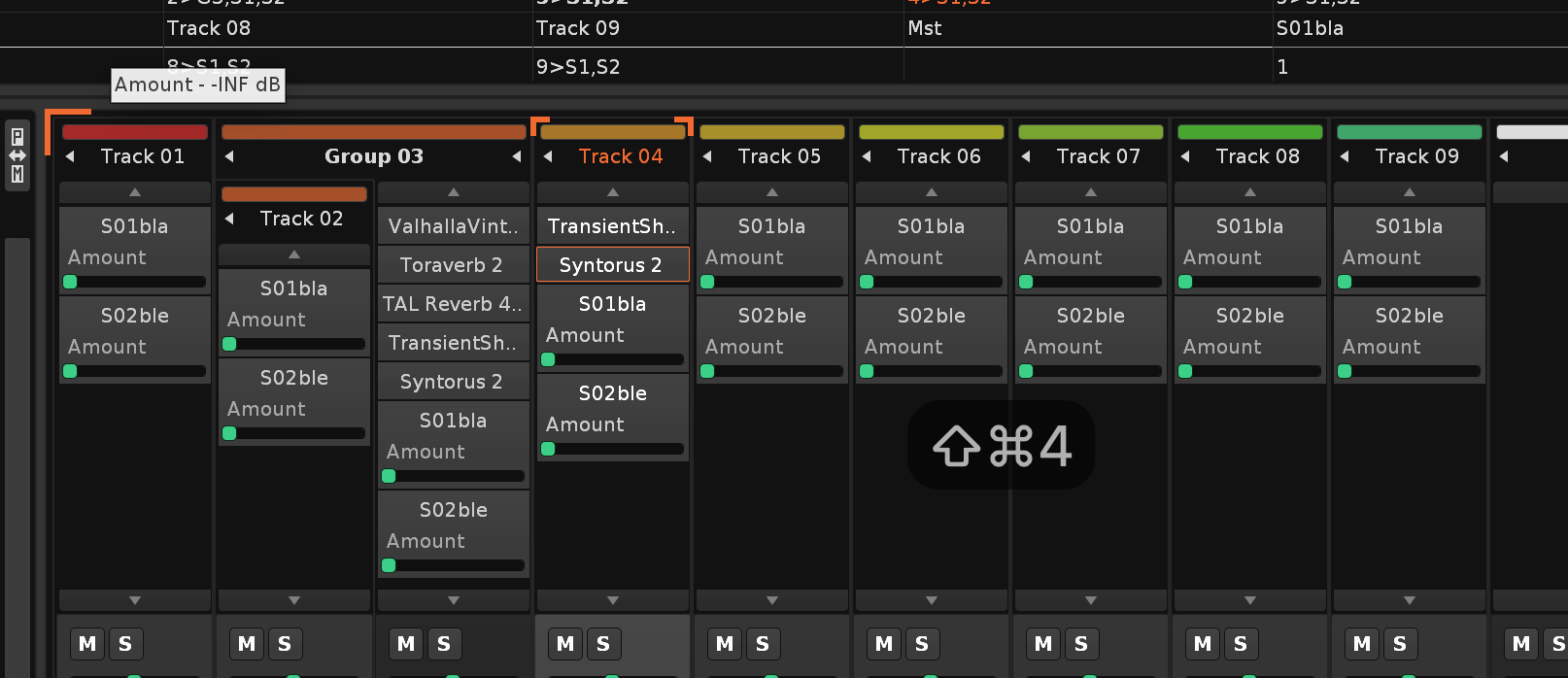
Feature: Flood Fill Note & Instrument with Edit Step - this takes the Edit Step and fits the currently selected line note + instrument to it, or if you have a multi-track selection, it will take the current row and fill the selection with the note+instrument using editstep.
https://www.loom.com/share/2dc0c84c97dc4dcc9c5125671e6b1da2?sid=081e5637-a092-4299-ac49-7433e90d344a
Improvement: Load Native Devices Dialog now has "Randomize Selection" as a possibility. it will clear the current selection, and then select a random amount of devices.
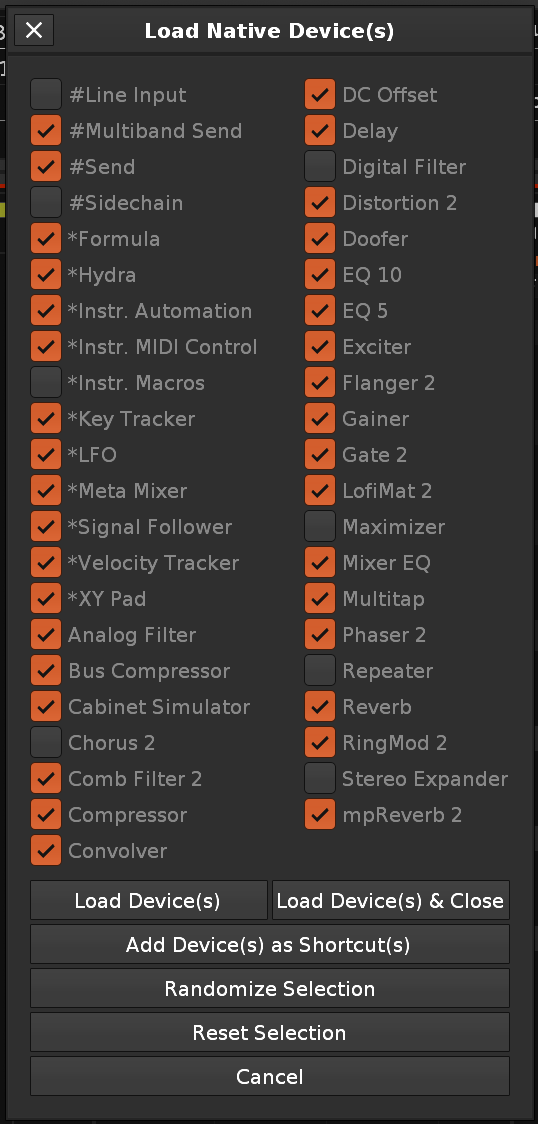
Improvement: Load VST Devices Dialog also has "Randomize Selection"
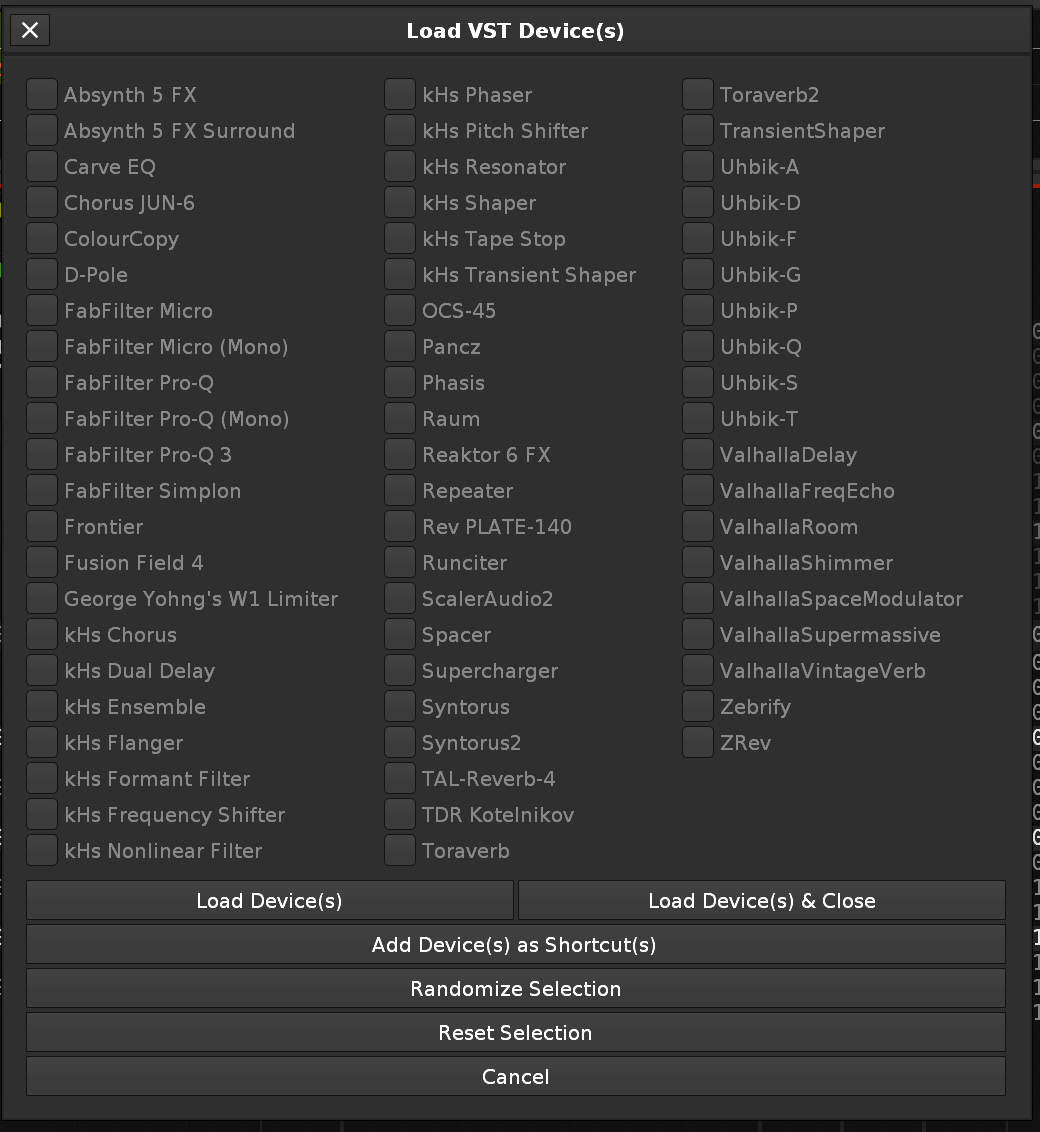
Improvement: Load VST3/AudioUnit Randomize Selection
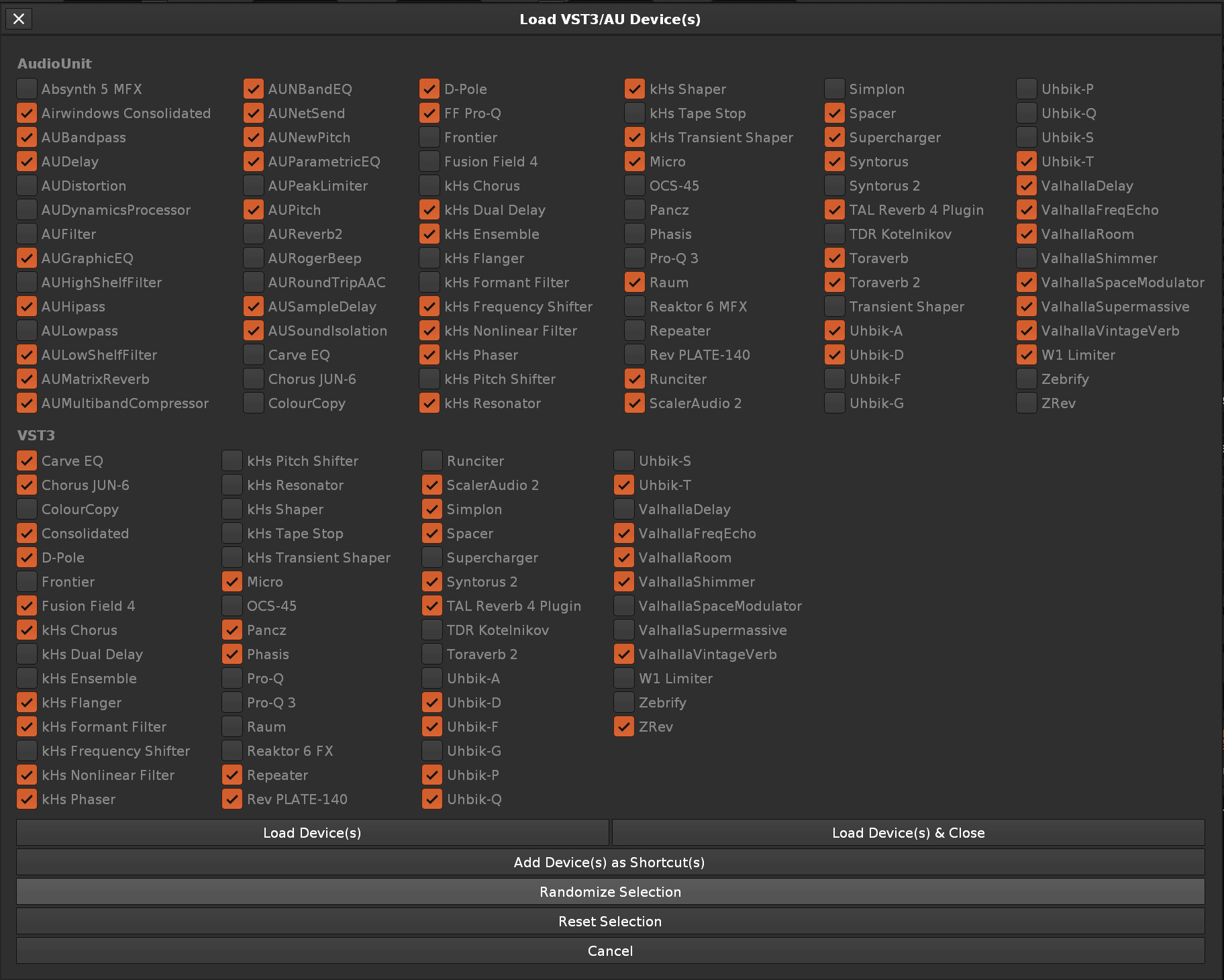
Improvement: Load VST3/VST/AudioUnit Plugins Randomize Selection:
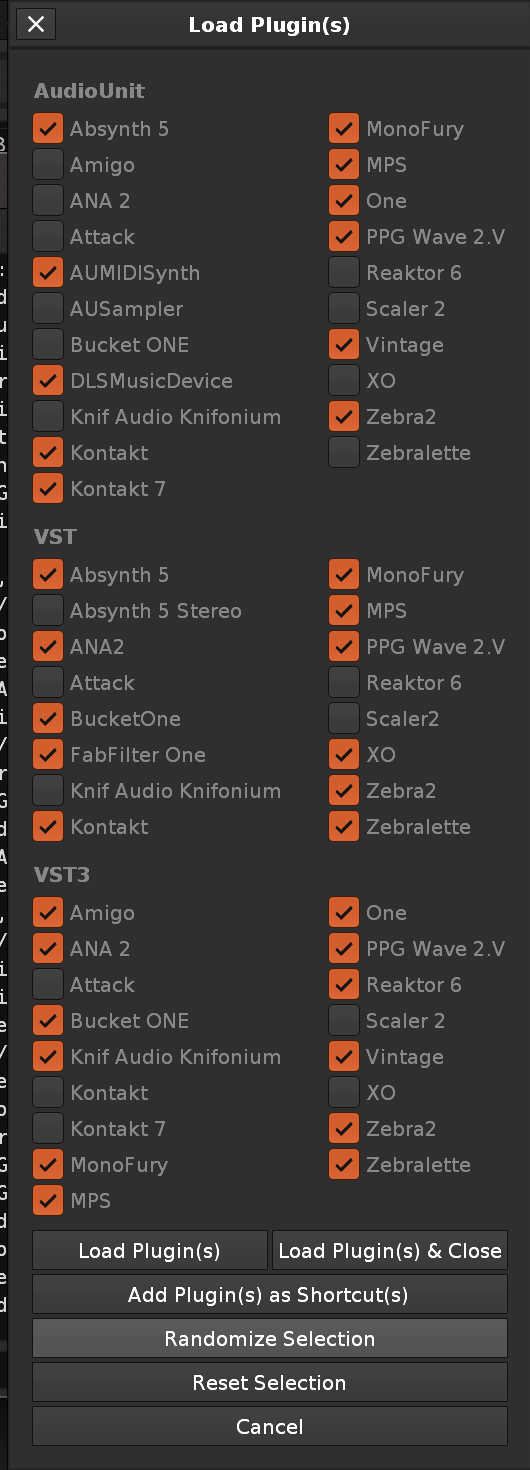
Improvement: Plaidzap gift now uses the macros (pitchbend,cutoff,resonance,cutoffLFOAmount,cutoffLFOFreq,Overdrive,VolLFOAmount,VolLFOFreq
Feature: Unison Generator.. creates 6 samples and finetunes them by -1 +1 -2 +2 -3 +3 and adjusts the sample startpoint by fractions (1/8 to 7/8) so they're slightly offset
Feature: You can now Export the Convolver IR to a new Instrument, which will export it and then show the Sample Editor. You can also, after modifying, Import the Selected Sample back to the Selected Device (Convolver). if anyone's into IRs, please DM me and I'll send a build and we can continue looking at this - i need plenty of IRs to make sure it all works
Improvement: There's now a connection between 0G01 loader and Paketti PitchBend Multiple Sample Loader - if 0G01 loader is set to On, then new tracks will be created per each loaded sample, and each track will cleanly have a instr automation device added, so there's no longer a flood of instr automation devices for the track you were on, i.e. you load 36 samples and there's 36 instr automation devices on selected_track.
closes https://github.com/esaruoho/org.lackluster.Paketti.xrnx/issues/191
file feature now offers a GUI for also importing to convolver or exporting from convolver, and the gui allows for using shortcuts while open, so you can select a new sample to be imported to a Convolver of your choice. it also will update when you select a different sample, it allows you to add a Convolver to the start of the Track DSP Chain or the end of it, and you can import or export from any of them.
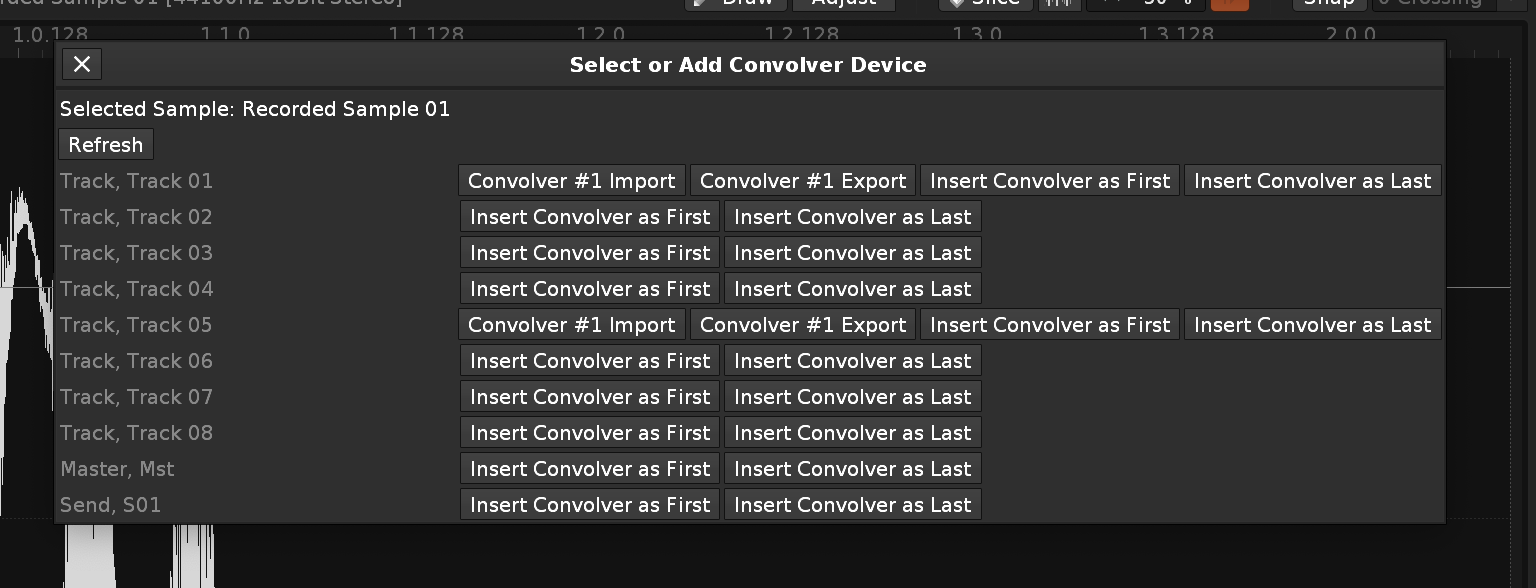
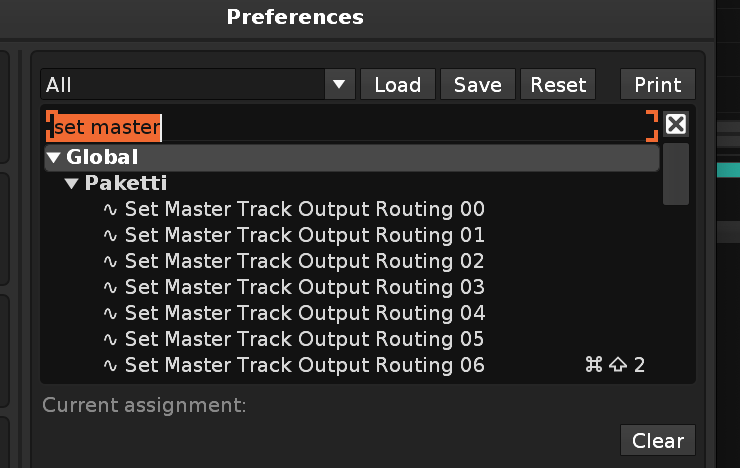
Improvement: Set Master is now 0...63 Selected Track Output Routing is now 0...63
Feature: MidiMapping Knob 0...127 for Selected Track Output Routing, and Master Track Output Routing:
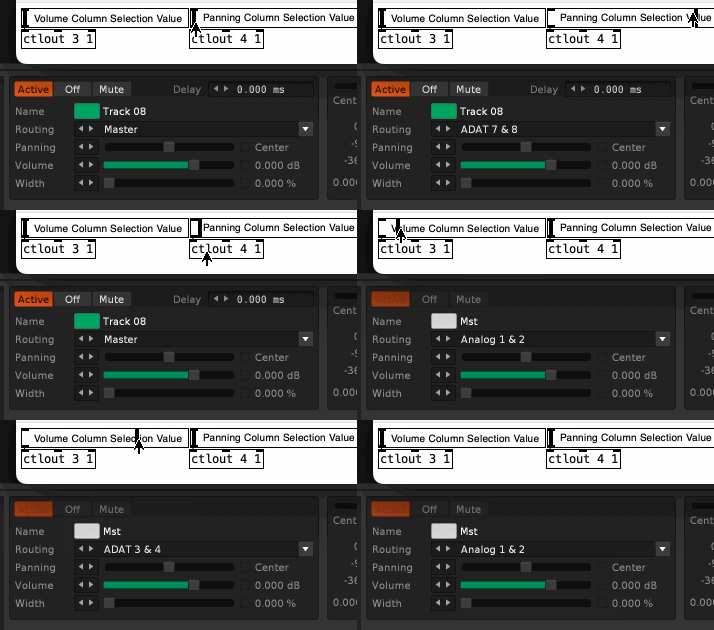
Feature: MidiMapping Buttons for Selected Track Output Routing, and Master Track Output Routing: 0...63
Feature: PlayerPro Note Dialog - lets you output selected instrument and note to row if nothing selected.. if there's a selection_in_pattern, and you press a note, the selected instrument + clicked on note will appear in the selection.
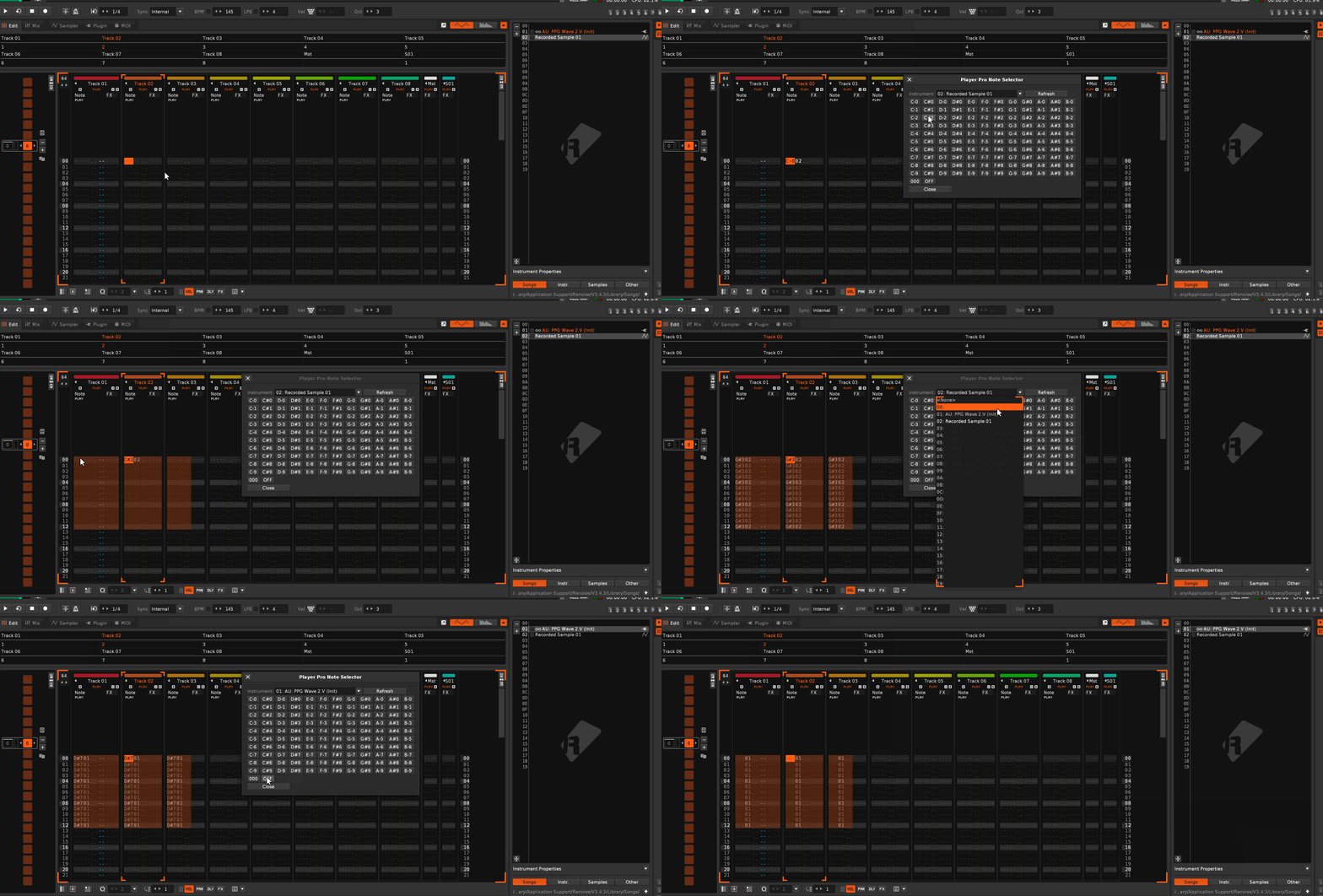
Feature: Set Master Track Volume +0.1dB / -0.1dB, with clamping at -INF and 3dB.
Feature: Paketti eSpeak Text-to-Speech, tested with macOS & Linux.
This supports both espeak and espeak-ng
it is an improvement over Martblek's abandoned ReSpeak. (Martblek gave permission to take his work and improve upon it)
Supports:
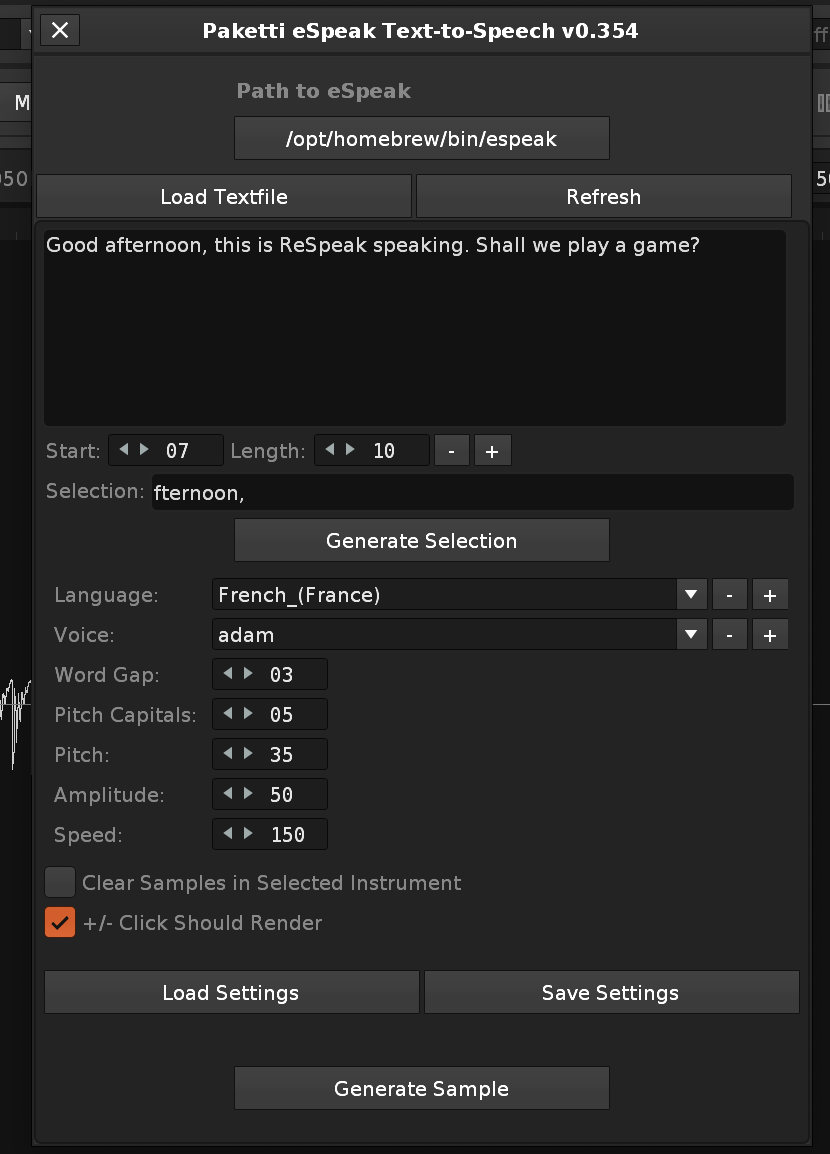
Improvement: if you have no MIDI input devices and/or MIDI output devices, the Paketti Midi Populator no longer errors out and stops working.
Improvement: Switch to Automation will now switch back to TrackDSPs if Automation is already displaying
Feature: Resize & Fill. (available in Pattern Editor menu, Tools menu, and as a shortcut). this takes your pattern (and pattern automation) and expands until you have a pattern of 032, 064, 128, 256, 512 rows. so if you have a 4 row pattern, and you press "Resize & Fill 128" - the 4 row pattern changes to 128 rows, and the content is duplicated 32 times. if, however, you have a 512 row pattern and you press "resize&fill 032" - it will simply resize the pattern to 32 rows. and tell you accordingly.
this is basically a controlled "Paketti Pattern Doubler".
Improvement: Paketti Save Sample as FLAC / WAV menu entries added to Sample Editor (!!!) they should have always been there.
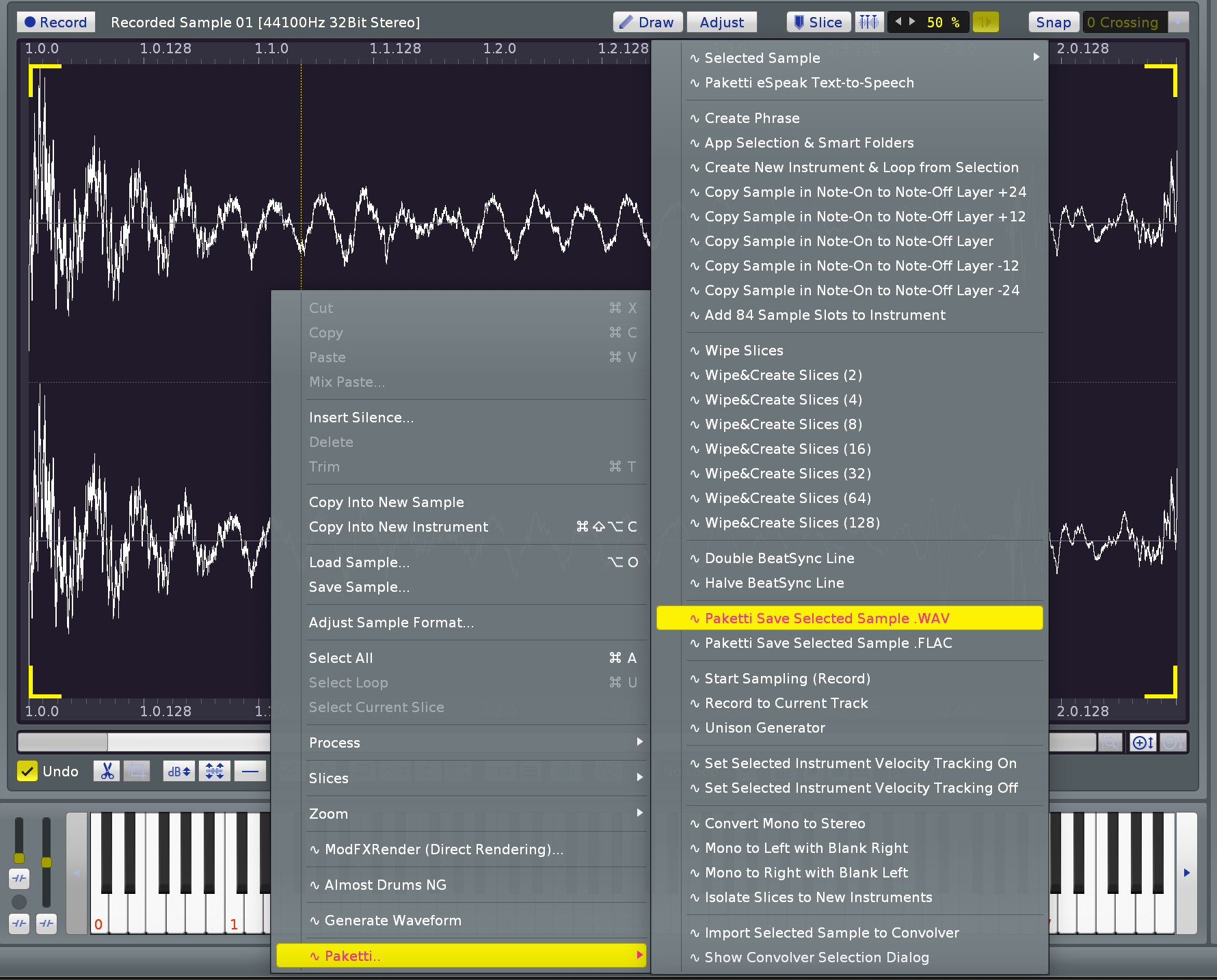
Improvement: Paketti Save Selected Sample as FLAC / WAV menu entries added to Sample Navigator.
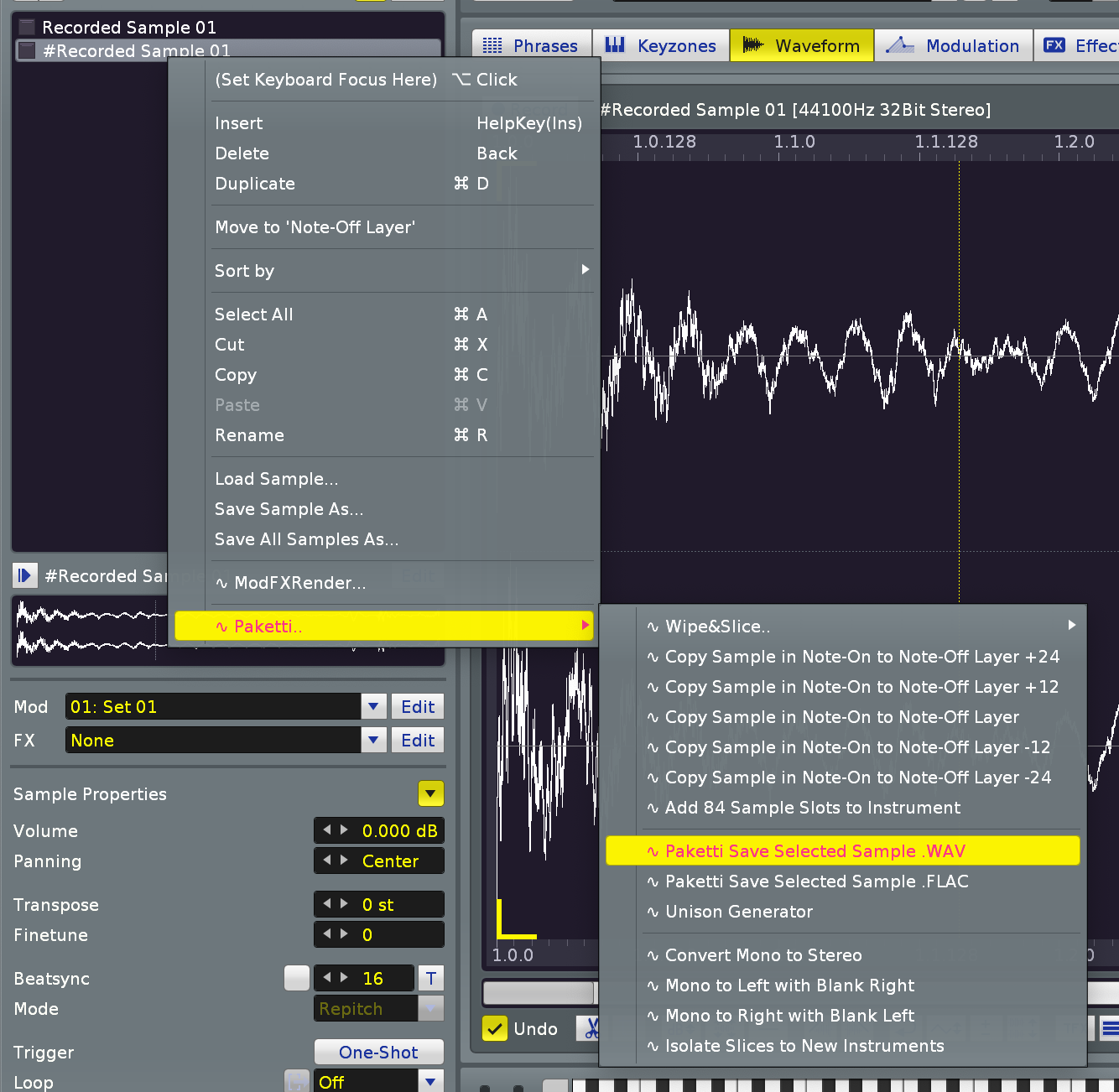
Improvement: Unison Generator -> sets the selected instrument selected sample loopmode to Forward, in case if it is not set

Improvement: "Save Selected Sample" & "Save All Samples" to Smart/Backup Folder menu entries added for Sample Navigator (Selected+All), Sample Editor (Selected) and Instrument Box (All)
EDIT: typo fix, "All Sample" -> "All Samples" for each menu entry 🙂
(closes https://github.com/esaruoho/org.lackluster.Paketti.xrnx/issues/245 )
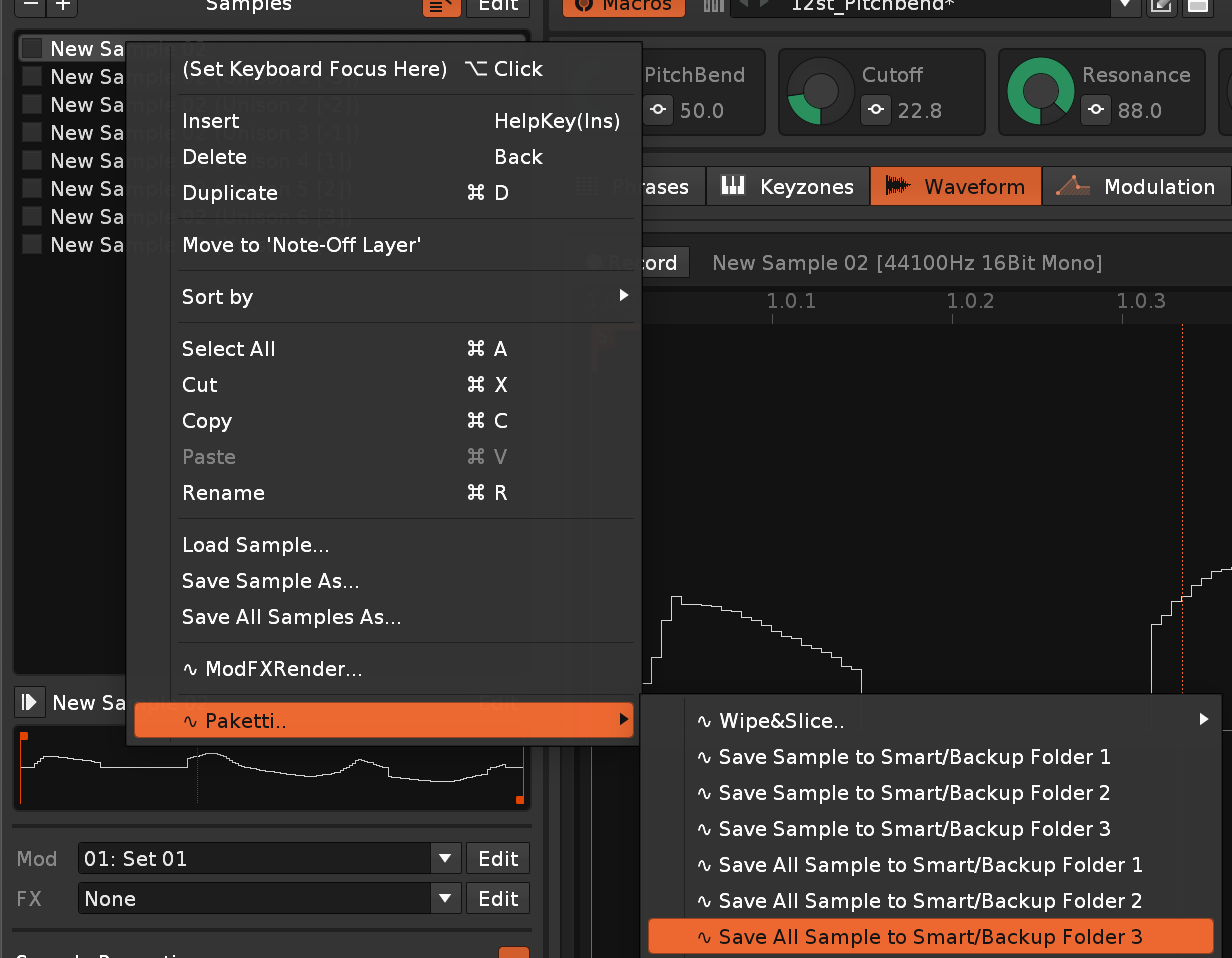
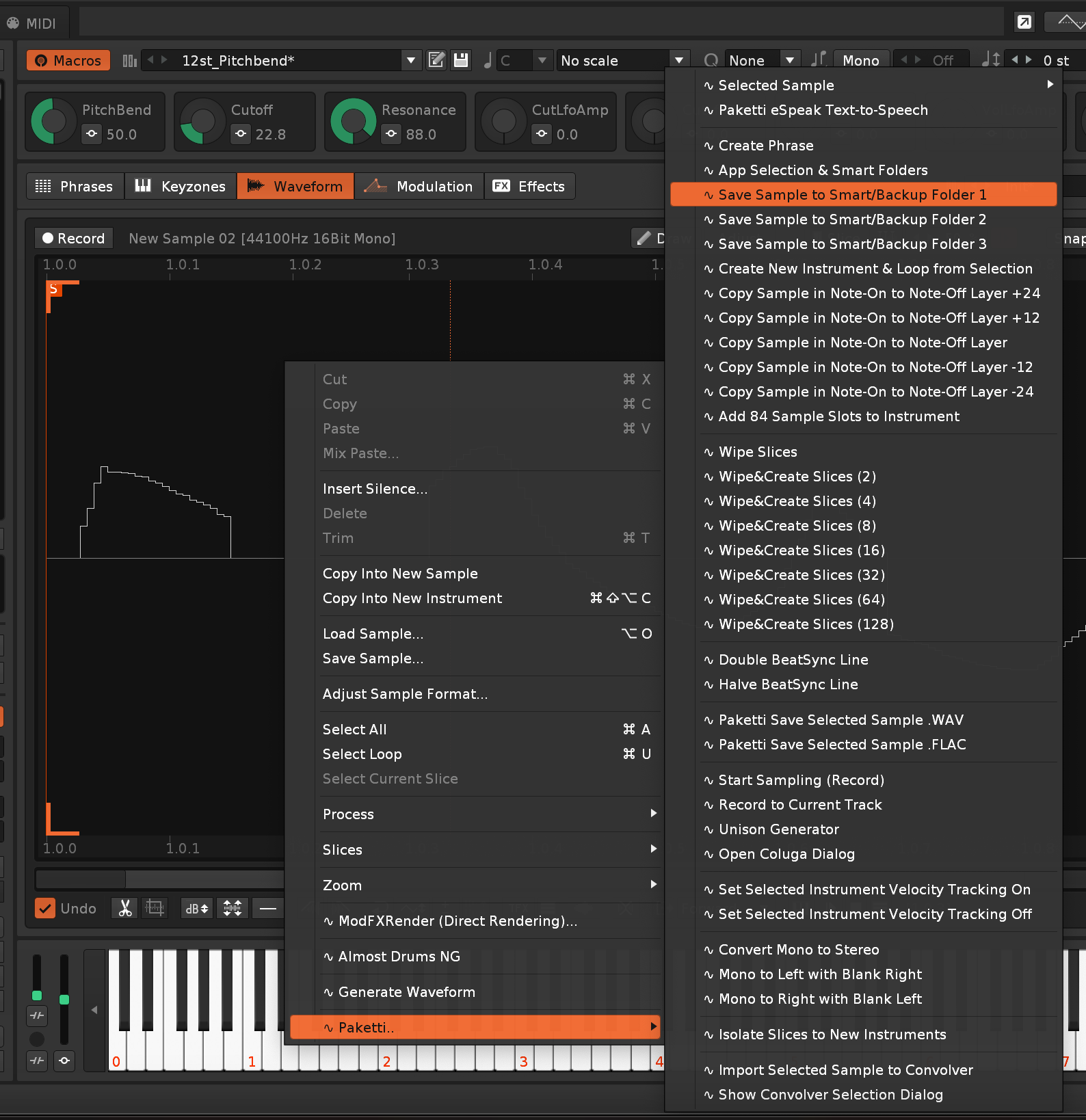
Improvement: Transpose +1/-1/+12/-12 now work with 1) selection only if selection in pattern 2) each note column in track if no selection in pattern. (closes https://github.com/esaruoho/org.lackluster.Paketti.xrnx/issues/174
Update: Paketti Donations list updated with URL button added to newest donator - a maximum of 3 URLs can be added upon donation (Zoey Samples got the BTD Records url)
Improvement: Unison Generator now reads this brand new (still WIP) setting in Paketti Preferences: .. i.e. if it is set to ON, then the Unison Generated Instrument will have AHDSR envelope enabled instead of disabled. default is disabled.

Improvement: Unison Generator is now the first feature that uses the "Default .XRNI to use" Paketti Preferences setting. This allows you to set your own instrument to be loaded when generating a Unison - enabling you to decide which macros + etc modfx + samplefx settings (sample fx chains) stuff your instrument comes preloaded with. including sample modulation. this is a powerful thing to have.
Improvement: "Create New Instrument & Loop" now also uses Default XRNI Preference
Improvement: Paketti Pitchbend Multi Sample Loader now also uses Default .XRNI preference
Improvement: Paketti Clean Render now also uses Default .XRNI Preference
Improvement: Default XRNI Loader now has a dropdown menu in Paketti Preferences: you can pick from the ones already available, or your own.
this lets me also collaborate with other people who want to make a default XRNI available, and want to contribute it to Paketti
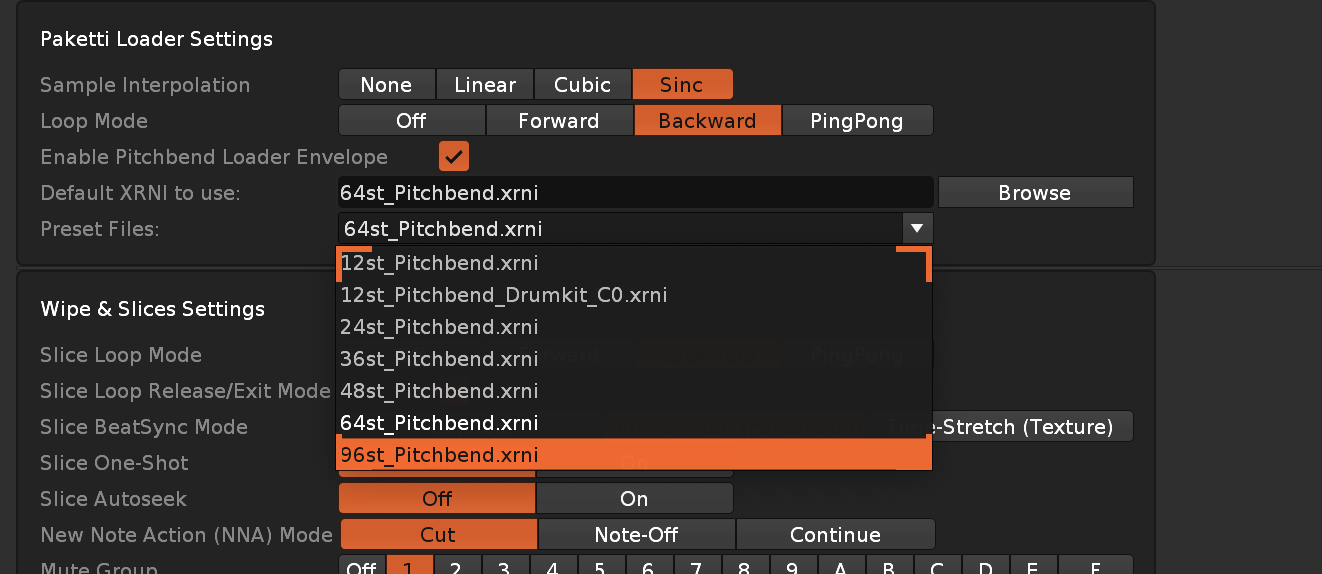
Plumbing: Paketti has KeyBindings.xml files inside the script itself, I've moved them to the KeyBindings folder. These are, for now, only used for storing the "macOS Paketti" shortcuts.. The objective is to eventually offer a PakettimacOS / PakettiWindows / PakettiLinux KeyBindings files, but that is further down the line.
Feature: PlayerPro Transpose Selection or Row +1/-1/+12/-12
Feature: Paketti Theme Selector Dialog.
https://www.loom.com/share/2289acd190614b388a93edc2e7f3507a
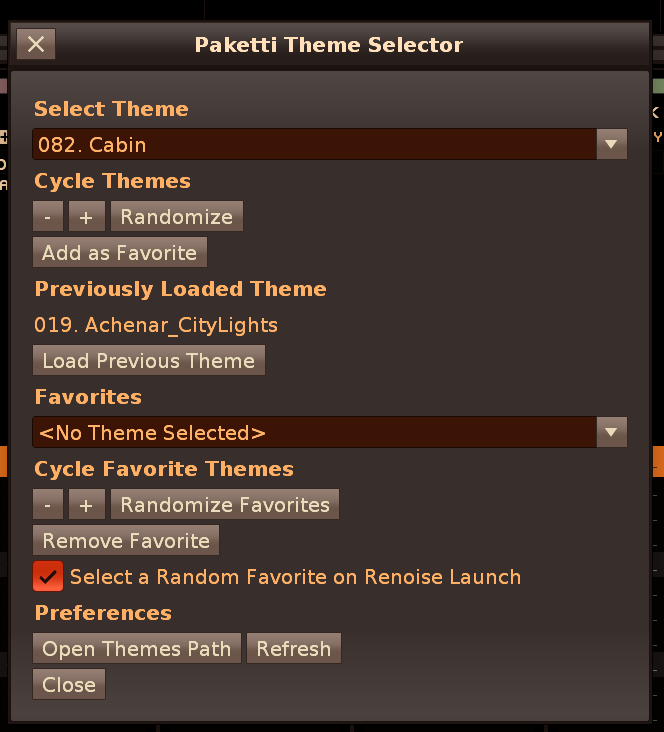
Improvement: Paketti eSpeak TTS now will use the Default XRNI Instrument - so you have pitchbend, cutoff, resonance, overdrive etc Macros already set up
Improvement: Paketti Theme Selector:
Removed all the duplicate themes.. and added all the Renoise default themes + "More" themes, so there's 505 now.
Added shortcuts for these functions.
Plumbing: Isolated all Preferences to separate segments of the preferences.xml for better managing. this should help a lot. Hopefully also with the Paketti Theme Selector
Improvement: Paketti Theme Selector:
Improvement: 12st_Pitchbend now has
NOTE: this modifies the Instr Control device usage, should not touch X_Pitchbend but instead Pitchbend in Automation lane.
this closes
https://github.com/esaruoho/org.lackluster.Paketti.xrnx/issues/286
(regards 12st_Pitchbend)
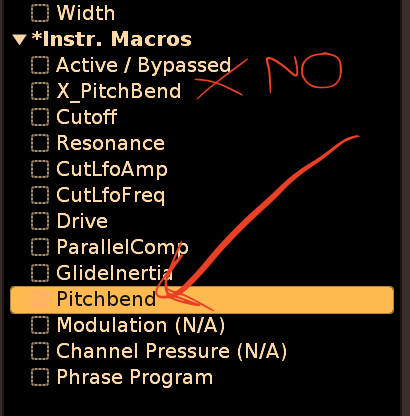
Improvement: *Key Tracker & *Velocity Tracker can no longer be added from Menu Entry or shortcuts, to Send, Master or Group Tracks. instead of shooting an error (!!) there will be a show_status notification.
Improvement: Separate blacklists for loading native devices.
Master cannot load #Send, #Multiband, #Sidechain, *Key Tracker, *Velocity Tracker
Group cannot load *Key Tracker or *Velocity Tracker
Send cannot load *Key Tracker or *Velocity Tracker.
SampleFX cannot load #ReWire Input
Improvement: #Sidechain added to "regular Paketti Shortcuts" (the ones that are manually written, not created by user via Native Device dialog
Improvement: "Randomize Selected Device" will now read if you're in the Sample FX Chain - and randomize the parameters of that. if you're not there, it'll randomize the selected device (in track dsp chain, or in mixer). it used to shoot an error.
Improvement: "Pitchbend" is now part of the "start from center" brigade for drawing automation using midimapping. (the Default XRNI had PitchBend, but that's now called X_PitchBend since it's not to be touched (since the addition of the Inertia for Gliding with Pitchbend).
Improvement: added *Instr. MIDI Control, *Instr. Automation and *Instr. Macros to blacklist of SampleFX Chain - so they can no longer be added even if you have them shortcutted - meaning that no error will be shot but a warning will be shot on the show_status.
Improvement: If you're in the Sample Editor, and press the "Switch to Automation" shortcut, it'll jump to Pattern Editor + Automation, instead of requiring two presses of "Switch to Automation" to have the Automation lane display.
Improvement: EditMode Signaler now no longer shoots an error, if you had editmode on, a track was blended, and you open a new song or create a new song.
Improvement: "Isolate Slices to New Instruments" now also adds the Default XRNI Instrument for each isolated slice to new instrument - meaning, your slices now have cutoff, resonance, pitchbend inertia, overdrive, parallel compression and cutoff LFO Amount & cutoff LFO Freq. (closes https://github.com/esaruoho/org.lackluster.Paketti.xrnx/issues/295 )
Improvement: "Wipe Song & Retain Sample" now retains the name of the Instrument and the name of the Sample in the new song. (closes https://github.com/esaruoho/org.lackluster.Paketti.xrnx/issues/294 )
Improvement: "Wipe Song & Retain Sample" now also adds the Default XRNI Instrument for the sample. also, added the feature to Sample Navigator & Sample Editor menus.
Improvement: "Load Renoise Native" menu entries now also list the Hidden devices (deprecated devices)
(closes https://github.com/esaruoho/org.lackluster.Paketti.xrnx/issues/292 )
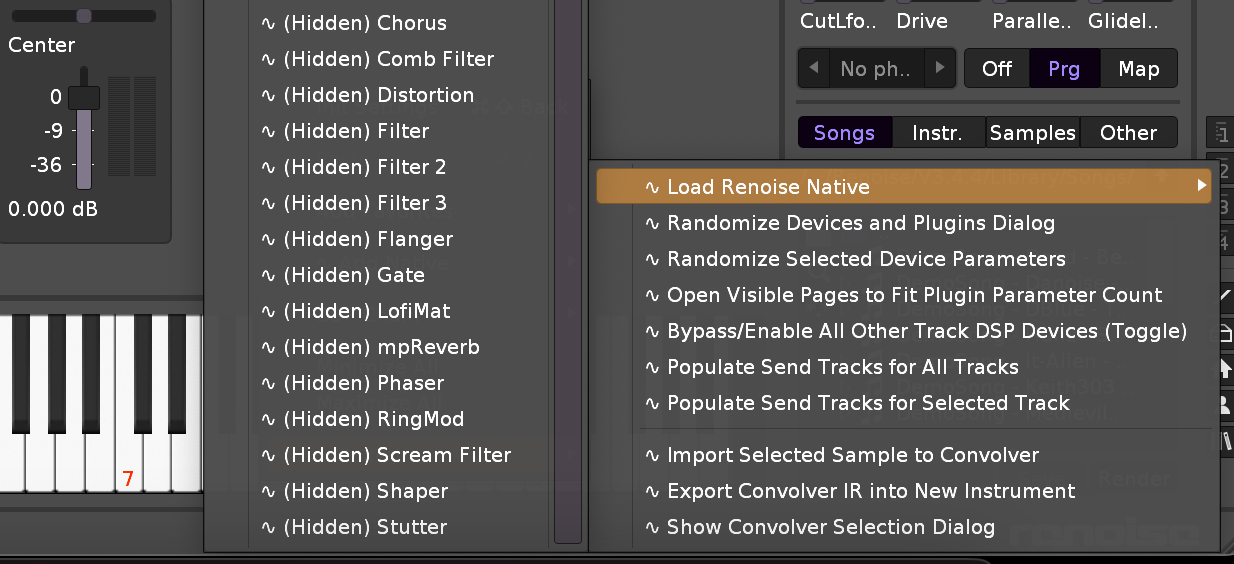
Improvement: Added Hidden / deprecated devices as shortcuttable devices:
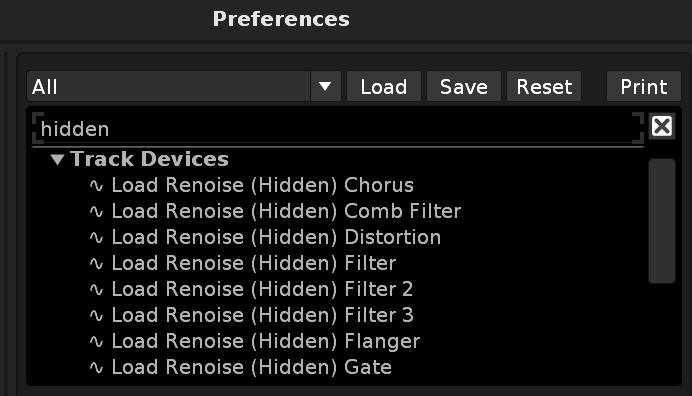
Improvement: the Load Native Devices dialog, for loading, or adding to shortcuts+ midimappings, now also shows the Hidden/deprecated devices:
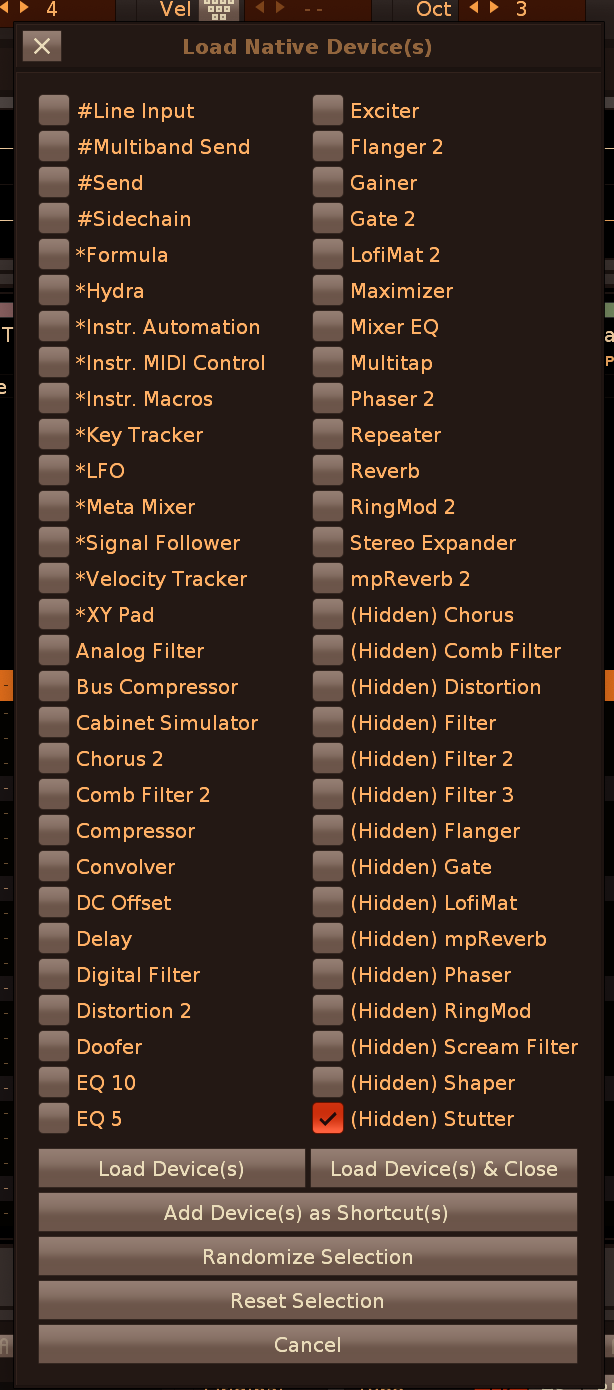
Improvement: Paketti YT-DLP Downloader has been verified as working for downloading content from SoundCloud, Bandcamp and Instagram (in addition to YouTube). updating the dialog to better inform the user:
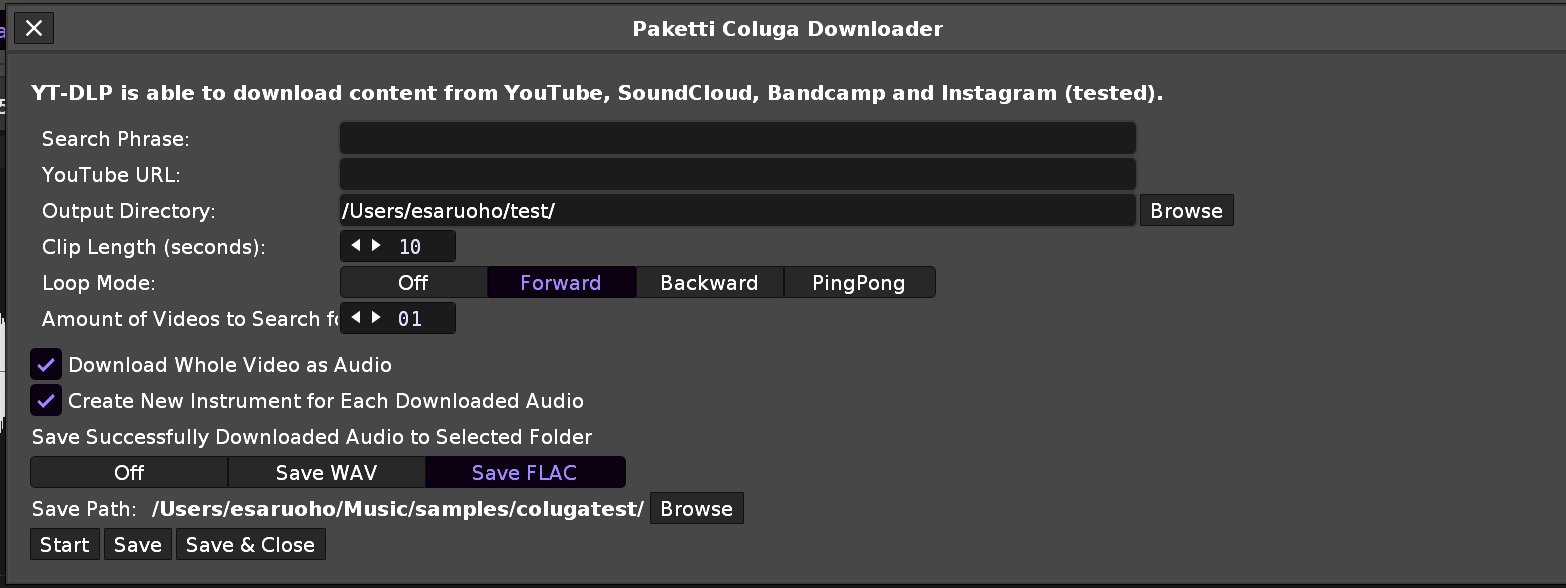
Improvement: Paketti Pattern Effect Cheat Sheet now correctly outputs 0Y into selection in pattern, or if no selection in pattern exists, to current row.
Improvement: Paketti Pattern Effect Cheat Sheet now has dialog improvements: you can open and close it with the same shortcut.
the Delay, Panning and Volume sliders now will turn the tracks within selection in pattern to visible, if they aren't already.
(closes https://github.com/esaruoho/org.lackluster.Paketti.xrnx/issues/300 )
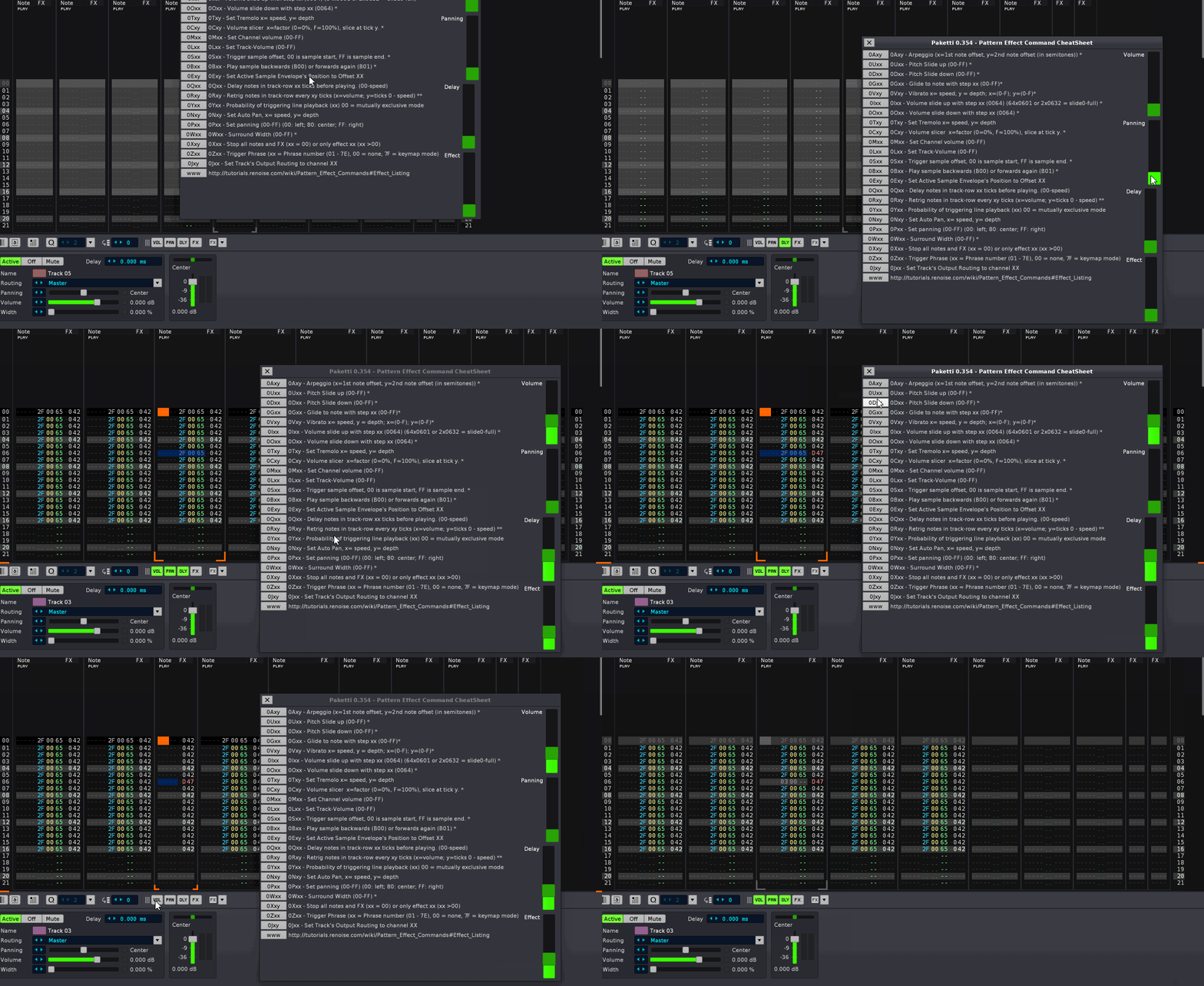
Feature: Paketti About page:
( closes https://github.com/esaruoho/org.lackluster.Paketti.xrnx/issues/291 )
Improvement: If you're on Modulation tab and run a shortcut to add a VST,VST3,AudioUnit,Native Device or LADSPA/DSSI device, then the view will change to Sample FX Tab. closes https://github.com/esaruoho/org.lackluster.Paketti.xrnx/issues/284
Improvement: "Isolate Slices to New Instruments" is now "Isolate Slices or Samples to New Instruments" -> meaning if your instrument has multiple samples, you can dump them to new instruments, with the Default XRNI instrument applied to each instrument.
closes https://github.com/esaruoho/org.lackluster.Paketti.xrnx/issues/246
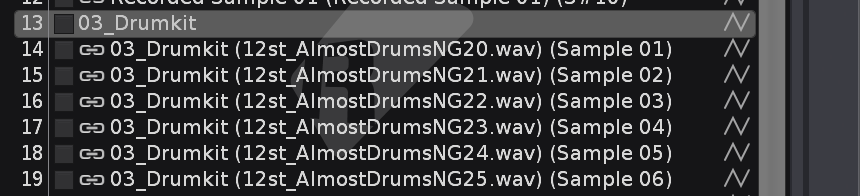
Improvement: Paketti Coluga Downloader will now automatically focus the "URL" textfield, meaning, for me, the workflow is CTRL-C (start Coluga), CMD-V (paste YouTube URL), press enter -> download starts
Improvement: It seems they lowered minimum BPM from 32 to 20.. So BPM +1/-1/+0.1/-0.1 will now go to 20BPM. closes https://github.com/esaruoho/org.lackluster.Paketti.xrnx/issues/306
Feature: "Select First Half of Sample Buffer" - this will select exactly half of the available sample buffer content in Sample Editor.
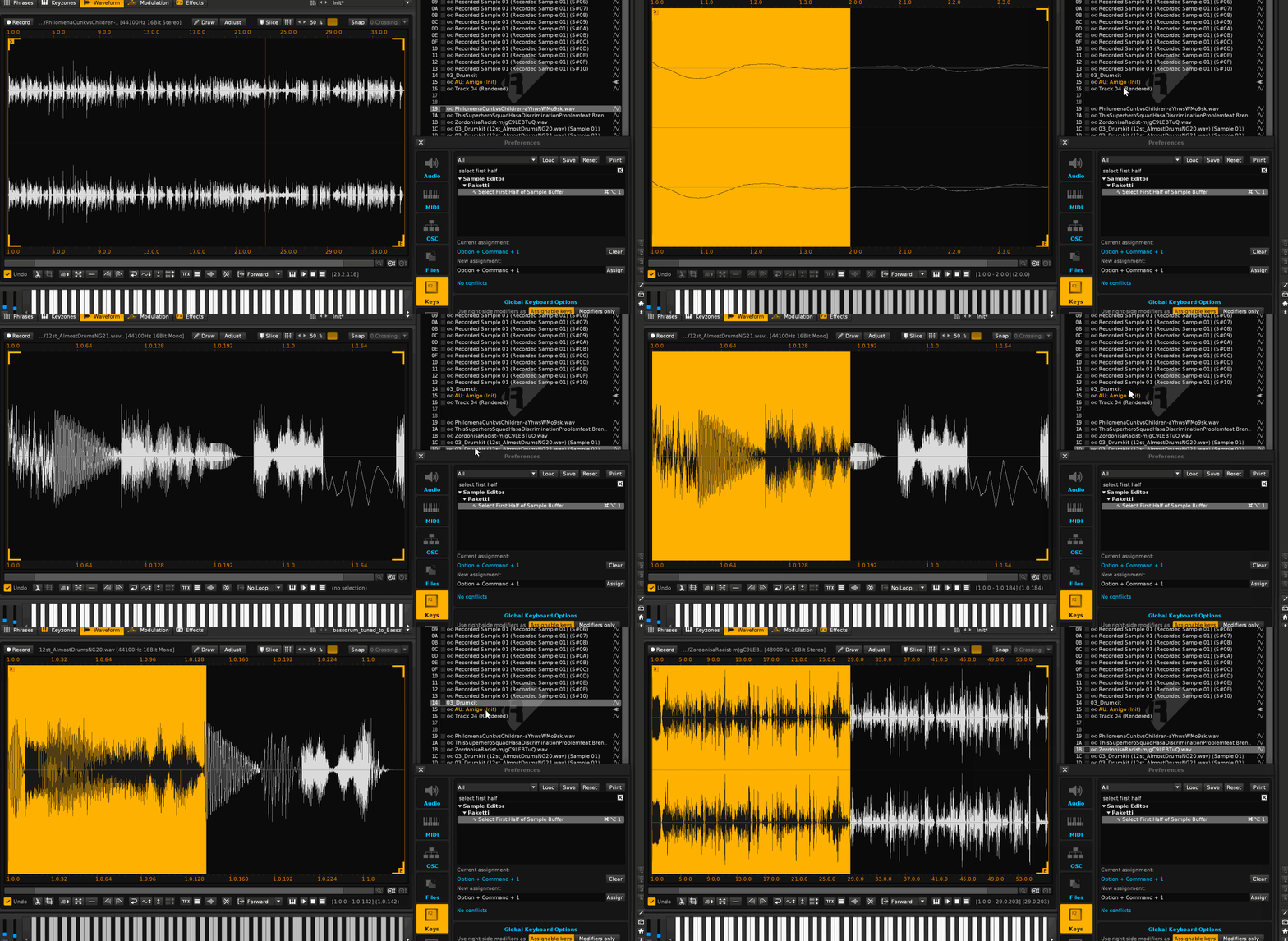
Improvement: "Select First Half of Sample Buffer" now has a counterpart, "Select Second Half of Sample Buffer".
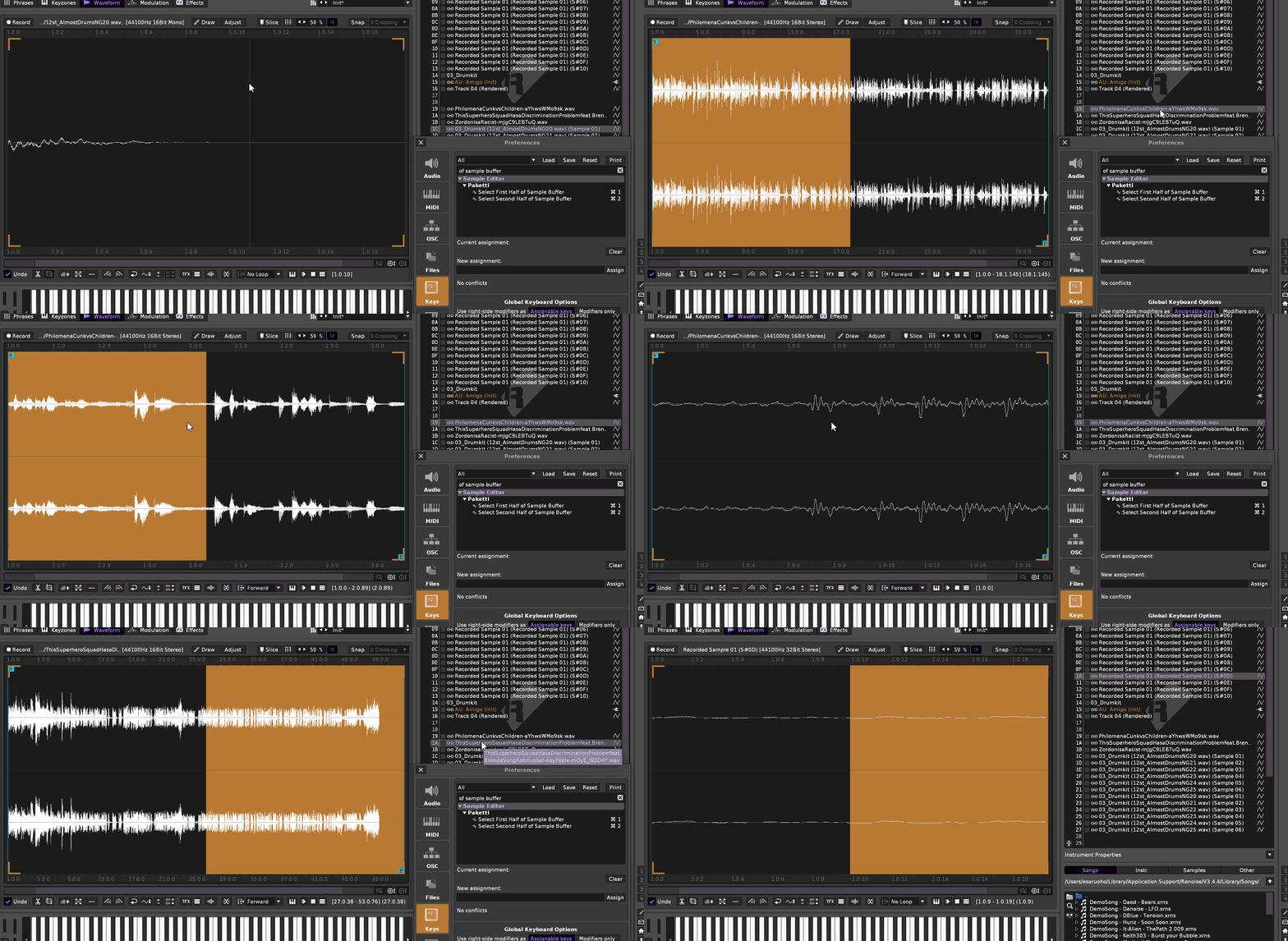
Improvement: Paketti eSpeak Text-to-Speech now:
Improvement: Pattern Editor Cheat Sheet
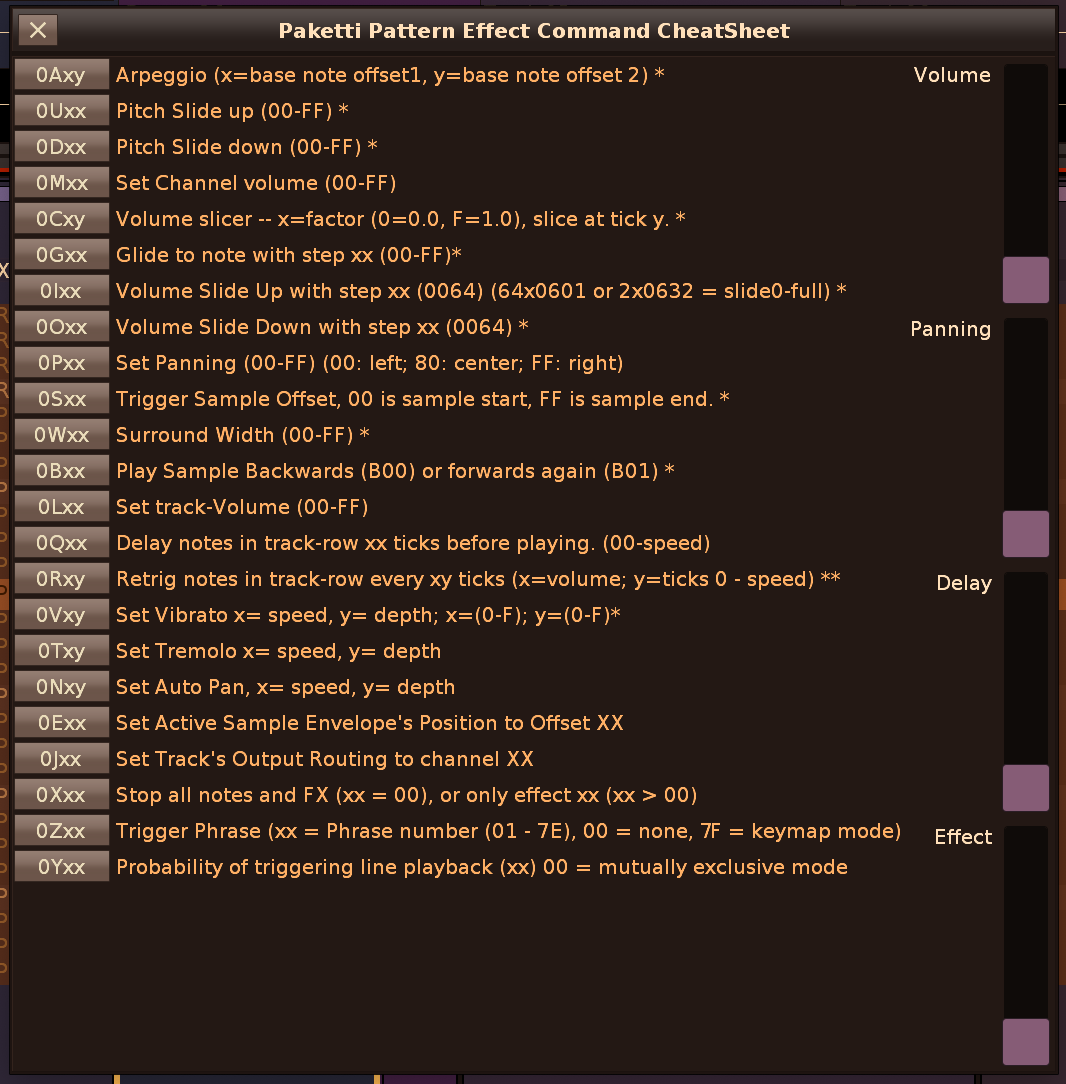
Improvement: Pattern Editor Cheat Sheet
added all missing effect commands from the "FX dropdown" in Renoise Pattern Editor.
tweaked the copywriting to conform to what FX dropdown says
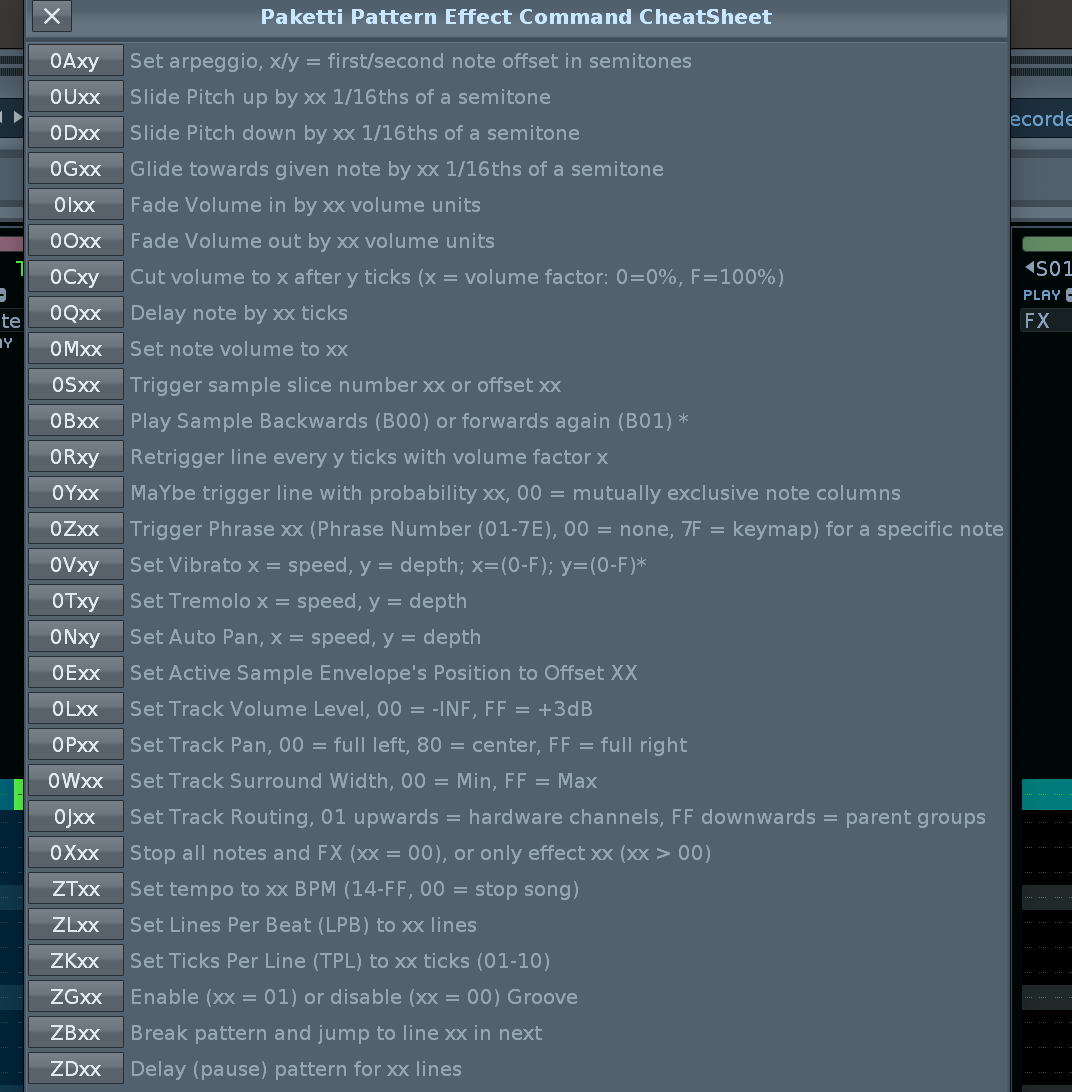
Improvement: Cheatsheet modified with.. randomize functions. hopefully this video will shed some light as to what is going on:
https://www.loom.com/share/978e659e038e432d873272b8a819b96c?sid=df8061c5-fef7-45a0-bb43-aa0333bbe66a
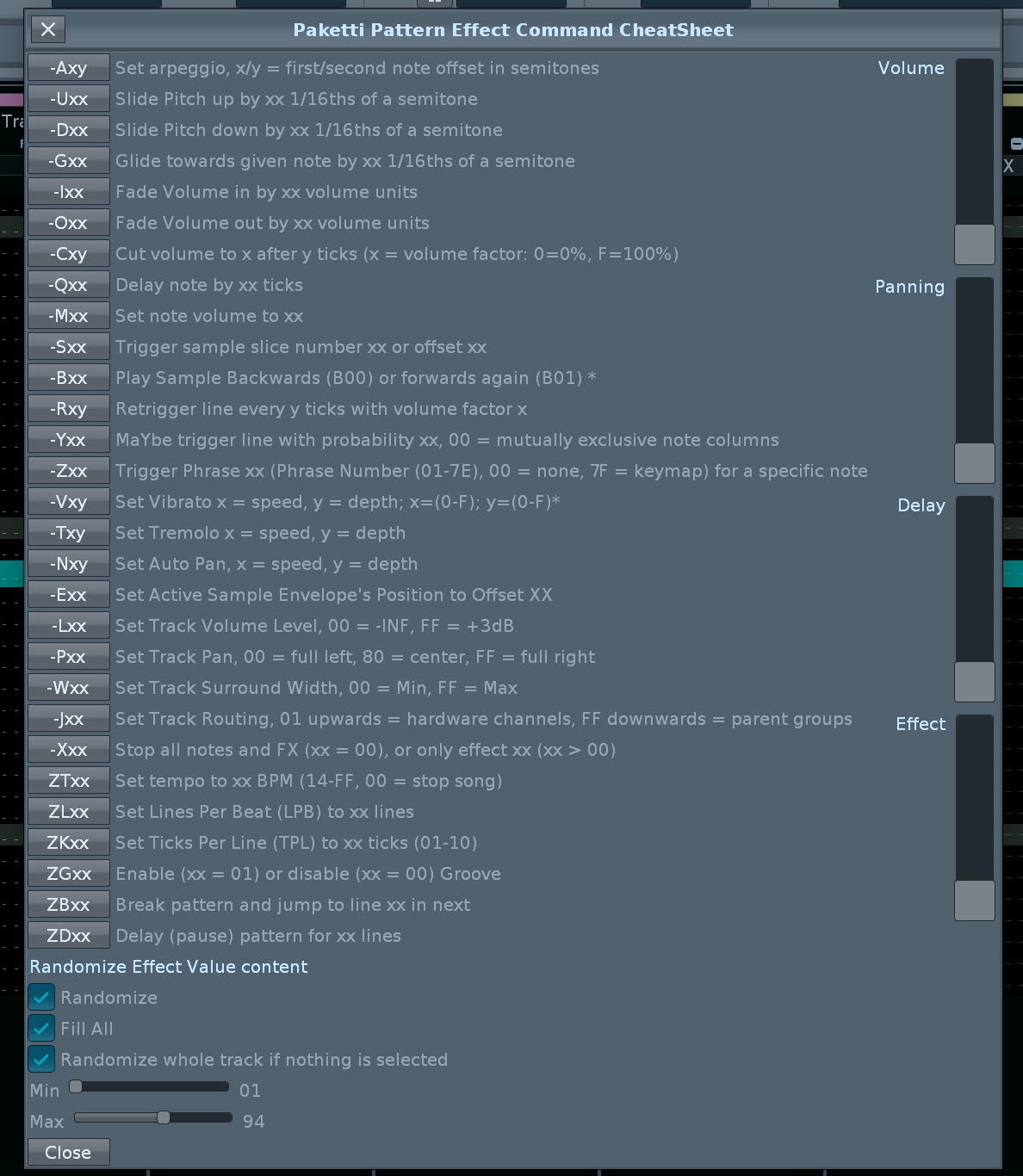
Improvement: CheatSheet randomize functions improvements:
(closes https://github.com/esaruoho/org.lackluster.Paketti.xrnx/issues/313 )
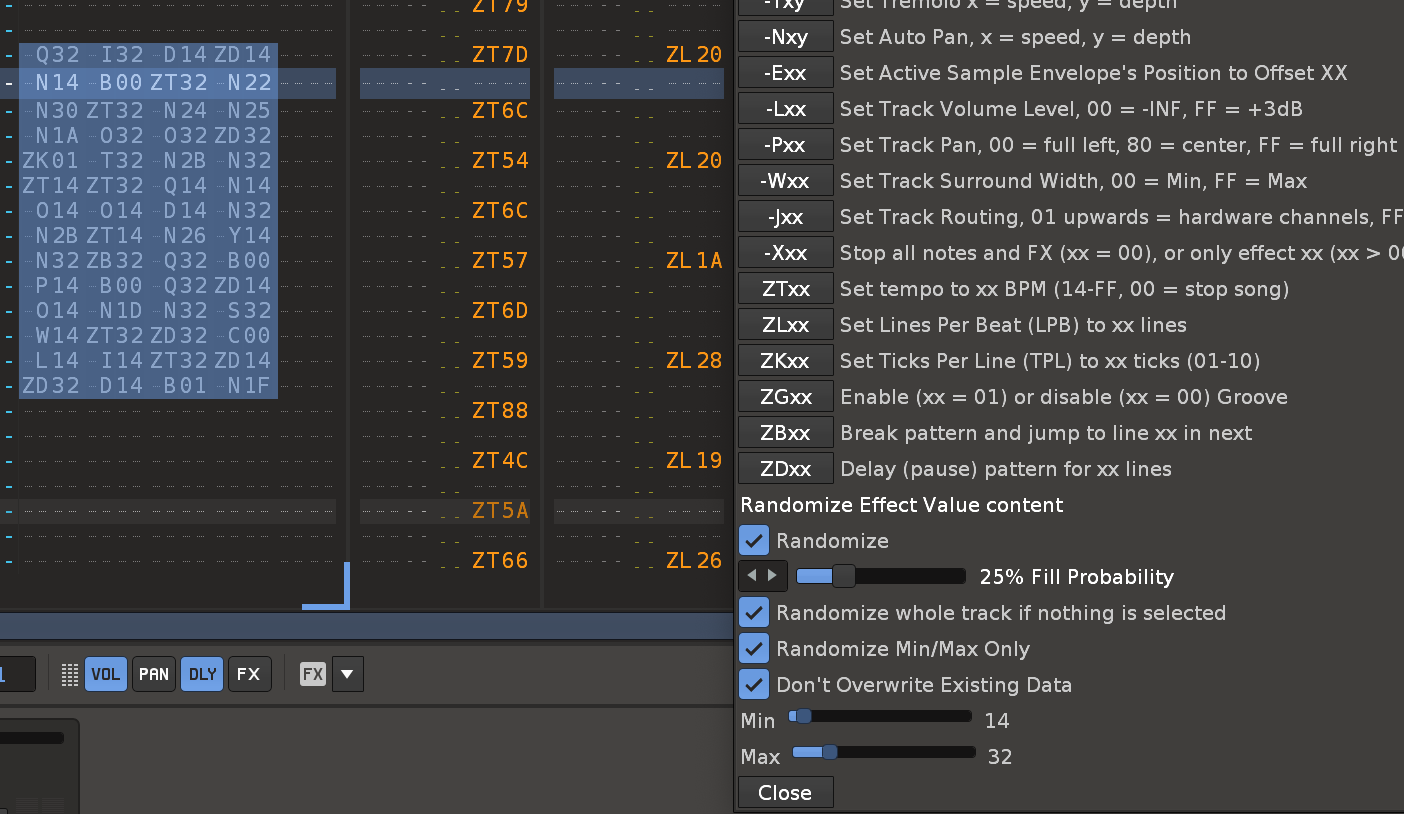
Feature: Paketti Gater
offers 16 steps for Volume, (C00 to C0F) and for Retrig (user can set the Retrig speed)
randomize features, shift left&right, imprint on volume column (volume/retrig), panning column (retrig), effect columns (volume/retrig)
clear checkboxes. ..
how it works: will fill the whole selected track with content, and you have 16 steps available, the length of which you can modify so that retrig could be 8 steps and volume could be 6 steps,.. and presets like all, every second, every third, every fourth.
can also receive the first 16 rows of volume, or retrig, to the checkboxes.
some screenshot examples:
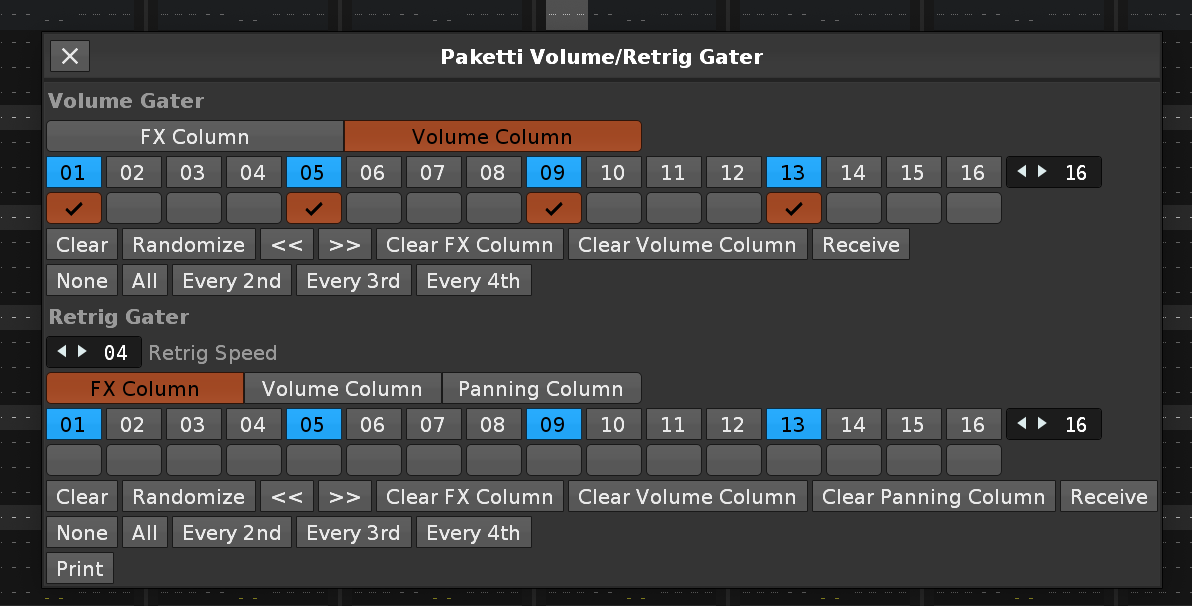
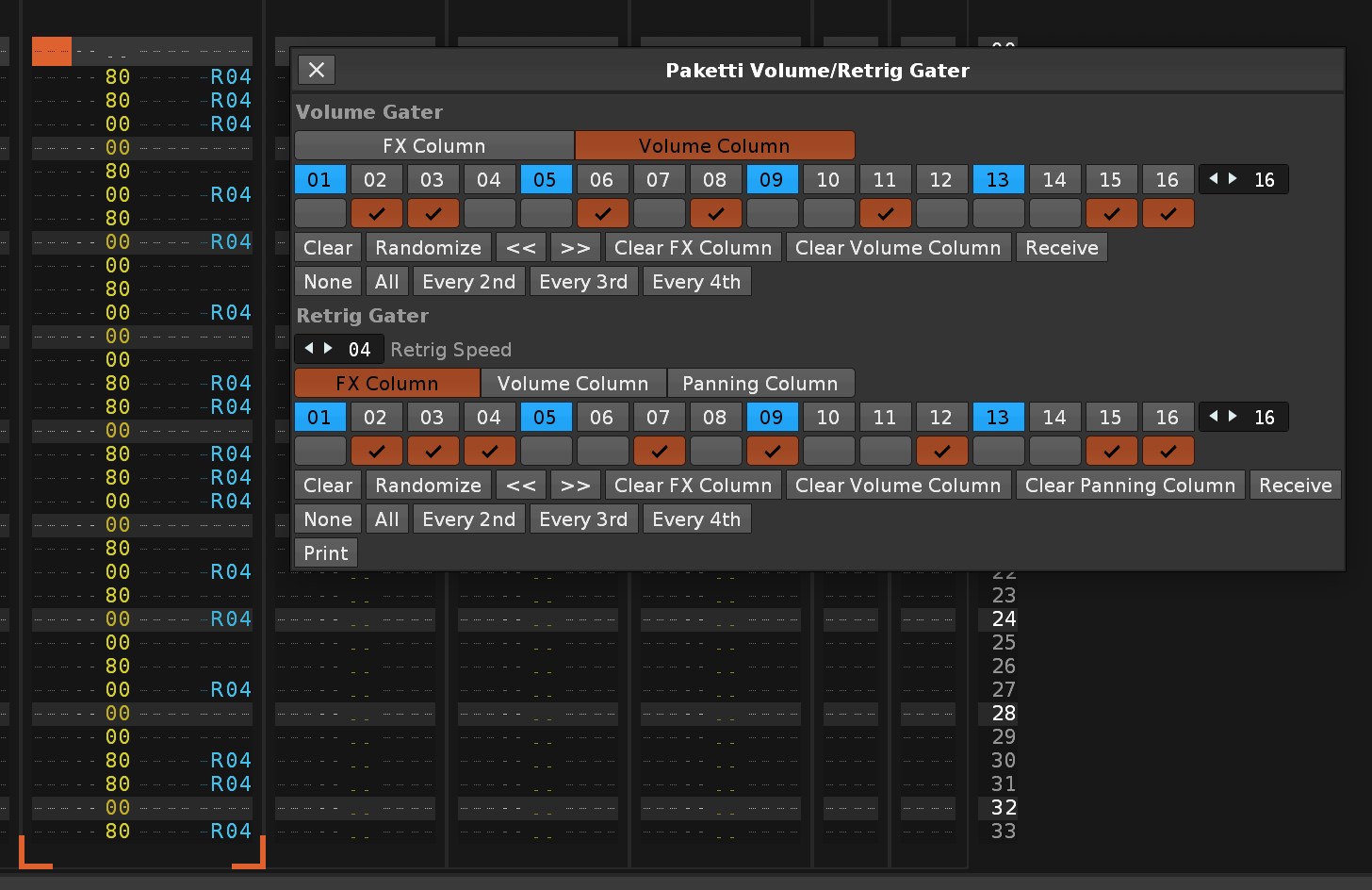
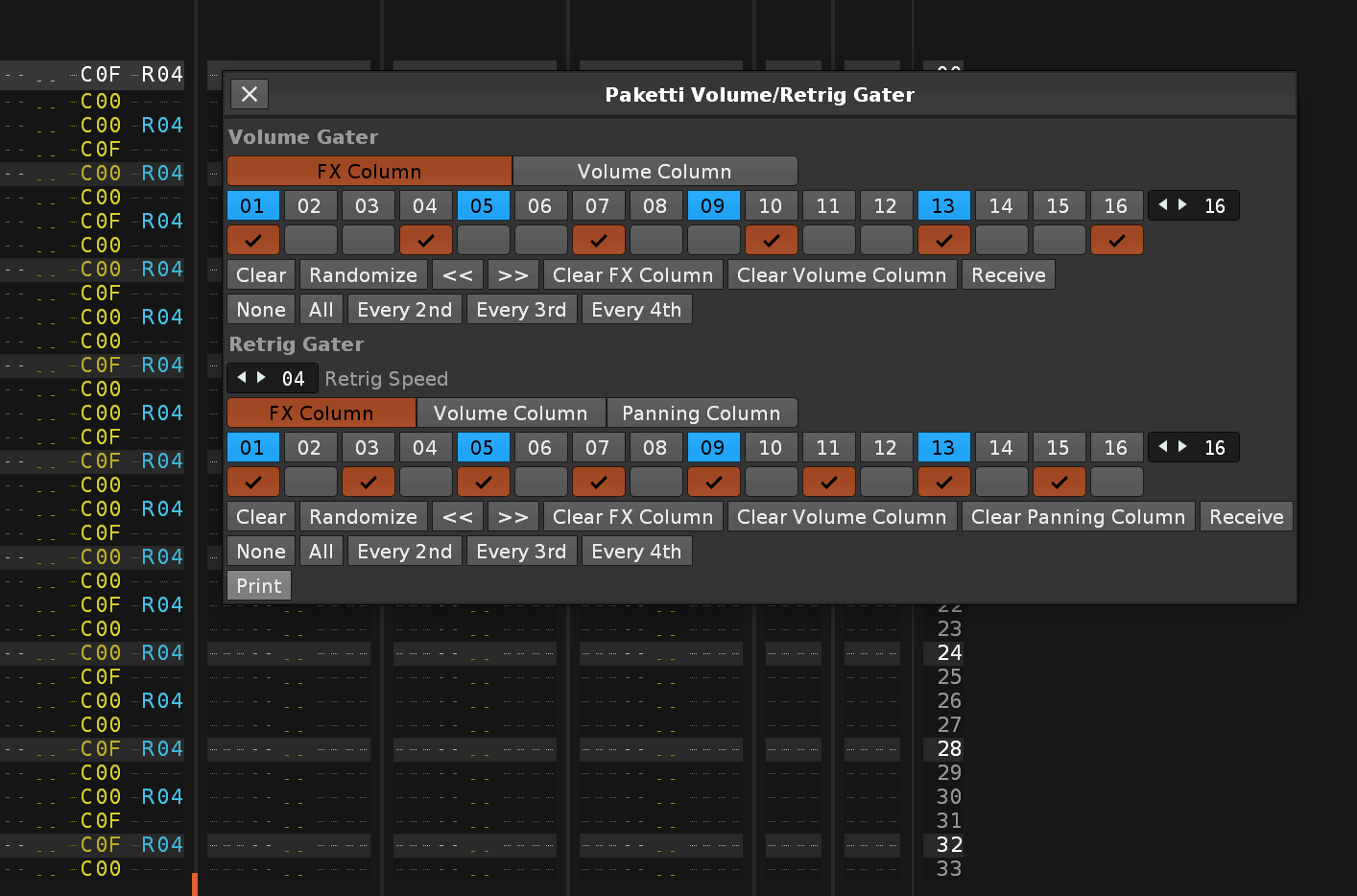
Feature: Flood Fill with Selection.
https://www.loom.com/share/147fab8a865e4b87af4850185620aae3?sid=191b0f48-7985-4603-b218-c77abbd84d87 select anything, effect columns, note columns, run flood fill with selection = result = pattern filled with content.
Feature: Selected Row to / Selection In Pattern Start -> circular rotate to first row. this means, if your cursor is on say row 6 and you trigger the shortcut, row6 becomes row1 and everything in row1-row5 goes to the end of the pattern. or if you have a selection, such as a couple of note columns and a couple of effect columns, and trigger the shortcut, then the first row in the selection is moved to the first row of the pattern.
https://www.loom.com/share/a3f55137bb4d46de9ccd81e76296fc60?sid=b7c8a4f5-9d76-46b9-9034-5bbbc5c73500
Feature: Oblique Strategies this fetches a random line from the official Oblique Strategies list and shows it either in a dialog, or on the statusbar.
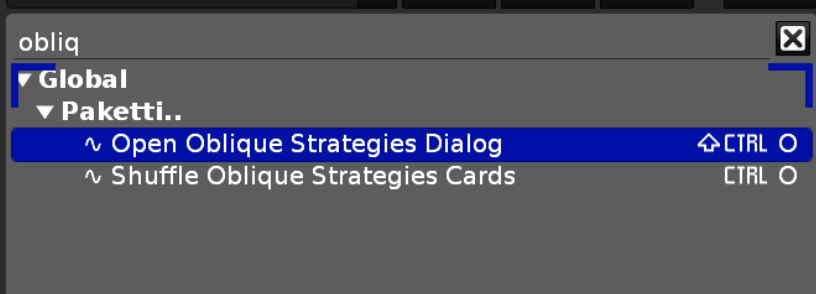
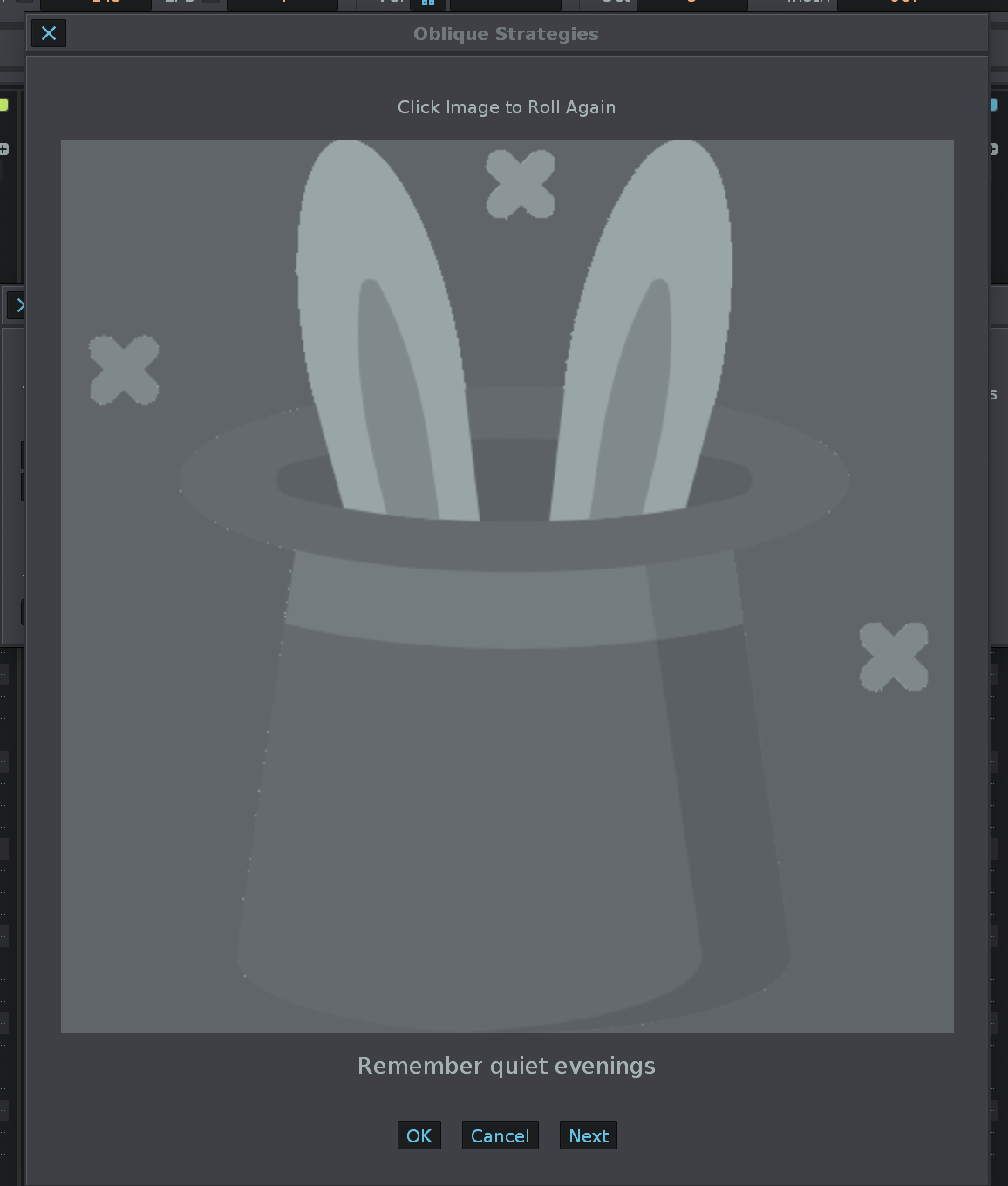
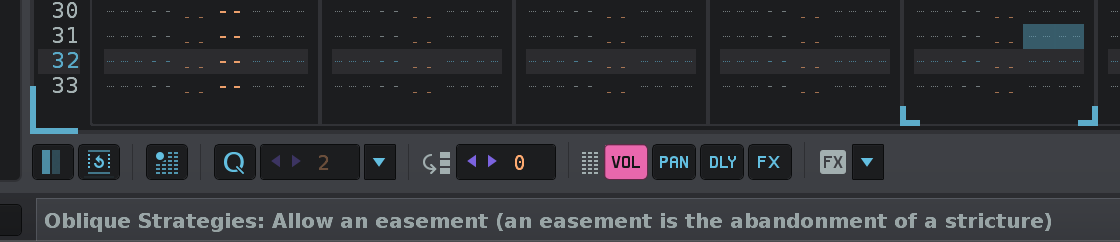
Feature: Paketti Dater & Titler - (Save Song As replacement)
https://www.loom.com/share/6d1b8cf98ee0471cb67156b6a98fa383?sid=73e989d0-b7ff-4f96-a538-264f67a18239
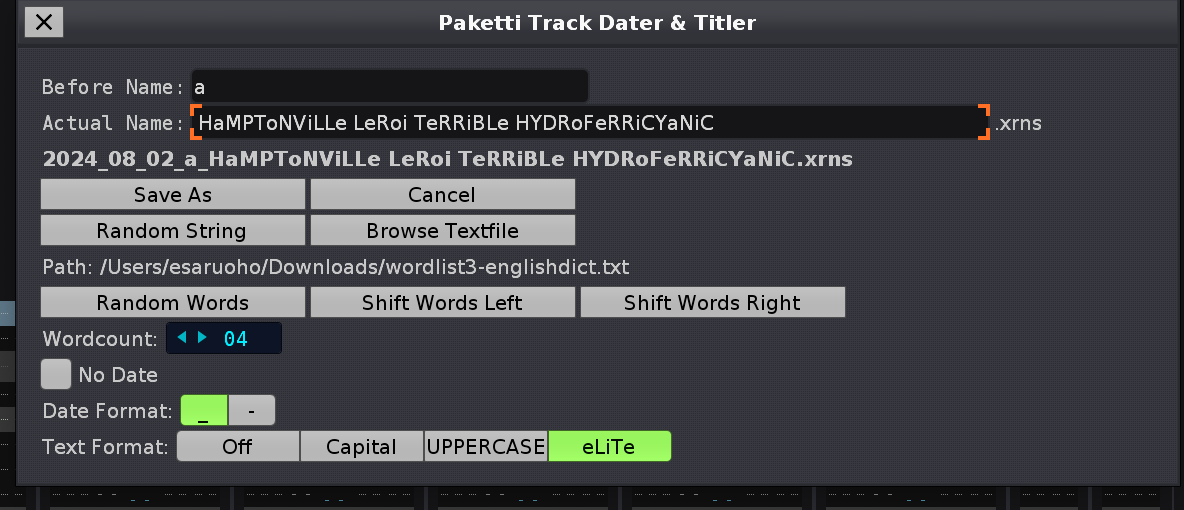
Improvement: Mixer: Load Native Device menu entry now shows both the renoise native devices and renoise hidden devices - instead of there being two menus (one with the name "Load Native Device" and the other "Load Native Device ") closes https://github.com/esaruoho/org.lackluster.Paketti.xrnx/issues/335
Improvement: "Duplicate and Reverse Instrument" is now available in the Instrument Box, Sample Editor and Pattern Editor closes https://github.com/esaruoho/org.lackluster.Paketti.xrnx/issues/331
Improvement: "Paketti Save sample as FLAC / WAV" now says that the file was successfully saved, and where closes https://github.com/esaruoho/org.lackluster.Paketti.xrnx/issues/329
Improvement: If you were in F4 view ( MIDI or Plugin frame ) and pressed F3 , nothing happened. fixed. closes https://github.com/esaruoho/org.lackluster.Paketti.xrnx/issues/323
Improvement: Naming of Delay +1 -1 +10 -10 - discoverability improvement:
closes https://github.com/esaruoho/org.lackluster.Paketti.xrnx/issues/333

Improvement: Double Beatsync Line & Halve Beatsync Line now has a total of 4 shortcuts. both for selected sample, and for all slices, or all samples. if there are slices, the 1st (original sample slot) will not be touched. if there's only samples, (all) will apply for all.
closes https://github.com/esaruoho/org.lackluster.Paketti.xrnx/issues/51
Improvement: Wipe Song & Retain Sample now supports Selected Slice -> if you select a slice and run the script, a new song is created with that slice retained. closes https://github.com/esaruoho/org.lackluster.Paketti.xrnx/issues/304
Feature: Paketti KeyBindings Dialog. Shows all the KeyBindings with Paketti. sort by path (Global, Sample Editor) can filter "unshortcutted" menu entry in main menu tools paketti.. but also in every instance (right-click on Mixer for instance to go to Paketti..: Show Keybindings
closes https://github.com/esaruoho/org.lackluster.Paketti.xrnx/issues/308
Improvement: Paketti KeyBindings Dialog:
NOTE: KeyBindings.xml is only saved when Renoise is closed - so this is not a realtime / updatable Dialog. Make changes, quit Renoise, and relaunch this Dialog) 
Plumbing: Removed all Paketti..: shortcuts (should be Paketti:
Feature: Renoise KeyBindings Dialog:
shows all KeyBindings in Renoise.
you can only show tools, or show without tools.
search is fuzzier (for both Renoise + Paketti KeyBindings dialogs)
padding has been introduced to make it better looking.
Improvement: Paketti KeyBindings Dialog:
fuzzy search
padding for better readability
Improvement: 0G01 Loader no longer triggers every time you load a sample, even if Off (!!!).
Improvement: I've tweaked all the Midi Mappings to no longer fluctuate wildly ("Global:Paketti:Name" // "Global:Tools:Paketti:Name" // "Tools:Paketti:Name" // "Tools:Name" //). now they're either Paketti:Name or Context:Paketti:Name.
closes https://github.com/esaruoho/org.lackluster.Paketti.xrnx/issues/342
Improvement: Wipe&Create Slice renamed to Wipe&Slice - better conforms to what the Paketti Preferences calls it.
closes https://github.com/esaruoho/org.lackluster.Paketti.xrnx/issues/352
Improvement: Impulse Tracker shortcut naming convention is now Impulse Tracker <keyshortcut> featurename
and "Set Selection to Instrument (Protman)" has been renamed to Impulse Tracker ALT-S Set Selection to Instrument for better discoverability.
closes https://github.com/esaruoho/org.lackluster.Paketti.xrnx/issues/346
and https://github.com/esaruoho/org.lackluster.Paketti.xrnx/issues/345
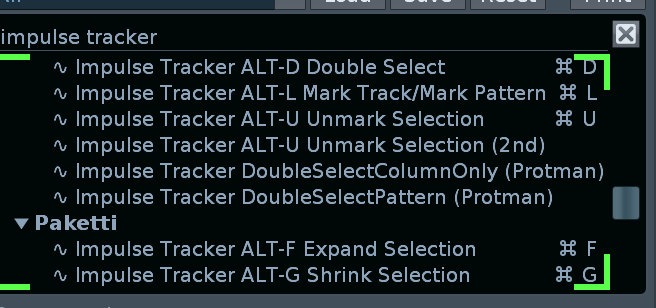
Feature: "Insert Stereo -> Mono to Master Track"
closes https://github.com/esaruoho/org.lackluster.Paketti.xrnx/issues/350
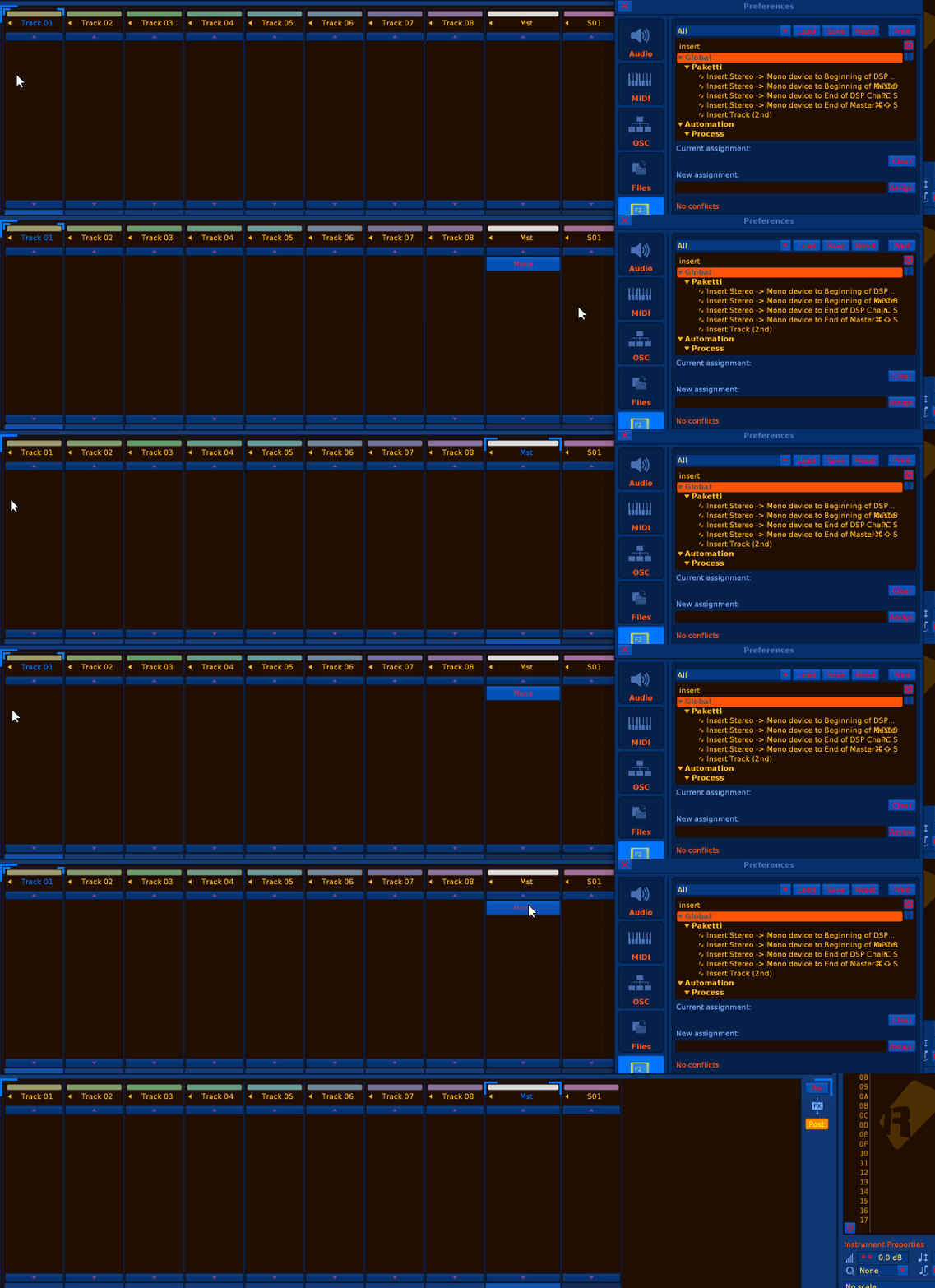
Feature: Paketti Midi Mappings dialog. This shows all the Midi Mappings created by Paketti. if you also open the CMD-M Midi Mappings Dialog and enter the Extended mode, clicking on the button selects the Midi Mapping and you can press a button, twist a knob or move a slider to assign that. fastest way to onboard yourself into the features Paketti introduces. I've also tweaked the namings of all the midimappings, and grouped them accordingly.
https://www.loom.com/share/ad75ebed54234085965675a1c4649726?sid=7ad37178-855d-4b9e-af35-7594afdc09fe
Closes https://github.com/esaruoho/org.lackluster.Paketti.xrnx/issues/262
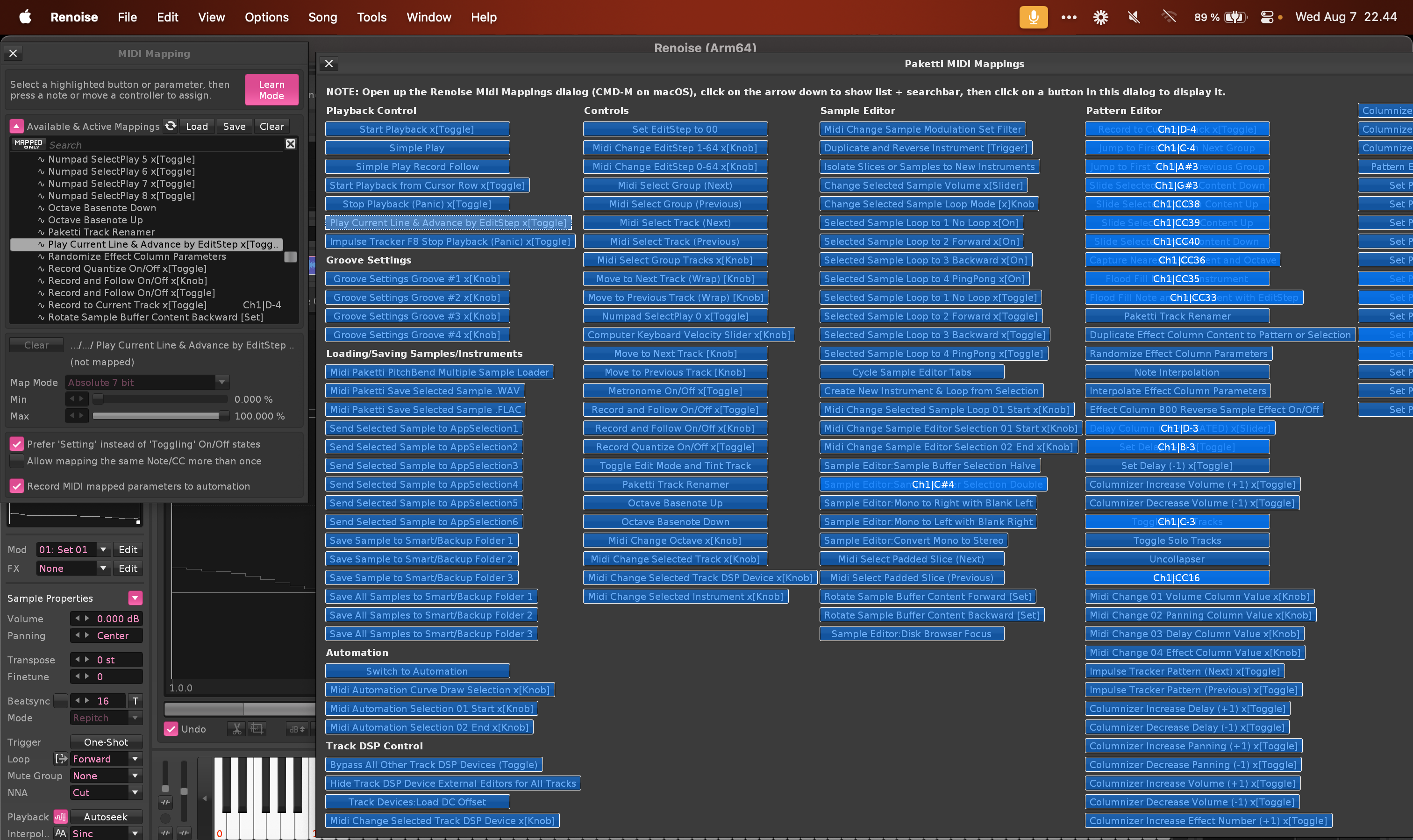
Improvement: "Duplicate Instrument and Reverse" would break if instrument had slices. now no longer. - now it reverses the first sample and the slices are maintained.
Improvement: "Duplicate Instrument and Reverse" now handles each slice setting separately and works. closes https://github.com/esaruoho/org.lackluster.Paketti.xrnx/issues/332
Feature: Strip Silence shortcut - this will take the currently selected sample, and strip silence from beginning and from the end. some examples in the gif.
this might help with drumloops.
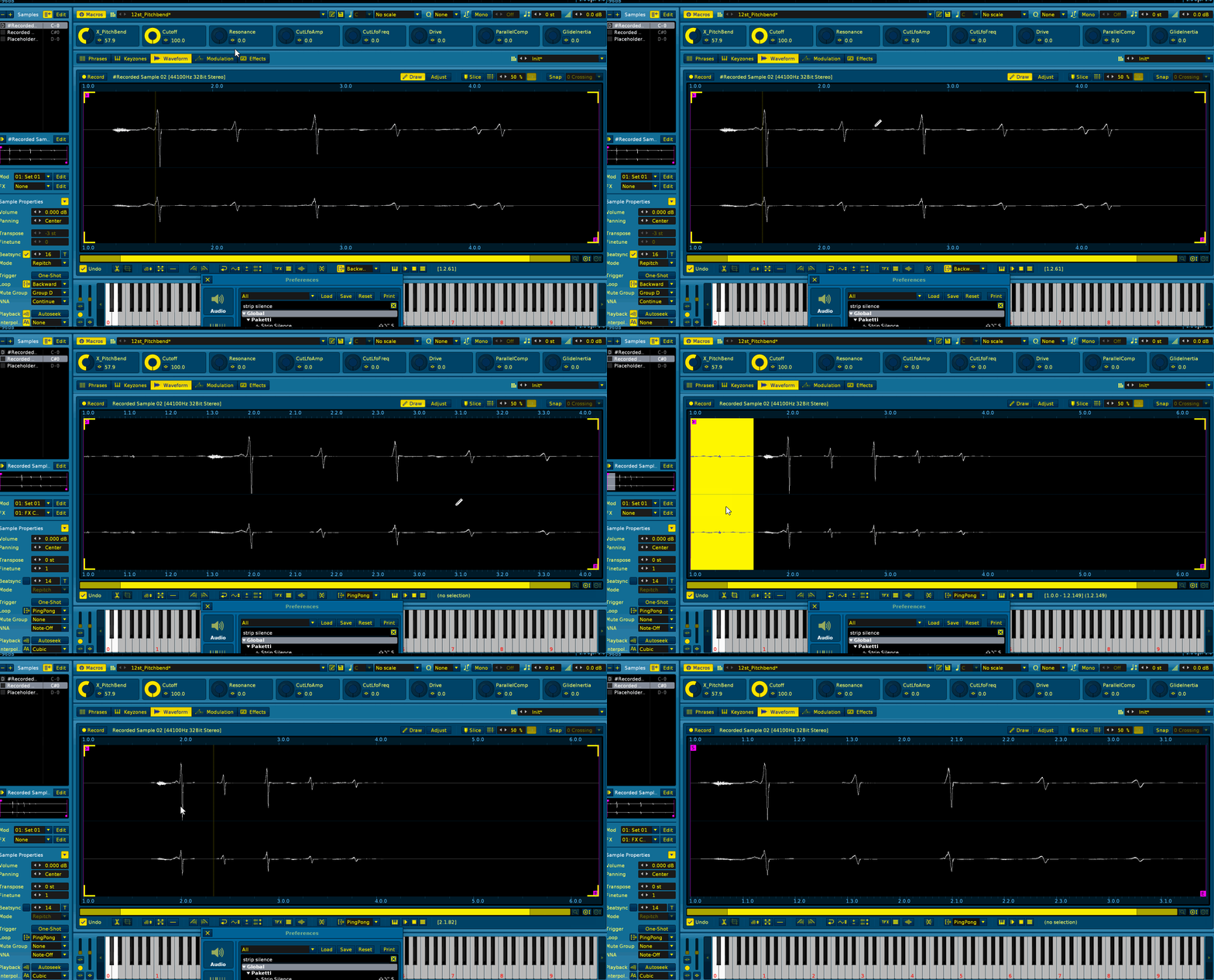
Improvement: Strip Silence now has Strip Silence Threshold - "some sort of threshold"..
closes https://github.com/esaruoho/org.lackluster.Paketti.xrnx/issues/48#issuecomment-2275323680
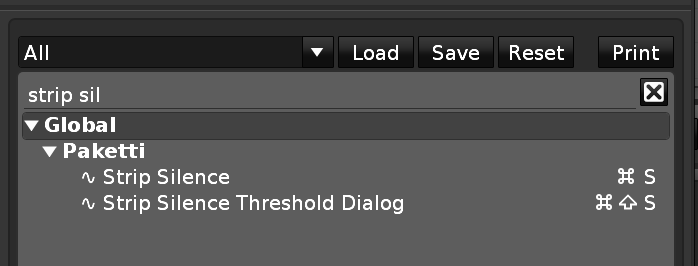
Feature: Move Beginning Silence to End
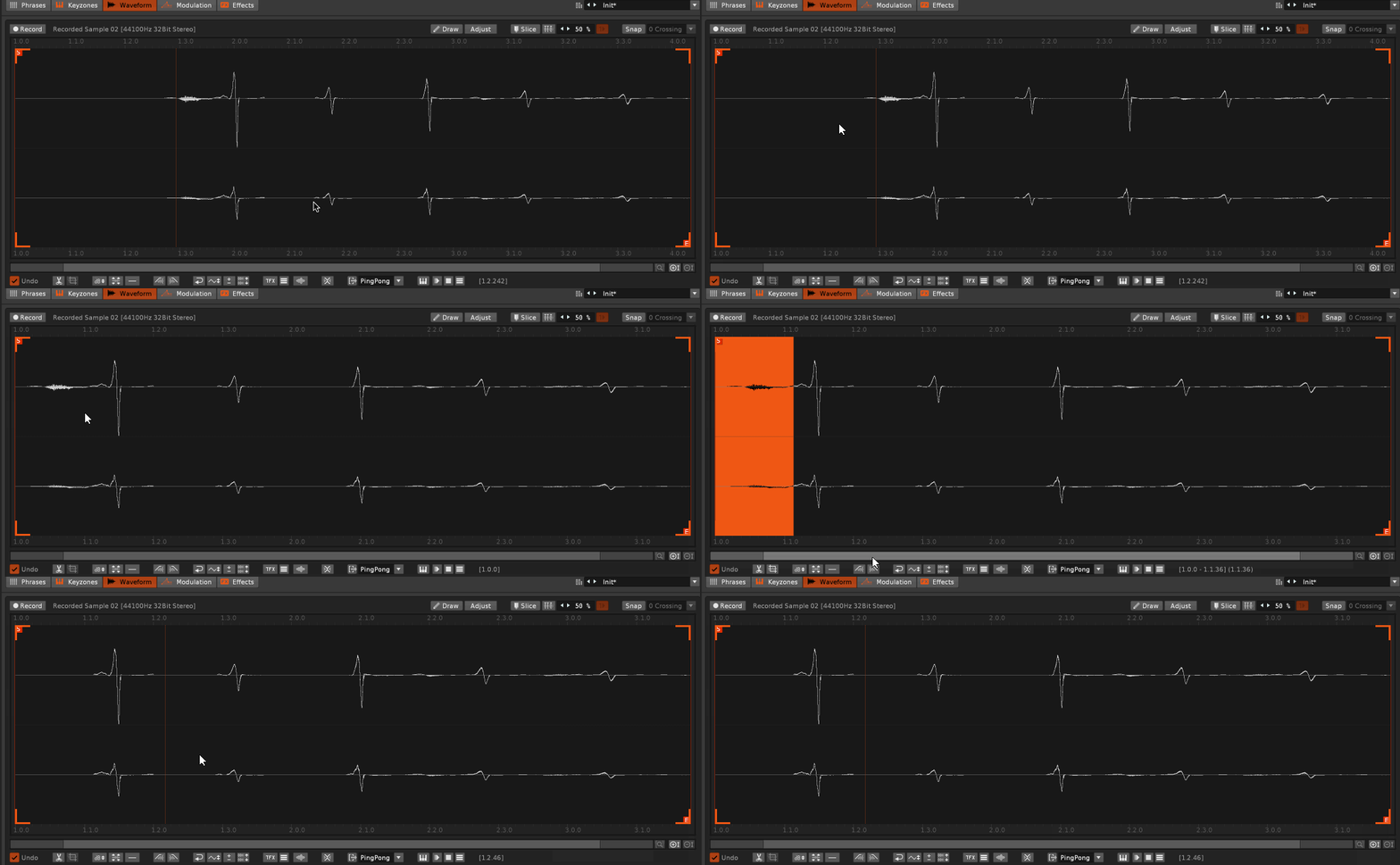
Feature: Rotate Sample Buffer Content Backward / Forward:
i believe this lets me close these:
https://github.com/esaruoho/org.lackluster.Paketti.xrnx/issues/228
https://github.com/esaruoho/org.lackluster.Paketti.xrnx/issues/148
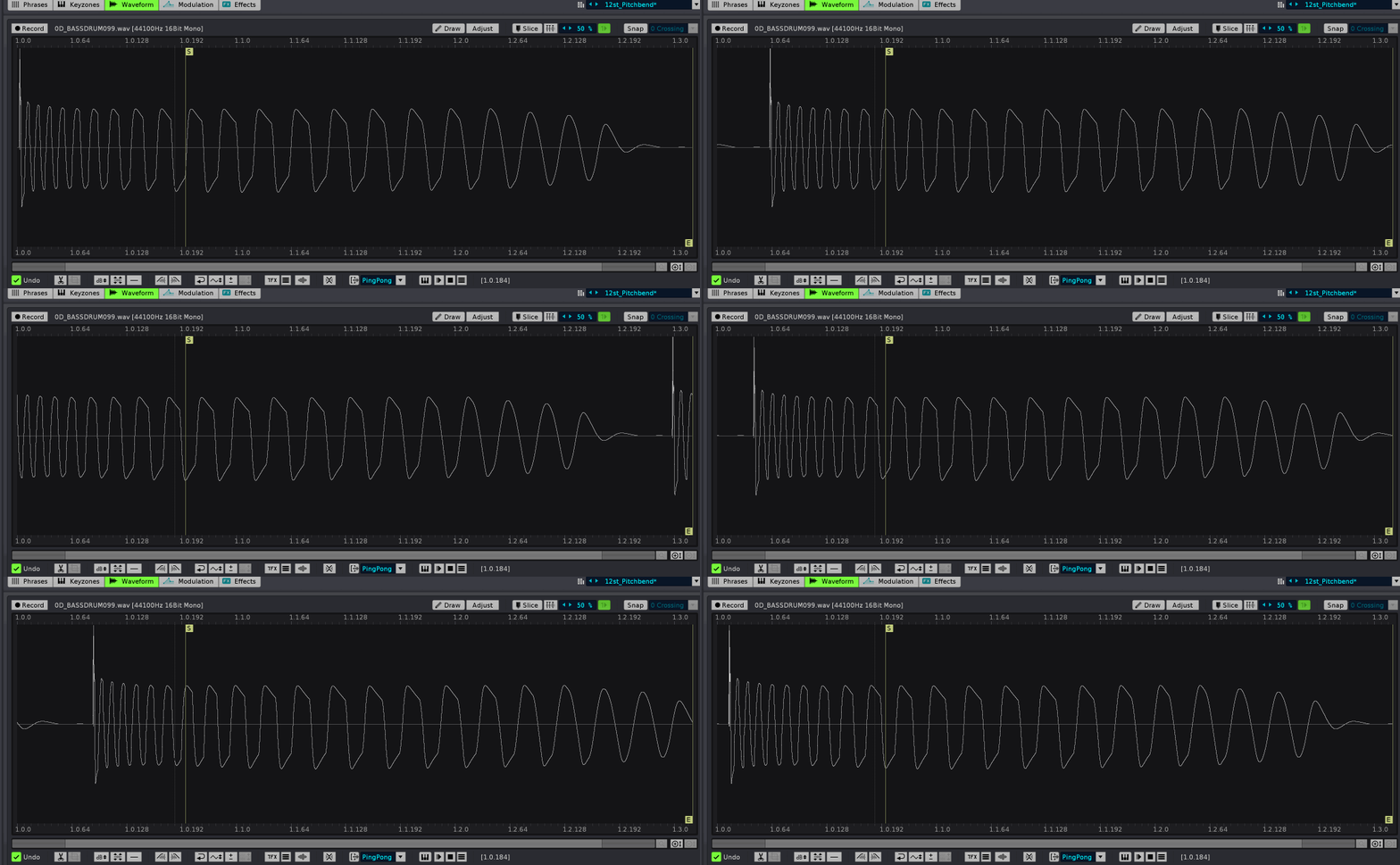
Feature: Paketti Clean Render Track or Group with LPB*2
Ok, so what this does is pretty much identical to Paketti Clean Render - except.. right after it diskwrites, it writes current BPM + LPB to Master of current pattern then it clones the pattern, increases LPB by *2 (so 4 -> 8), and writes BPM + LPB to Master of the new cloned pattern, which non-destructively replaces the original_pattern, and then puts in the sample onto the new track. closes https://github.com/esaruoho/org.lackluster.Paketti.xrnx/issues/65
Feature: MidiMapping for EditStep Double + Halve: closes https://github.com/esaruoho/org.lackluster.Paketti.xrnx/issues/92
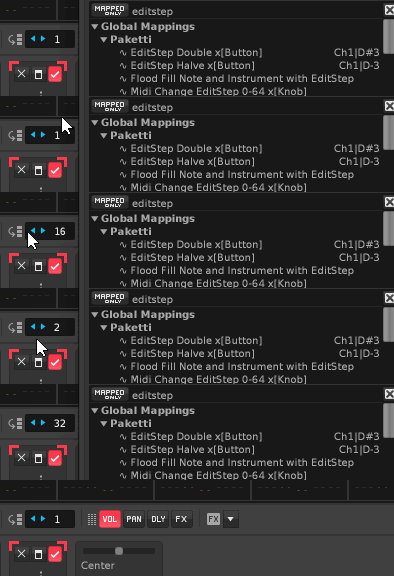
Improvement: EditStep Halve + EditStep Double added to Paketti MidiMappings dialog
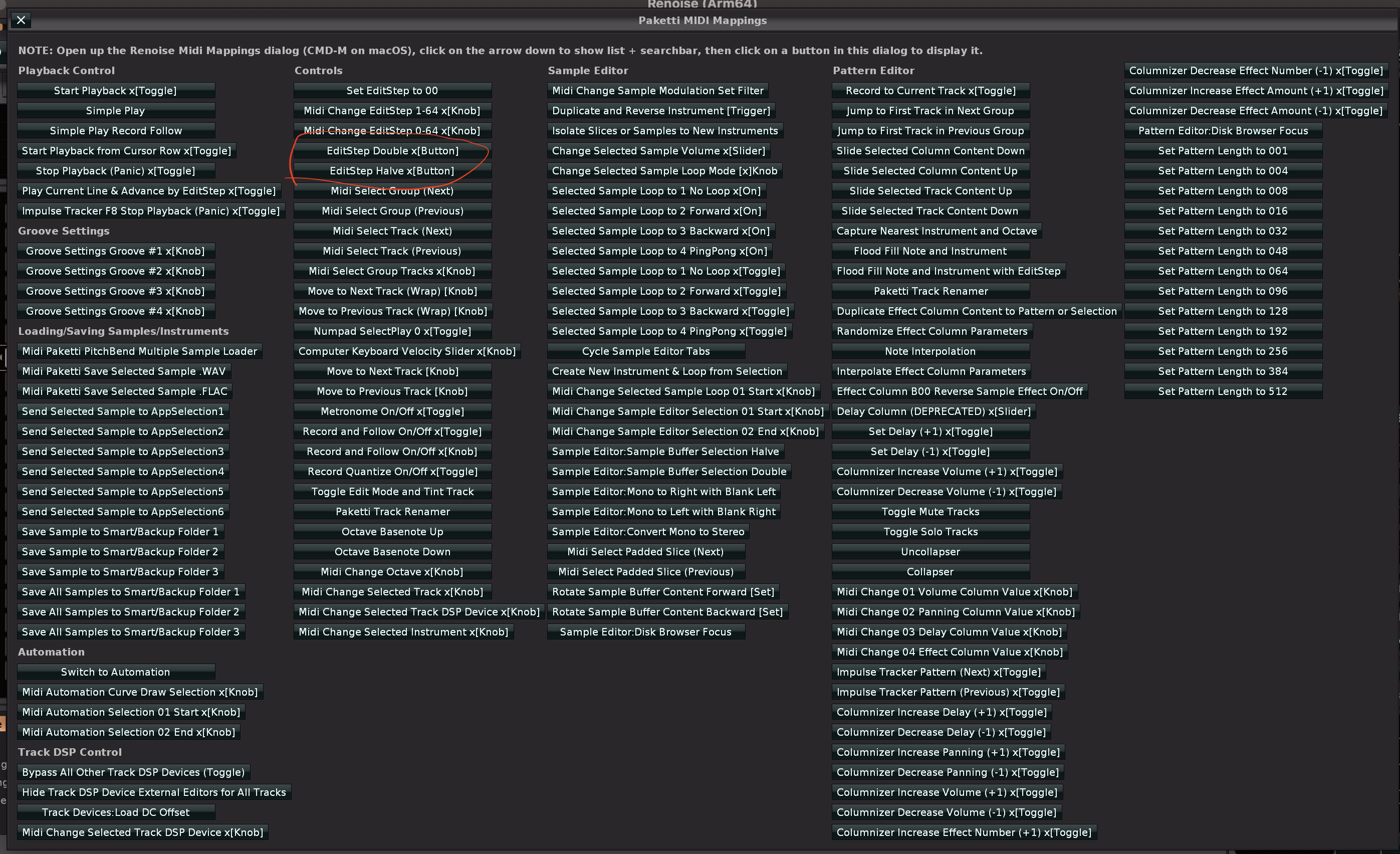
Improvement: now all Plugin, VST, VST3, AudioUnit, Native Device loaders will work properly with Midi Mapping - meaning, a pad will trigger it once - instead of loading the same thing twice (!) closes https://github.com/esaruoho/org.lackluster.Paketti.xrnx/issues/173
Improvement: Create New Instrument & Loop MidiMapping now triggers once instead of twice
Improvement: "Midi Select Track (Next)" & "Midi Select Track (Previous)" now triggers once instead of twice (and no longer need you to hammer a midipad at 127 velocity to happen 🙂
Improvement: "Midi Select Group (Next)" & "Midi Select Group (Previous) now trigger once with the press of midipad, and no longer capped to "must be velocity 127 to work"
Improvement: Midi Trigger fixes:
Impulse Tracker F5 Start Playback x[Toggle]
Impulse Tracker F8 Stop Playback (Panic) x[Toggle]
Switch to Automation
Impulse Tracker Pattern (Next) x[Toggle]
Impulse Tracker Pattern (Previous) x[Toggle]
Wipe&Slice 004-128 x[Toggle] (all 6 of them)
Paketti:Metronome On/Off x[Toggle]
Paketti:Uncollapser
Paketti:Collapser
Paketti:Show/Hide Pattern Matrix x[Toggle]
Paketti:Record Quantize On/Off x[Toggle]
also renamed Start Playback to Impulse Tracker F5 Start Playback for easier discoverability, also Wipe & Create Slices to Wipe&Slice so it matches the other places.
Improvement: Global:Paketti:Selected Instrument Midi Program +1 (Next) & Global:Paketti:Selected Instrument Midi Program -1 (Previous) now map from 0...128 meaning you can select "Off" in addition to 1...127
Improvement: these now work with triggers
Paketti:Play Current Line & Advance by EditStep x[Toggle]
Paketti:Record and Follow x[Toggle]
Paketti:Impulse Tracker F7 Start Playback from Cursor Row x[Toggle]
Paketti:Stop Playback (Panic) x[Toggle]
Paketti:Set Delay (+1) x[Toggle]
Paketti:Set Delay (-1) x[Toggle]
more updates coming
Feature: NumPad SelectPlay 0-8 now works with MidiMappings (single trigger, not double trigger). what this does is, you can play instrument slots 00 to 08 with pads. why is it called NumPad? Because there's also a version for NumPads. NOTE: this will NOT play the sample. it WILL however record to the pattern. if you have a quick pattern running, you can tap in beats and keep tapping in more beats. it will input a note to "current row". the note will always be C-4. while it is of course possible to fingerdrum a singular instrument's drums, this is for fingerdrumming instruments 00 to 08.
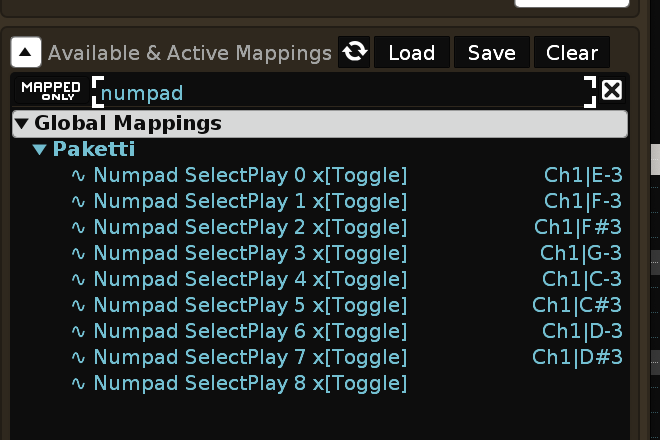
Improvement: NumPad SelectPlay 0-8 will now warn the user to select a note column, if on effect column.
Improvement: MidiTrigger singular fix:
Paketti:Capture Nearest Instrument and Octave
Paketti:Simple Play
all Columnizers
also renamed the Columnizers for better discoverability
also fixed Columnizer Effect Amount / Effect Number Increase Decrease to not error out if you're on Note Column instead of Effect Column.
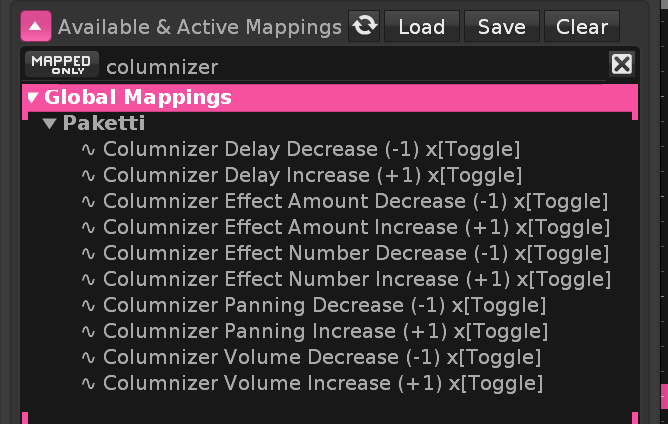
Improvement: added "Midi Paketti PitchBend Drumkit Loader" midimapping (and more "Trigger once only" things)
Improvement: Paketti Gater now has LPB*2 and LPB/2 buttons for Clone Current Pattern and set LPB*2 and Clone Current Pattern and set LPB/2
what these do, is, print current LPB + BPM to current pattern.. then if you run LPB*2 , it makes an identical copy of the same pattern, selects the new pattern, prints LPB*2 and BPM to the pattern. LPB/2 does the LPB halving so LPB4 becomes 2.
Also, Print now writes to the amount of rows in the pattern, instead of only writing to 64 rows of the pattern.
Improvement: Paketti Gater now will output L00 & LC0 - in case you want to flip the mixer volume instead of sample volume.
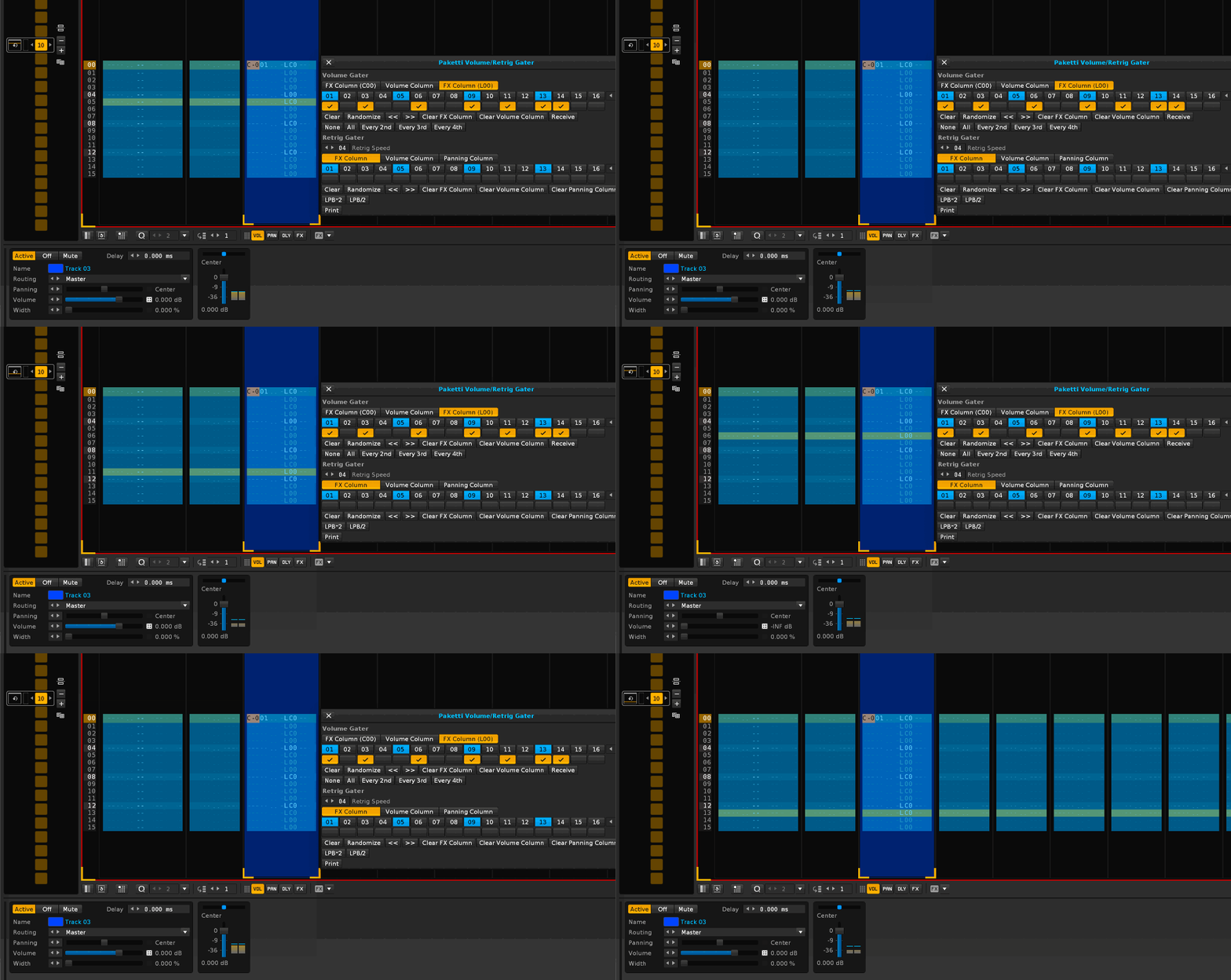
Improvement: Clear FX Column would not clear L00/LC0 columns. now it clears them. if you resize the pattern while dialog is open, now the maximum amount of rows to be printed to will be set on every Print, instead of "set on start of dialog".
Improvement: Receive would receive volume or retrig stuff from where the cursor was, not from the beginning of the pattern. it now receives it from the beginning of the pattern.
Feature: Shift Sample Buffer Upwards / Downwards (MidiMapping)
Improvement: renamed these and added -INF dB. they now more clearly say it's all the samples in the instrument
Feature: Set Selected Instrument Volume 0.0dB / -INF dB.

Feature: Set Selected Instrument Volume +0.01dB / -0.01dB
Feature: Set Selected Sample Volume to 0.0dB and others to -INF dB
closes https://github.com/esaruoho/org.lackluster.Paketti.xrnx/issues/371

Improvement: better name

Improvement: Now references Global Volume name
Improvement: Set Selected Sample Volume 0.0dB, others -INF now has an informative showstatus
Feature: "Paketti Save Selected Sample Range .FLAC / .WAV" - basically just saves the selection in sample editor to a wav or flac using macOS Finder or Windows Explorer prompts. available in midimapping, keybinding and menu entry flavors.
p.s. the genesis of this is FastTracker 2! https://github.com/esaruoho/org.lackluster.Paketti.xrnx/issues/233
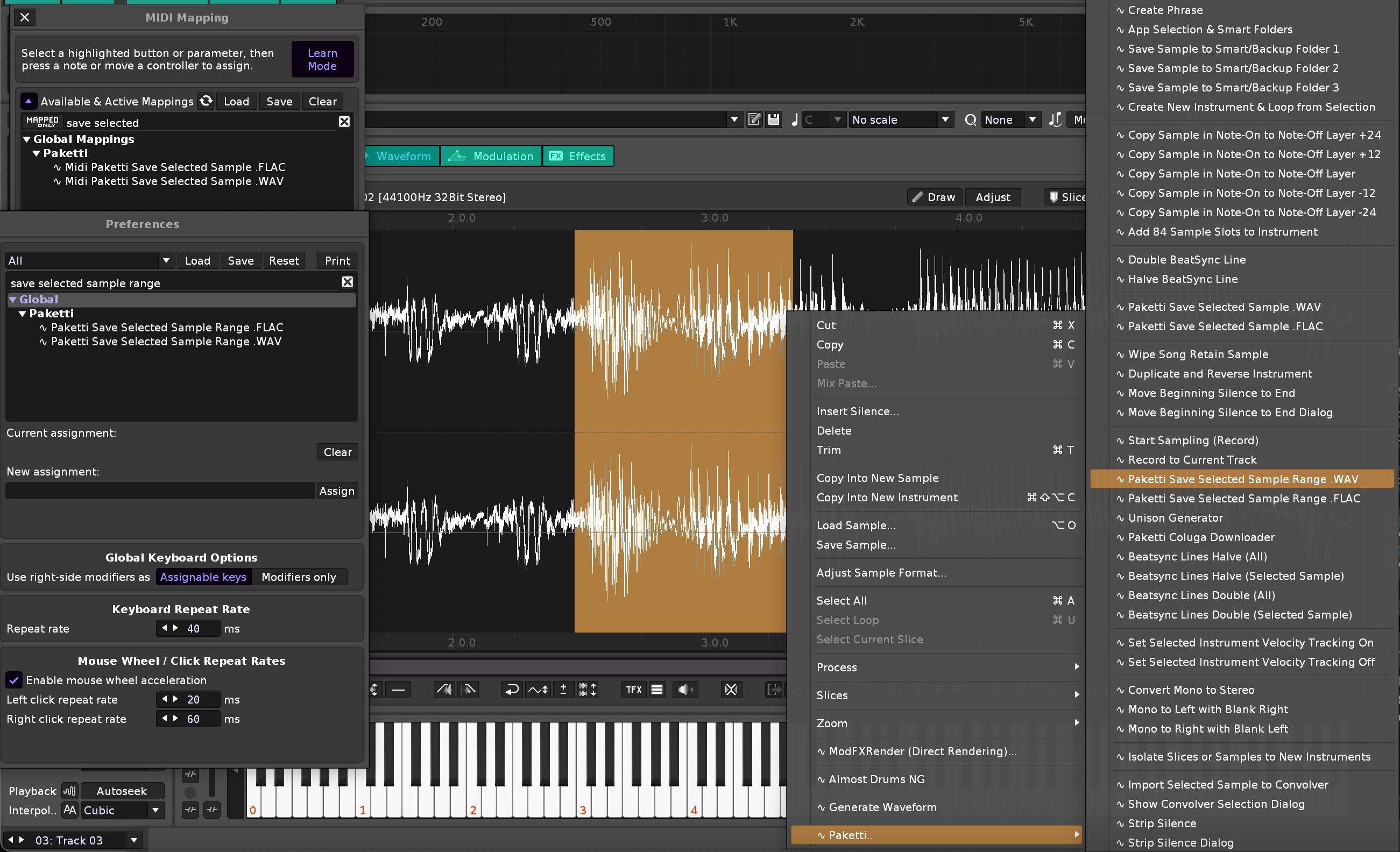
Improvement: CTRL-N "New Song Dialog" now has Track DSP Wipe/Keep.
wipes Track DSP devices from all tracks, groups, sends, master.
closes https://github.com/esaruoho/org.lackluster.Paketti.xrnx/issues/249
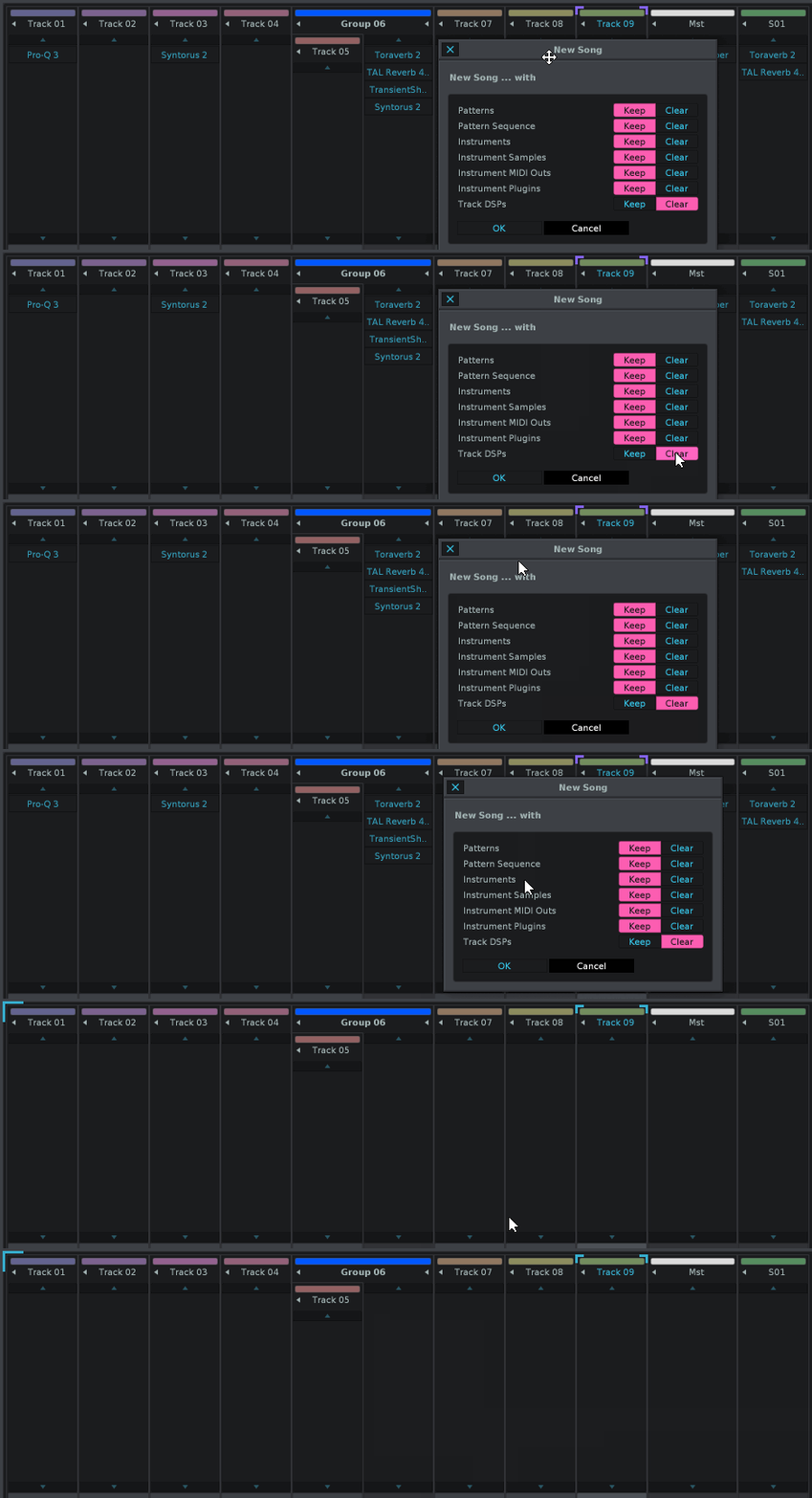
Improvements: Paketti Midi Mappings Dialog has been updated with additional tweaks and fixes and added midimappings
Feature: "FT2 Minimize Selected Sample" -> another FT2 port - this will remove the rest of the sample after LoopEnd.
shortcut + menu entry
closes https://github.com/esaruoho/org.lackluster.Paketti.xrnx/issues/232
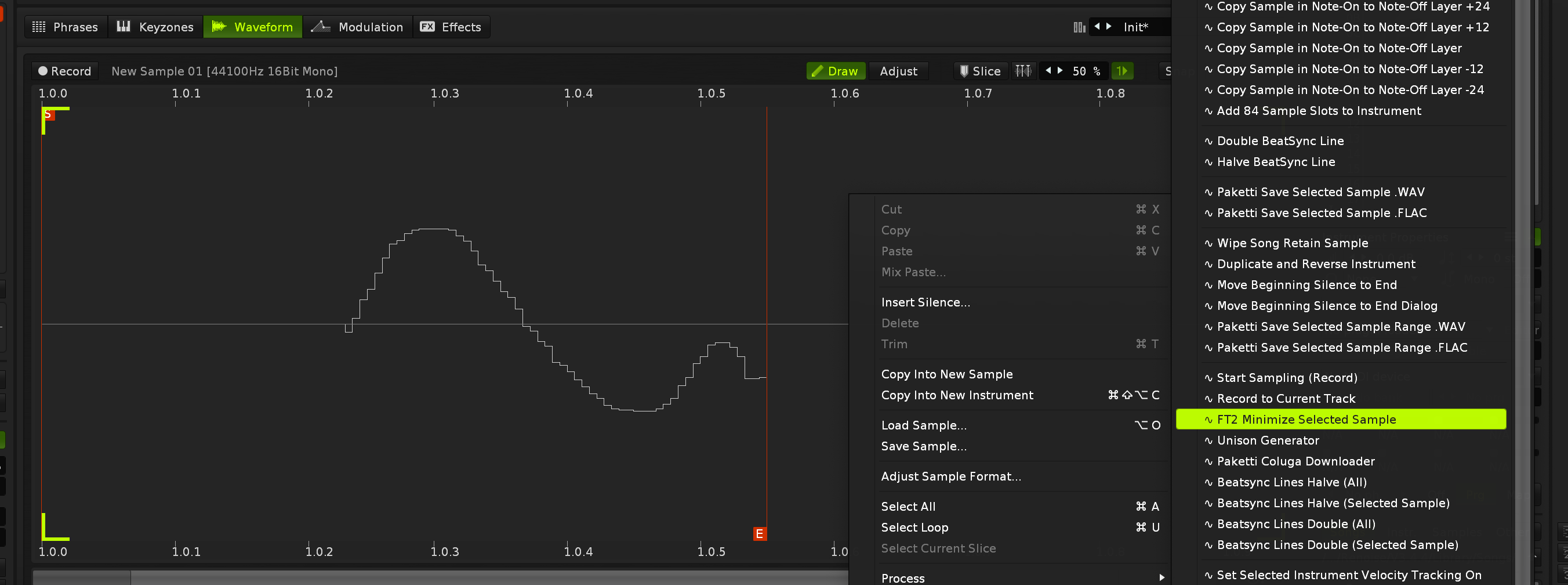
Improvement: Paketti DrumKit default instrument now has ParallelCompression and Glide Inertia
closes https://github.com/esaruoho/org.lackluster.Paketti.xrnx/issues/336
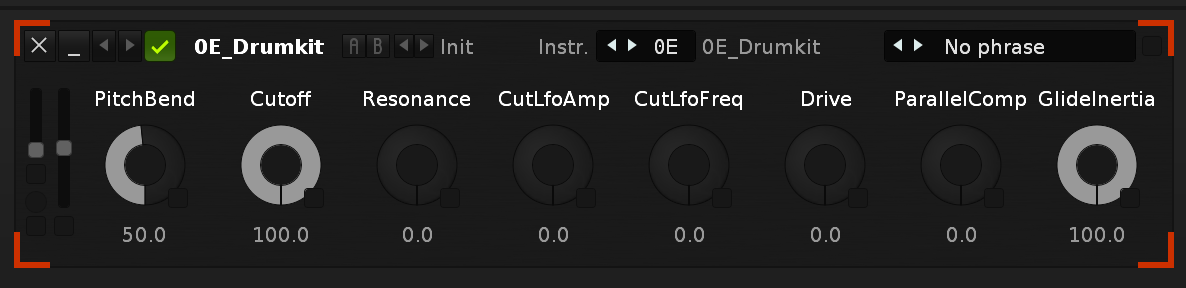
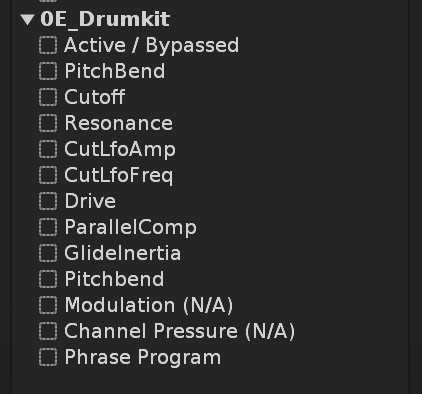
Improvement: if you're in Mixer with TrackDSP displaying and run "F12", it used to kick you from TrackDSP to Automation - now it correctly goes to Mixer, Master, TrackDSP. same with if you're in Sample Editor, Sample FX Chain, or Instrument pages (f3, f3, f4, f4) closes https://github.com/esaruoho/org.lackluster.Paketti.xrnx/issues/344
Improvement: if you're in Mixer without Upper Frame visible, pressing F3 would do nothing - now it goes to Sample Editor without requiring a second F3 press.
Improvement: All Plugin & Device loader dialogs now say "Add as Shortcut(s) & MidiMappings". closes https://github.com/esaruoho/org.lackluster.Paketti.xrnx/issues/347
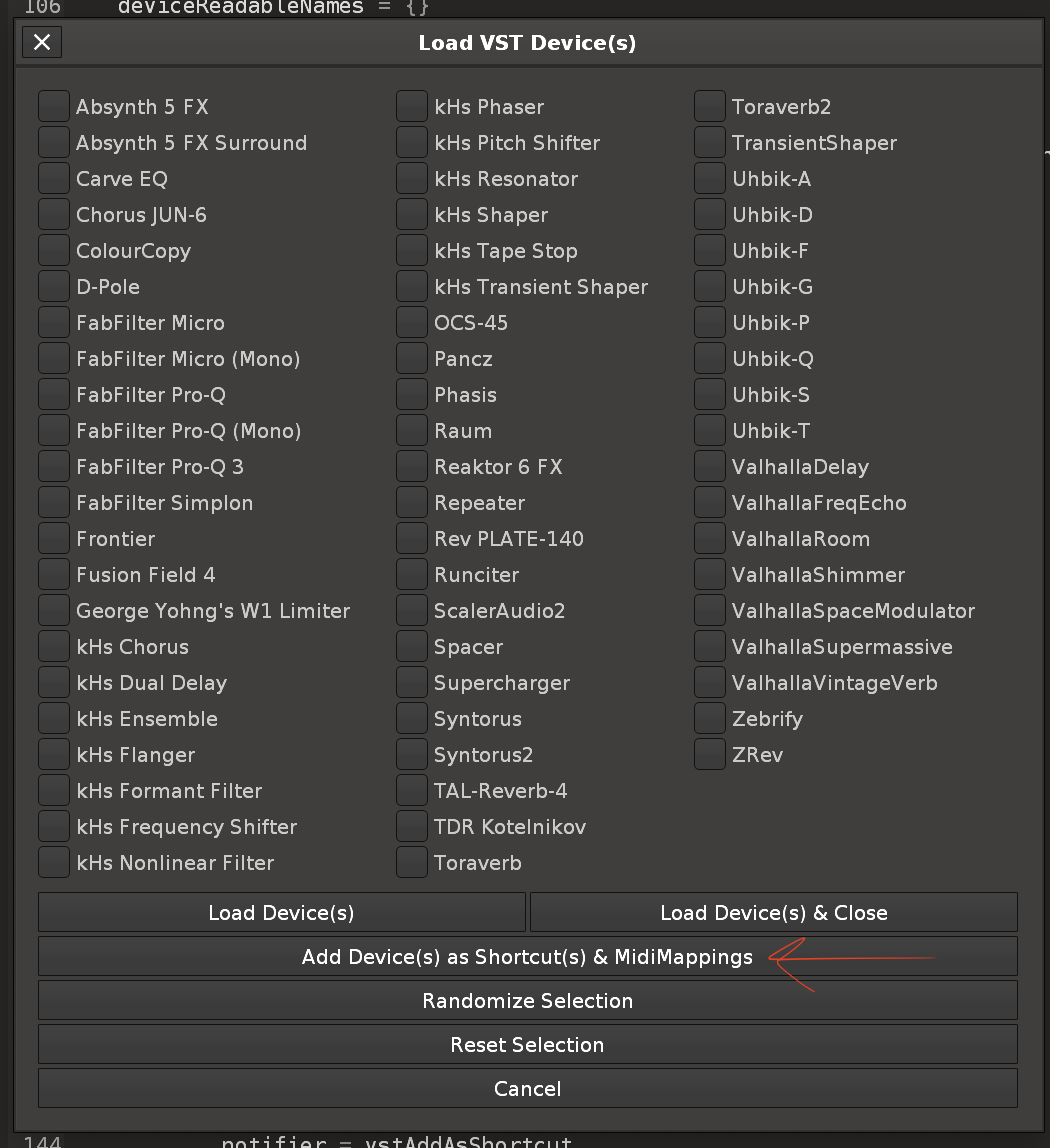
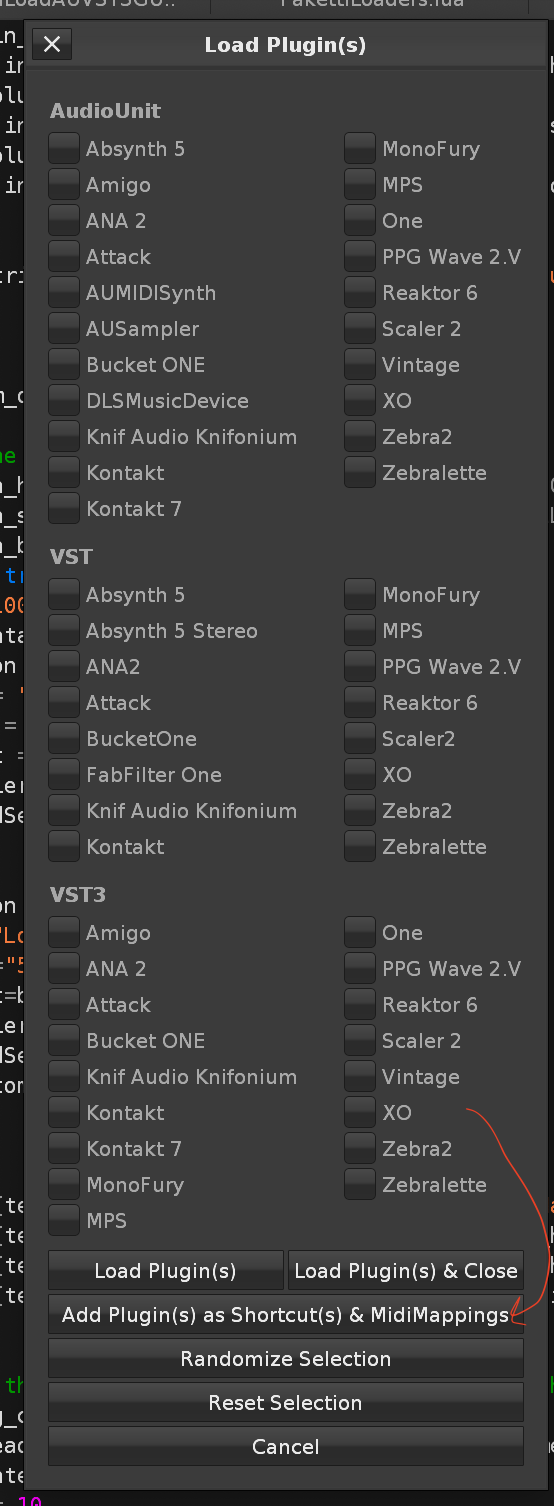
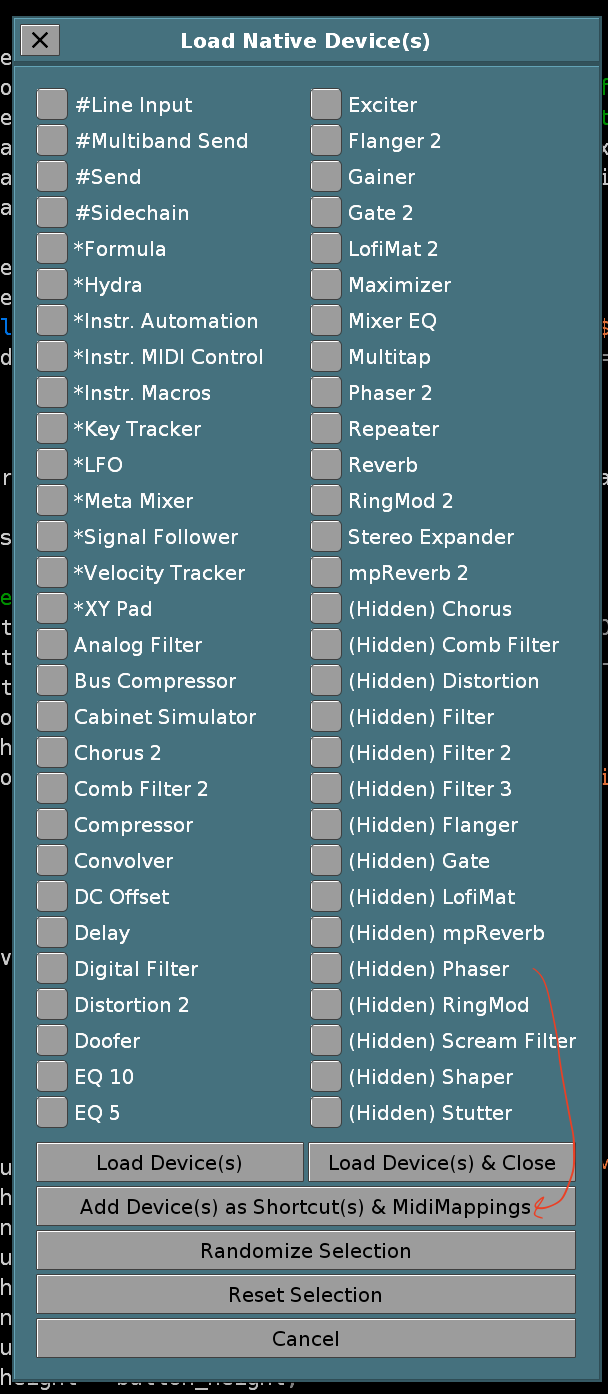
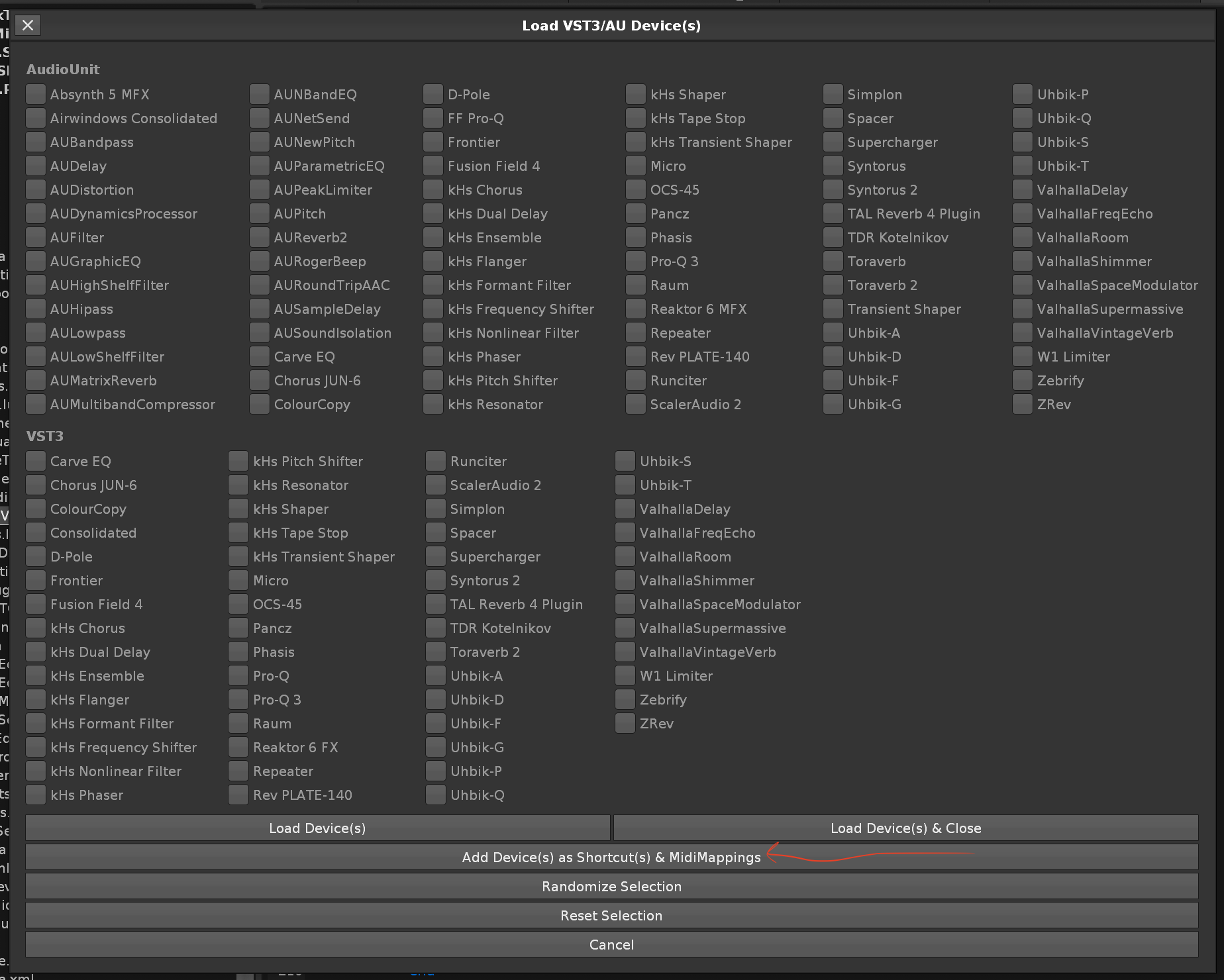
Improvement: ALT-D when there's less rows to be selected than LPB allows (you're on 3rd last row, LPB is 8), would shoot an error. now it gracefully selects from 3rd last row to last row. closes https://github.com/esaruoho/org.lackluster.Paketti.xrnx/issues/354
Feature: Recursive DC Offset - one shortcut that wrecks the sample, the other that runs it random amounts (1-50 times)
https://www.loom.com/share/3b67650f0d8242f8ad7d08c6640207fc?sid=b4996356-c5b1-4cf6-a66b-1f9a56952d82
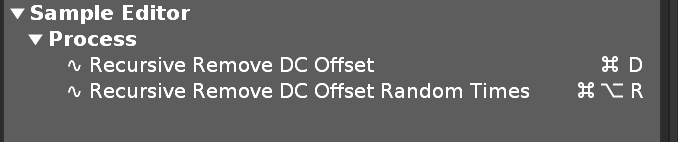
Feature: Load Device Chain shortcut - this is within Paketti. the first Device Chain Load command. If you have XRNTs you wanna share that are utility/utilitarian in essence, please hit me up with DMs. This is only the beginning re: Device Chain uses / scope of where we're going with this
Feature: Record,Follow,Jump to Pattern Editor & start playback with Metronome Precount for 1-4bars.
(closes https://github.com/esaruoho/org.lackluster.Paketti.xrnx/issues/348 )
Improvement: for better discoverability, midimapping names Sample Buffer Selection 01 Start x[Knob] & Sample Buffer Selection 02 End x[Knob] will be used from now on.
(closes https://github.com/esaruoho/org.lackluster.Paketti.xrnx/issues/349)
Improvement: Midi Mapping for Move Slice Start Left / Right, Move Slice End Left / Right
(closes https://github.com/esaruoho/org.lackluster.Paketti.xrnx/issues/355)
Feature: 15 frame Fade in & Fade out to sample buffer
(closes https://github.com/esaruoho/org.lackluster.Paketti.xrnx/issues/372)
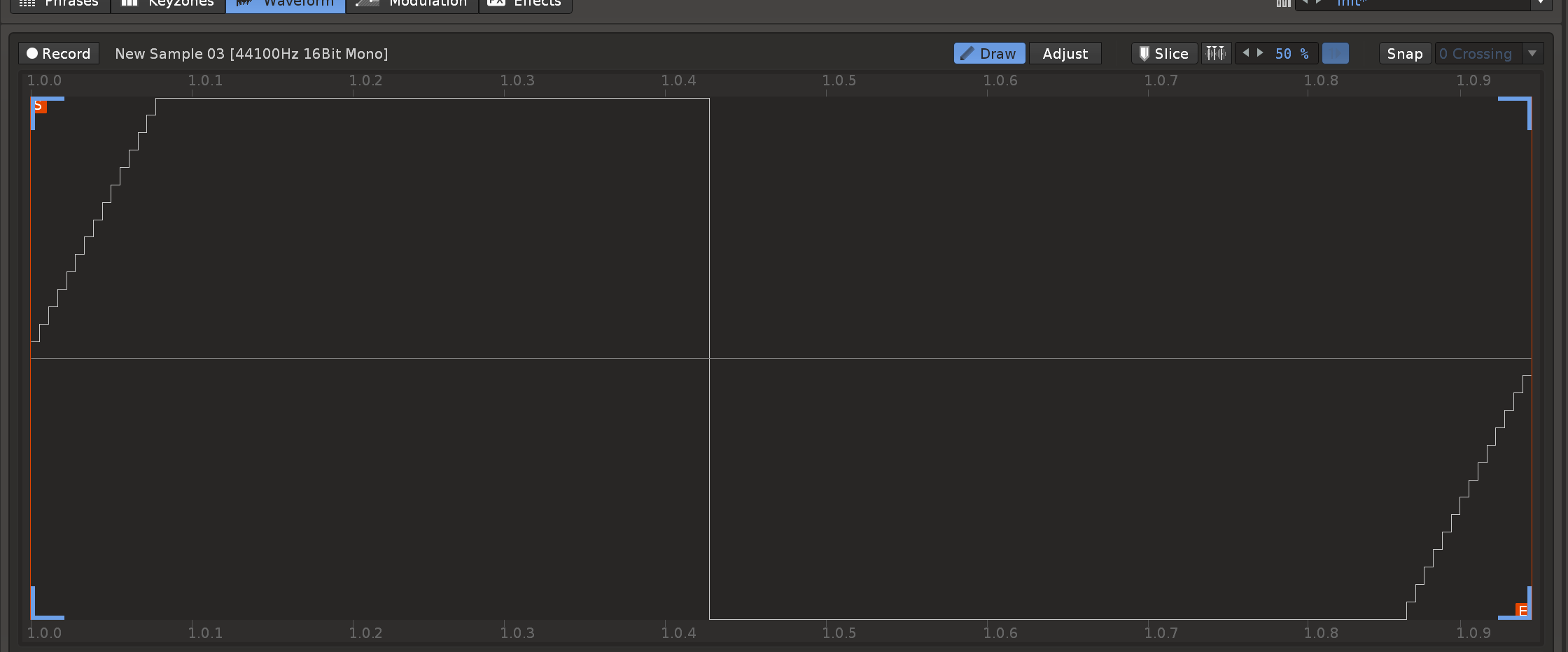

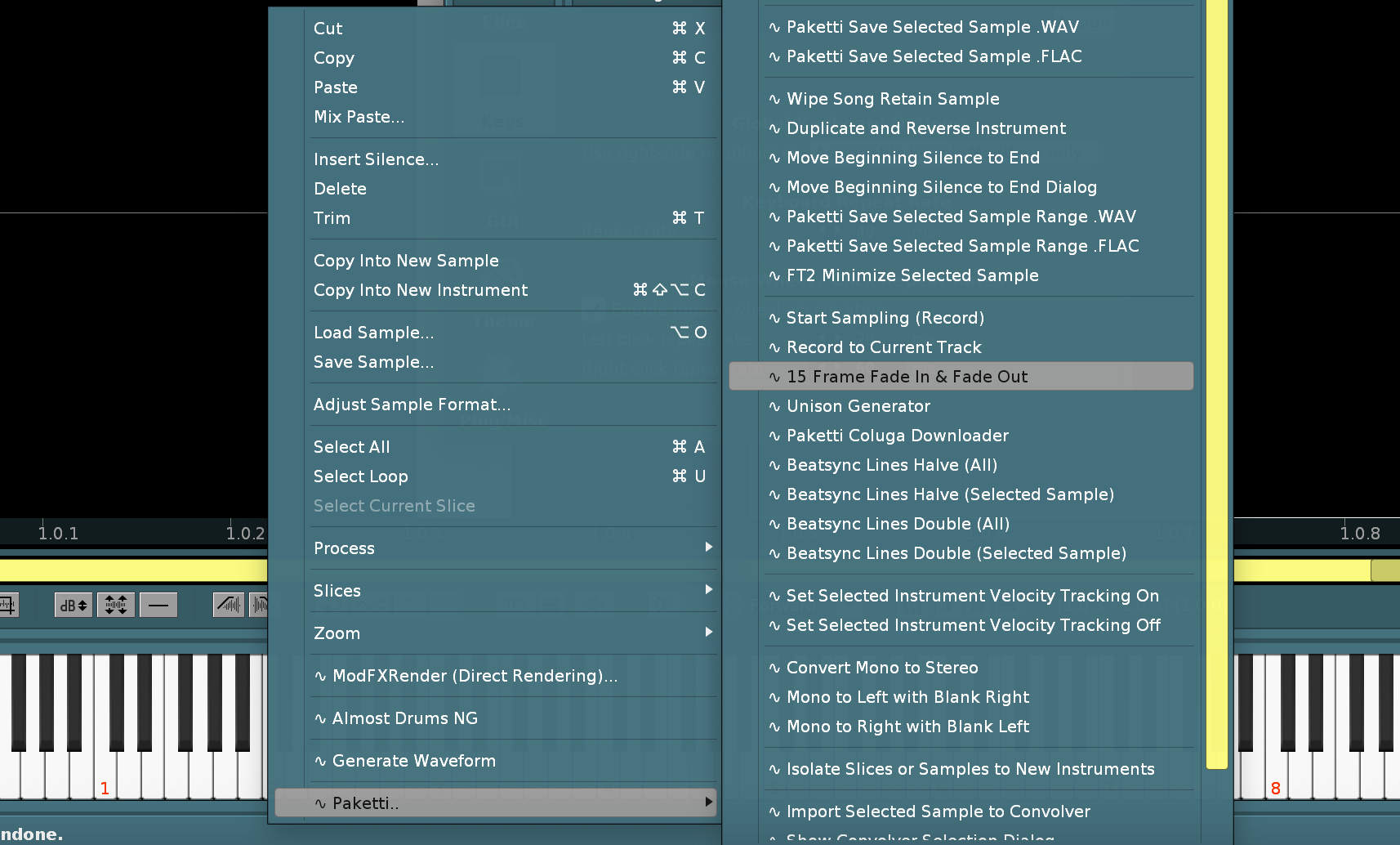
Feature: Invert Left Sample, Invert Right Sample, Invert whole sample - with protection against running "Left Sample Invert" if sample is mono (same for Right) - available as menu entries and keybindings
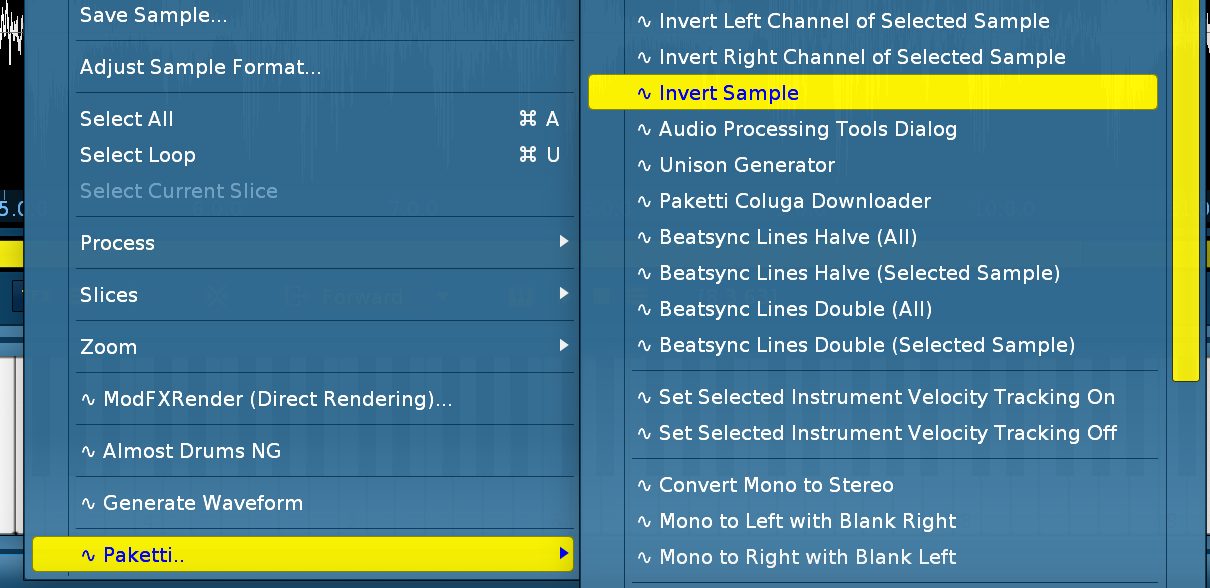
Improvement: Re-added OverSampling + AutoFade to PakettiLoader - when loading multiple or single samples, or drumkit, these two are now applied. (closes https://github.com/esaruoho/org.lackluster.Paketti.xrnx/issues/360)
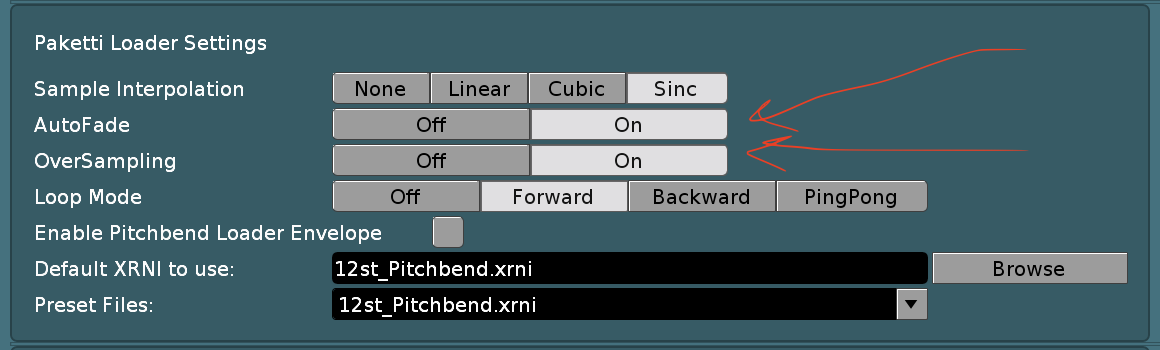
Improvement: Autoseek + Oneshot added to Paketti Loader Settings.
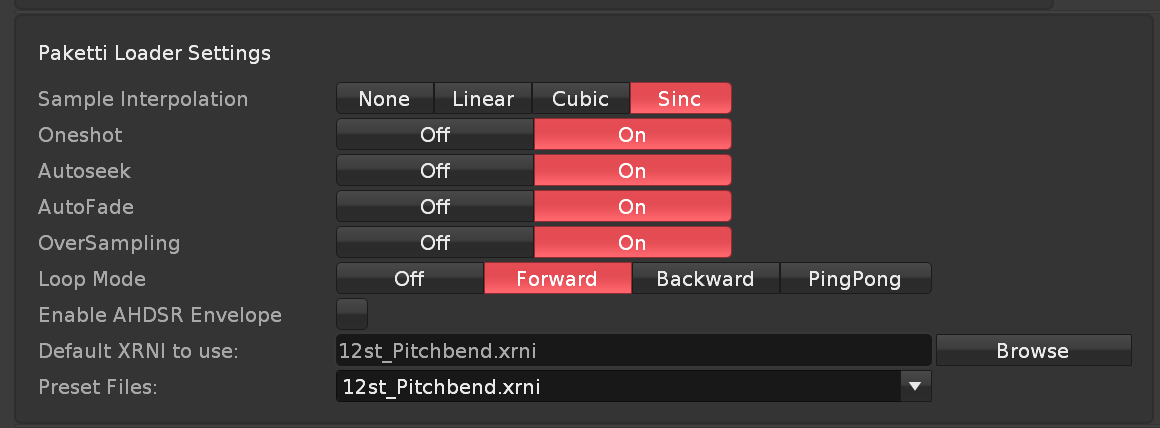
Improvement: Renamed "Enable Pitchbend Loader Envelope" to "Enable AHDSR Envelope" (as witnessed with the two screenshots above
also some additional tweaks like having the Note text be on the next row, matching "One-Shot" text everywhere (not "One-Shot" somewhere and "Oneshot" somewhere else. also increased the Beatsync Mode Switch width so the text is better displayed.
Paketti Preferences dialog can now be closed with the same shortcut that opens it.
and it is now less wide. and other minor look'n'feel tweaks
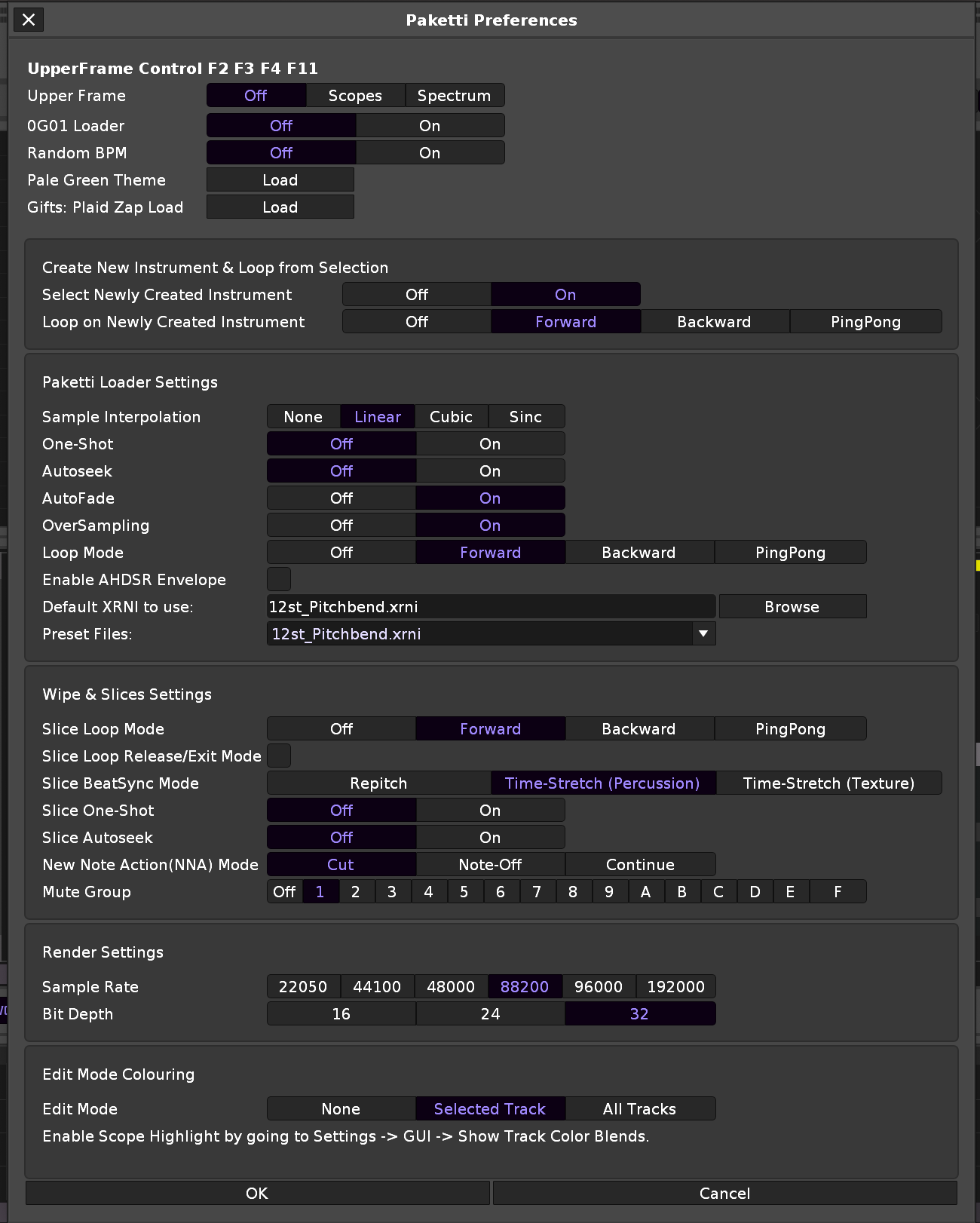
Improvement: CTRL-N (Keep/Clear song elements) now has a Keep/Clear switch that switches all the below ones to Clear (or to Keep)
(closes https://github.com/esaruoho/org.lackluster.Paketti.xrnx/issues/388 )
Improvement: Added "Select All" to all the VST,VST3,AudioUnit,Ladspa/DSSI,Native Devices & VST,VST3,AudioUnit Plugin dialogs.
(closes https://github.com/esaruoho/org.lackluster.Paketti.xrnx/issues/380 )
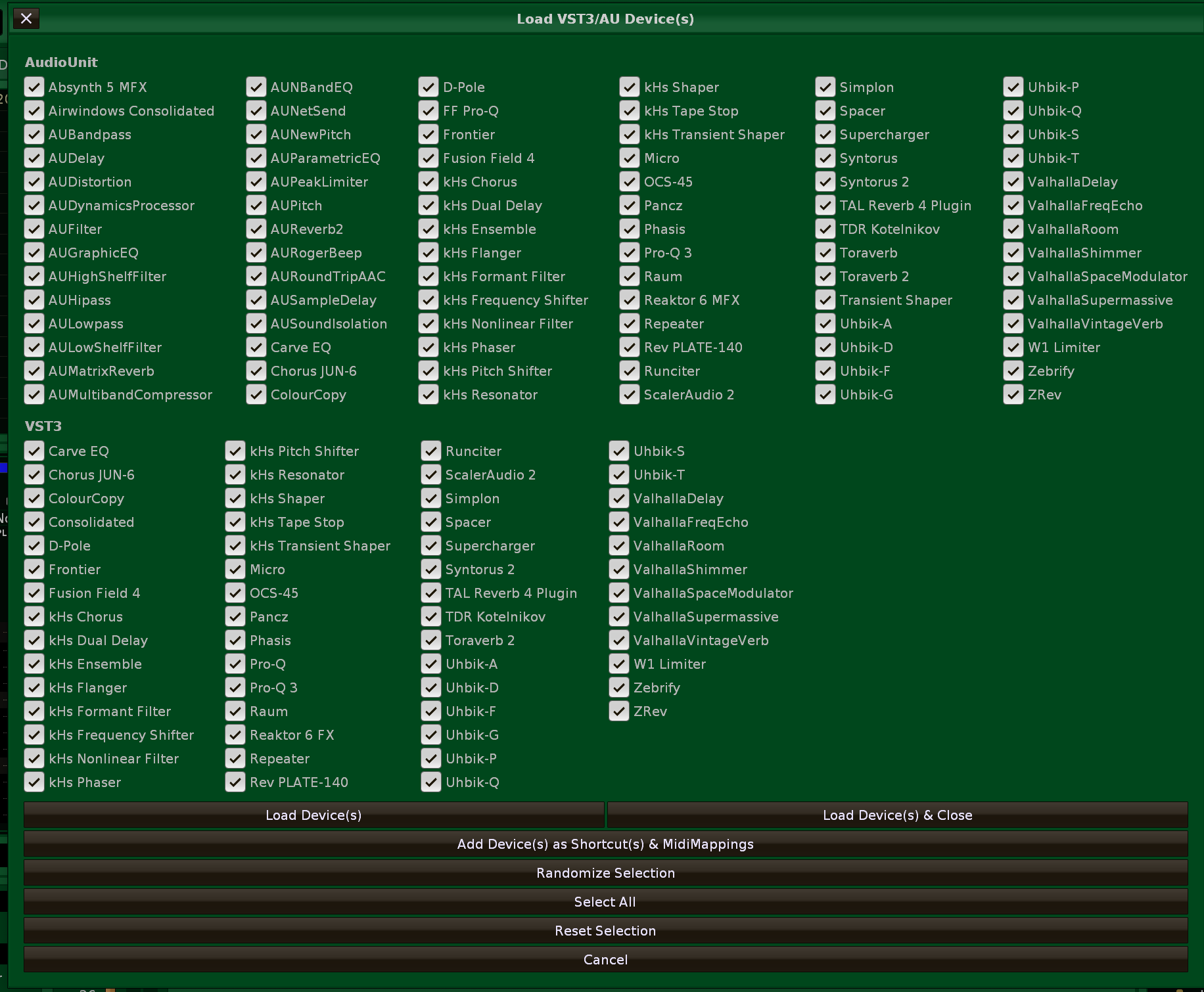
Improvement: the "SimpleSend" DeviceChain now looks like this:
(i.e. needless hydra device parameters have been hidden and it really is just "one slider for send dry/wet")
Improvement: Midi Populator dialog now has better text titles
(closes https://github.com/esaruoho/org.lackluster.Paketti.xrnx/issues/384)
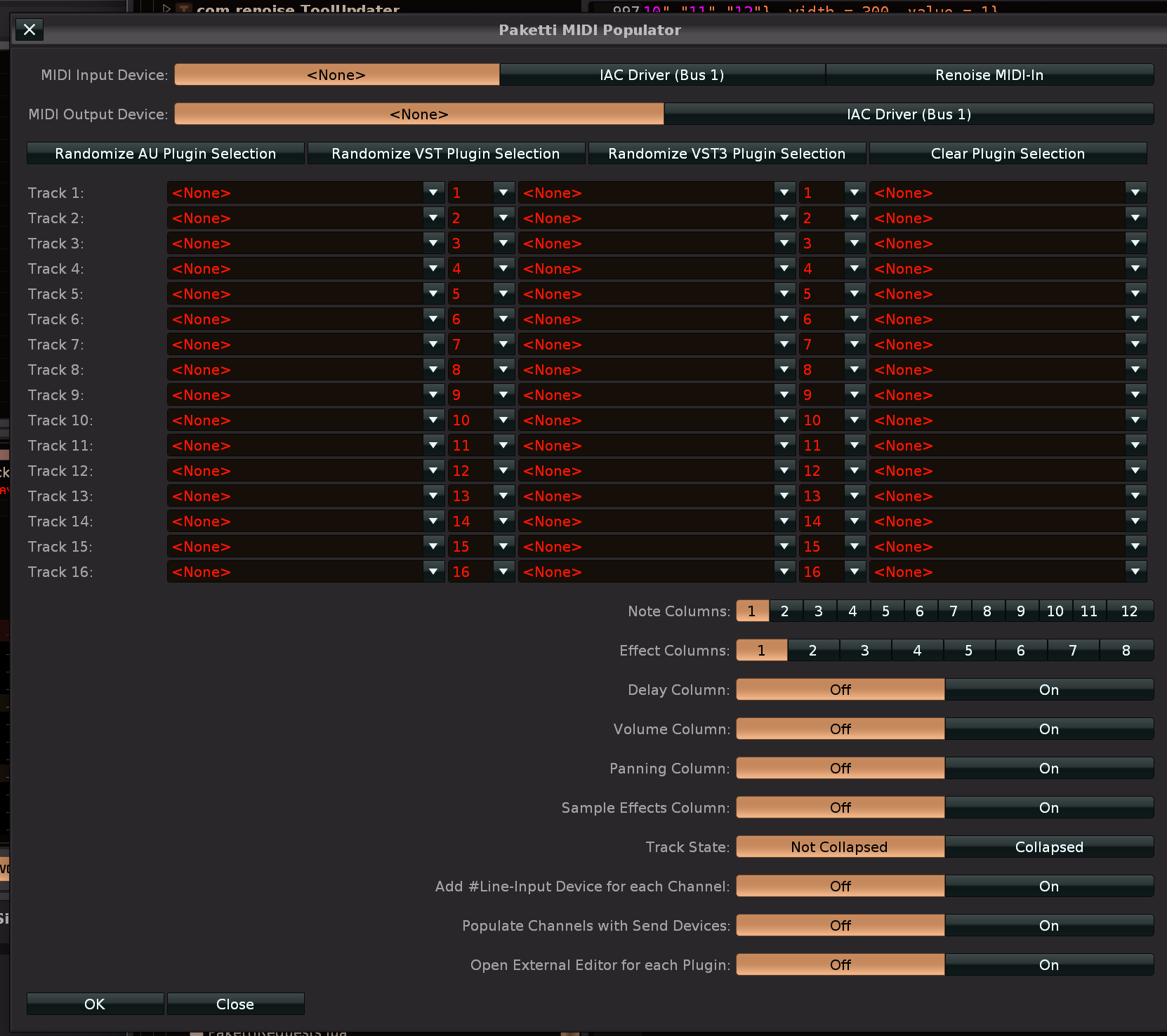
Improvement: Paketti Clean Render Selection/Track now has a setting in Paketti Preferences for bypassing devices on rendered track after end of render.
(closes https://github.com/esaruoho/org.lackluster.Paketti.xrnx/issues/250)
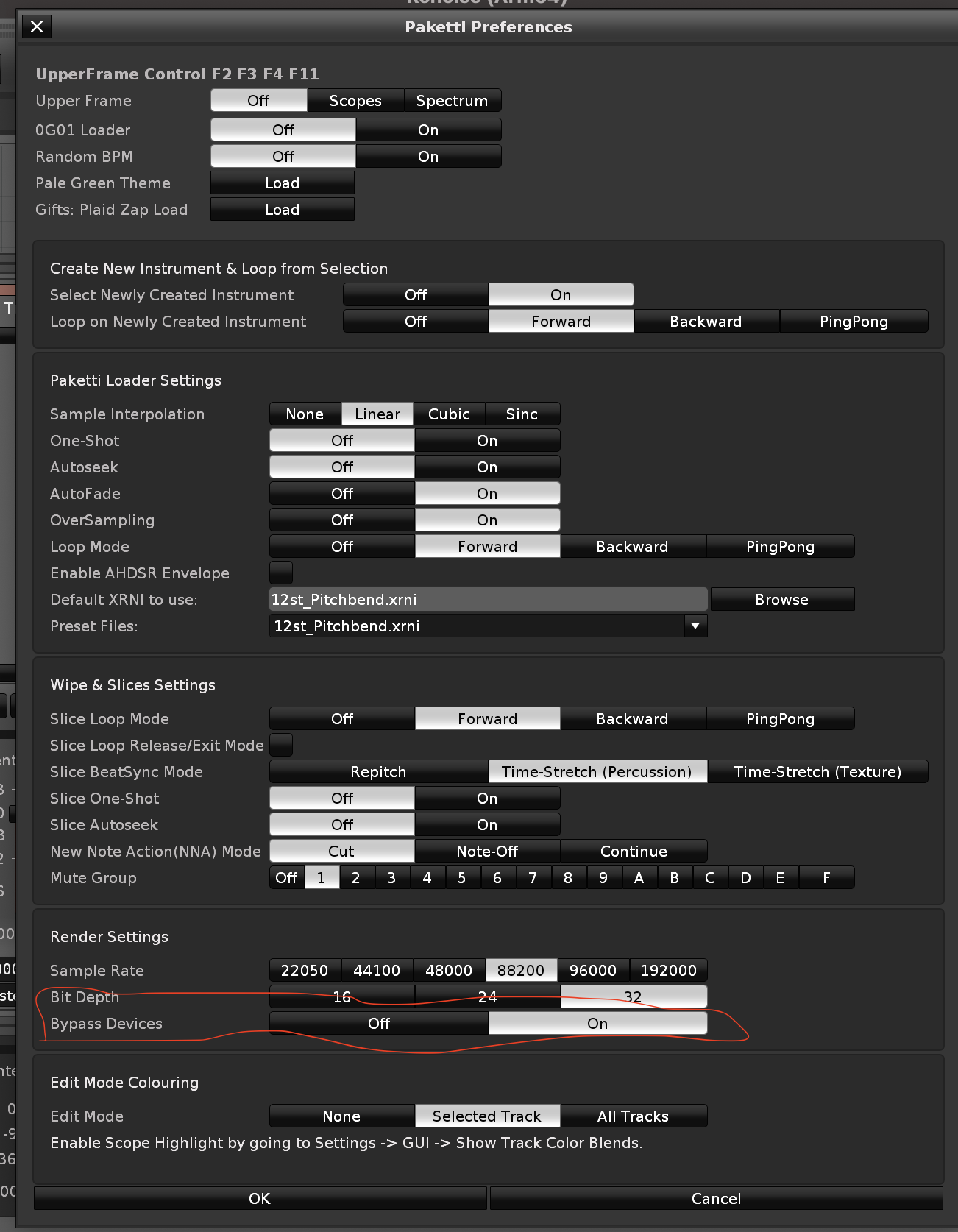
Improvement: "Pale Green Theme" actually works now. it was broken after i renamed it as a file. so it's been broken for multiple weeks 😉
Improvement: the Plaid Zap Gift XRNI name is more accurate now. Next to the Pale Green theme, there's a button for opening the Paketti Theme Selector dialog.
Improvement: added dialog openers into Paketti Preferences. so Theme Selector, Gater, Effect Column Cheatsheet, Phrase Init Dialog, MIDI Populator, KeyBindings, MidiMappings
Improvement - grouping is now a little bit better, less visual jitter.
Improvement: added minor 0G01 Loader detail / info. further small tweaks to layout.
Improvement: Theme Selector no longer uses numbers in the dropdown menus, or when exporting XML or loading XML. this should mean that if you add x amount of Themes, the Favorite loading no longer breaks. (closes https://github.com/esaruoho/org.lackluster.Paketti.xrnx/issues/338 )
Feature: Paketti Dialogs Dialog. This should in theory show all the dialogs in Paketti. It's a handy piece you can use to open them, or familiarize yourself with different features of Paketti.

Improvement: Forgot "Paketti Preferences" from the Dialog 🙂
here's a demo of opening all the dialogs
https://www.loom.com/share/830634bae9f544bcacc6867d74ee5a6c?sid=e771626f-c8e7-4f10-b840-a99e1b408c0f

Improvement: "Computer Keyboard Velocity Slider" now works instead of shooting an error. this is a midimapping knob that lets you set the Velocity of your Computer Keyboard.
Improvement: I've changed the "Strip Silence" & "Move Beginning Silence to End of Sample" default settings to be "0.0121" (1.21%) so they immediately do something useful from the start, instead of requiring the user to set the Strip Silence/Beginning Silence Move settings in the dialog. of course they can set the dialogs as they want, after, but it's good to start with "for most cases, this'll be identified as silence -> blammo, do something useful" 🙂 (closes https://github.com/esaruoho/org.lackluster.Paketti.xrnx/issues/394)
Improvement: "Paketti Pattern Doubler" will now shoot a status error if you're trying to go beyond 512 rows.
(closes https://github.com/esaruoho/org.lackluster.Paketti.xrnx/issues/392)
Improvement: Theme Selector Favorites dropdown menu no longer has .xrnc at the end. this means loading +/- randomize (favorites) in dialog & randomize favorite shortcut work without issues now.
Improvement: Randomize Devices / Plugins dialog now tells you which preset you're setting (user#1 to user#5) for each of the four flavors, and there's a "run" button to run the randomize.
(closes https://github.com/esaruoho/org.lackluster.Paketti.xrnx/issues/334)
(closes https://github.com/esaruoho/org.lackluster.Paketti.xrnx/issues/387)
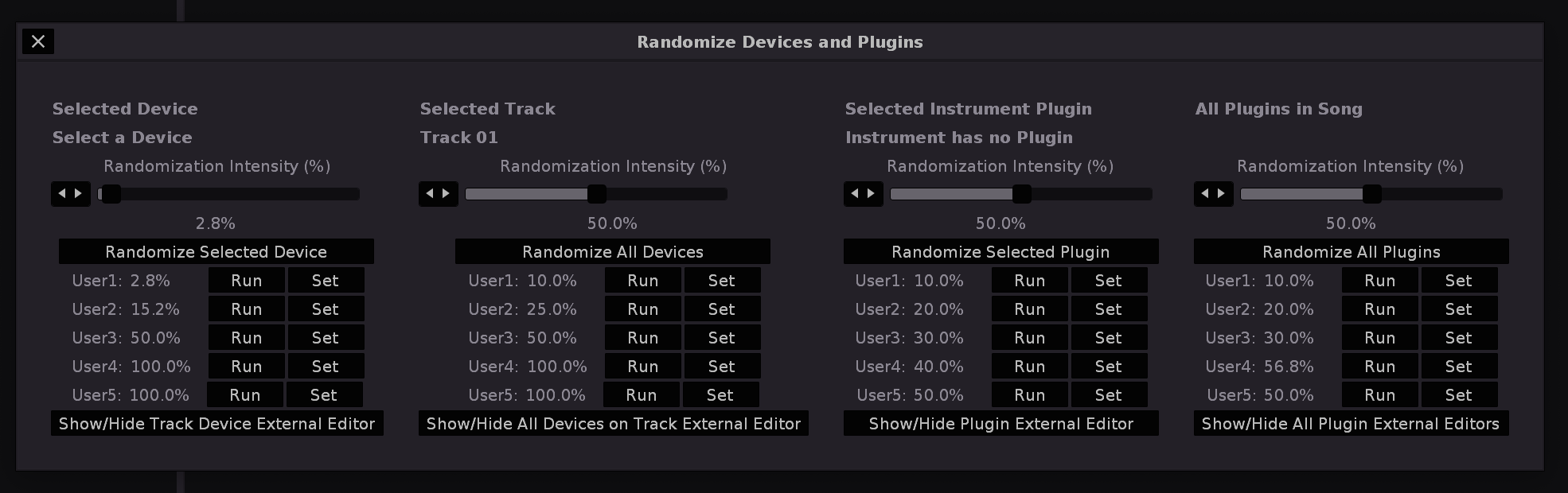
Improvement: Main Menu Entries tweaked and organized with better horizontal ruler sorting same for Instrument Box: and Pattern Editor:
i.e. Clean Render Selected Track or Group + LPB*2 flavor are together instead of separated.
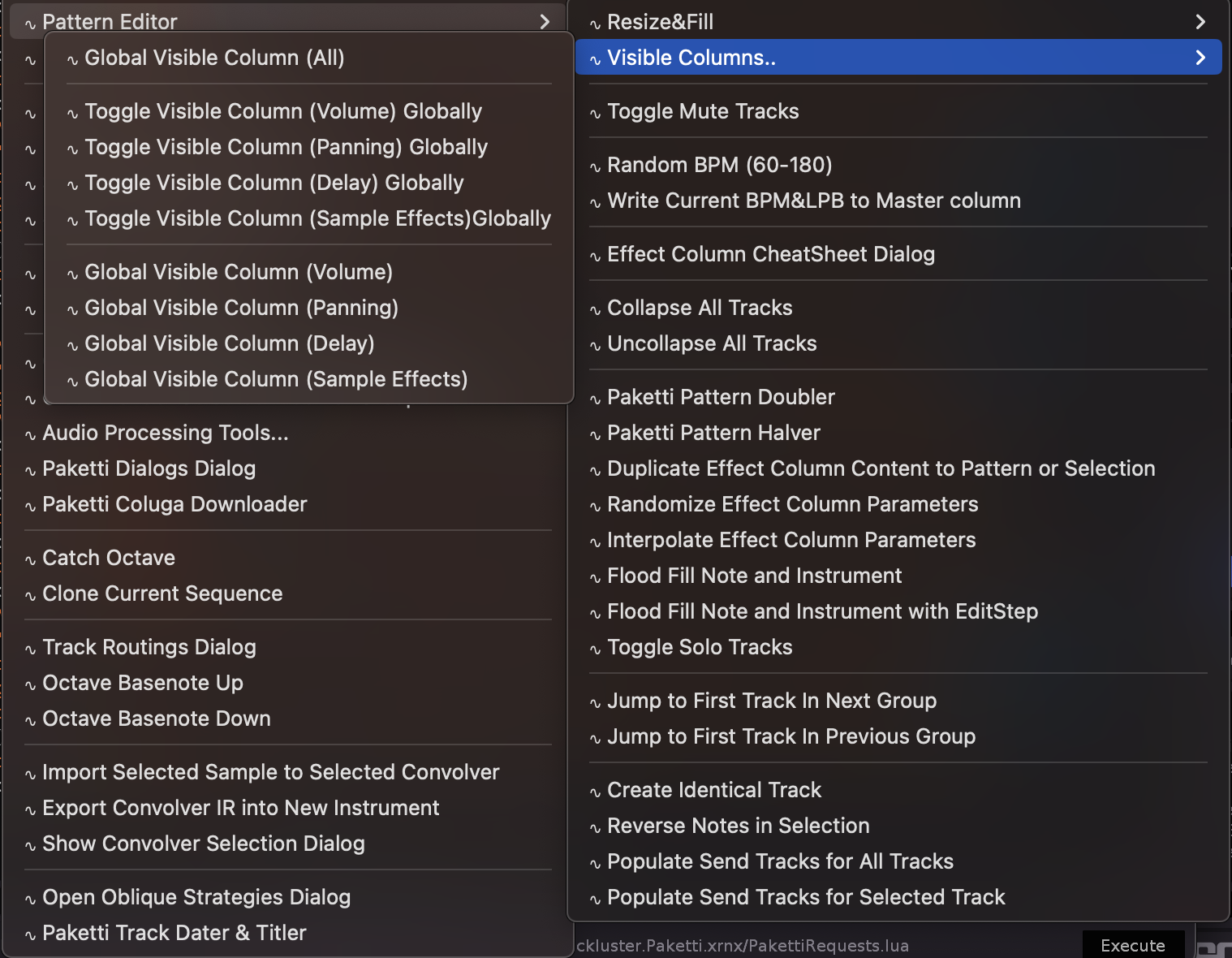
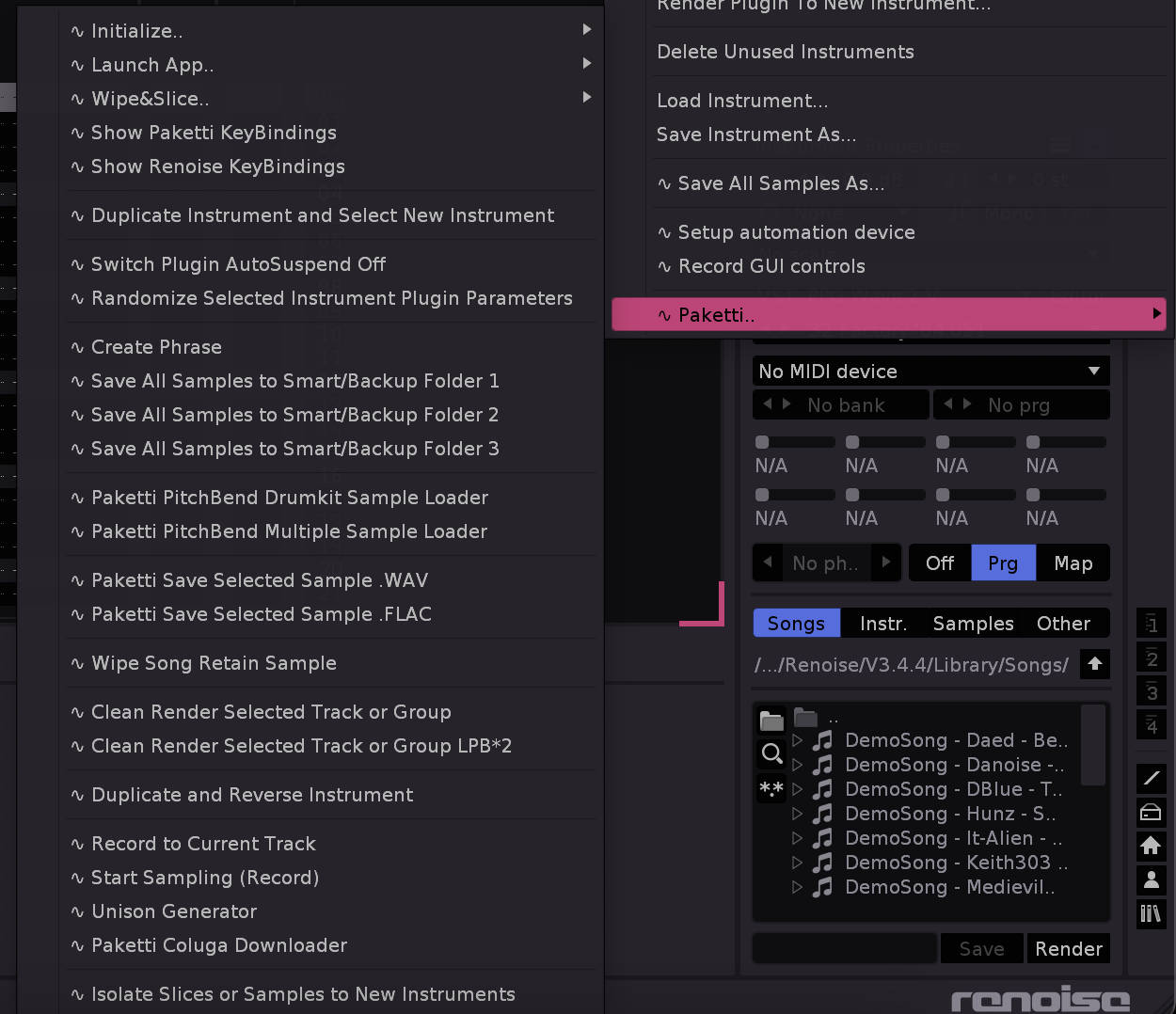

Improvement: "MIDI Populator Dialog" now closes if you click on a button that opens it, instead of opening a second (and third and fourth.. etc) copy of the same dialog. shortcut for opening it also opens it, or if open, closes it.
Improvement: Menu Entries in Tools:Paketti..: are now organized in a better way.
and from now on, I'll try to enforce ... for signifying that it's a dialog in both keybindings, menu entries and midimappings
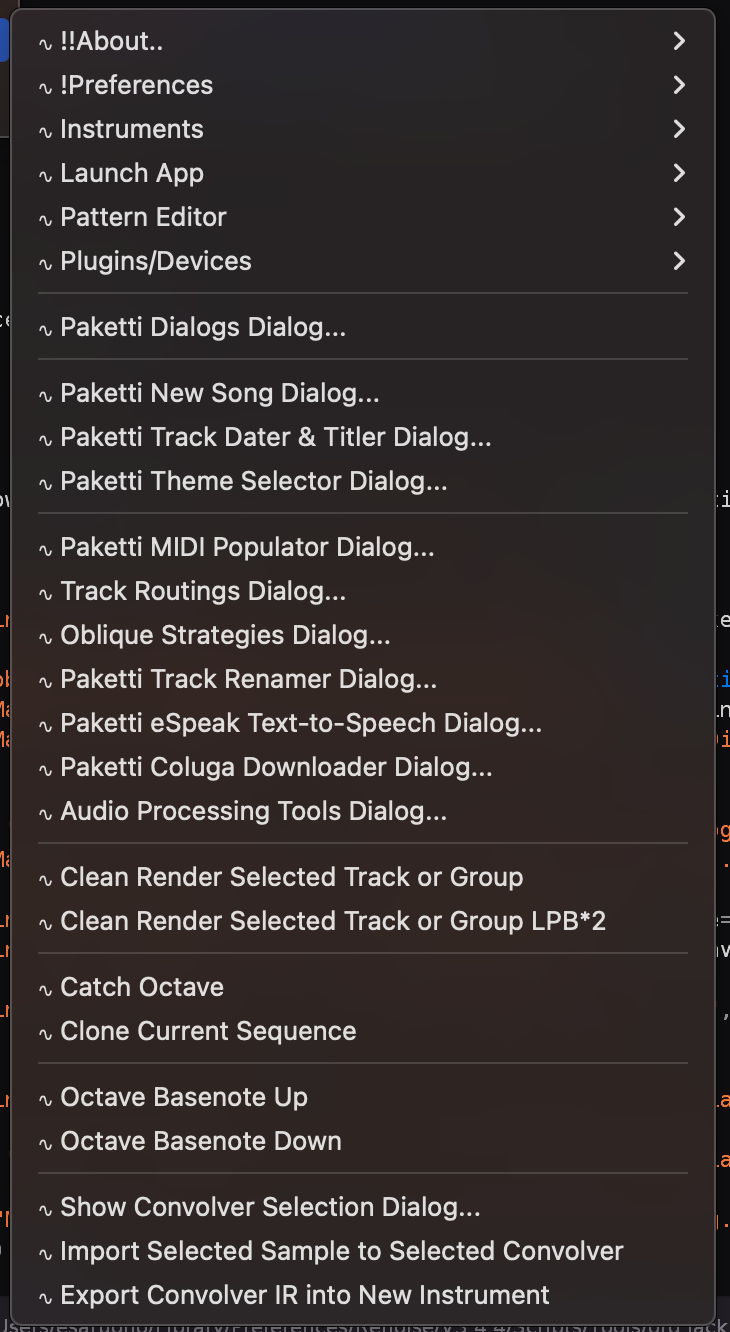
Improvement: Unison Generator now correctly assigns all the created instruments to Sample FX Chain 1, so "Parallel Compression" etc works. - i.e., you load Devices (Renoise, VST, VST3, AudioUnits) to FX Chain1, and you hear them being played. (closes https://github.com/esaruoho/org.lackluster.Paketti.xrnx/issues/401)
Feature: Randomize Selected Instrument Modulation Filter Type shortcut
this will pick a random Filter Type .

Improvement: Added Default Filter Type to Paketti Loader settings. - from now on you don't need to be stuck with "LP Clean" - you can set the filter you want the samples/kits/renders/create new instrument/unison generator/isolate slices/samples to new instruments/duplicate instrument and reverse sample etc to be loaded with.
(Closes https://github.com/esaruoho/org.lackluster.Paketti.xrnx/issues/231)
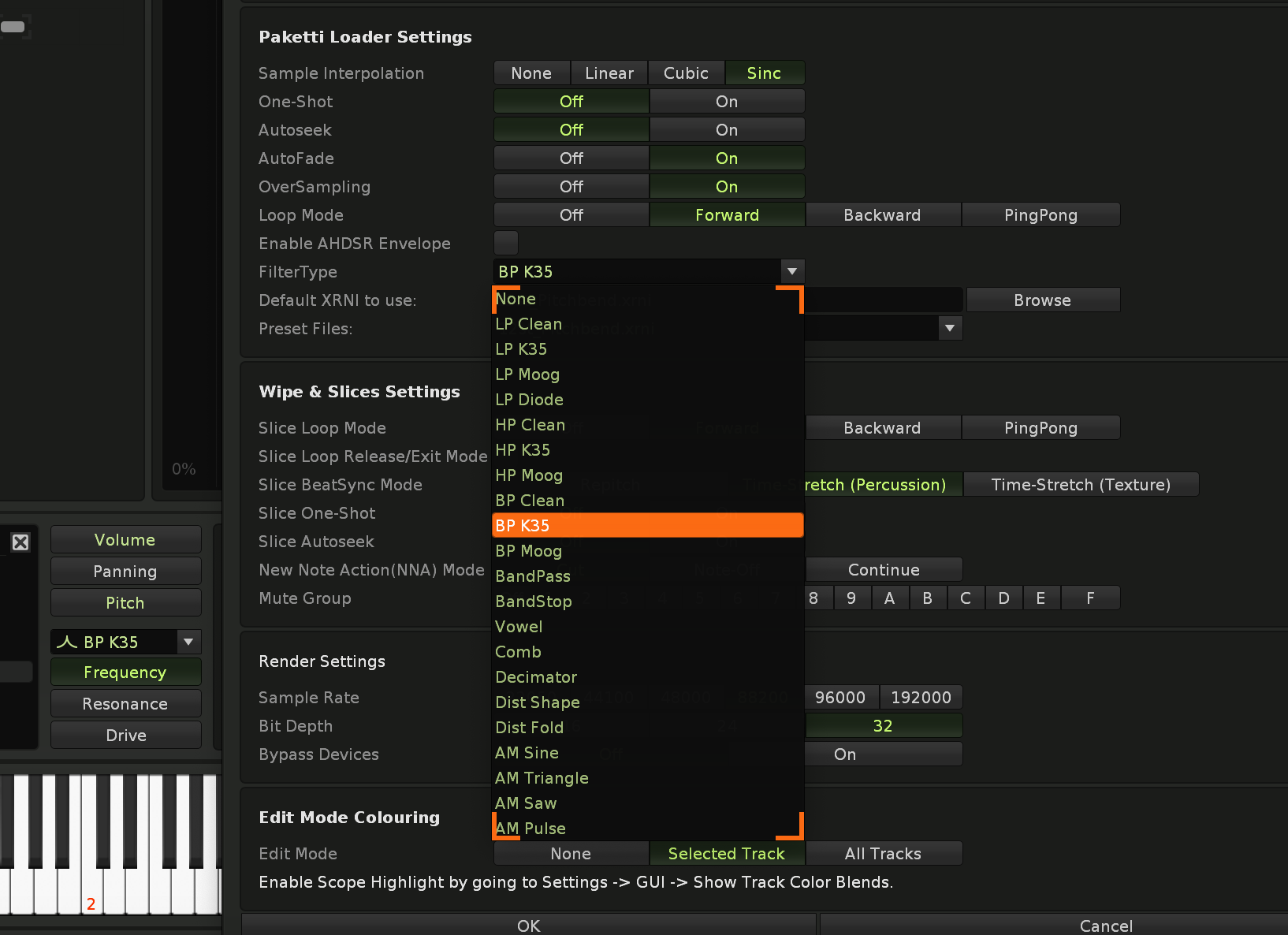
Feature: Added Midi Mapping for controlling Beatsync value 1-128. If Beatsync Mode is Off - it turns it On.
(closes https://github.com/esaruoho/org.lackluster.Paketti.xrnx/issues/409)
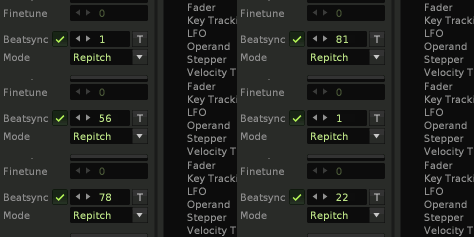
Feature: Paketti Phrase Default Settings Dialog + shortcuts + midimappings + menu entries for creating according to the Settings.
this lets you set your own specified settings for Phrase creation, meaning you can use it instead of the Renoise Native "Insert Phrase" shortcut that people might already be using.
(closes https://github.com/esaruoho/org.lackluster.Paketti.xrnx/issues/165 and
https://github.com/esaruoho/org.lackluster.Paketti.xrnx/issues/399 )
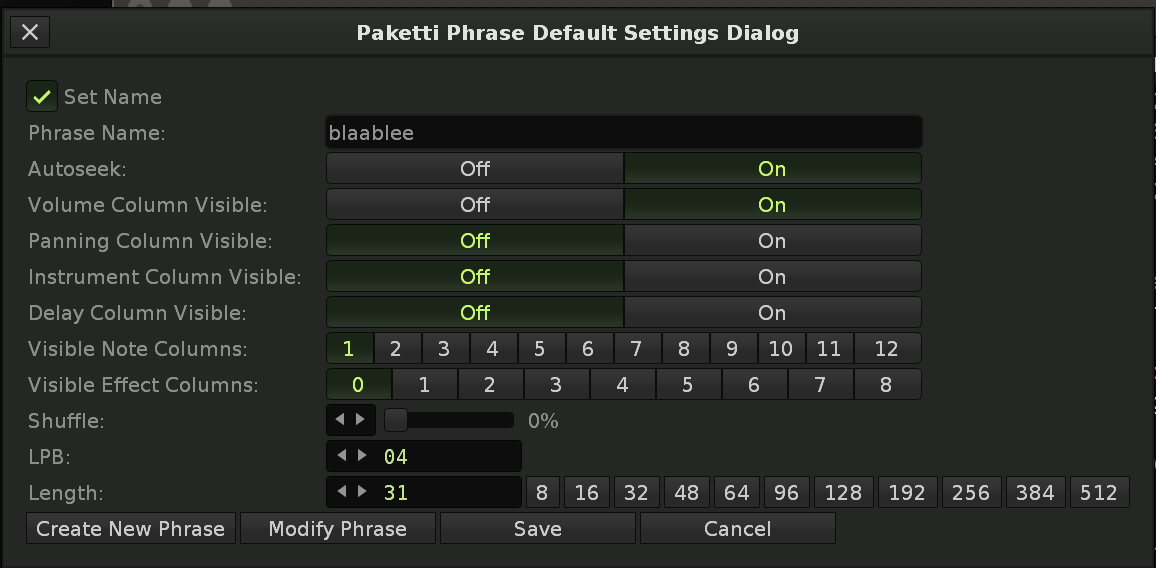
Improvement: Paketti Loader Preferences now has NNA & Loop Release / Exit Mode (these are used for unison, multiple sample loader, drumkit loader, clean render, etc, etc, etc.
(closes https://github.com/esaruoho/org.lackluster.Paketti.xrnx/issues/376 )
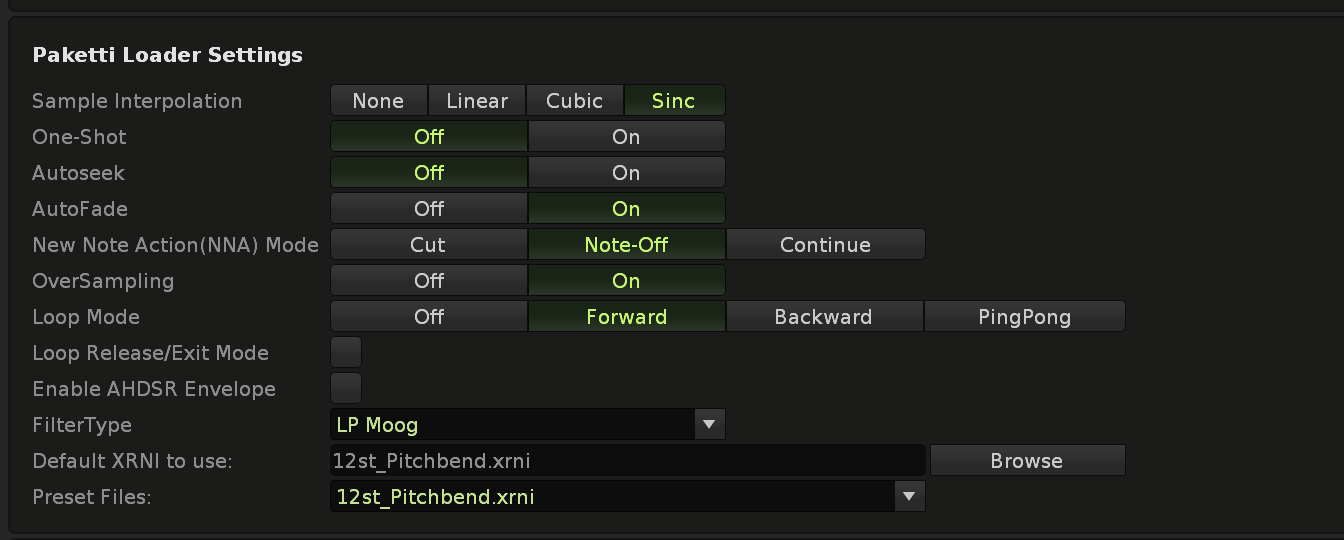
Improvement: Paketti Preferences Dialog has been split in half (the maximum height was exhausted, i couldn't have added anything extra at all - the OK/Cancel buttons would have stopped showing.
I also added some more dialogs to the top bar of the dialog. this resize will hopefully let me add some more content to to all the places in the near future.
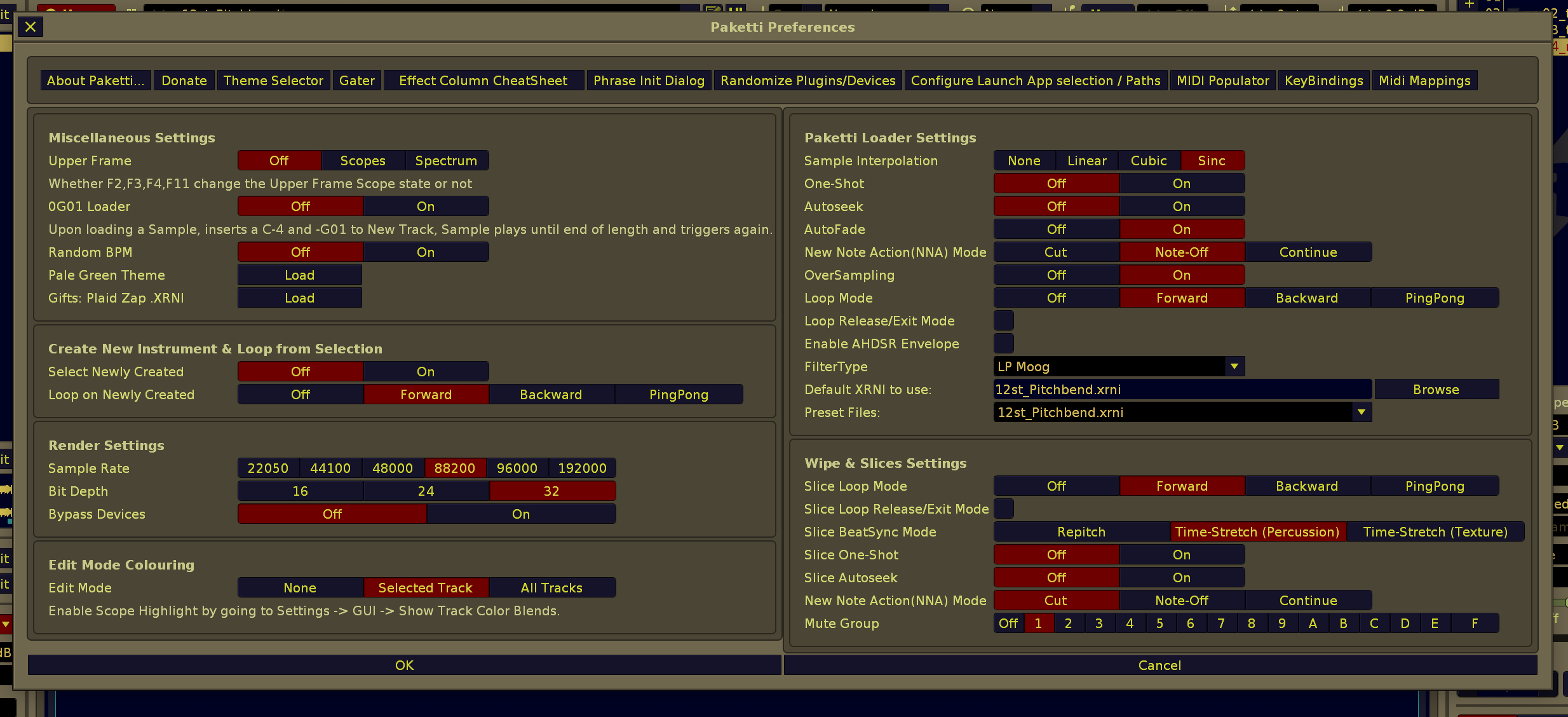
Feature: Midi Mapping for toggling selected track Send 01-64 Value On/Off. It will either be -INF dB or 0.0dB aka full volume.
(closes https://github.com/esaruoho/org.lackluster.Paketti.xrnx/issues/79 )
p.s. if there is no send, it will gracefully error on the show_status
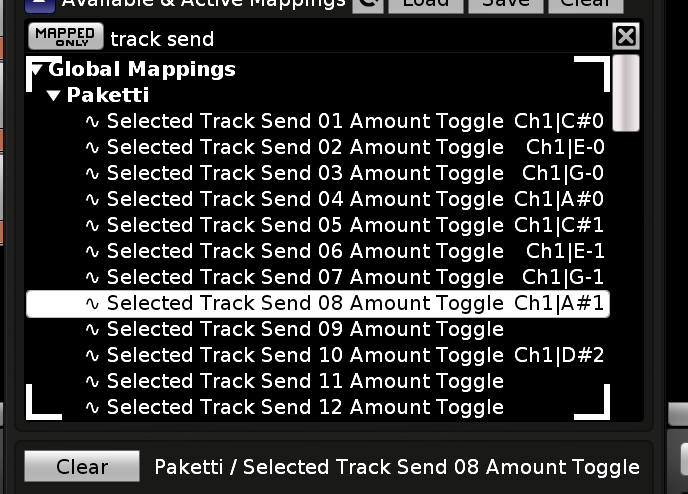
Improvement: Changed Midi Change 04 Effect Column Value x[Knob] to Midi Change 04 Sample FX Column Value x[Knob]
(since it wrote to sample fx column and not effect column)
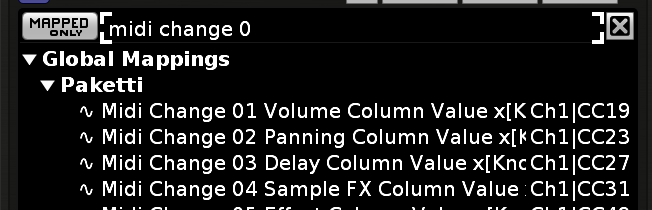
Feature: Added Midi Change 05 Effect Column Value x[Knob] which directly inputs into the Effect Column with a slider.
this now completes the 5 columns.
note the "selected row" or "selected column"
(closes https://github.com/esaruoho/org.lackluster.Paketti.xrnx/issues/134 )
Improvement: Midi Change 01 to 04 (Volume, Panning, Delay, Sample) will now work even if you're on Effect Column.
Improvement: Midi Change 05 Effect Column Value will now check which Effect Column you are on and output to that column
Improvement: Midi Change 05 Effect Column Value will now check which Effect Columns are selected, across multiple tracks, and output to those columns.
Improvement: Midi Change 01 -04 (Volume Panning Delay SampleFX) will now work across all columns that have been selected.
Improvement: Paketti Cheatsheet now has the Sample FX Column Slider too
(one checkbox marked as done at https://github.com/esaruoho/org.lackluster.Paketti.xrnx/issues/317 )
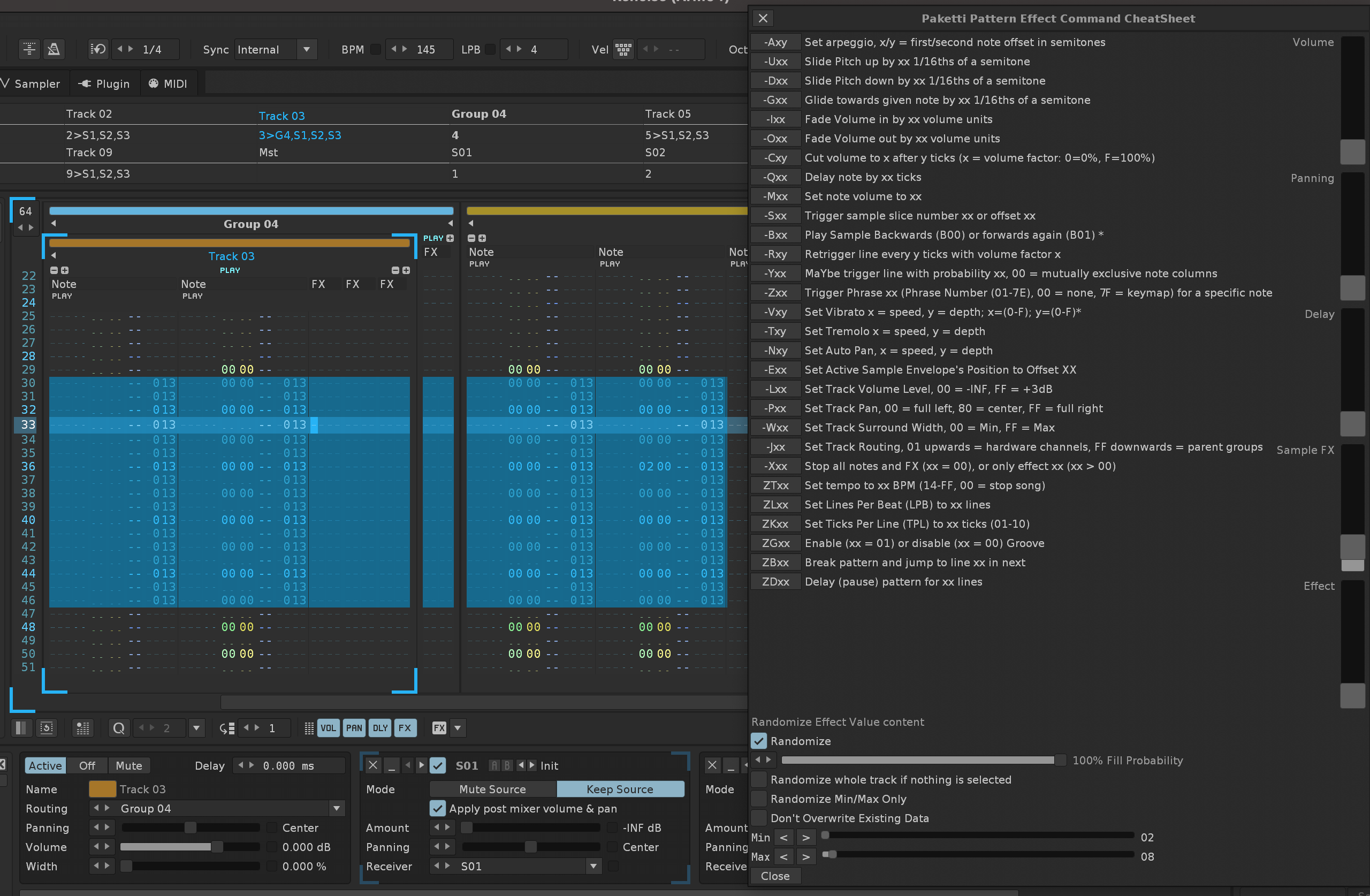
Improvement: Hot Dog Stand theme added to Theme Selector!
Improvement: Sand (Contrast) added to Theme Selector
Improvement: Paketti Default Drumkit XRNI Loader can now be set in the Paketti Preferences - meaning, you aren't stuck using the default Drumkit XRNI - and can instead use your own.
(closes https://github.com/esaruoho/org.lackluster.Paketti.xrnx/issues/305)
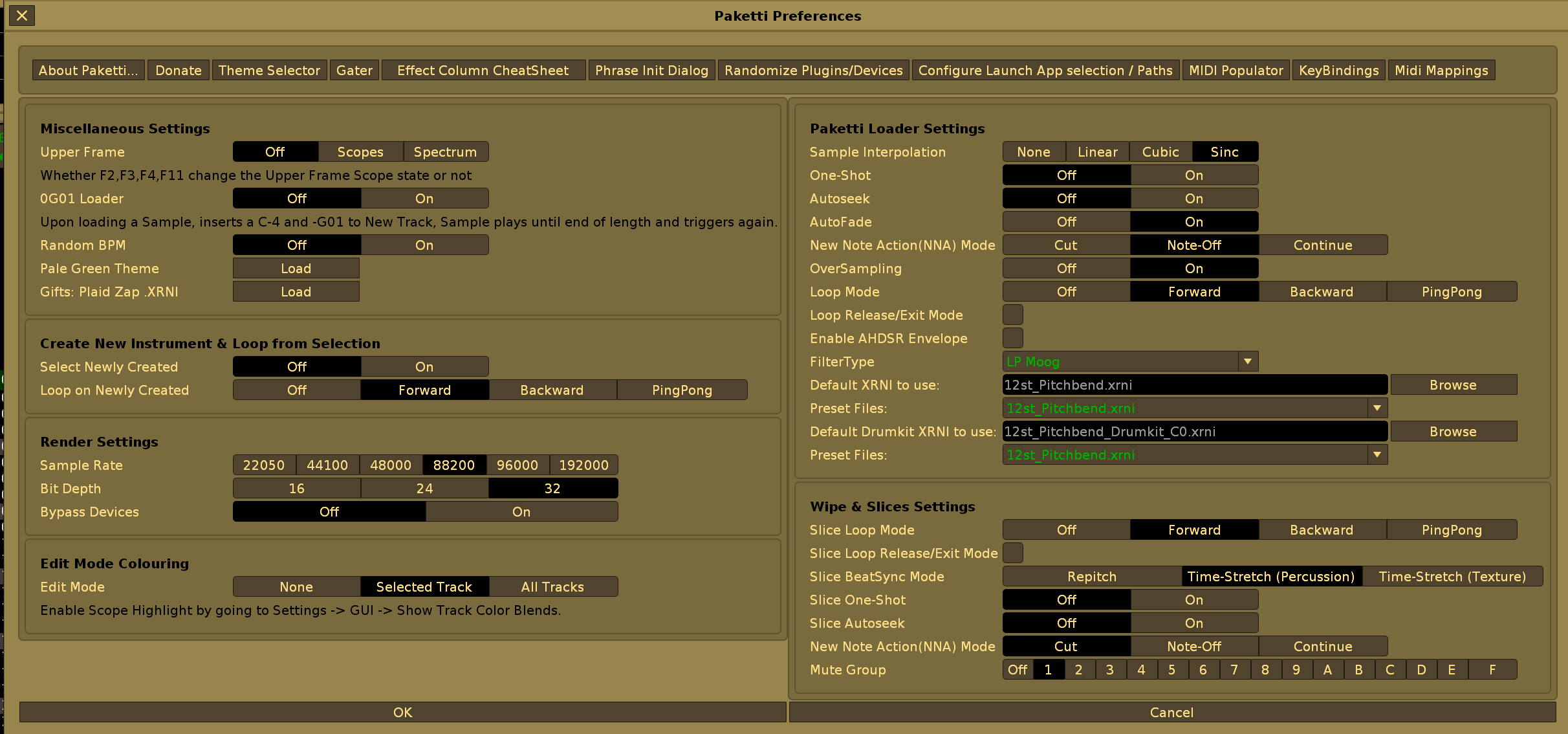
Improvement: Pick a Random Theme (All) now shows the name of the theme picked
Improvement: Randomize a Theme on Startup of Renoise from all Themes.
(one checkbox from https://github.com/esaruoho/org.lackluster.Paketti.xrnx/issues/283 )
note: this will take preference over "Randomize Theme from Favorites".
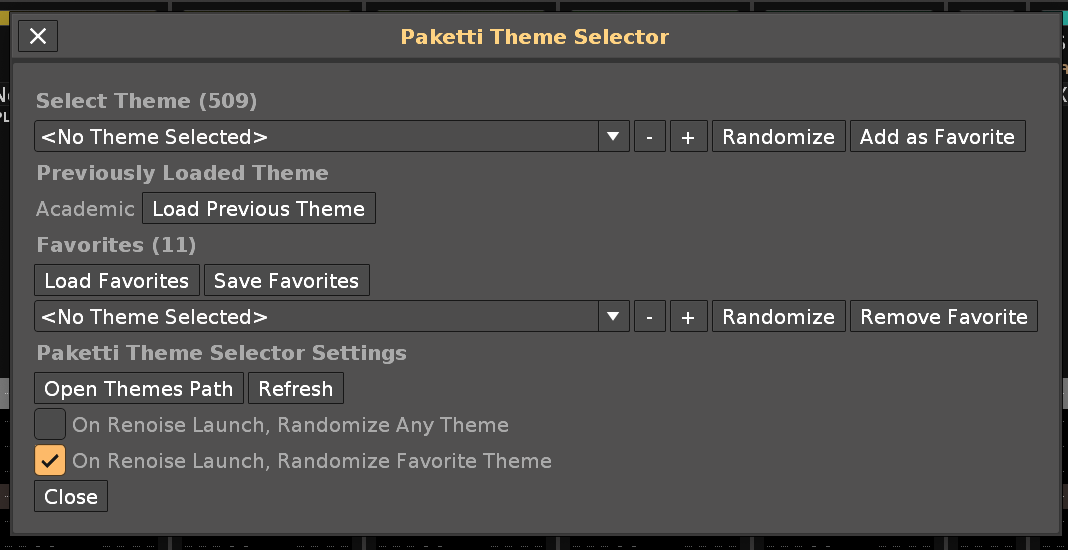
Improvement: "About Paketti..." Dialog will now close if it is already open, and you try to open it again.
Improvement: "Donate" Dialog will now close if it is already open, and you try to open it again.
Improvement: "Oblique Strategies" Dialog will now close if it is already open, and you try to open it again.
Improvement: "Paketti Theme Selector" Dialog will now close if it is already open, and you try to open it again.
Improvement: "Create New Instrument & Loop" now has Autofade, AutoSeek + Interpolation settings inside Paketti Preferences
Improvement: Paketti Gater/Retrig/Playback now has 0B01 / 0B00 added.
(closes https://github.com/esaruoho/org.lackluster.Paketti.xrnx/issues/443)
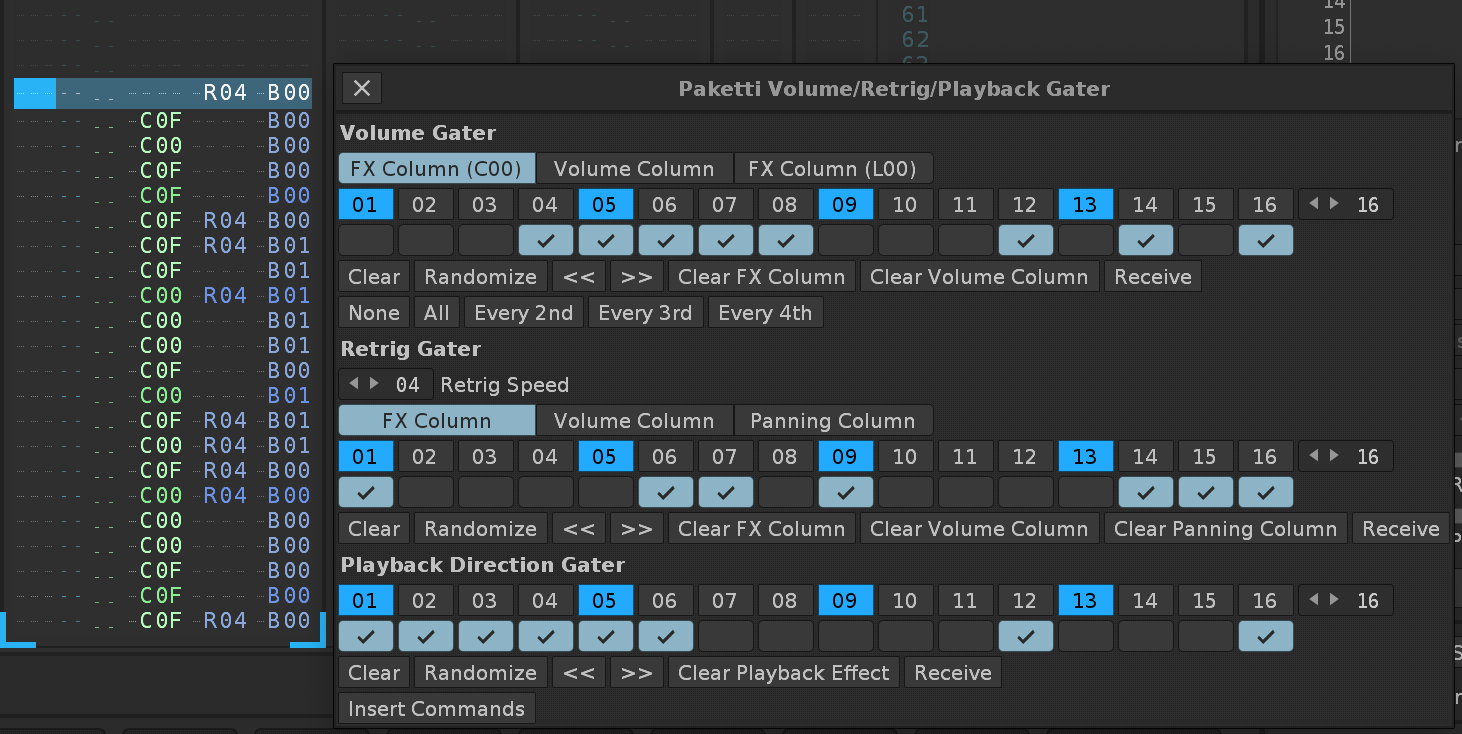
Improvement: Added Set Pattern Length 006 012 024
(closes https://github.com/esaruoho/org.lackluster.Paketti.xrnx/issues/438)
Improvement: Added Set Phrase Length 006 012 024
(closes https://github.com/esaruoho/org.lackluster.Paketti.xrnx/issues/439 )
Improvement: Phrase Init Generator, added 006 012 024
(closes https://github.com/esaruoho/org.lackluster.Paketti.xrnx/issues/437)
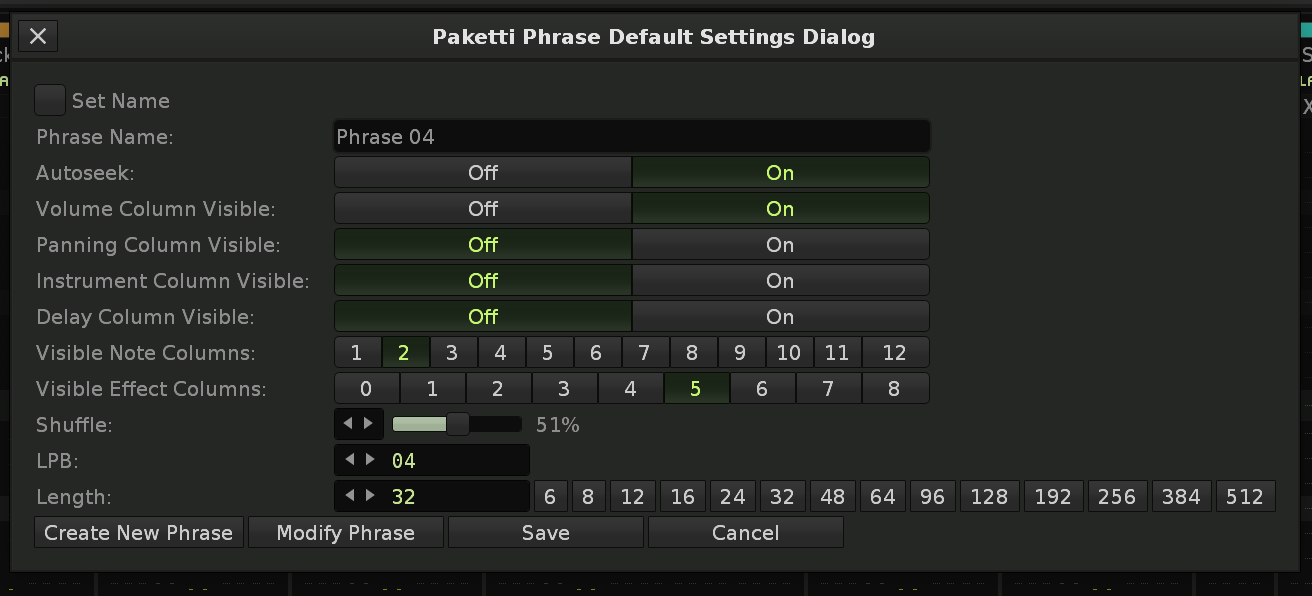
Improvement: Fix Toggle Visible Column (Sample Effects) Globally string in menu
(closes https://github.com/esaruoho/org.lackluster.Paketti.xrnx/issues/435)
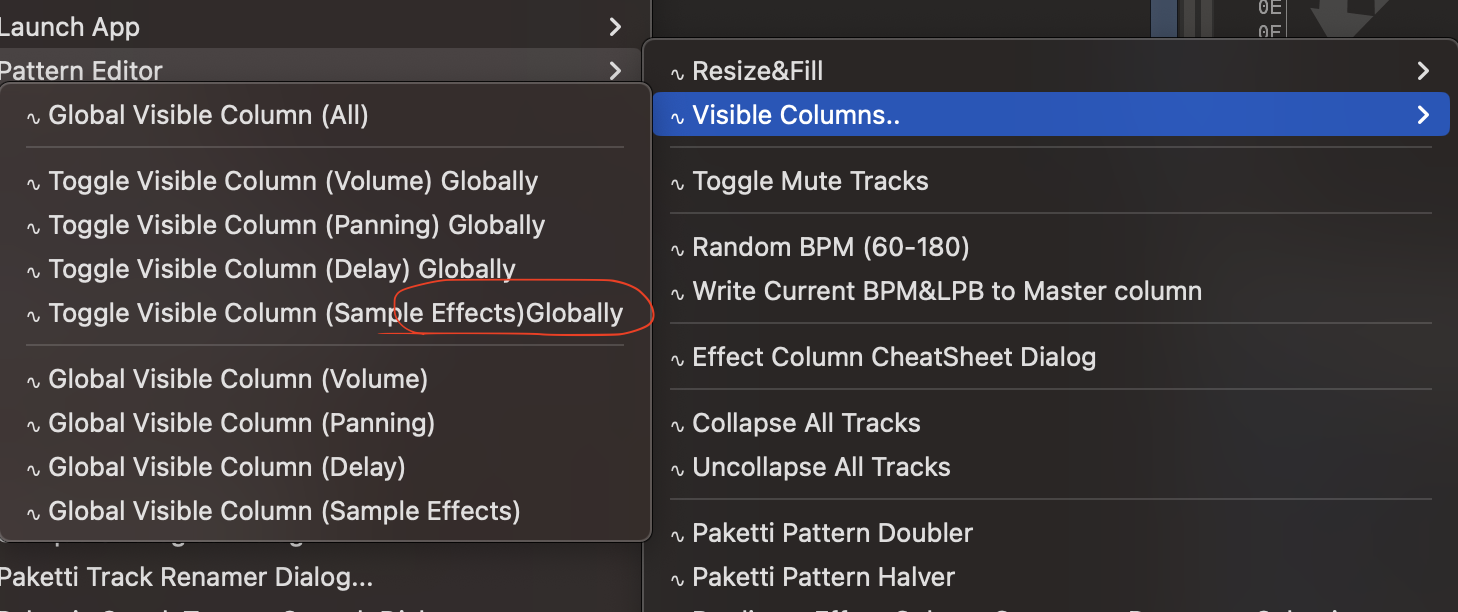
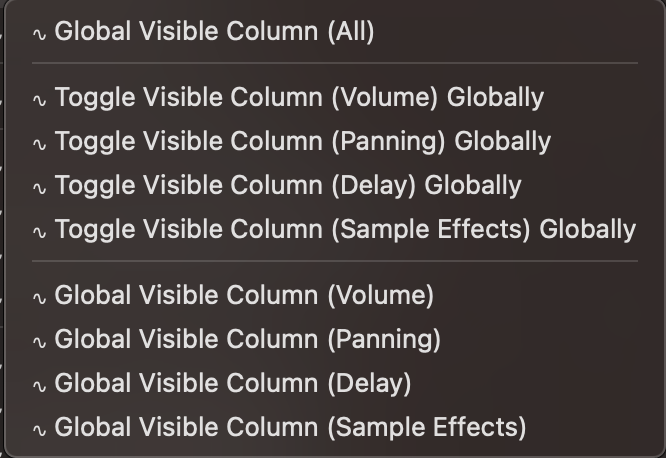
Improvement: Grouped Sample Editor Menu Entries(Save Sample as WAV / FLAC, Save Selected Sample Range WAV / FLAC) together for better discoverability
(closes https://github.com/esaruoho/org.lackluster.Paketti.xrnx/issues/422)
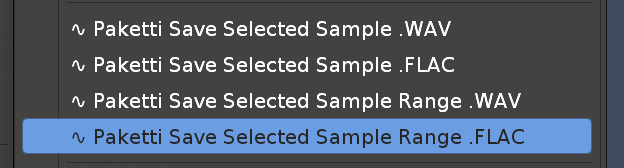
Improvement: Moved Strip Silence Threshold Dialog & Move Beginning Silence to End Threshold Dialog sliders to Paketti Preferences for better discoverability.
(closes https://github.com/esaruoho/org.lackluster.Paketti.xrnx/issues/440)
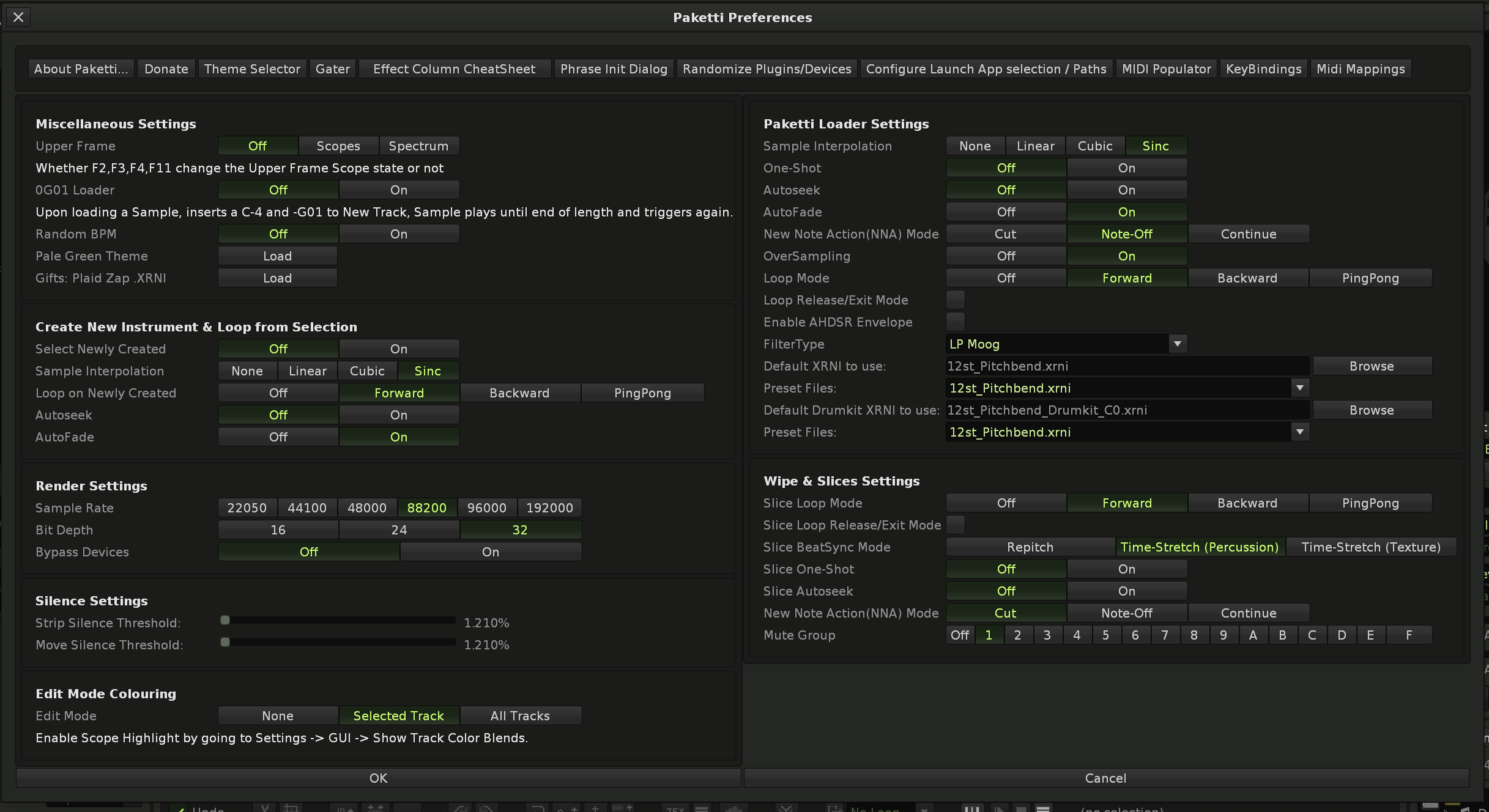
Feature: Max Amplitude DC Offset Kick Generator
Improvement: F3 will now correctly exit back to Sample Editor <-> Sample FX Chain loop .. even if you're in Phrase Editor, Keyzones or Modulation.
(closes https://github.com/esaruoho/org.lackluster.Paketti.xrnx/issues/442 & https://github.com/esaruoho/org.lackluster.Paketti.xrnx/issues/418)
Improvement: Added "Global Visible Column (None)" to all menu entries (Pattern Editor, Tools, View)
(closes https://github.com/esaruoho/org.lackluster.Paketti.xrnx/issues/436)

Improvement: Plaid Zap now uses Parallel Compression + Glide Inertia instead of "old Drumkit XRNI)
(closes https://github.com/esaruoho/org.lackluster.Paketti.xrnx/issues/427)
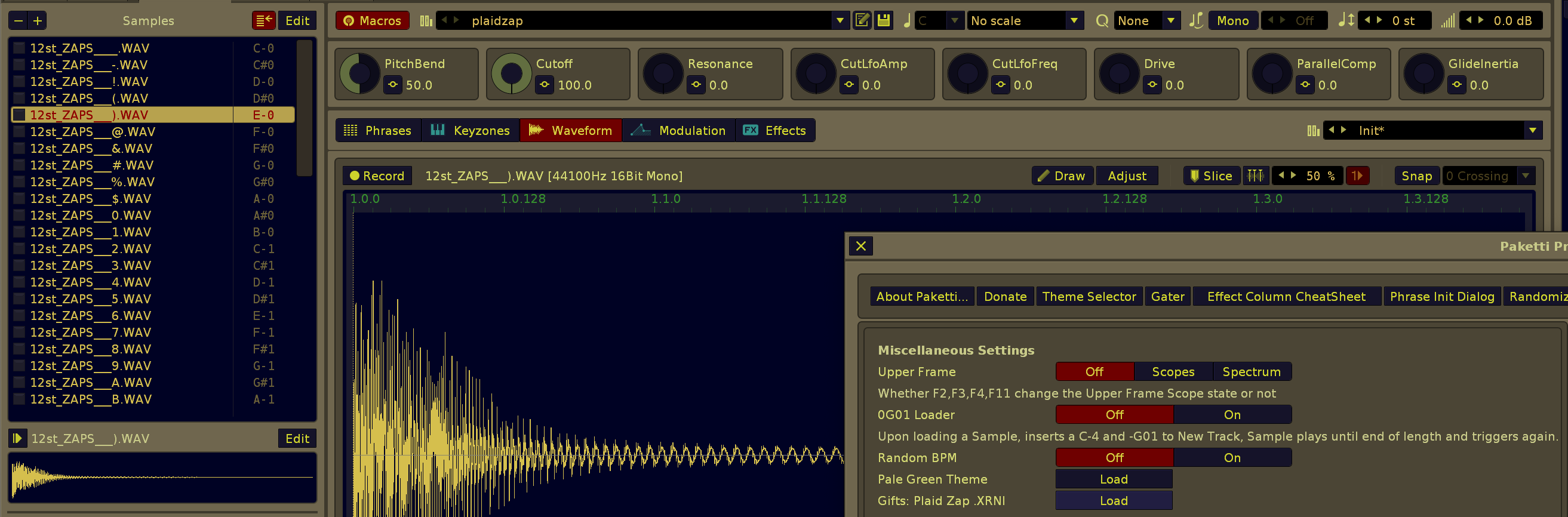
Improvement: Reintroduced LPB*2 LPB/2 to Paketti Gater
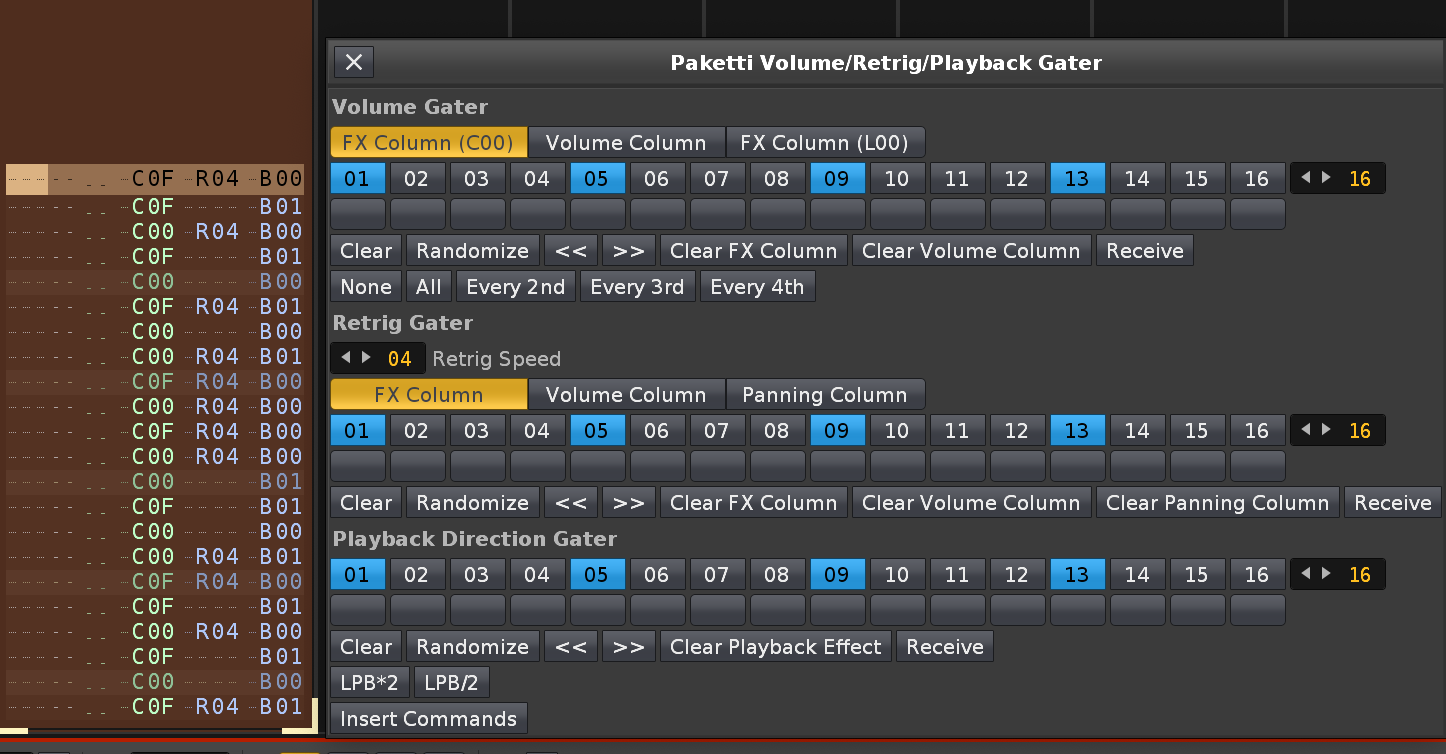
Improvement: F4 *2 will now go from Midi Monitor in Midi Out, to Instrument Plugins Phrase Editor (instead of Instrument Plugins External Editor screen which just has a button there for opening the External Editor)
(closes https://github.com/esaruoho/org.lackluster.Paketti.xrnx/issues/417)
Feature: Wipe Selected Track Track DSPs
a shortcut that wipes the Track DSPs from the selected track
(closes https://github.com/esaruoho/org.lackluster.Paketti.xrnx/issues/419)
Improvement: Midi Populator will now also name the track accordingly - i.e. if you load a plugin, then the plugin name is shown in the track title.
(closes https://github.com/esaruoho/org.lackluster.Paketti.xrnx/issues/429)

Improvement: If you try to run "Create New Instrument and Loop" while there is no sample there - an error used to be shot. now shows a show_status and exits gracefully.
Improvement: Pattern Effect Command CheatSheet now has visual rows, hopefully making it easier to recognize where tempo + bpm + lpb stuff is.
(closes https://github.com/esaruoho/org.lackluster.Paketti.xrnx/issues/430)
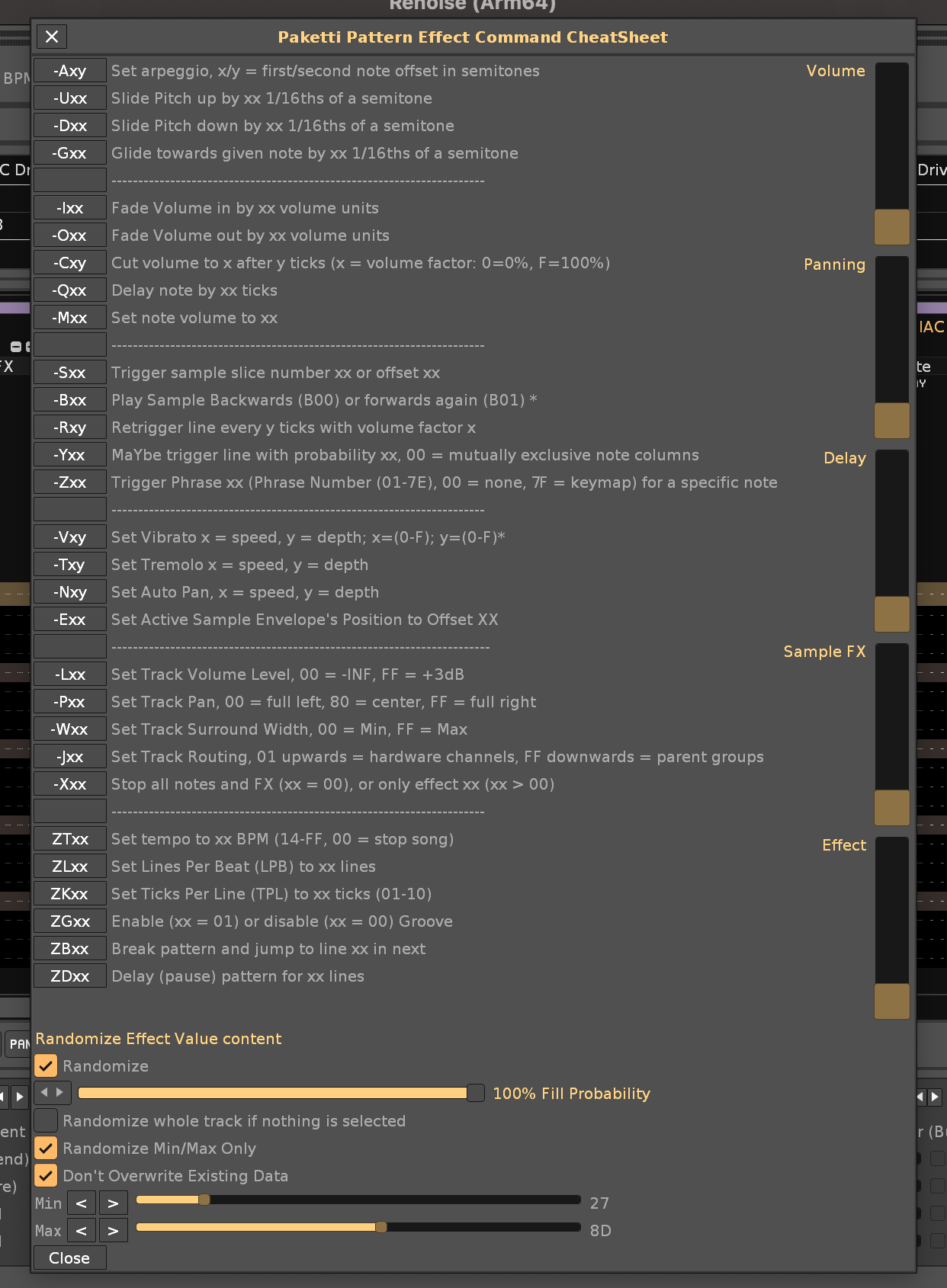
Improvement: Paketti Gater will now print C00 to each of the empty checkbox rows until there's a checkbox that starts the C01 process.
also if there are no checkboxes for playback reversing checked, then 0B01 will no longer printed on each row of the selected track.
Improvement: Paketti Gater now has Panning for Panning Column or Effect Column 4.
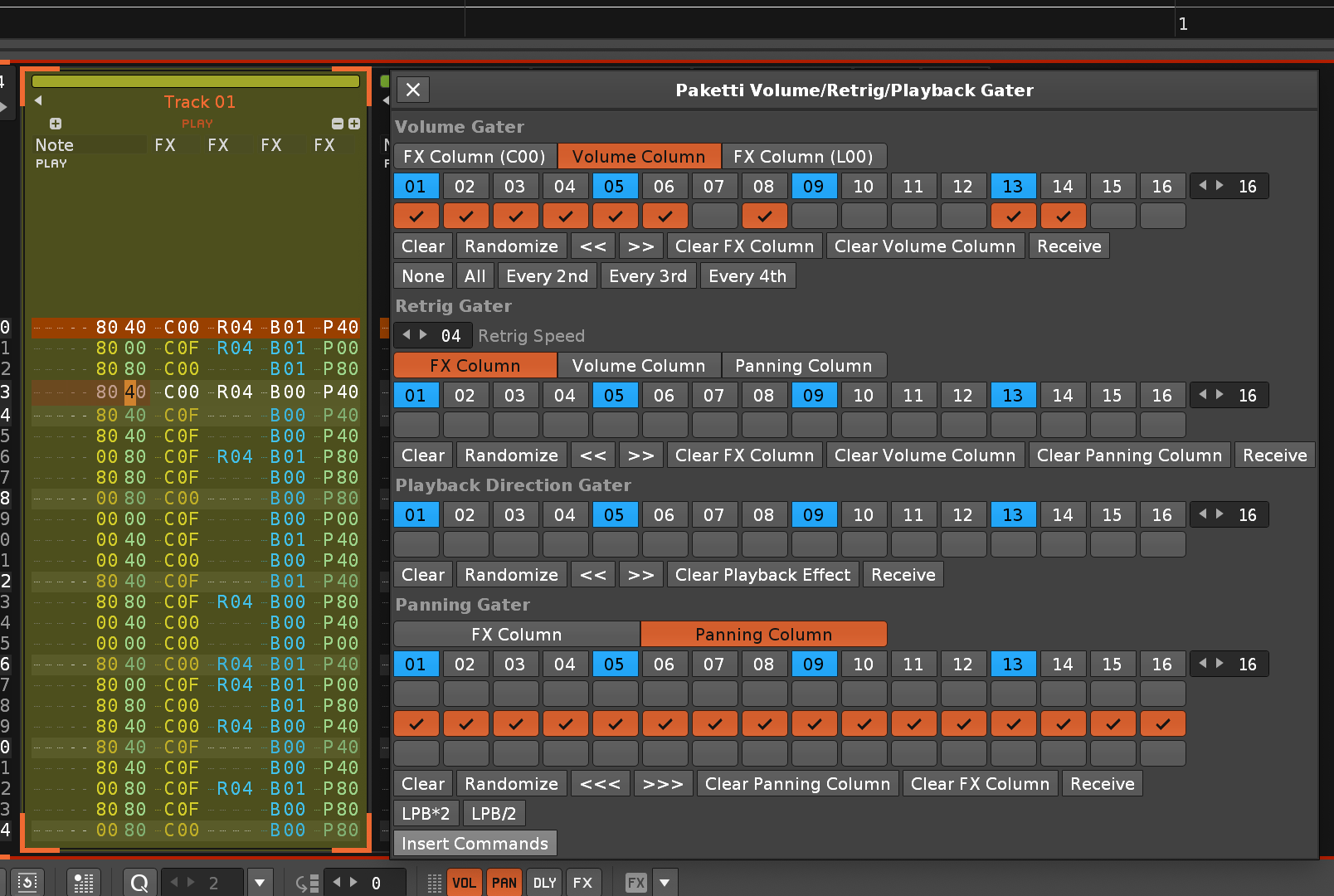
Feature: Multi-pattern Automation Drawing (Curve Up, Curve Down, Line Up, Line Down) - this reads the selection in Pattern Matrix and imprints
https://www.loom.com/share/2642b8a5ab7f4afe9328ddff90aba7bf?sid=c94130c3-5274-4e7a-abb2-b4322398aa70 (Closes https://github.com/esaruoho/org.lackluster.Paketti.xrnx/issues/57)
Improvement: Multi-pattern Automation Drawing now has Center->Top, Top->Center, Center-> Bottom, Bottom->Center in both Exp + Lin form.
https://www.loom.com/share/6d851711aa52451eb41cbedd631d61cc?sid=77630b42-cef3-4ff7-a4e2-9c0192000dc4
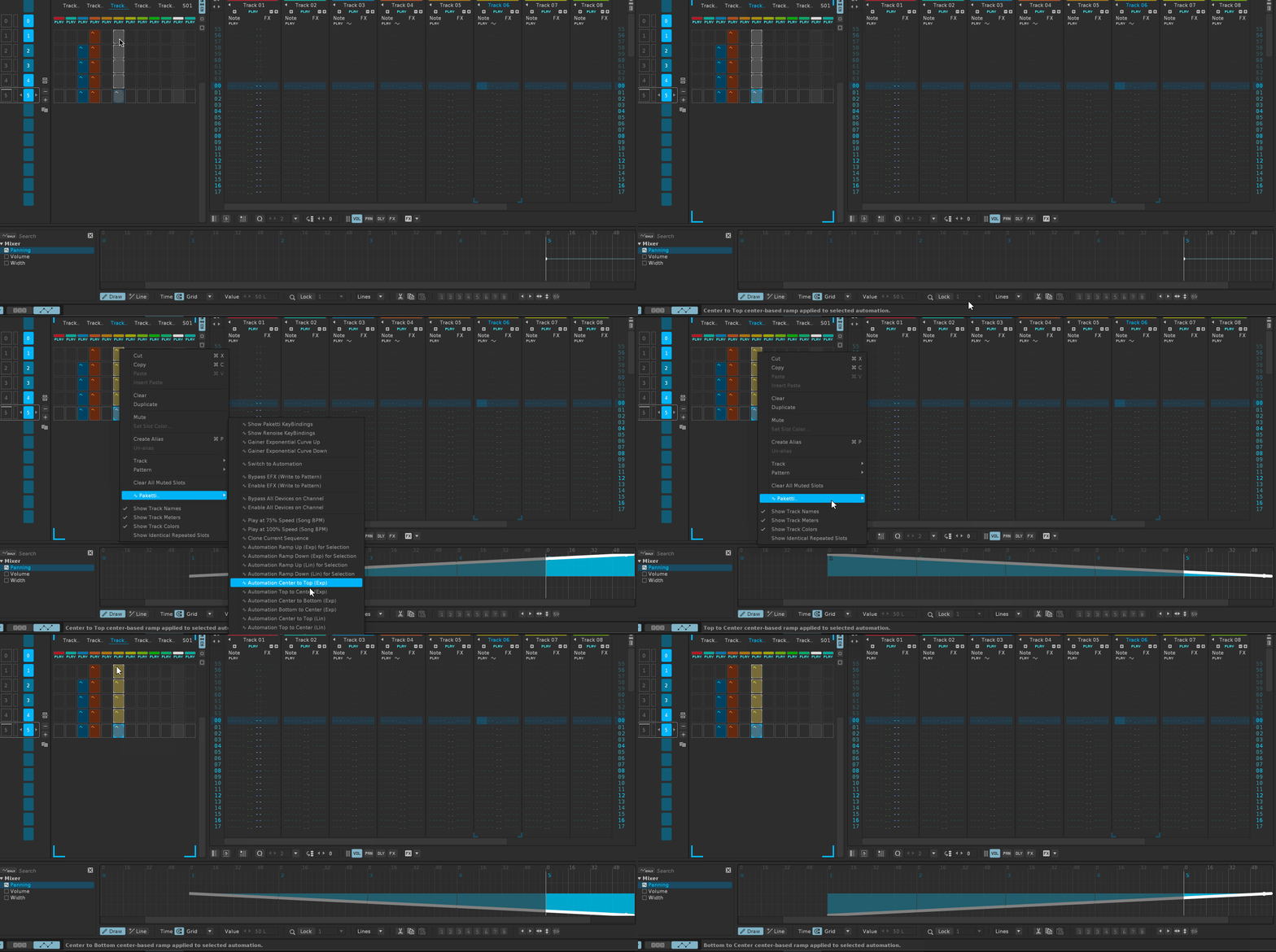
Feature: Set Velocity Range 00,7F for selected sample, and 00,00 for all the other samples in the instrument. midimapping + keybinding flavors. midimapping is 0...127, keybinding is +1 -1 and random.
this lets you load f.ex. 120 snares into an instrument, you manually click "Layer" in the KeyMappings, then tweak a midiknob or press a shortcut and all the other snares stop playing - but the one you selected will play. quickly audition your samples or other drums or oneshot synth sounds or wotevs.
(closes https://github.com/esaruoho/org.lackluster.Paketti.xrnx/issues/157)
Improvement: the above Switcharoo now will actually select the selected sample - meaning, if you're in the Sample Editor, you immediately can see, and start editing, the sample that you've selected with shortcuts or midimapping.
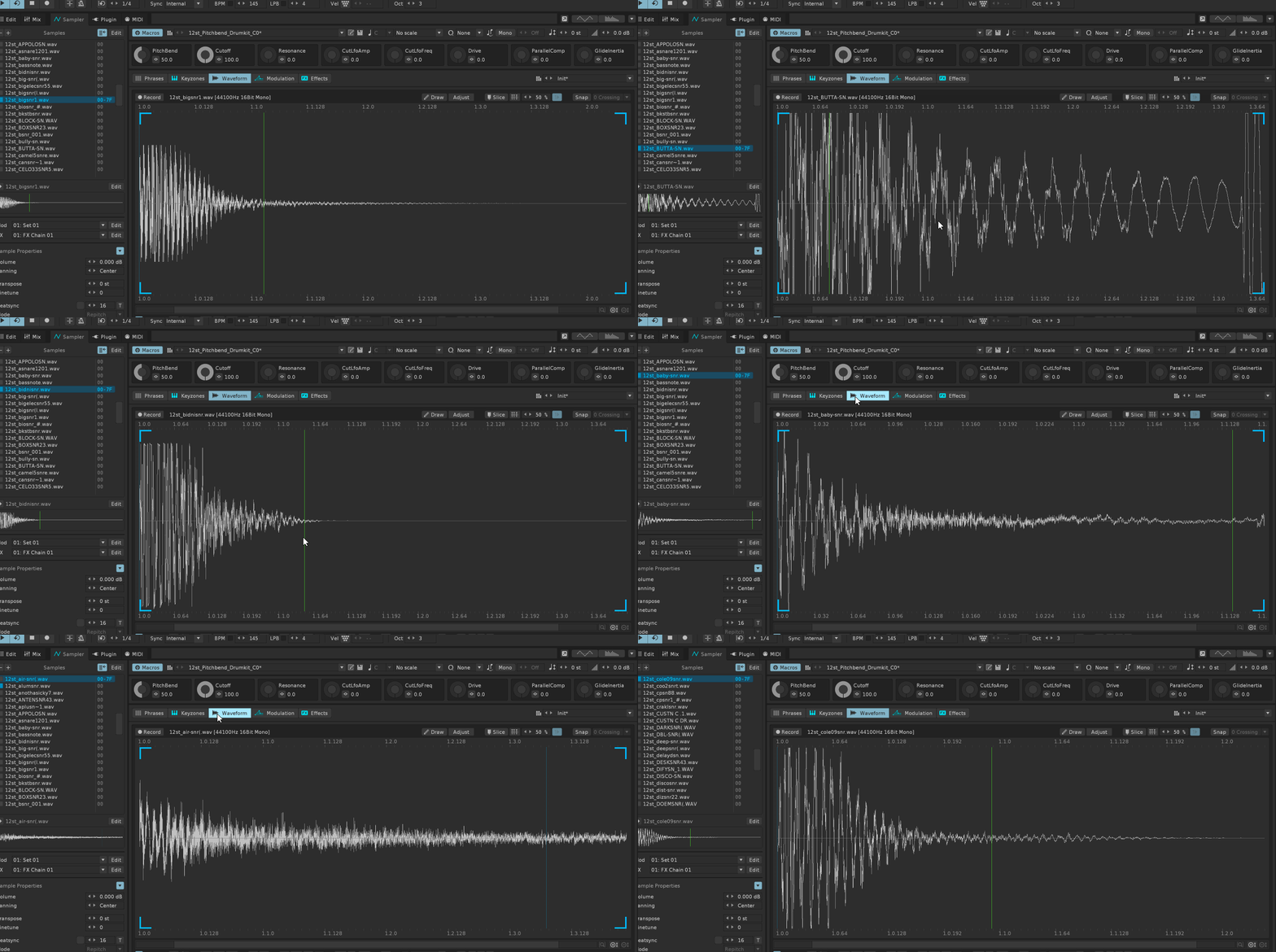
Improvement: Receive / Writing of Panning + 0B00 / 0B01 in Paketti Gater has had various bugs fixed, and a Jaguar preset has been added to Volume.
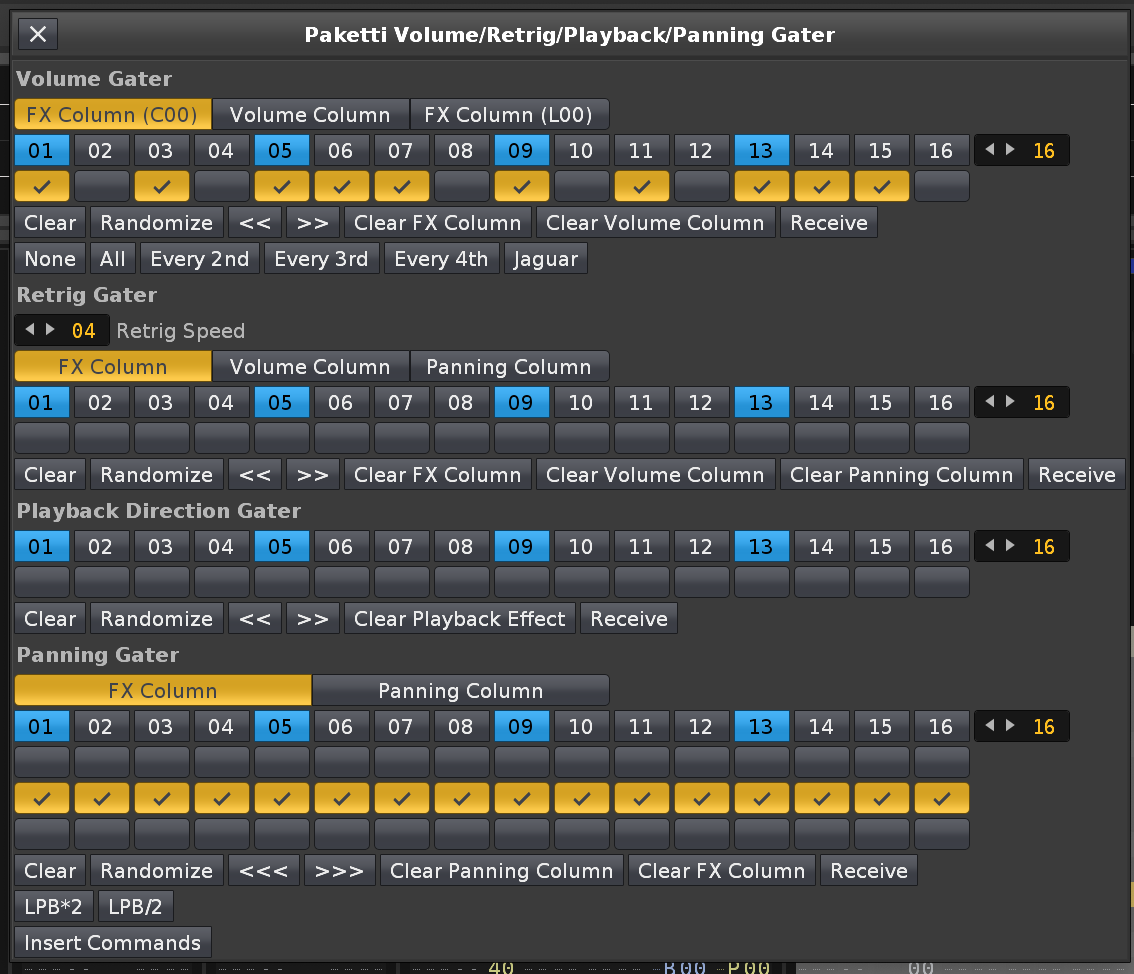
Improvement: Added "Caapi" preset to Paketti Gater
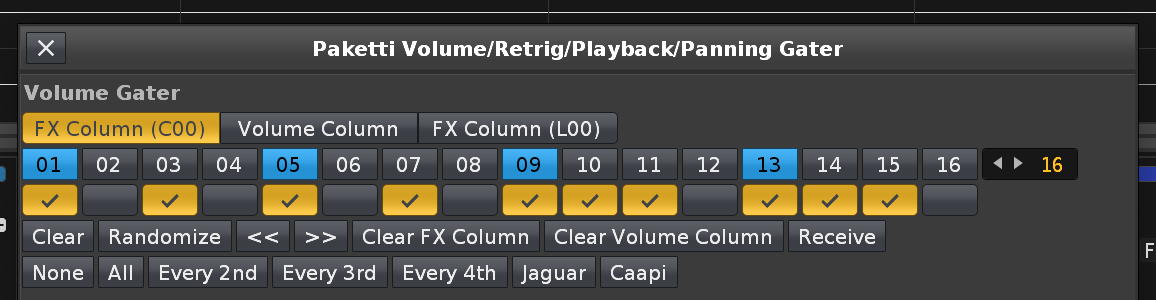
Improvement: Some minor improvements to make the Paketti Gater gui less wide:
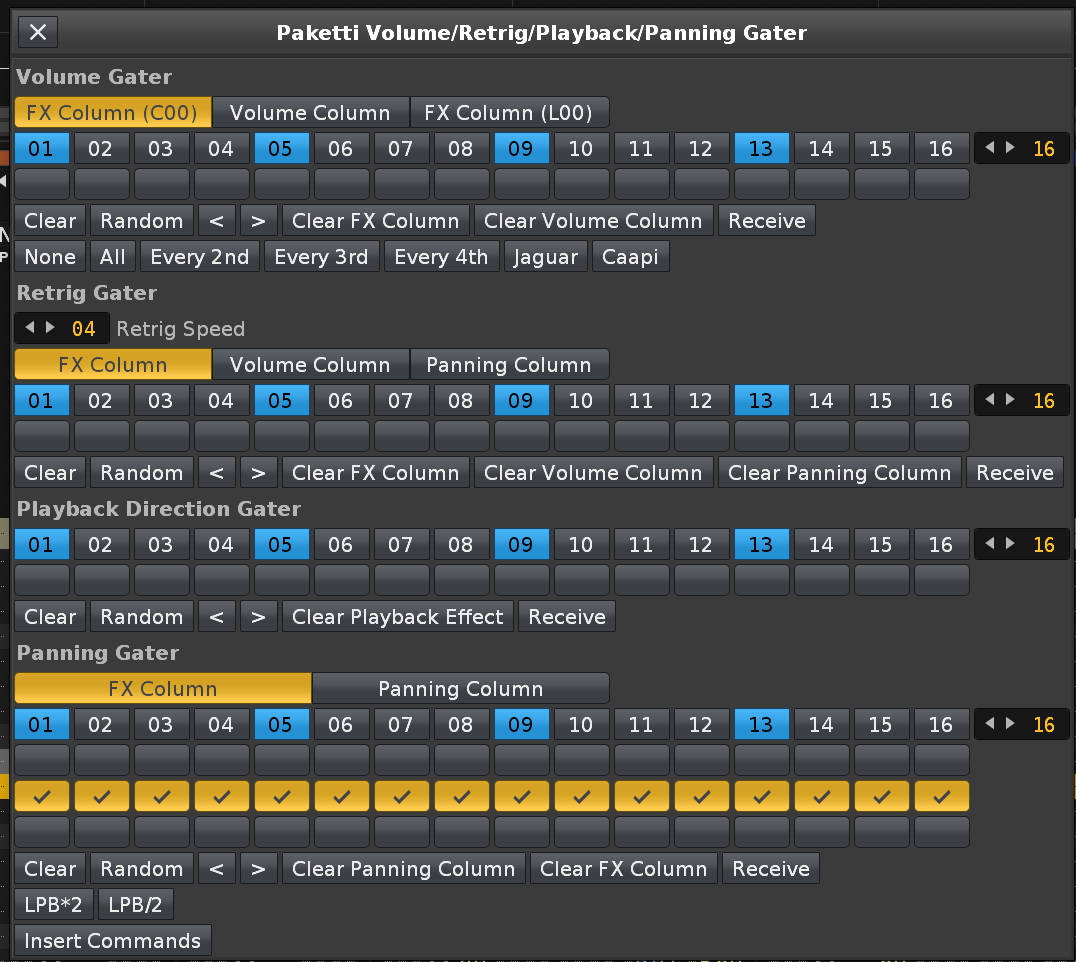
Improvement: "Solo one sample out of all samples in instrument" (Velocity Range / Switcharoo -- still looking for a name) now prints status of which sample slot / sample name is selected.
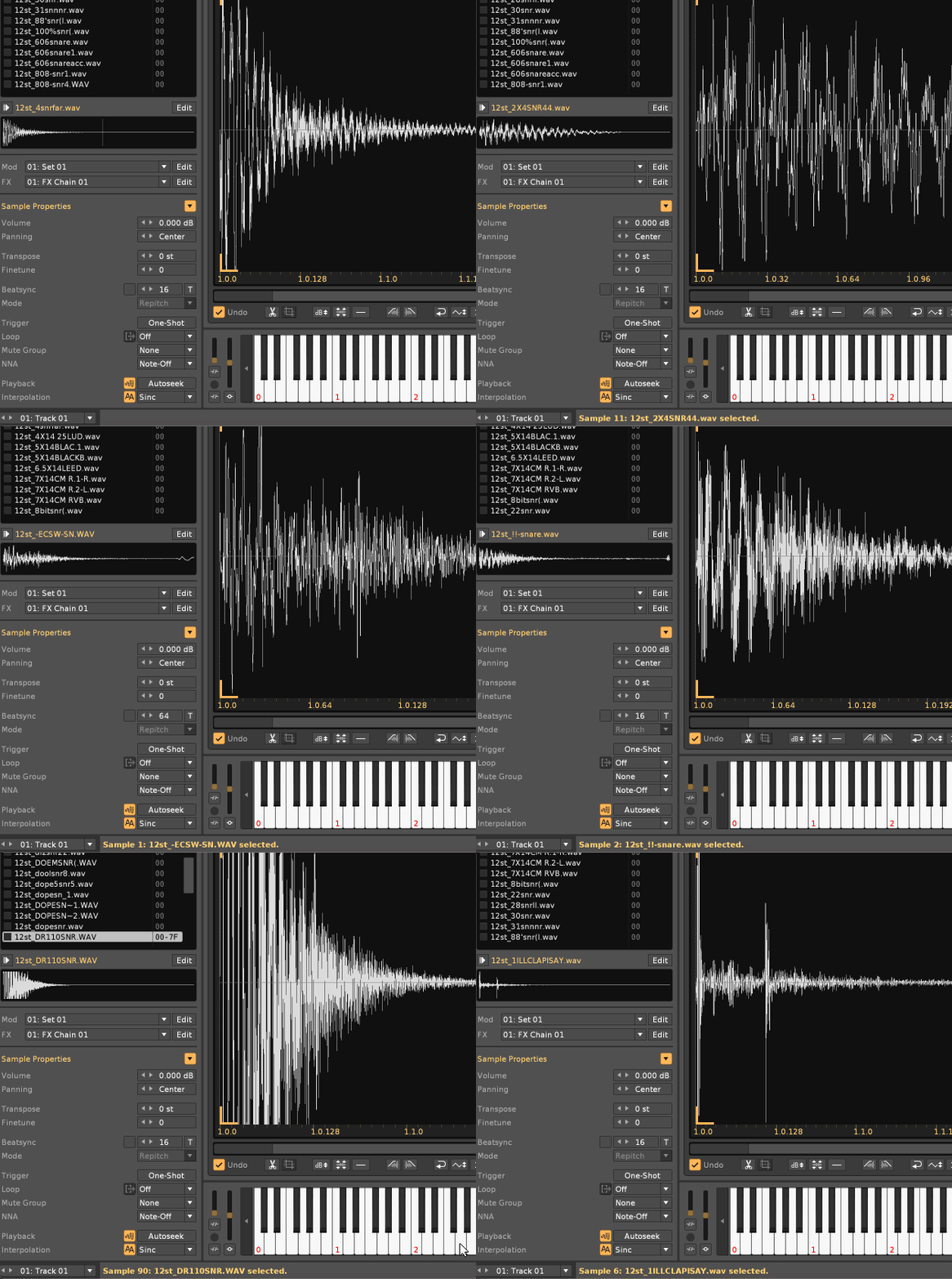
Improvement: "Global Receive" added to Paketti Gater -> this will take what's in the currently selected track, and receive.
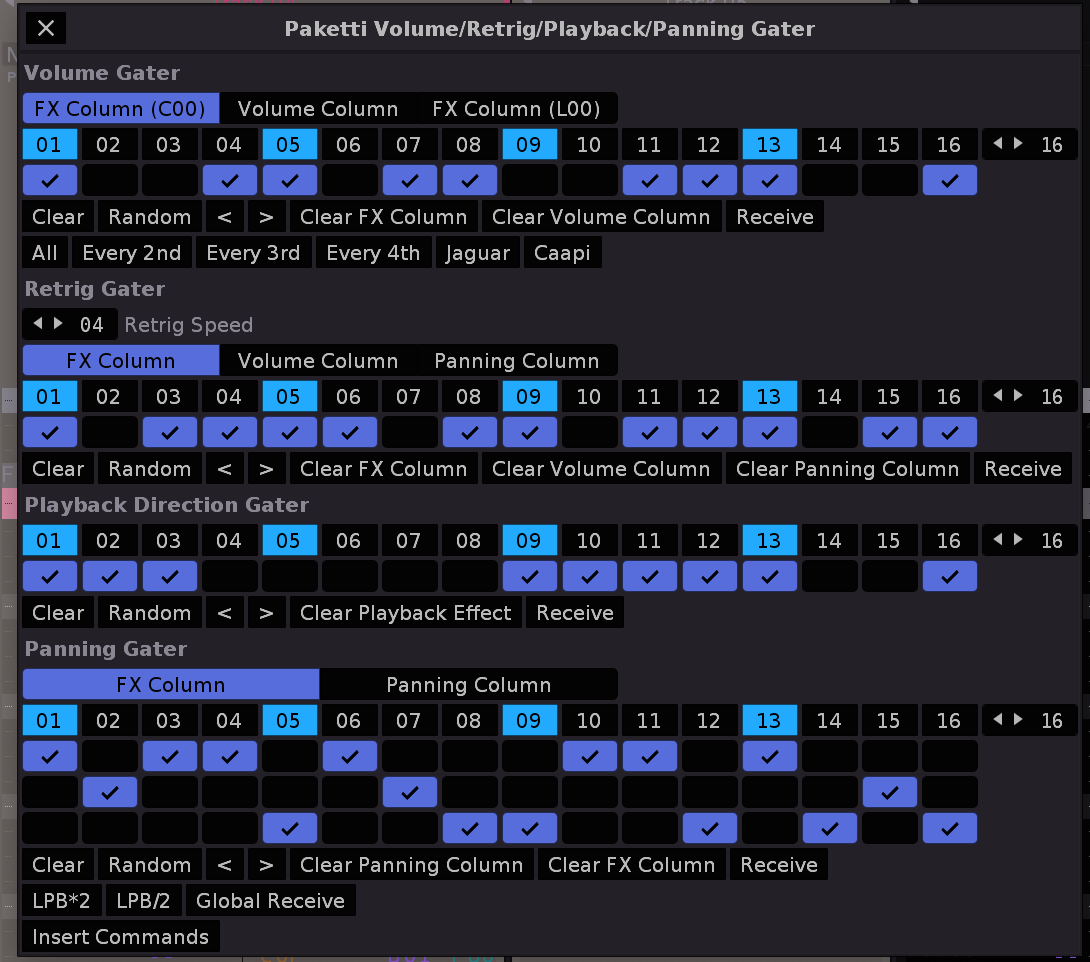
Feature: OctaMED Pick/Put Dialog / Shortcuts / MidiMapping:
This lets you PICK a row to a slot (10 slots).. then you can move your cursor around and PUT it anywhere, to any track. the slots are saved.
there's editstep too. so you could pick, say, 10 very highly customized rows, and bang them in yourself with midi buttons or shortcuts, to any track.
it will resize the track to fit the max 12 note columns and max 8 effect columns, if they're in use.
you can also set it to selected instrument, so grab something that uses one instrument, and paste it somewhere else, using another instrument.
(Closes https://github.com/esaruoho/org.lackluster.Paketti.xrnx/issues/453)
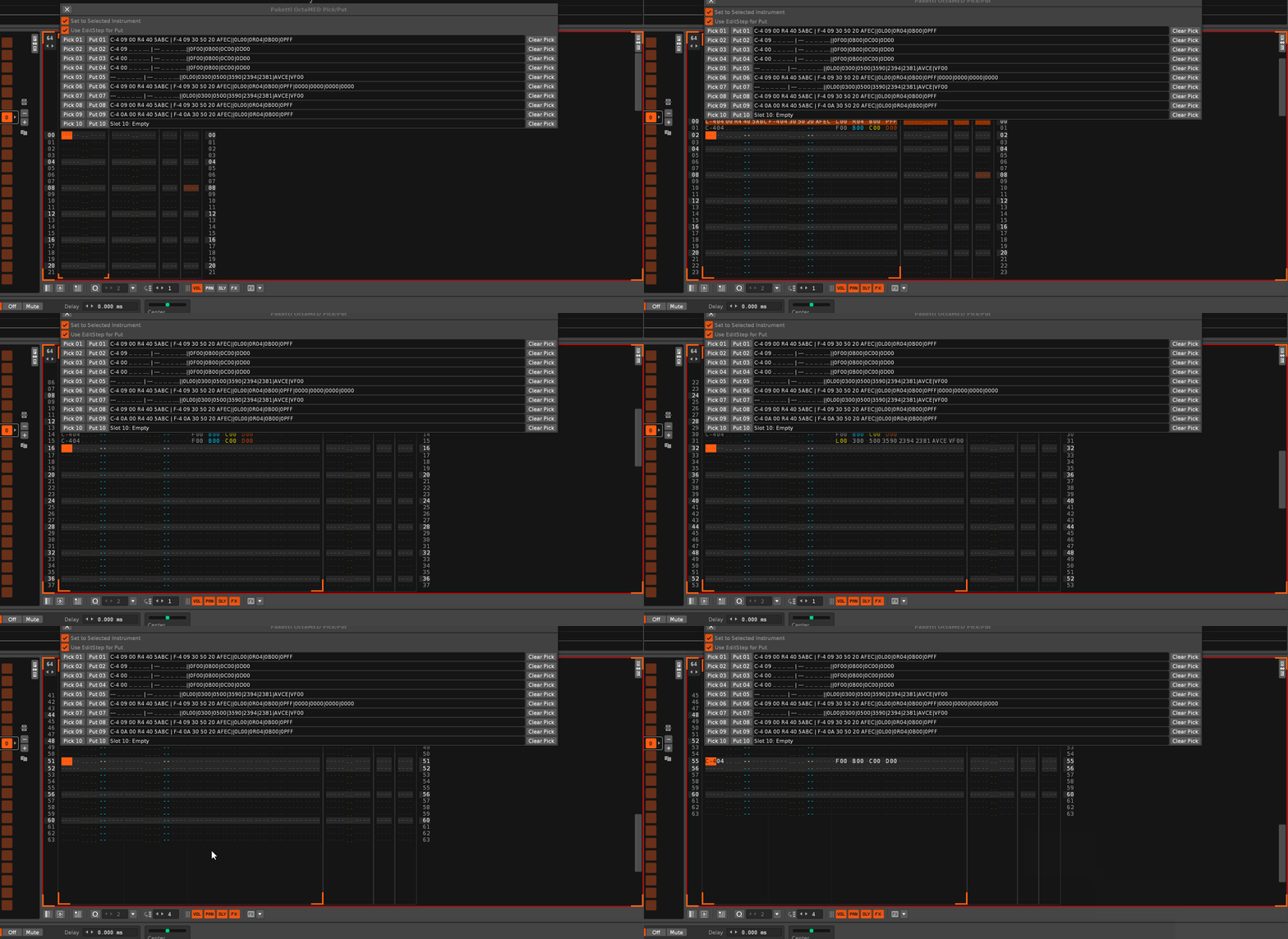
Improvement: Paketti MIDI Populator takes less screen space - dialog is more optimized:
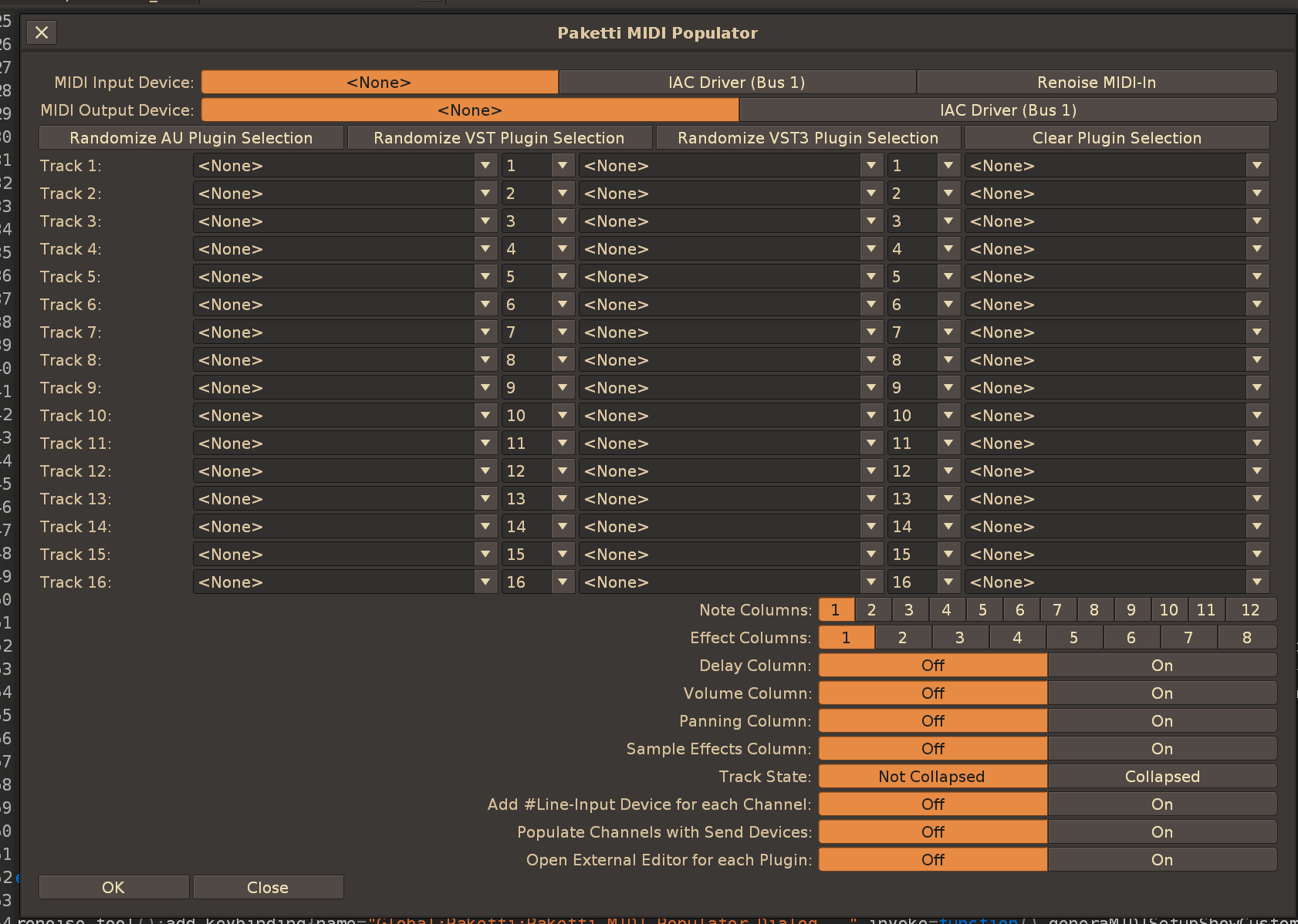
Improvement: OctaMED Pick/Put shortcuts + midimappings will now put slot content to pattern editor even if dialog is not open.
Feature: Selected Track Mute
midimapping for toggling mute on/off with one button. if it's off, it'll be turned on. if it's on, it'll be turned off. flavors: "selected track" or track01-64. also has protection against track not existing.
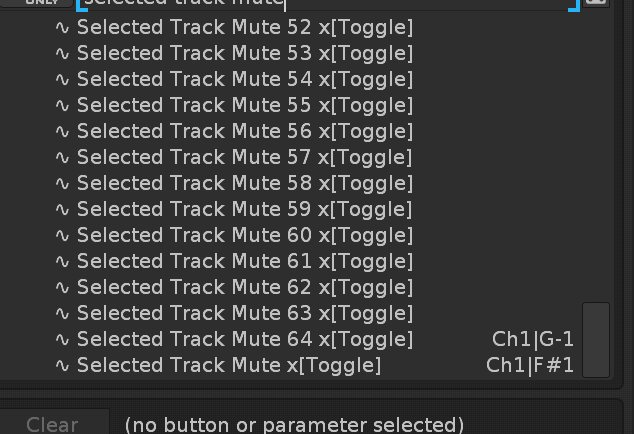
Feature: Set all non-empty patterns to current pattern length
Set all non-empty patterns to 96 rows.
menu entries + keybinds
(closes 2/3 of https://github.com/esaruoho/org.lackluster.Paketti.xrnx/issues/464)
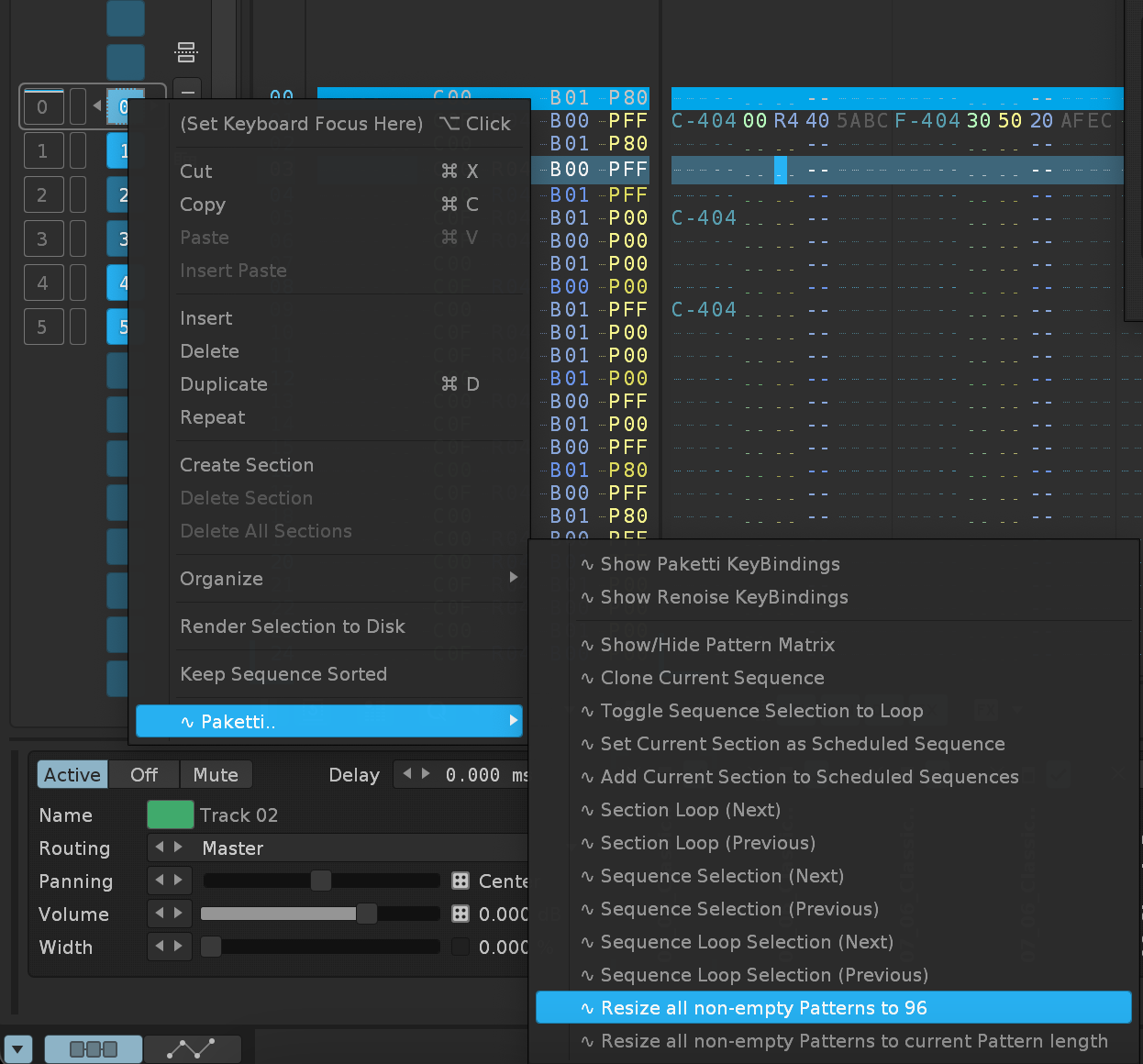
Improvement: Paketti KeyBindings + Renoise KeyBindings dialogs will now close when you run the shortcut again (and the dialog was open).
Improvement: Paketti Theme Selector will now return focus to Pattern Editor when opening dialog.
Improvement: Paketti Preferences can now be opened, closed .. and re-opened multiple times without an error
Improvement: Audio Processing Tools Dialog can now be opened.. and closed, with the same shortcut.
Improvement: Merged Audio Processing Tools Dialog and Resample Dialog together - because it makes sense.
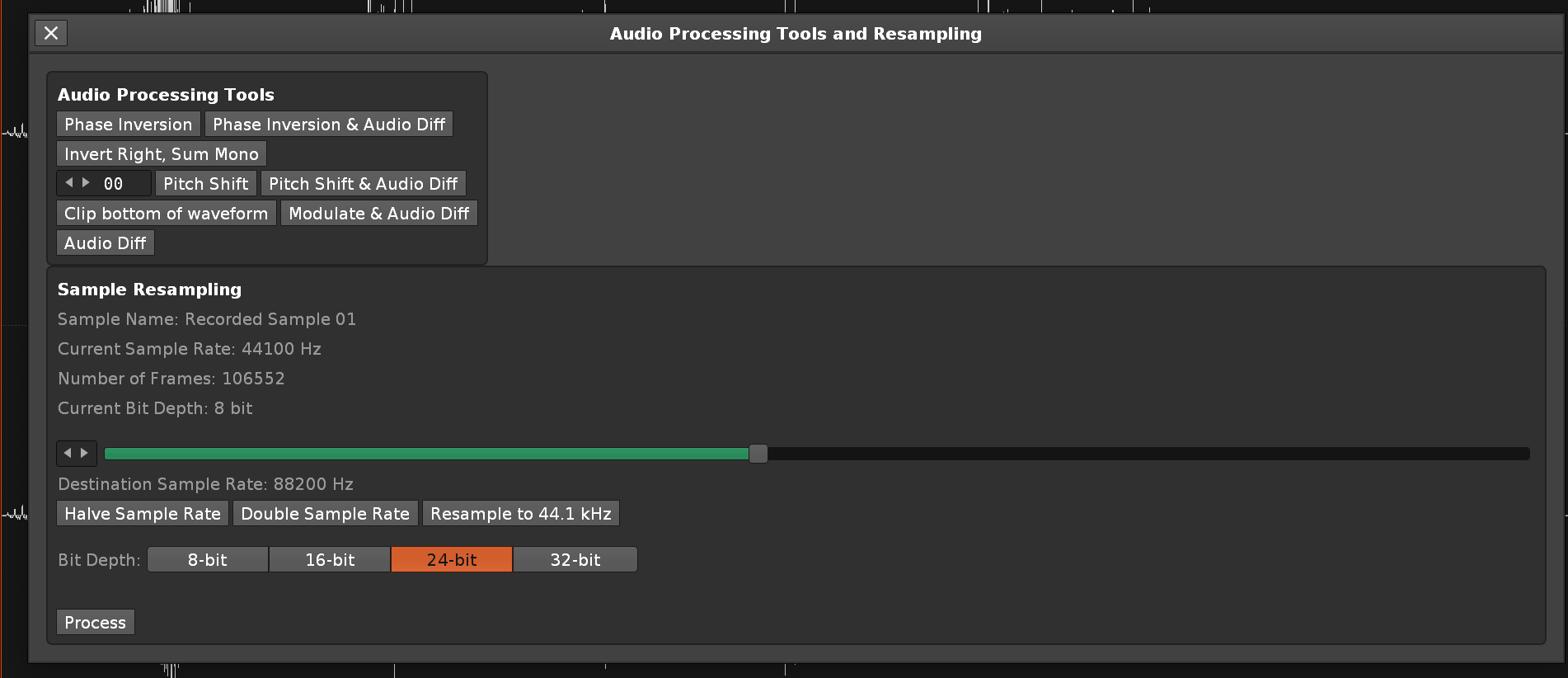
Improvement: fixed the width of the slider and overall the rectangle boxes.. for Audio Processing Dialog
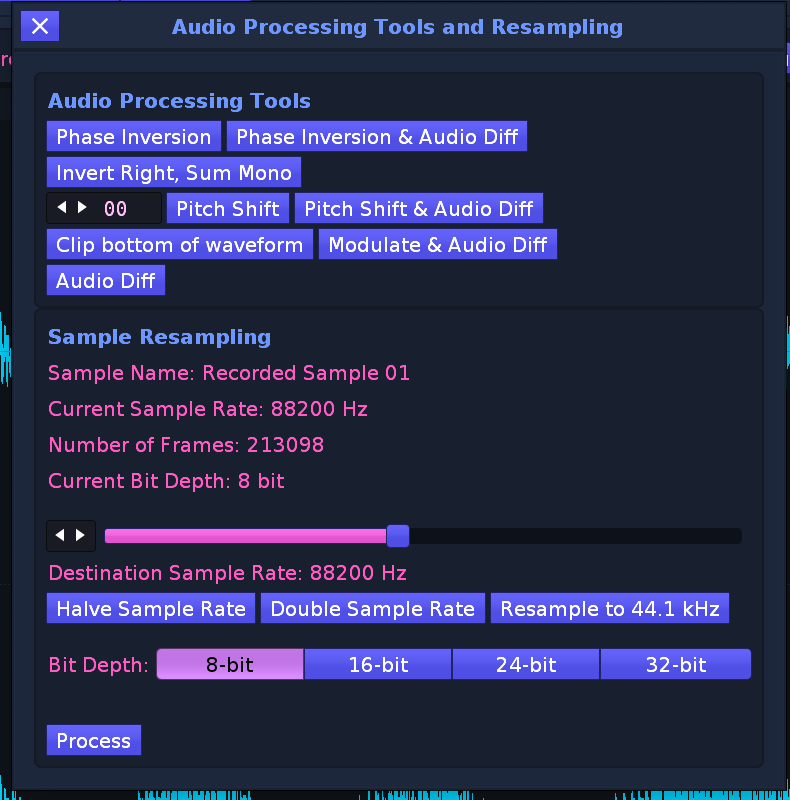
Improvement: Paketti About dialog is now the Donate dialog too.
(Closes https://github.com/esaruoho/org.lackluster.Paketti.xrnx/issues/465)
Improvement: Paketti Preferences topbar + Dialog of Dialogs content tweaked. (aka removed Donations, renamed "About Paketti" to "About Paketti/Donations..." - and removed "Resample" dialog since it is in Audio Processing Dialog.
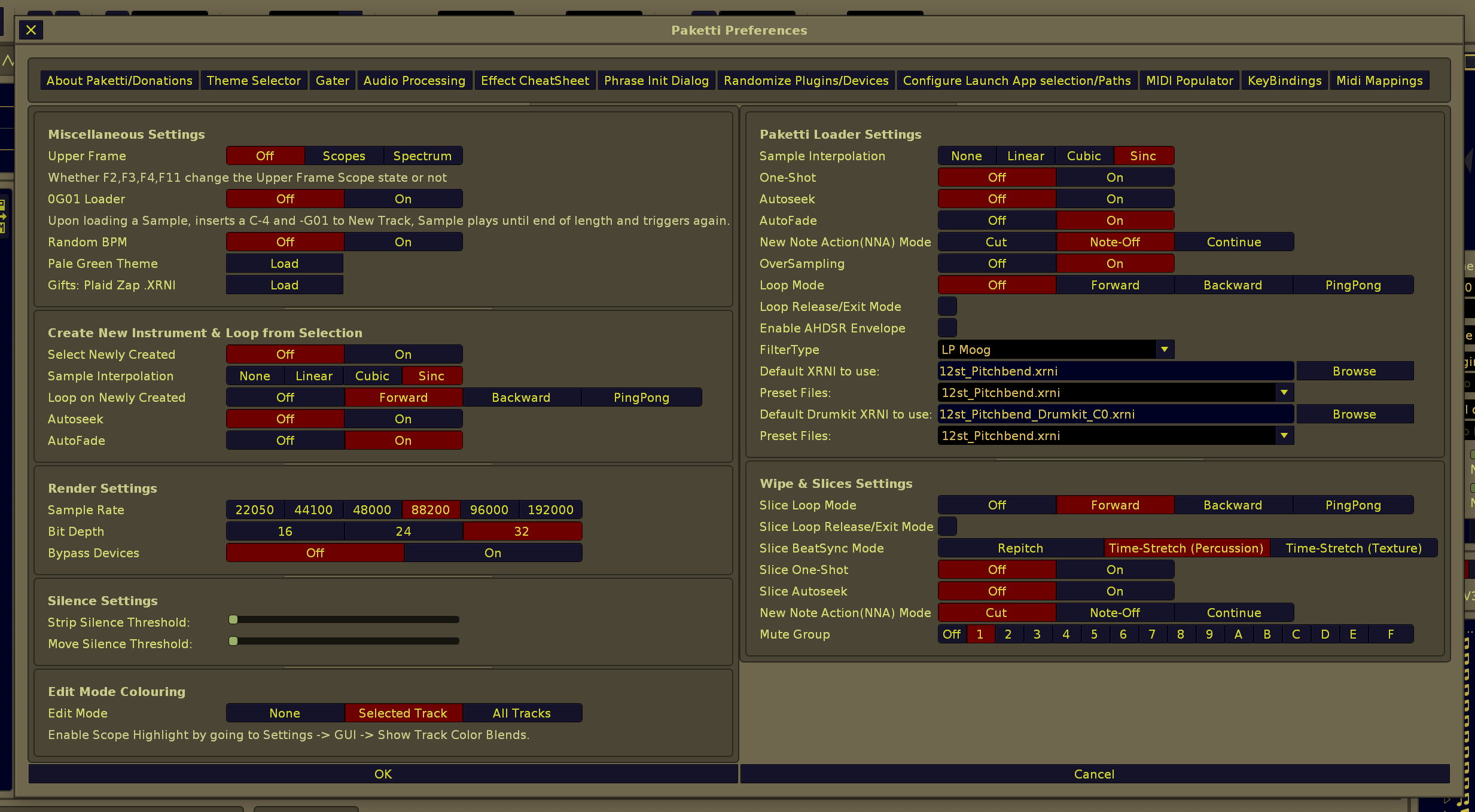

Improvement: Formula Device Documentation Dialog + manual text optimized so it no longer takes so much space. this loads the Formula device and displays the manual, with helpful Renoise forum links at the bottom.
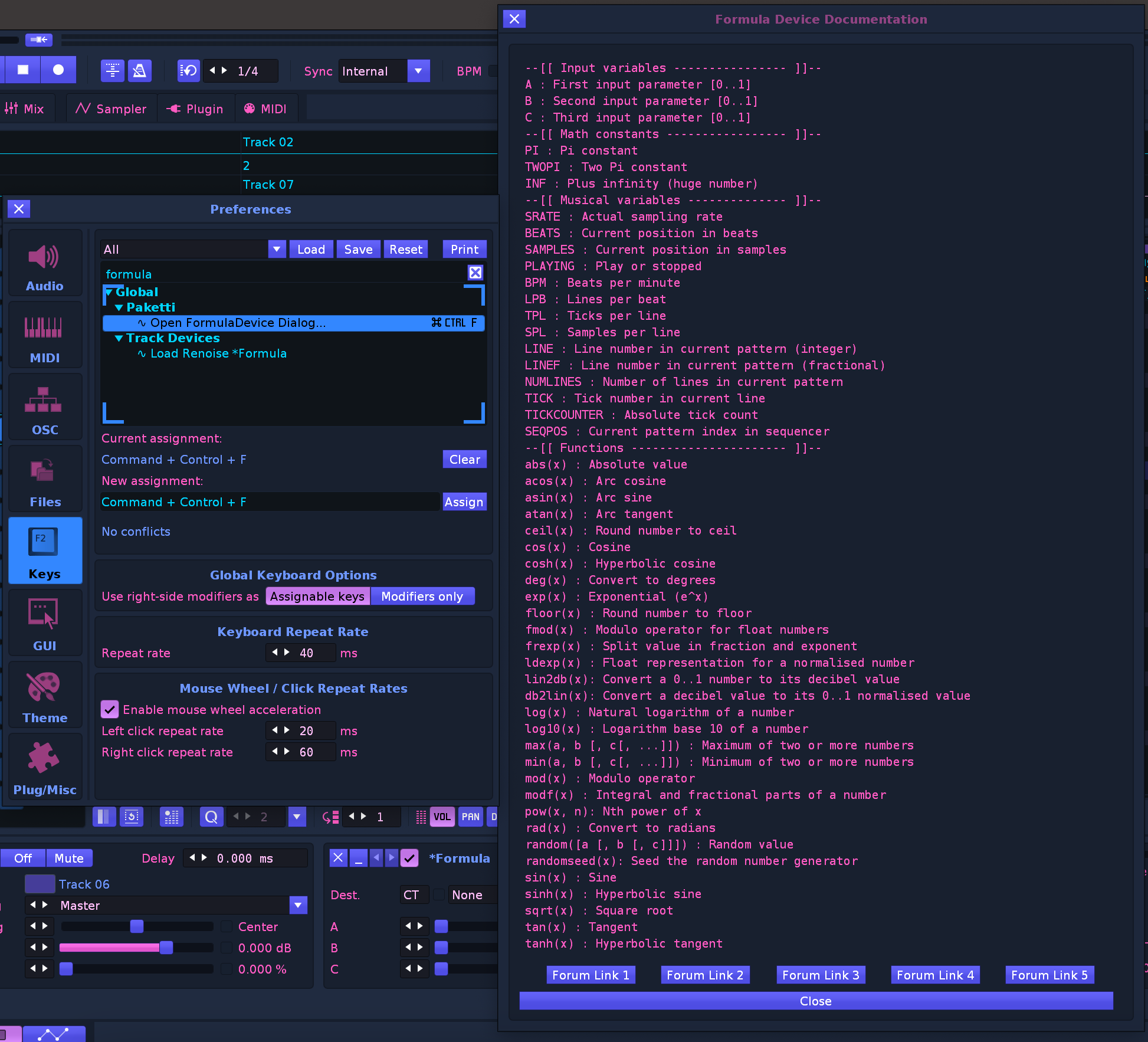
Improvement: App Selection dialog has now been optimized so it takes less space
(Closes https://github.com/esaruoho/org.lackluster.Paketti.xrnx/issues/470)
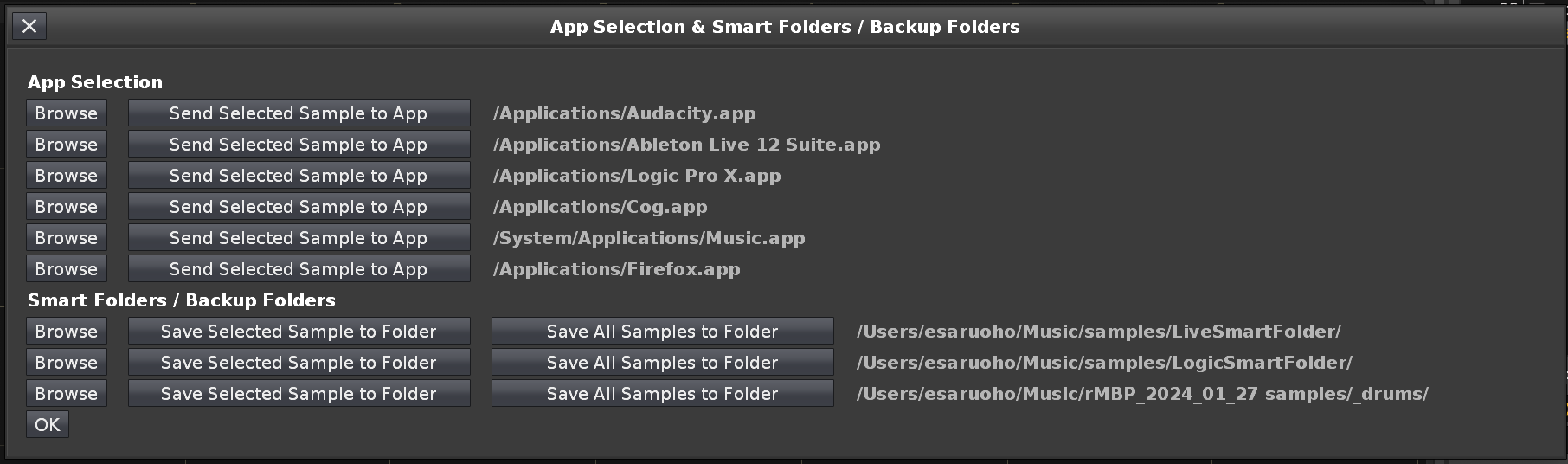
Improvement: About Paketti/Donations dialog can now be closed with "OK" or "Cancel": (Closes https://github.com/esaruoho/org.lackluster.Paketti.xrnx/issues/482)
Improvement: Pattern Effect CheatSheet will now correctly write to current row SampleFX Column if no selection in pattern exists - instead of erroring. (Closes https://github.com/esaruoho/org.lackluster.Paketti.xrnx/issues/475 )
Feature: "Duplicate Sample Range, Mute Original"
this takes the samplerange, copies it to a new sample slot, mutes the original and makes sure all other settings are copied for the sample. (transpose, pitch, finetune, panning, autofade,autoseek, interpolation, oversampling, beatsync etc)
(Closes https://github.com/esaruoho/org.lackluster.Paketti.xrnx/issues/457)
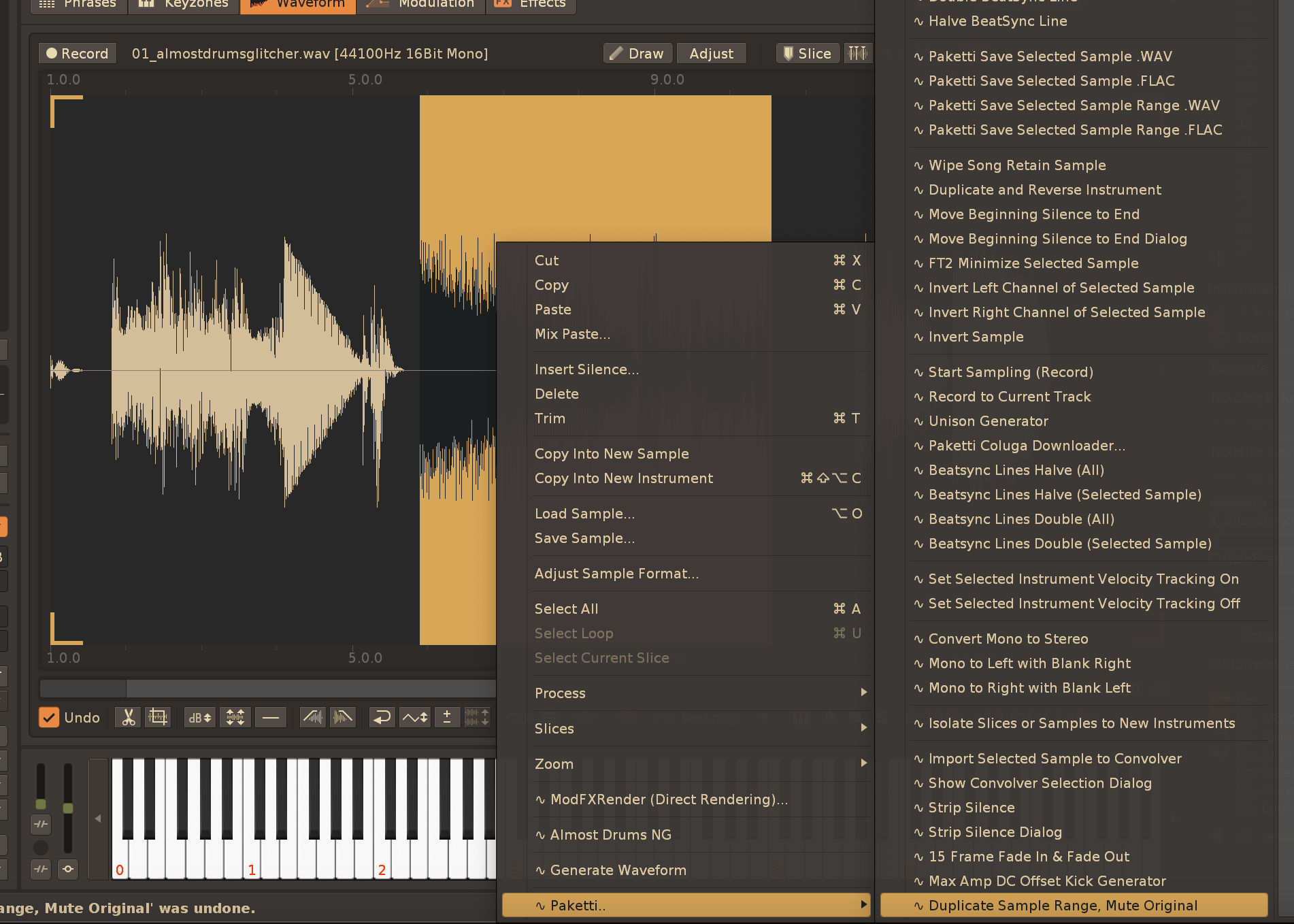
Improvement: "Interpolate Effect Column Parameters" now also duplicates the first row effect number - so it's not just empty lines with interpolated effect values.
(Closes https://github.com/esaruoho/org.lackluster.Paketti.xrnx/issues/170
and https://github.com/esaruoho/org.lackluster.Paketti.xrnx/issues/480
and https://github.com/esaruoho/org.lackluster.Paketti.xrnx/issues/473)
Feature: Clean Render Selected Track or Group and save as WAV or FLAC
this will do a render of the original track, without muting notecolumns of original track, without collapsing the track, and without printing C-4 on a new track (since no new track is created).
this is basically a shortcut and a menu entry for "selected track or group straight to .WAV/.FLAC".
(Closes https://github.com/esaruoho/org.lackluster.Paketti.xrnx/issues/408)

Feature: Randomize Selected Sample Pitch +6/-6 and Finetune +127/-127
(Closes https://github.com/esaruoho/org.lackluster.Paketti.xrnx/issues/458)
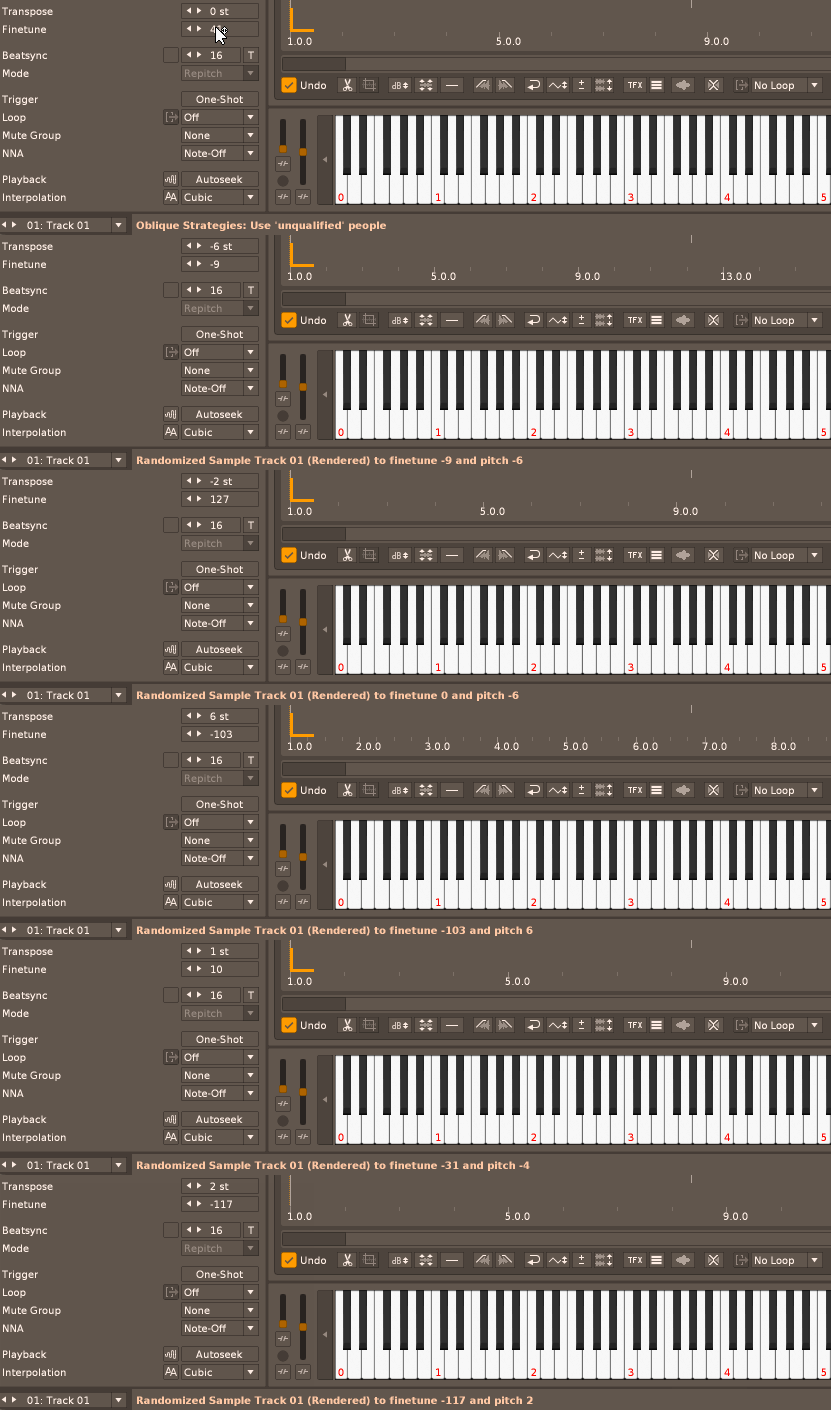
Improvement: moved "Strip Silence Dialog & Move Beginning Silence to End Dialog" content to Audio Processing Dialog
(closes https://github.com/esaruoho/org.lackluster.Paketti.xrnx/issues/451)
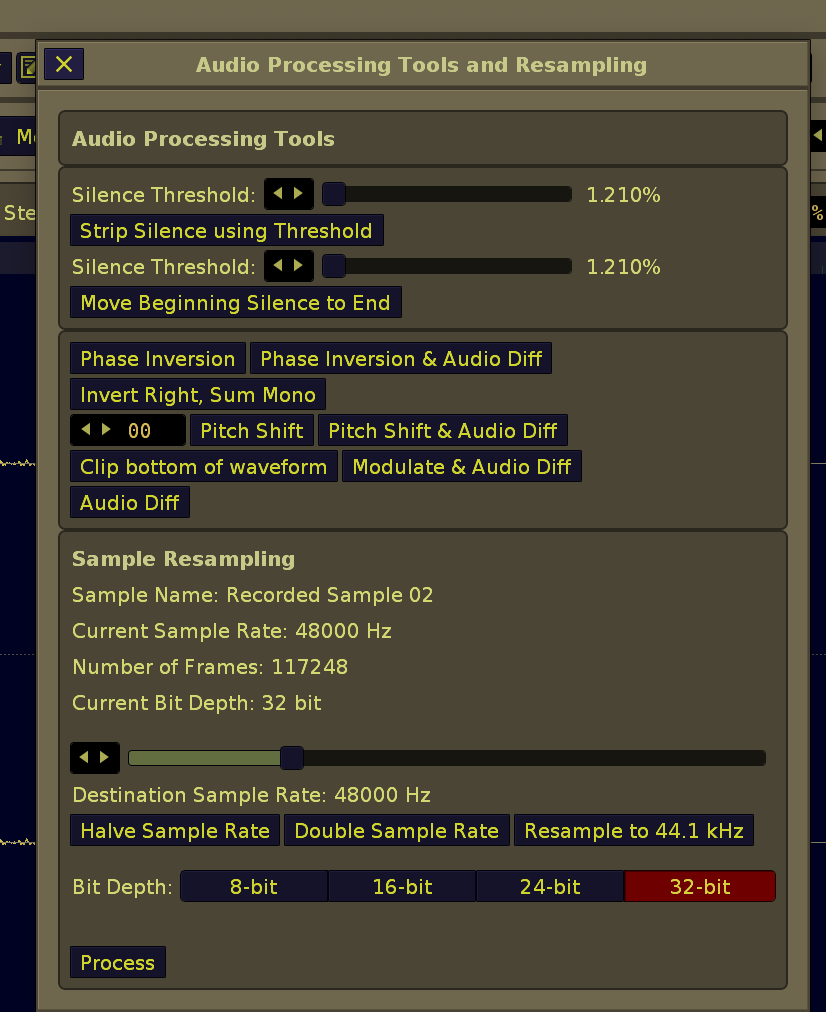
Improvement: Audio Processing Tool now includes "15 frame fade in, 15 frame fade out" - and it correctly updates the sample waveform at the end of running it - and some visual tweaks to make the dialog take less space.
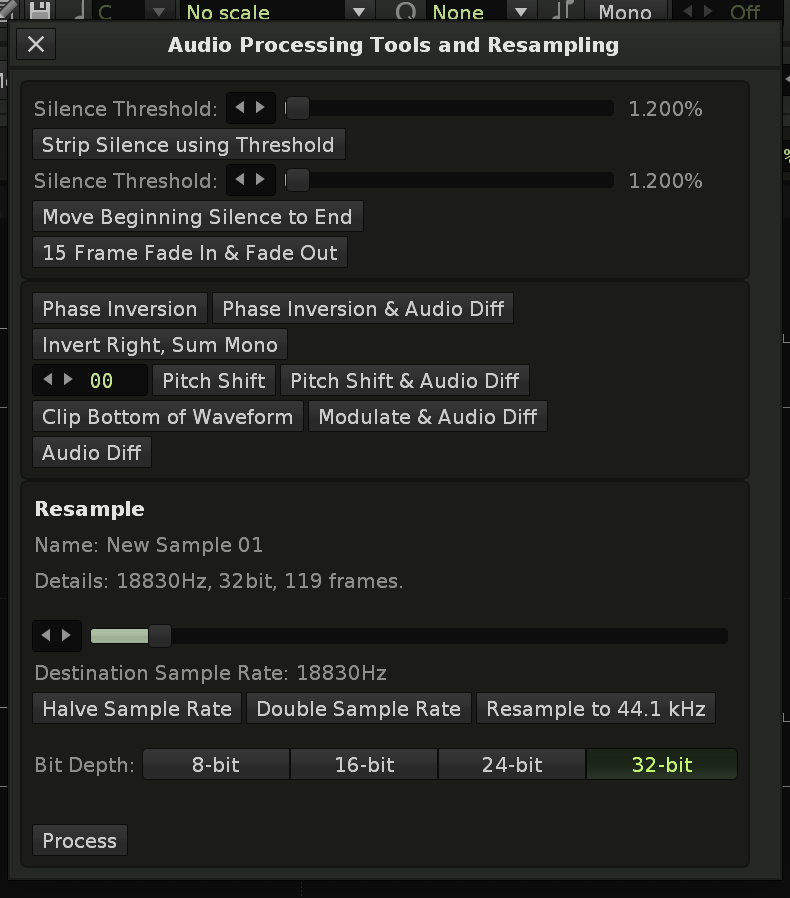
Improvement: Added Max Amp DC Offset Kick, DC Offset, DC Offset 1-50 times buttons to Audio Processing dialog and a slider for running DC Offset multiple times (1-500 times)
(Closes https://github.com/esaruoho/org.lackluster.Paketti.xrnx/issues/450)
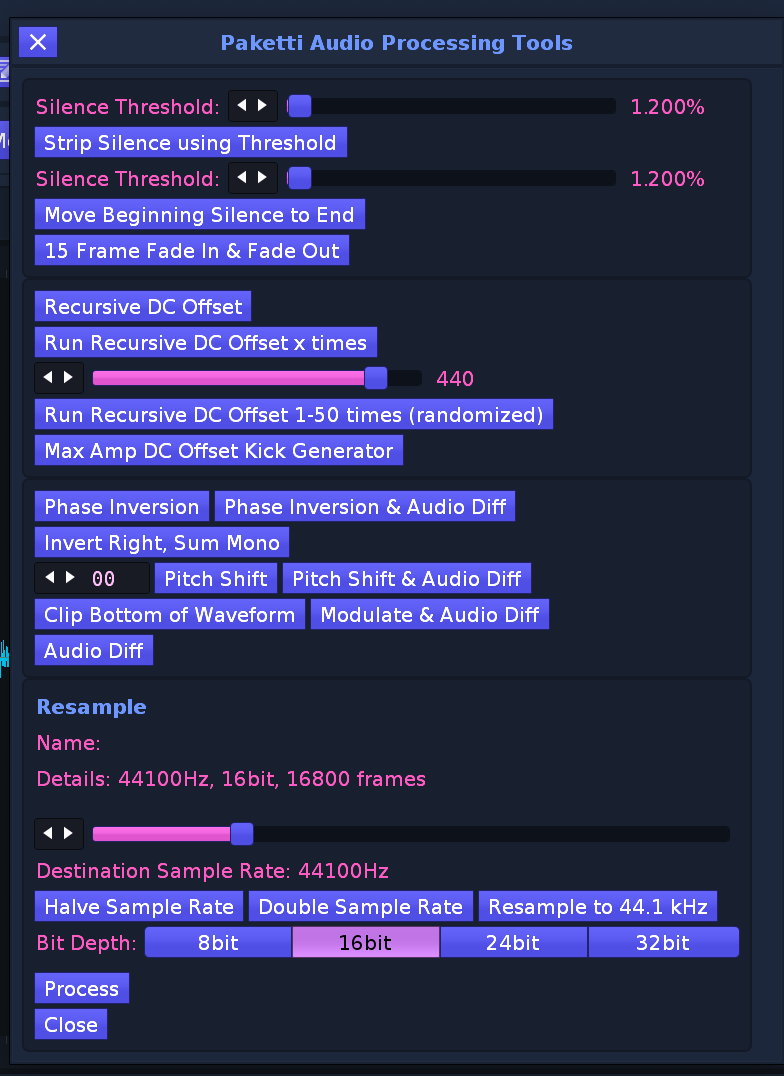
Improvement: Rotate up,down,left,right shortcuts + midimappings now all refer to Rotate instead of some Rotate and some Shift.
(Closes https://github.com/esaruoho/org.lackluster.Paketti.xrnx/issues/481)
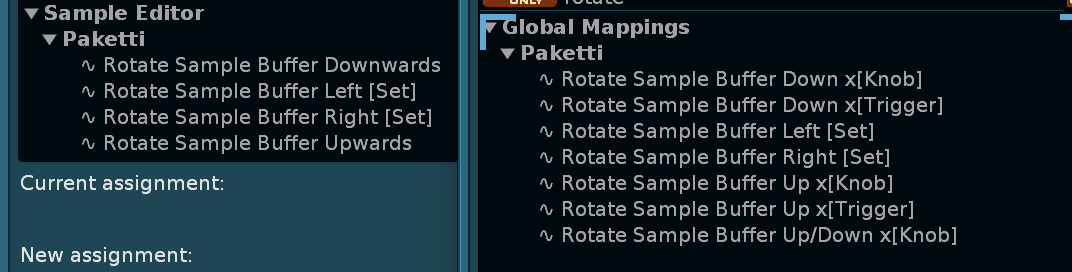
Improvement: Added Invert Left Channel, Invert Right Channel, Invert Sample buttons to Audio Processing Dialog.
also added DC Offset, Recursive DC Offset with a slider, and a max amp dc offset kick generator
(Closes https://github.com/esaruoho/org.lackluster.Paketti.xrnx/issues/485)
Improvement: Resample Name + Details now change when changing to a new sample, and they update when running Process or Resample 44.1khz
Feature: Transpose Notes in Selection via Midi Mapping
(Closes https://github.com/esaruoho/org.lackluster.Paketti.xrnx/issues/449)
Improvement: Rotate Sample Buffer Left/Right Fine + Coarse MidiMappings:
and with protection against rotating a sample larger than 64000 frames - (as it would cause a significant hit on performance, crash renoise - well, all 3.
(Closes https://github.com/esaruoho/org.lackluster.Paketti.xrnx/issues/486)
Improvement: Rotate Sample Buffer Left / Right by 1000/10000 shortcuts now implemented.
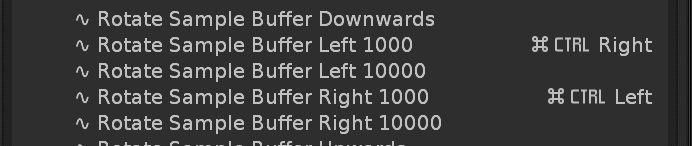
Feature: Duplicate selected Sample, Maximize Sample, Convert to 16bit, save as WAV or FLAC
(Closes https://github.com/esaruoho/org.lackluster.Paketti.xrnx/issues/445)
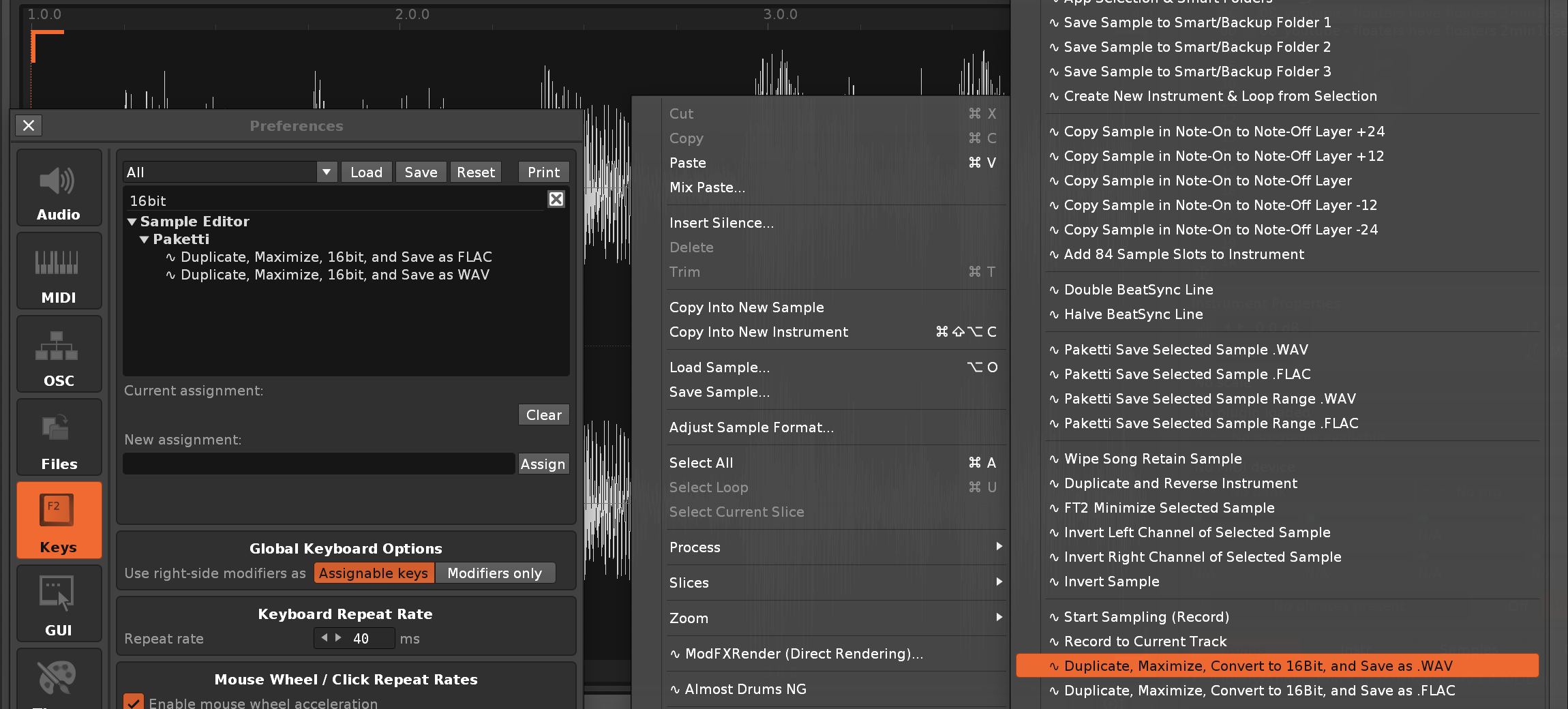
Improvement: Midi Change 05 Effect Column Value x[Knob] will now work even if you are on Note Column. it used to shoot an error.
Improvement: Introduced "Sample FX Column Visible" to the dialog + preferences for Paketti Phrase Init.
also modified "Create Phrase" entry in Menu Entries to read the Phrase Init Settings and use them.
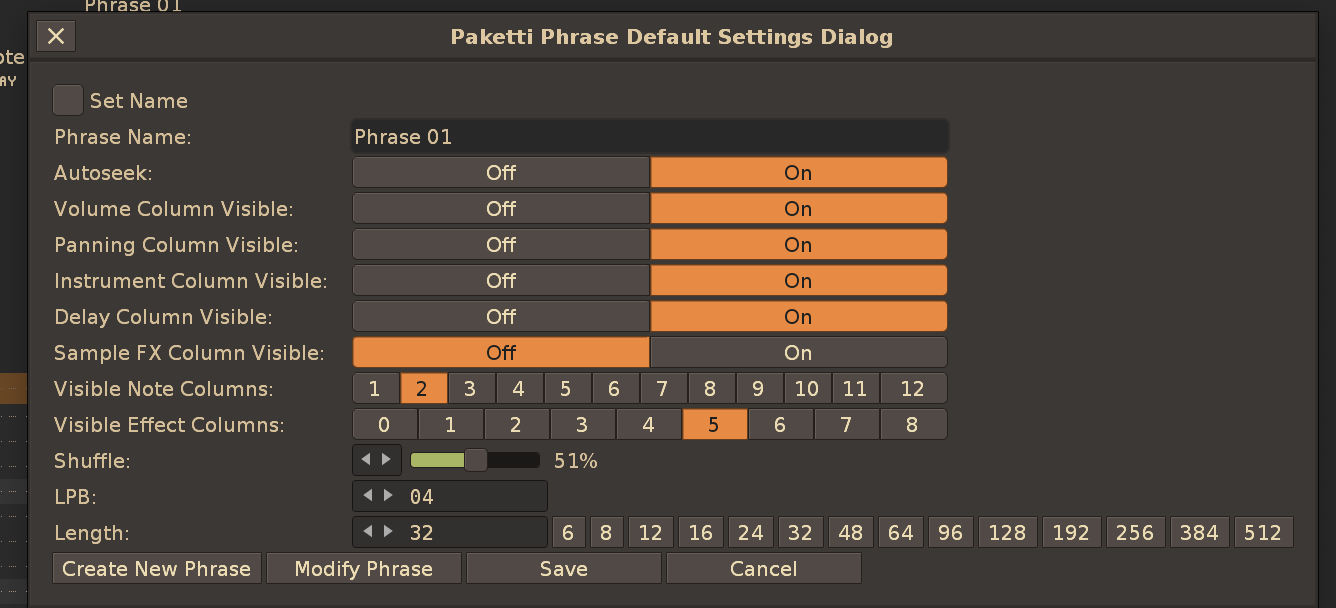
Improvement: Flood Fill Note and Instrument every 1-64 step now also captures Volume, Panning, Delay, SampleFX column content
(Closes https://github.com/esaruoho/org.lackluster.Paketti.xrnx/issues/476)
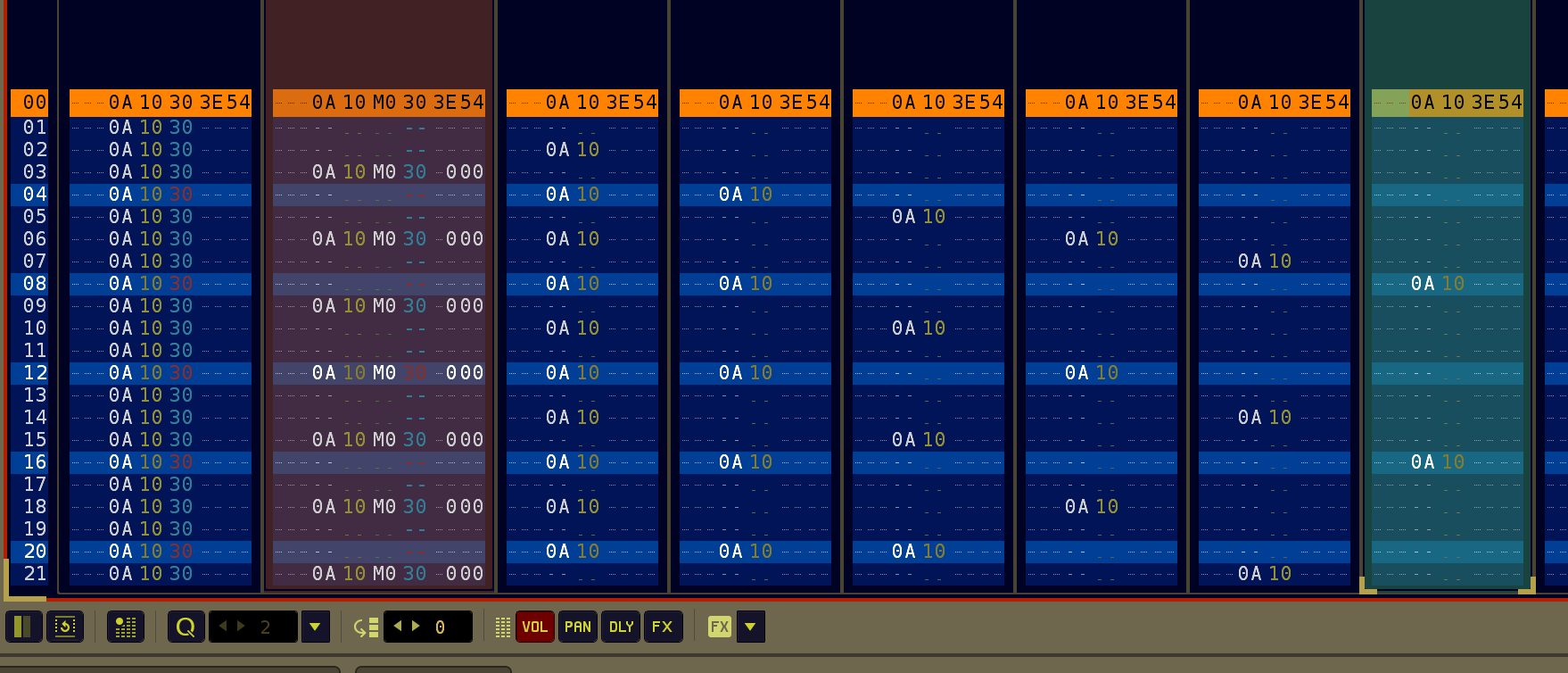
Feature: Replicate at Cursor (0, +1, -1, +12, -12). this will replicate everything that is above the cursor to below the cursor until pattern runs out. this is from PollyTracker, JohnPlayer and QuantumSoundTracker.
https://www.loom.com/share/66b956cf80d24ad2a72ed5abe590b84a?sid=fae3b7e0-359f-472b-b059-5a4c9ab9a683
(Closes https://github.com/esaruoho/org.lackluster.Paketti.xrnx/issues/460)
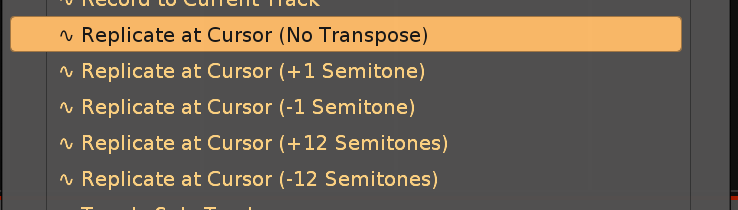
Improvement: Added "Replicate Selected Track at Cursor" to the above.
quick demo.
https://www.loom.com/share/2df6c536454041128e2d38aff6c4dcd3?sid=8c2ce261-ce79-45a3-a9c9-02efb6ecb432
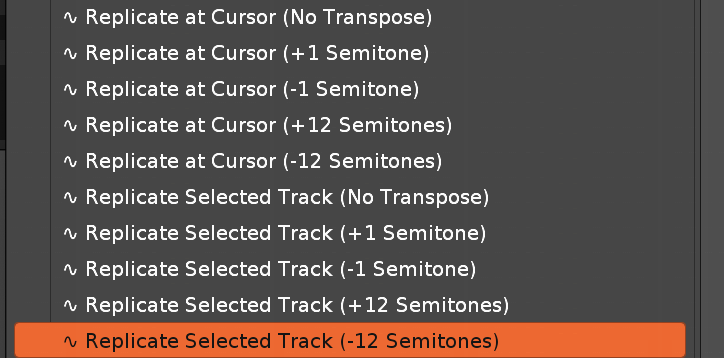
Improvement: Rotate Sample Buffer Left / Right by 10, 100 added
Improvement: Wipe&Slice now reads if the drumloop or other loop has beatsync mode ON and a specific line set. meaning. if you set sample to 128 beatsync, and slice into 64 slices, then each slice will have beatsync 2. if you set sample to 16 beatsync, and slice into 16 slices, then each slice will have beatsync 1. and so on. and if sample has no beatsync, then slice without beatsync. (Closes https://github.com/esaruoho/org.lackluster.Paketti.xrnx/issues/100)
Feature: Draw a diagonal line to new sample for DC Offset drum generation
(Closes https://github.com/esaruoho/org.lackluster.Paketti.xrnx/issues/493)
Improvement: Paketti Transpose will no longer shoot an error if you try to transpose a selection in a Group, Send or Master track which cannot have Note Columns. Will cleanly error. If selection in pattern contains tracks, sends, groups and masters - no error will be shot, also - just transpose the rows with notes.
(Closes https://github.com/esaruoho/org.lackluster.Paketti.xrnx/issues/488)

Improvement: The Randomized Theme randomizing is now run once, not twice, on load/save of Song and restart of Renoise.
Improvement: Added "Mono->Stereo" & "Mono->Stereo (Blank L)" and "Mono->Stereo (Blank R)" to Audio Processing Dialog.
Feature: Double LPB / Halve LPB - this will double the current LPB - or halve it, if possible (odd LPBs will not be halved).
(Closes https://github.com/esaruoho/org.lackluster.Paketti.xrnx/issues/500 )
Feature: Initialize Groove Automation.
this adds three *Instr. Automation devices to Master, the first is set up for Global Groove Settings (slot 1-4) and the second one is set for EditMode, EditStep and Octave, and a currently experimental RunScript1 and a third device will have RunScript2-5.
they will be the first four No Parameter in each automation for each device.
these are not yet configured for anything since I'm trying to find usecases for which Paketti functions should be automated. (Closes https://github.com/esaruoho/org.lackluster.Paketti.xrnx/issues/150)
Here's a little video of how it works:
https://www.loom.com/share/f24ab48833aa47aab640aa3a79350b16?sid=c6c8c08d-1aae-49f8-86e2-8b15e1a31c2e
Improvement: the above Automation now is named accordingly - am still tweaking this and it requires a reload of the parameter notifiers on every song load or song save, but at least the automation lanes are named accordingly.

Improvement: Another screenshot for the above to show the improvement better
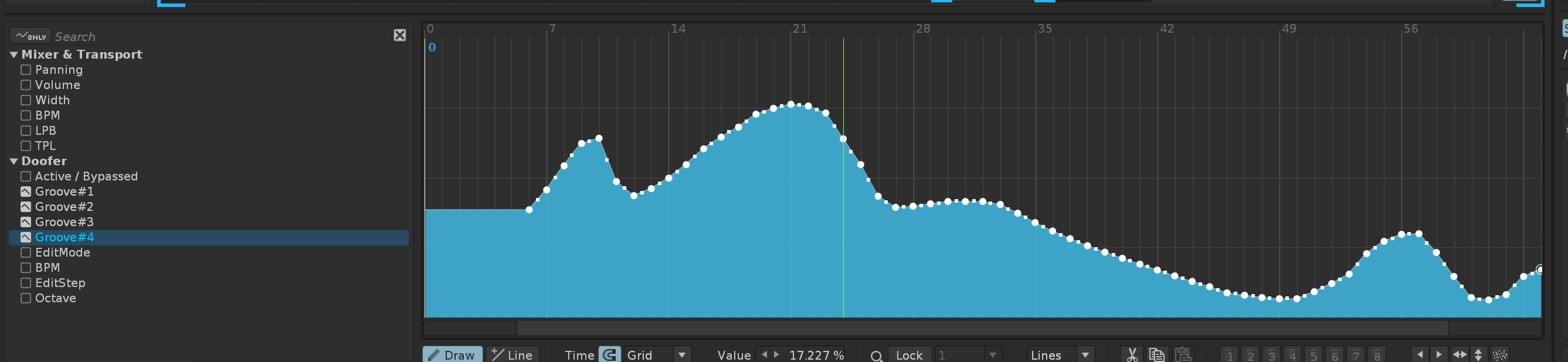
Improvement: "instr00" is automatically added, which is a placeholder for "Paketti Automation" - and now there's no chance you will accidentally automate some plugin's parameters.
Improvement: When launching Paketti Automation - the current Global Groove 1-4, EditStep, LPB, BPM, Octave are read into the Doofer devices. so there's no "oh!" panic situation happening when launching the init (i.e. all your settings changing)

Improvement: Upon request from Osionik Cyberpunk1.xrnc has been renamed as Osi-Cyberpunk1.xrnc in Themes
Improvement: Mono Blue & Mono Orange & Mono Red removed since Mono Blue (dblue).xrnc & Mono Orange (dblue).xrnc & Mono Red (dblue).xrnc already exist
Improvement: 12st_Pitchbend.xrni instrument (aka Paketti PitchBend Multiple Sample Loader etc) now has "PitchStepper" automatically added to the instrument. this means you have a 16 step randomizer for pitch there, which will only become active when you start configuring the steps.
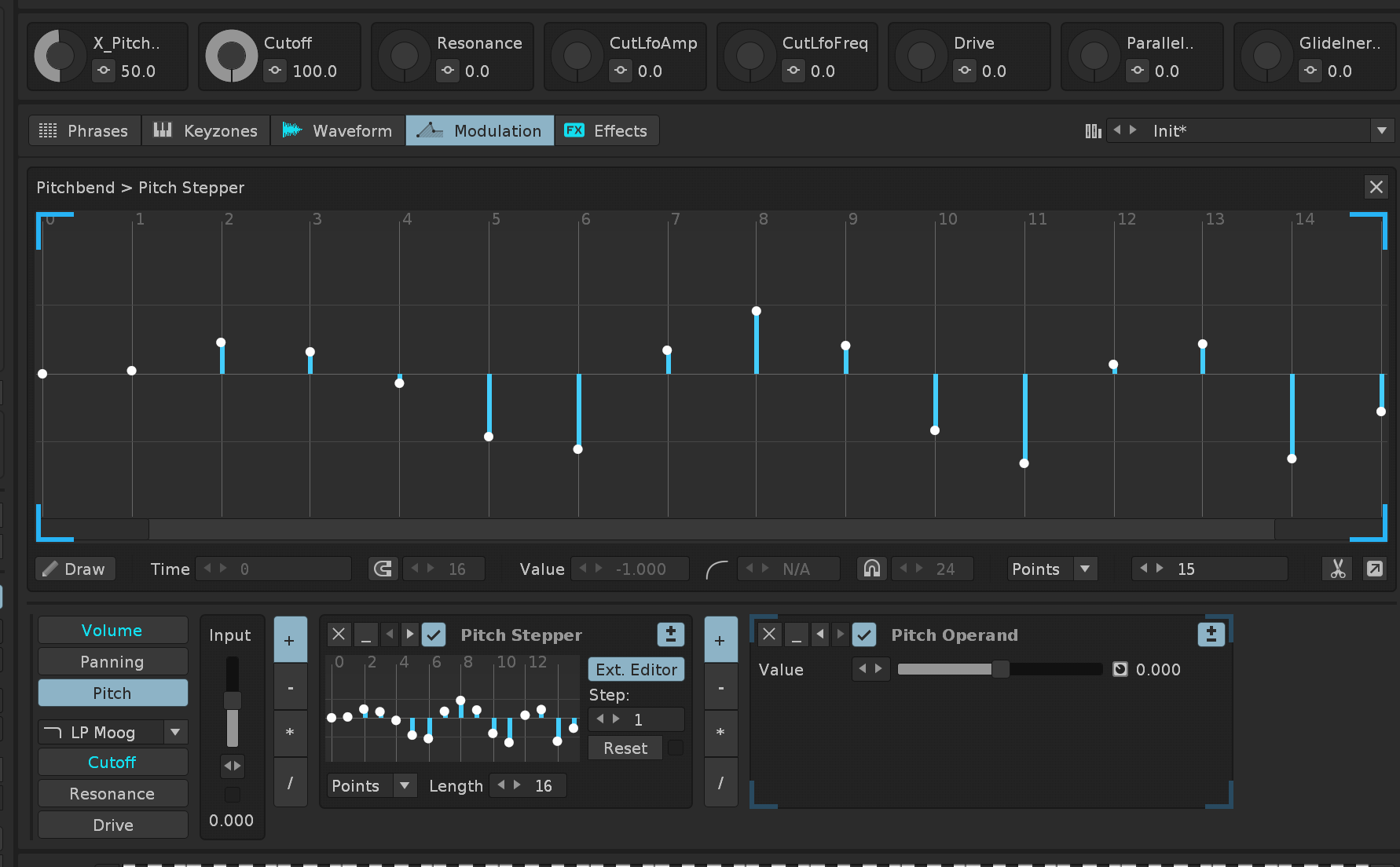
Feature: "Jump to Sends" - this jumps to Sends globally, anywhere. (Renoise Native jump one is only available in the Mixer)
(Closes https://github.com/esaruoho/org.lackluster.Paketti.xrnx/issues/504)
Improvement: eSpeak TTS now has Randomize Settings for randomizing Language, Voice, Word Gap, Pitch Capitals, Pitch, Speed. (Closes 3rd checkbox of https://github.com/esaruoho/org.lackluster.Paketti.xrnx/issues/307 )
Improvement: Added "Normalize Sample" function to Audio Processing Dialog.
Improvement: eSpeak TTS now automatically normalizes the audio, this prevents clipping. (Closes a todo-entry in https://github.com/esaruoho/org.lackluster.Paketti.xrnx/issues/307)
Improvement: eSpeak TTS now has Randomize Consonants and Randomize Vowels
(Closes a todo-entry in https://github.com/esaruoho/org.lackluster.Paketti.xrnx/issues/307)
Improvement: eSpeak TTS now has Randomized String
(Closes a todo-entry in https://github.com/esaruoho/org.lackluster.Paketti.xrnx/issues/307)
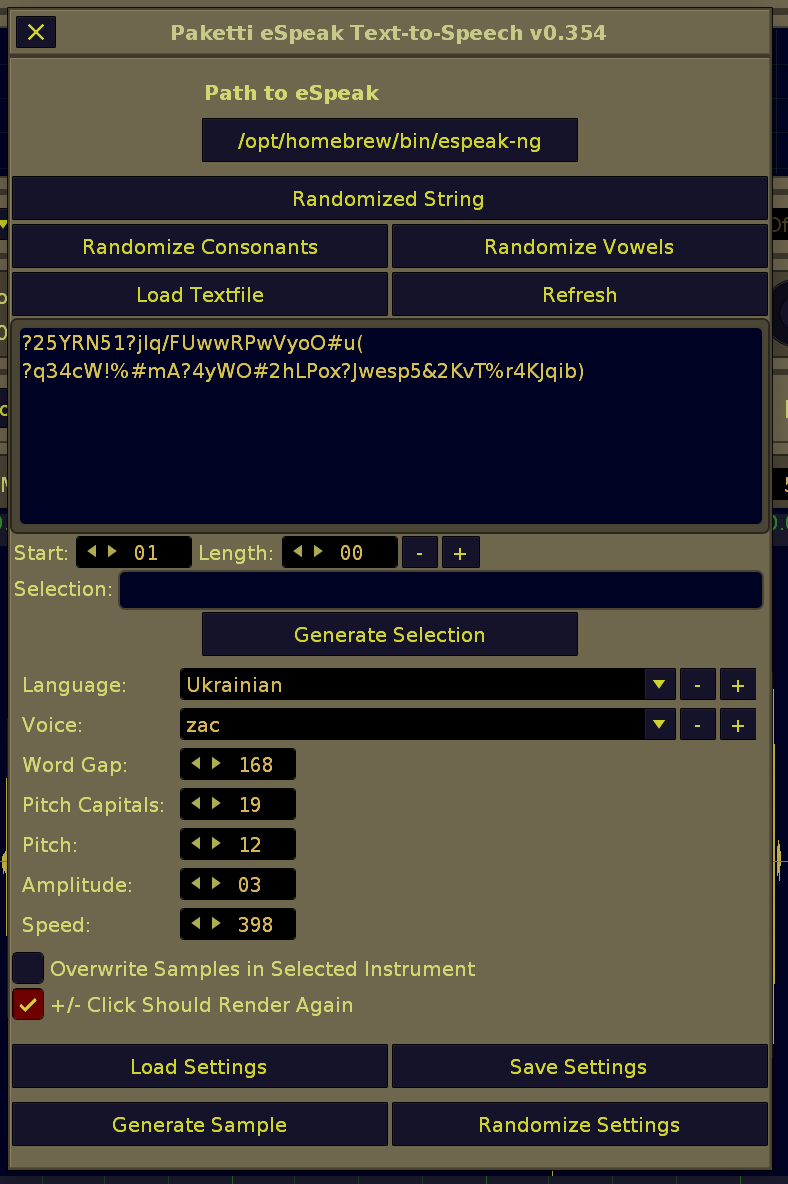
Improvement: Added Pitchbend Drumkit Init Menu Entries (Instrument Box, Tools, keybinding)
(Closes https://github.com/esaruoho/org.lackluster.Paketti.xrnx/issues/507)
Improvement: added PitchStep to Drumkit default XRNI
Feature: Show/Hide PitchStep External Editor
this will show/hide the PItchStep External Editor of selected device.. There's protection against errors if there's no sample, or if modulationset is not called Pitchbend.
(Closes https://github.com/esaruoho/org.lackluster.Paketti.xrnx/issues/506)
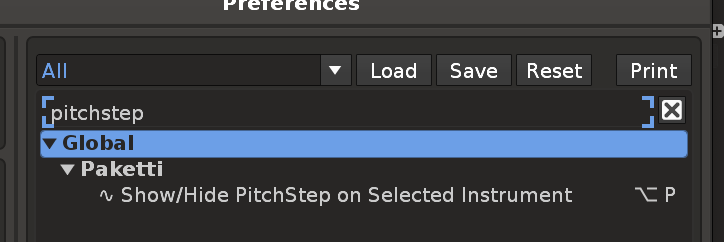

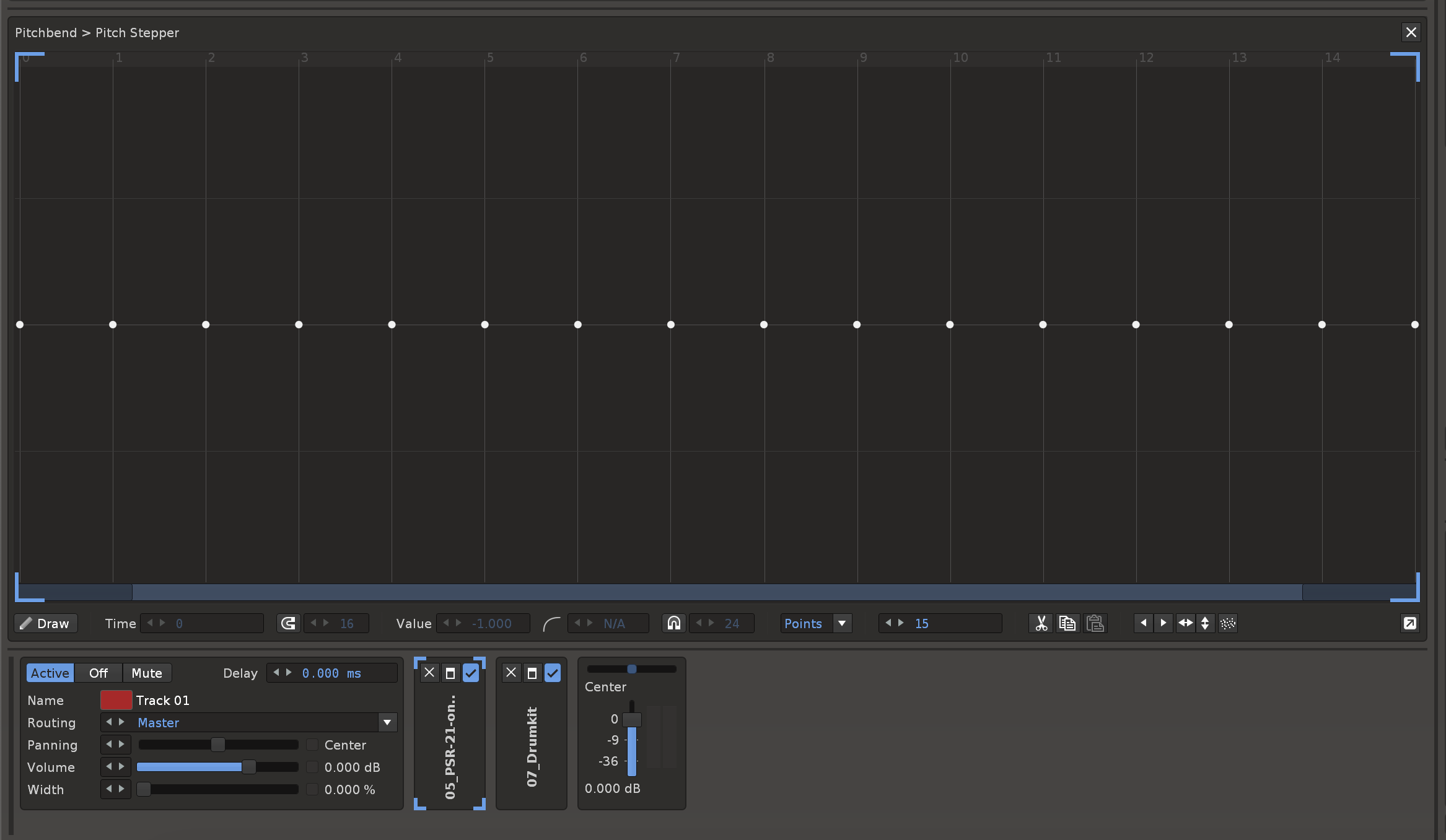
Feature: Pakettify Selected Instrument - this will make an identical copy of the sample, samples or slices, and inject the Default XRNI into the mix.
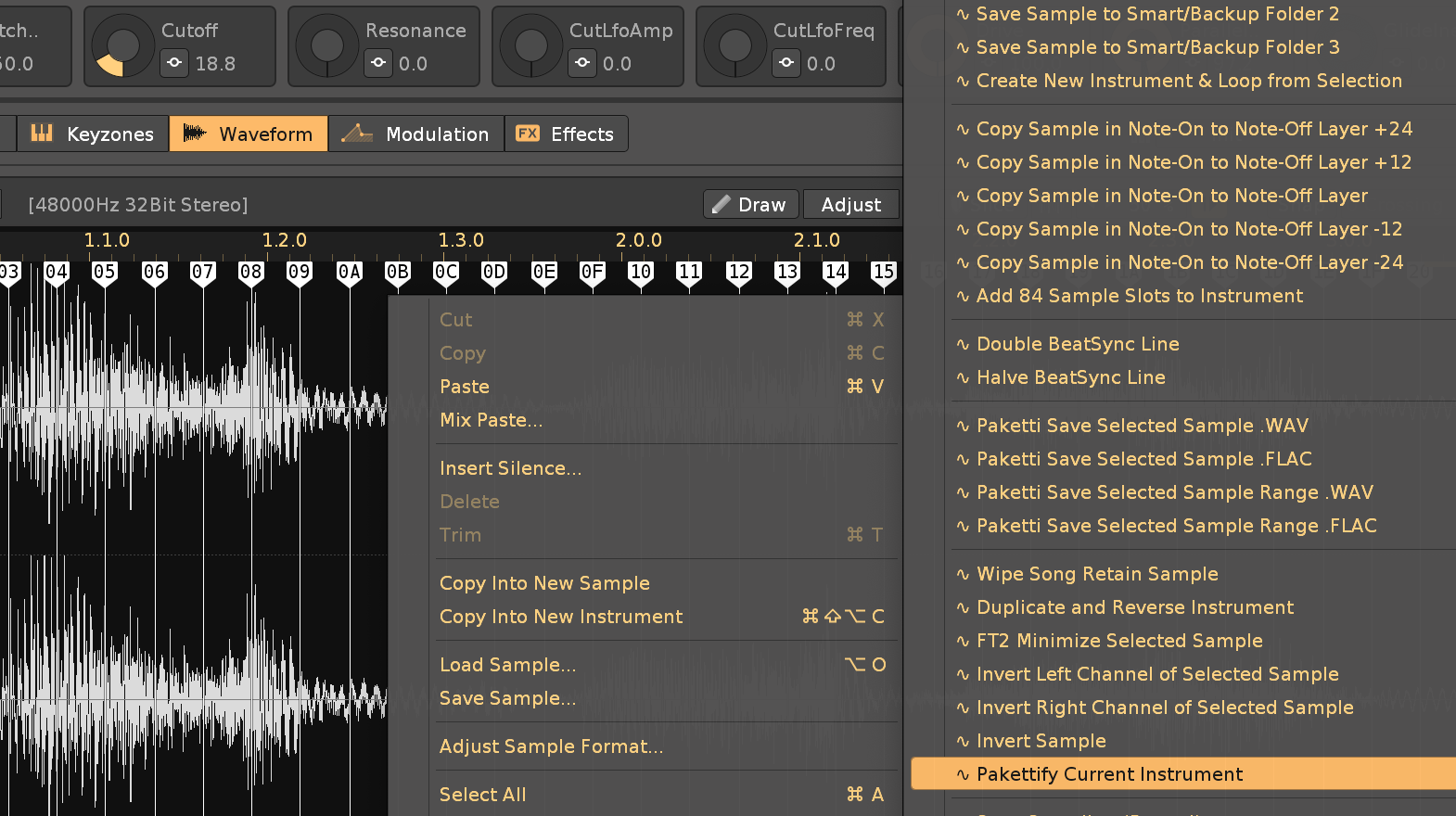
Improvement: .WAV and .FLAC are now capitalized in the Dialogs for saving samples. (Closes https://github.com/esaruoho/org.lackluster.Paketti.xrnx/issues/514)
Improvement: "Set Pattern Length" and "Set Phrase Length" shortcuts will now show the number in Hex after it. so 012 (00C)
(Closes https://github.com/esaruoho/org.lackluster.Paketti.xrnx/issues/512)
Improvement: OctaMED Pick/Put Slots are now named from 01-10 instead of from 1-10
(Closes https://github.com/esaruoho/org.lackluster.Paketti.xrnx/issues/511)
Improvement: Changed the Clean Render and Save Selected Track or Group as .WAV to a shorter version for better discoverability in KeyBinding:
(Closes https://github.com/esaruoho/org.lackluster.Paketti.xrnx/issues/515)
Improvement: added "Replicate at Cursor" MidiMappings:
(Closes https://github.com/esaruoho/org.lackluster.Paketti.xrnx/issues/518)
Improvement: Paketti Gater "Retrig Gater" feature will now clear the steps that don't have checkboxes set to On. It will now read the switch status (FX Column, Volume Column, Panning Column) for Retrig - and clear that, before printing the new content in. (Closes https://github.com/esaruoho/org.lackluster.Paketti.xrnx/issues/478)
Improvement: Paketti Gater "Panning Gater" - Clear FX Column or Clear Panning Column will now set 0P80 or 40 (panning column) when wiping. - returning the Panning to the original state.
(Closes https://github.com/esaruoho/org.lackluster.Paketti.xrnx/issues/456)
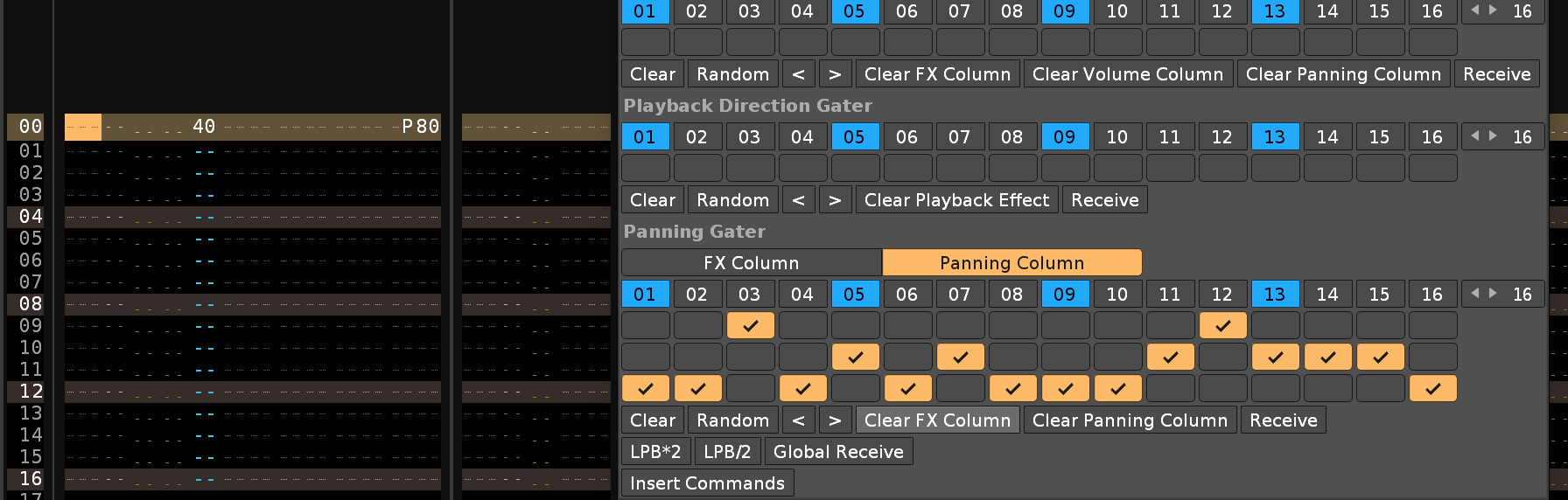
Improvement: Unison Generator now auto-sets the Instrument Volume down to -10.5dB to evade clipping
Feature: Chordsplus add 1-12 / sub 1-12. This takes the current note column content, and adds x to it and adds the note+x to the next column row. if there's more visible note columns required, then it adds more visible note columns. looks like this:

Feature: "Insert Note Offs to all Visible Note Columns" - this will put a note off to all the visible note columns.


Improvement: Paketti Automation now has 2 Doofers. the Doofer2 has "EditMode" & "Sample Recorder" & "Pattern Length" and "Instrument Pitch"

Improvement: 2nd Doofer now has "LoopEnd" for Selected Sample. example:
https://www.loom.com/share/acbb53d9d5b34f04b9dc11f9274fb794?sid=2e88e830-5ecc-4be4-a72e-8614873b4423
Improvement: "Insert Note Offs to all Visible Note Columns" has been renamed to Toggle Note Off in All Visible Note Columns - and yep, it now adds or removes Note Off.
Improvement: Added BPM +0.5 & -0.5 shortcuts (Closes https://github.com/esaruoho/org.lackluster.Paketti.xrnx/issues/520)
Feature: Track Grouper - creates a Group based on Selection in Pattern.
Selection in Pattern to Group
edit: this is a KeyShortcut that i run in the video. i select tracks with mouse or keyboard (regular renoise feature), then run the shortcut and bang, the tracks that are in the selection, are grouped)
(idea from https://forum.renoise.com/t/fastest-group/34495)
(Closes https://github.com/esaruoho/org.lackluster.Paketti.xrnx/issues/521 )
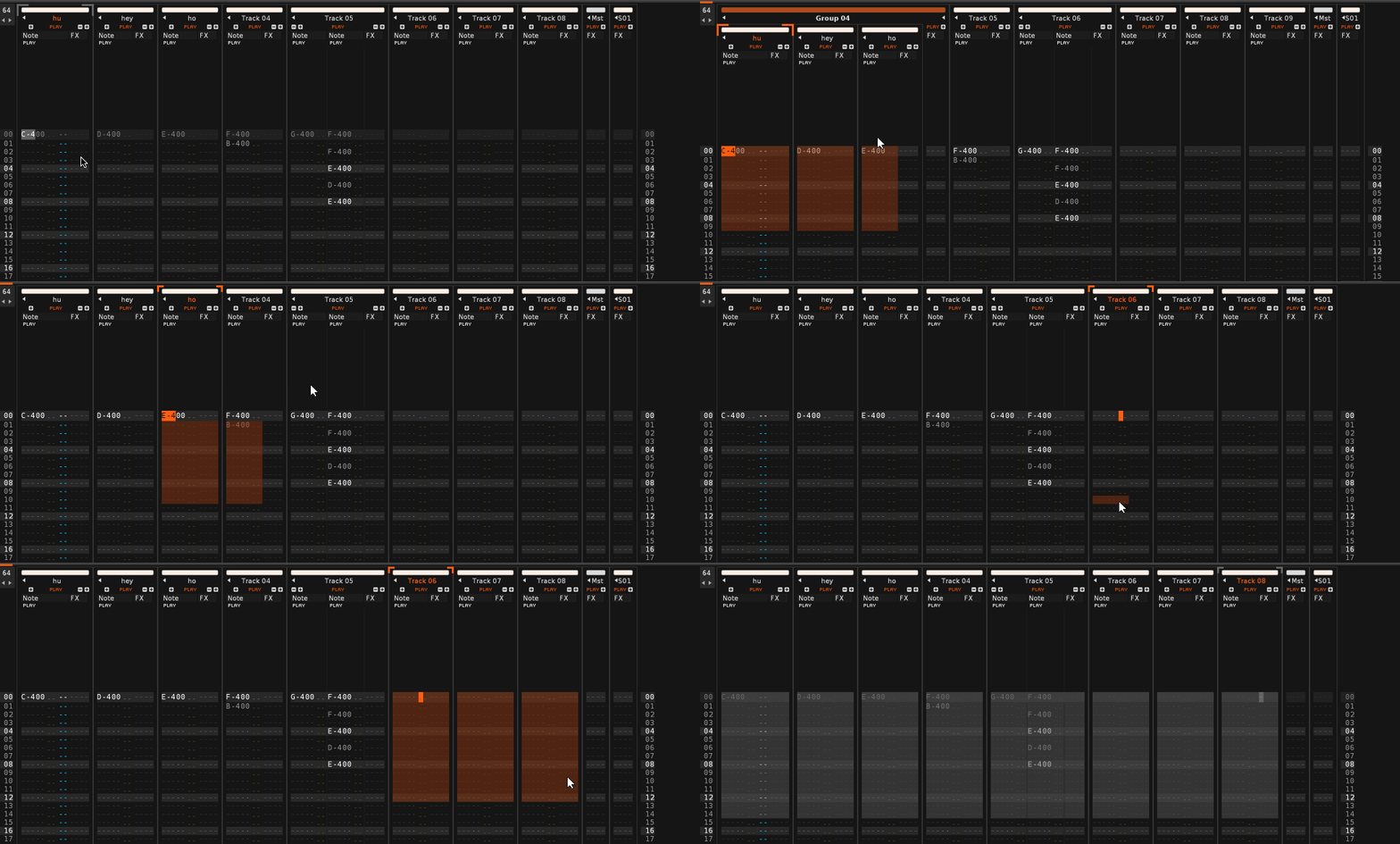
before: here's hey ho huh and track 08 selected
after: here's the selection grouped. 👍
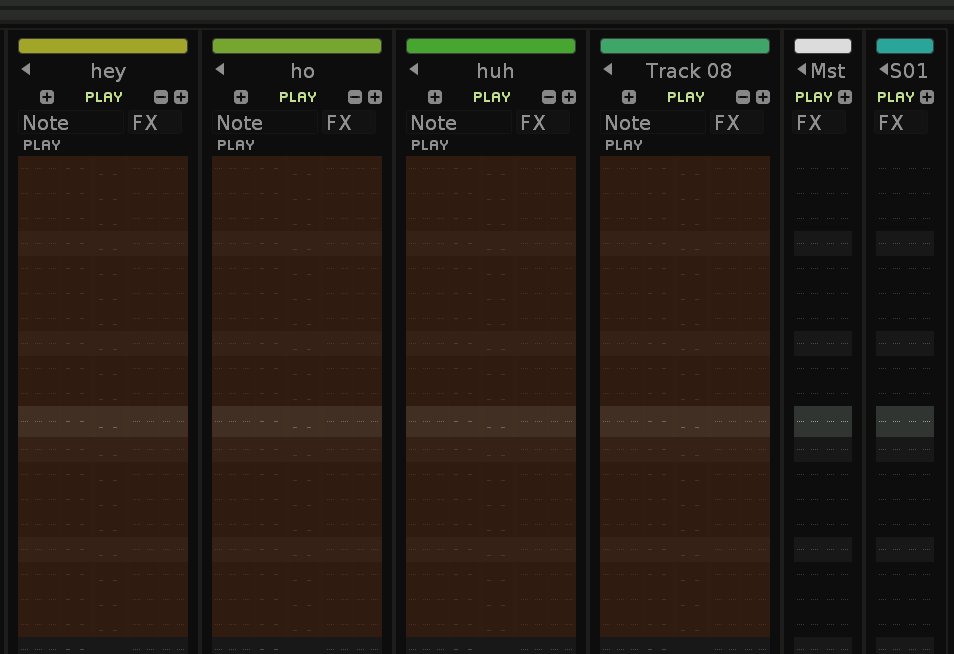
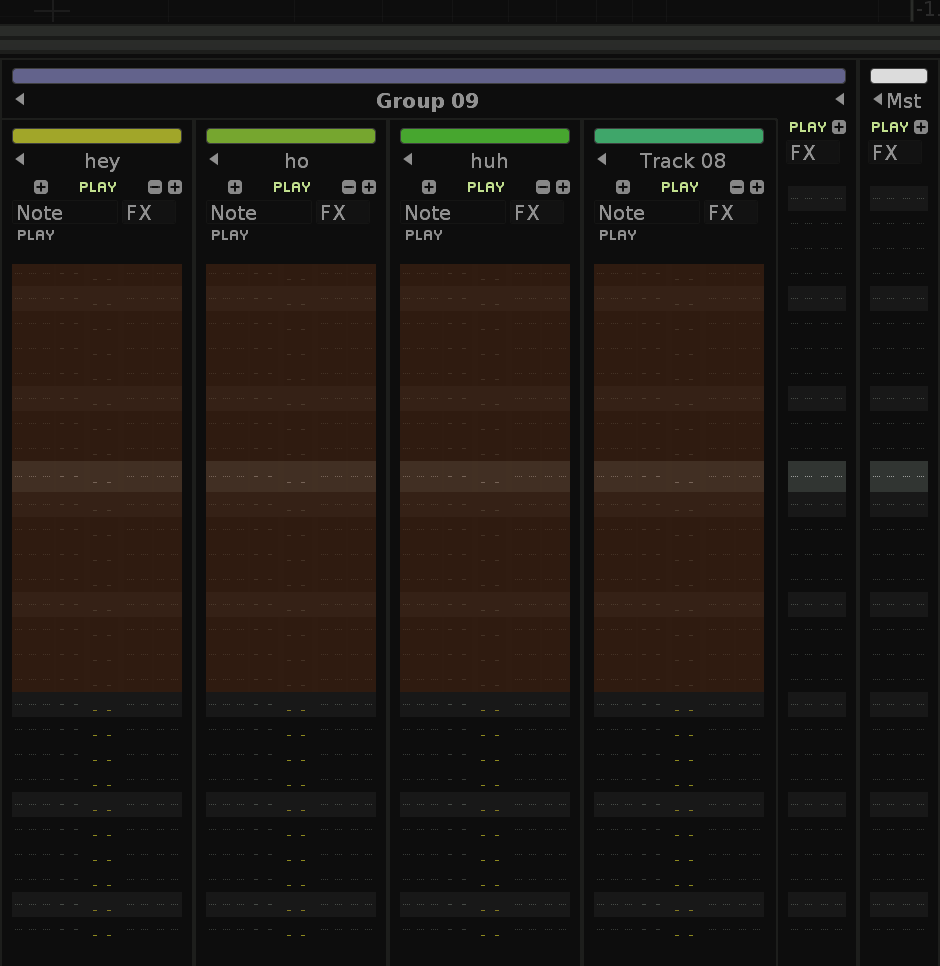
Feature: There's now a Customization folder inside Paketti which includes the transparent "Badge" & "Logo" images - so that your Renoise can look like this (i.e. Renoise logos from bottom right + R badge in Instrument Box are removed)
note, the copying is manual work since Renoise cannot be open at the same time. These are just stashed so they are safe.
Improvement: Paketti Gater now correctly writes a 0P7F for real Center, when wiping Panning with no entries.
EDIT: it's actually a bug in Renoise. they say 0P80 is center, but when you right-click on Center, it says 0P7F and neither of them are Center. i've reported it.
Improvement: the Paketti Automation Doofer will now correctly set Global Groove 1,2,3,4, LPB, BPM, EditStep and Octave to the Doofer device - so you can start automating from "actual settings".
Improvement: Unison Generator now introduces randomized Panning (Hard Left / Hard Pan), and Finetuning happens randomly between -8 and 8 finetune values.
Feature: Chordsplus - this one is heavily in progress. Basically, you select a note on the first note column, and run either "add 1" to "add 12" - what it does is, print a note on the second note column that is pitched upwards by the number. so "add 3"? C-4 now has D#4 on the second note column. add 4? C-4 now has E-4 on the second note column. you can continue until you get to the 12th note column, after which, you'll be kicked back to the first note column but next row.
then, the same for sub to sub 12 - you have a C-4 on note column and run sub12? you now have C-3 on the next note column and that column is selected. this means you can quickly put together a chord with intervals.
but that's not all.
there are ready-made chords that you bang out with a shortcut (check second screenshot). this means, you run the script while cursor is on a basenote -> result is a chord.
and the real deal is the midimapping. Global:Paketti:Chord Selector [0-127] <- this means you're on any row with a note on notecolumn1 -> twist a knob, and you've output an interval based on the note the cursor is under. meaning a large amount of possibilities of chords and variations.
note: this is very much a work in progress so if you're seeing intervals that are missing, send me a DM with the intervals (run them as "3-4-4-3" meaning 3rd transpose of basenote, 4th transpose of 2nd note, 4th transpose of 3rd note and 3rd transpose of 4th note.
I'm also introducing "Toggle Note Off to all Visible Note Columns on track" and a "Phrasing Randomizer" which takes the notes on your row and transposes them by 1, 2, 3 octaves up or down.
if you have any ideas, please get in touch.
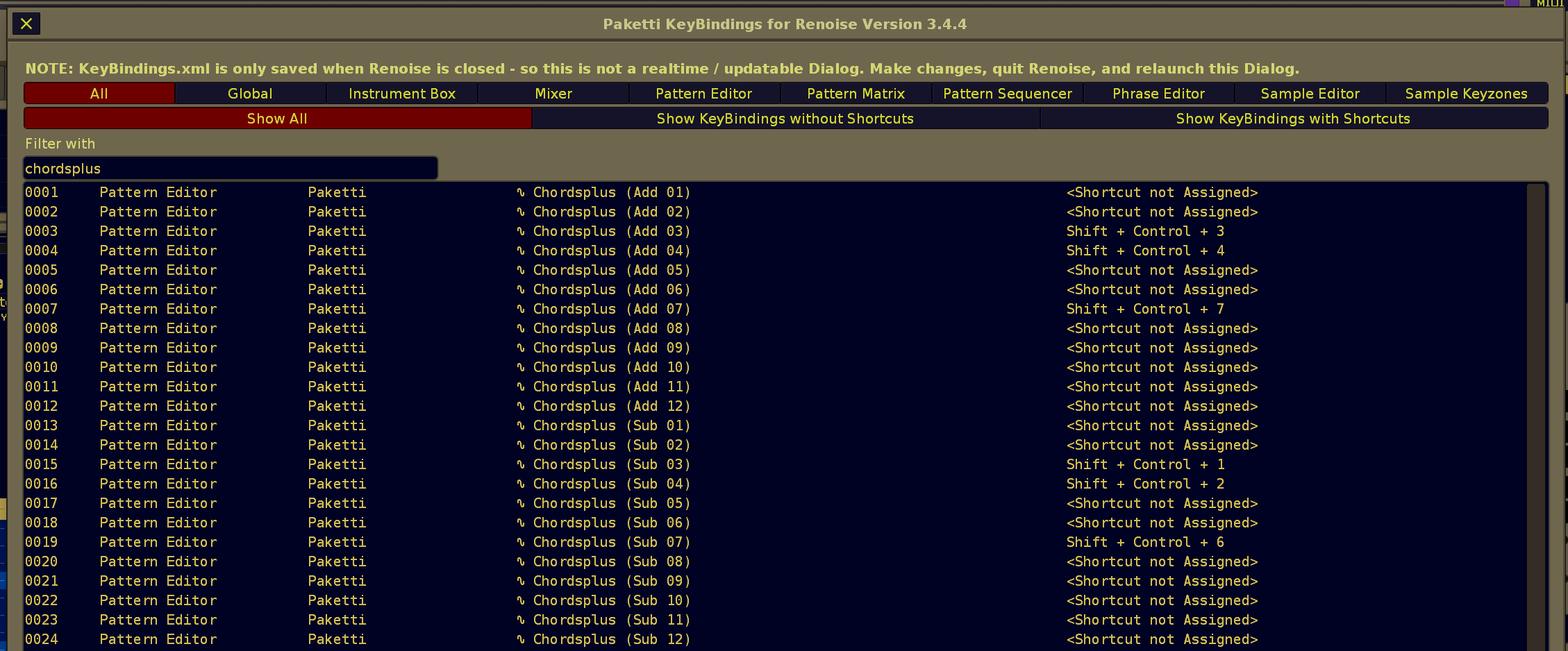
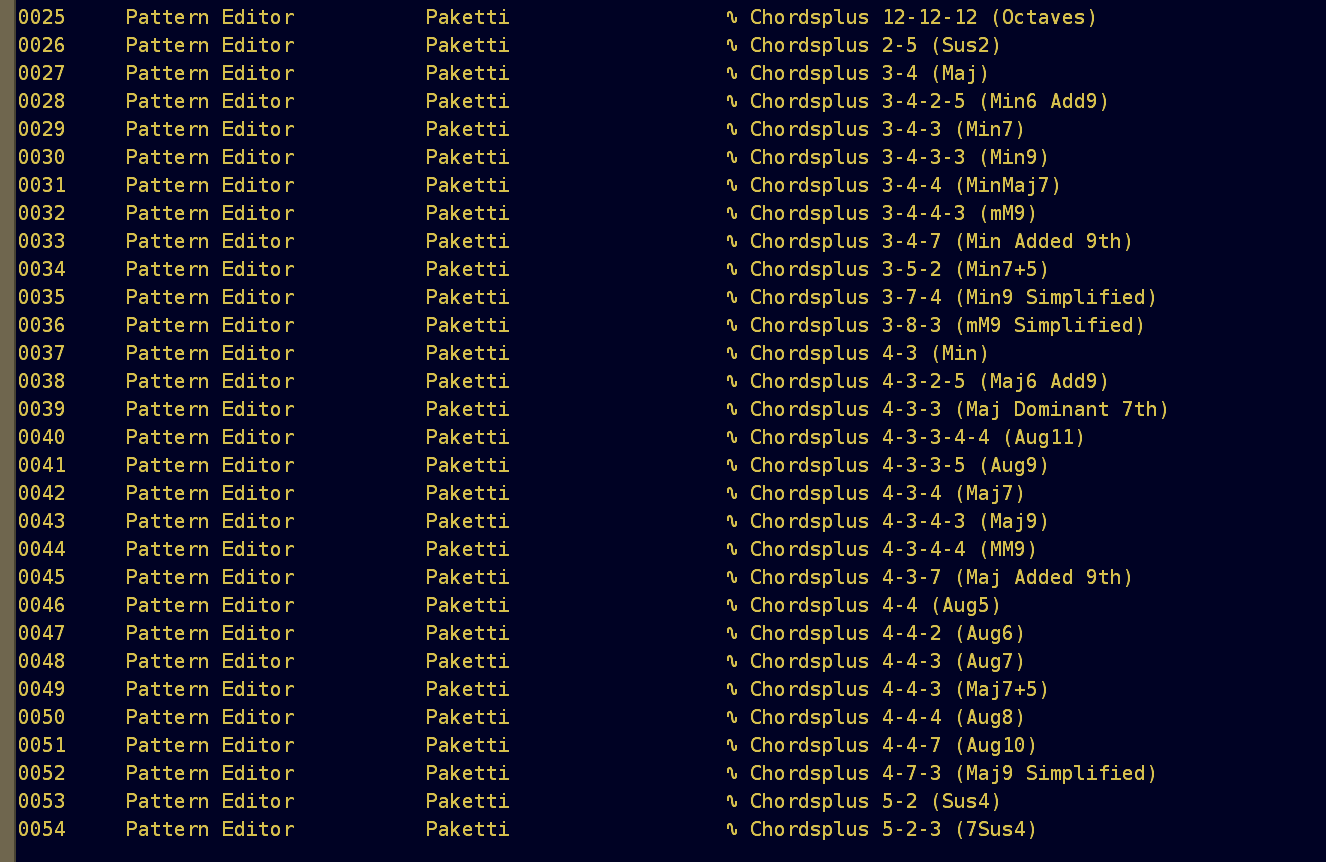
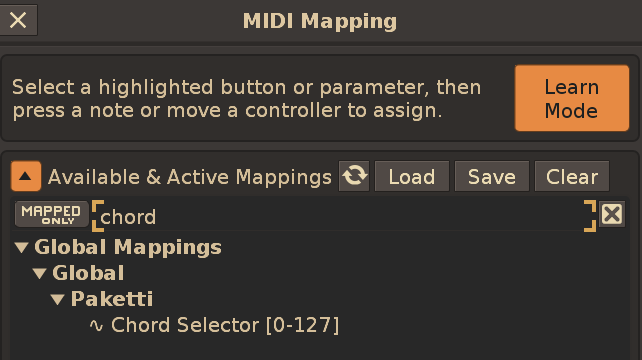
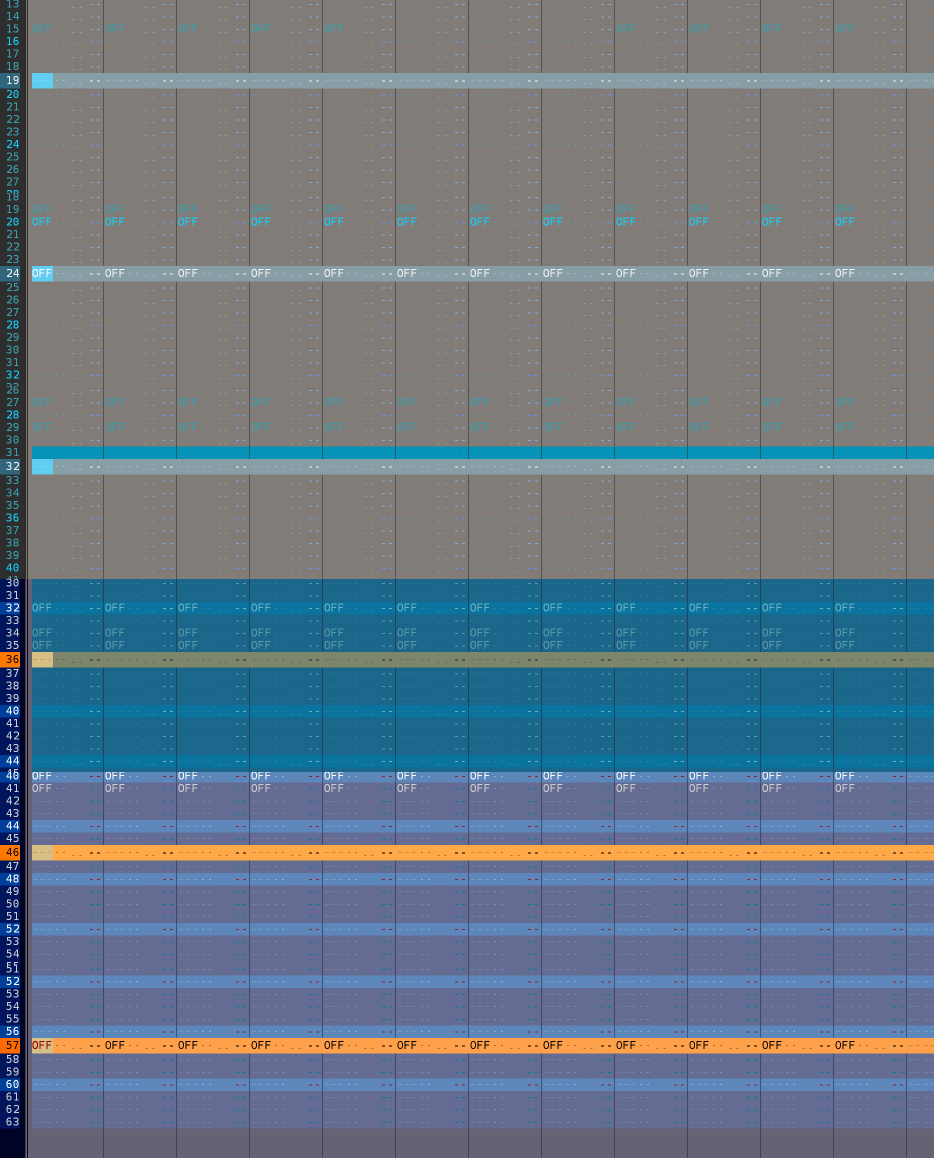

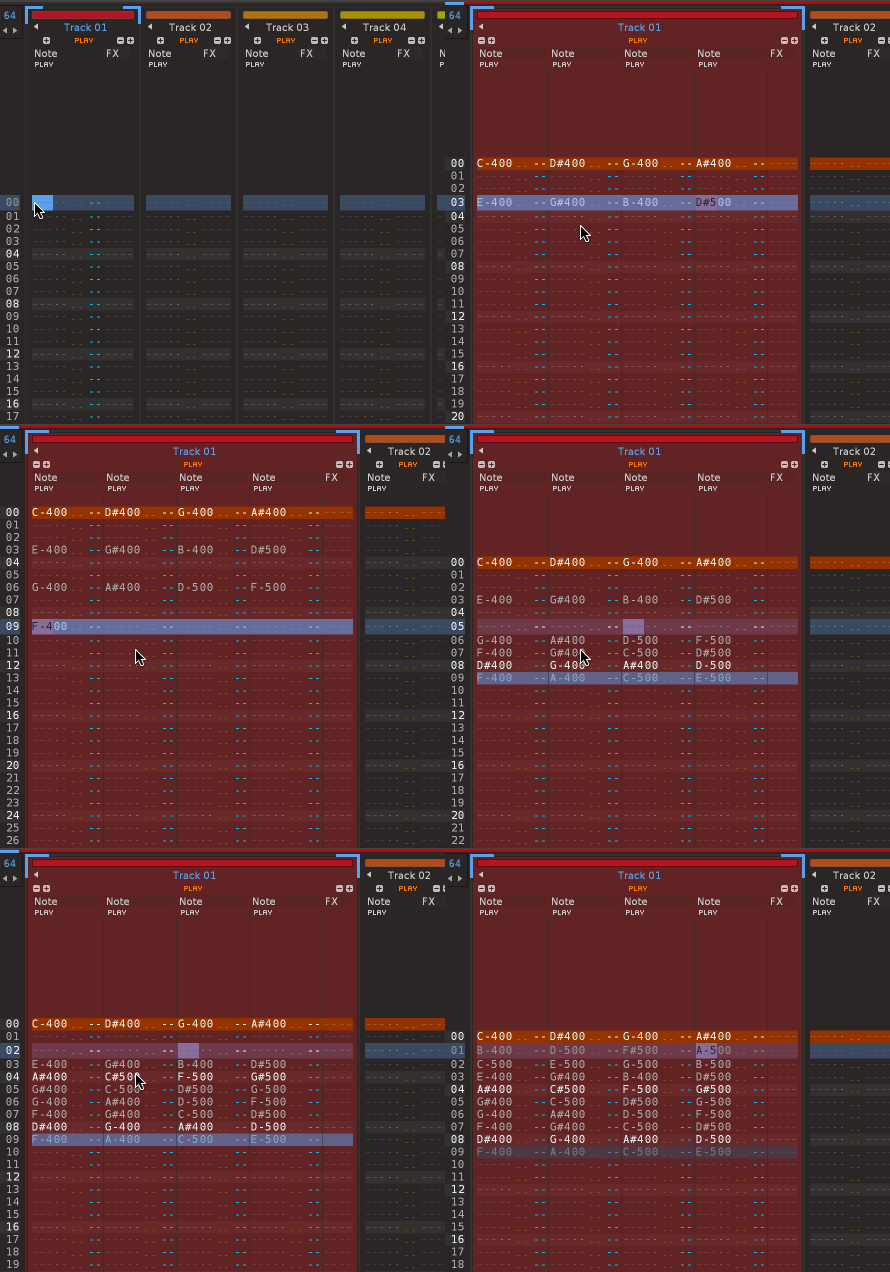
Improvement: Paketti Phrase Doubler / Halver naming tweaked
(Closes https://github.com/esaruoho/org.lackluster.Paketti.xrnx/issues/526)
Improvement: PitchStep Show/Hide will now allow for hiding the PitchStep if running the shortcut on an instrument that has no instrument / sample.
Plumbing: Paketti Manual has now been added to my account, and the first PR has been merged in. ( https://github.com/esaruoho/paketti-manual/ )
Feature: Show/Hide Selected Device on Master or Selected Track
you have your favorite visualizer or different device on Master? now you can set "ok, always show TDR Kotelnikov external editor, no matter where it is on Master, if shown, hide it". meaning, you can configure your preferred devices to be shown on master or on selected track, 10 slots in total. you will get a dropdown menu with a list. if you always have device1, device2, device3 on your master - anywhere in the fx chain, you can display one of them, or hide one of them.
(closes https://github.com/esaruoho/org.lackluster.Paketti.xrnx/issues/374)
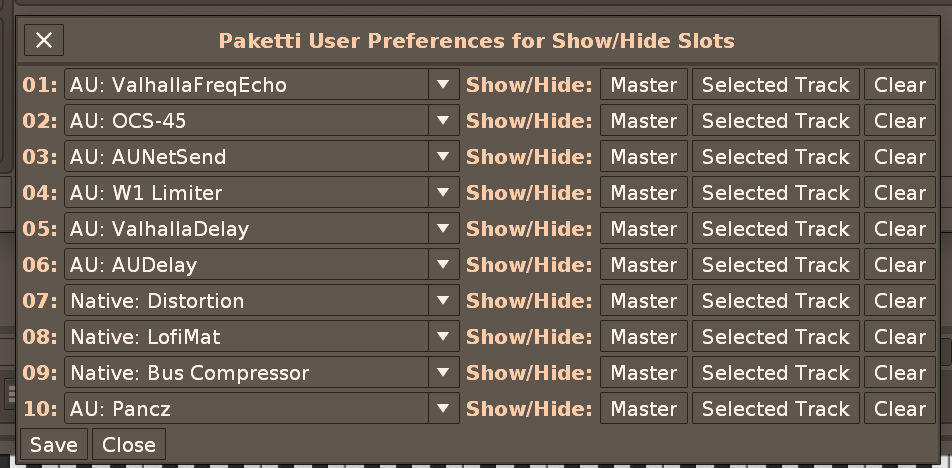
Feature: Main Menu -> Tools -> Paketti.. -> Plugins/Devices -> Debug -> Dump VST/VST3/AU/LADSPA/DSSI/Native Effects to Dialog
opens up a dialog, with a save button, with the full list of available devices, and their full details.
good for debugging.
Improvement: Show/Hide Slots will now add, and show, the slot device to your Master or Selected Track, if it's not already there.
also added midimappings.. so when you press a midibutton.. if it's not there, it's added. if it's there, it's shown. if it's visible, it's hidden.
Also Improvement: fixed LADSPA / DSSI so they are shown in the dropdown menus
Also Improvement: the dropdowns are now alphabetically ordered for easier discoverability
Improvement: Show/Hide Slots -> If no External Editor available, then say it instead of erroring. and don't minimize the device, since parameters can be shown within the device.
Improvement: Show/Hide Slots: if you open the dialog while it is open, it closes. when you open the dialog, cursor focus is shot back to Renoise. and when you use the shortcut to close the dialog -> the slots are saved.
Improvement: Added missing Silence + Beginning Silence threshold text info to Paketti Preferences
(Closes https://github.com/esaruoho/org.lackluster.Paketti.xrnx/issues/529)
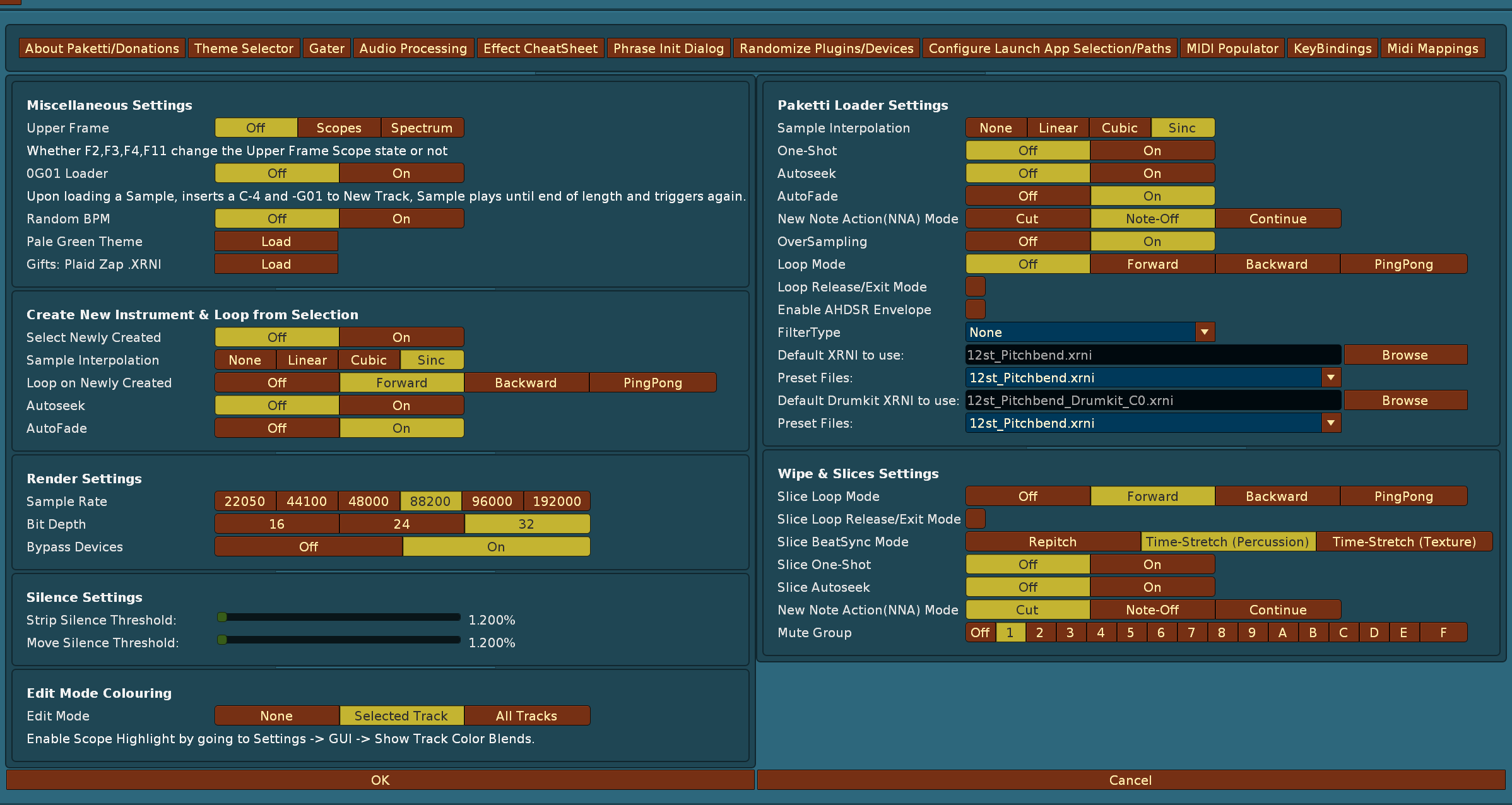
Improvement: Paketti Transpose +1 -1 +12 -12 and Note Column Transposes now 6. no longer transpose "OFF" note to B-9 or C-0 (both) 7. no longer exit transposing if first column selected is an effect column (Note Column Transpose) (1. Closes https://github.com/esaruoho/org.lackluster.Paketti.xrnx/issues/524)
Feature: Insert Random Delay on Visible Note Columns on Selected Row of Selected Track
(Closes https://github.com/esaruoho/org.lackluster.Paketti.xrnx/issues/492)
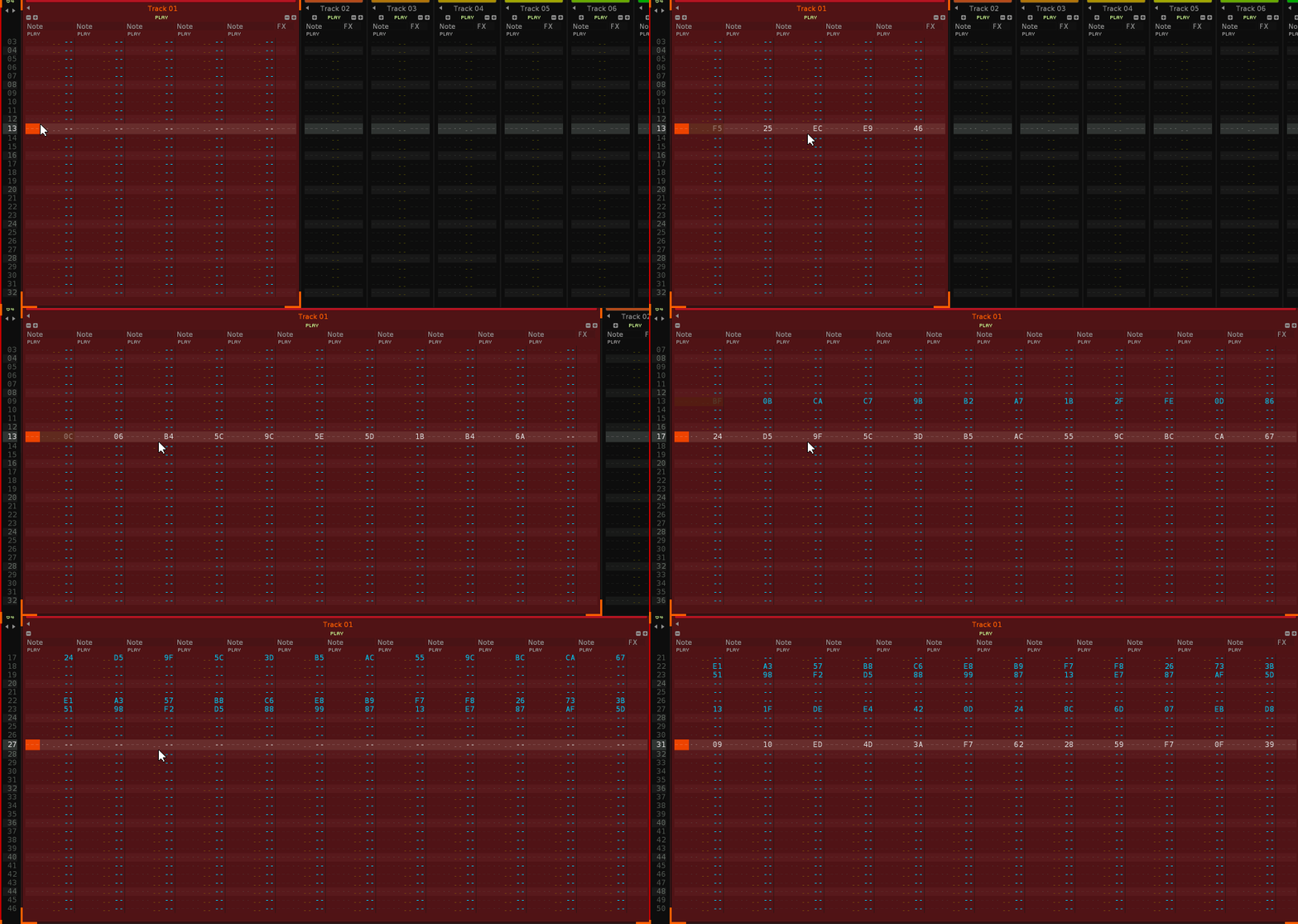
Improvement: Added Insert Random Delay, Insert Random Volume, Insert Random Panning shortcuts + midimappings:
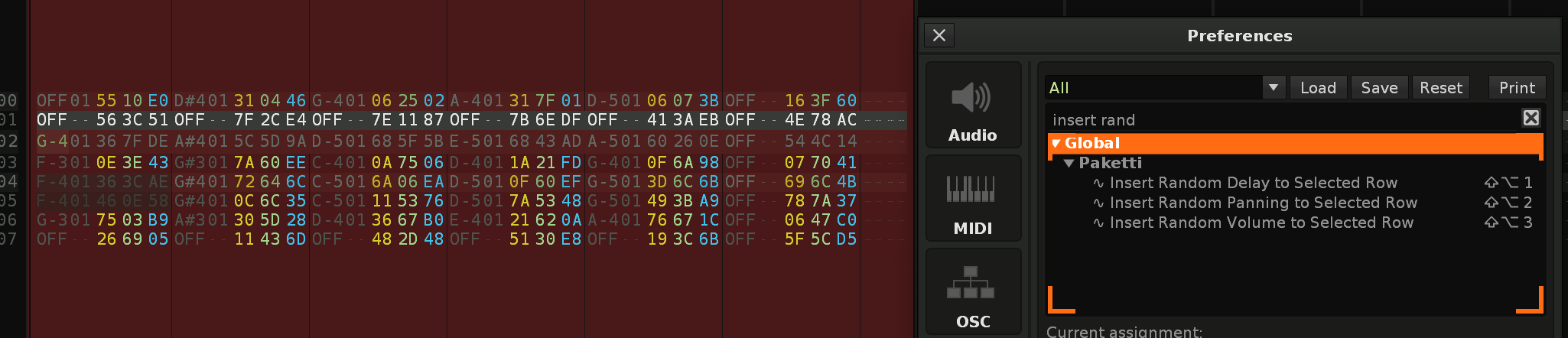
Improvement: Modified Insert Random Delay Volume + Panning shortcuts + midimappings to either do it to the current row, or to selection in track .. or selection in pattern.
Improvement: From now on, all Modulation Device loaders (menu, shortcuts) will default to + instead of *
(Closes https://github.com/esaruoho/org.lackluster.Paketti.xrnx/issues/534)
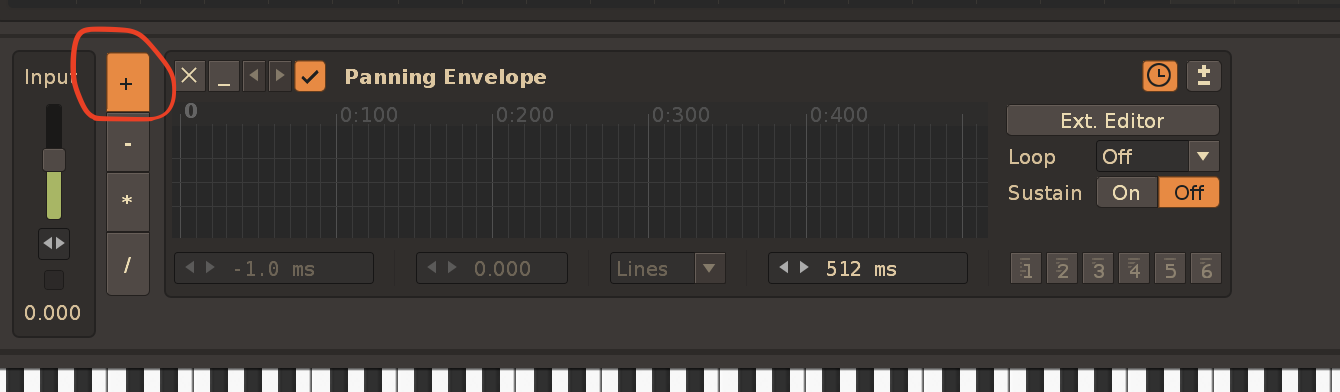
Improvement: Player Pro Note Dialog will now wipe Instrument column of selection, if "000" or "OFF" is selected:
(Closes https://github.com/esaruoho/org.lackluster.Paketti.xrnx/issues/499 &
https://github.com/esaruoho/org.lackluster.Paketti.xrnx/issues/498)
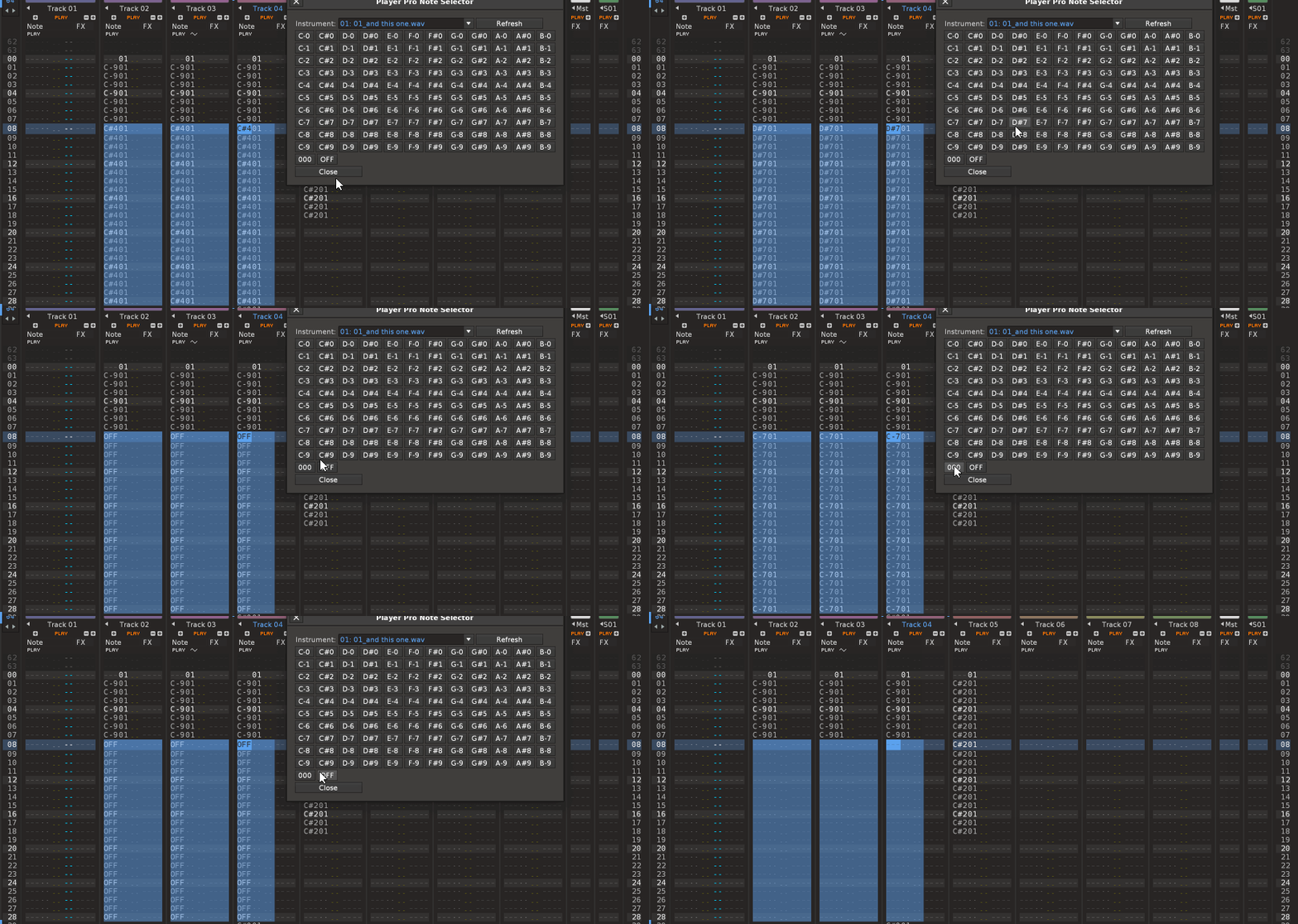
Improvement: Player Pro Note Dialog now can follow EditStep.
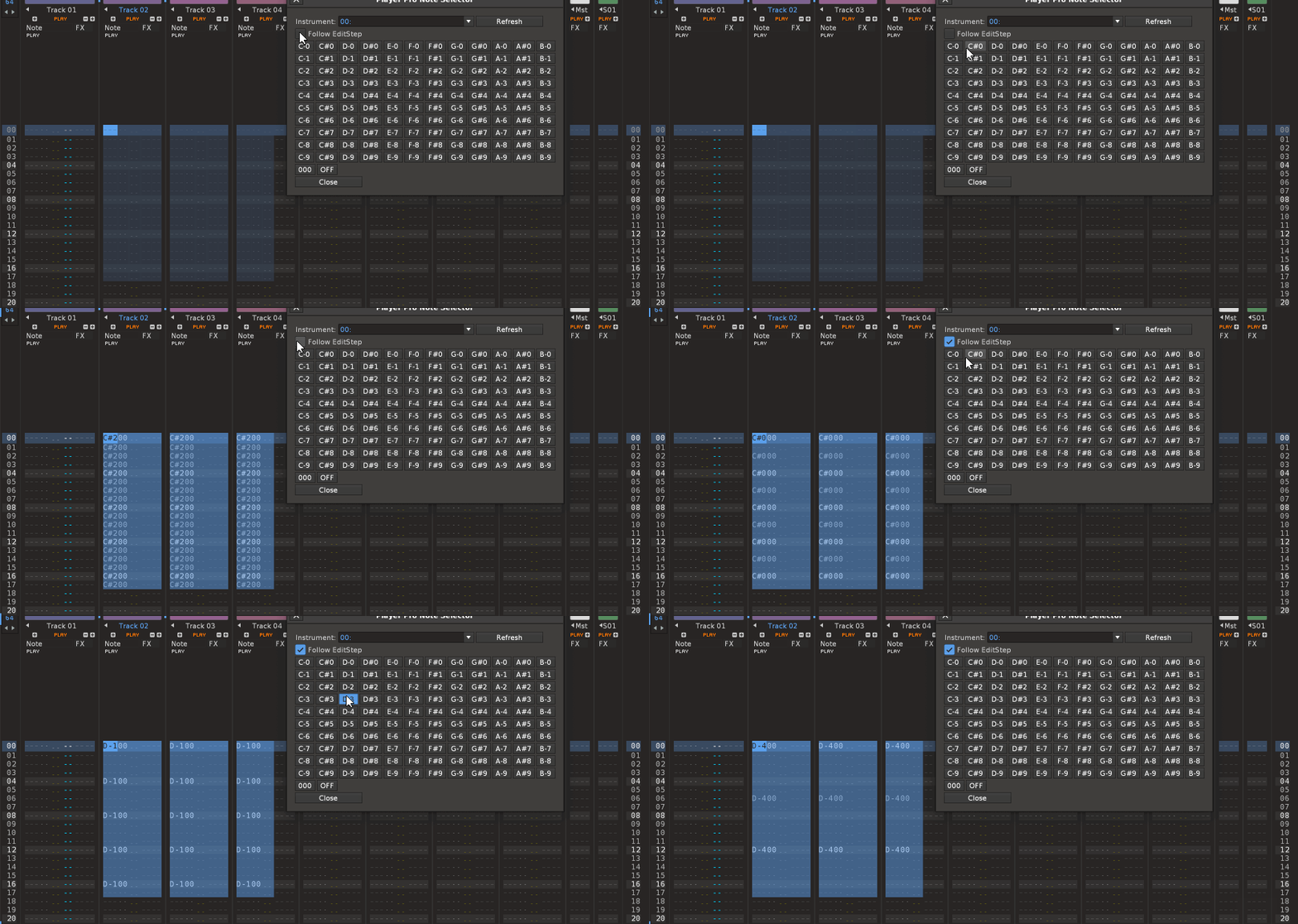
Improvement: if PlayerPro Note Dialog receives EditStep = 0 - it defaults to filling the rows as if EditStep was 1
Improvement: minor PlayerPro dialog tweaks and EditStep row is more informative now.
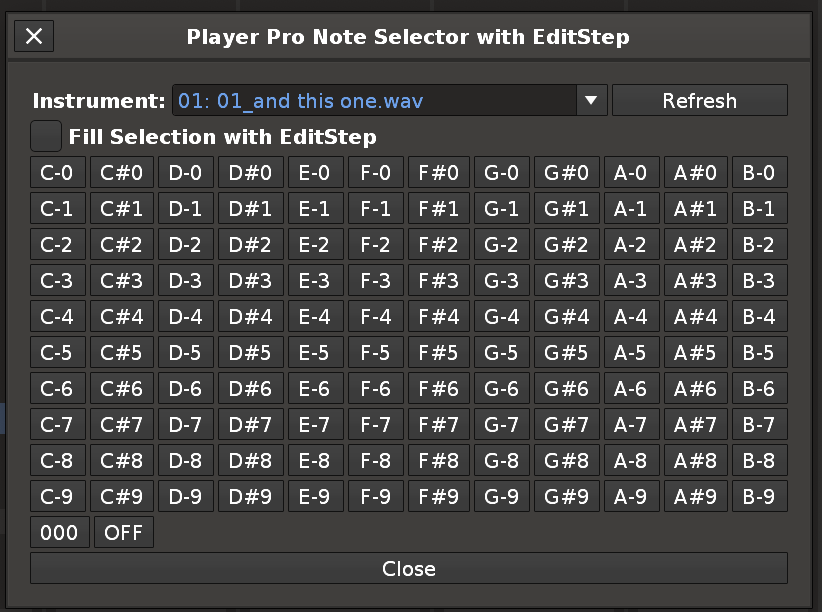
Improvement: Player Pro Transpose now works across multiple tracks, and does not transpose "OFF" "notes"
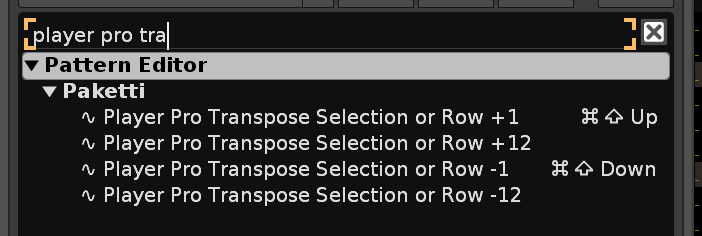
Improvement: Added "Save as Textfile" to Paketti KeyBindings - saves a textfile of what is shown on the textfield.
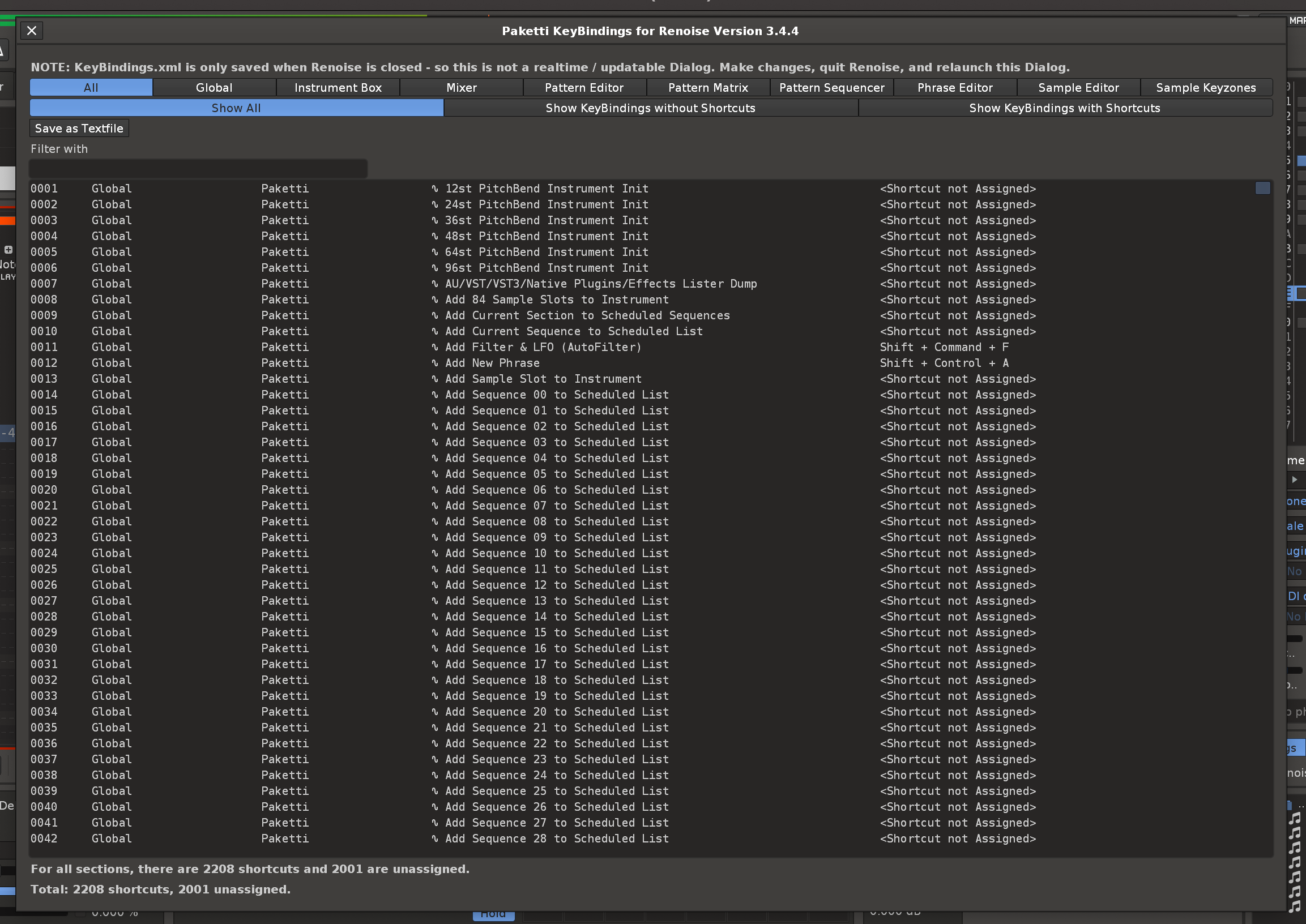
Improvement: I've added a new file to the paketti-manual; https://github.com/esaruoho/paketti-manual/blob/main/Documentation/22-KeyBindings.md
it is a direct print from the Paketti KeyBindings.
(Closes https://github.com/esaruoho/paketti-manual/issues/5)
Feature: "Set Repeater Value" MidiMapping. this takes a leaf from the Show/Hide Slot book, but instead of opening an external editor, one knob will 1. add Repeater if it is not already in Selected Track 2. change the parameters from parameterspace
Off, 1/1 Even, 1/1 Triplet, 1/1 Dotted, 1/2 Even, 1/2 Triplet, 1/2 Dotted, 1/4 Even, 1/4 Triplet, 1/4 Dotted, 1/8 Even, 1/8 Triplet, 1/8 Dotted, 1/16 Even, 1/16 Triplet, 1/16 Dotted, 1/32 Even, 1/32 Triplet, 1/32 Dotted, 1/64 Even, 1/64 Triplet, 1/64 Dotted, 1/128 Even, 1/128 Triplet, 1/128 Dotted
meaning, you tweak a knob and it changes to one of these. this is surprisingly powerful.
there's two flavors - one will rename the track destructively, so you know what's going on, the other will not rename the track.
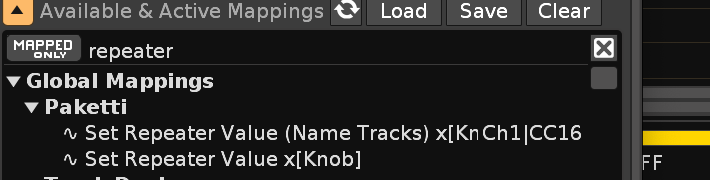

Feature: Global Set EditStep to 00...64 this means you only configure one set of shortcuts, instead of "Pattern Editor EditStep" & "Phrase Editor EditStep". Found this need while going to Phrase Editor and cmd-1-9 doing nothing.
Improvement: "Duplicate Instrument and Select New Instrument" shortcuts will now detect you're in the Phrase Editor, and keep you in the Phrase Editor. meaning: you've got a phrase you're happy with, run the script, you're editing a new phrase for a new instrument, but still in the Phrase Editor.
Improvement: "Duplicate Instrument and Select New Instrument" shortcuts will now detect if you're in Plugin->Monitor view and stay there.
Improvement: Init Phrase Settings will now create a new Phrase if there is no Selected Phrase - otherwise it'll modify the Selected Phrase.
Improvement: added 2 and 4 to Init Phrase Settings dialog because.. they weren't there.
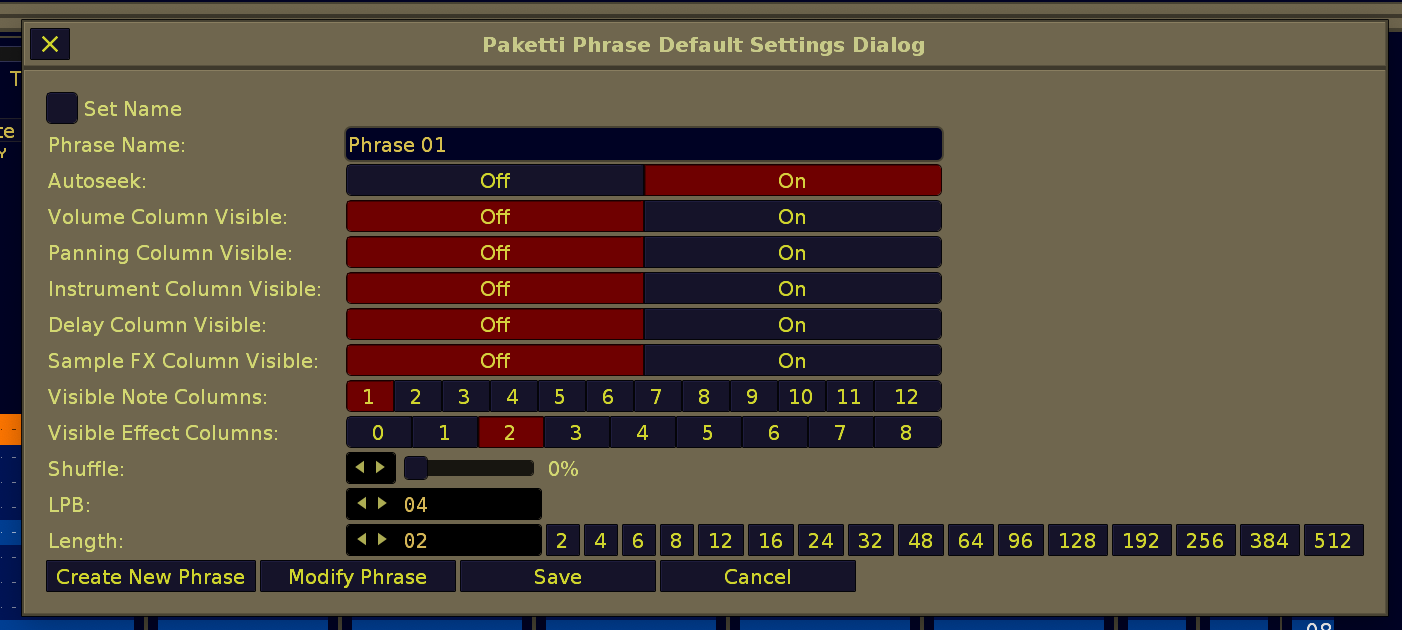
Improvement: Added further protections for Randomize Devices and Plugins dialog - now it will properly update the selected Plugin, and return from "No Plugin Selected" state back to the selected Plugin state.
Improvement: Player Pro Note Dialog will now also follow editstep when changing instruments - instead of typing the whole selection in pattern full of the instrument.
Feature: "Record Automation to Selected Parameter" - pick a parameter in Automation View (Lower Frame), twist the knob assigned to this midimapping - whichever parameter you have selected in Automation, is the one that gets automated.
https://www.loom.com/share/5b46a1dd7d5e4d82b87ff145fc38c3cb?sid=a70c3095-f7b8-4909-a664-6b449baecb23
Improvement: Record Automation to Selected Parameter" will now write it to selected automation range, if there is such a thing. but if playback + follow pattern is ON, then it will write to playhead position.
Feature: Selected Device Automation Parameter 001-128 midimappings added. This means, you select a Device on TrackDSP, and twist a knob, and if it has a parameter in the knob you've set (001-128), that parameter will change, in the device, no automation. BUT if you have EditMode on, then the parameter value change is written to automation automatically to currentStep (not following playhead) BUT if you have EditMode + Playing on, then the automation is written to playStep -> following playhead.
this means you will automate, with your battery of knobs or sliders, the value of any parameter in a selected device. - or if not recording, then simply change the parameter of any device.
(Closes https://github.com/esaruoho/org.lackluster.Paketti.xrnx/issues/543)
Improvement: Selected Device Automation Parameter will now also edit device parameters if Playing is on, but follow pattern is off.
Improvement: Selected Device Automation Parameter will now also edit device parameters if Playing is Off. and if Playing is Off and Record is On, it will write to Automation.
Improvement: If using Wipe&Slice while there was no BeatsyncLines set - it would shoot an error. no more. (Closes https://github.com/esaruoho/org.lackluster.Paketti.xrnx/issues/547)
Improvement: If you run Paketti Normalize Sample on a Slice - it will normalize the original sample. otherwise, selected sample. (Closes https://github.com/esaruoho/org.lackluster.Paketti.xrnx/issues/548)
Improvement: Paketti Renoise Native, VST, VST3, LADSPA, DSSI, AudioUnit dialogs have now been combined into one dialog. with dropdown menus. this averts the issue with "too many devices" when in AU/VST3.
it also has a randomize slider.
(Closes https://github.com/esaruoho/org.lackluster.Paketti.xrnx/issues/403 &
https://github.com/esaruoho/org.lackluster.Paketti.xrnx/issues/466 &
https://github.com/esaruoho/org.lackluster.Paketti.xrnx/issues/406 &
https://github.com/esaruoho/org.lackluster.Paketti.xrnx/issues/404)
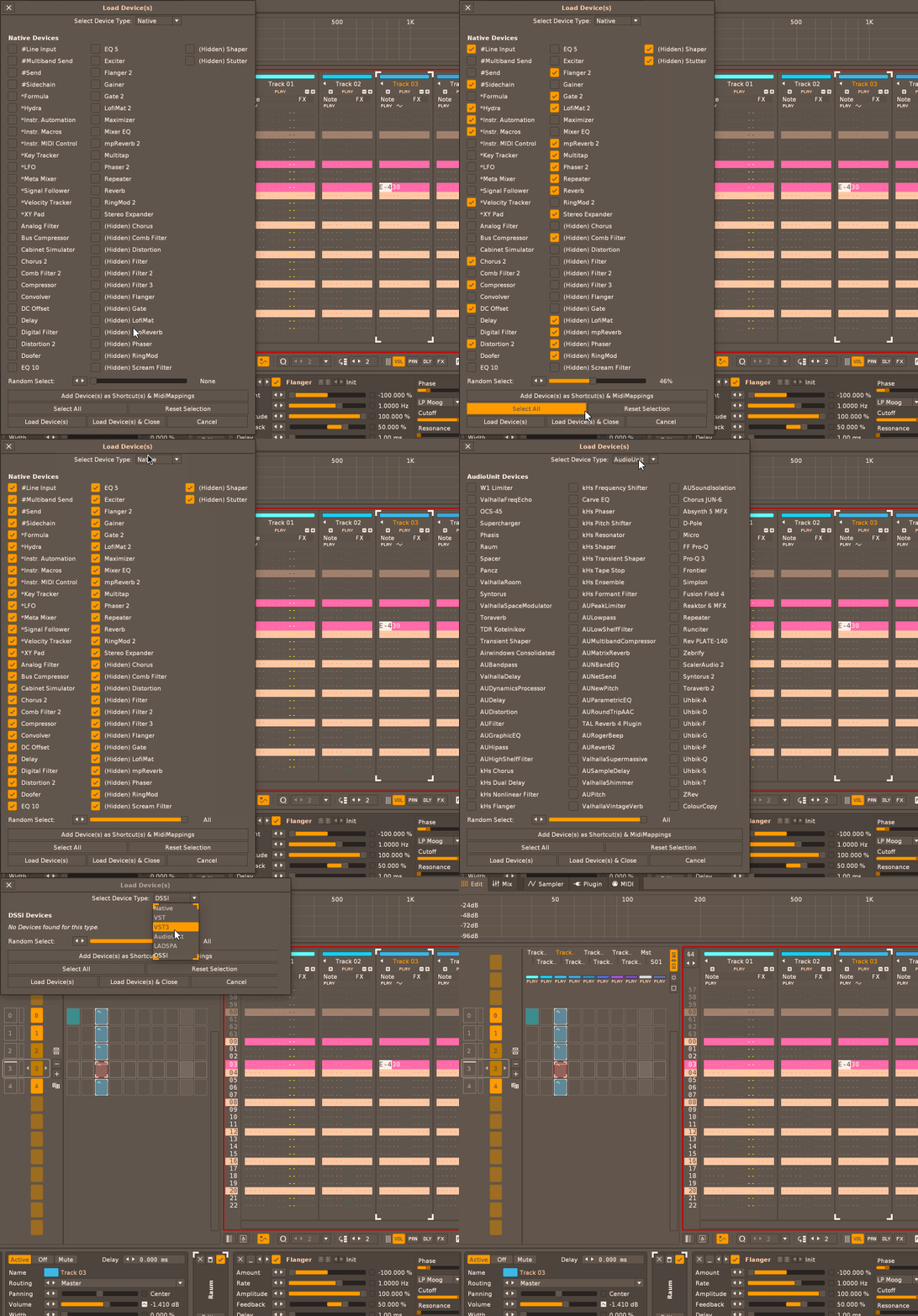
Improvement: Paketti Device Loader dialog now correctly sorts VST3, and has 36 rows per column, which should help with large selections of VST3
Improvement: Paketti Plugin Loader dialog now shows LADSPA, DSSI, splits VST3 and VST and AudioUnit to separate dropdown menu dialogs.
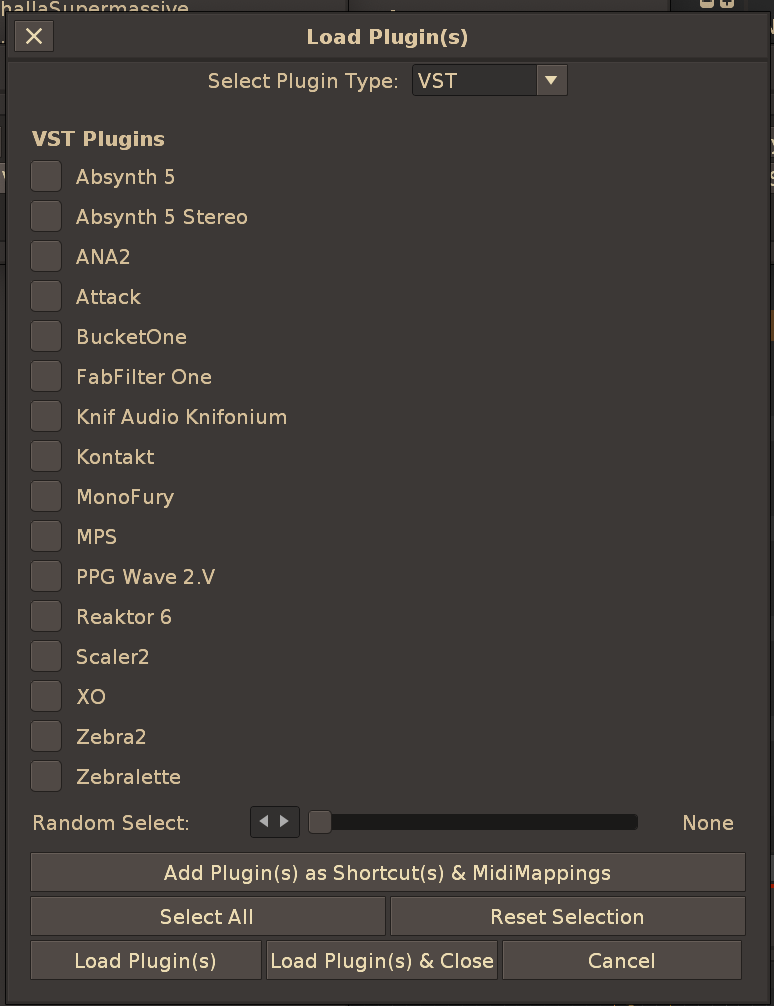
Improvement: Paketti Device Loader dialog has now been optimized for maximum amount of rows i can stretch out of it. this should help when you have hundreds of devices. you now have 39 items per each column, and the dialog will fit to how many columns you have.
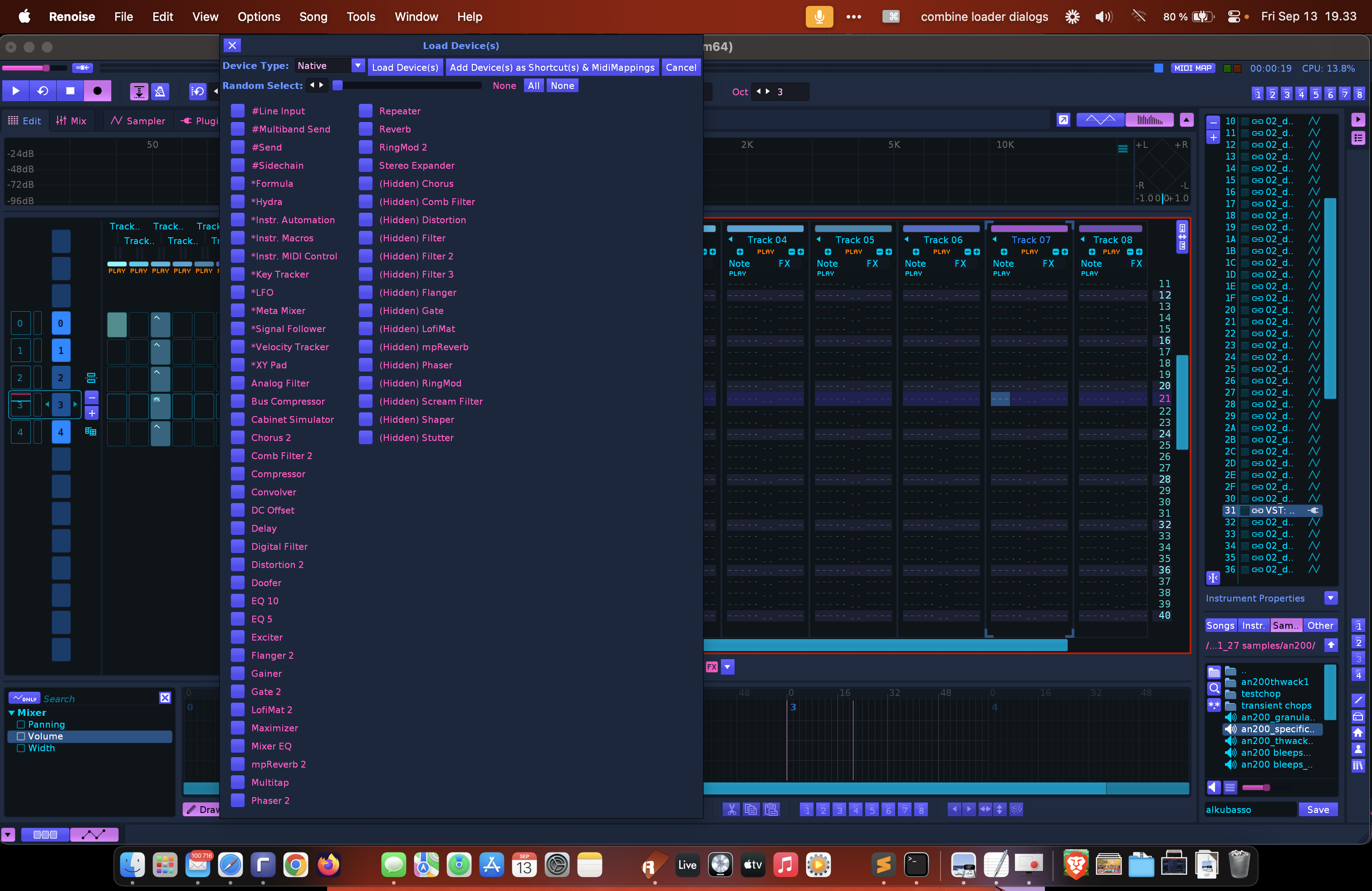
Improvement: I've optimized the Paketti Device Loader about as far as it can go. Please post on <#1251962697298214922> with a screenshot if you have any issues with the Device Loader Dialog.
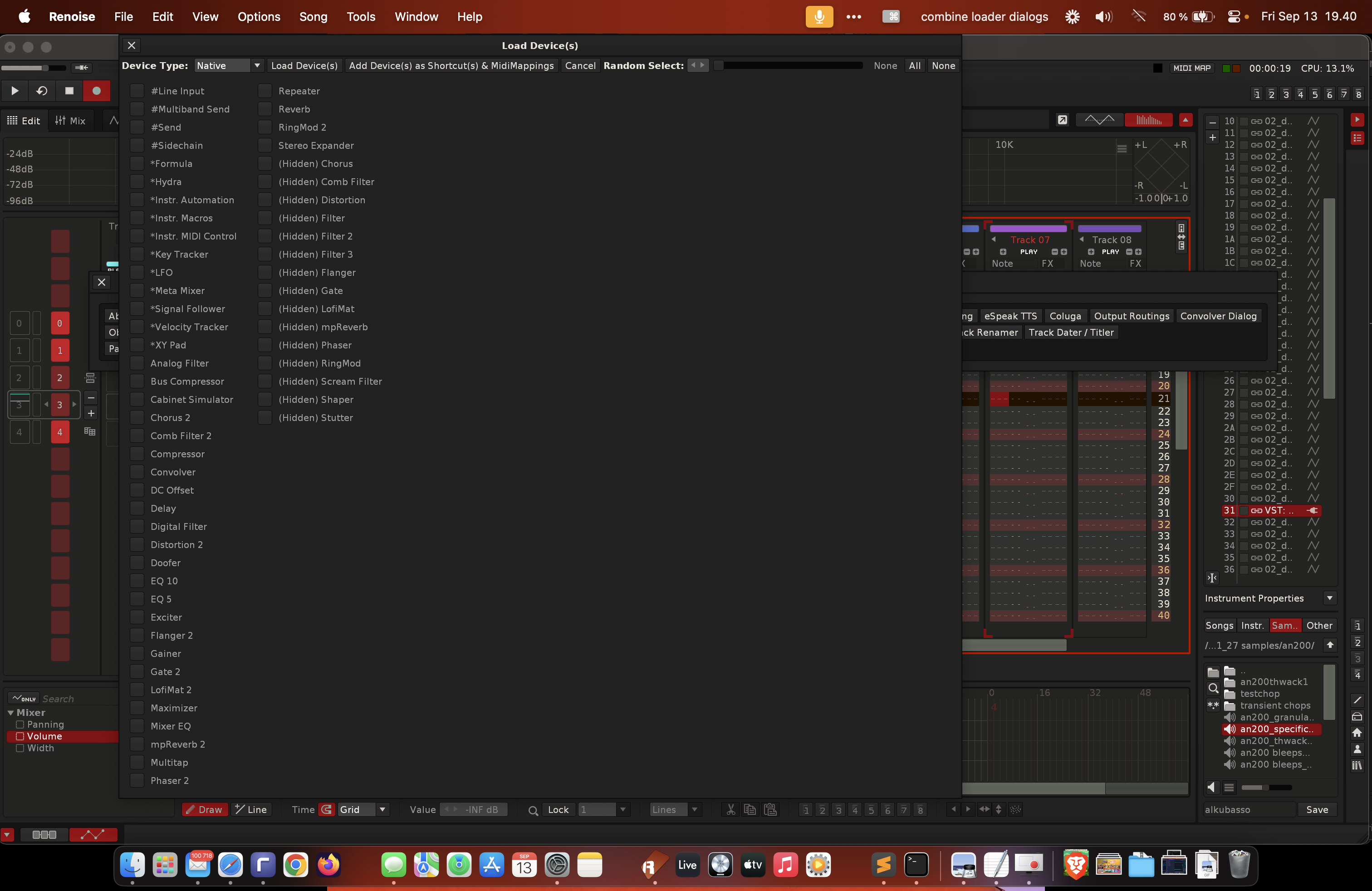
Improvement: LADSPA / DSSI dialog names have been filtered so they no longer take up a lot of space. (Closes https://github.com/esaruoho/org.lackluster.Paketti.xrnx/issues/414 )
Improvement: Added "ClippyClip" Device Chain to Shortcuts:
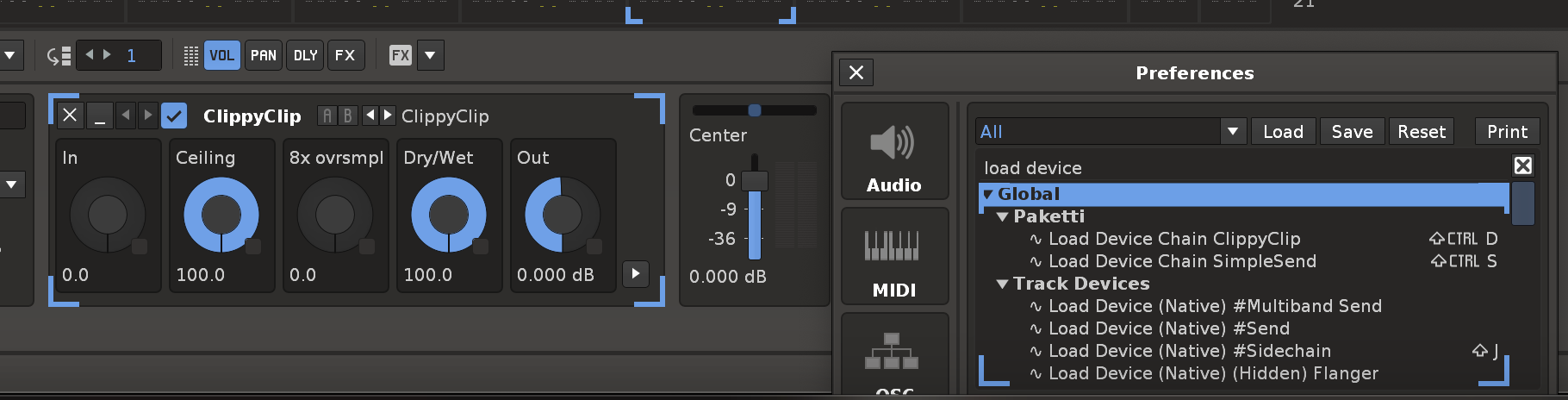
Improvement: "Change Selected Track Volume +0.1 +0.05 +0.01 -0.1 -0.05 -0.01" - this sets the PostFX volume of the Selected Track. protection against going over 3dB and below 0dB.
(Closes https://github.com/esaruoho/org.lackluster.Paketti.xrnx/issues/553)
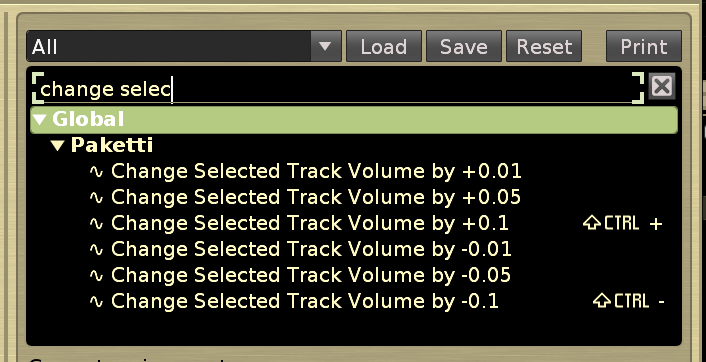
Improvement: Coluga YT-DLP downloader now no longer uses BASH scripting. it should now work with both macOS and Linux. Windows is still pending. there's also a log screen so you can see what is going on. and a Clear button.
(Closes https://github.com/esaruoho/org.lackluster.Paketti.xrnx/issues/267)
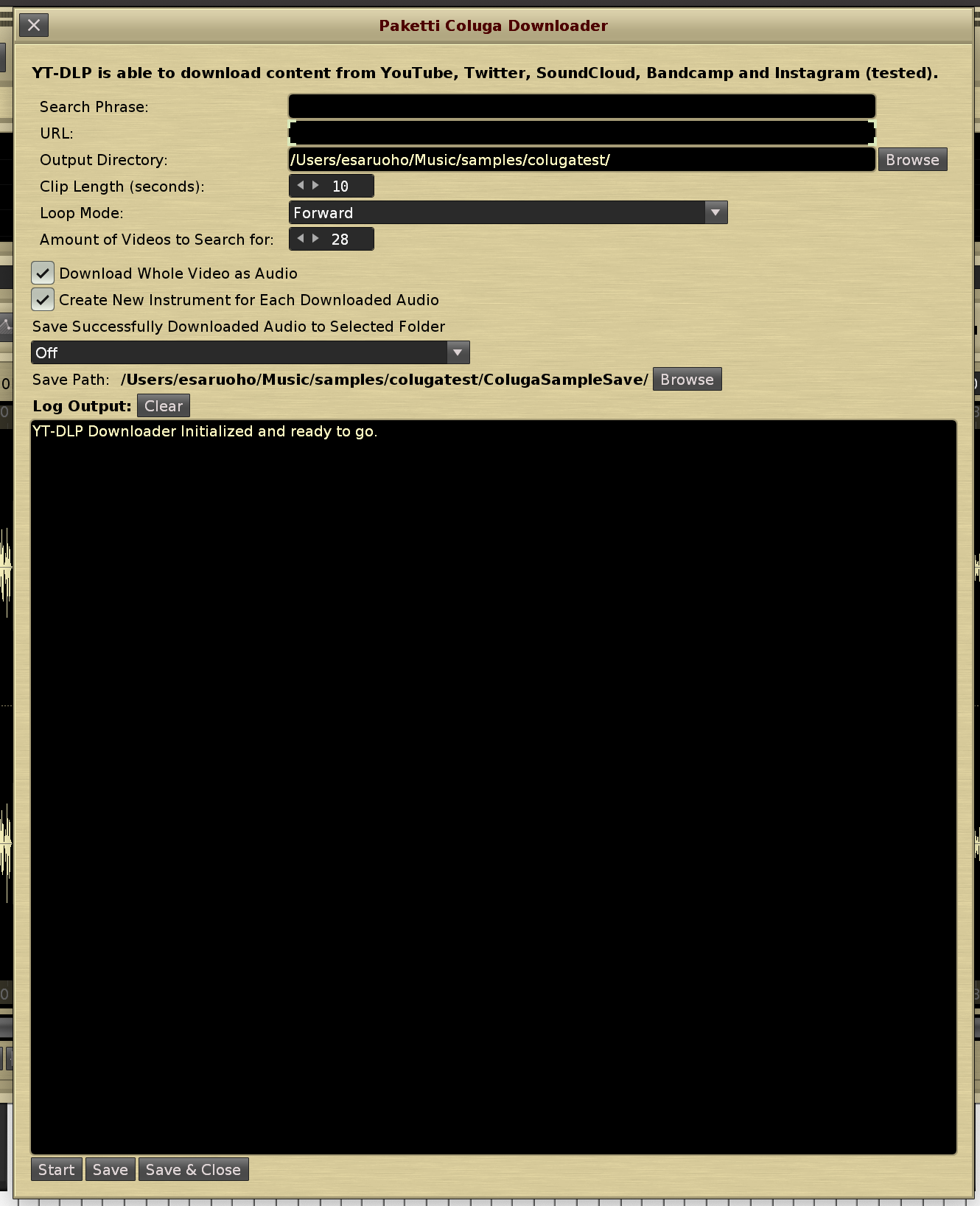
Improvement: eSpeak Text-to-Speech now has a "Which Row" valuebox, meaning you can either use 0 - which renders everything, or a specific row.
(closes https://github.com/esaruoho/org.lackluster.Paketti.xrnx/issues/263)
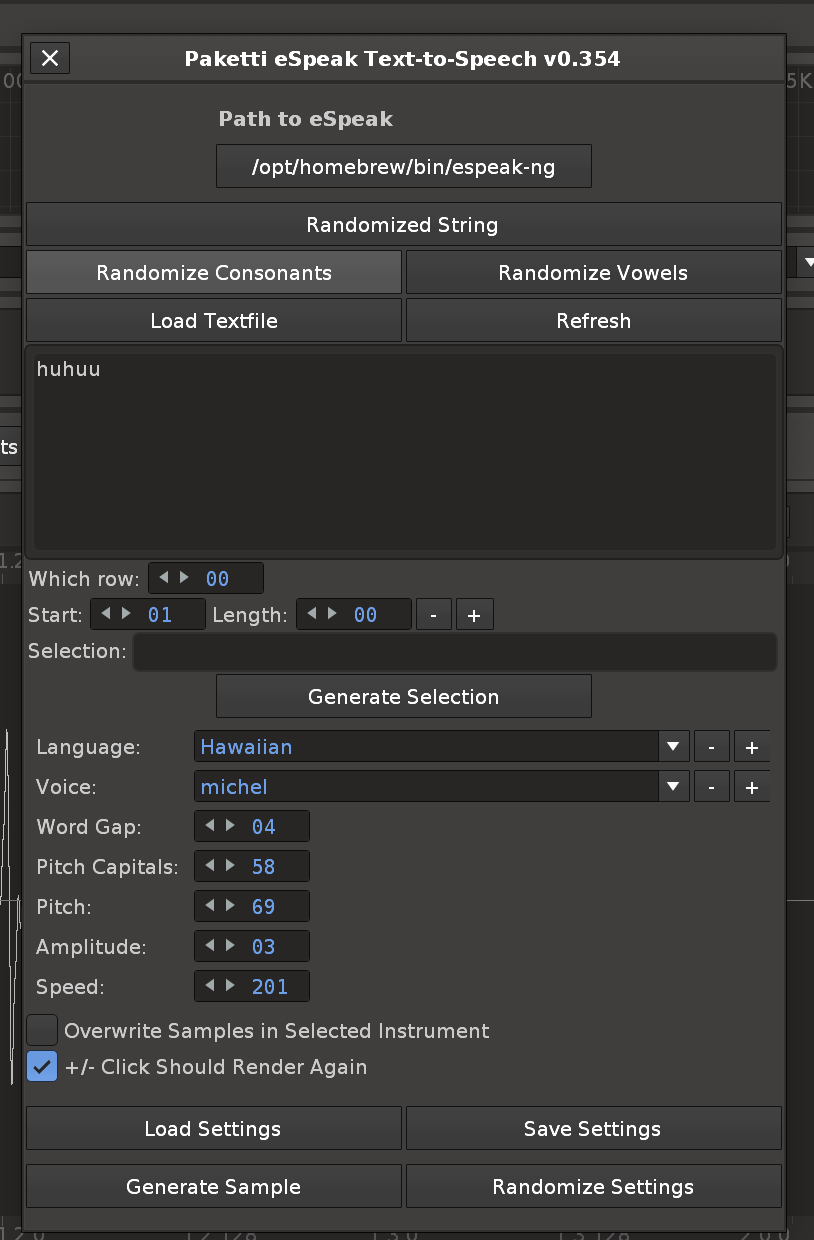
Improvement: "Populate Sends to All Tracks / Selected Track" will now consider if the Sends have already been added. if the SendTrack name has changed, then, instead of adding a new duplicate send, it will rename the currently existing one. (Closes https://github.com/esaruoho/org.lackluster.Paketti.xrnx/issues/256)
Improvement: YT-DLP downloader will now, at the end of having downloaded the whole sample, normalize it.
Feature: Match Current Sub Column Selection. This lets you fill the current pattern content with Instrument, Volume, Panning, Delay, SampleFX(01) and SampleFX(02) and works for selected note column.
(Closes https://github.com/esaruoho/org.lackluster.Paketti.xrnx/issues/130)
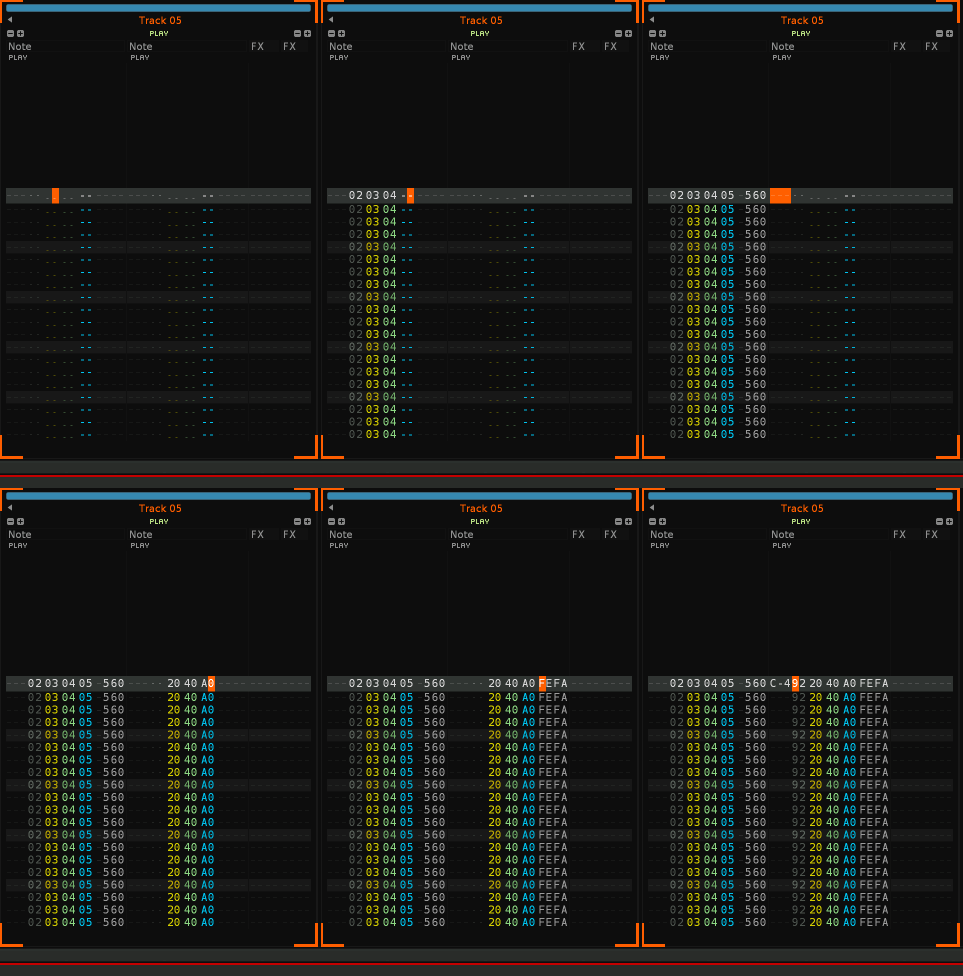
Improvement: Added a Normalize flavor to Paketti PitchBend Multiple Sample Loader. this will normalize the samples being loaded.
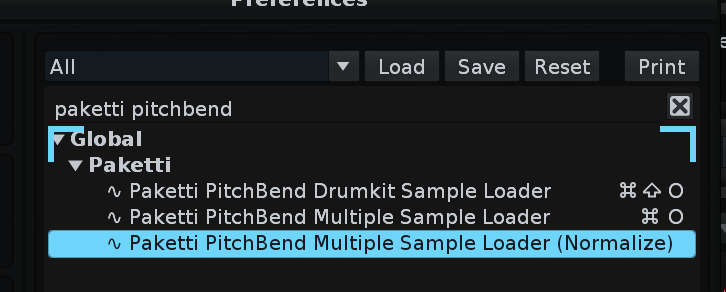
Improvement: if you ran PitchStep external editor shower with no sample, you would get an error. fixed.
for the sake of clarity, here
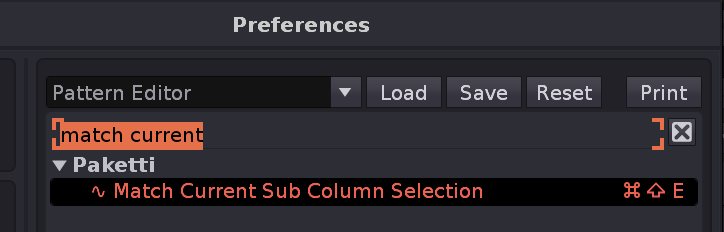
Improvement: There's now two flavors of "Replicate at Cursor". one that replicates above+cursor and one that replicates above only.
(Closes https://github.com/esaruoho/org.lackluster.Paketti.xrnx/issues/495)
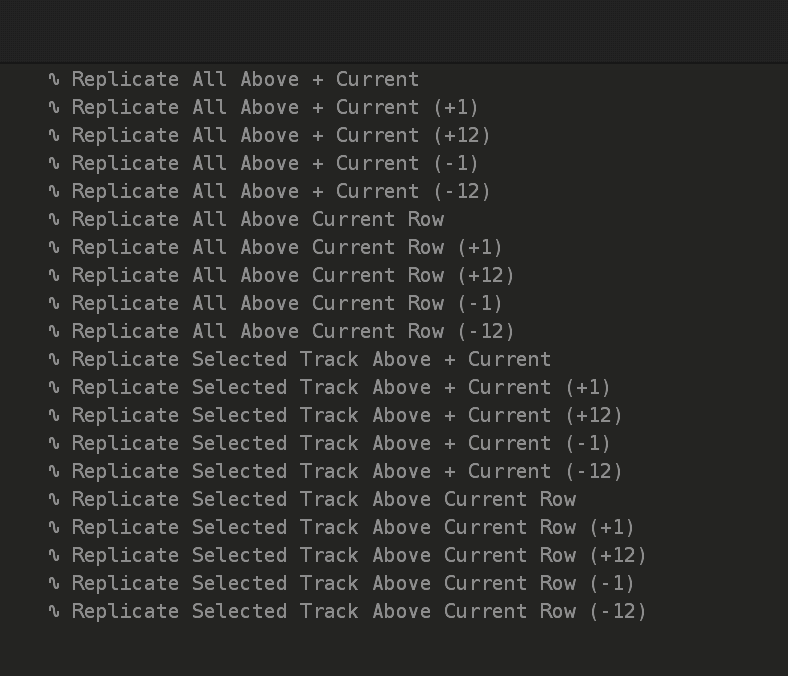
Feature: Loop Set Texture, Loop Set Percussion. This takes the current sample
(Closes https://github.com/esaruoho/org.lackluster.Paketti.xrnx/issues/560)
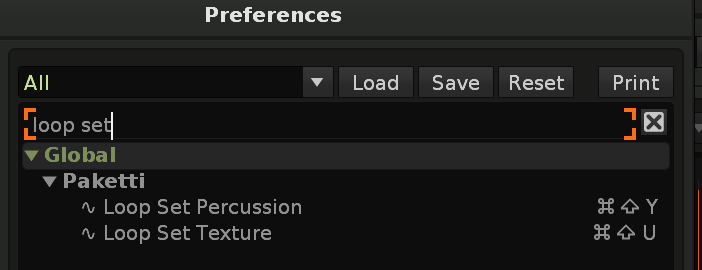
Improvement: "Save Notes" for Paketti Track Dater & Titler
if you find a cool name, you can save it to your selected note file.
(Closes https://github.com/esaruoho/org.lackluster.Paketti.xrnx/issues/337)
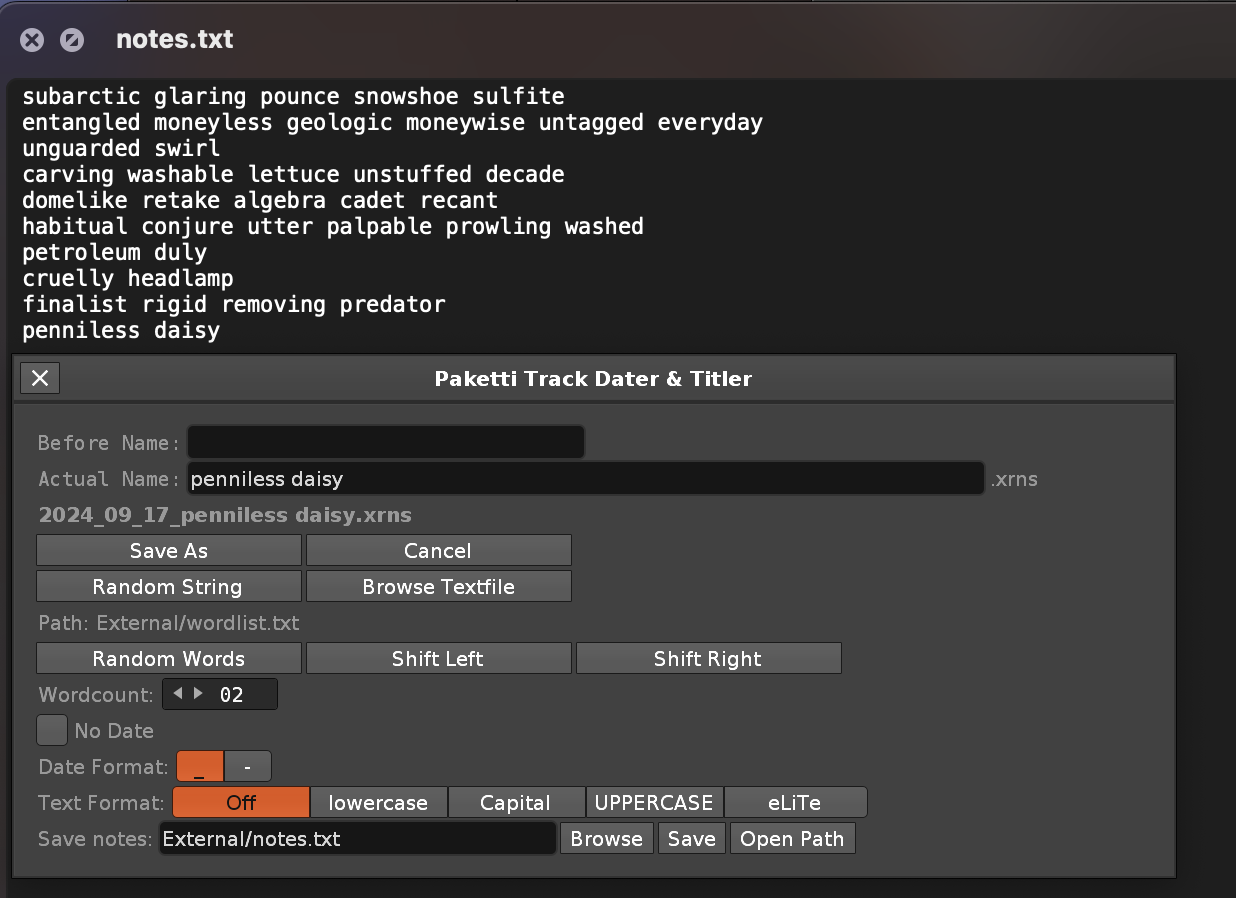
Improvement: Flood Fill Note and Instrument, will, now when there's no selection, fill from current row onwards instead of all rows in pattern. Also errors fixed (Closes https://github.com/esaruoho/org.lackluster.Paketti.xrnx/issues/359)
Improvement: Paketti Gater "Insert Commands" shortcut + midimapping added
(Closes https://github.com/esaruoho/org.lackluster.Paketti.xrnx/issues/517)
Feature: 3 shortcuts:
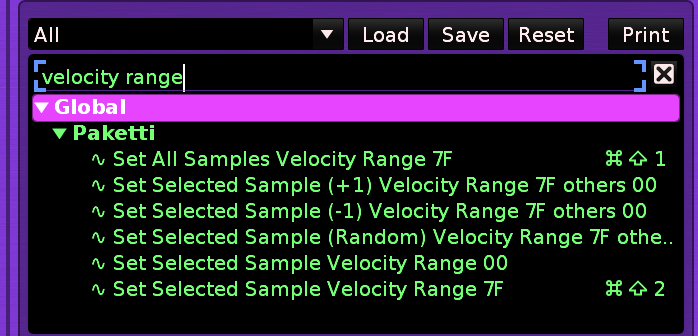
Improvement: Added one more "Delay Column Increase/Decrease +1 -1 +10 -10". This one does current row, or current selection.
(Closes https://github.com/esaruoho/org.lackluster.Paketti.xrnx/issues/366)
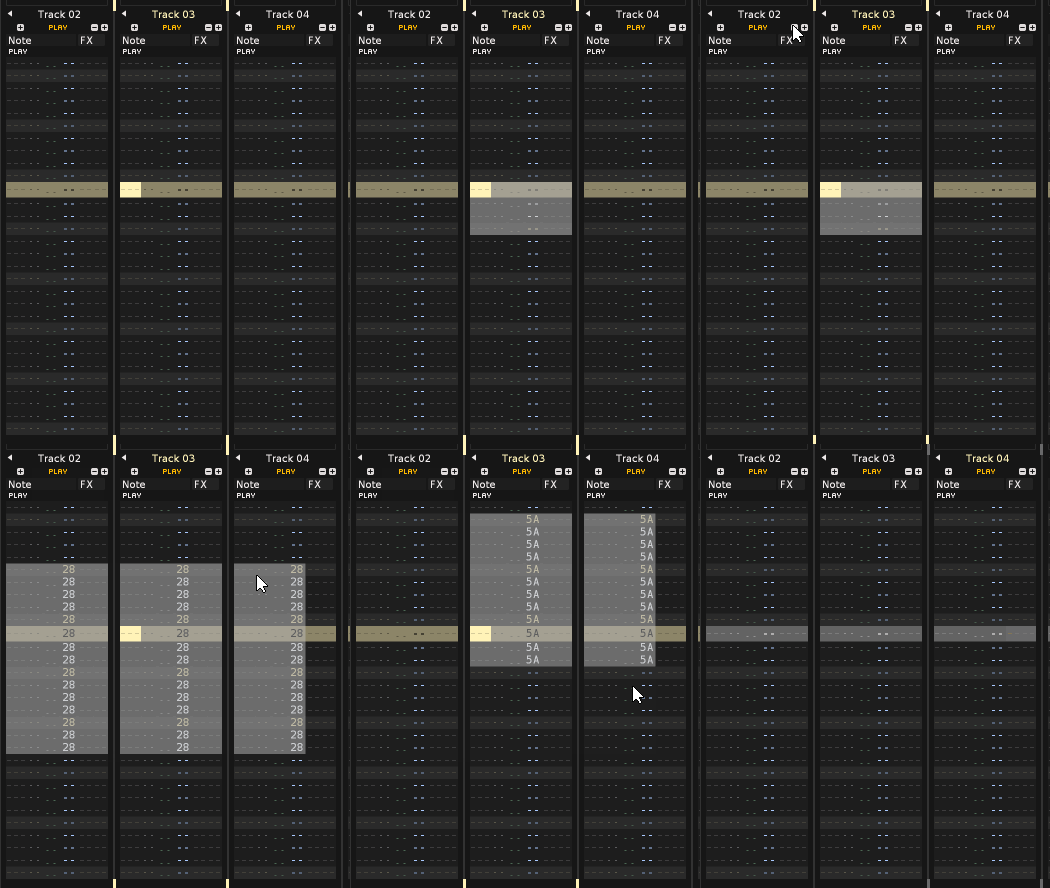
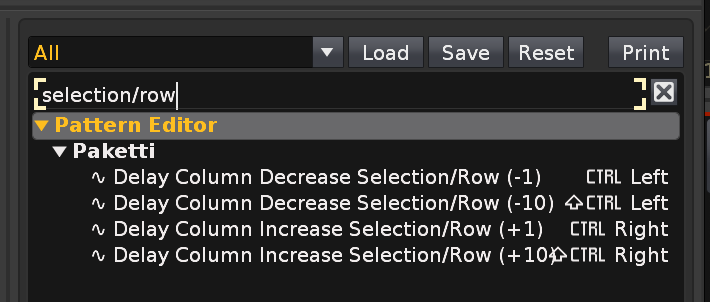
Improvement: eSpeak now has "Generate Row 00-32" shortcuts. 00 will generate all the rows. 1 will generate 1st.. and so on.
(Closes yet another checkbox in https://github.com/esaruoho/org.lackluster.Paketti.xrnx/issues/307 )
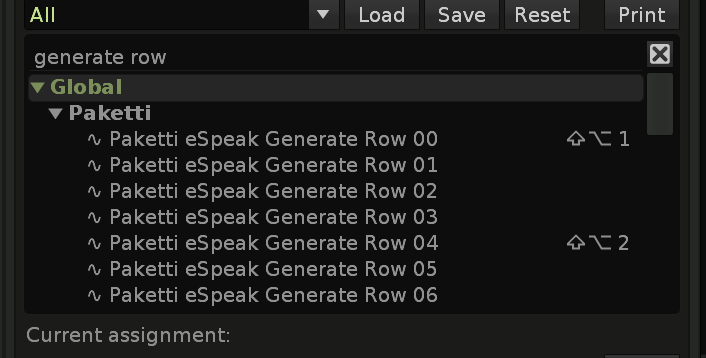
(Closes https://github.com/esaruoho/org.lackluster.Paketti.xrnx/issues/564)
Feature: Smart Beatsync from Selection This reads selection in pattern and imprints it on selected sample beatsync. meaning: select 4 rows, run shortcut - sample Beatsync lines is now 4. select 64 rows, run shortcut - sample Beatsync line is now 64. (Closes https://github.com/esaruoho/org.lackluster.Paketti.xrnx/issues/561)
it's a +1 -1 effort.
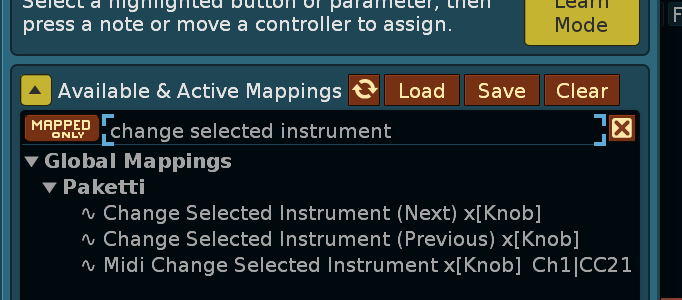
Improvement: Added -1 protection, so can't go lower than instrument 1 (00)
Improvement: Coluga / YT-DLP now has a textfield for storing the location of the yt-dlp executable. This, along with the heavy plumbing i did, converting the bash script (which was macOS only, really) to full LUA, should allow yt-dlp to successfully download YouTube videos in full and add them as samples into a new instrument, complete with the Default XRNI Instrument (and it's macros) automatically added, on macOS, Linux and Windows.
It's been a long time in coming
(Closes https://github.com/esaruoho/org.lackluster.Paketti.xrnx/issues/570)
Sidequest: In case you're wondering about the drop-off on updates on this channel, it's because I've been reworking the Sononymph tool so that it has more and better features, and improve the Configuration file detection. here's a screenshot or two. Sononymph is a tool that allows for a deep integration between Sononym and Renoise, and I've added certain features to it that "made sense" to have. If I include this in Paketti, I'll have to do a complete rewrite of it, so that it fits into how Paketti has been coded. I'm in contact with danoise about these features and hoping to see some, shall we say, official progress, further down the line. If he has abandoned it, I'll rewrite it and include it in Paketti.
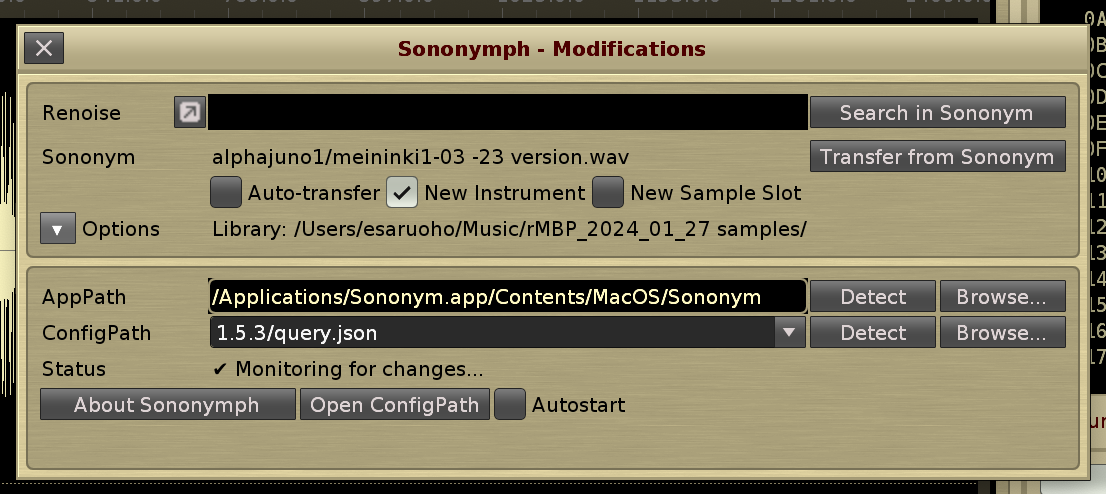
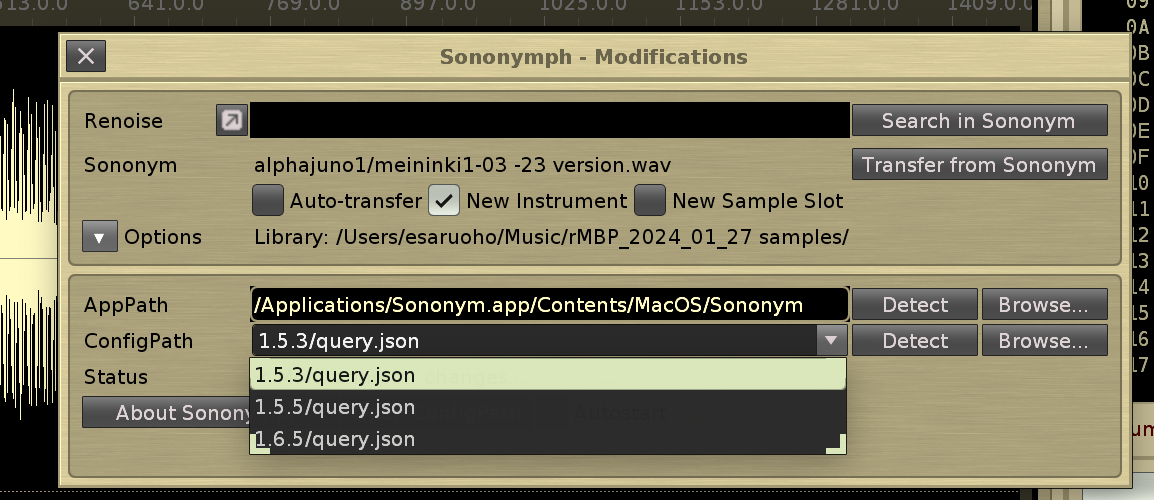
Another sidequest: I've received permission from Martblek to take his "Simple Beat Detector" tool, which uses a lowpass filter to detect low-end beats and create slices, and modify it. I've been working on it, and now it has both lowpass and highpass filters for detecting beats, and therefore it now detects hihats too, not only bassdrums. It's still a work in progress, though - I want it to be better than the Renoise transient detection, before I will ship it in Paketti. Here's a rudimentary video.
https://www.loom.com/share/8908487817cc4c888ce00657afed9d8b?sid=629daeb8-01d8-4e97-ae84-a6837371556d
Improvement: I've added three TouchOSC specific shortcuts, designed for switching to Pattern Editor, or to Sample Editor, and the third one starts sampling and stops it. So press a button and hold it down on TouchOSC - Renoise samples a new sample. Let go -> stops sampling.
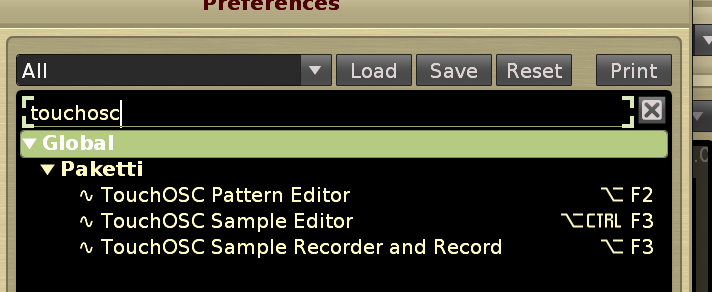
Plumbing: Finally removed all the four separate Load VST, Load VST3, Load AU, Load LADSPA/DSSI, Load Native device dialogs from the code since there's only one preferred dialogs that loads all 6 things.
Improvement: Added Graphite RC1 and Yellow Harmony to Paketti Theme Selector
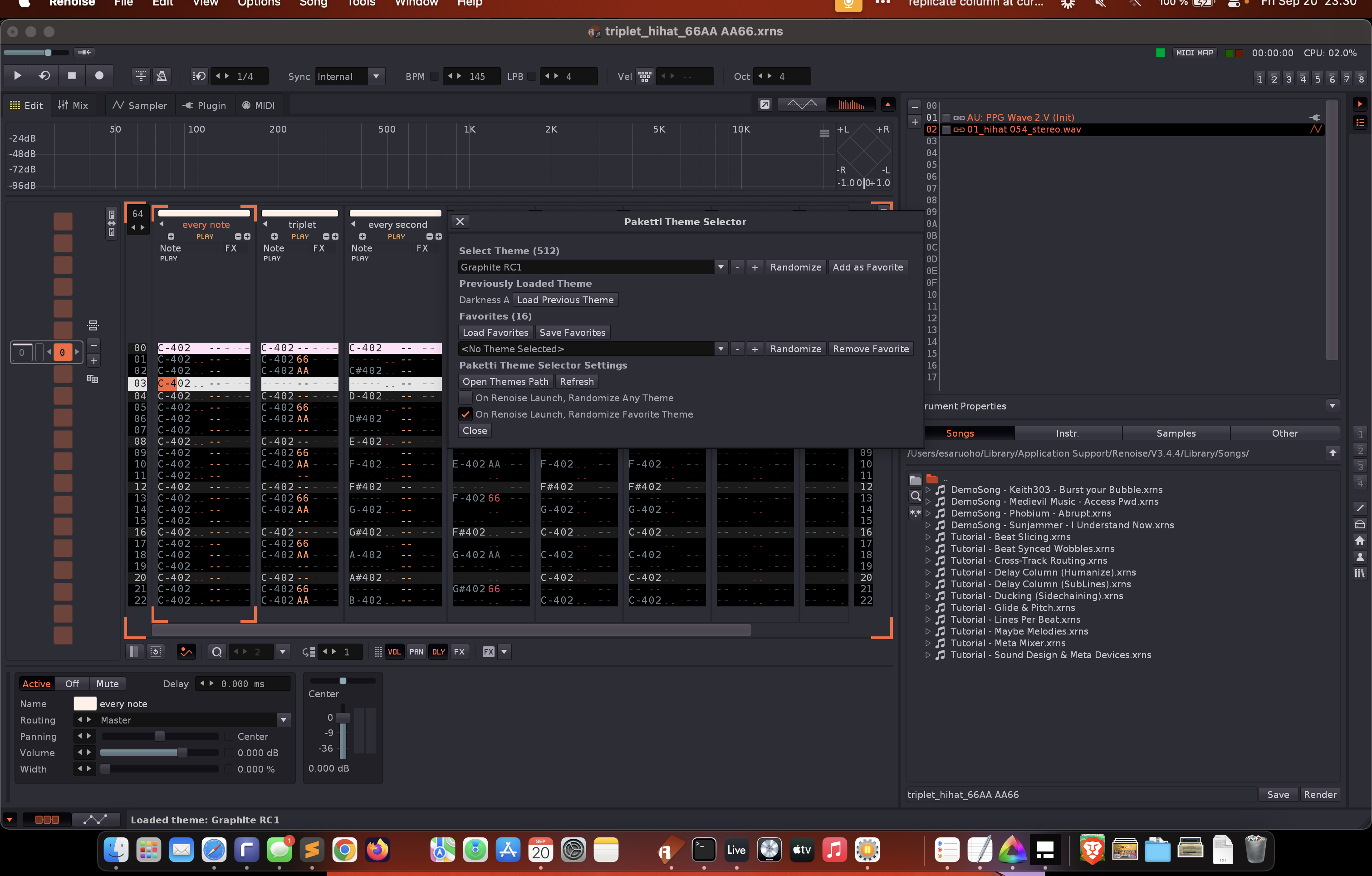
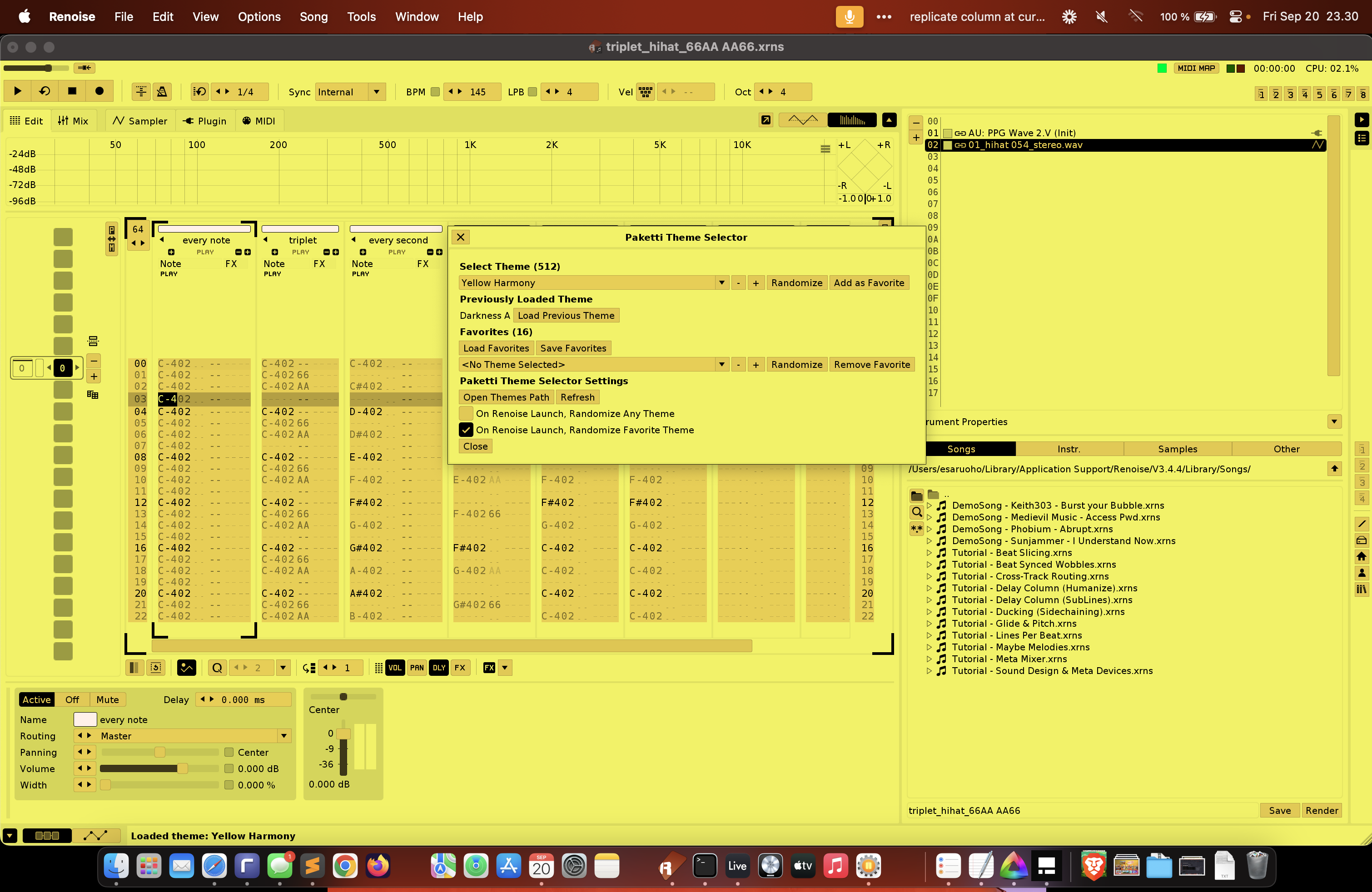
Plumbing: Moved features around in codebase
Feature: Expose and Select New Column
Hide Current and Select Previous Column
these are slightly smarter shortcut replacements for the Renoise "Add New Column" .. It not only adds the new column (effect or note column) but also selects the column. if you're on the 12th note column and remove one, then you're on the 11th note column. same for if you're on the 8th effect column and remove one, then you're on the 7th effect column.
(Closes https://github.com/esaruoho/org.lackluster.Paketti.xrnx/issues/567 &
https://github.com/esaruoho/org.lackluster.Paketti.xrnx/issues/505)
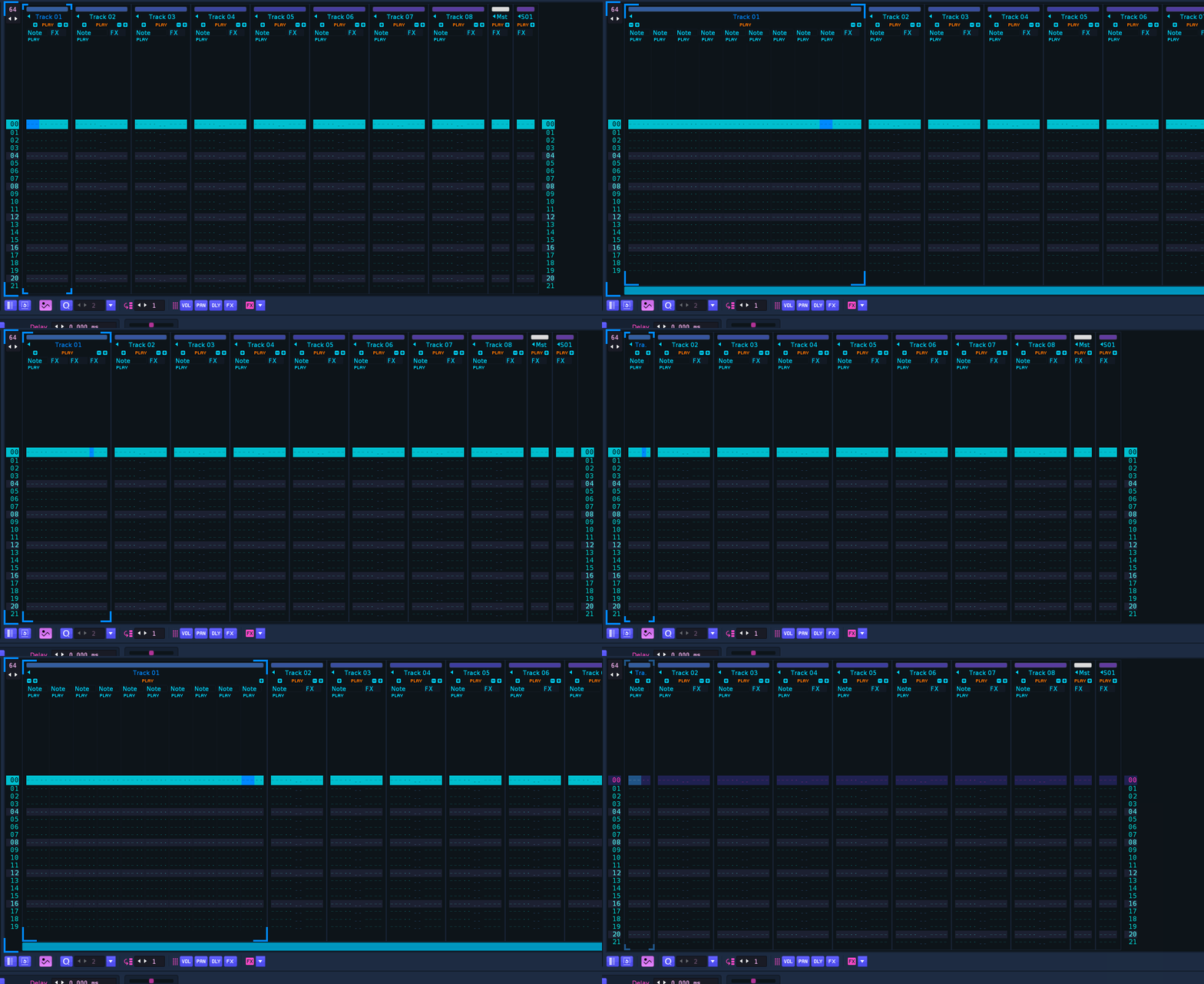
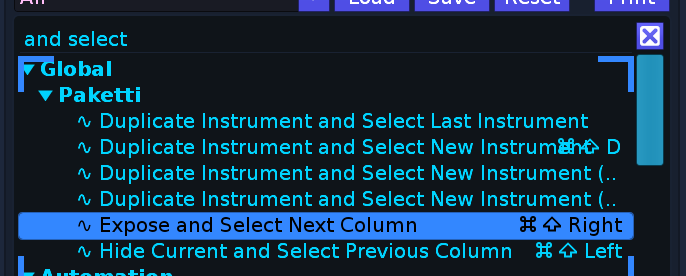
Improvement: When loading a Plugin using a shortcut, the Middle Frame would change from "Midi tab" to "Sample tab" - mostly to Sample Editor. Added some logic to avert that, and also made sure that if you're in the Plugin Phrase Editor, you are no longer transported to Sample Phrase Editor. (Closes https://github.com/esaruoho/org.lackluster.Paketti.xrnx/issues/551)
Improvement: Expose and Select New Column & Hide Current and Select Previous Column are now available as MidiMappings
Feature: Select Sample Next/Previous shortcut + midimapping:
it also communicates at the bottom status row, which sample has been selected and if there's no more to move to
(Closes https://github.com/esaruoho/org.lackluster.Paketti.xrnx/issues/571)
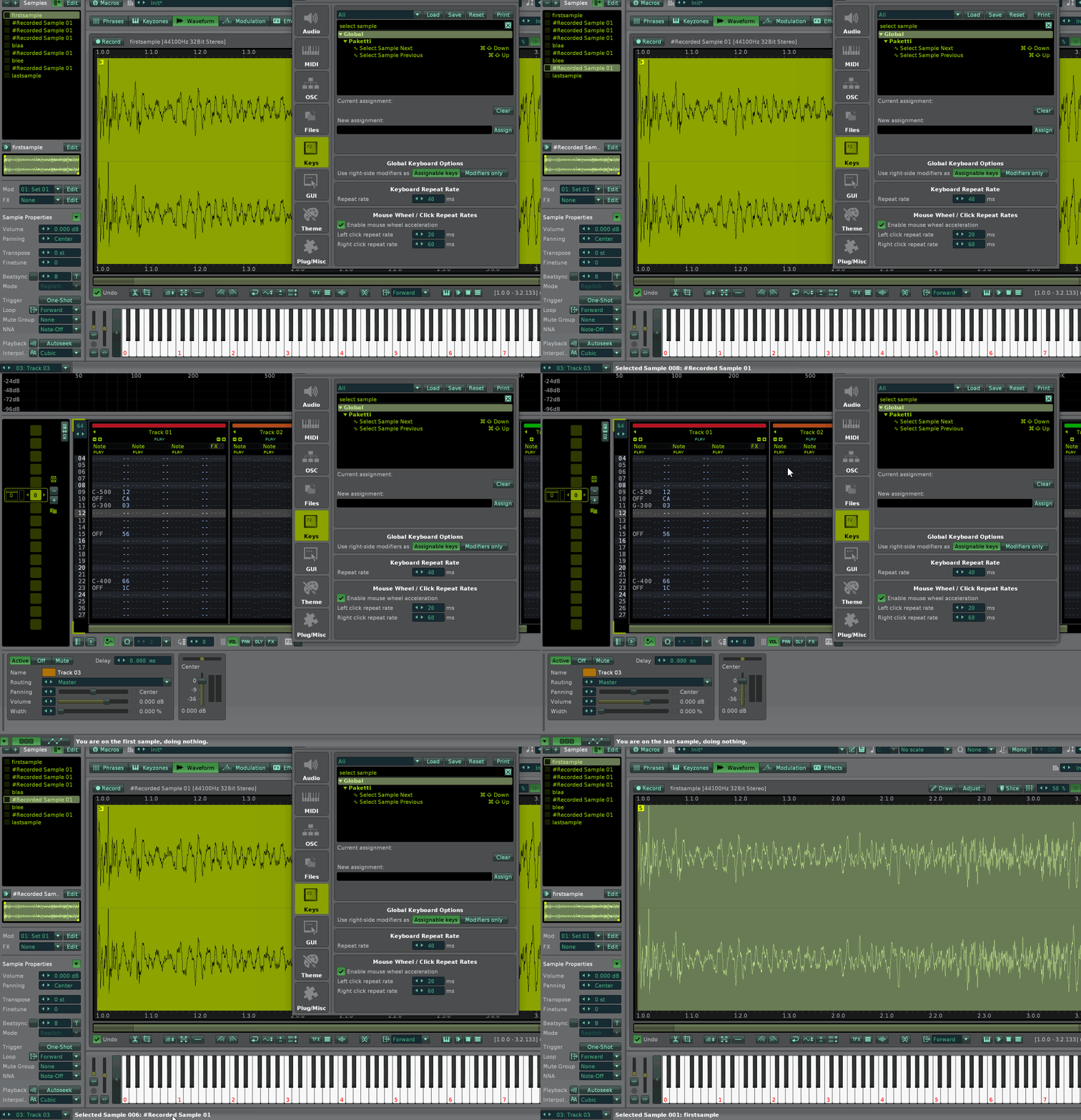
Improvement: Osionik has sent four more themes to me.
Osi-BladeRunner
Osi-Moss1
Osi-TheBlueBrandy
Osi-TrackerHacker
they've been added to the Themes. Now there's a total of 516 themes in the Paketti Theme Selector. If you have any additional themes, please send them my way via DM.
Feature: "Flood Fill Column with Row". if you are on effect column 1 and what's on the row you wanna fill the pattern with, then run this. or note column.
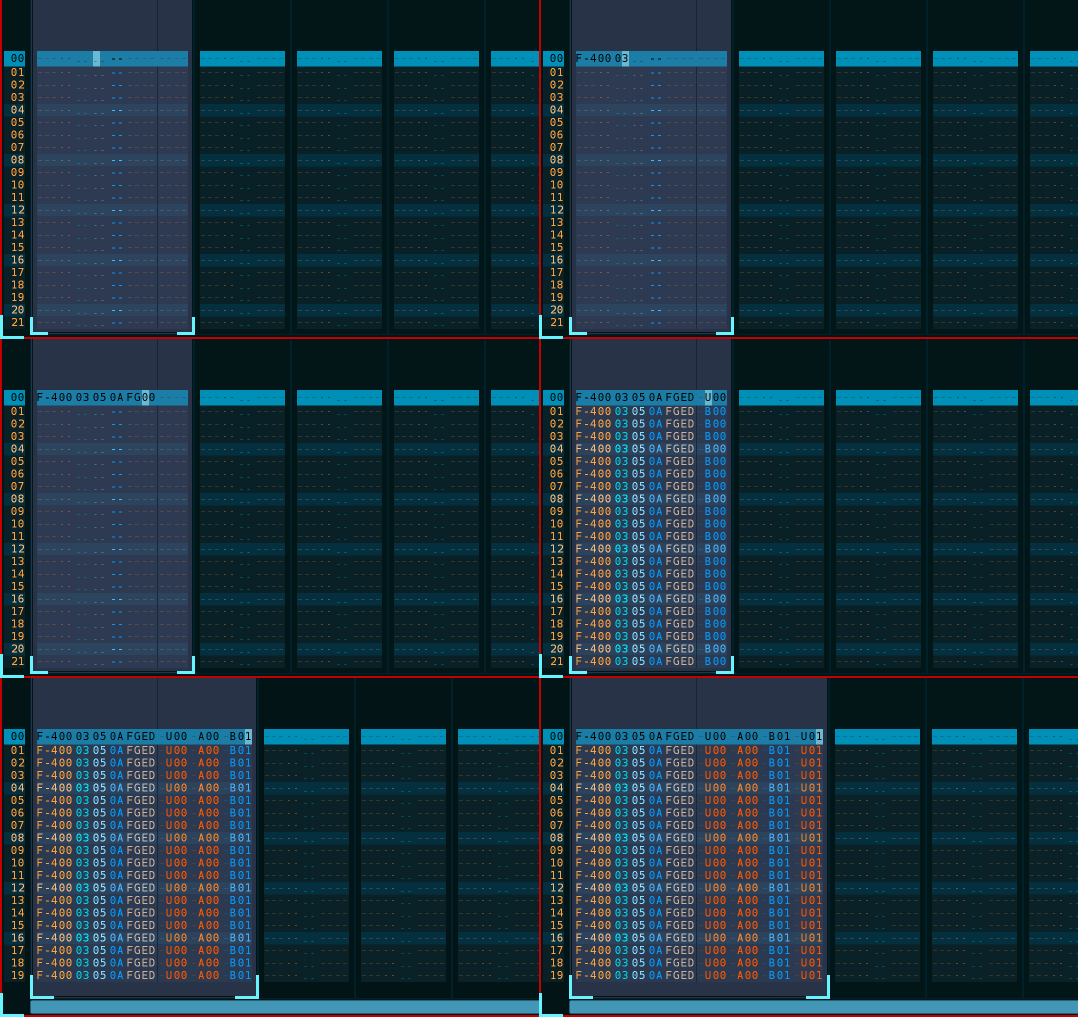
Feature: Toggle Note Off on All Tracks on Current Row
it will write a Note Off (or turn it off) on the current row of all tracks.
(Closes https://github.com/esaruoho/org.lackluster.Paketti.xrnx/issues/568)
Improvement: The "Selected Instrument Macros1-8" generation has been simplified so it is no longer so over-the-top.
they're no longer dynamically created, they just exist. this should avert an error caused in a newer version of Renoise that's currently in alpha.
Improvement: Added noby's "Mango theme" to Paketti Theme Selector
Feature: Double Double LPB & Halve Halve LPB.
(Closes https://github.com/esaruoho/org.lackluster.Paketti.xrnx/issues/581)
Feature: Double Double Beatsync, Halve Halve Beatsync (Selected Sample or All)
(Closes https://github.com/esaruoho/org.lackluster.Paketti.xrnx/issues/582)
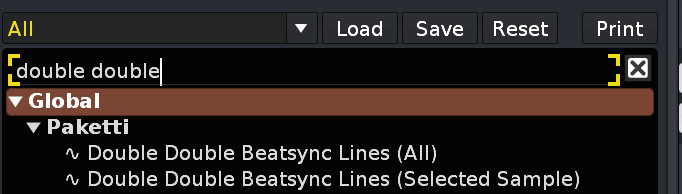
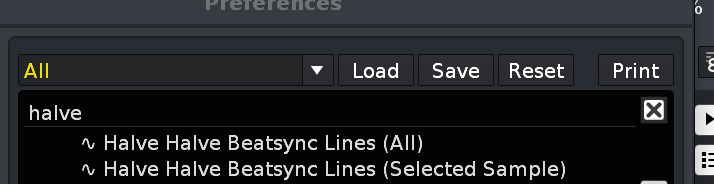
Feature: Double BPM, Halve BPM, Double Double BPM, Halve Halve BPM.
(Closes https://github.com/esaruoho/org.lackluster.Paketti.xrnx/issues/580)
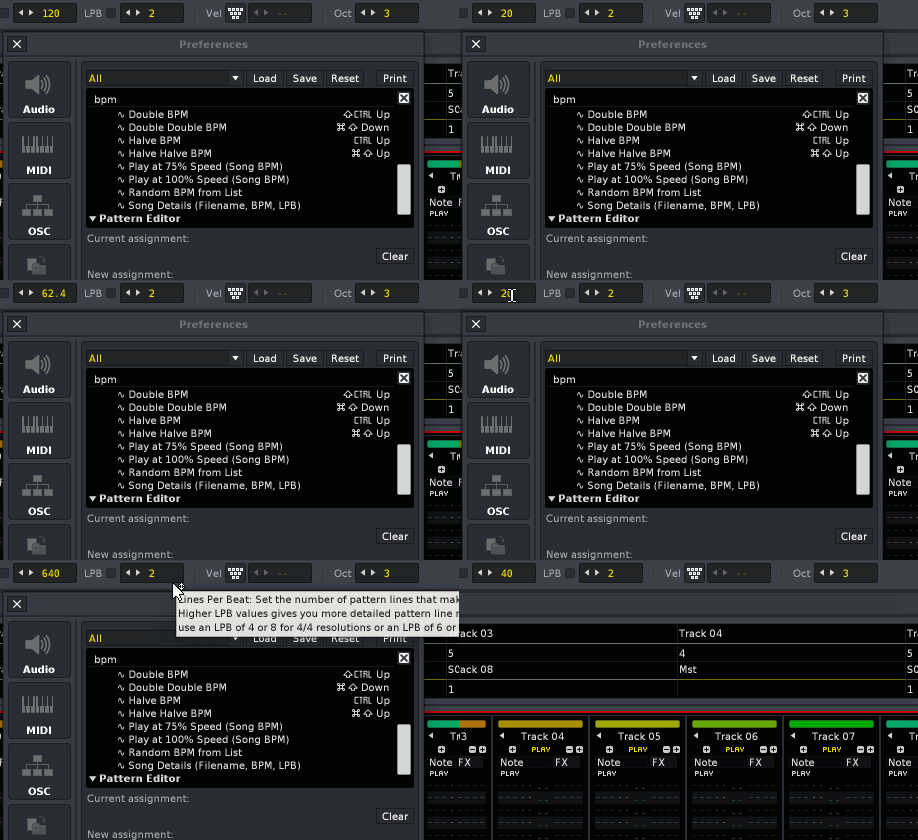
Update: Removed "Gainer Exponential Curve" from Pattern Matrix, KeyBindings, Track Automation etc. this can be done properly with other Paketti Automation shortcuts + menu entries. (Closes https://github.com/esaruoho/org.lackluster.Paketti.xrnx/issues/471)
Improvement: Flood Fill Note and Instrument with Step will now also Flood Fill the Effect Column content. (Closes https://github.com/esaruoho/org.lackluster.Paketti.xrnx/issues/398)
Improvement: Launch App Selection added to Sample Navigator + Sample Editor dropdown menus
(Closes https://github.com/esaruoho/org.lackluster.Paketti.xrnx/issues/516)
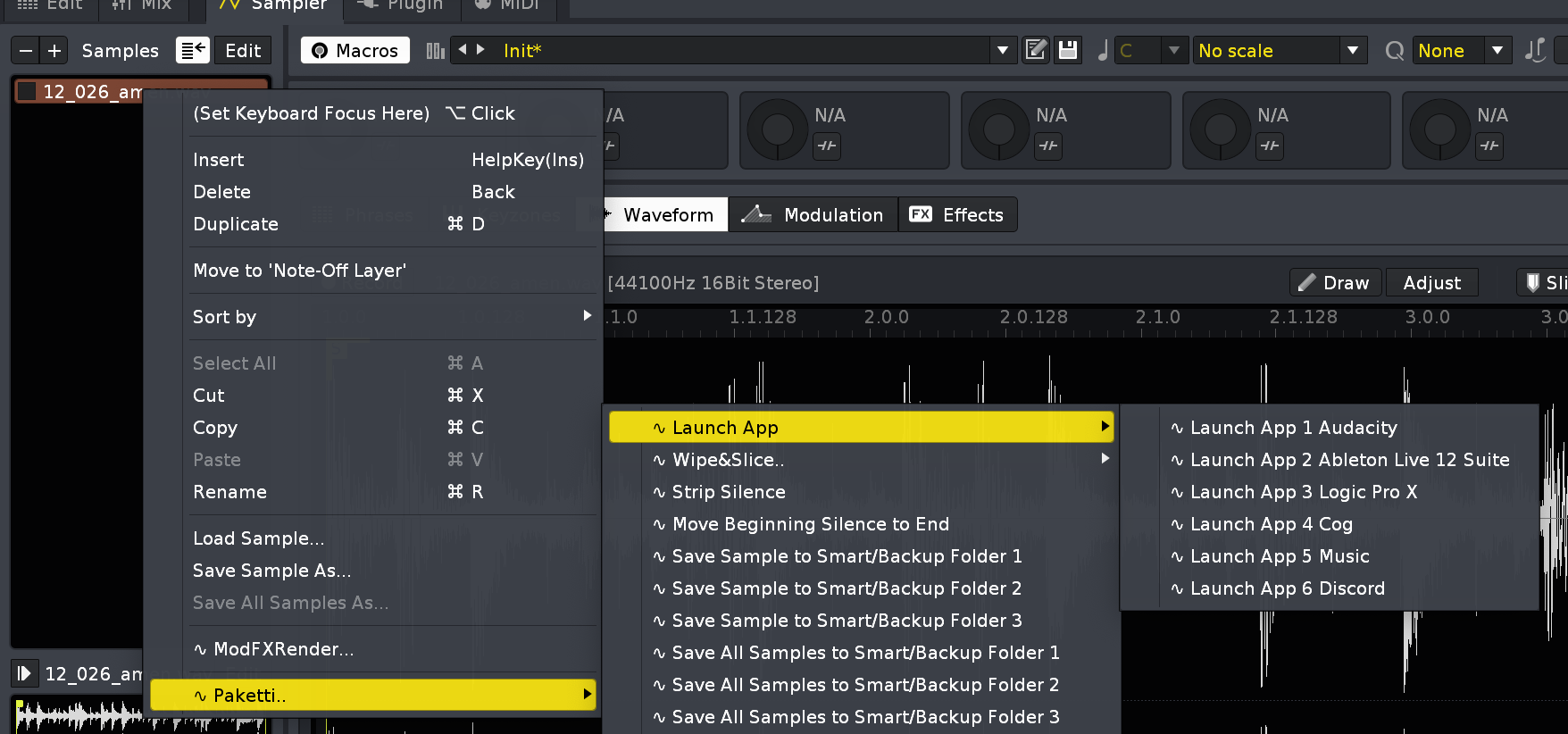
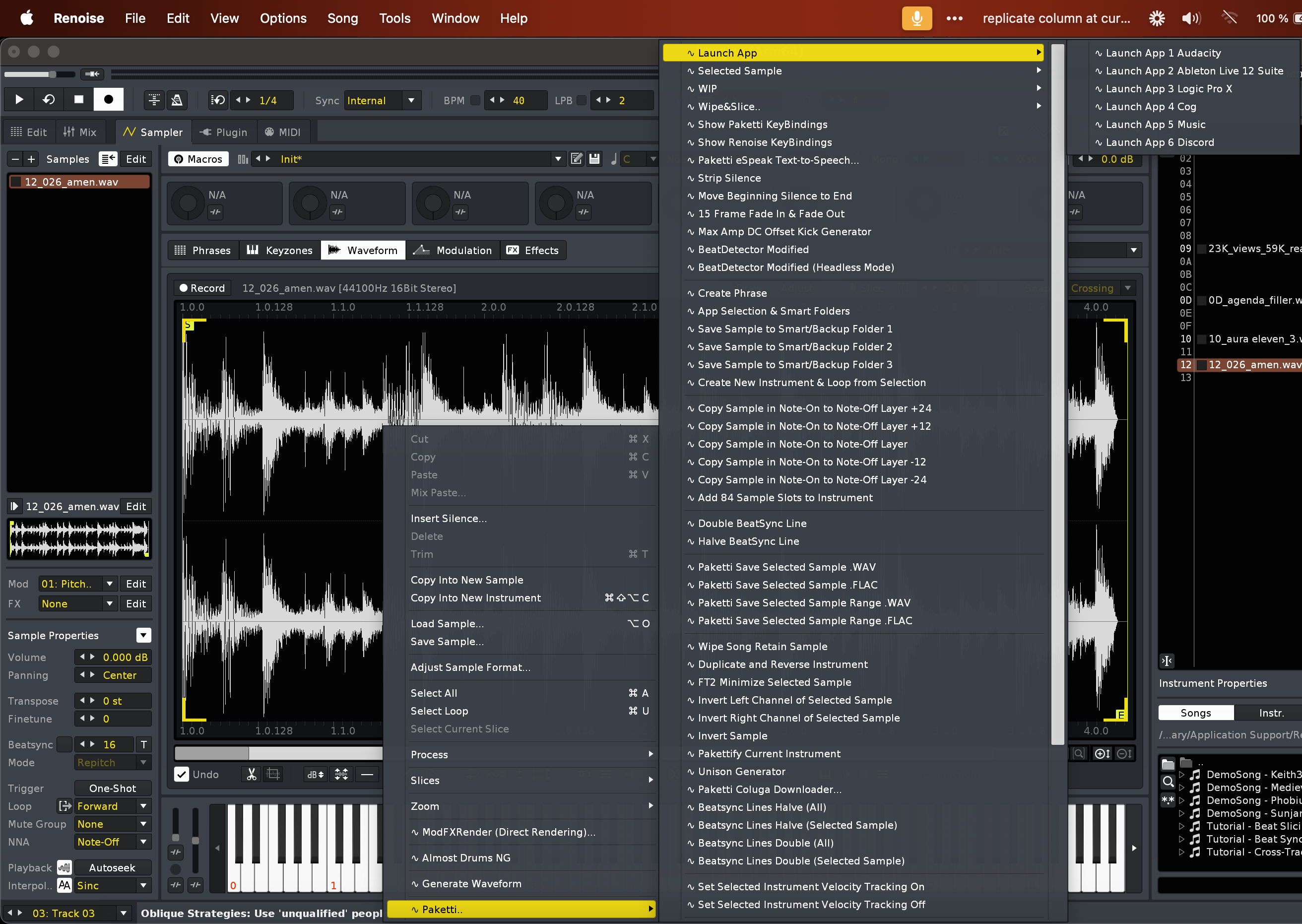
Improvement: If you use ALT-Y Swap Block to swap the selected block, and have the cursor on the first row of the selection - Renoise would become unresponsive, end up in a loop and eventually either crash or ask you to stop the tool. (Closes https://github.com/esaruoho/org.lackluster.Paketti.xrnx/issues/513)
Improvement: ALT-Y Swap Block now correctly swaps Volume, Panning, Delay, SampleFX Columns and makes them visible in the new track.
Improvement: If you are on Master track and load samples using the Paketti PitchBend Multiple Sample Loader / Paketti PitchBend Drumkit Sample Loader, the *Instr. Macros device will not be created to the Master channel and an error will now be shot.
(Closes https://github.com/esaruoho/org.lackluster.Paketti.xrnx/issues/501)
Improvement: ALT-Y Swap Block now finally, correctly, also swaps the effect column content, and makes the correct amount of effect columns visible in the track where they are being swapped to.
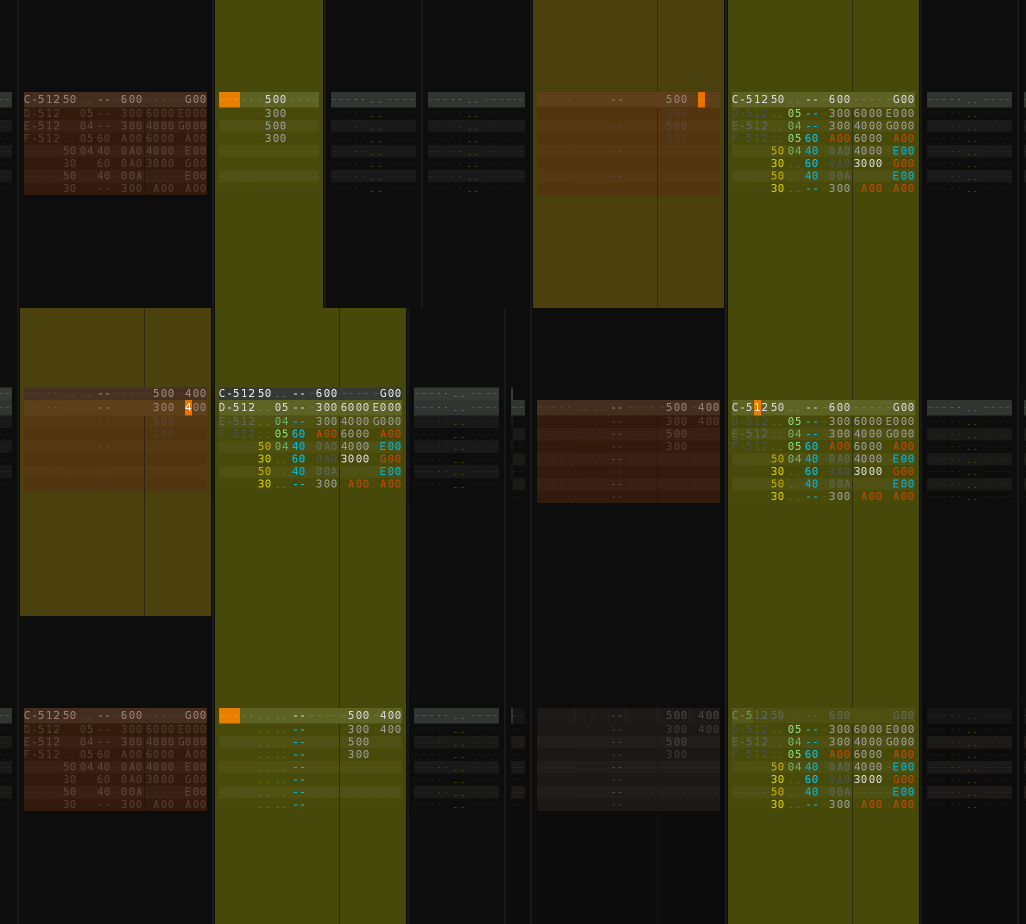
Feature: Set Pattern Length to LPB*001 to Set Pattern Length to LPB*512 added
(Closes https://github.com/esaruoho/org.lackluster.Paketti.xrnx/issues/420)
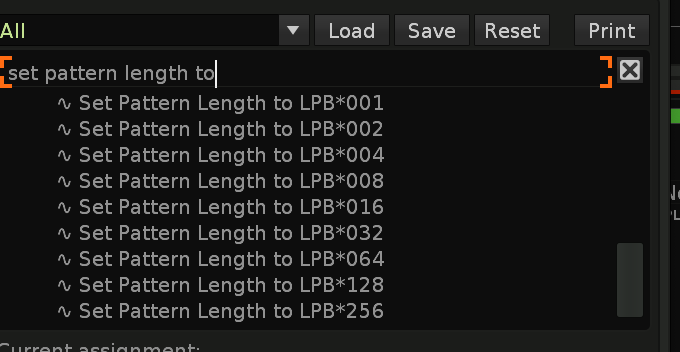
Improvement: Pattern Editor context menu reorganizations - submenus, no longer scrollbar galore. and somewhat better organized anyway
(Closes https://github.com/esaruoho/org.lackluster.Paketti.xrnx/issues/330)
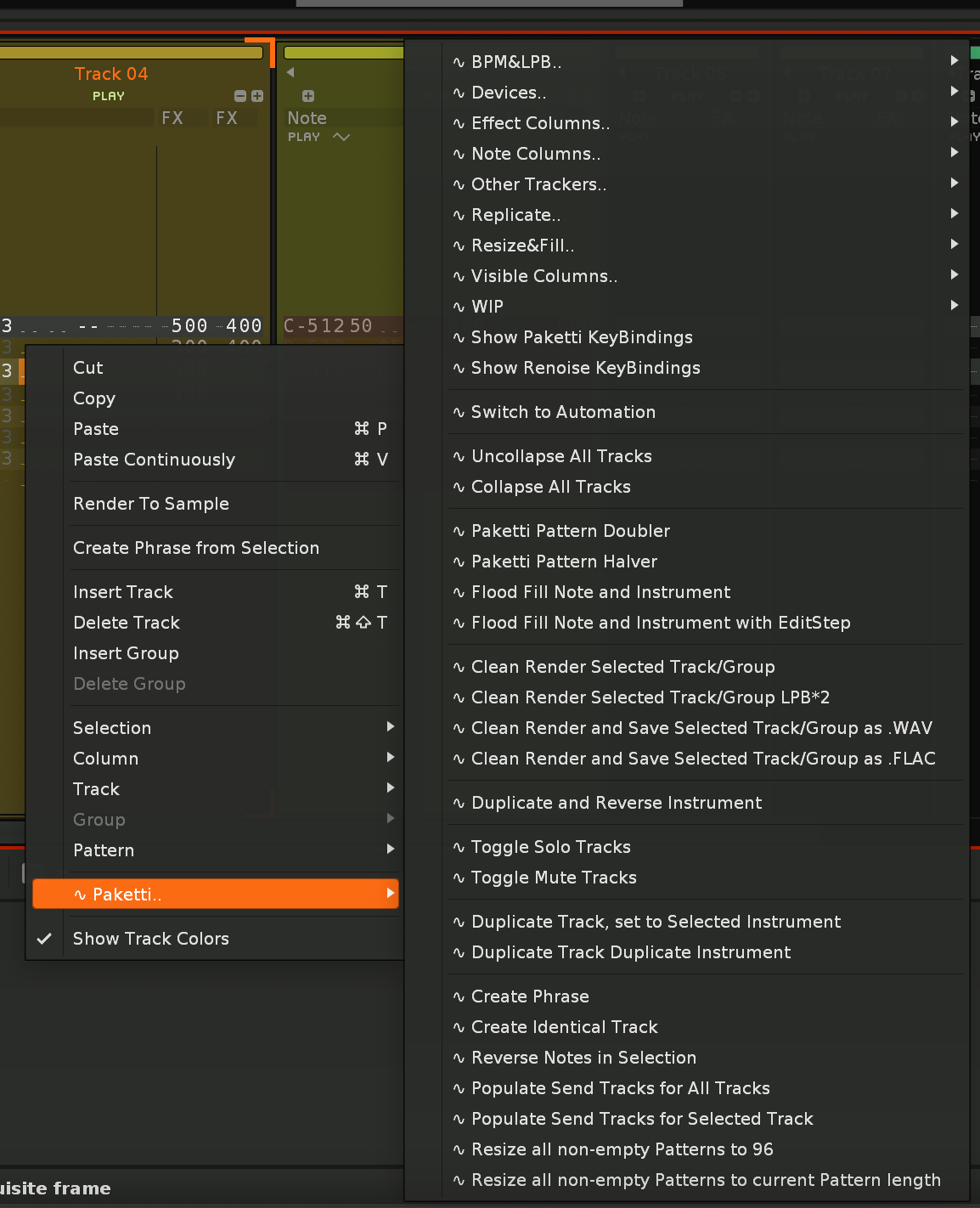
Improvement: Pattern Editor CheatSheet now looks like this, so more optimized. almost 100% there with the Randomize buttons - they will only randomize the rows that do have content. volume, panning, delay, samplefx already work. just effect columns to go.
(Closes https://github.com/esaruoho/org.lackluster.Paketti.xrnx/issues/316)
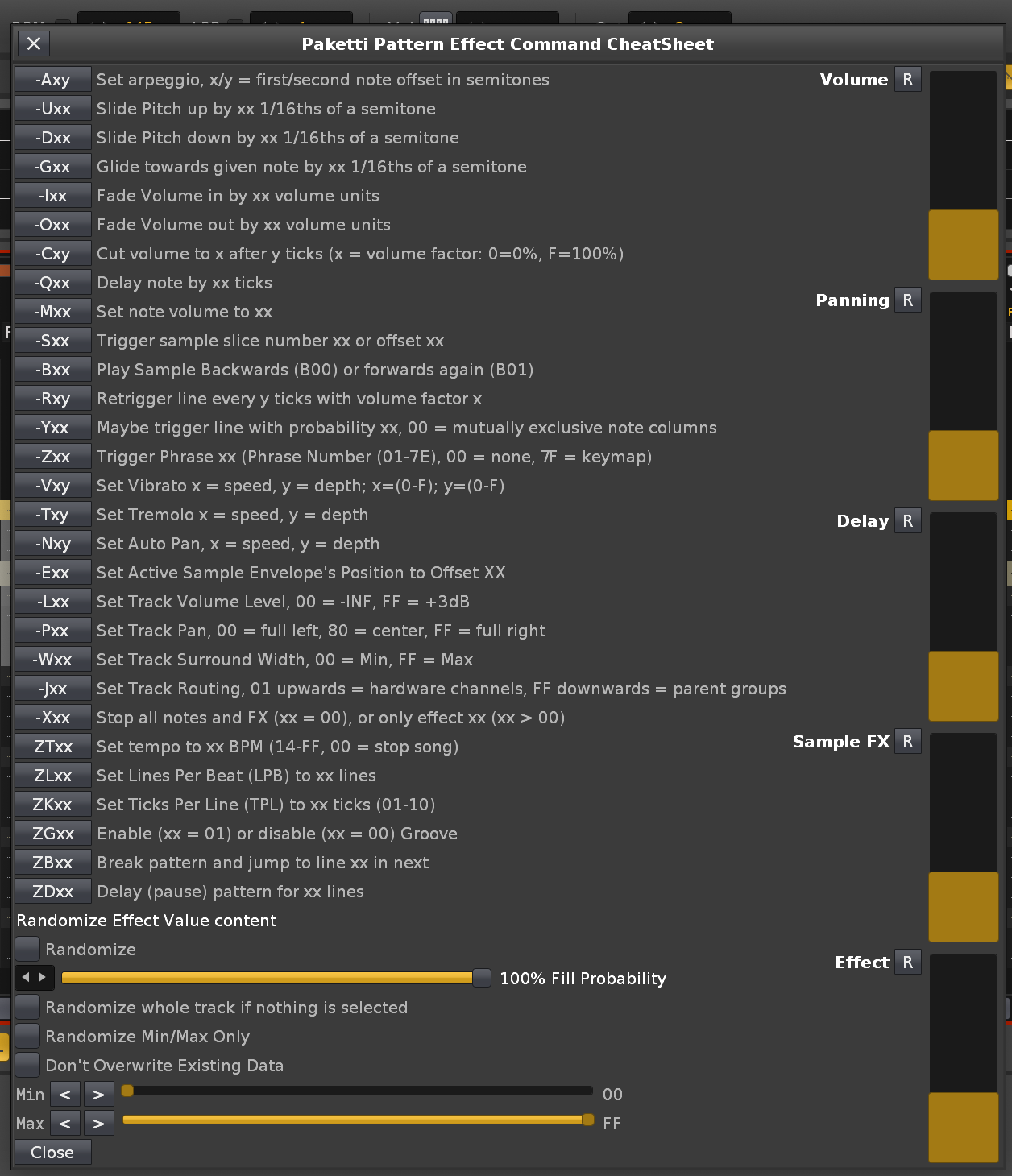
Improvement: Effect Columns now get properly randomized - ignoring the empty rows.
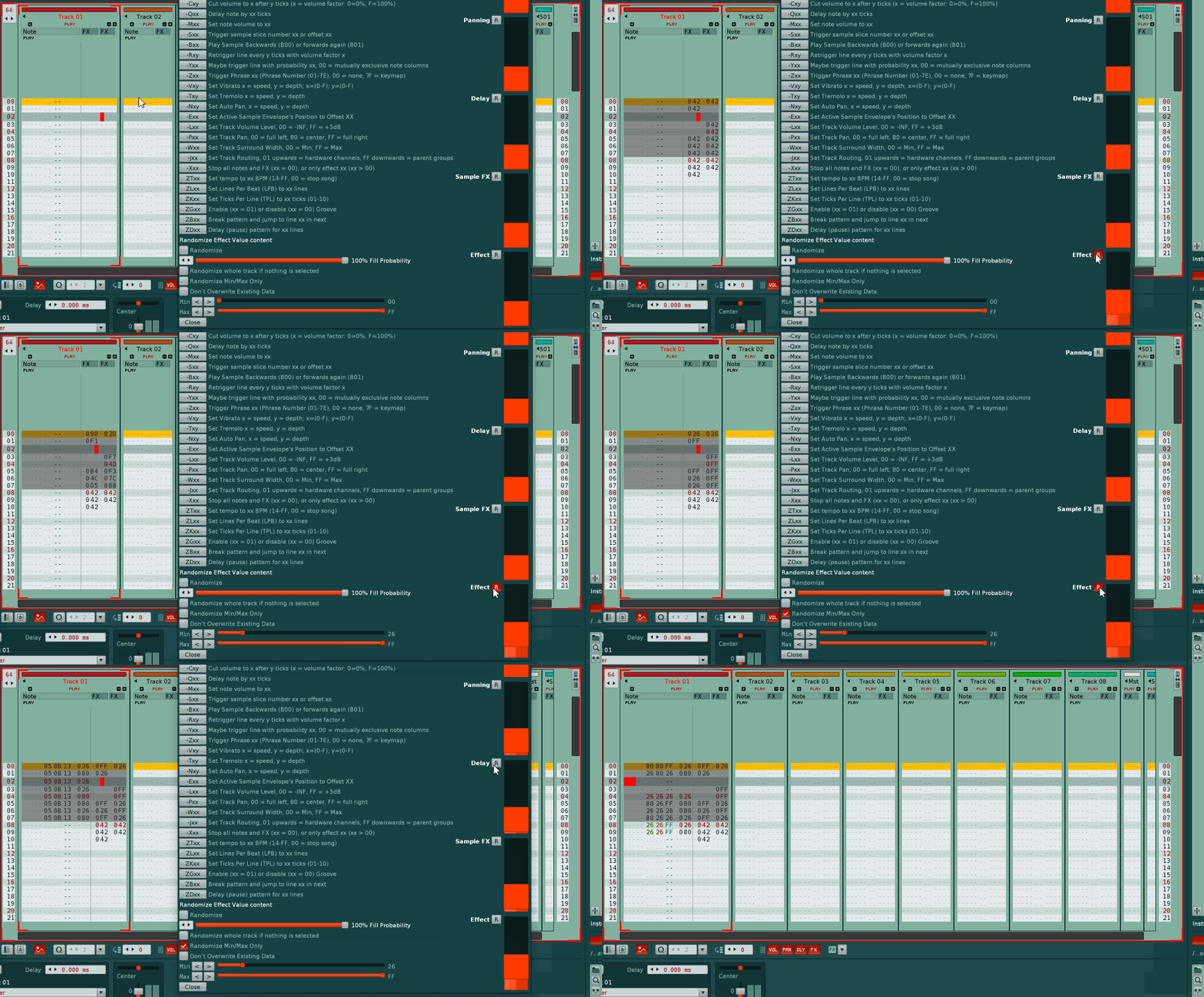
Improvement: Pattern CheatSheet no longer writes to each pattern in the song, only the one you're on. (Closes https://github.com/esaruoho/org.lackluster.Paketti.xrnx/issues/474)
Improvement: Pattern CheatSheet now follows "Randomize whole track if nothing is selected", otherwise reads selection in pattern, and if no selection, and "randomize whole track" is off -> then it just outputs to current row. (Closes https://github.com/esaruoho/org.lackluster.Paketti.xrnx/issues/589)
Improvement: Paketti Preferences now (again) closes and opens without issues multiple times. (Closes https://github.com/esaruoho/org.lackluster.Paketti.xrnx/issues/587)
Improvement: Wipe Effects from Selection will now only wipe the selected effect columns, not all effect columns of the track. and if there's multiple effect columns selected across multiple tracks, it'll still continue working and only wipe the effect columns that were selected.
Improvement: Added 2nd keybinds for "Impulse Tracker Pattern (Next)" / "Impulse Tracker Pattern (Previous)" (Closes https://github.com/esaruoho/org.lackluster.Paketti.xrnx/issues/202)
Feature: Impulse Tracker ALT-X (interpolate, or, if already interpolated, wipe)
(Closes https://github.com/esaruoho/org.lackluster.Paketti.xrnx/issues/205)
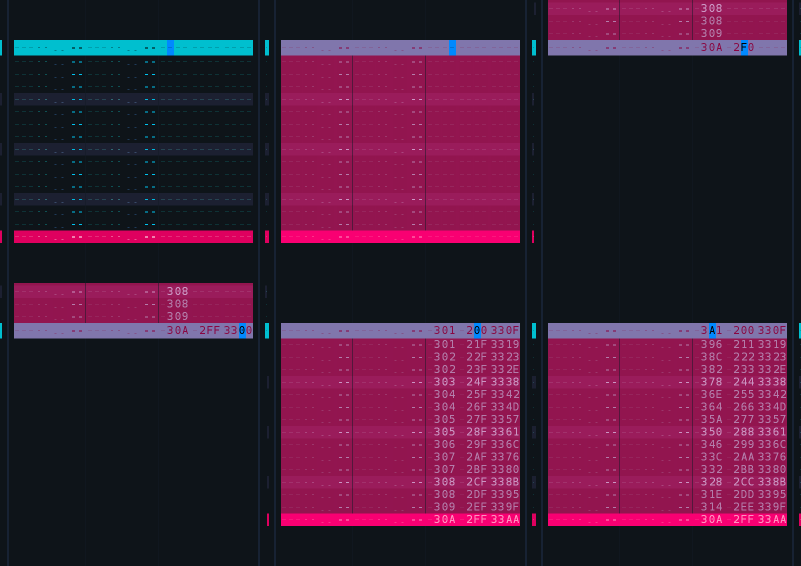
Improvement: The Center-to-Bottom & Center-to-Top automation drawing while in Automation, from menu entry, now properly starts from 0.5 instead of "slightly off". (Closes https://github.com/esaruoho/org.lackluster.Paketti.xrnx/issues/124)
Feature: Toggle Match EditStep with Note Placement. This is meant for Effect Column use. If you are on the Effect Column and you toggle this off, the EditStep will dynamically change to match the "next note".
(Closes https://github.com/esaruoho/org.lackluster.Paketti.xrnx/issues/128)
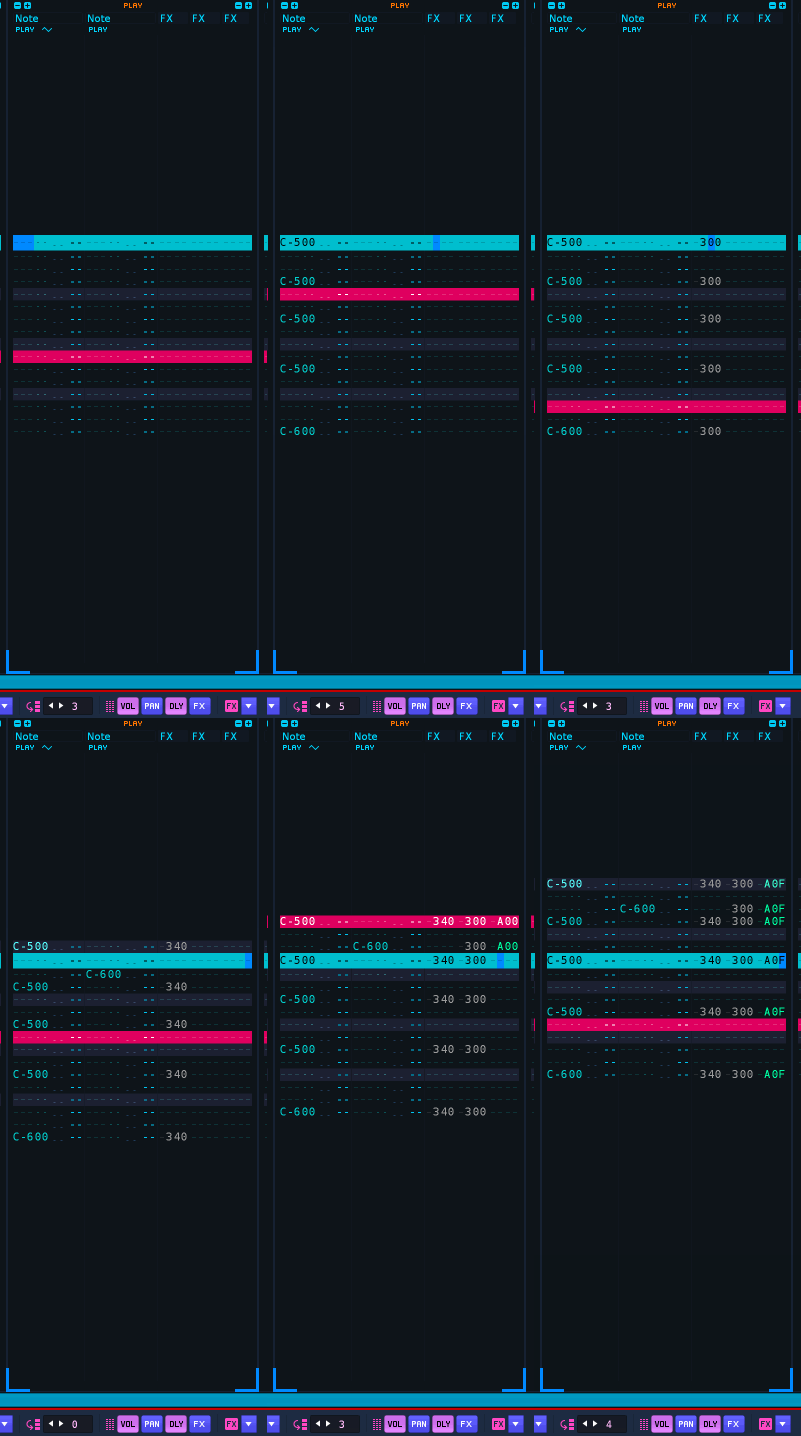
Improvement: Paketti PitchBend Multiple Sample Loader had regressed to no longer working due to Coluga changes. Fixed. (Closes https://github.com/esaruoho/org.lackluster.Paketti.xrnx/issues/590)
Improvement: added Autofade to Paketti Preferences for Wipe&Slice
(Closes https://github.com/esaruoho/org.lackluster.Paketti.xrnx/issues/566)
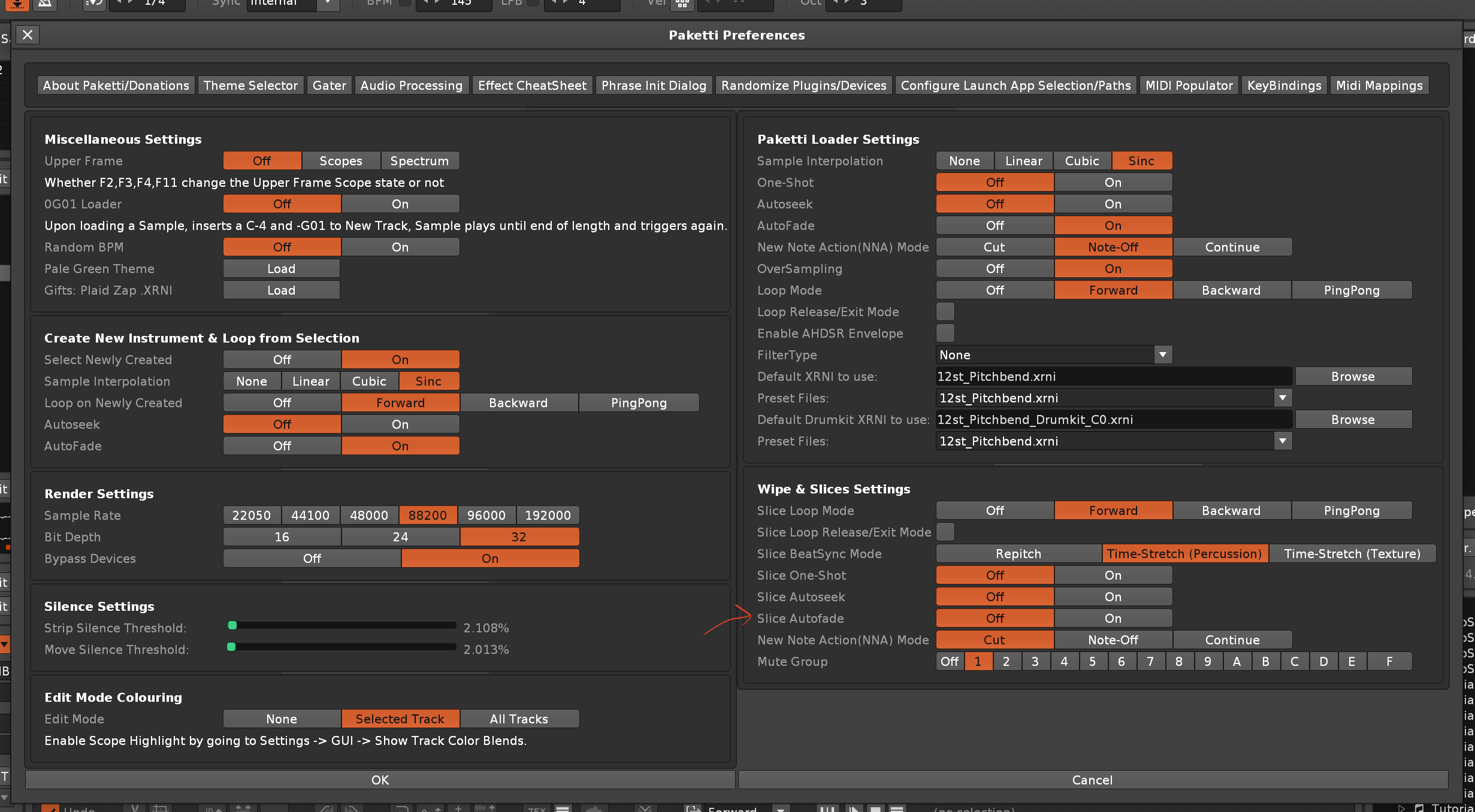
Feature: Device Control 01-34 Bypass, Enable, Toggle.
These shortcuts+midimappings will let you bypass, or enable, or toggle, all the 34 devices of the Track DSP Chain.
(Closes https://github.com/esaruoho/org.lackluster.Paketti.xrnx/issues/583)
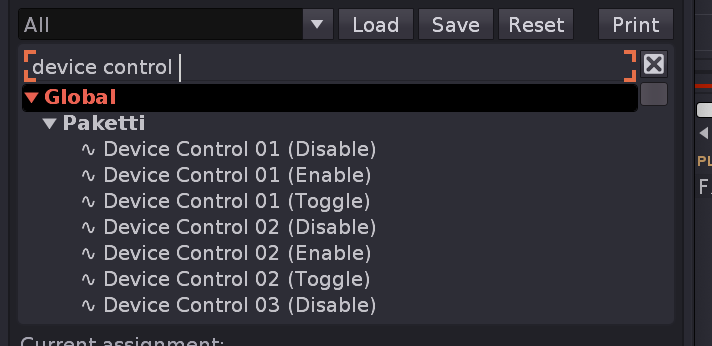
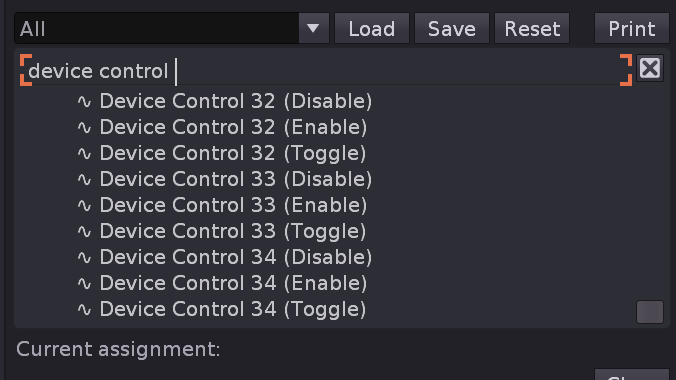
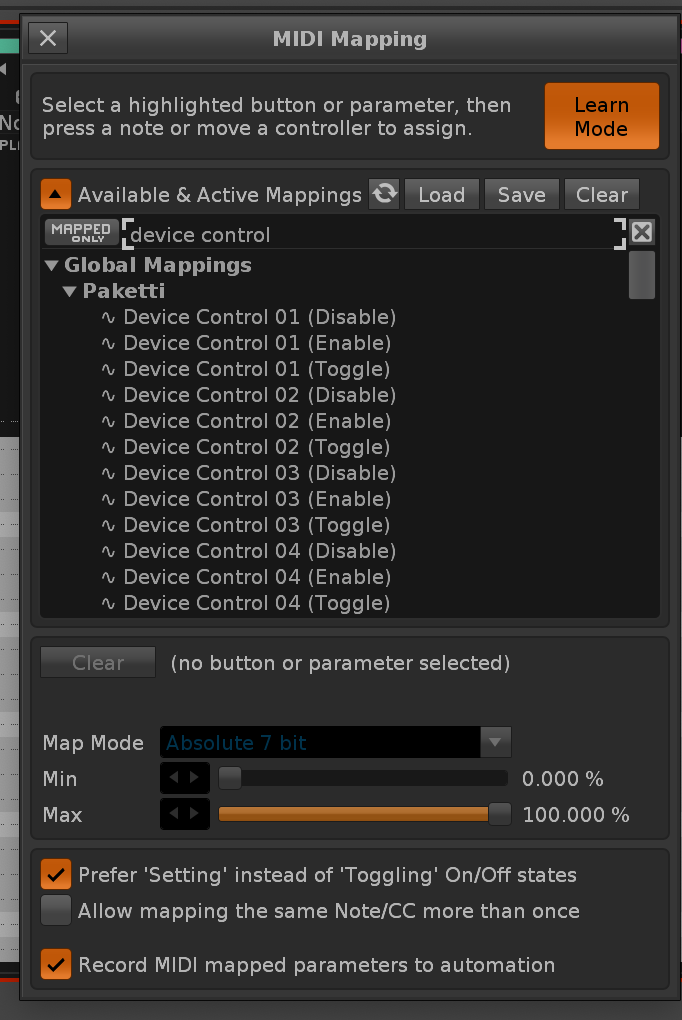
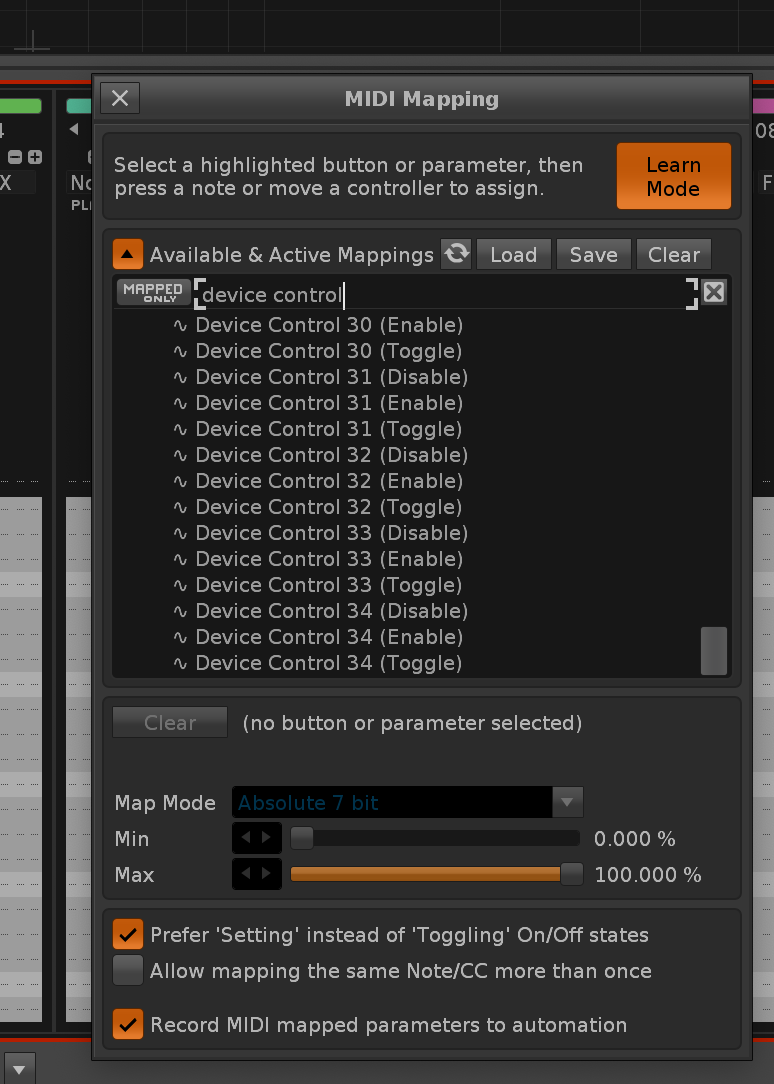
Improvement: Normalize no longer worked with Coluga or eSpeak or Audio Processing Dialog - due to a regression. fixed.
Improvement: eSpeak now has a brand new checkbox, called "Add Render to Current Instrument" - which will add a new slot and add the render there.
(Closes https://github.com/esaruoho/org.lackluster.Paketti.xrnx/issues/307)
Improvement: After a ton of plumbing, I got eSpeak dialog to open and close and open without erroring out.
also some tweaks to how it looks.
Improvement: Player Pro Note Dialog is now a Global shortcut and takes you to the Pattern Editor so it "immediately makes sense"
Plumbing: in preparation for making it possible to set a user-defined key for closing a dialog, I've modified the following dialogs to follow the forthcoming user-defined key: 8. Paketti Preferences 9. Paketti Theme Selector 10. eSpeak 11. Dialog of Dialogs 12. About/Donations 13. Paketti Gater 14. Paketti Phrase Init Dialog 15. Oblique Strategies 16. Track Dater & Titler 17. Track Routings 18. Select or Add Convolver Device 19. User Preferences for Show/Hide Slots 20. ImpulseTracker New Song CTRL-N 21. Effect Column CheatSheet 22. Midi Populator 23. OctaMED Pick/Put Dialog 24. Paketti KeyBindings 25. Renoise KeyBindings 26. Paketti Midi Mappings 27. Paketti Track Renamer 28. Paketti Coluga YT-DLP 29. Beat Detector Dialog 30. Launch App Selection 31. Player Pro Note Dialog 32. Load Devices (VST,VST3,AU,Native,LADSPA,DSSI) 33. Load Plugins (VST,VST3,AU,LADSPA,DSSI) 34. Debug: Available Plugin Information 35. Debug: Available Device Information 36. Audio Processing Tools Dialog 37. Player Pro Effects Dialog 38. Player Pro Tools Dialog
Improvement: Track Routings dialog ui has been tweaked, so the dropdown menus will show a longer output channel name, and margins have been removed.
Feature: Output Routing (Serial, Continual) & (Serial, Non-Continual) - this maps the Outputs for all tracks including master + sends. it is serial. continual will go through the list continually, non-continual will map as many outputs as you have, and the rest of the tracks will have the same output channel, if output channels have been exhausted.
there are "omit Master & include Master" flavors of each.
(Closes https://github.com/esaruoho/org.lackluster.Paketti.xrnx/issues/542)
Improvement: the "Selected Track Send 01-64" has been changed from volume control to On/Off toggle. and the placement can be anywhere in the selected track. first send is first send. doesn't matter where it is.
(Closes https://github.com/esaruoho/org.lackluster.Paketti.xrnx/issues/428)
Improvement: added the "Master is in Loop" too flavors for Output Routing:
(Closes https://github.com/esaruoho/org.lackluster.Paketti.xrnx/issues/597)
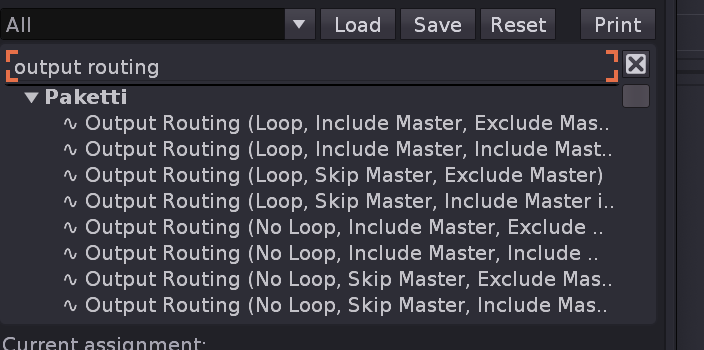
Feature: Play current line + step forwards & Play current line + step backwards shortcuts. These will toggle follow pattern off, and step forwards, or backwards. (Closes https://github.com/esaruoho/org.lackluster.Paketti.xrnx/issues/599)
Feature: Set Output Routings to Master, and Master to 1 & 2
(Closes https://github.com/esaruoho/org.lackluster.Paketti.xrnx/issues/600)
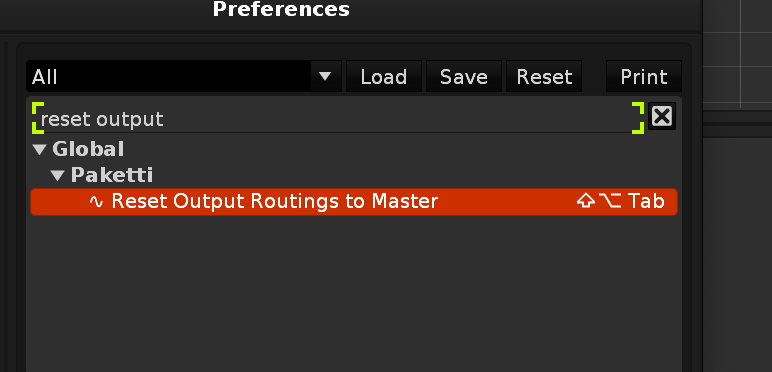
Improvement: added "Play Current Line&Step Random" which steps to a random step in the current pattern.
(Closes https://github.com/esaruoho/org.lackluster.Paketti.xrnx/issues/602)
Feature: Clean Render Seamless Track/Group.. this will take your <256 row pattern, duplicate it to max 512 rows, i.e. play it "twice", then render it, select the first half of the sample, and add a loop from the end of the first half to the end of the second half. meaning, seamless loops with reverb tails.
(Closes https://github.com/esaruoho/org.lackluster.Paketti.xrnx/issues/280)
Feature: Rotate Sample by 1/2, 1/4, 1/18, 1/16
this will flip your beat by a fraction of the whole beat.
(Closes https://github.com/esaruoho/org.lackluster.Paketti.xrnx/issues/362)
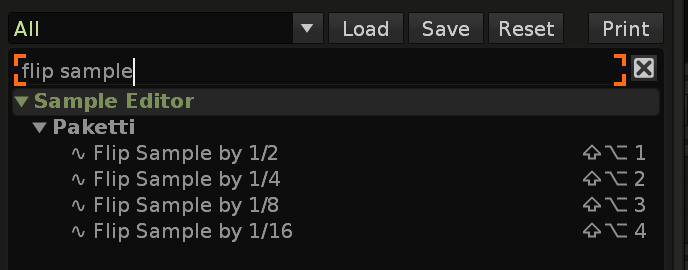
Feature: Play at Random Line in Current Pattern, 2, 4 or LPB.
this will either, if follow pattern off, move the cursor to a random line in the pattern-space, or if set to 2, move to a matching.. or 4, move to a matching, or LPB, move to a matching LPB space. so if you have 64 row pattern and LPB is 8, then it'll only randomize all the "8th" rows if that makes sense. also available for midimapping.
and if follow pattern is on, it will actually kick you to play the random line it picks. and no duplicate lines will be hit - so if you're already on row 48, pressing a randomizer will not accidentally kick you to row 48. enjoy (and remember to use autoseek! if you're working with loops)
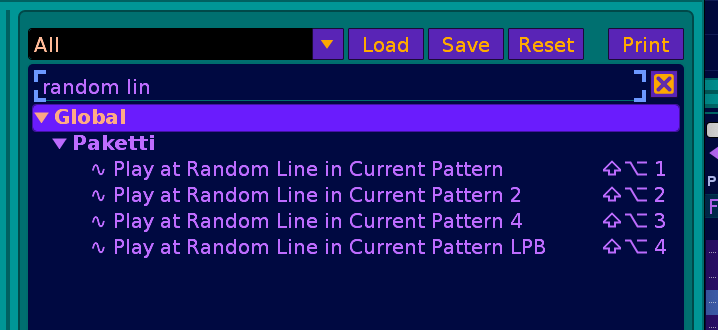
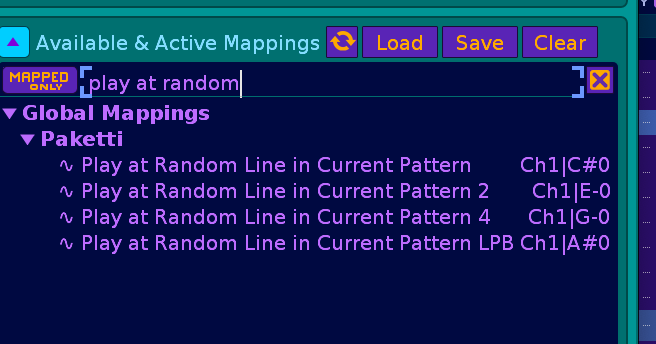
Feature: Play at Row 001-512 (Shortcut + midimapping)
(Closes https://github.com/esaruoho/org.lackluster.Paketti.xrnx/issues/603)
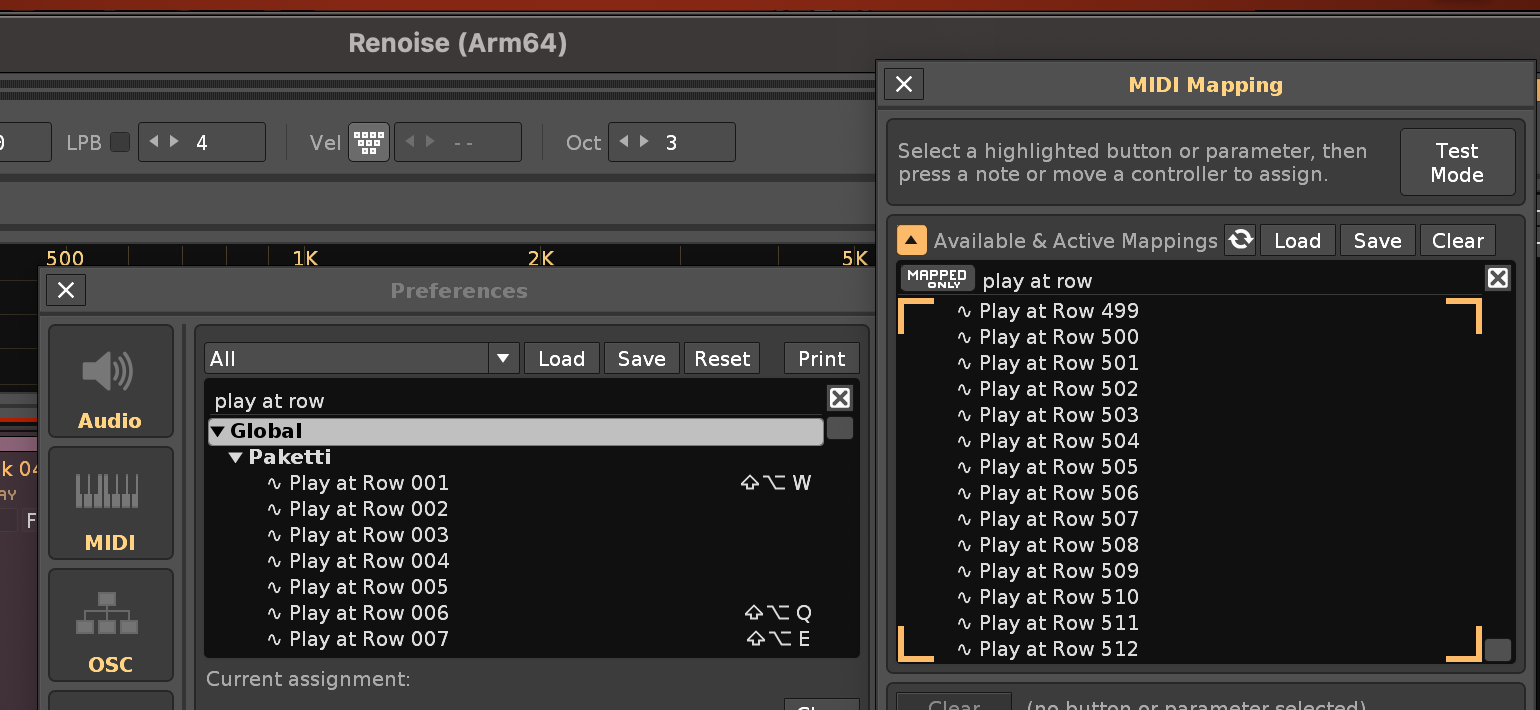
Feature: Stepper Dialog for Volume, Delay, Panning - Auto-Grab will also automatically grab the current track's settings.
(Closes https://github.com/esaruoho/org.lackluster.Paketti.xrnx/issues/340)
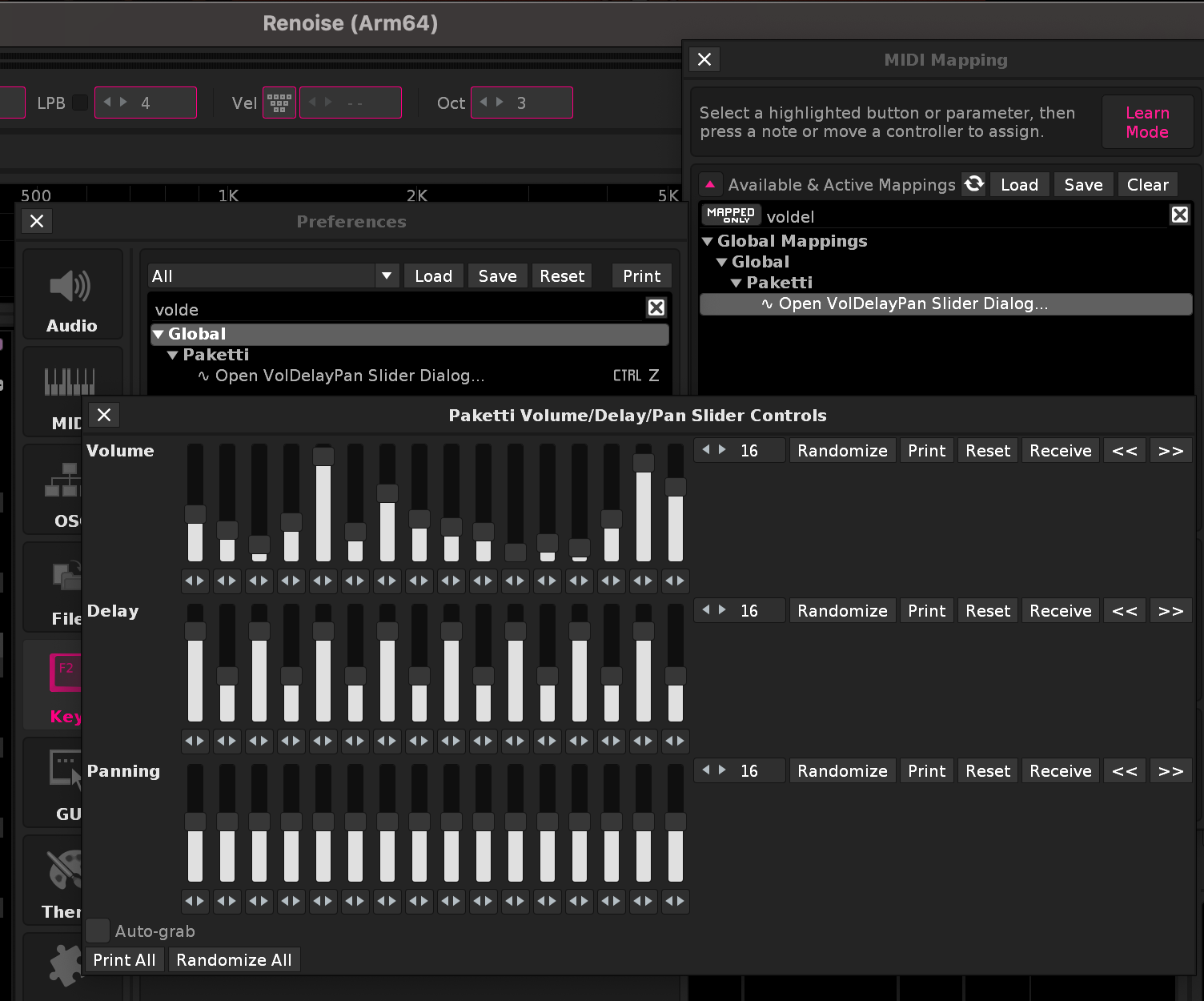
Improvement: OctaMED Pick/Put Dialog now

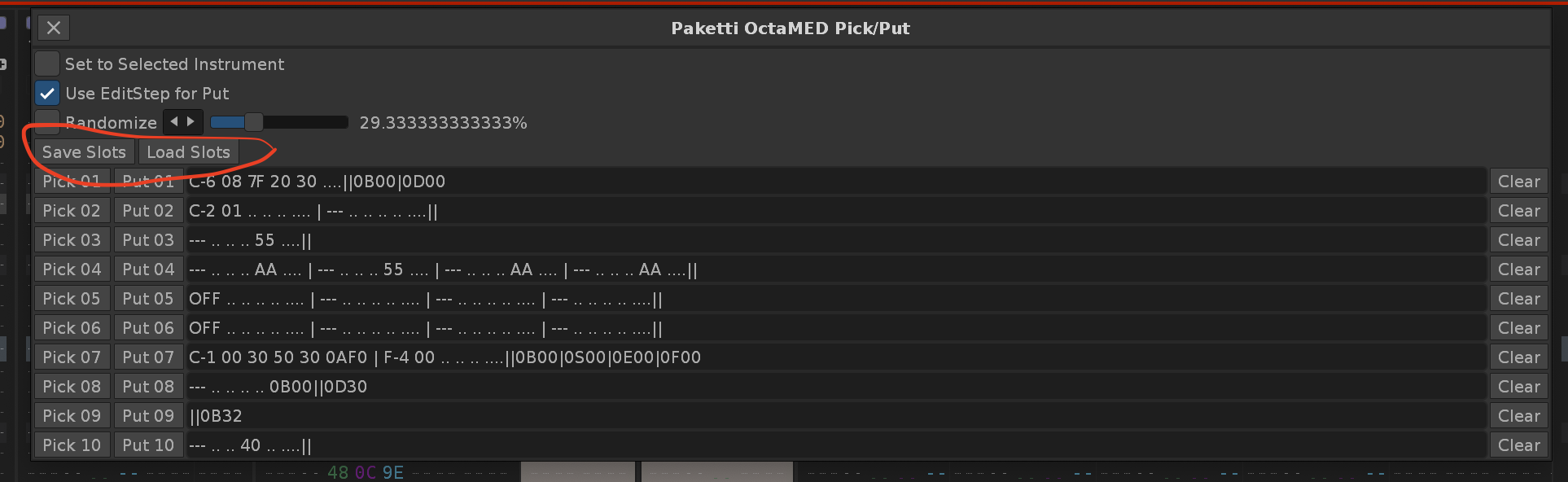
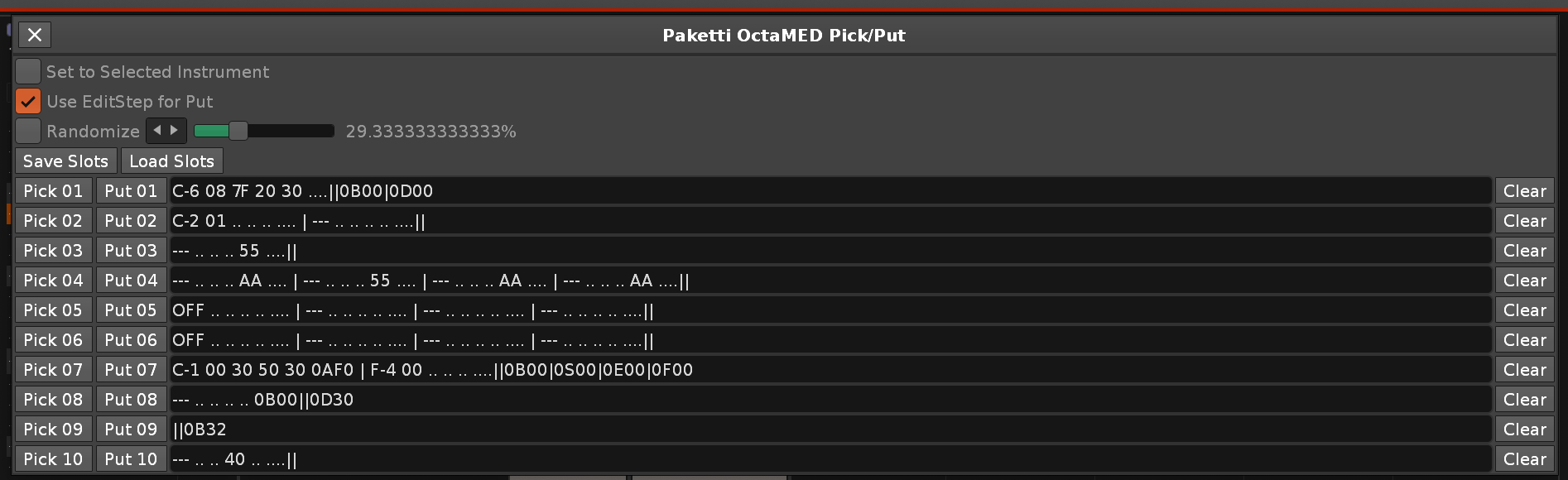
Improvement: Renoise KeyBindings Dialog now, again, correctly opens in the right context - open it in Sample Editor? -> Shows Sample Editor selection. open it in Pattern Editor ? -> Shows Pattern Editor selection. (Closes https://github.com/esaruoho/org.lackluster.Paketti.xrnx/issues/407)
Feature: Paketti Macro 01 - this is designed for setting your own preferred middle frame views. so meaning, you have one shortcut that cycles through the ones you have selected.
(Closes https://github.com/esaruoho/org.lackluster.Paketti.xrnx/issues/379)

Feature: "Wipe All Columns of Selected Track" - fully wipes the whole track all note columns all effect columns and all columns.
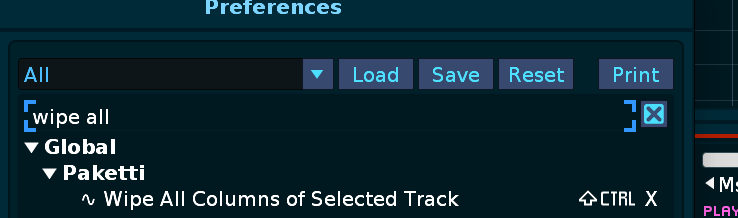
Improvement: "Play at Row 001-512" now also includes HEX next to it.
Improvement: "Play at Row 000-511" makes more sense 😉
Improvement: Play at Row will now default to "Play Current Line" and move to that Line, if playback is not on. if playback is on, then it just plays from that line. (Both this and the above two close https://github.com/esaruoho/org.lackluster.Paketti.xrnx/issues/606)
Improvement: while eSpeak dialog is open, and no textfield is selected, pressing ctrl-R will refresh (reload) the textfile. ctrl-enter will "Generate Sample". alt-enter will "Generate Selection" (Closes https://github.com/esaruoho/org.lackluster.Paketti.xrnx/issues/264)
Feature: Dynamic MidiMapping for Compressor (Threshold, Ratio, Release, Makeup), RingMod (Note, Transpose, Dry/Wet), CombFilter (Note, Transpose, Feedback, Dry/Wet) meaning, once you bind them, you can modify them no matter where they are in the Selected Track.
https://www.loom.com/share/e7360634fec44795bd8ace4ebafccc01?sid=4b7073bb-4bfa-4654-8fde-a26700fa35a9 (Closes https://github.com/esaruoho/org.lackluster.Paketti.xrnx/issues/410)
Improvement: EQ10 now also Dynamically MidiMapped
(closes https://github.com/esaruoho/org.lackluster.Paketti.xrnx/issues/608)
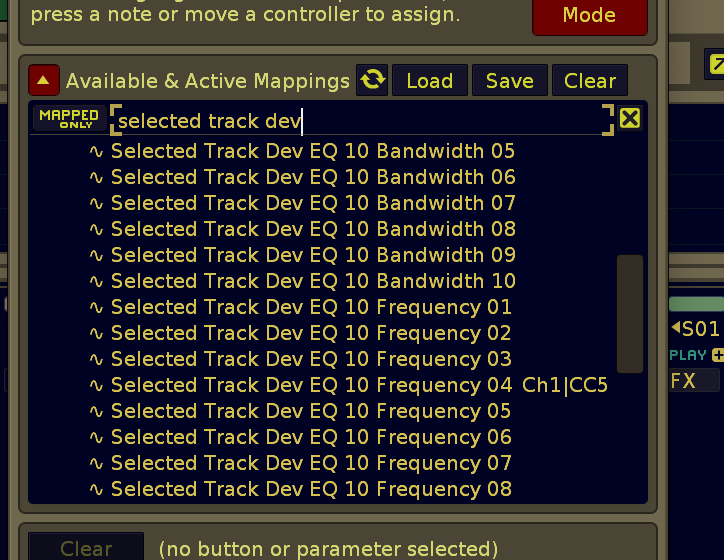
Feature: Start/Stop Sample Recording and Pakettify it.
This means you have one shortcut, that immediately creates a new instrument slot, selects it, writes onto it .. and injects the Macros, Paketti Loader default autofade, autoseek, oneshot, interpolation, mutegroup, new note action, oversample, beatsync, interpolation into it.
(but detail: you have to have "Create a new instrument on each take" off). this way anything you sample using the function, will always be Pakettified.
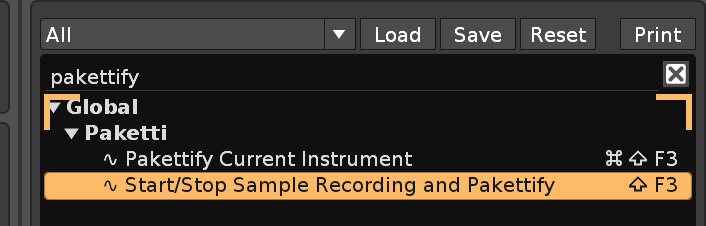
Feature: Inverter Device. This is a Gainer device with Invert set for both channels.
(idea was touched upon on the Facebook Renoise "Workflows/Painpoints" chatgroup - seems valid, here it is)
(Closes https://github.com/esaruoho/org.lackluster.Paketti.xrnx/issues/613)
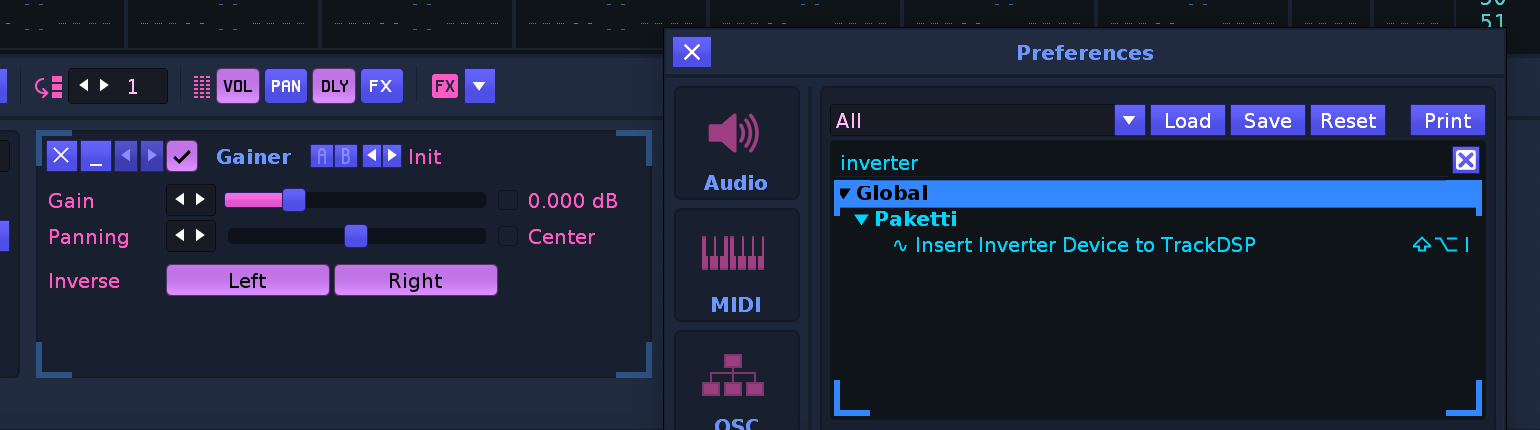
Update: If you're wondering about the lack of updates, I've been working on a quite massive dialog + Dynamic View script which started around thursday-friday as (image1).. then changed to (image2).., and kept ballooning up until we're now at:
(Closes https://github.com/esaruoho/org.lackluster.Paketti.xrnx/issues/379 &
https://github.com/esaruoho/org.lackluster.Paketti.xrnx/issues/605)
it's still WIP so I'll describe it better, just an update so you know that it's coming and that's why it's been tumbleweed town on this channel.
(i was also on a trip to play a gig on friday and only returned last night at 9pm). there's updates coming, that's for sure.


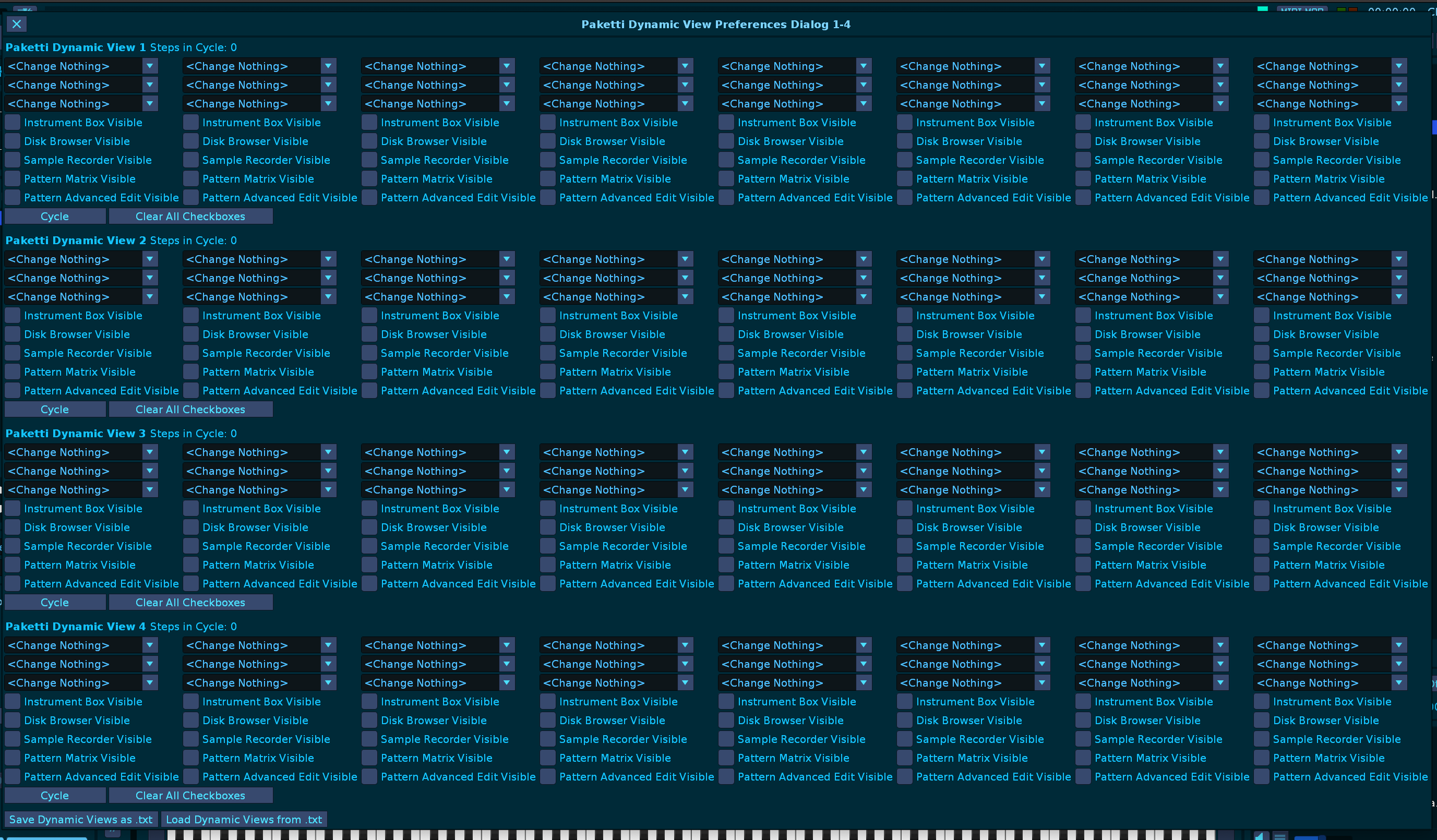
Feature: Paketti Dynamic View Dialog + 8 Shortcuts. There's 4 Cycle slots per Dialog (1-4 Dialog & 5-8 Dialog).
This lets you fully configure a cycle-based shortcut (Dynamic View 01 to Dynamic View 08) with full control over Upper Frame, Middle Frame, Lower Frame and Visibility (Disk Browser, Instrument Box, Sample Recorder, Pattern Matrix, Pattern Advanced Edit). you can set up your own preferred shortcut for the controls. I believe this is the maximum control that the Renoise API allows for ViewModes, and they are dynamic, so you can set a maximum of 8 cycles, i.e. one shortcut will start from the first slot, then proceed to the next and next and next.
there's also a system for saving and loading the presets. Enjoy.
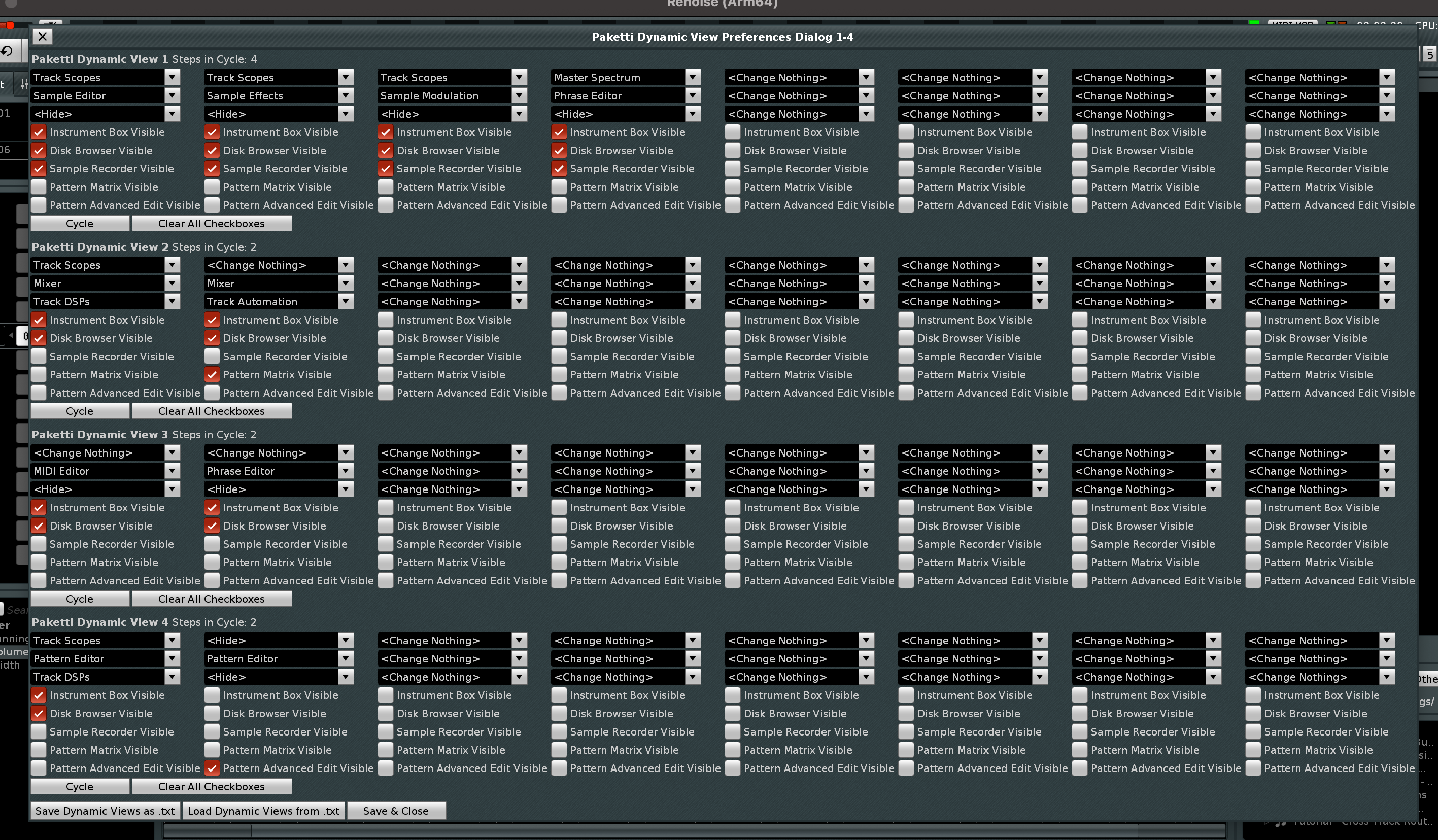
Feature: Select 00...F0 in Instrument Box. if the Slot/Chunk does not exist, it creates it.
(Closes https://github.com/esaruoho/org.lackluster.Paketti.xrnx/issues/585)
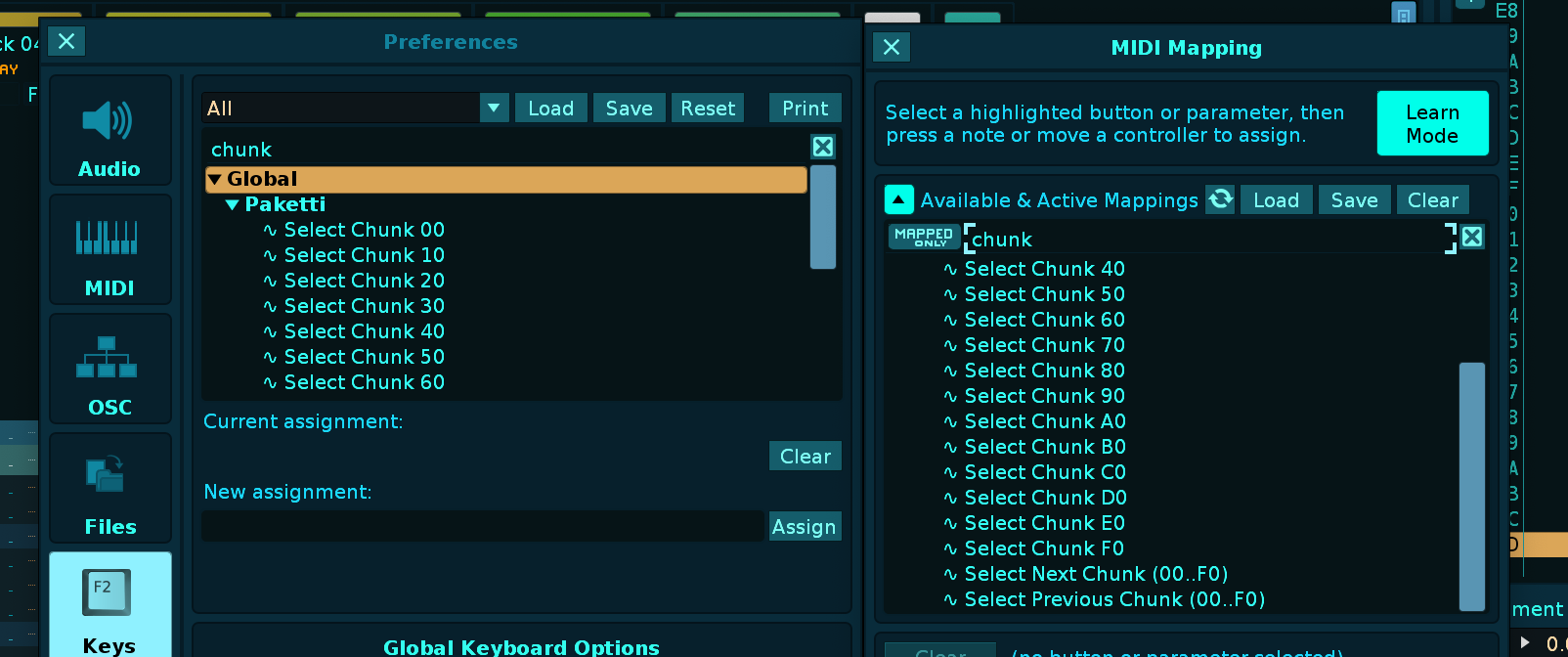
Improvement: Added BPM +1 -1 +0.1 -0.1 +0.5 -0.5 as MidiMappings
This comes from the Renoise Forum request from October 2012 - https://forum.renoise.com/t/bpm/37363
(Closes https://github.com/esaruoho/org.lackluster.Paketti.xrnx/issues/615)
Feature: Wipe&Slice now has a Paketti Preference for "Off". this means that even if the original sample that you want to wipe&slice DOES have a beatsync set up, the slices will NOT have beatsync set up.
(Closes https://github.com/esaruoho/org.lackluster.Paketti.xrnx/issues/611)
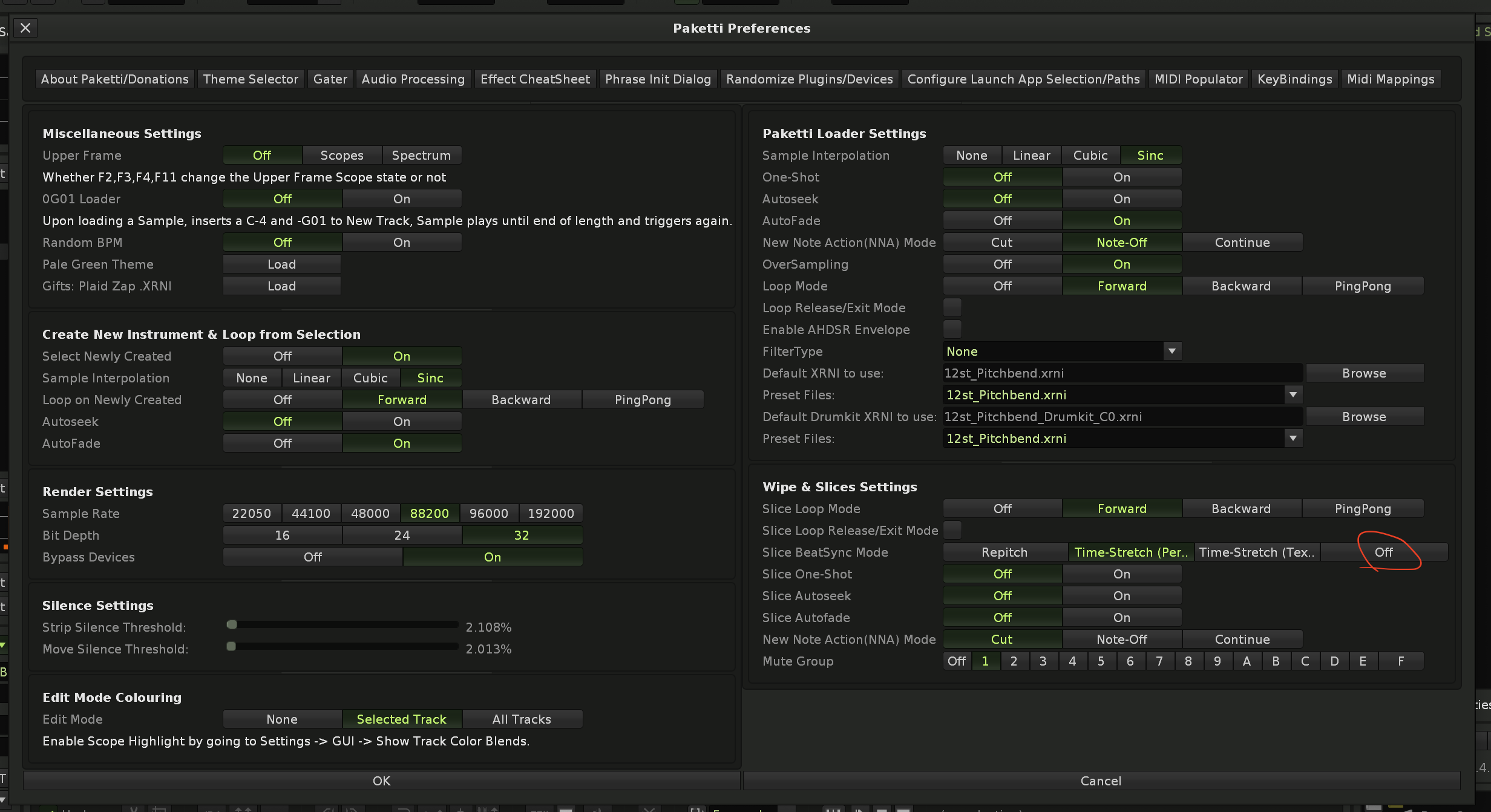
Feature: Create New Track&Load Random Device Chain/Preset
this takes the DeviceChains/ folder already available in Paketti, creates a new track, and loads either a random .XRNT or a random .XRDP inside Paketti, onto the track.
(Closes https://github.com/esaruoho/org.lackluster.Paketti.xrnx/issues/358)
Improvement: Paketti Preferences now correctly loads and displays the Default Filter Type (Closes https://github.com/esaruoho/org.lackluster.Paketti.xrnx/issues/591)
Improvement: Paketti Preferences now has "Random Device Chain Loader Path".
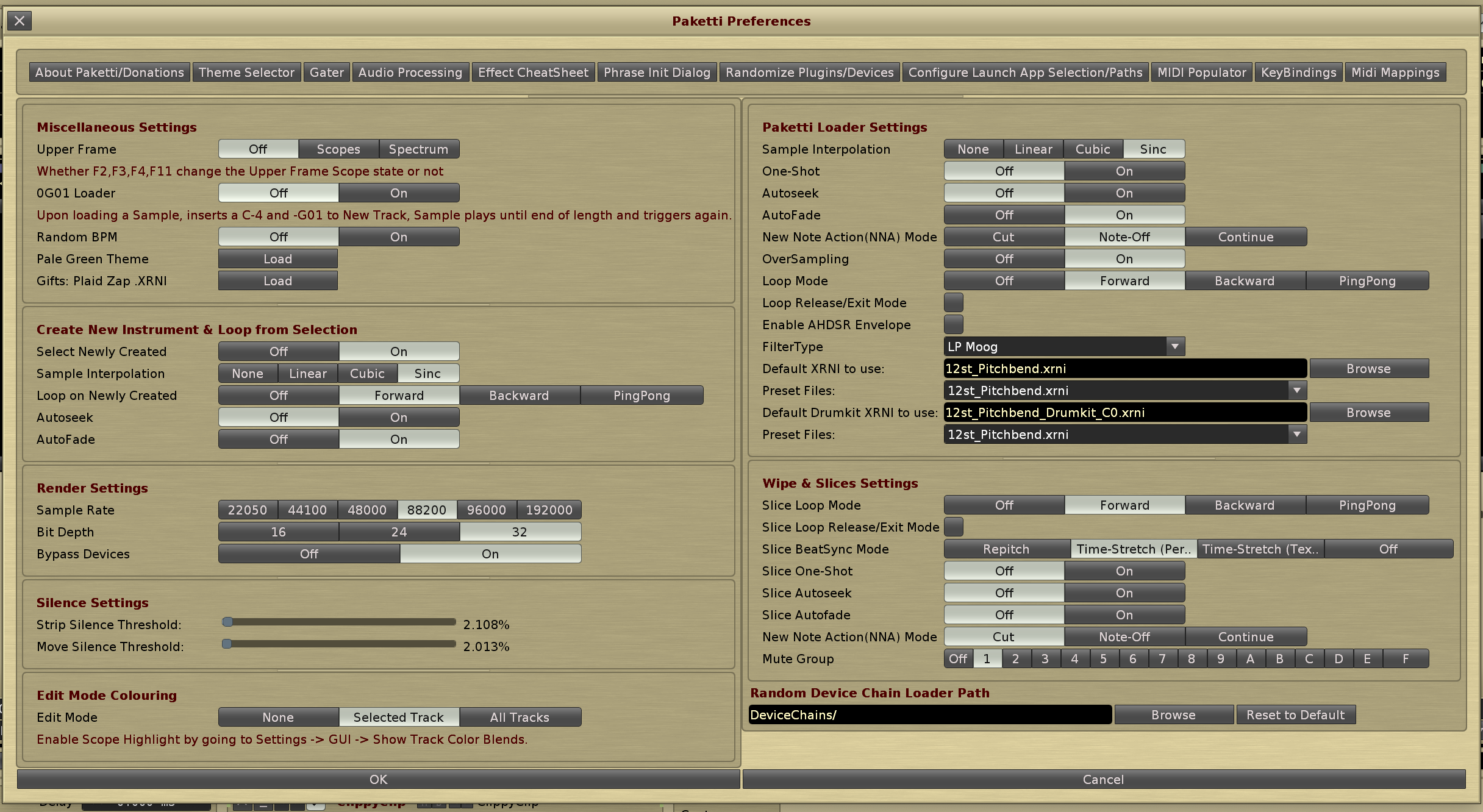
Improvement: Change Selected Track volume is now in dB.
(Closes https://github.com/esaruoho/org.lackluster.Paketti.xrnx/issues/554)
Feature: "Clear all Track DSPs from Selected Track".
This will, well, wipe all the TrackDSPs from the Selected Track. that was simple.
Sidequest: In order to make it easier for me to "pick something to do" from the 120+ tickets on Paketti, I improved this script that picks a random ticket:
so running this resulted in me working on one long-standing ticket that i've been now tweaking for 1,5 days. Embedded Link
Update: I'm working on the same large new feature that i started yesterday morning and am hopefully gonna be able to finish it before Wednesday. Am making great progress with it. stay tuned. send a DM if interested in previews
Improvement: There's a theoretically-working-with API5 build Paketti (older version), which might work with Renoise v3.1.1. I don't have it available to me right now so can't check. it disables eSpeak, BeatDetector and removes all font styling.
Improvement: more alterations to API5 Older build, this should now evade certain errors encountered
Feature: Paketti Groovebox 8120. this is a 8 row groovebox, 16 steps per row. each step count can be modified between 1-16. it will, in realtime, output to the pattern editor. youcan load instruments into it using Browse - meaning, one instrument can have max 120 samples. so you can load 120 kicks, 120 snares, 120 hihats, 120 claps, 120 rimshots, 120 rides, 120 toms and 120 randompercs in, and use the Selection Slider or Random button to immediately change to one of them. there's also direct routing for automating pitchbend / cutoff / the Paketti Macro works. there's a Random Gate which will fill the 16 steps across all 8 rows in such a way that only one of the 8 instruments will be playde on that row. there's Global Groove controls. there's mute buttons for muting them. there's a Random Fill which will modify the Step counts and fill randomly. you can control bpm, play, follow pattern. when you move Select or Random slider, it shows the Sample Editor. when you click on Step-count of on Follow or Play, or a checkbox in the stepsequencer, it shows the pattern editor. when you click on Random Groove, or enable Global Groove, or Global Groove sliders, it shows you the Global groove. when you click on Show Automation, it shows you the automation. Here's a little video demo of it:
https://www.loom.com/share/a6866eb0d331409ab092a7c13c5b357e?sid=2d20a67e-0d3b-4c63-810b-903ad21f1c99
I'm still improving on this, but this is the thing i've been working on for 3-4 days. Will keep cracking away at it until it does everything I want and when using it in a jam session type deal, i don't get any additional ideas. I'm open to any suggestions, out of interest, but let's please not blow this out of proportion by demanding lots of more rows etc. (Closes https://github.com/esaruoho/org.lackluster.Paketti.xrnx/issues/448)
Improvement: Here's three ways of booting up the Paketti Groovebox 8120 - a shortcut, a midimapping and a menu entry
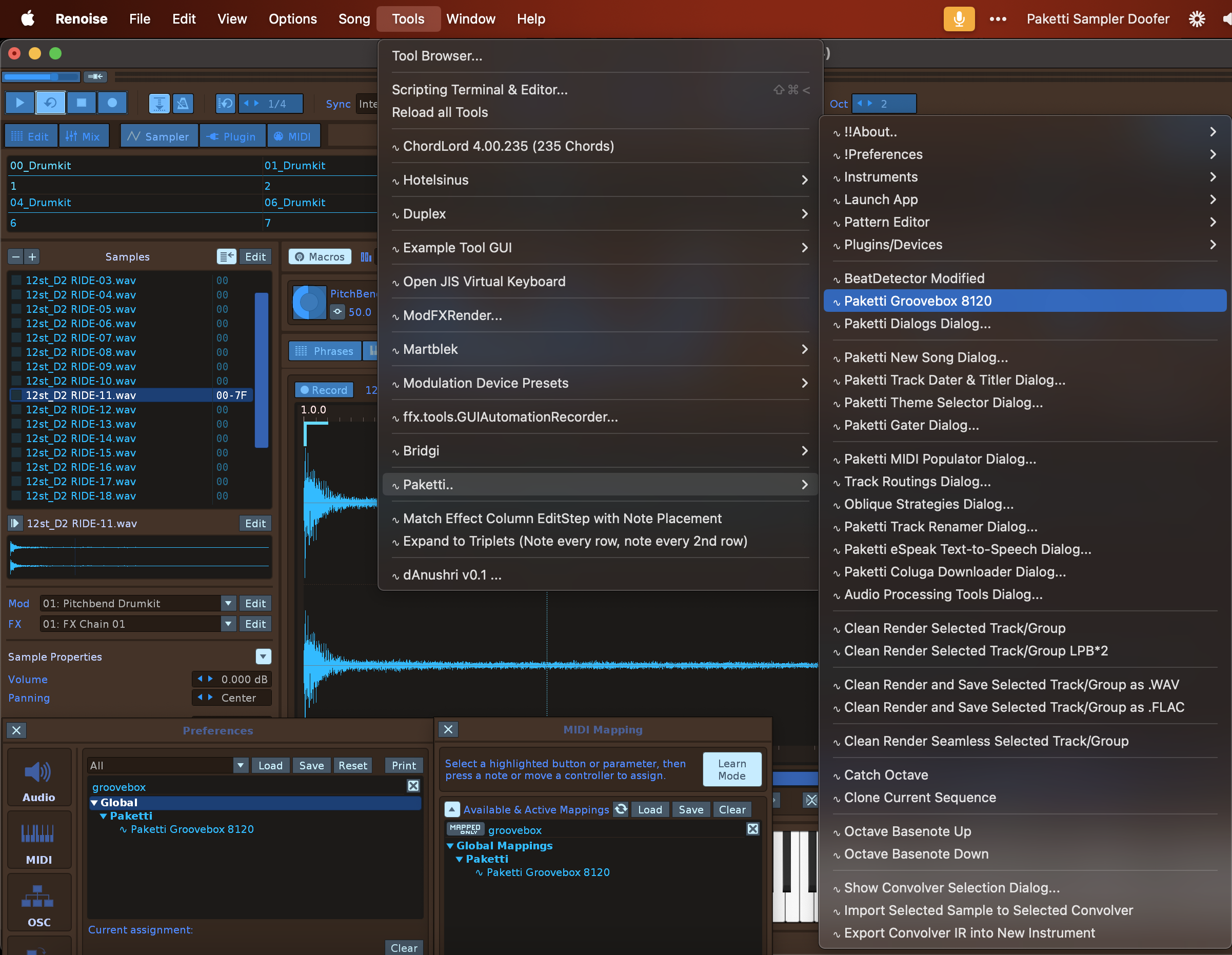
Improvement: Groovebox 8120 has been improved in these ways in the past 3 days: bug: Checkboxes should update Pattern bug: Random Gate&Fill Empty steps functions missing feature: Select Button that shows the sample currently playing in sample editor for quick edits feature: buttons return focus to Renoise instead of dialog feature: clicking on Random will select the instrument in Sample Editor feature: moving slider for Drum Sample selection will select the instrument and show the Sample Editor feature: global groove sliders + random groove should select master track and show global groove bug: Browse does not trigger Refresh bug: Random fill slider at 0, clears all rows bug: Select slider does now select a sample bug: Samplename now properly changes when pressing Random bug: Global Groove checkbox is not checked for, i.e. shows as off even though ON in settings bug: when fetching, dialog lurches + overwrites destructively. bug: Select Slider should set the correct samplename Improvement: When clicking on 1...16 Global Steps, display Pattern Editor Improvement: Global Groove is now correctly updated - i.e. if master has it on-> then it reads it. if master has it off -> then it reads it. Improvement: When opening the dialog, the correct steps are fetched from Pattern Editor, without overwriting Pattern Editor content Improvement: "Randomize All" will randomize each of the 8 rows Improvement: "Random All" will random pick a sample of each instrument. Improvement: Selected Slider now selects the correct samplename Improvement: Select Row1-Row8 Automation Device for pitchbend working Improvement: Dynamically rename Tracks upon Loading Improvement: "Show Automation" shows automation for easy pitchbending Feature: Clicking on Follow Pattern should show the Pattern Editor Clicking on Play should show Pattern Editor 1st sample should be selected - and the rest muted, after adding instrument. Random All now sets random samples for each row. Random Gate resets steps to 16
Improvements: Paketti Groovebox 8120
Improvements: Paketti Groovebox 8120







Improvement: Added all buttons to midimappings:
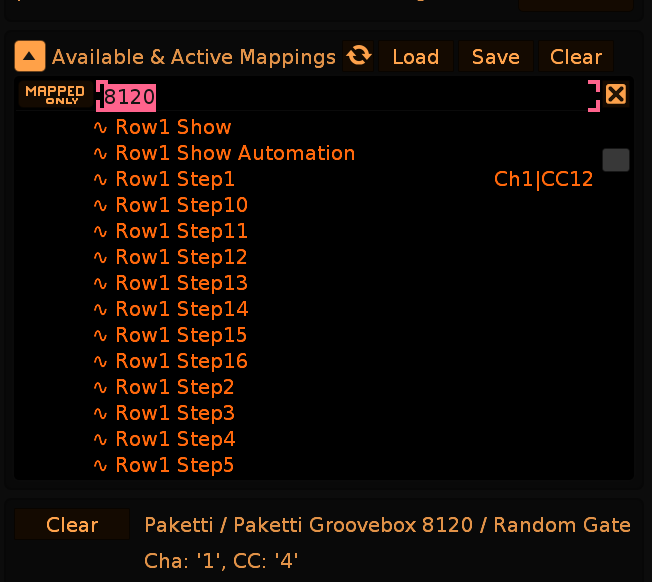
Improvement: now each row in 8120 has Reverse and there's a Reverse All which reverses all the selected samples for each row
Improvement: Paketti Preferences now only runs the XRNI Default search once instead of running it twice.
Improvement: GitHub plumbing now means that "choose random theme" Paketti Theme Selector is not run by default when installing Paketti. There was an issue with GitHub inputting all the preferences (aka my settings) to any user who downloaded the build. this is not so in private builds. I've also set EditMode blend highlight so that it is not Selected Track by default. working on a few other things. (Closes https://github.com/esaruoho/org.lackluster.Paketti.xrnx/issues/467)
here's something quite simple but with possibilities that might be really useful: "selection in pattern to selection in automation"
Improvement: ALT-D / ALT-U (Doubleselect, unmark) now read if automation is displayed, and provide selection/deselection there, too.
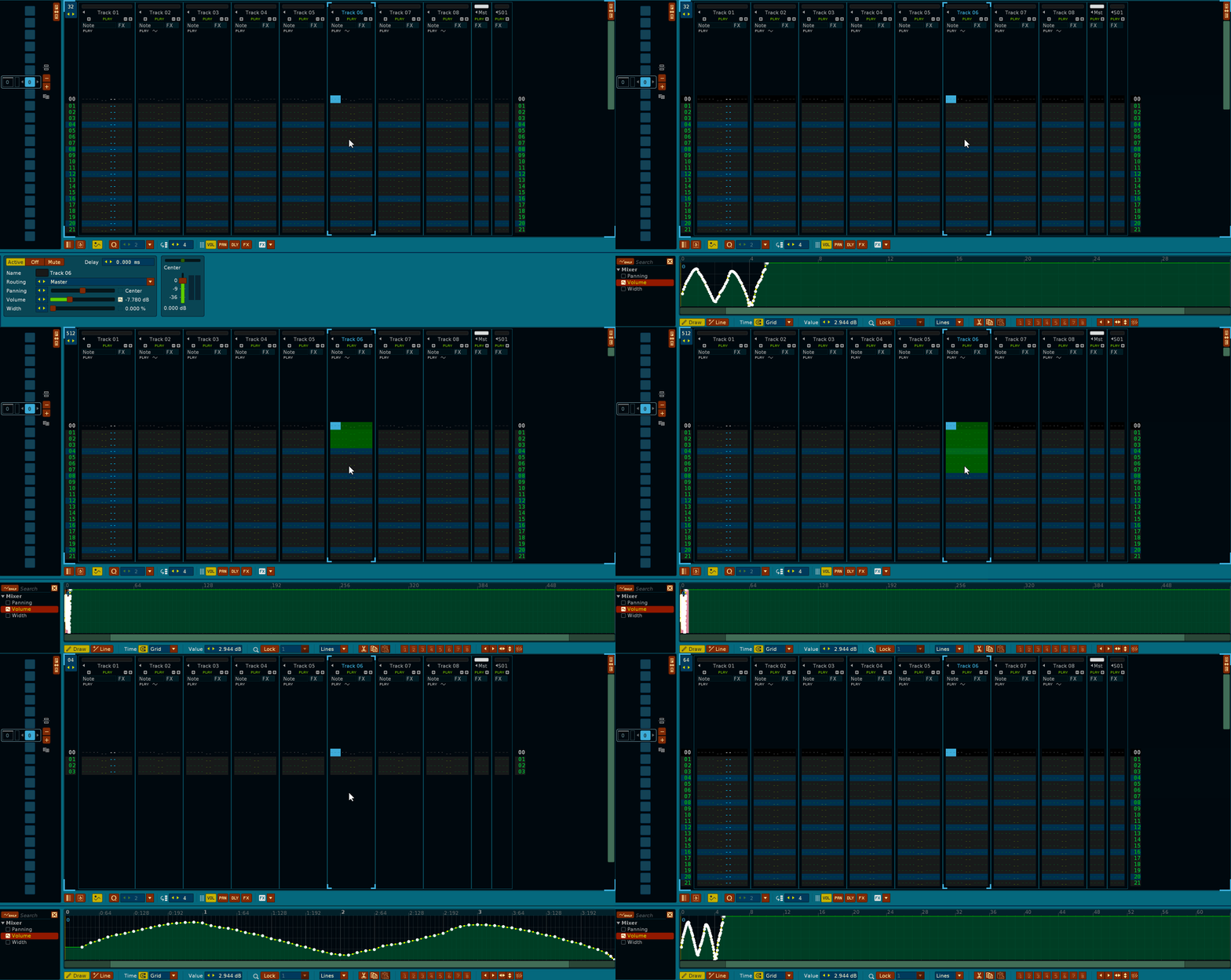
Improvement: Windows Paketti no longer opens up two CMD.exe's to query default XRNIs, instead does it without using terminal / cmd.
Plumbing: all mentions of "ReSpeak" removed and replaced with "eSpeak" everywhere. Improvement: Randomize Settings will now render the textfield content, instead of just randomizing the settings and doing nothing.
Improvement: "Bypass all Devices on Track" & "Enable all Devices on Track" weren't available as shortcuts. now they are
Improvement: Three Bypass/Enable&Toggle menu entries are now sorted correctly in Mixer Menu Entry for better discoverability
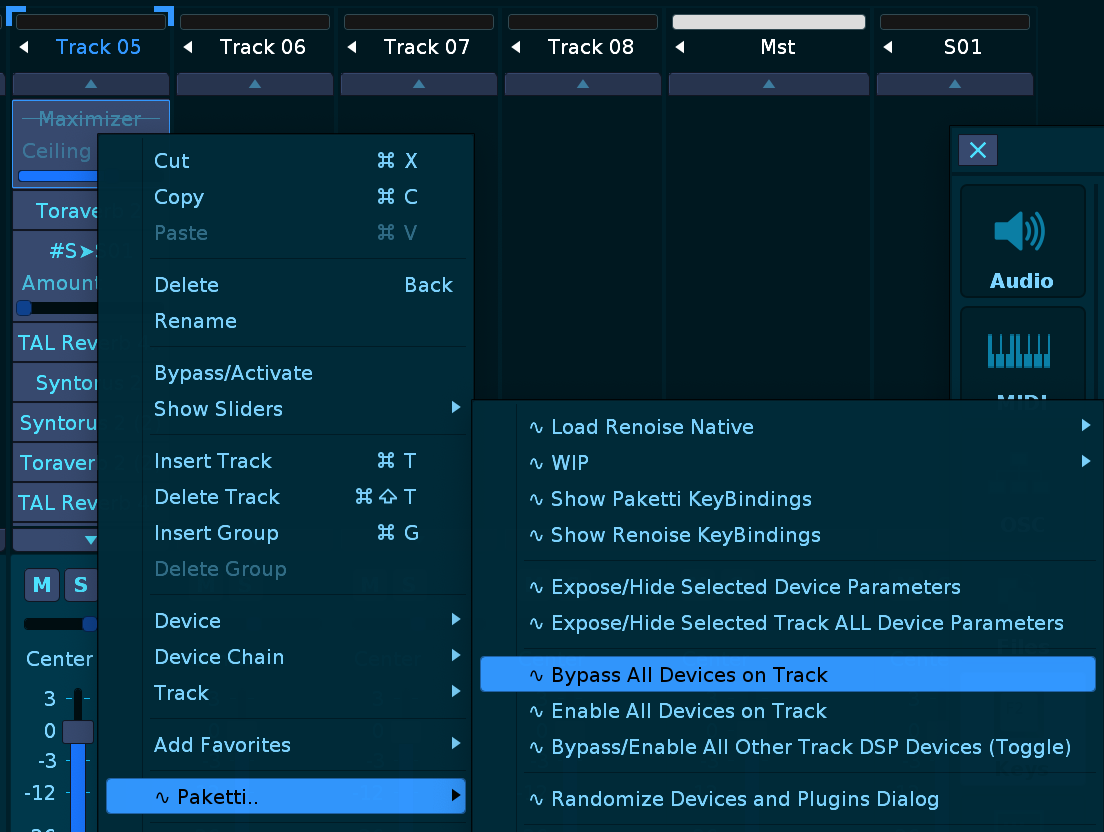
Feature: Bypass All Devices on All Tracks / Enable All Devices on All Tracks
(Closes https://github.com/esaruoho/org.lackluster.Paketti.xrnx/issues/630)
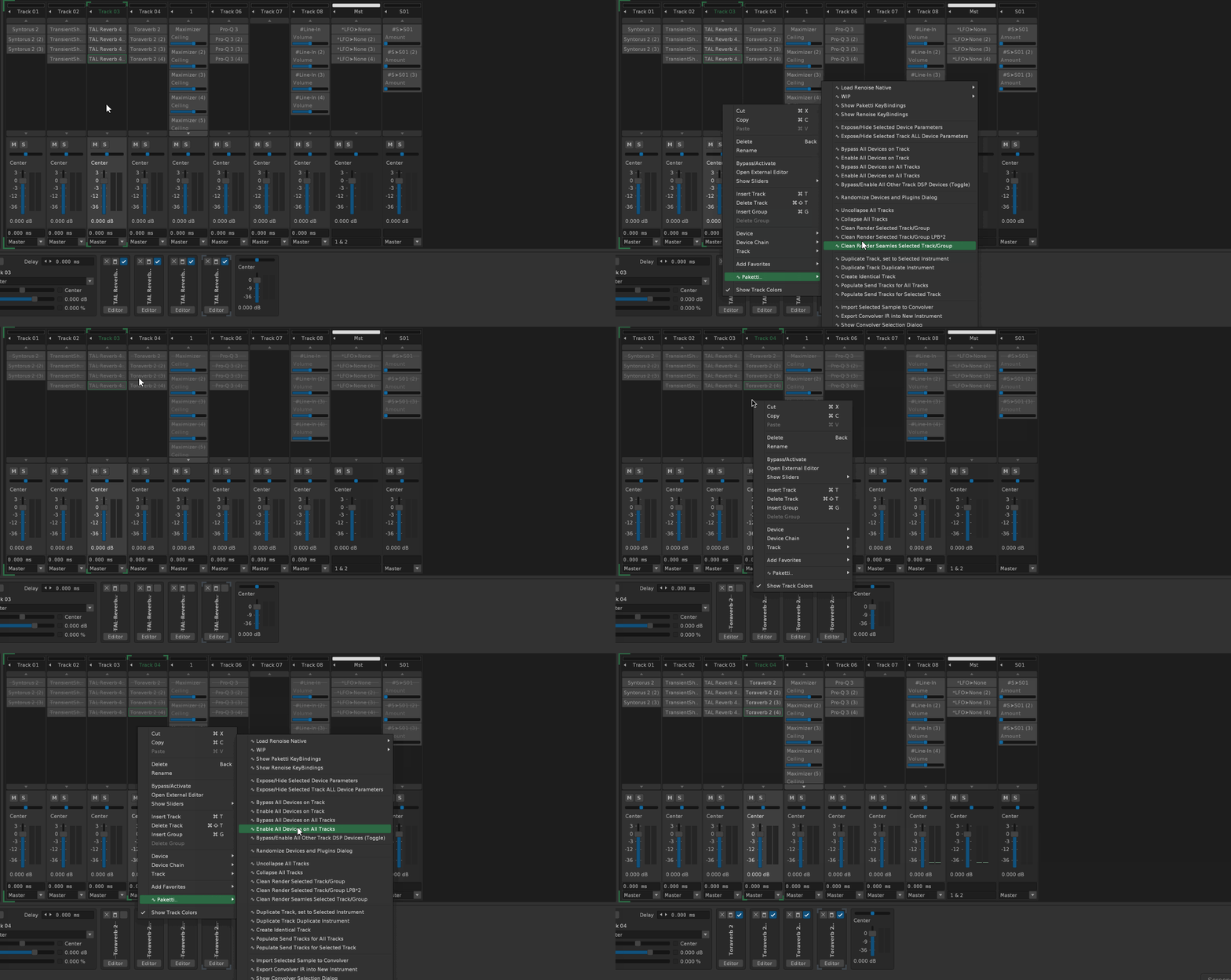
Improvement: moved Clean&Render features in Pattern Editor to be next to eachother instead of all over the place in the menu.
also did the same thing for Mixer menus, all 5 are shown in their own correct place.
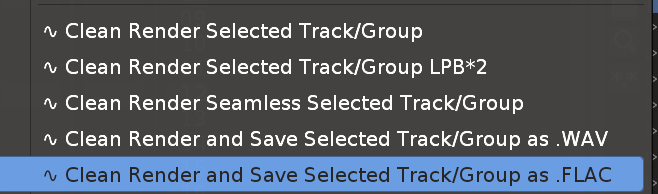
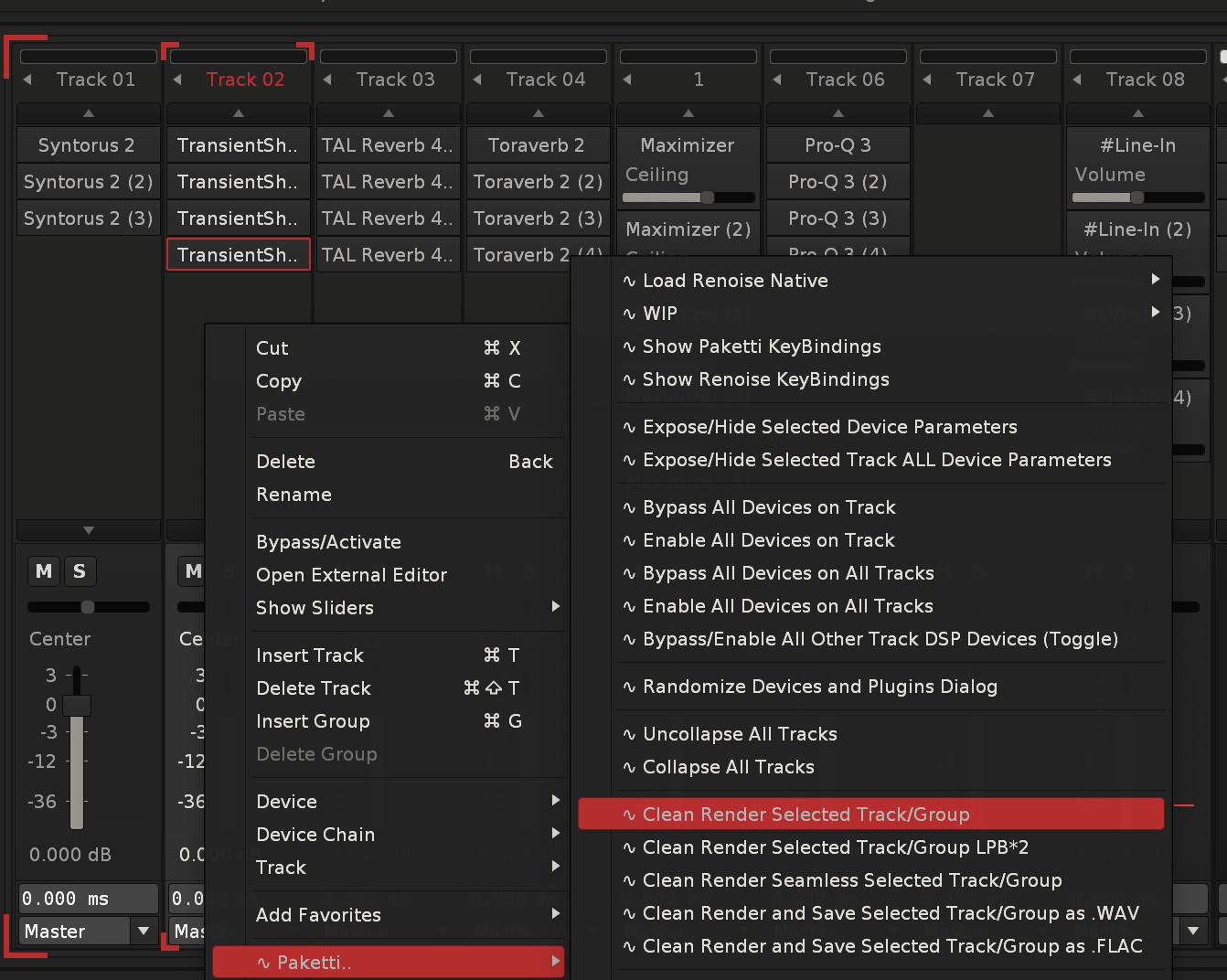
Improvement: Groovebox 8120 "BPM" text is no longer a text, it's a button that randomizes the BPM between 20-300
Improvement: Inverter device can now be loaded (and gets renamed) in both Sample FX Chain and Track DSP Chain:
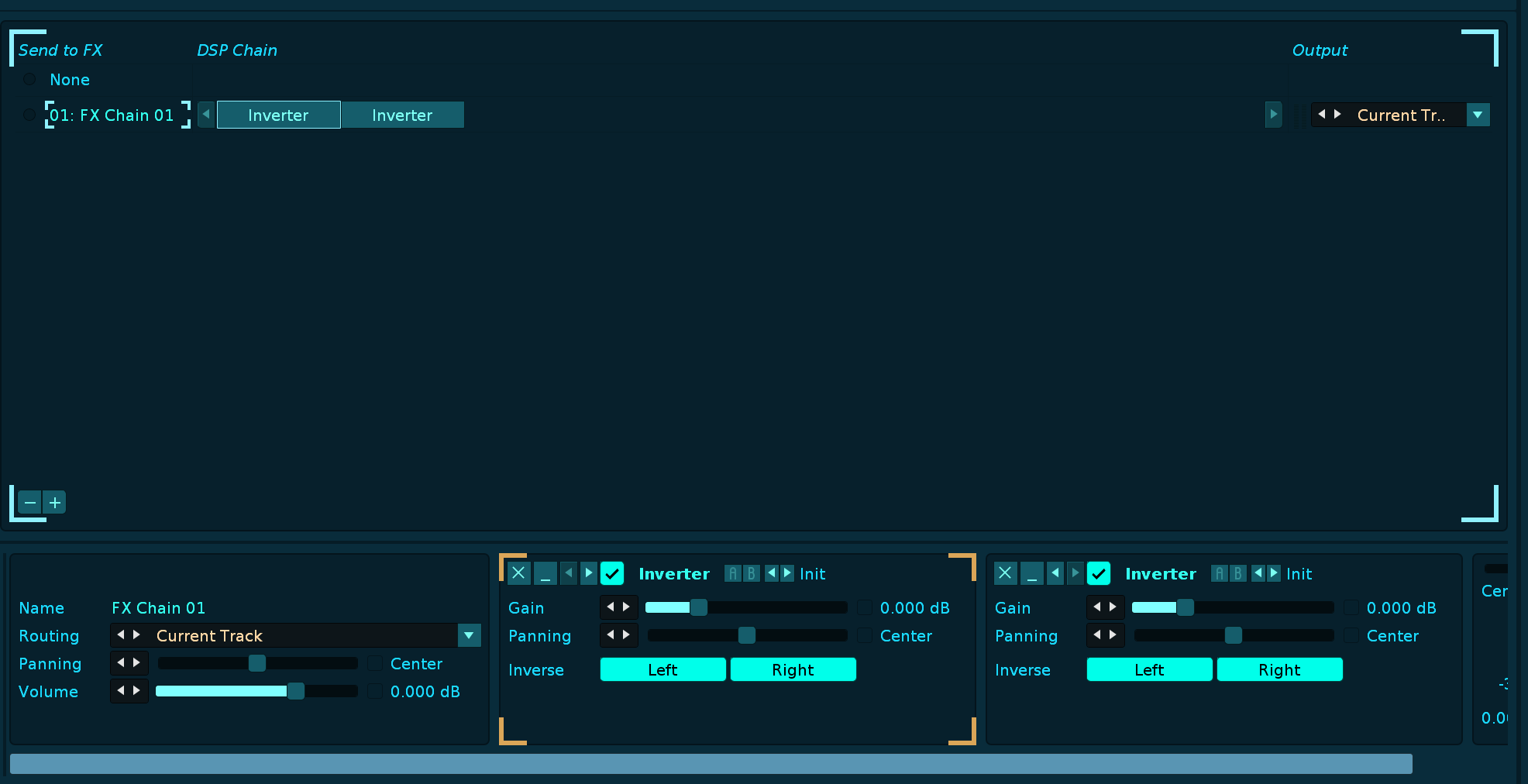
Improvement: Groovebox 8120 now has probability Yxx setting below every actual step - each instrumentbank can have it's own Yxx set for the probability checkbox
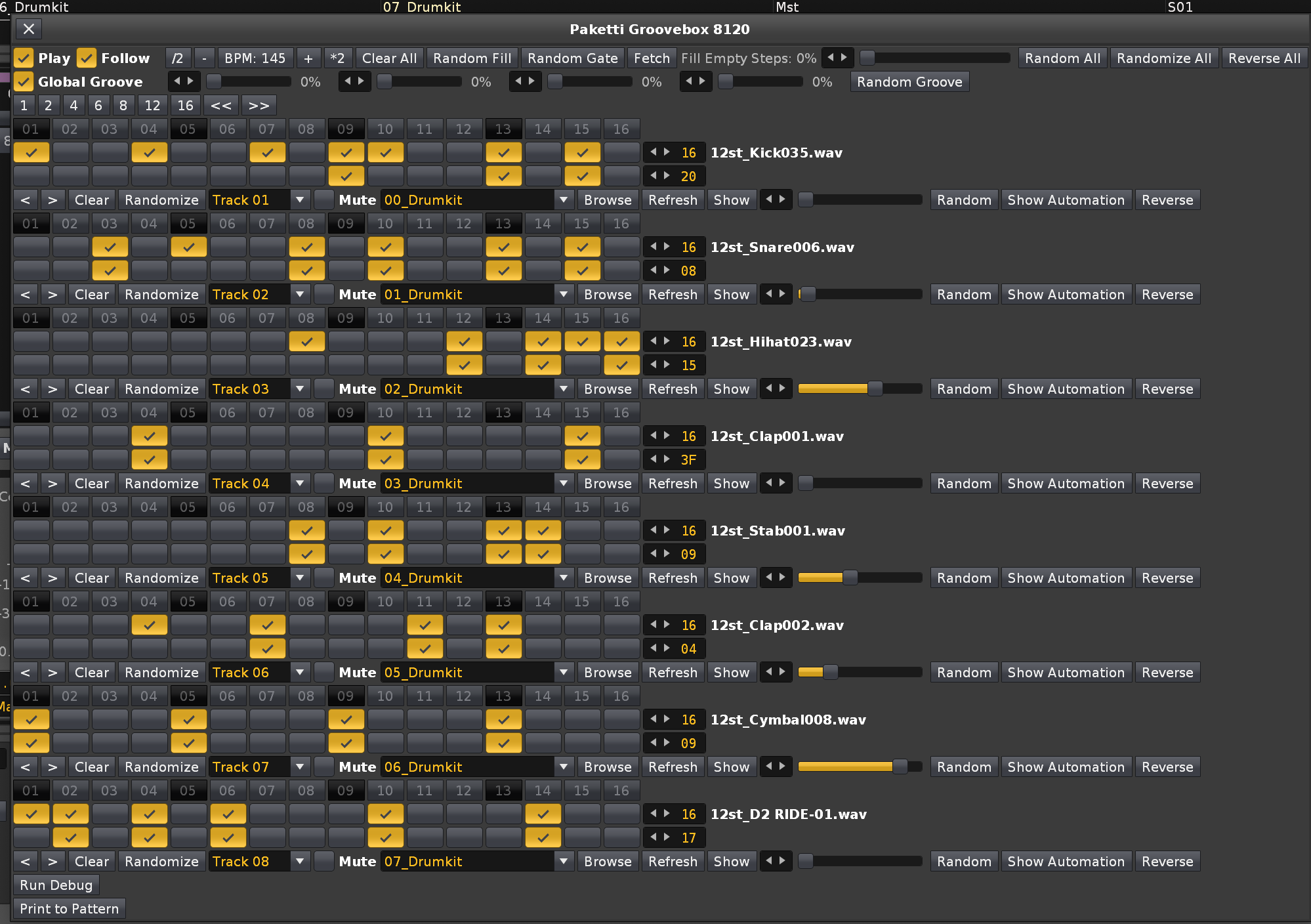
Improvement: "Yxx ProbabilitY" now listed next to the valuebox for better discoverability
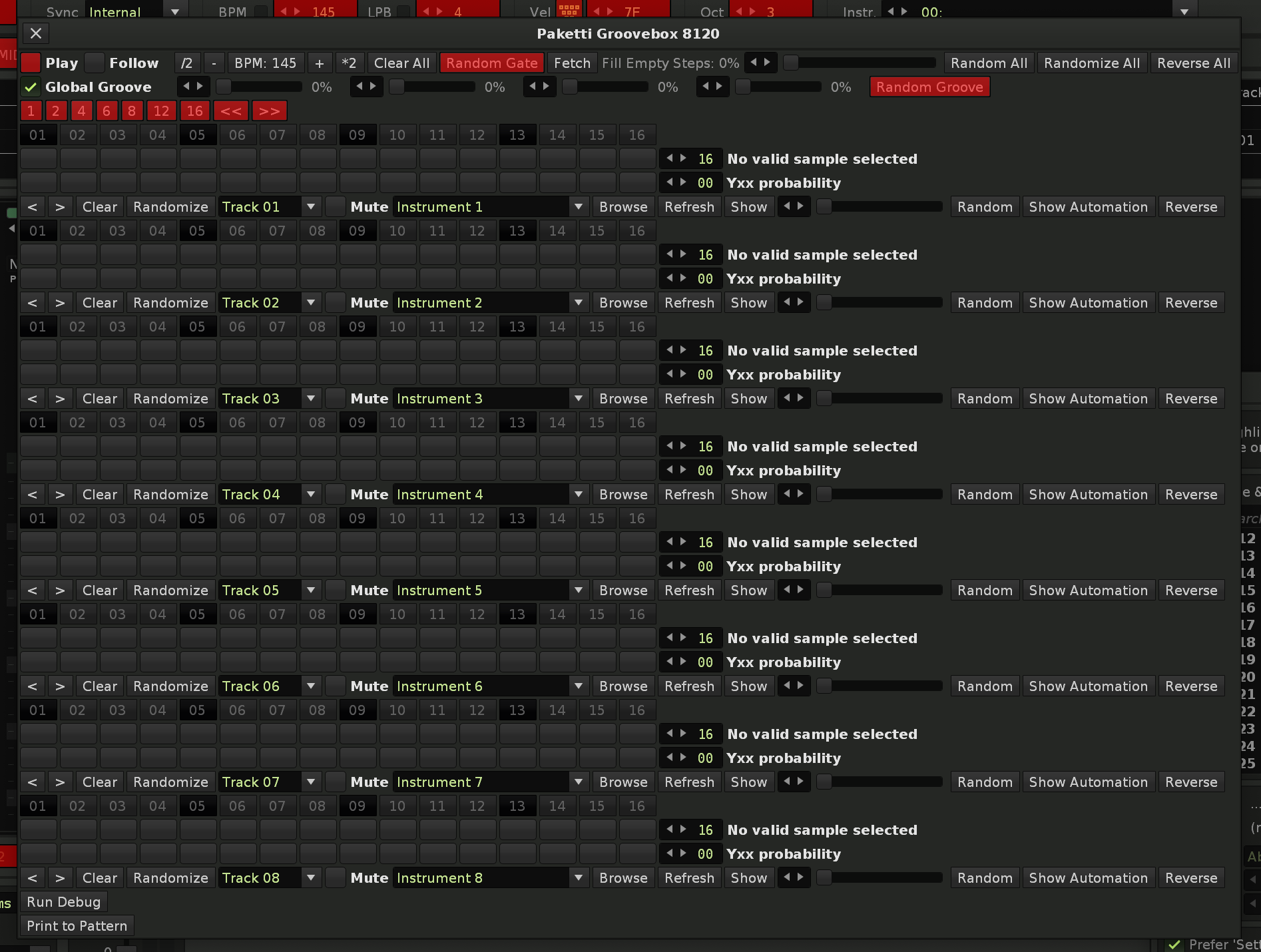
Improvement: eSpeak error from Menu Entries: it was still referring to ReSpeak so fixed it to eSpeak
Improvement: "Load Random Chain" button added to Paketti Preferences:
so you can immediately start testing out your device chain loading.
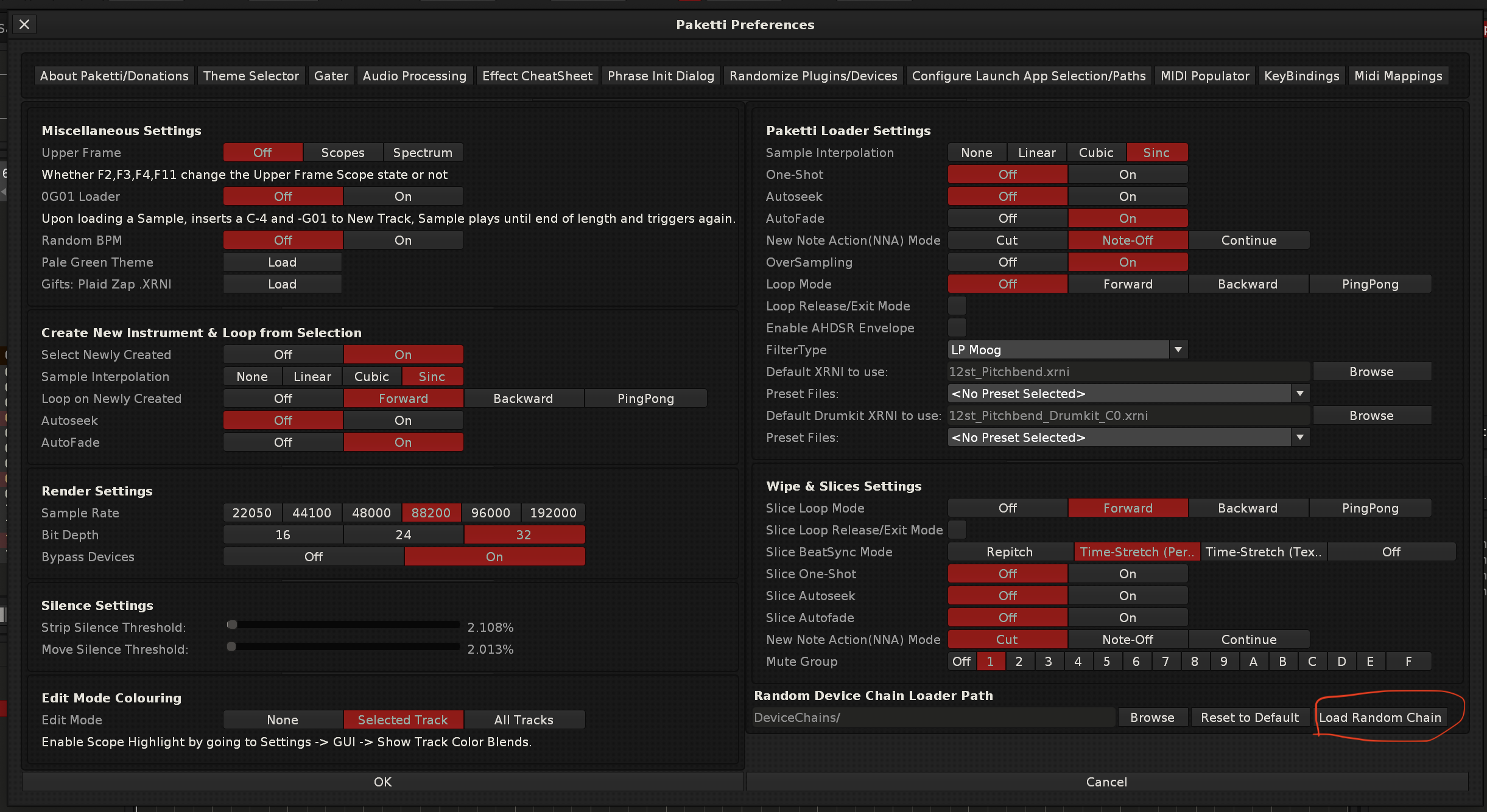
Improvement: Grabbed Renoise subforums 10 (Tips & Tricks), 18 (Renoise Tools) and 19 (Renoise Tool Development) to PDFs - a total of 4209 posts (Closes https://github.com/esaruoho/org.lackluster.Paketti.xrnx/issues/413)
Improvement: Yxx now starts at FF (so "always play". that way you can start dropping it down from there to where you like it
Improvement: 8120 now has Clear for each probability row - and also buttons for quickly setting them.
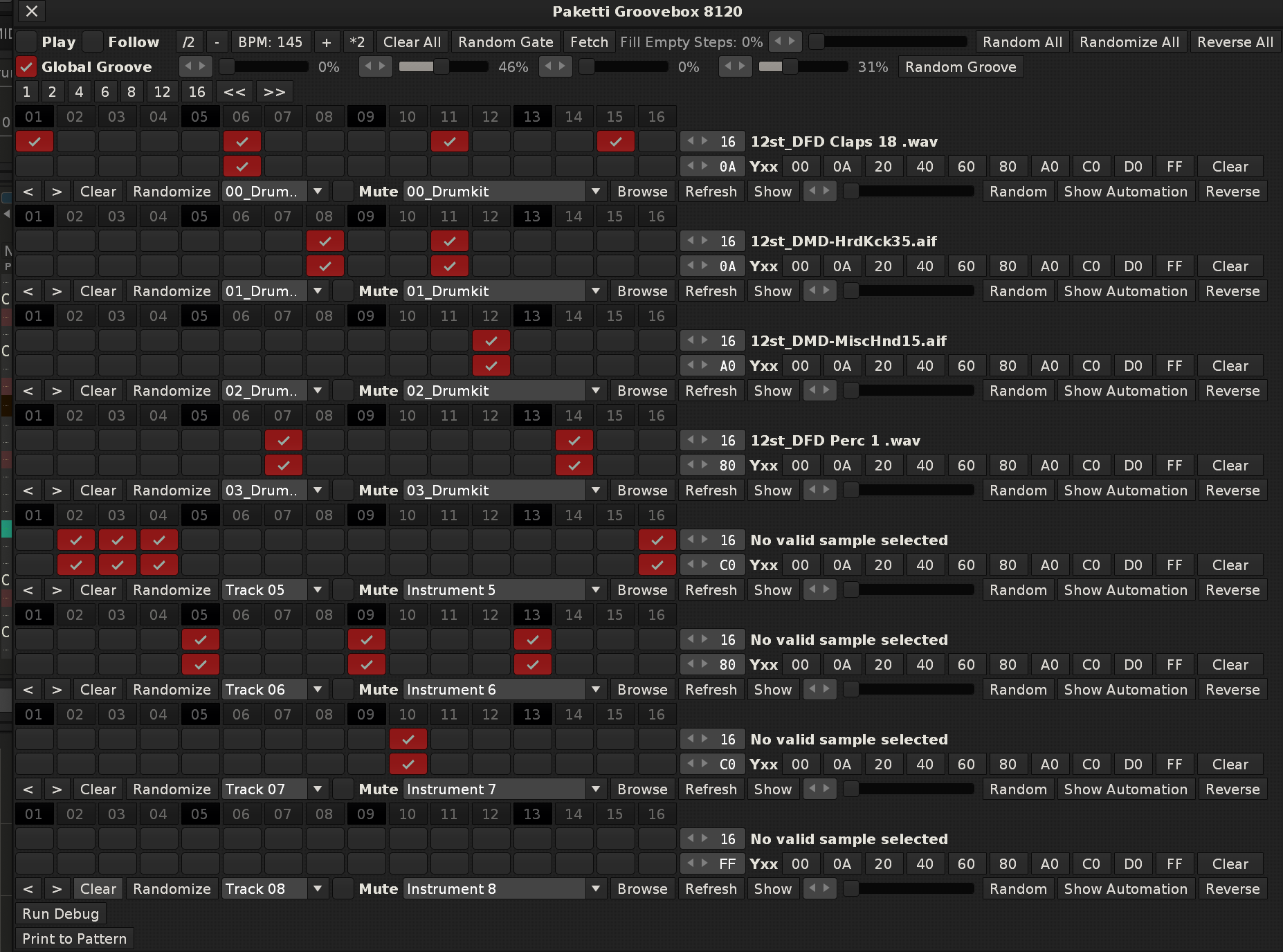
Improvement: added MidiMappings for "Random Gate", "Random All", "Randomize All"," "Reverse All" and steps 1,2,4,6,8,12,16 and << >> global controls
Improvement: Added "No Selected Sample" error protection for "Set Selected Sample Velocity Tracking On/Off" shortcuts
Update: I've finally reached a milestone, i've gone through 30% of the "Ideas and Suggestions" Renoise subforum (2002-2024 posts). i've picked 346 tickets from the 30% (there were 7361 in total). some of them are already done, but some are just "oh, look at this and eventually do it". if i were to add these to the GitHub we'd probably jump to 500 open tickets or so. but work is being done to filter through the ideas and suggestions, beginners questions, tips and tricks, tool development, renoise tools discussion threads. there's i believe in total over 16000 threads i need to filter through and make decisions. just wante dto let you know i'm at 30% of 7361 now. (only 5130 to go through left on Ideas and Suggestions)
EDIT: and i just got through all 2002 Ideas and Suggestions, now it's upwards from 2023
Feature: Show/Hide Selected Track Device 1...32 - this shows or hides the Selected Track's device x if it has an external editor.
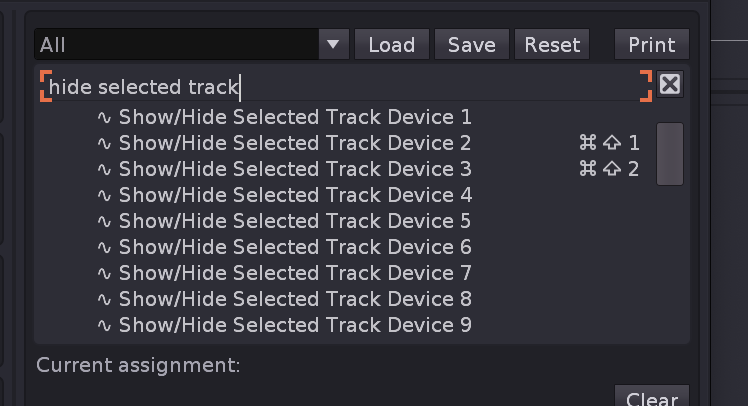
Improvement: Plaid Zap XRNI loads on Paketti Preferences again Also Lackluster Pale Theme button loads on Paketti Preferences (Closes https://github.com/esaruoho/org.lackluster.Paketti.xrnx/issues/643)
Improvement: "isolate Slices to new Samples" now sets the octave correctly so "q" is C-4 (Closes https://github.com/esaruoho/org.lackluster.Paketti.xrnx/issues/639)
Improvement: "Set Selected Instrument Panning / Interpolation" shortcuts are now global instead of stuck in Sample Editor (joining the rest of the Global "Set Selected Instrument" settings. (Closes https://github.com/esaruoho/org.lackluster.Paketti.xrnx/issues/637)
Improvement: when using "Create New Instrument & Loop" and Paketti PitchBend Multiple Sample Loader, if Master is selected, you'll get told "Did not add *Instr. Macros device to Master track" (Closes https://github.com/esaruoho/org.lackluster.Paketti.xrnx/issues/641)
Improvement: Player Pro Note Dialog now returns cursor focus to Pattern Editor - meaning, you can edit the editstep with shortcuts while clicking on the note dialog. (Closes https://github.com/esaruoho/org.lackluster.Paketti.xrnx/issues/646)
Improvement: Unison Generator Sample Slot names now accurately say what the pan is (such as L50 or R50 for hard pan left, hard pan right) for each unison sample.
(Closes https://github.com/esaruoho/org.lackluster.Paketti.xrnx/issues/640)
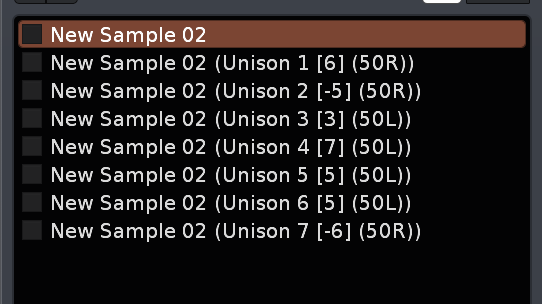
Improvement: Send and MultiSend now no longer have this: - it's off from now on.
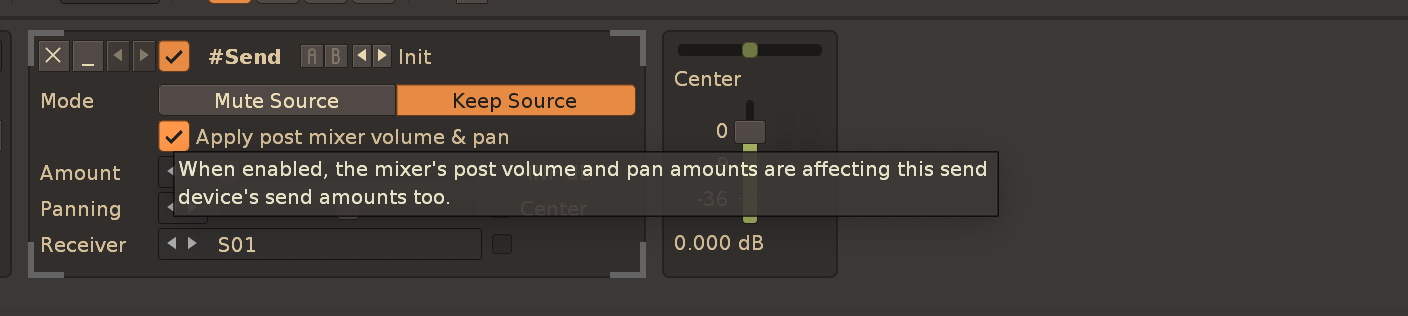
Improvement: When loading the Maximizer device, the "Boost" parameter is automatically displayed in the Mixer.
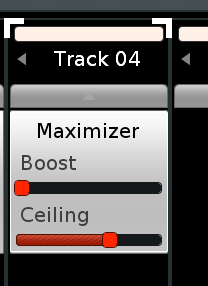
Improvement: Gater now updates the pattern immediately on every checkbox click.
(Closes https://github.com/esaruoho/org.lackluster.Paketti.xrnx/issues/642)
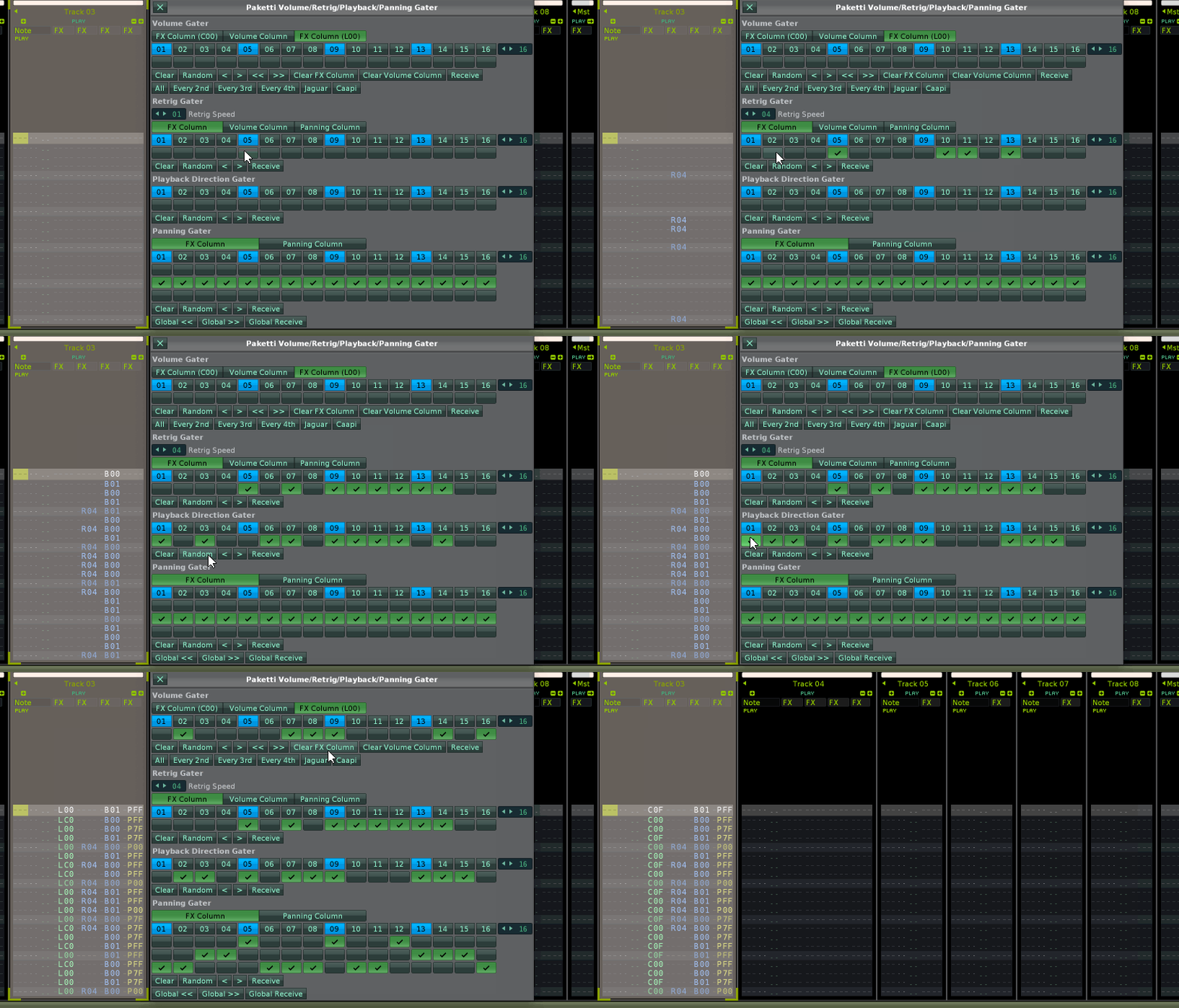
Improvement: I've been tweaking the Instrument Box and Tools Menu Entries and organizing them in a better way. also moved the WIP/Unfinished stuff to "Xperimental/Work in Progress" submenu, for better discoverability. also some copywrite tweaks ("..." = Dialog, ".." = Submenu). removed Clean Render menu entries from Instrument Box because they're Pattern Editor/Mixer specific, and just in general doing more discoverability/readability tweaks. aka "instrument box shouldn't talk about samples too much when they can be in sample editor/sample navigator"
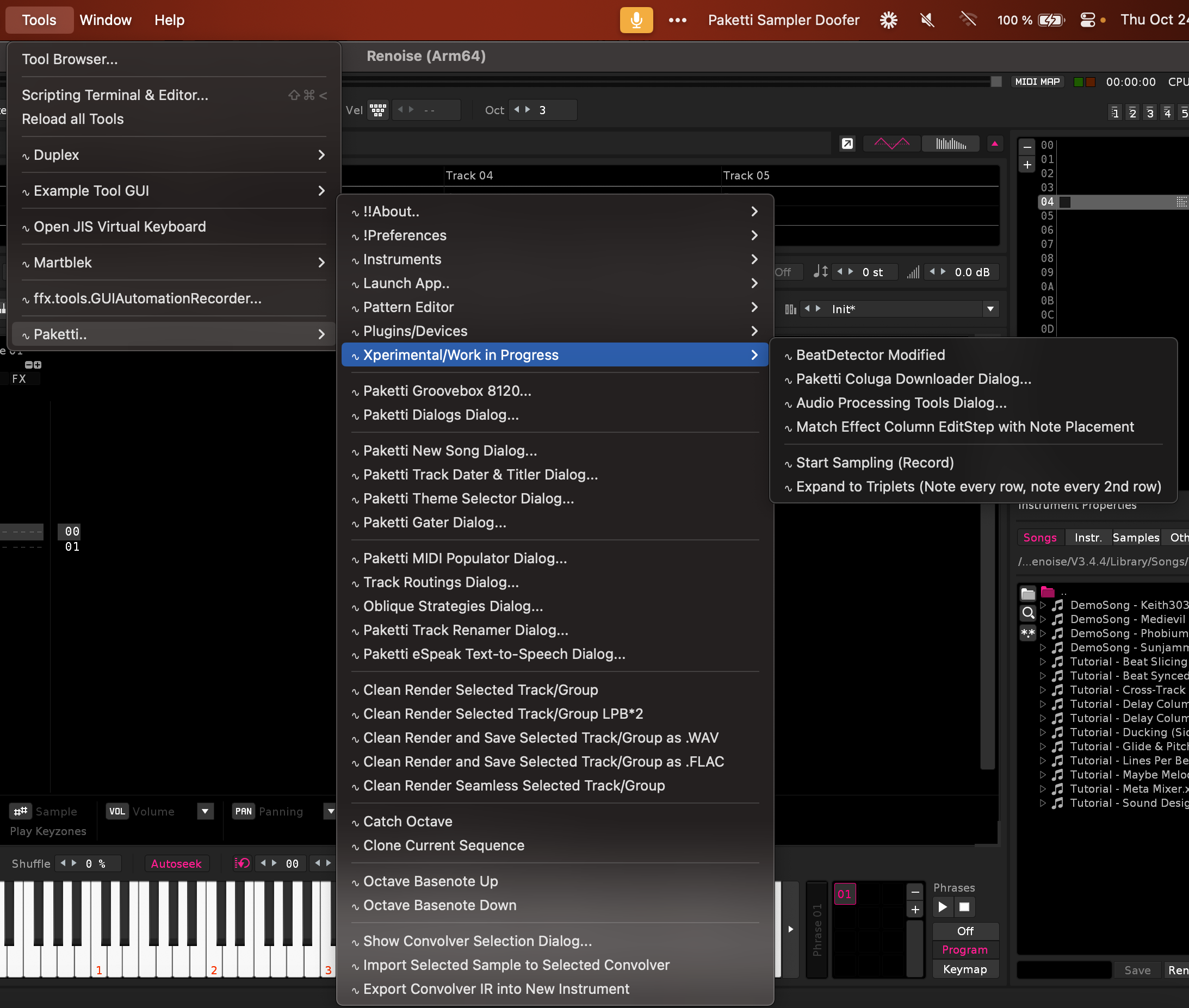
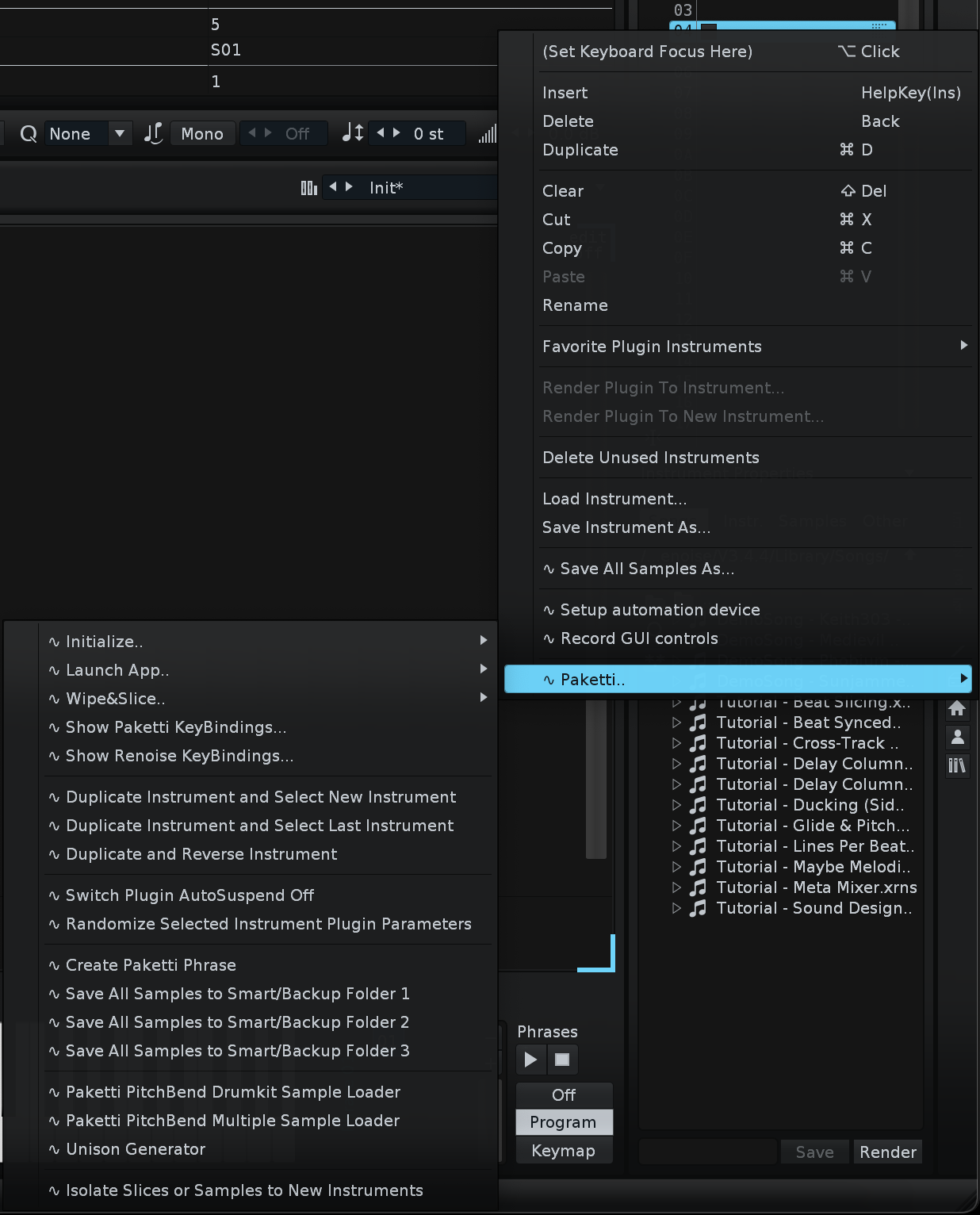
Improvement: Removed "Add 64 slices to instrument" since 84 already exists. Added 84 to Instrument Box, Sample Editor, Sample Navigator.
Some Menu Entries were tied to "Sample Navigation" instead of "Sample Navigator" so they did not get shown
Removed Unison Generator from Instrument Box Menu Entries
Tweaked Sample Mappings Menu Entries look and organization
Added "Configure Launch App Selection..." to Sample Editor and Sample Navigator submenus
Hid Coluga/yt-dlp (since it's WIP) from Sample Navigator, Sample Editor and Instrument Box
Added 7F/00 switcher to Keyzones tab
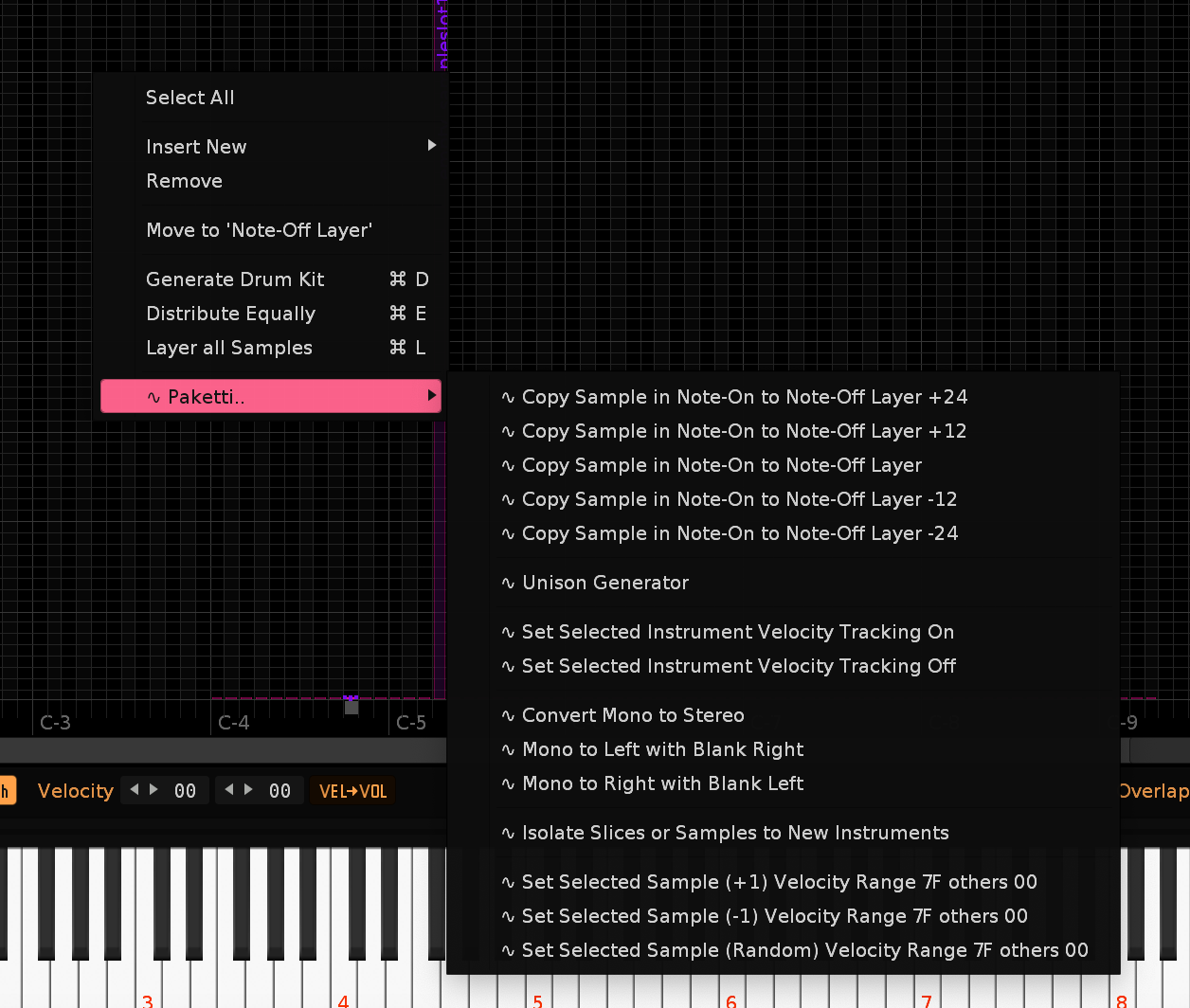
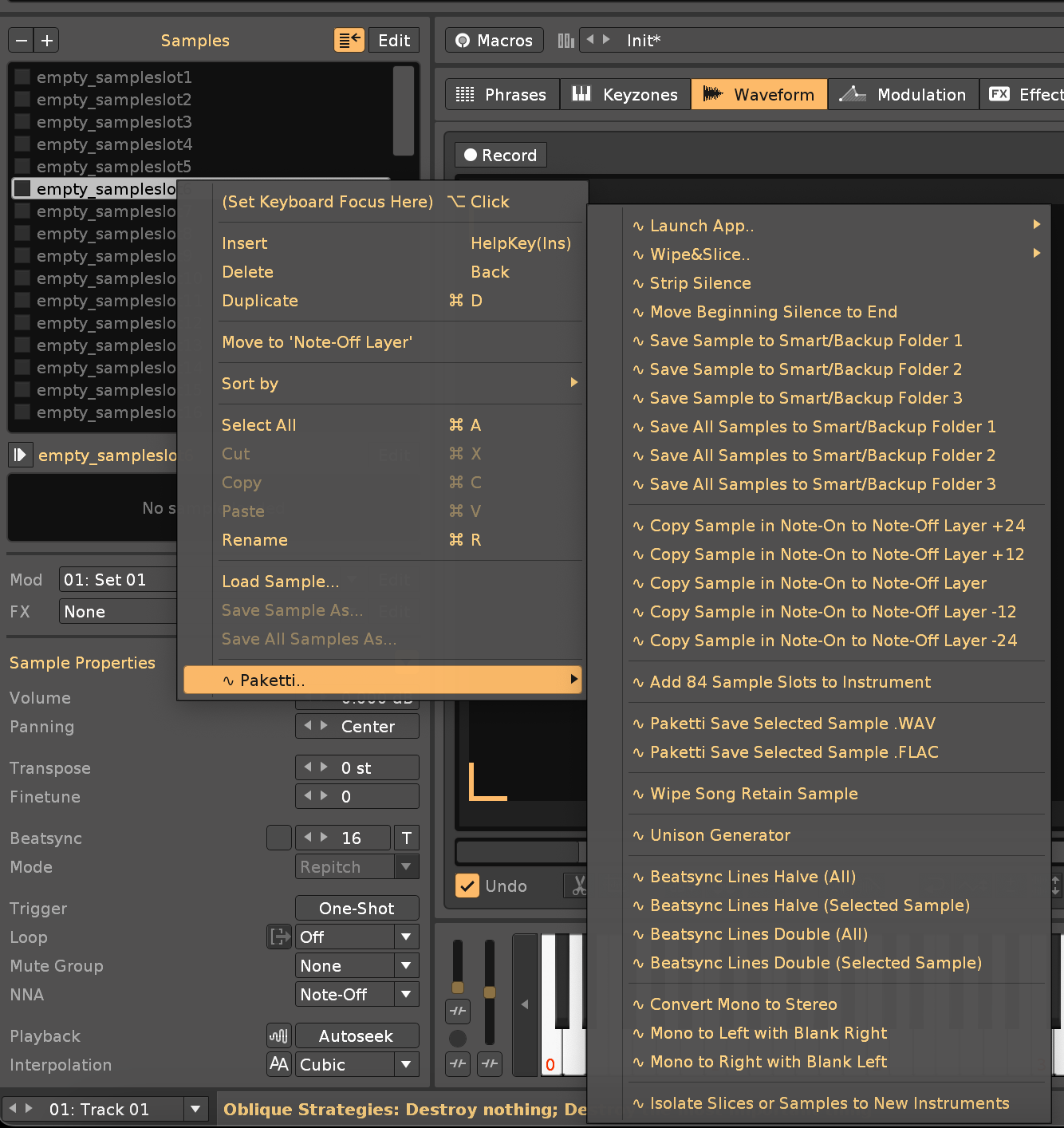
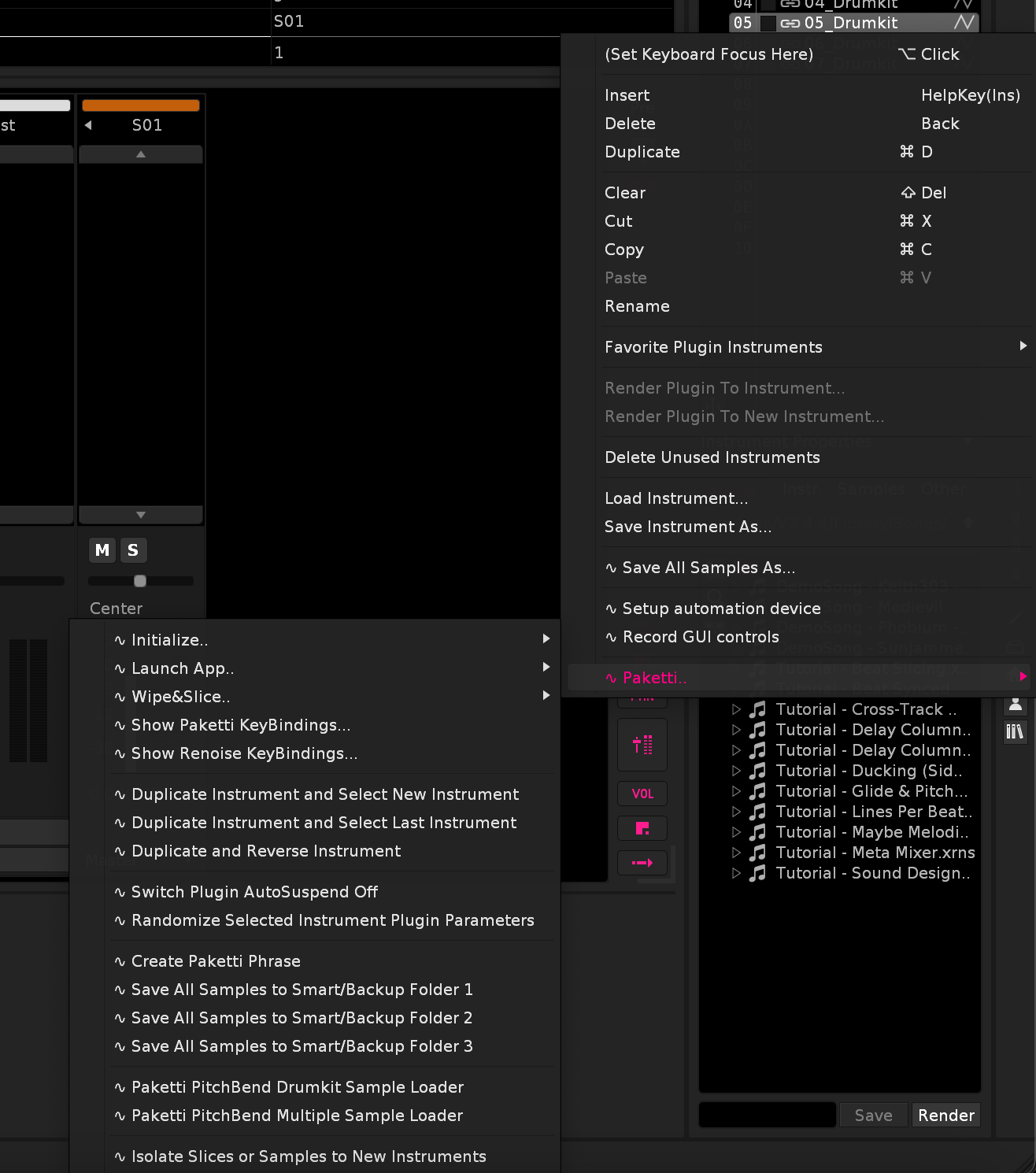
(Mentioned in https://forum.renoise.com/t/set-interpolation-of-every-sample-in-song-to-none/74220)
Improvement: the Paketti Donation / About dialog buttons for opening urls now.. open the url again.
Improvement: OctaMED Pick / Put Dialog keybindings are now under "Paketti:" instead of "Paketti..:" for better discoverability
Improvement: more organization for Main Menu -> Tools -> Paketti -> Instruments
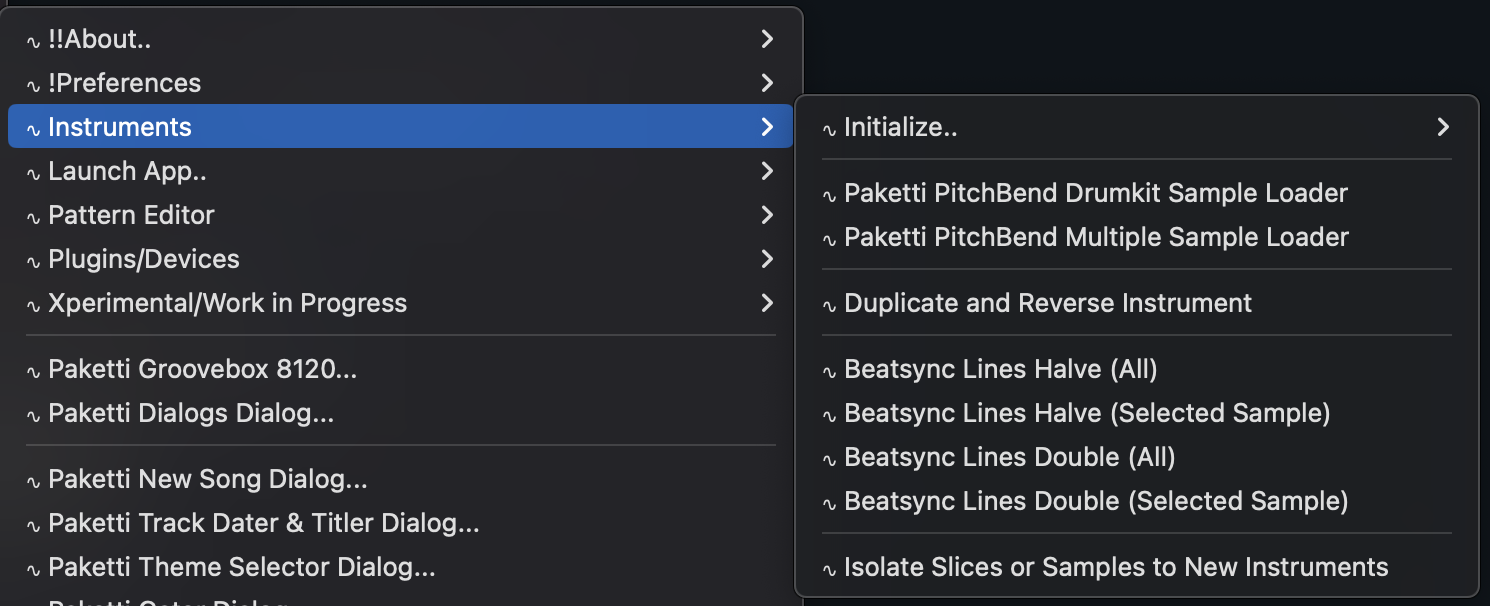
Improvement: Additional tweaks - all menus in menu entry now end with ".." and they are better organized
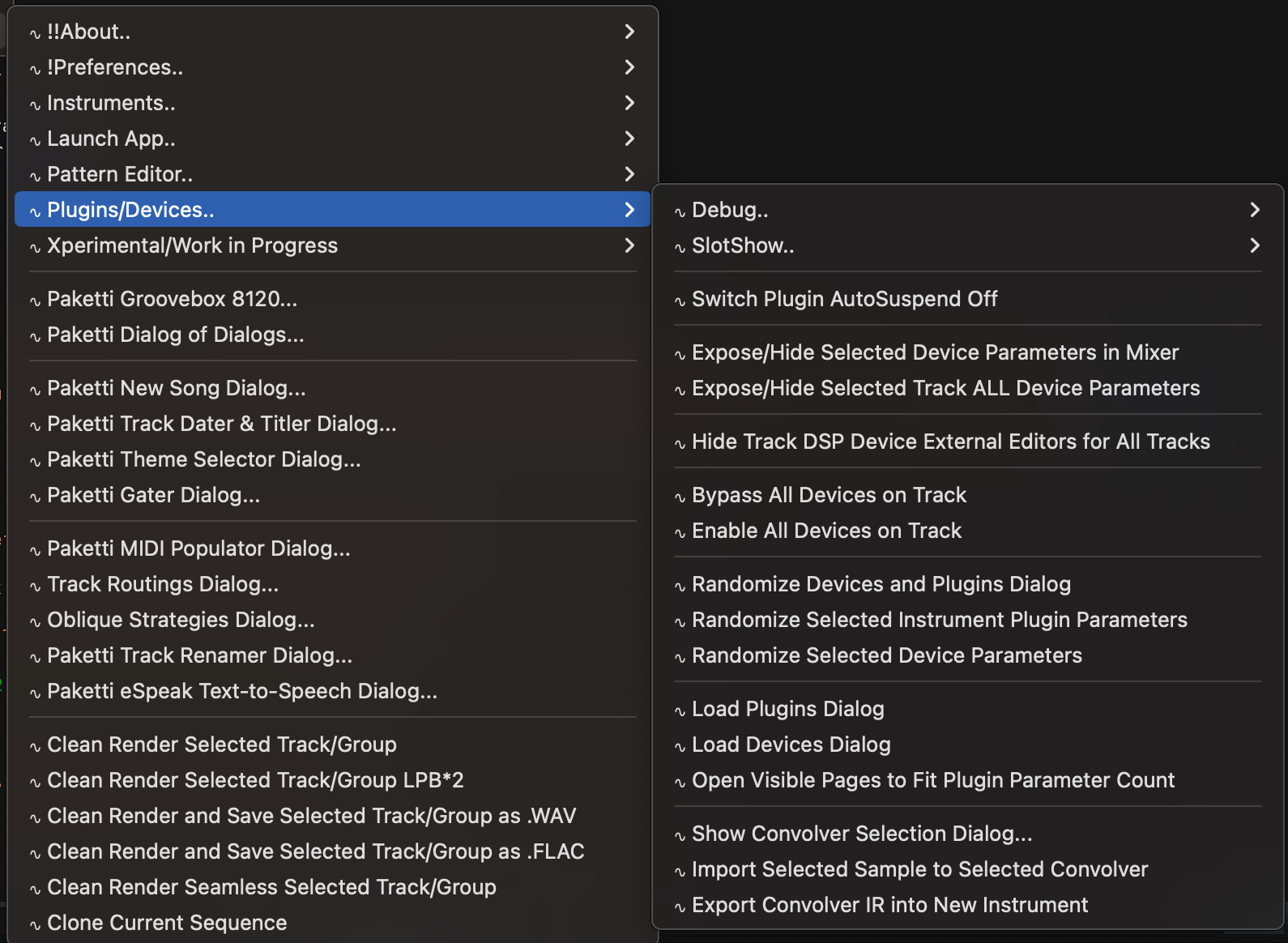
I pretty much ended up using most of today trying to get the Paketti Manual GitHub page working, didn't make much headway, the markdown is not correctly parsed. but also filtered through tons of Renoise Threads
Improvement: Moved the path of these so there's no "Global:Paketti" for MidiMappings, instead Paketti: for these
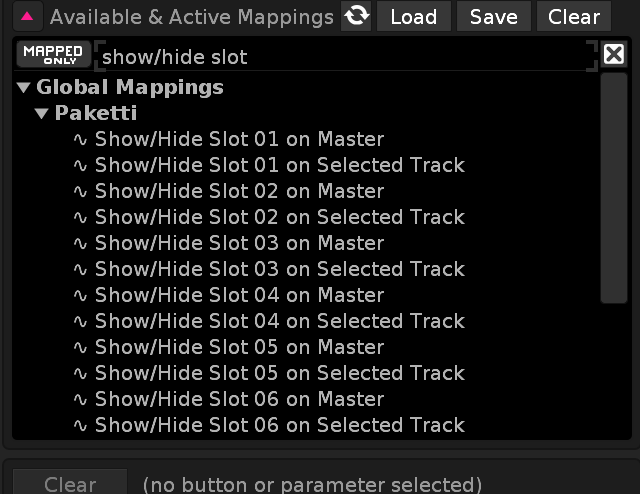
Improvement: Path changes for MidiMappings for these
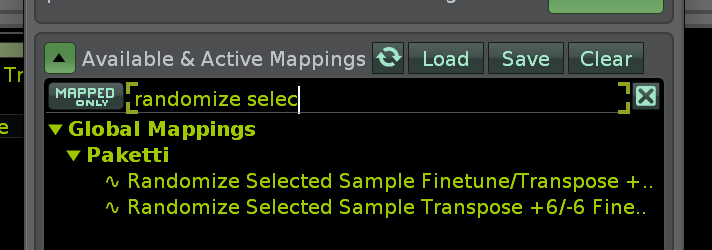
Improvement: Path changes (easier to show the before fix)
Improvement: Fixed the numbering order of these so they start from 01 instead of 1 - better discoverability
(Closes https://github.com/esaruoho/org.lackluster.Paketti.xrnx/issues/666)
Improvement: Unison Generator will no longer error out if being run on an instrument with multiple samples. it will instead make a copy of the selected sample, and start the unison generator process. (Closes https://github.com/esaruoho/org.lackluster.Paketti.xrnx/issues/662)
Updates: I've merged the paketti manual work with the brickwall of text into one article instead of multiple pages. and wrote some more stuff to the brickwall and did the first rudiments of organizing it a bit better. i'll need to split it into little pieces and group them by themes and areas. It's a longform project, would probably take me a month to get it done fully and properly Added some more Loom videos to it
Improvement: Added shortcuts and midimappings for controlling Automation playmode - so you can set it to Points, Lines or Curves at will.
(Closes https://github.com/esaruoho/org.lackluster.Paketti.xrnx/issues/667)

Improvement: "Show External Editor for Selected Device" in Automation will no longer error if there is no External Editor 🙂 instead shows an informative error.
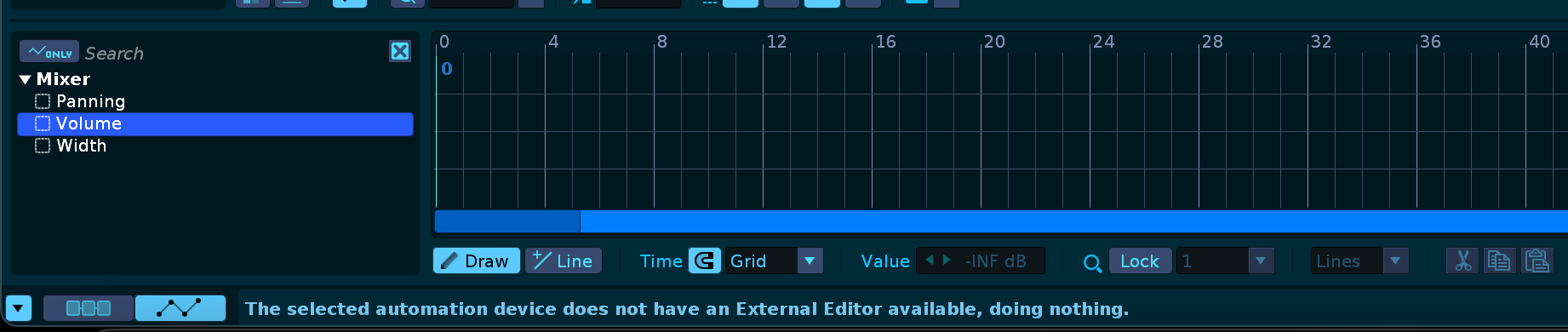
Improvement: "Show External Editor for Selected Plugin" now also shows an informative error

Improvement: Track Titler now has different date formats for those who want them:
(Closes https://github.com/esaruoho/org.lackluster.Paketti.xrnx/issues/657)
Feature: Midi Mapping for changing Selected Instrument Transpose
(Closes https://github.com/esaruoho/org.lackluster.Paketti.xrnx/issues/638)
Improvement: I've added 8 midiknobs that fit the 0...127 values into 1...8 for cycling through the Dynamic Views. if there's only two cycles configured for a dynamic view - then 0-64 will change to cycle1, and 65-127 to cycle2.
this means, you can configure a max of 8 different dynamic view states as per one Dynamic View number, and use one knob to switch between these views.
so if you have a situation where you absolutely must quickly run from pattern editor to sample editor to sample editor with sample recorder showing to mixer to pattern editor with automation, to.. sample phrases.. to.. something - you can do it with the twist of a knob.
(closes https://github.com/esaruoho/org.lackluster.Paketti.xrnx/issues/656)
Improvement: Paketti Groovebox 8120 now has a slider for Yxx probability, a Randomize for each row's Yxx, and a Randomize all Yxx.
(Closes https://github.com/esaruoho/org.lackluster.Paketti.xrnx/issues/623)
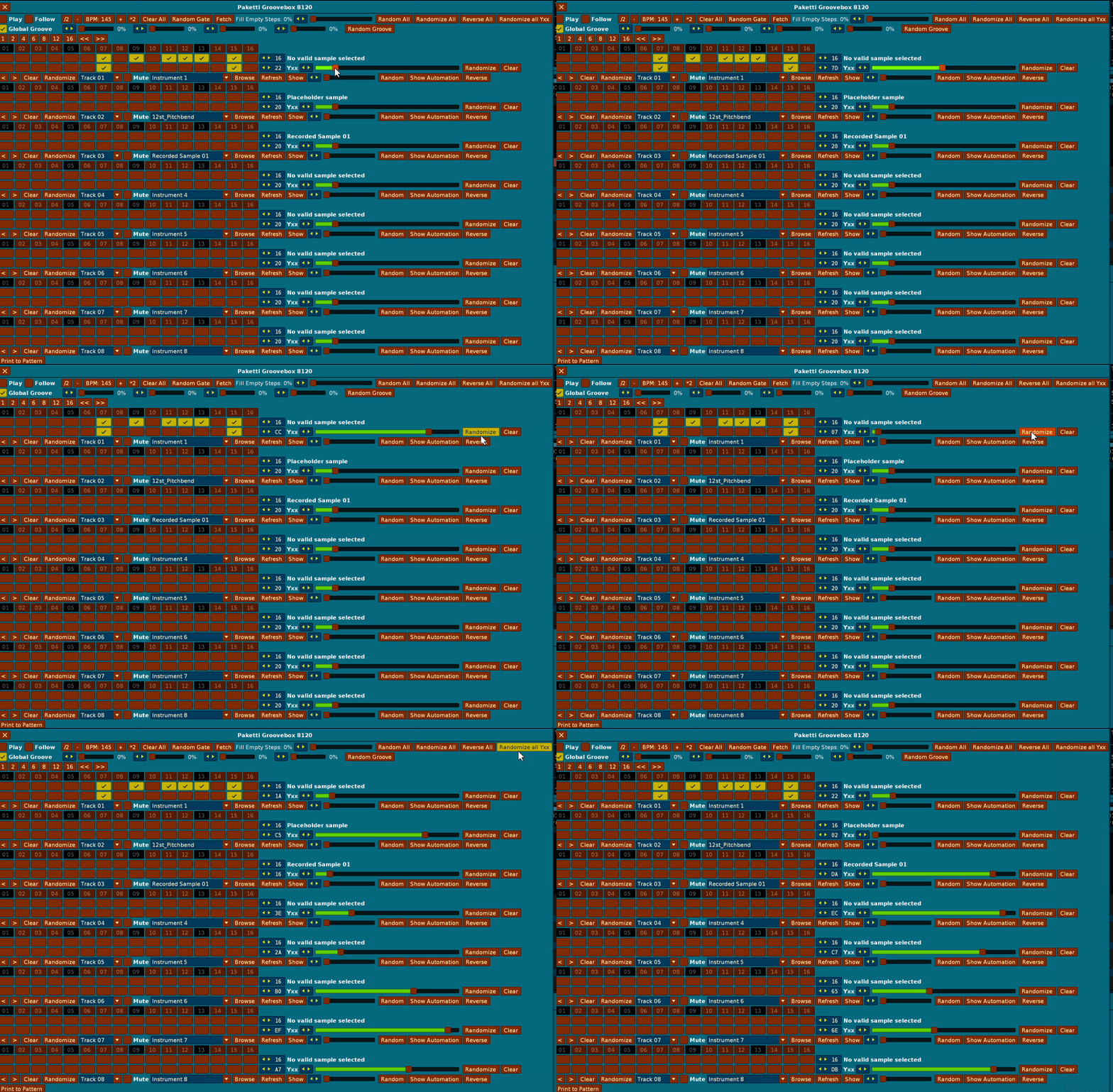
Feature: "Populate Sends to all Selected Tracks"
select a few tracks in the song and run script -> sends added to all tracks.
(Closes https://github.com/esaruoho/org.lackluster.Paketti.xrnx/issues/614)
this was from a post on the Ideas and Suggestions Renoise forum made in 2004 ( https://forum.renoise.com/t/strapping-a-send-across-several-tracks/15087 )
Improvement: added MPReverb 2 controls (dynamic midimappings that find where the device is in the selected track) for Color, Duration, WetMix

Improvement: the Paketti Edit Mode Signaler no longer reverts "Song Set Track Blend Values" for all tracks to off, if EditMode Signaler is set to "None" and you toggle Edit Mode on or off.. (Closes https://github.com/esaruoho/org.lackluster.Paketti.xrnx/issues/386)
Improvement: Now when you use the Paketti loaders to load #Send or #Multiband send - it will always be added to the end of the track dsp device chain or sample fx device chain. (Closes https://github.com/esaruoho/org.lackluster.Paketti.xrnx/issues/426)
Plumbing: I've removed 30 duplicate themes (different namings) and added grymmjack themes - there's now a total of 502 themes.
Feature: "Load new sample with current slice markers". select a sample with slice markers. run it via shortcut, or two menu entries (sample editor, or instrument box). prompt comes up, for loading the sample. load the sample -> markers from previous sample are applied to it. if there's less sampleframes, only the markers that fit inside the sample length are applied.
https://www.loom.com/share/f8a4d31abb1643459ca58389357fc78a?sid=546bd950-8176-45fc-b9a7-2617e349cf49 (Closes https://github.com/esaruoho/org.lackluster.Paketti.xrnx/issues/668)
Improvement: the #Send and #MultiSend XML loaders were calling "PakettiSend.XML" and "PakettiMultiSend.XML" instead of "PakettiSend.xml" and "PakettiMultiSend.xml". fixed.
Feature: Duplicate Selection with padding & Move Cursor 1 & 2: select 4 rows. press shortcut. introduces 4 rows of silence, duplicates the 4 rows, another 4 rows of silence, and moves the cursor accordingly. will also resize pattern if you're at the end of the pattern.
video only of "padding clearing" flavor (1)
https://www.loom.com/share/7dc5d7710ad844f081e4af89a8d85af8?sid=d601b232-ea0e-44f5-a508-24a8023416ca
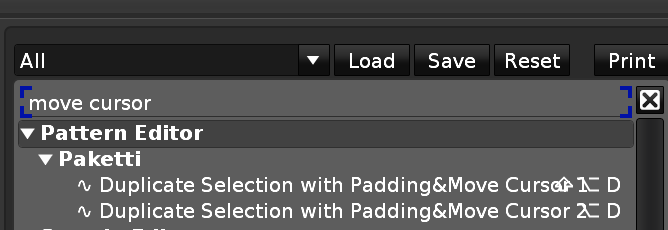
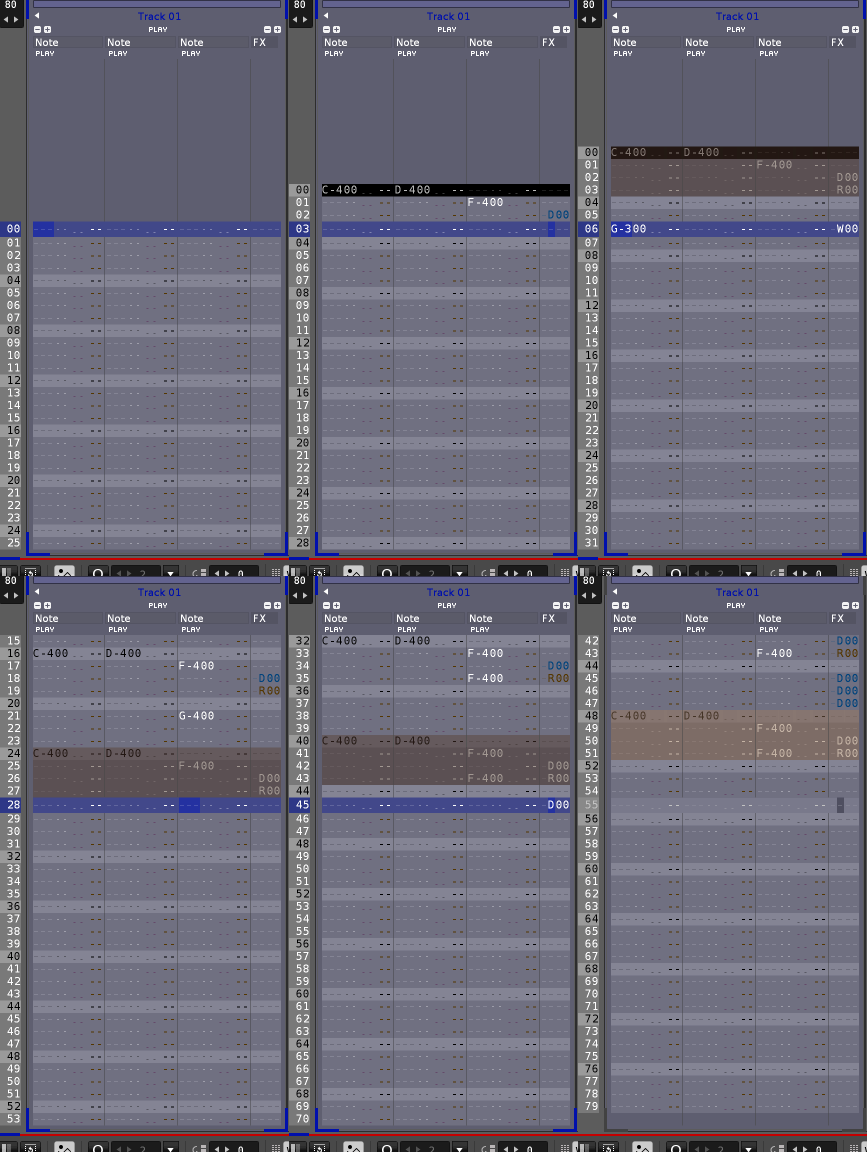
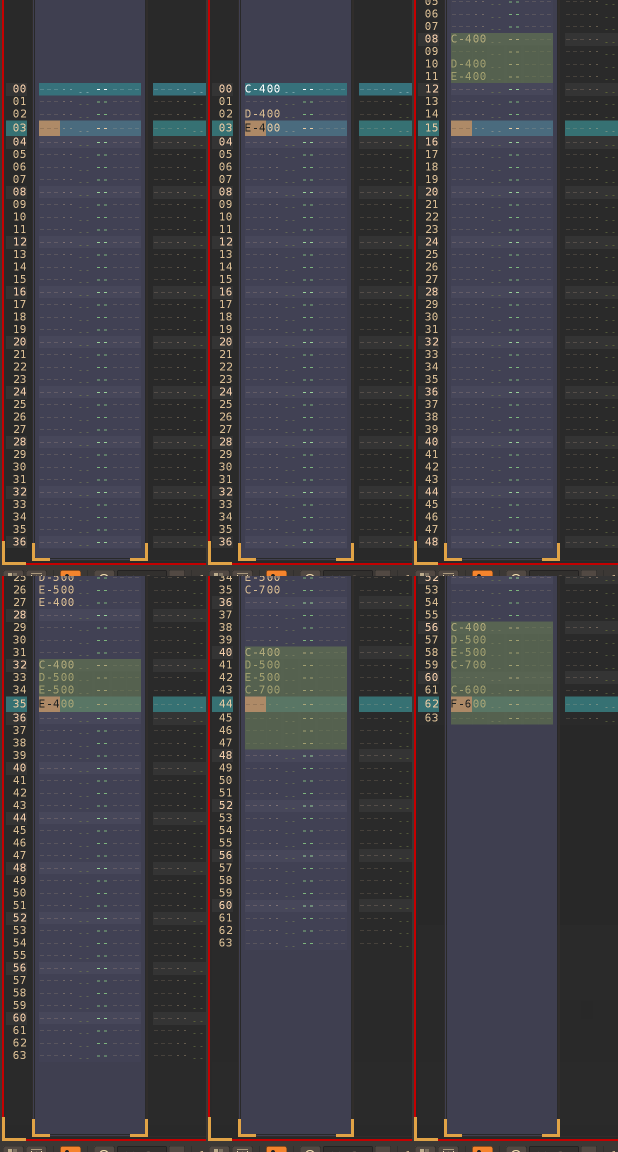
Feature: "Duplicate Pattern & Clear Muted Tracks" ->
you're on a pattern. you have a bunch of muted tracks. you maybe have some automation, and also some pattern matrix muted tracks.
you run the shortcut.
now, below the selected pattern, there's a newly created (and selected) pattern, with the muted tracks(notes+automation) cleared, the pattern matrix mutes retained. and if the pattern had a name, then the name is repeated, with (mutes cleared) added, and if the pattern had no name, then the name is printed as pattern <number> (mutes cleared)
got the suggestion from a thread in Trackercorps Discord.
https://www.loom.com/share/d5a591475e7c407ea25d43ebce1d9d9b?sid=20ff4b86-2014-4edc-b141-b64d84d6f946
Feature: "Nudge and Paste Selection"
This will, instead of adding the padding of silence, instead, read the selection on the track, move the rest of the track down by the selection row count, then paste in the content.
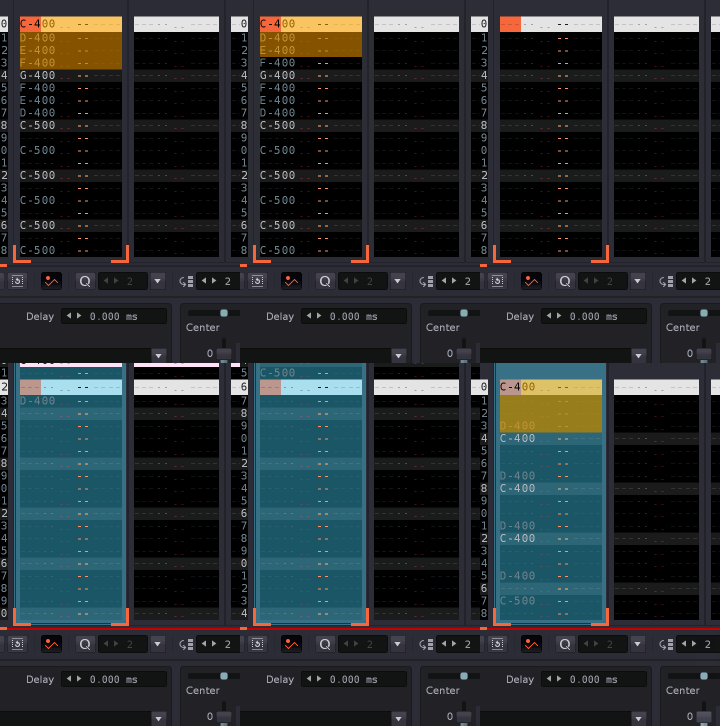
Improvement: "Switch to Automation" will now actually switch to the Automation view, if you're in the Sample Editor and you already had Automation displaying elsewhere (such as pattern editor, mixer, etc). so it will cleanly, reliably, always move you to the track automation.
Feature: Duplicate Selected Sample at -12/-24/+12/+24 menu entries, shortcuts and midimappings added.
This will take the current sample, duplicate it, and set the transpose of the duplicate to one of those.
good for doubling up a sample.
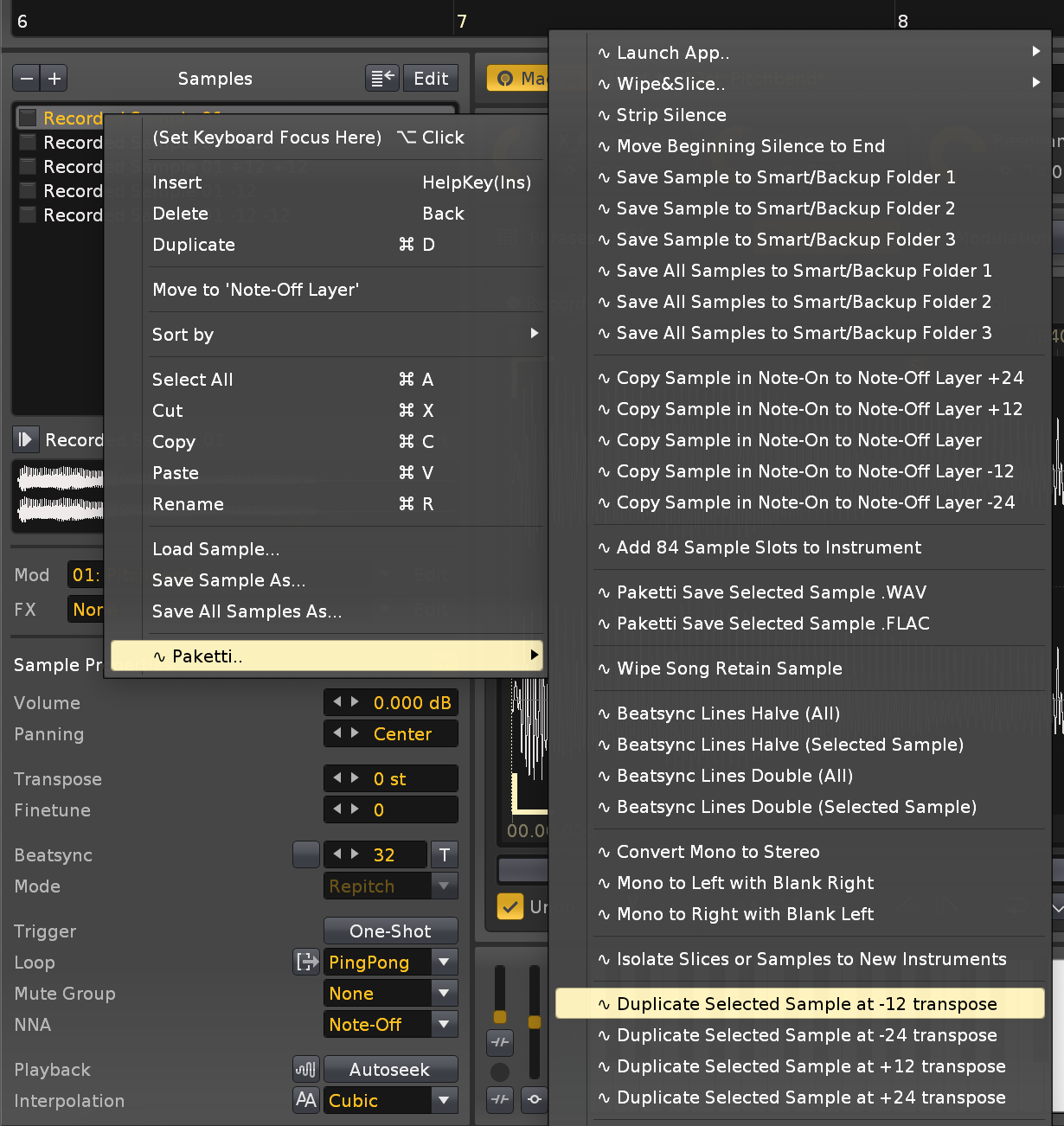
the Above will place the duplicate+muted track above the original pattern, and the Below will paste it below.
Improvement: Nudge Paste now has two flavors, one that moves the selection, and one that deselects.
Feature: Randomize Automation Parameter.
this is a global shortcut that will run anywhere, without needing you to focus automation just to randomize. if there's no envelope, it creates a new one. if there's a selection in envelope, it randomizes that. if you have pattern editor + automation displaying, and use ALT-D *2 to select, you get to select an amount of automation rows and randomize that. at the end of the gif i use the Paketti loader shortcuts to shoot in some track dsp fx and then start automating them
(Closes https://github.com/esaruoho/org.lackluster.Paketti.xrnx/issues/665)
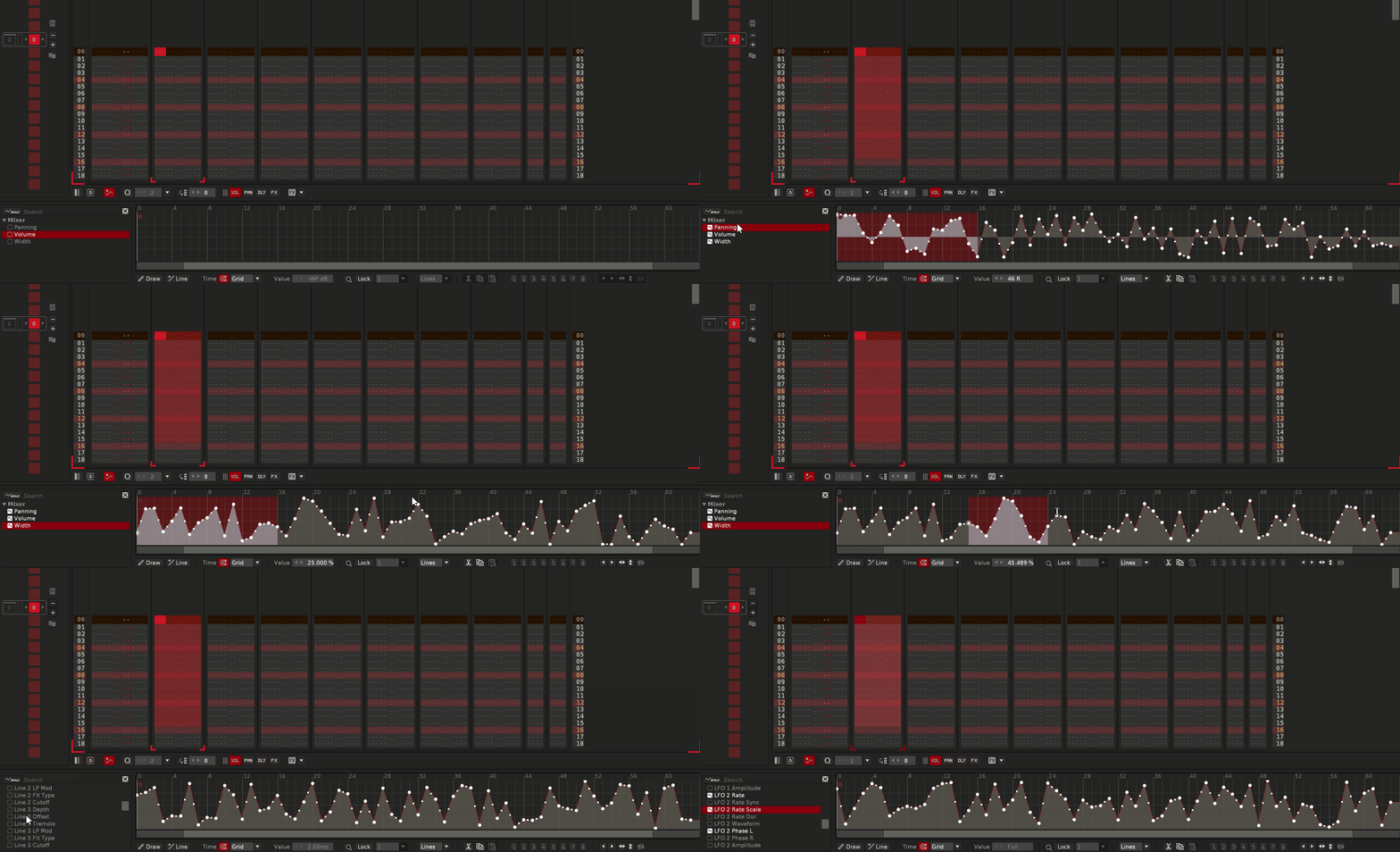
Feature: Invert Volume, Delay, Panning Column content across selection in pattern
as requested on the trackercorps discord
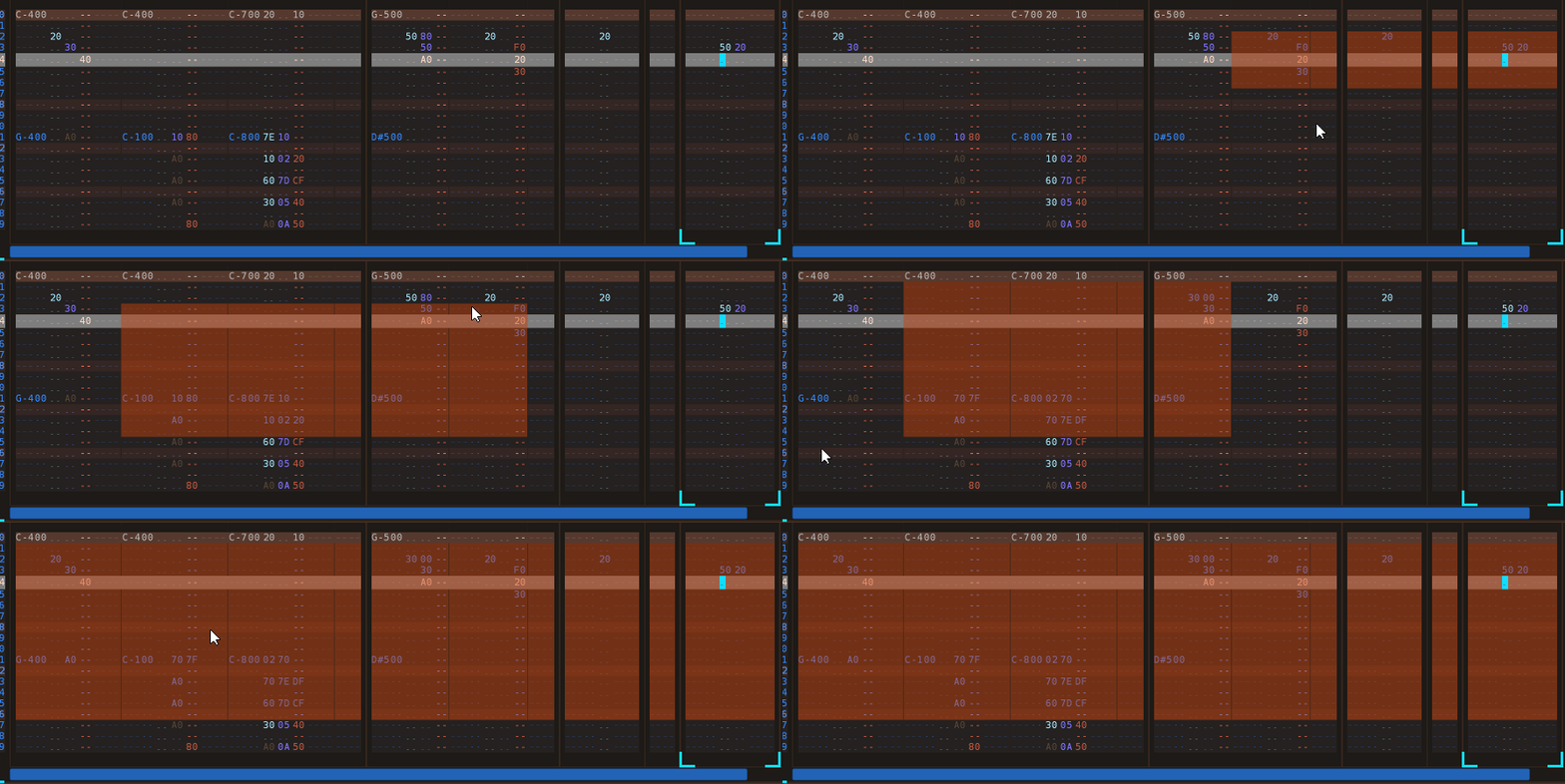
Improvement: There's now three flavors of it. Invert Volume, Delay, Panning, SampleFX Columns on Note Columns,
Invert Effect Columns
Invert Effect + Note Column content
and they work with selection in pattern, or no selection in pattern.
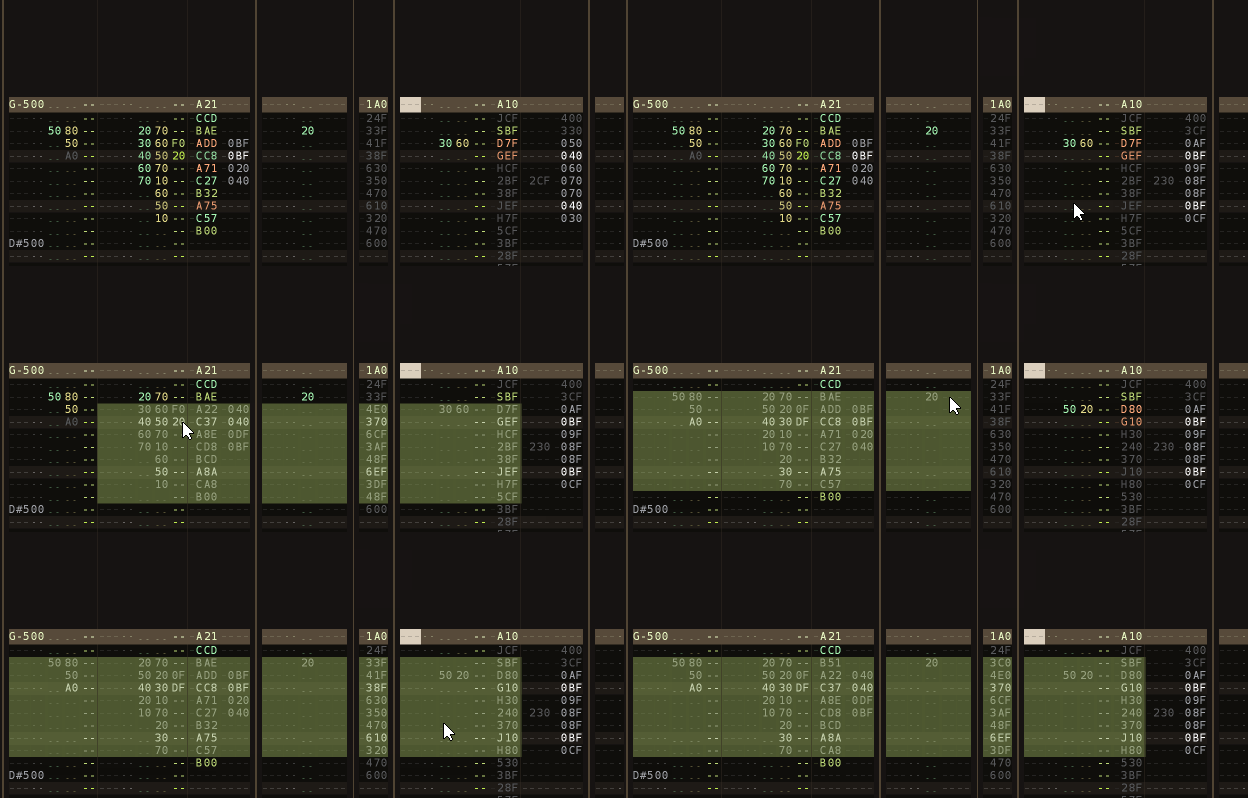
Improvement: PitchStep now has a Clear, a Random and a Octave up / Octave Down shortcut.
Feature: Randomize Automation Envelopes for Device - this will write randomized automation for each and every parameter of selected device. it's available in Track DSP frame, Mixer and as a shortcut. Write utterly wild randomized automations to your devices of choice and see what happens.
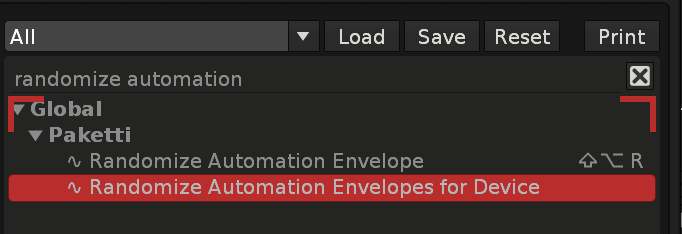
Improvement: ALT-L will now also select the automation lane, if automation frame is displayed.
Improvement: the PitchStep modifiers made yesterday now have protection against if the Pitch Stepper device is not even there. They no longer error out.
Improvement: "Pakettify Current Instrument" now puts in the original instrument volume after doing the Pakettification (loading the macros, modulations and samplefx)
Improvement: ALT-U now has a Global shortcut so you can unmark pattern selection while in Mixer or anywhere. This fixes the issue where you, unknowingly, have something selected in the pattern editor, and try to mute/solo the selected track, and the selection in pattern is muted/solod
Improvement: Added four XRDPs (Device Chain presets) created by NPC1
Track Compressor (NPC1).xrdp
Low - High Cut (steep) (NPC1).xrdp
Low - High Cut (halfsteep) (NPC1).xrdp
Low - High Cut (flat) (NPC1).xrdp
Feature: added the AKWF waveforms to Paketti at +2 pitch and -35 finetune - there's loaders now that incorporate the default XRNI Instrument in the mix:
a random file will be selected, with the correct pitch and finetune, and loop mode enabled.
and you can stack them, i.e. load a max of 12 samples in and the volume will be reduced so it does not clip. same with "random 1...12" or just random 1. let me know if you need more changes and tweaks.
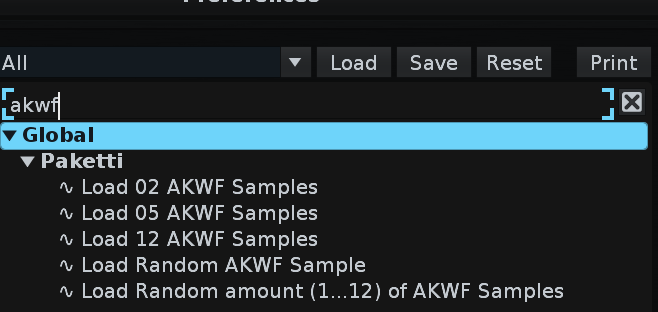
Feature: Sample Offset (dialog and shortcuts)
requested on https://forum.renoise.com/t/gain-offset-in-sample-editor/74279/
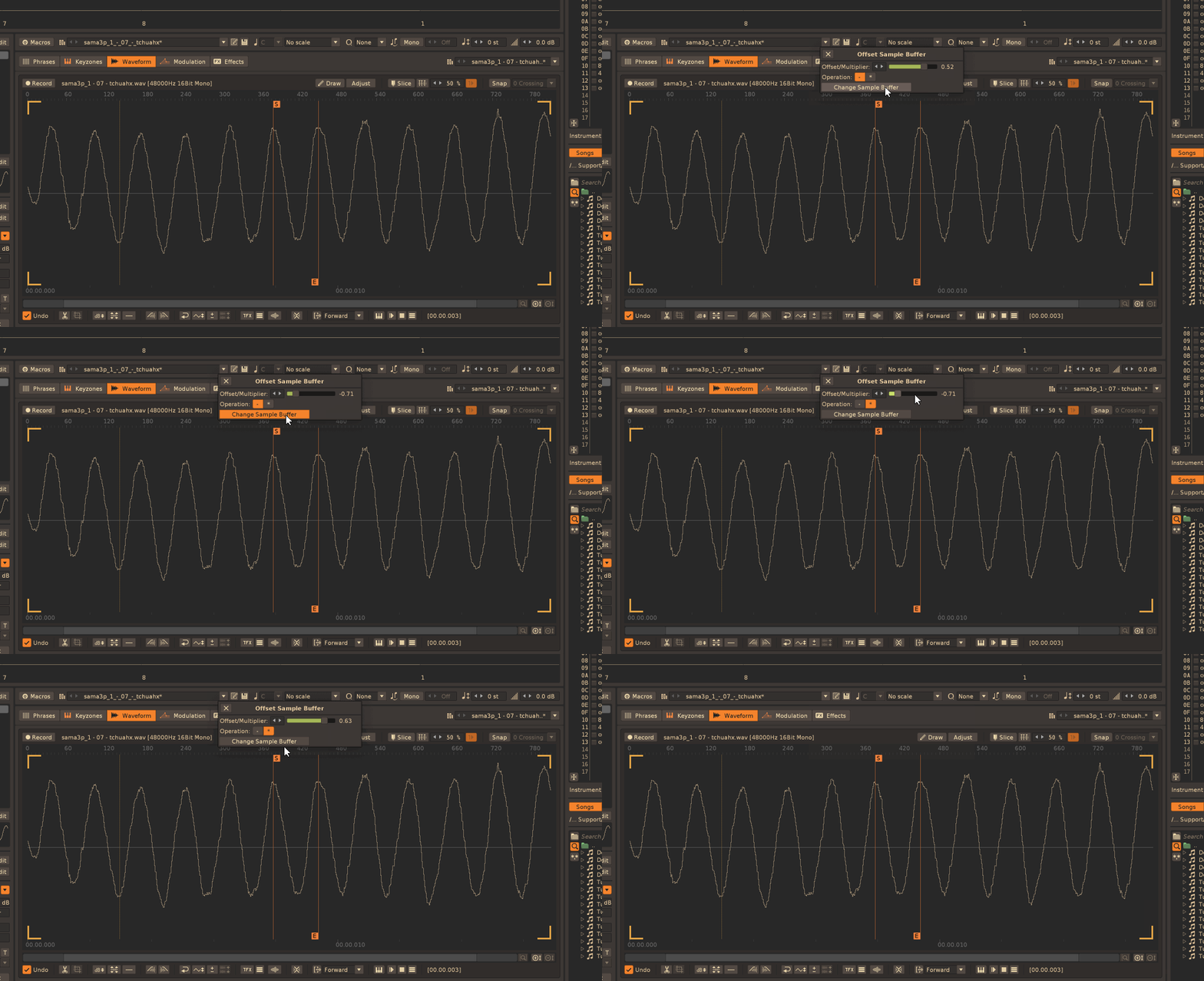
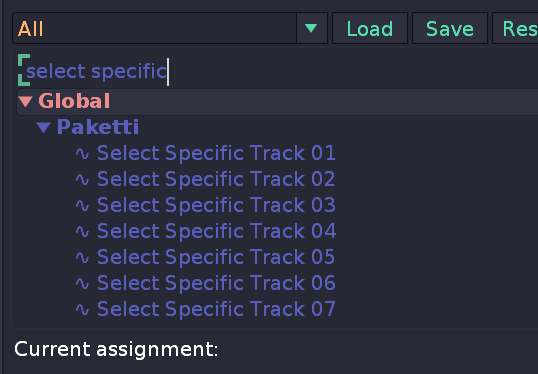
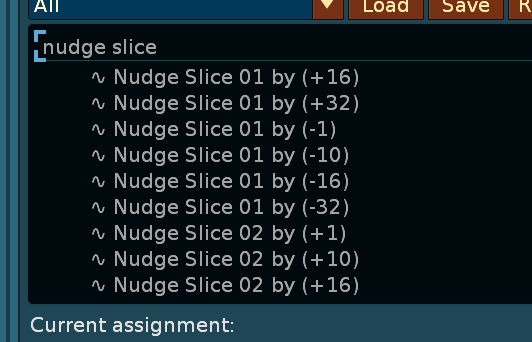
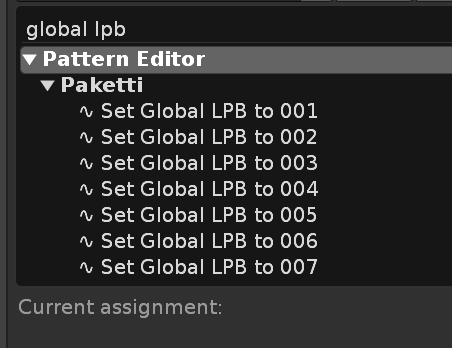
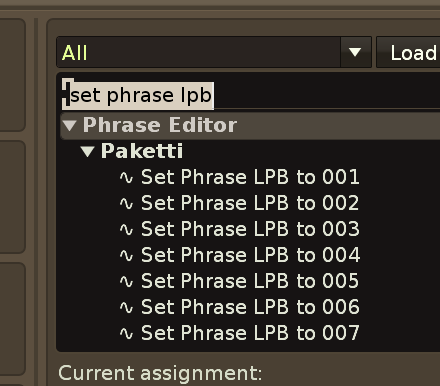
Improvement: Display Note Column is now 2 digits instead of 1
Column Cycle Keyjazz 2 digits instead of 1
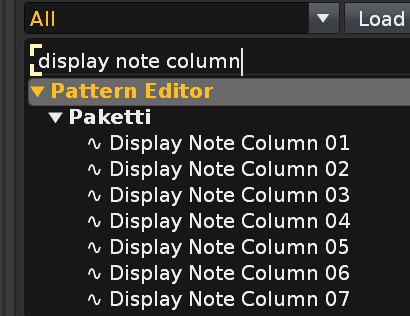
Feature: Switch to Automation Dynamic Yes. this will cycle through the Automation envelopes that exist in your track.
https://www.loom.com/share/dbc1113a5c4b45a1a8f66b6381f72808?sid=926aeaea-d037-4f10-99f7-2a820dd54c66
Improvements to the Manual: just rewrote + added gifs of Loading, Saving Samples, Sending Samples to other Apps, Loading Devices and Plugins with Shortcuts & MidiMappings and Wipe&Slice (Mathematical slicing), Isolate Slices and the MPC-like start/endpoint changing via viewing slice itself.. still a lot to do to https://esaruoho.github.io/paketti-manual/#loading-samples
Plumbing: Removed all .DS_Store files from the GitHub repo for Paketti
Improvement: the AKWF loaders will now add a new instrument slot and select it - so you can run the loaders as many times as you like and start chiptuning away.
Update: am now at 3568 out of 7361 left on "Ideas and Suggestions" filtering (=picking/deleting)
Feature: "Select Loop Range" for Sample Editor:
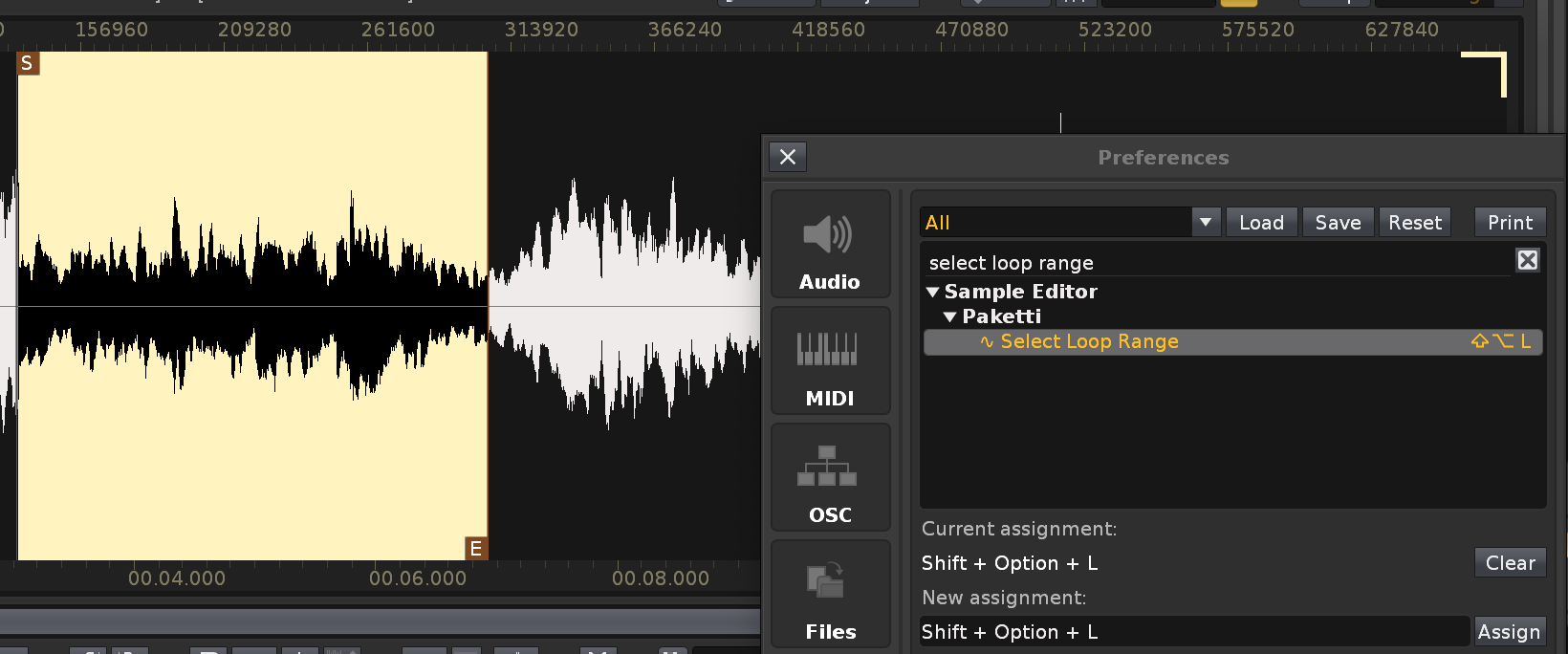
Update: GitHub has now been switched around so Ko-Fi, Patreon and GitHub Sponsors are visible directly from the repository:
Update: GitHub url has been shortened to esaruoho/paketti to better match esaruoho/paketti-manual
Feature: Set Random EditStep 0-64
Set Random EditStep 1-64
Feature: Jump Backwards Within Pattern by 0...128 Jump Backwards Within Pattern by Random Jump Forwards Within Pattern by 0...128 Jump Forwards Within Pattern by Random Jump Backwards Within Song by 0...128 Jump Backwards Within Song by Random Jump Forwards Within Song by 0...128 Jump Forwards Within Song by Random
shortcuts + midimappings added
(Closes https://github.com/esaruoho/paketti/issues/682)
Improvement: Paketti Gater had a bug where it would touch the notes and instruments i.e. if you had a 16 step gater, the first 16 steps would be repeated with notes. this no longer happens.
Improvement: Paketti Load Devices shortcuts + midimappings were no longer read when renoise was started - they are now read and applied. (Closes https://github.com/esaruoho/paketti/issues/679)
Improvement: I lately modified the Capture Nearest Instrument and Octave so that it would jump, on second run, to sample editor, on third run to pattern editor+automation and on fourth run to pattern editor + track dsp (this in case the nearest instrument is already selected).
i've now made two flavors, one that jumps around like that and one that doesn't
Improvement: I've probably fixed the Paketti PitchBend Drumkit Loader which is instrumental for Paketti Groovebox 8120 to work, so, that it will work directly from first install onwards. It was a path issue. Waiting for feedback from 7 people on whether it works. 🤞
EDIT: Ok, got 1 confirmation that it works.. waiting for the others to ping in
Plumbing: Paketti Titler Dialog preferences are now saved to the general Paketti preferences, not a secondary file.
Plumbing: Paketti MIDI Populator preferences are getting ready to be saved to Paketti preferences, but not 100% there yet. i'm really trying.
Improvement: Paketti MIDI Populator now has preferences that are loaded and saved (from Note Columns to Open External Editor). also changed from switchboxes to dropdown menus for midi input device + midi output device.
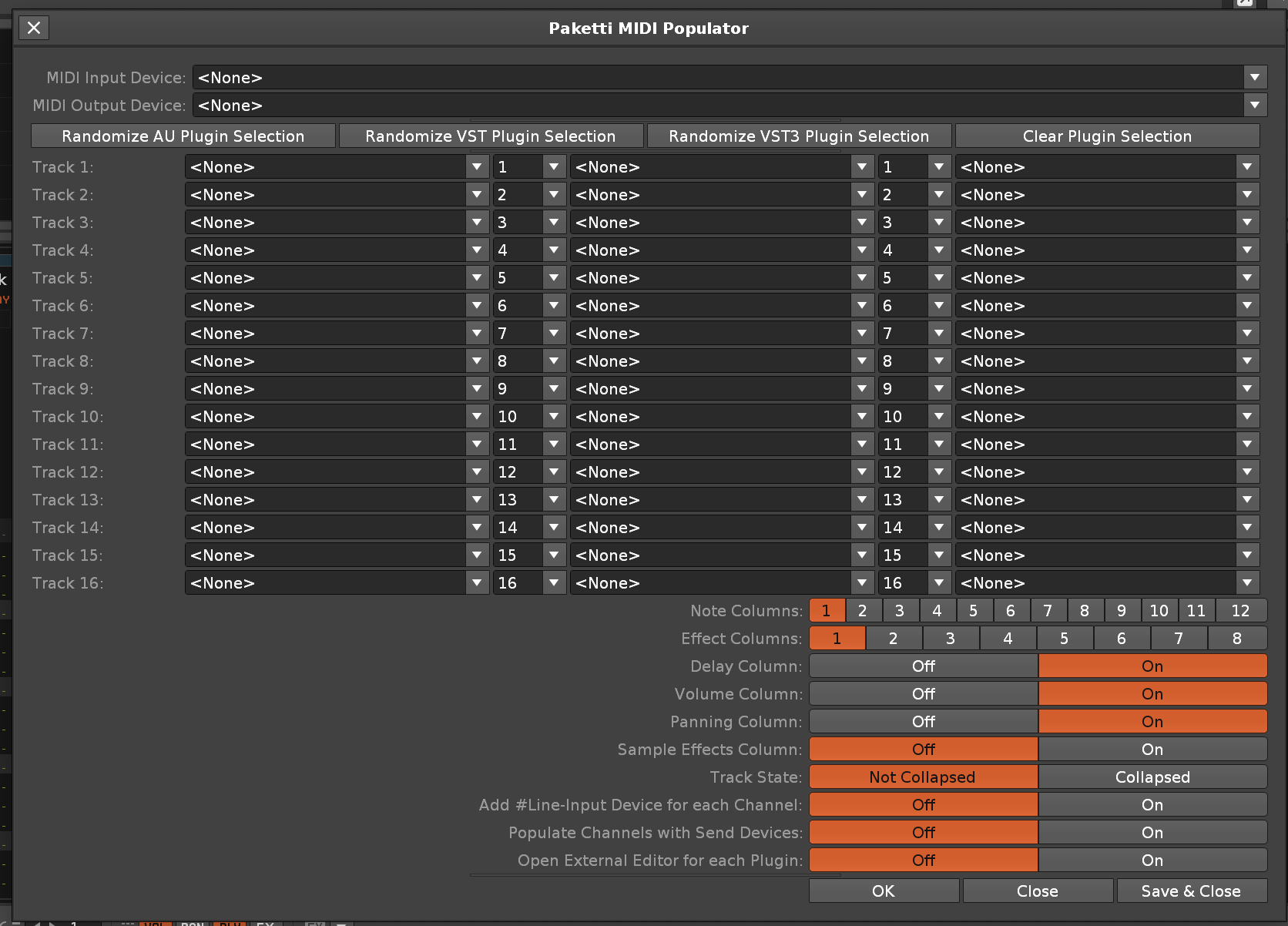
Improvement: Added "Set Keyboard Velocity" 00, 10, 20, 30, 40, 50, 60, 70, 7F shortcuts + midimappings:
Improvement: Max Amp DC Kick Generator shortcut now also renames the instrument + sample, just like the Audio Processing Dialog one already did.
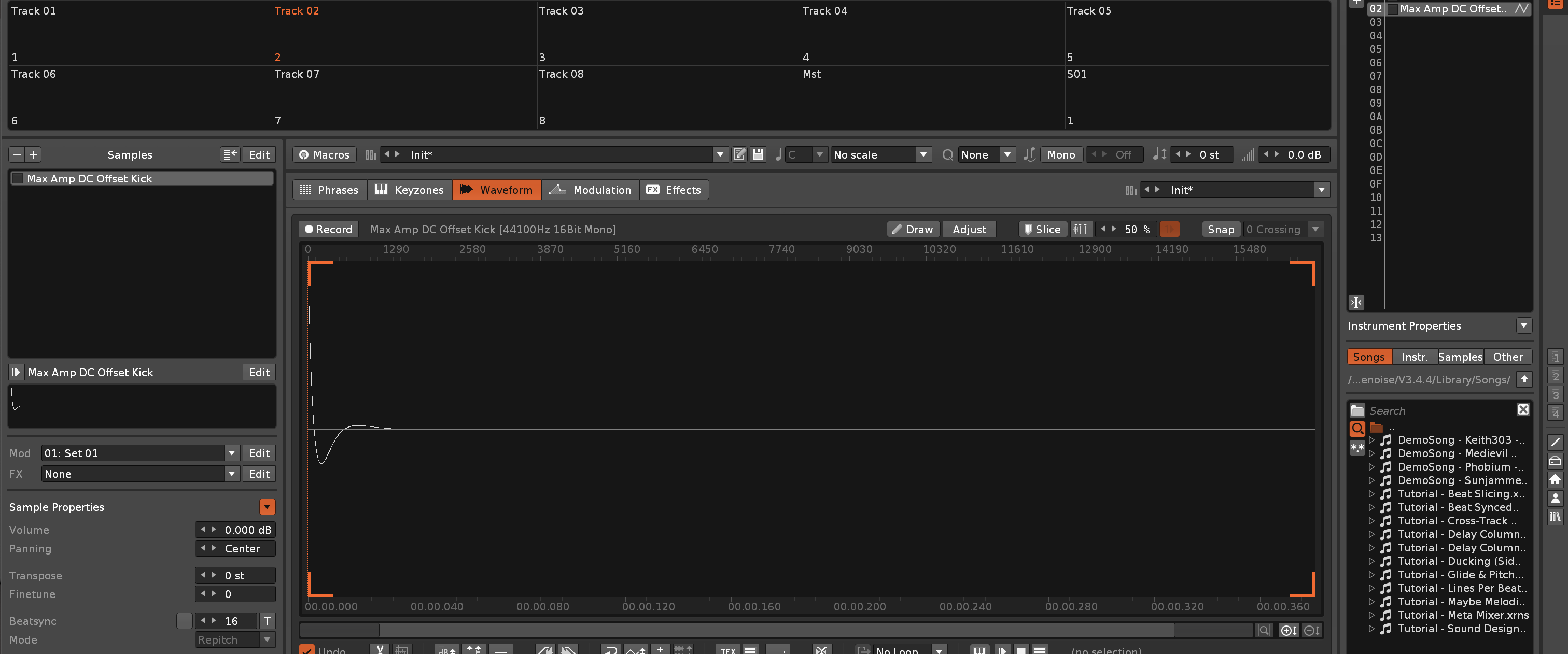
Feature: Open Automation Value Dialog.
This will.. Open a dialog (sets Pattern Editor + Automation frames displaying)-> focus the textfield
you type in a number between 0...1
press enter twice - writes to automation line. if no automation envelope, creates it.
and the textfield is re-focused again.
(Closes https://github.com/esaruoho/paketti/issues/685)

Improvement: Write Automation Value 0.0 ... 1.0
these shortcuts will do much of what the above does, but always to "that value".
Improvement: Added more pattern lengths to "Resize all non-empty Patterns to.." shortcuts.
(Closes https://github.com/esaruoho/paketti/issues/698)
Improvement: AKWF Random Loading did not work on Windows. Fixed.
Improvement: added Duplicate Selected Sample to +12 +24 -12 -24 to Sample Mappings.
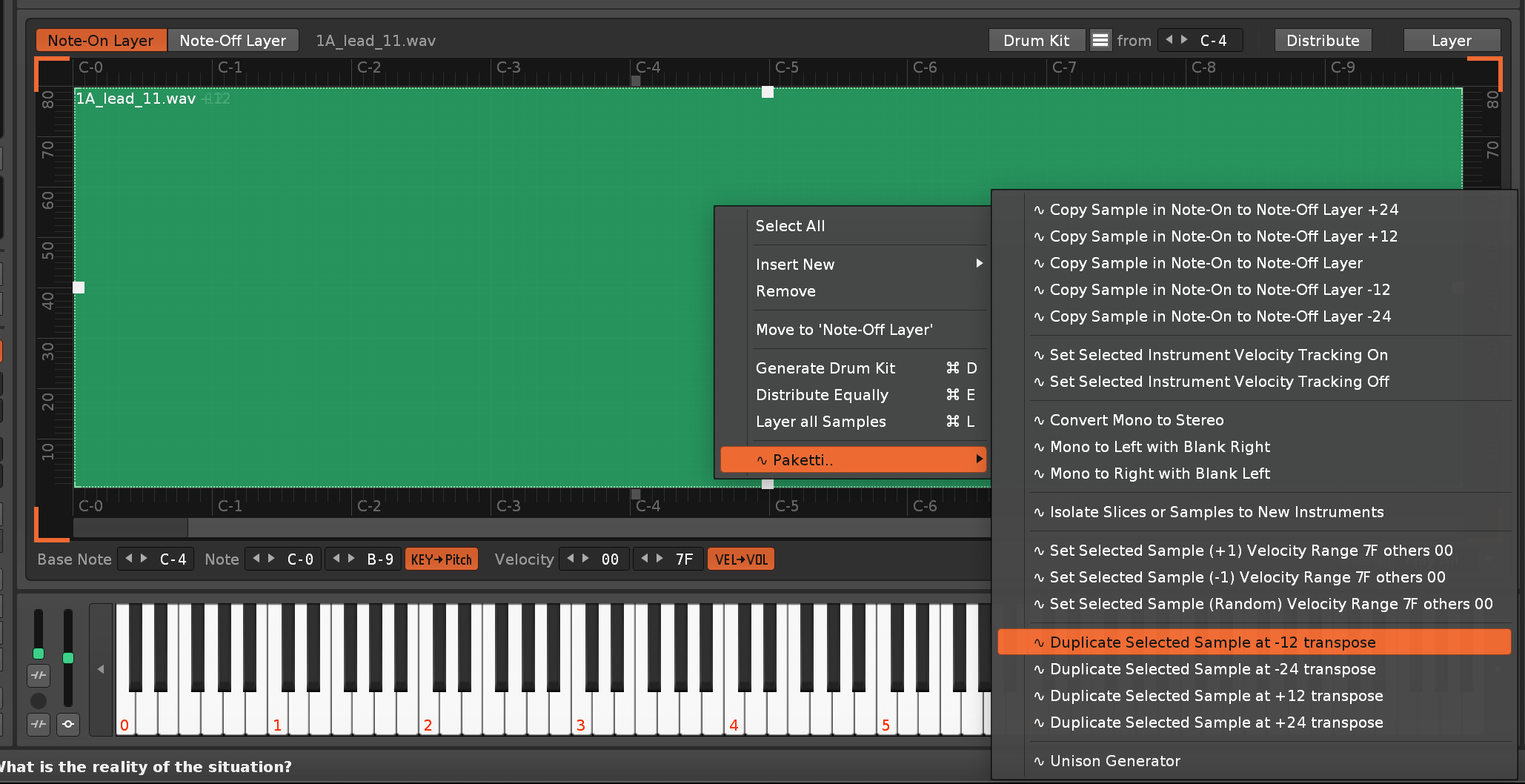
Feature: GlobalGainer - adds a GlobalGainer to each track - and the same midi knob that controls the volume of each GlobalGainer device. and if you add more tracks, the same midi knob will add more GlobalGainers to the new tracks.
https://www.loom.com/share/41c362b9a8c44ff79bd869f49cbbdab1?sid=e1d0548a-28bb-4633-a000-e8ba7deef9fc as requested by Patreon subscriber number two
Feature: A/B Shortcuts for adding A or B - Gainer device to selected track -- and a midiknob that does a crossfade between A & B.
https://www.loom.com/share/4d19d732f7f643c69da83c50dc402103?sid=c7dd1de9-206a-4f22-b894-a4c97a69f832 as requested by Patreon subscriber number one
(Closes https://github.com/esaruoho/paketti/issues/700 )
Feature: Load 1.. or 32.. random samples from any subfolder in selected folder.
https://www.loom.com/share/fe011e3d56d441918a9eb70659c22c79?sid=bd9dc155-1f9d-44b1-b163-db983fd51631 Embedded Link
Improvement: Show Automation Value Dialog now writes directly to automation lane and closes.. one single enter required only
repost since gif added
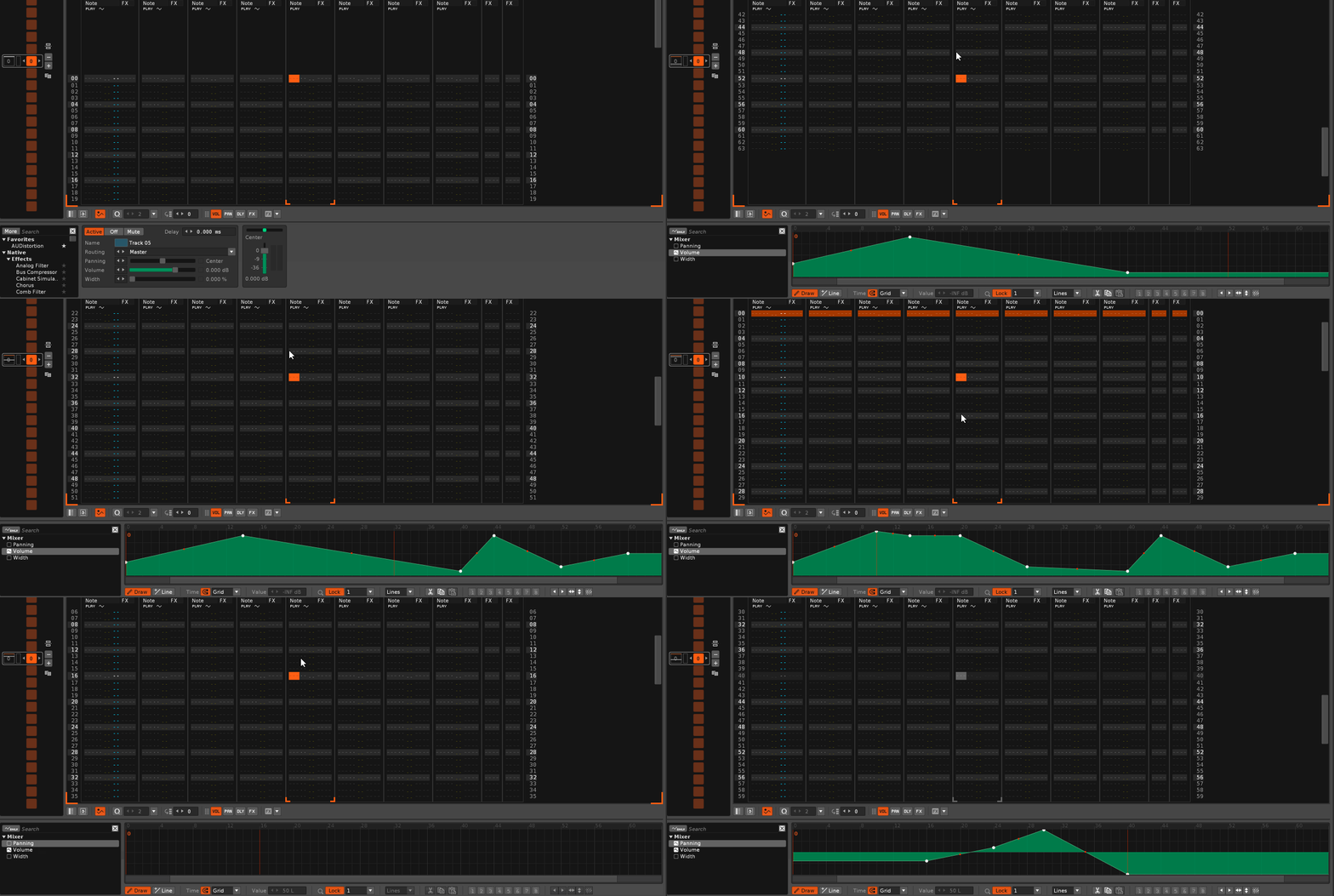
https://www.loom.com/share/fe011e3d56d441918a9eb70659c22c79?sid=bd9dc155-1f9d-44b1-b163-db983fd51631 (Closes https://github.com/esaruoho/paketti/issues/701 )
Video with some audio:
https://www.loom.com/share/9dba2e74146c45dfa1299b9af6cb6686?sid=80a48602-e0d3-4b47-b22c-c922b7c2ef88 [Embedded Link](https://www.loom.com/share/9dba2e74146c45dfa1299b9af6cb6686?sid=80a
Feature: Save Song with Timestamp - saves yyyy-mm-dd-hh-mm-ss timestamp - shortcut + menu entry.
(Closes https://github.com/esaruoho/paketti/issues/702)
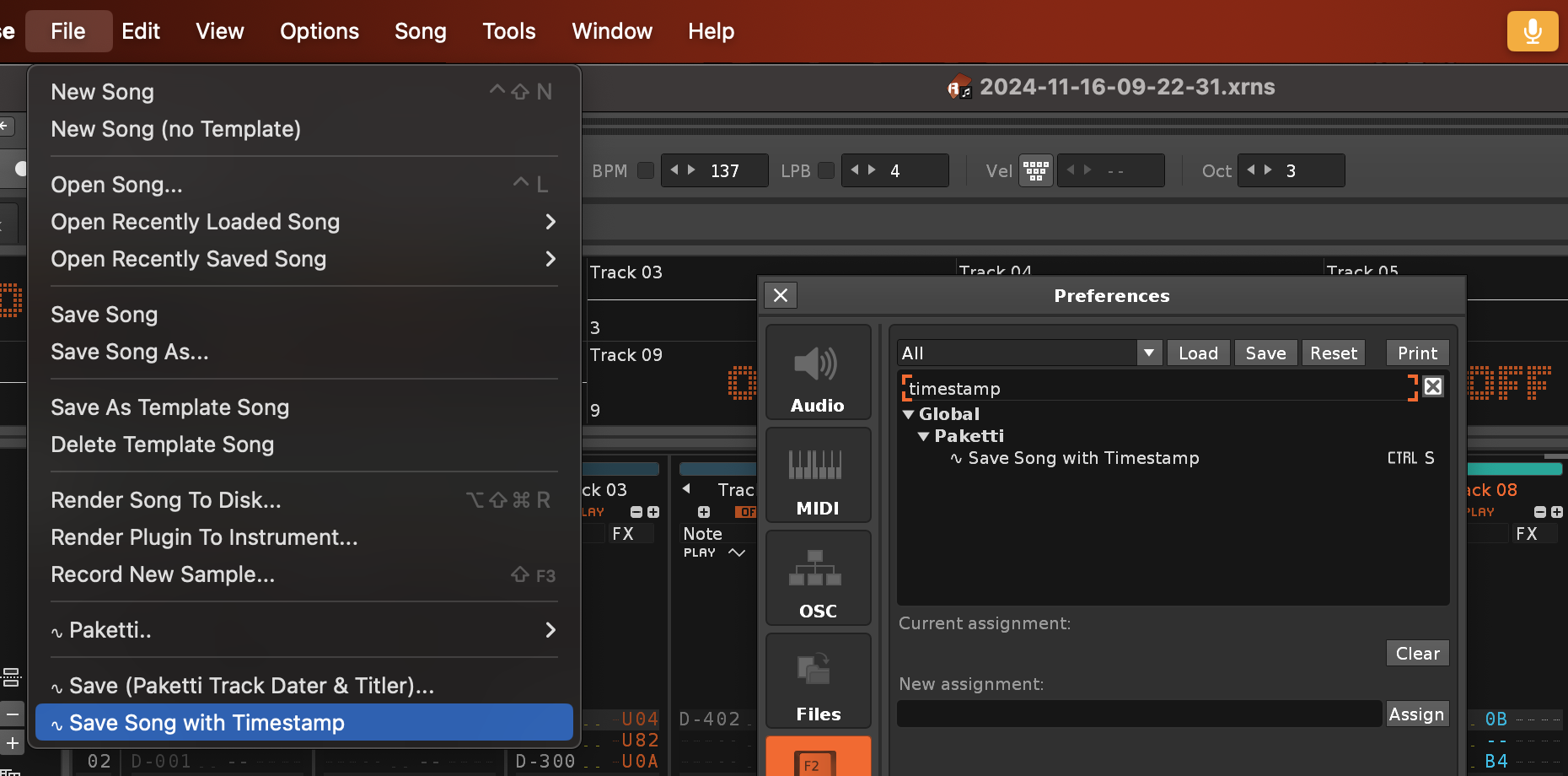
Plumbing: Renoise Tools, GitHub + Gumroad Paketti builds updated
Improvement: Clean Render was no longer correctly soloing, and now it correctly solos the channel and unsolos, and also it should remember which tracks were muted before the specific track was rendered. proof

Plumbing: Been working on a Selection In Pattern Pro improvement which should help with all future tooling relating to pattern editor
Improvement: 12st_ does not bring anything especially important to the Sample Navigator Sample Filename, so removed the 12st_ automatic addition for pitchbend drumkit loader for easier readability
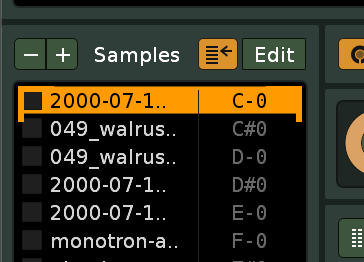
Feature: Wipe Random Notes (Random Amount of Notes from Selection) - this will replace notes with Note Offs in selection in pattern across multiple tracks.
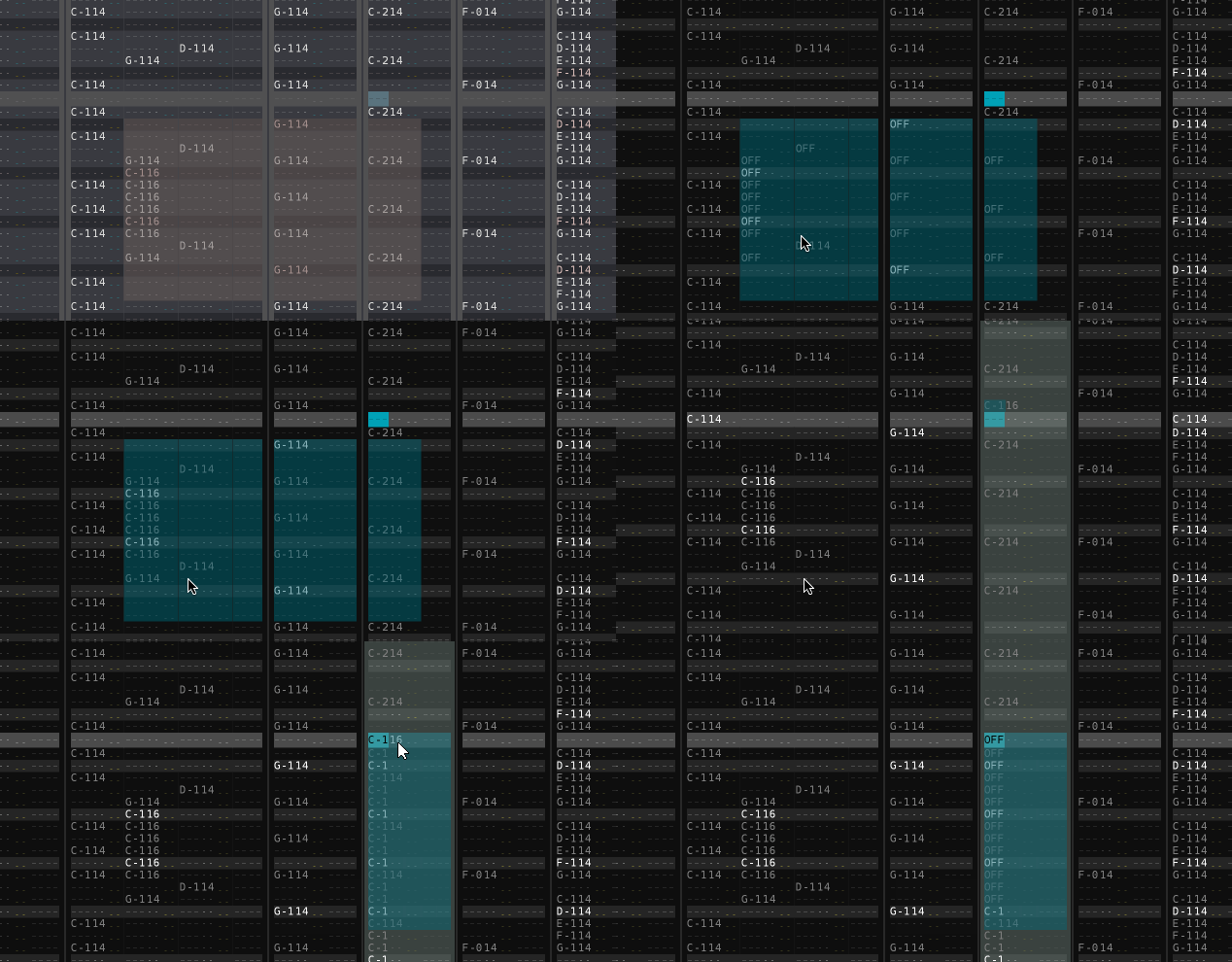
Improvement: Initialize for 8120 - this is a menu entry and a global shortcut that adds 8 new tracks to the beginning of the song so you can immediately start using Groovebox 8120.
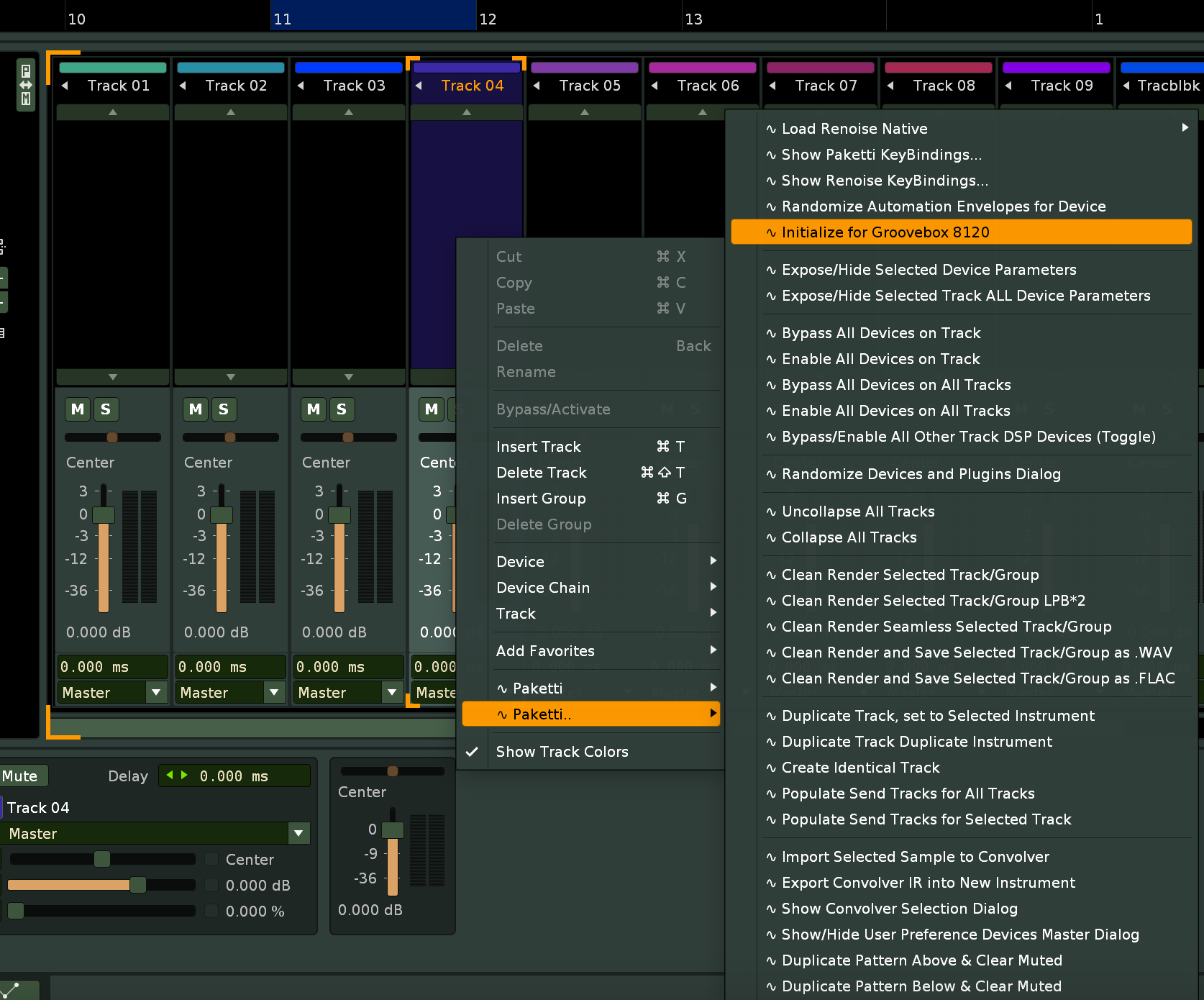
Improvement: Initialize for 8120 now correctly sets the editmode off while doing the tracks, then re-enables it so there's no two tracks with editmode blend on.
Improvement: Mixer Paketti.. menu now has the Add Gainer A & B menu entries for preparing for crossfade.
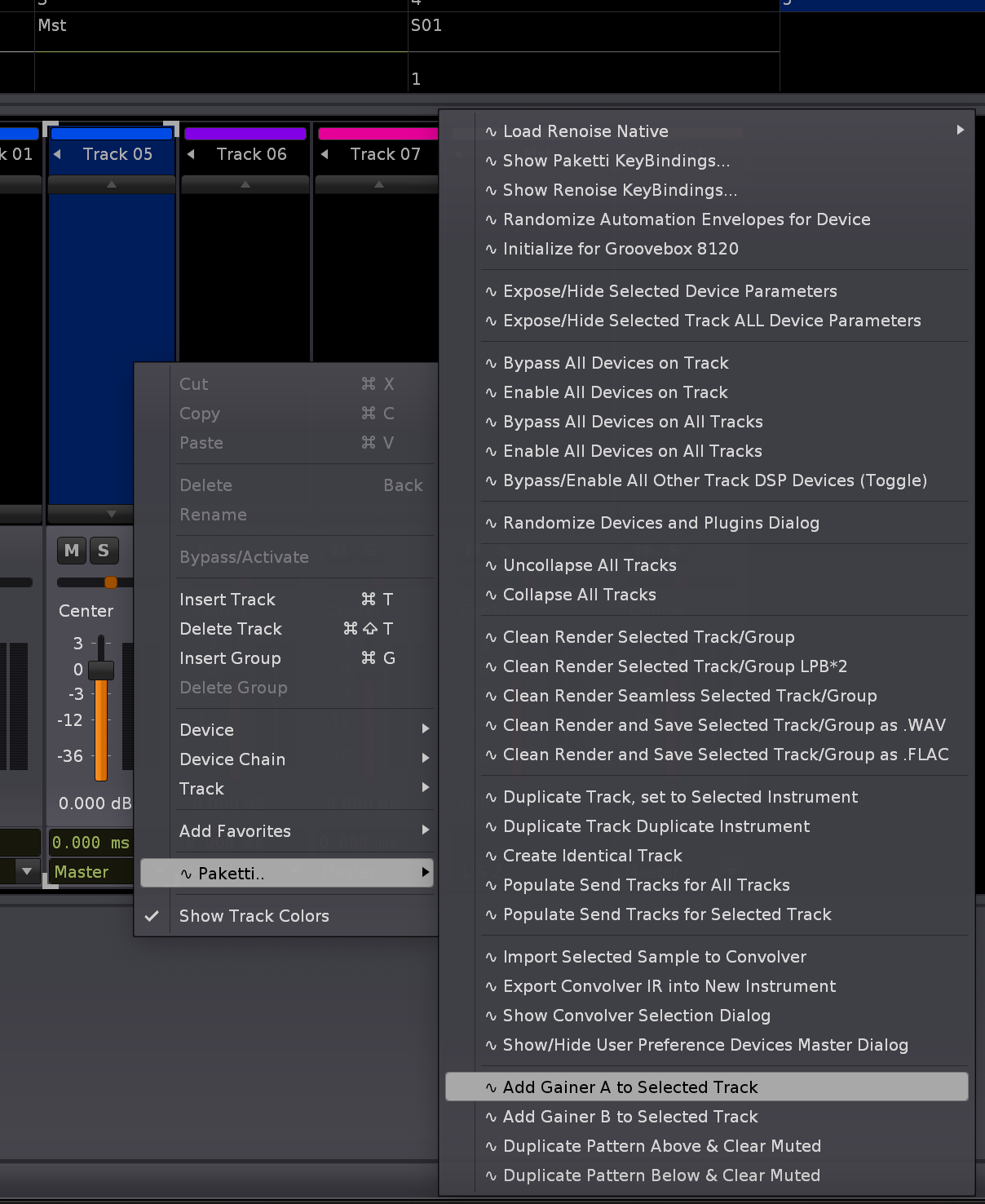
Improvement: Open VolDelayPan Slider Dialog... seems to have slipped through the cracks. I've added it to the Main Menu and to the Pattern Editor submenu for Paketti. Easier to remember it exists.
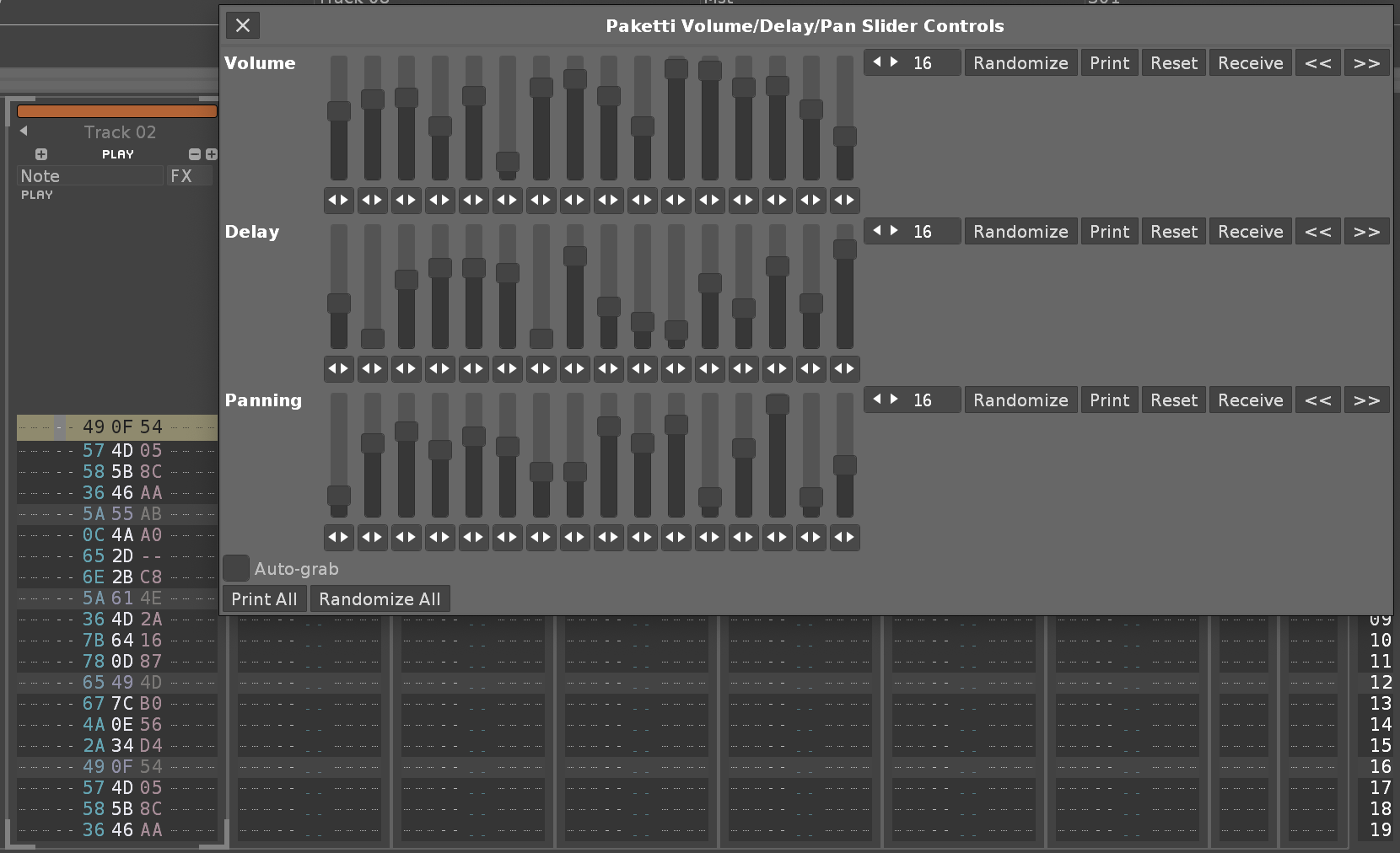
Improvement: It made no sense for the Sliders to have those < > buttons which did nothing. this looks better.
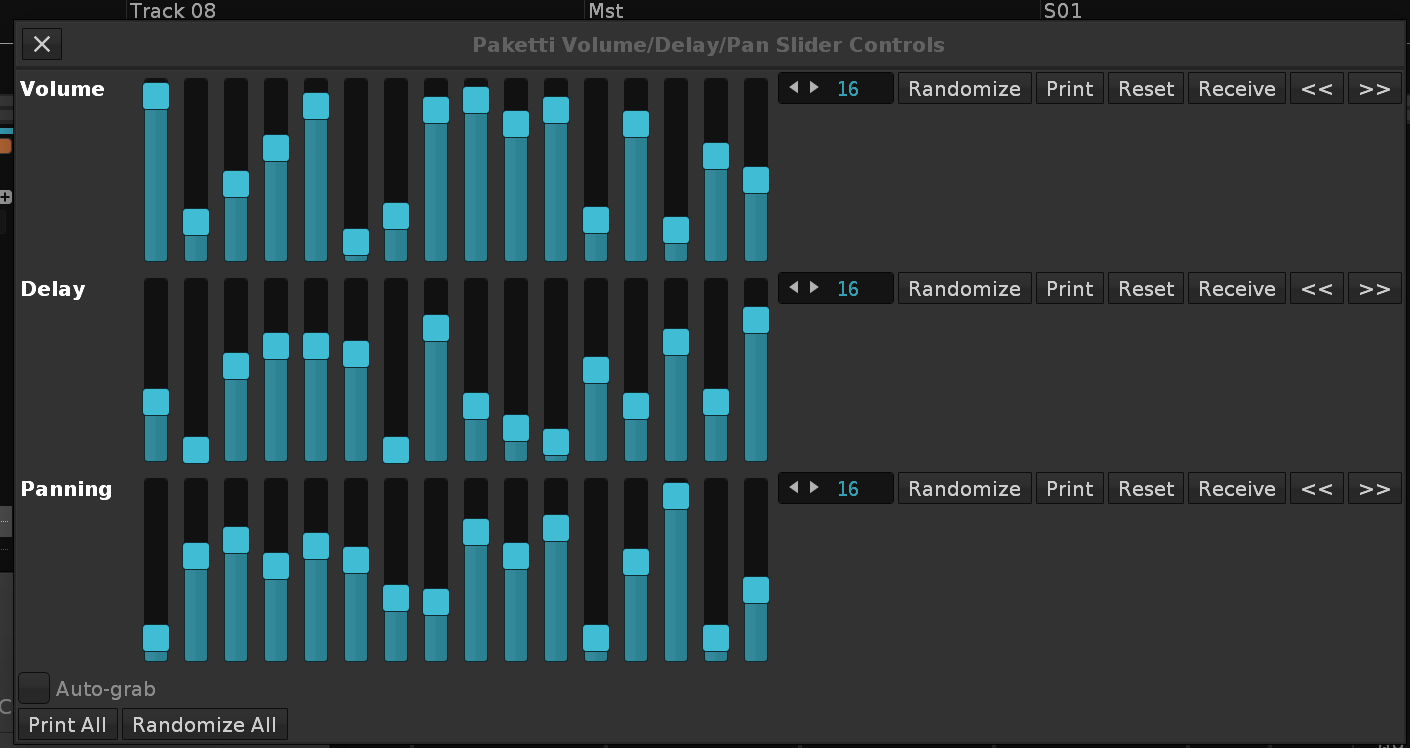
Improvement: Now when you change the valuesteps value, the content is automatically printed.
Improvement: Added "Populate Global Gainers" to Mixer menu
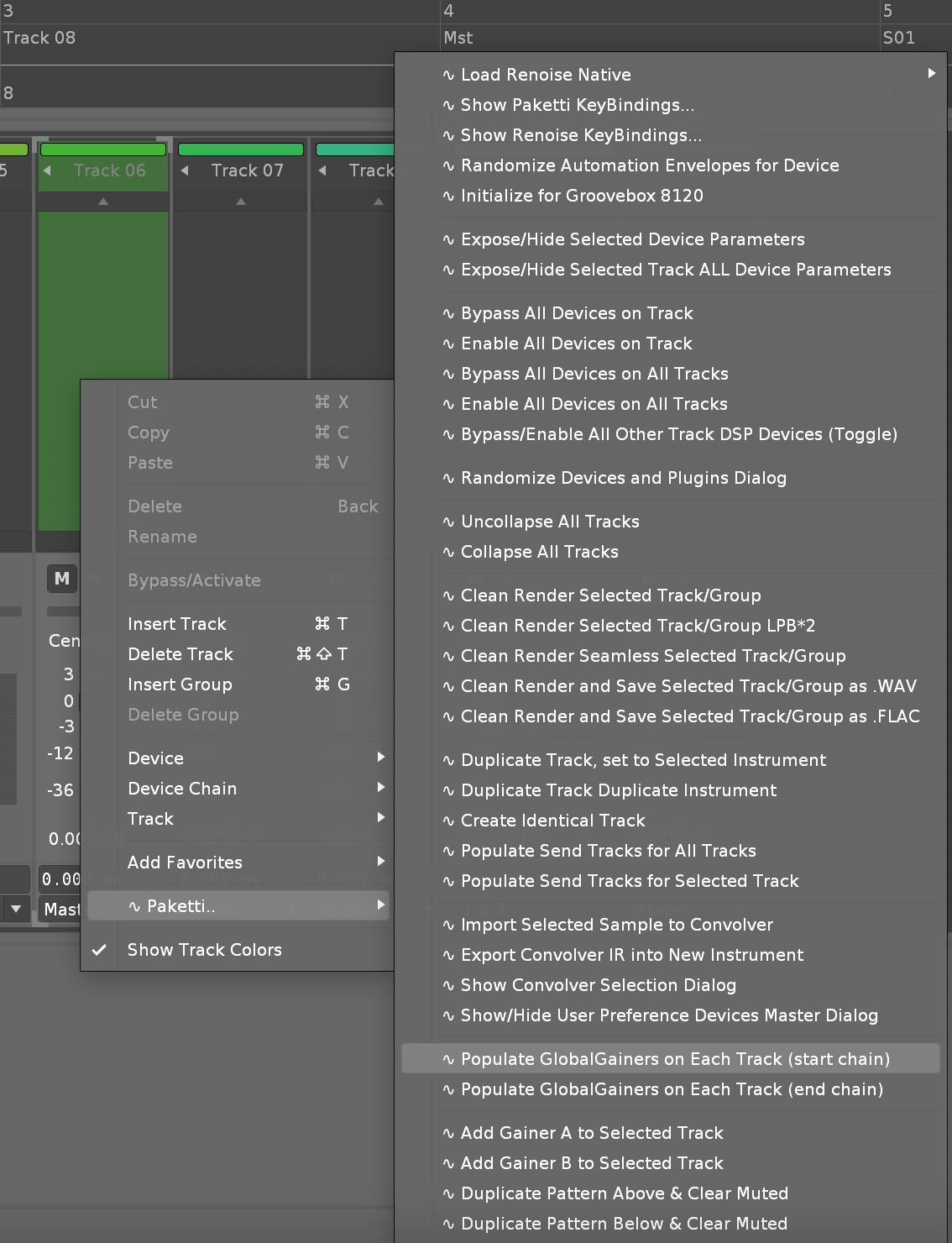
Improvement: Moved "Write Automation value 0.0 - 1.0" menu entries from Main Menu Paketti to Main Menu Paketti: Automation..:
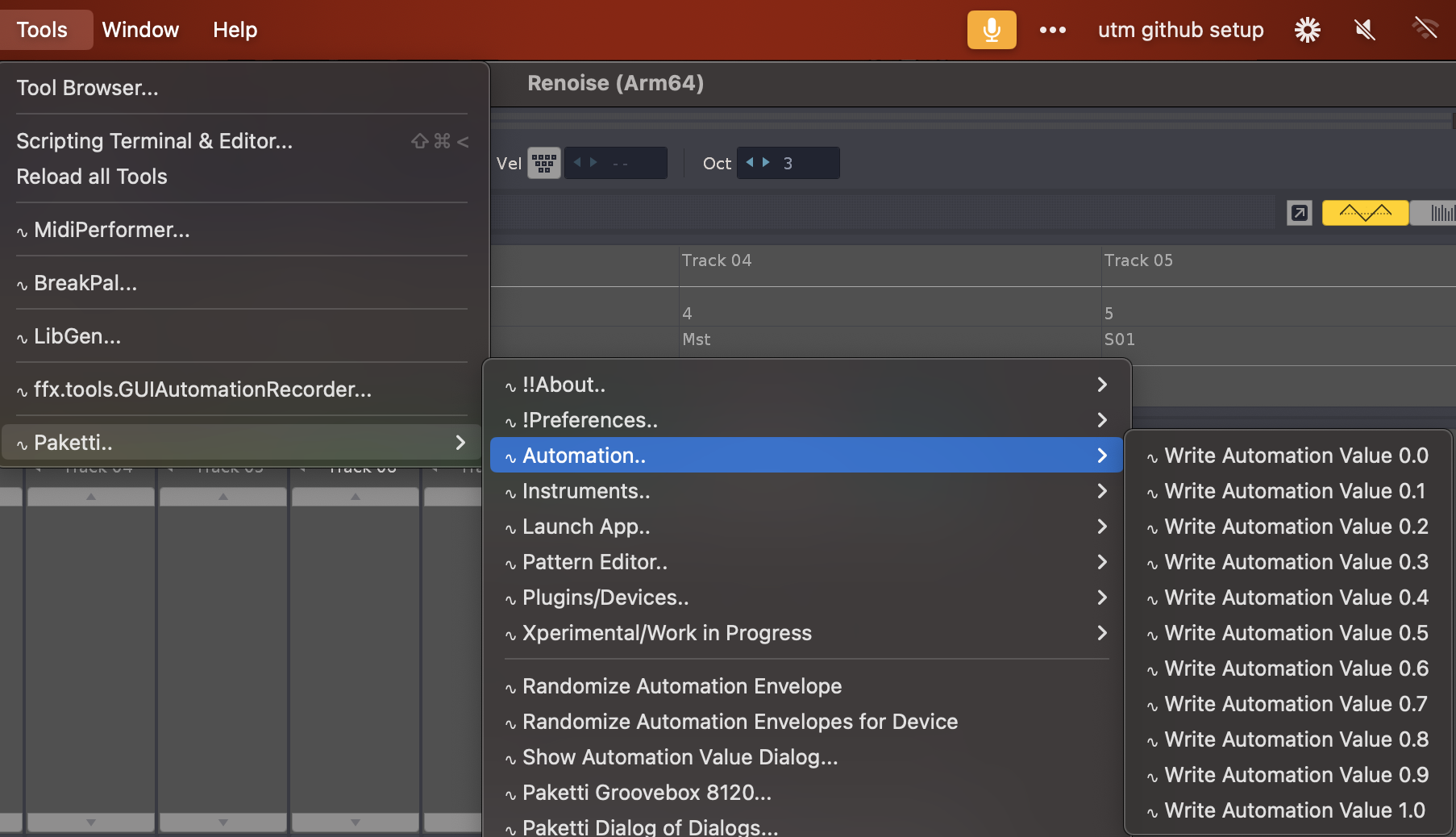
Improvement: Repeater Divisor is now shown in Mixer, when using the midimapping to modify Repeater.
(Closes https://github.com/esaruoho/paketti/issues/710)
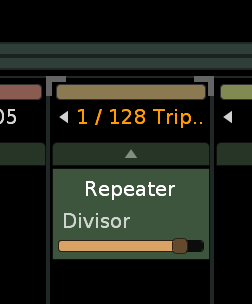
Plumbing effort: Still trying to move loadPlugins from one preference to global preference - it's been harrowing but not making much progress 😦 even with assistance
Feature: Paketti User-Defined Sample Folders:
This lets you define specific folders (10 in total), then use the Load 32 (32 samples, one per instrument), Load 12( 12 samples within one instrument) and load Drumkit (120 samples) from the folders. they're all randomized.
(Closes https://github.com/esaruoho/paketti/issues/669)
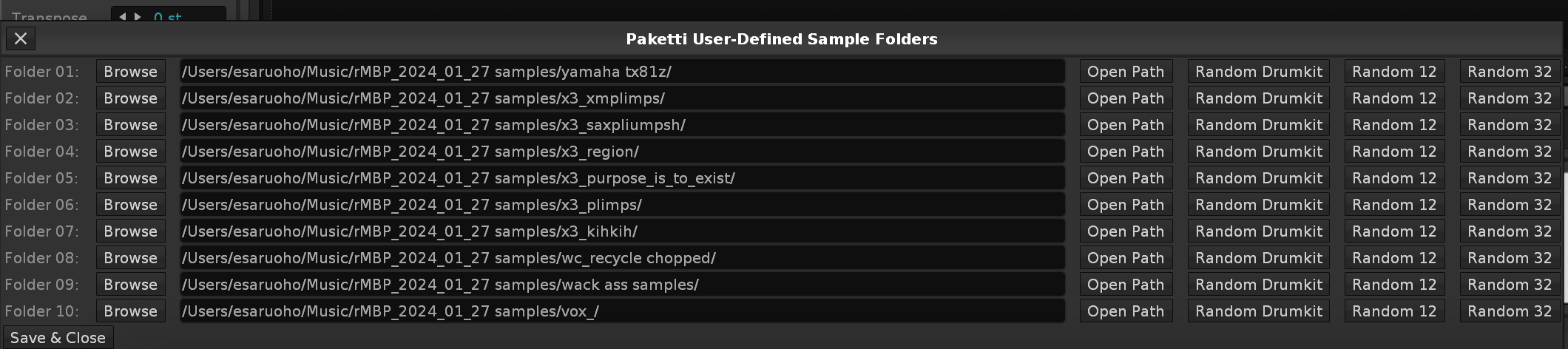
Feature: Clear Below Current Row - this clears the rest of the pattern of the selected track below the current row.
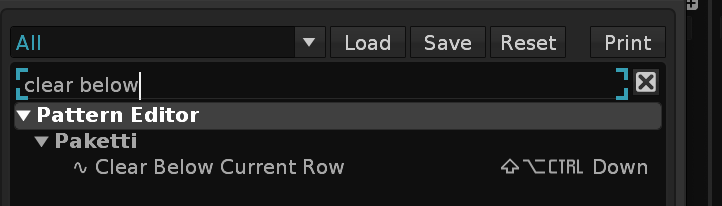
Improvement: Clear All Tracks Below Current Row
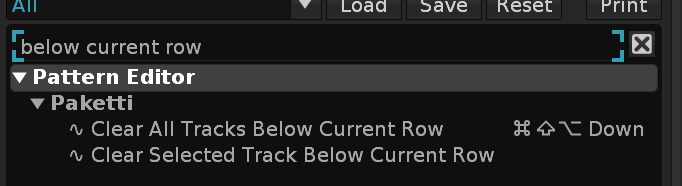
Feature: XY Audio Mixer for 4 AKWF + 4 random samples in same instrument
https://www.loom.com/share/7ed3c942a53241b58a43fceabb932dc2
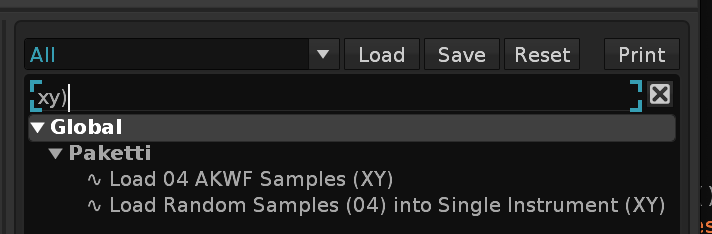
Feature: Generate Track Automation Points out of Notes in Pattern Editor:
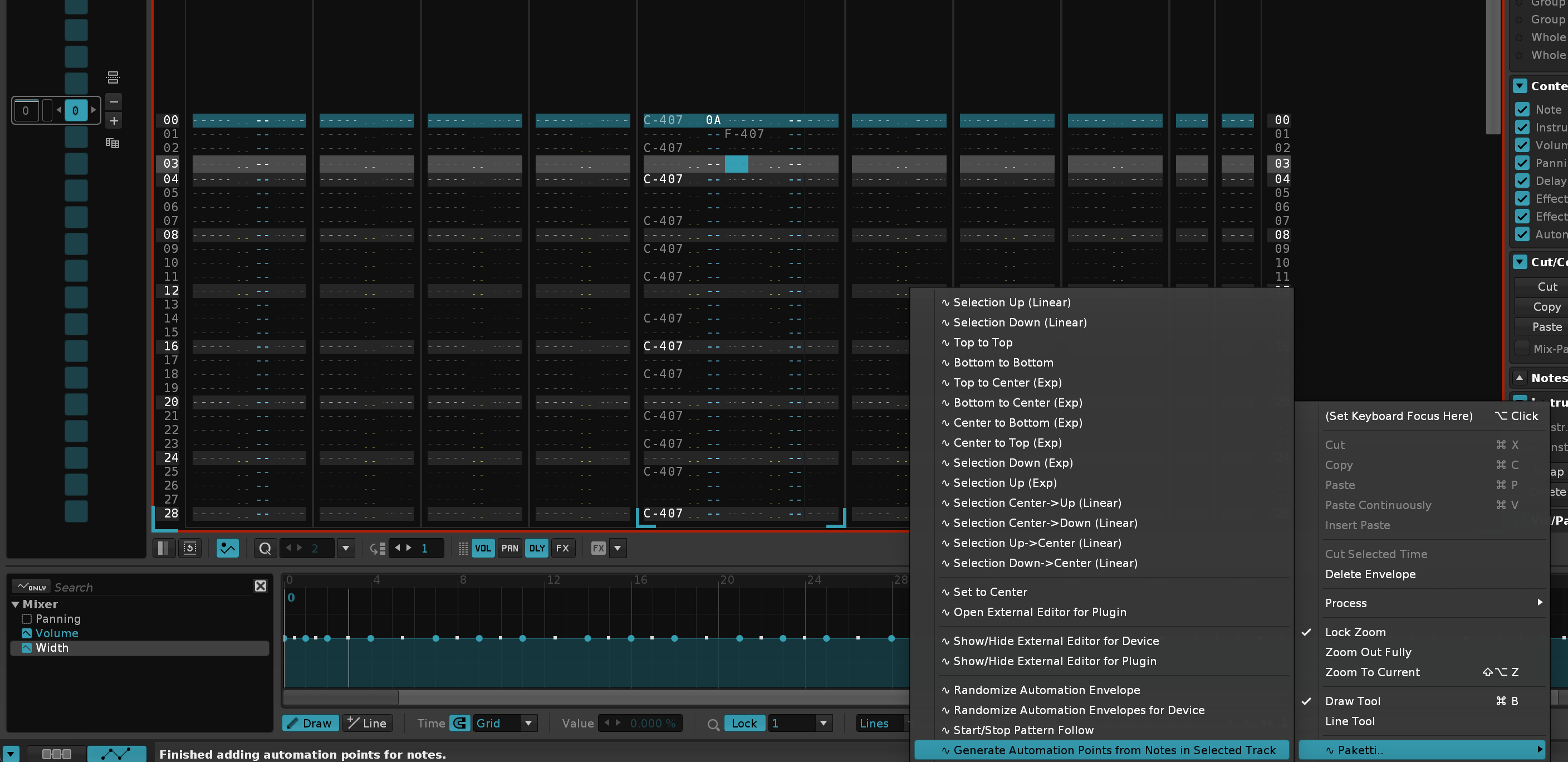
Plumbing: "Load Plugins" now writes to the correct preferences file, not a secondary file. and works.
Improvement: Added "Wipe Selected Track Track DSP Devices" to Mixer + Track DSP Layer.
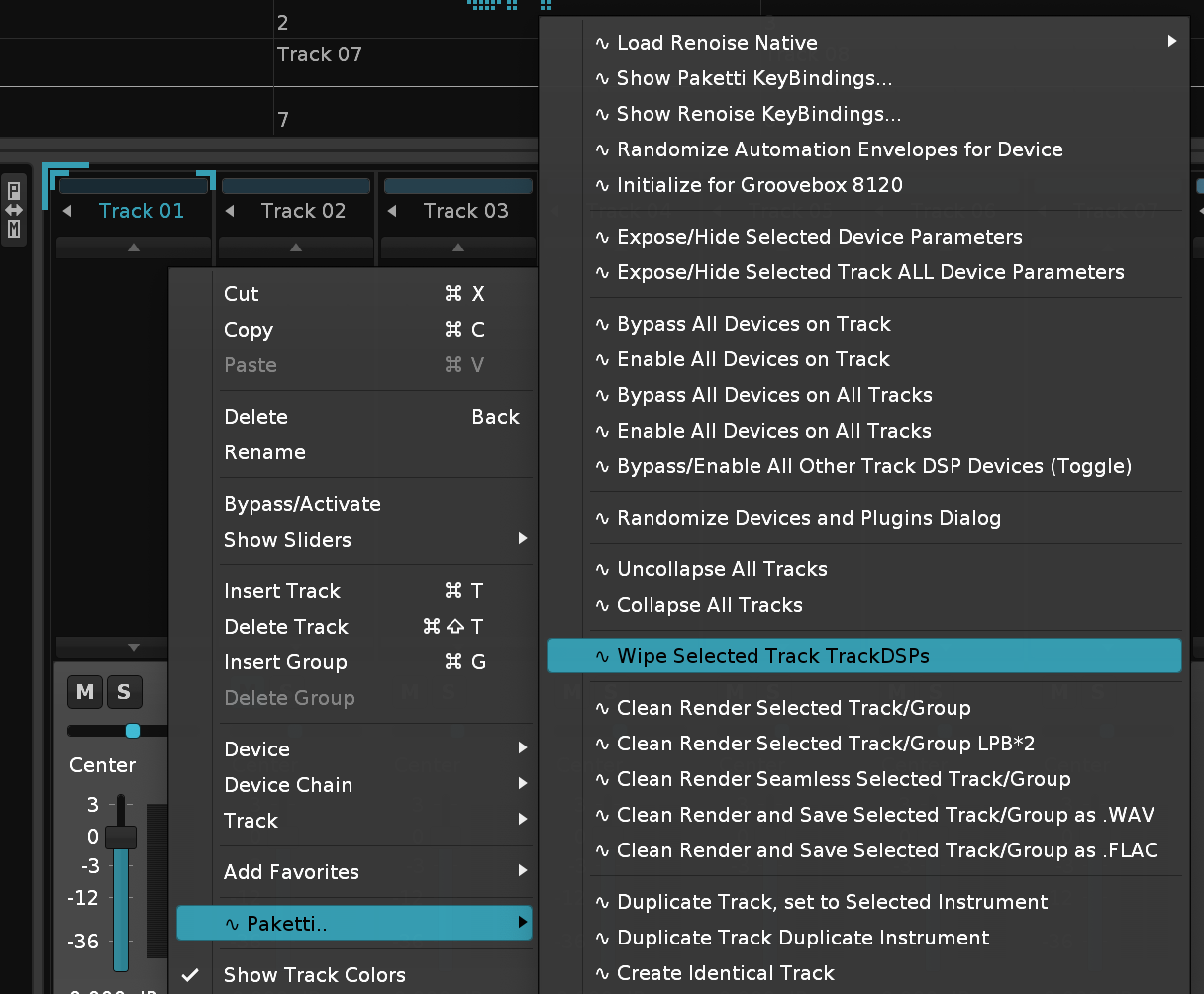
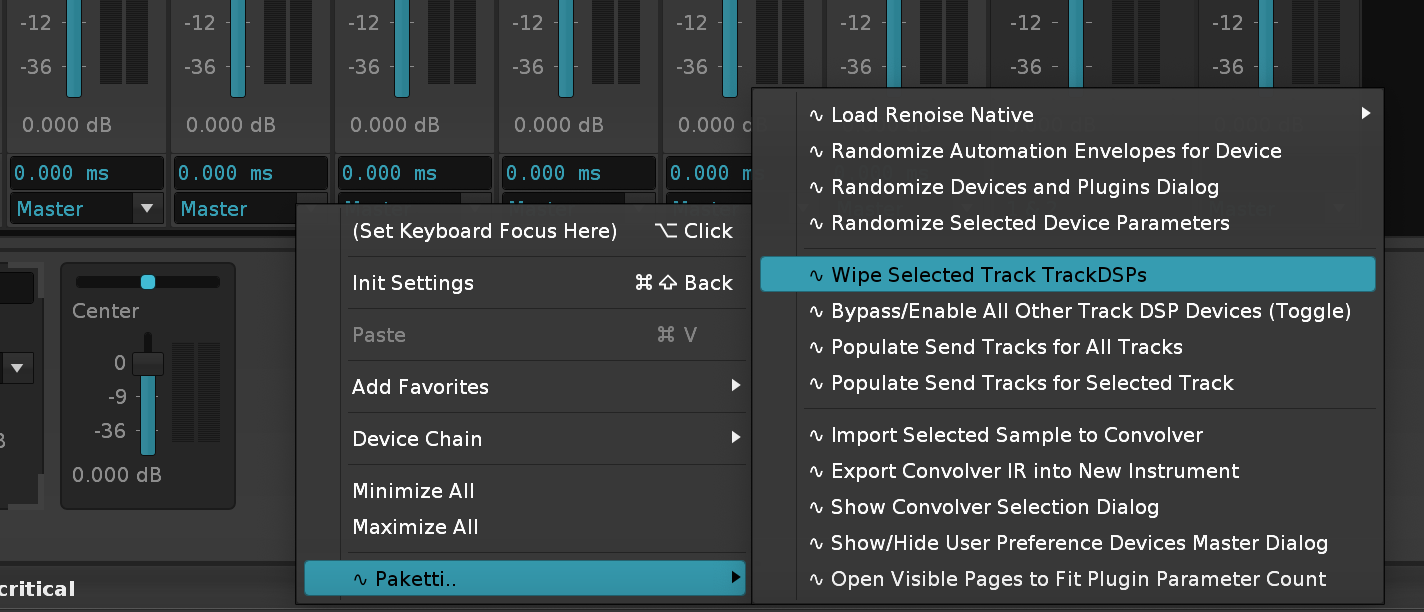
Plumbing: "Load Devices" now writes to the correct preferences file, not a secondary file. and works.
Plumbing: Dynamic Views are no longer overwritten when being given local builds - you just gotta save your current dynamic views, and load them in after reinstalling new Paketti version - this should now help.
Feature: Automation Selection Flood Fill.
Takes your selected Automation segment, and fills the rest of the pattern with it.
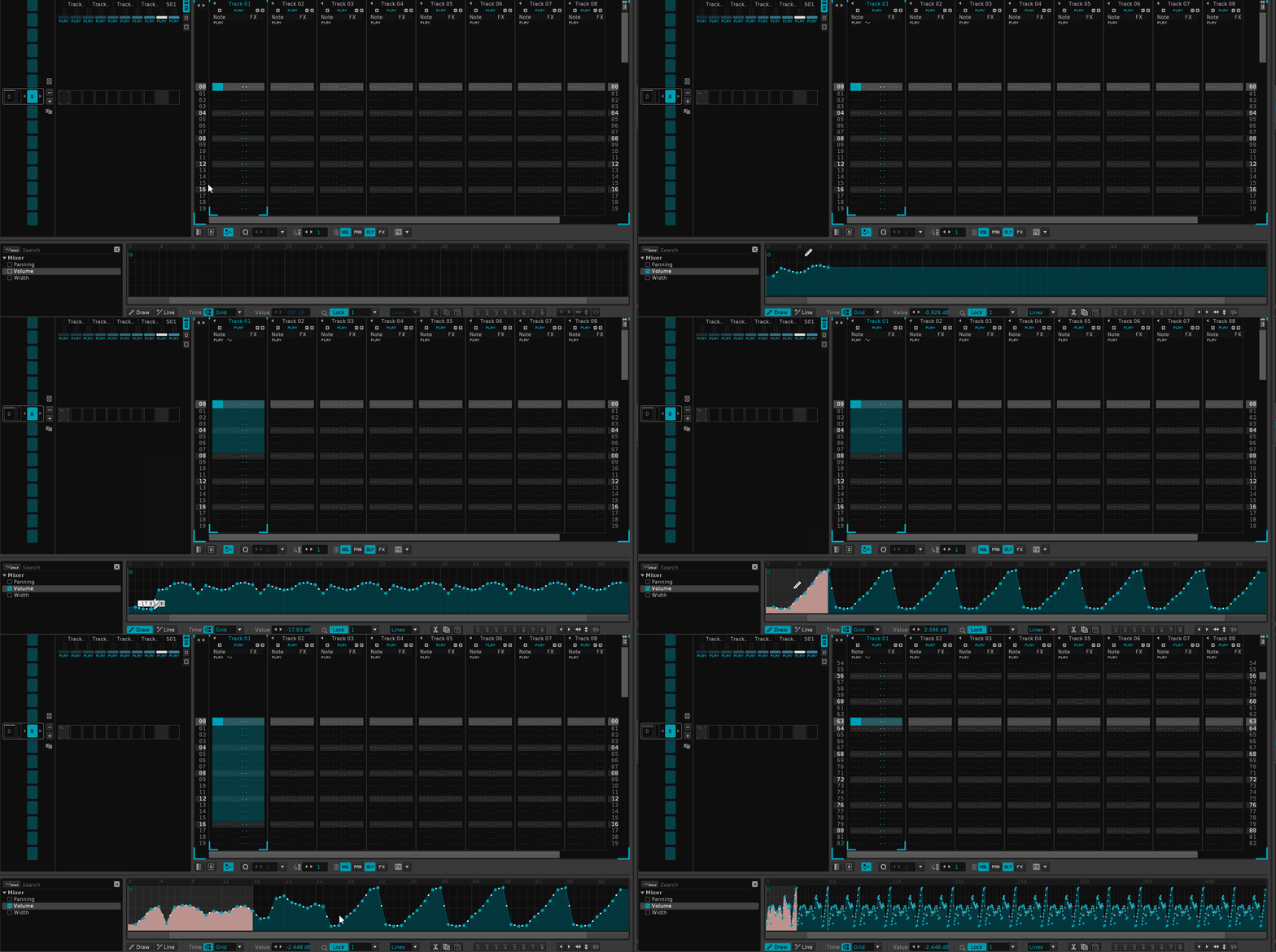
better gif for the above

Improvement: Automation Menu sorting might now be better organized
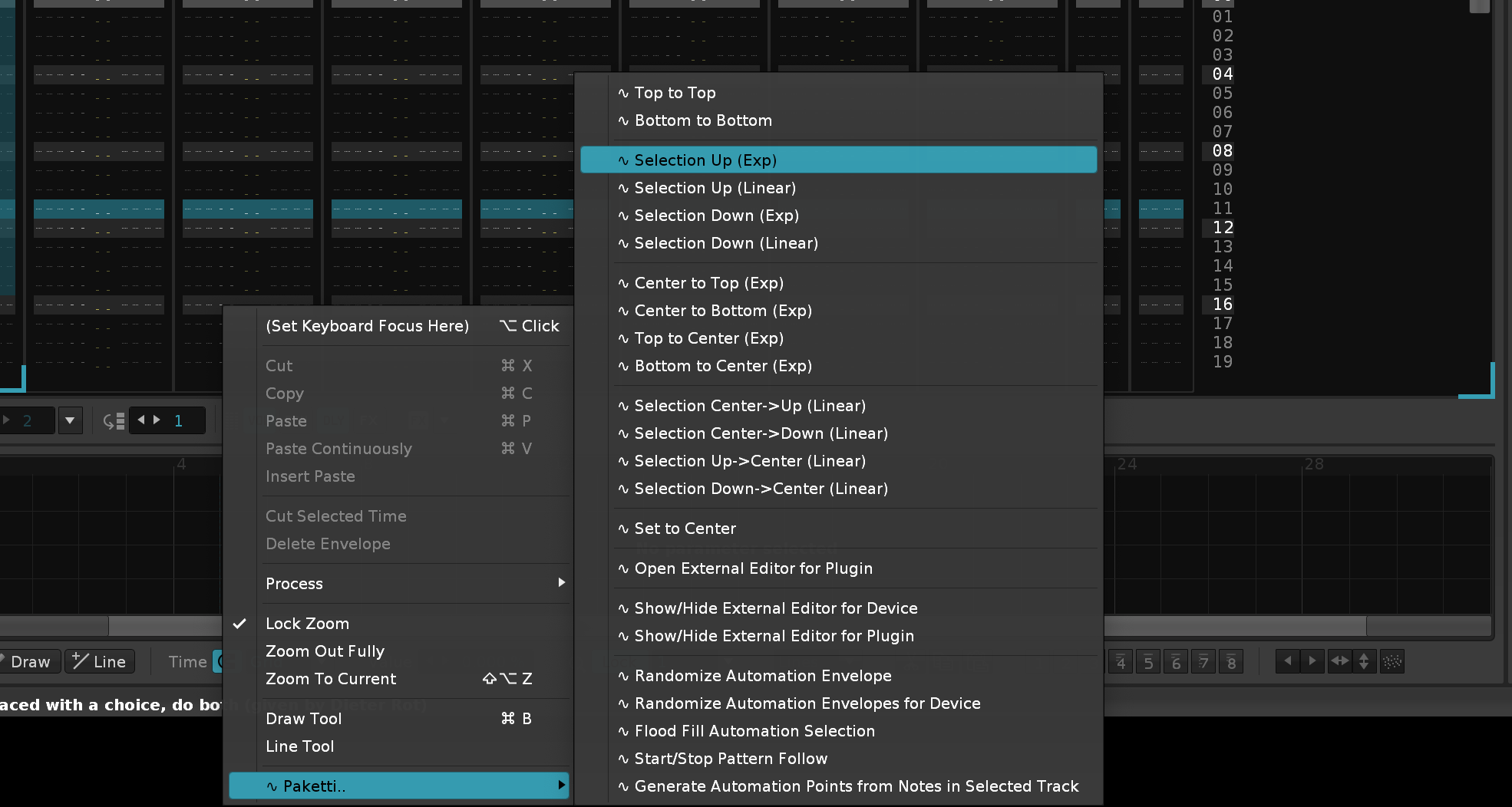
Improvement: Flip Selected Automation Horizontally (menu, midimap, shortcut), + Flip Selected Automation Vertically (menu, midimap, shortcut)

Feature: Set All Tracks to Center - this sets the prefx + postfx of all tracks (including master + send) to Center.
it's in Track DSP, Mixer and Pattern Editor now
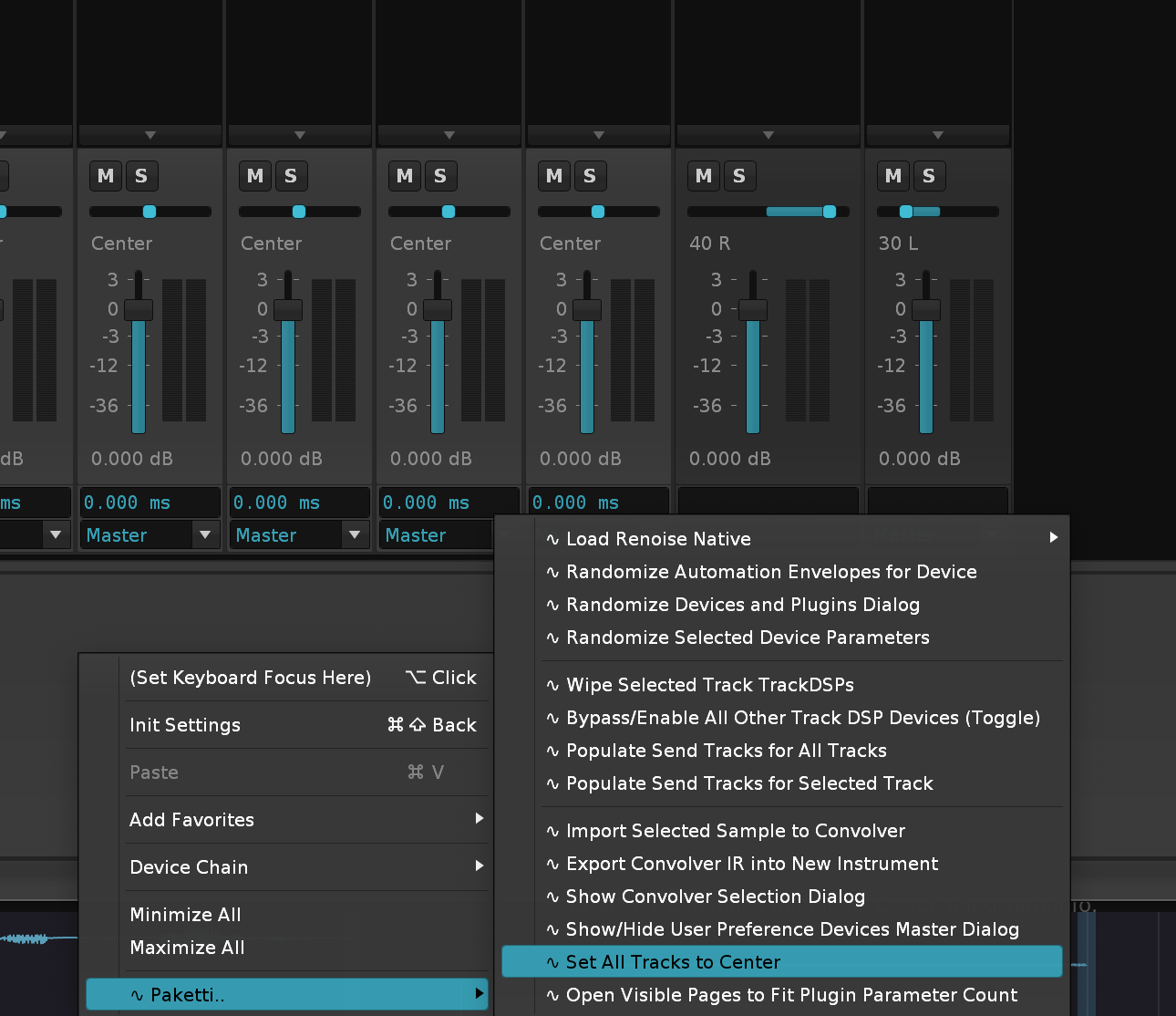
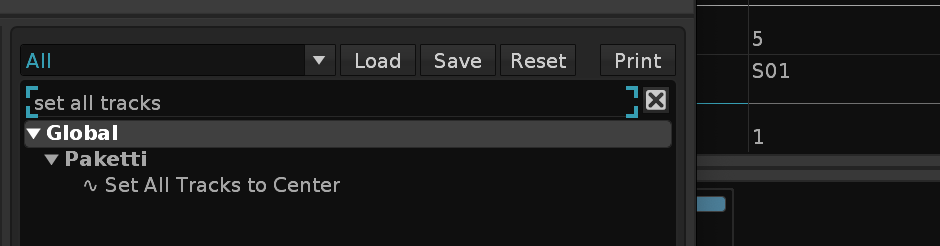
Crisis: Dynamic Views needs to be reverted to the non-preferences.xml situation - it just doesn't work. returning back to how it used to be. sorry. i really tried to get this going but can't seem to write it properly.
Improvement: Added Stereo->Mono (end of chain / beginning of chain) as menu entry to Track DSP Device area & Mixer.
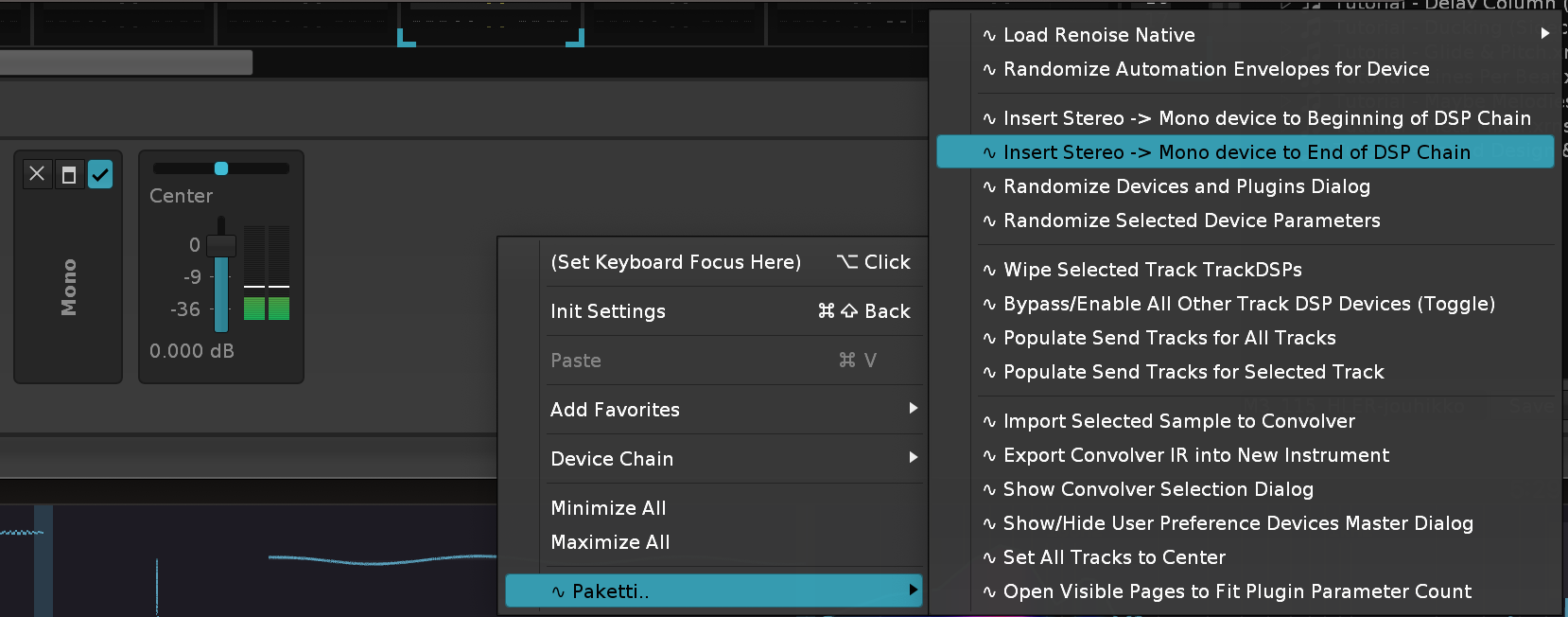
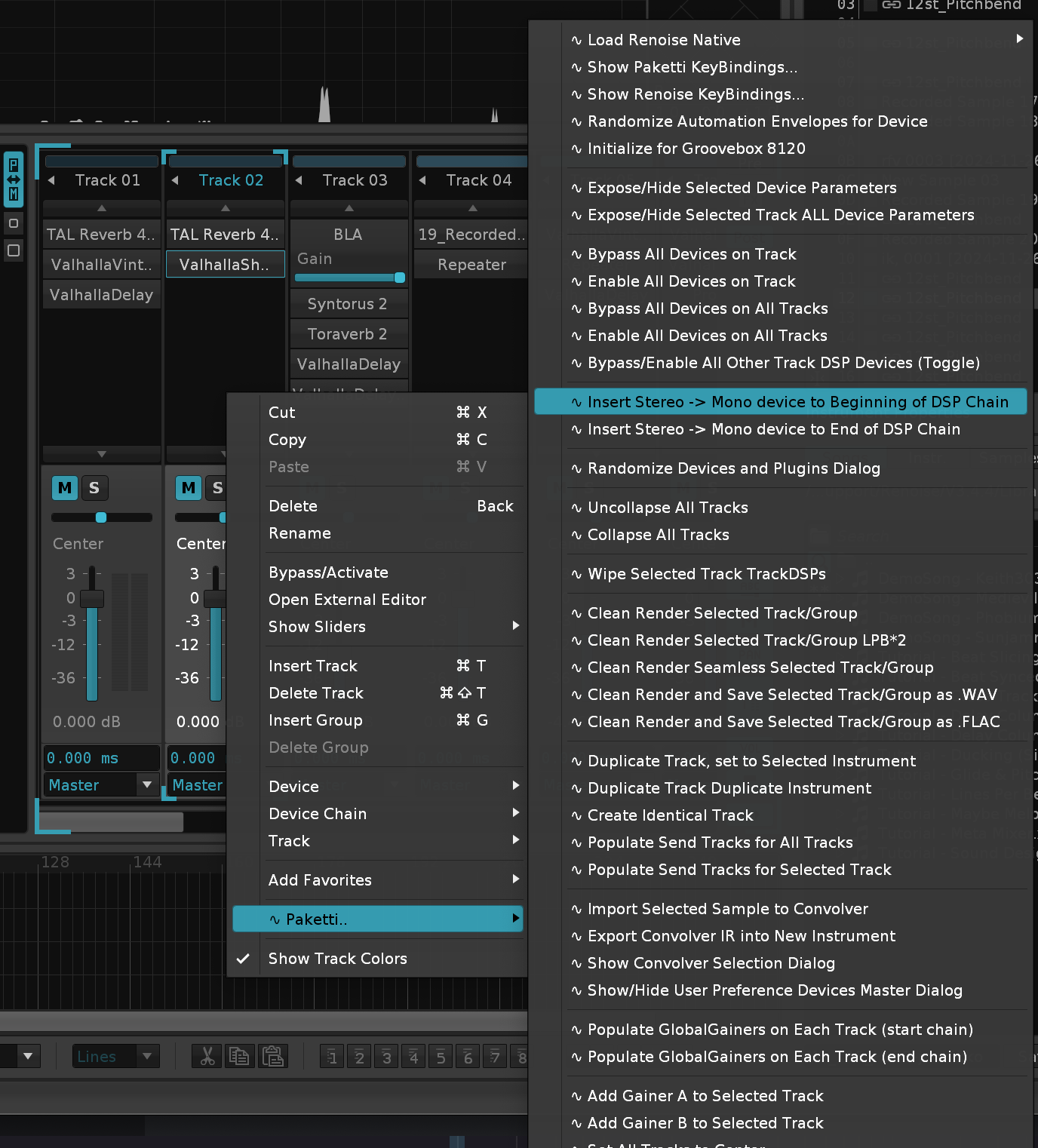
Improvement: "Capture Nearest Instrument & Octave with Jump" now will detect the sample key you are on, and show that specific sample in the sample editor. if you are in the sample editor and run the script, it returns back to pattern editor. suggested key: "Enter".
Improvement: Impulse Tracker "Next Track / Previous Track" jumpers would fail if trying to move from Note Column to a track that is a Group, a Send or a Master. fixed.
Improvement: Added amigaos3 4k and amegas 4k created by ffx themes
Improvement: I'm down to 1934 PDFs left in "Ideas and Suggestions" folder. -- slowly progressing through all of these
Feature: Load XRNI + Wipe Phrases menu entries, keybindings, midimappings Load XRNI + Keep Phrases menu entries, keybindings, midimappings. These open a fileprompt, you can load a .XRNI, and either retain or wipe Phrases. from https://forum.renoise.com/t/when-loading-instrument-presets-phrase-playback-should-be-disabled-by-default/74519/
Feature: "Load Recently Saved Song" shortcut + menu entry. loads the newest saved song idea from 2007 https://forum.renoise.com/t/open-recently-saved-song/20253
Improvement: YT-DLP now correctly lets you select yt-dlp if it's not set originally
also tweaked some of the dialogs and am slowly removing Coluga from the naming since this is a YT-DLP tool.
update, i'm down to 1460 left
Improvement: added "User-Defined Samples Folders" Dialog opener as shortcut
Improvement: Automation Value Dialog now with EditStep - it follows the EditStep and re-highlights the textfield so you can quickly input more automation values at your desired editstep.
(from B-Complex requests on the Renoise Forum https://forum.renoise.com/t/automation-edit-step/24186)

Improvement: Changed "Basenote Transpose" to "Instrument Transpose" - same location for menu entries + shortcuts.
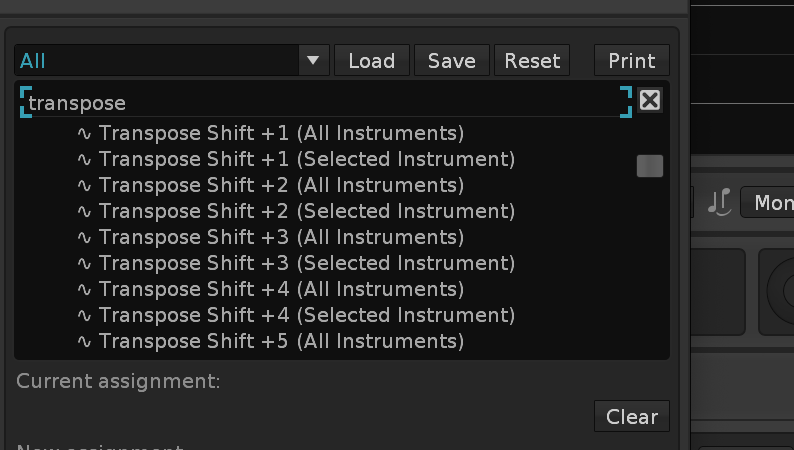
Improvement: moved Randomize Automation Device Parameter / All Parameters + Flood Fill menu entries inside Automation for better Main Menu Tools clarity
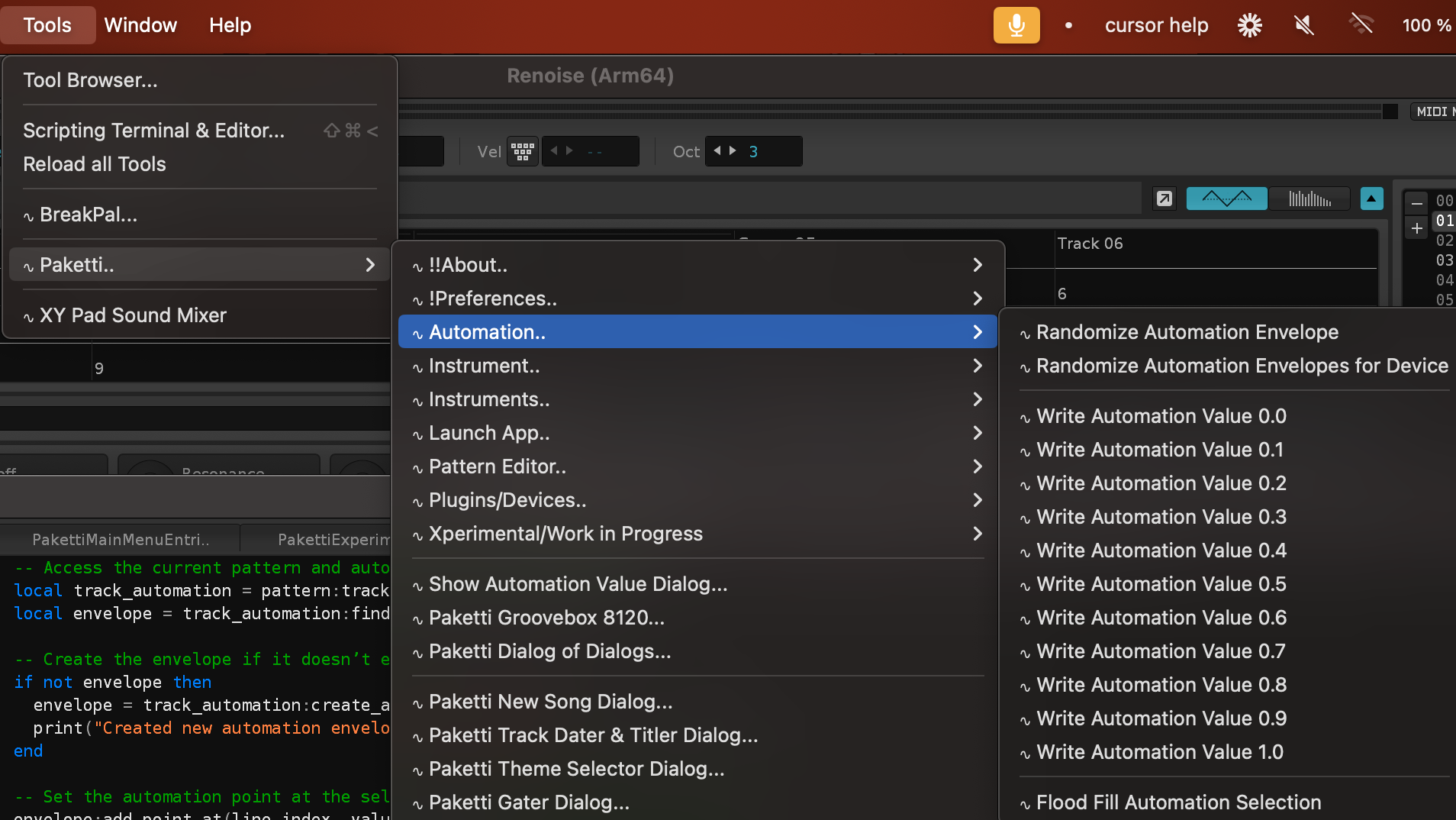
Feature: Roll the Dice on Notes
this will take the selection in pattern and roll the dice on all the notes aka randomly place them to the current rows there are notes on.
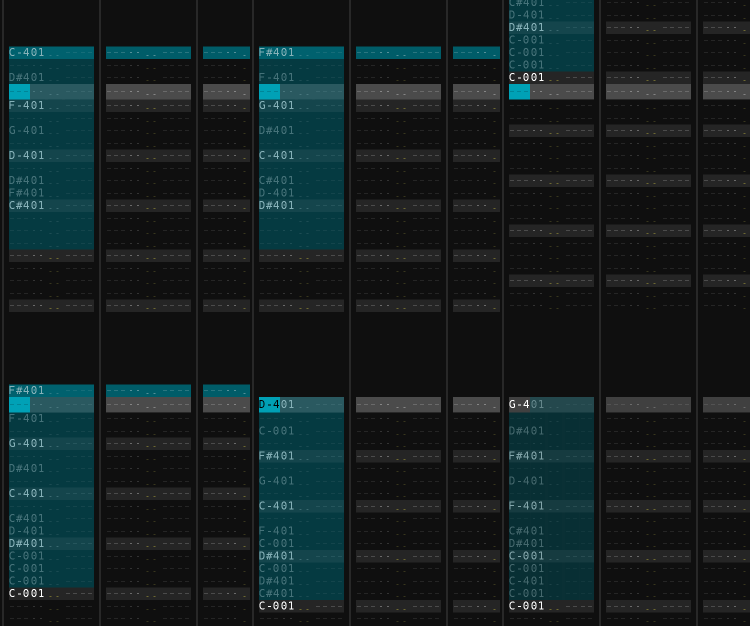
Improvement: Roll the Dice on Notes now works on multi-track selection
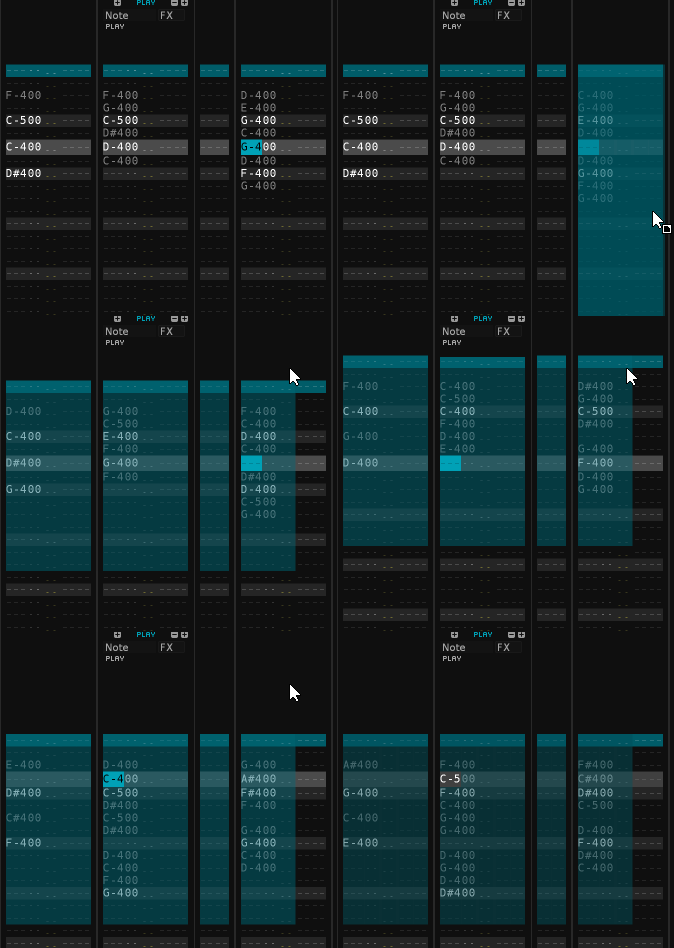
There are now 996 PDFs left in this folder.
slowly getting there for "Ideas and Suggestions" EDIT: 862
Improvement: Fixed ImpulseTracker "F5" to start from the beginning of the song! (As per mention in Forum thread https://forum.renoise.com/t/playback-from-start-of-song/29692 Beginners Questions)
improvement: wrote a script that picks a folder, (Ideas and Suggestions, Beginners and Questions, Tool Discussions, Tool Releases) and starts running through it, so i can get a completely random subforum PDF start. there's quite a bit to go through, about 980 Tool discussions, 5600 or so Beginners Questions, still 840 Ideas and Suggestions, and then the Tool Help discussions which i think is 1300 or so discussions. this is gonna be a big goldmine
There are now 5127 PDFs left in the folder Beginners Questions Renoise Forum
There are now 853 PDFs left in the folder Ideas and Suggestions Renoise Forum
There are now 1560 PDFs left in the folder Renoise Tool Development Renoise Forum.
There are now 928 PDFs left in the folder Renoise Tools Renoise Forum.
Feature: Nudge Up / Down by Delay Values +1 -1
another Ideas and Suggestions post - this allows for - when you get to FF delay value, nudging the note down (when pressing nudge down one more time).. and when you get to 00 delay value, nudging the note up (when pressing nudge up)
Improvement: now the nudge by delay value will actually also nudge them to the last row notes to the beginning row.
Improvement: Did the same last night for non-delay-value-nudges, instead nudging notes down without delay values being modified
Improvement: AKWF Random Loader now sets instrument volume also, so it no longer blares at you at full volume. also, each loaded sample has -10 or +10 finetune auto-set to it, for widening the sound
Feature: Paketti Device Chain Dialog.
this lets you go to a track, and save the slot.. and use a shortcut to load it to another track.
or the dialog itself.
enjoy.
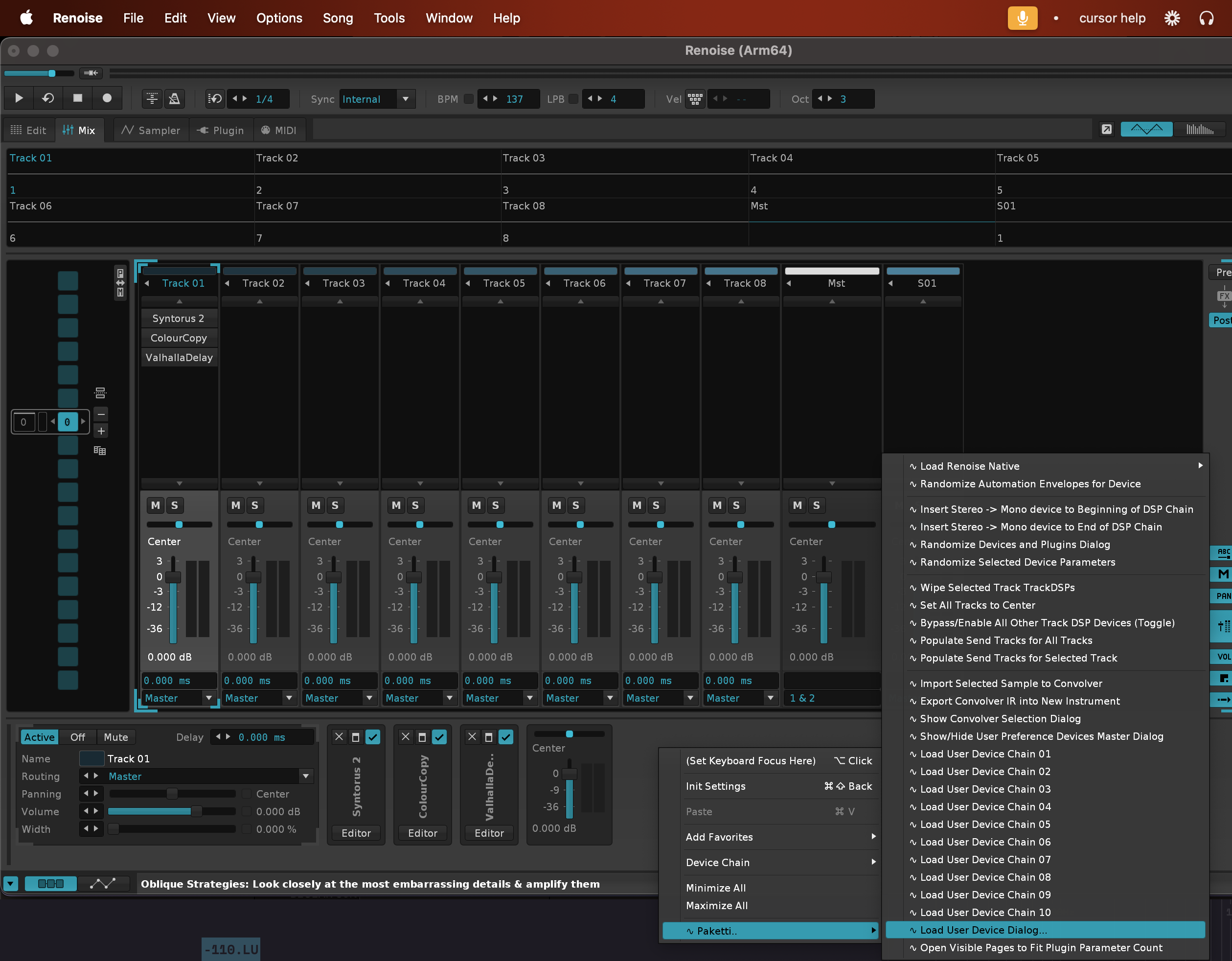
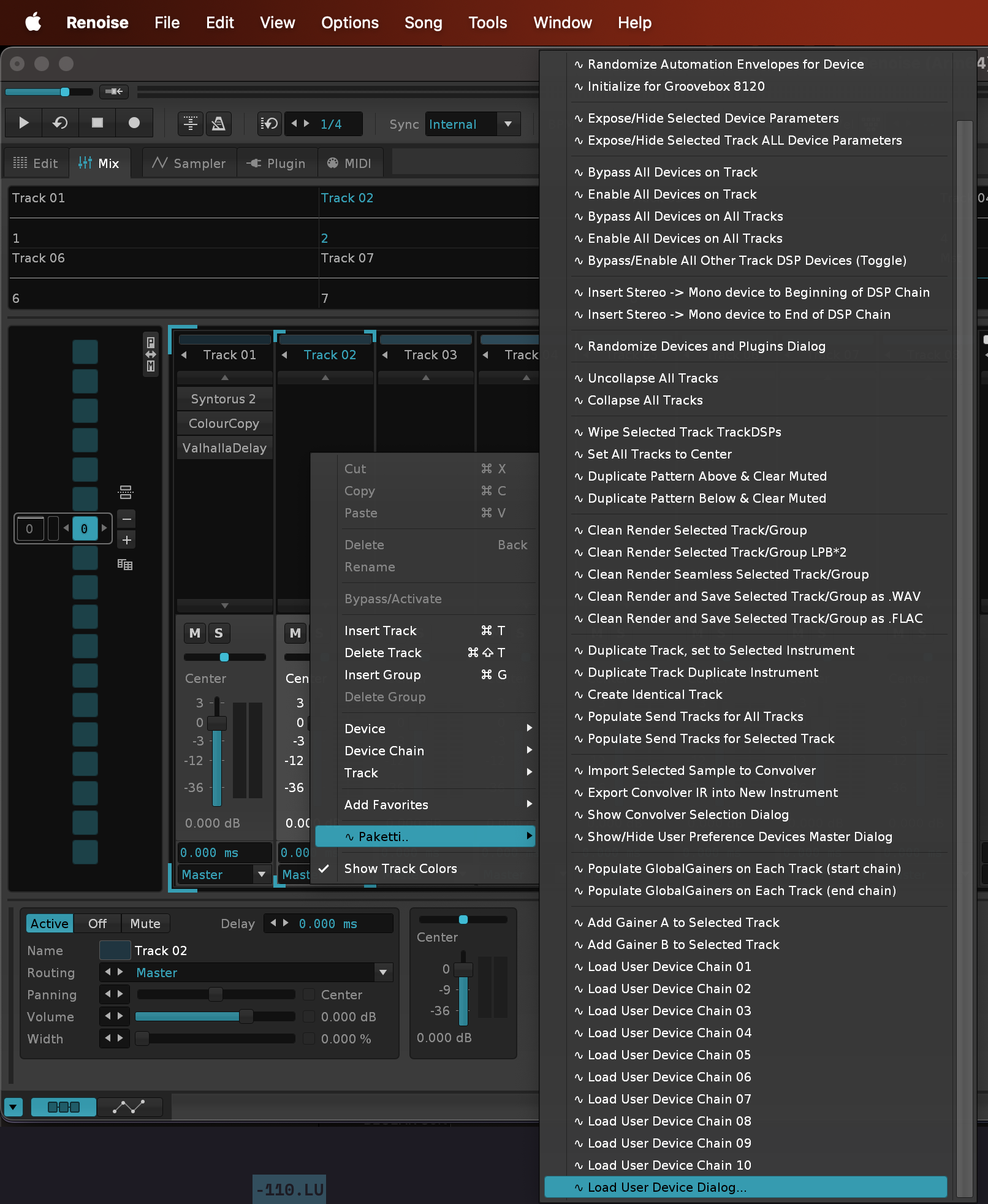
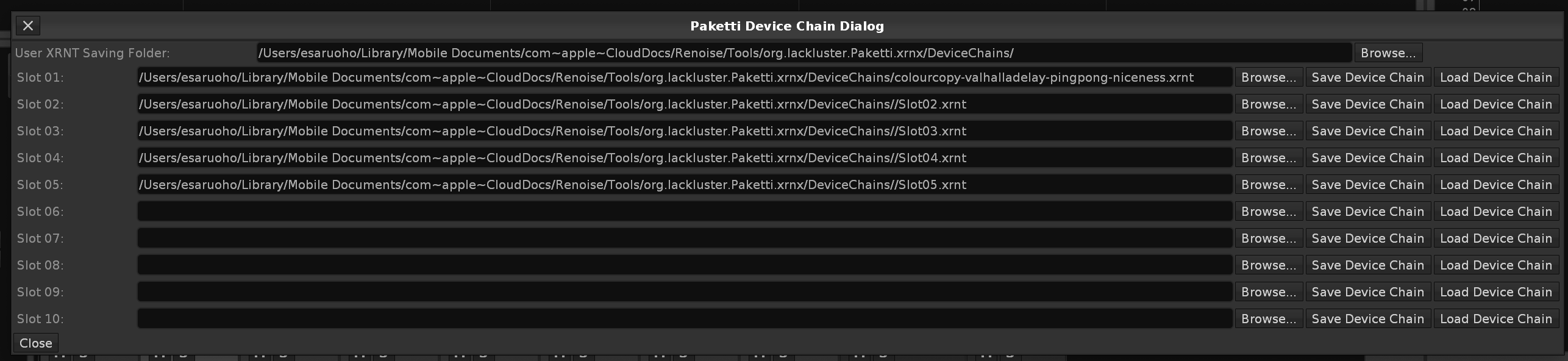
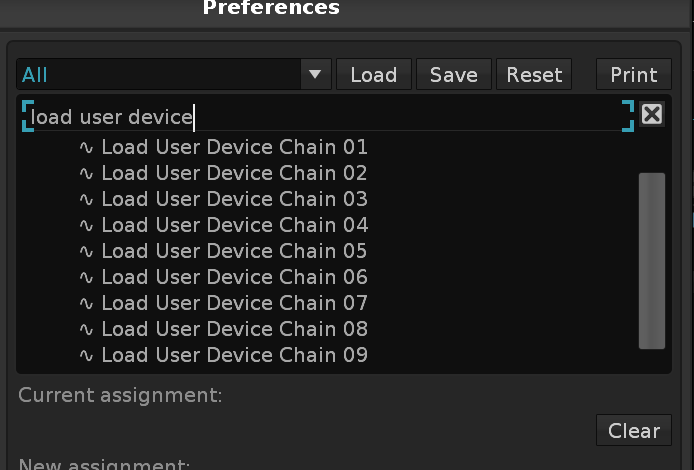
Improvement: The Device Chain Dialog is now a Device Chain (.XRNT) & Instrument (.XRNI) Dialog. you can load both, or either.
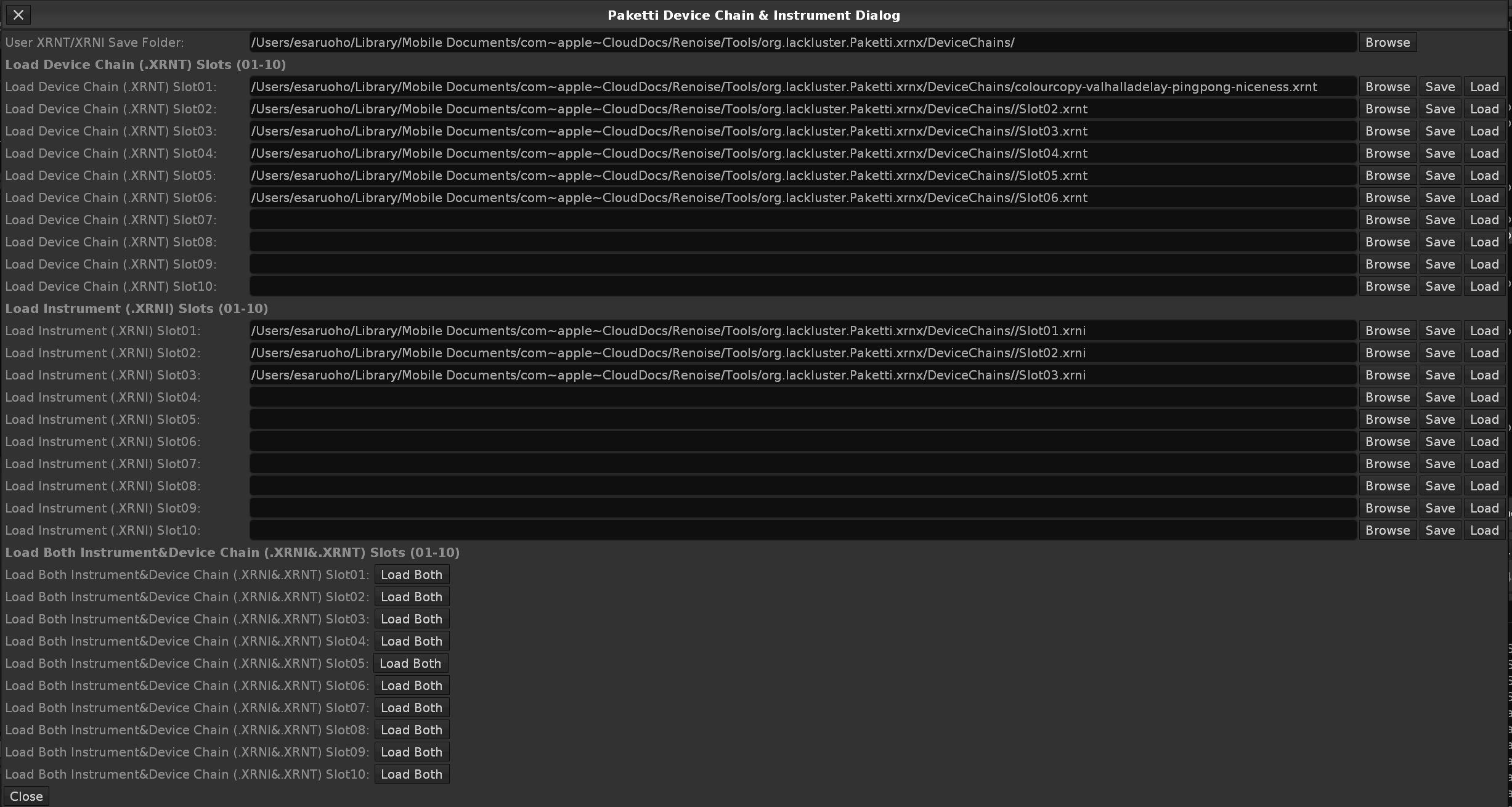
Feature: Hide All Effect Columns:
this .. hides all effect columns for all regular tracks.
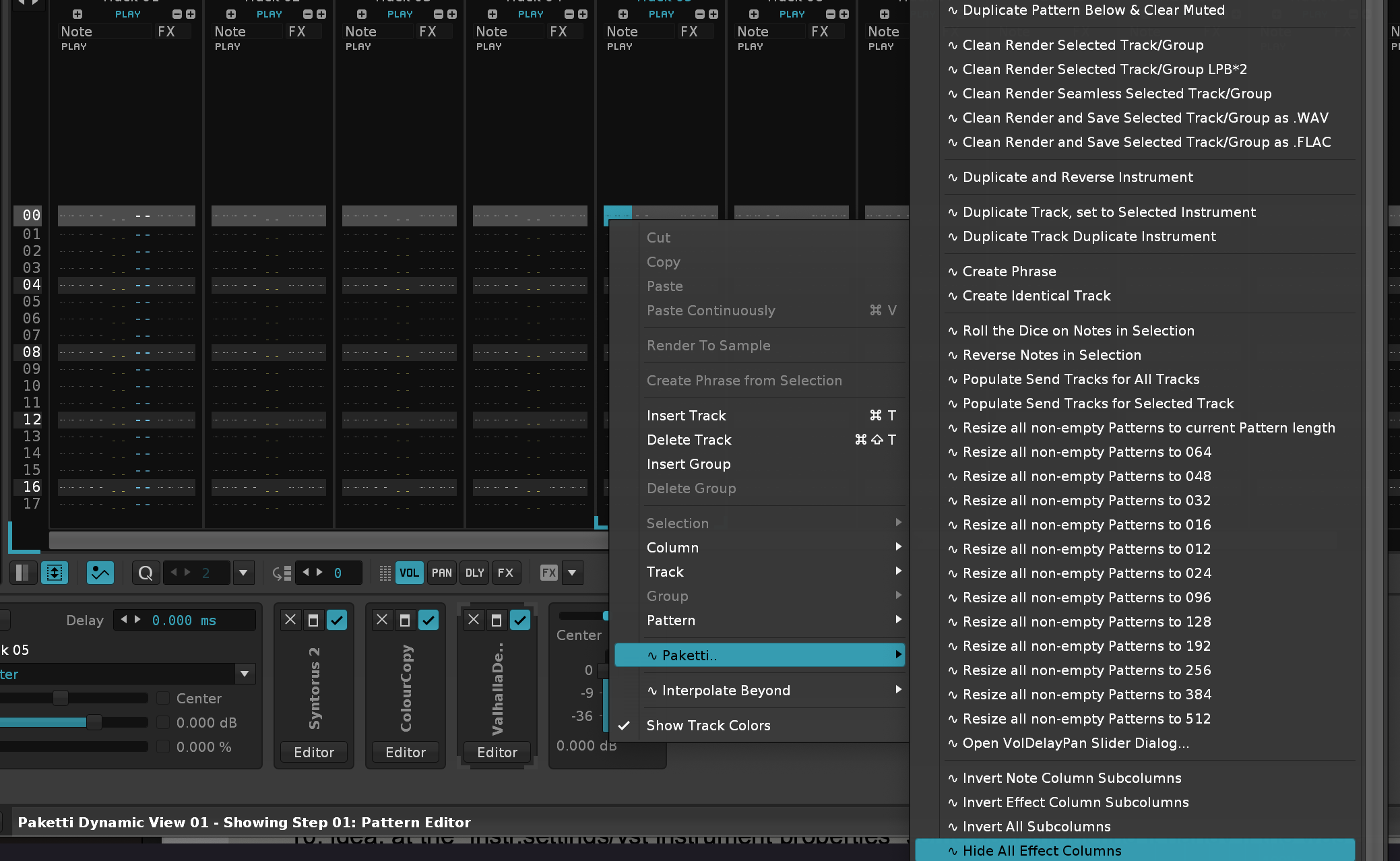
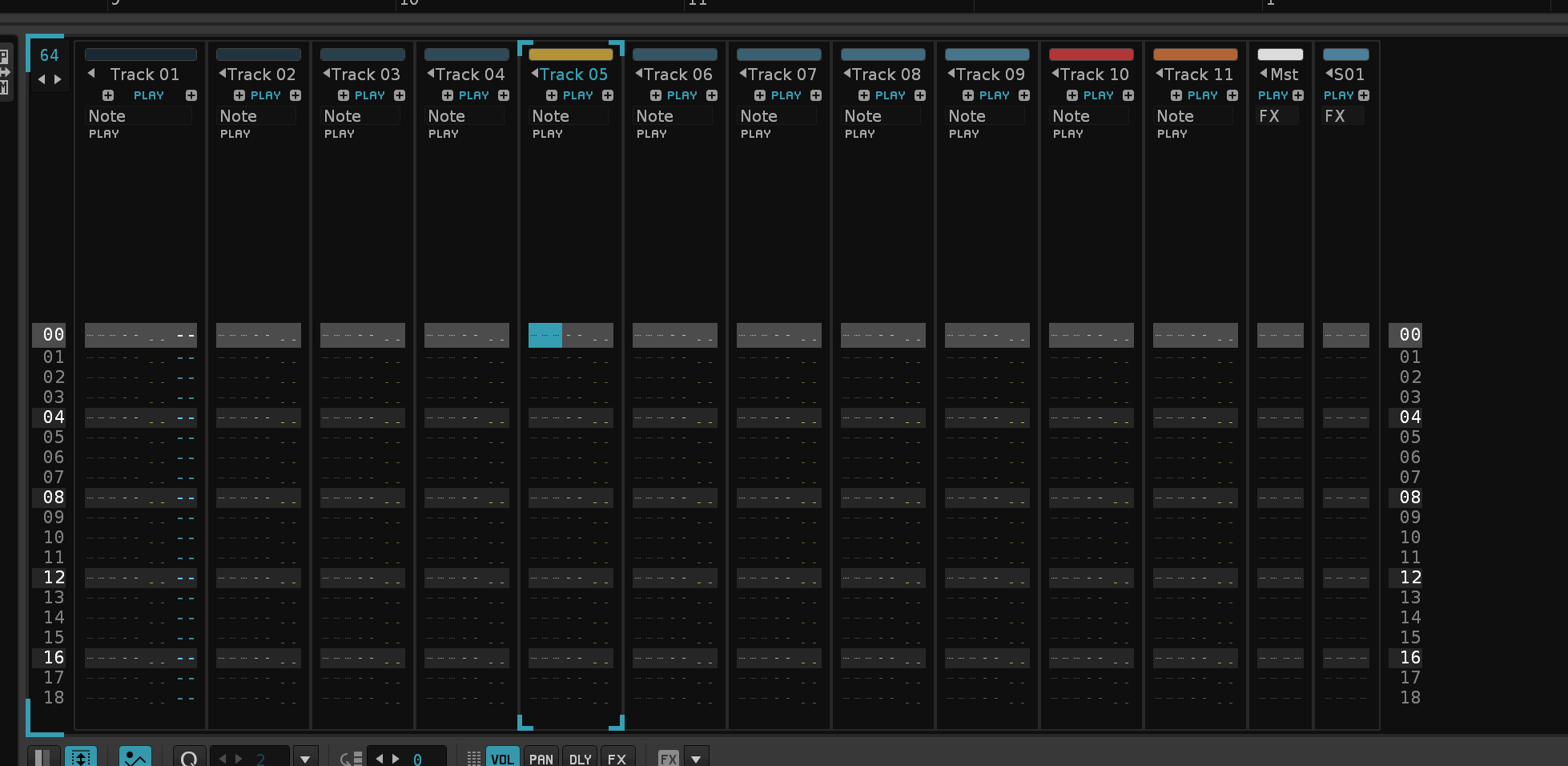
Improvement: Hide All Effect Columns doesn't error out if you have a Group-track in the mix
Feature: Switch Upper Frame (Track Scopes/Master Spectrum)
(Closes https://github.com/esaruoho/paketti/issues/739)
Feature: Set Selected Track or Master Panning to Hard Left, Hard Right, Center
(Closes https://github.com/esaruoho/paketti/issues/715)
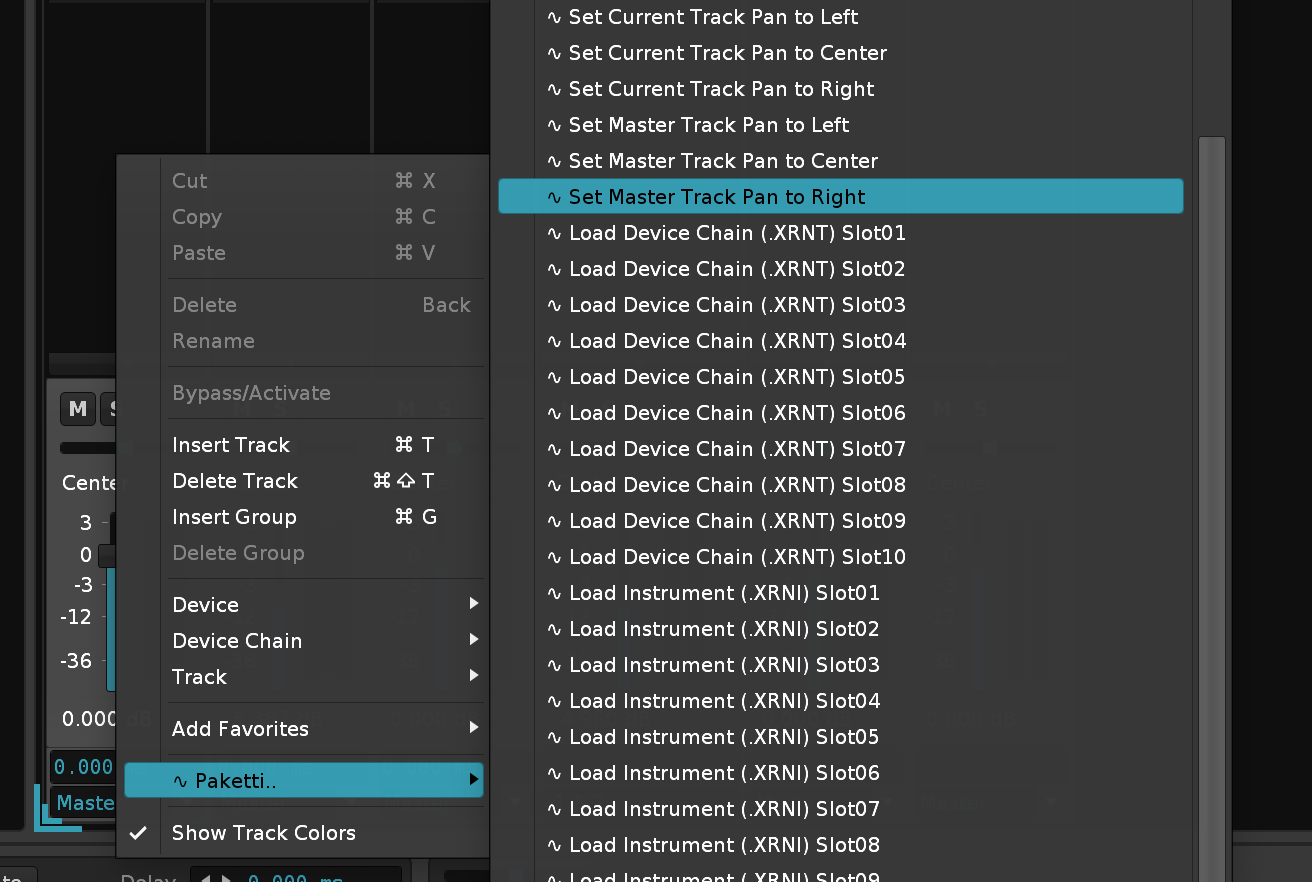
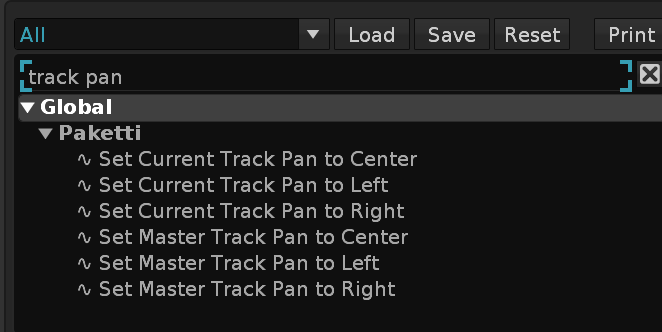
Feature: Isolate Slices to New Instrument - takes the slices in your instrument, and creates a new instrument with samples instead of slices.
(Closes https://github.com/esaruoho/paketti/issues/735)
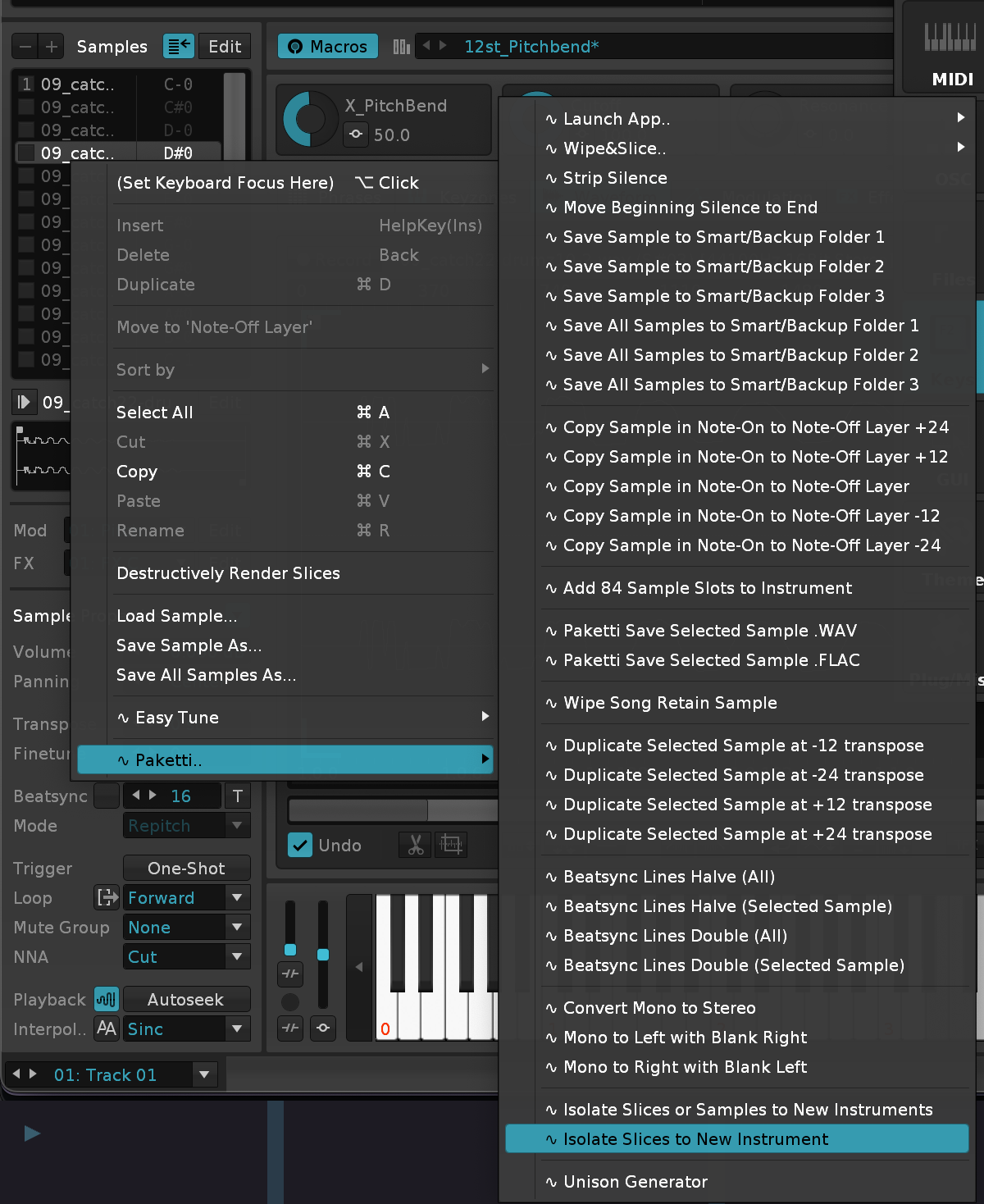
Improvement: "Load XRNI & Disable Phrases" - for those who don't want to wipe phrases but also don't want them to play. (Addresses https://forum.renoise.com/t/when-loading-instrument-presets-phrase-playback-should-be-disabled-by-default/74519)
I've been making a lot of progress last night and during the flight on the Ideas and Suggestions folder - we're below 600 threads now. I've also been implementing some extra stuff from there, and maintaining a changeslog which is getting to be pretty huge. am also assisting a friend with a tool they have made.
Feature: Create New Pattern from Selection (with Automation) - resizes pattern to selection length and duplicates the pattern for those selected rows for all tracks.
Feature: Set Selected Instrument Overlap Mode "Play All"/"Cycle"/"Random" Cycle Overlap Mode between all 3
Feature: Load Drumkit with Overlap Mode Cycle or Random (two shortcuts + menu entries)
Feature: Midi Mapping for Clearing current Track content
Feature: Duplicate Selected Track & Name (Drums01 -> Drums02, f.ex.)
Feature: Hide All Effect Columns - hides all effect columns for each and every track!
Improvement: tweaked the naming so Isolate Slices to New Instrument as Samples hopefully makes more sense as a naming
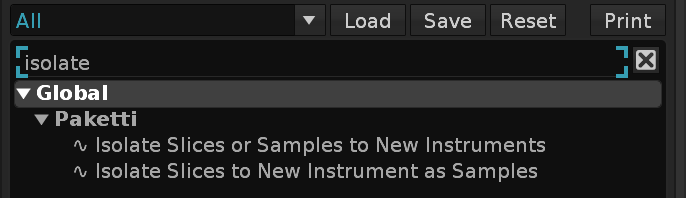
Feature: Automatically Open Selected Track's Devices if they have External Editors. - close them when changing to the next track - and open that one's devices.
https://www.loom.com/share/5f55296e885e42b3825f7a4a840516d5?sid=472e4800-95a5-4394-aa73-da074420d6f5
Improvement: the Transpose Octave Up (Selection/Track) now fully works as expected - even if you have 12 note columns displaying, no longer erroring out in a weird edgecase where it tries to also modify a 13th note column which does not exist.
Improvement: F7 ImpulseTracker "Play Pattern from current row" would not work because I had commented away the experimental SBx code. I've reinstated the code so F7 + F5 & F6 properly work
Improvement: Fixed F8 so when you run it for the first time to stop playback, your cursor stays on the line you are on. Second F8 jumps the cursor to current pattern first row. Third F8 jumps the cursor to first pattern first row.
Improvement: Menu Entry for setting all Samples in current Instrument to Loop Forward, PingPong, Reverse or Off.
Improvement: "Insert Track (2nd)" Global shortcut now adds the new track behind the current one, and selects it.
Improvement: Set all samples inside selected instrument Autofade ON & Autoseek ON menu entries in Sample Navigator
Feature: Expand Selection Twice, Shrink Selection Twice shortcuts
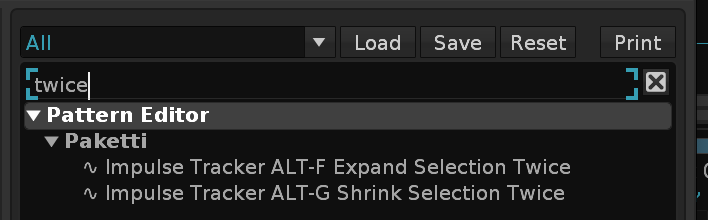
update: out of 7361 threads from 2002 to may 2024 - i picked 1736. i also started processing through which tool discussions / tool ideas / tool releases are worth looking into and either hijacking if they're abandoned, or rewriting with Paketti in mind.
also now that 7361->1736, i'll be working on sorting them into threefour distinct categories, aka
42. already done and in Paketti
43. not yet in Paketti, do
44. not yet in Paketti, could be done but very complex (further down the todo stream)
45. wait for API changes to allow the feature
Improvement: Made ALT-F Expand Selection & Flood Fil and ALT-G Shrink Selection & Flood Fill. these will basically let you expand or shrink the selection and then fill the rest of the pattern with the content.
Improvement: when running "Replicate above Cursor" - if you're on the first row, it'll start replication from first row 🙂 (Closes https://github.com/esaruoho/paketti/issues/730)
Update: I've started to rewrite the Paketti Documentation in Obsidian, hopefully this'll result in me being able to better organize information cohesively.
so far, so good. just need to work it into getting it directly into readme.md on the pakettimanual repository, so that it will 100% work. with the gifs and the screenshot assets.
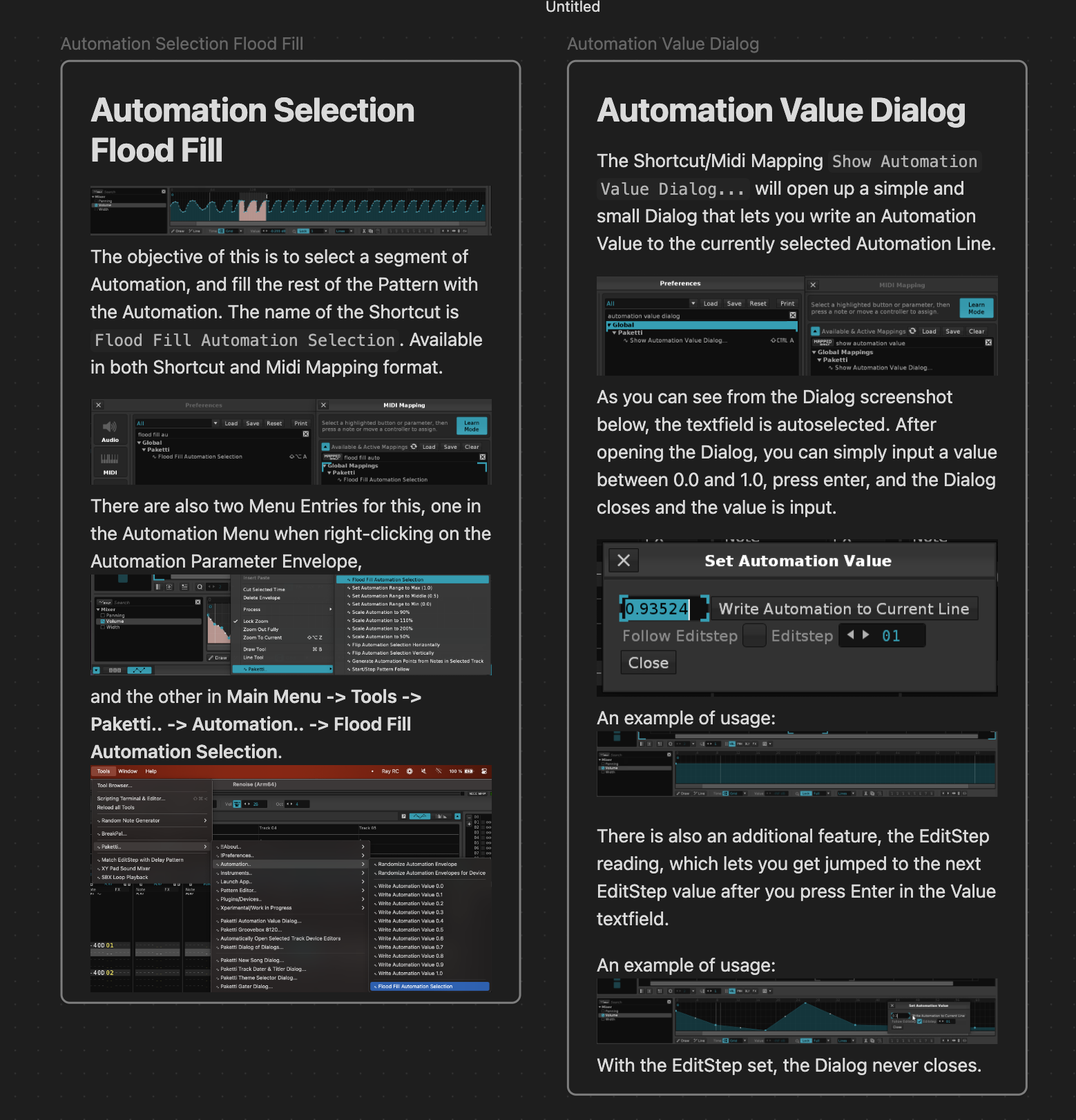
Update: I've also done a 2 hour Twitch stream of the new feature Paketti Stacker, which I'm slowly finetuning and working out the kinks to make it work even faster and in a more userfriendly way. I have a long todo-list of things to do for this, it's a pretty big feature.
Improvement: I've added the missing menu entries + midimappings for both Automation Selection Flood Fill and Automation Value Dialog
Update: Slowly adding more Automation stuff while preparing for wikilinks to markdown conversion.
Improvement: While writing the documentation, I realized that the Pattern Matrix Automation menu entries were confusing, so organized & titled them slightly better. Also, the "Original" Automations (i.e. "current pattern, or if selection then selection within pattern") are grouped inside "Automation Curves.." for better discoverability.
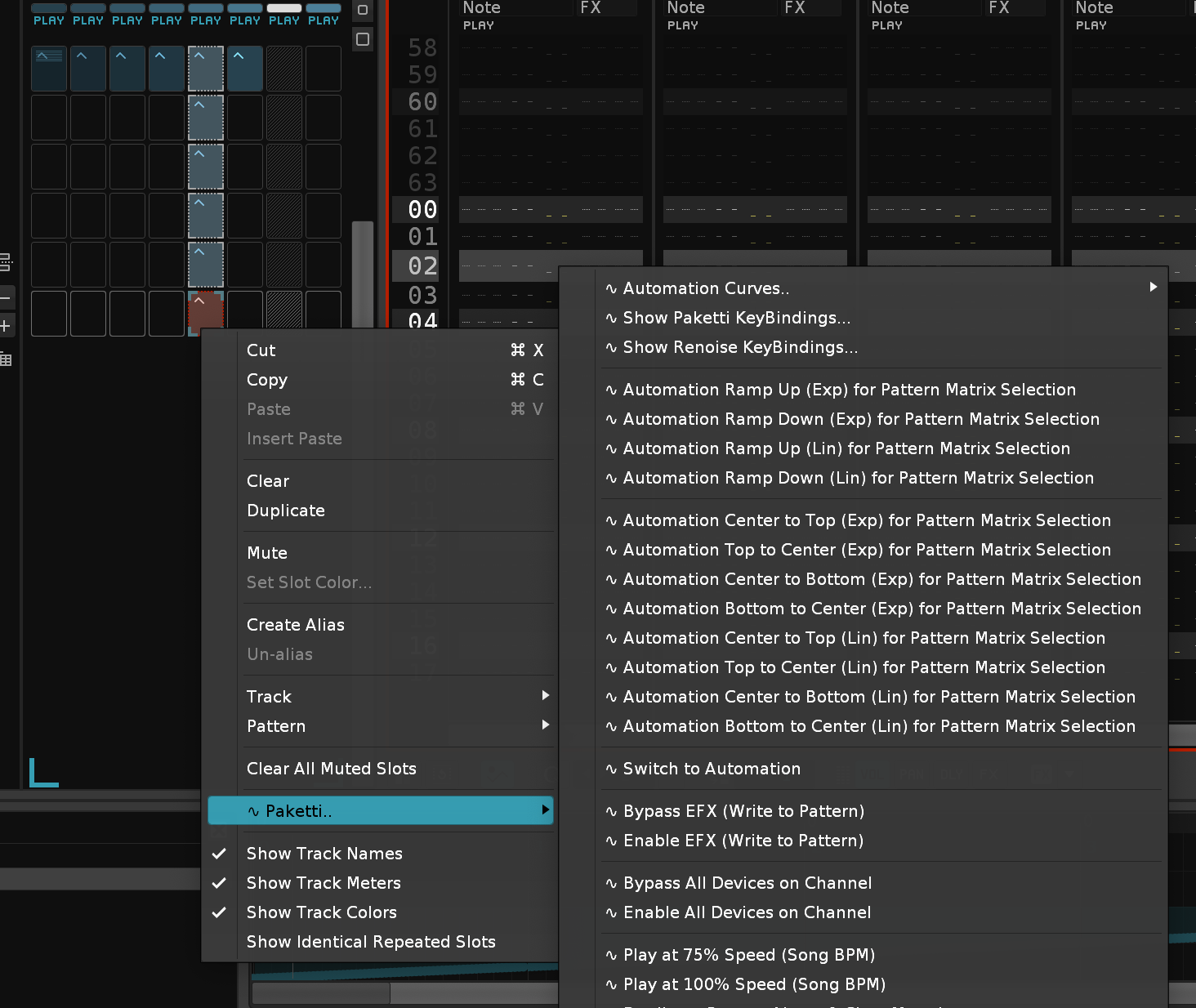
Update: More Automation documentation progress
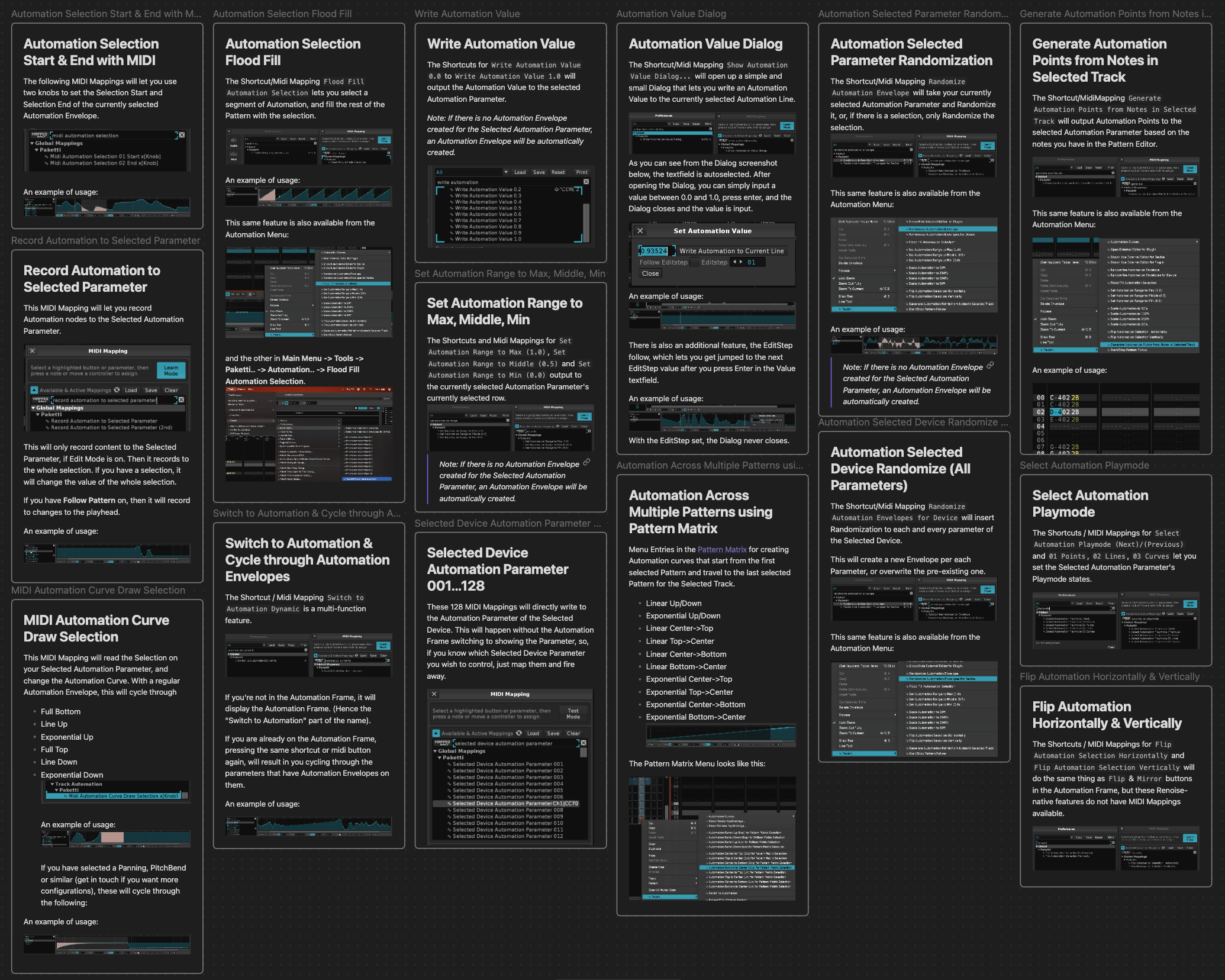
Feature: "Duplicate Pattern, Wipe Notes in Pattern Matrix Selected Tracks" == Retain Automation, lose notes "Duplicate Pattern, Wipe Automation in Pattern Matrix Selected Tracks" == Wipe Automation, keep notes (closes https://github.com/esaruoho/paketti/issues/750)
Feature: Volume Interpolation, Delay Interpolation, Panning Interpolation. select anything in the track, any columns, and interpolate those. (Closes https://github.com/esaruoho/paketti/issues/327)
Feature: Move Track Left / Move Track Right - these are global shortcut that work everywhere (Closes https://github.com/esaruoho/paketti/issues/753 )
Improvement: "Note Interpolation" is now called "Interpolate Notes"
Improvement: Renamed / Reorganized all of these into one easily findable place
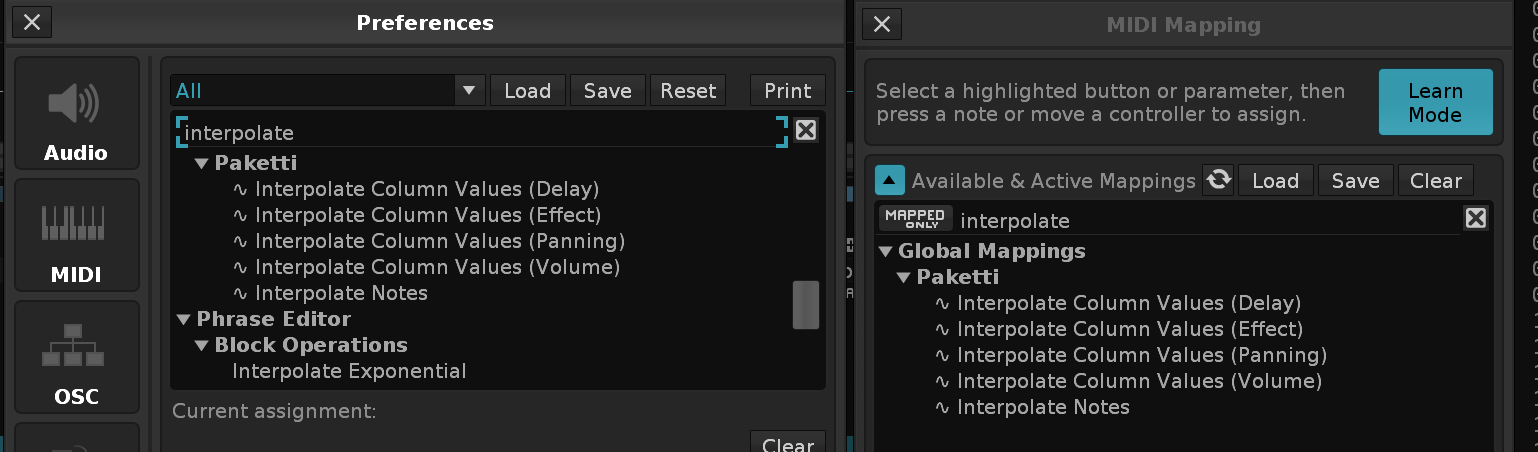
Improvement: Paketti Groovebox 8120 - fixed an error when pressing Randomize All
Improvement: added ALT-X there too so they are in the right places
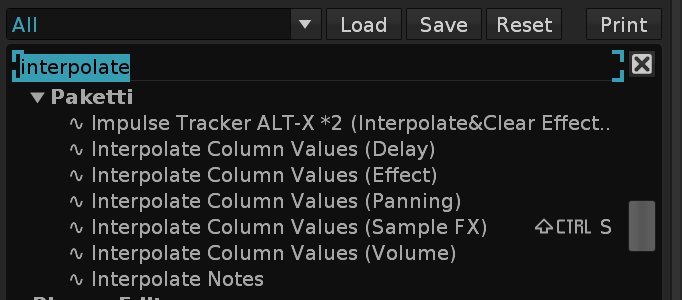
Feature: Duplicate All Samples at -36 -24 -12 +12 +24 +36 Transpose menu entries + shortcuts added. this will read the current keymappings of the selected instrument, duplicate the slots, and pitch the duplicated slots by the amount you picked. EDIT: added protection so that it does not duplicate the already duplicated samples, creating a feedback loop EDIT: added volume controls so it will drop the volume slowly so you don't get blaring sounds
https://www.loom.com/share/15e01283dd5843869ece3c3e1b2d3891?sid=2374bdee-801f-4ebc-97f9-be3fe7a06b5e
Feature: Random Selected Notes Octave Up 25% - 50% - 75% Probability
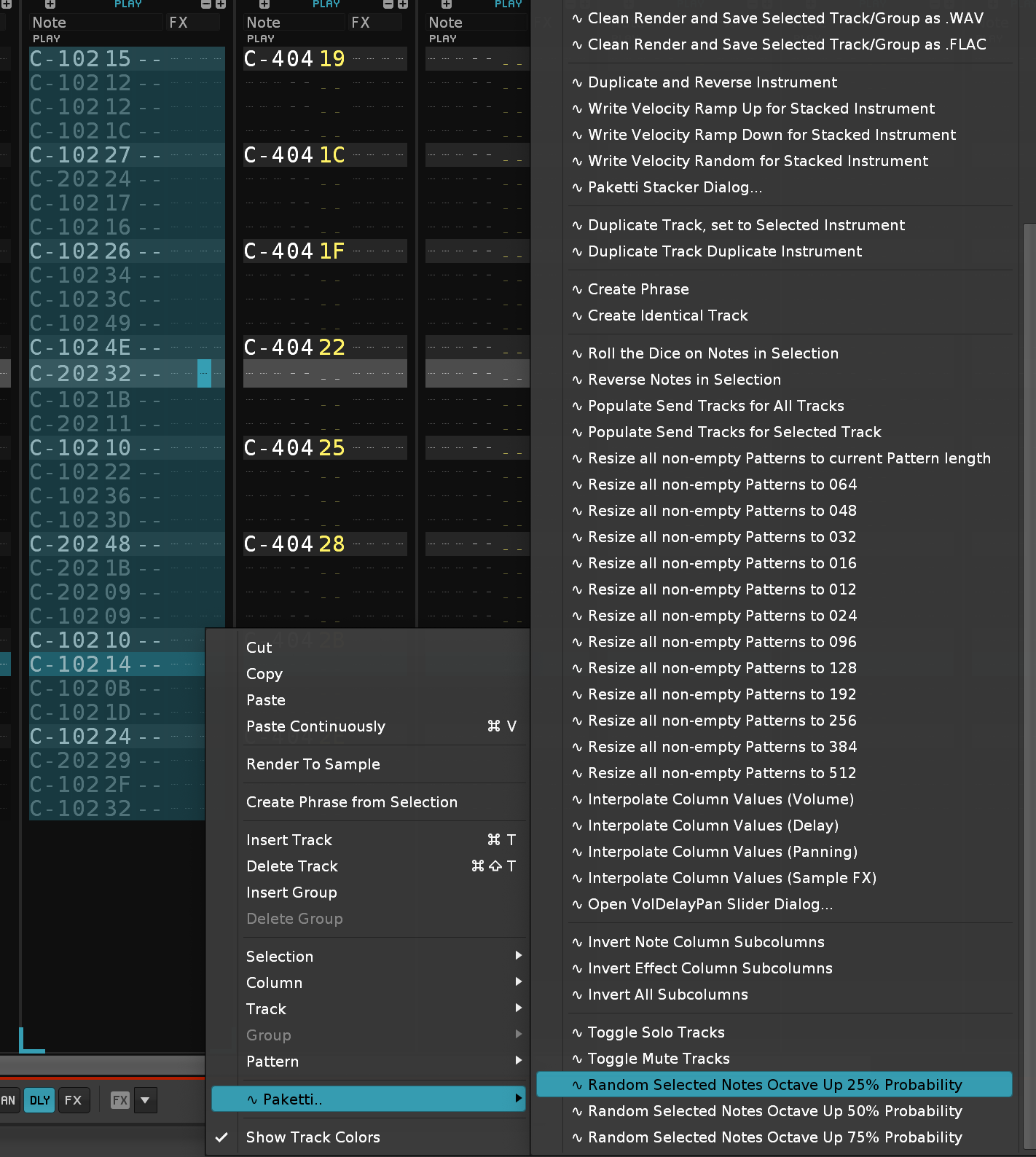
Improvement: If you add a *Instr. Macros while in Automation, you stay in Automation view, so you don't get kicked to Track DSP View.
Improvement: I've been cleaning the Xperimental/Work in Progress features to reside in their own folder again
Feature: Global Reduce Instrument Volume -4.5dB Global Reduce Sample Volume -4.5dB Global Instrument/Sample Reduction dialog:
Let's you reduce the instrument or sample+slice volumes as you need.
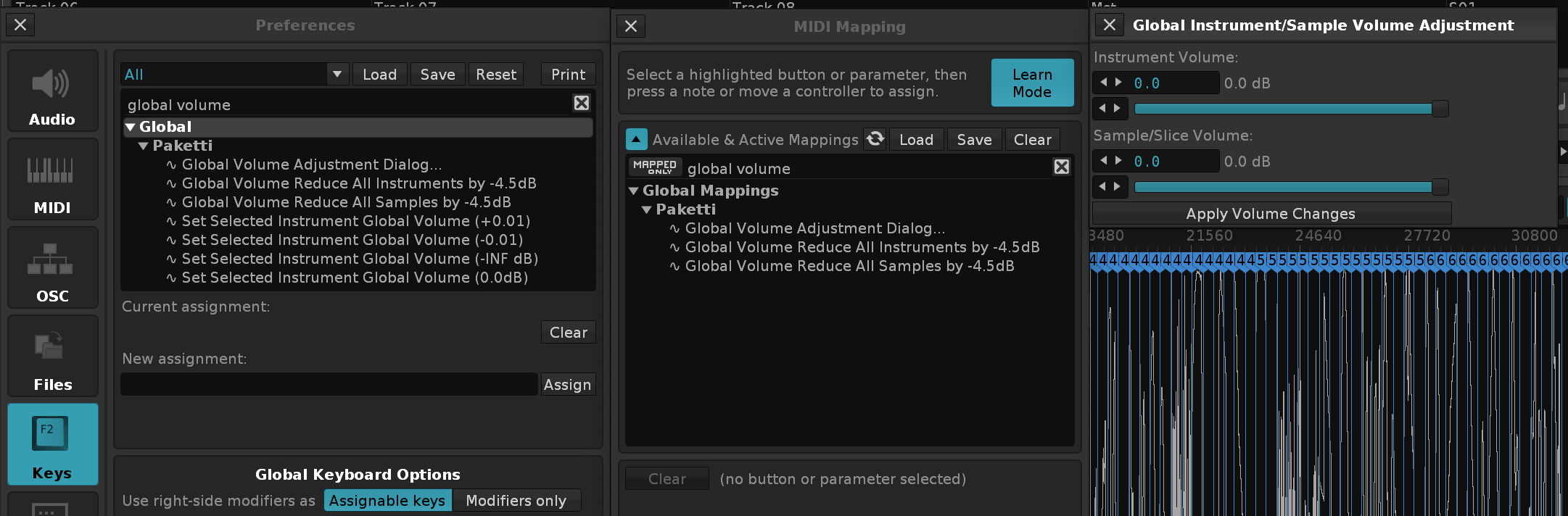
Feature: Paketti Tuplet Generator - a very WIP feature based on the tuplet calculator website. http://tridentloop.com/renoisecalc/ still needs some more work. but here's a little video + gif (the gif is pretty outdated, check the video)
https://www.loom.com/share/454f3cdb1ccf402dbbc15fda6e7c508b
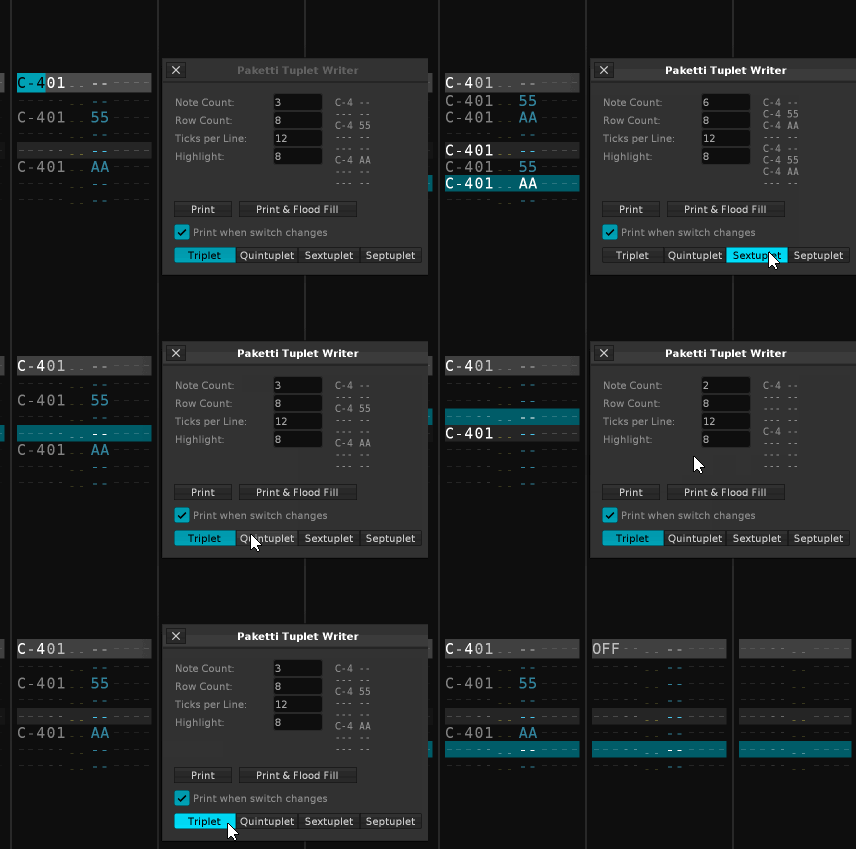
Improvement: Added Clone and Expand Pattern to LPB*2 and Shrink Pattern to LPB/2 to Pattern Sequencer for better discoverability.
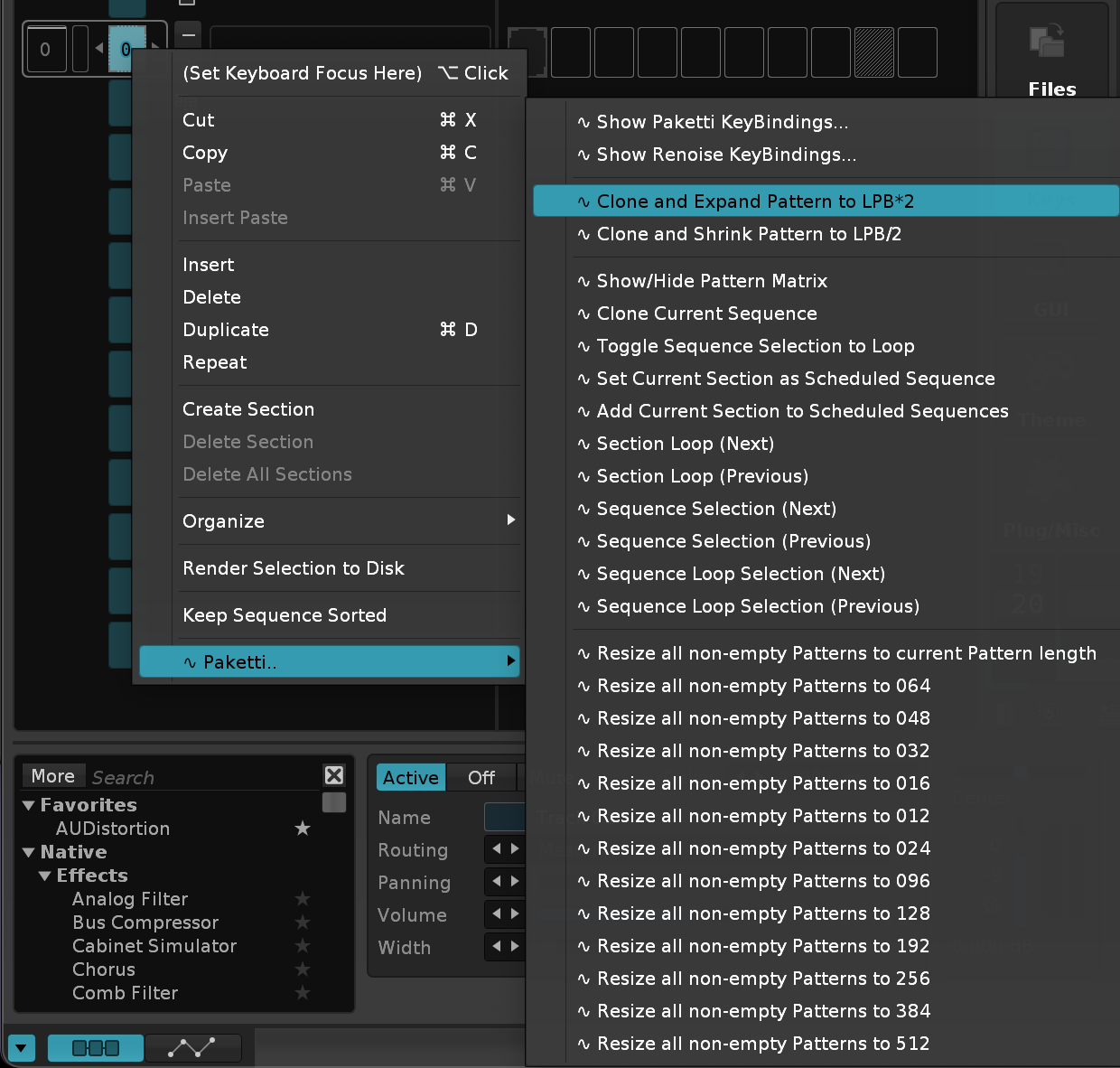
Improvement: Moved Section/Sequence -related menu entries to a subfolder in Pattern Sequencer
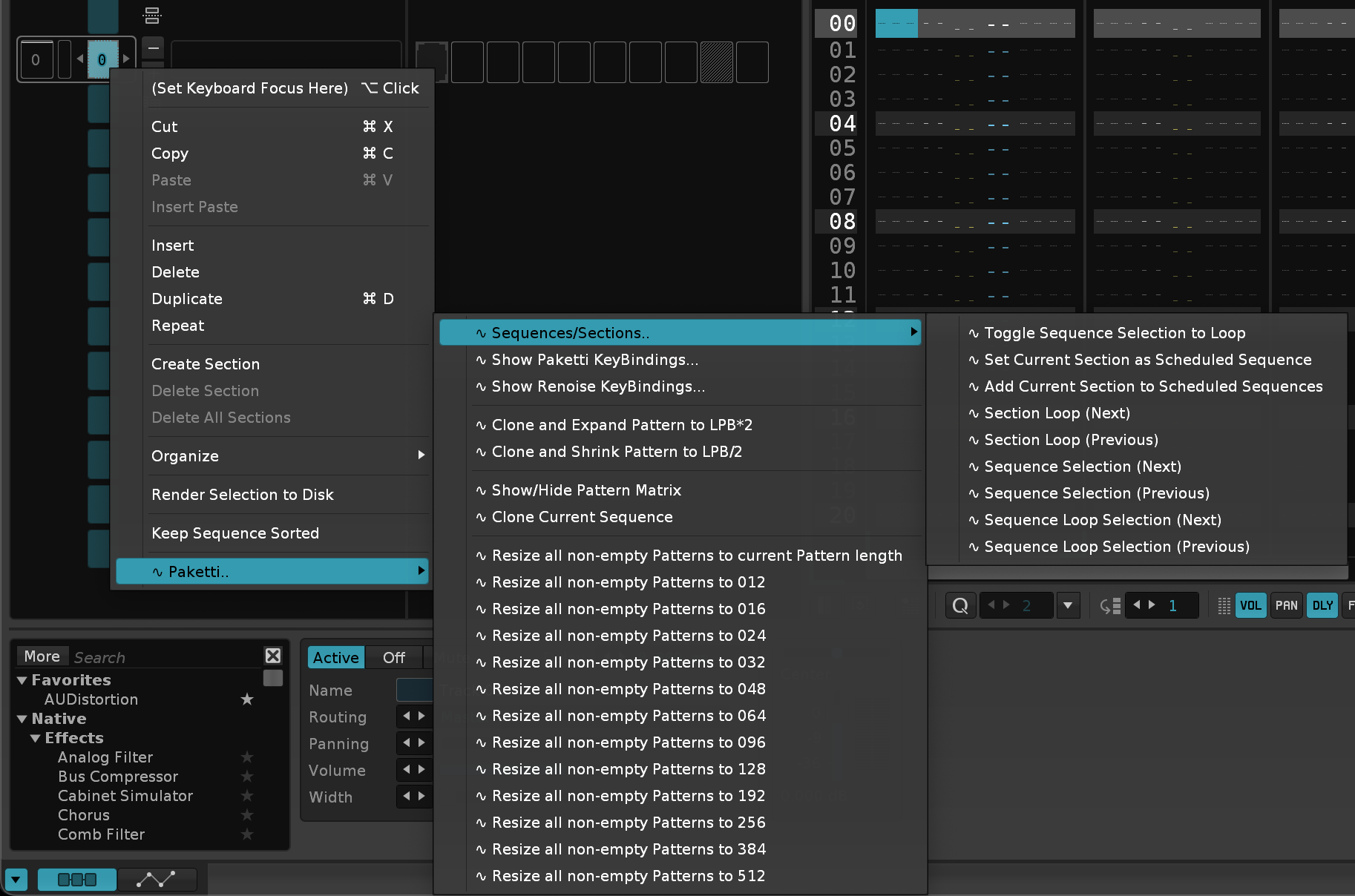
Improvement: Sorted Resize all non-empty Patterns to xxx so the numbering makes sense
Improvement: Resizes moved to subfolder in Pattern Editor and in Pattern Sequencer. for better discoverability
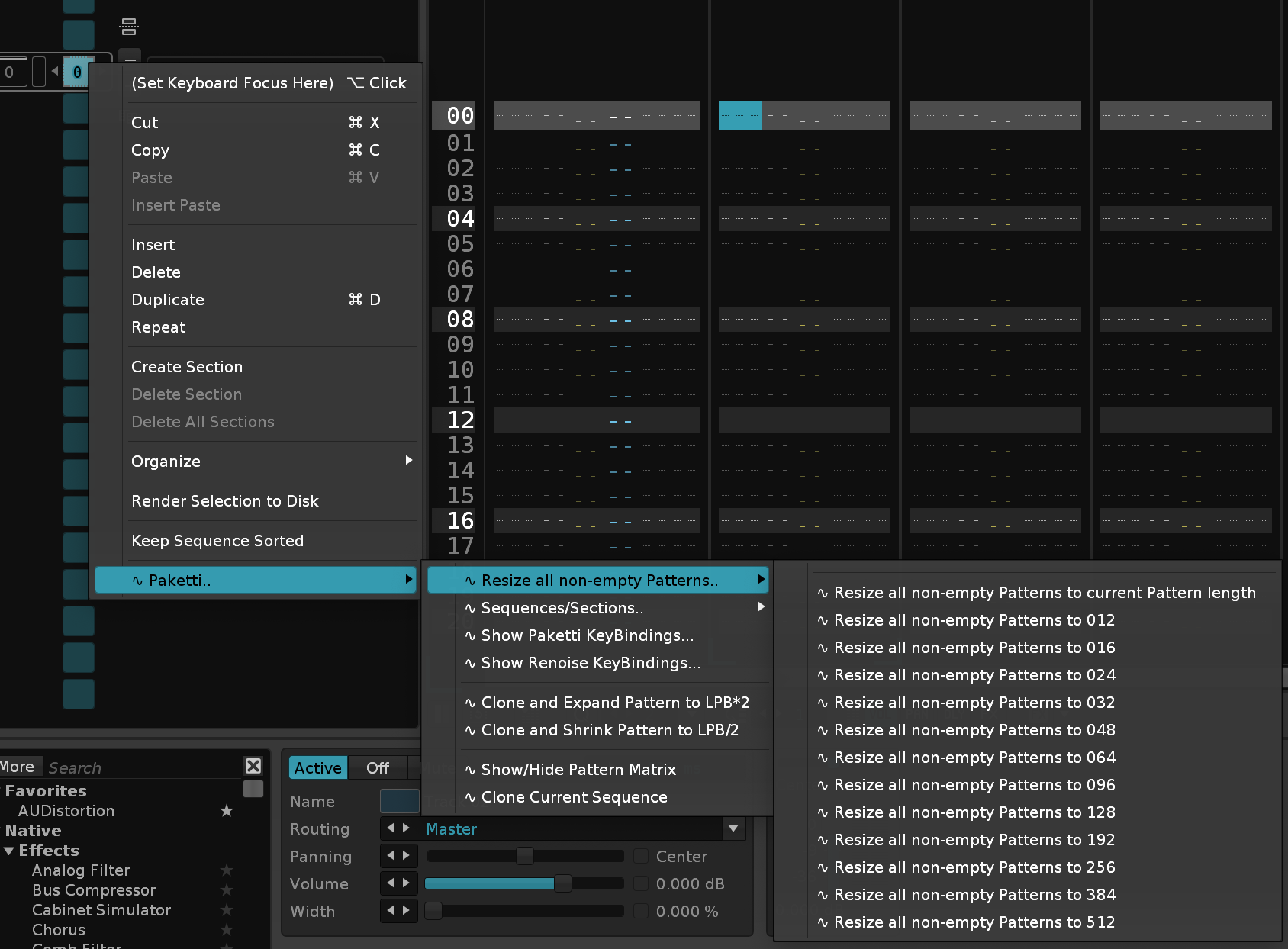
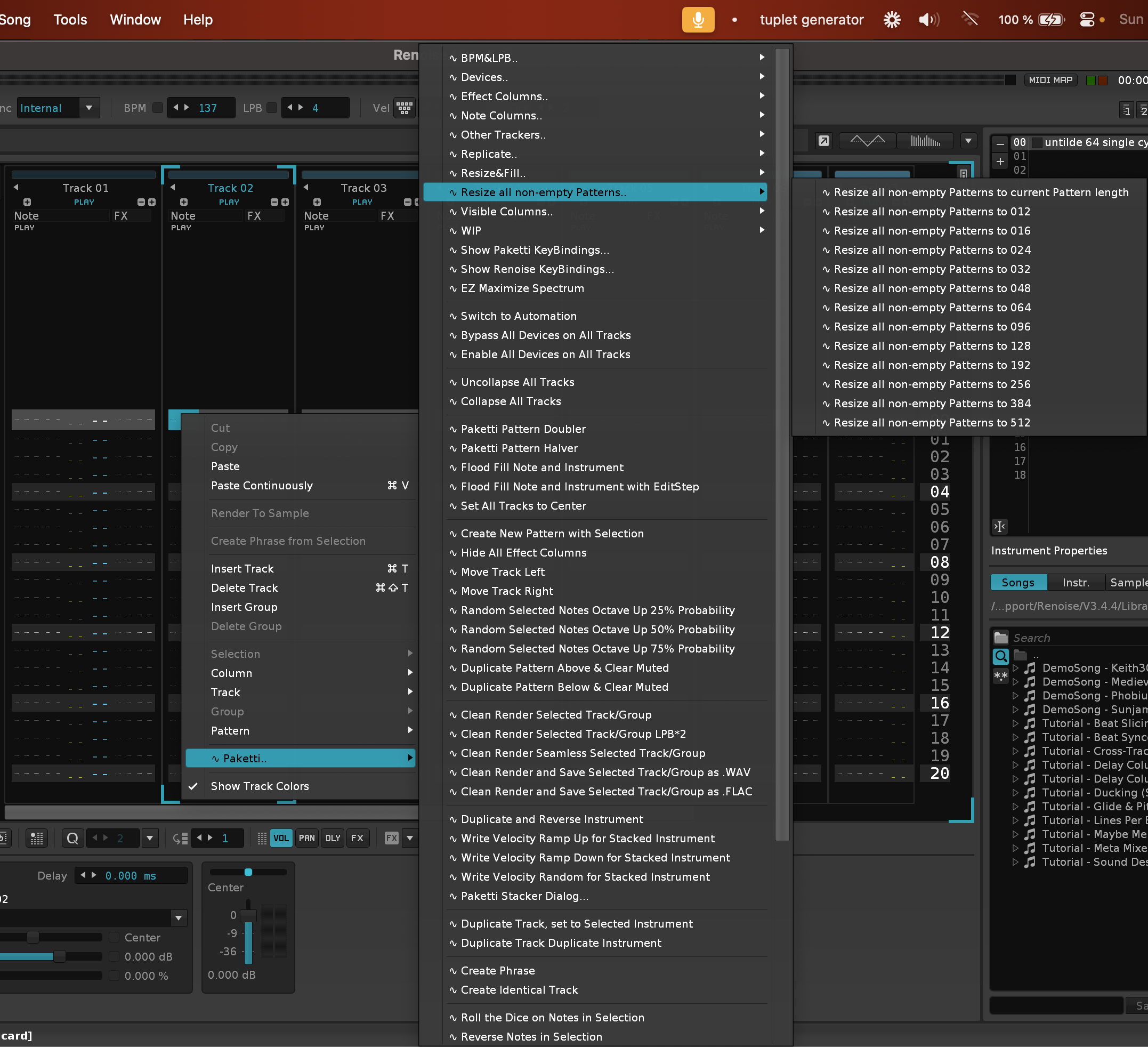
Improvement: added Clone Pattern and LPB*2 / LPB/2 to Pattern Matrix for better discoverability
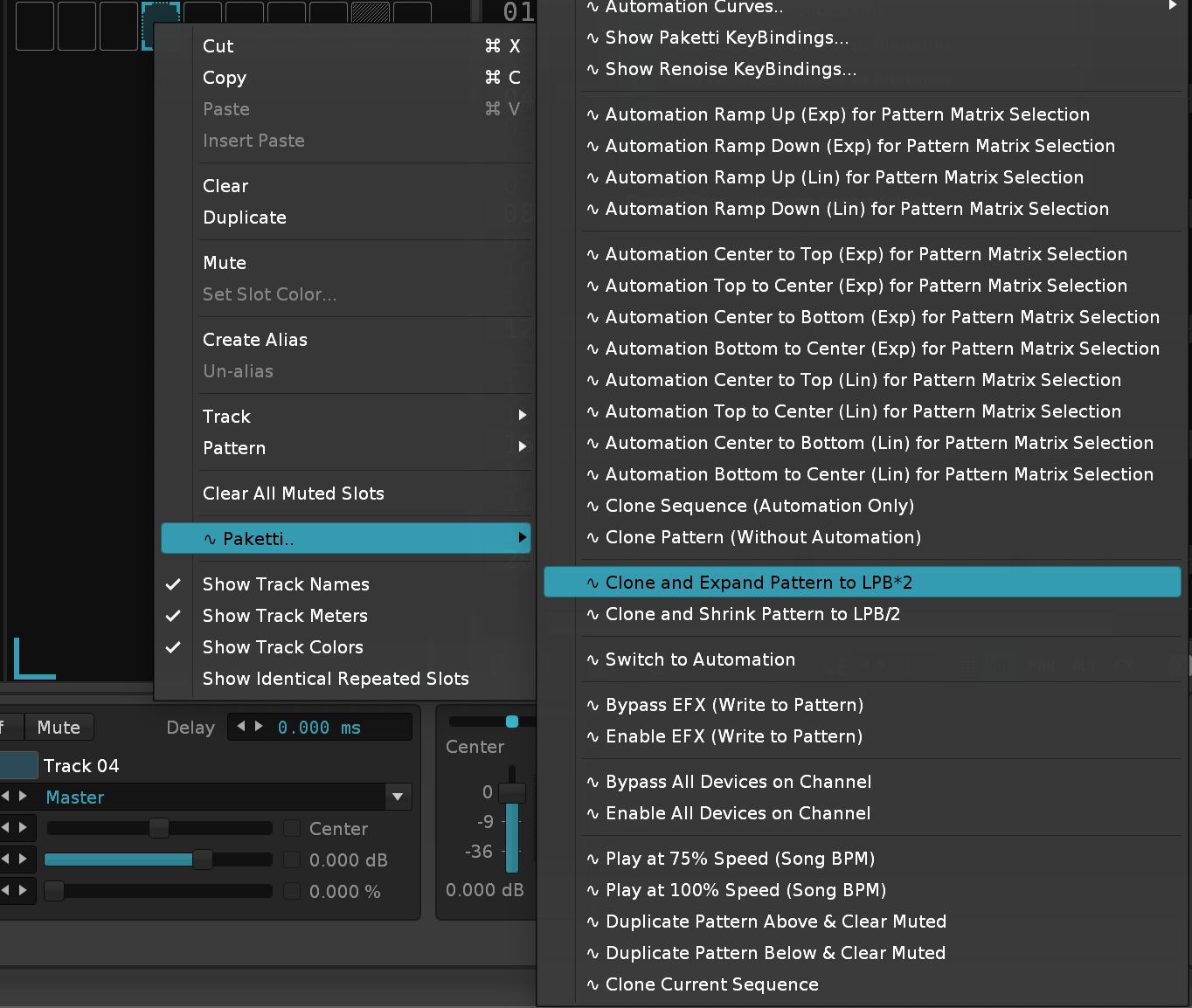
Feature: Edit Step Dialog. focuses the textfield, lets you write something between 0-64 (or larger-than 64, then capped to 64), and sets editstep.
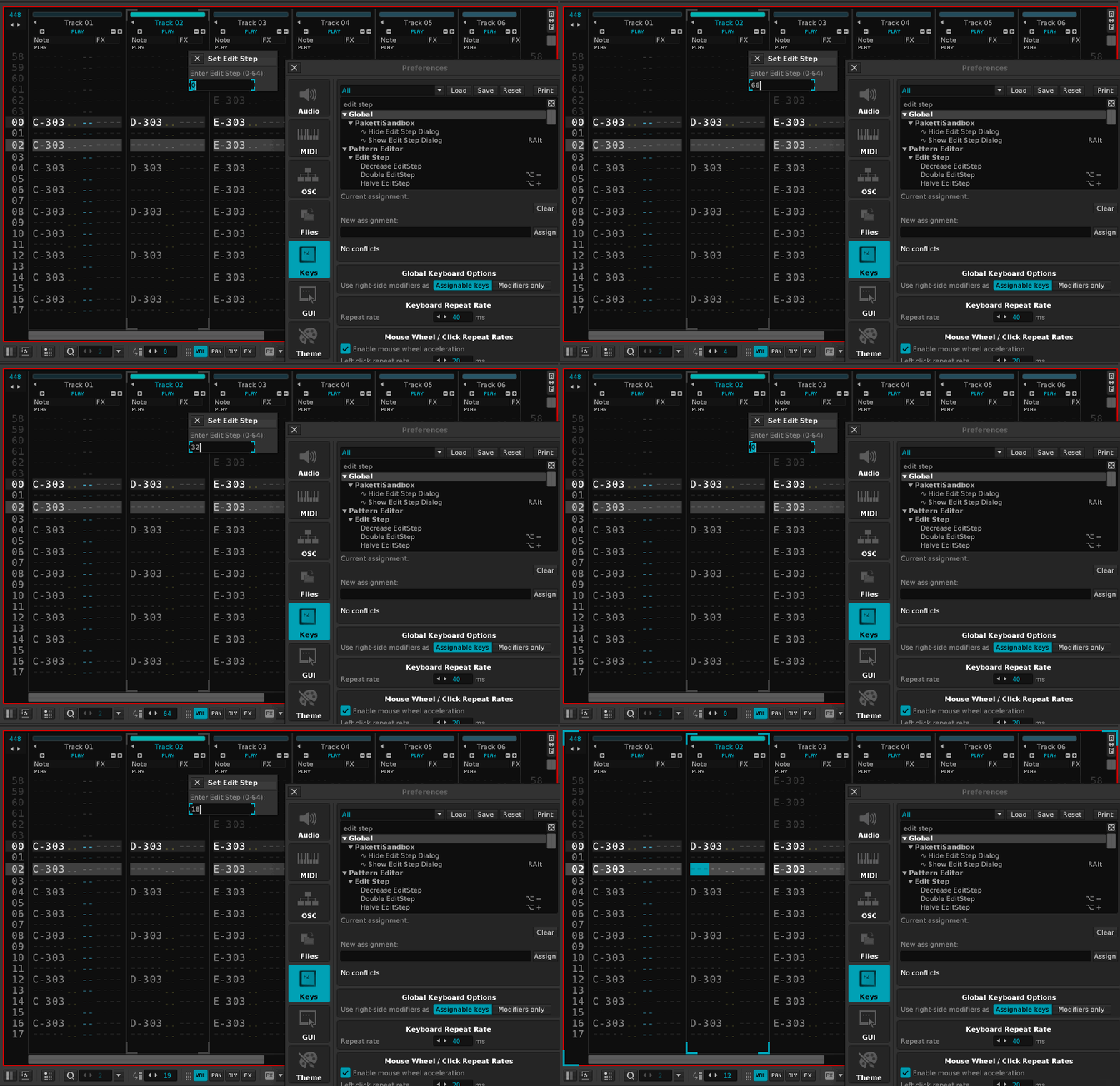
Improvement: Clone Current Pattern & LPB*2 used to read the wrong pattern row length and would error out with over 256 row pattern duplication. fixed.
Improvement: Paketti Default Phrase Init Dialog LPB was limited to 64 - can now be set to max 256.
Feature: Paketti Timestretch Dialog
https://www.loom.com/share/e7189db45e514446aa90de4742c3bf61?sid=e8dca846-9fd3-4ca1-b682-d3e74df42b35
https://www.loom.com/share/6ead19c0c7384a81977f2e5d664a5ee6?sid=ee2d3f62-285d-4cc4-81ce-d9908ab22b72
(No text)
Improvement: Paketti Timestretch Dialog now: lets you have 512 row pattern (two repeats of the same sample) lets you write pitch to current row-and-below, meaning you can create a render with varied note pitch and the -24 -12 c-4 +12 +24 buttons also follow the "print notes" many improvements incoming
Improvement: ChordsPlus has now been added as menu entries like this:
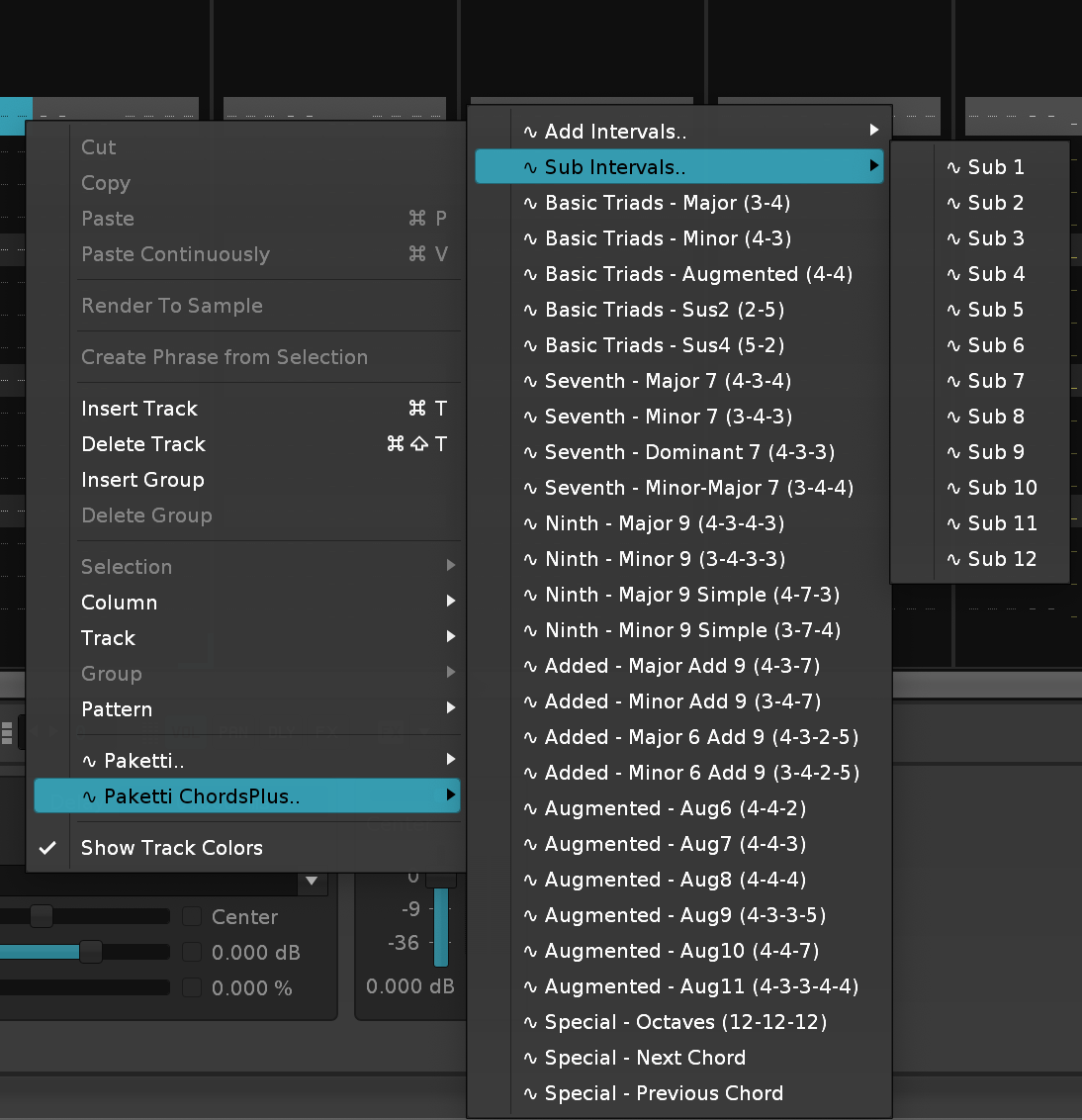
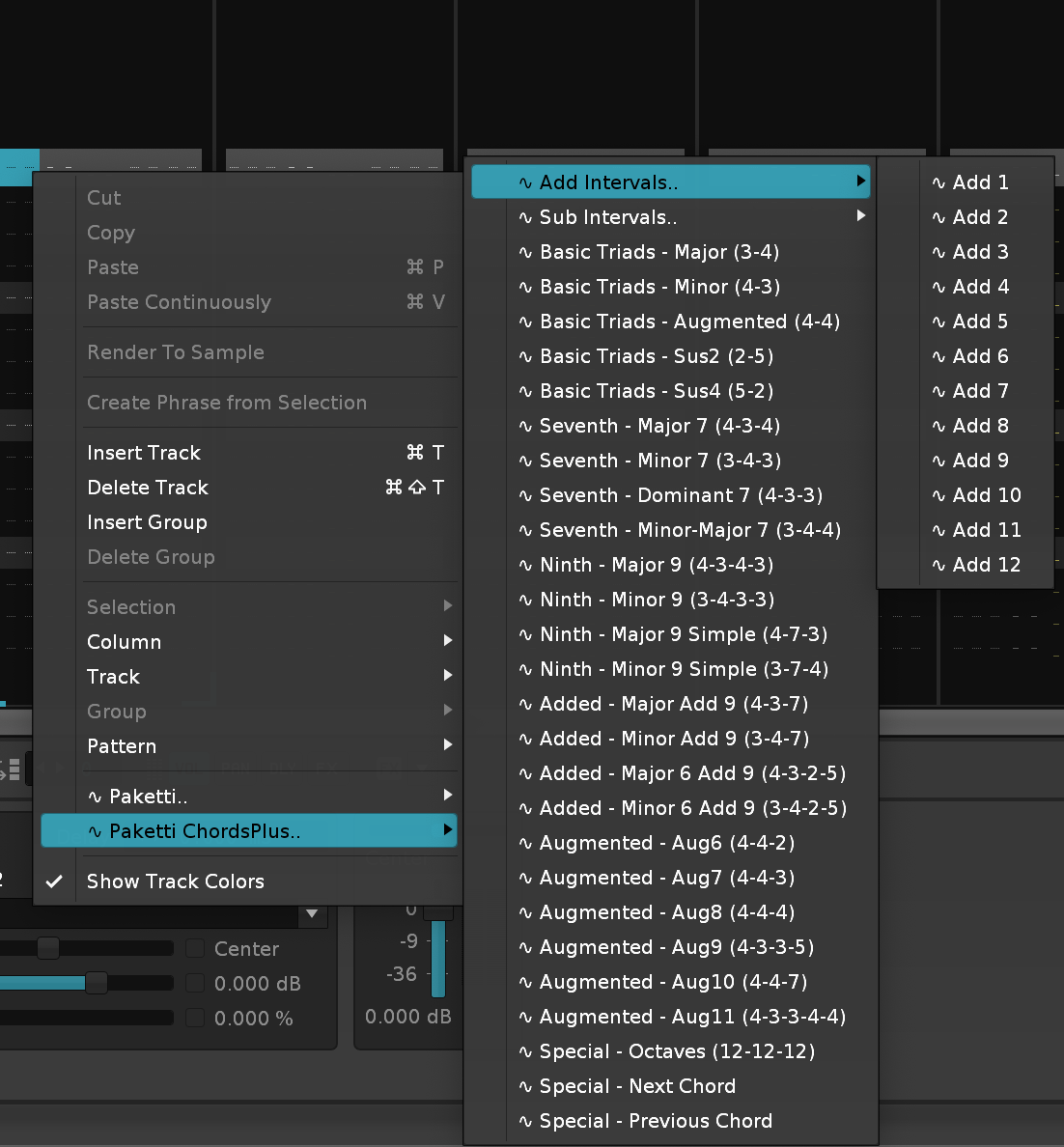
Improvement: Paketti Timestretch Dialog now makes it possible to have AHDSR envelope for clipping the sounds really quickly (fast gate).. has controls for changing to sample editor for better wave display visibility, or modulation mappings to see the pitch settings and the pitch envelope has default Release and Scale for Release for the AHDSR sliders protection against going below C-0 and higher than B-9, no errors there anymore. various Reversed checkbox fixes
Improvement: Paketti Timestretch Dialog now correctly shows the millisecond/second value of the Release slider checks whether the instrument has been pakettified or not (i.e. ahdsr envelope release will not work), and suggests to run Pakettify on the sample. has a Pakettify button that makes an identical copy, but with instrument macros. which correctly sets the instrument valuebox in the interface to the new, Pakettified, instrument. no longer errors out if there's over LPB32 (such as LPB56). correctly sets a 64 row pattern to 256 rows in order to print in the sampleoffset numbers. sets forward loop mode ON when enabling AHDSR, sets it off when disabling AHDSR.
Improvement: Paketti Timestretch Dialog will now write BPM+LPB to Master track.
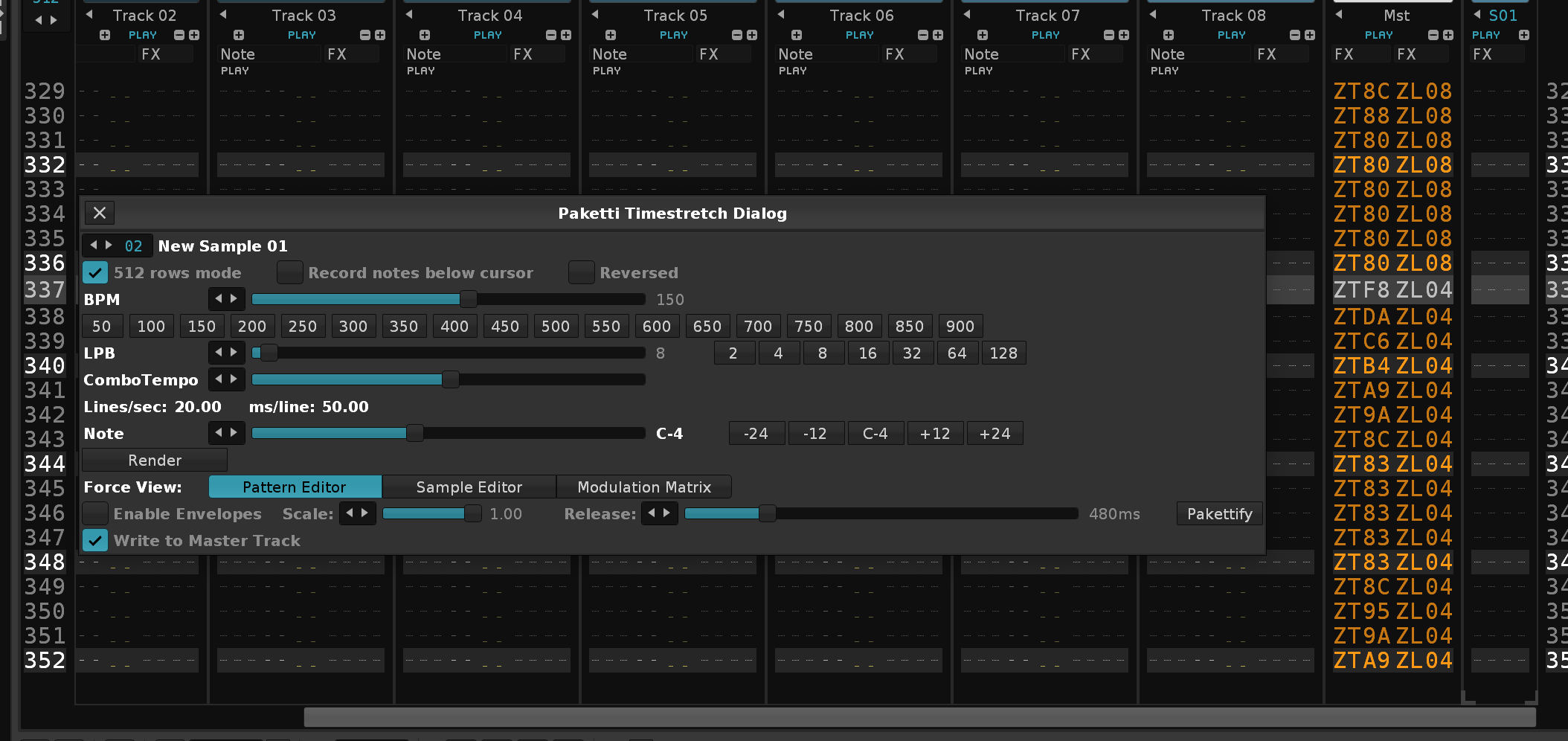
Improvement: Fixed error on start of Renoise / script
Improvement: Paketti Timestretch Dialog will now output the LPB into the instrumentname + samplename too, like this:
137BPM 16LPB A-3
Improvement: Paketti Timestretch Dialog < and > for BPM, LPB, ComboTempo + Note now all move by -1/+1
I have been writing down the main unfinished features and bugs on s piece of paper while planning on what to do this January to be able to start February from a Clean slate
Improvement: Tweaked Chordsplus so it says what it did and how

Improvement: Chordsplus menu entry now also shows a related function, which is Randomize Phrasing. this changes the octaves of the notes on the row randomly
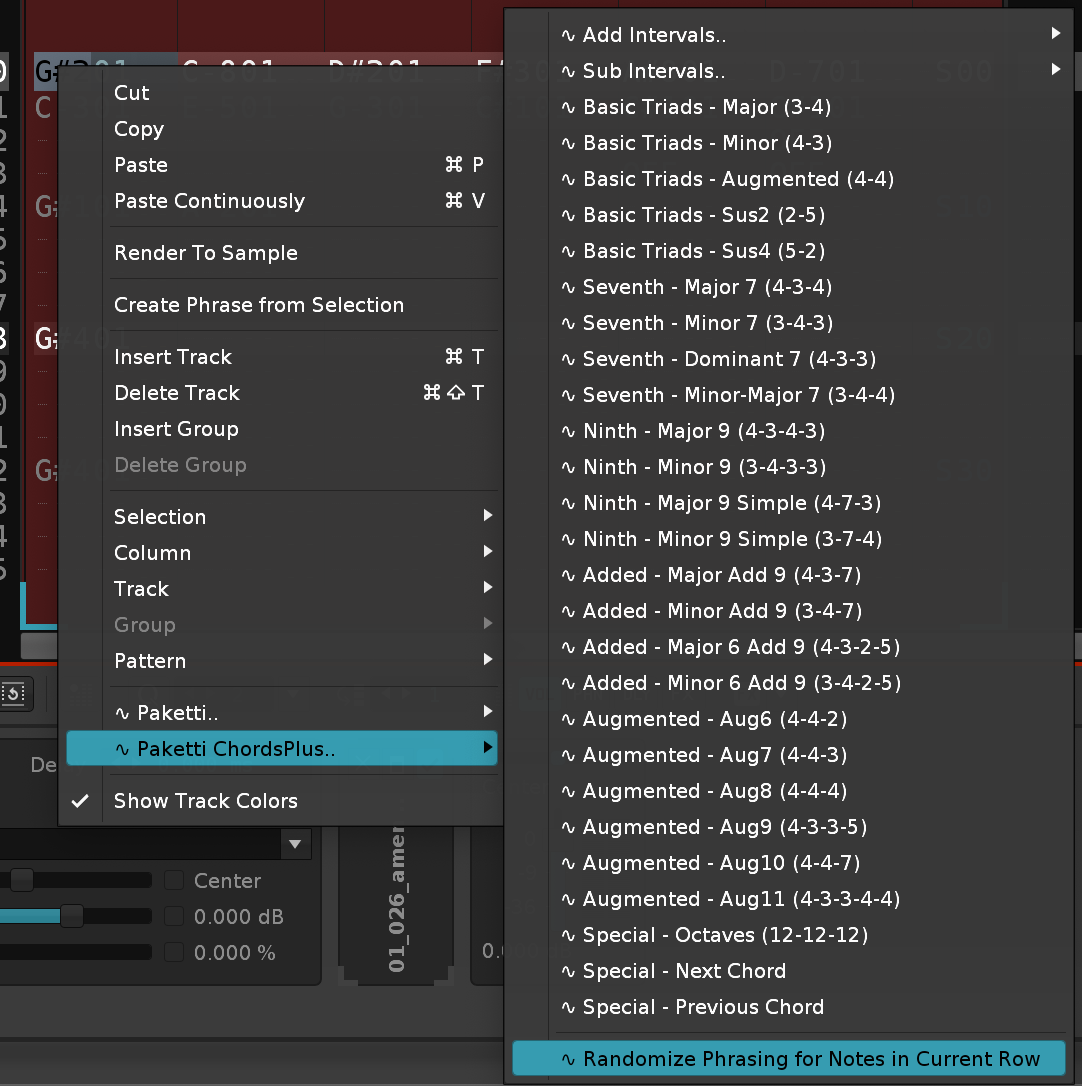
Improvement: Chordsplus shortcuts now match the basenote velocity column volume amount (

Improvement: the EZMaximizeSpectrum easter egg features that worked for Renoise v2.8, has been reintroduced, but hidden - only available if you happen to run Paketti with v2.8 Renoise 👍
Improvement: some additional tweaks to menu entries and better organization
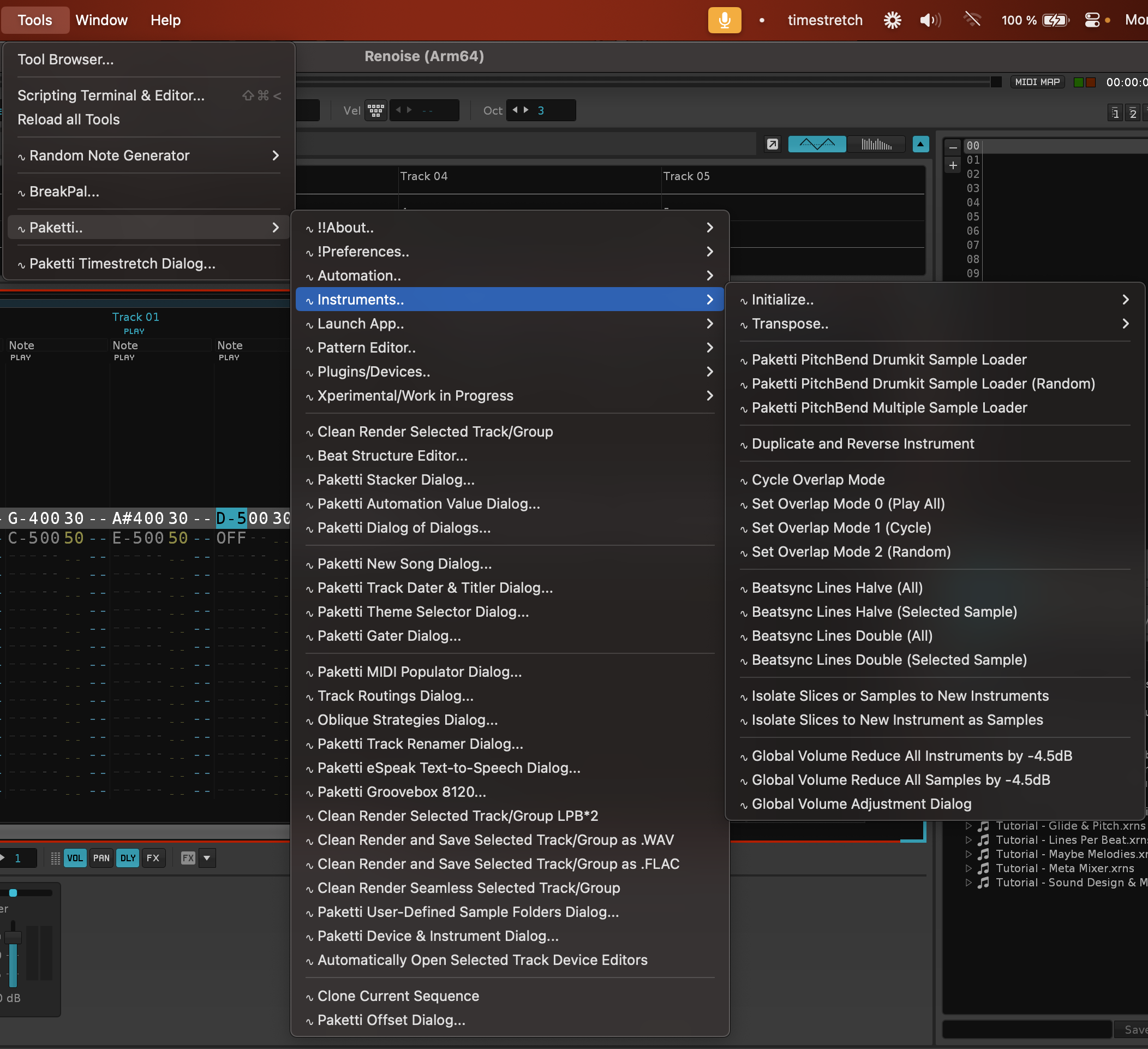
Improvement: Added "Paketti Init Phrase" to the Main Menu !Preferences segment
tweaked the repetition of "Dialog..." out of some of the menu entries
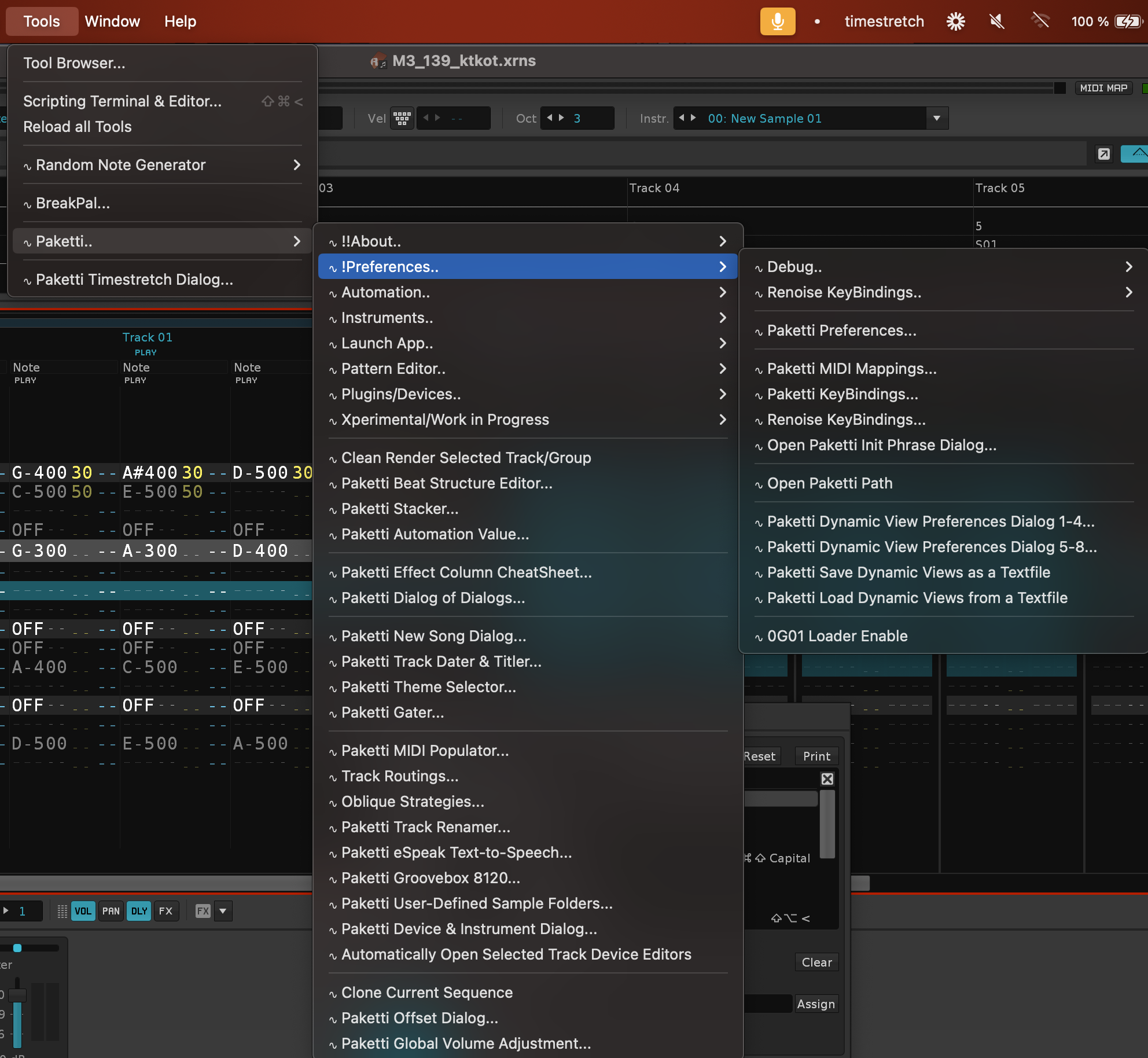
Improvement: "Available Routings for Selected Track" had stopped opening due to regression - dialog works again.
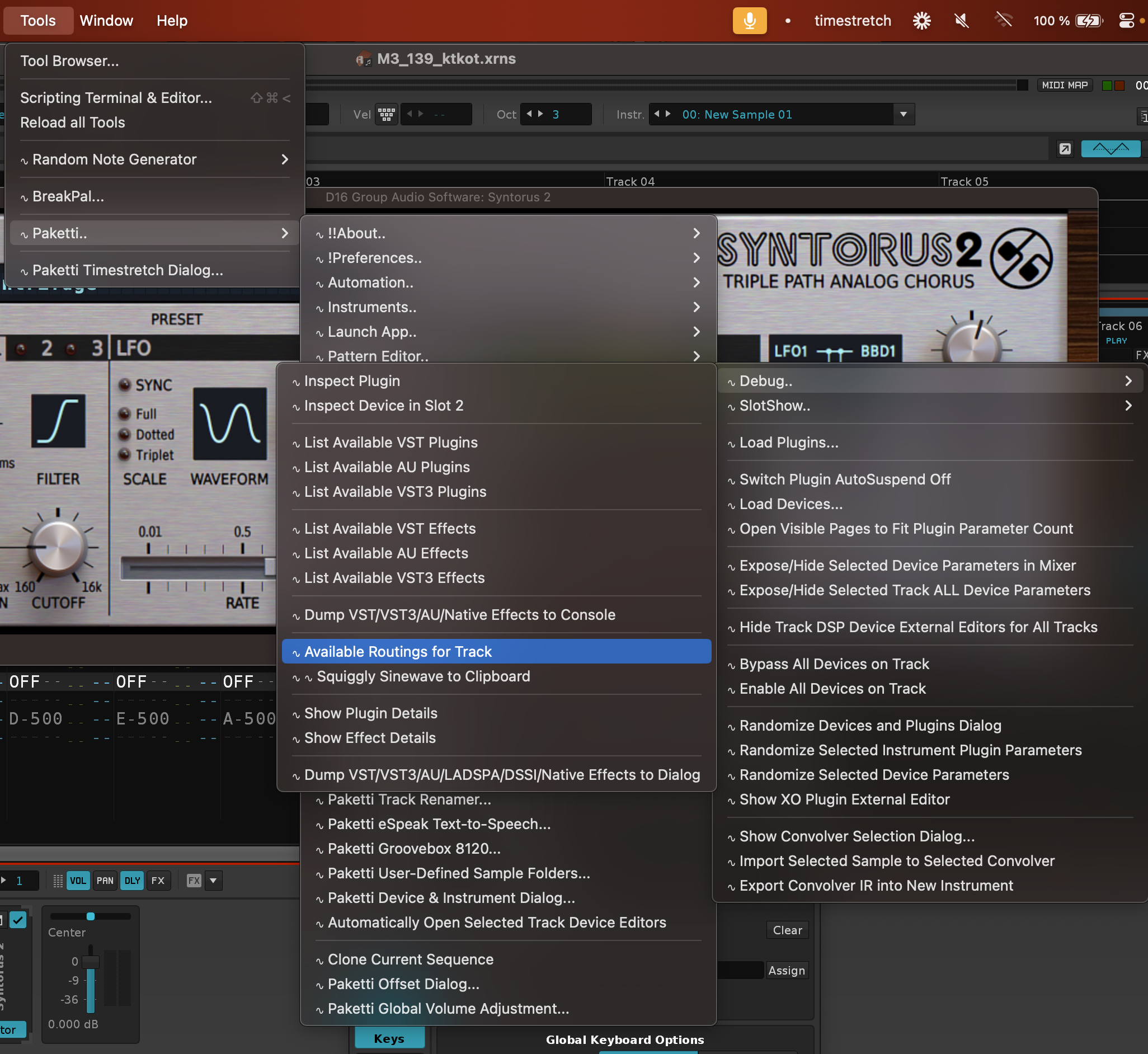
Improvement: The Debug content has now been aptly named so people don't wonder why nothing showed (if it's only for (Console) )
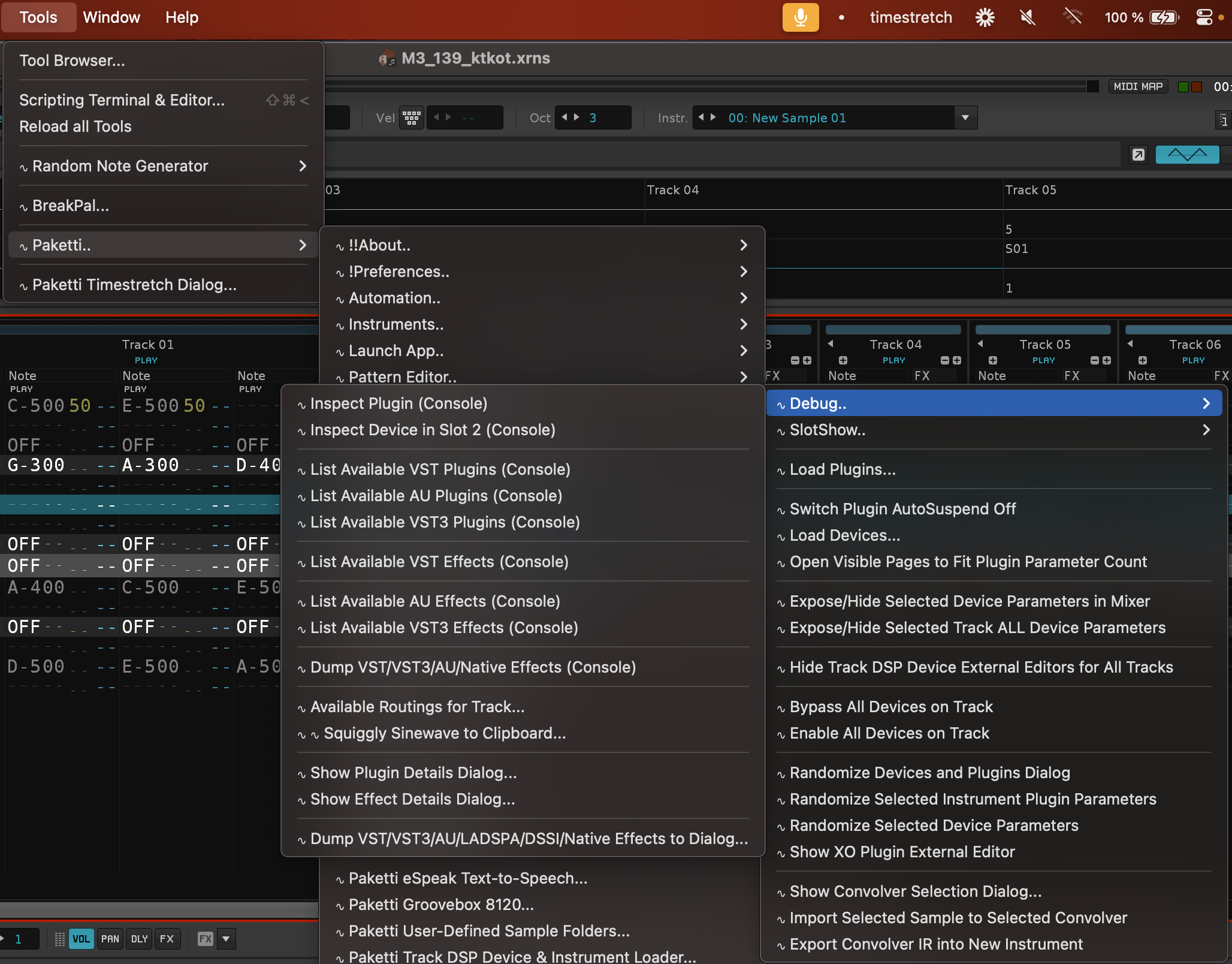
Improvement: tweaked all Clean Render menu entries to be inside Pattern Editor.. in Main Menu .. also moved the VolDelayPan dialog to be in the main menu tools Paketti subfolder
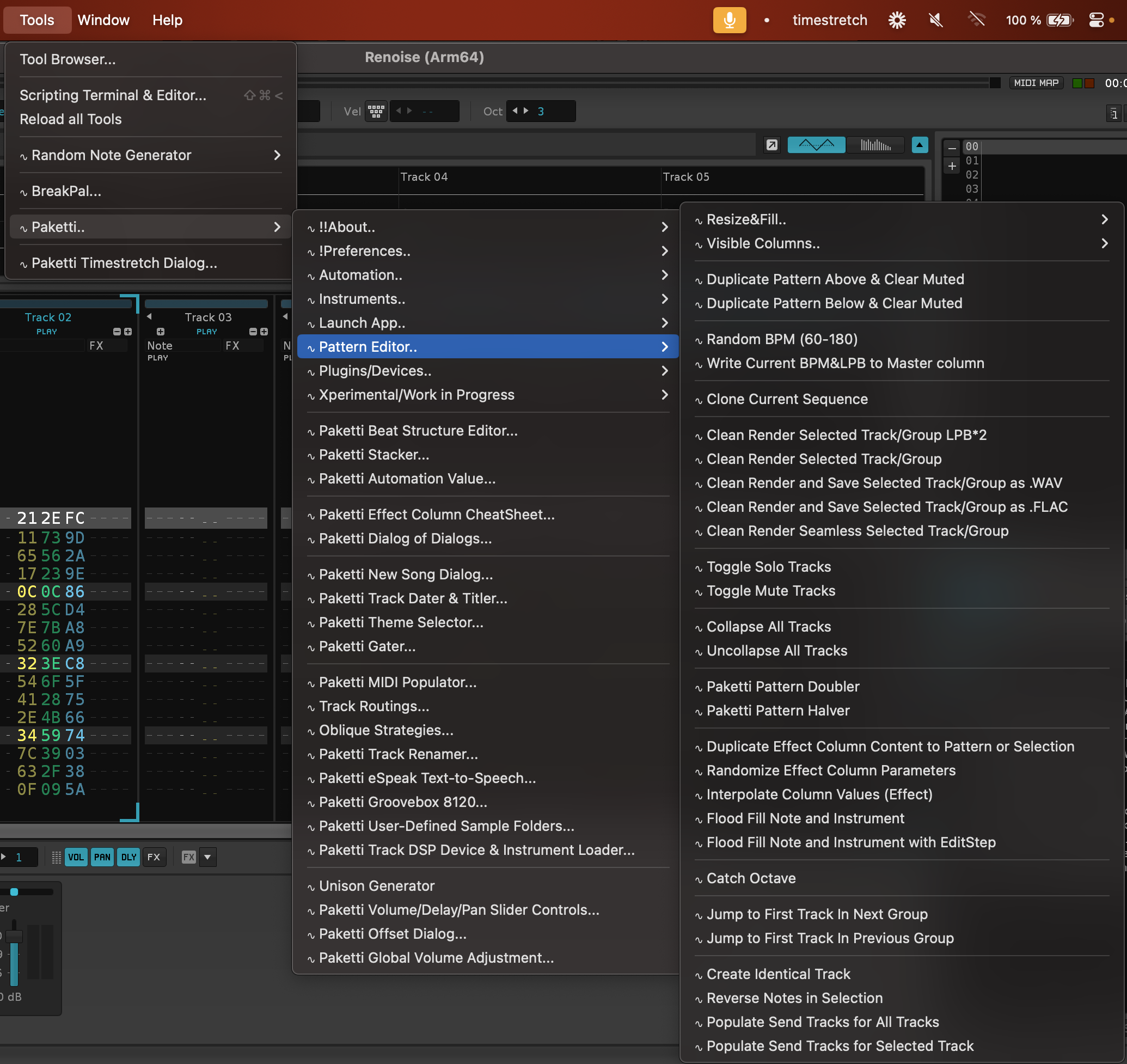
Feature: Normalize Slices Independently (apparently this was a feature in Propellerheads ReCycle - aka Normalize Each Slice) Before:
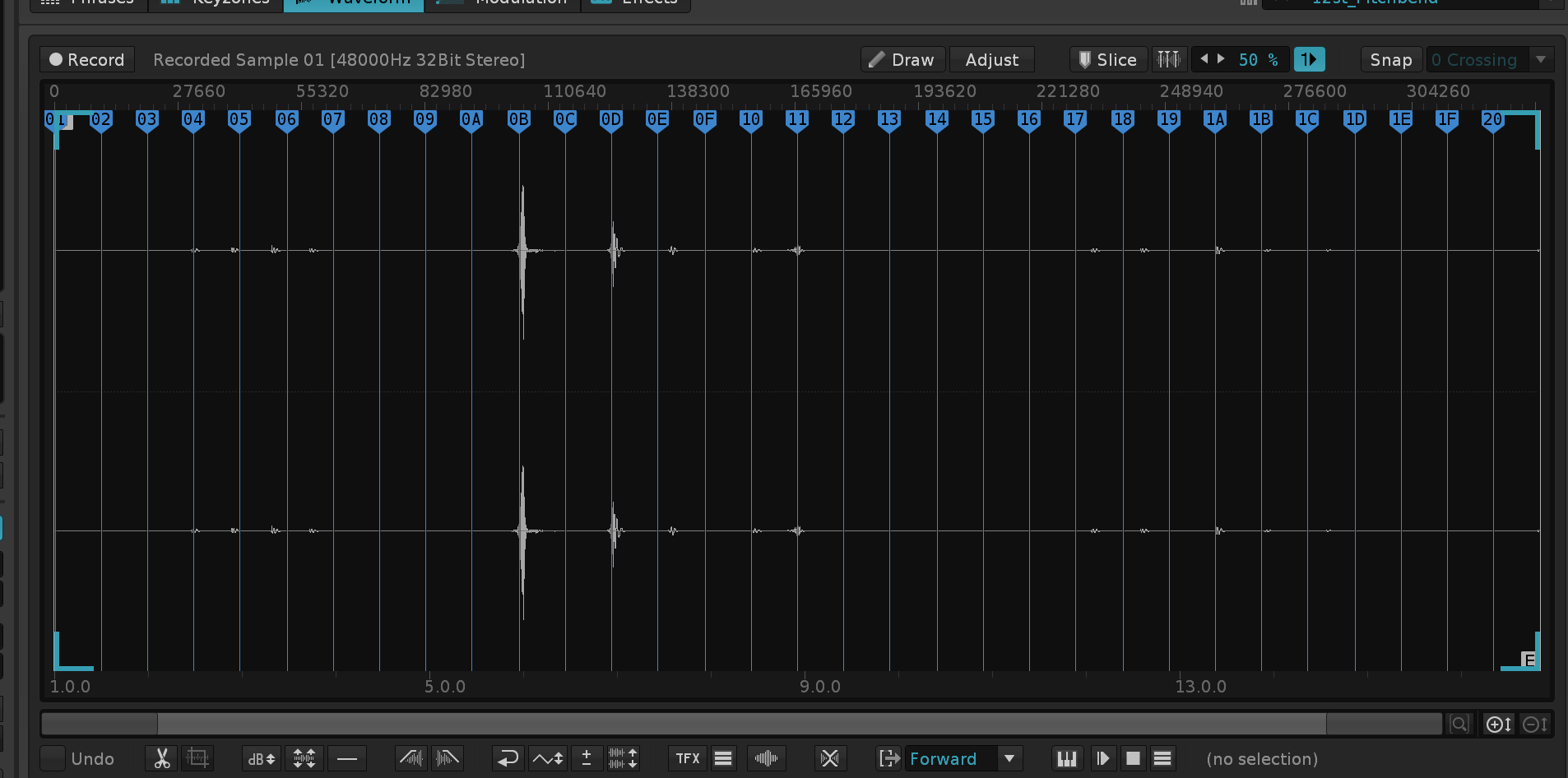 After:
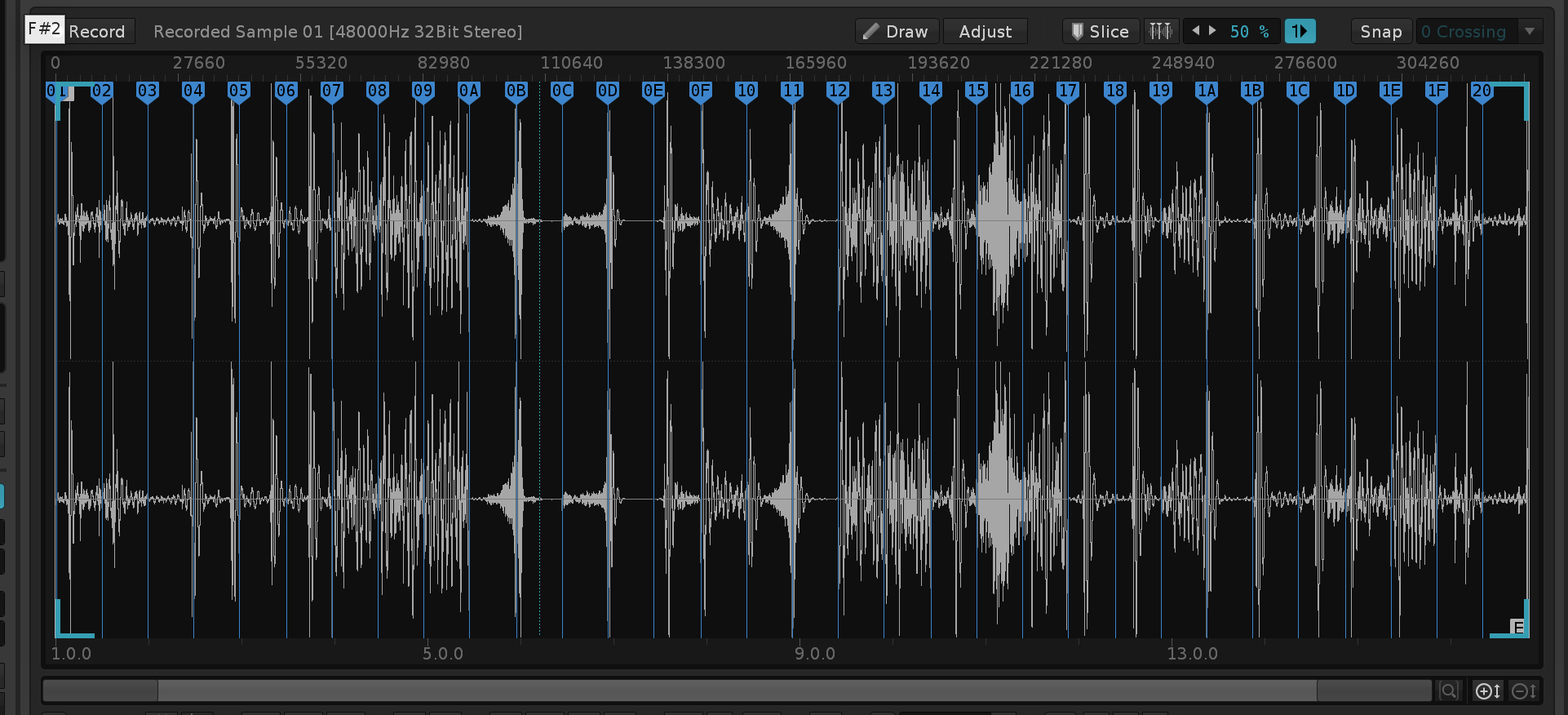
Improvement: Paketti KeyBindings dialog now has a dropdown menu for sorting, much like the Renoise KeyBindings dialog.
Renoise KeyBindings dialog now properly sorts the subcategories together (so "all Edit subcategories are together" etc instead of all over the place)
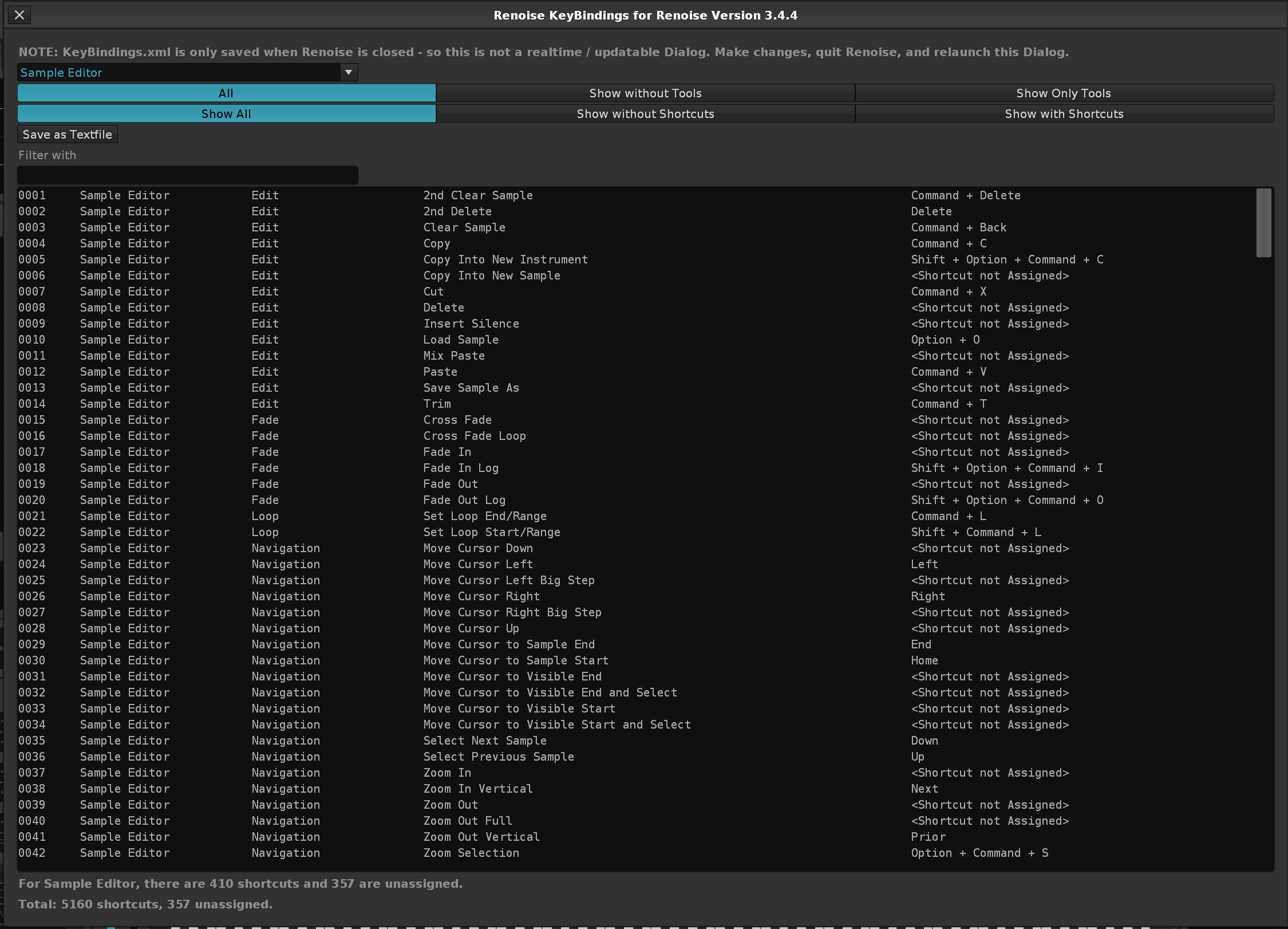
Improvement: Due to all the above KeyBindings fixes, noticed a bunch of "Paketti..:" format keybindings, tweaked them so they're Paketti: instead.
Improvement: Sorting of Paketti + Renoise KeyBindings fixed
(Closes https://github.com/esaruoho/paketti/issues/763, https://github.com/esaruoho/paketti/issues/760)
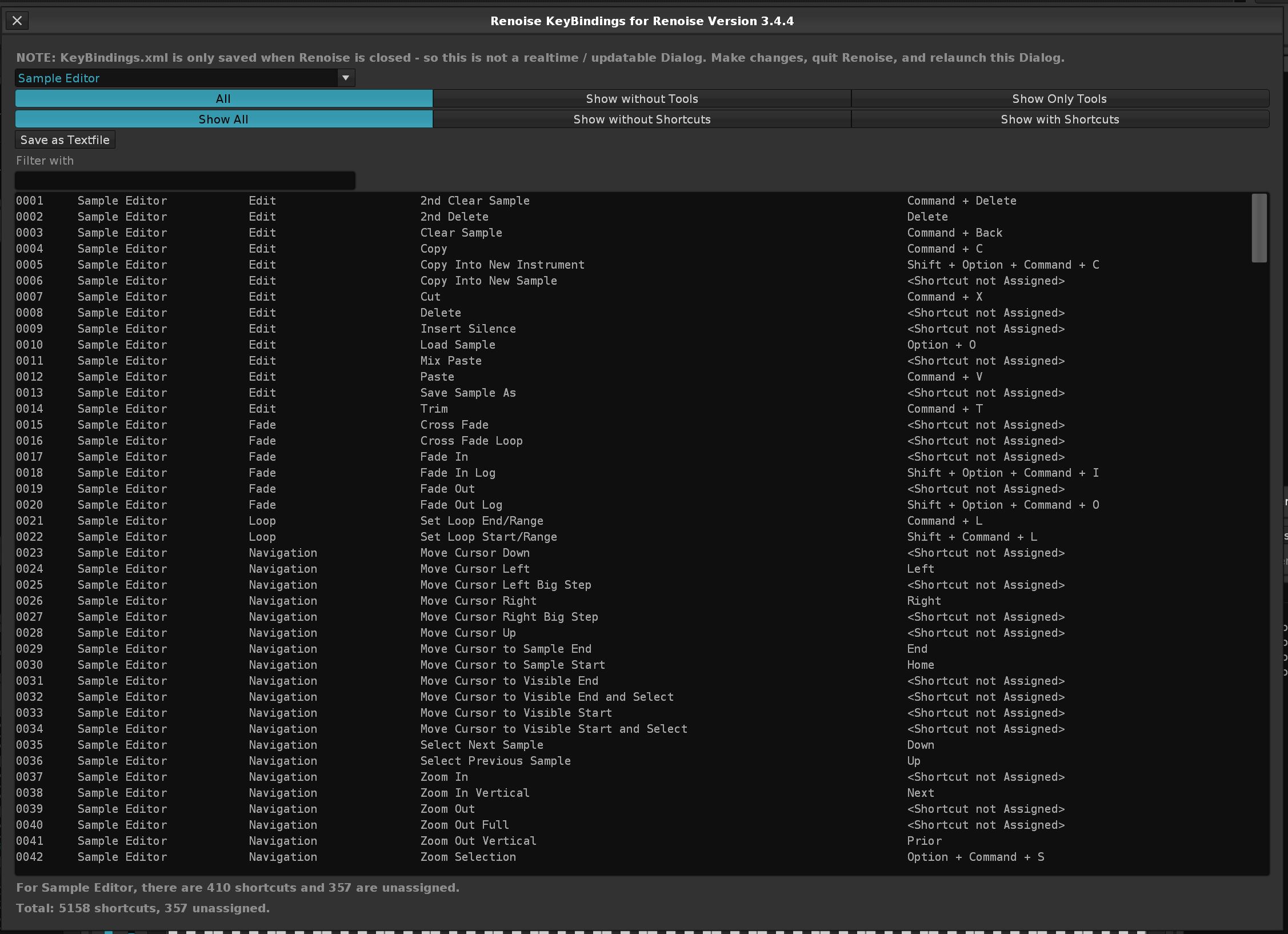
Improvement: slowly renaming everything related to Coluga to YTDLP since that's what it is and that's how people are going to understand what it is and what it does
Feature: PitchStep Hard Detune, this creates 16 steps of PitchStep content, ranging between -0.05 to +0.05
Improvement: Added the same above (but 64 steps of PitchStep with -0.05 to +0.05 to Unison Generator, meaning:
after creating an unison generator sound, a random pitchstep of 64 step length is added for further detuning
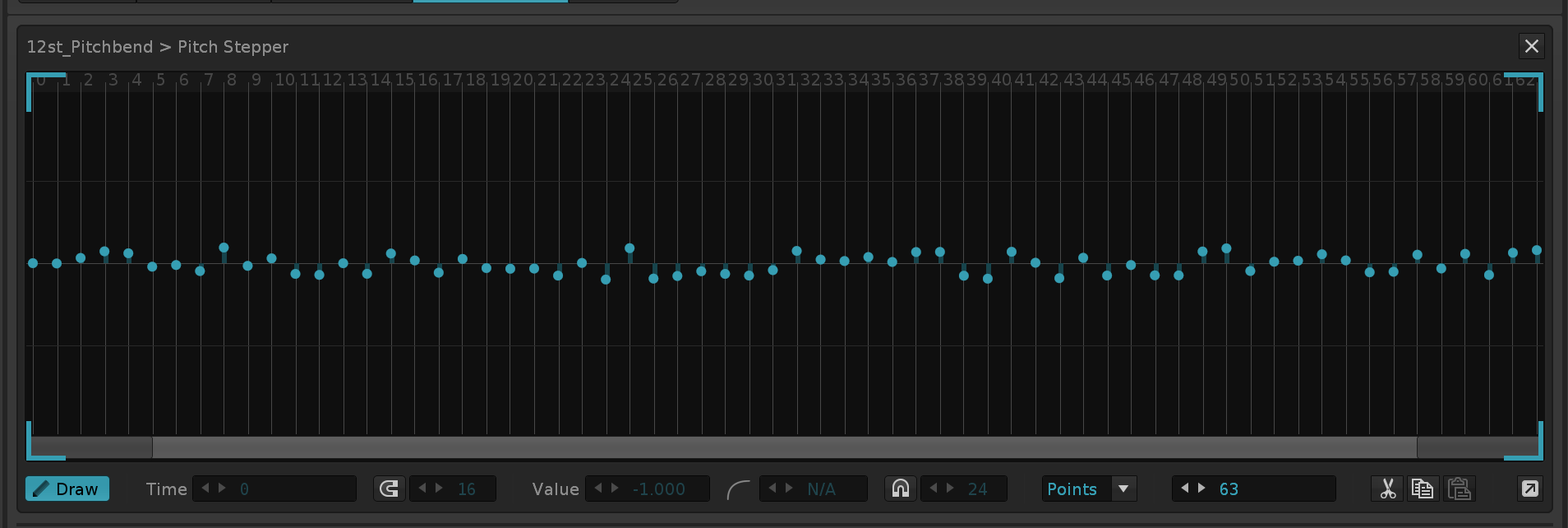
Improvement: I've added "Send Selected Sample" to the Main Menu Entries and finally introduced the separator for better readability in the sample editor
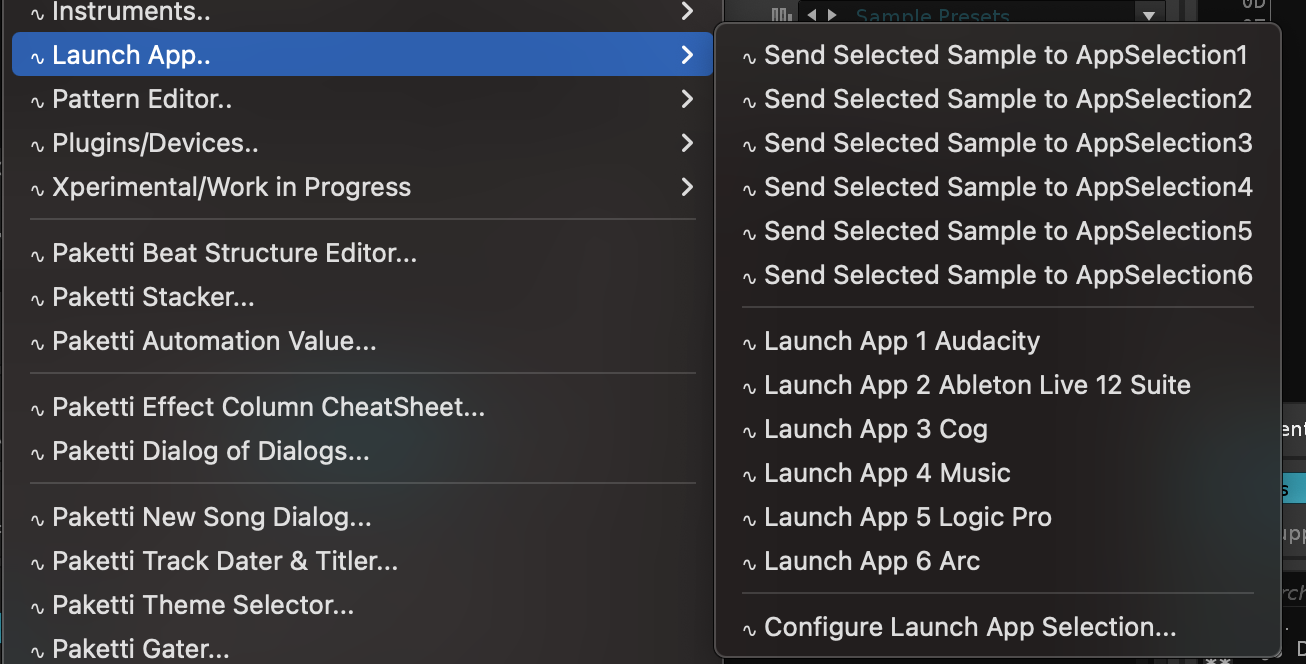
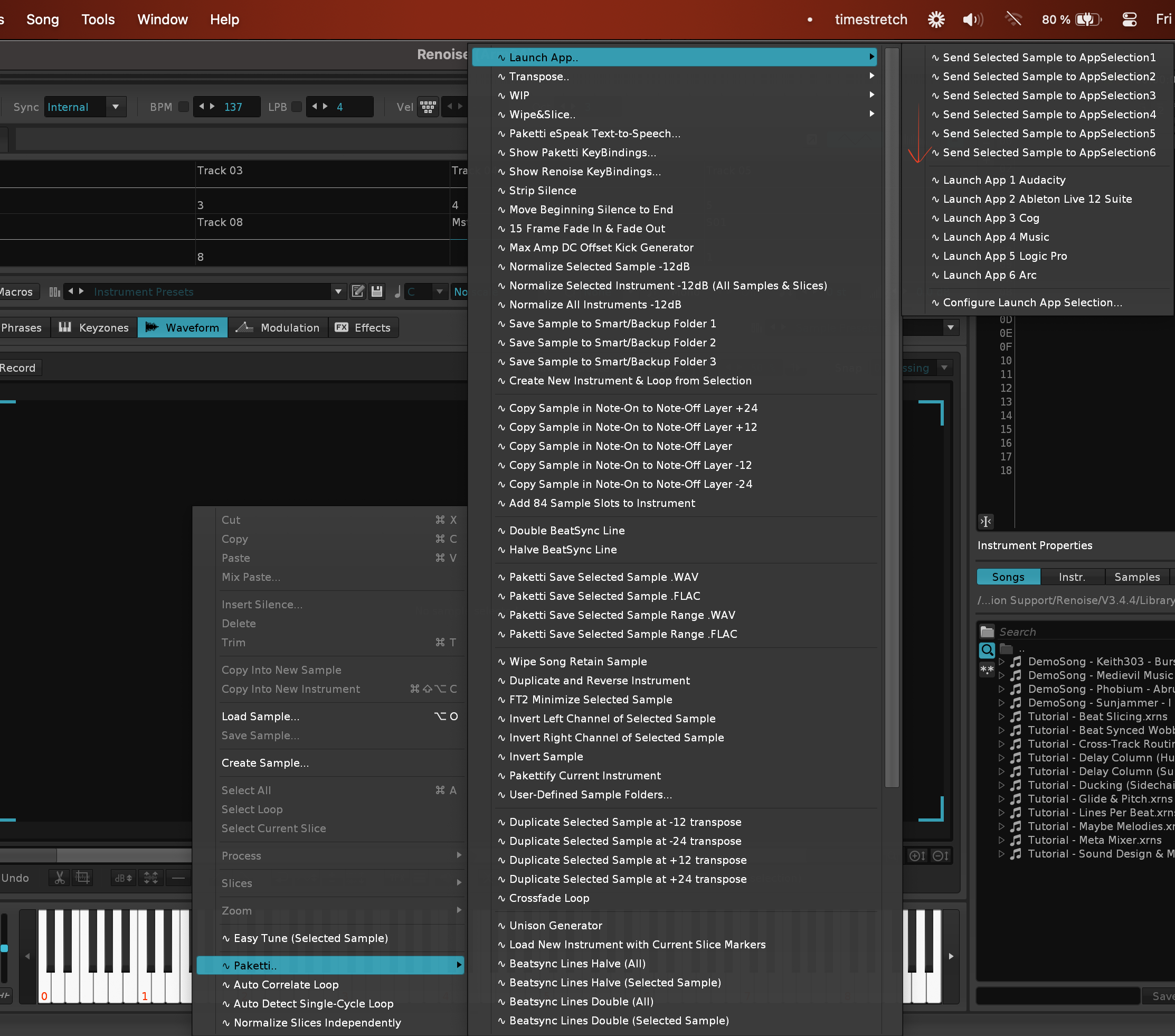
Improvement: Saw this request for "Menu Entry for Randomize Device Parameters in Mixer" at here so here it is:
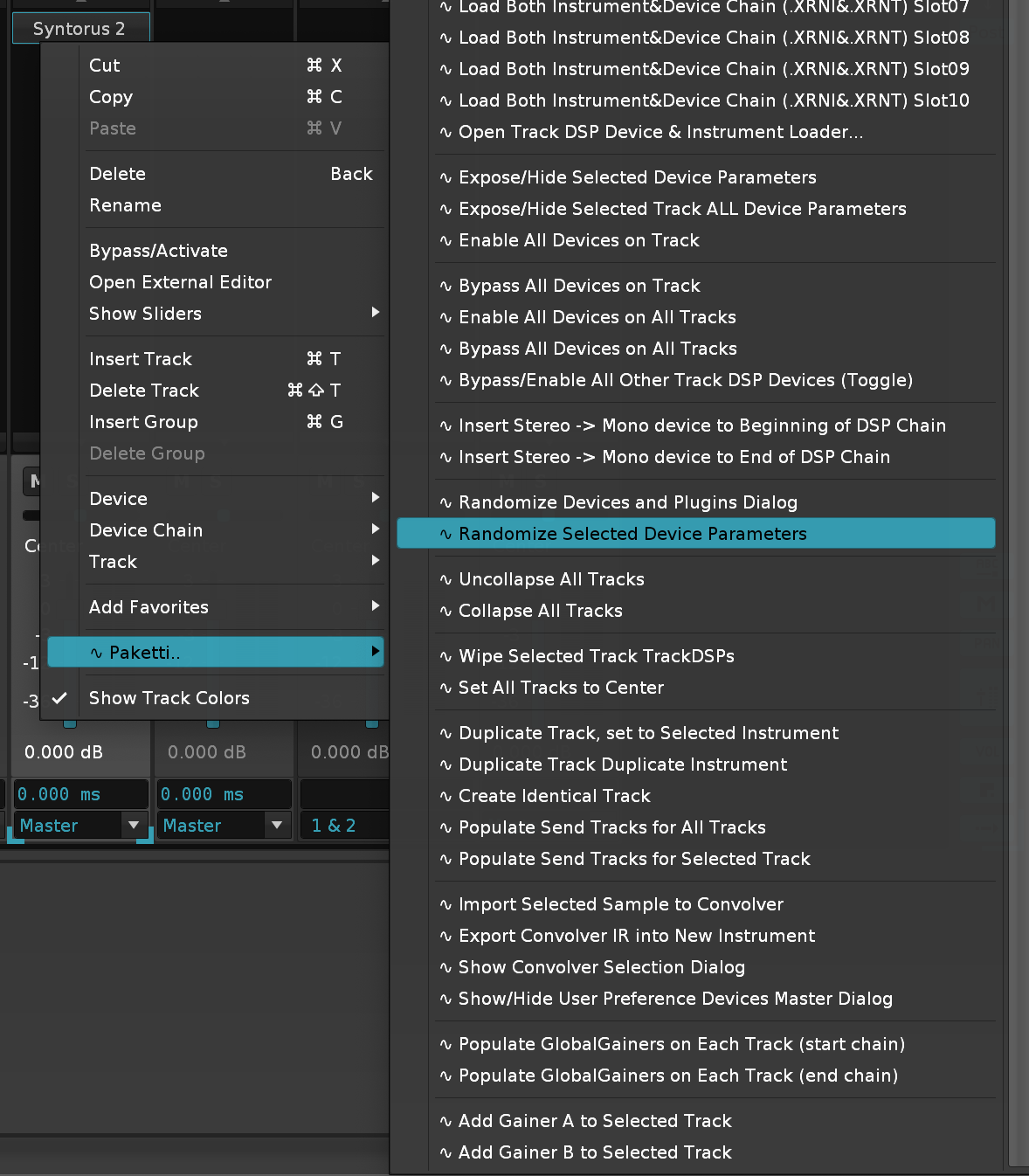
Improvement: The "Sample NOW and F3" shortcuts have been renamed to
Start Sampling and Sample Editor (Record)
What this does:
simple shortcut starts the sample recorder, and starts sampling. same shortcut stops the sample recording. after the sample has finished being saved and made available to Renoise, the Sample Editor is displayed.
Improvement: Added the above feature to Pattern Editor, Sample Editor, Instrument Box & Mixer, and it now has Autoseek set to On.
Removal: I have commented away the "Select Next / Previous ReWire channel" or ReWire features. if you want them back, please ping me.
Improvement: The Contour Shuttle Record Prototype has been renamed and is no longer considered a prototype. this is now called Contour Shuttle Record On/Off. all it does is display the Sample Recorder dialog, start sampling.. and if you run it again, it stops sampling. no extras.
Improvement: Contour Shuttle Record On/Off now sets Autoseek+Autofade to True. same for Start Sampling and Sample Editor.
Improvement: Contour Shuttle Record Off, Follow On, Record On, Follow Off shortcuts have been clarified. this is not a sample recorder feature. so the names have been changed too.
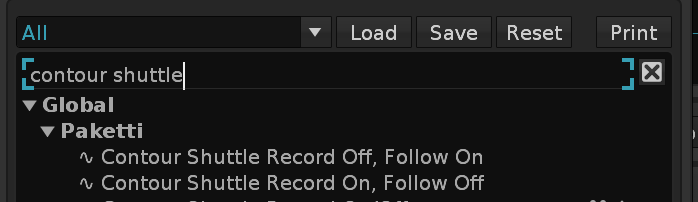
Feature: Record & Follow Flip. this shortcut + menu entry will enable Editmode. but disable follow pattern. if you run it again with editmode on, then it disables editmode, but enables follow pattern. so one shortcut will let you follow, until you're ready to quit following and instead edit. same for midimapping button.
Improvement: Added "Set Track Volume Level (L00)" as a MidiMapping too
Improvement: Added "Effect Column B00 Reverse Sample Effect On/Off" as a MidiMapping too
Improvement: Effect Column B00 On/Off will now read the first free Effect Column and write the 0B00 effect there. and make more effect columns visible if all currently visible ones are filled.
Improvement: I've resurrected the "Record to Current Track+Plus" feature and renamed it as Paketti Overdub . this allows, while Sample Recorder is set to these settings:
(sync start stop: Pattern, Create a new instrument set to OFF)
for recording max 12 new instruments per track, and auto-inputs the instrument at c-4 note and with 0G01 (glide) meaning you can record say 30 minutes of pads, and then have it play in your 16-64 row pattern (or any size pattern) and right at the end, restart the playback from the beginning. i.e. flawless loops.
i've got two more improvements for this on my todo-list, after which it's video-time.
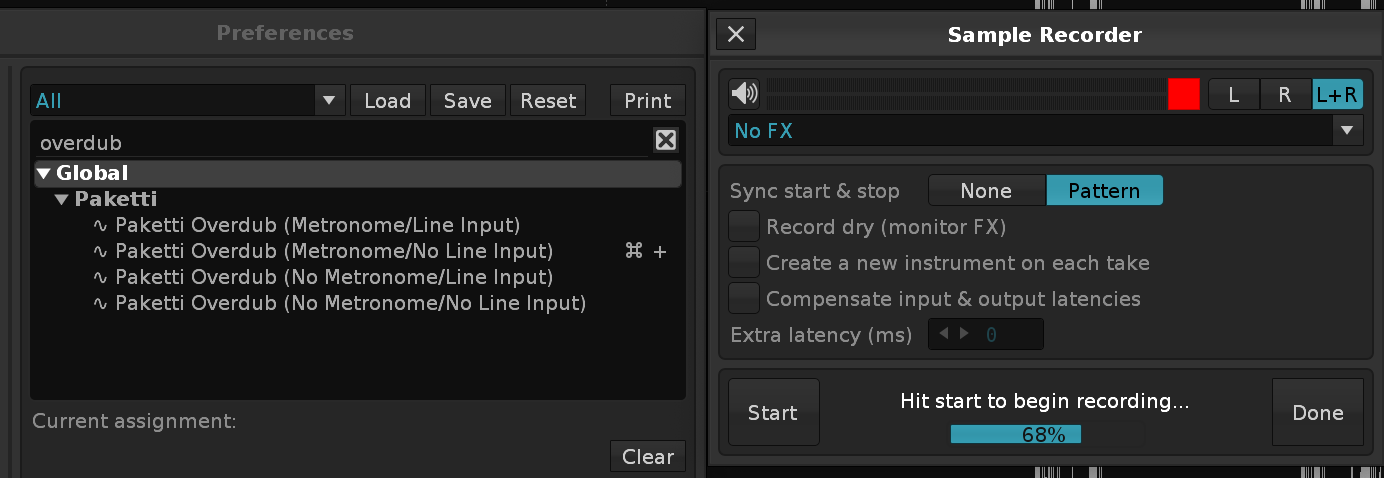
Improvement: Overdub now has a 12 note column per track and 1 note column per track flavor.
so one instrument per track, or 12 instruments per track.
(Closes https://github.com/esaruoho/paketti/issues/769)
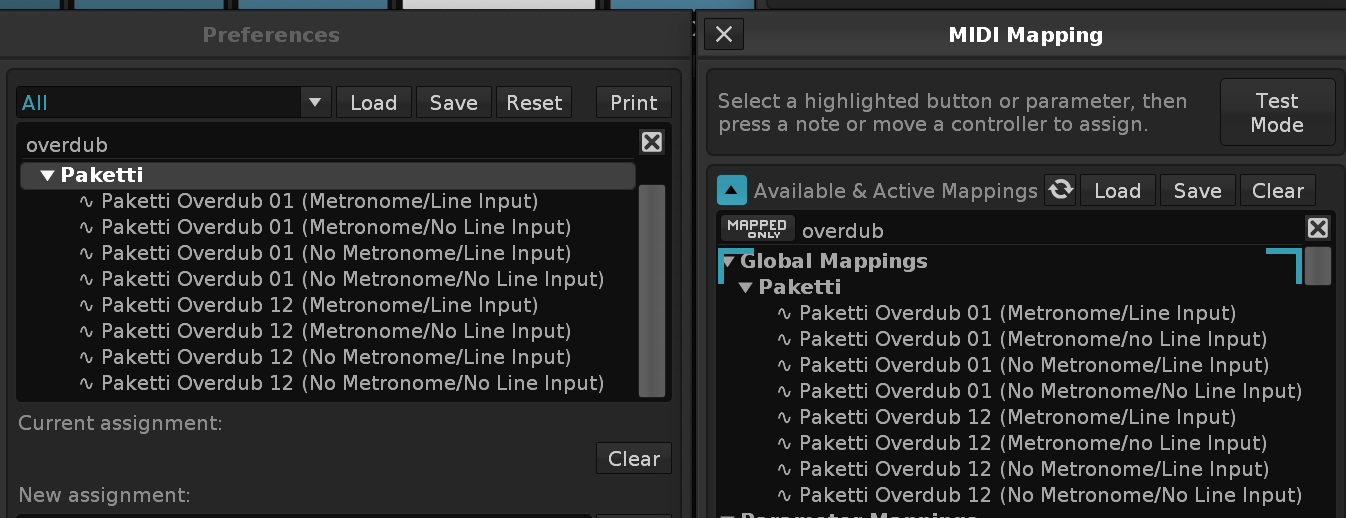
Improvement: Overdub now returns cursor focus to middle frame so that you can reverse or normalize what you recorded and also cuts the sample by 3500frames so that it definitely loops
Feature: Tempo Calculator for IT2/ST3/Schism etc stuff
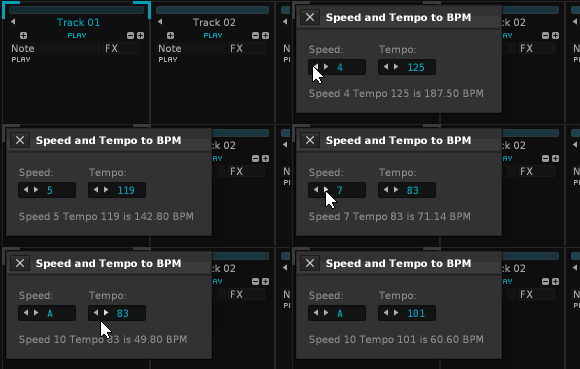
More work on Overdub including bugreports to Renoise devs - they're looking at the bugs
Feature: Nudge Delay Output Delay +1ms -1ms and set to 0ms - shortcuts, menu entries and midimapping
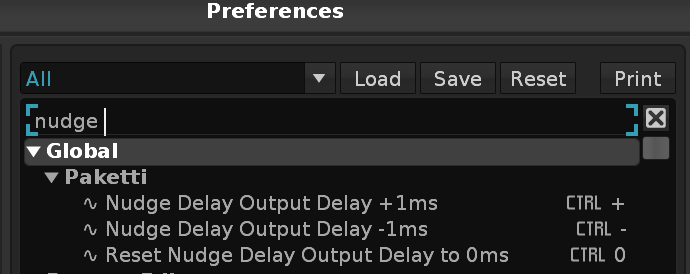
^^

Feature: Global Groove 2&4 - this midi mapping will let you modify the 2nd + 4th shuffle with one knob.
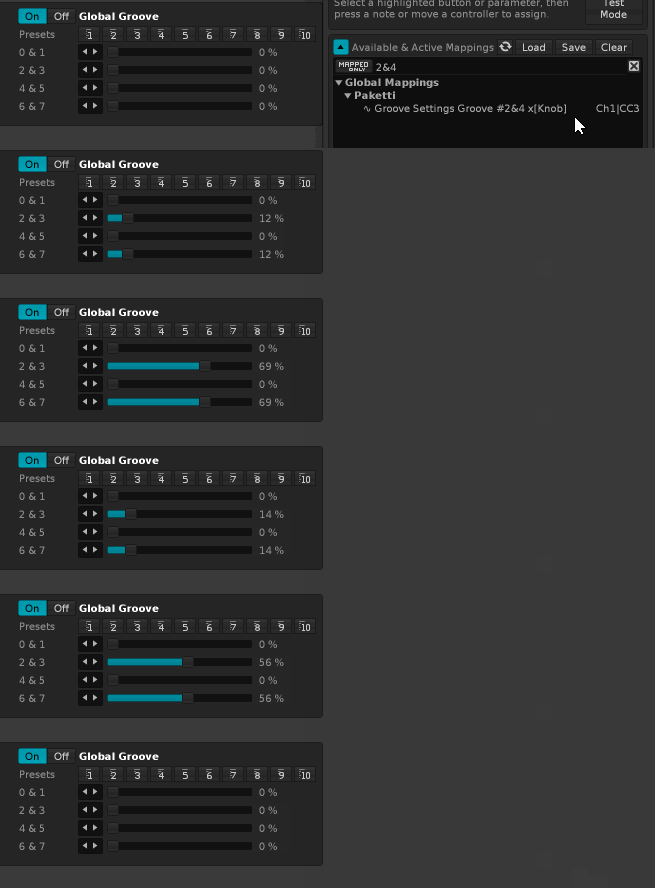
Improvement: +05 -05 +10 -10 as menu entries, keybindings
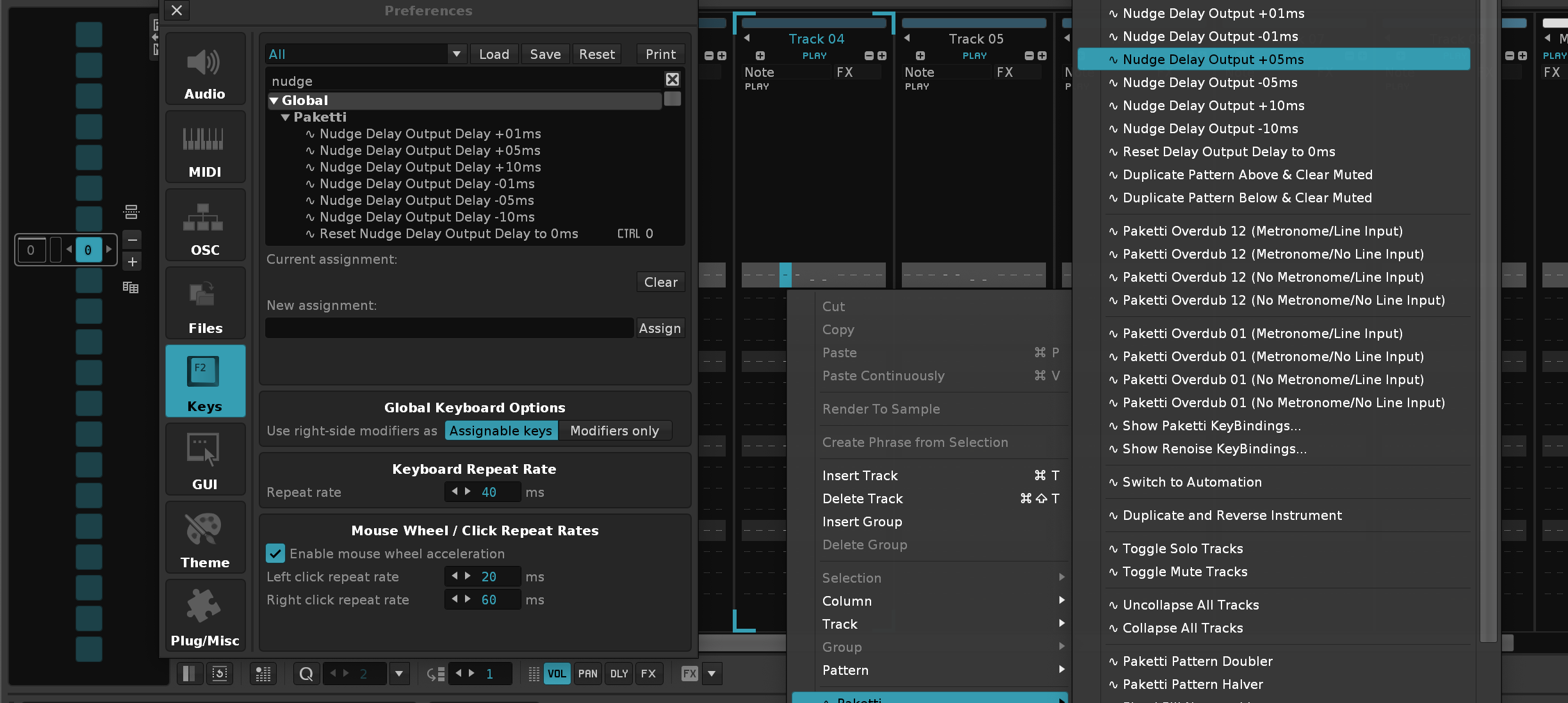
Improvements: Retitled some Midi Mappings for easier discoverability:
these focus on being able to clear or wipe a specific column, track, selected track below, or all tracks below current row
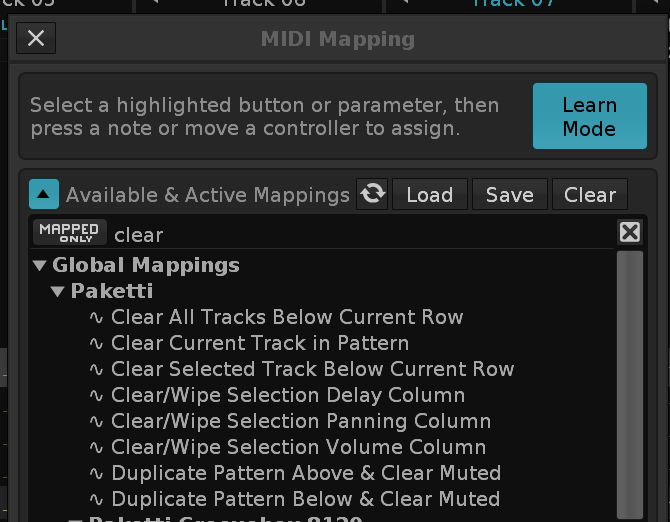
https://forum.renoise.com/t/editstep-jumping/75076/2
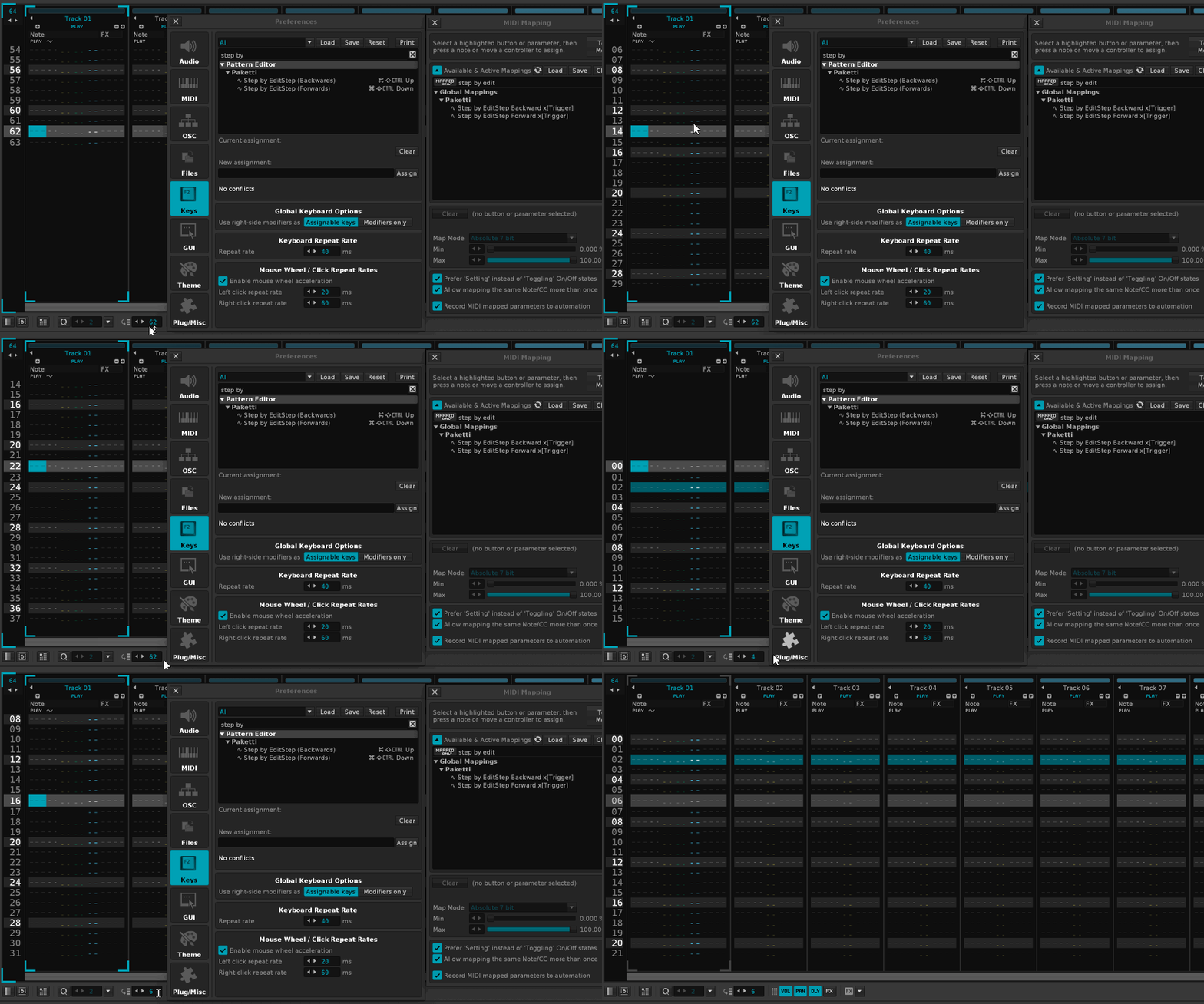
New Sample 02 (Unison 7 [-2] (50R)) (Unison 7 [-2] (50L)) (Unison 7 [7] (50L)) etc and other such mess) - now, no longer.
Fixes https://github.com/esaruoho/paketti/issues/748Improvement: Pakettify Current Instrument now correctly assigns the pakettified instrument to FX01 samplechain instead of keeping it unassigned.
Improvement: Shortcut + Menu Entry for turning Pakettified instrument to Mono or non-Mono:
Closes https://github.com/esaruoho/paketti/issues/655
If the Instrument is not Pakettified, it suggests the Pakettification of the Instrument.
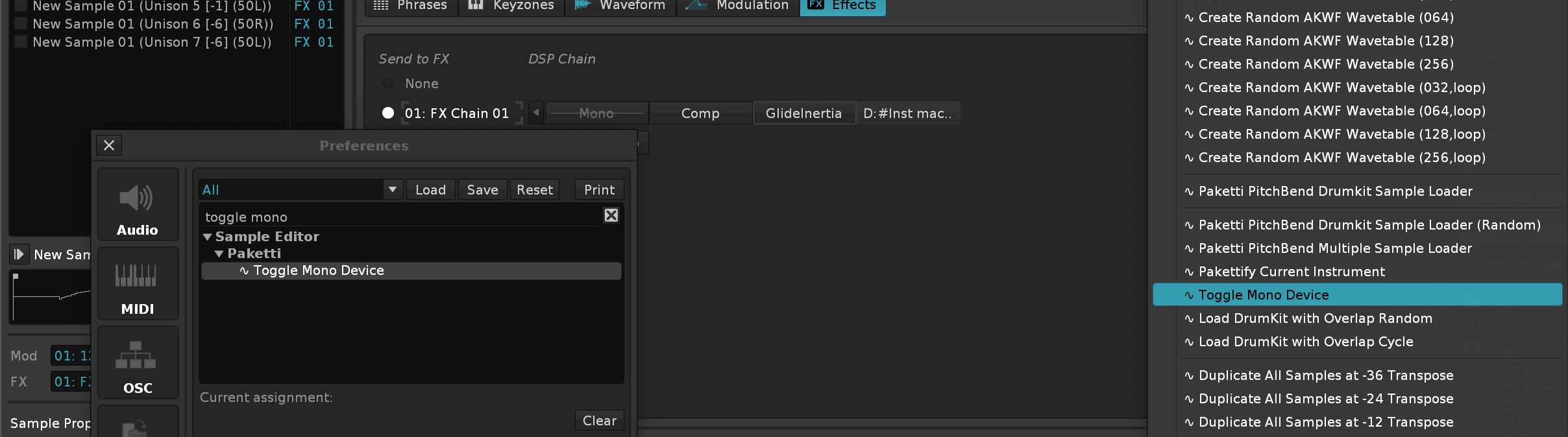
Feature: Note Switch Dialog
this shows the notes in a dialog, and lets you select the instrument. meaning if you have 100 E-4 notes at instrument 3 and want to change them all to instrument 5, now you can.
Closes https://github.com/esaruoho/paketti/issues/363
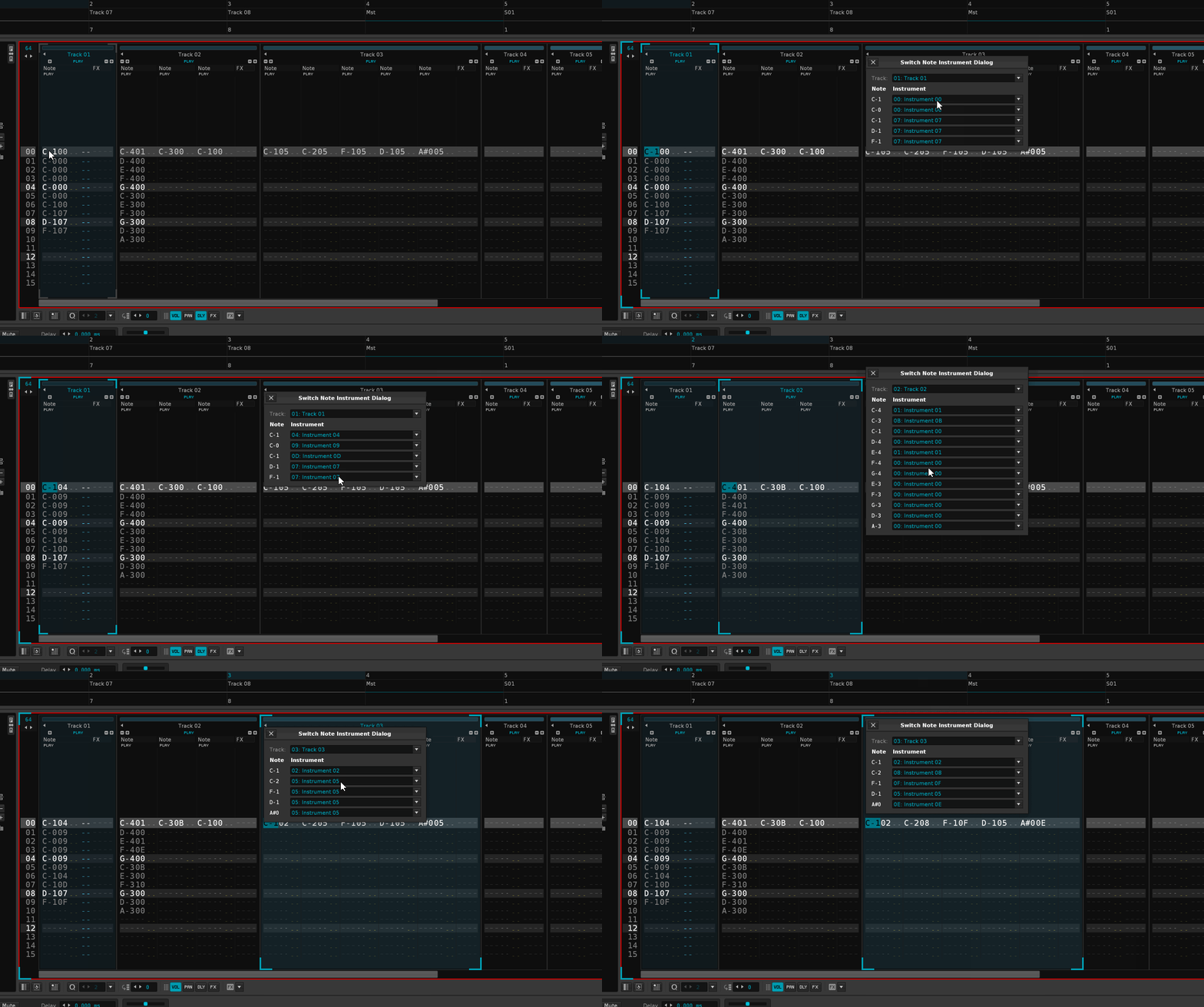
Improvement: Finally!! I've figured out the difference between Windows and macOS/Linux when it comes to Loading Paketti Presets. Windows now properly loads them when loading with "Paketti PitchBend Multiple Sample Loader" or "Paketti PitchBend DrumKit Loader".
Improvement: In light of the above - I've removed all of the custom code + user-definable XRNI preset code from Paketti Preferences. since load_instrument doesn't work in the same way with windows / macOS - and nobody has volunteered any details of what kinds of 3rd party .XRNI instruments they use for this -- let's just keep it in a functional state by defaulting to the Paketti specified XRNI templates.
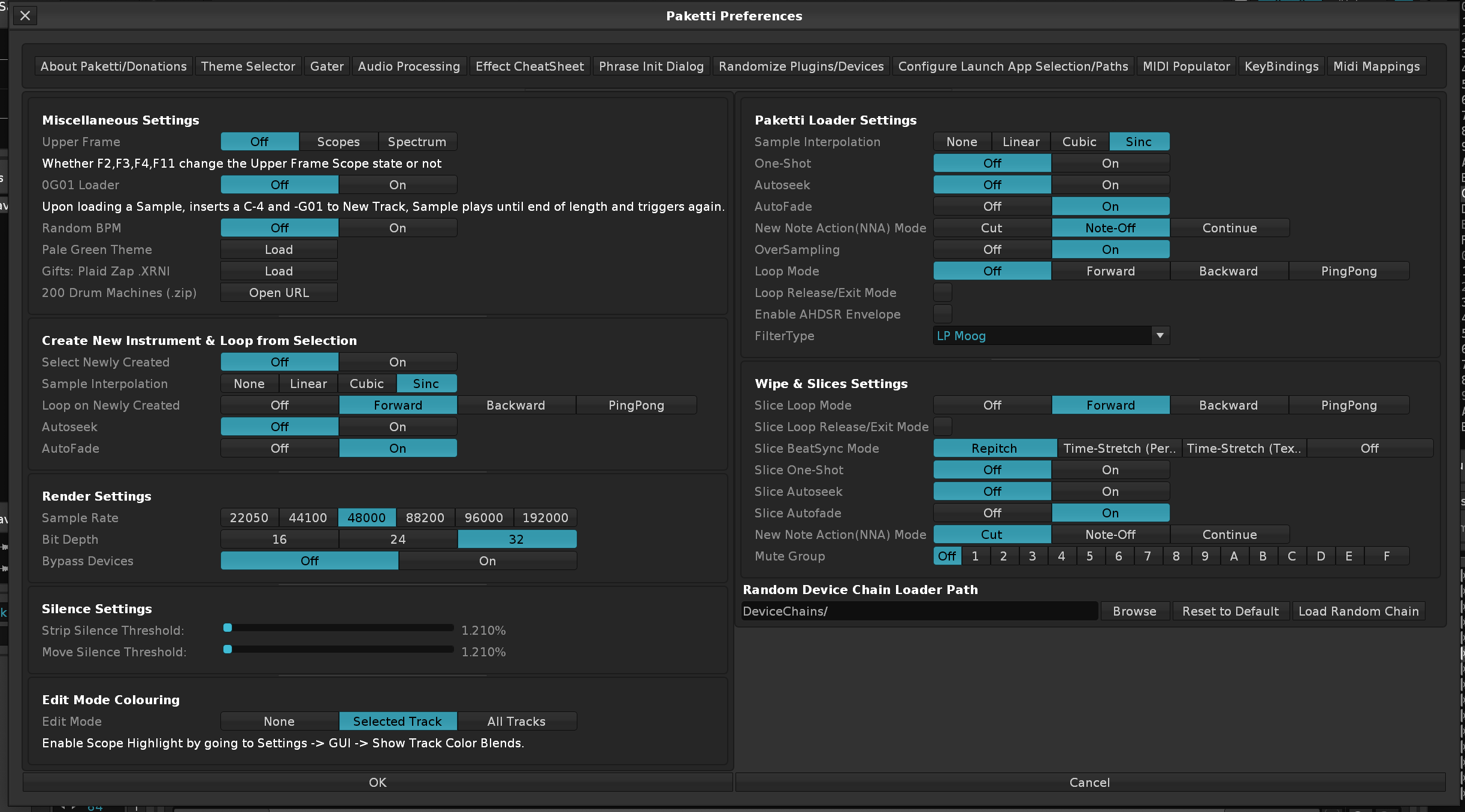
Feature: Select Sample x[Knob] will now kick you to the sample editor, and show you the sample you've selected. same for Select Sample Next & Select Sample Previous (both midi mappings and shortcuts).
Improvement: Now, hidden inside the Paketti PitchBend 12st_ instrument, there's a Panning LFO that is deactivated until you activate it.
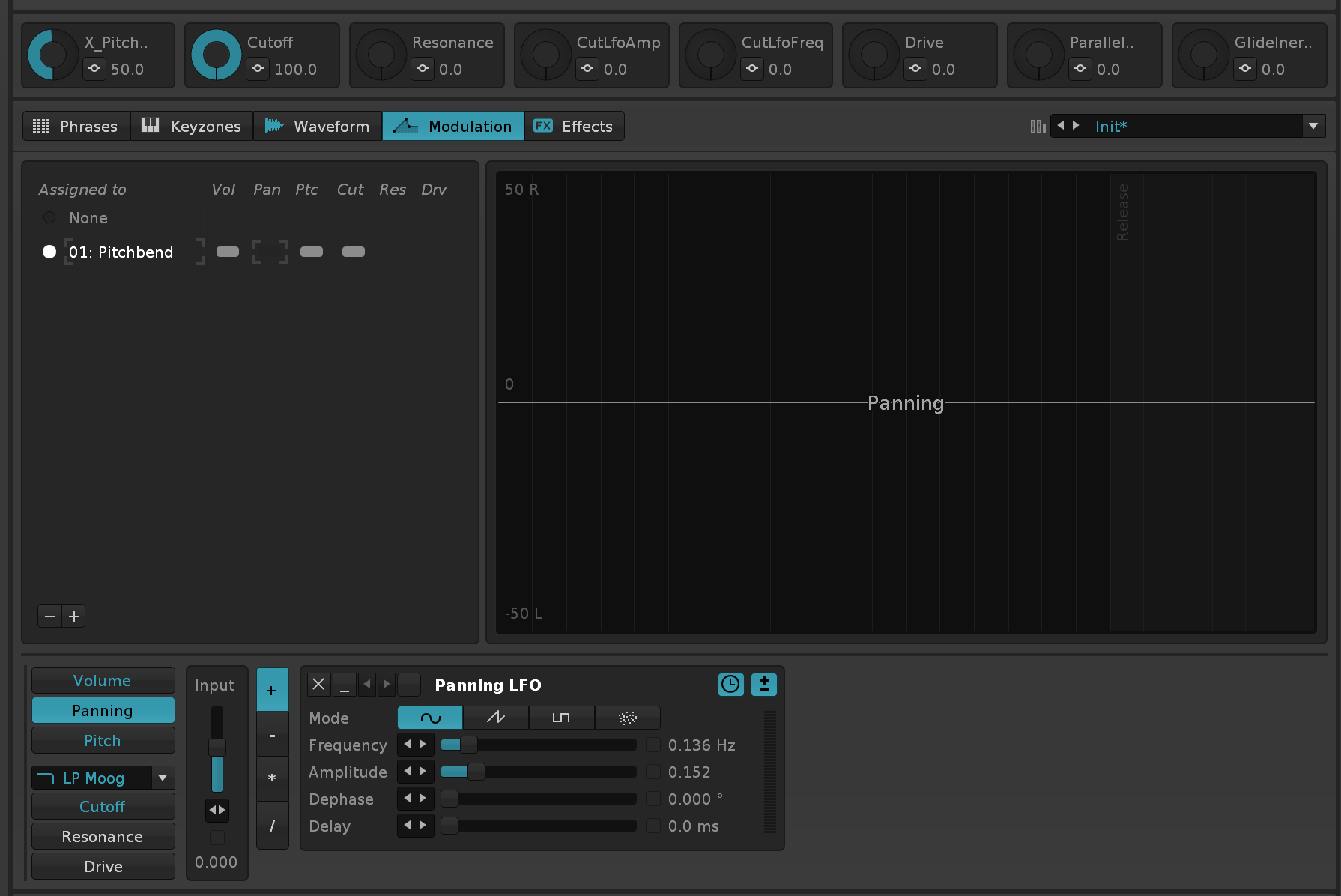
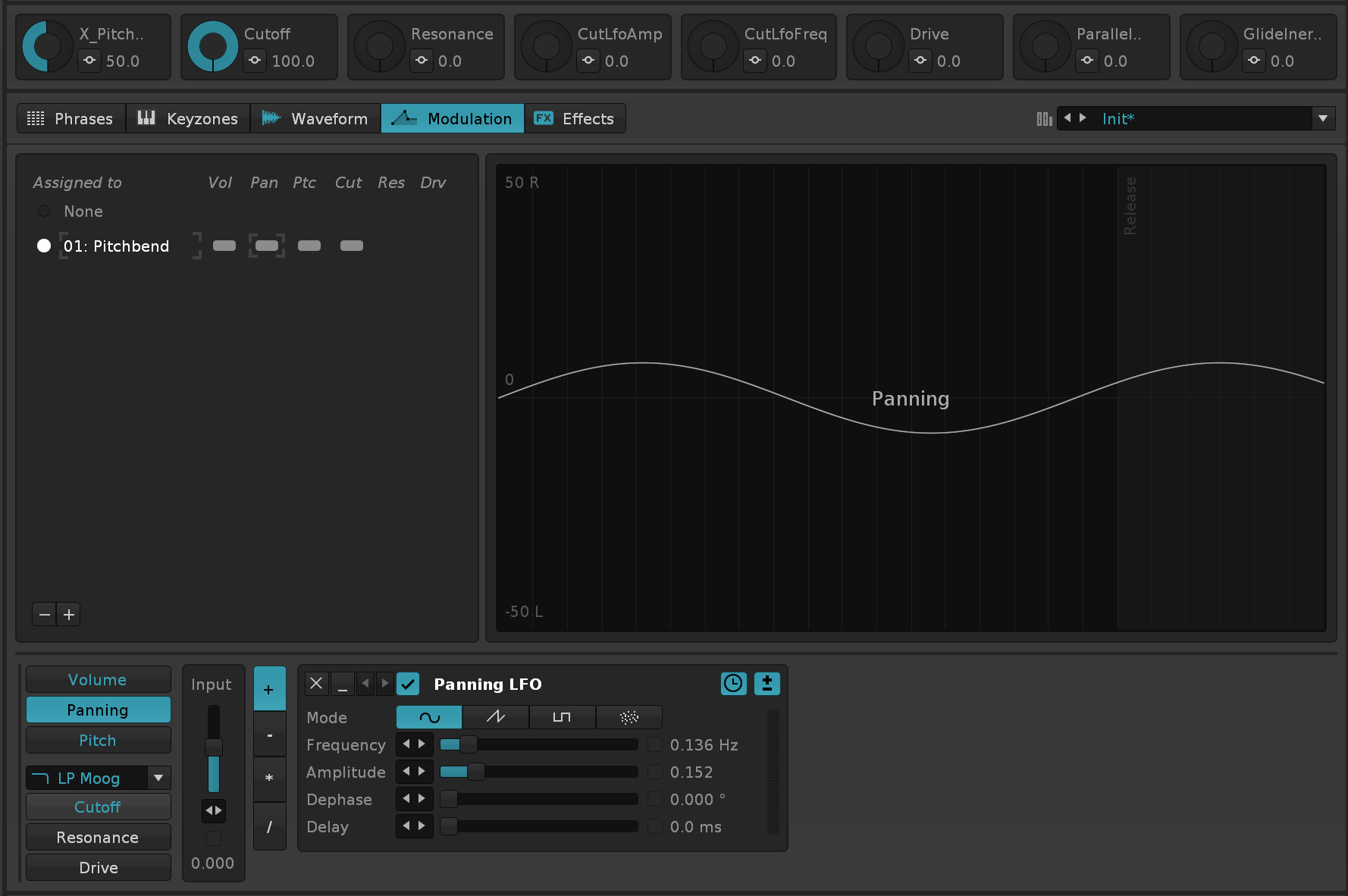
Feature: Wipe&Slice now has a Paketti Preferences setting for adding a Loop for the second half of each slice.
finally put in the checkbox for Wipe&Slice LoopEndHalf
(Closes https://github.com/esaruoho/paketti/issues/777)
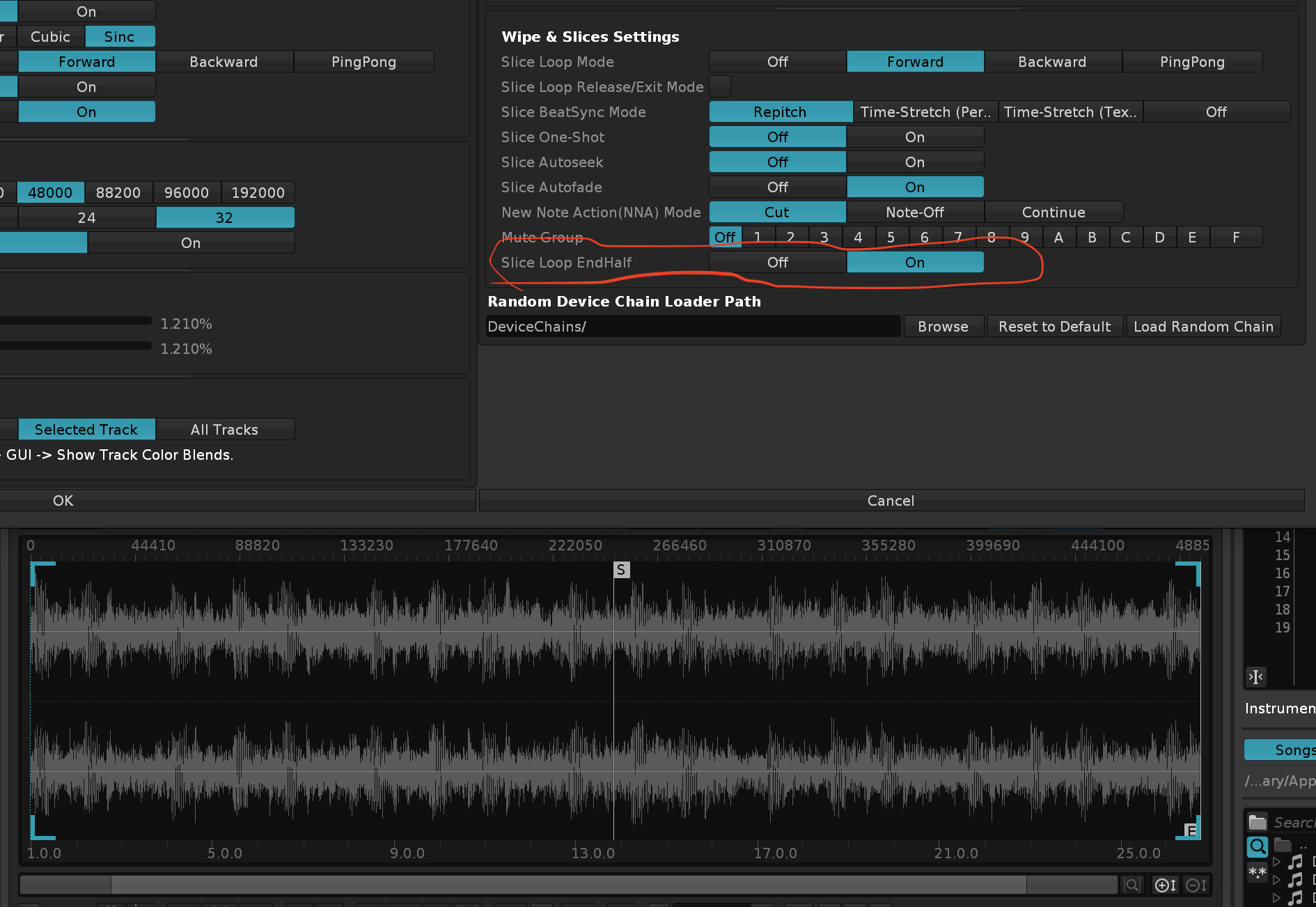
(Closes https://github.com/esaruoho/paketti/issues/770)
(Closes https://github.com/esaruoho/paketti/issues/596)
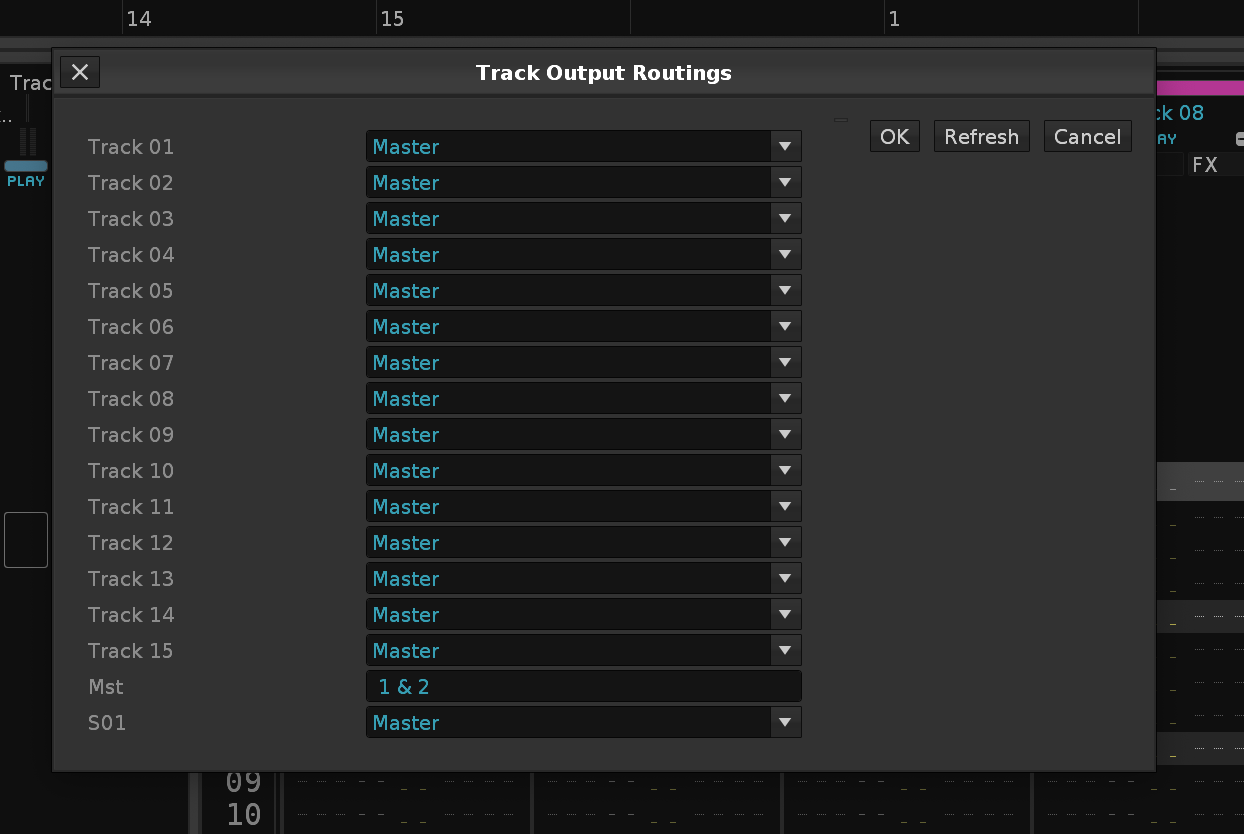
Fixes https://github.com/esaruoho/paketti/issues/694
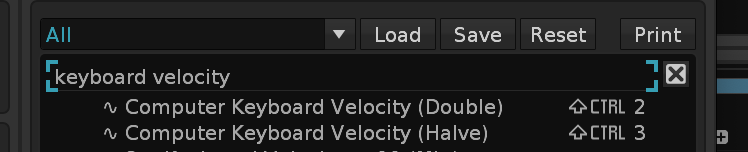
Fixes https://github.com/esaruoho/paketti/issues/749
Closes https://github.com/esaruoho/paketti/issues/650
this is a menu entry that adds some extra spaces to match the "Chain" icon for better readability
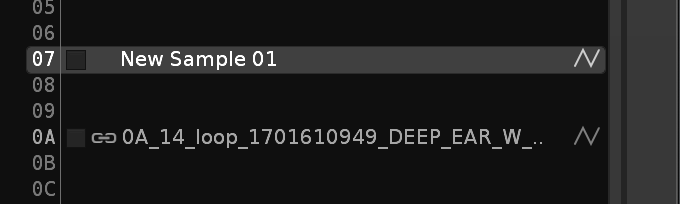
Improvement: Groovebox 8120 now has Output Delay for each of the 8 tracks!
Closes https://github.com/esaruoho/paketti/issues/779
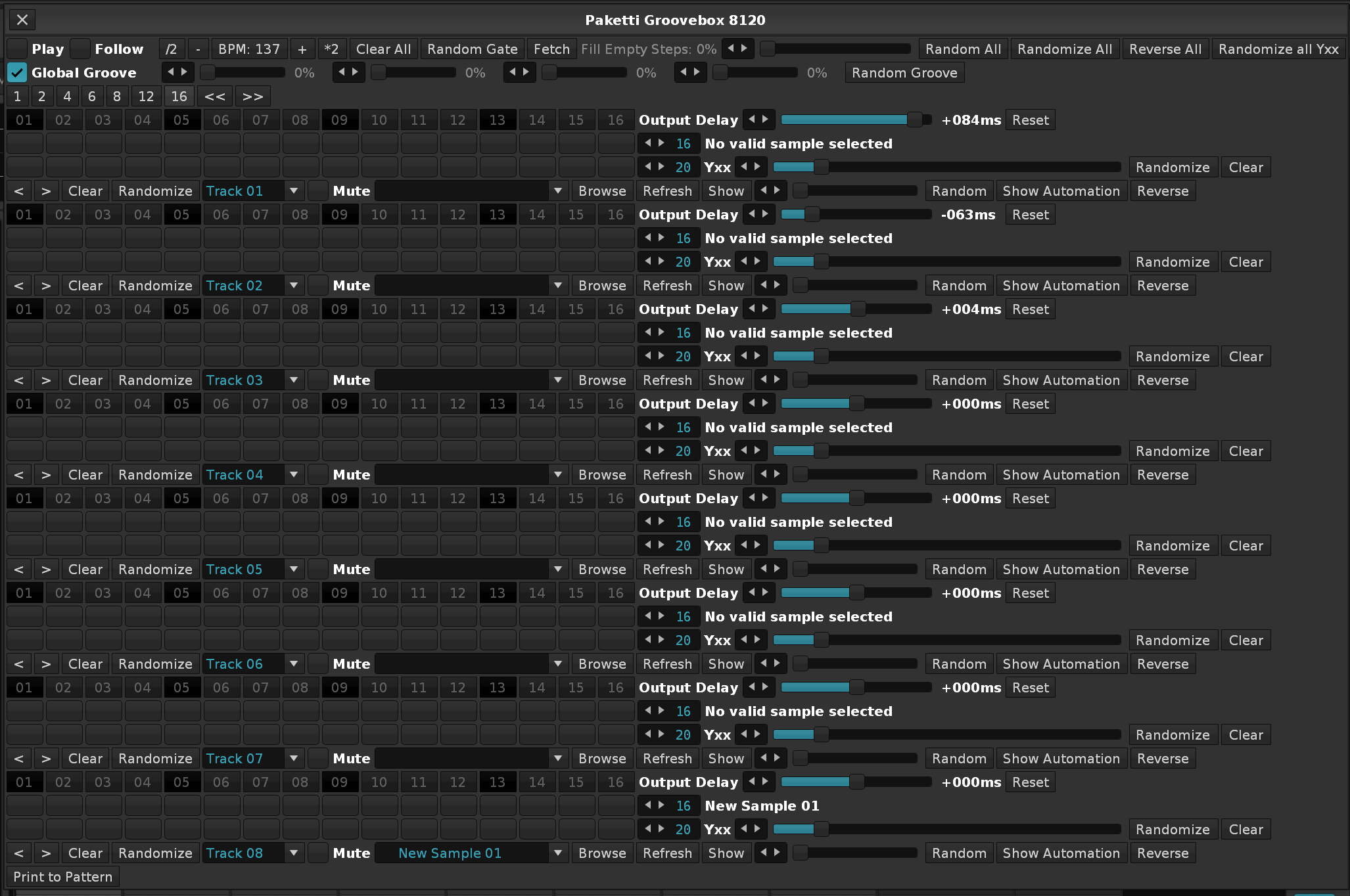
Feature: Wipe All Automation in All Tracks on Current Pattern
Wipe All Automation in All Tracks on Whole Song
Wipe All Automation in Track on Current Pattern
Wipe All Automation in Track on Whole Song
Wipe All Effect Columns in All Tracks on Current Pattern
Wipe All Effect Columns in All Tracks on Song
Wipe All Effect Columns in Selected Track on Current Pattern
Wipe All Effect Columns in Selected Track on Song
Menu Entries + Shortcuts added.
Closes https://github.com/esaruoho/paketti/issues/555
EDIT: (screenshots that mention "Delete" are outdated, i renamed to "Wipe" for easier discoverability
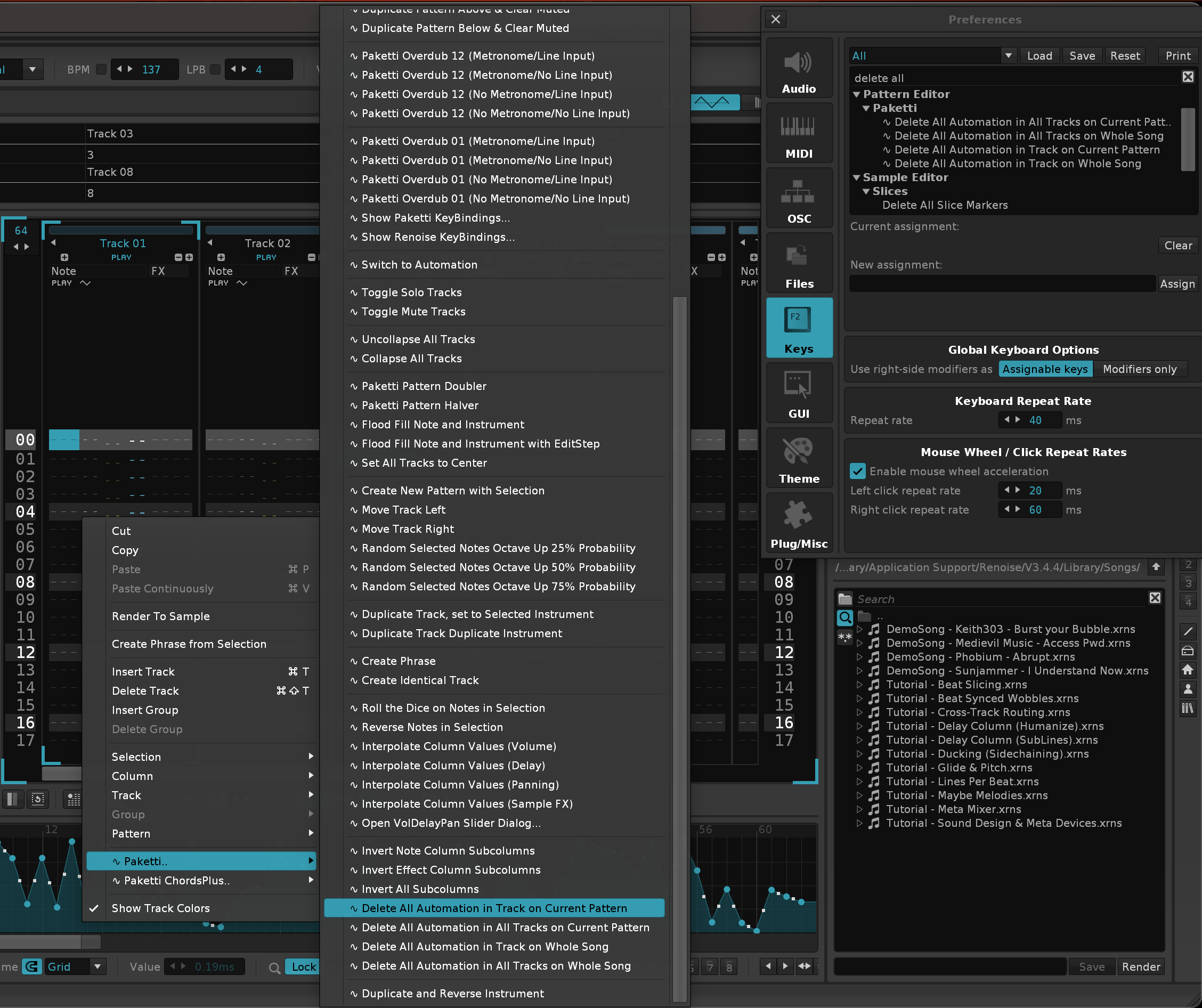
Improvement: Paketti Pattern Cheatsheet Dialog now has "Clear Effect Columns"
Closes https://github.com/esaruoho/paketti/issues/746
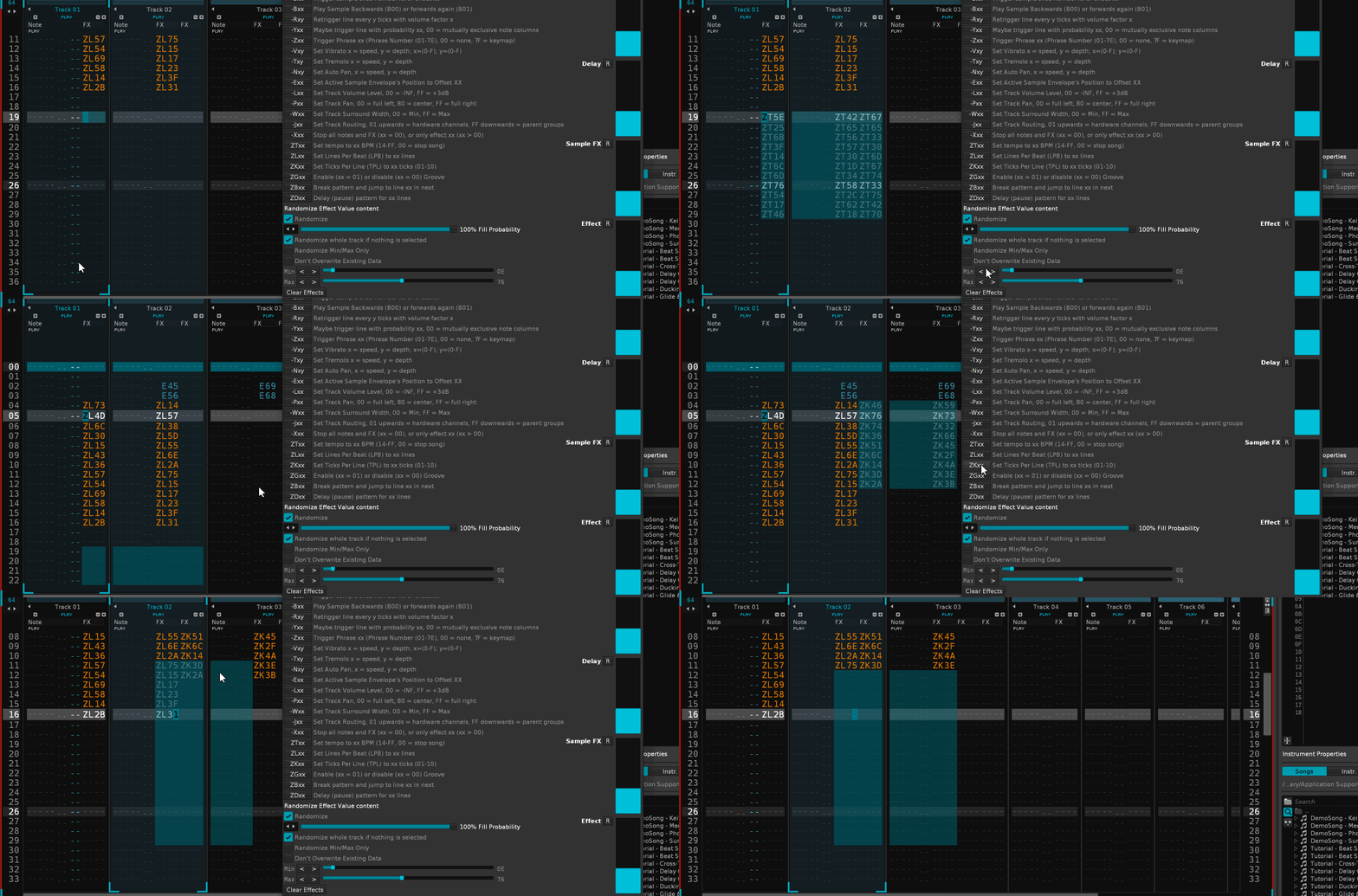
Improvement: Automation Exp Up Exp Down Linear Up Linear Down now detects if you're in Volume and goes from -INF to 0dB instead of -INF to MAXdB (not desired) same for Pattern Matrix Selection Automation Fixes https://github.com/esaruoho/paketti/issues/447 & https://github.com/esaruoho/paketti/issues/472
Improvement: Added Wipe All Automation in track in pattern, in track in song, in all tracks in pattern, in all tracks in song to Pattern Matrix Fixes https://github.com/esaruoho/paketti/issues/696
Improvement: Wipe All Automation in track/tracks,pattern,song now also wipes Volume,Width,Panning if they exist.
Feature: Double BPM&Halve LPB.. & Halve BPM&Double LPB
Menu Entry in Pattern Matrix + Pattern Editor, and global shortcuts.
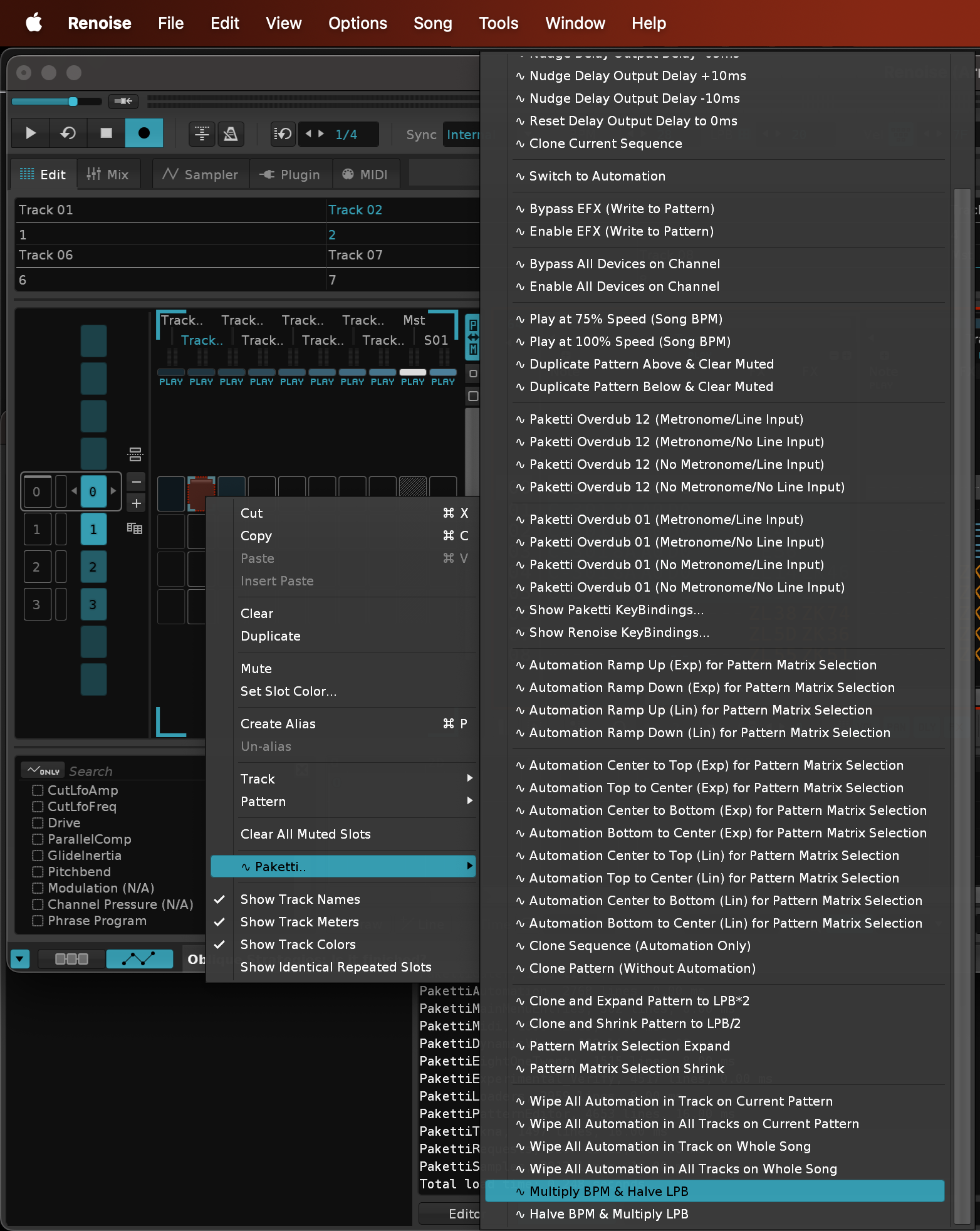
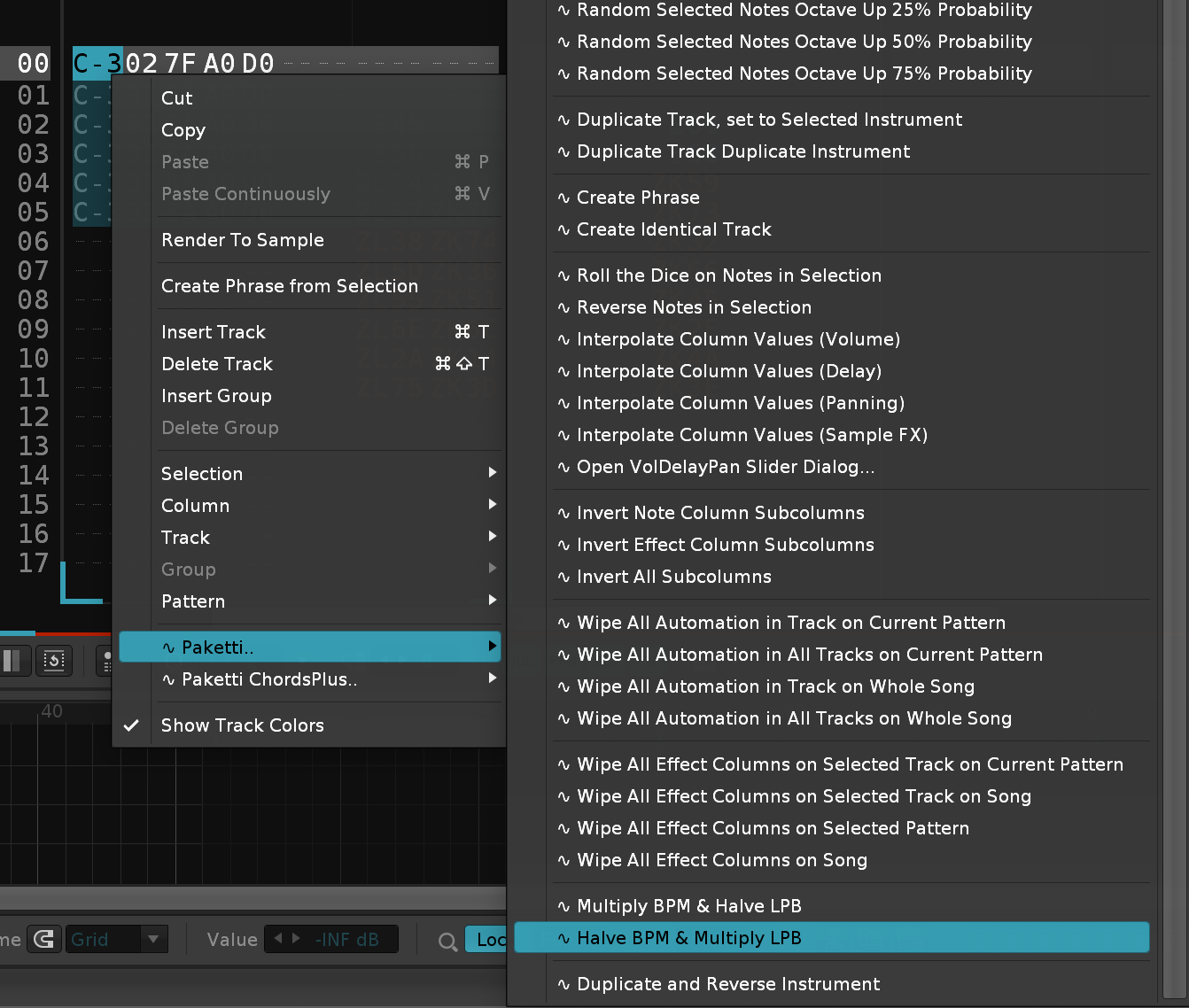
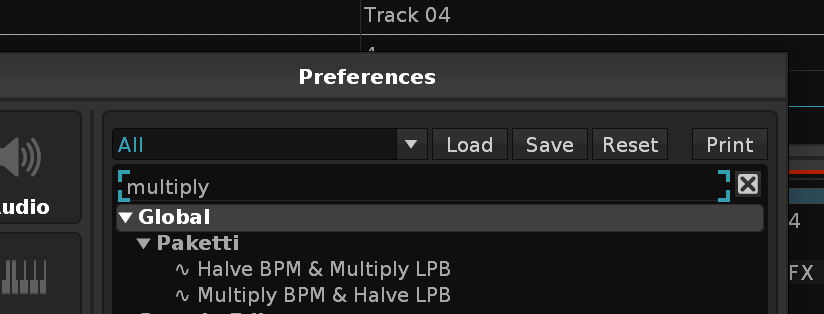
Feature: Normalize All Samples in Current Instrument
Feature: Move Beginning Silence to End of Sample for all Samples in Current Instrument
Added to Sample Editor, Sample Navigator and as shortcuts

Improvement: Paketti DrumKit Loader will now offer the possibility of Move Benning Silence to End + Normalize All Samples.
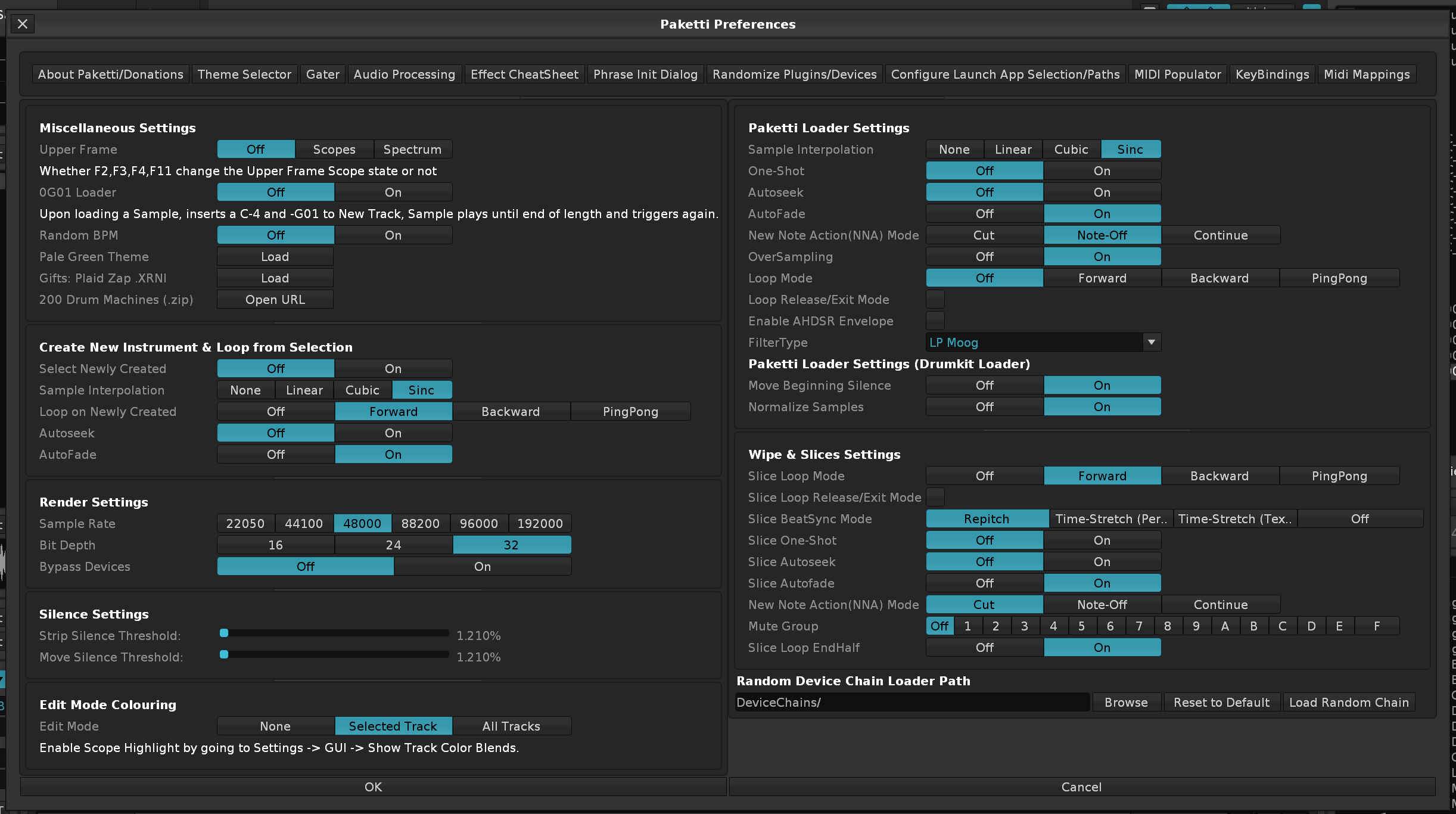
Improvement: Load Plugins now shows the favorited Plugins, and lets you select from those only with the slider, if you enabled the "Favorites Only" checkbox.
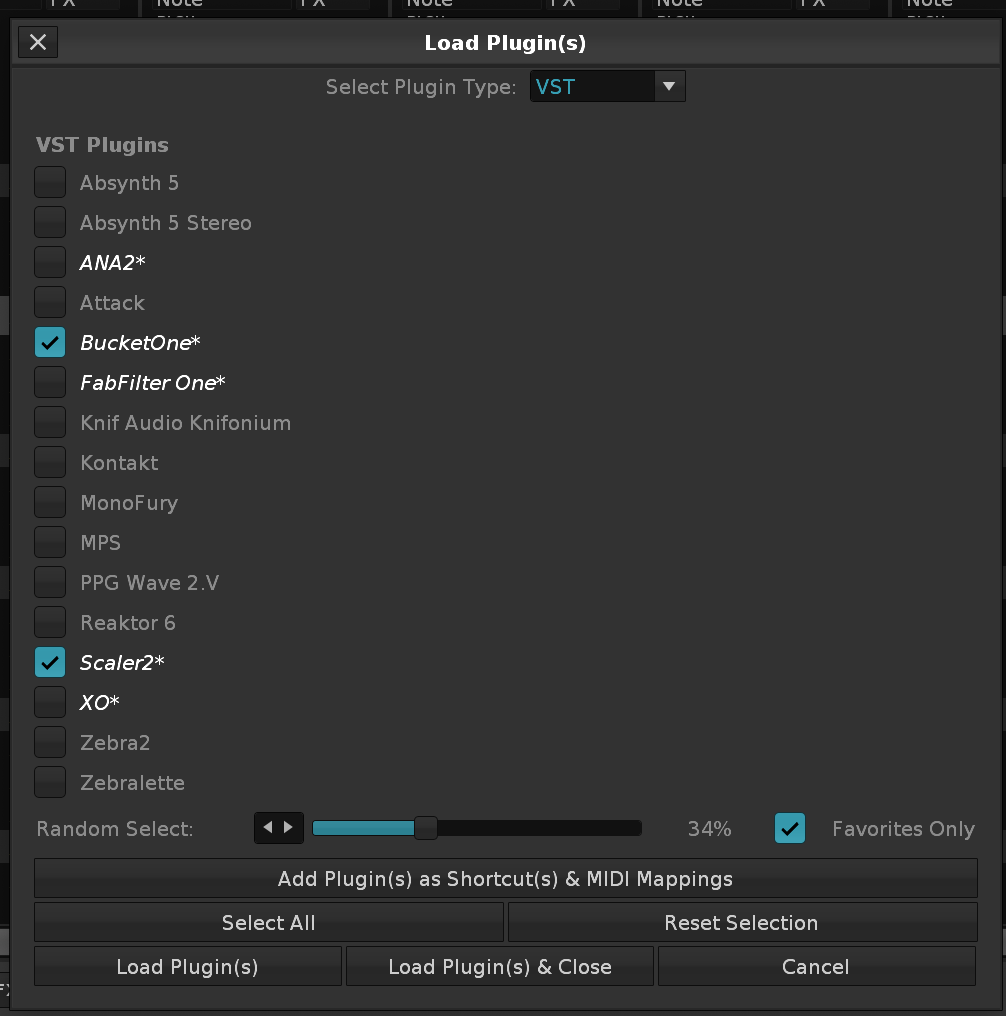
Improvements: Load Plugins & Load Devices both now have Favorited Plugins, and you have a checkbox for "Favorites Only" for Load Devices too. Closes https://github.com/esaruoho/paketti/issues/549
Feature: Invert Random Samples in Instrument
Invert Entire Sample
this helps with the Unison Generator
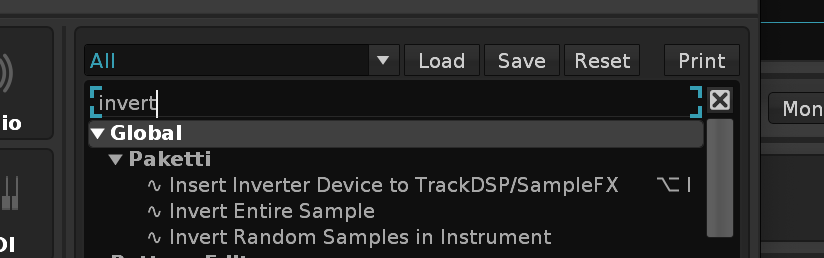
Improvement: Unison Generator will now correctly read the Paketti Loader settings such as Autofade, Oversampling, Interpolation mode, and apply them to each of the 8 Unison Generator samples.
Improvement: Column Cycle Keyjazz (Special) will fill the current track with note delays, and let you input a note per each "tick" and when you get 12th note column and input a note, you are moved to 1st note column but next row.
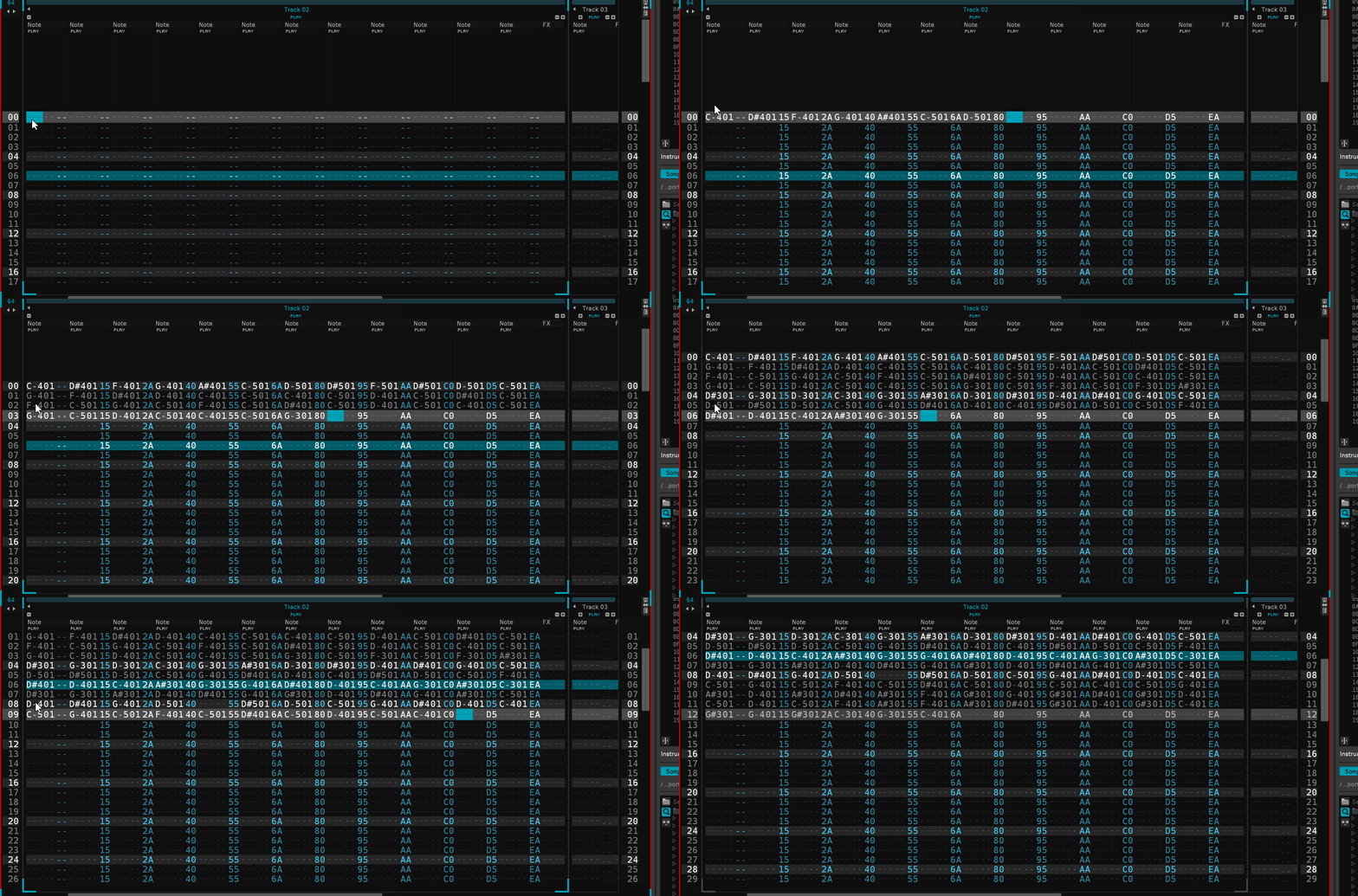
Improvement: eSpeak now has "Don't Pakettify" for those who need it
Closes https://github.com/esaruoho/paketti/issues/738
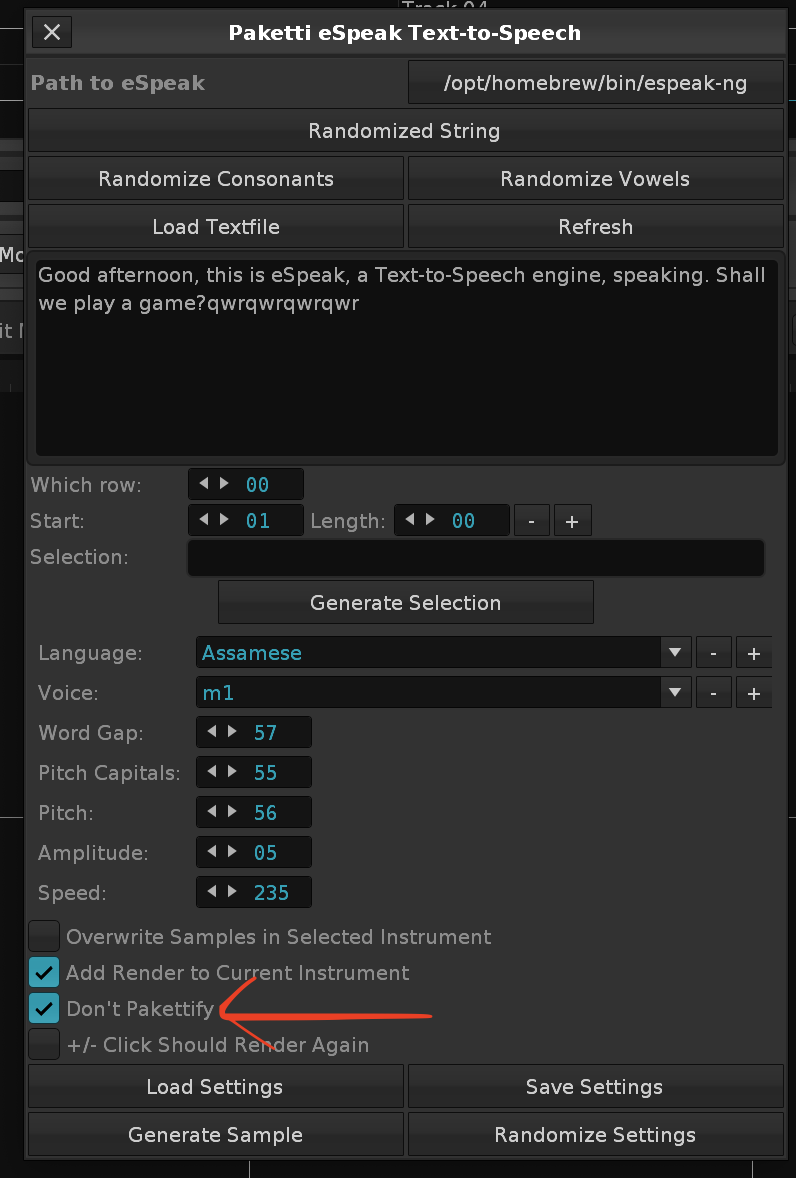
Improvement: the Dynamic Views now no longer forces Sample Recorder to be hidden while recording! And all the (instrument box, disk browser, adv. edit, pattern matrix, sample recorder stuff) can now be set to <change nothing>, <show>, <hide>
Closes https://github.com/esaruoho/paketti/issues/687 & https://github.com/esaruoho/paketti/issues/620
this unfortunately means that your settings will need to be re-created.
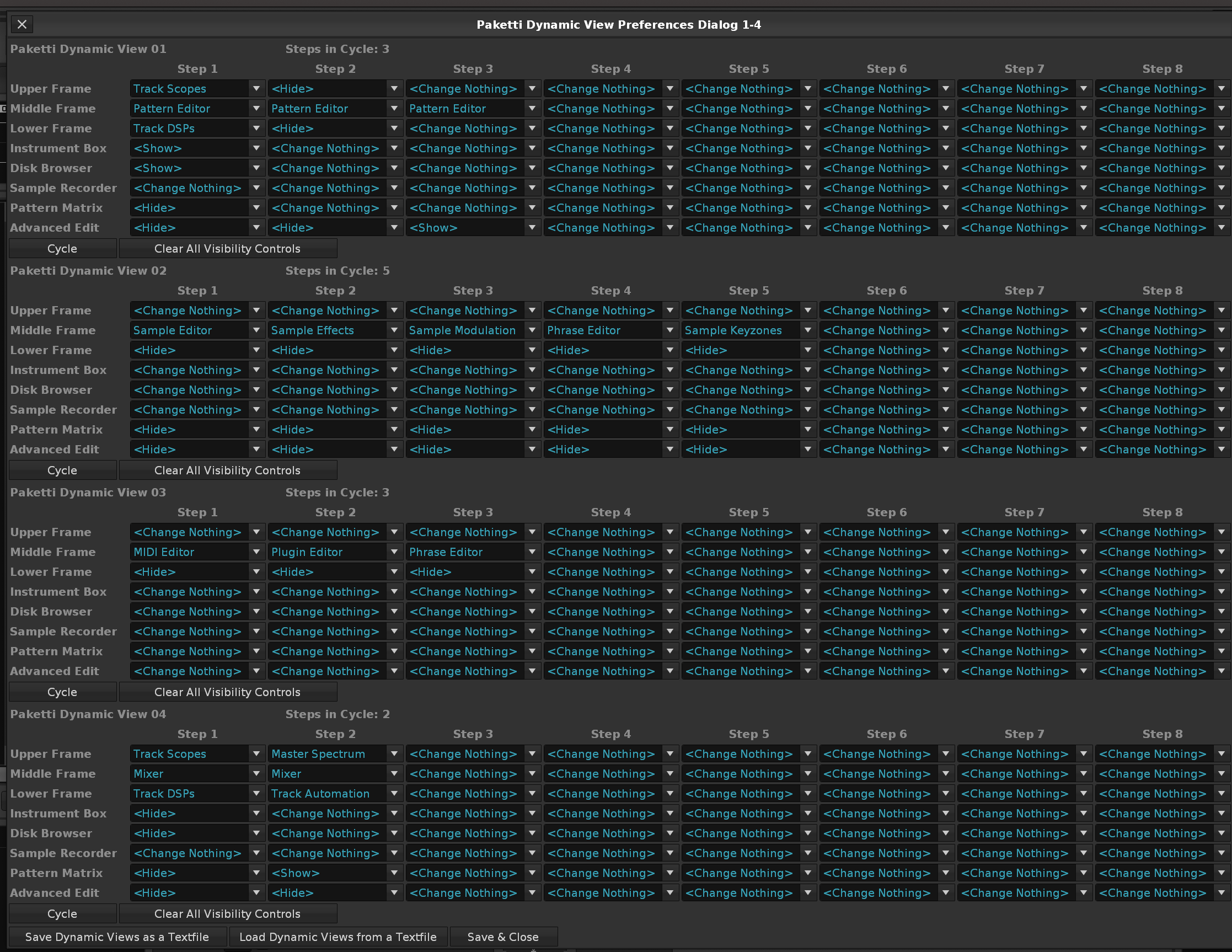
Closes https://github.com/esaruoho/paketti/issues/132 this introduces midimappings + shortcuts for +1 -1 metronome volume, "default metronome volume" & "metronome volume OFF" and a midimapping for 0...127 knob control of metronome volume. This will be shipped with the current Paketti - but only available for those who are on V3.5 Beta (i'm not so i'm working in the blind here)
Updates: Due to v3.5 beta updates (which i still don't have access to, I've resurrected certain tickets which i had marked as BlockedByAPI and will be taking care of them due to the API updates.
This introduces menu entries + shortcuts for setting the Sync Mode to one of the four. This will be shipped with the current Paketti - but only available for those who are on V3.5 (Beta/Release) - I'm not, so I'm working in the blind here.
Feature: Paketti CapsLock feature now works in Phrase Editor (V3.5 Only!) I'm protecting nonv3.5 beta/release users from seeing errors - while still working in the blind (with no access to v3.5) (Closes https://github.com/esaruoho/paketti/issues/2)
Improvement: if using "Capture Nearest Instrument" while in Phrase Editor with no Phrase existing in the Instrument -> pressing enter in Phrase Editor will create a new phrase and select the phrase.
Feature: Reintroducing Increase Delay +1/+10/-1/-10 to Phrase Editor.. it was waiting for V3.5 API functions. (V3.5 Only!)
Feature: Show/Hide Right Frame (Disk Browser & Instrument Box?) (V3.5 Only!)
Improvement: (V3.5 Only!) Expose and Select Next Column (for Effect Columns or Note Columns in Phrase Editor) Hide Current and Select Previous Column (for Effect Columns or Note Columns in Phrase Editor)
Feature: Introduce "Instrument Box Slot Size" True/False shortcuts (show/hide, true, false) with a check whether the function works. (V3.5 Only!)
Feature: Show/Hide Disk Browser (Shortcuts) (V3.5 Only!)
Feature: Fill Effect Column with 0G01+0D00 & Fill Effect Column with 0G01+0U00 this will fill the first row with 0G01 and the second row to end row with 0D00.. or 0U00. after doing it, the cursor is moved to second row, effect column 1, and editstep is 0, so you can easily set the effect to what you want
Improvement to Impulse Tracker F8 - first press will stop playing, second press will move you to current pattern first row. third press will move you to song first row.. fourth press will abort&cut the audio.
Improvement to Impulse Tracker "8" - (V3.5 Only!) if using 8, the whole row will be played, and advance by editstep. Without using "start playback stop playback" tricks. (Closes https://github.com/esaruoho/paketti/issues/607)
Improvement: Some minor improvements to Pattern Editor Menu entries - sorting Column Cycle Keyjazz into it's own subfolder, same for the above 0D00/0U00/0G01 stuff to Effect Columns..:
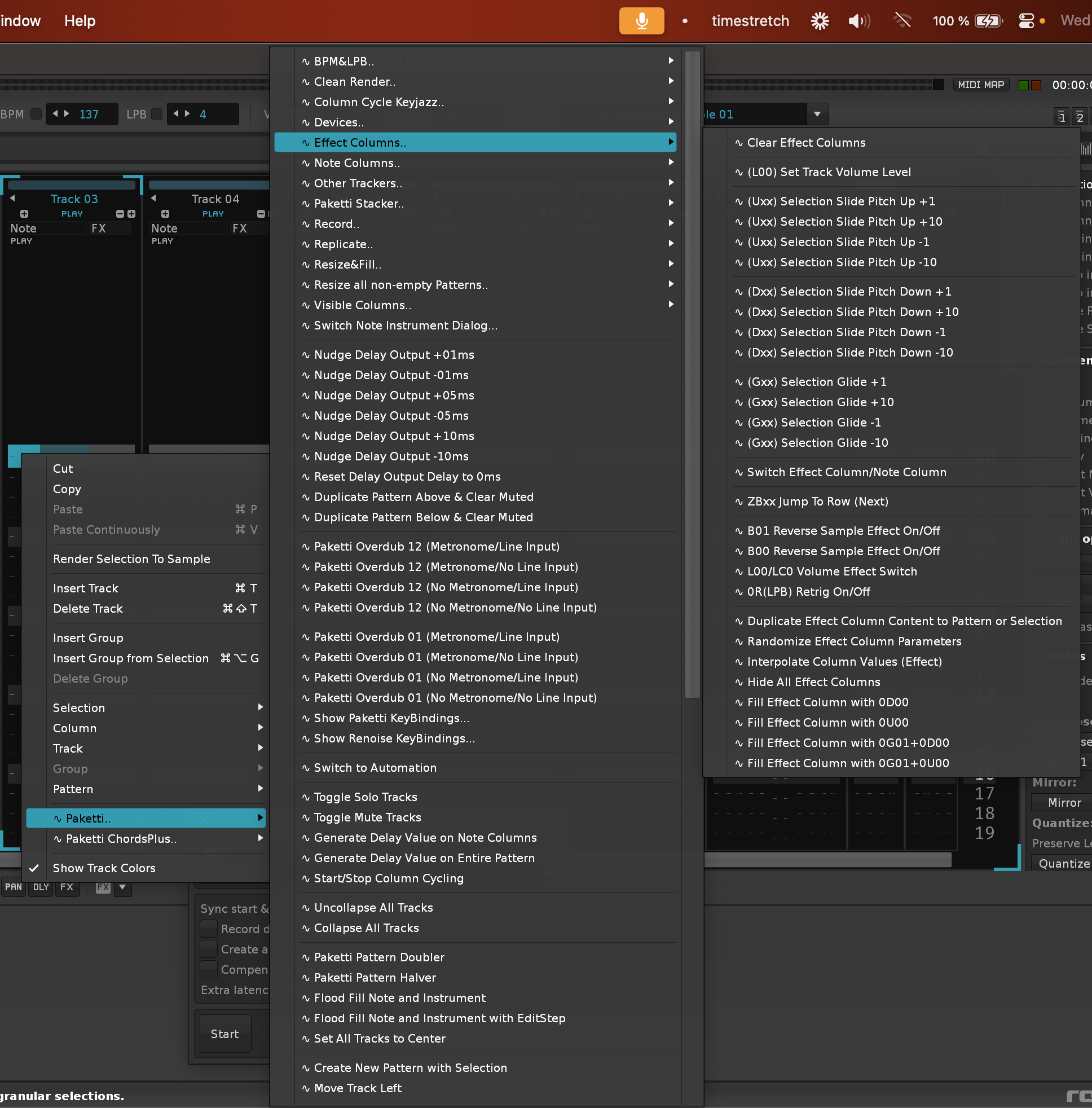
Improvement: Moved Paketti Overdub functions to be within Record.. to de-clutter the Mixer Menu Entries
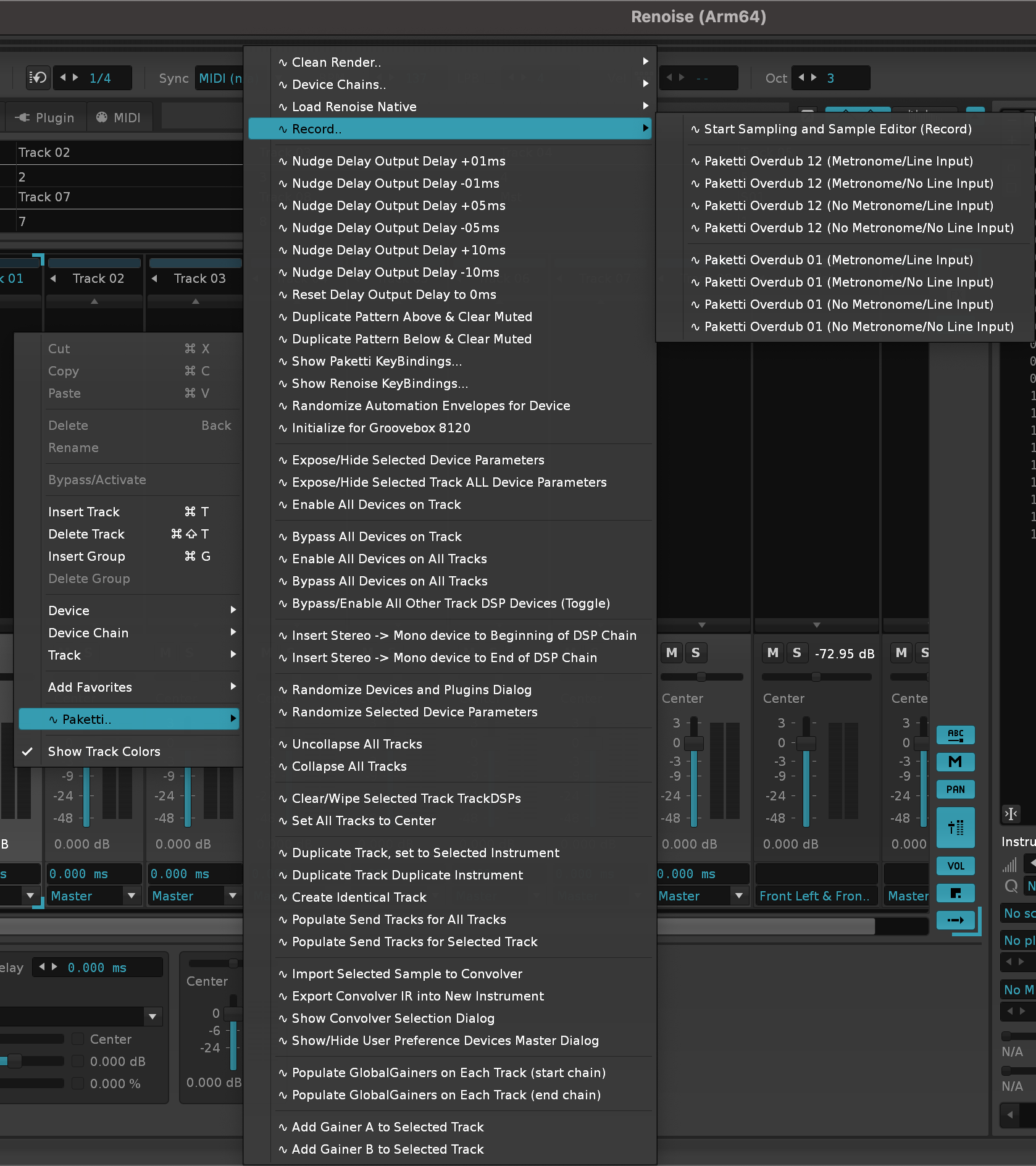
Improvement: Added Renoise Native devices loading methods to Sample FX Chain.
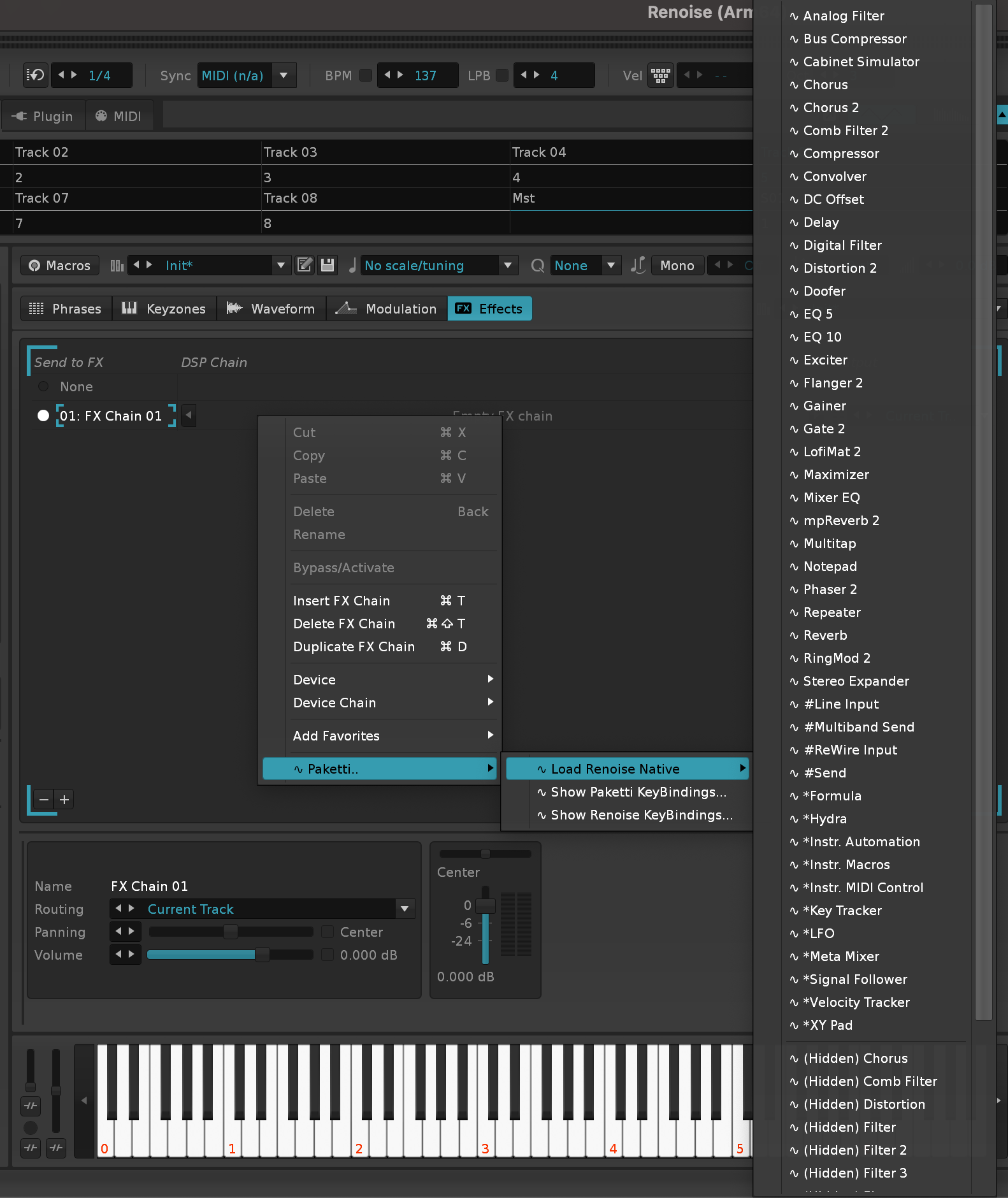
Improvement: OctaMED Note Spread 01 - 12 - this takes the current track and spreads the notes on the note columns from 1 to 12 note columns. you can also go back. note off is taken into consideration.
also increment + decrement shortcuts added:
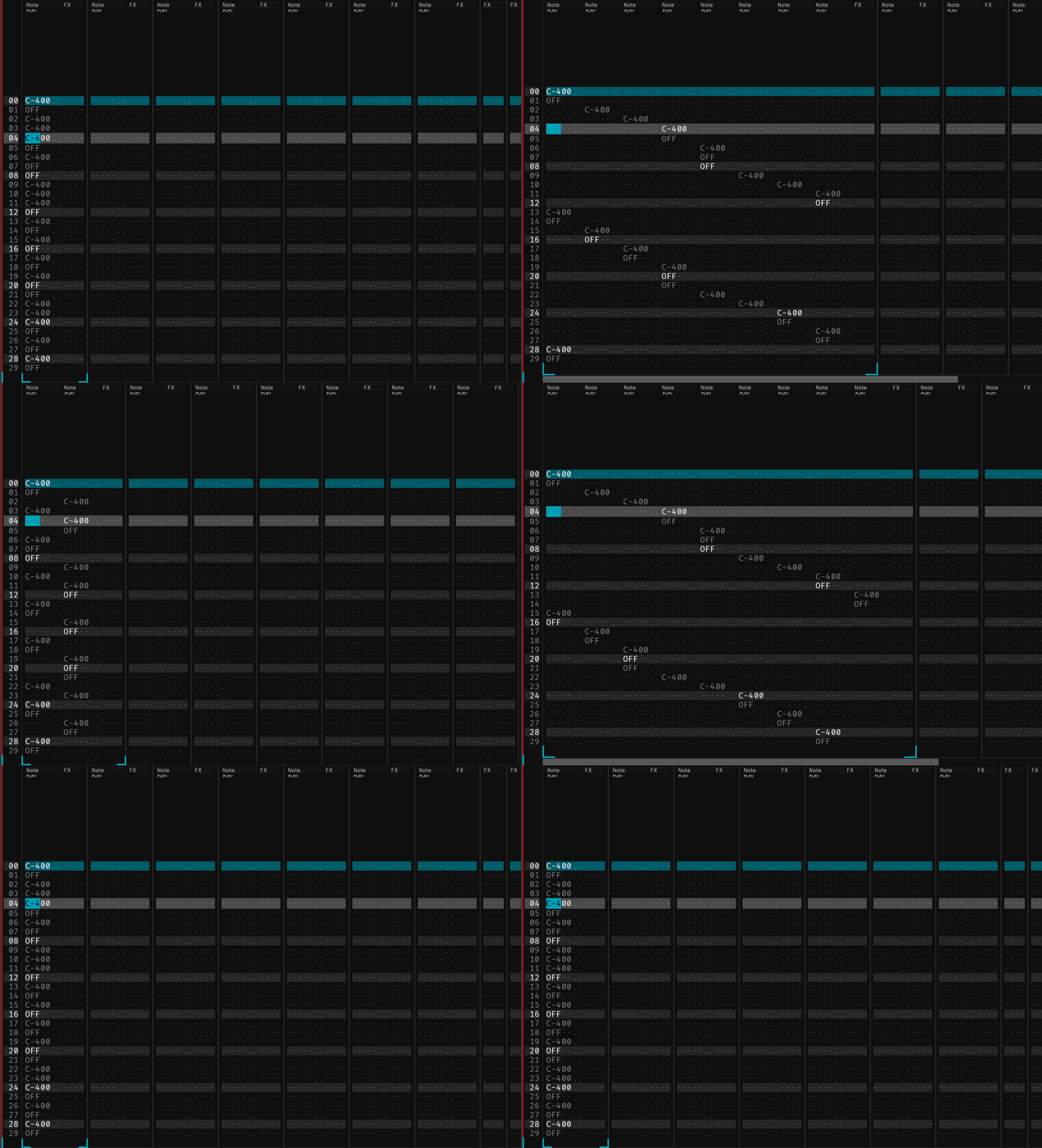
Feature: Sort Notes Ascending/Descending
this will take the notes on current row and sort them to ascending or descending order
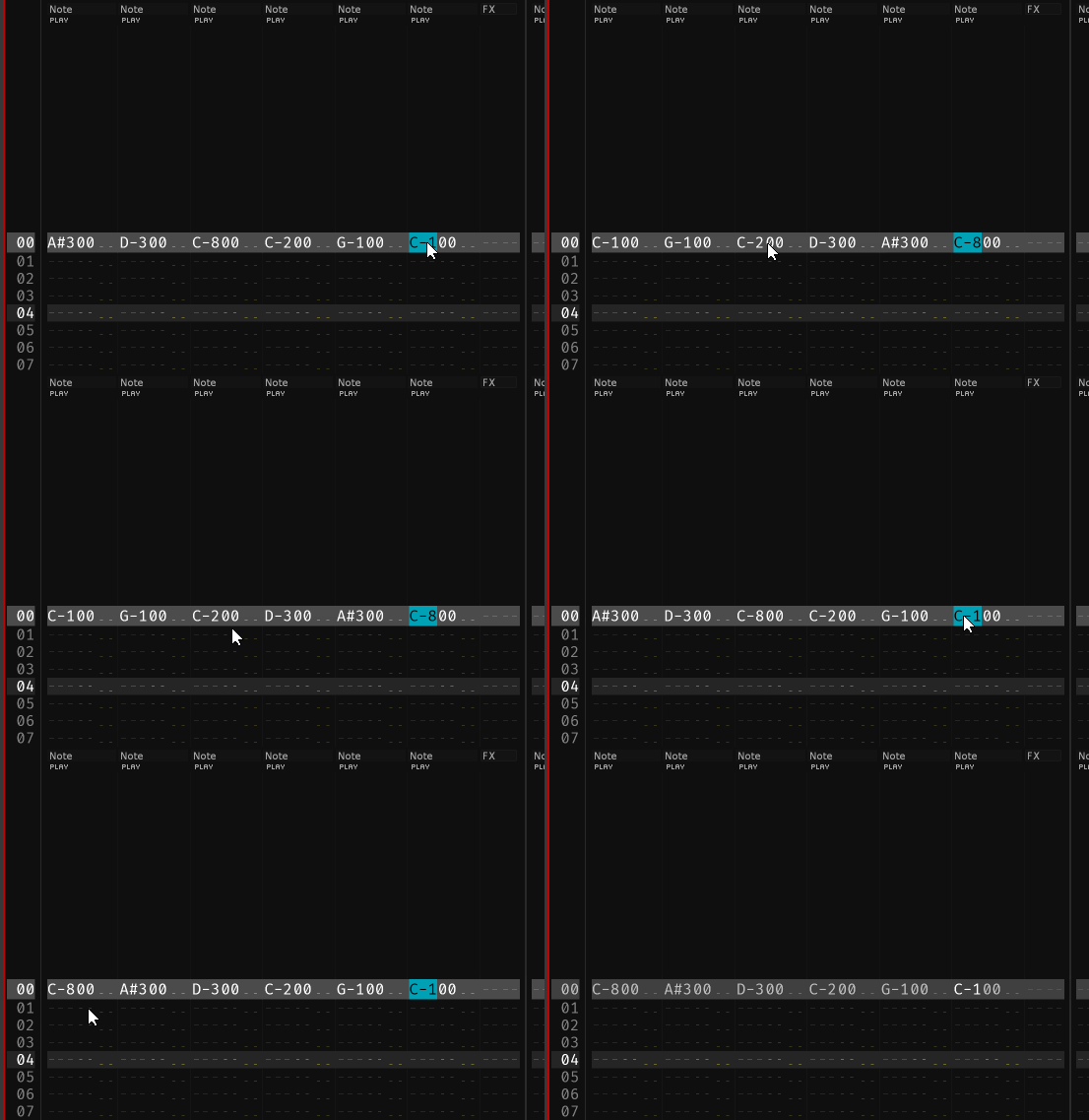
Feature: "Shift Notes to the Right" - frees up the first note column and highlights it, so you can add "lower notes".
Improvement: 12st_Pitchbend (aka default Paketti instrument) - now has a disabled DC Offset command at the end of the effect chain. + same for drumkit. (Closes https://github.com/esaruoho/paketti/issues/810)
Improvement: Paketti Offset Dialog / Shortcuts no longer error out if no sample selected (Closes https://github.com/esaruoho/paketti/issues/805)
Feature: Isolate Selected Sample to New Instrument (Closes https://github.com/esaruoho/paketti/issues/804)
Improvement: PitchSteppers will now just detect the Pitch Stepper device, instead of being hardcoded to a specific device number which might not be true. This means that all the +1 +2 +1 0 -1 -2 -1 0 pitchsteppers, the randomized pitchsteppers, 0 +1 0 -1 0 pitchsteppers etc now work, even with the added panning device. and should continue working till perpetuity. (Closes https://github.com/esaruoho/paketti/issues/796)
Improvement: Reset Output Delay to 0ms no longer errors out if trying to run it on Send, Master or a Group Track "Reset Output Delay to 0ms (ALL)" now will set the 0ms for all valid tracks in one go same for +1 +5 +10 -1 -5 -10 - no longer error on master,send,group (Closes https://github.com/esaruoho/paketti/issues/792)
Improvement: Paketti Groovebox 8120's Groove Controls / Randomize Groove now no longer force you to Mixer view - in case you wanted to be in Pattern Editor view. (Closes https://github.com/esaruoho/paketti/issues/799)
Feature: Insert 0B00 (play sample backwards) onto each row that has a note, in selection), Menu Entry & Shortcut.
if the notes in the selection already have 0B00, then the 0B00 is removed.
(Closes https://github.com/esaruoho/paketti/issues/807)
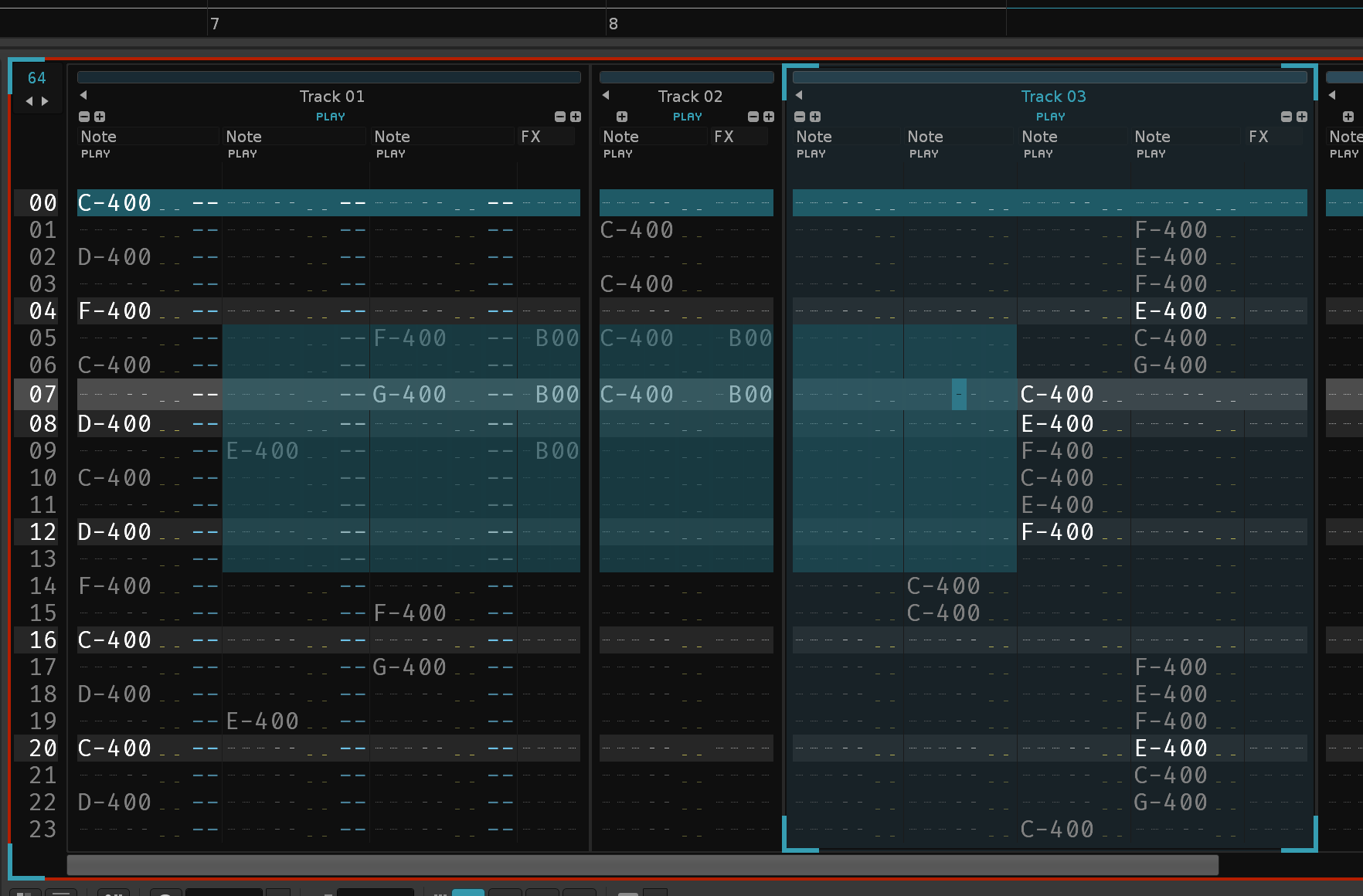
Improvement: "Nudge Delay Output Delay" shortcuts + menu entries + midimappings now have a rename feature which renames the name of the track so you can easier see what the ms delay is.
(Closes https://github.com/esaruoho/paketti/issues/794)
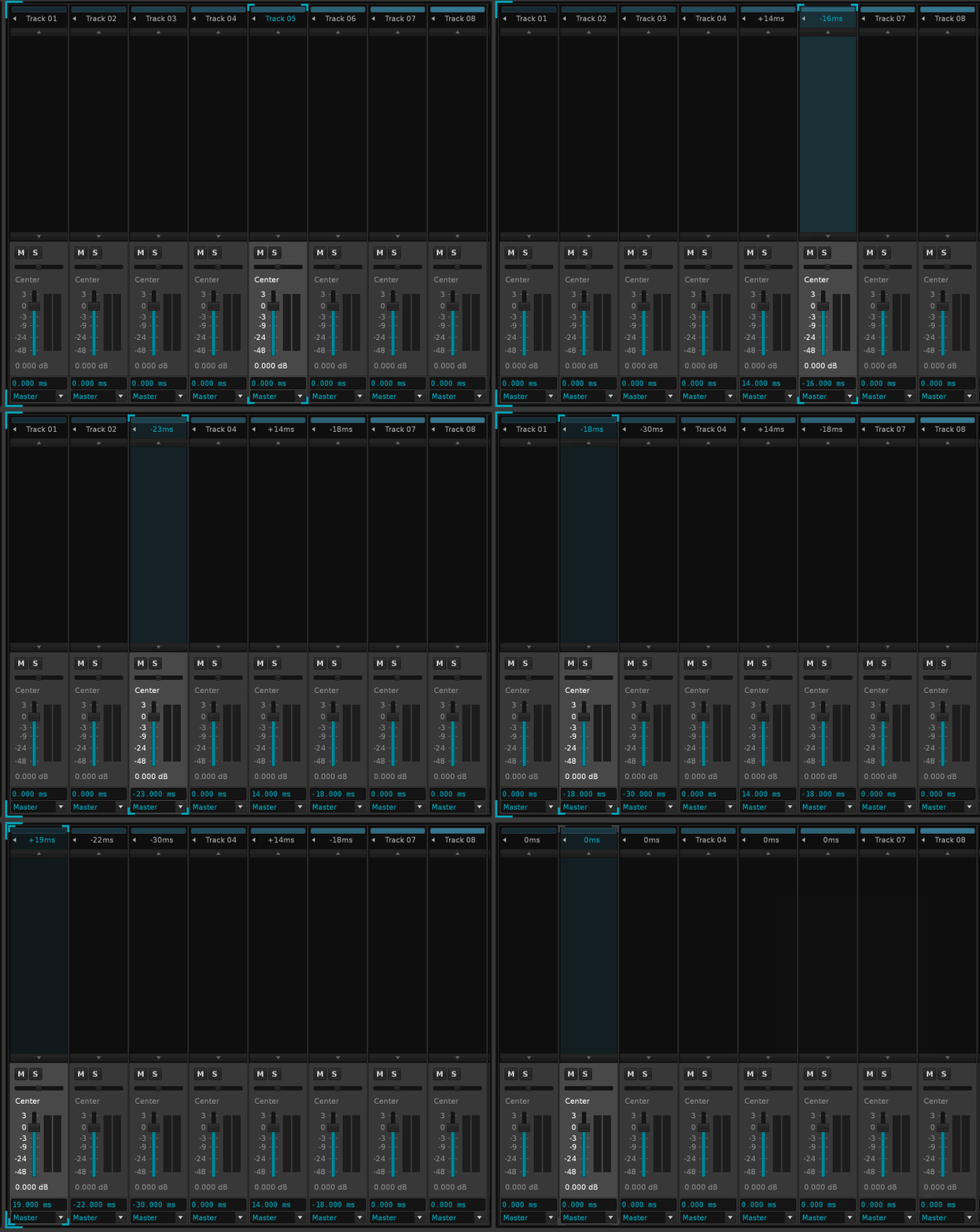
Improvement: User-defined sample folders now have shortcuts + menu entries
(Closes https://github.com/esaruoho/paketti/issues/803)
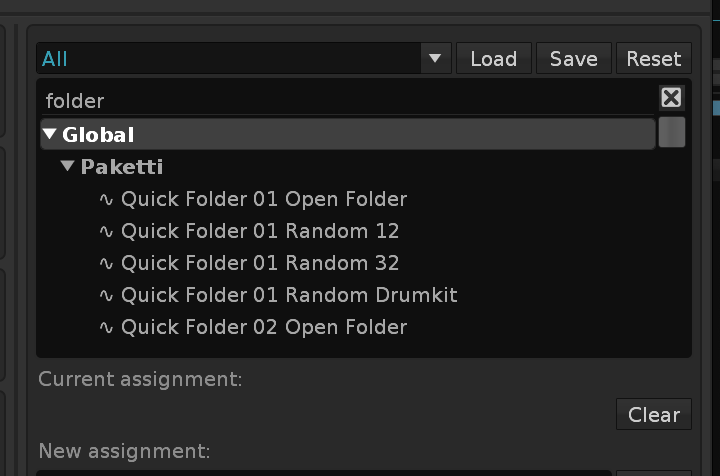
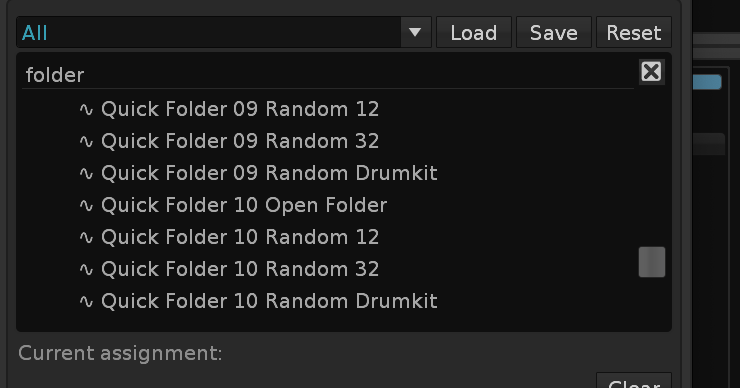
Feature: Delete (=Hide) Unused Columns (Note Columns / Effect Columns) (Closes https://github.com/esaruoho/paketti/issues/288)
Improvement: "Isolate Selected Sample to New Instrument" now sets the instrument name to sample name, for better discoverability. (it used to be instrumentname (selected samplename) )
Improvement: Introduced Changeslog to http://esaruoho.github.io/paketti-manual/ and moved the whole repository to be editable via Obsidian.
Feature: Added Transpose +3 -3 +4 -4 +7 -7 +11 -11 to ChordsPlus as Menu Entries + Shortcuts. This will transpose the current row, or the selection.
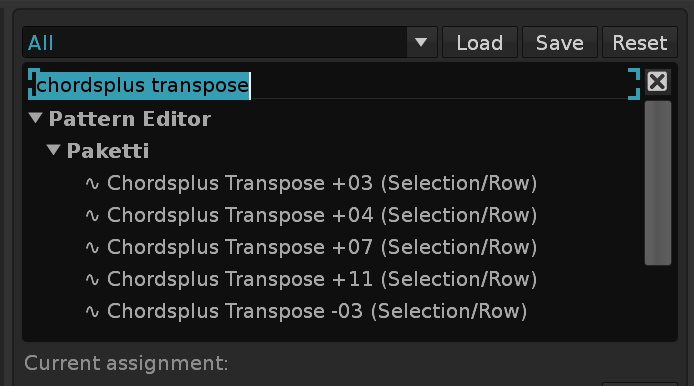
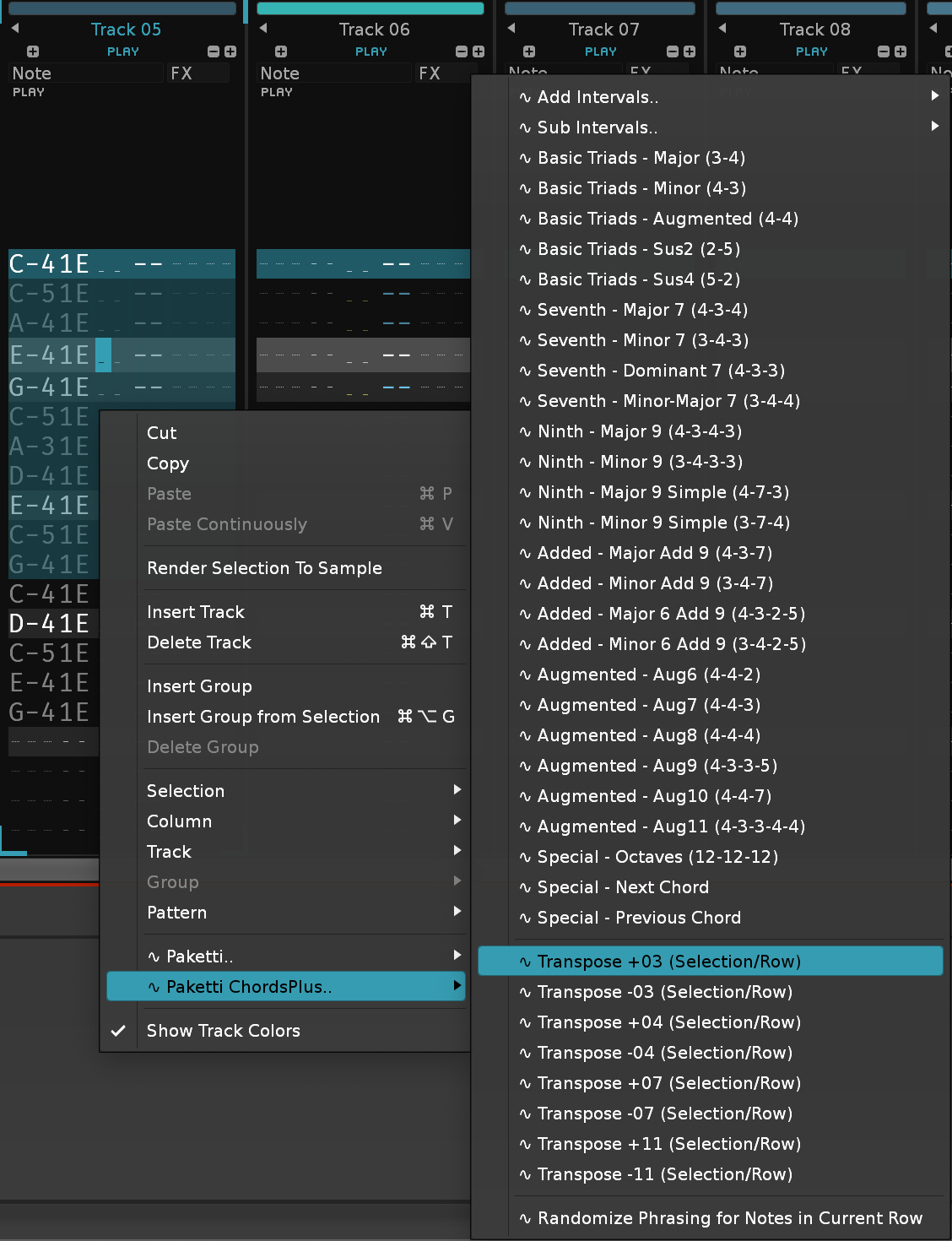
Added the Automation features to the Paketti Manual - Not necessarily all, but it's a good start.
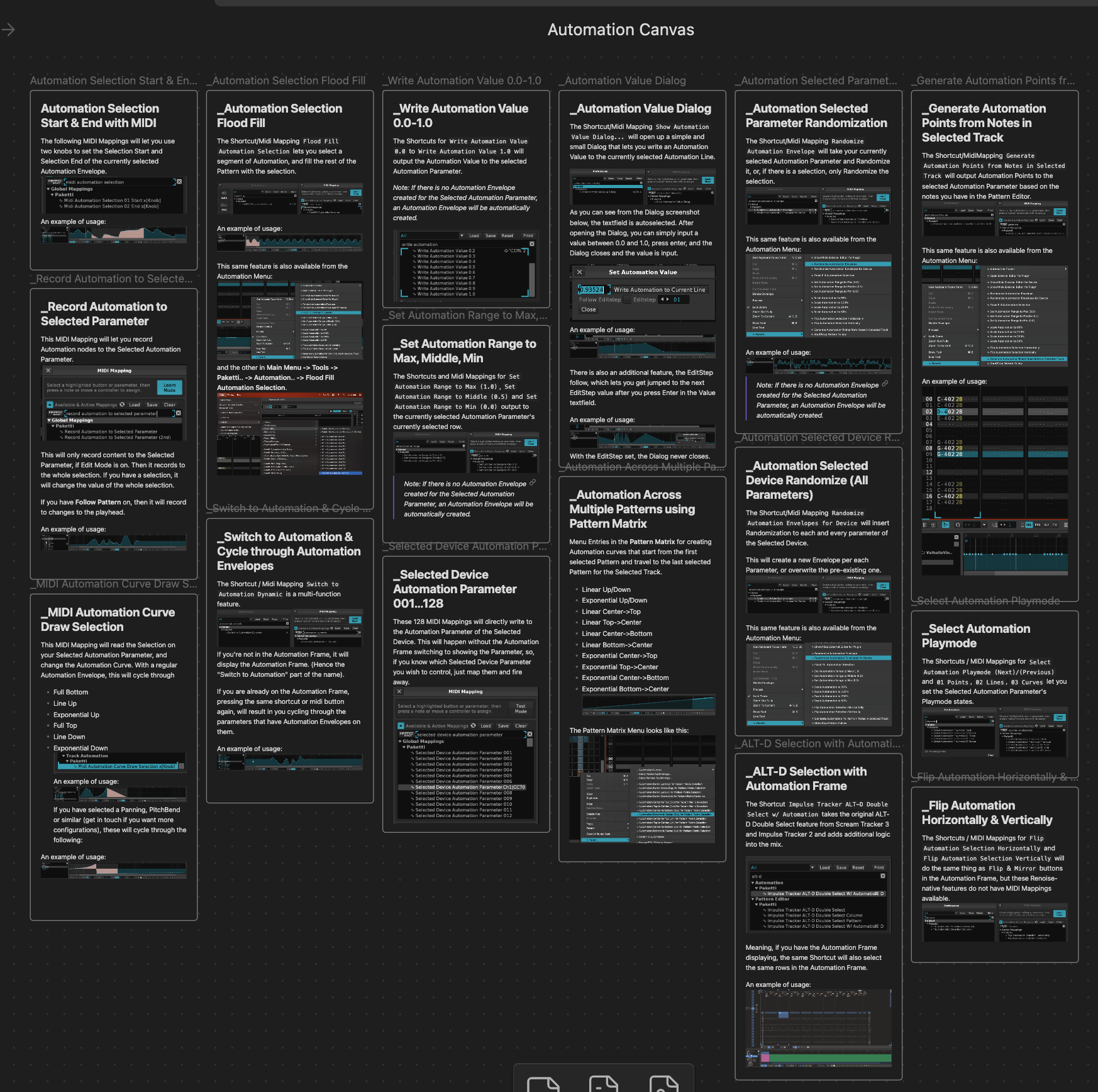
Improvement: I've fixed the AutomationAssets so all the animated .gifs and Automation-related screenshots are fully displayed. EDIT: and also fixed the text / image line feeds so they no longer collide.
Improvement: Set Selected Sample Velocity Range to 7F will now tell you, with an informative message of
The Velocity Range of this Sample is already set to 0-127. - if there is nothing to do.
Feature: Global:Paketti:Set All Samples Velocity Range 00 introduced - this will set all the Samples in the Selected Instrument to Velocity Range 0-0.
Improvement: Global:Paketti:Set All Samples Velocity Range 7F now correctly sets all of the samples in the Selected Instrument to 0-127.
Feature: Decrease All Track Volumes by 3dB / Increase All Track Volumes by 3dB
These are available as Shortcuts, Menu Entries for Mixer, Pattern Editor and on the Main Menu.
Feature: Global:Paketti:Shift Notes Left - this will shift all the notes in the selection to the left, or if no selection, then all the notes on the current row, to the left.
Improvement: Global:Paketti:Shift Notes Right - this will also now shift all the notes in the selection to the right, and if no selection, then all notes on the current row.
(Closes https://github.com/esaruoho/paketti/issues/787)
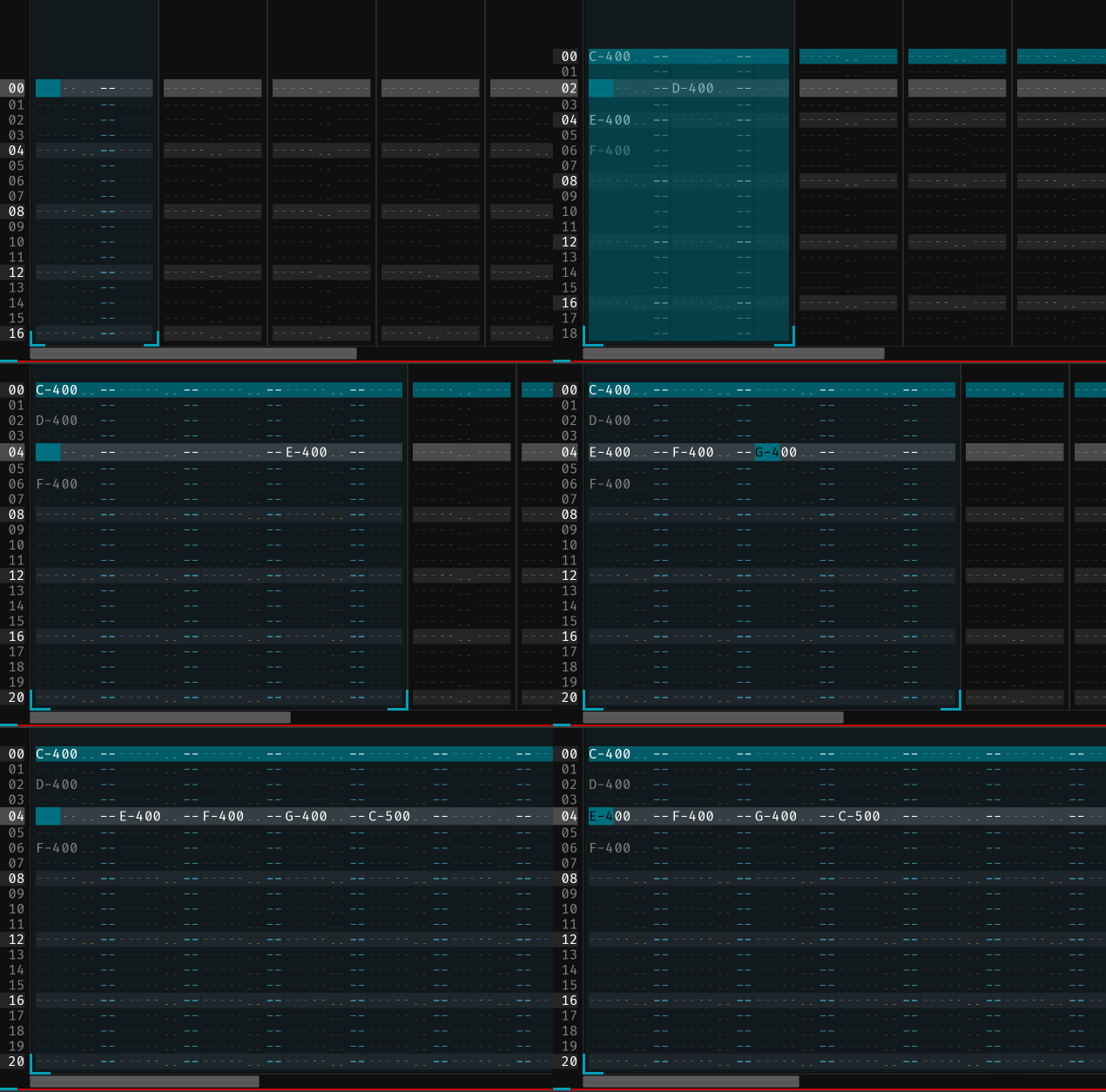
Improvement: Create Identical Track has been modified to
Improvement: Chordsplus Transposer now has a "Row Only" flavor in addition to the "Row/Selection" flavor.
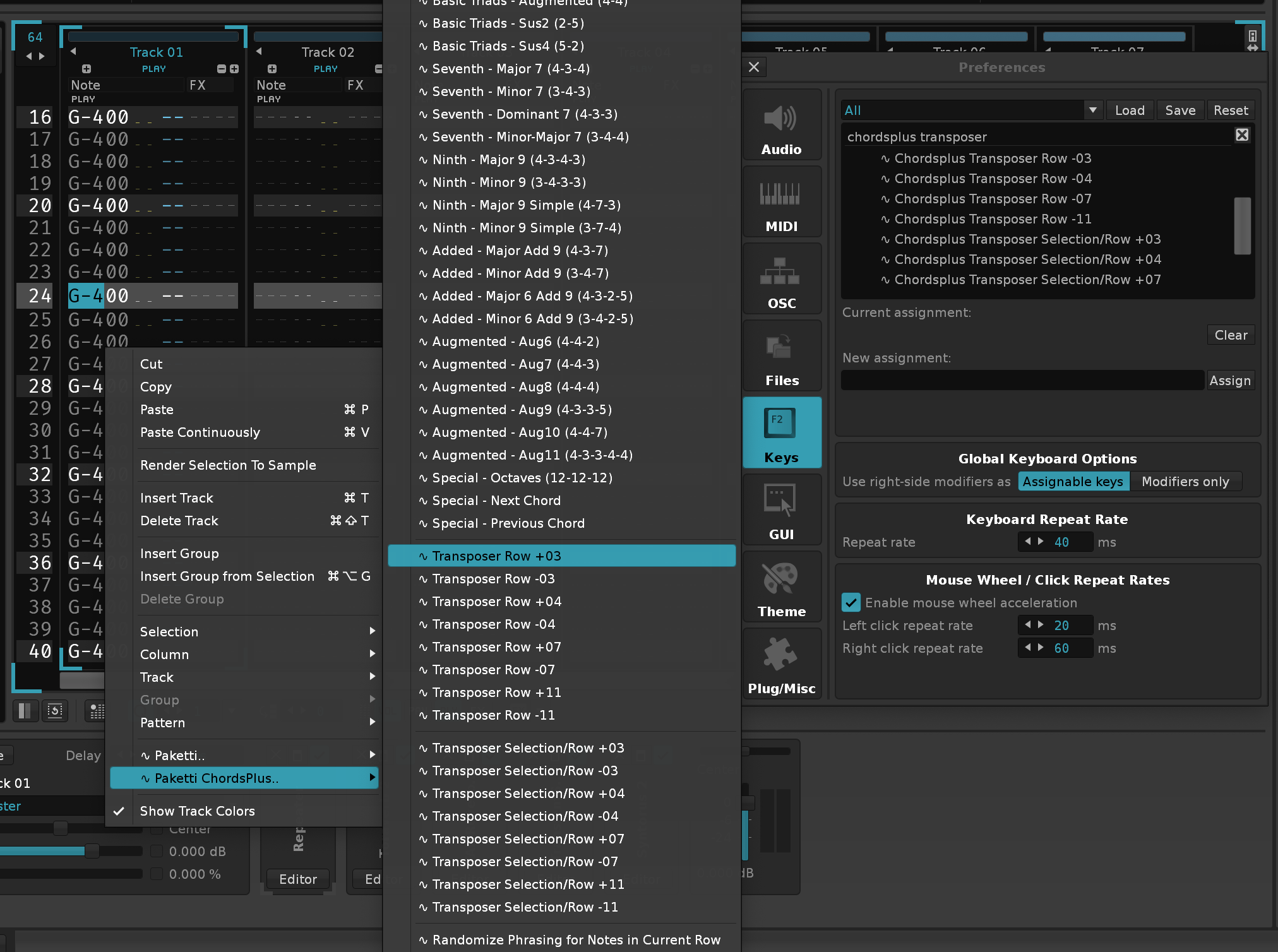
Feature: Replace FCxx with 0Lxx across the whole song, for those that need this conversion to be done.
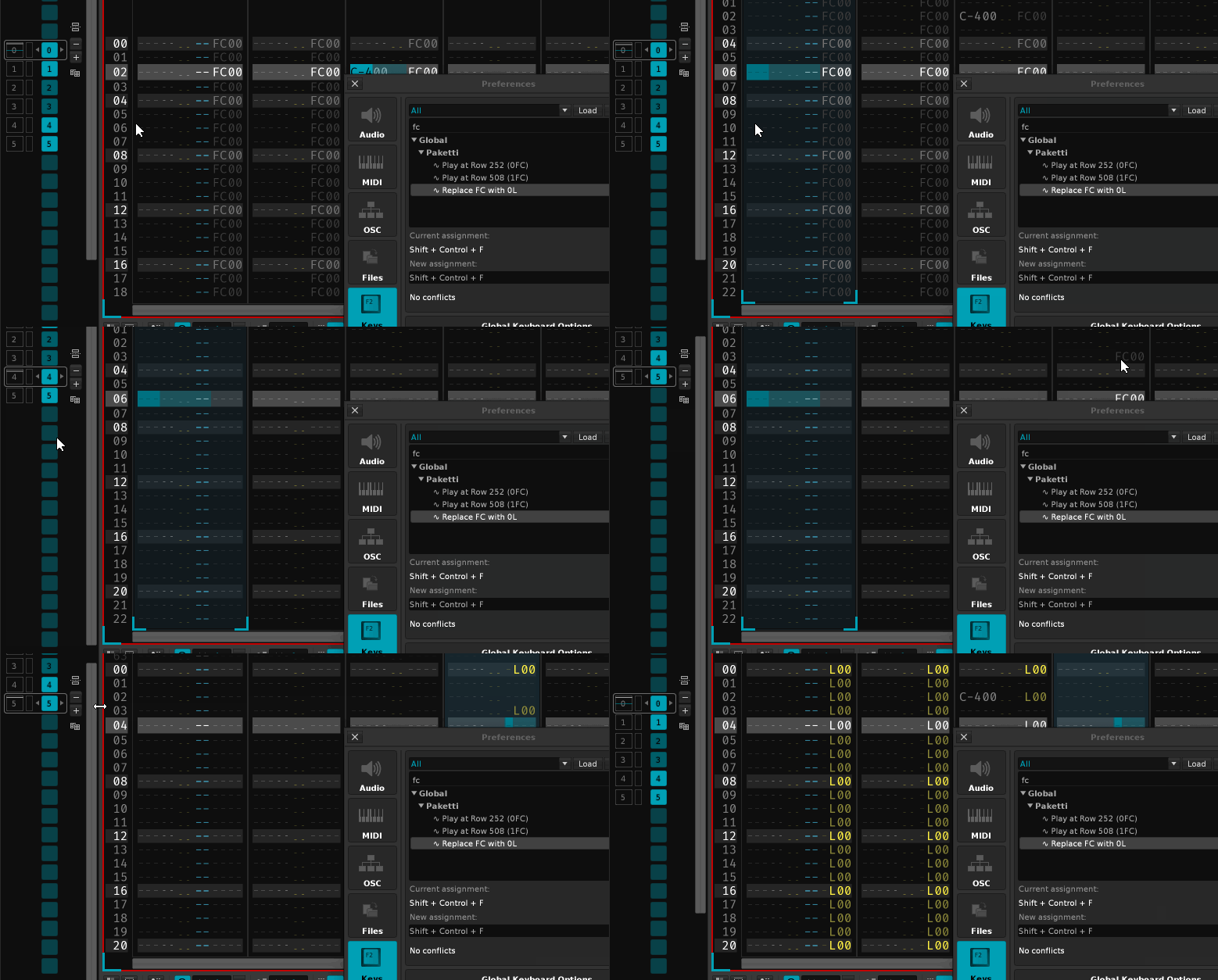
Feature: Clever Note Off (Right After/Half Before/Right Before) This inserts Note Off commands to each of the note columns on the selected track - in case they have notes on them. The Right After will put a Note Off right after each note. Half Before, will put a Note Off right in the middle of "played note" & "next note". The Right Before, puts a Note Off right before the next note plays. (Closes https://github.com/esaruoho/paketti/issues/812)
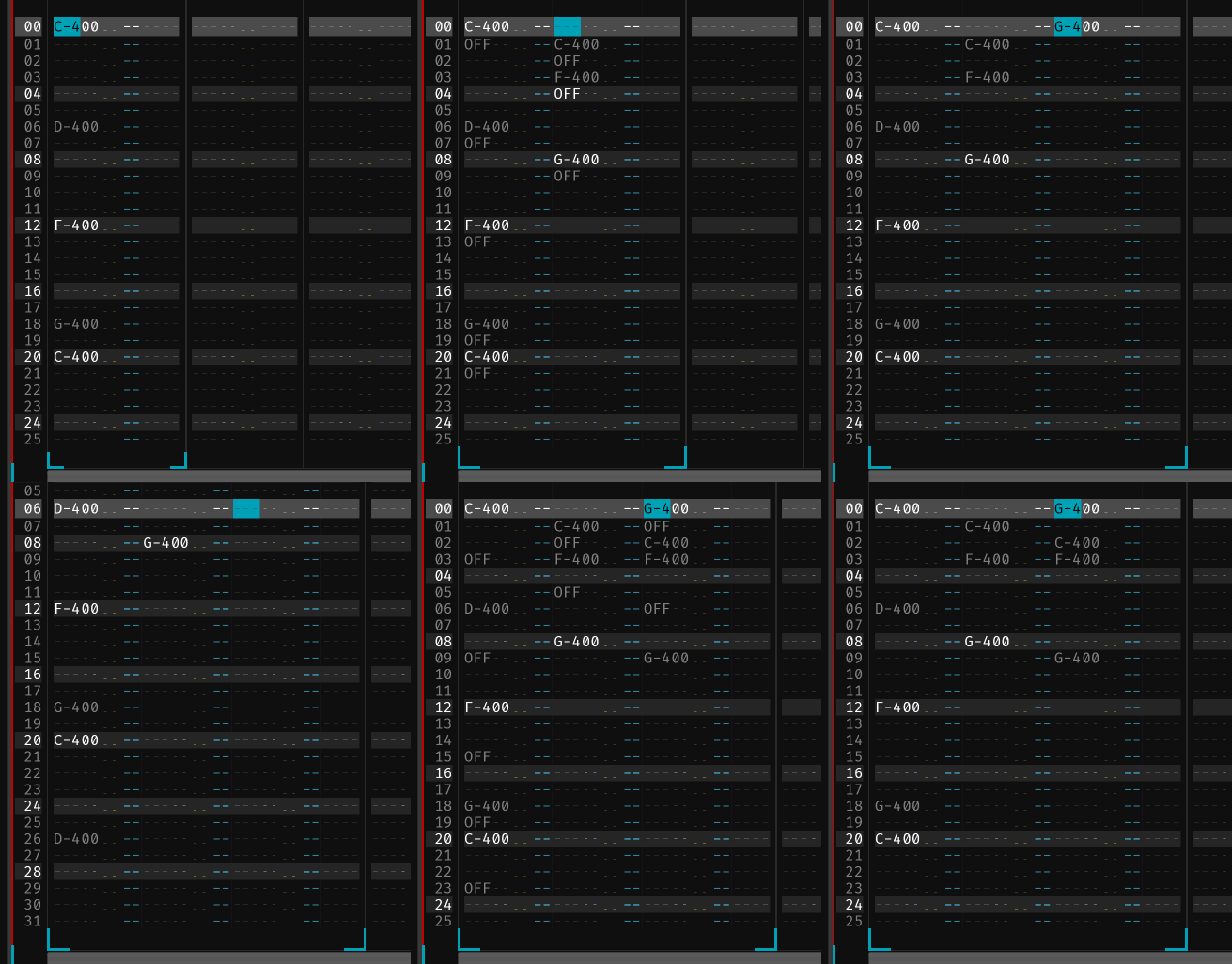
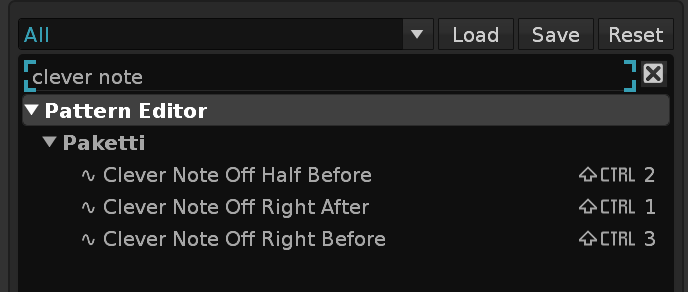
Feature: Bypass/Enable all Sample FX Chain Devices in current Instrument
Feature: Bypass/Enable all Sample FX Chain Devices in all Instrument in Song
(Closes https://github.com/esaruoho/paketti/issues/784)
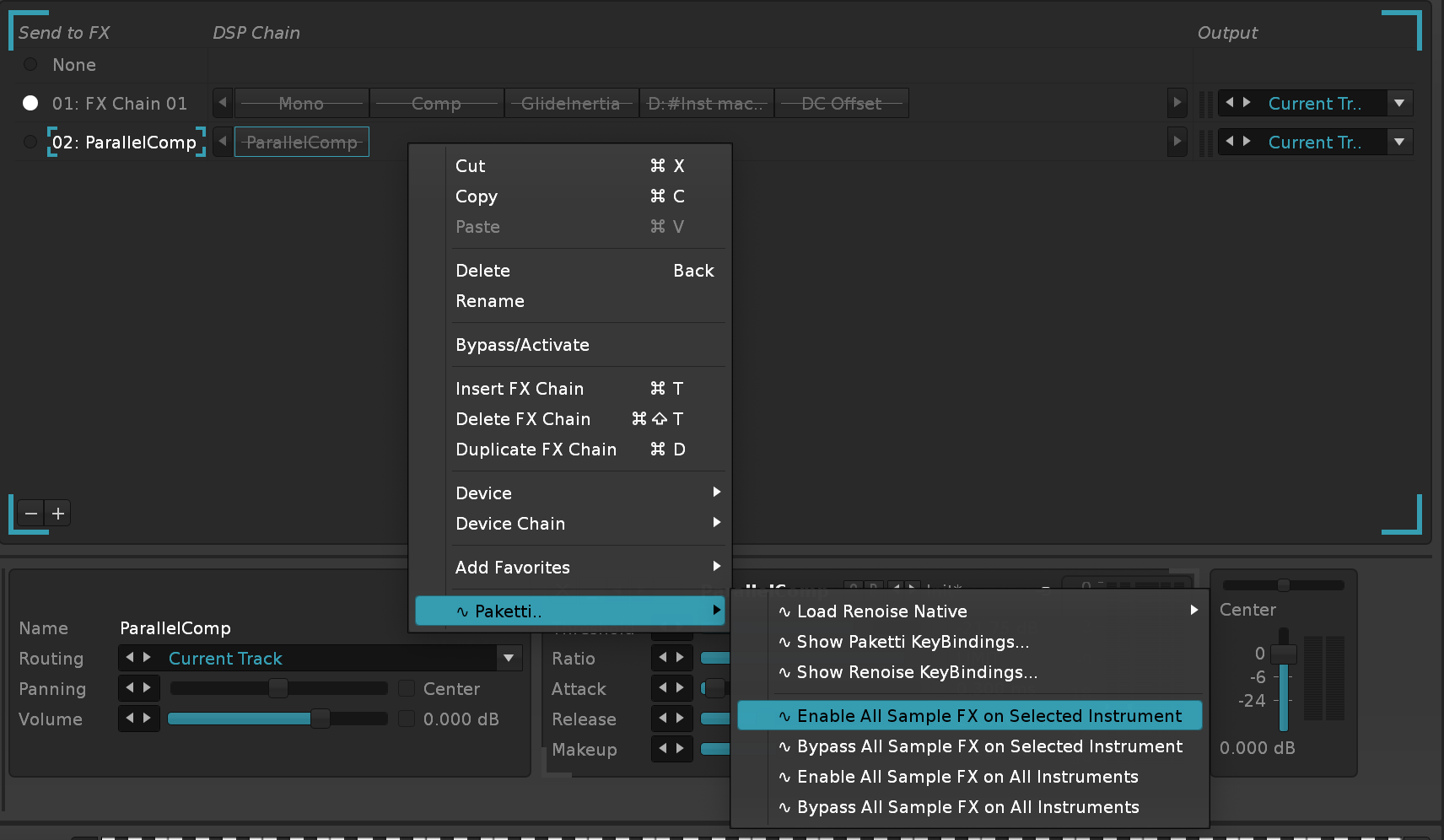
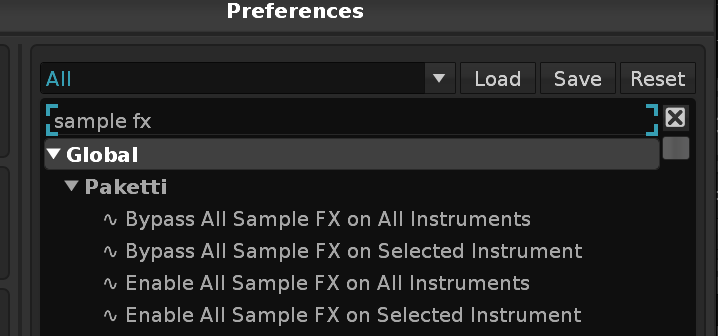
Feature: Match EditStep to Notes This will change the EditStep so that every time you input a note, it will jump to the row with the next note. (Closes https://github.com/esaruoho/paketti/issues/592)
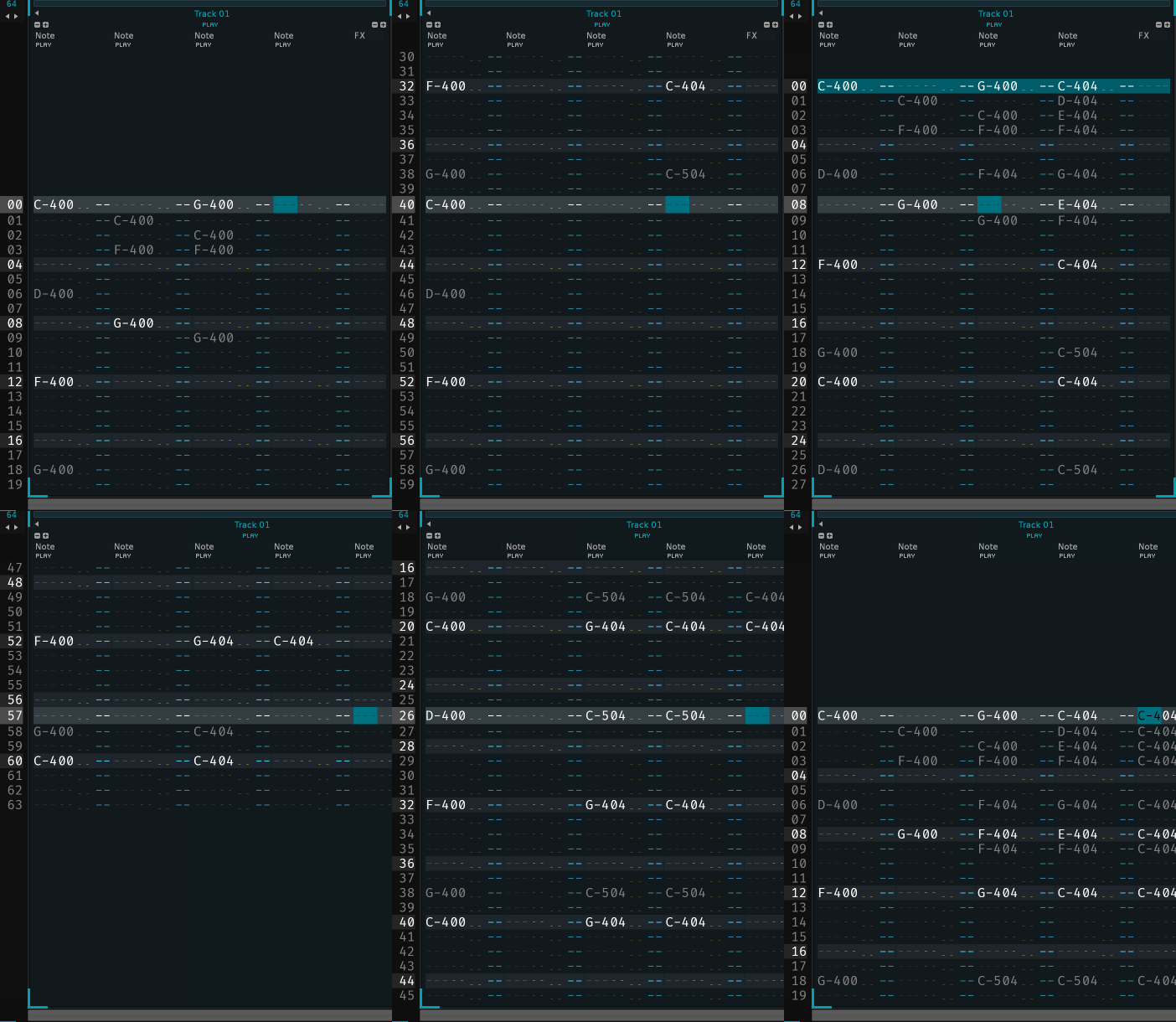
Feature: Reset every PitchStep on Playback Stop (Impulse Tracker F8), on Playback Start (Impulse Tracker F7&Impulse Tracker F5) There's also an extra shortcut + menu entry for this use (Closes https://github.com/esaruoho/paketti/issues/536)
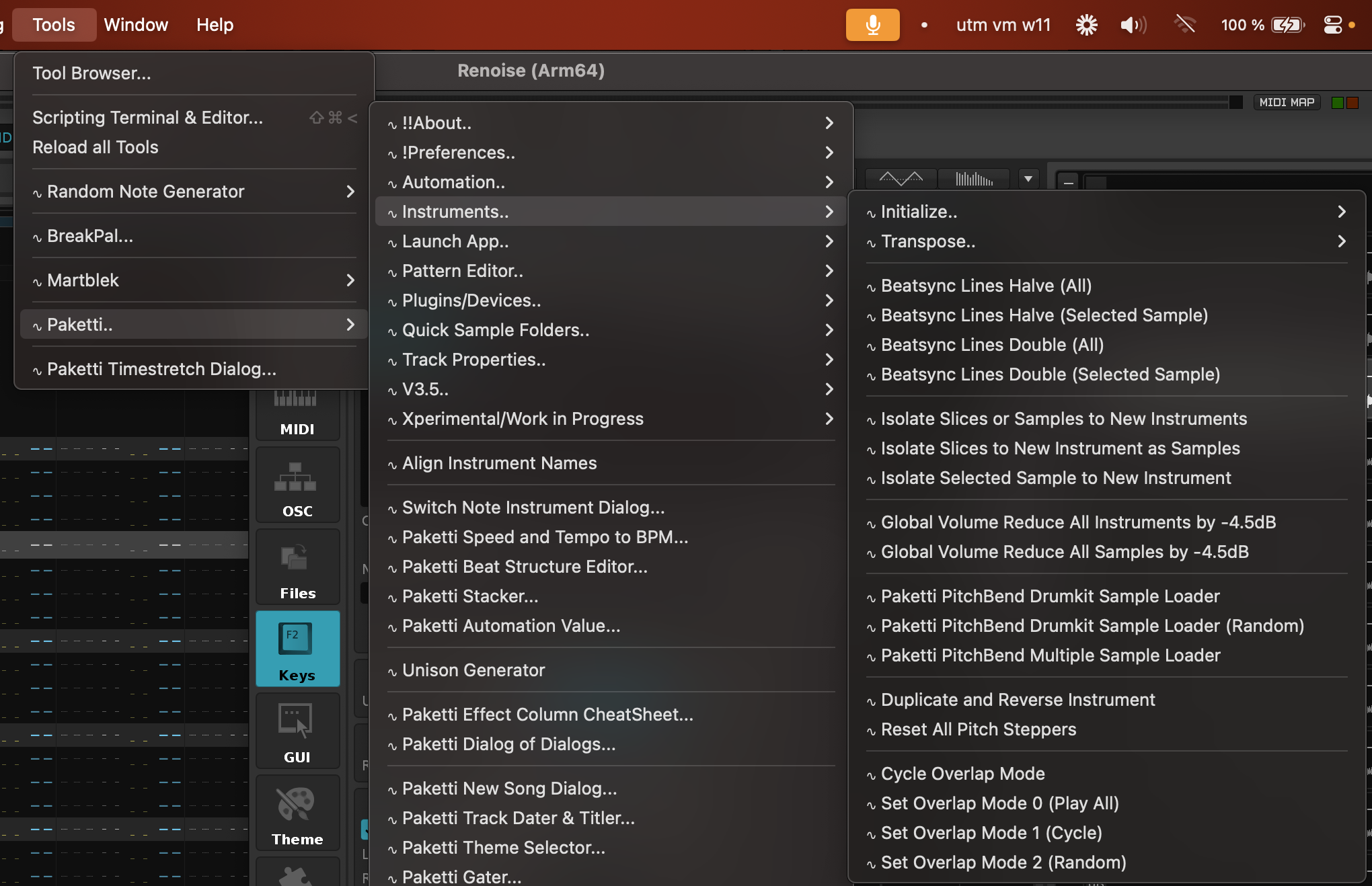
Improvement: Fixed "Reverse Notes in Selection" to work properly across multiple tracks
(Closes https://github.com/esaruoho/paketti/issues/298)
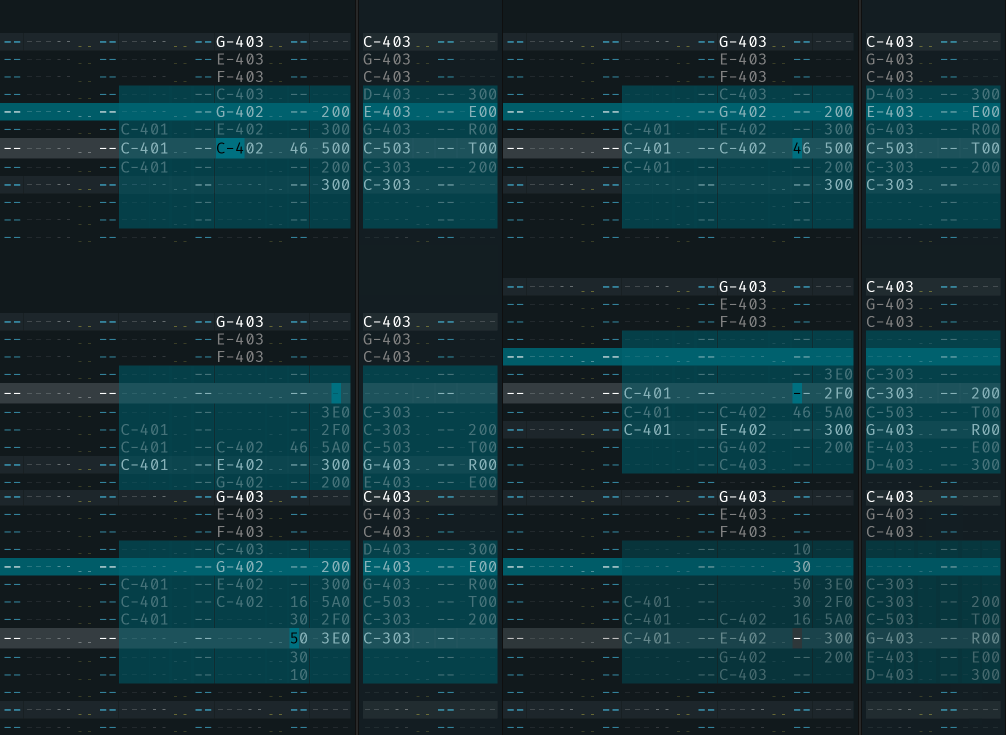
Improvement: Paketti Groovebox 8120: Each of the 8 stepsequencers can be set to max 64 steps, with 16 steps containing checkboxes aka playable notes, and when they get played, then if you have it set to 64 steps, there will be 48 steps of silence until replay happens again. This is good for offsetting things and maintaining a kind of "shape" of stepsequences repeating over the course of time.
(Closes https://github.com/esaruoho/paketti/issues/648)
Feature: Clear Selected Track Below Current Row / Clear All Tracks Below Current Row
Clear Selected Track Above Current Row / Clear All Tracks Above Current Row
I've made these available as Menu Entries, Shortcuts and Midi Mappings.
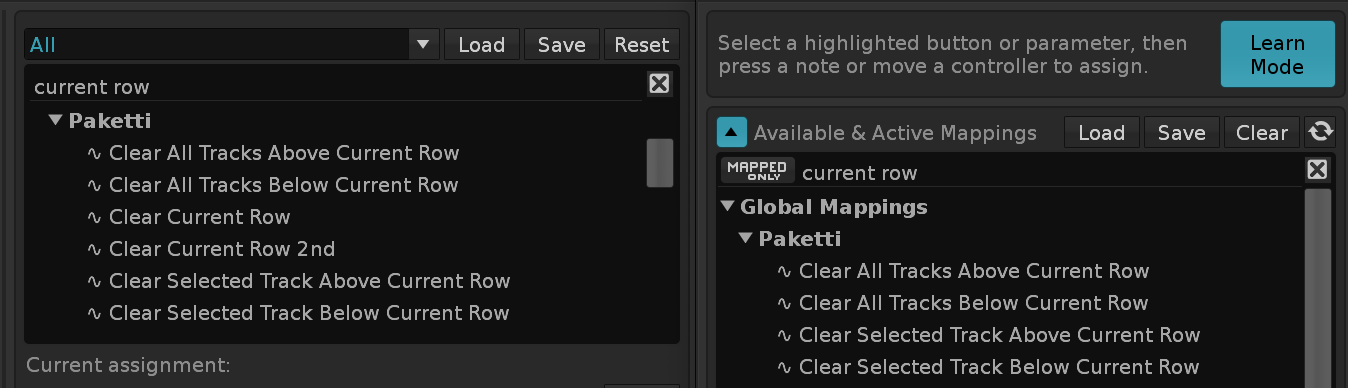
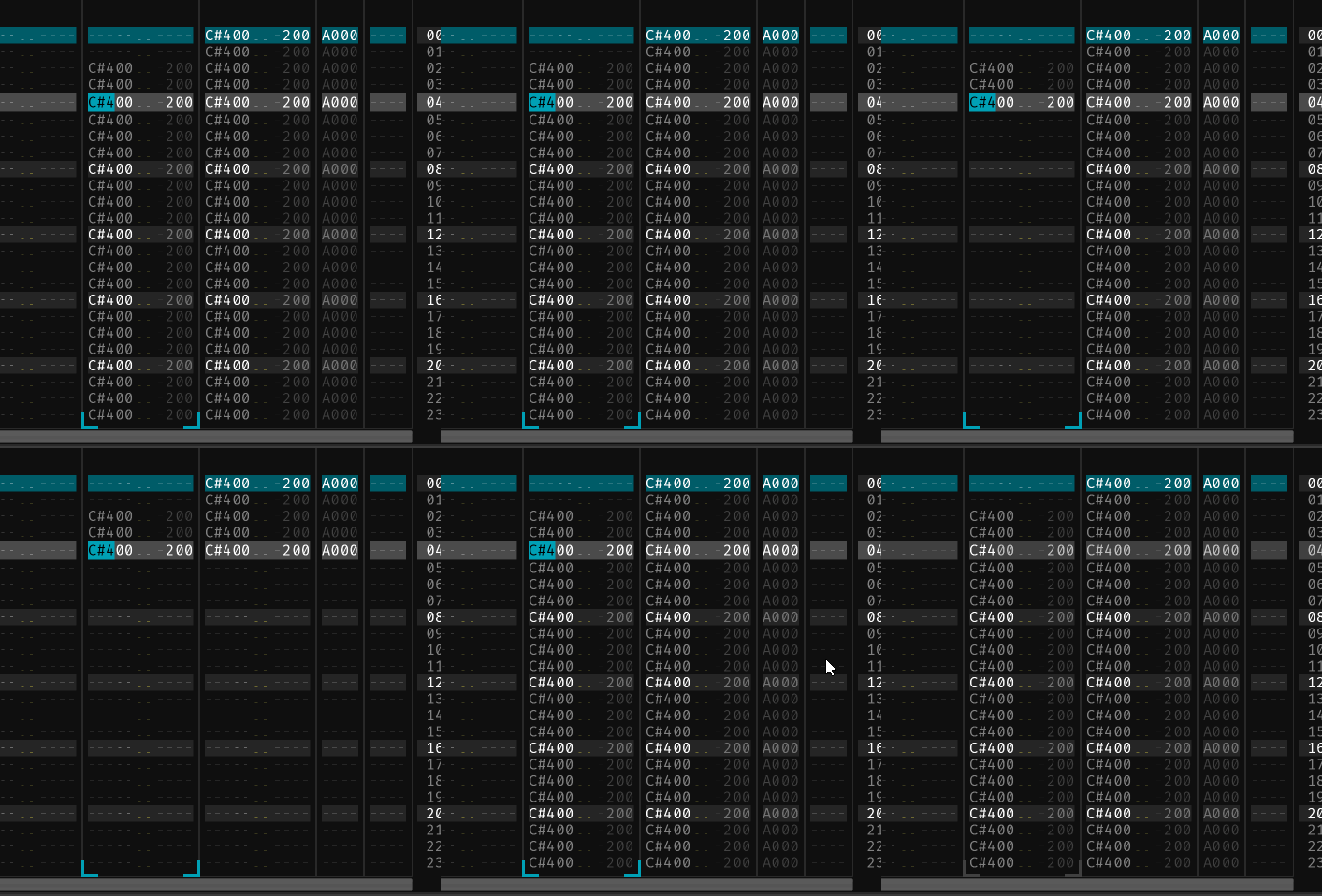 (Closes https://github.com/esaruoho/paketti/issues/584)
Feature: Insert Random Device (AU/Native), Insert Random Device (All), Insert Random Plugin (AU), Insert Random Plugin (All)
The inserted device's or plugin's External Editor will be opened, if available. The inserted device, if not a Native device, will be opened in minimized mode.
(Closes https://github.com/esaruoho/paketti/issues/711)
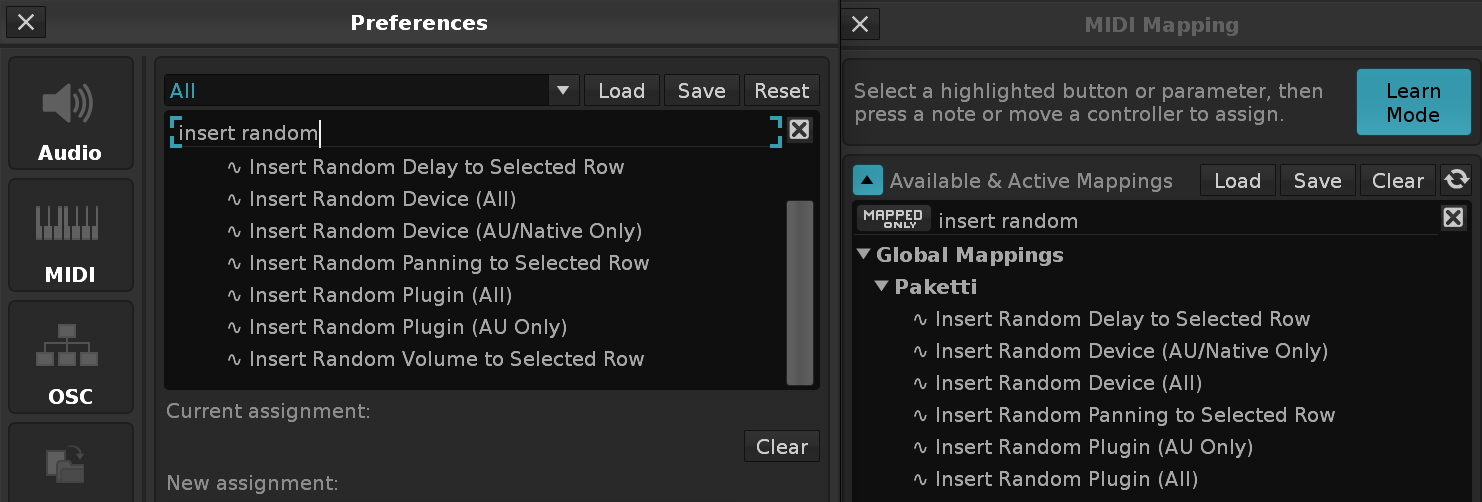
Feature: Generate Delay Value on Note Columns This will read the amount of Note Columns and fit the delay values so they play evenly.
(Closes https://github.com/esaruoho/paketti/issues/811)

Improvement: "Switch Note Dialog" now has a "Whole Song" version which will change the note instrument across all patterns in the song.
(Closes https://github.com/esaruoho/paketti/issues/776)
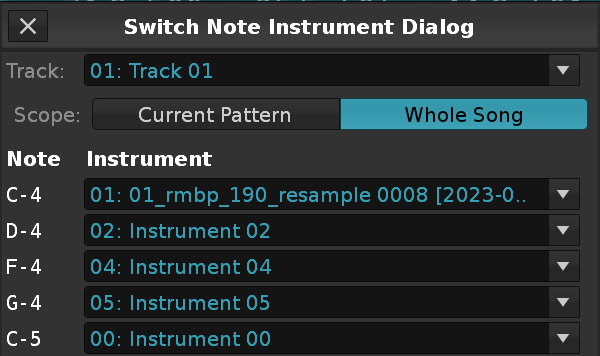
Improvement: PlayerPro Effect Column Dialog now shows both the hexadecimal and the decimal values.
(Closes https://github.com/esaruoho/paketti/issues/813)
Feature: Slice DrumKit (Percussion) / Slice DrumKit (Texture) These shortcuts + menu entries do the following thing: Original Sample:
Slices:
(Closes https://github.com/esaruoho/paketti/issues/565)
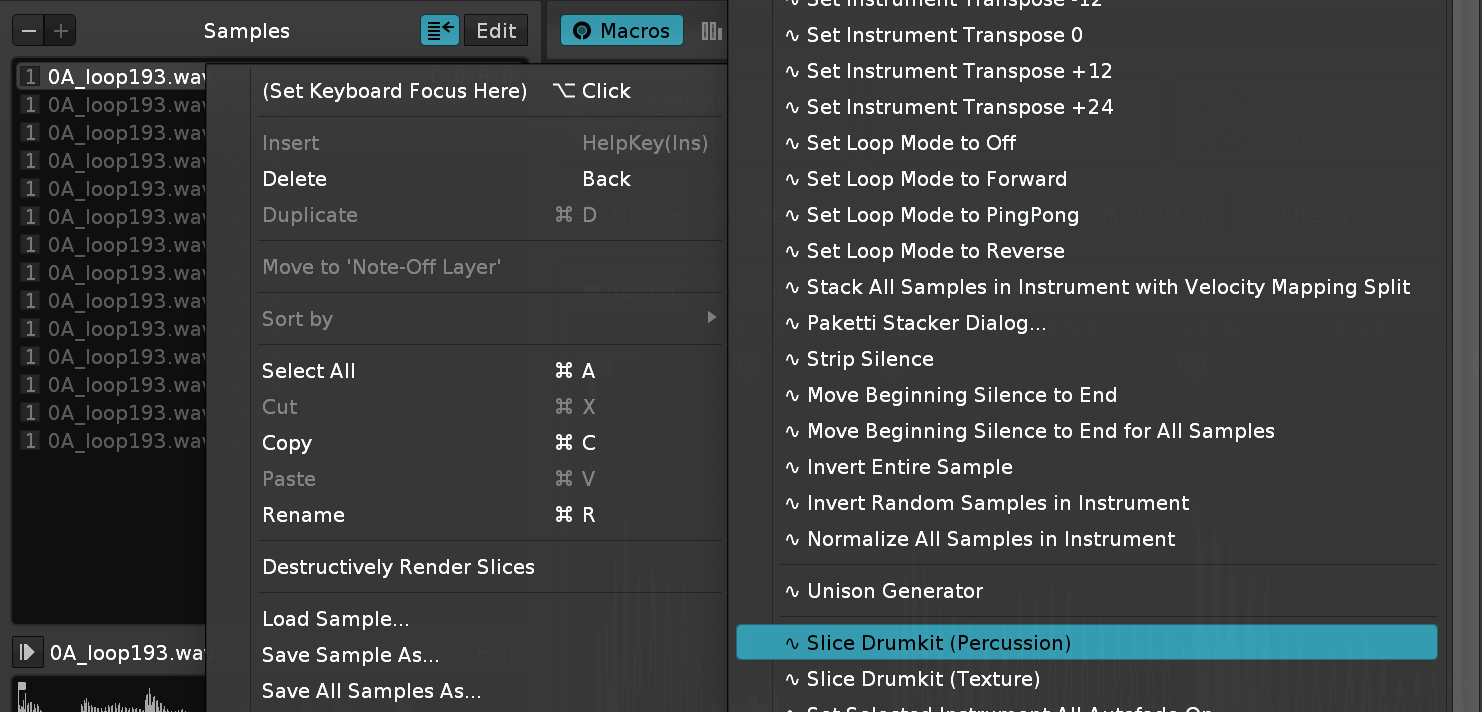
Feature: Normalize Selected Slice or Sample
This is a follow-up to the "Reverse Selected Slice or Sample" - it just hits the Slice (or Sample) and normalizes it.
Available on the Sample Editor, Sample Navigator and as Midi Mappings + Shortcuts (same for Reverse Selected Slice or Sample, so, slight improvements there)
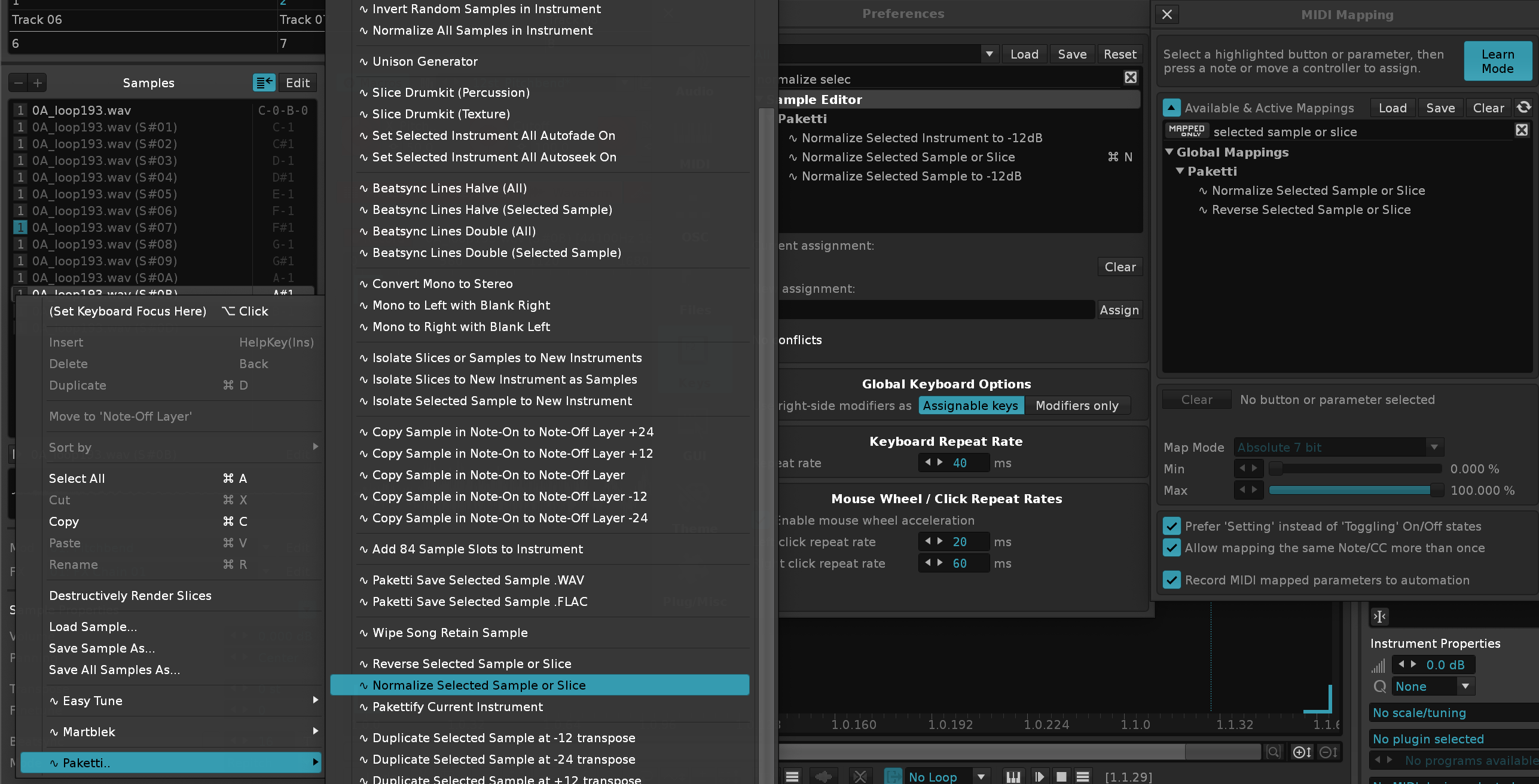
Improvement: Both Normalize & Reverse Selected Slice or Sample now correctly reverse or normalize the last slice.
Improvement: Edit Mode Blend Value is now settable via the Paketti Preferences
(Closes https://github.com/esaruoho/paketti/issues/425)
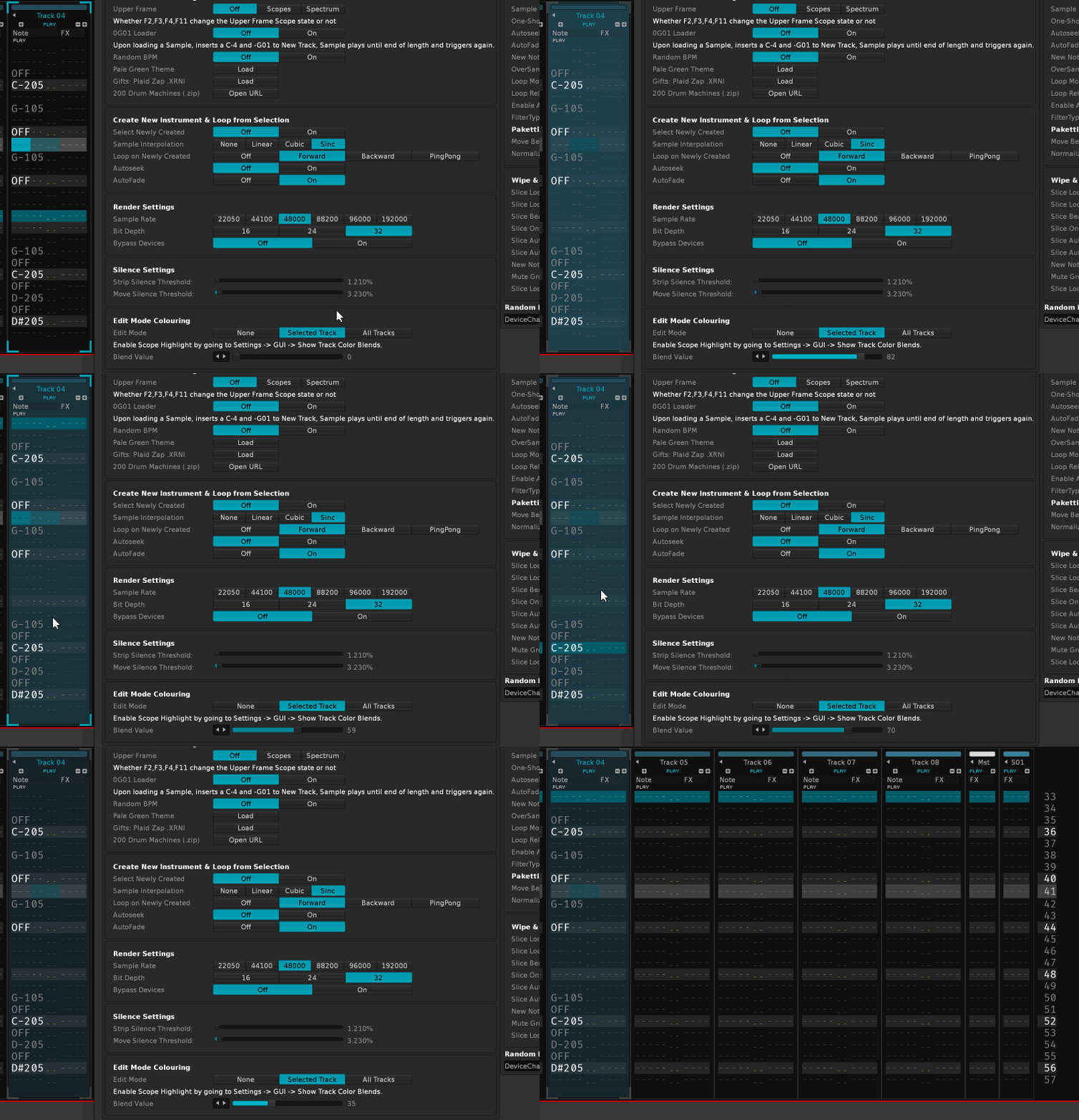
Feature: Note Off with EditStep
(Closes https://github.com/esaruoho/paketti/issues/806)
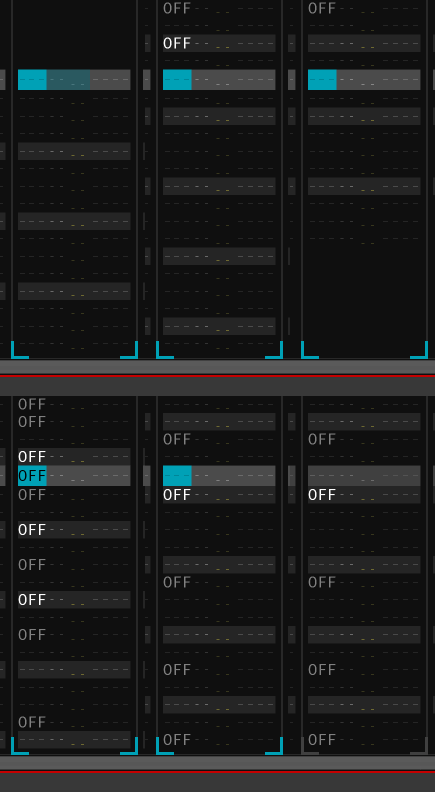
Improvement: Impulse Tracker Home*2 and End*2 functionality for Phrase Editor V3.5 Only
These detect if you're in the Phrase Editor and then run the same functionality (go to the top of the current note column, if pressed again, go to the first note column.. and.. go to the end of the current note column, if pressed again, go to the last note column.)
(Closes https://github.com/esaruoho/paketti/issues/819)
Feature: Phrase Follow Pattern Hack V3.5 Only This tries to follow the pattern, but in the phrase. i.e. if phrase is 64rows and LPB4, and pattern is 64 rows and LPB4 - it will detect: oh, pattern is playing, let's adjust the selected phrase line index of the phrase.
This is considered highly experimental and might not work at all. Waiting for V3.5 access.
Improvement: Audio Processing Dialog should be openable and reopenable (Closes https://github.com/esaruoho/paketti/issues/595)
Improvement: OctaMED Pick/Put Dialog now reads Selection in Pattern in Selected Track and writes to Selection, while following EditStep.
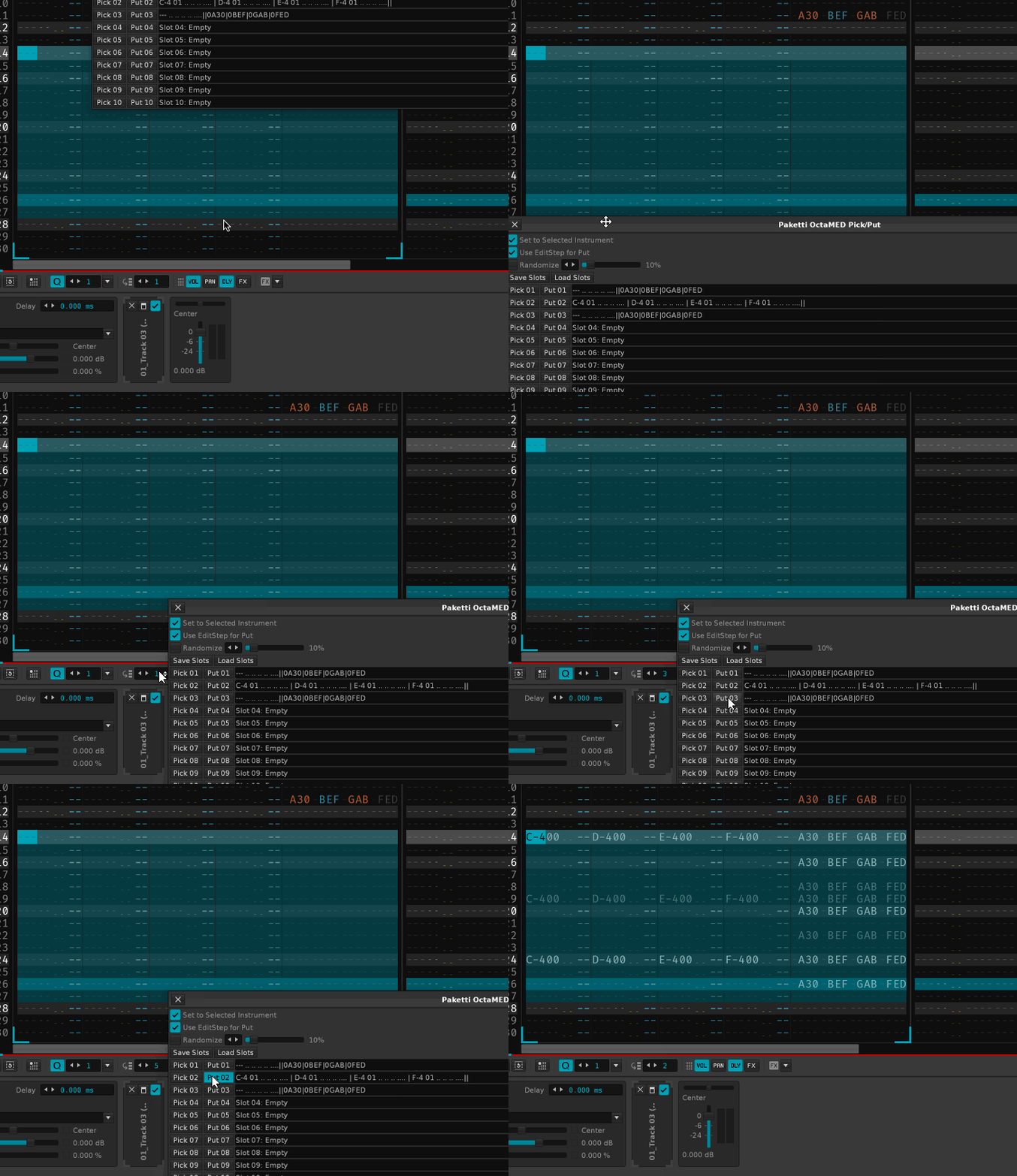
Feature: Cycle Chord Inversion Down / Up
This will take either current row, or selection in Pattern, and modify, per each row, the lowest note to be lifted an octave higher - and then re-organizes the notes by ascending order (lowest first, highest last)
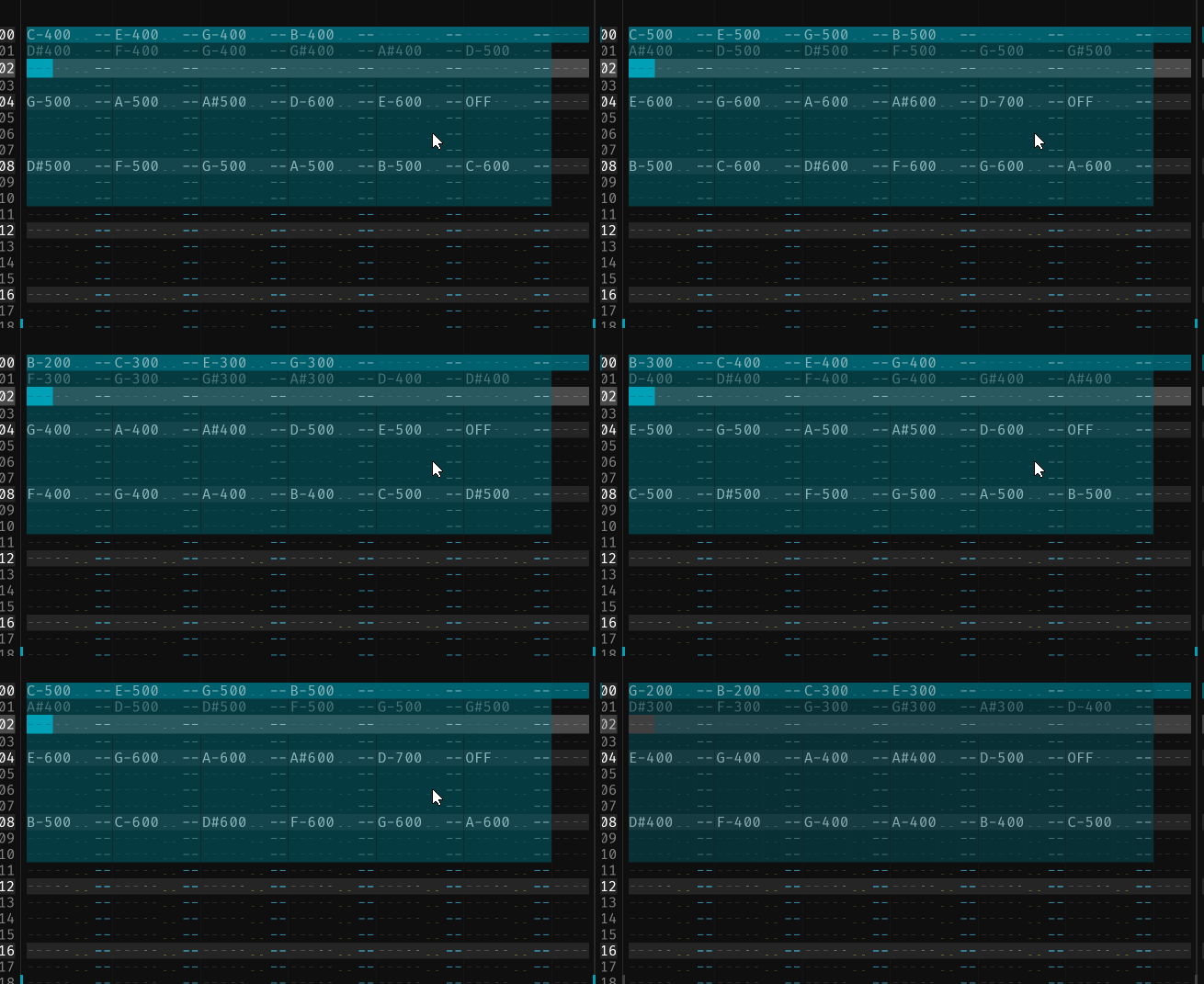
Improvement: Note Sorter (Ascending) / (Descending) now also follow the "Change Selection if exists, otherwise only current row" thinking.
Improvement: Tweaked "Randomize Phrasing for Notes on Current Row" to actually be "Randomize Phrasing for Notes in Row/Selection" - this means the Menu + Shortcut + MidiMapping have been renamed and should be re-assigned.
Also, it now reads the selection in pattern, or if no selection, then just current row.
And no longer randomizes between -3 octaves and +3 octaves, instead -2 octaves and +2 octaves.
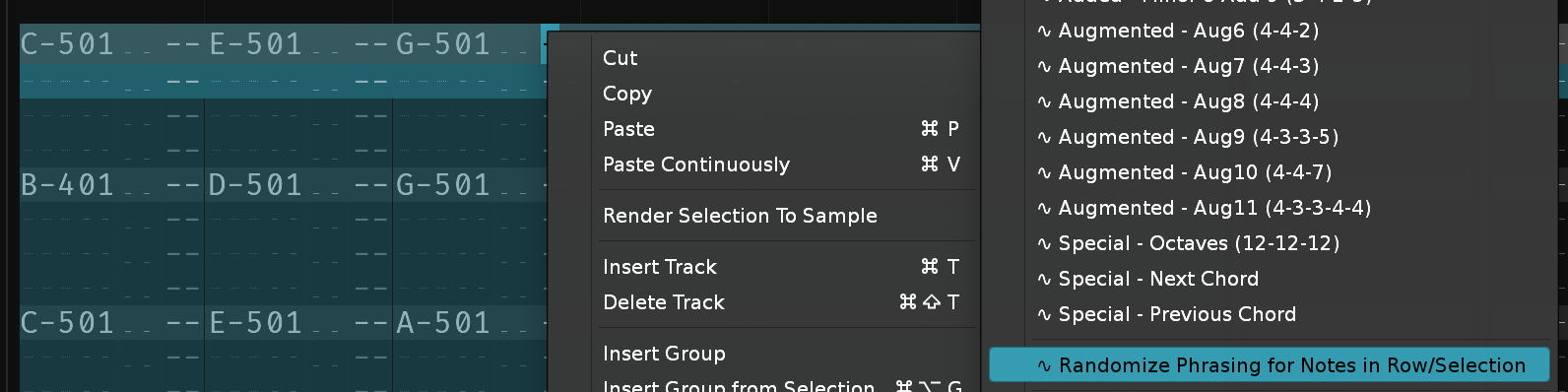
Improvement: Fixed 12st_Pitchbend.xrni so that it uses * instead of + for AHDSR device, for less buggy / blaring Envelopes.

Am going through a ChangesLog I was maintaining and realized I've neglected to mention bunches of things I've done last year. Here's a catchup:
Feature: Set Quantization to 01...32 (Global, Pattern Editor, Phrase Editor)
Feature: XLN Audio XO opener - checks where XO is in the track, VST,VST3,AudioUnit - if it is found, opens the External Editor. If not, loads it to a new instrument and opens. If already showing external editor, closes it. Reason for being? because you can alt-drag a selected drum into renoise (!!!) and load it.
Improvement: If "Replicate at Cursor All Above Current Track", and you're on the first row, then it defaults to repeating that low.
Continuing with the "Didn't I talk to anyone about this??" changeslog: The Paketti Stacker. This loads a sample, then lets you divide it mathematically into slices, then stacks them into a new instrument with velocity controlling which slice is played, then you can output a rising ramp (first to last), downwards ramp (last to first), then random ramp (any hit).
To make this more sensible, I've added "Expand + Flood Fill" & "Shrink + Flood Fill", Pitch Stepper controls (-24, -12, 0, +12, +24), and Instrument Pitching, Loop Modes to the Dialog.
This enables you to scretch valid loops into little pieces and have them tick tick tick tick through the pattern.
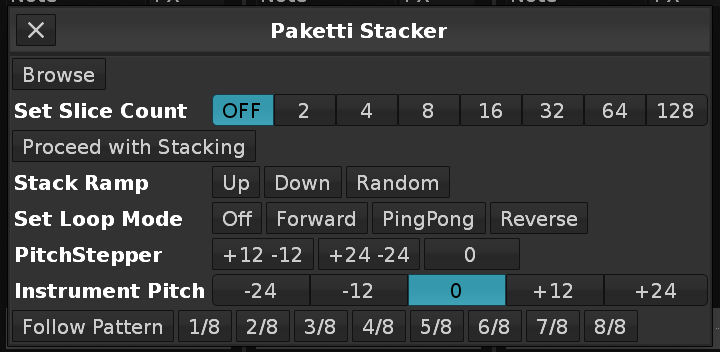 Give it a try.
Feature: Set All Instruments All Samples Autoseek Off / On This queries all the Instruments - and sets all samples in each Instrument Autoseek state On or Off.
Feature: Set All Instruments All Samples Autofade Off/On
Same as Autoseek
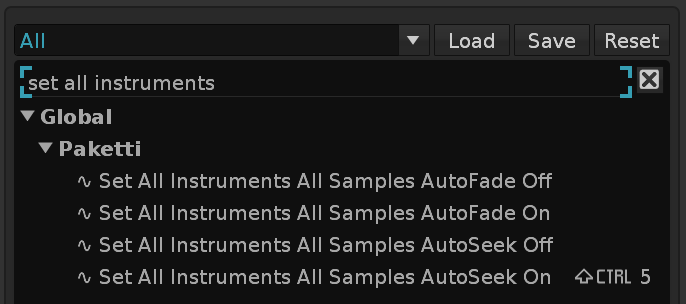
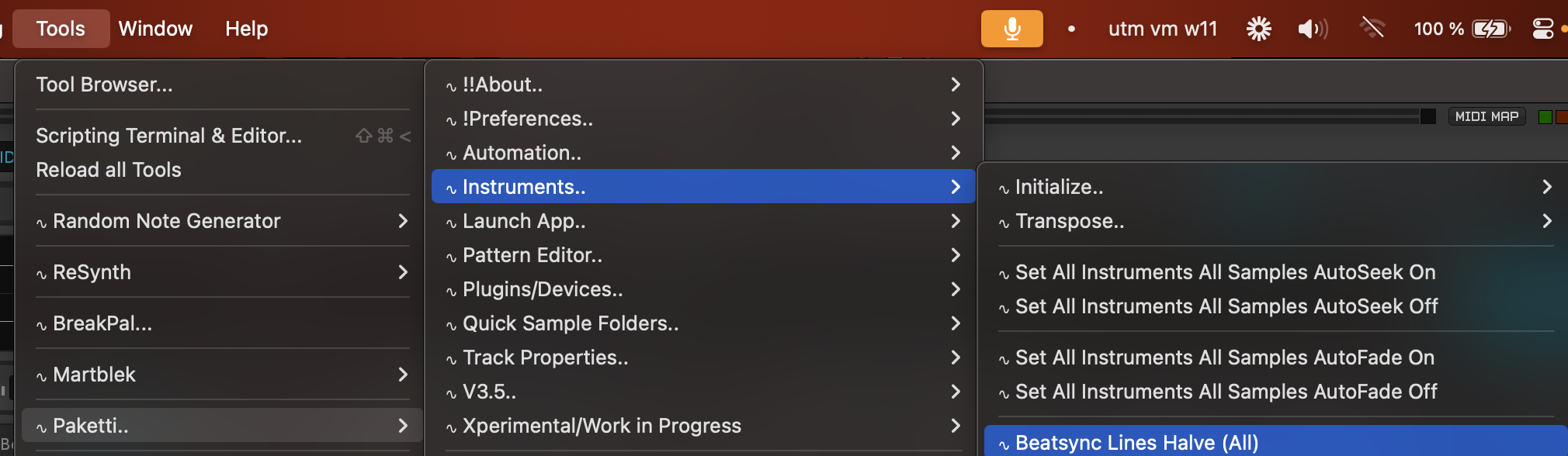
Feature: Insert Random Note-Offs in Empty Rows
Feature: Randomize Note-Offs in Selection
(Closes https://github.com/esaruoho/paketti/issues/820)
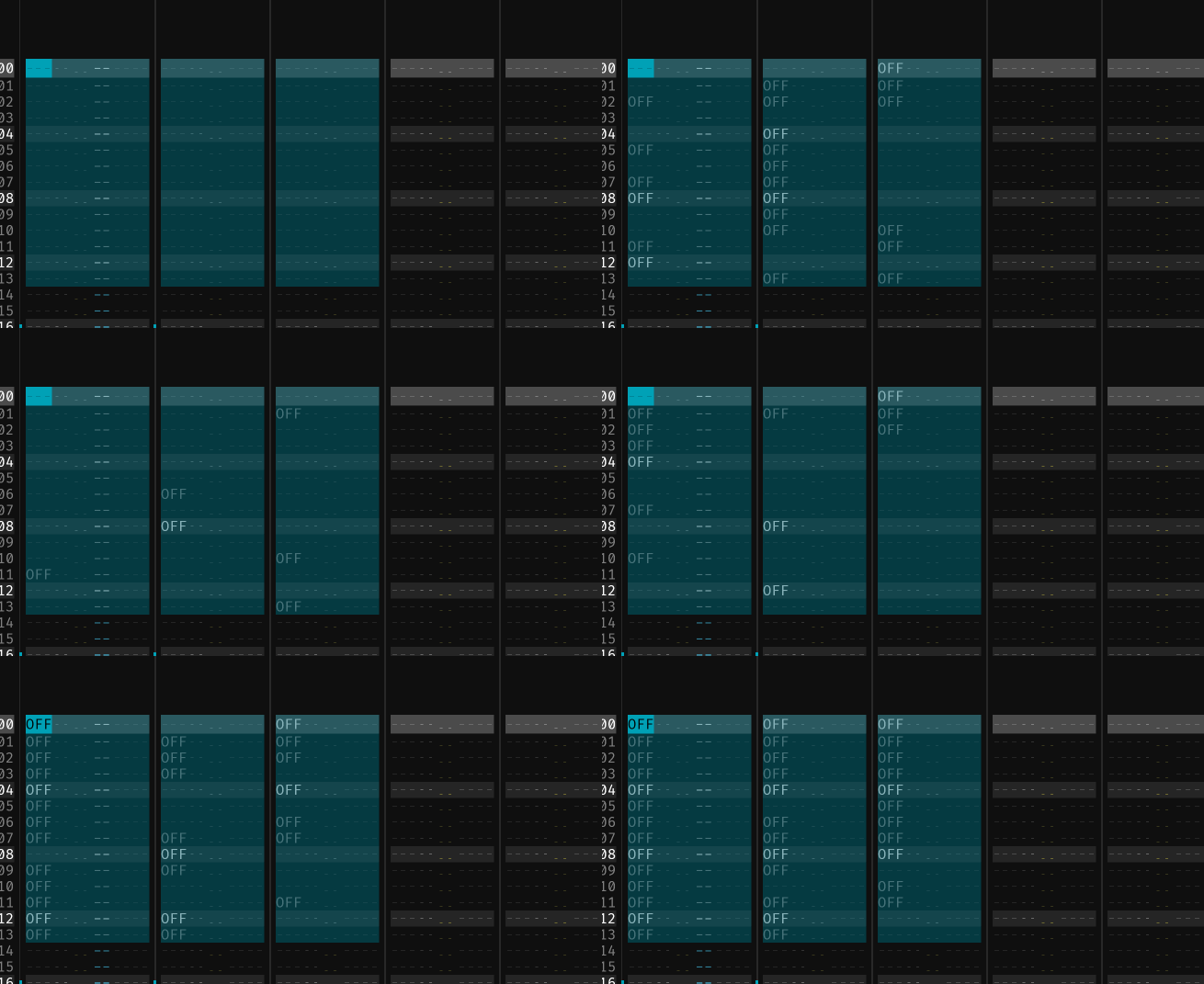
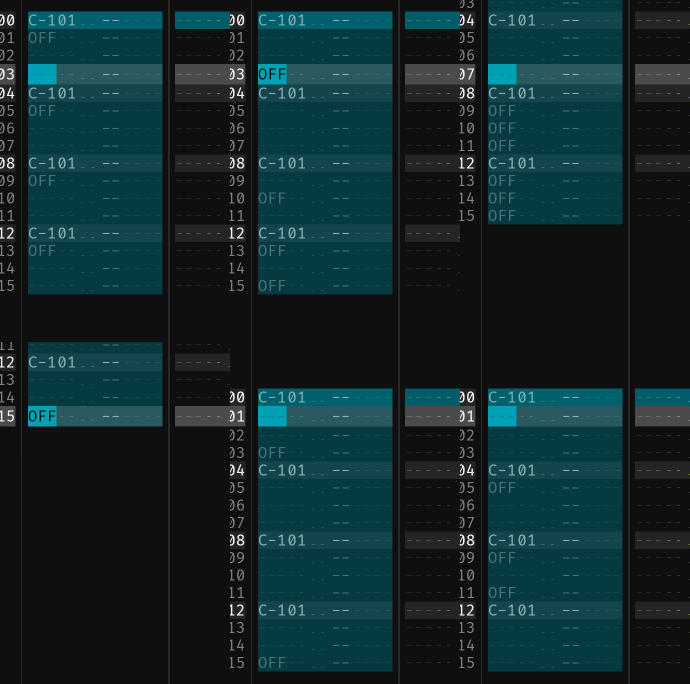
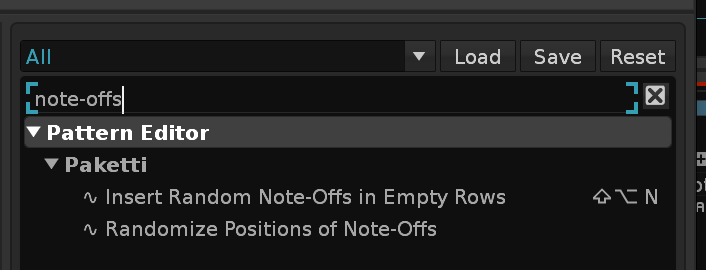
Feature: Create Group & Move DSPs..
This inserts the current Track into a Group, and moves the Track DSPs of the Track to the Group, and inserts a new Track and selects the new Track within the Group.
Available in Pattern Editor + Mixer as Shortcut & Menu Entry
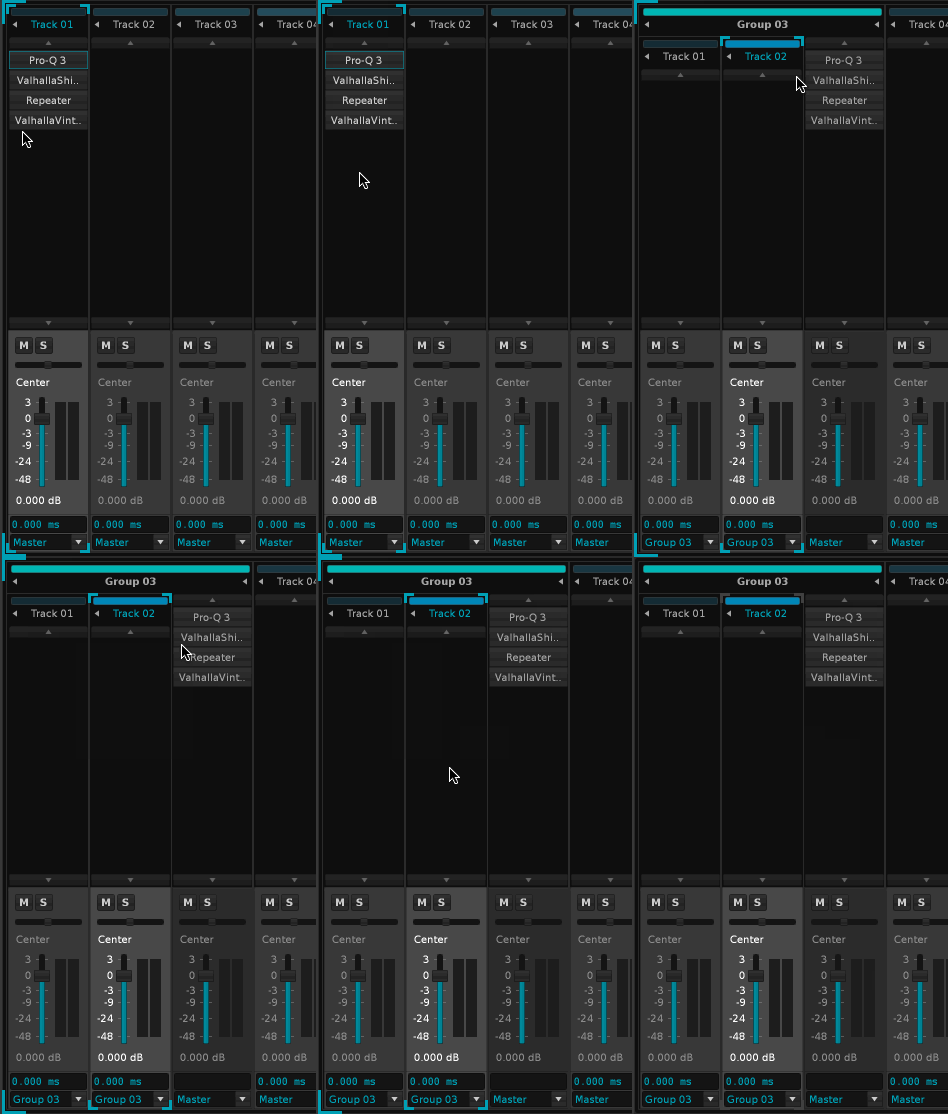
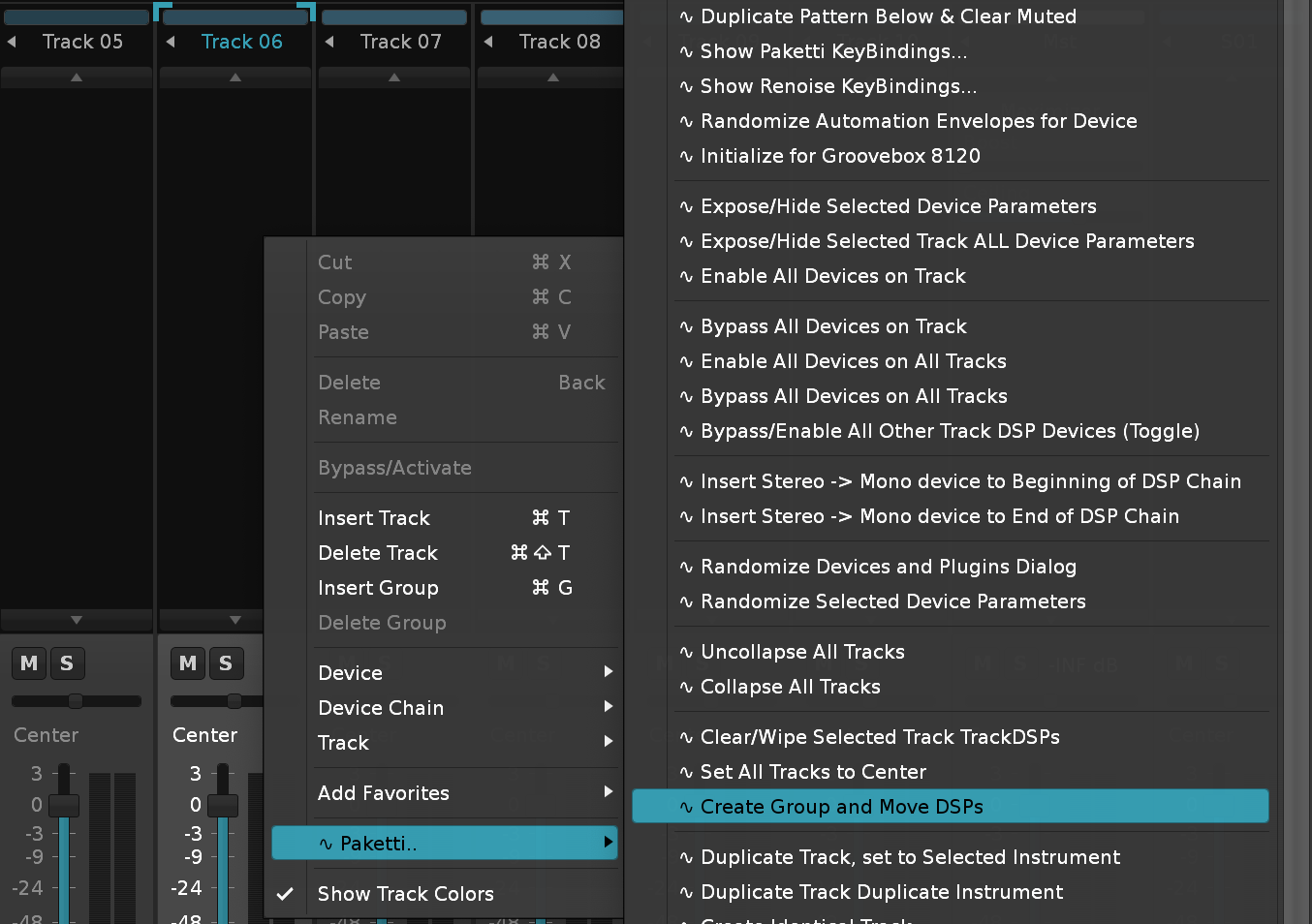
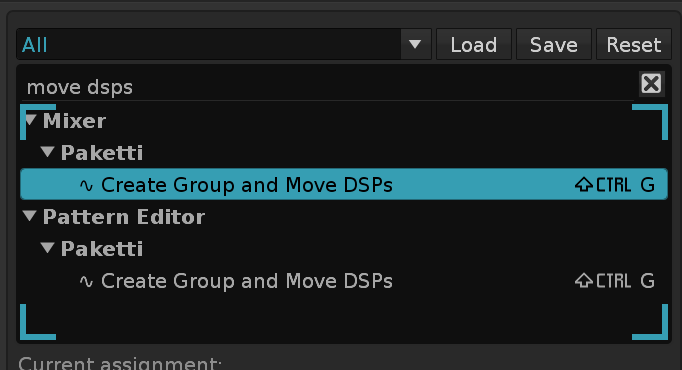
Feature: Move DSPs to Next / Previous Track
This will move the current track's Track DSP Devices to the Next or the Previous Track.
Improvement: Can move DSPs between Tracks, Groups, Master.. and Sends. Also remembers Maximized/Minimized status.
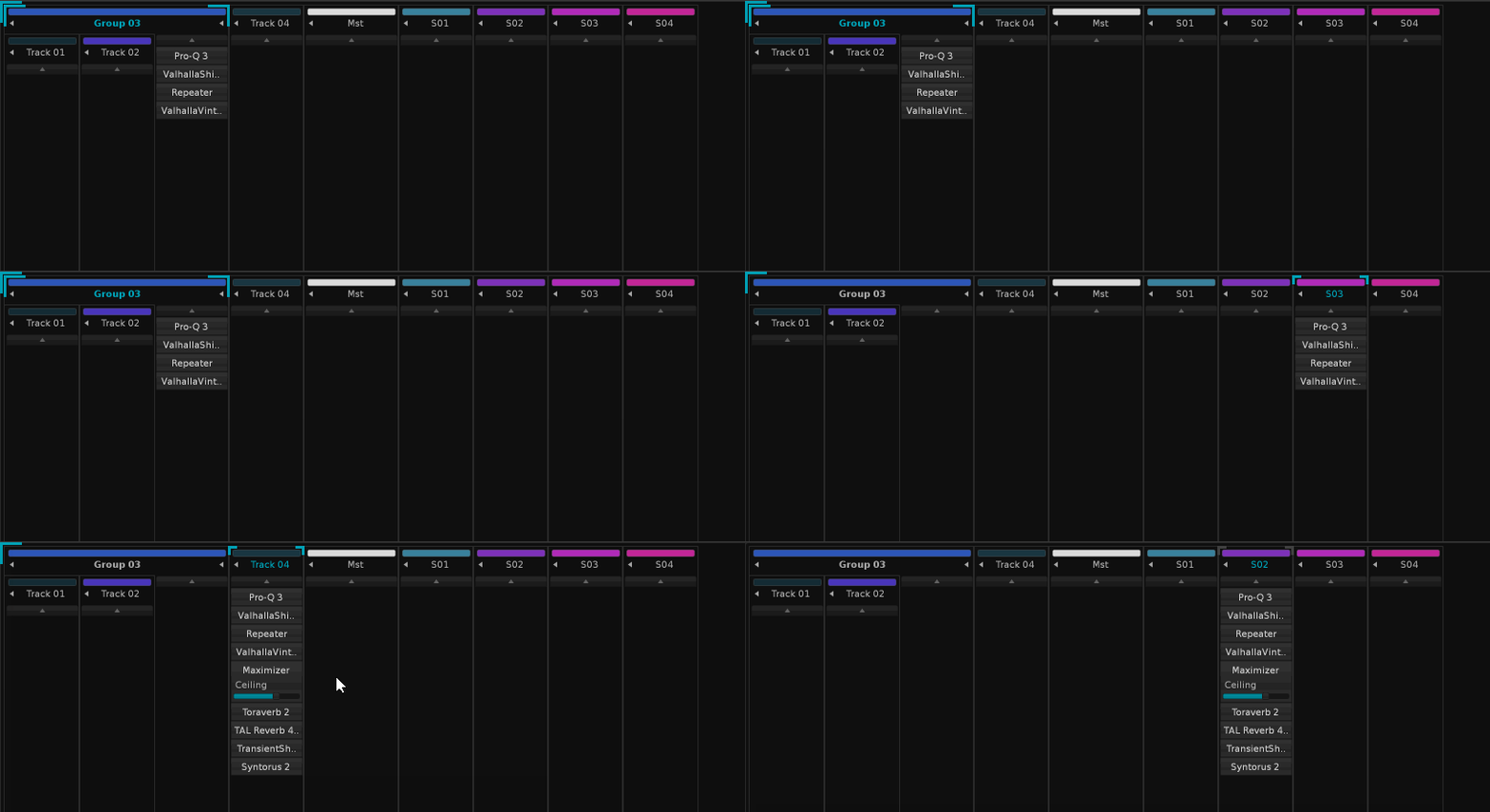
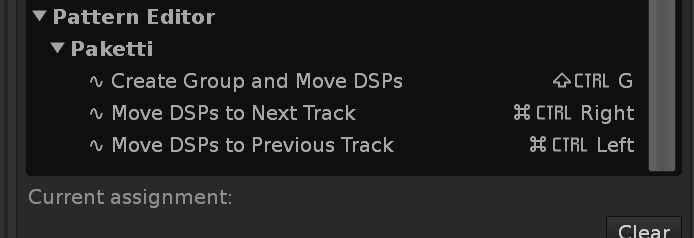
Feature: Flood Fill within Selection with Arp This will create a Delay Value, and then read the current row's Chord, replicate it to the rest of the Selection, and then alter the Voicing, and sort it ascending / descending, resulting in, well, arpeggios.
Improvement: Sort Notes (Ascending) / (Descending) now no longer changes the Delay Values around, if it detects that you've been using Generate Delay Values within ChordPlus.
Improvement: ChordsPlus now has a "Random Chord" Midi Mapping, Menu Entry + Shortcut.
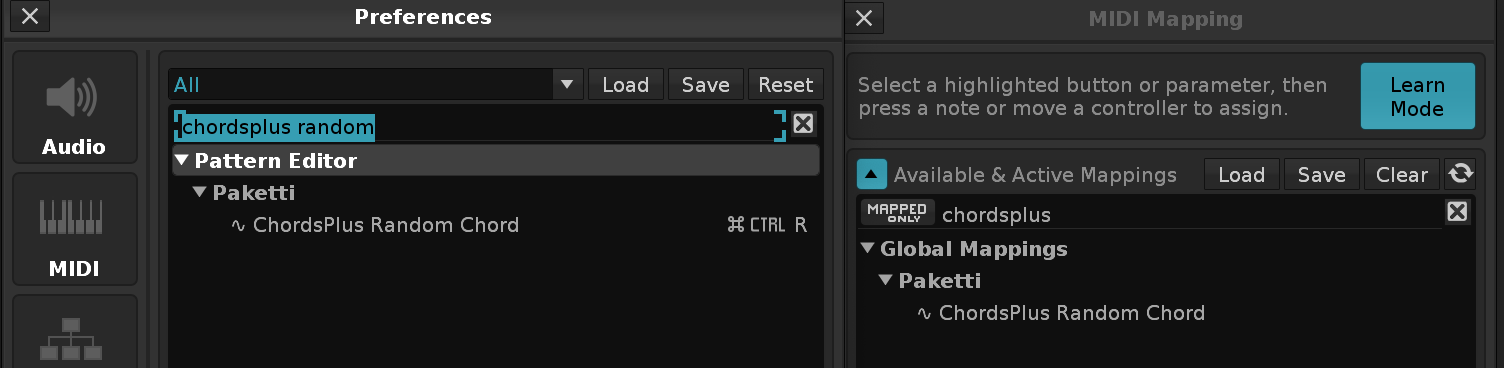
Improvement: Move "Selected Track DSP Device" to Next / Previous Track
Improvement: Renamed "Randomize Phrasing for Notes in Row/Selection" to "Randomize Voicings for Notes in Row/Selection" since it is Voicing, not Phrasing. Sorry.
Feature: ChordsPlus Extract Bassline to Next Track
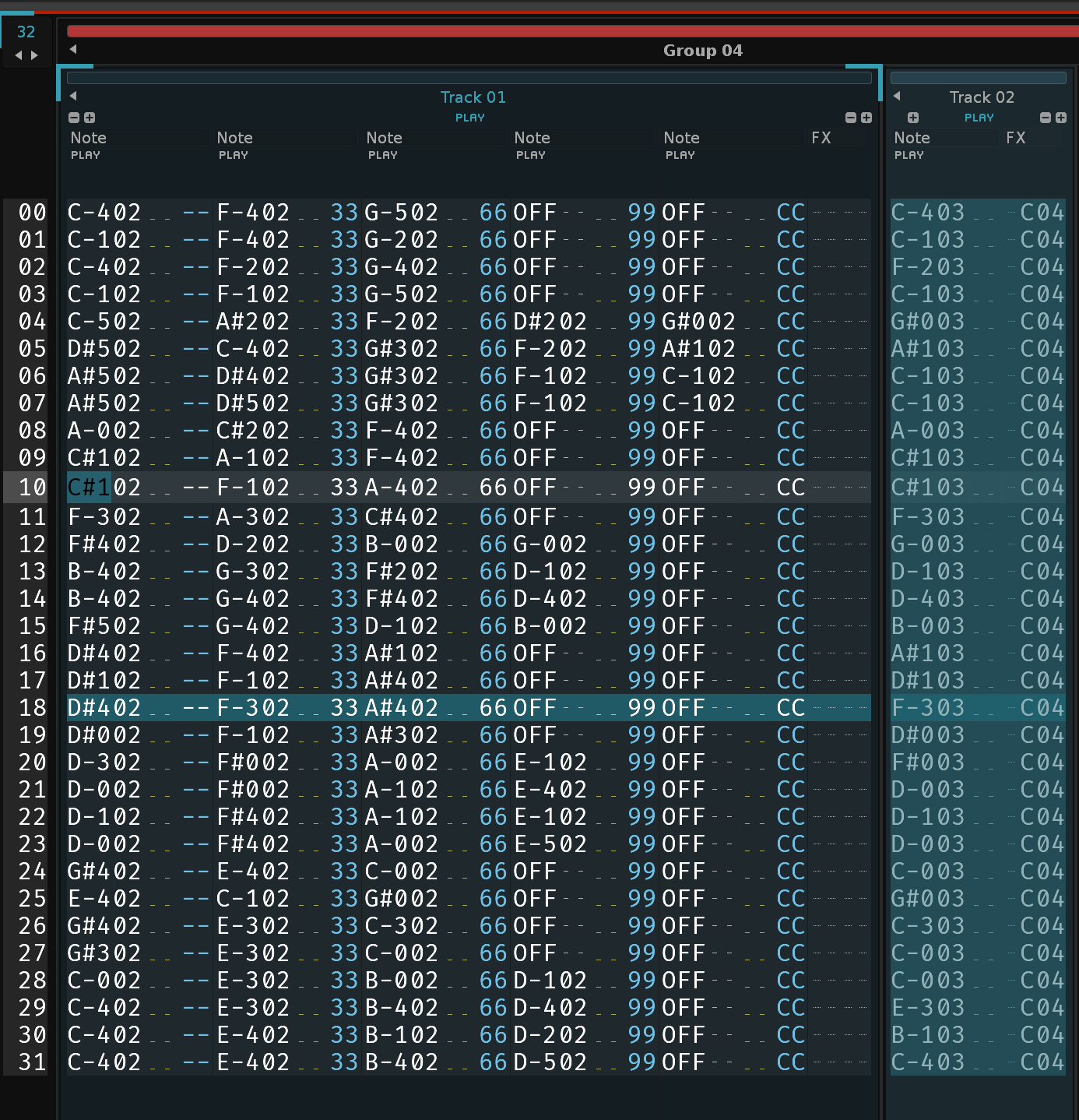
Feature: ChordsPlus Extract Highest Note to Next Track
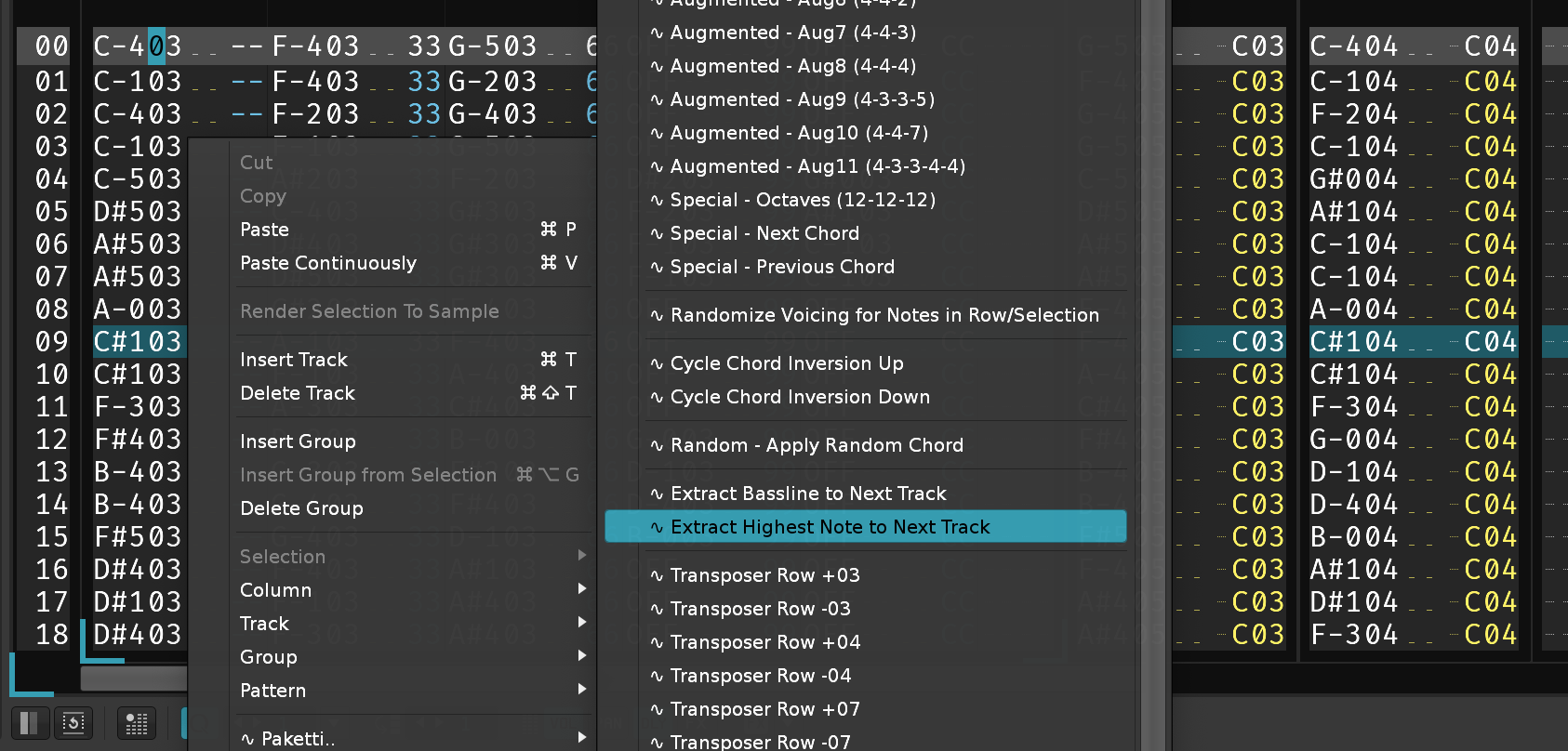
Plumbing: Native Device loading / VST/AU/LADSPA/DSSI loading can now change the name of the device and load a specific preset (XML format) (Closes https://github.com/esaruoho/paketti/issues/622)
Improvement: When loading the ValhallaDelay AU - it will now boot up with LowCut at 200Hz.
Feature: Load Random IR from folder set in Paketti IR Folder Settings in Paketti Preferences This will add a Convolver to the Track if there is no such device, or, modify the current Convolver device with a random IR from user-defined folder.
(Closes https://github.com/esaruoho/paketti/issues/824)
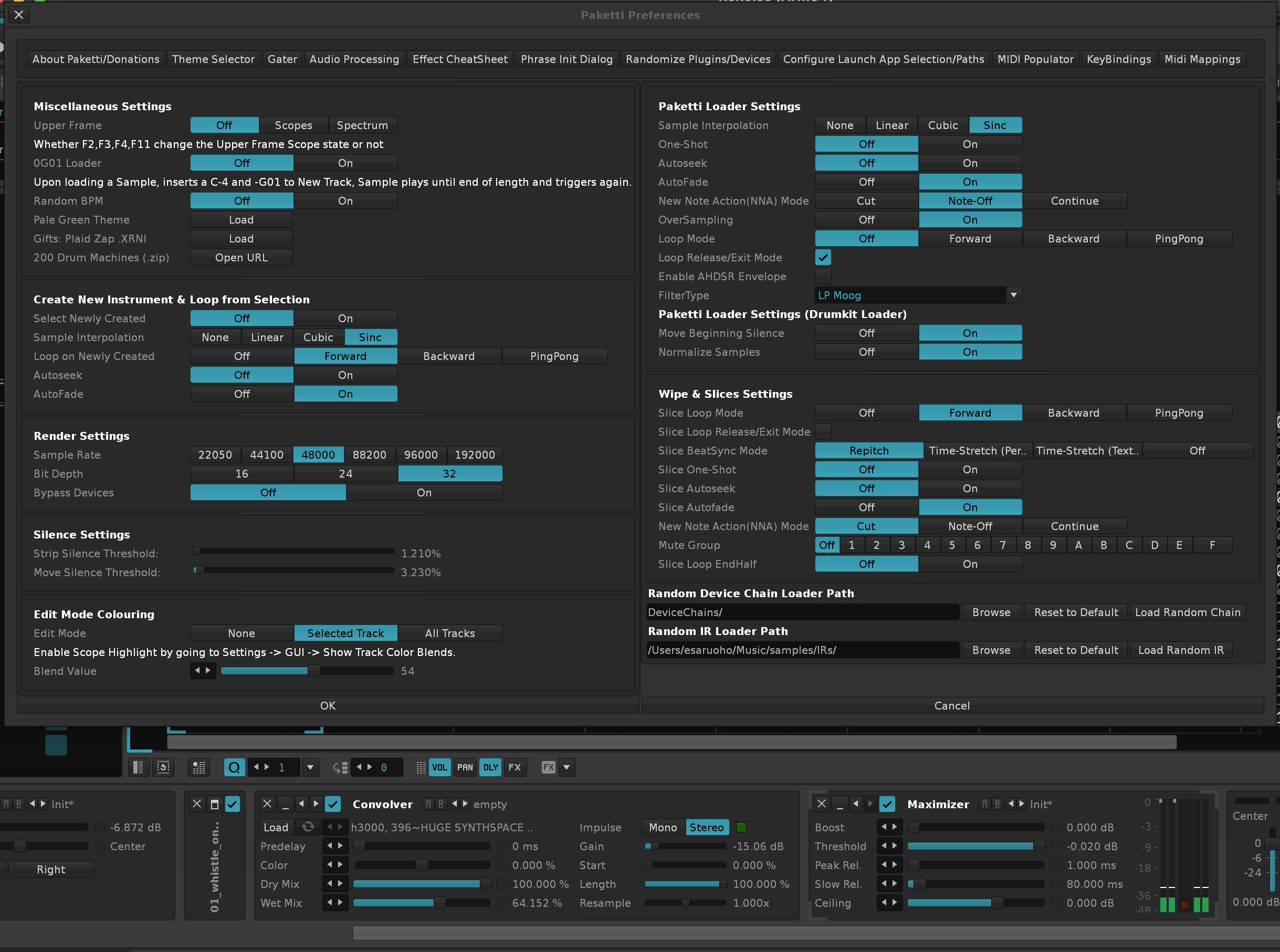
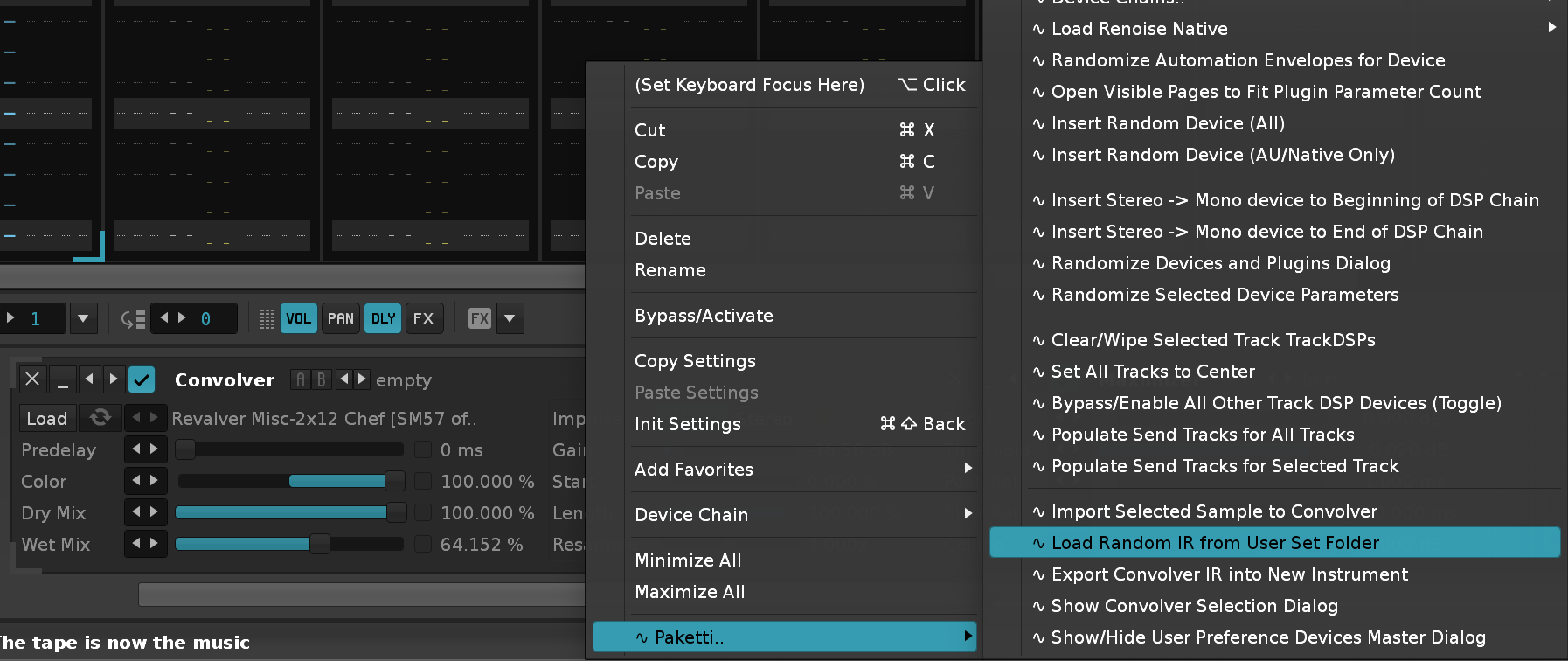
Improvement: Plaid Zap (gift) update: Now has a deactivated DC Offset at the end of the Sample FX Chain, and I've added Autofade / Sinc Interpolation + Oversampling to the last sample, which was missing it. (Closes https://github.com/esaruoho/paketti/issues/814)
Feature: M00/MFF control - this sets the individual Note Column Sample Effect Column, for selected Note Column, to MFF, and the rest to M00 - meaning, the others don't play, but the selected Note Column does play.
(Closes https://github.com/esaruoho/paketti/issues/766)
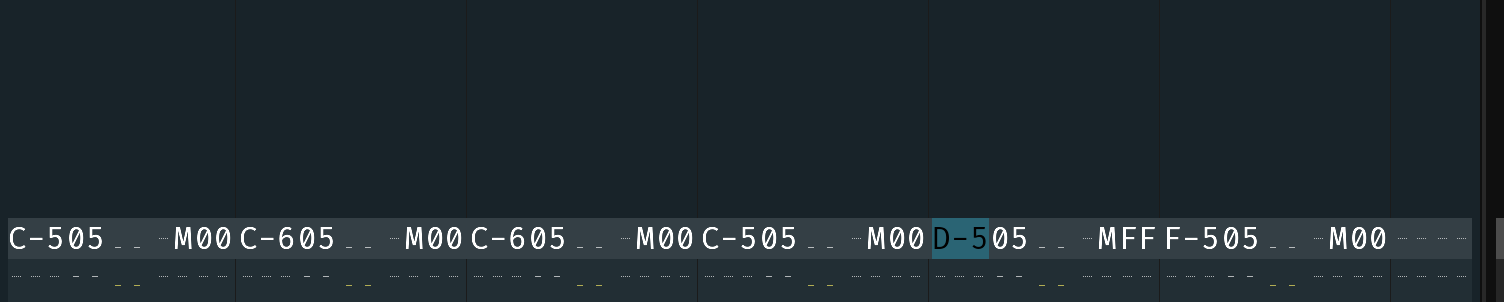
Improvement: "Hide Current and Select Previous Column" would error out if you try to hide the Effect Column of a Group, Master of Send Track. No longer happens.
Improvement: Added a "Notes Only" version for Generate Delay Value, meaning, the Delay Values will be added only to the notes, to fit the note content onto delay, not based on Note Column amount, but based on Note amount.
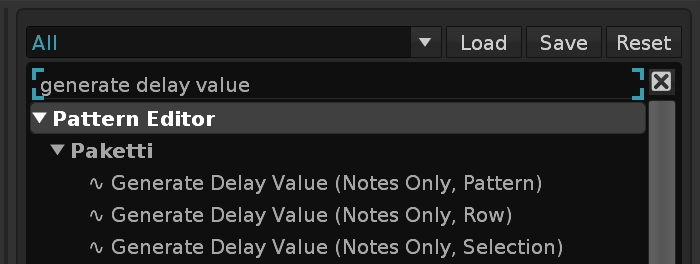
Improvement: When loading the ValhallaShimmer AU - it will now boot up with LowCut at 200Hz.
Feature: "Duplicate Track & Duplicate Instrument" this handles: visible note columns, effect columns, visible delay,panning,volume,sample effects columns whether instrument external editor is visible or not and duplicates the track in mixer, pattern editor or pattern matrix - and selects the new instrument and the new track. (Closes https://github.com/esaruoho/paketti/issues/809)
Feature: "Save Unused Samples" This will save the unused samples as wav and unused instruments as .XRNI. and if the instruments have unused samples, those are saved too. (Closes https://github.com/esaruoho/paketti/issues/800)
Feature: "Save All Samples to Folder" Prompts for a folder and then saves all the samples in the whole song to the folder. Added to Sample Navigator, Instrument Box, and Main Menu.
Improvement: When loading D16 Repeater, it will now boot up with Mix volume at 0dB (i.e. no reduction), and Left Mix & Right Mix percentage at 15%.
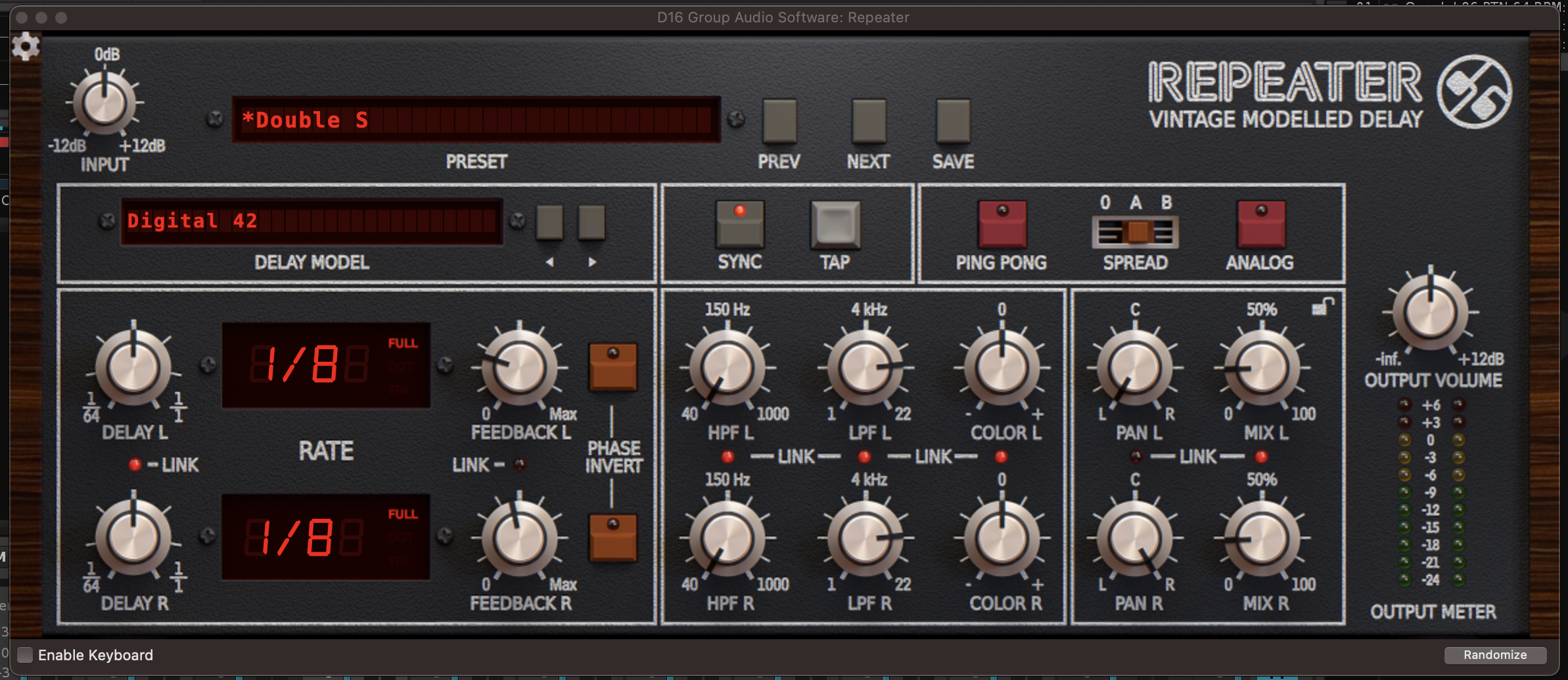
Added "Save Unused Samples" & "Save All Samples" to Main Menu: File:
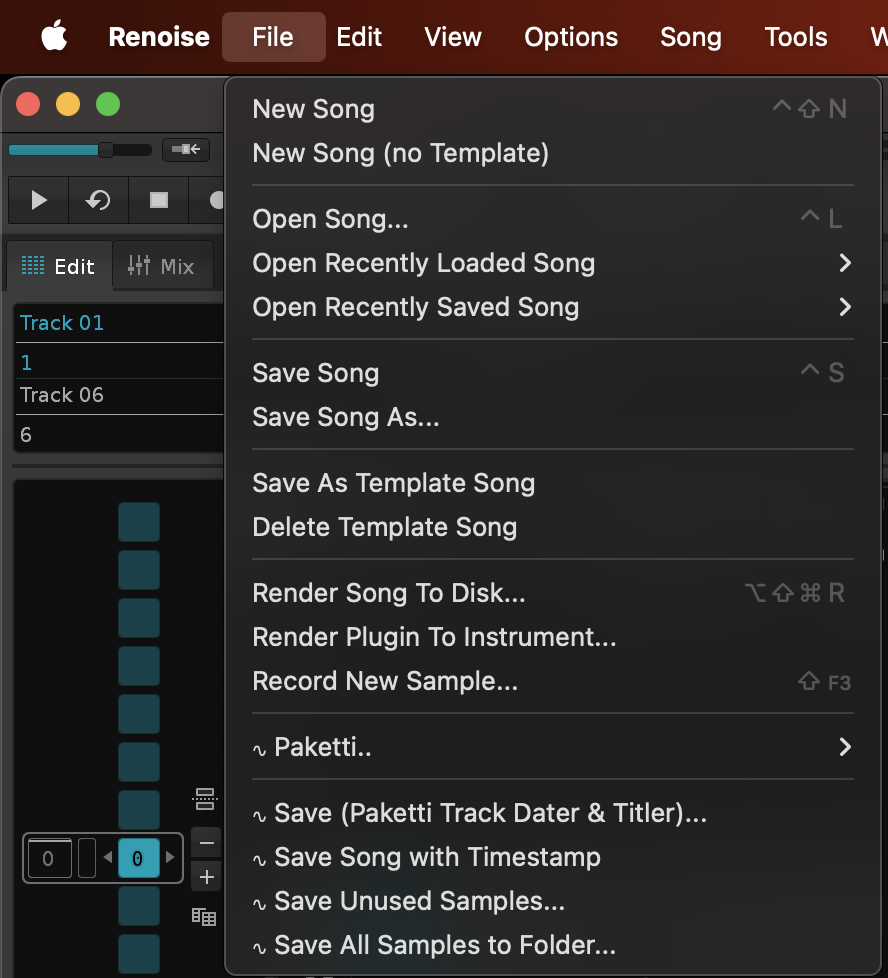
Improvement: Added "Analog Filter" (Type,Cutoff,Resonance,Drive) to Midi Mappings. Search for "Selected Track Dev Analog Filter". The idea here is: If you're on a track with an Analog Filter on it, the specific Midi Knobs will change the settings of these specific parameters, no matter where the Analog Filter is.
EDIT: Also added Inertia, and the "Filter Type" (which required XML injection to work)
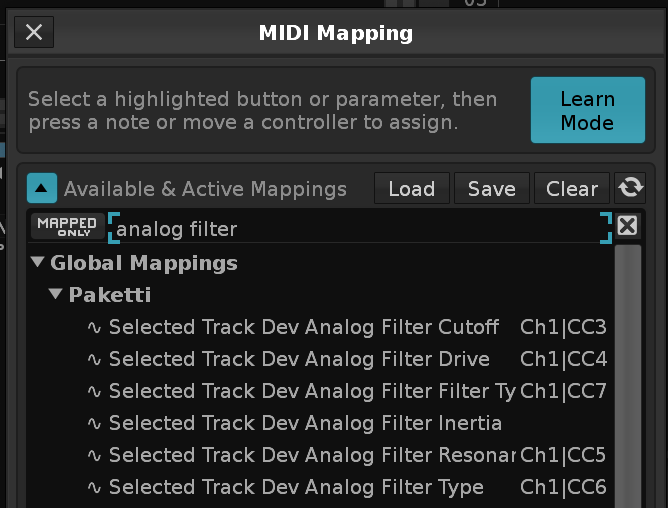
Feature: OctaMED Note Echo
(Closes https://github.com/esaruoho/paketti/issues/454)
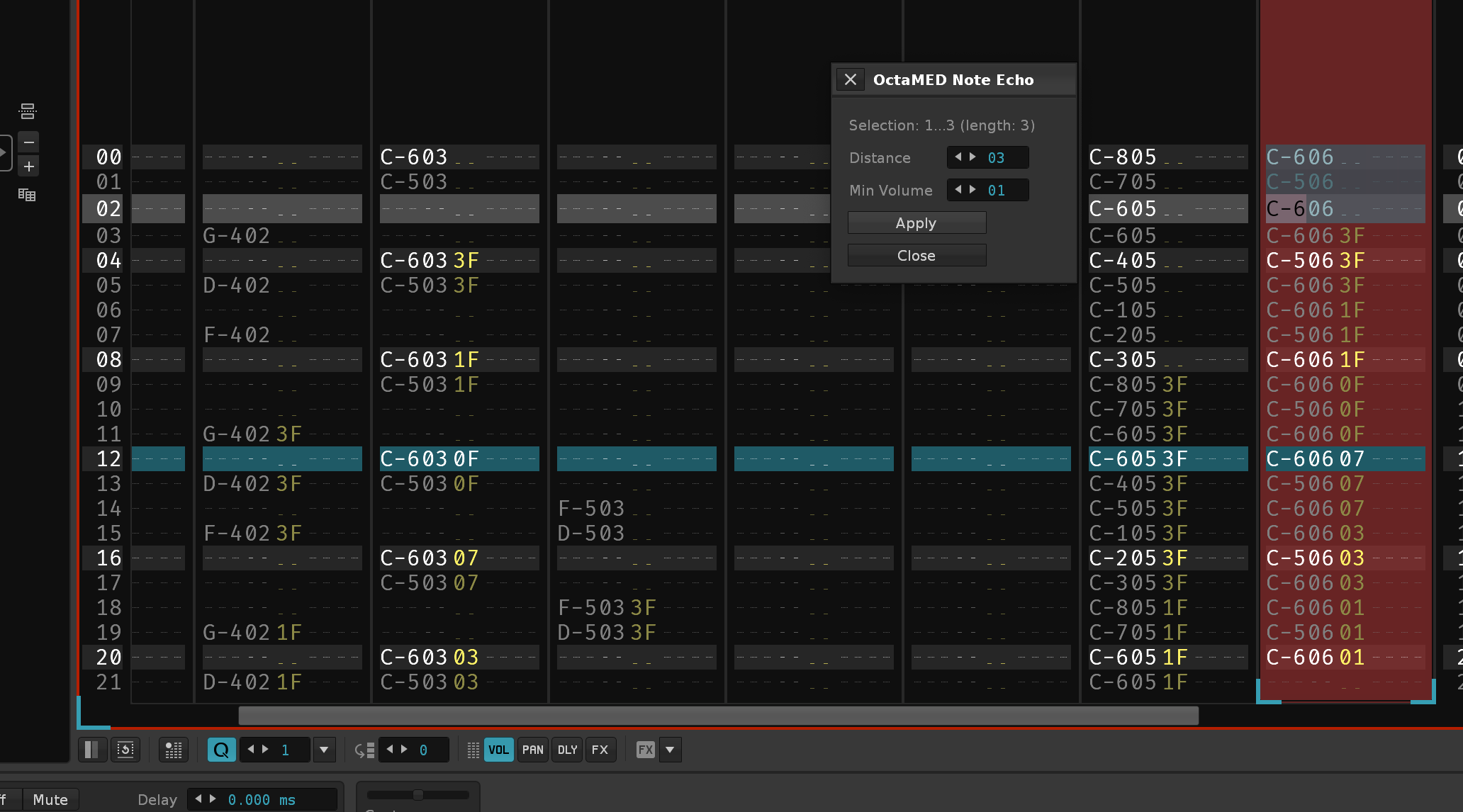
Feature: OctaMED NumPad Mute/Unmute Shortcuts
For tracks 1...16
https://forum.renoise.com/t/numpad-to-control-track-on-off/13334
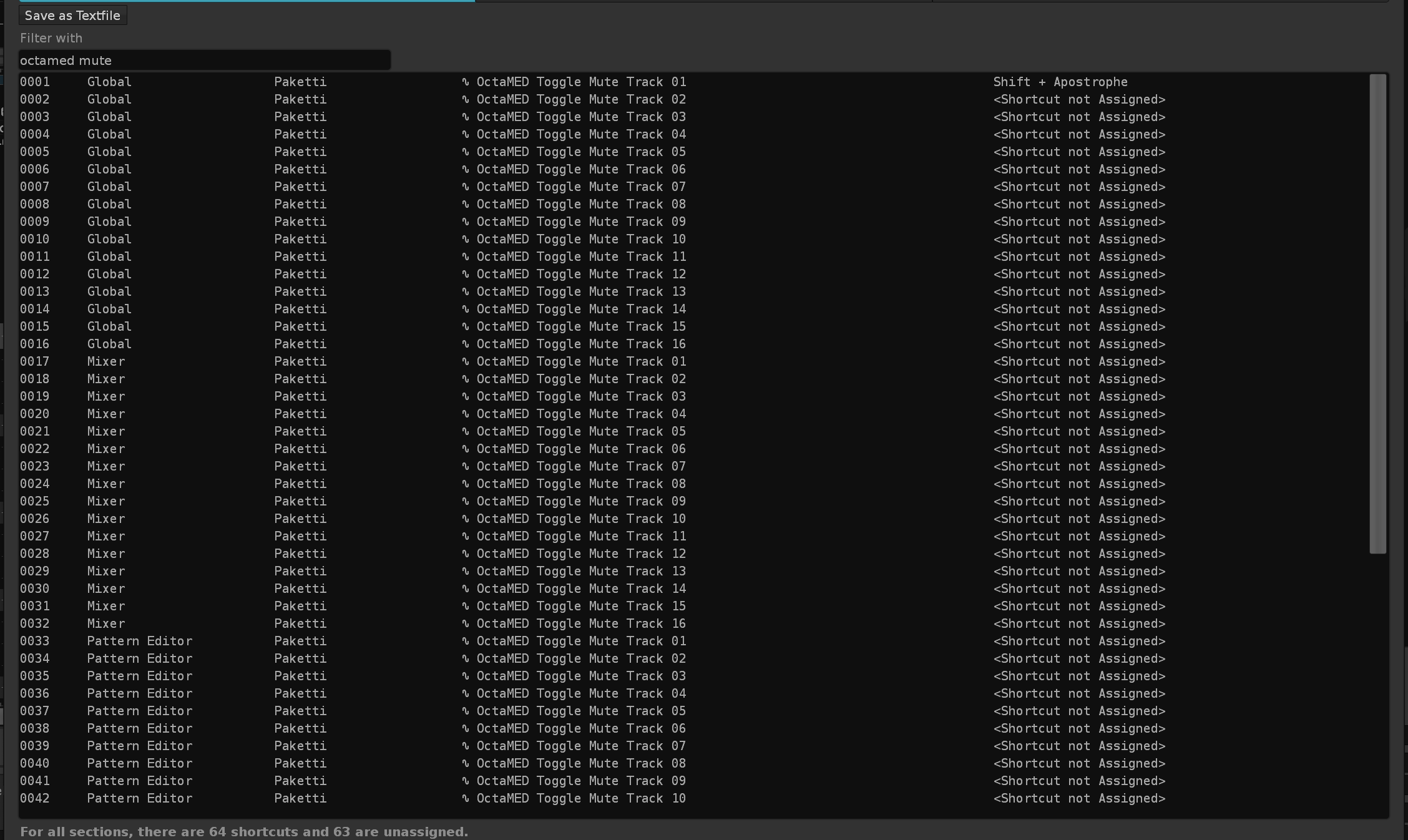
Feature: Dialog DSP Device List with Dropdown Menu
(Closes https://github.com/esaruoho/paketti/issues/773)
Improvement: the "App Selection & Backup Folder" dialog can now be opened and closed with the same shortcut (i.e. the same shortcut no longer opens multiple dialogs), and "OK" will no longer error - instead will close as expected. (Closes https://github.com/esaruoho/paketti/issues/827)
Improvement: Paketti Stacker dialog can now be opened and closed with the same dialog, and the same shortcut / Menu Entry no longer opens multiple dialogs.
Feature: Paketti Action List
This dialog dynamically creates all the Shortcuts / Menu Entries into a dialog with a dropdown menu (50 slots) - so you can boot up the Paketti Action List and pick your favorite Paketti features and click "Run" next to them.
(Closes https://github.com/esaruoho/paketti/issues/273)
Improvement: Paketti Rotate Sample Buffer Fine / Coarse - in the Paketti Preferences Settings
(Closes https://github.com/esaruoho/paketti/issues/385)
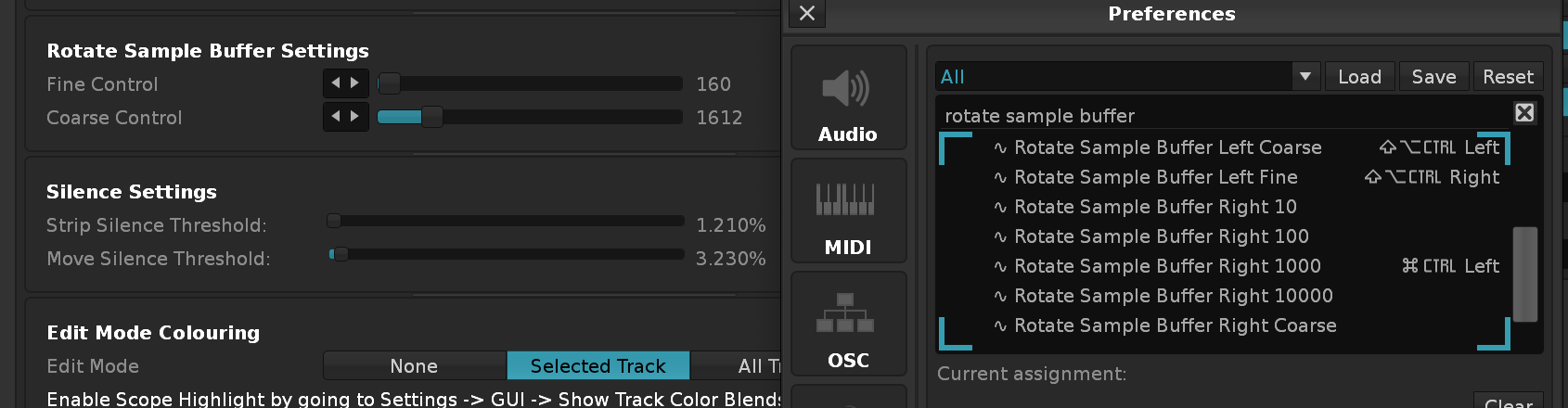
Improvement: Strip Silence / Move Silence will show the currently selected sample, so you can see what the settings you are making are gonna look like for the example sample.
(Closes https://github.com/esaruoho/paketti/issues/789)
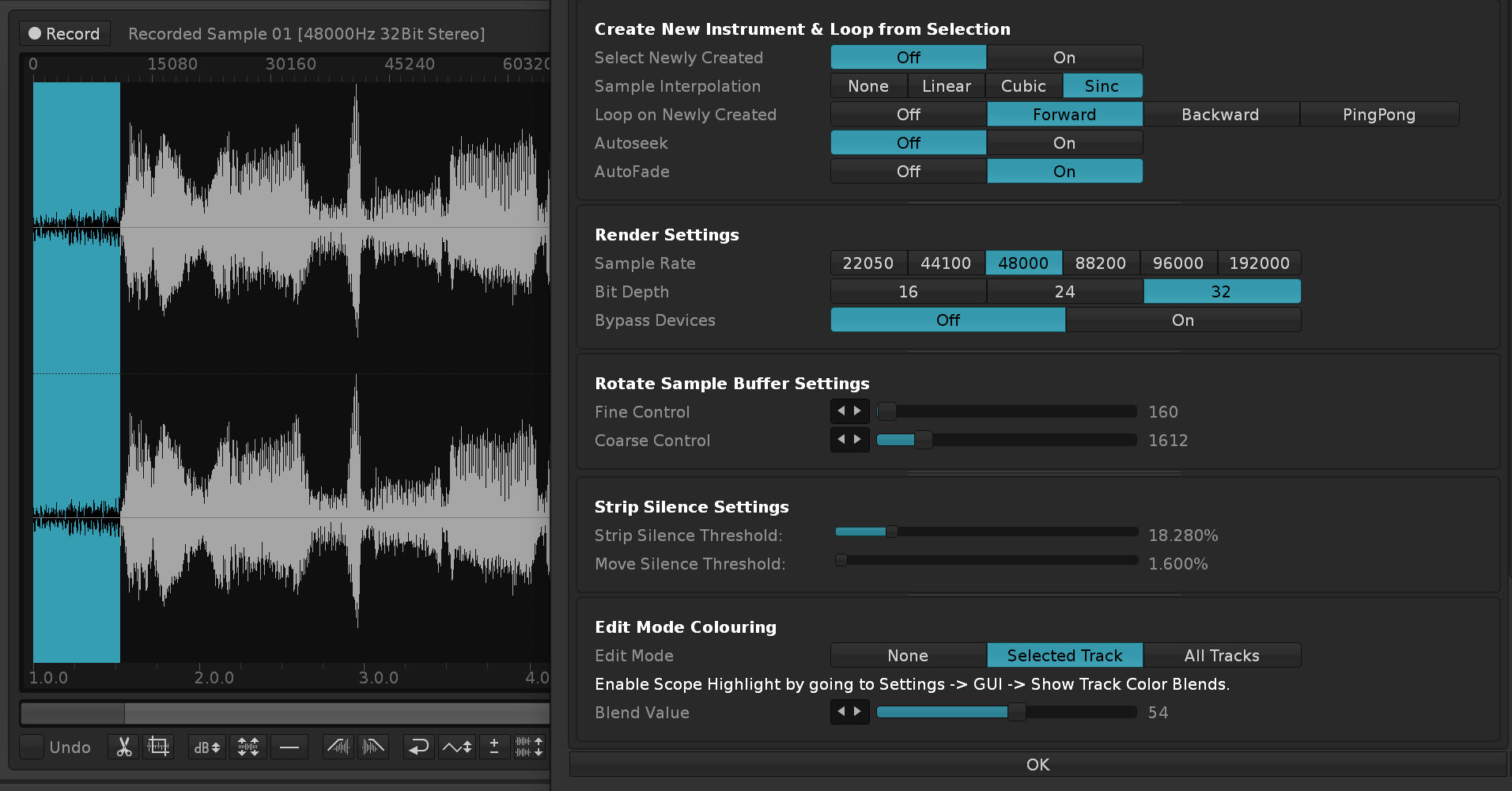
Improvement: Clean Render Selected Group/Track now introduces DC Offset - if chosen from Paketti Preferences. It is added to the Group or the Track, and then removed post-render.
(Closes https://github.com/esaruoho/paketti/issues/469)
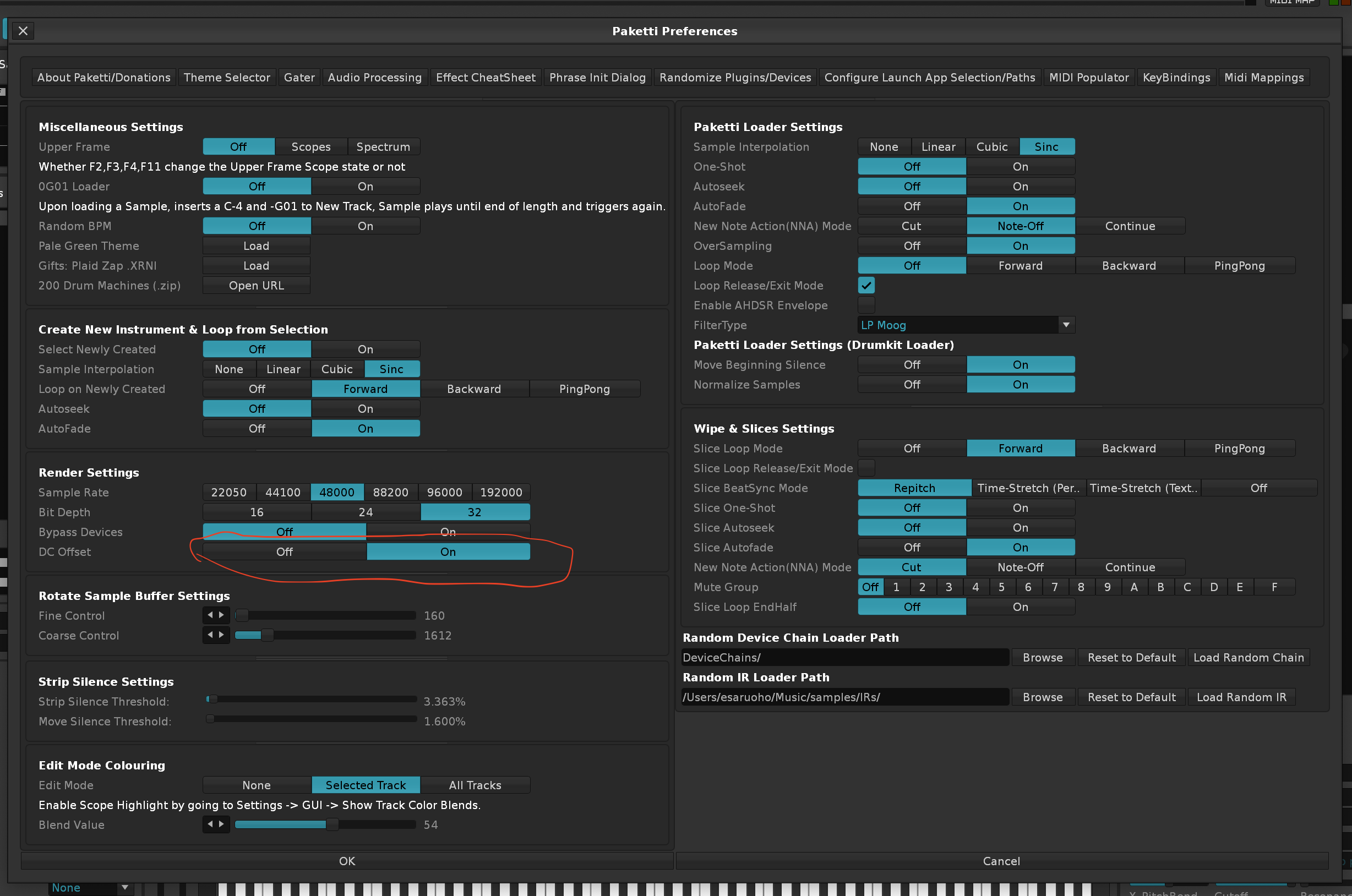
Improvement: The Clean Render Selected Group/Track will now also unmute all the tracks, when rendering a Group, instead of leaving "the rest of the tracks" muted. (Closes https://github.com/esaruoho/paketti/issues/828)
Improvement: Phrase Follow Pattern Hack V3.5 Only now fully integrated to Record+Follow Toggle so if you are in Phrase Editor, pressing the shortcut will start following the Pattern Editor while in the Phrase Editor. If elsewhere, kicks the user to the Pattern Editor.
Improvement: Added "Width" to mpReverb2 MIDI controls
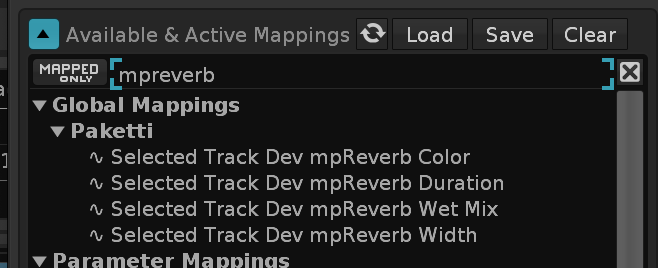
Improvement: Added Phaser 2 parameters for Selected Track Dev - Ceiling, Depth, Feedback, Floor, Rate, Stages
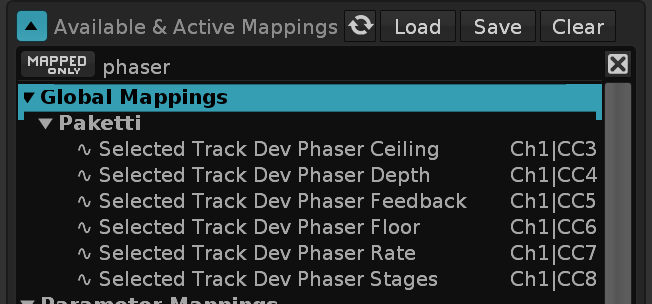
Improvement: Added LofiMat 2 parameters for Selected Track Dev - Bit Crunch, Dry Mix, Noise, Rate, Wet Mix
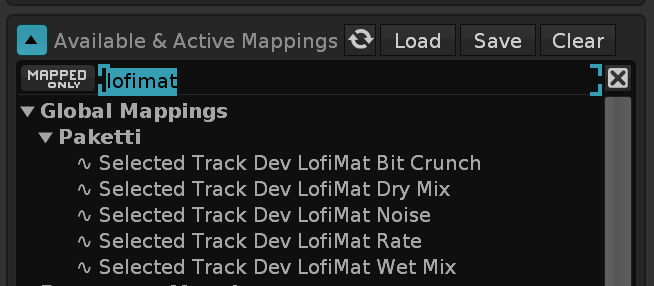
Improvement: Added Delay parameters for Selected Track Dev - L Delay, L Feedb., L Sync Time, R Delay, R Feedb., R Sync Time, Send
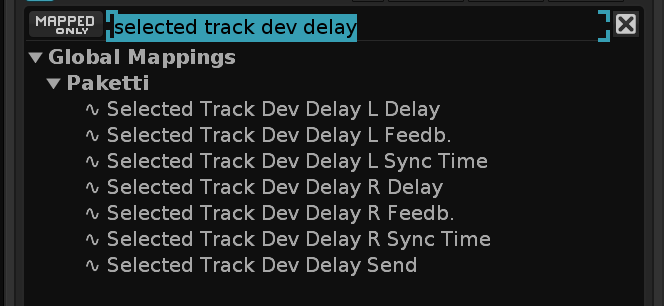
Feature: Write ZLxx via Midi Mapping to Pattern Selection or Current Row.
(Closes https://github.com/esaruoho/paketti/issues/795)
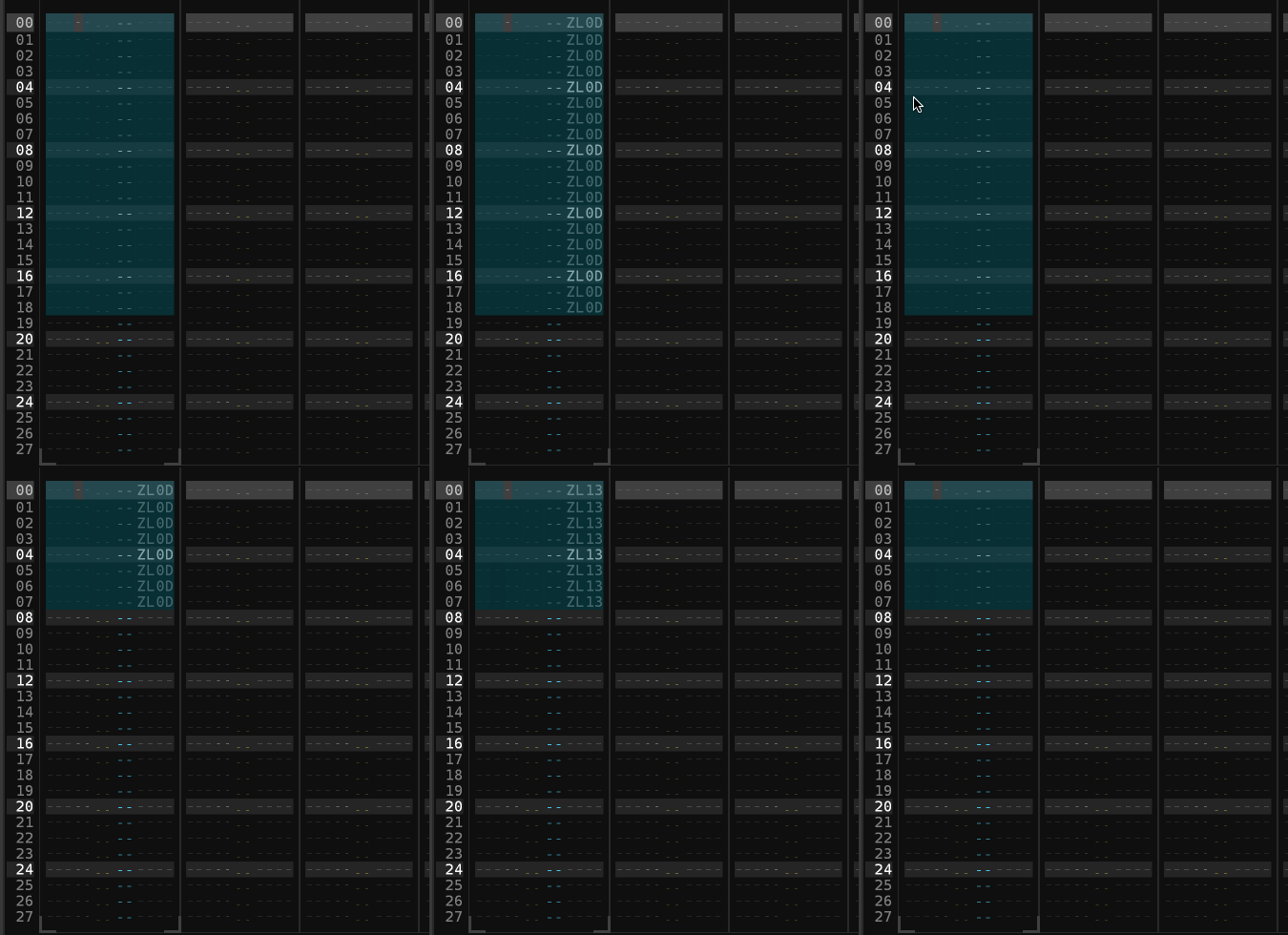
Feature: Write 0Sxx via Midi Mapping to Pattern Selection or Current Row - Modifies to Slices 0...127 if Slices exist, otherwise stays at S00 to SFF.
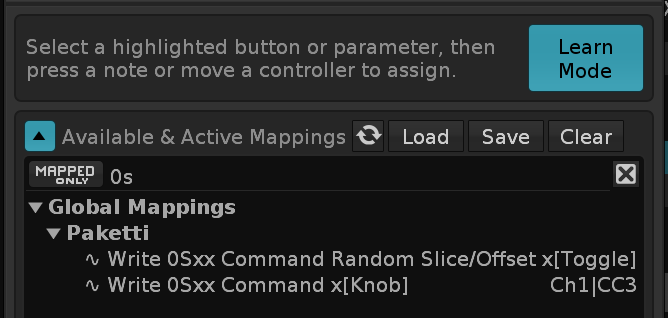
Improvement: Random Slice/Offset now works faster, never hits S00 (always S01 until S(slicecount)), and has a shortcut.
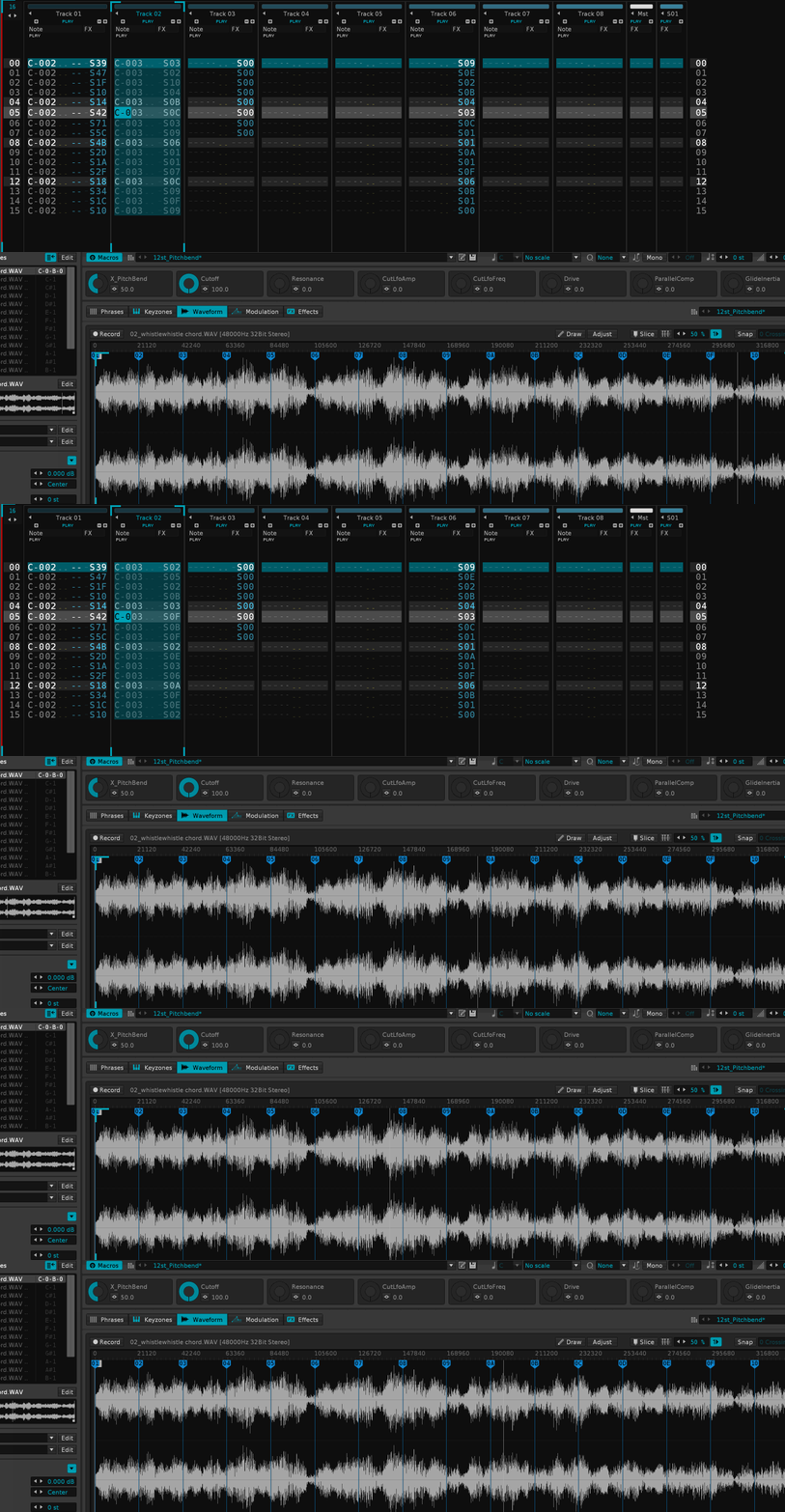
Improvement: Paketti Pattern Editor CheatSheet will now read, on dialog-open, the Max Value to be Slicecount. And if using Randomize, the SliceCount 01-SliceCount will be applied automatically.
Improvement: "Only Write to Rows with Effects"
(Addresses https://github.com/esaruoho/paketti/issues/317)
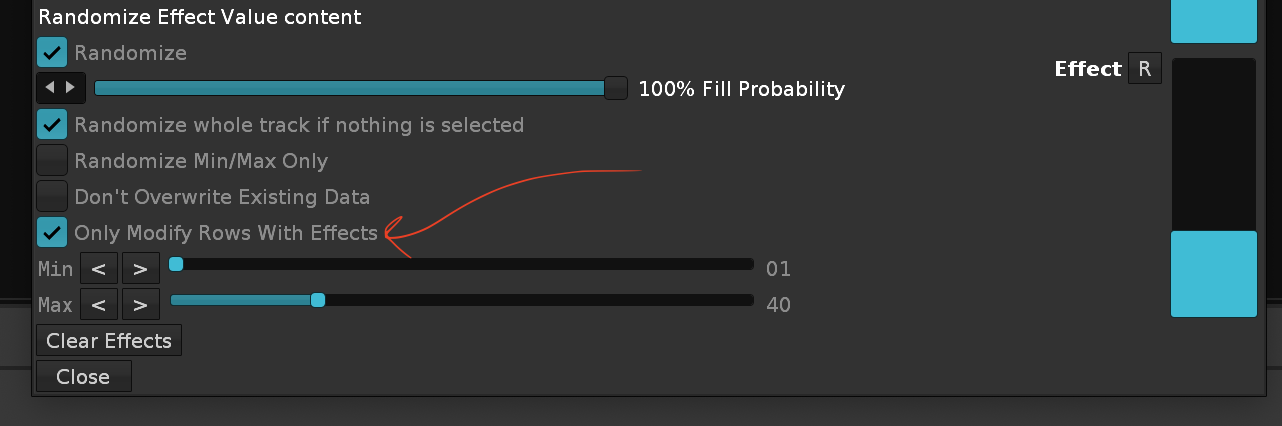
Feature: Insert Mono to each Track (Track, Group, Send, Master)
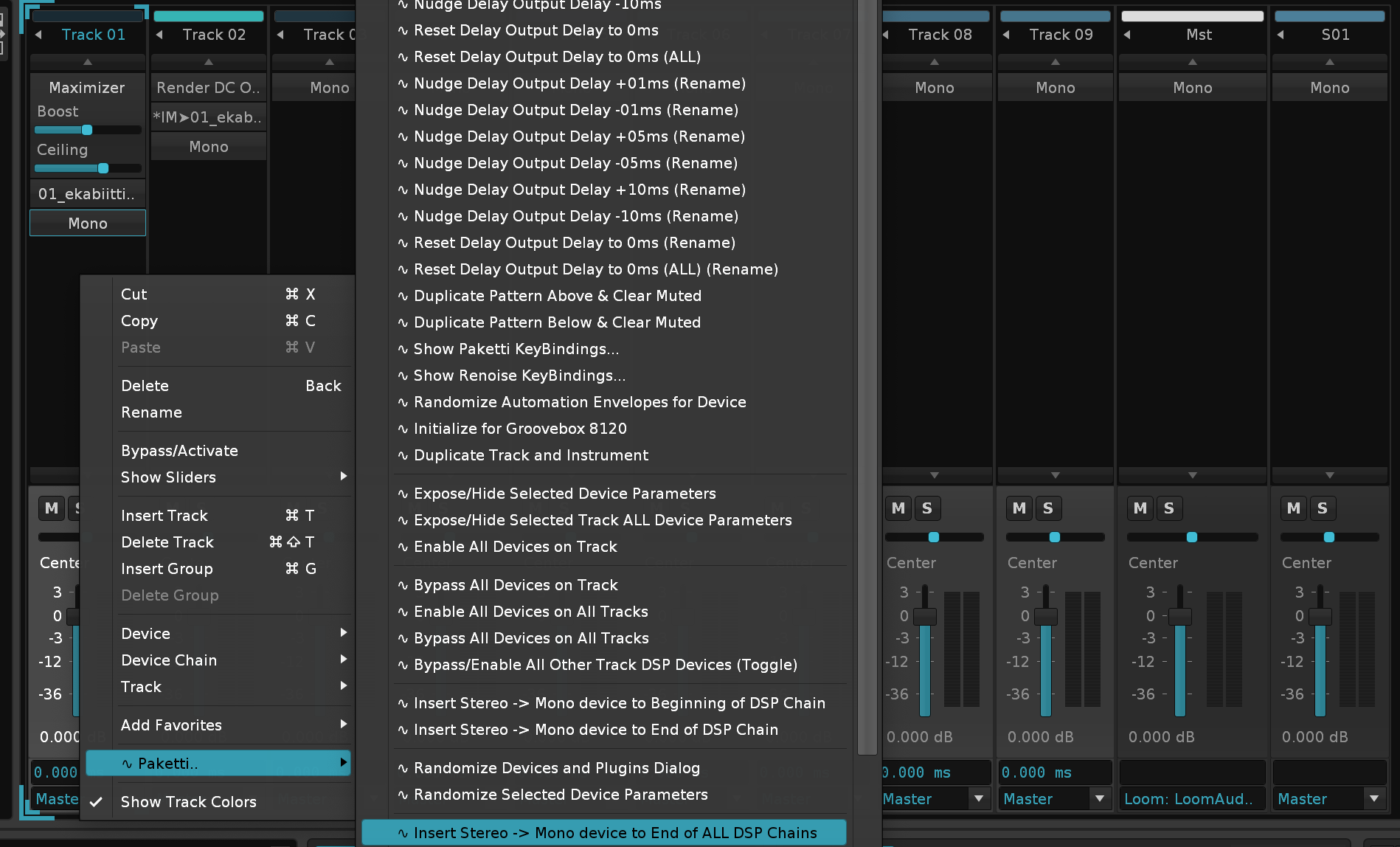
Feature: Set All Tracks Hard Left / Hard Right
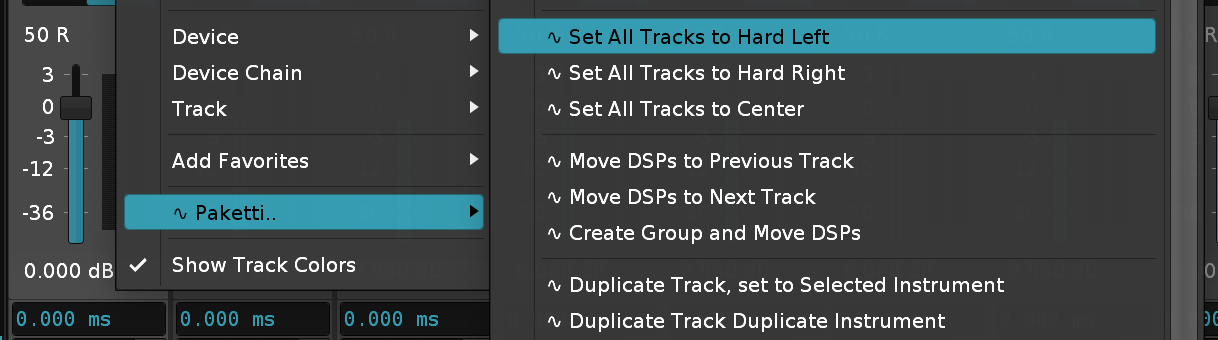
Improvement: Paketti Pattern Effect Command Cheatsheet now has a "Rows with Notes Only" for Randomize
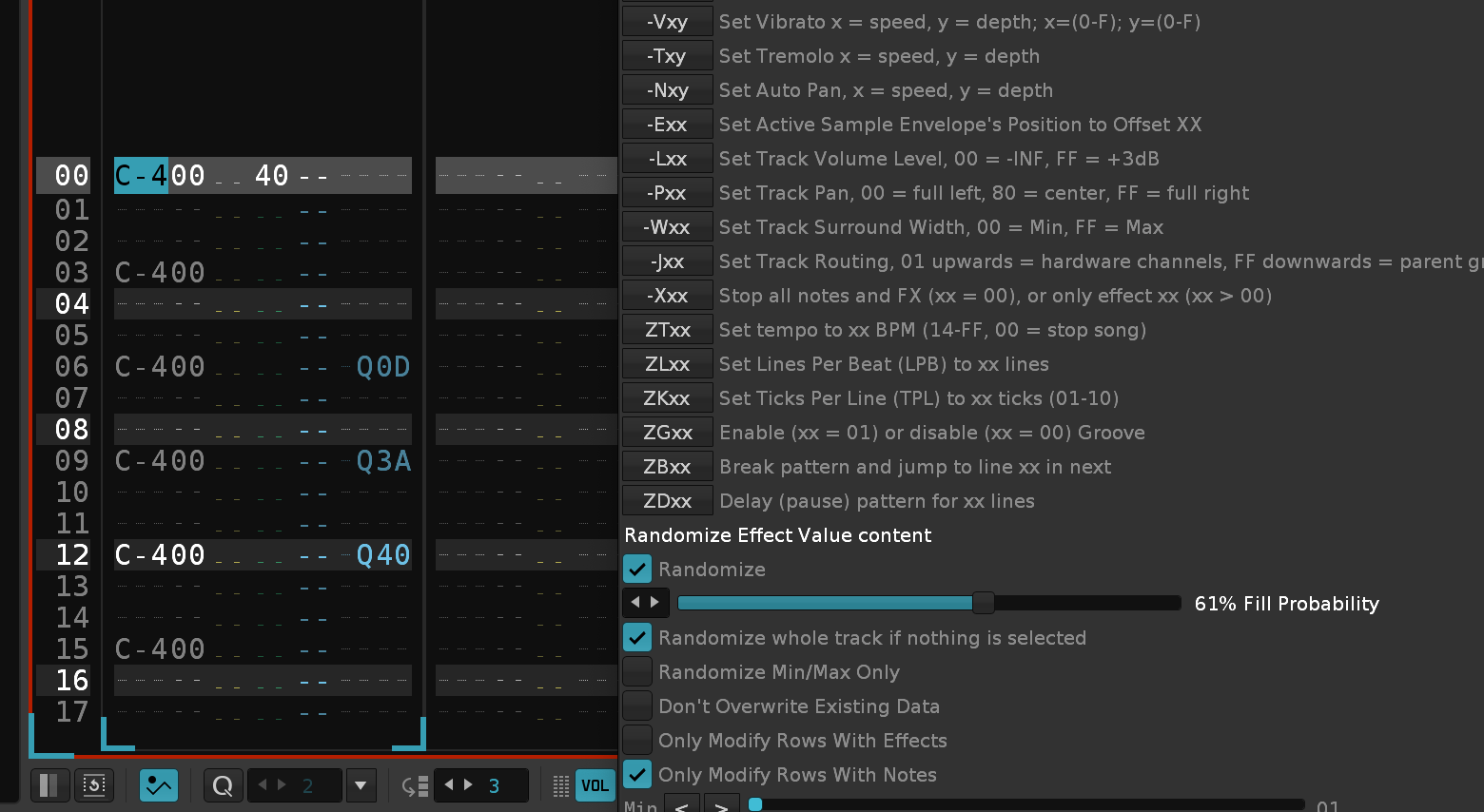
(Closes https://github.com/esaruoho/paketti/issues/839)
Improvement: Paketti Gater respects the step valueboxes correctly again, fixing a regression. Improvement: Paketti Gater does not wipe Retrig column content, if Receiving from Playback. Improvement: Paketti Gater now auto-receives current track content when opening the Dialog. (Closes https://github.com/esaruoho/paketti/issues/838 & https://github.com/esaruoho/paketti/issues/837)
Improvement: Paketti Volume/Delay/Pan Slider Controls Dialog will now
<< and >> for Global use
(Closes https://github.com/esaruoho/paketti/issues/836 & https://github.com/esaruoho/paketti/issues/835)
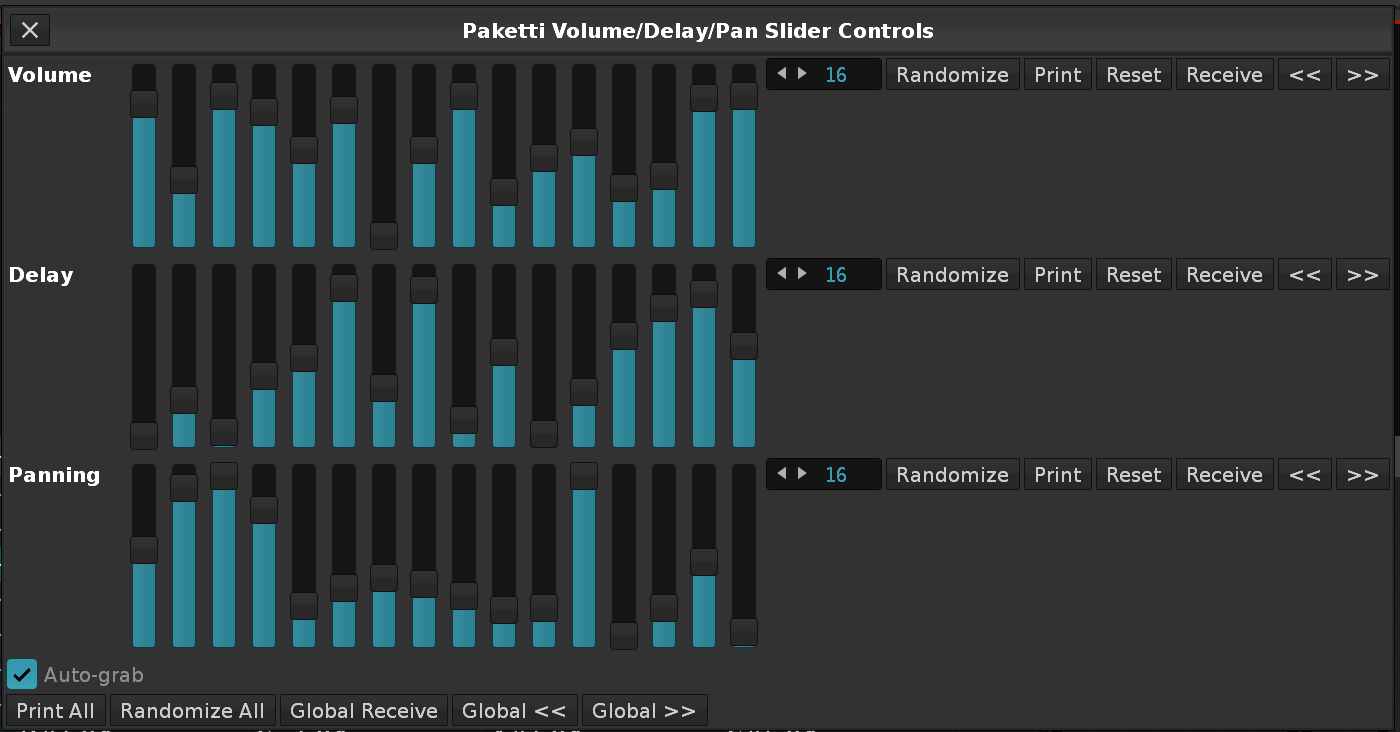
<< and >> for Global Moving< and > rotation of individual Gaters are noticeably fasterFeature: Write Notes Ascending / Descending / Random
This will write to the current Track. Perfect for checking out "Random DrumKit Loader" for instance.
(Closes https://github.com/esaruoho/paketti/issues/834)
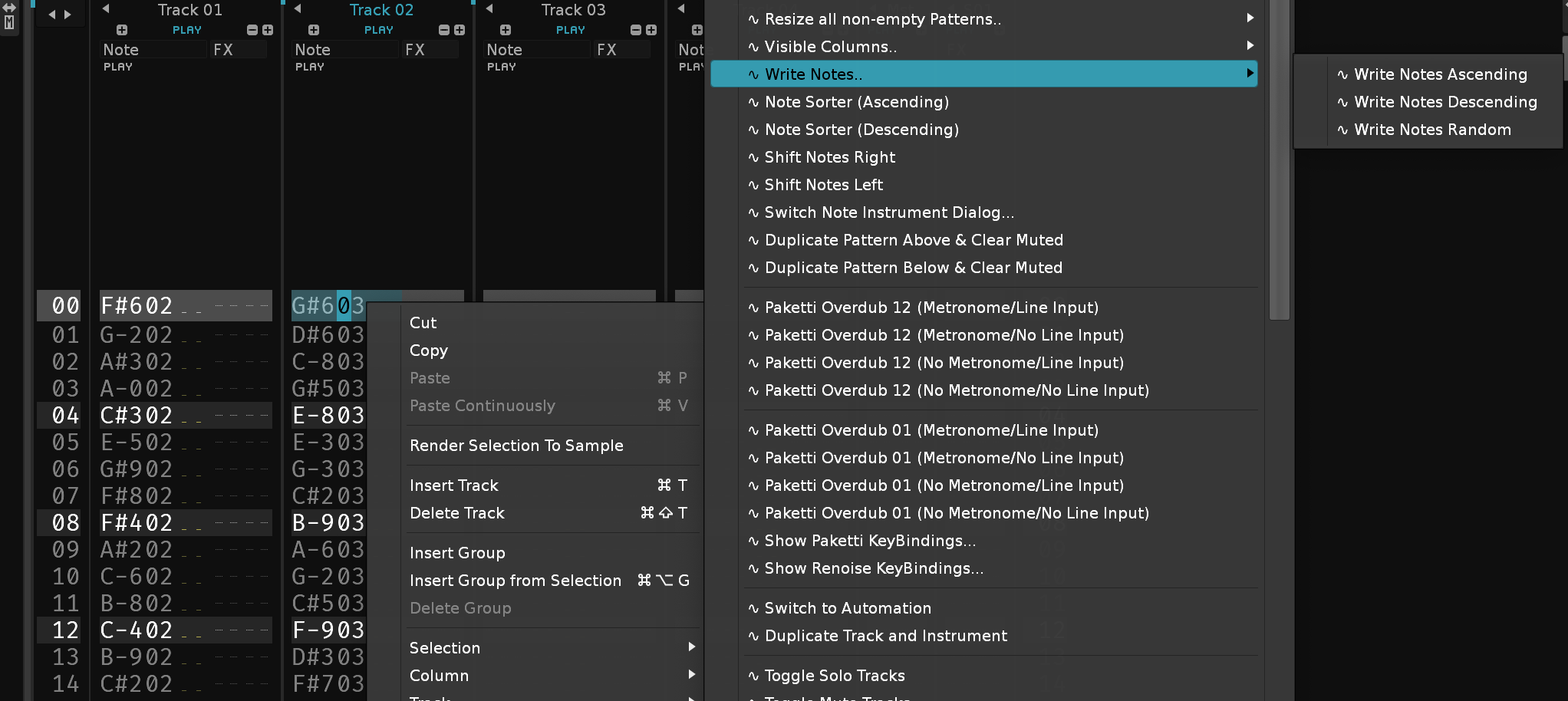
Feature: "Show All Instrument Properties" / "Hide All Instrument Properties" V3.5 Only (Closes https://github.com/esaruoho/paketti/issues/833)
Improvement: The Paketti PitchBend Drumkit Sample Loader (Random) is now fully random.
Improvement: "Move Beginning Silence to End of All Samples" used to ruin the keymappings. Now it no longer does so. Also optimized the speed of it so it first detects minimum 50 frames of silence, and only out of those, moves the Beginning Silence to the End.

Feature: "Save Unused Instruments (.XRNI)" Saves Unused Instruments to a user-specified folder in XRNI format.
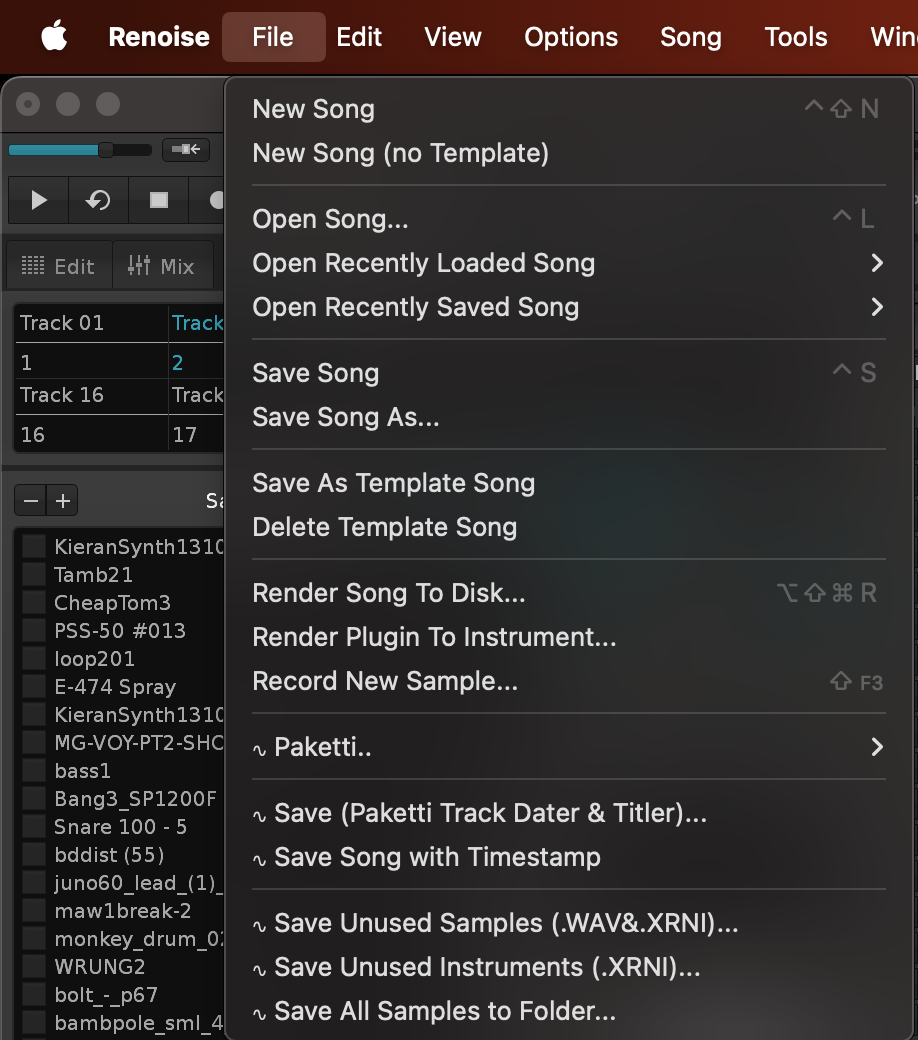
Feature: Show Largest Samples (Top 30)
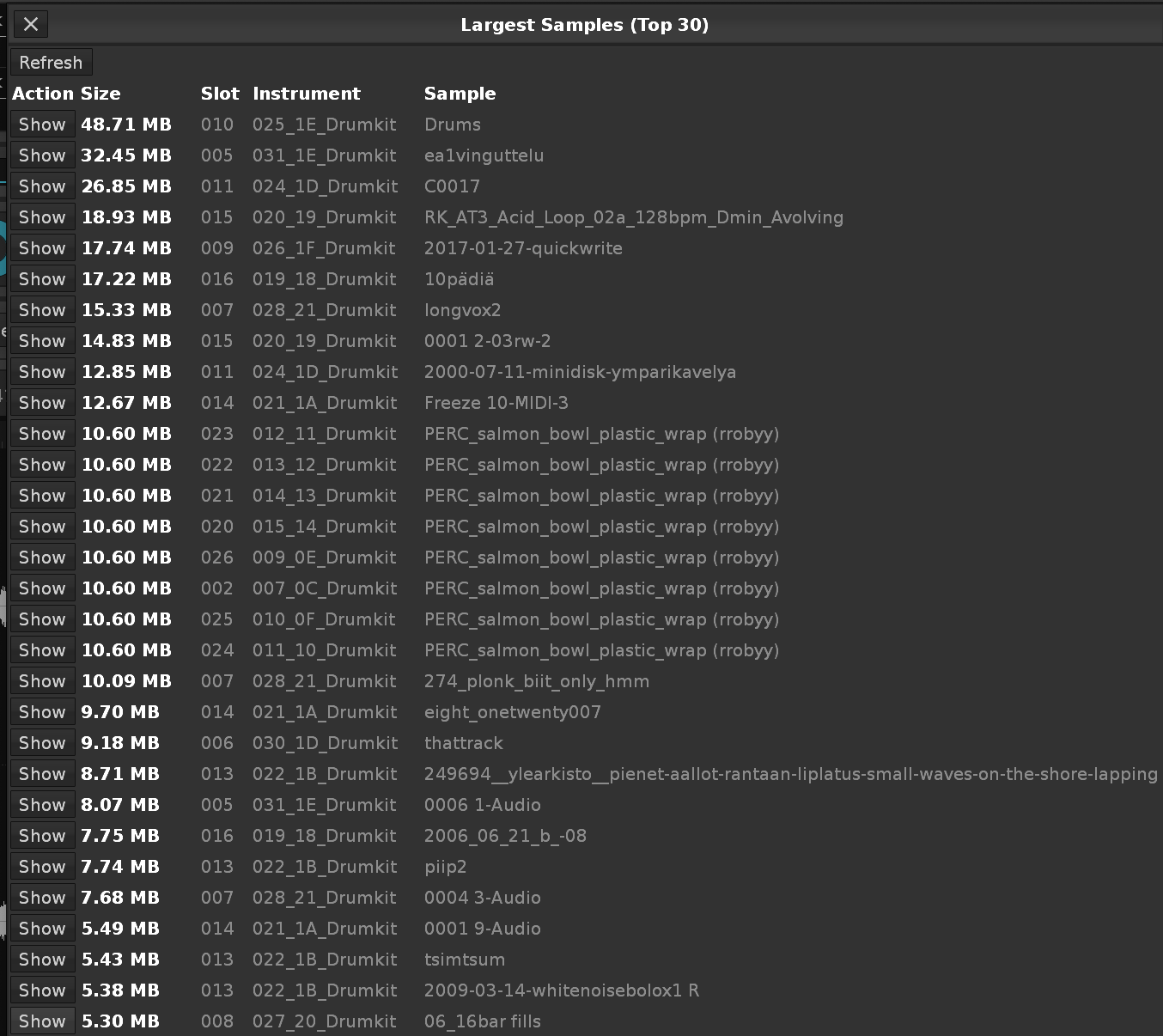
Improvement: Write Notes Ascending/Descending/Random now only write the notes that exist in the sample mapping, instead of C-0 to B-9 even though no samples from "last sample of instrument" onwards till B-9. Also reports in Status bar how many were written and what the last row is.
Improvement: Added "Hide All Effect Columns" to Main Menu:Tools:Paketti..:Pattern Editor..:Visible Columns..
and Main Menu:View:Visible Columns..
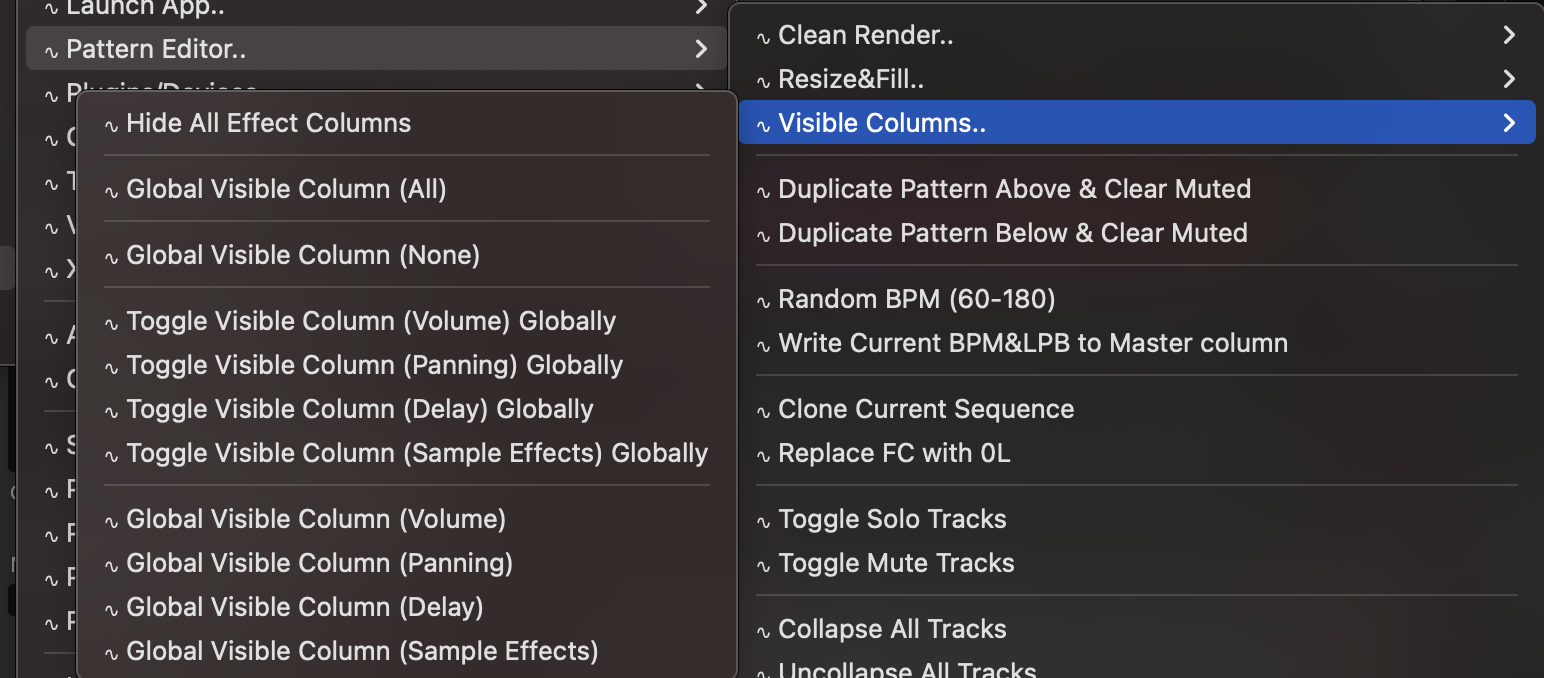
Feature: Toggle Sample Selection Info
This shows the samples/frame count and the millisecond count of the selection in the Sample Editor.
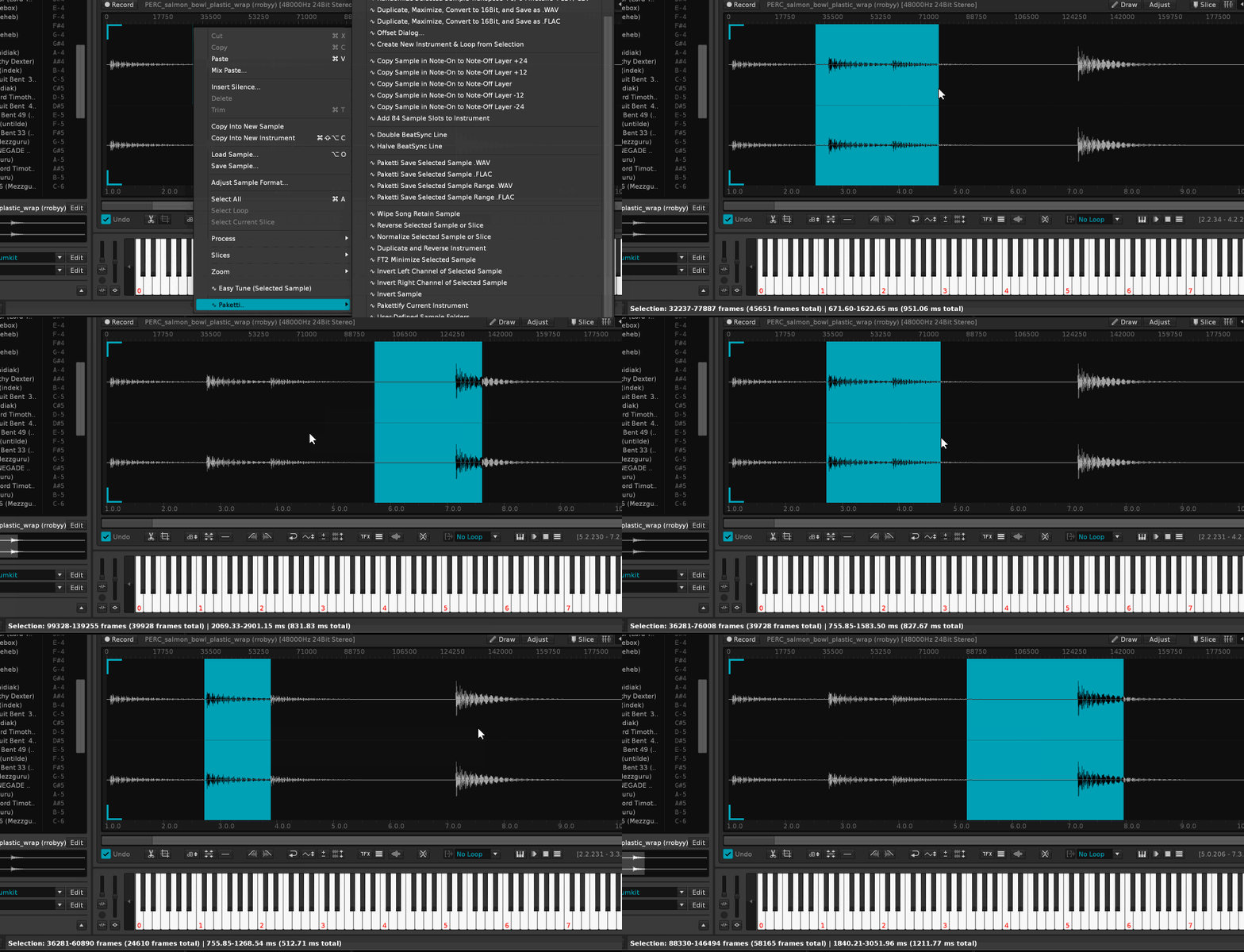
Improvement: Unison Generator will now retain Phrases Improvement: Pakettify Instrument will now retain Phrases, and remove the last "Placeholder sample" slot from the Instrument. (Closes https://github.com/esaruoho/paketti/issues/843)
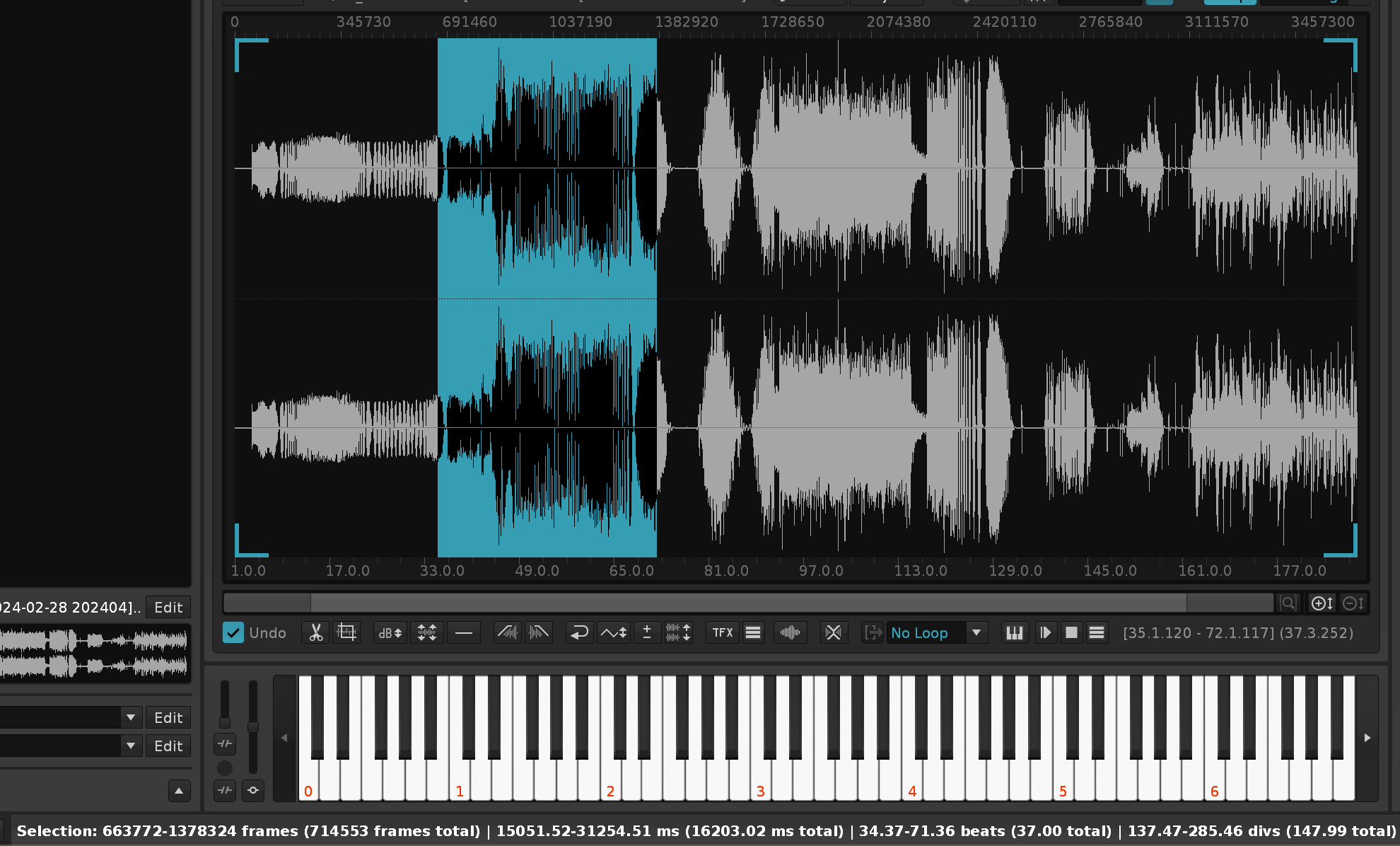
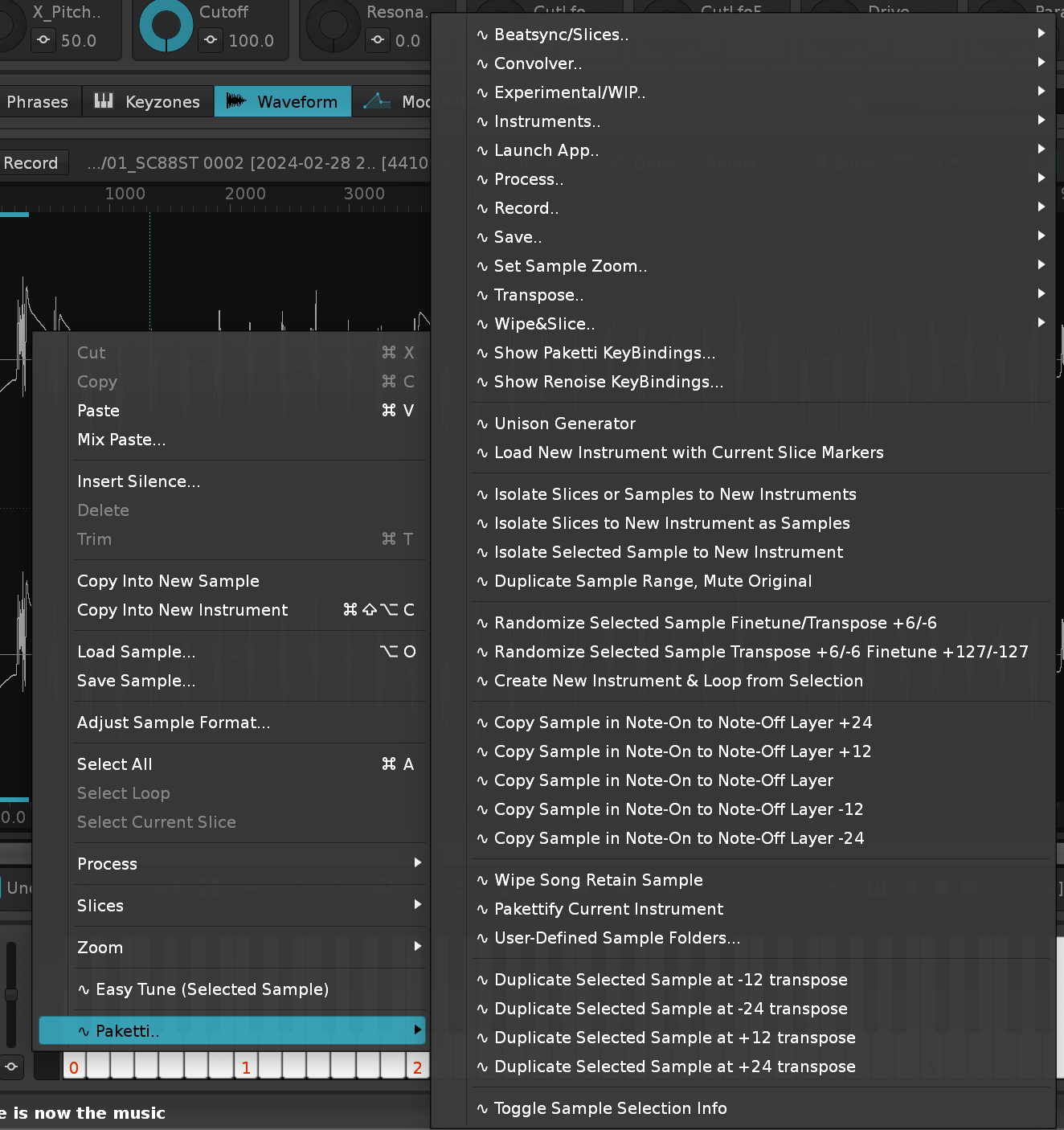
This will delete Instruments that aren't in use, but also samples that aren't in use in drumkit instruments, and if you have a velocity mapped instrument, the unused velocity samples will be deleted.
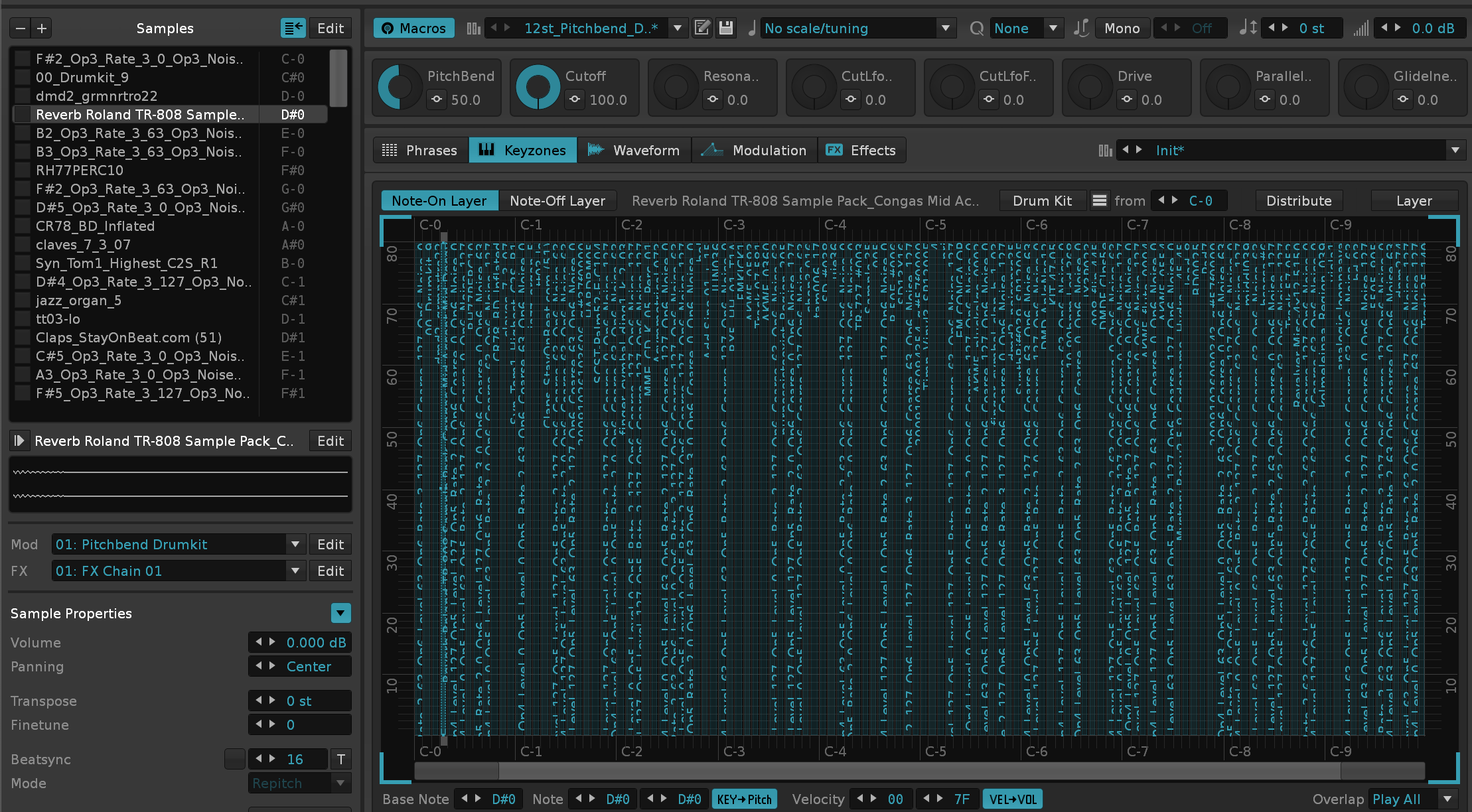
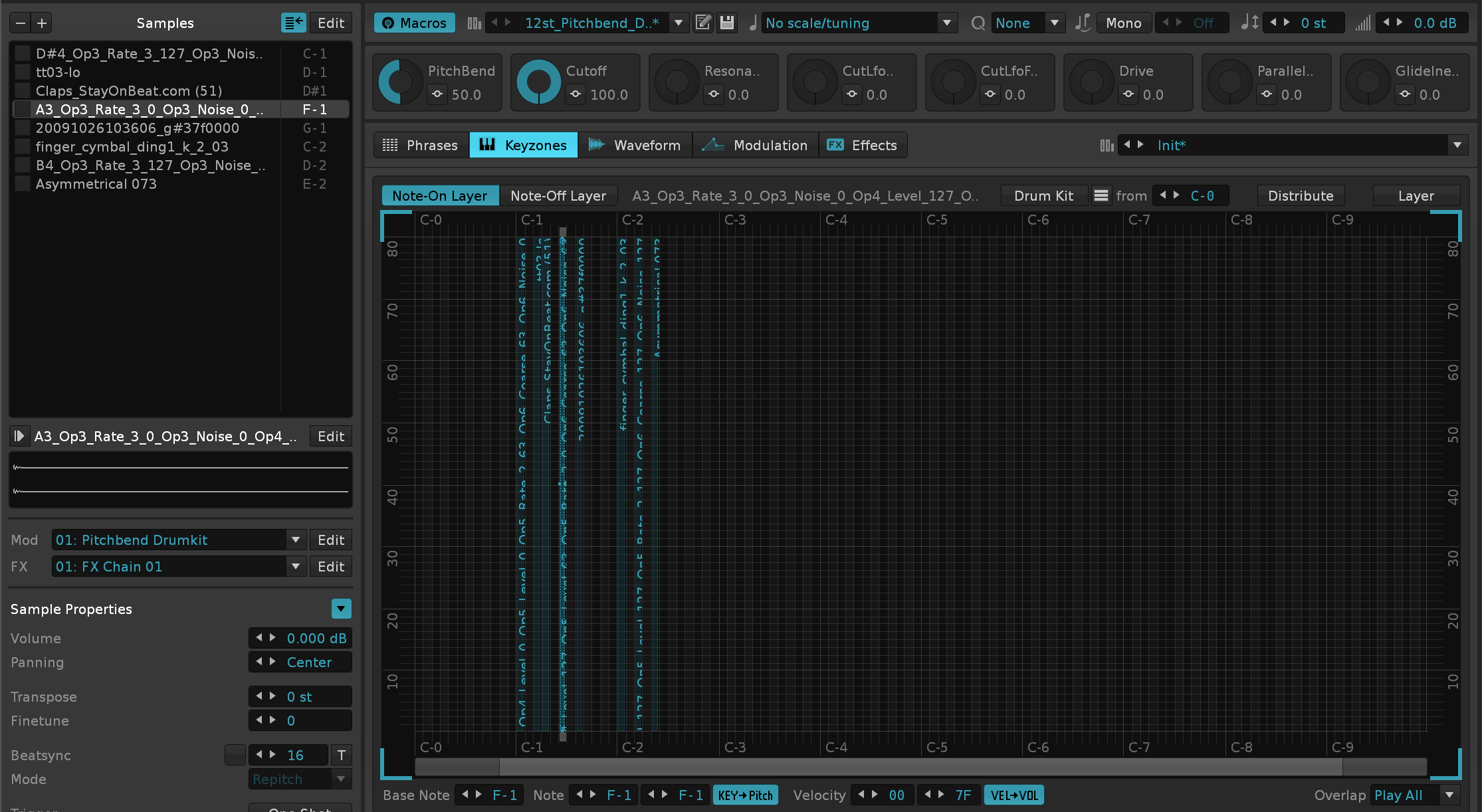
(Closes https://github.com/esaruoho/paketti/issues/309)
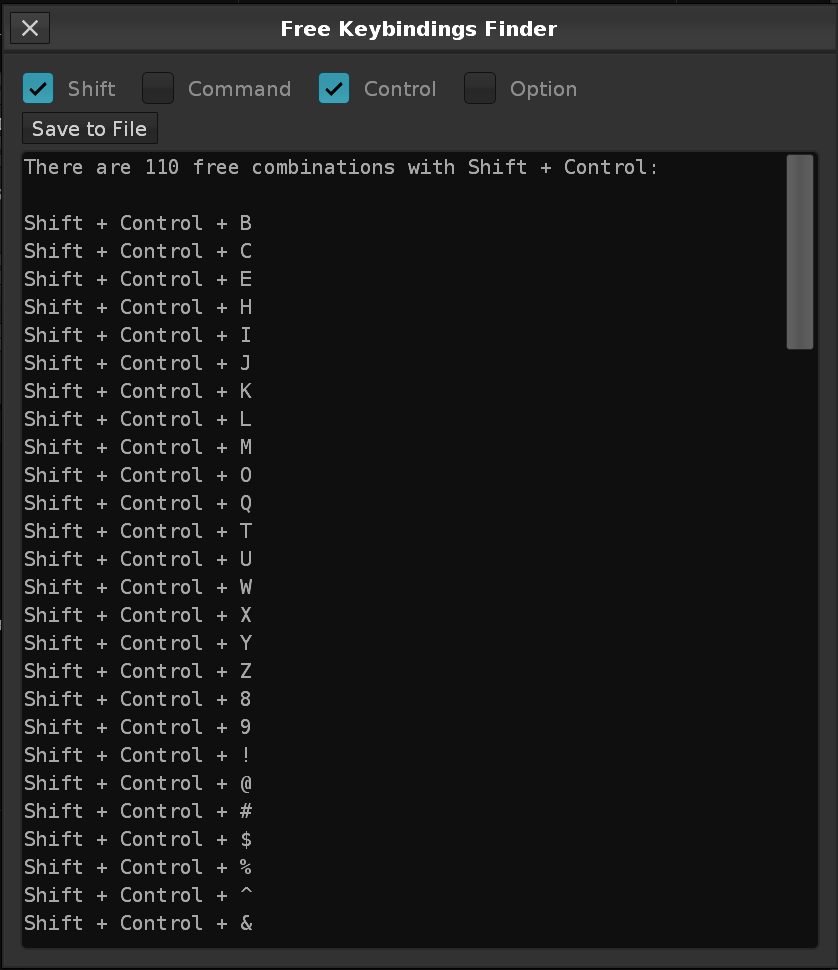
Improvement: Largest Sample Finder now has a method for showing which samples are not used, and a button for removing the Unused Samples with a single button.
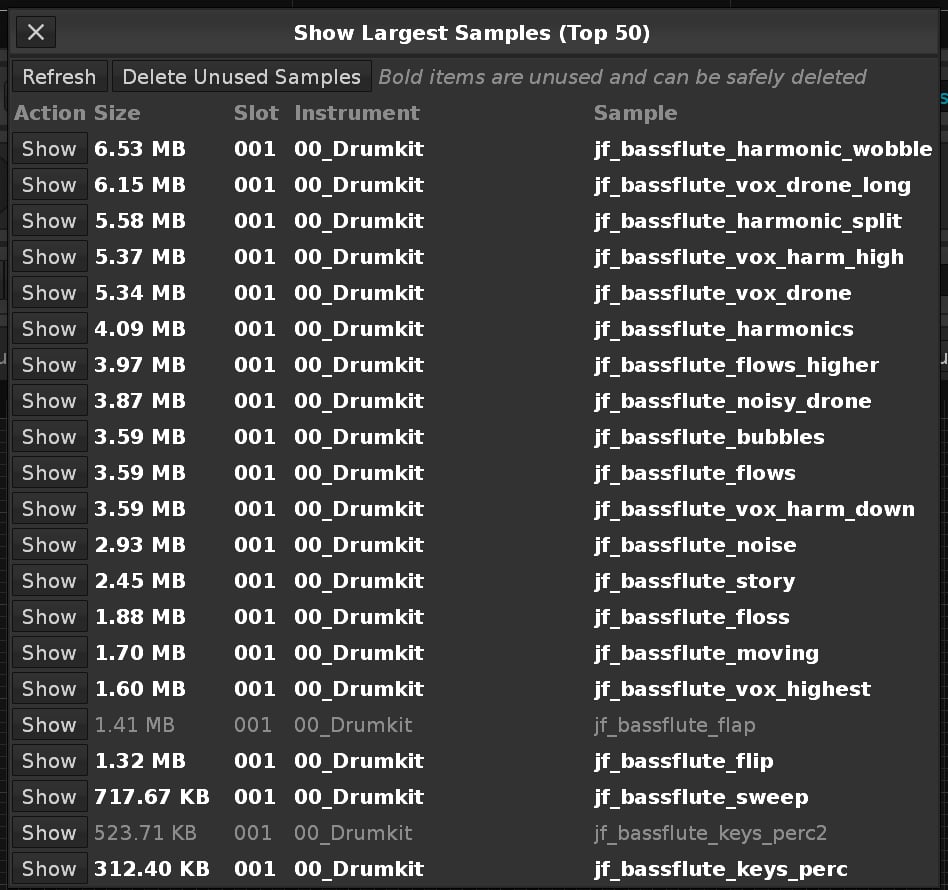
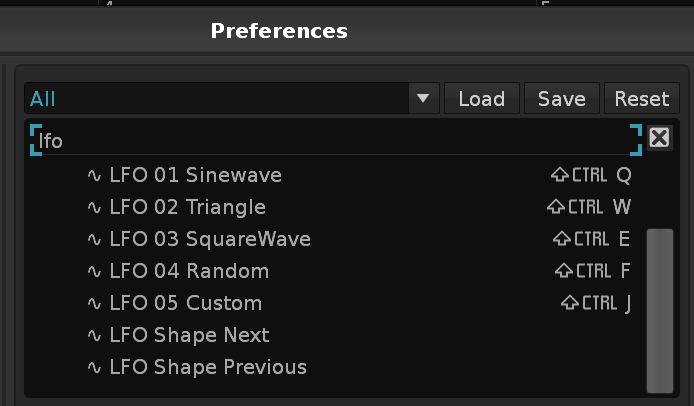
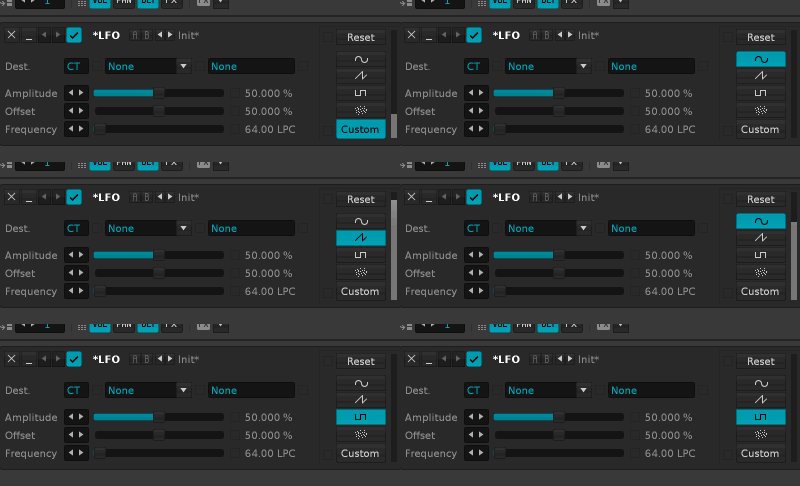
This takes the tracks that have notes in them, and reads which samples are in use on the notes, and names the tracks accordingly.
(Closes https://github.com/esaruoho/paketti/issues/845)
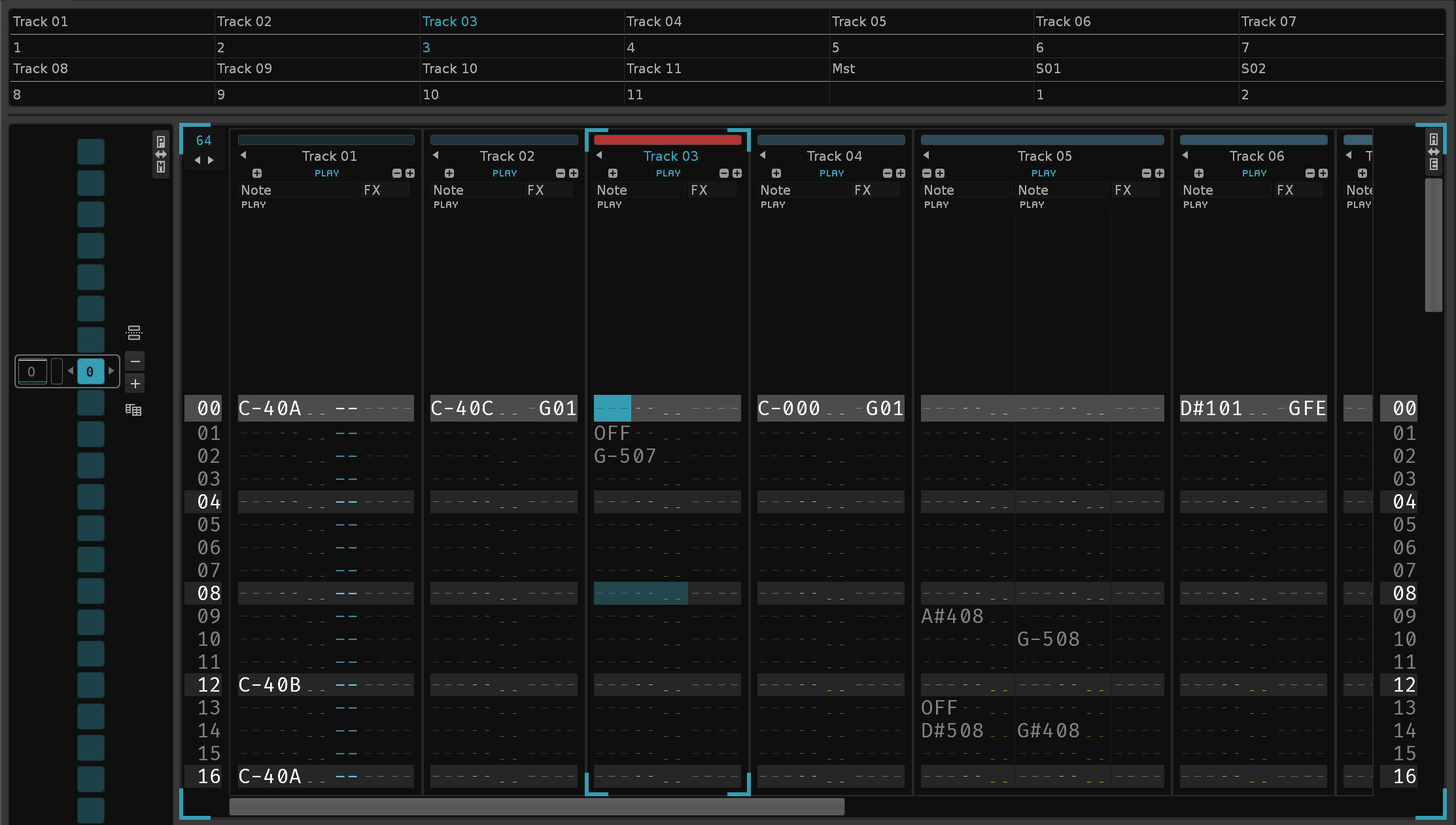
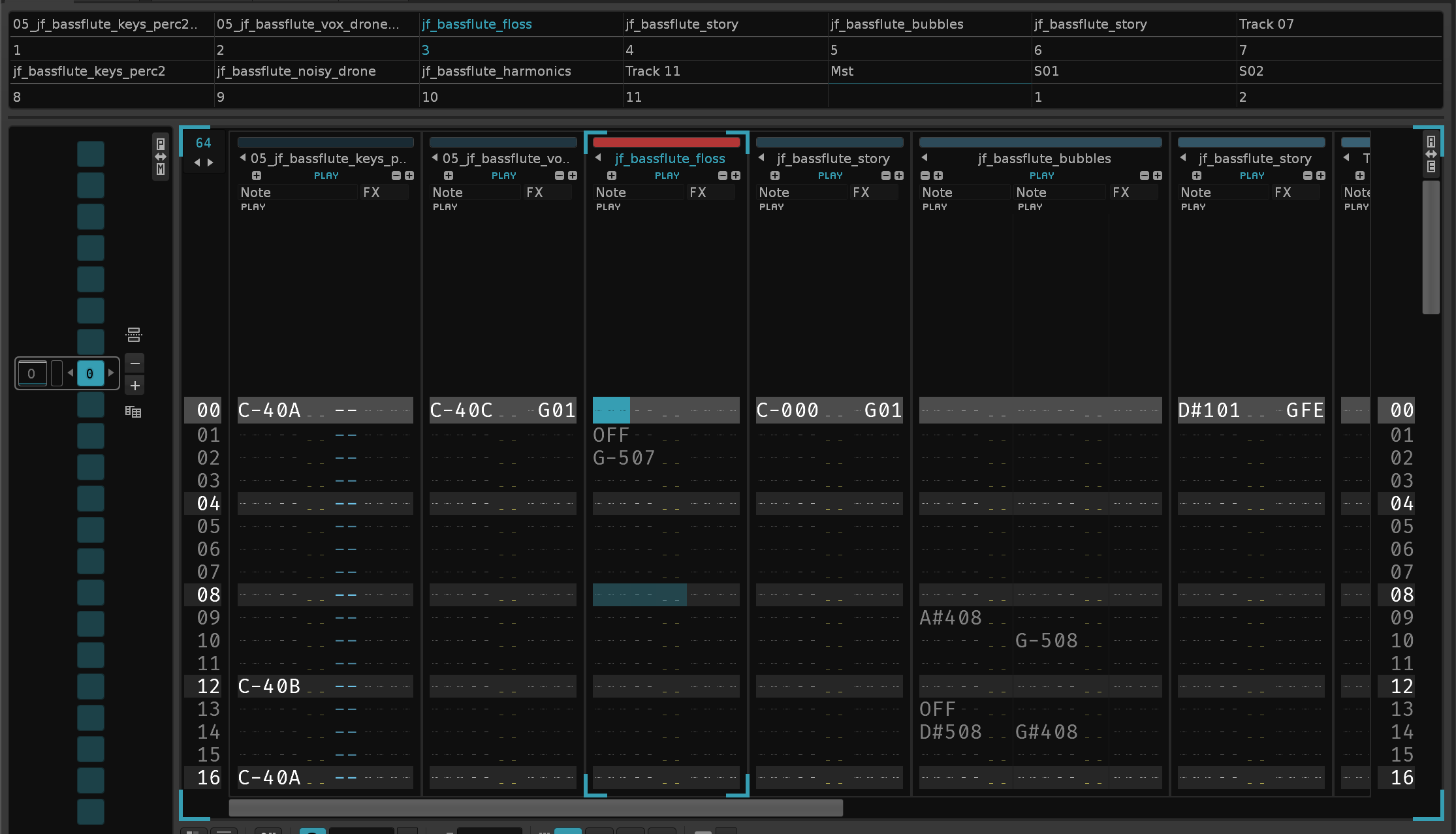
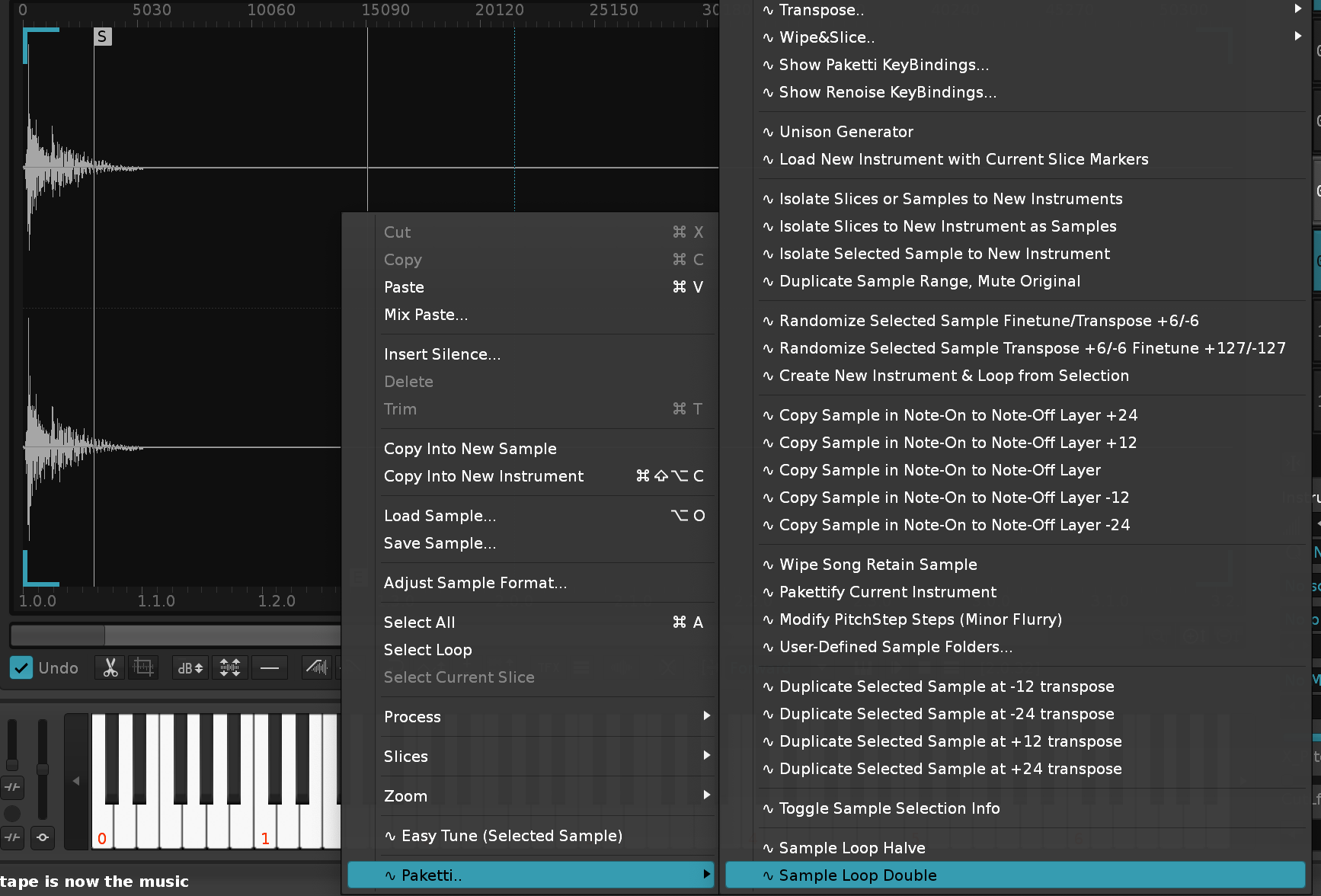
(Closes https://github.com/esaruoho/paketti/issues/844)
(Closes https://github.com/esaruoho/paketti/issues/846)
This will output the parameter names, and the values, of each of the parameters of the selected device, to the Terminal.
(Closes https://github.com/esaruoho/paketti/issues/569)

(Closes https://github.com/esaruoho/paketti/issues/519)
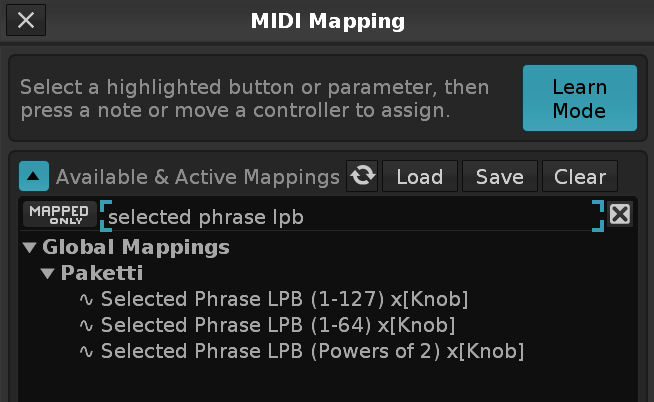
Shift but instead Dontdonothingwhich will make sure that nothing ever closes the dialog, no keypress, that is.
Improvement: Re-wrote the Formula "Manual", included some forum links where there is discussion of the device, and added Inertial slider + Spring Slider and a Placeholder for another.
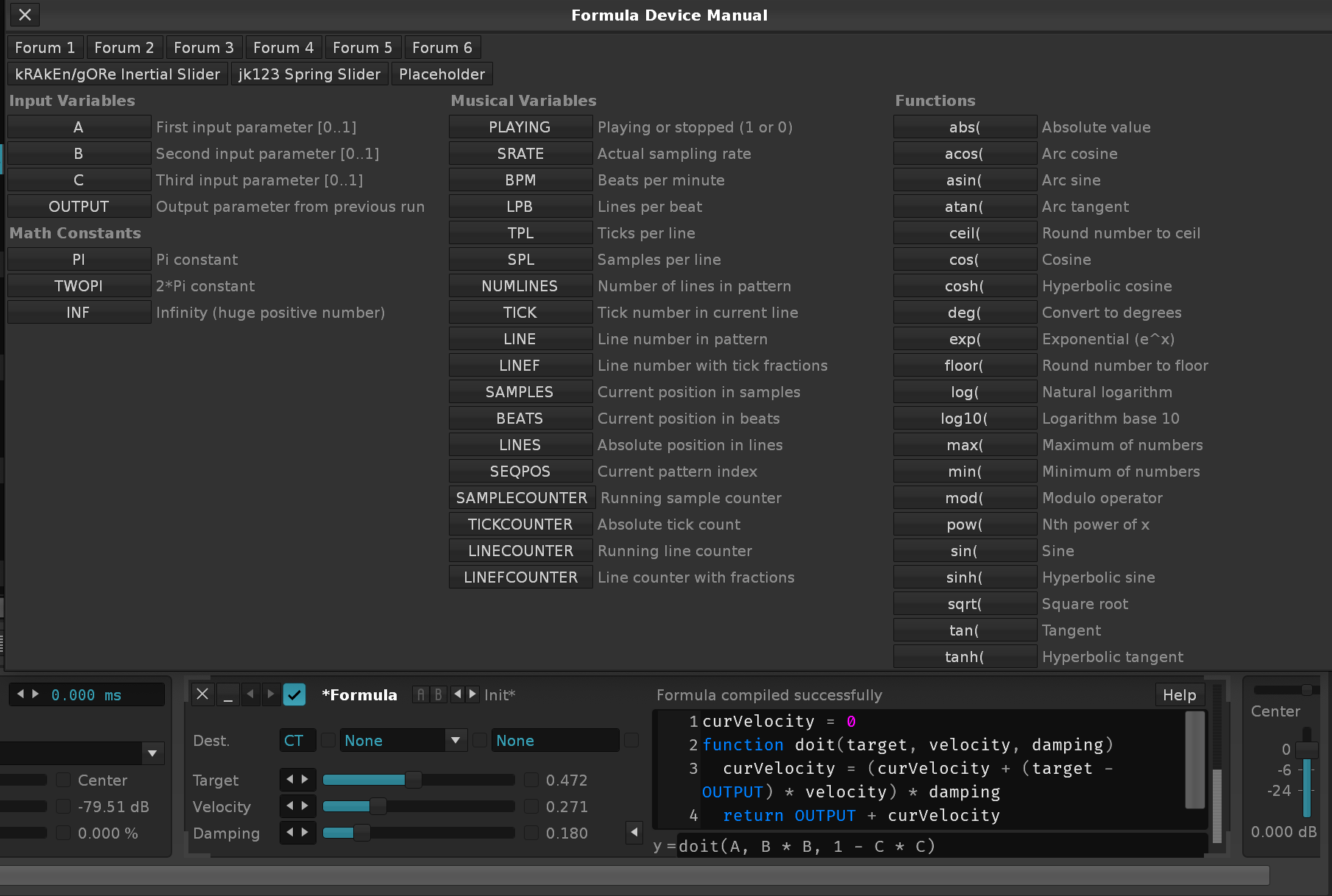
Improvement: Updated the Formula Device Manual with more functions from the Help
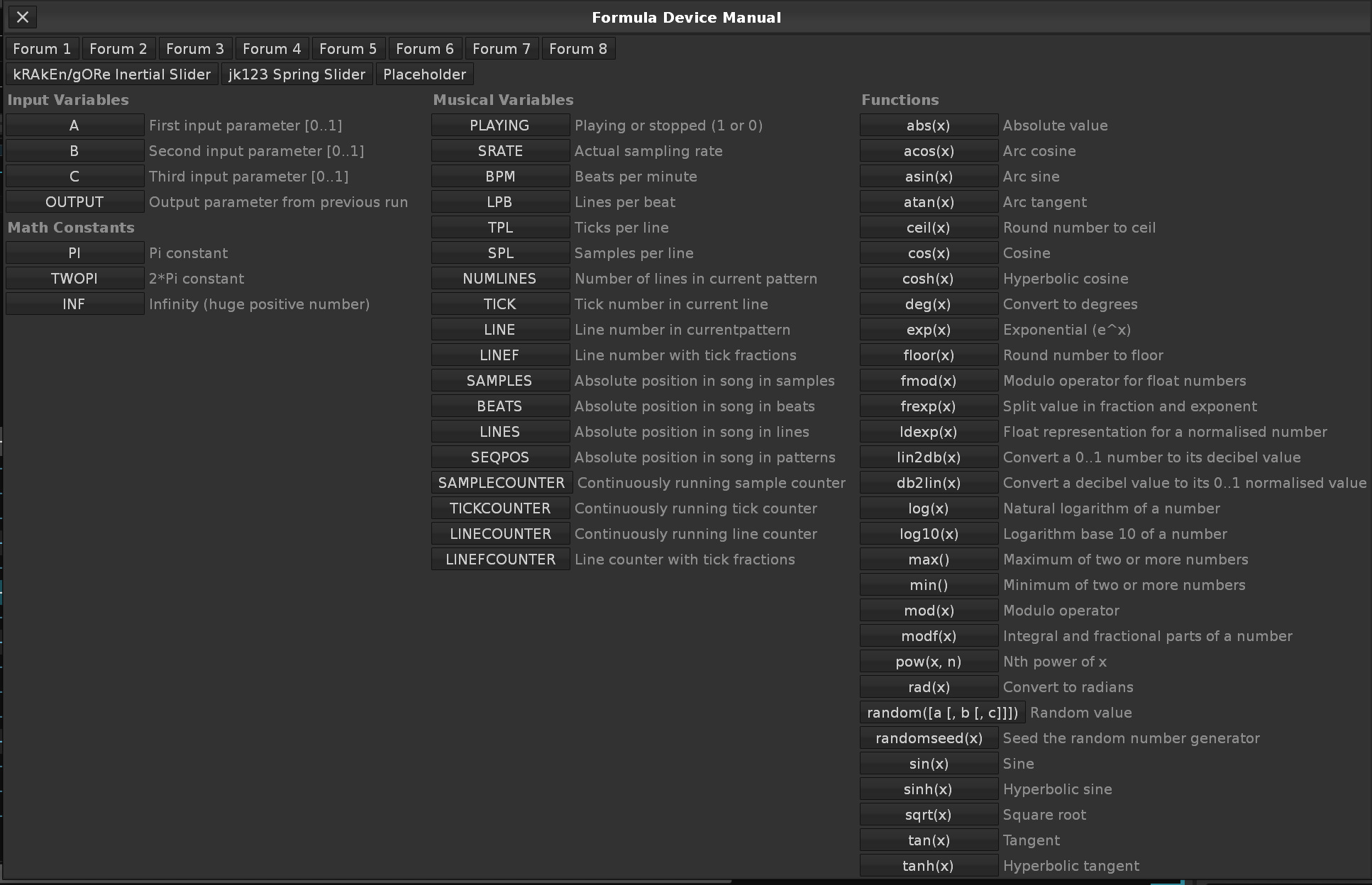
Improvement: Added a brand new Formula Device to the Formula Device Manual, it's called "Playcount/Silentcount/Tremolo" - It will let the current track play audio for a specific amount of Beats, and then be silent for a specific amount of Beats. You can also use the C-slider to switch it to an experimental Tremolo mode.
Improvement: Added "Input Inertia" Formula Device preset as Shortcut + Menu Entry for Main Menu & Mixer.
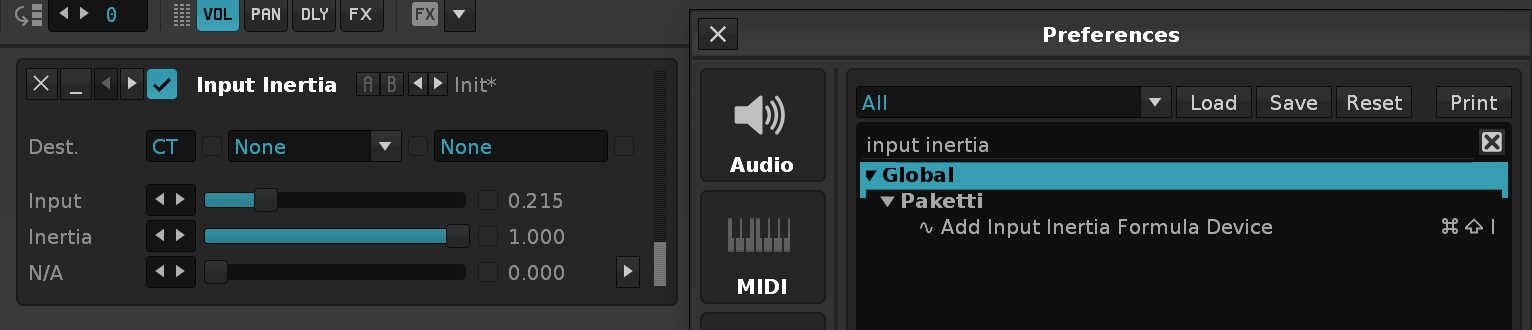
Improvement: Tweaked "Play/Silent/Tremolo" device to automatically hook up to Mixer Volume so it's ready to go.

Improvement: Modified the Formula Device Dialog so it is less wide
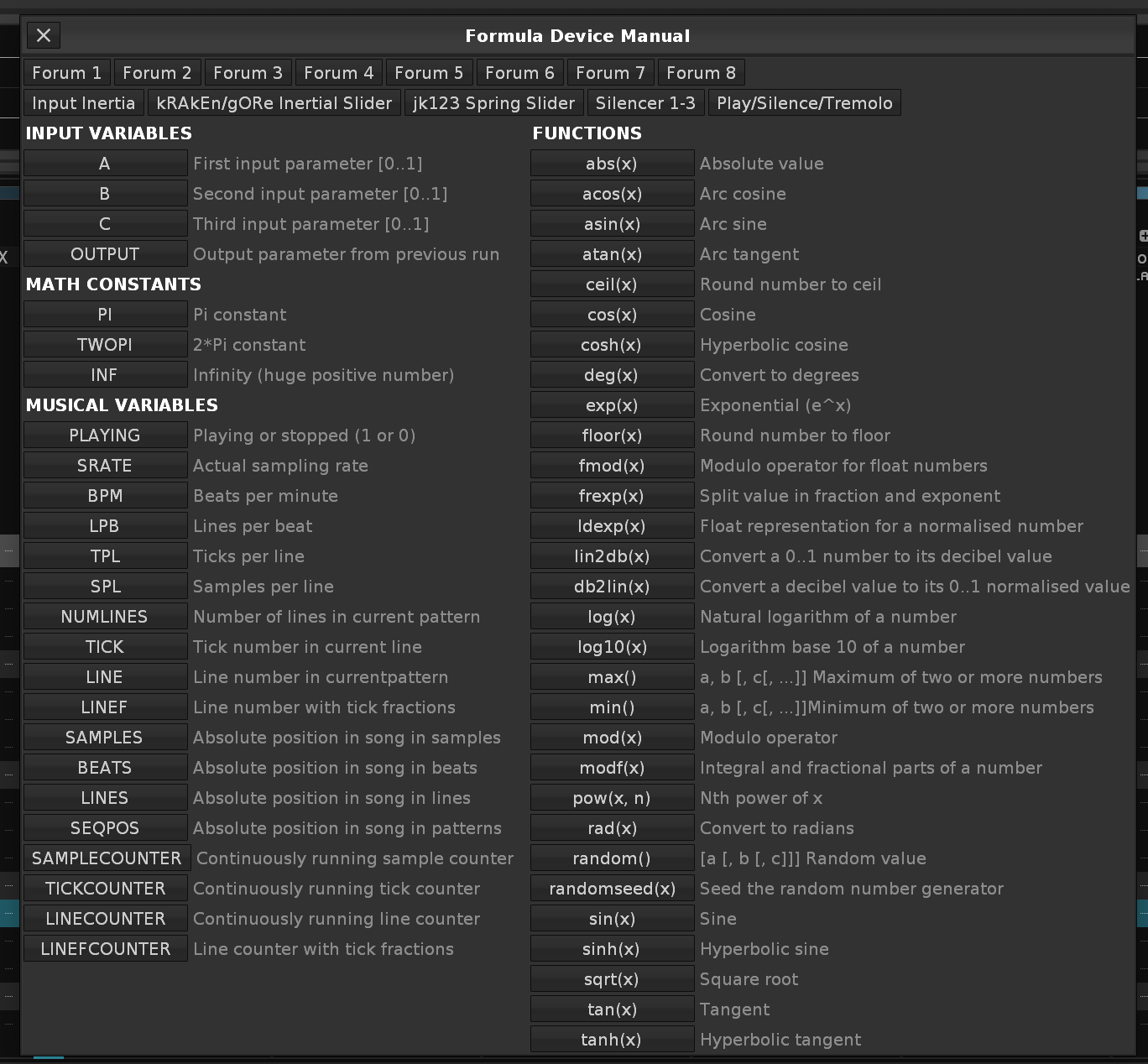
Improvement: Added "Input Inertia" shortcut. (Closes https://github.com/esaruoho/paketti/issues/848)
Improvement: Added Wipe&Slice 256 slices since FF is the maximum.
Improvement: Added Formula "Presets" such as:
"Input Line Quantize" (by danoise, originally), "LFO Beat Sync", "LFO Chaotic", "Mixer Equal Weight" to Formula Dialog presets
Improvement: Made the correct amount of sliders visible in the Mixer View
Improvement: Added more Formula "Presets" such as: kRAkEn/gORe The Stepper, Cas Super Formula , Martblek Lorenz LFO, Bit_Arts Meta Modulator, Cas Sample & Hold. and Afta8 Slew Limiter
Improvement: Added "Paketti Fadeout (Instant)" & "Paketti Fadeout (Manual)" to Formula Device Manual.
(Closes https://github.com/esaruoho/paketti/issues/849)
Feature: LFO Automation Parameter Writer WIP
This takes a specific LFO which is modulated by another LFO's Amp+Freq settings, and writes the LFO Amp to the selected automation parameter.

Improvement: Fixed the GitHub Release pipelines + tagging + local deployment for easier Paketti Releases at http://github.com/esaruoho/paketti/releases
Feature: LFO Write to Effect Column
This will create a LFO, patch it to another LFO, make the required elements visible in the Master Track, and let you write to the currently selected track's effect column.
There are S00, Y00, R00, U00, D00, G00 flavors and a 00 flavor that doesn't write anything to the Effect Number, only to the Effect Value.
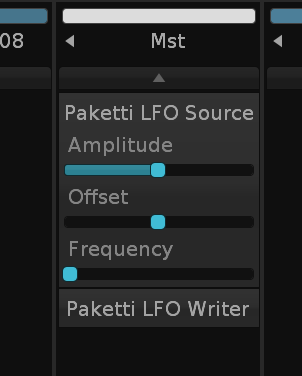
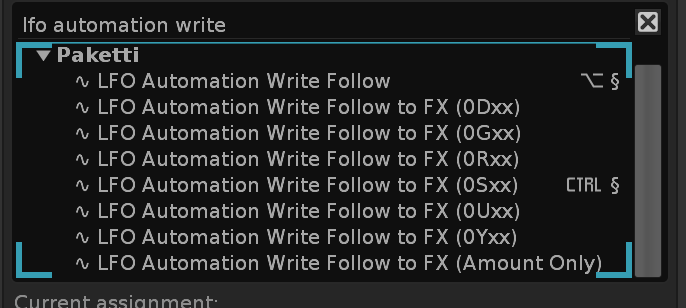
Improvement: Added "Toggle Note Off on All Tracks in current row / Selected track / Selected Column" to MidiMappings as buttons.
Improvement: Added "KapsLock Note Off (With Step / Without Step)" to Midi Mappings as buttons.
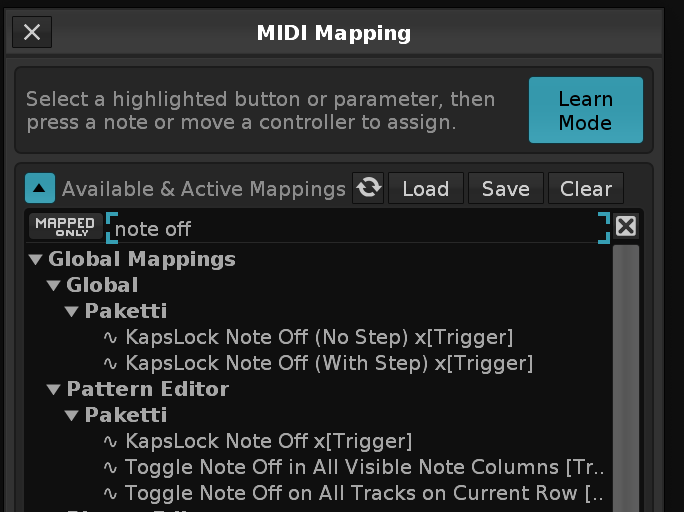
Improvement: Renamed all of the LFO Write -specific hack tools into LFO Write for easier discoverability.
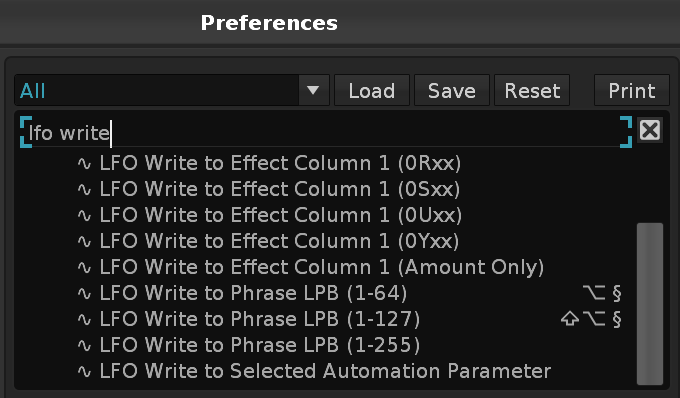
Improvement: Wipe/Clear/Delete Row, Current Note Column, Current Note Column with EditStep, and Current Row and Current Row without EditStep now available as Midi Mappings and as Shortcuts, and have been renamed to match the format.
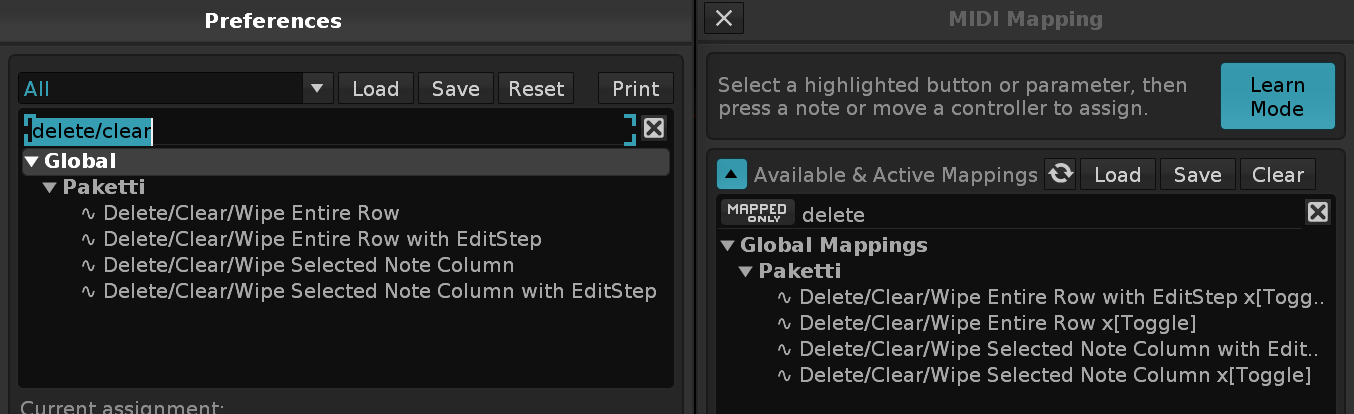
Improvement: LFO Writer Delete/Keep Preference added to Paketti Preferences - this will keep the devices existing, or delete them, if so desired.
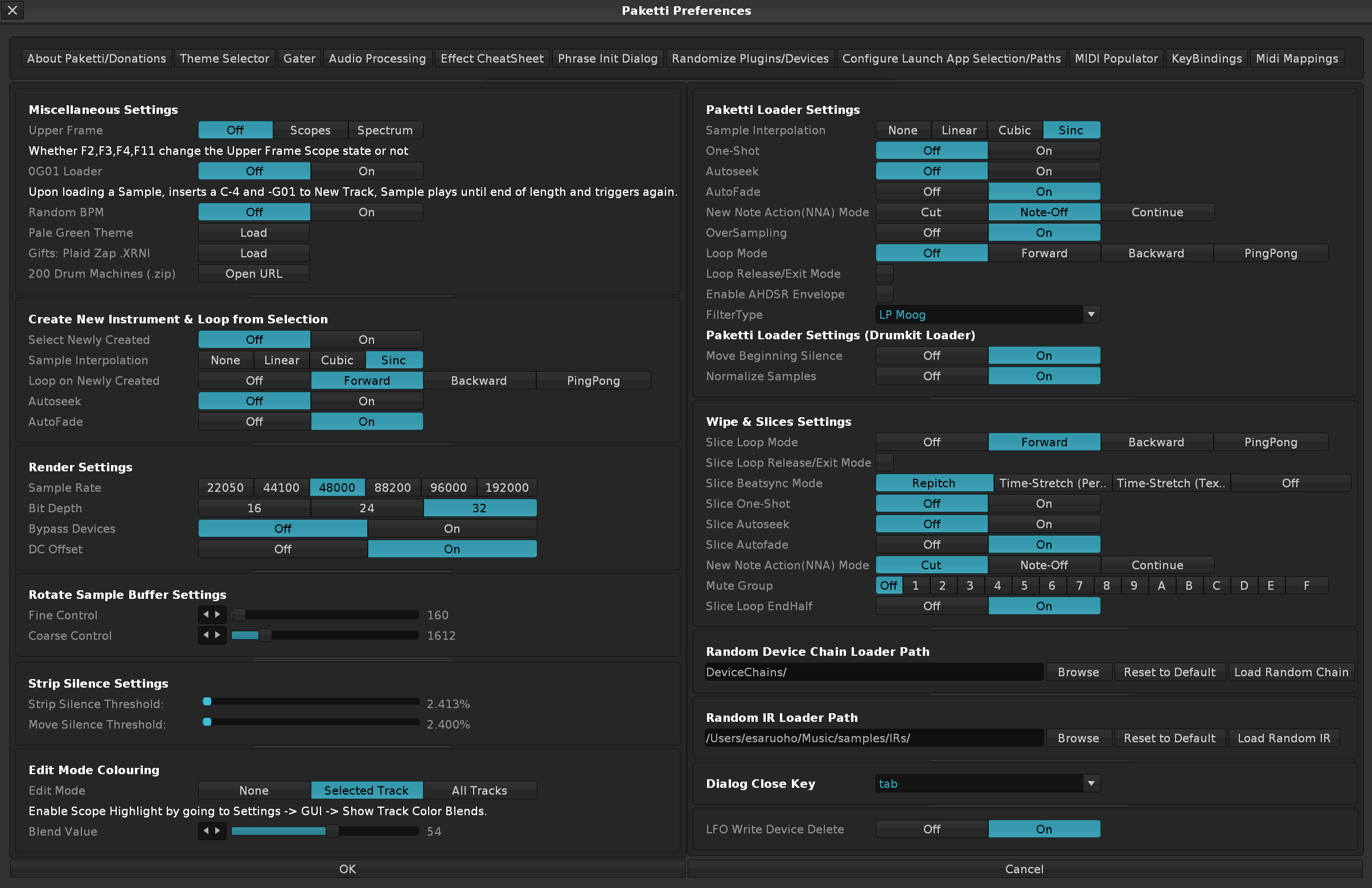
Improvement: LFO Writer Single Parameter Write to Automation - Initializes a singular LFO device, which's Amplitude directly writes to a selected automation parameter. This for those who don't have a midicontroller available, or desire to just quickly draw some automation.
Improvement: LFO Writer for Selected Phrase LPB - this modifies the LPB of the selected phrase - allowing for, well, madness. Enjoy.
Improvement: Separated LFO Writer Single Parameter from the trio of "LFO Writer for Selected Phrase LPB", "LFO Writer for Automation Parameter" and "LFO for Effect Column" so these two flavors can peacefully coexist.
Feature: Paketti .XRNS Probe
This will show the Midi Input, Midi Output, Plugin, Sample, Sample FX Chain, Track Devices of the currently open track. You can also save it as a textfile.
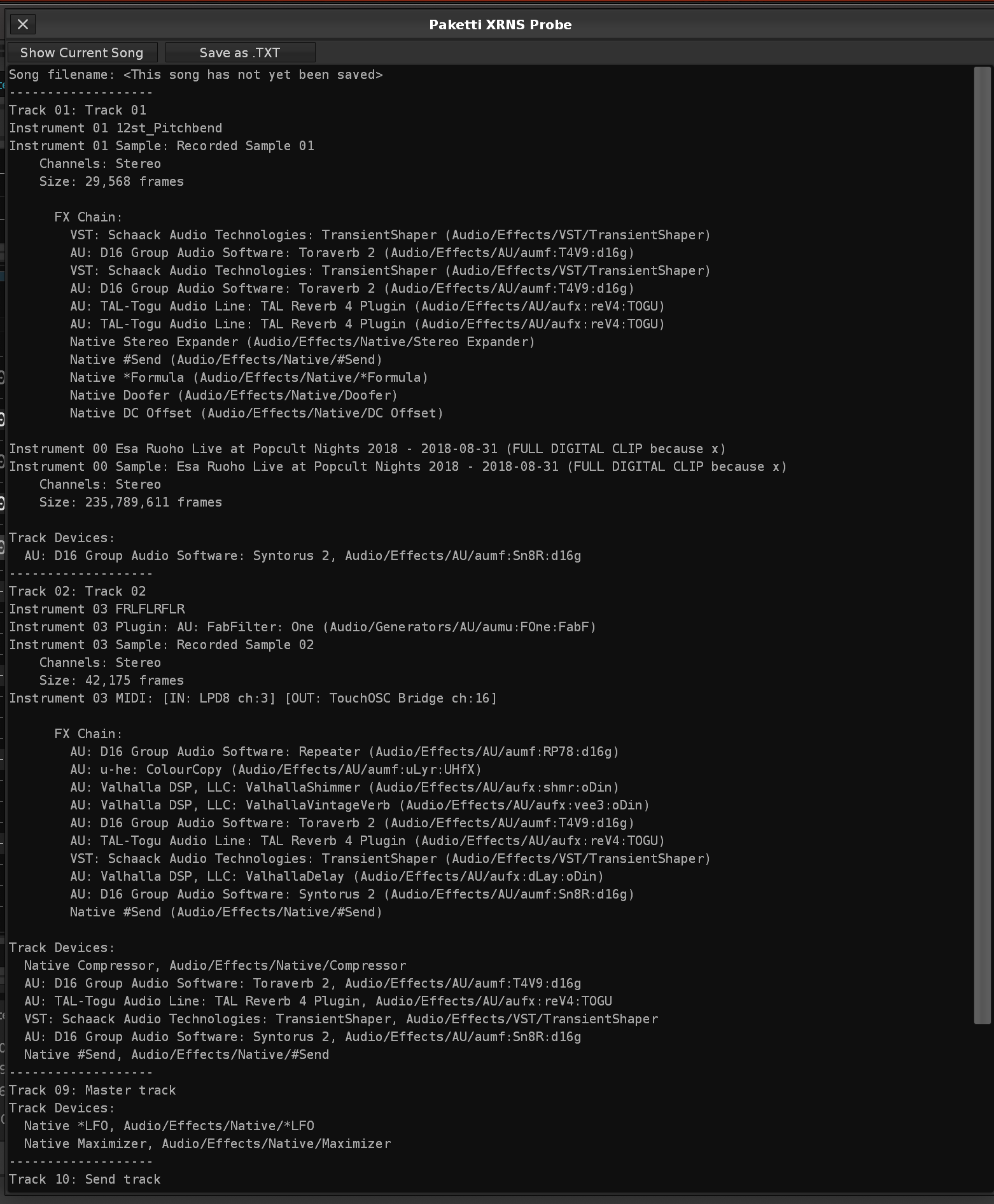
Improvement: "Query Missing Device Parameters"
This Menu Entry & Shortcut will show you the Device Parameters for a missing Device. They are outputted to the Scripting Terminal & Editor, and formatted so that they're ready to be pasted to the next Device you select, which might or might not be 100% compatible.
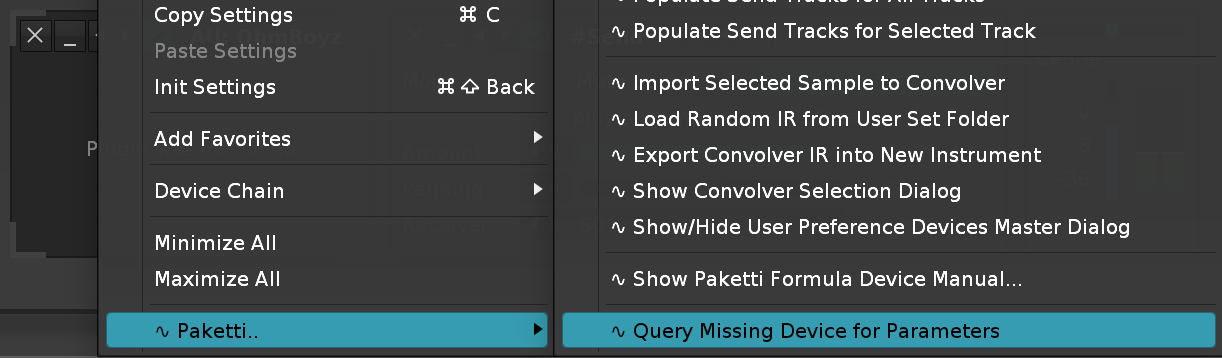
Improvement: Legacy plugin OhmForce Hematohm will now initialize with 50% mix and phase 0.00 instead of auto-pitched. Improvement: Legacy plugin OhmForce Predatohm will now initialize without full-on blast of distortion, instead allowing you to dial in the dial in the distortion you want.
Improvement: Renamed Paketti PitchBend instrument + drumkit "GlideInertia" Knob/Device to "PB Inertia" for better discoverability.
Improvement: Organized Instrument Box Menu Entries for better discoverability
Improvement: Random AKWF Wavetable now works even without a loop (the whole sample becomes a loop instead of doing nothing), and the Sample + Instrument names are correctly set.

Improvement: Reinstated Paketti Default Instrument & Drumkit choosers
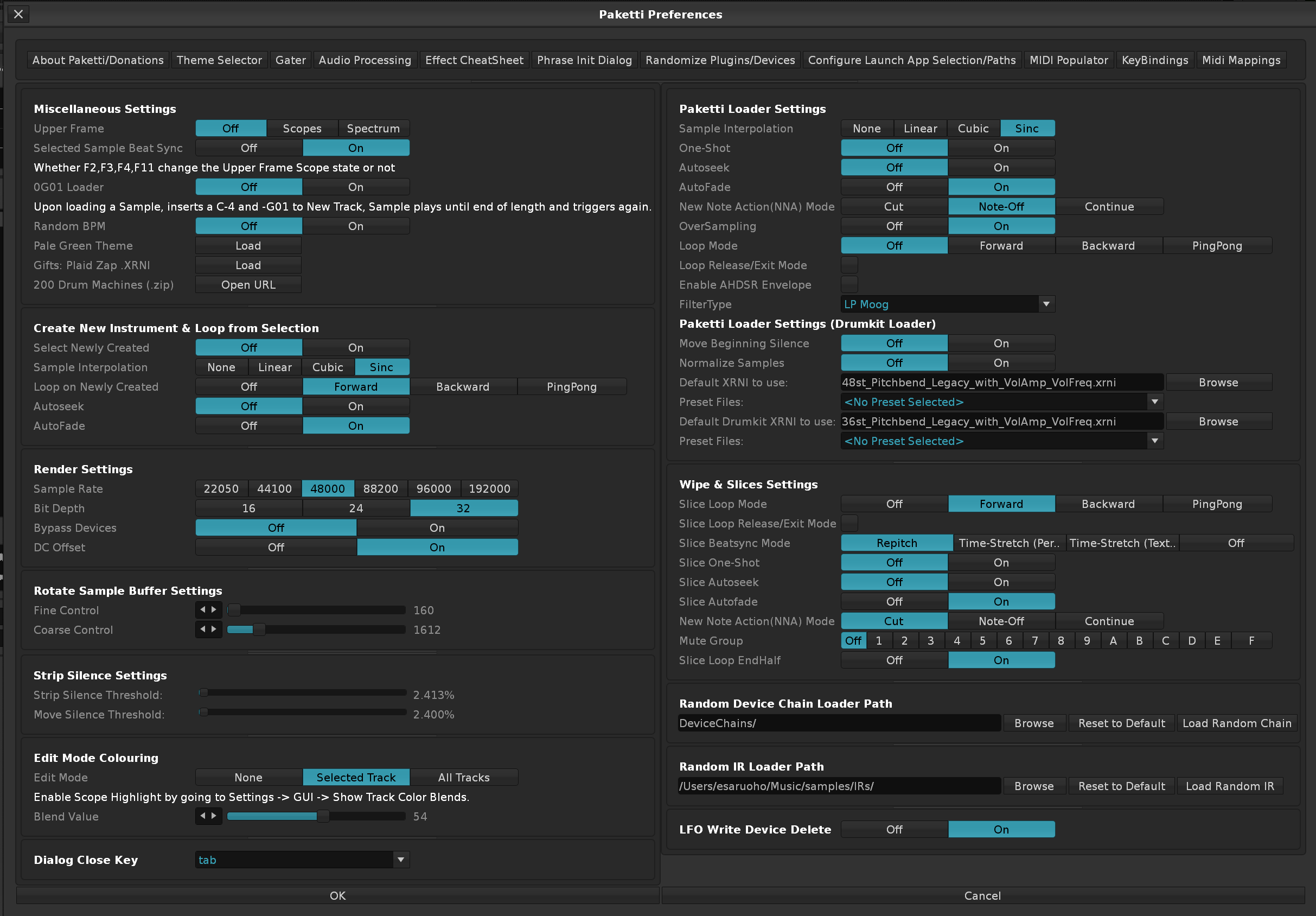
(Closes https://github.com/esaruoho/paketti/issues/852)
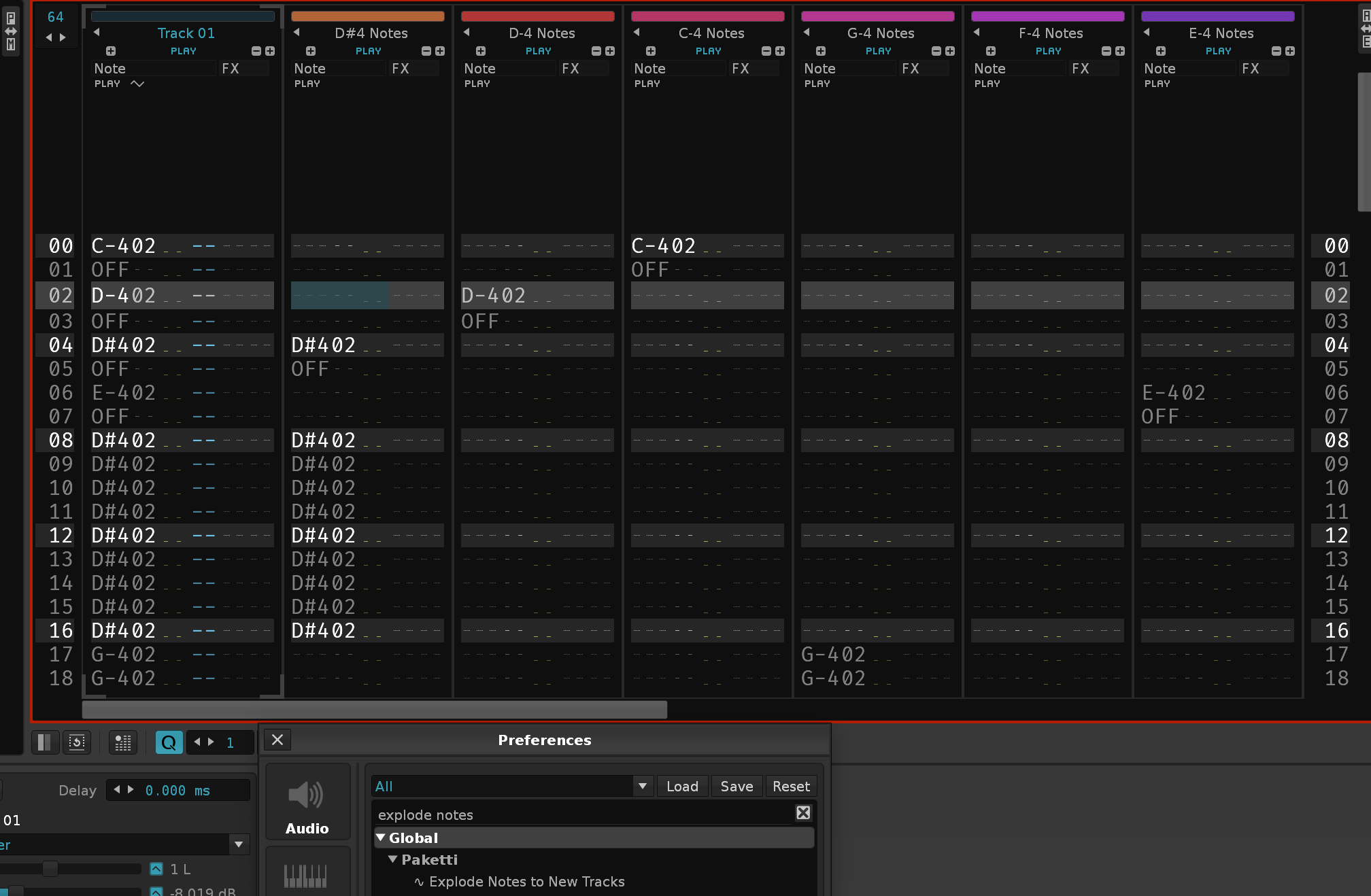
Feature: Find Note (Next/Previous) (Track/Pattern)
(Closes https://github.com/esaruoho/paketti/issues/831)
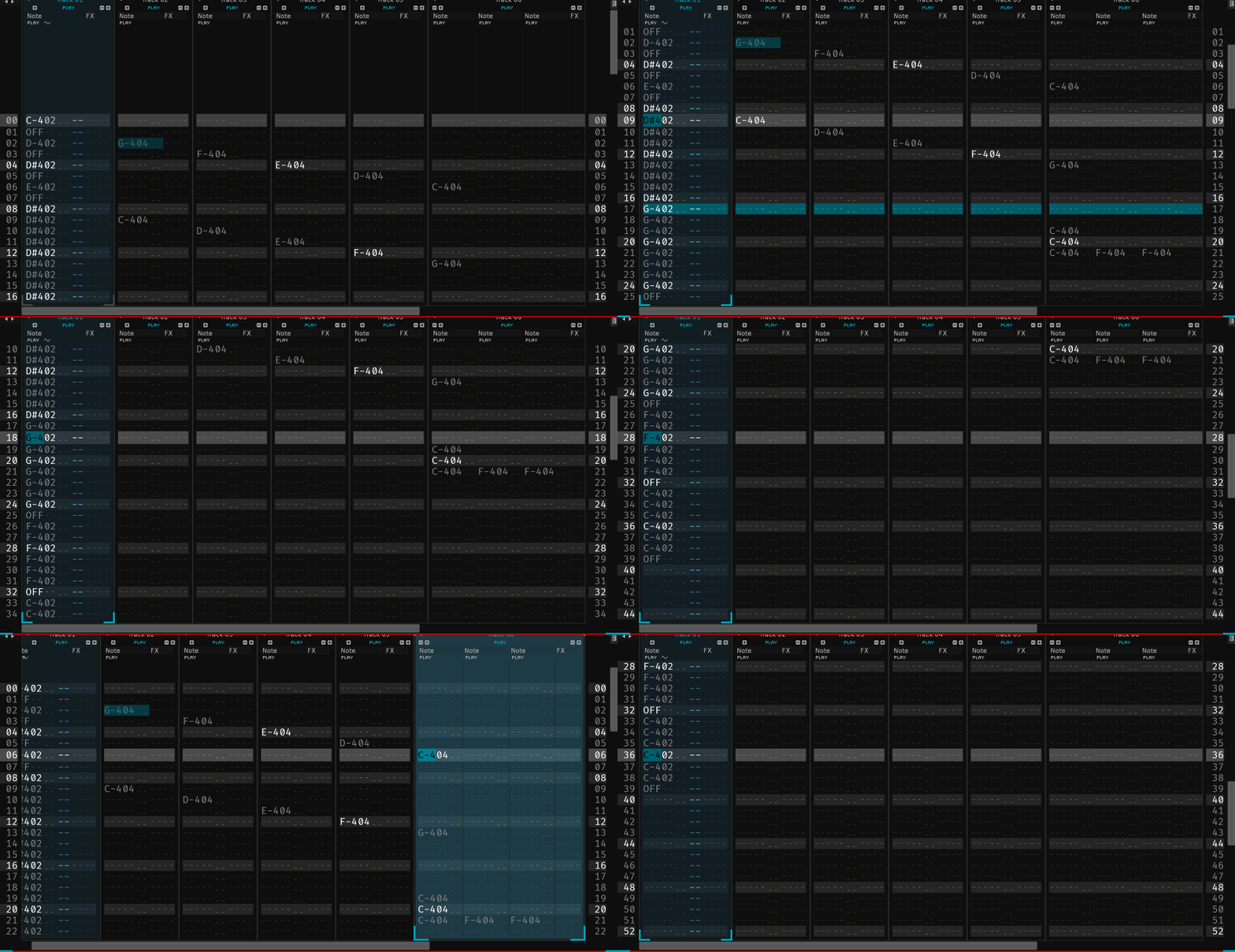
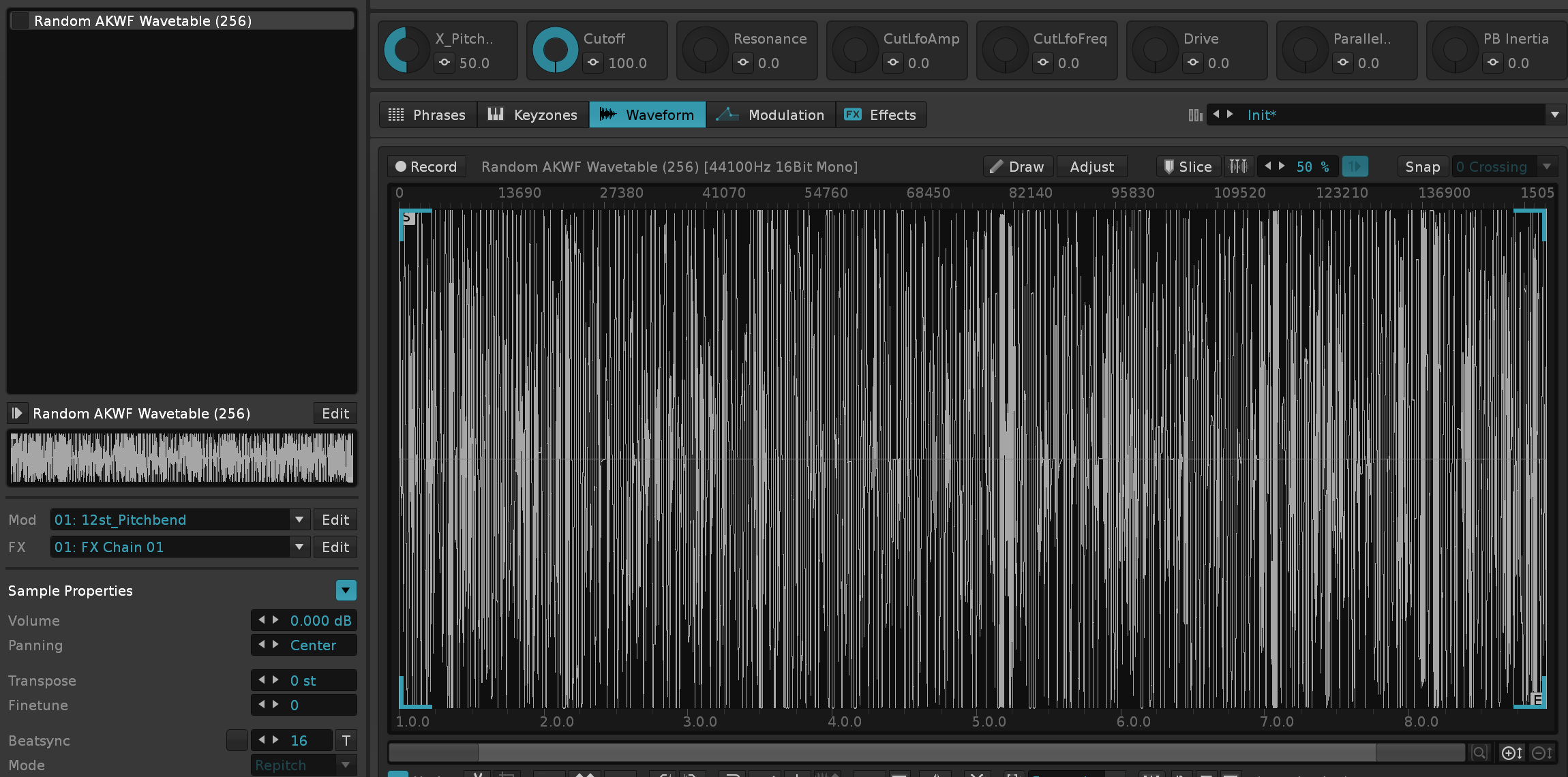
Improvement: Added more AKWF Loader content to the Instrument Box Context Menu
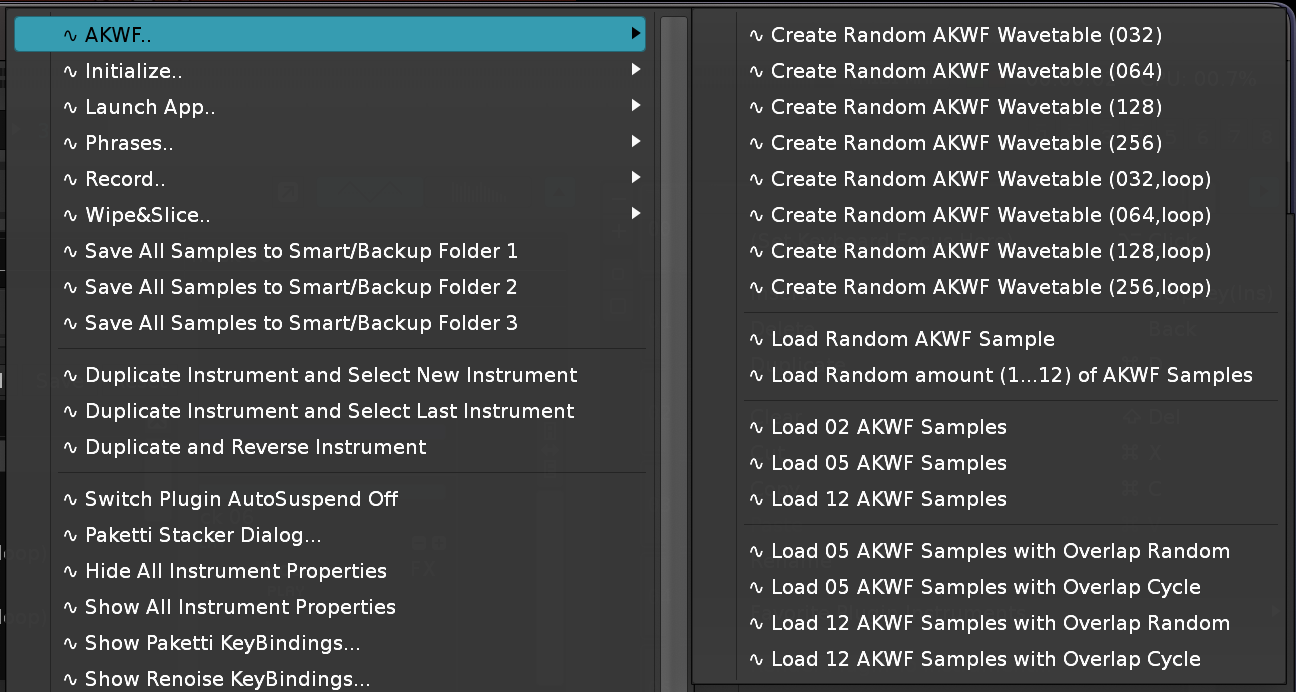
Improvement: Load Random AKWF Samples features now obey the Paketti Loader settings, so if you have Autofade set to On, and Oversampling set to On, and Interpolation sent to Sinc (or anything) - the samples you load will also have the same settings.
Improvement: AutoFade -> Autofade everywhere. Improvement: Beatsync -> Beatsync everywhere. This might mean that you need to re-bind some shortcuts.
Improvement: Capture Nearest Instrument & Octave (jump) will now jump from Pattern Editor to Phrase Editor and then back to Pattern Editor - if a Phrase exists. If you are in the Sample Editor, and there are no notes on the Selected Track, the same shortcut will jump you to Phrase Editor, and then back to Pattern Editor.
Improvement: Random AKWF & Random AKWF Wavetable Loaders will now also apply the same
"Minor flurry" randomized PitchStep each time you load an AKWF.
Improvement: Selection in Pattern Matrix to Group now works as expected. (Fixes https://github.com/esaruoho/paketti/issues/853 & https://github.com/esaruoho/paketti/issues/752)
This will read the current instrument's empty note ranges and fill them with randomly selected samples - prompting the user for a folder.
Before/After:
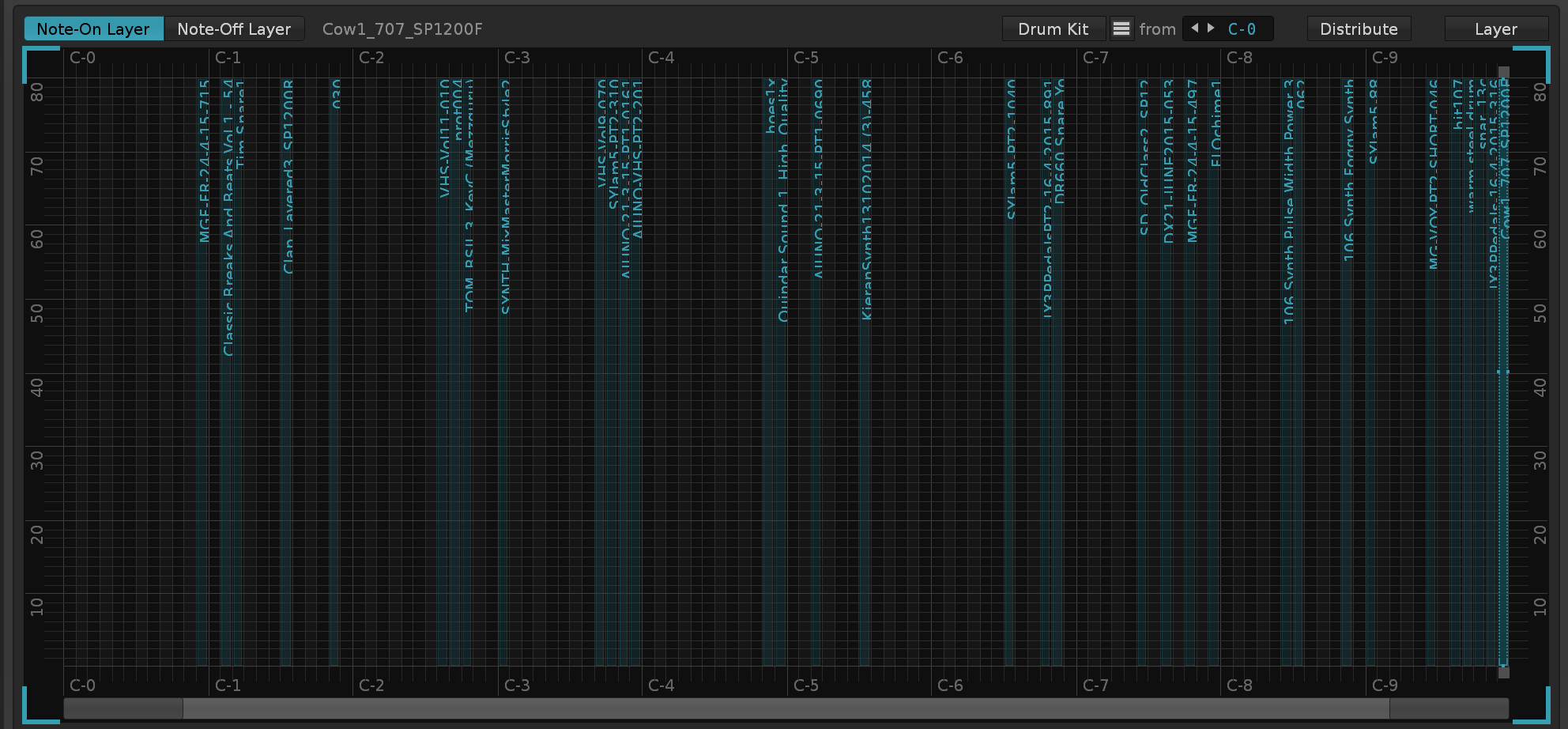
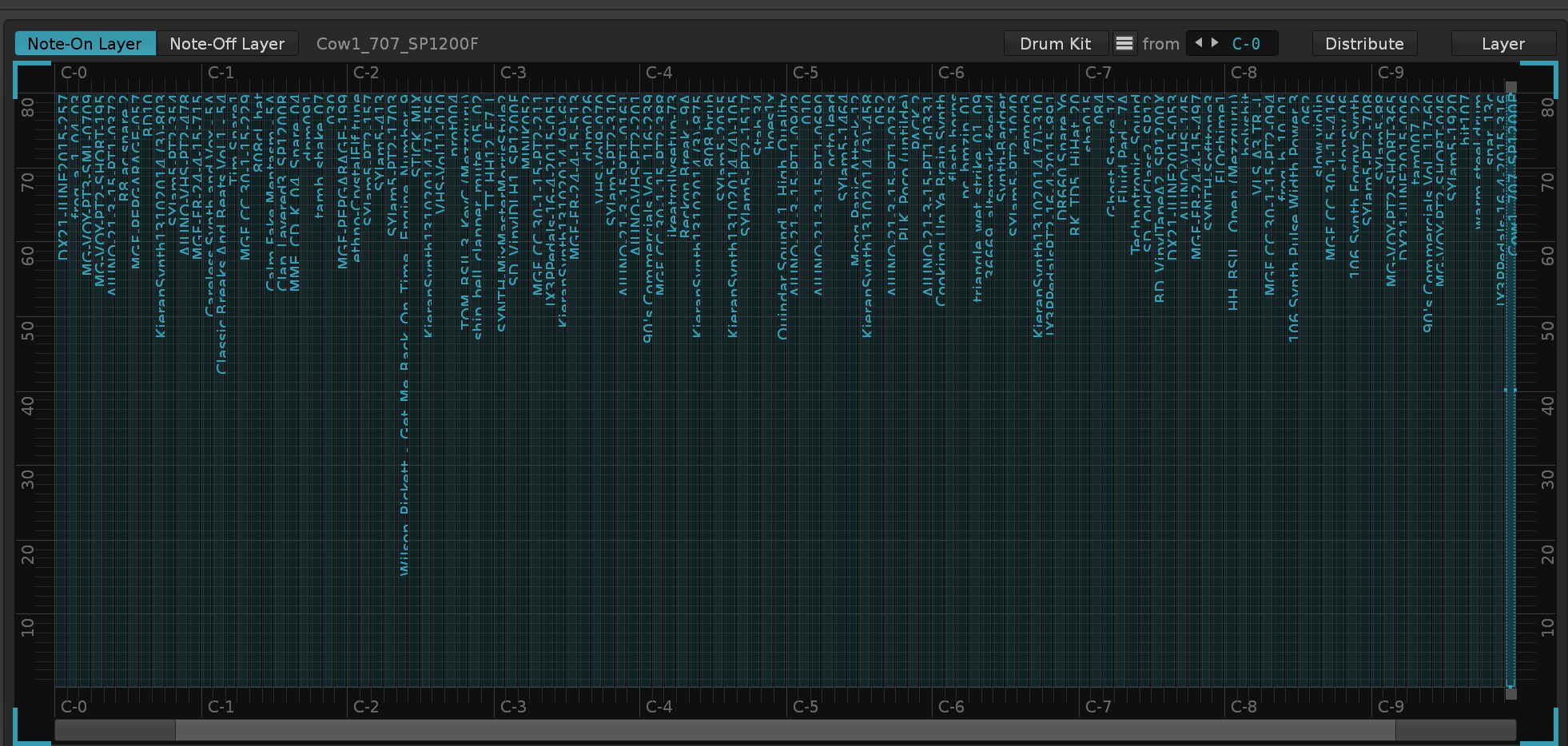
will now reliably delete the correct amount of unused samples and not wreck the sample mapping order.
Improvement: Record+Follow Toggle will now automatically detect if you're not-in Pattern Editor, and send you to Pattern Editor with Record = On and Follow = On.
Feature: Flip Device 1&2 On/Off - if Device1=On, Device2=Off, then it'll flip their active state. If both devices are on, Dev2 will be flipped Off. If both devices are off, Dev1, will be flipped On.
Improvement: Flip Gainers A/B shortcut This will simply switch Gainer A to -INF and Gainer B to 0.0dB - and if run again, it'll switch B to -INF and A to 0.0dB. So no longer will your Gainer devices hit maximum volume (too loud).
Improvement: Gainer Crossfade A/B MidiMapping now also maps between -INF and 0.0dB, instead of -INF + max.
Improvement: Fill Empty Sample Slots (Randomized Folder) now available as a shortcut too.
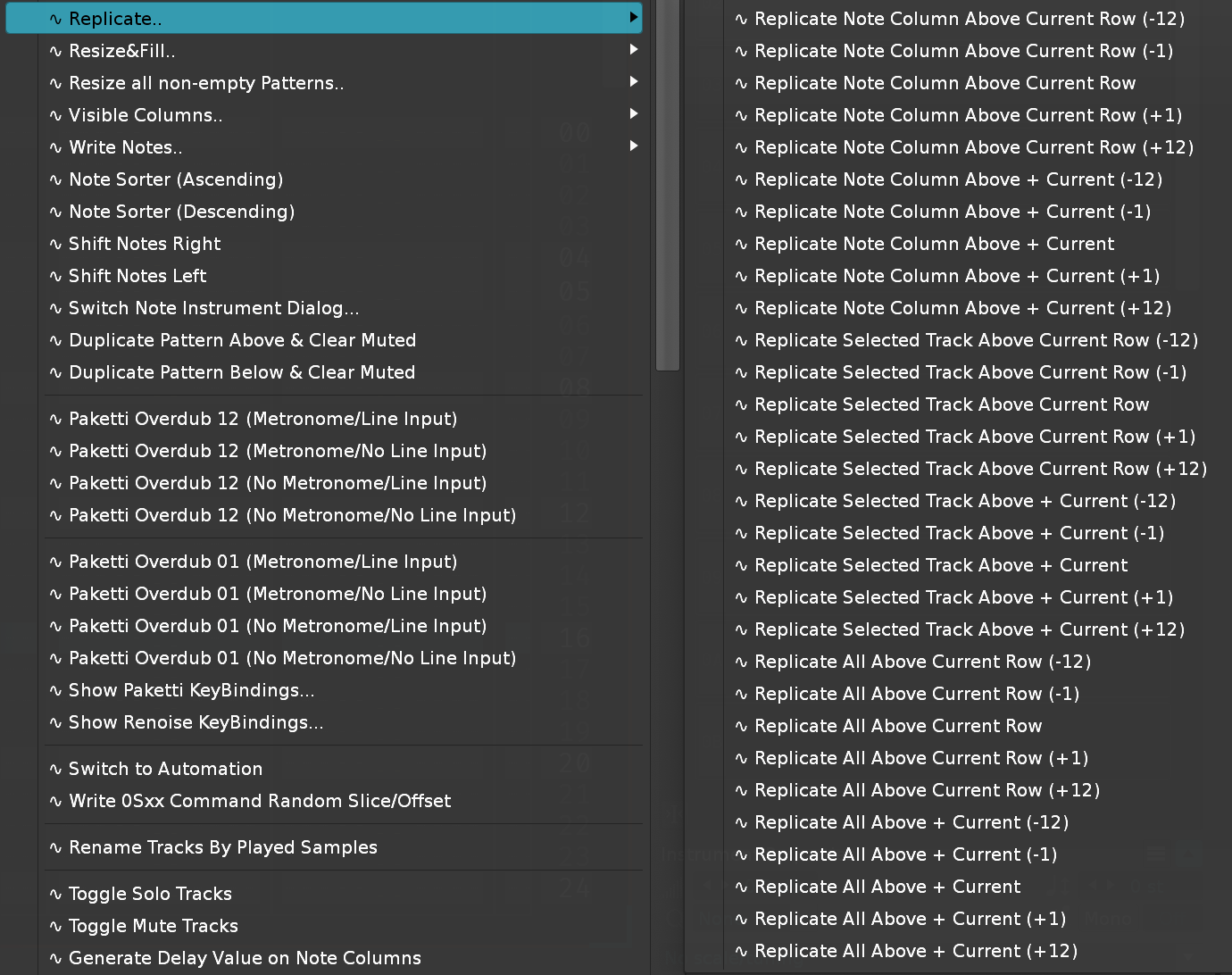
Improvement: Added "Delete Unused Samples..." to Sample Navigator + Sample Mappings.
Improvement: Organized Sample Modulation Matrix menu entries to include PitchStepper devices organized in a better way.
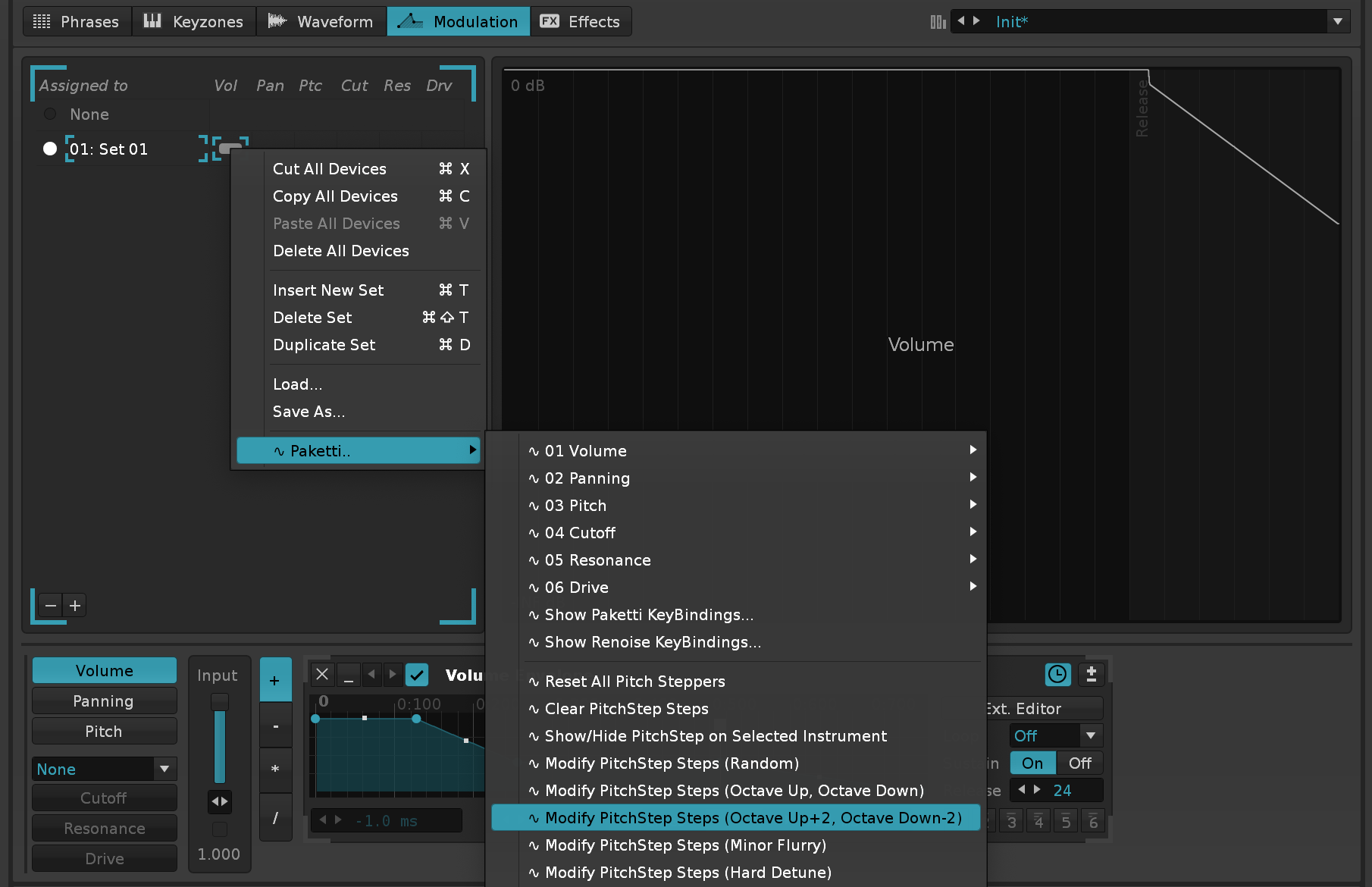
(Closes https://github.com/esaruoho/paketti/issues/670)
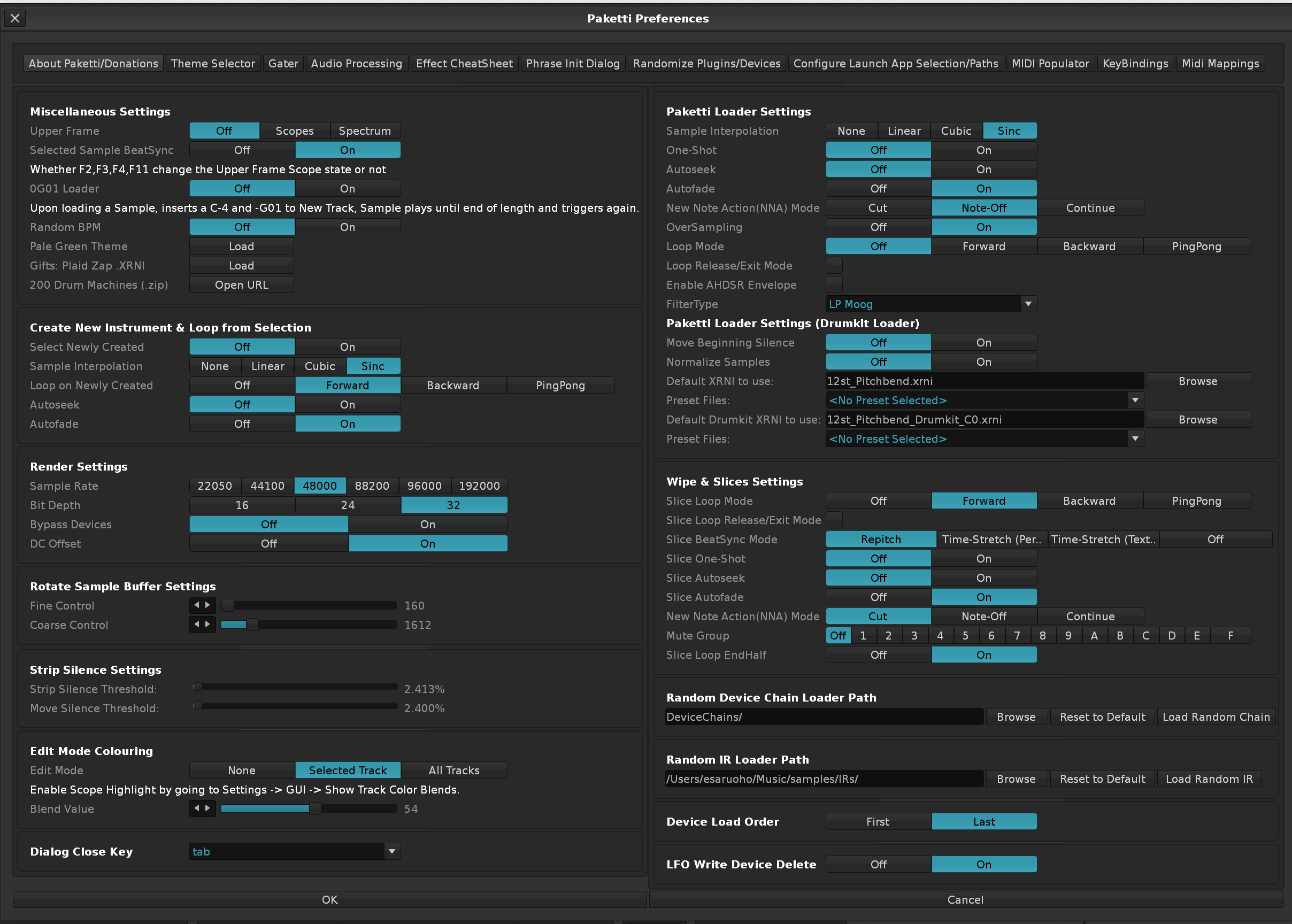
Feature: Snapshot Device Parameters to Automation
Feature: FX Column Device Parameter Automation to Automation
Improvement: Automation Format settings for FX Column + Snapshot, Lines, Points, Curves.
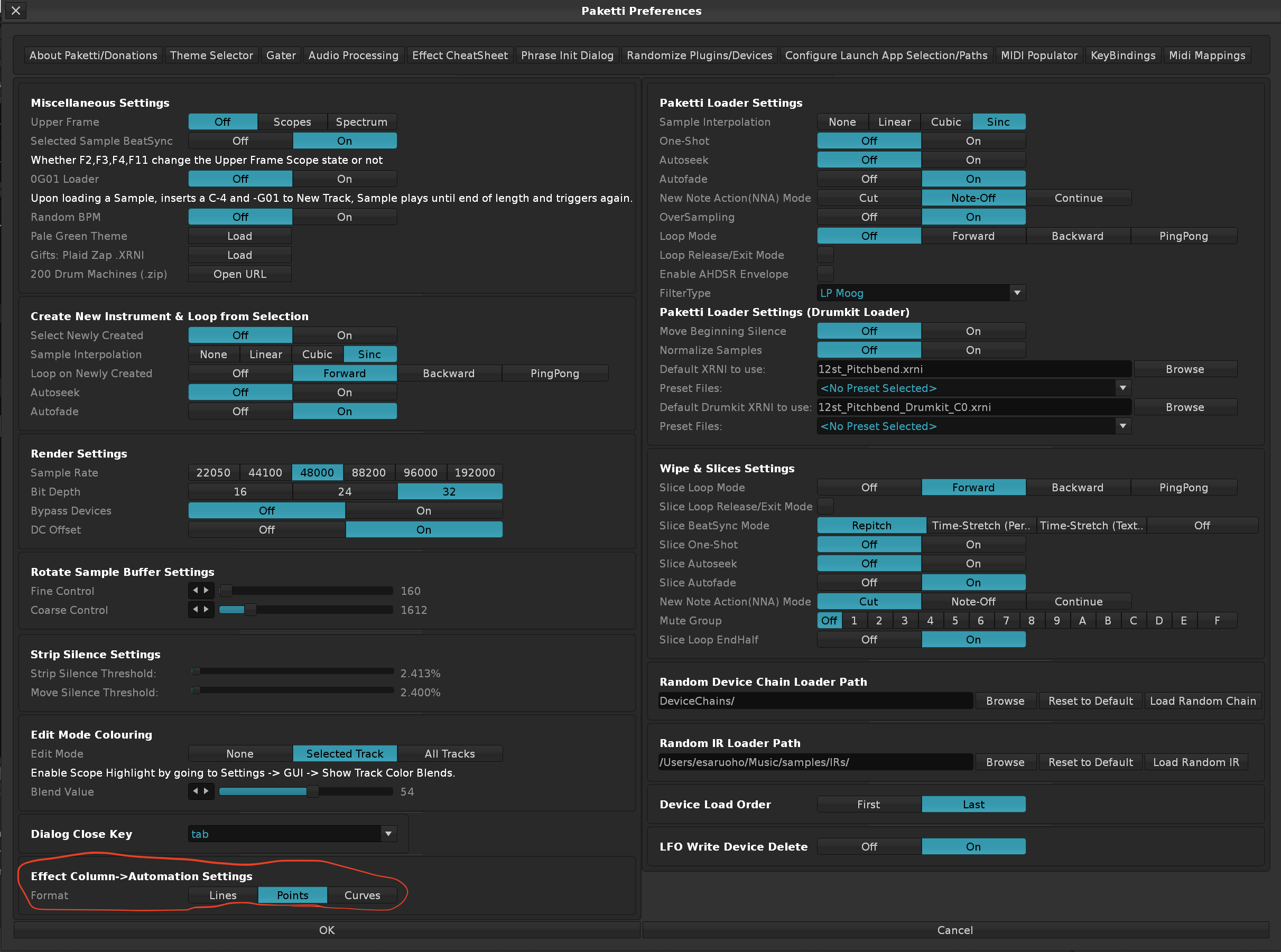 Improvement: Automation Wipe after Switch setting: Keep / Clear

Feature: Volume Interpolation Looper dialog (Closes https://github.com/esaruoho/paketti/issues/494)
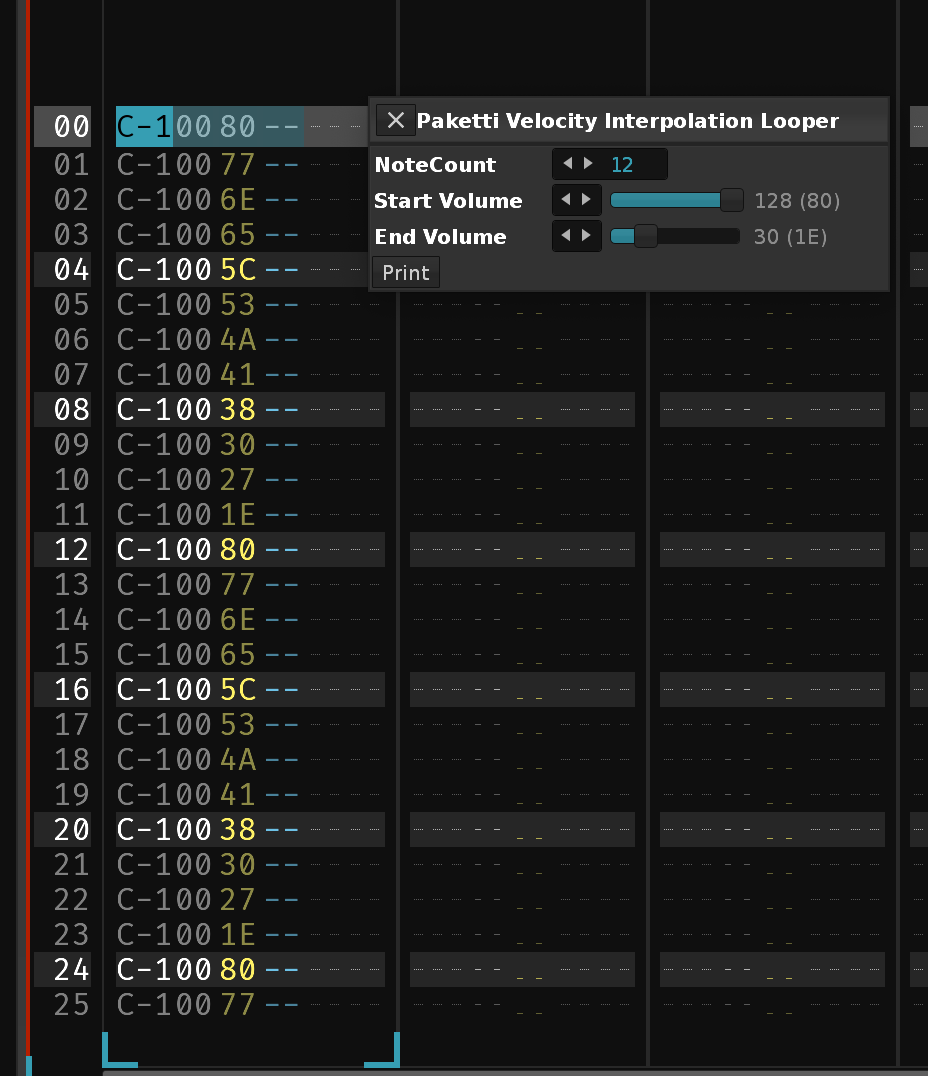
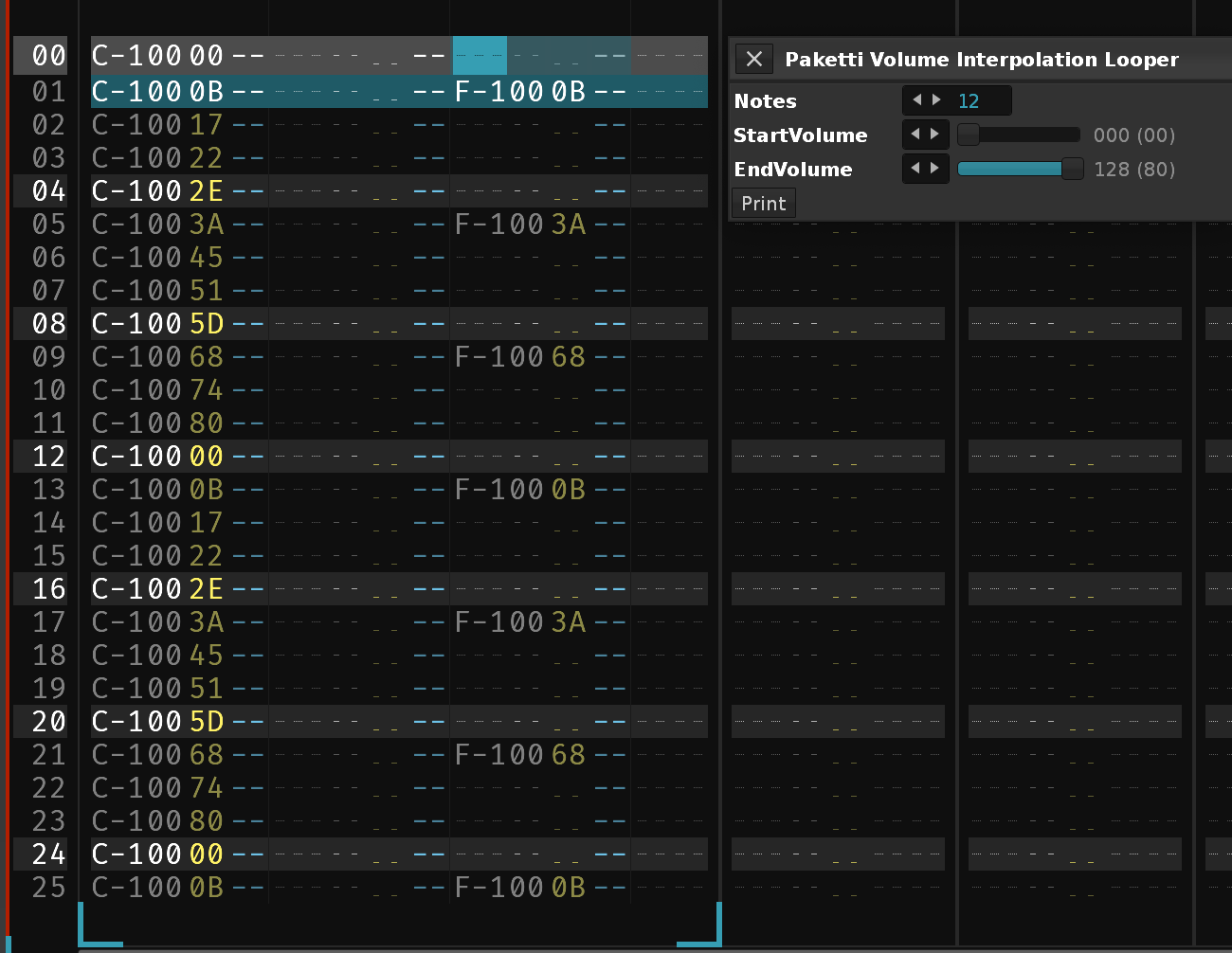
Improvement: Volume Interpolation Looper is now Value Interpolation Looper - controlling Volume, Panning and Delay.
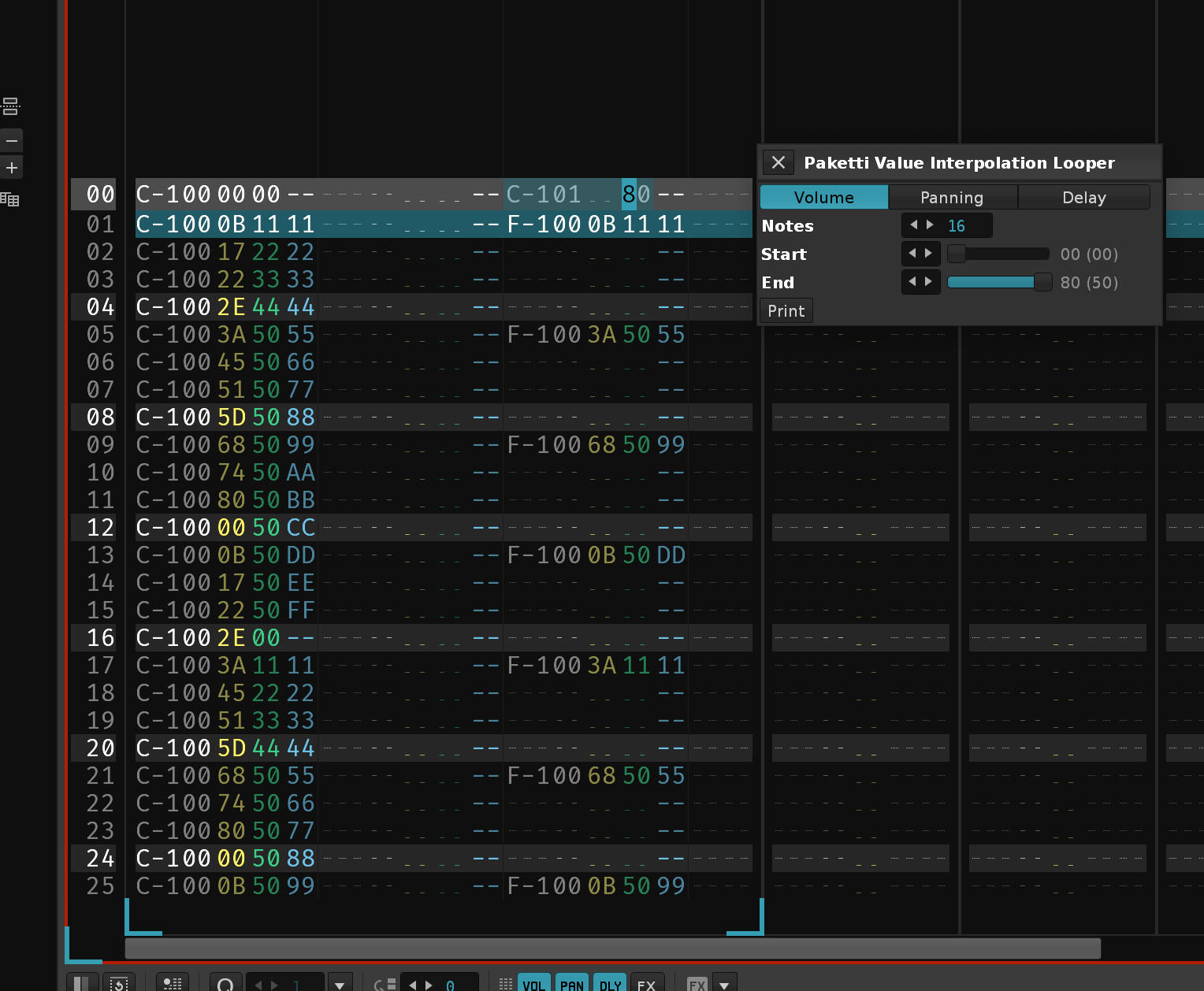
Feature: Toggle Native Devices On/Off (Shortcuts / MidiMappings) & Hold MidiMapping to Activate, Release to Deactivate for Native Devices (Starts https://github.com/esaruoho/paketti/issues/535)
Feature: Paketti Fuzzy Search Track
This lets you search for a trackname or a snippet of a trackname, and in case of singular result, it gets selected, and in case of more than one result, use cursor keys + enter to select.
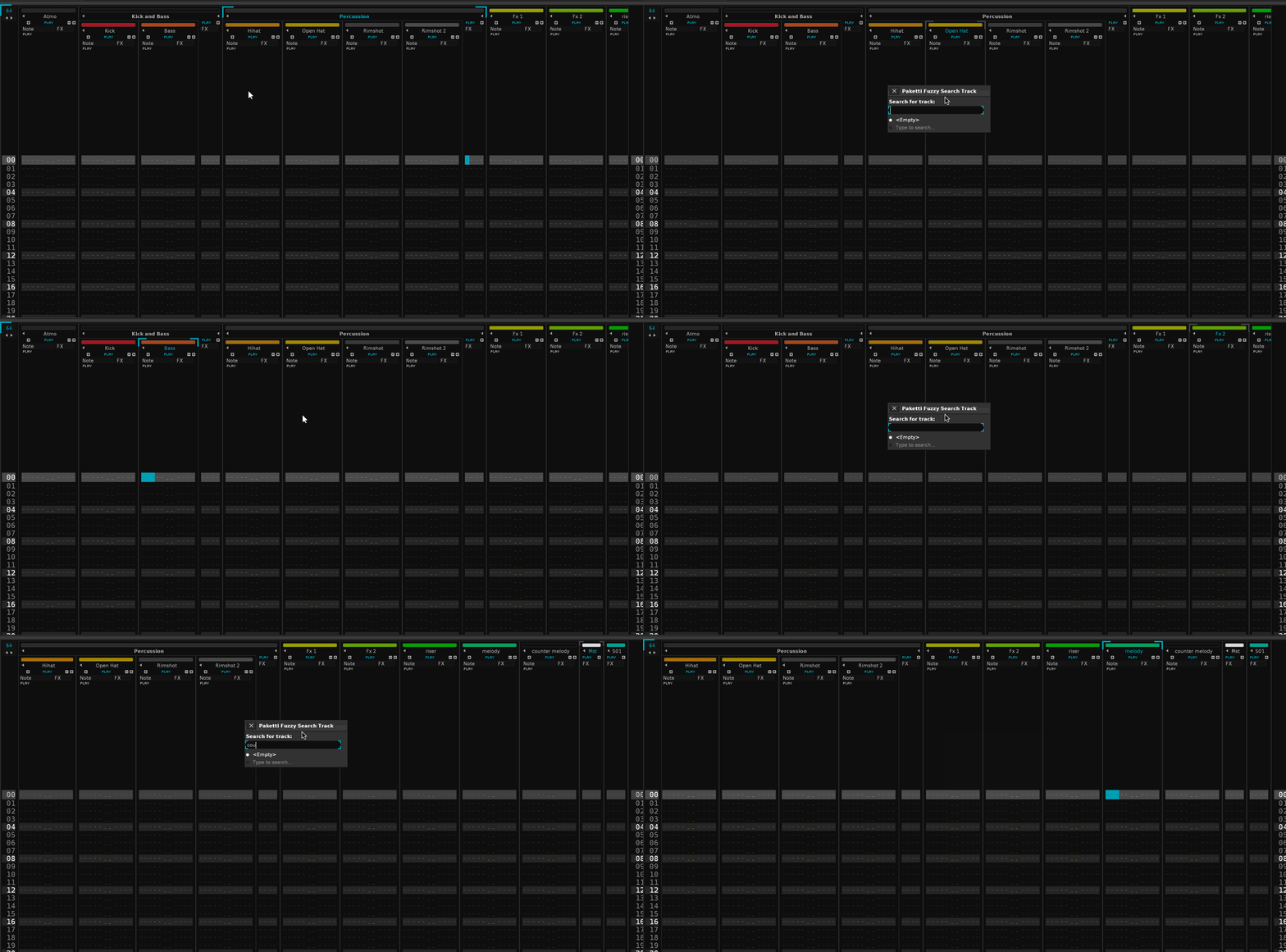
Improvement: Paketti Groovebox 8120 will now correctly initialize the correct amount of tracks (and no longer, f.ex., sends, if you're not on track1), will name them accordingly (8120_01 to 8120_02), and the tracks will be collapsed.
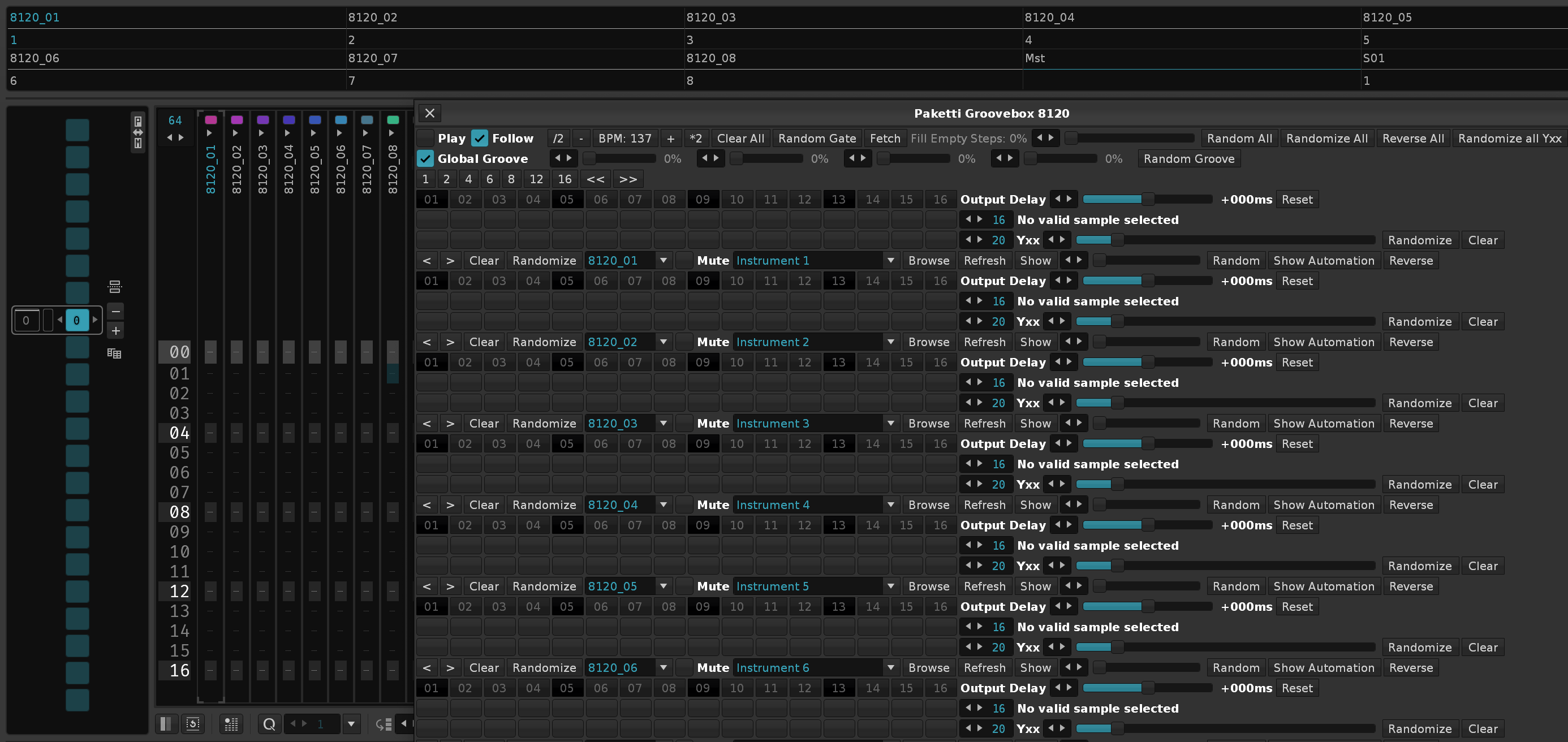
Improvement: Paketti Groovebox 8120 "Random" button will now also update the Sample Selection Slider - thus easier to continue and control. Improvement: "Fill Empty Steps" percentage will no longer resize the Dialog window. Improvement: Paketti Groovebox 8120: Output Delay, Random Fill, Probability, Sample Selection mini-arrows left and right on Sliders will now add +1 or -1, thus working as expected. Improvement: Added "RandomLoad" for each part, which will prompt the user for a folder, load 120 random samples from the folder and all it's subfolders. Improvement: Global Groove percentages are now listed with Bold & Strong font. Same for "Fill Empty Steps" Improvement: Heavily optimized Global Step Count modification so the update is much faster. Also added 24, 32, 48, 64 as buttons. Improvement: Optimized "Random Gate", "Randomize All" so they run faster. Improvement: Renamed "Show Automation" to "Automation" Improvement: Added "Macros" for taking you to Sample Editor to view Macros Improvement: StepCount maximum is now 512. So 16 steps will only be played once in a 512 row pattern. Improvement: Added 128, 192, 256, 384, 512 buttons for setting Global StepCounts Improvement: Random Gate will no longer fill the same steps for beat triggering AND probability - instead separated.
Improvement: Impulse Tracker CTRL-N Dialog will now correctly close, if triggered again while dialog is open.
Improvement: 8120: Added "Reset Output Delay" which resets all the Output Delays.
Improvement: 8120: StepCount is now stored when closing the dialog, and re-fetched when opening the dialog.
Improvement: 8120: Moved "Random All" / "Randomize All" / "Reverse All" / "Randomize all Yxx" / "Reset Output Delay" to their own separate row.
Improvement: 8120: Added some spacing between all parts, for better readability. Removed "Print to Pattern" for readability, since nobody uses it :)
Improvement: 8120: If you're already viewing an Automation Frame, opening the Groovebox no longer kicks you to 1st track and to "some other automation".
Improvement: 8120: When clicking on Automation, immediately takes you to Pitchbend automation.
Improvement: 8120: When clicking on Macros, focuses the correct instrument and correct sample.
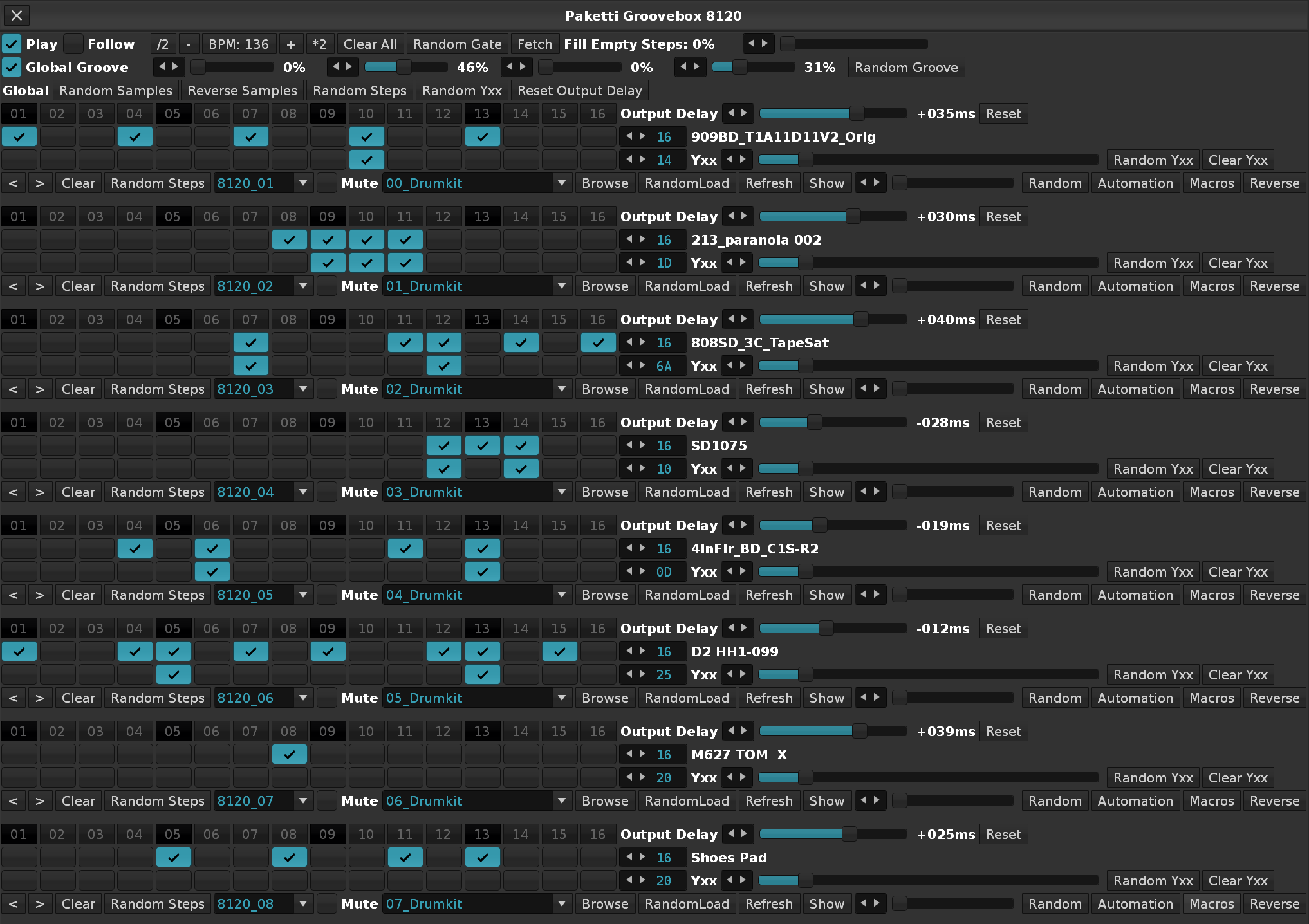
Improvement: Tweaked Valhalla VintageVerb Reverb Dry/Wet to be 30.4% instead of 47.4%.
Improvement: Moved "Show" right next to Automation & Macros, for easier discoverability.
Improvement: Merged "Show" and "Macros" to "Sample" for better discoverability.
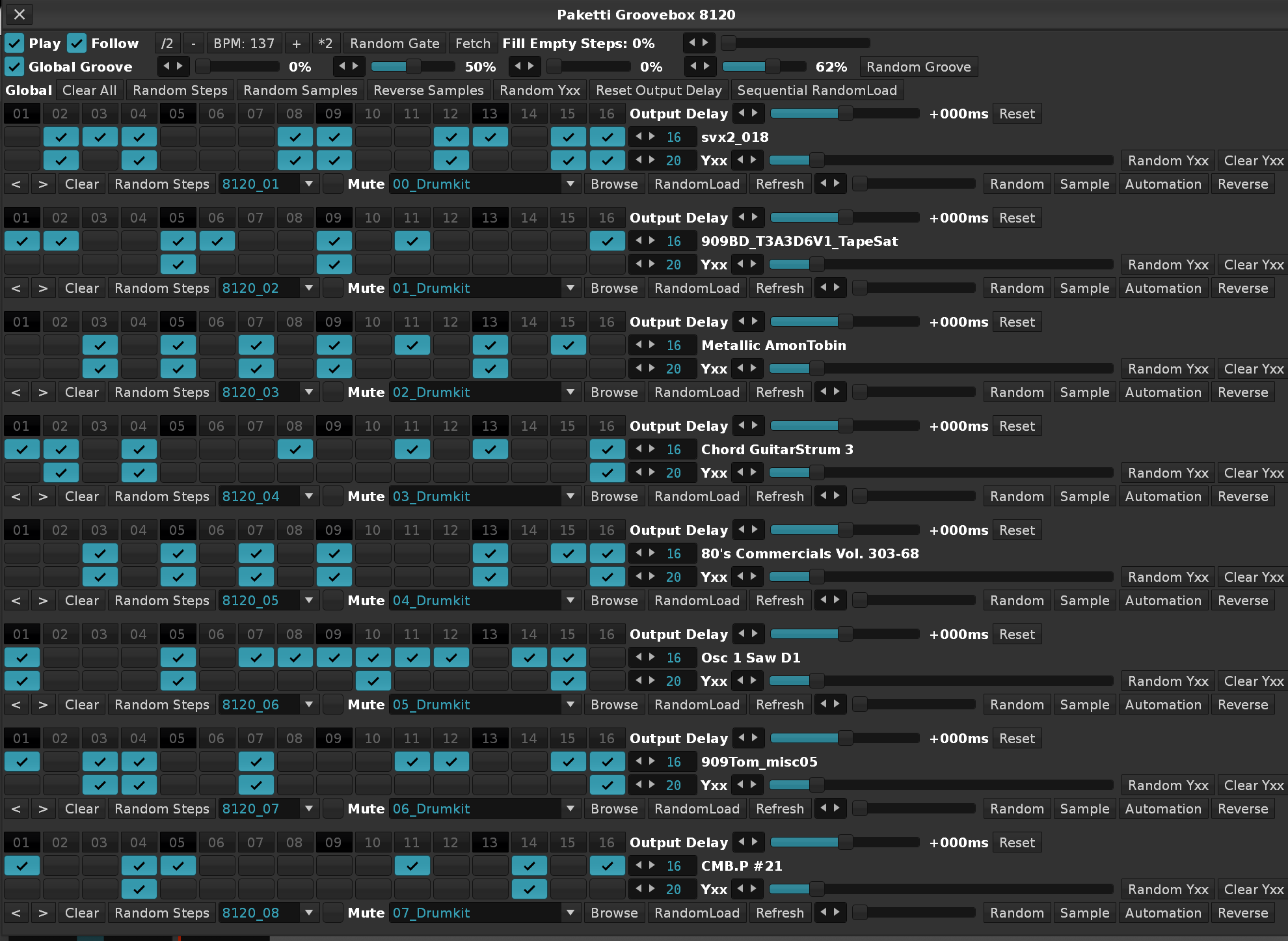
Improvement: 8120: Sequential Load will let you select max 120 samples per part, manually, instead of Randomly.
Improvement: 8120: Random & Slider for selecting sample will now select the last sample instead of only the second last.
Improvement: 8120: Sample Slider will now correctly select the 120th sample too
Improvement: 8120: Upon opening the Dialog, the Sample Slider will be correctly set to the correct sample.
Improvement: 8120: Global Groove Control Sliders will now correctly set 99% to 99% in Global Groove settings in the song, instead of 99% = 100%.
Improvement: 8120: Tweaked the interface once more - reintroduced the missing global steps controls and made sure there is no extra spacer at the end of the interface.
Improvement: Modified "Record+Follow Toggle" so that if playback is on, and follow pattern is on, pressing the shortcut will turn editmode back on.
Improvement: 8120: When clicking on Sample, the correct Track is selected.
Improvement: 8120: When changing Stepcounts, the track title is modified - and then, the titles are used to fetch the Stepcounts when opening the dialog. This saves them in the best possible way (simplest way, too)
Improvement: 8120: When changing a Sample (Slider or Valuebox), the correct Track is selected.
Improvement: Added "Set All Beatsync values for Instrument" & renamed "Set Beatsync Value for Selected Sample"
Improvement: "Random 12" will now result in an Instrument named "12 Random Samples"
Improvement: Moved certain WIP/Experimental tools under the Xperimental/Work in Progress -subfolder.
Improvement: Paketti TimeStretch "Reverse" button no longer overwrites notes, instead only flips the Sxx commands. Even at 512 rows.
Improvement: Selected Track Dev MidiMappings no longer force the Middle Frame to Pattern Editor.
Improvement: Retitled the Wipe&Slice numbers so they are 002-256 instead of 2-256. You will need to re-bind your keybinds.
Improvement: Fixed Track Dater & Titler to correctly open from Dialog.
Improvement: Added Doofer to Selected Track Dev MidiMappings.
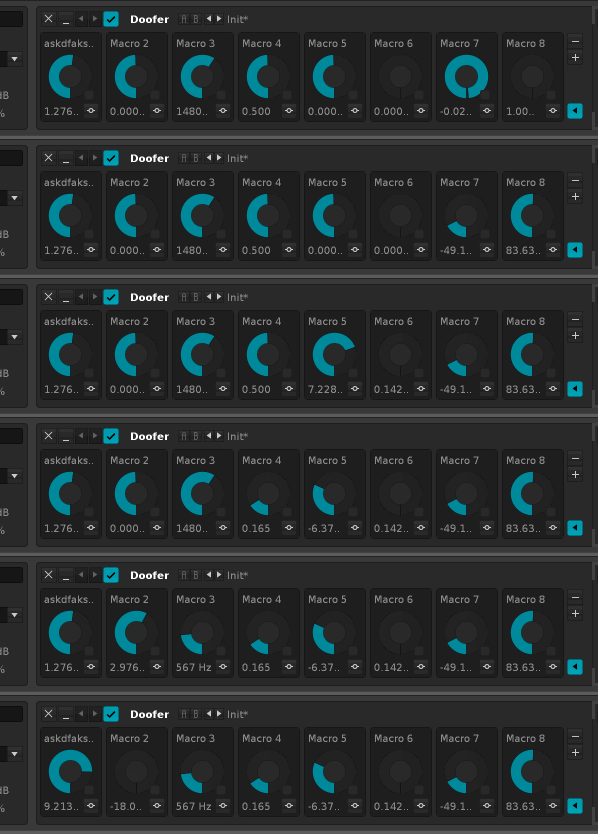
Improvement: EQ10 and Mixer EQ are now automatically set to -9dB to 9dB visualization.
Improvement: Menu Entries for Transpose Shift -12 to +12 for All Instruments or Current Instrument are now better organized for easier discoverability:
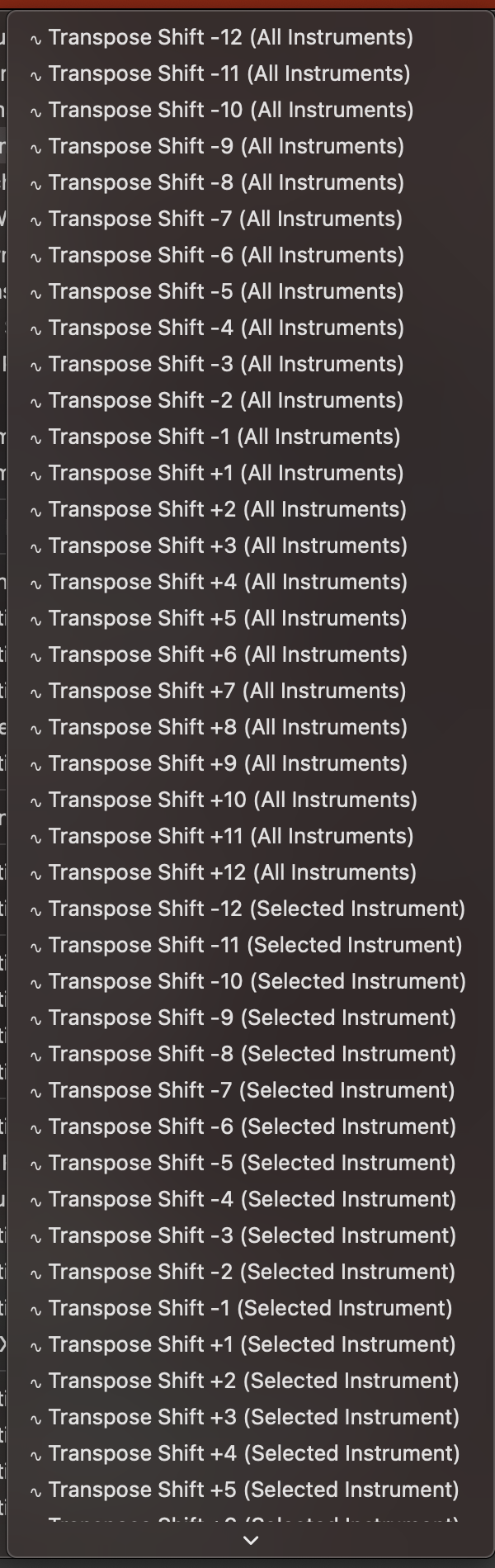
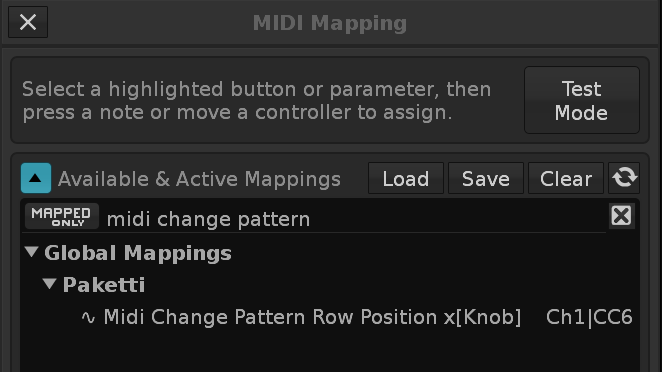
Improvement: Paketti Gater will now resume Lxx volume of Selected Track to "Regular volume" if you switch from L00 to C00.
Improvement: Combined BPM&LPB related content into a BPM&LPB subfolder in Pattern Editor and Main Menu Paketti.
Improvement: Added "Toggle Automatically Open Selected Track Device Editors ON/OFF" to Mixer, Pattern Matrix and better discoverability on Main Menu.
Improvement: Removed shortcuts + menu entries for "24st Pitchbend" to "96st Pitchbend" Default XRNI Instruments since they no longer worked (the .xrni files have been renamed).
Improvement: Paketti Stacker will now correctly and accurately print a 128 part sample into 128 rows. (Slice at 128). Improvement: Paketti Stacker will no longer error out if trying to print 128 rows into a 64 row pattern. Improvement: The RampUp / RampDown / RampRandom will write to selected Note Column, or the first Note Column if you're on an Effect Column. Improvement: When running the Stack Slices, the Instr Macro device will be removed and re-added so it will control the current Slices.
Improvement: 8120: Fixed an issue with 512 row pattern and automation finding.
Improvement: Normalize Selected Sample or Slice - if there's a selection, then normalize that, if no selection, then selected sample or slice.
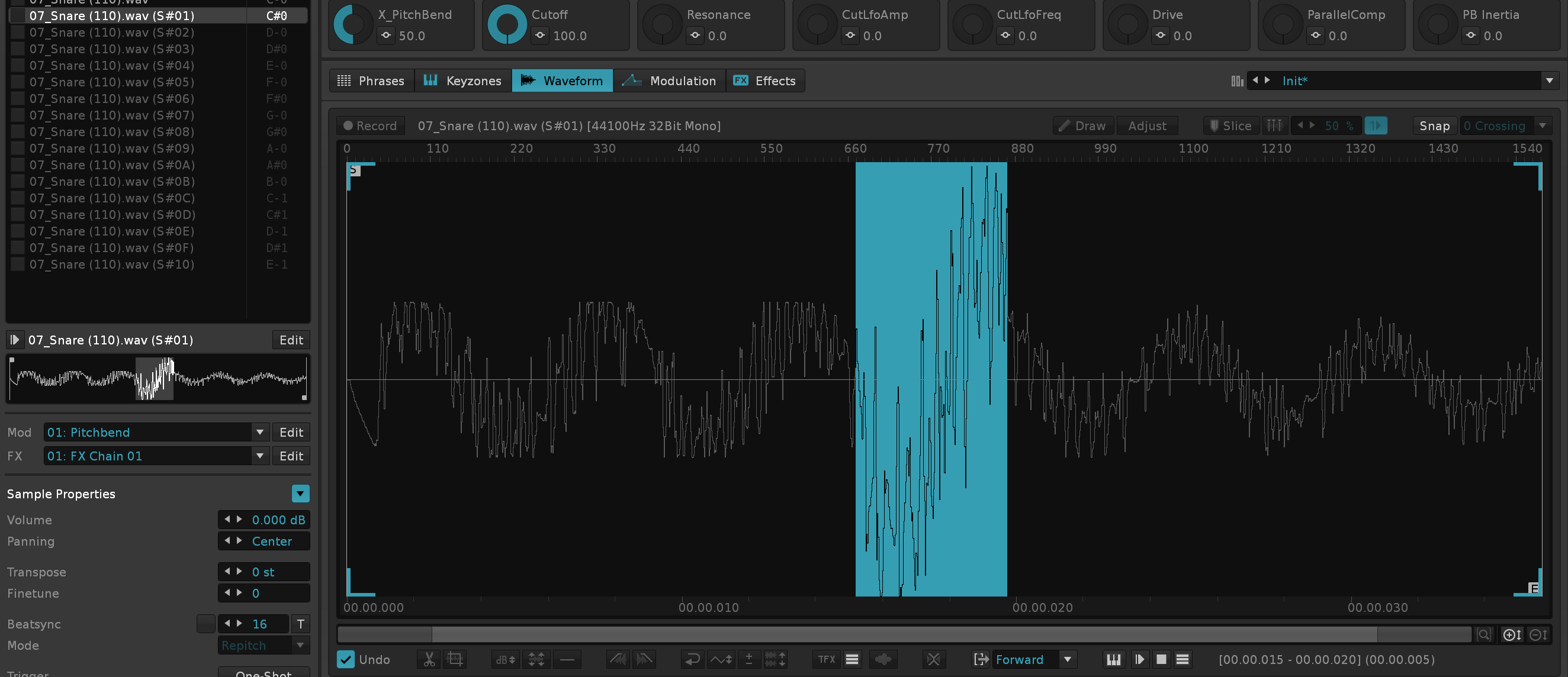
Improvement: Edited the manual page somewhat and updated the Table of Content hierarchy to work again - which meant renaming some of the titles heavily. Also removed outdated information.
Improvement: Reverse Selected Sample or Slice or Selection in Sample or Slice now works.
Feature: Paketti REX Import NOTE: this is .REX not .RX2 This rewrites, from scratch, the REX Import tool originally available for Renoise V2.8 only, which has been abandoned for the past 14 years or so, and adds additional features.
*Instr. Macros device will have the instrument slot number in hex and the name of the imported REX file. so 1F 507_COOK.REX will be the name.Improvement: Paketti Loader Preferences now has a "Skip Automation Device", if you set it to On, the *Instr. Macros device will not be added for Paketti PitchBend DrumKit Loader, Multiple Sample Loader, Render, etc.
Improvement: Always Open Selected Track TrackDSPs added as a Paketti Preference - if you set it on, and go to the next track, it's Track DSP External Editors will be opened. Next track? Close previous Track DSPs, open current track TrackDSPs.
Improvement: Wipe Exploded Track -> If exploding a track, the original track content is wiped. Or kept, depending on the Paketti Preference. Improvement: Wipe Exploded Track -> if exploding a track with multiple same-notes on the same row but different note columns, correctly add note columns to newly created same-note track. Improvement: Wipe Exploded Track -> Edit Mode Color Blend will be off during track creation, and then set back on, if originally on.
Improvement: Load Random (12) & (4) will now also input an Instrument name instead of leaving it empty.

Feature: .PTI Import (PolyEnd Tracker Instrument). Much like the .REX Import, this will also:
*Instr. Macros device will have the instrument slot number in hex and the name of the imported PTI file. so 1F test.pti will be the name.Improvement: .PTI Import will now, based on two examples of sliced instruments, work with both examples.
Improvement: .PTI Import now successfully and correctly sets Forward, Reverse or PingPong Loop and uses the correct Start and End points. Improvement: .PTI Import now recognizes if there's 50% audio and 50% silence - then trims the sample and rescales the slices. This fixes PTIBreaks loading. Improvement: .PTI Wavetable support (detects window, position, reads position markers and adjusts loop to that, and trims the beginning of the sample until the start of the loop. Improvement: .PTI Wavetable Support now trims the end of the sample to the end of the loop. And creates Position Count amount of sample slots at 00-7F for the selected position, and 00-00 velocity for the rest of them. You can then cycle through them using the Random 7F or +/- 7F shortcuts.
Improvement: Added "Show Sample Selection" as a setting in Paketti Preferences - meaning that if you set it to On, then Sample Editor will show you the details of the selection automatically without having to toggle it on continually.
Improvement: .PTI Wavetable detection will now also print the full sample as sample slot 1, thus allowing for accessing the full waveform instead of only the window size chunks.
Improvement: Paketti Stretch Step Size Slider is now between 1-64, instead of a limited table.
Improvement: Paketti Stretch 512 pattern size checkbox will now, when unchecked, resize pattern back to 256 rows.
Improvement: Paketti Stretch Fill All checkbox will now fill each row with the same Sample Offset as the Step Size count has.
Improvement: "Enable Envelopes" / "Scale" / "Release" checkboxes + sliders now find the Volume AHDSR device dynamically (it was hardcoded previously).
Improvement: When Pakettifying an instrument, the selected view (Pattern Editor, Sample Editor, Modulation Mappings) will be retained insted of transported to a different middle frame.
Improvement: When opening the dialog on a pre-populated track, the note does not get destructively re-rendered as C-4.
Improvement: When there are multiple different notes in the track, then enable "Record notes below cursor" automatically.
Improvement: When there are multiple different notes in the track, and user clicks on Fill All, the previous notes are used.
Improvement: Toggling Fill All off should now clear the notes that have been added between Step Sizes.
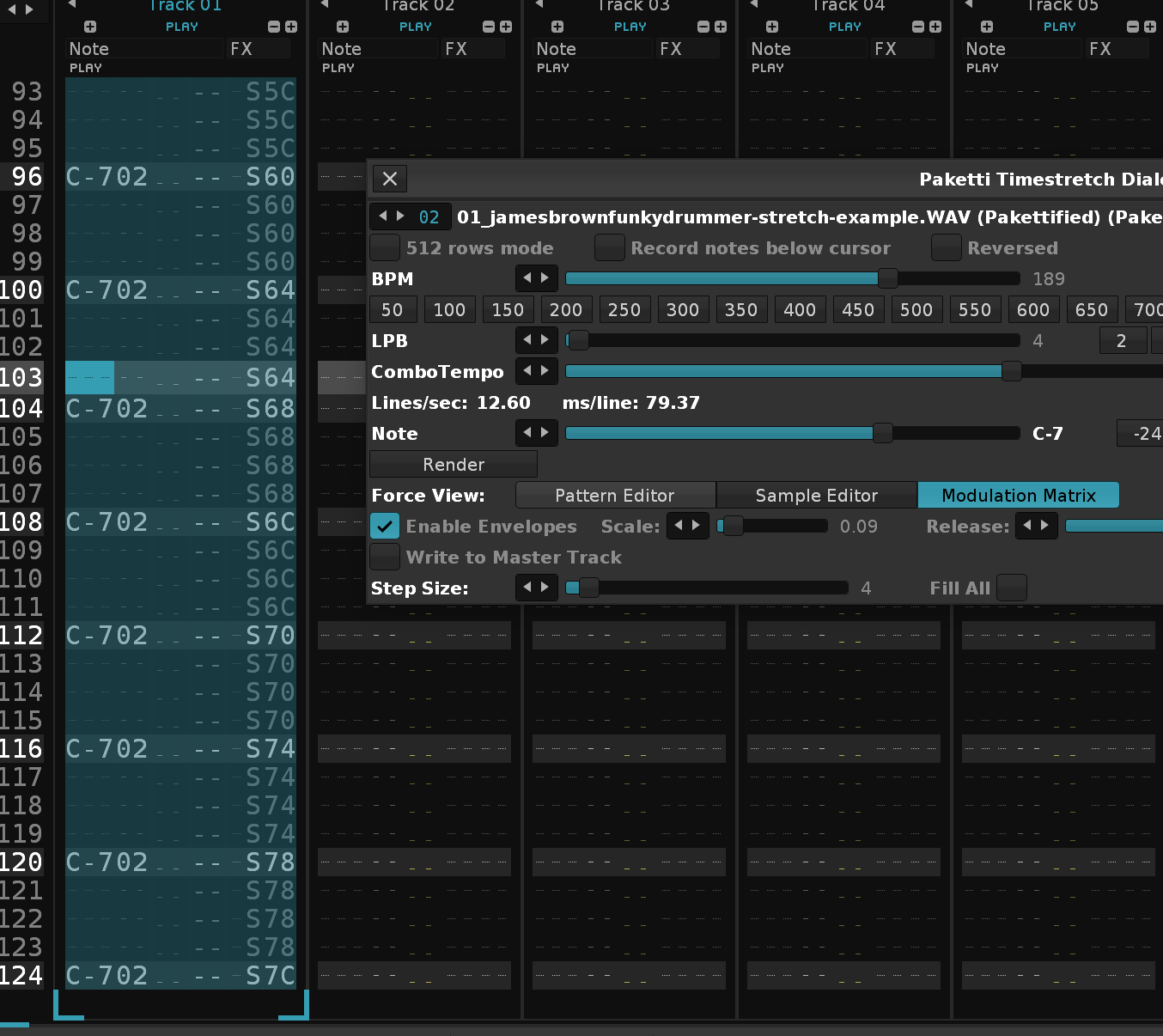
Improvement: Duplicate and Reverse Instrument will no longer attempt to duplicate and reverse an instrument with no sample. And "Placeholder sample" is cleanly removed.
Feature: Added taktik's Process Slicer script so that large tasks that make the script time out, can be split.
Improvement: Paketti TimeStretch Dialog will now open and close with the same shortcut, instead of spawning endless amounts of copies.
Improvement: Select Specific Track 01-16 will now select the nearest instrument if in Sample Editor - allowing for easily jumping across playing samples across tracks.
Improvement: Paketti MIDI Populator will not error out if you select no MIDI Input Device.
Improvement: Paketti MIDI Populator Instrument naming changed, so:
TR01 InputDeviceName:InputChannel> (PluginName) >OutputDeviceName:OutputChannel
Improvement: Paketti 8120 Groovebox will now do Sequential RandomLoad using the taktik Process Slicer - meaning you can pick 8 folders, then watch the dialog update and load all 960 samples without "Script becoming unresponsive" and requiring you to press "No" to not stop but to continue.
Improvement: Capture Nearest Instrument & Octave with Jump to Sample Editor -> will now also accept and find the sample with 00-7F velocity.
Improvement: Delete Unused Samples will now correctly delete any samples with velocity at 00 - meaning, they never trigger. So just wipe them. Improvement: taktik Process Slicer applied to Delete Unused Samples so that the process will finish deleting without requiring you to click "No, please don't stop the Script".
Paketti Groovebox 8120 tweaks:
Improvement: When clicking on a step, select the track, but don't move to Pattern Editor.
Improvement: When changing StepCount, select the track.
Improvement: When clicking on Automation, the notes are automatically added to the PitchBend Automation Envelope, for easier visibility.
Improvement: Clicking on Clear, Random Steps, and multiple other buttons will no longer force you to the Pattern Editor.
Improvement: If you're in the Sample Editor and click on a checkbox to enter a step trigger for another instrument and it's sample, get transported directly to that sample.
Improvement: The 1-16 buttons above each part's stepsequencers can now be used to set the StepCount for that part.
Improvement: Pitch knob added (-36 to +36) to the left of each part
Improvement: The Polyend Tracker Instrument .PTI format will now correctly import a Stereo sample, too.
Improvement: 8120: Clicking on a Yxx probability checkbox while in Sample Editor will also display the selected track, instrument and sample.
Improvement: 8120: Mute button moved to be below the Pitch knob
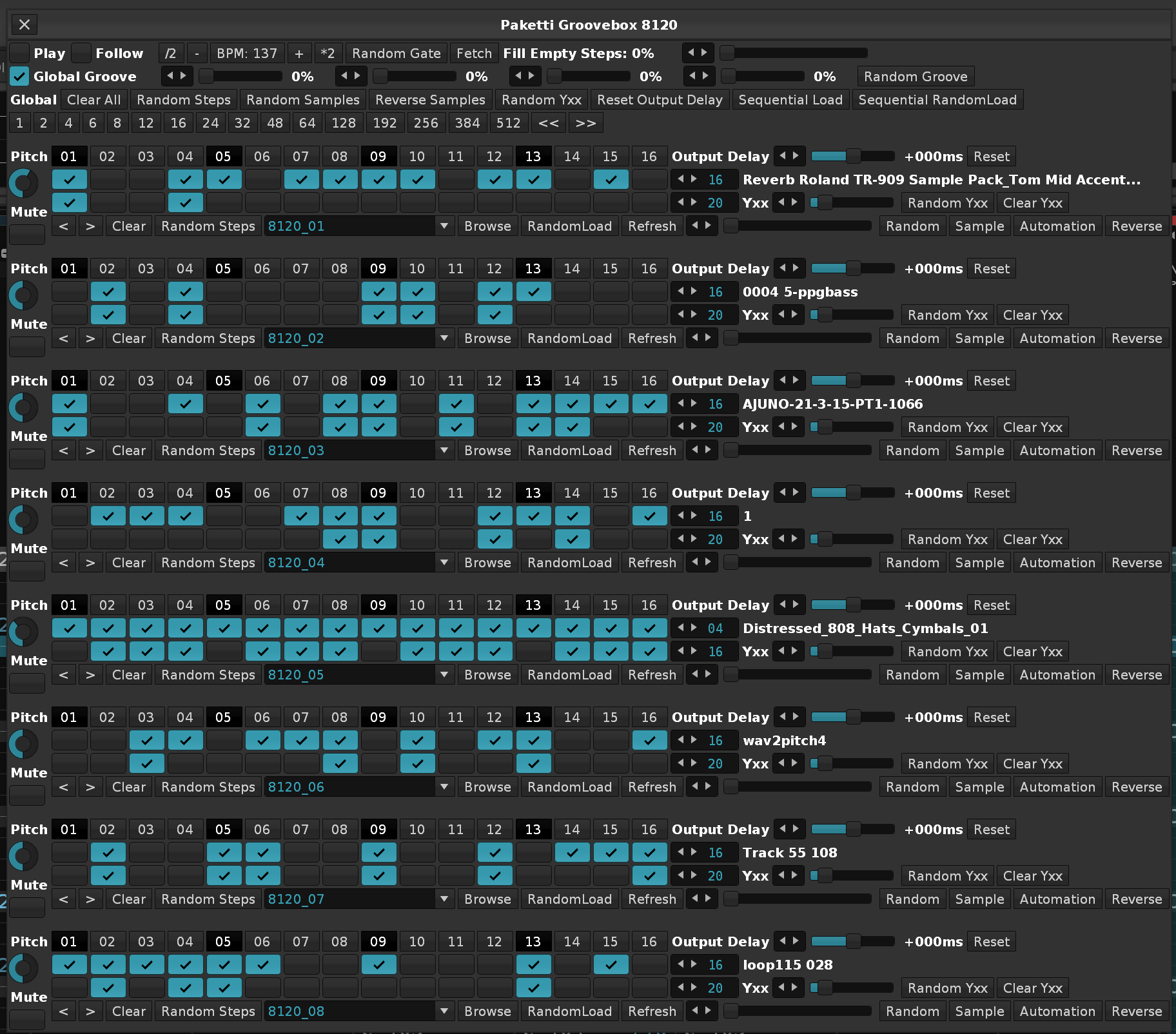
Improvement: 8120: If clicking on "Random Samples" while only having 1 instrument slot, gracefully error out with a message to the user.
Improvement: Added "Reverse Selected Sample or Slice" to Sample Keyzones Improvement: Added "Delete Unused Samples" to Sample Keyzones
Improvement: 8120: Pressing Random Steps no longer forcibly takes you to Pattern Editor.
Feature: Very rudimentary + Alpha state .SF2 import. Please send feedback.
Improvement: The shortcut for Select Nearest Instrument & Octave will now (again) correctly create a Phrase if you're in the Phrase Editor and have no Phrase.
Improvement: Extract Bassline to New Track will now correctly create a new track instead of overwriting "the next track" Improvement: Extract Highest notes to New Track will now correctly create a new track instead of overwriting "the next track"
Feature: Extract Bassline to New Track with Duplicated Instrument Feature: Extract Bassline to New Track with Selected Instrument Feature: Extract Highest Notes to New Track with Duplicated Instrument Feature: Extract Highest Notes to New Track with Selected Instrument (Closes https://github.com/esaruoho/paketti/issues/856)
Improvement: eSpeak will no longer error out if path to it has spaces in it (looking at you, Windows) (Closes https://github.com/esaruoho/paketti/issues/825)
*XY Pad X-axis Y-Axis "Find device, set parameter" Midi MappingImprovement: *XY Pad X-Axis Y-Axis Selected Device Midi Mapping
Improvement: Normalize all Slices Individually uses Process Slicing.
Feature: Change Selected Sample Device Chain (Direct & Scaled)
These are both Absolute and Relative (0..127 or -63 +63/incremental). These will let you change the Sample FX Chain of the selected sample or the whole instrument.
Improvement: Midi Mappings for Change Selected Sample Volume and Delay Column (DEPRECATED) x[Slider] now respond to both absolute + relative values.
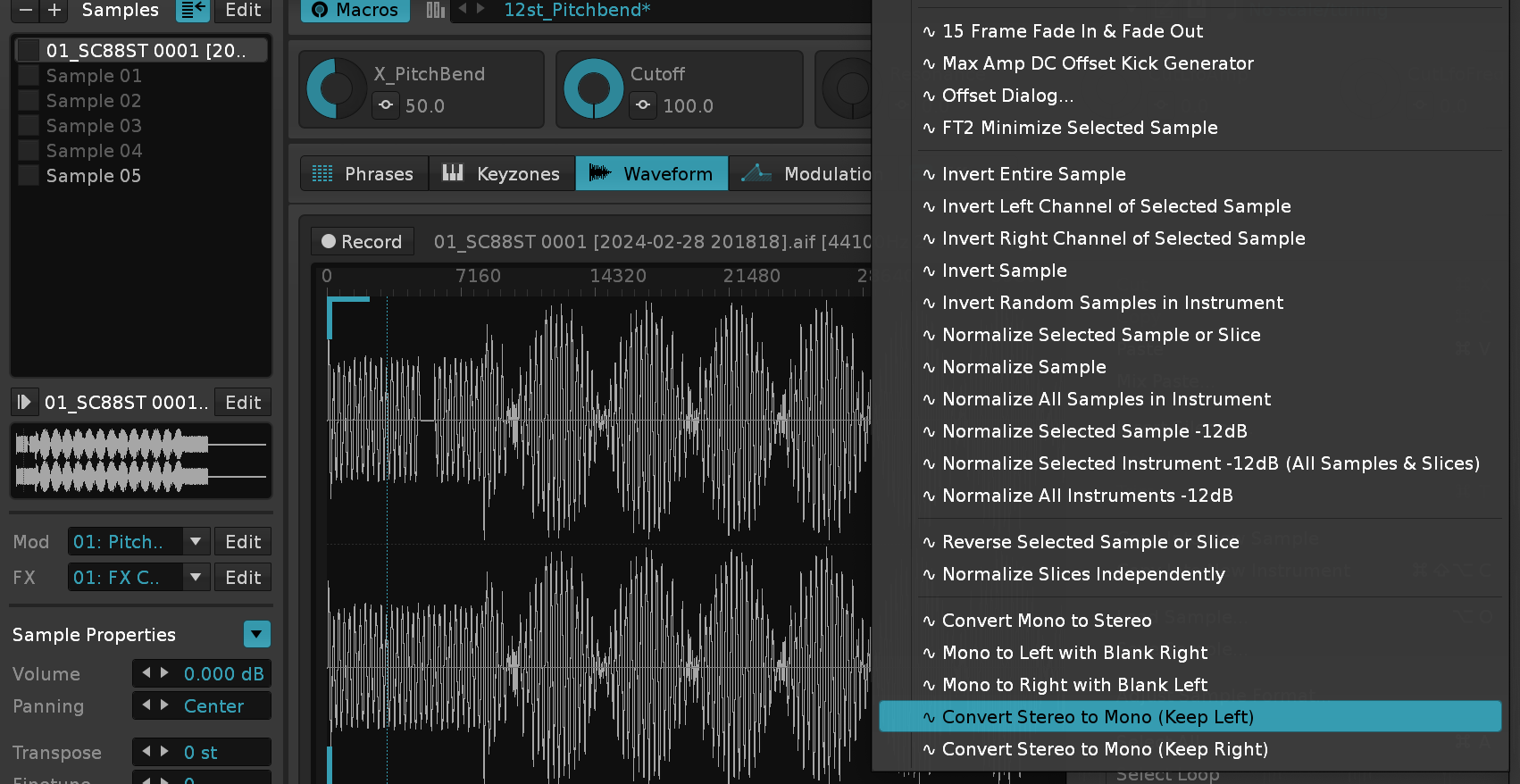
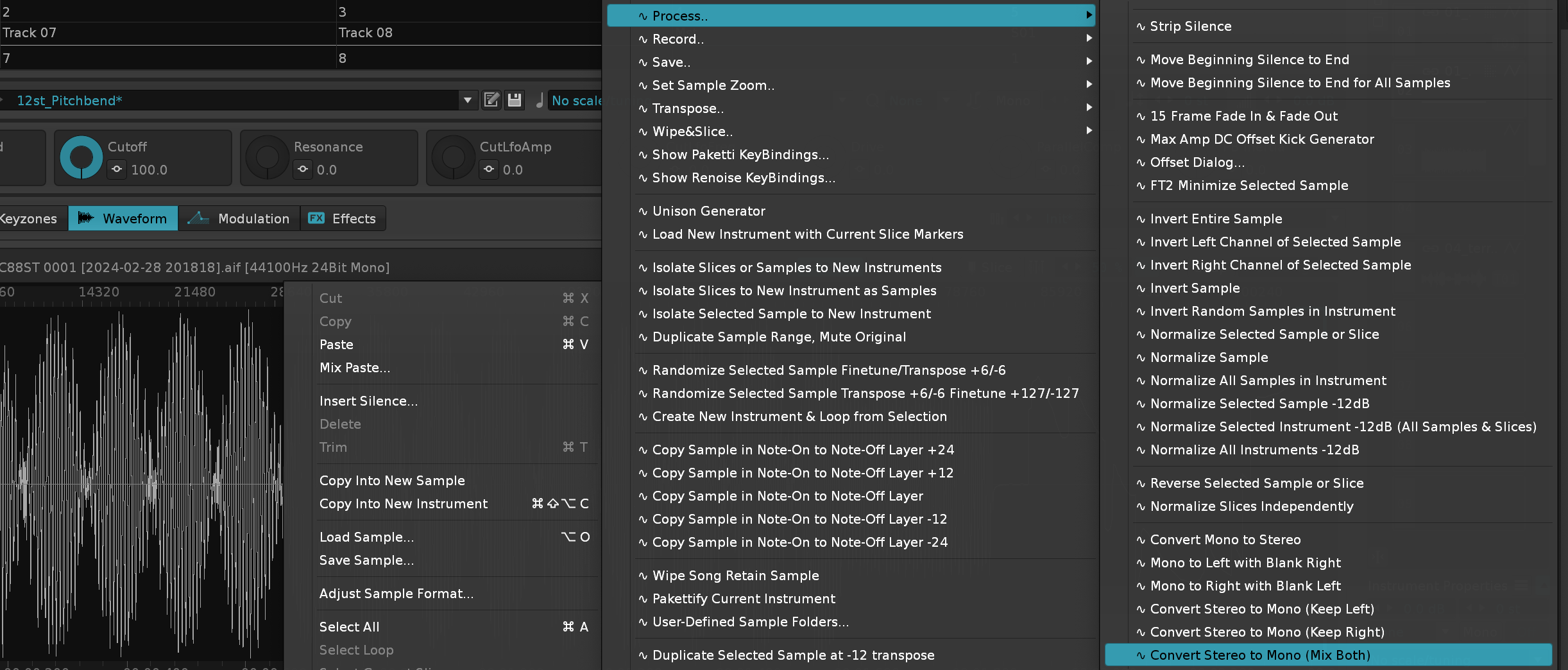
This will let you drag in a .RX2 format file into Windows or macOS Renoise. Linux is not supported due to ReCycle SDK not being available for Linux, yet (I have requested it). Unfortunately the addition of rex2decoder_mac, rex2decoder_win.exe, REX Shared Library.bundle, REX Shared Library.dll, REX Shared Library.lib adds a total of 16.5mb to the size of the tool, meaning that I can no longer ship to the Renoise Tool forum due to it's size limitations. There are certain .RX2 files that still refuse to render, possibly due to volume issues in the .RX2 settings, but please get in touch if you have a .RX2 that should work but doesn't, mail it to me via Discord or send via wetransfer to my email. Thanks!
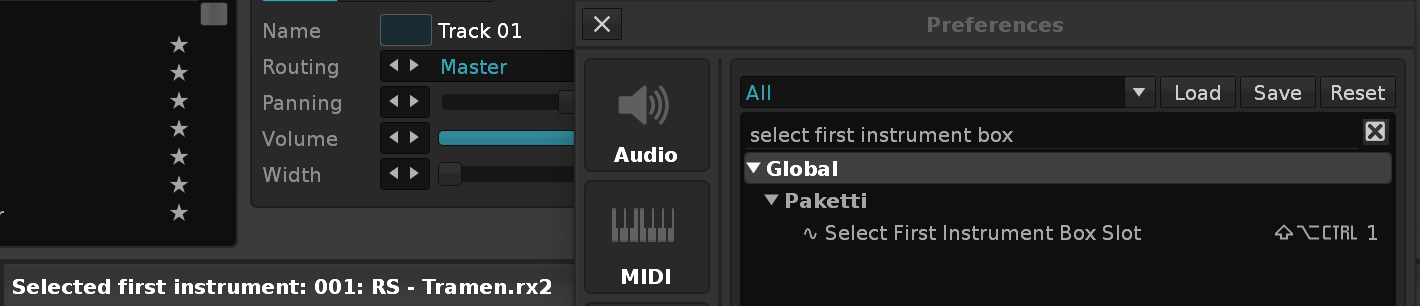
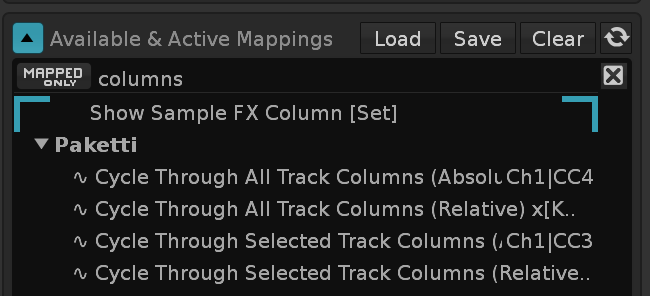
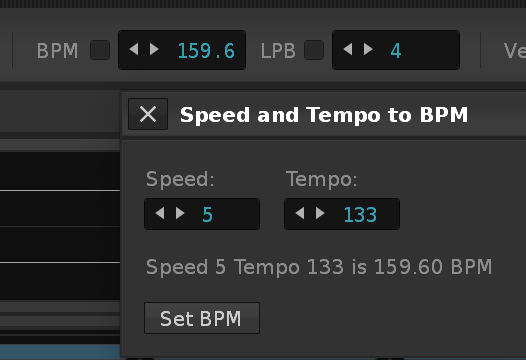
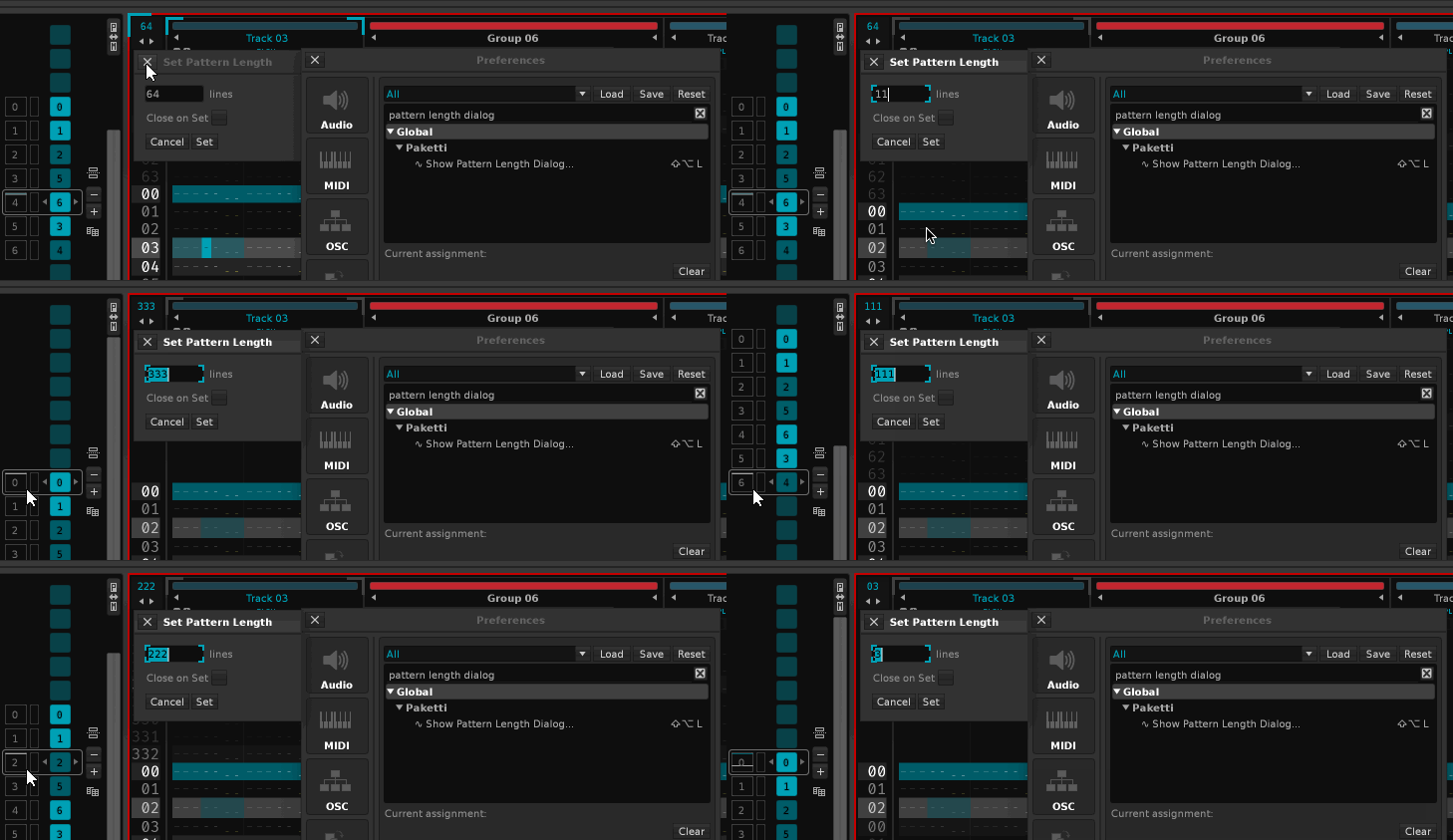
Feature: Decrease current Pattern length by -8 (Shortcut)
Feature: Increase current Pattern length by +LPB (Shortcut)
Feature: Decrease current Pattern length by -LPB (Shortcut)
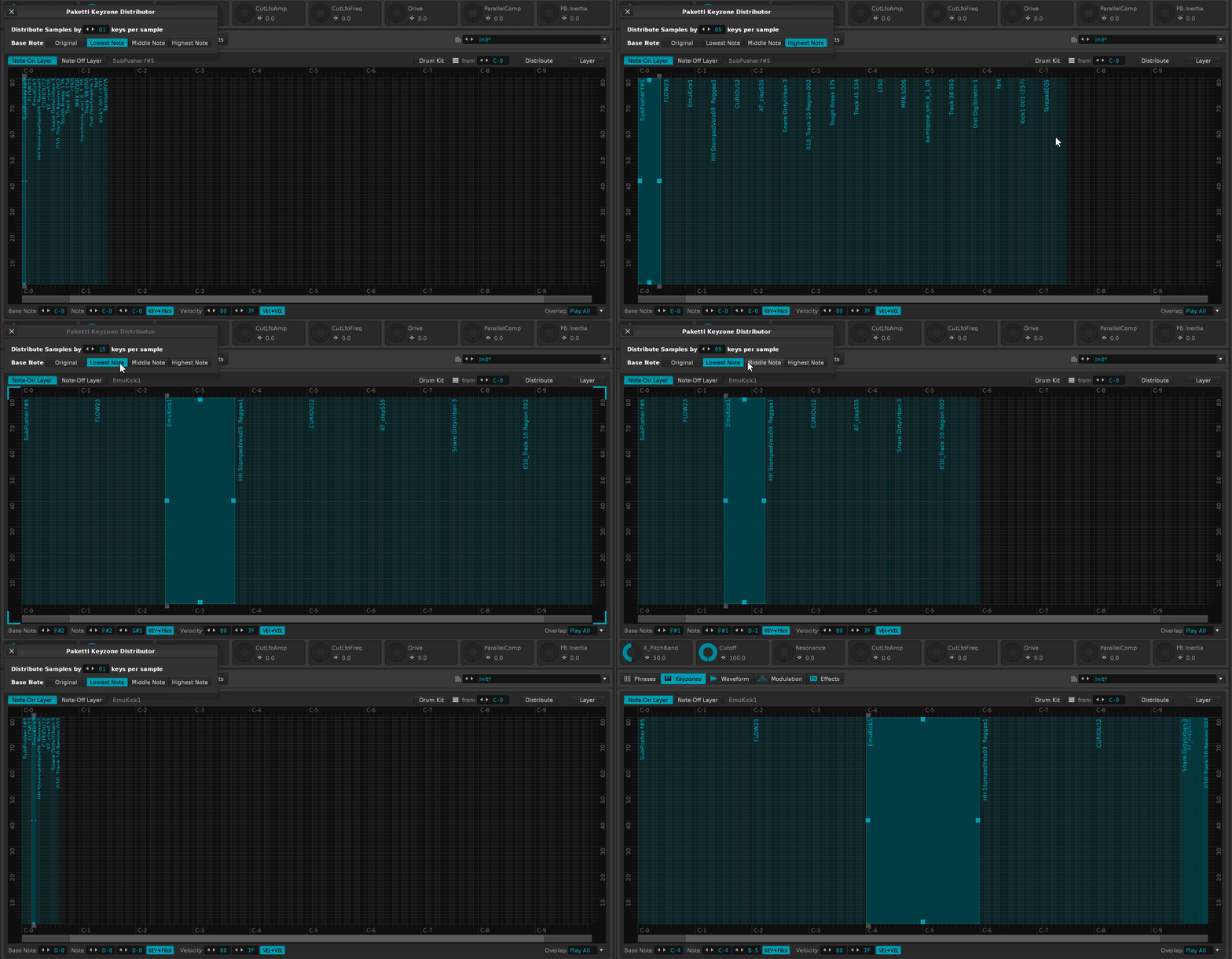

This will set a selection loop for each of the samples, or each of the slices, in the selected instrument, by 10, 20, 40 or 80 (or any user-input number.)
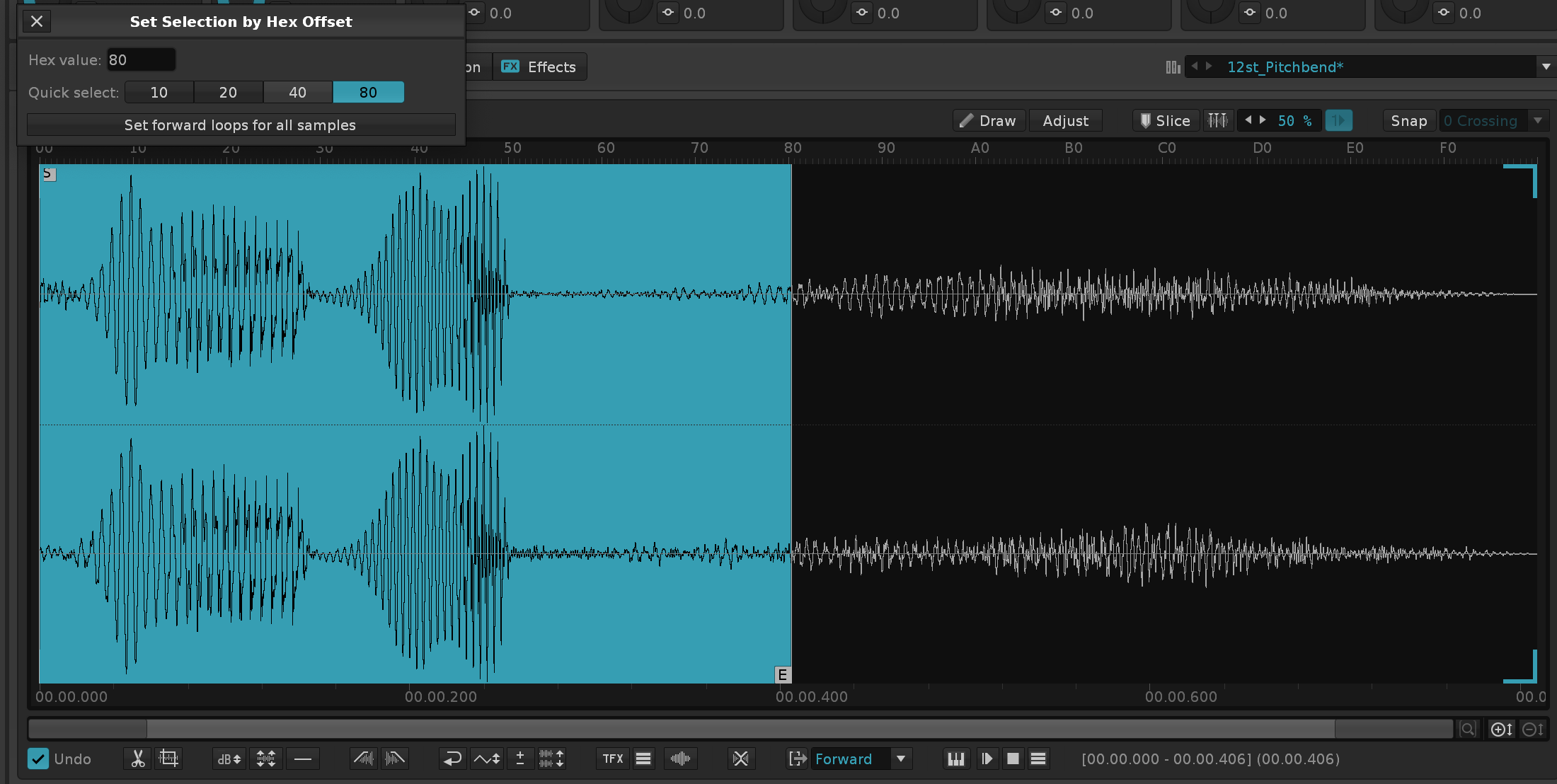
Improvement: Volume/Delay Pan Slider dialog will now say "Volume" "Panning" or "Delay" in capital first letters instead of lowercase.
Improvement: eSpeak will correctly rename the instrument + sample after successful eSpeak render.
Improvement: Paketti Sample Selection preference will now automatically always work if you set it to On - instead of toggling off every time you restart Renoise.
Paketti File Import Tool is now it's own separate tool that has the same features as Paketti, but is for those who cannot stomach the whole Paketti. https://github.com/esaruoho/paketti-importer/releases
This will merge Source Instrument's samples with Target Instrument's samples, creating sampleslots.
Closes https://github.com/esaruoho/paketti/issues/860
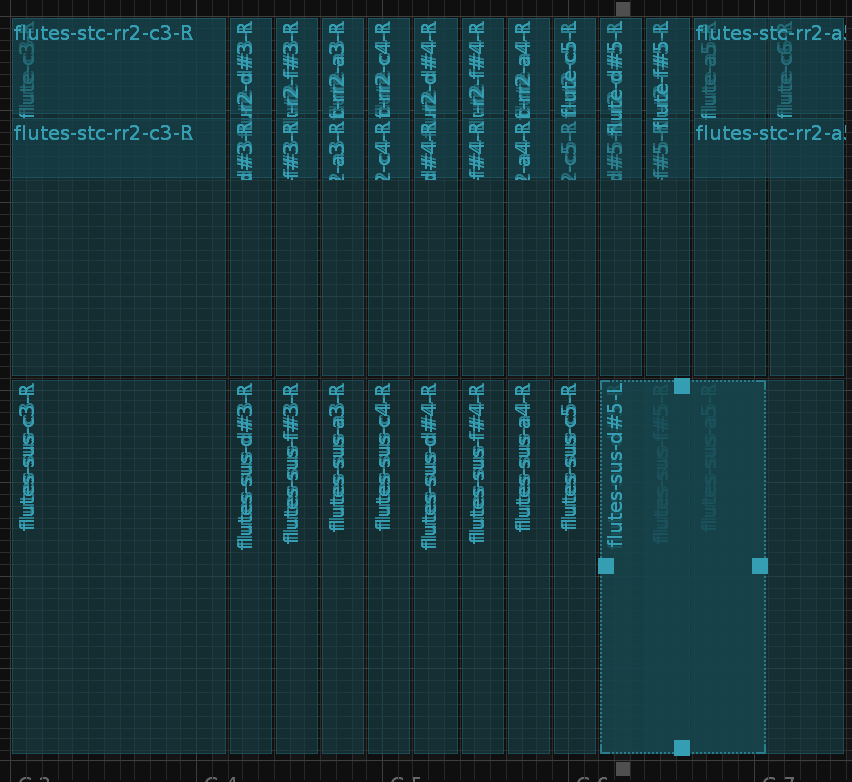
Improvement: .SF2 import now correctly initializes the first sample instead of it being shown as 2 frames and bugging out when duplicating.
Improvement: Increase EditStep by +1 +2 +4 +8, Decrease EditStep by -1 -2 -4 -8, Double EditStep, Halve EditStep added as shortcuts
Improvement: Show Length Dialog will now let you edit Pattern or Phrase length. Improvement: Added Length + LPB changing for Phrase Editor.
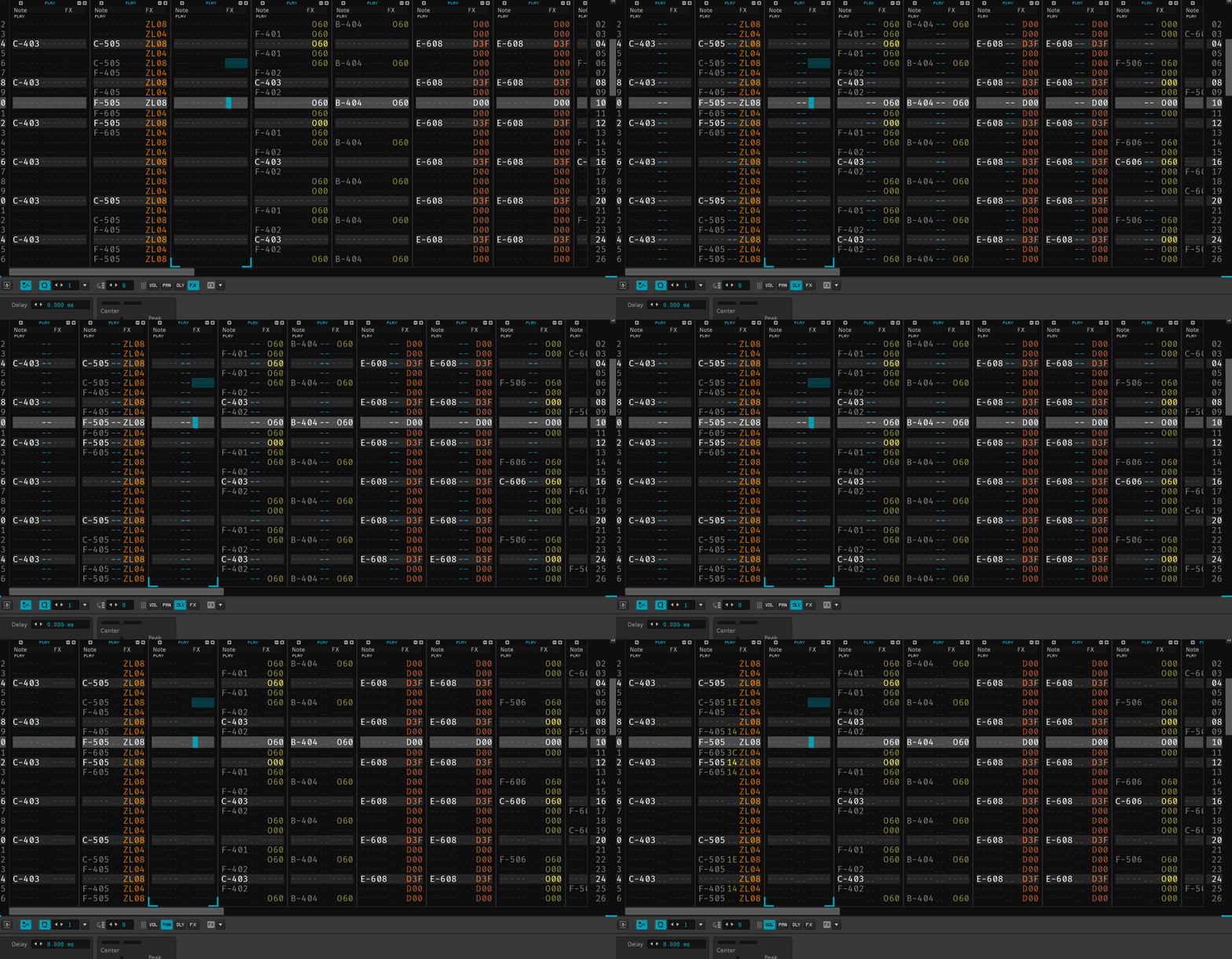
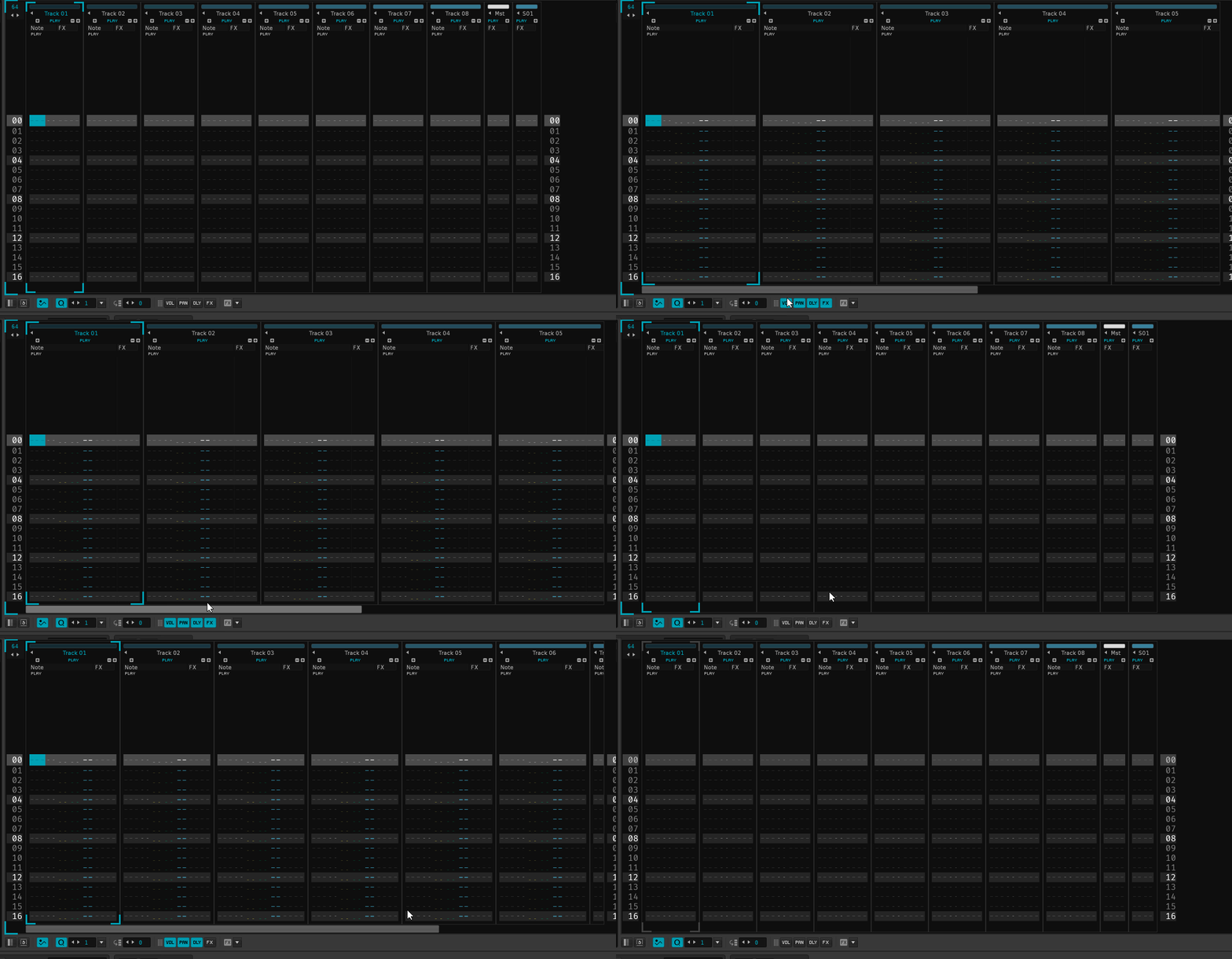
Moved Clone & Duplicate menu entries to be next to eachother for better discoverability
Also moved Automation Curve drawing related menu entries to the Automation Curves.. submenu
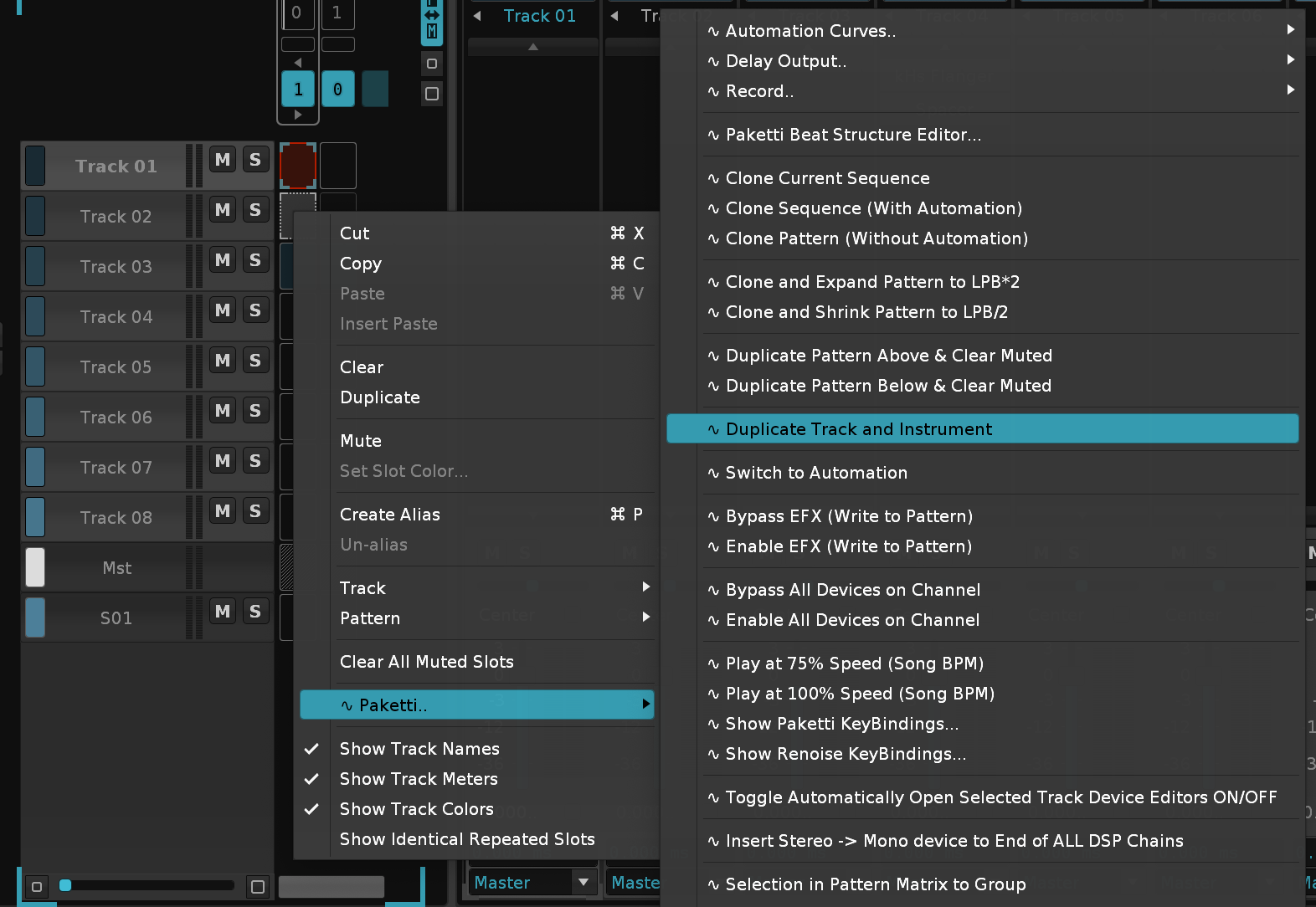
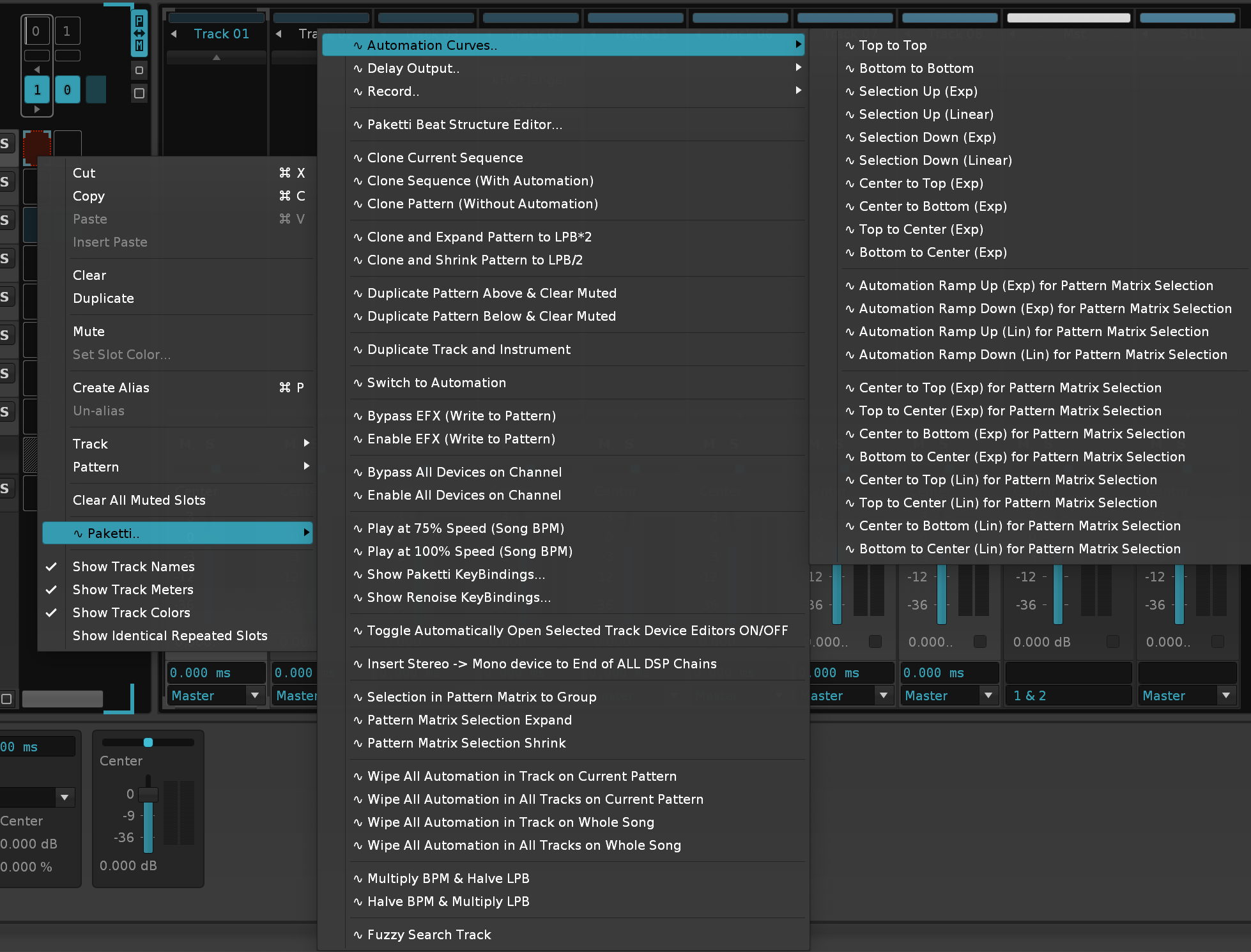
Added ReCycle .RX2 Import, ReCycle .REX Import, Polyend Tracker Instrument .PTI import, Soundfont .SF2 Import, AKWF loaders, Paketti Stacker Dialog and previously missing Paketti PitchBend Loaders, including Fill Empty Sample Slots, and of course User-Defined Sample Folders...
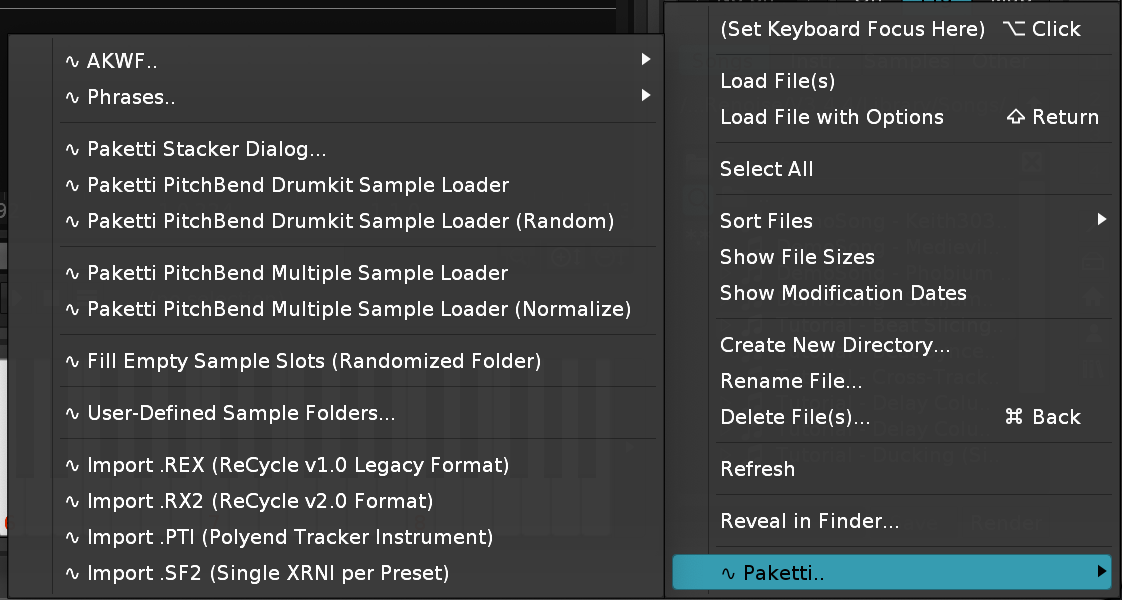
Added missing Section, Sequence and Selection menu entries, further organizing.
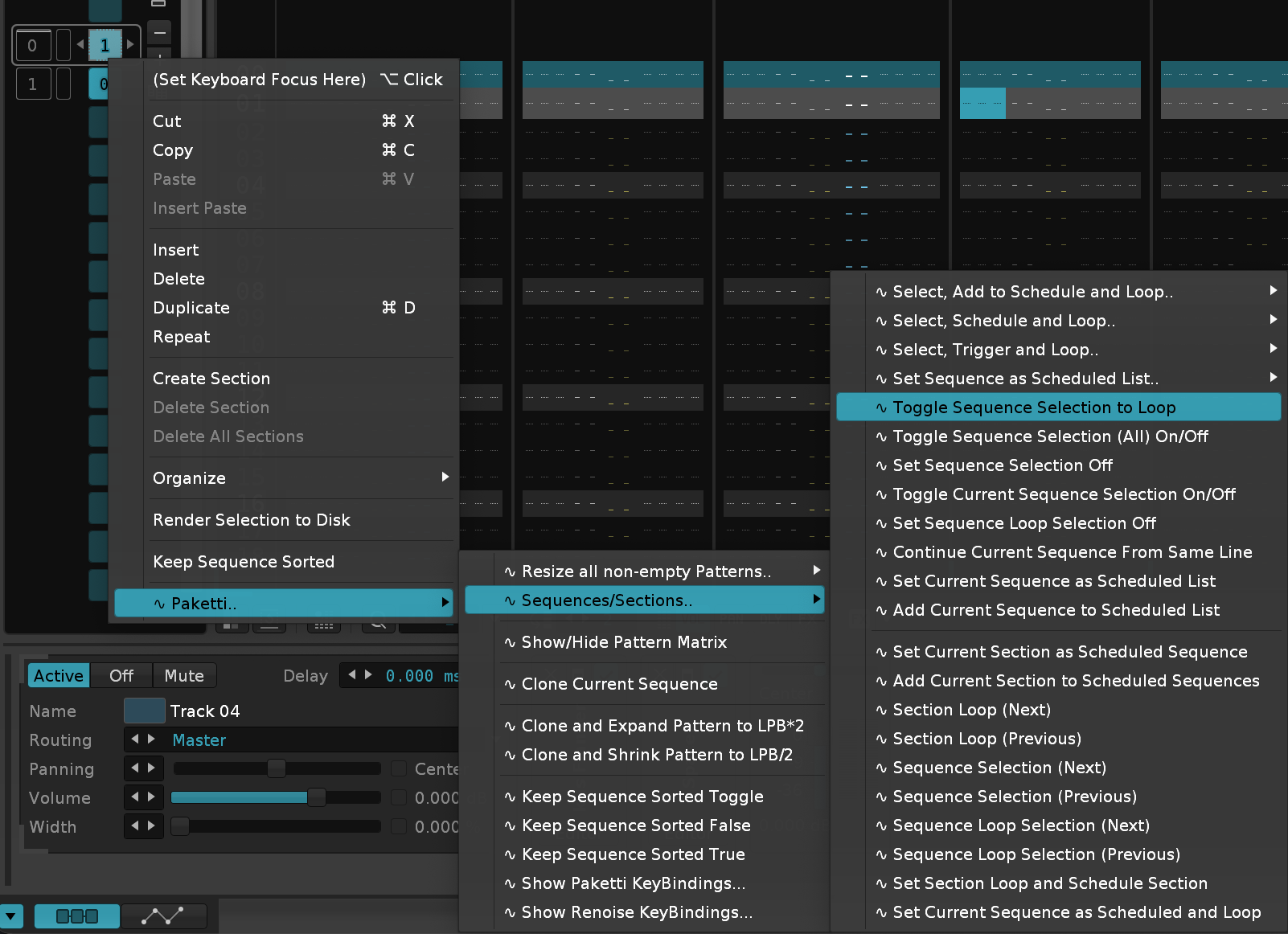
Added Looping as a setting Changed the widths of LPB + Phrase length valueboxes
They are now identical and organized in the same way - with no sample processes missing from Sample Navigator or from Sample Mappings.
for better discoverability
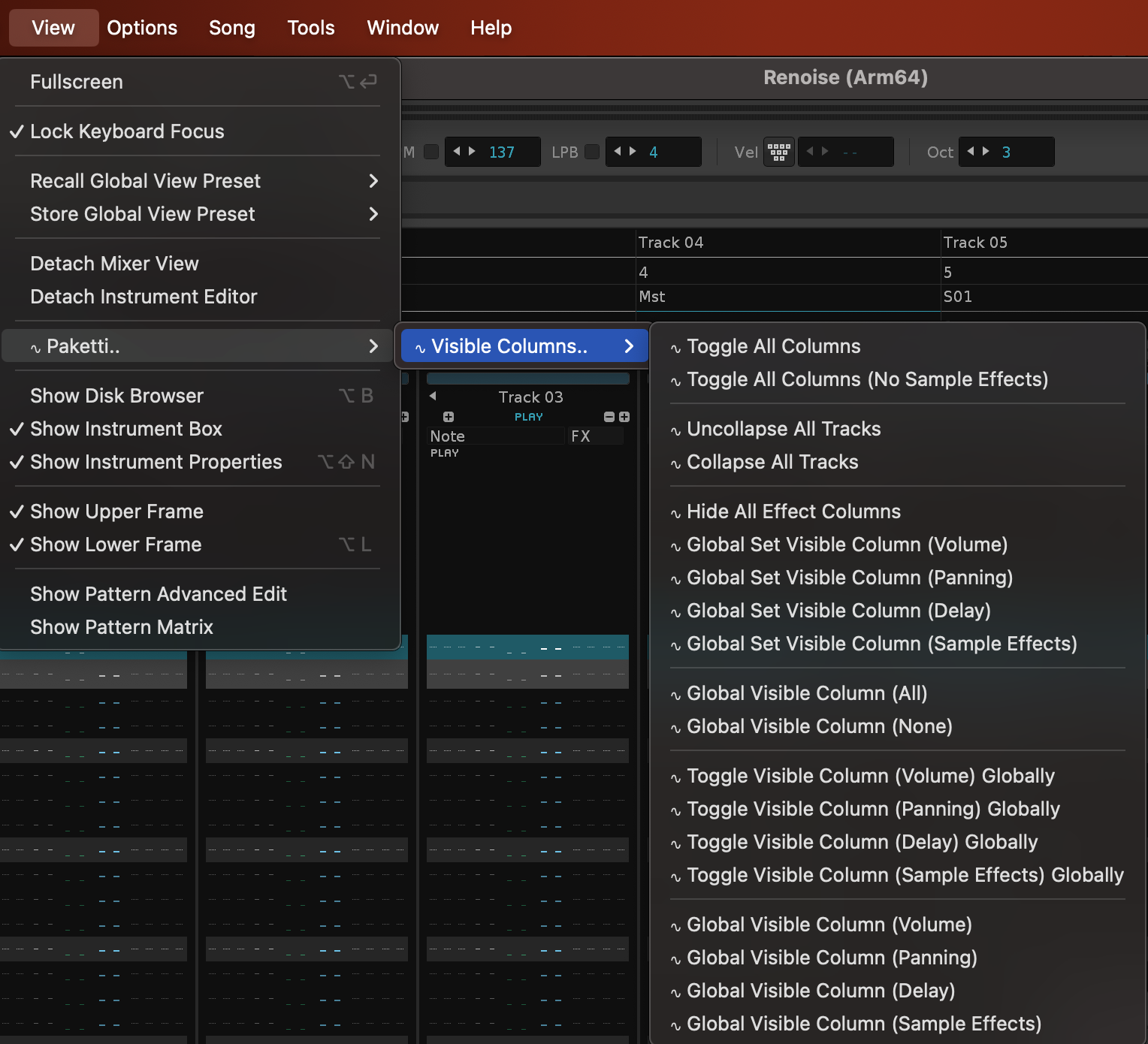
Also tweaked the dialog design
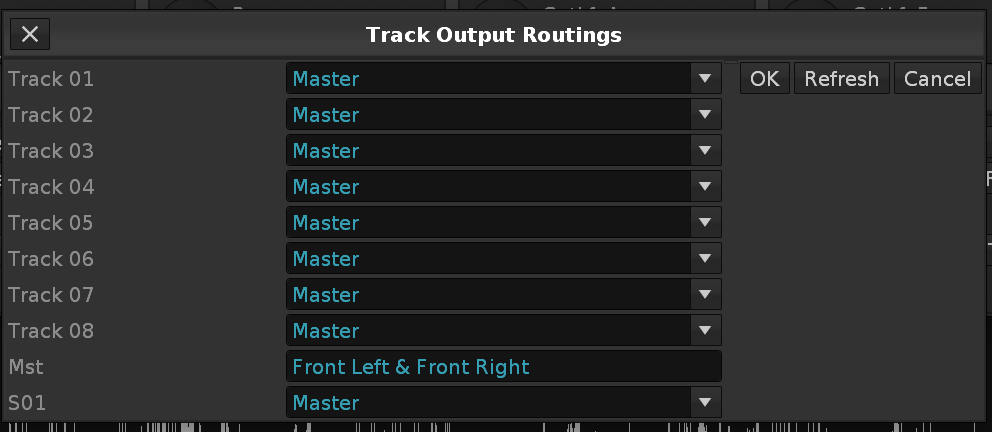
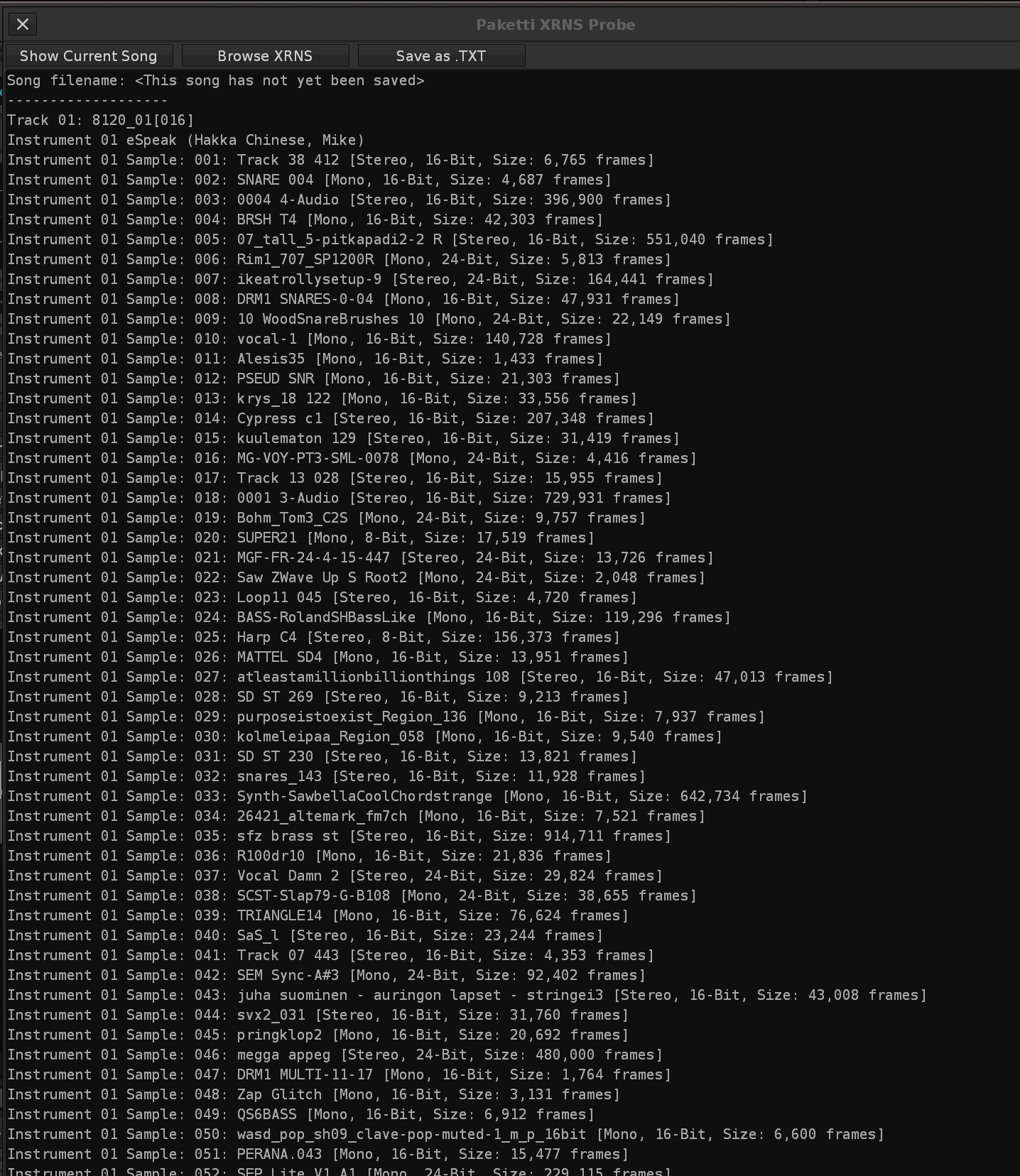

BeatDetector Modified, OctaMED Note Echo, OctaMED Pick/Put Row, PlayerPro Note Dialog, PlayerPro Main Dialog, PlayerPro Effect Dialog.

Set Selection by Hex Offset, Paketti Tuplet Writer, Speed and Tempo to BPM, AKWF Load 04 Samples (XY), Debug tools: Available Plugin Information, Plugin Details, Effect Details


This will show the 16 step External Editors for Volume Stepper, Cutoff Stepper, Drive Stepper, Resonance Stepper, just like the Show/Hide PitchStep shows the Pitch Stepper.
Also added the required shortcuts for showing them.
(Closes https://github.com/esaruoho/paketti/issues/508)
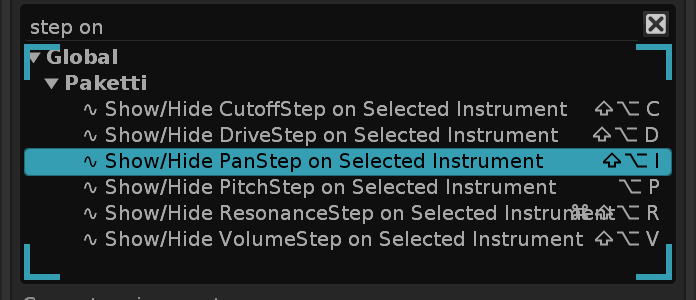
This will no longer collapse + mute the original track.
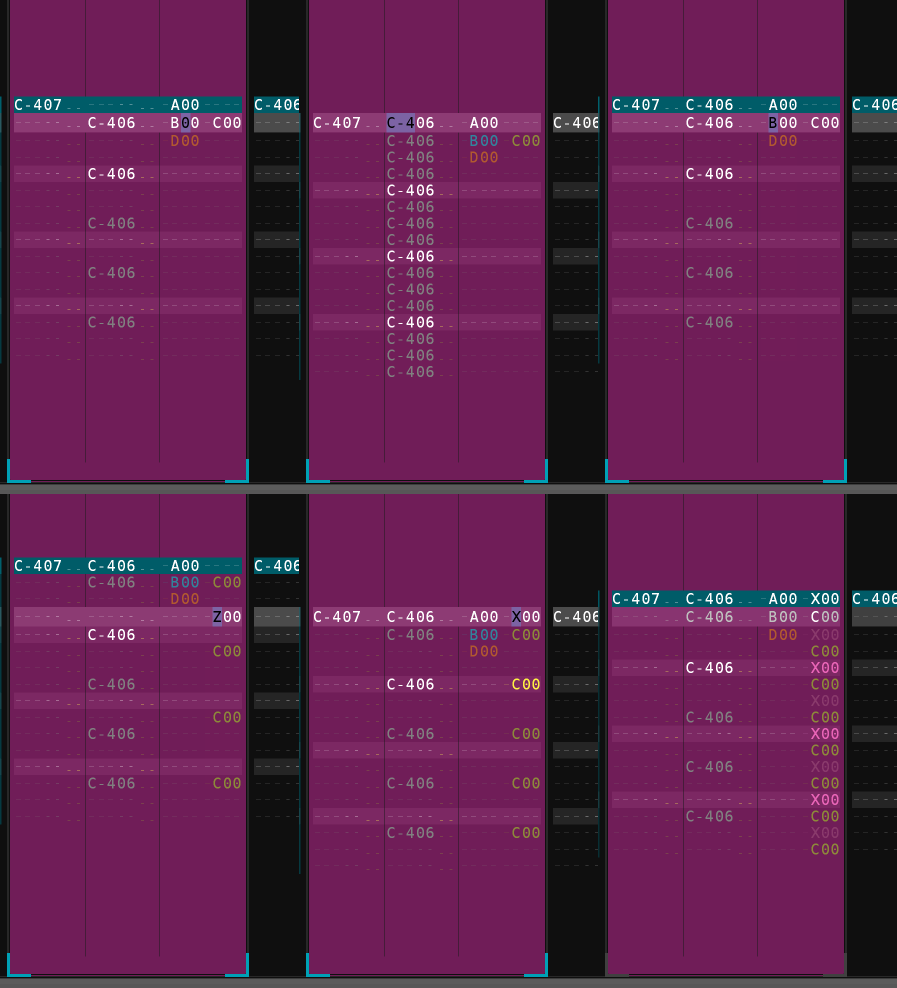
.. And makes the Delay Column visible
and prints Global Groove 0&1: 60% (66), 2&3: 44% (4C), 4&5: 17% (1D), 6&7: 49% (53) -> Track 01 (Rendered)
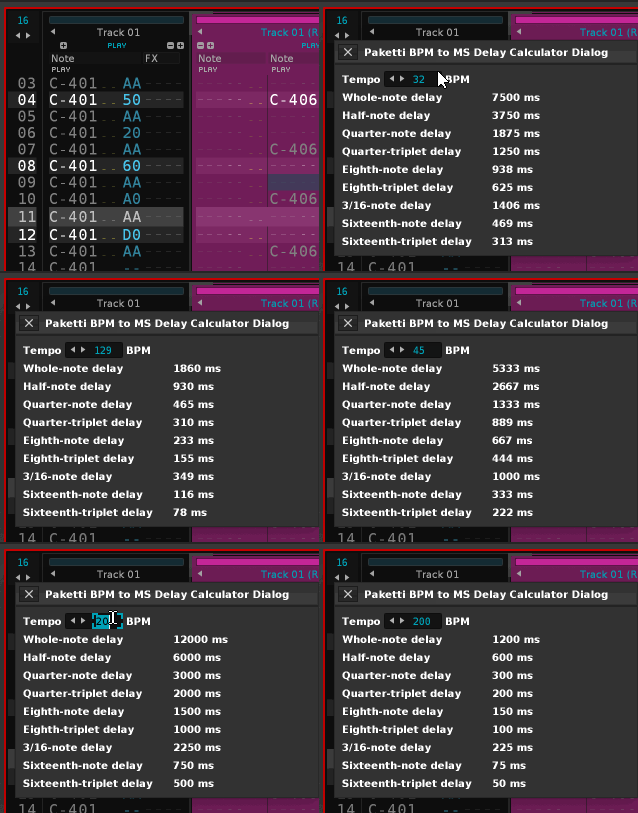
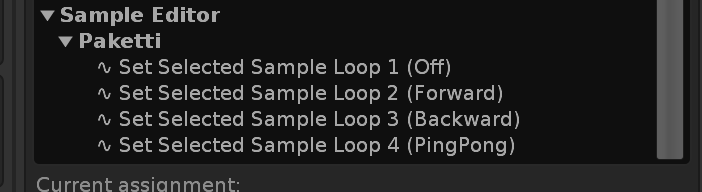
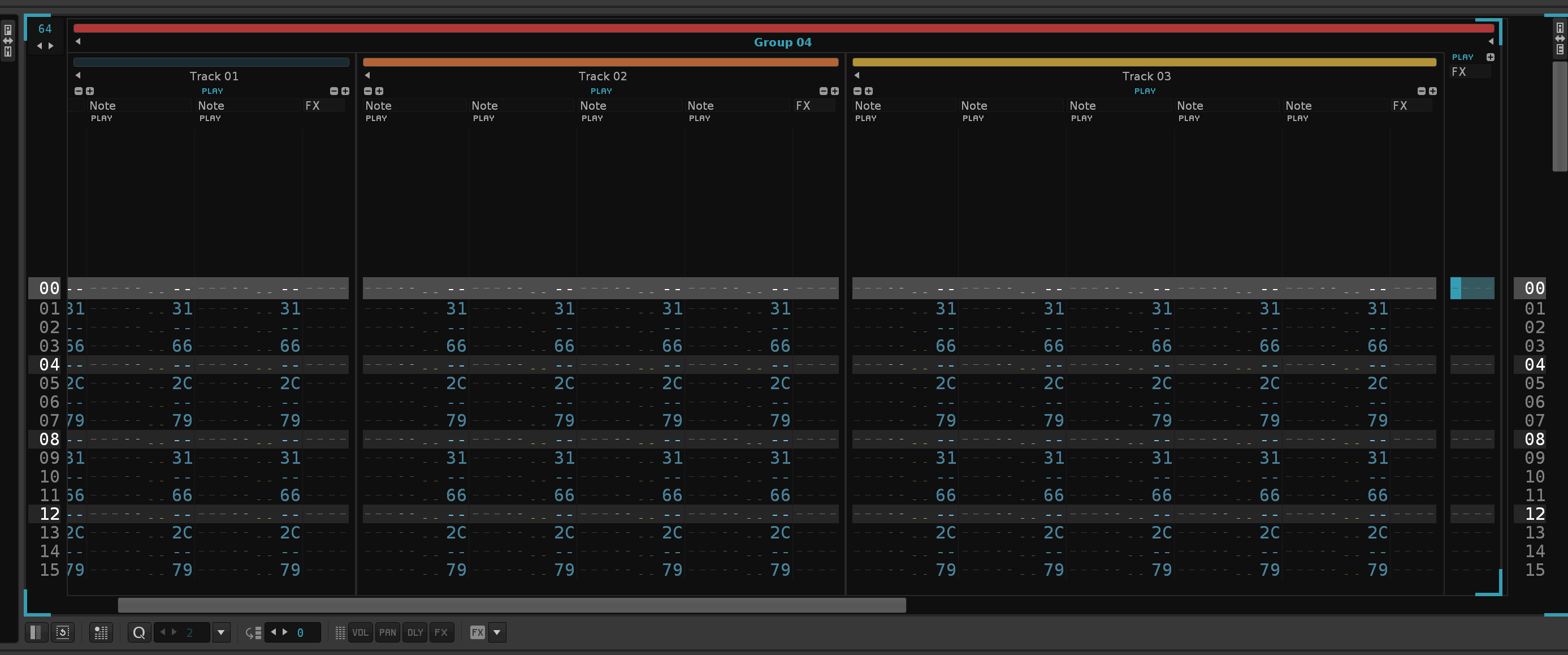
Also if you are on a Group Tracks with no Tracks, it will no longer error out.
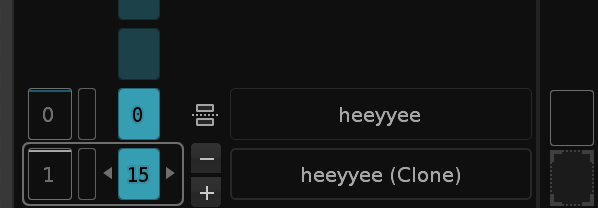
This will create a Section in the Pattern Sequencer, from the Selection.
This is used for Clone Current Sequence + Clone Selected Sequences:
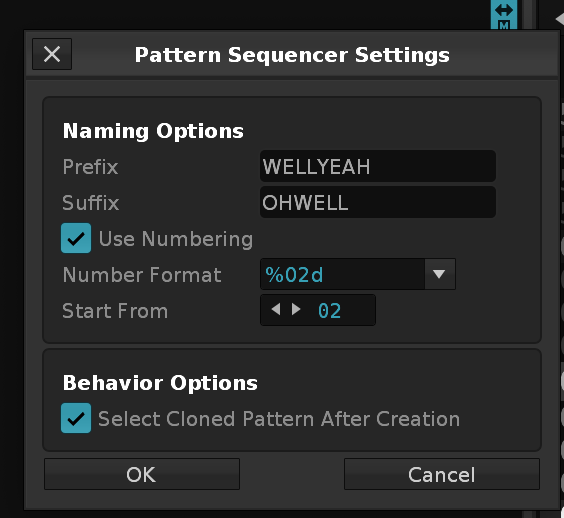
&.This Keybind and Menu Entry will pick any Random Instrument (except the current one), which either has Samples, a Plugin or MIDI Output properties.
One button "Set Pitch" to set the finetune + note. Another to Calculate or to Recalculate.
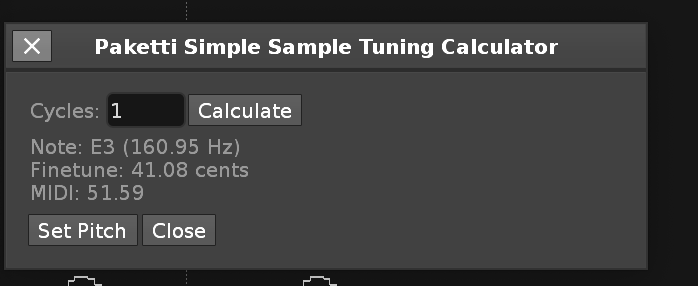
if you got 0 slices, it'll slice in half. if you try to halve slice count when there's only 1 slice, then it'll just clear the slices. can easily go from 2 slices to 256 slices.
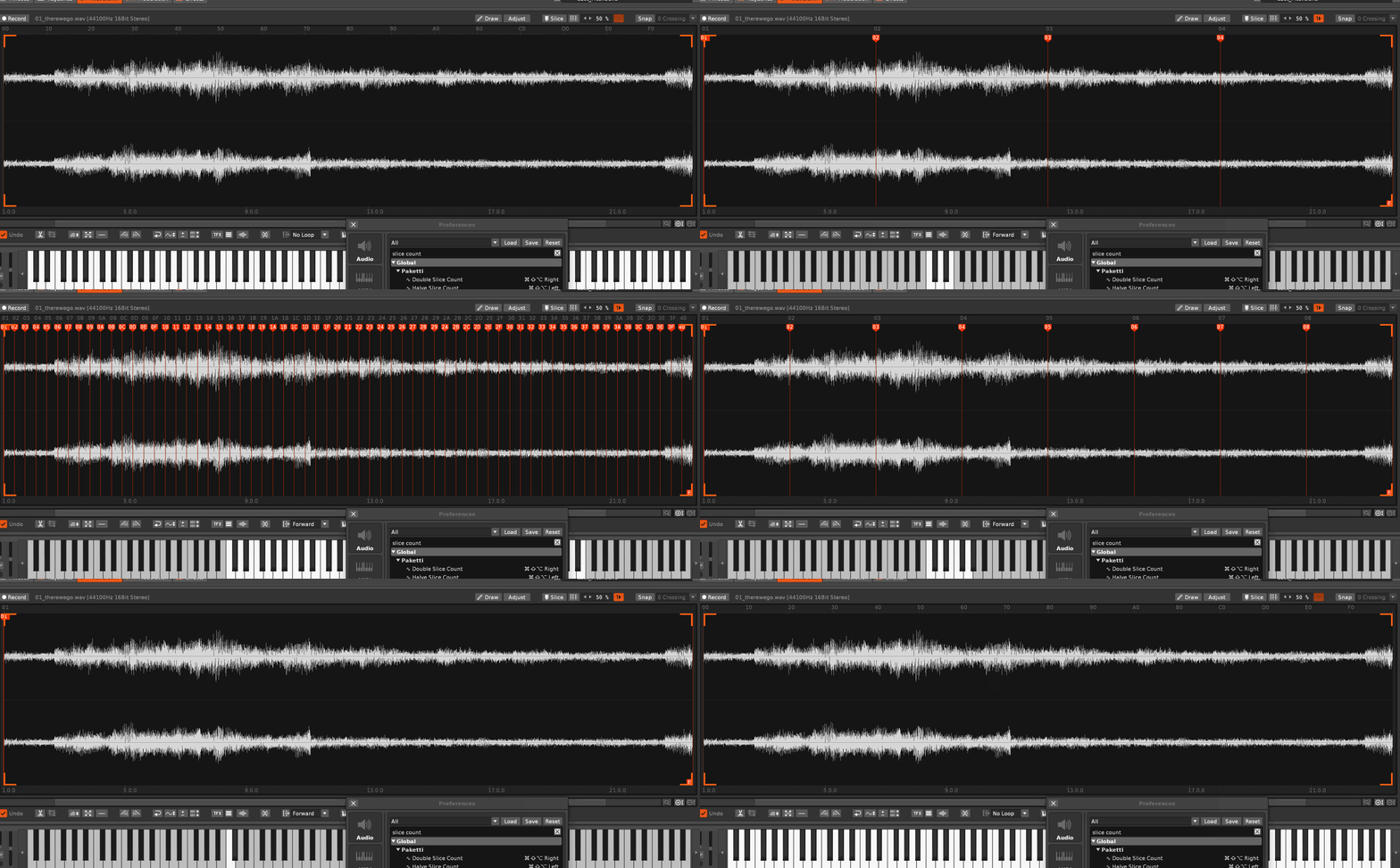
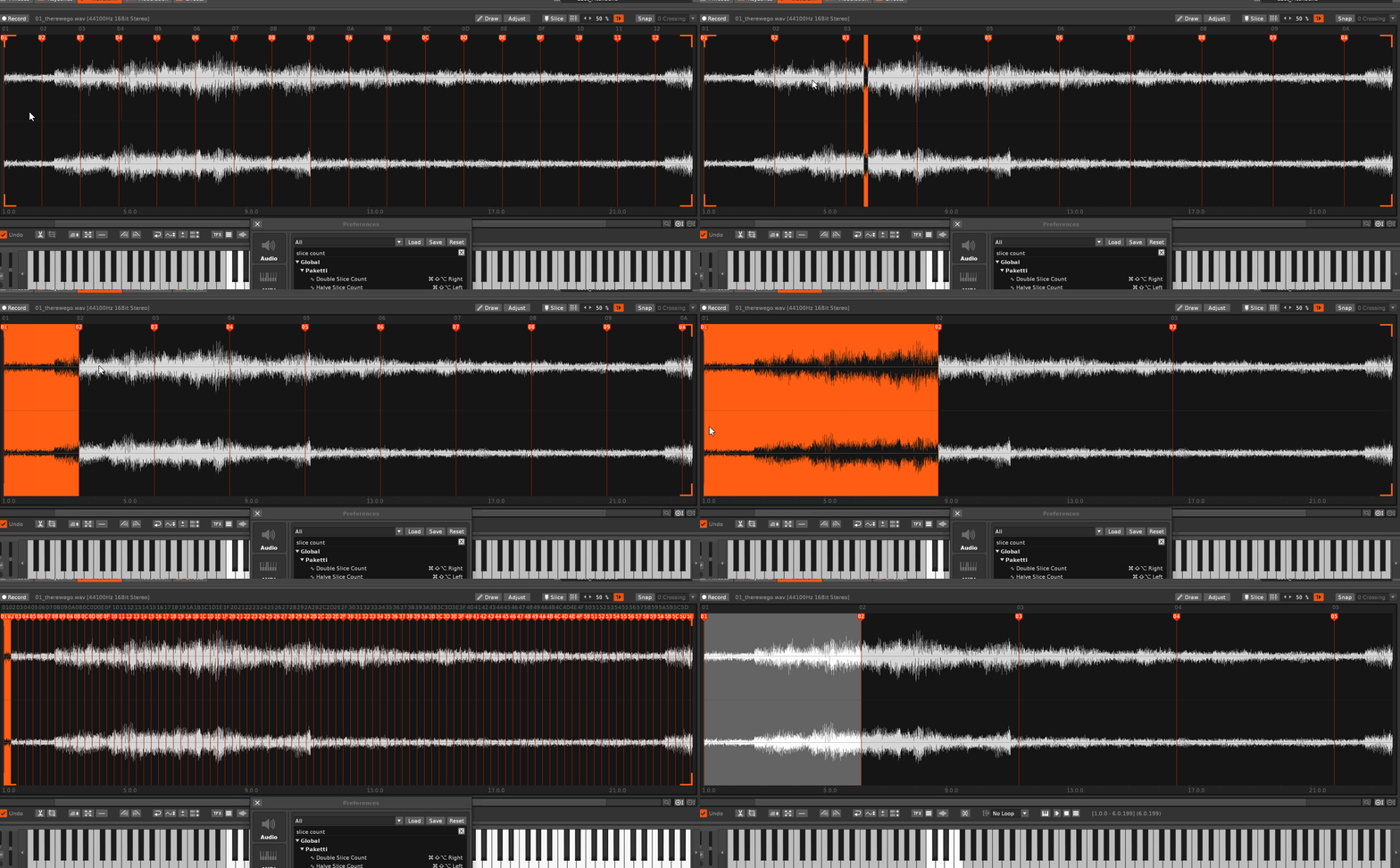
Distribute Always Next Row, Even 2, Even 4, Uneven, Across Selection (Even, Even2, Even4, Uneven)
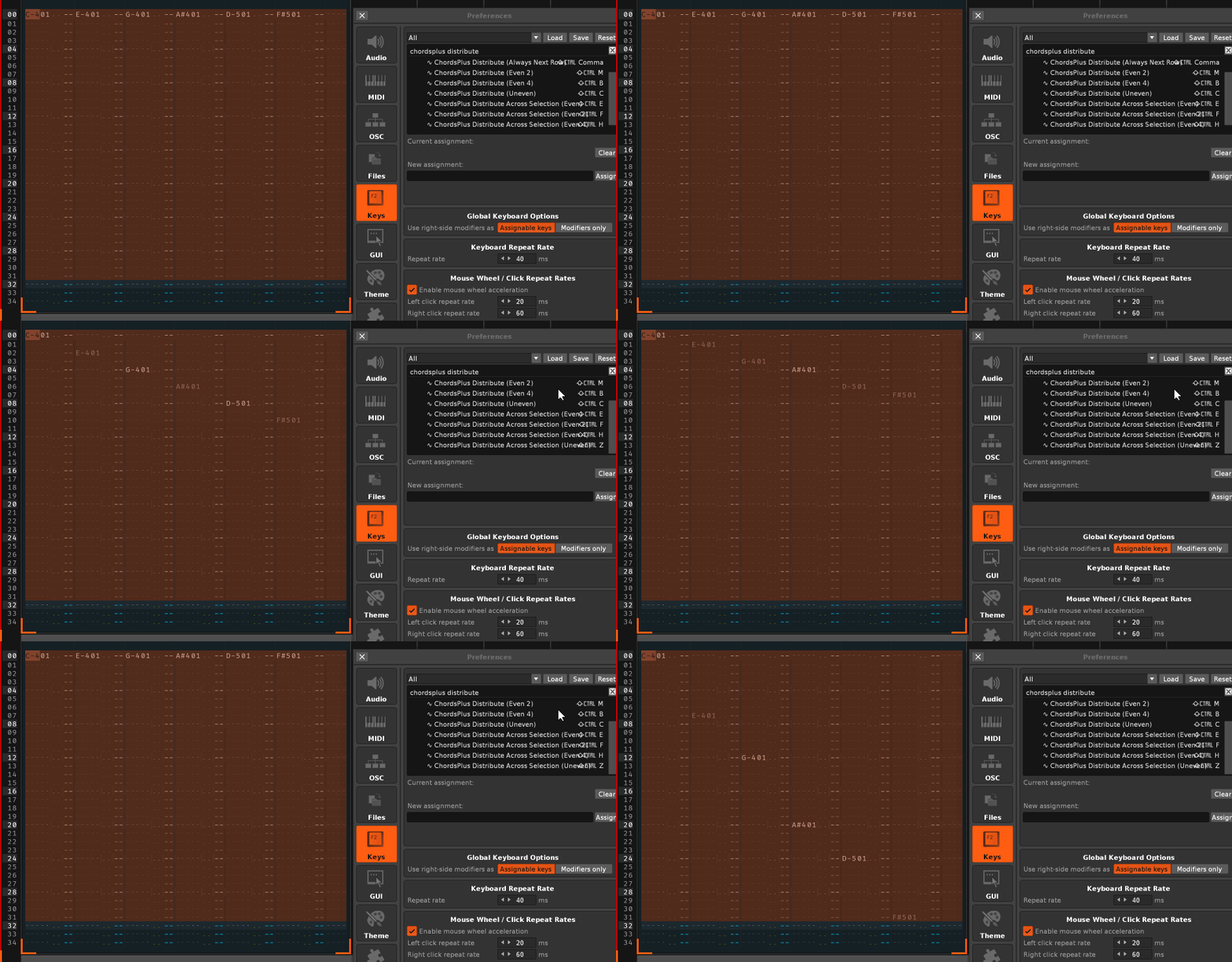
When you have an Amigo Plugin loaded, and the sample is Embedded (Embed is selected within the plugin interface), you are able to export it to Renoise, and it'll be injected with the 8 Macro Knobs and other details (such as Pitch, Volume, Panning, Drive, Cutoff, Resonance Steppers, PitchBend control etc).
This flips the sample in that very specific "ALT-A Convert Signed to/from Unsigned samples", for that nice little crunchy mayhem. There are three shortcuts + menu entries. One that wrap-signs, one that wrap-unsigns, and one that toggles the signing/unsigning state.
IYKYK.
Improvement: added .dll .dylib .sys .bin.
This lets you load the legacy .IFF samples such as OctaMED or ProTracker/SoundTracker samples. If you come across any files that don't work, let me know. There's also a "Load Random 128 .IFFs" menu entry in the Instrument Box. Also added .8svx + .16sv support
This will load a .MOD as sample and sign it so you can get both the header and the samples. Also strips the header from the start
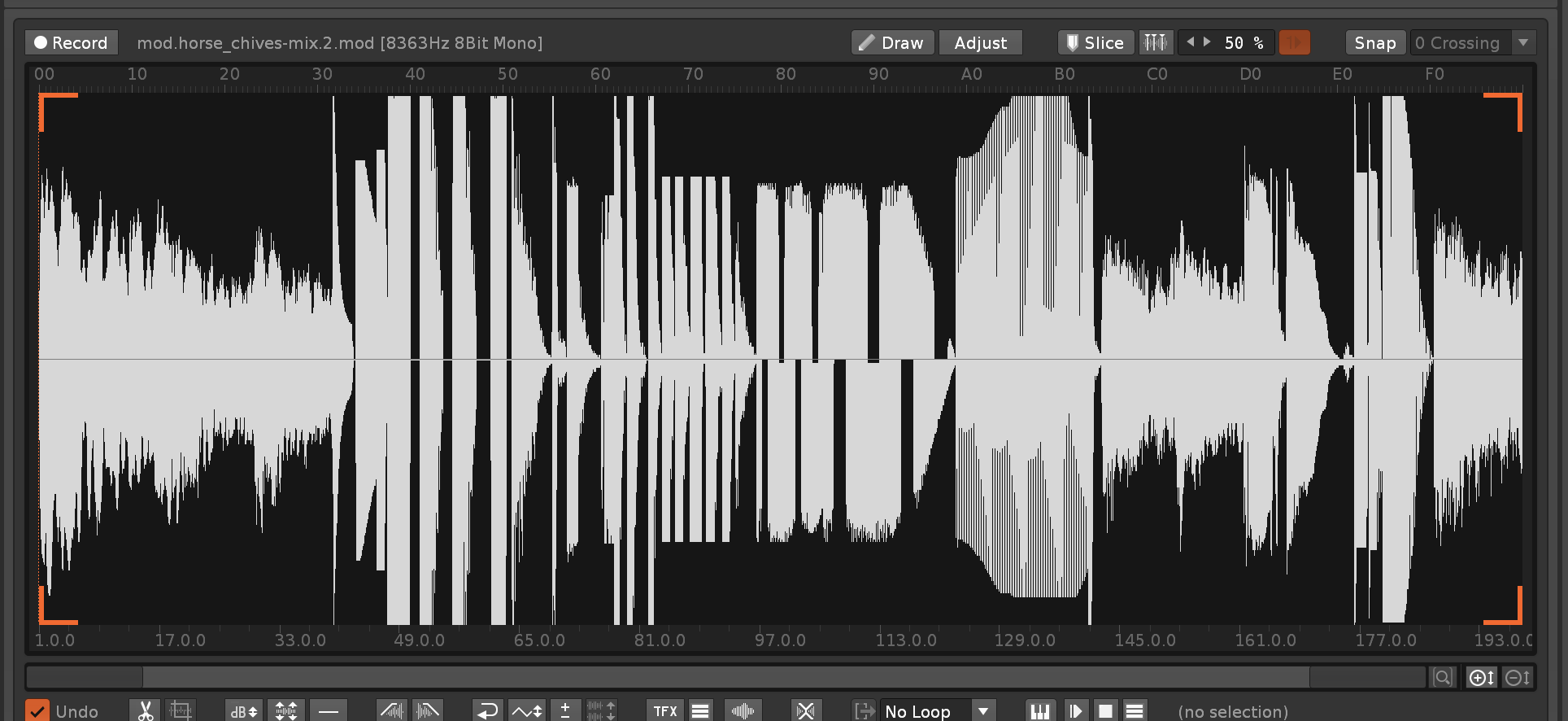
This will load a .MOD - analyze it's settings, and load each sample, with the loop content, as a new instrument, with the Paketti default instrument.
These menu entries will do a mirror effect of a sample to create a loop, or just hit LoopStart + LoopEnd to create a loop
 Example of whistle sample crossfaded, Before & After:
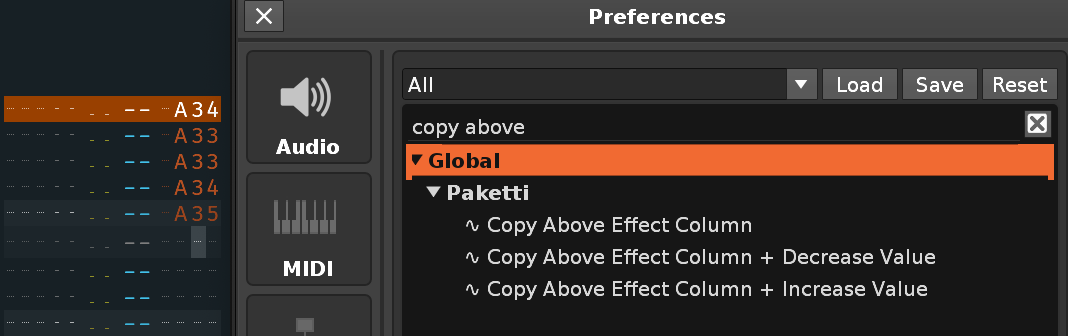
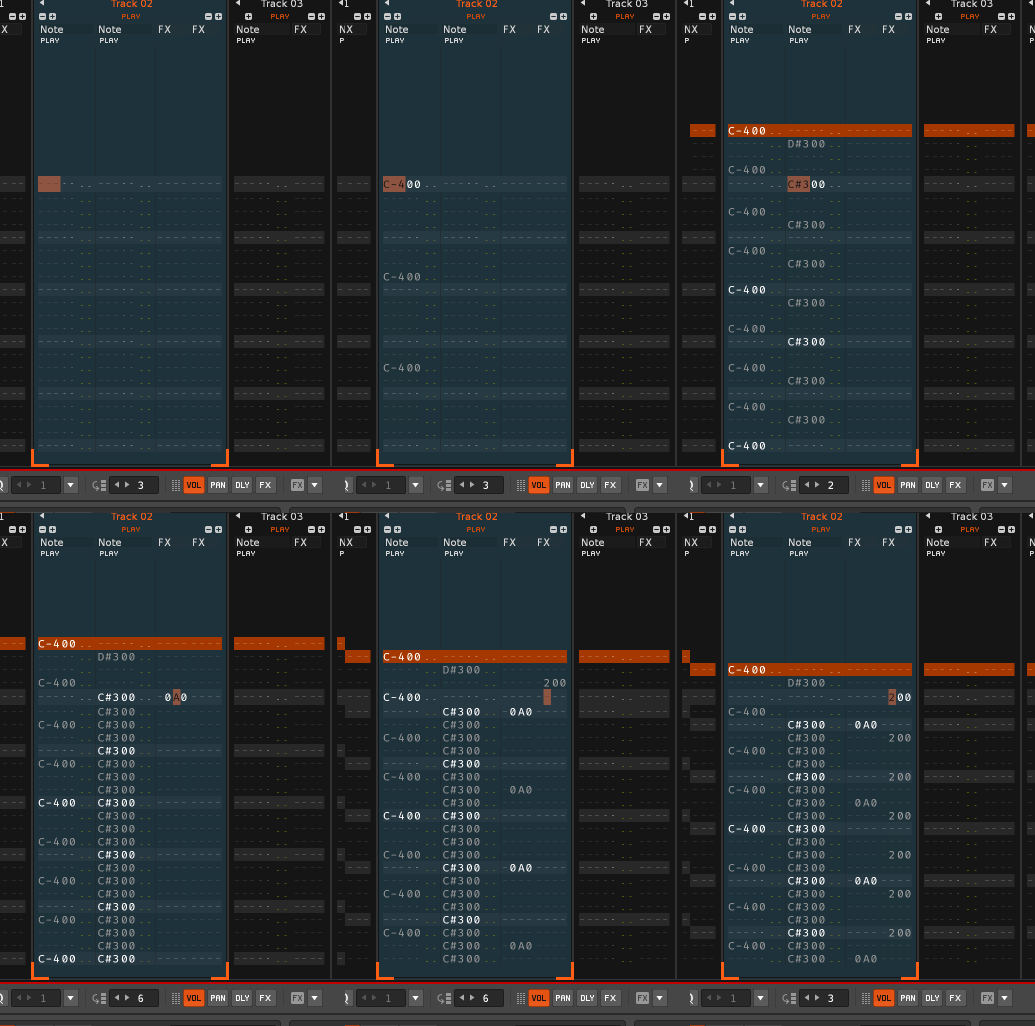
This simple feature replaces the Renoise Native one by making it a toggle. If you've got no loop, but have a selection range, then Forward Loop is set, Loop Mode is set On, and that's the selection. If you now run the shortcut again, then Loop Mode is set to Off. If some other range is selected, and you select a new range, then that new range is looped with Forward + LoopMode On.

Examples:


This will unmark the selection range, thus clearing it. Same logic as with Unmark ALT-U in Pattern and Phrase Editors.
This will let you choose which Stepper to view (Volume, Panning, Pitch, Cutoff, Resonance, Drive), and also reads and updates to how long the stepsize is (16, 32, 64, 128, 256)
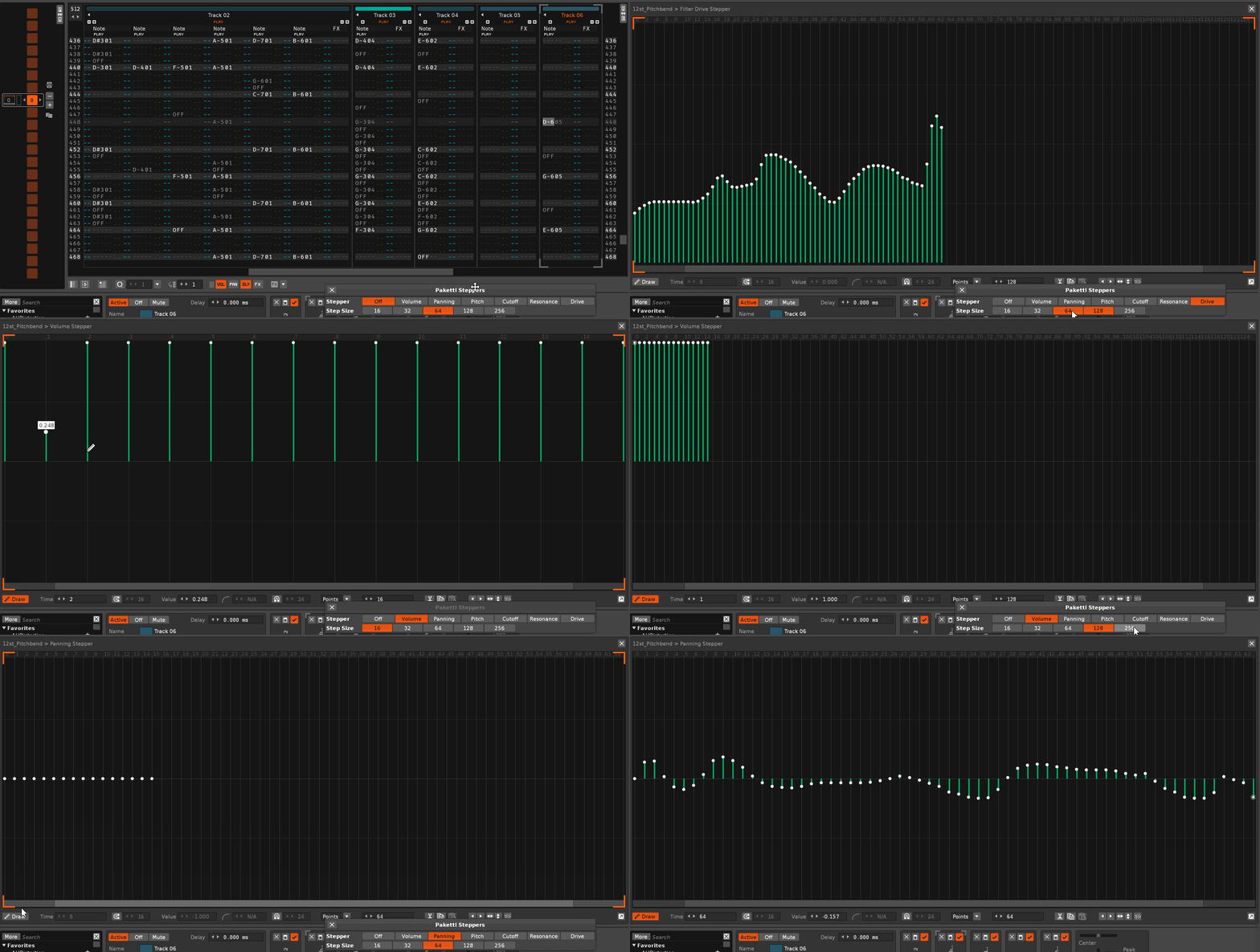
This prompts for a .RX2 and then prompts for the name & folder of the .PTI to save.
This shortcut runs through 1...9 of Middle Frames. They are: Pattern Editor, Mixer, Phrase Editor, Sample Keyzones, Sample Editor, Sample Modulation, Sample Effects, Plugin Editor, Midi Editor.
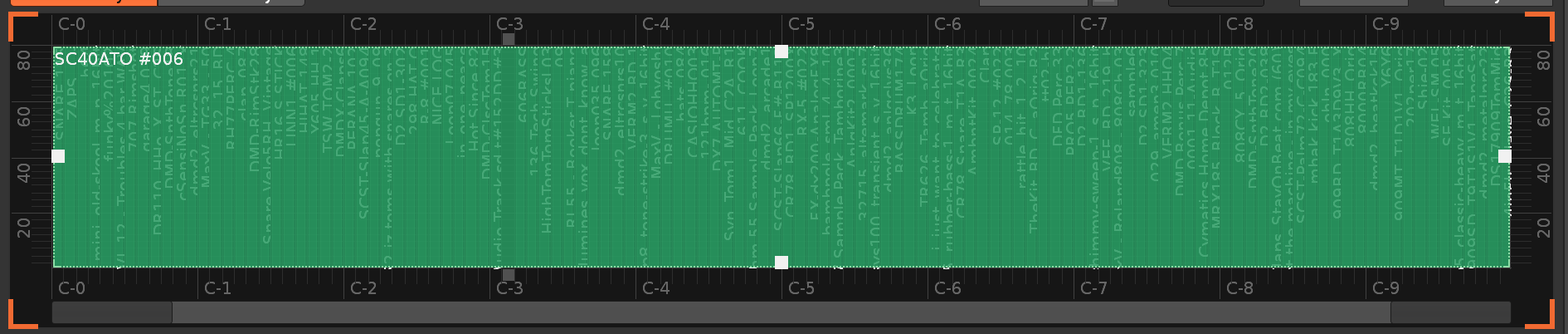
This is V3.5 only - will start working for everyone when Public V3.5 is out. Based on API 6.2 updates listed on the Renoise Definitions GitHub.
This shortcut cycles between Pattern Editor and Midi Editor.
This is an old Paketti method I wrote for creating a specific type of Body of Note Offs.
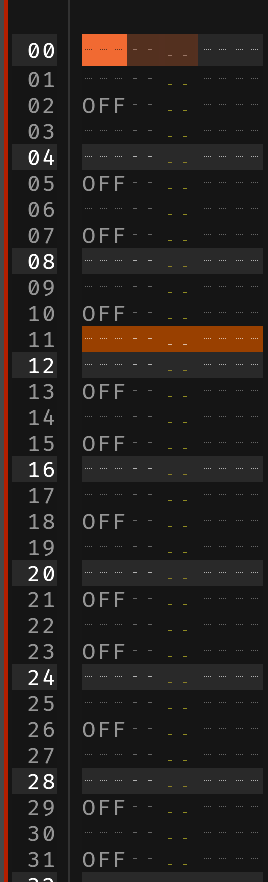
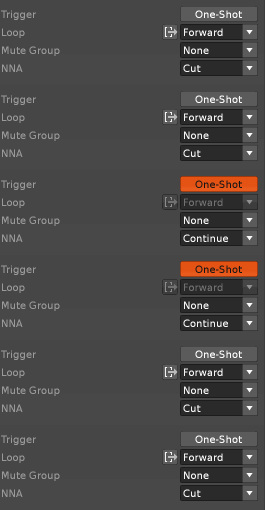
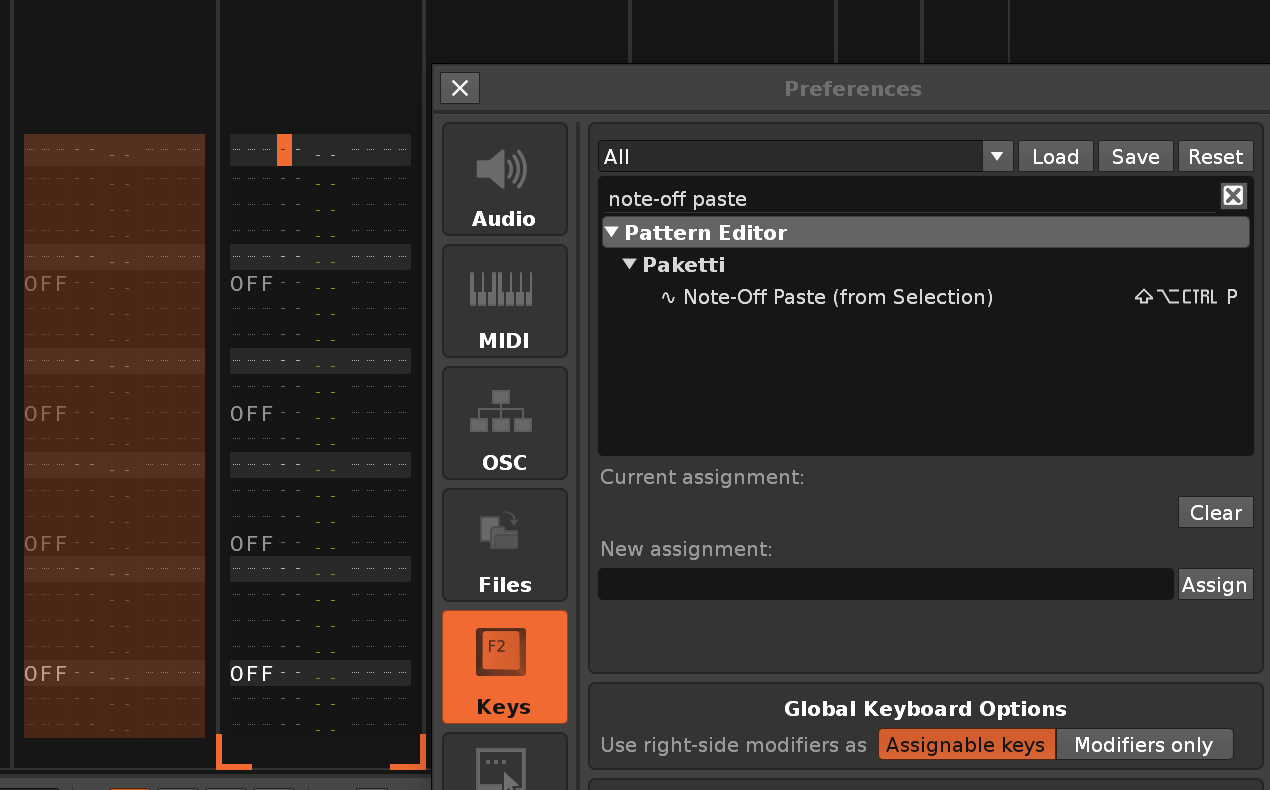
Successfully loads a mono .RX2 instead of showing silence. Successfully retains a 24bit .RX2 as 24bit instead of forcing it to 16bit. Gives you a nice status bar message if you are trying to load a .RX2 with more slices than 256 (Renoise limit is 256 slices per Instrument)
Extracts the original wavefile instead of combining slices (thus no longer causing data loss and clicks) Adjusts for latency, so slices are exactly where they should be.
Player Pro Main Dialog will now open and close with the same shortcut
Added EditStep to Main Dialog
Added Notifiers to both Note Dialog & Main Dialog that follow manual Instrument changes
EditStep is now taken into consideration with the 00-80 Volume controls and 00-FF Effect controls.
Added all Renoise-specific Effect commands to Dropdown menu
Tweaked the general design and sizes of the dialogs
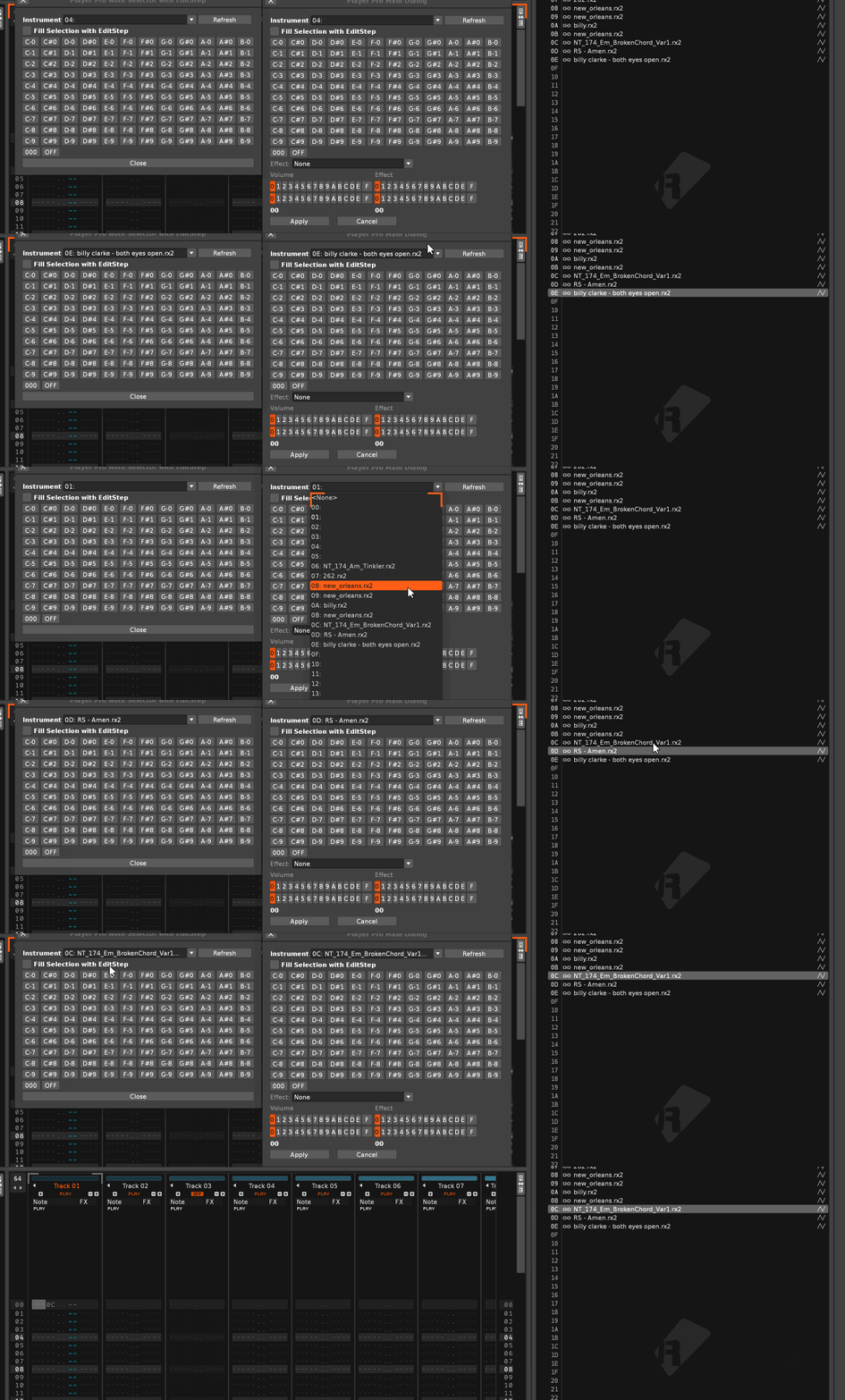
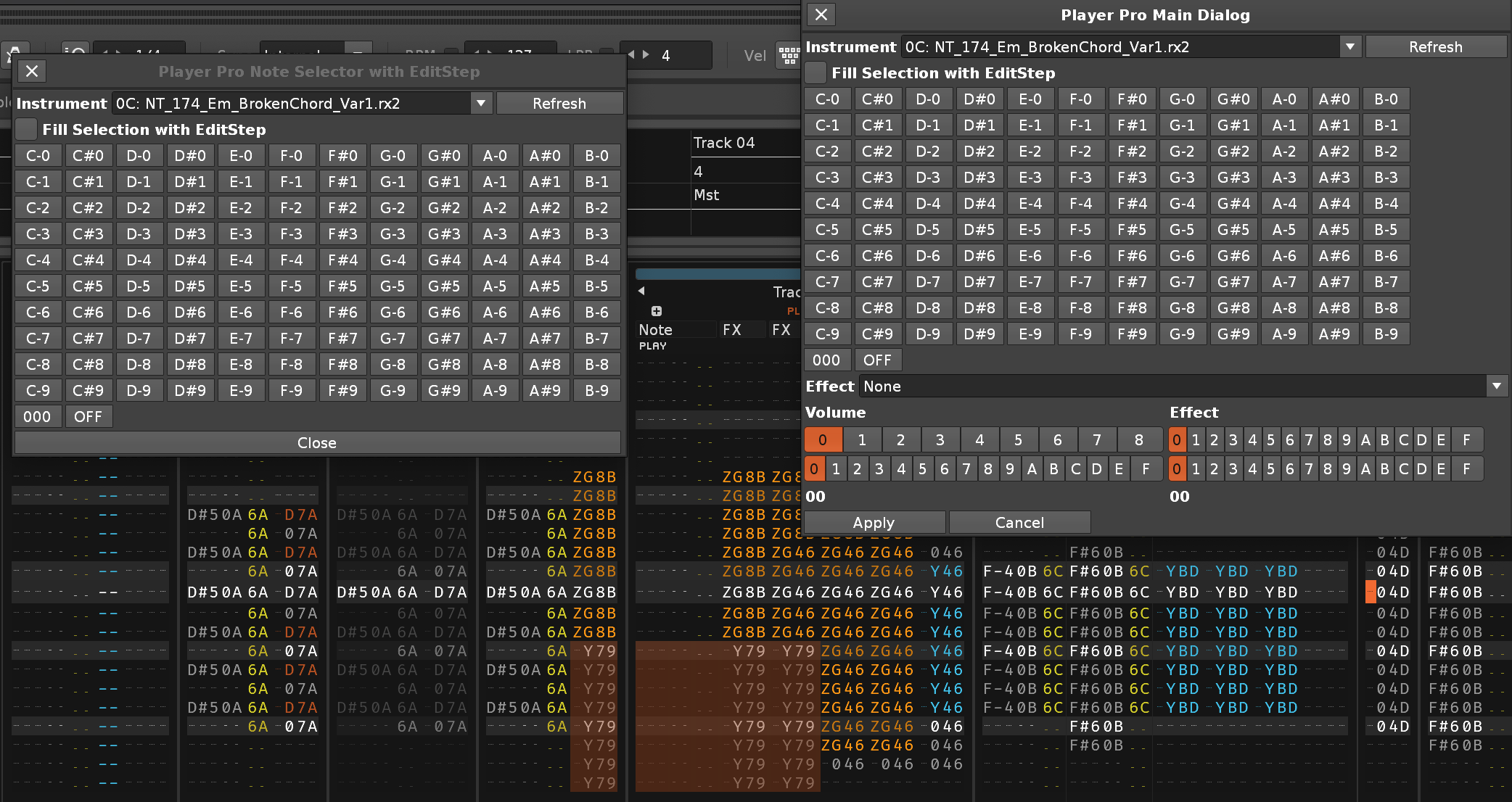

This is for those who use LFO with Custom Envelope, you can now store and carry them with your installation of Paketti.
Added more Step sizes (4, 8), added buttons for setting specific types of "envelopes" for the External Editor
Added Flip, Mirror and Humanize, too.
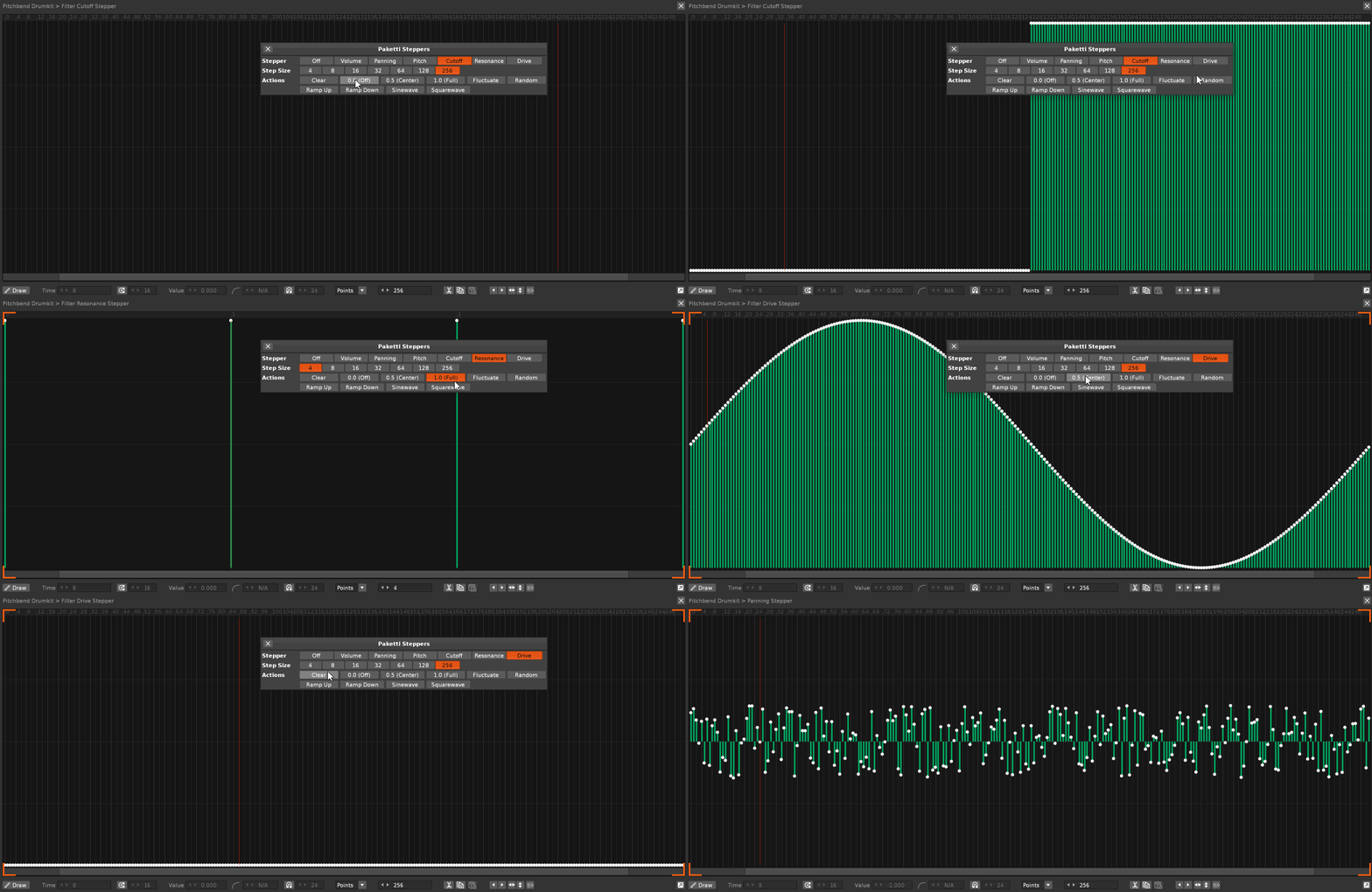


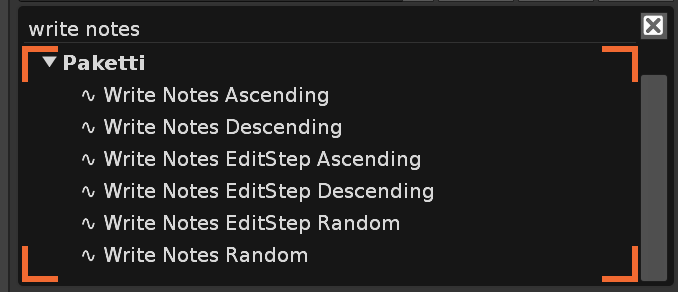
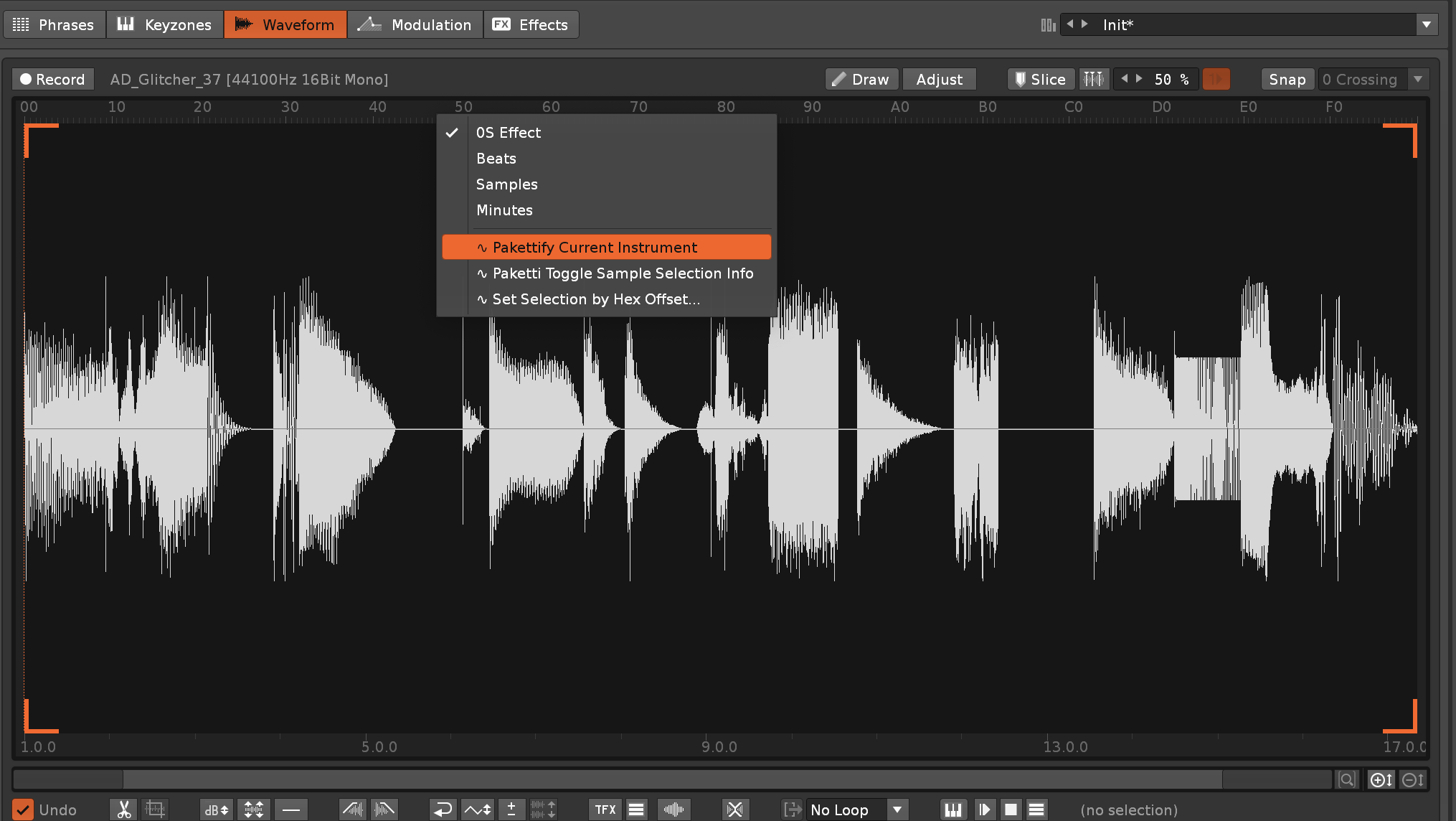
So if you Pakettify an instrument, it will no longer create a new instrument.
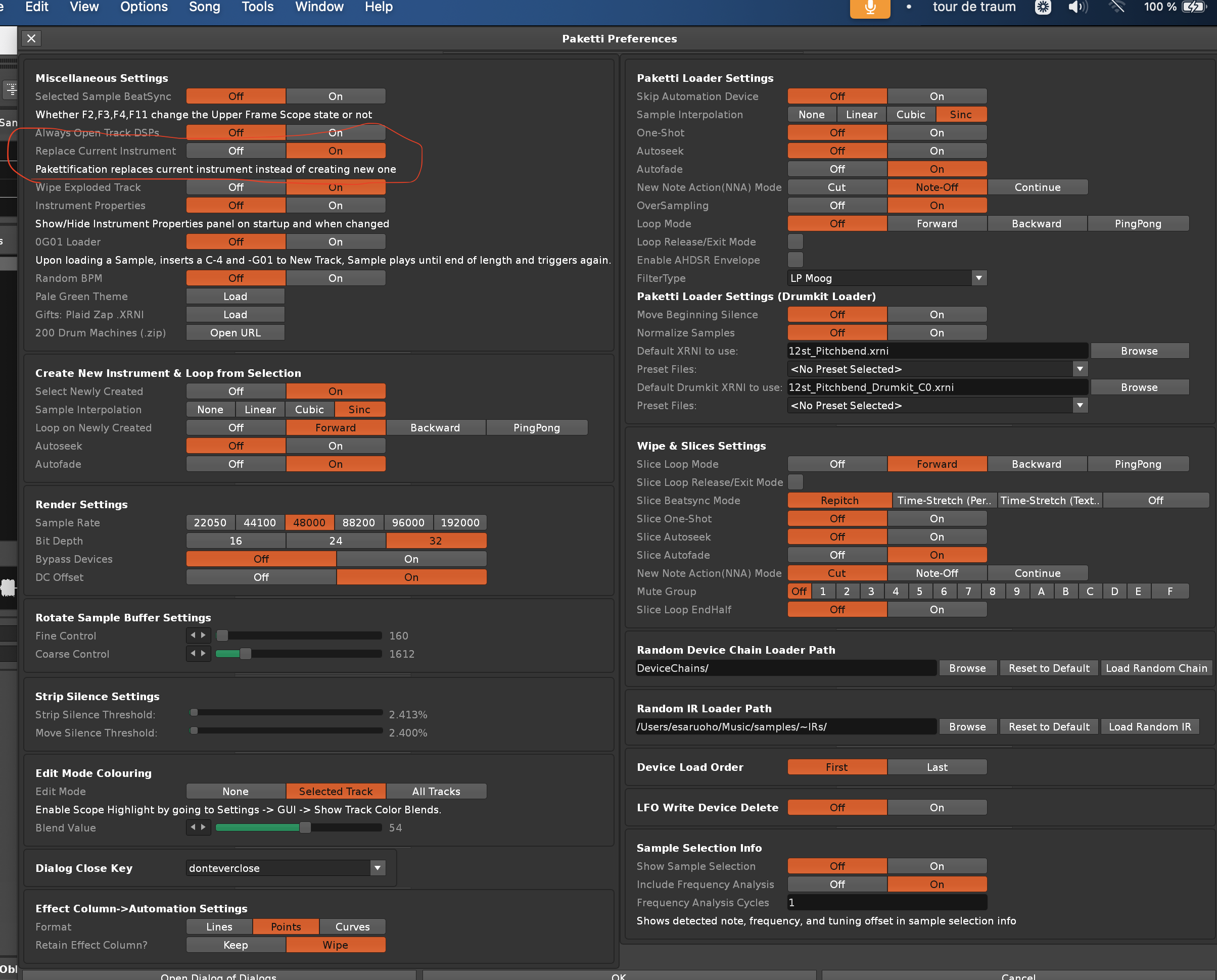
This hides Volume, Panning, Delay, Sample FX, Effect Columns and unused Note Columns.
This will read the Pattern length (let's say, 64), and divide the selected sample to 64 slices, and then write the slices to the selected track.
As requested on the Renoise Forum - this will convert a 3 note chord into an arpeggio. First it'll sort notes by ascending, then wipe the 2nd and 3rd note (with Note Off), and output 0AXY to the first Effect Column. If the 2nd or 3rd note is higher than F then there will be a clean error.
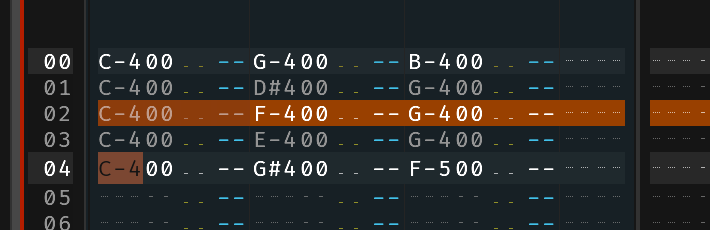
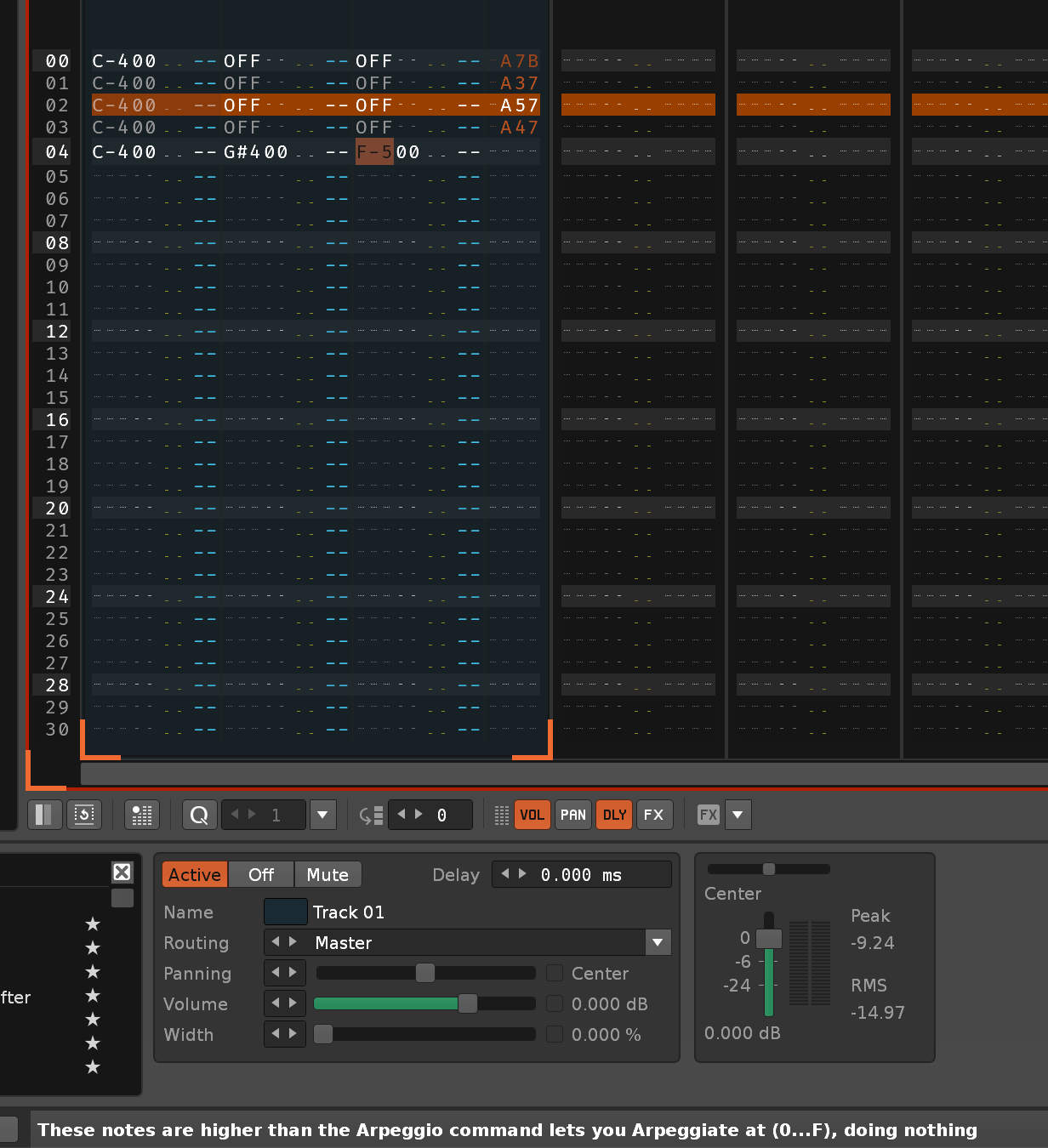
Added to Sample Editor Ruler menu entry + shortcut.
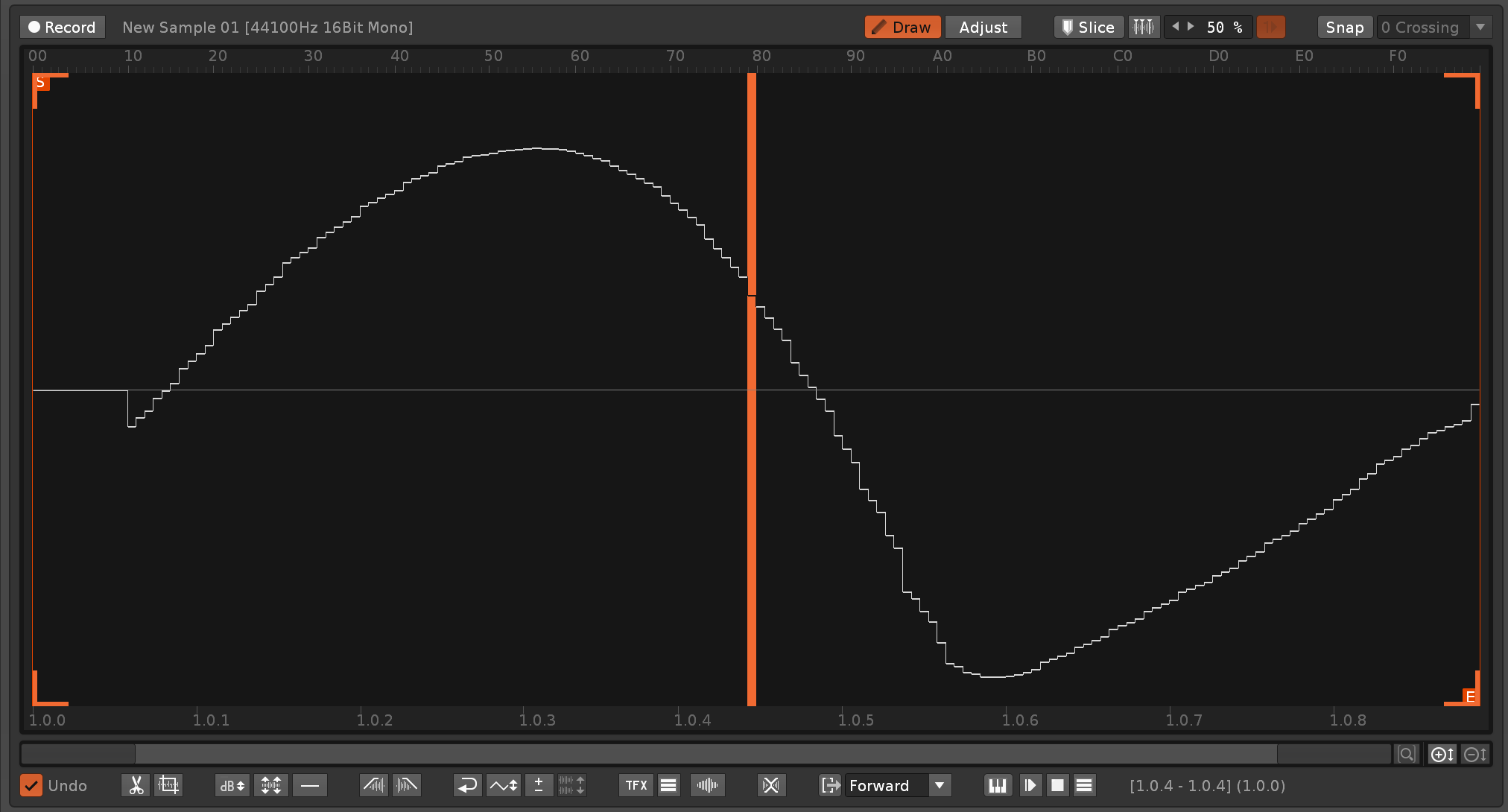
four shortcuts (Decrease, Increase, Next Parameter, Previous Parameter) for controlling exposed-in-Mixer parameters
MAJOR thanks to ptdc for the original idea, i just did my thing to add additional logic and protections
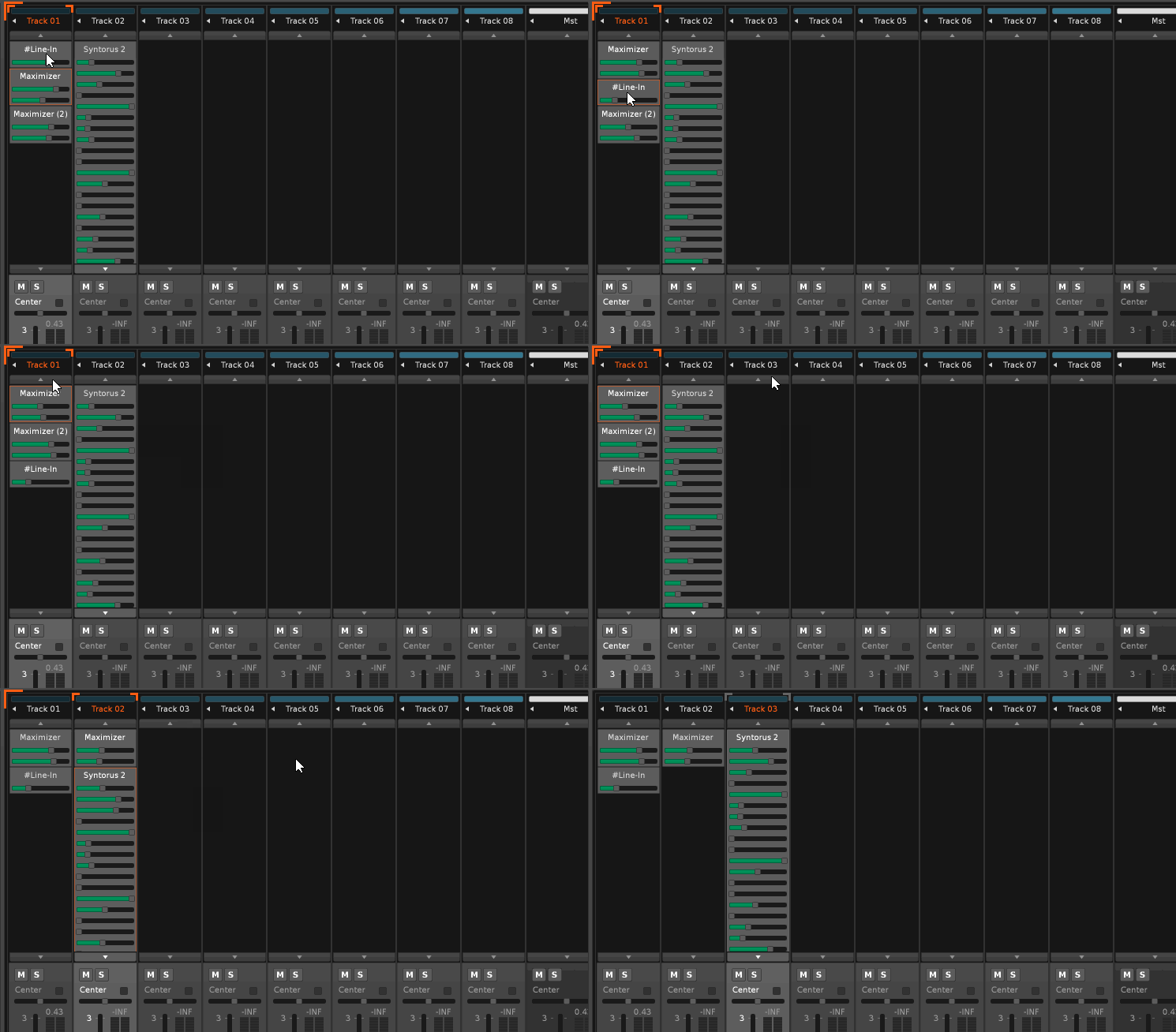
This opens up a File Browser for loading an .IFF, .8SVX or .16SV
This lets you run a -128 to +127 modulation on the sample, just like in the Protracker Edit Op.
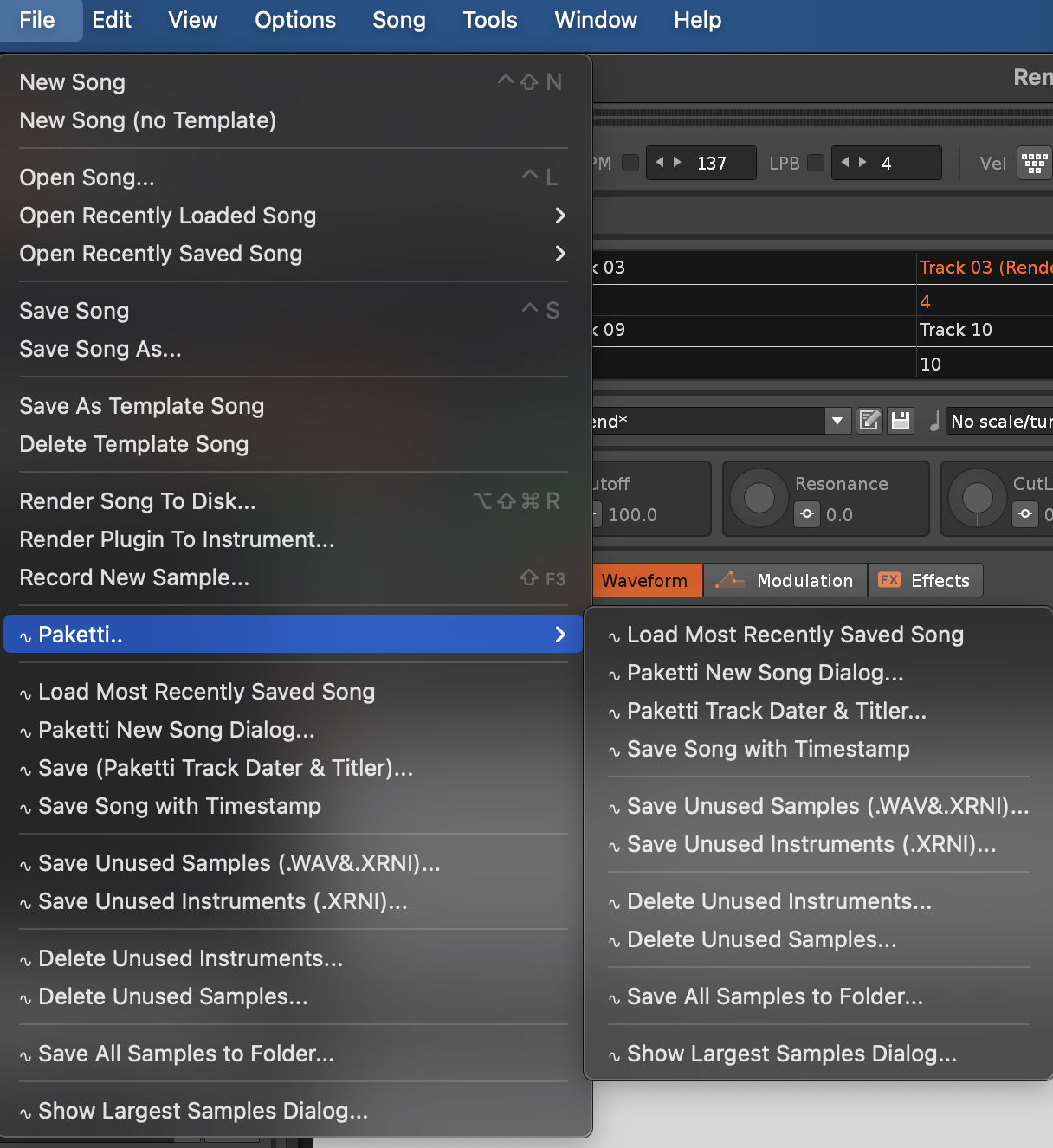
(Fixes https://github.com/esaruoho/paketti/issues/870)
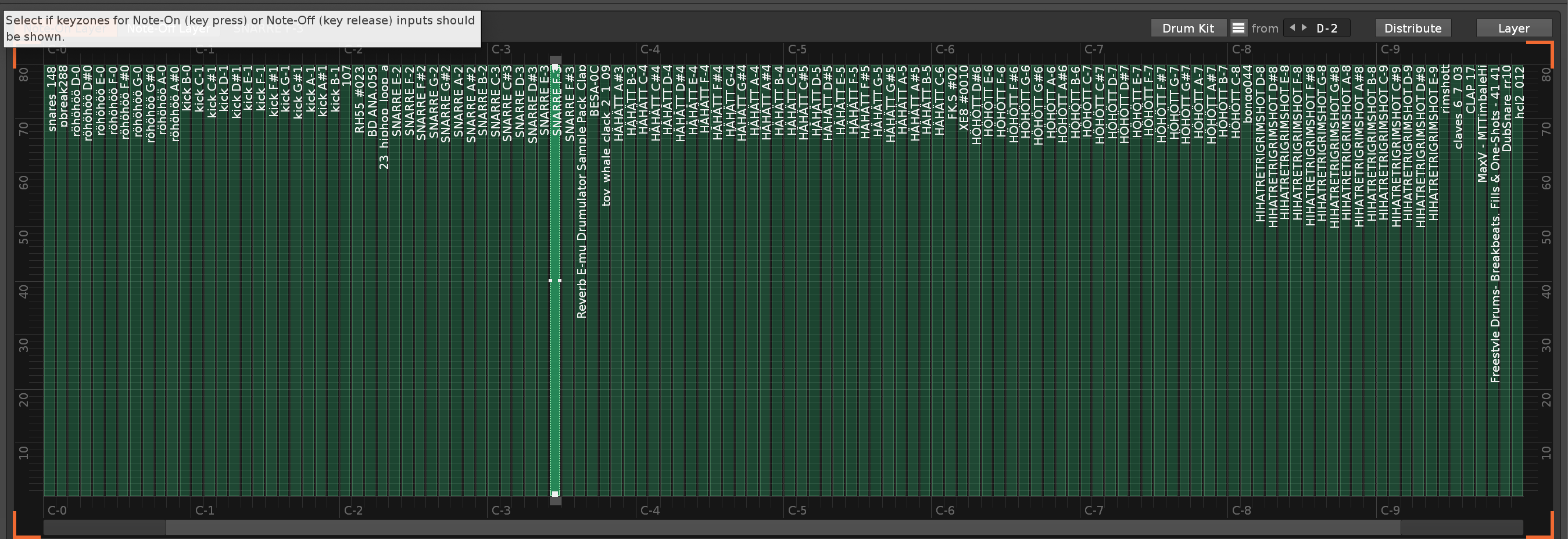
will now write till it sees a note on any note column of selected track, thus enabling:
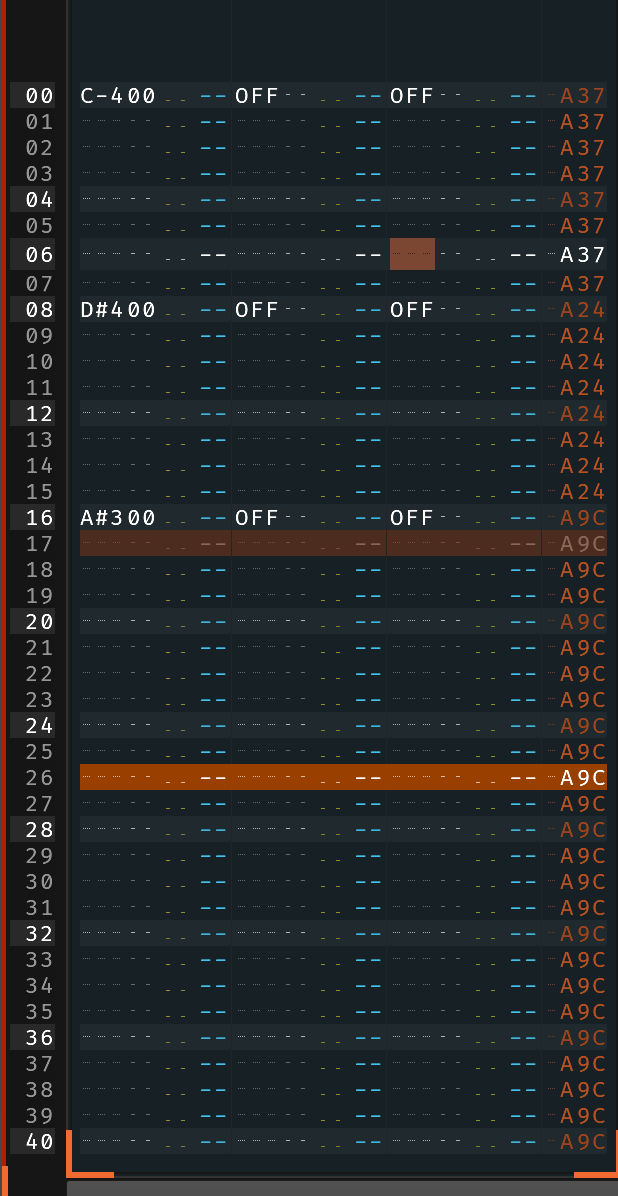
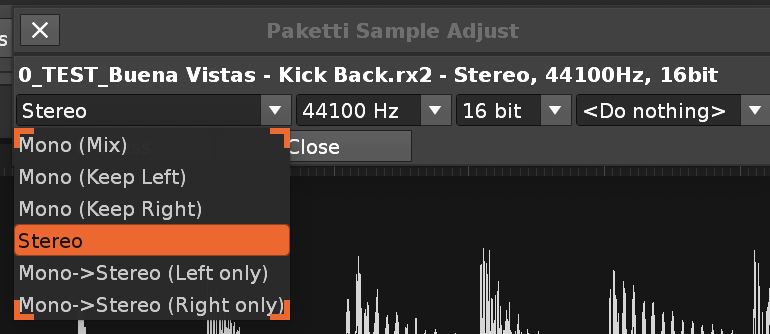
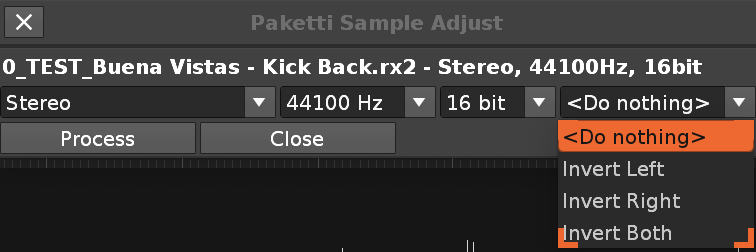
This will take the Slices in the current Instrument and start outputting them to a new pattern per slice.
https://www.loom.com/share/e06f2d3ee5414a9d8e6600eff1b01d30
This will eventually provide a lot of usefulness when finished, it's just a lot of plumbing to get through first.
This is a long-form project which will enable many configuration possibilities when done. Turns out there are over 3300 menu entries in Paketti.
Basically wipes the Pattern Sequence part of the song.
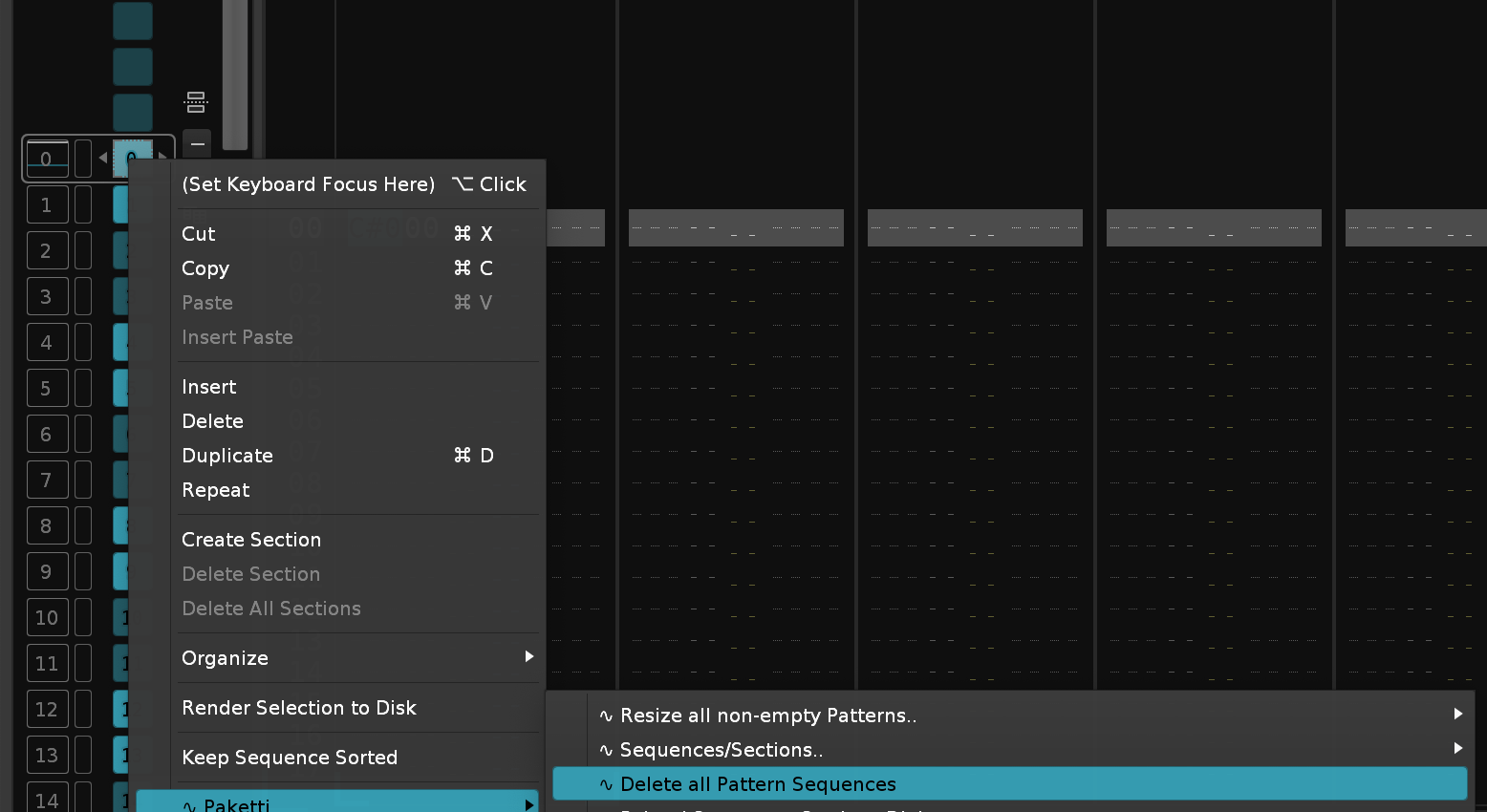
This lets you prepare a sample (slice at 1, slice at end of sample) and then start modifying BPM, LPB, Pattern Length so that you're able to find 4 bars or 8 bars, and then continuously slice it up and write one slice per pattern until end of slices
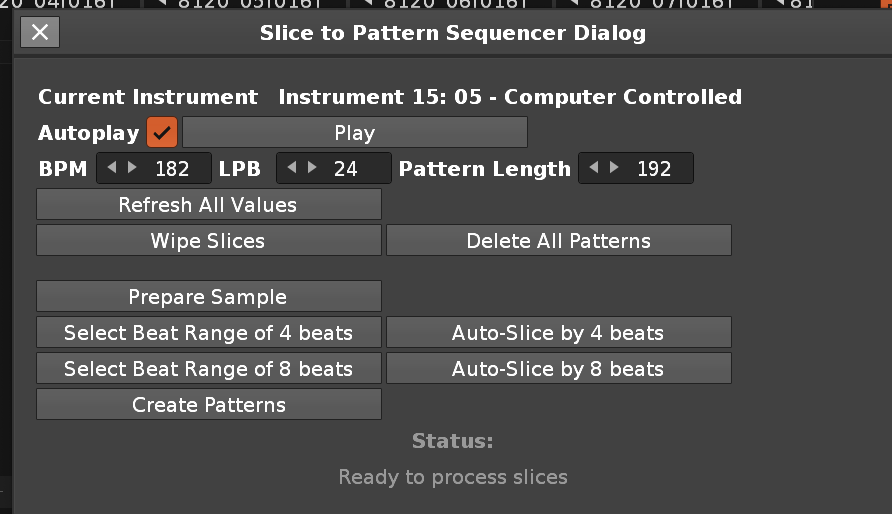
Now no longer errors out, instead works as expected.
Now no longer errors out, instead works as expected.
It used to quit the conversion if it found a sample of that Bit Depth. Now it continues till the end.
will no longer error out when trying to set a pitch that goes outside of Renoise limits
will no longer print D#-7, instead D#7
And there was a faulty reference to the wrong middle frame name.
Will no longer suggest that an Instrument with Samples, used in an Instrument, has unused samples and is deletable
Will no longer error out if going lower than 20bpm or higher than 999bpm.
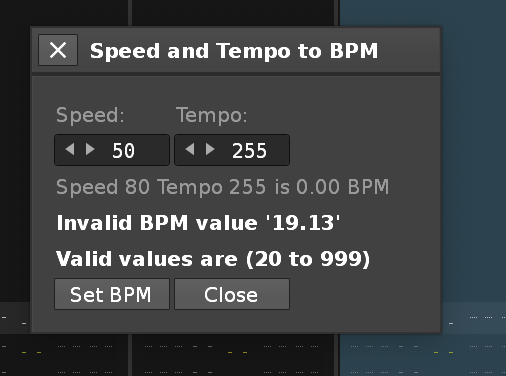
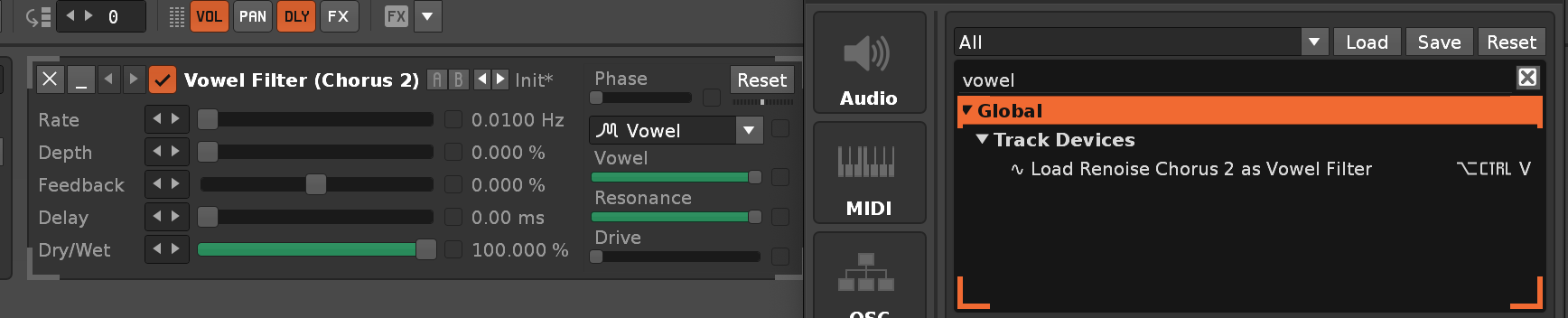
Pitch Rotaries now go up to -64 and +64 Transpose instead of erroring out - thus matching the transpose of the Instrument. Pitch Rotaries can be controlled via Midi Mapping, and they update the interface. Selected Sample can be controlled via Midi Mapping, and they update the interface Expand + Shrink Midi Mappings will both expand or shrink, and update the interface, and select the track AND pick the instrument Pitch Midi Mappings will change the selected Instrument and selected Track Midi Mappings introduced for changing 8120 Instrument selected Sample
Both Name Tracks + regular versions, and 2nd Midi Mappings binds for both. They also change the selected instrument to match the track number.
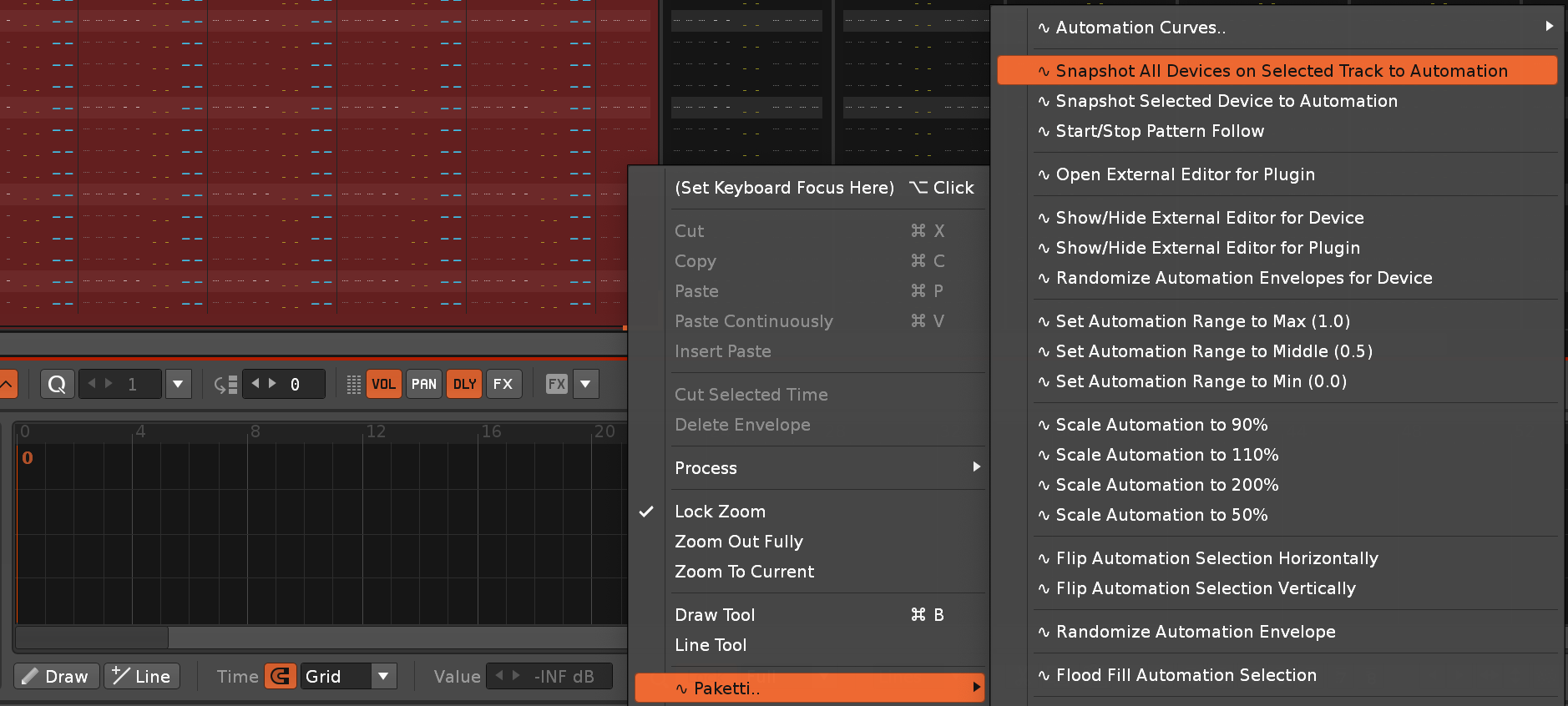
This sets the Beatsync, LPB and BPM by calculating the length based on length of sample + LPB and Beatsync value.
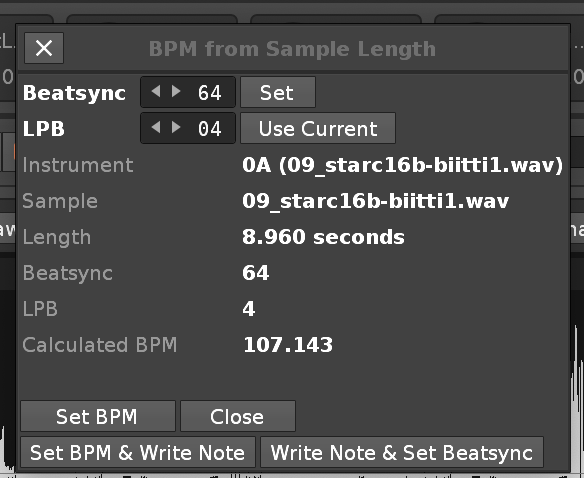
No longer force-switches you to Pattern Editor, if you're in Sample Editor or Phrase Editor
Added 32 steps (0-16 are filled, 16-32 are silence)
Added "Print Once" which prints the stepcount amount of each of them, then nothing else
Added "Selection Only" which only prints the content to the selection across patterns.
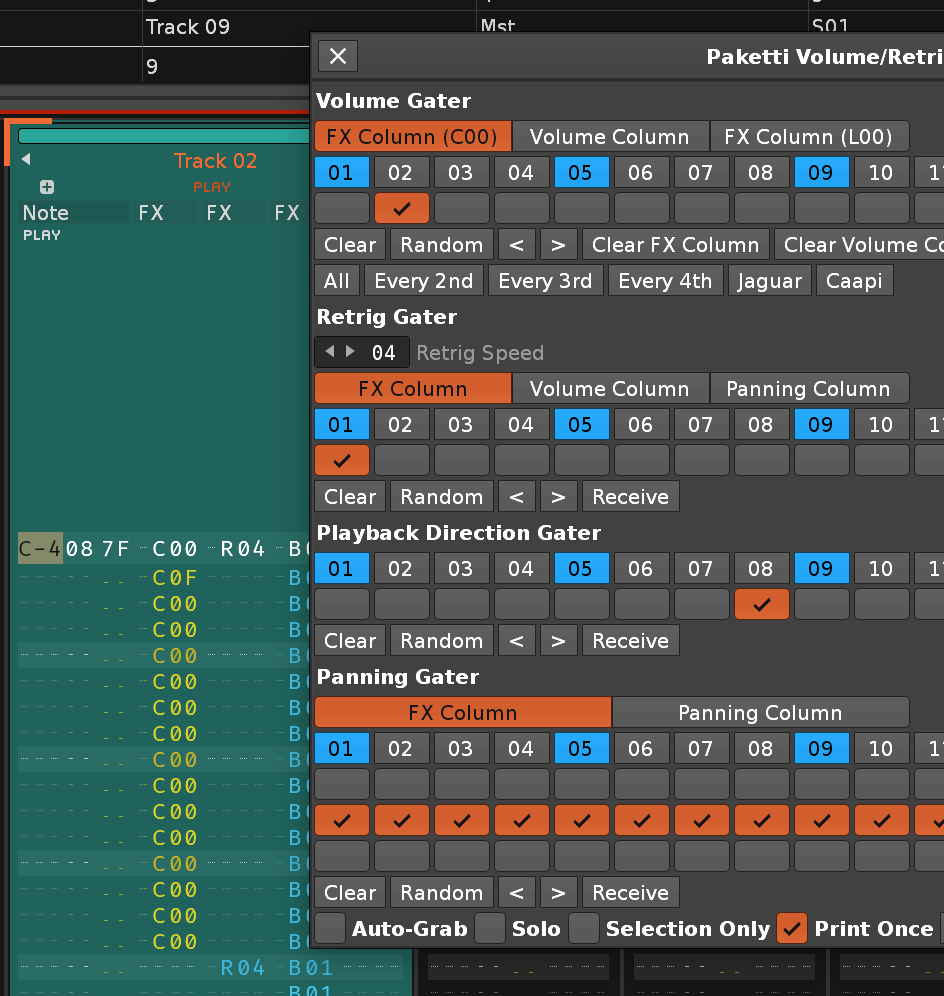
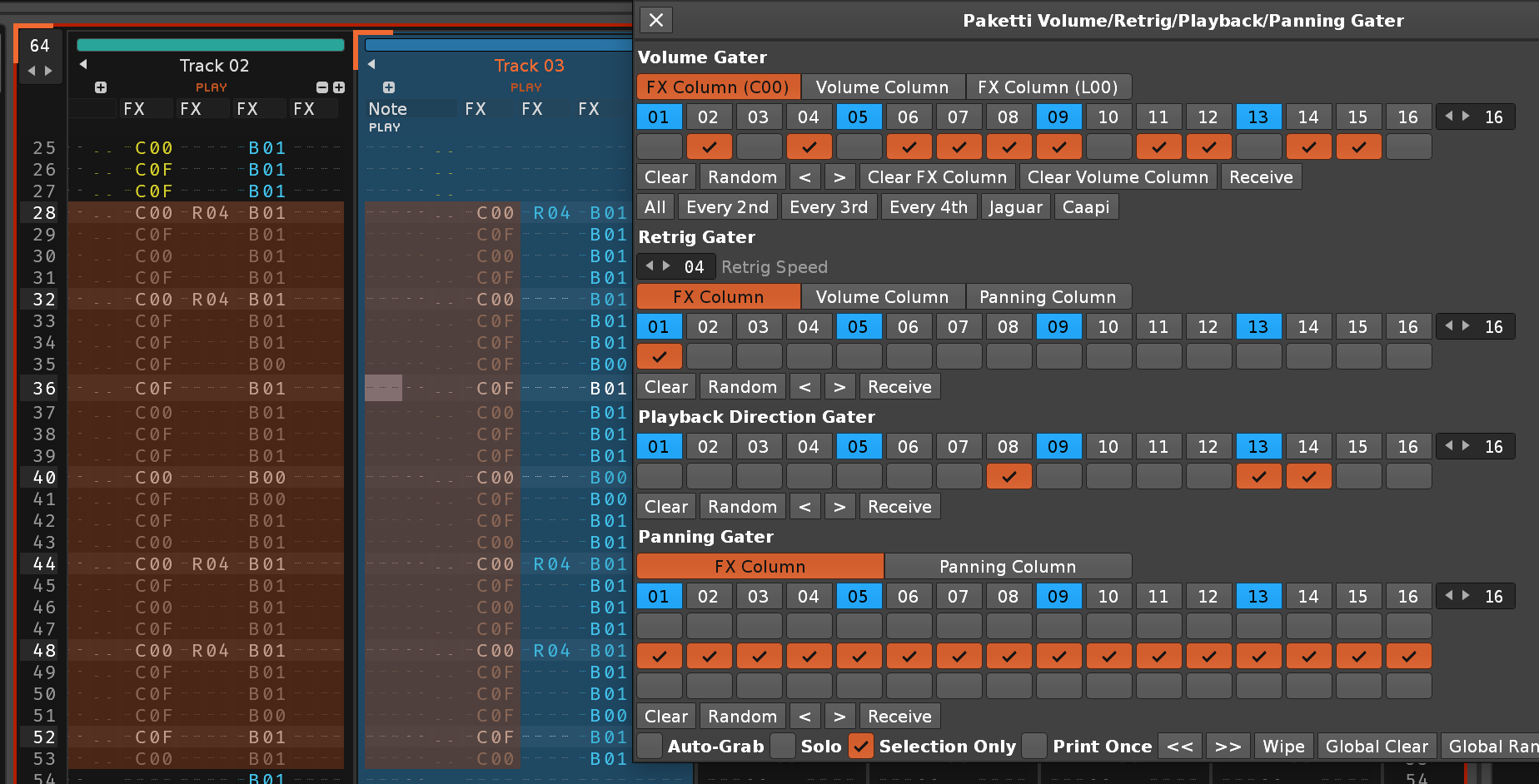
Added buttons for changing LPB, for updating Beatsync, for converting Beatsync to Pitch
Added Calculated BPM for Beatsync and calculated BPM for pitch
Added elements for controlling Transpose and Finetune -> which update the BPM calculation
Other minor tweaks
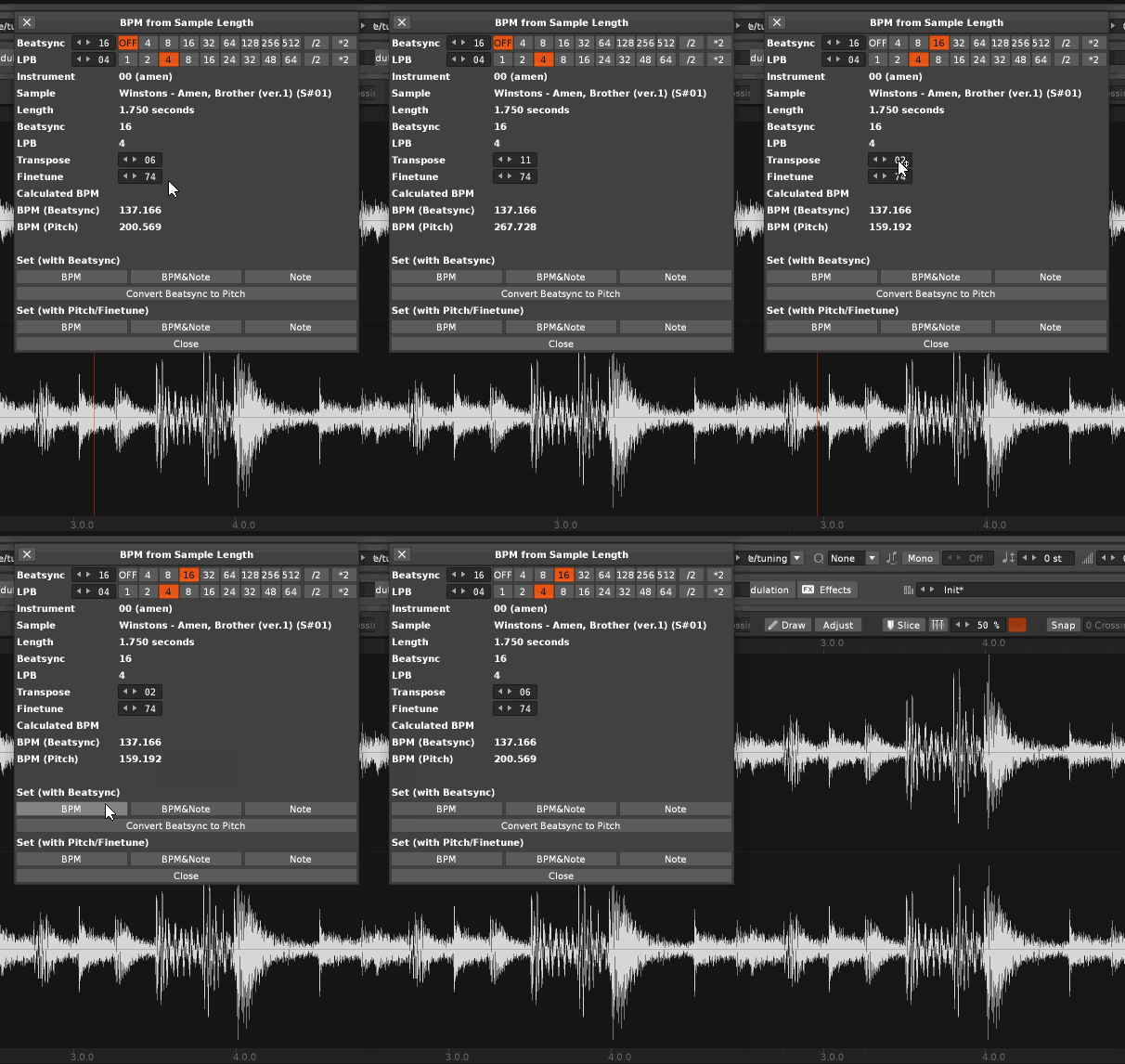
.PTI Export now no longer saves a -inf dB volume setting and Hard Left Pan setting. Instead, 0.0dB volume and Center Pan.
.PTI Export will name the .PTI instrument name as filename-you-save-it-as (so 002_try.pti instead of originalsamplename)
Both .PTI and .RX2->.PTI Export will now correctly set to Beat Slice instead of 1-Shot.
No longer tries to hit over Renoise limits (B-9 note), fixed.
.. at the end, removedI've improved and tweaked this dialog quite a bit ever since Hotelsinus sent it my way. It now supporst 16 steps and 32 steps. If there's interest, I can continue tweaking it further.


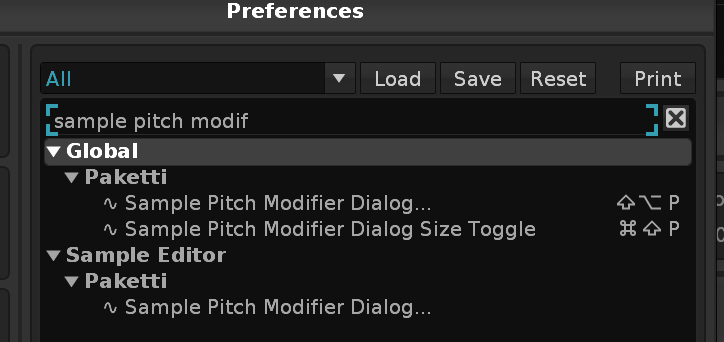
Now 75 dialogs deep:
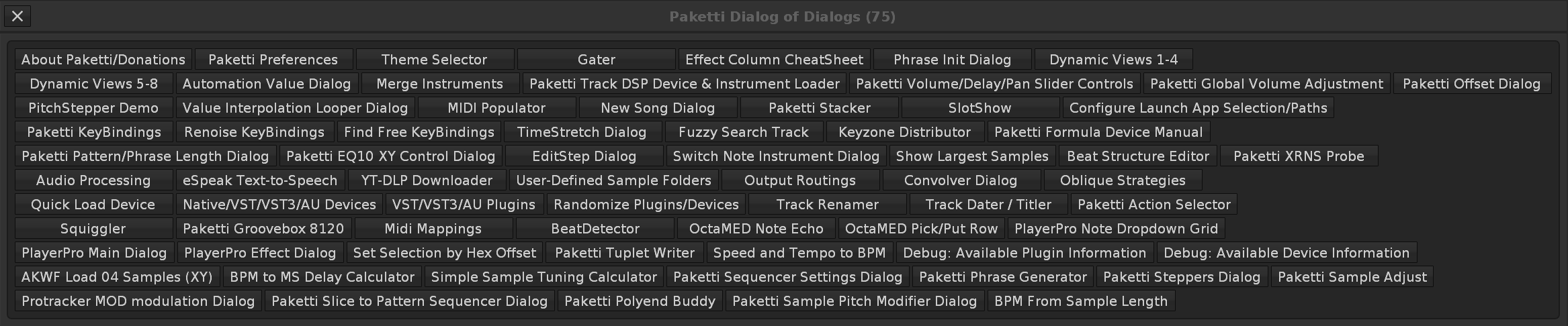
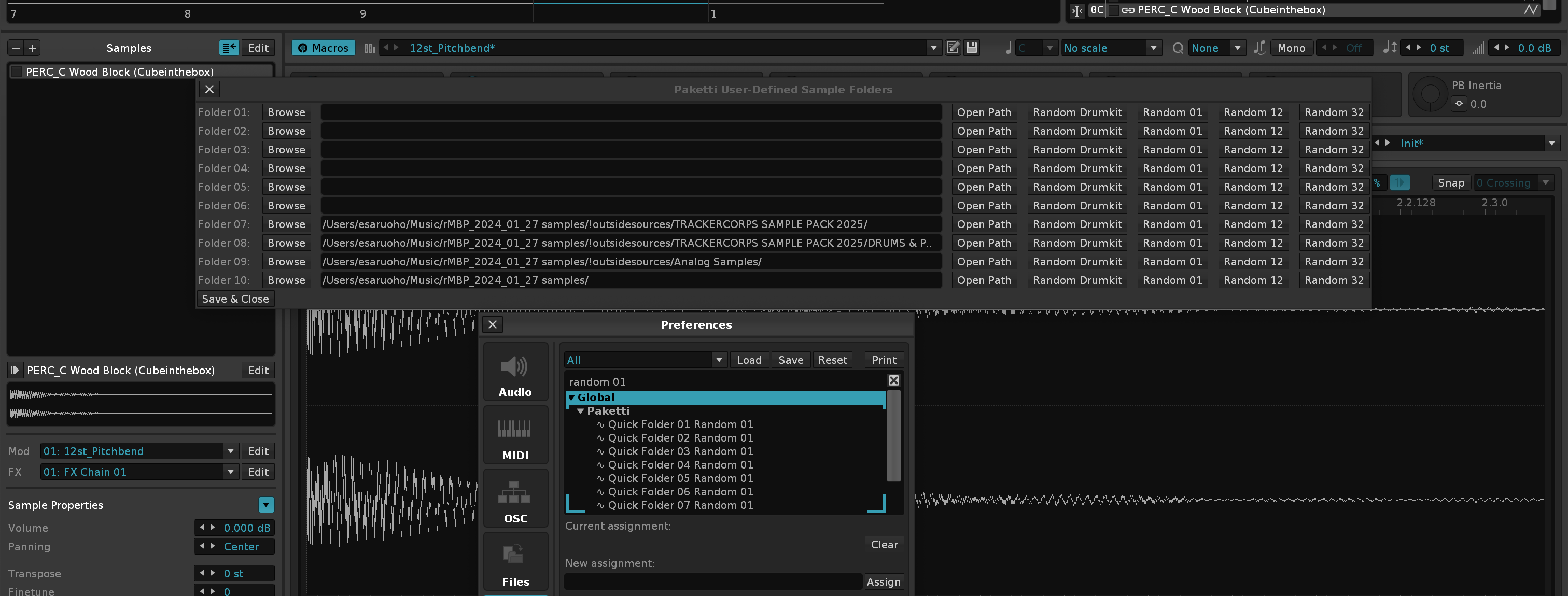
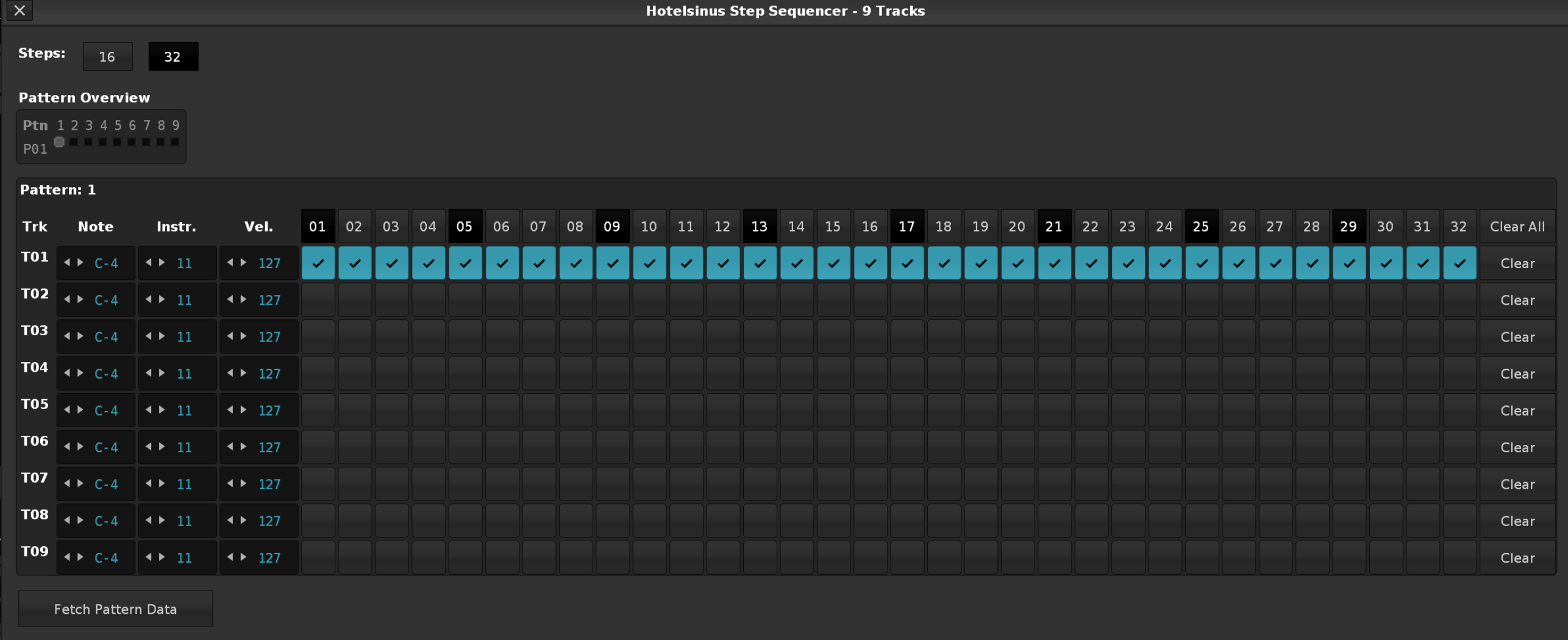
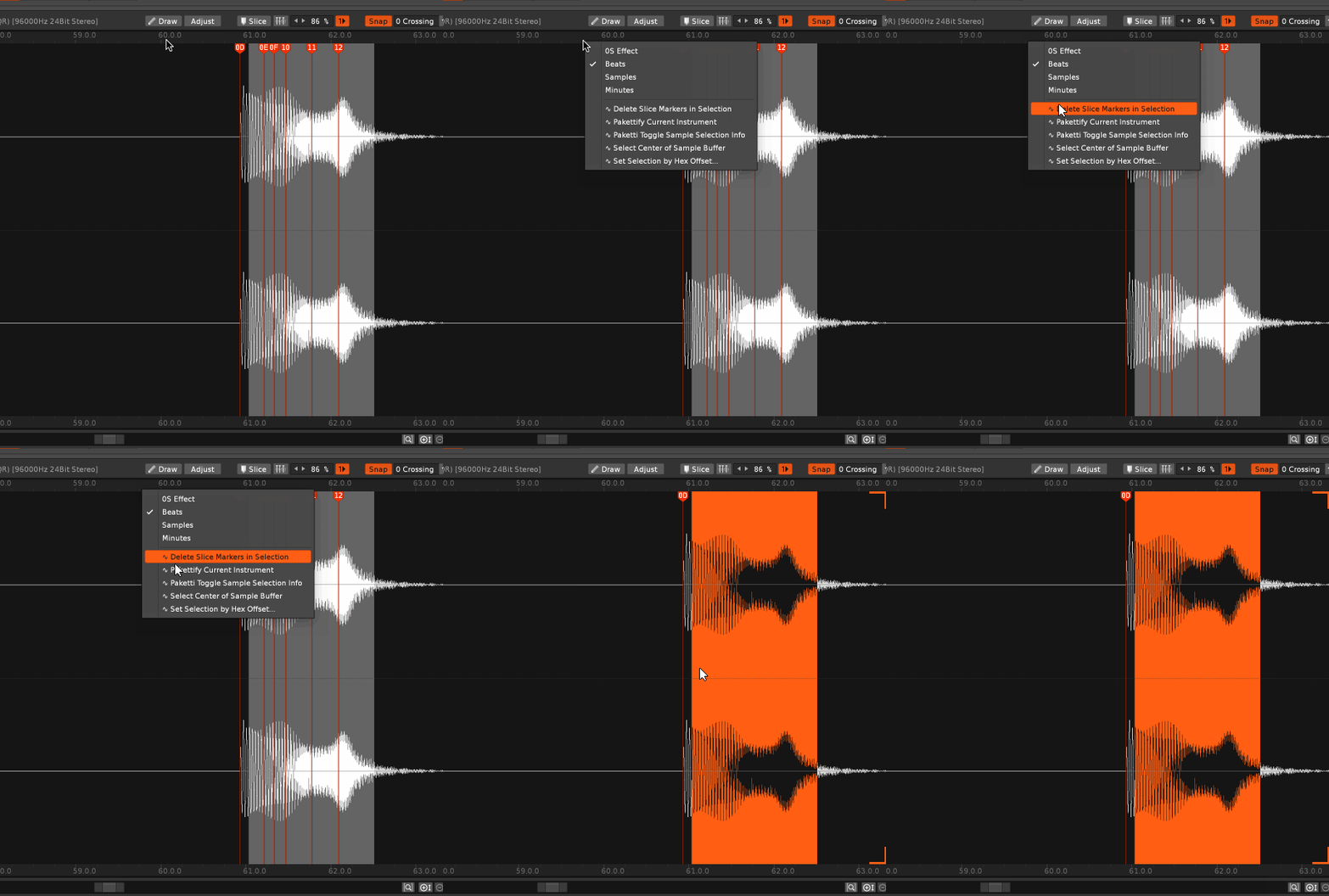
Now correctly duplicates, clears slices without erroring, and reinstates the slices - and names the instrument + sample slices accordingly.
Now has "05" and "OFF" as possibilities Now has a slider for controlling 0-100% Now has a LFO Writer for controlling the looplength
Added "Auto Stack from Pattern" - this means, if you've used slices to create sequences, and suddenly want to transpose the slices, you can turn them from Slices into a Stacked instrument, and the selected track will be duplicated but written with velocity stacking.
This will take a sliced instrument and create a new Instrument where all the slices play together C-0 to B-9.
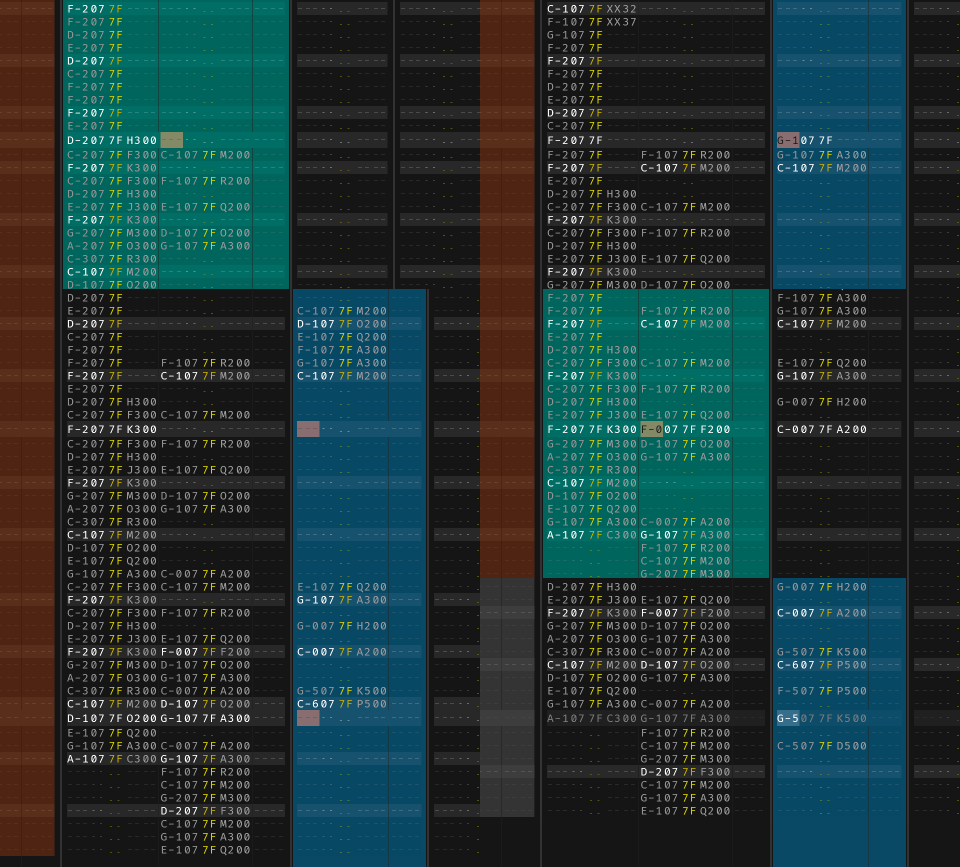
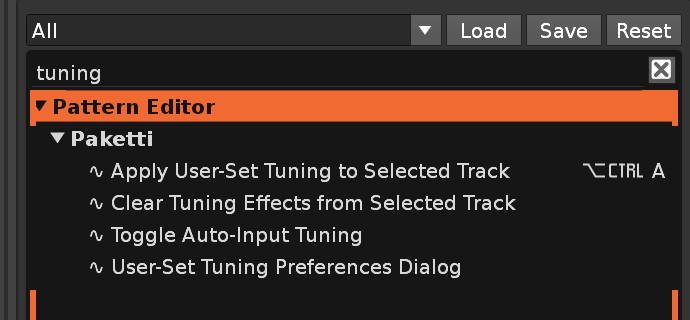
This seems to recognize slices - but I'm very interested in finding out what else this should know how to do.
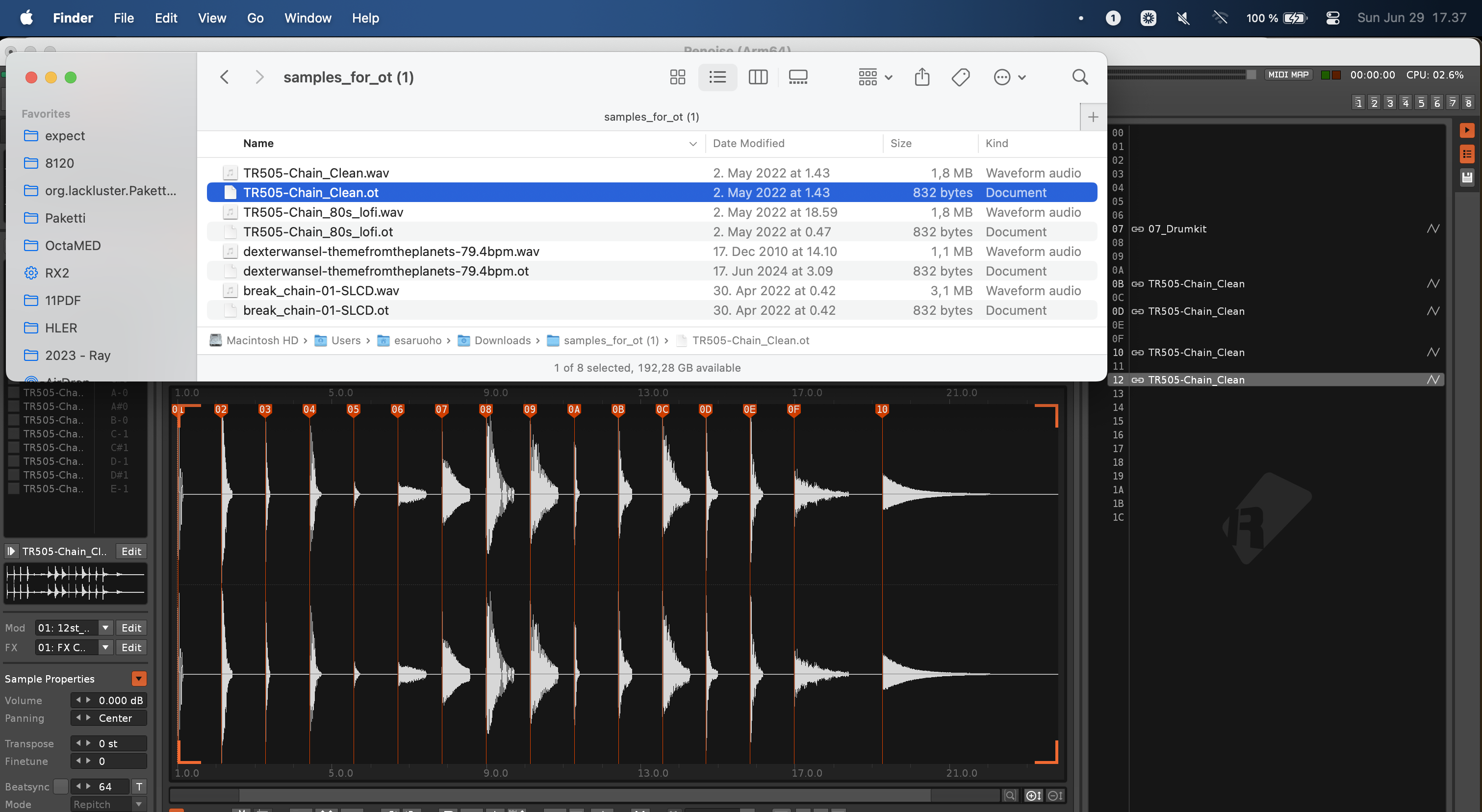
Can now export 64 drumchain kit where each slice plays till the end of the sample
This allows for resampling a oneshot sample to fit 7 octaves and export .OT out of it
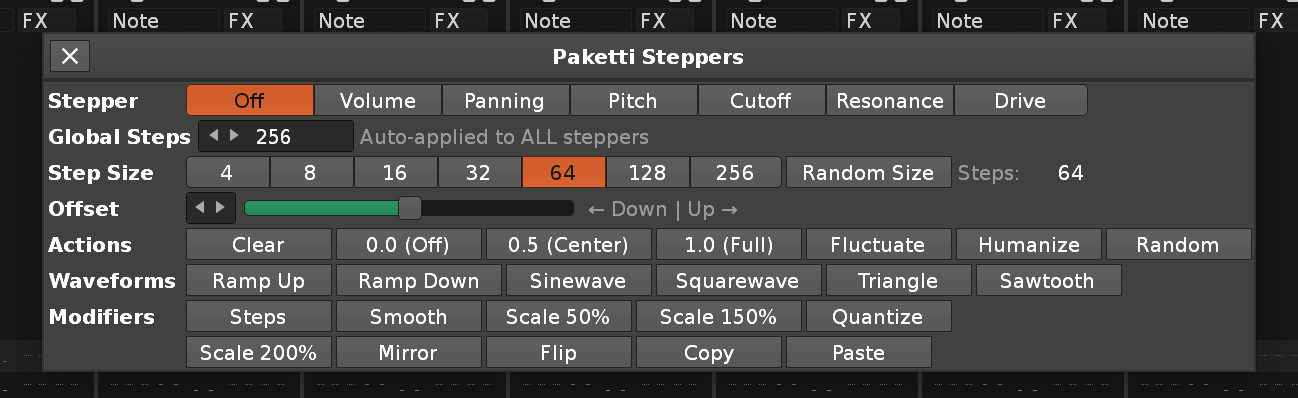
This loads a simple textfile with the format of
CC name
CC name
in, and then creates an *Instr. Midi Control device and maps them.
Added a Dialog for opening Paketti presets, or your own.
There's also a detection for maximum 34 CCs, and added Pitchbend too.
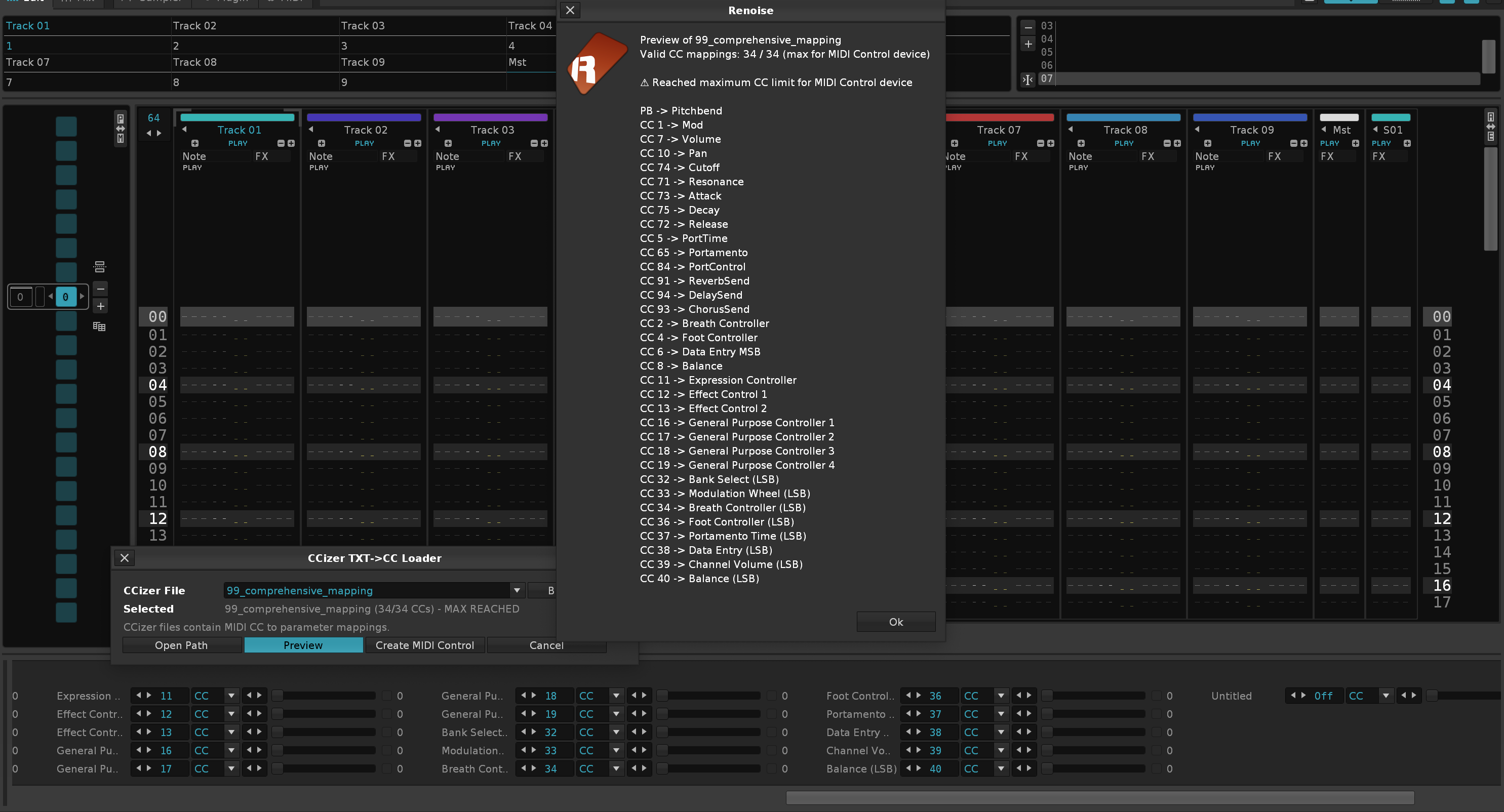
Now has a dropdown menu for adding CCizer textfiles from Paketti folder, and for browsing for new ones
Added dynamic Menu Entries that show the textfiles in question, and allows for writing to Selected Device - or creating a new device with the settings - fixed pagination too so the correct amount of pages are displayed.
Now there's a method for sorting the Changeslog from oldest to newest, and from newest to oldest. There's also a split between README.md + CHANGESLOG.md - so that the small fledgling manual does not get destroyed by the huge (1 year) changeslog.
I've made it dynamically create the donations-list, so I don't need to manually create another row every time. Thanks for keeping the donations coming in!
This will 1. disable block loop 2. disable pattern loop 3. read the current pattern length 4. create a brand new pattern with the same length below it 5. start playback of current pattern from row01, then enable follow pattern. when it hits the next pattern, a new pattern is created with the original pattern length applied. and so on, until you toggle the feature off. Mad props to Phill Tew for asking for something like this, then me having a think about it and creating it the Paketti way. Thanks!
As pointed out by danoise originally - adopted into Paketti
As pointed out by danoise originally - adopted into Paketti.
This will let you load multiple files as "EXE load", so Raw load.
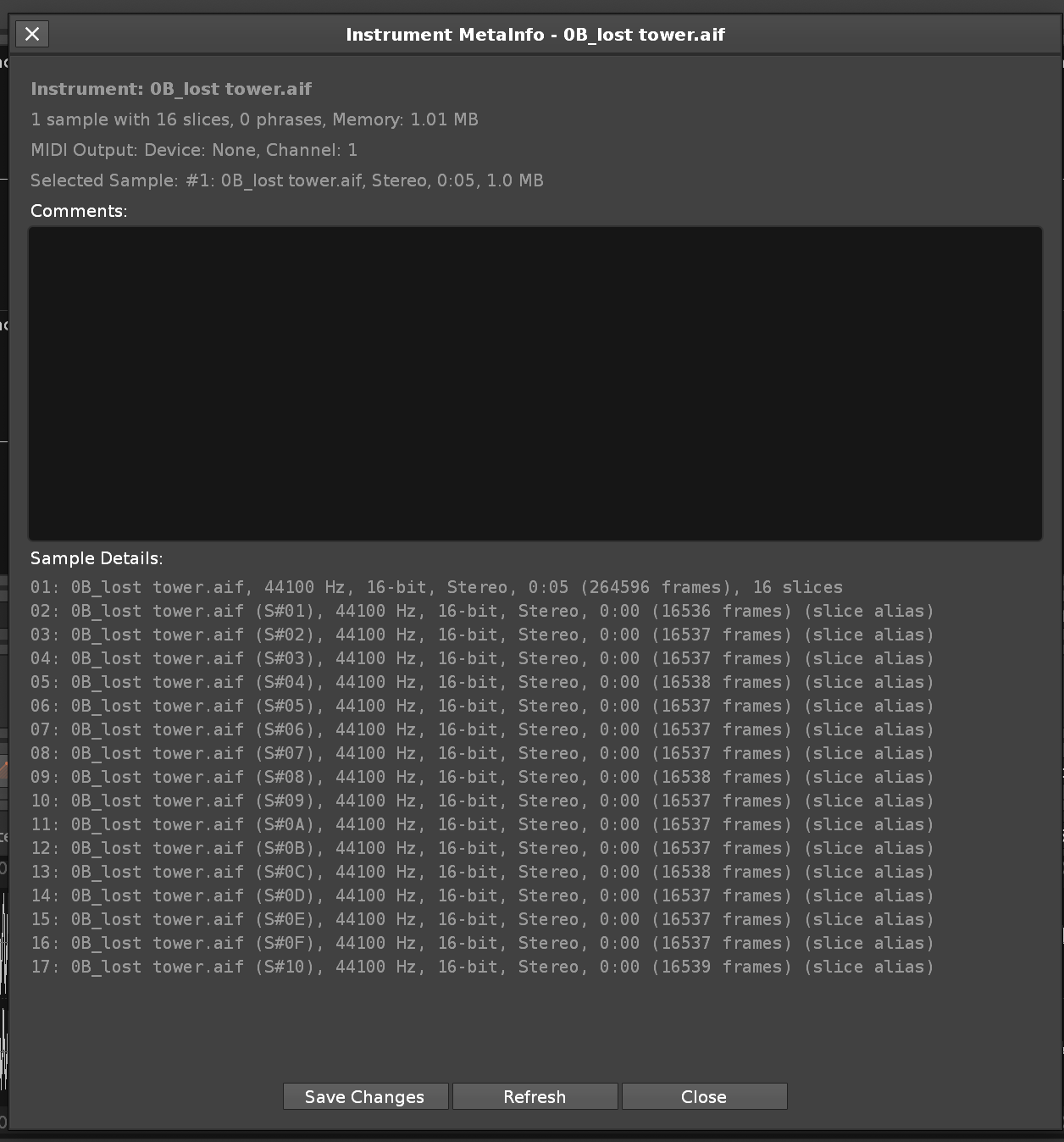
Sononymph - modified and rewritten with additional features and improvements.
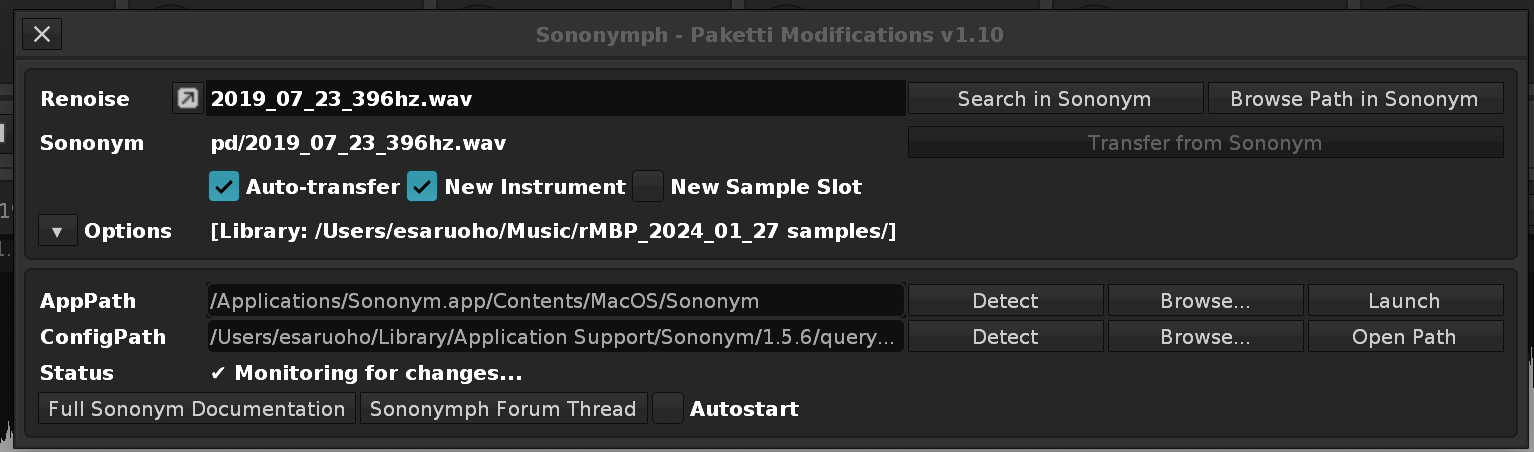
I've been toying with this and tweaking it slowly for a few months now.
This started with "Oh yay, v3.5 has a Phrase Script Editor", followed by "But I don't want to use it. Can I script the script?". This is basically a system for creating, and always-rendering, the Phrase Script Editor output, and having it play, without needing to look at the Phrase Script Editor. It lets you decide how long the sequence of notes is, how many notes there are, and which scale the notes conform to, and what the note order is. When you drag the Length and Note Count sliders, new sequences are randomly created, new note orders, etc. Volume Range controls the minimum and maximum Velocity. Octave Range is, for the range of Octaves covered. You can Randomize the Voicings, Randomize the Velocity, or Randomize All. You're able to control the Instrument Transposition, the Shuffle, Step Size and LPB. And access all the Steppers dialogs. The Status bar will show you what you created, and it will automatically start playing. Experiment and enjoy!
Here's what it looks like currently.
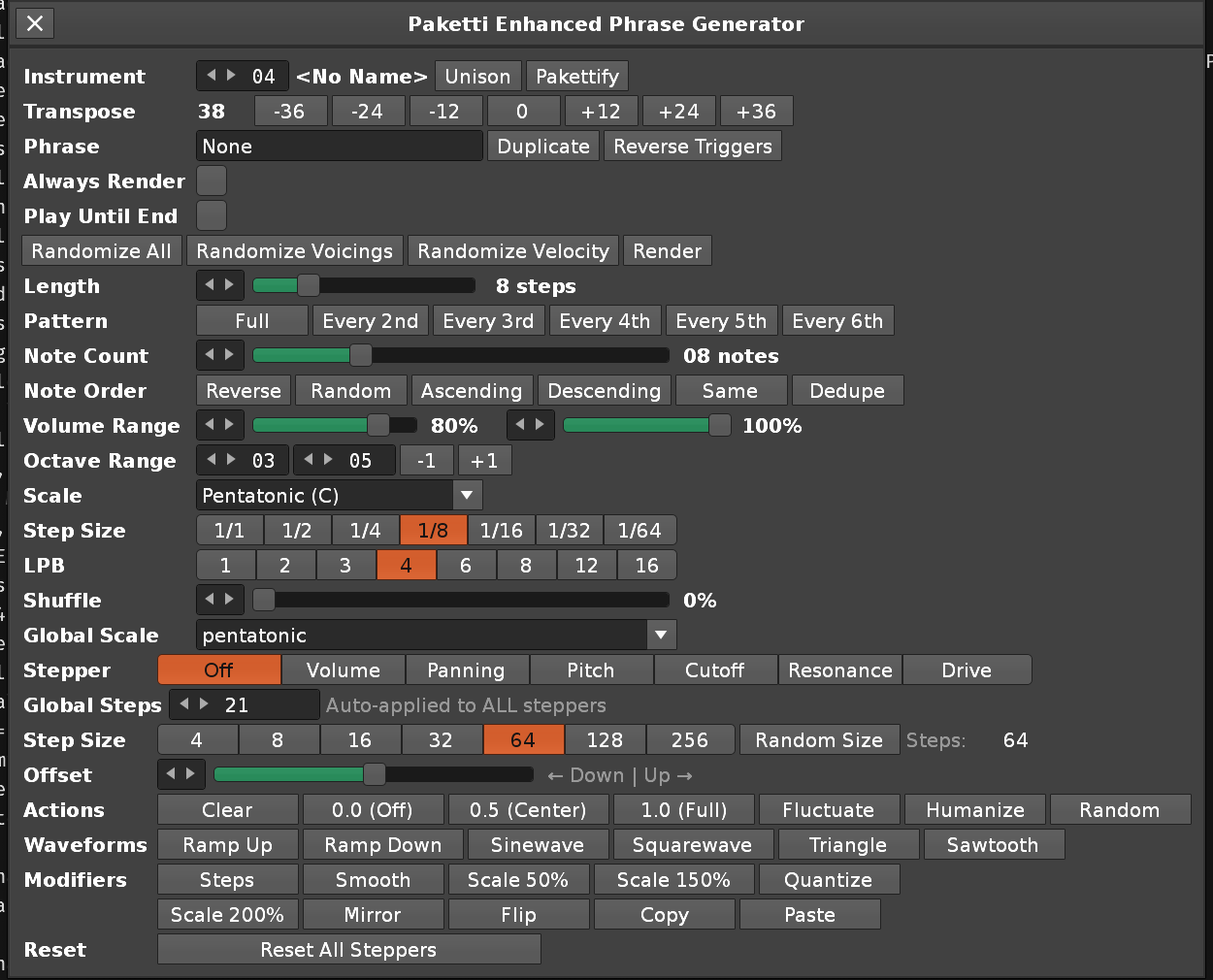
Shortcuts, Midi Mappings and Menu Entries.
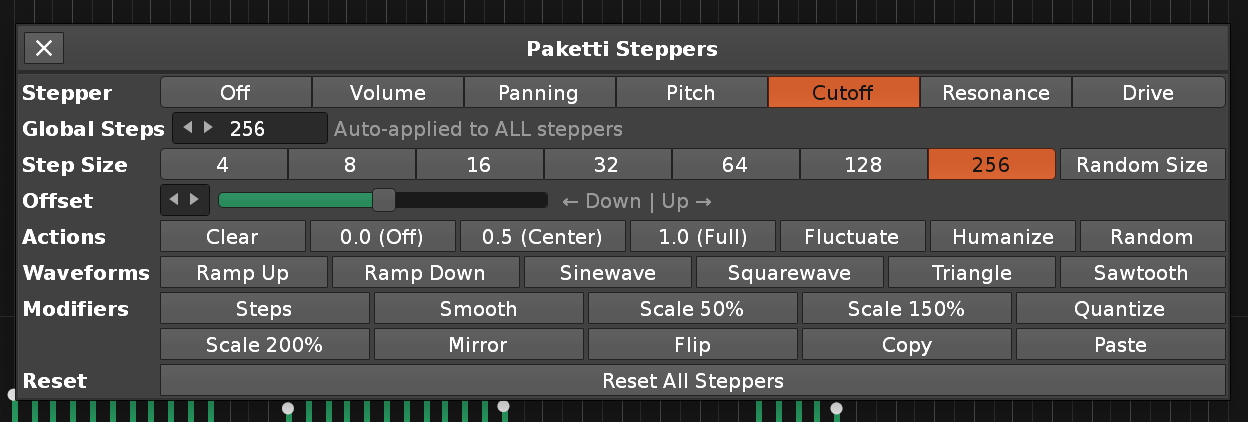 I've also improved this so that this beams directly to the Enhanced Phrase Generator
Uses the same Paketti Steppers code, so they stay in sync visually (I make a change to Paketti Steppers dialog, and the Phrase Generator dialog updates, too). Pressing Duplicate will now both duplicate the instrument, and create a new track, and arm the track for playback, AND set "Always Render"&"Play Until End" to ON - meaning you immediately hear the changes you make. When hitting the Instrument transpose buttons, the C-4 + 0G01 is printed to the selected Track in Pattern Editor.
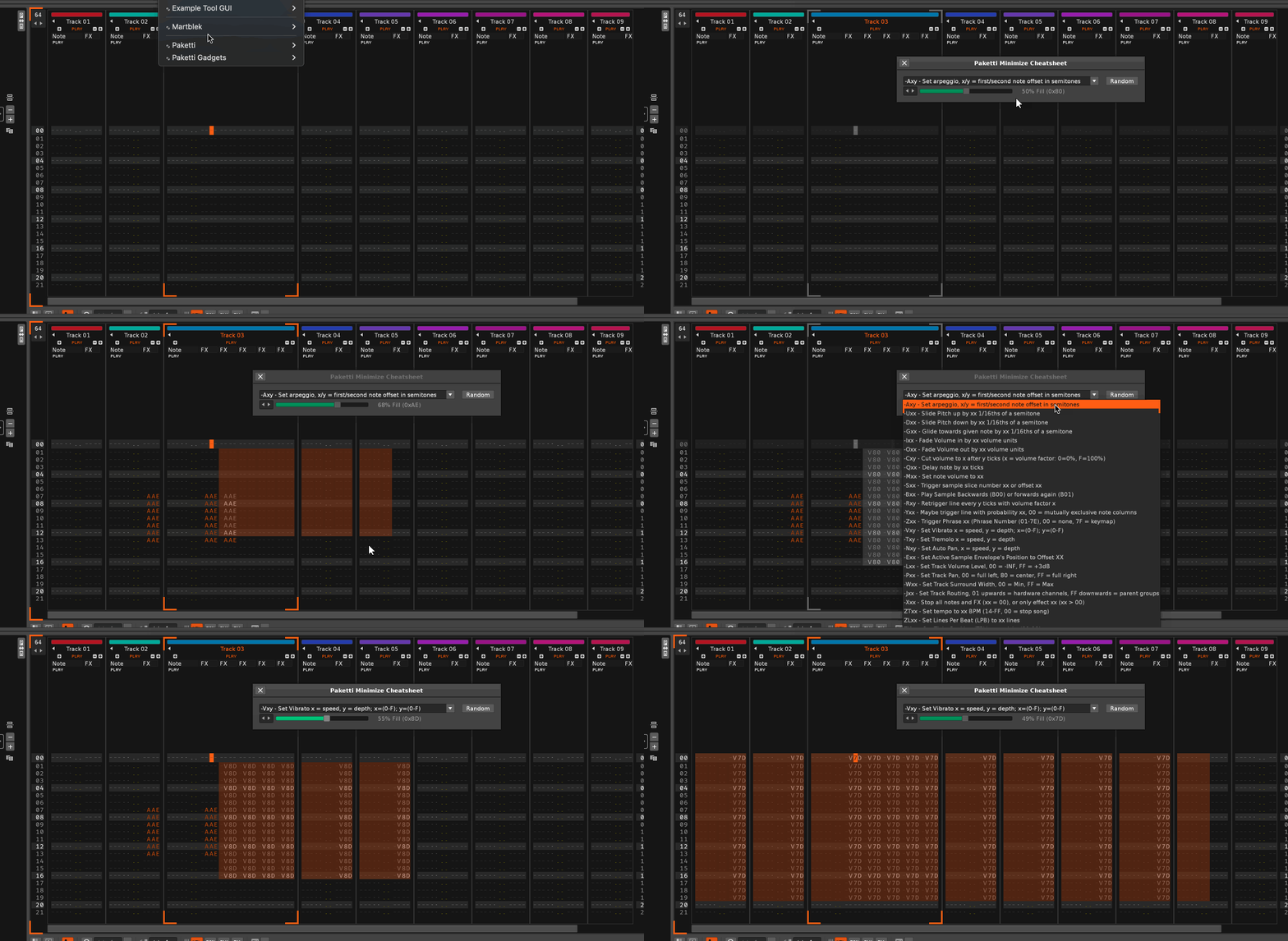
Now shows a Status Bar message to inform the user what happened. There's also a Menu Entry for all 3 features on the Pattern Matrix Menu.
Ableton11Dark theme to Theme SelectorThis will read the currently selected device's parameters and display them on a single canvas, named accordingly. If you select a different device, the dialog will auto-update. You can also randomize parameters by percentage, can toggle External Editor on/off, can just draw to the Array aka create a completely new way of modifying parameters quickly.. Any ideas welcome.
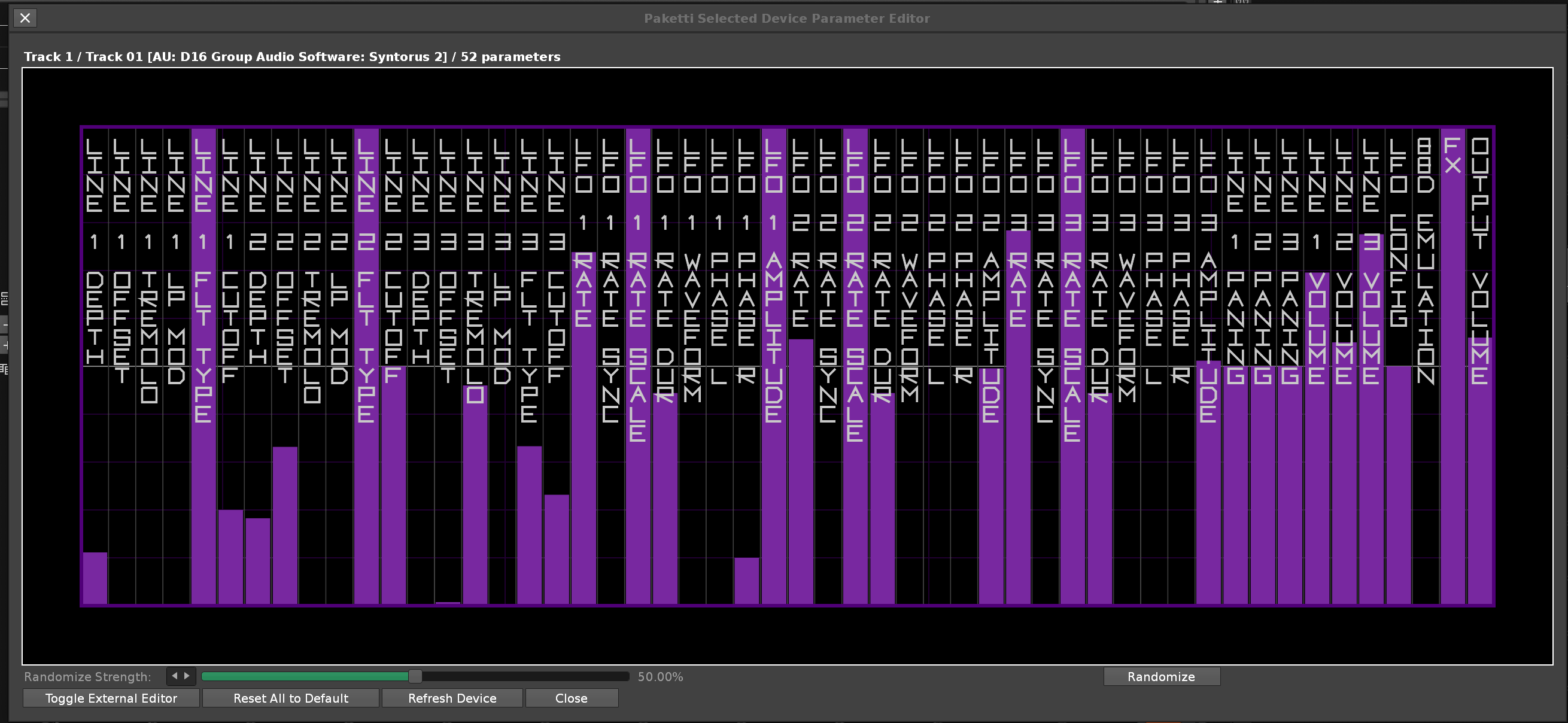
There's a dropdown menu with multiple waveforms - there's a randomizer for creating random waveforms, you can have Wave A and Wave B and crossfade between them, there's a Hex Editor there so you can input the code in yourself. You can save a .CSV and load a .CSV - you can drag in a .CSV into Renoise and it'll get loaded. There's a "Create 12 random instrument" -> meaning, an instrument will pop up with 12 randomized waveforms pre-loaded, and Pakettified. There's the usual simplistic Sample Tools, Invert, Normalize, Fade In, Fade Out, Reverse, Scale 150% Scale 50%. You can pick up the waveform on your current Selected Sample - or have a Live Pickup Mode - which means, whichever Selected Sample you pick, the minute you draw, it is beamed back to the Sample. And a few other things. Any ideas welcome.
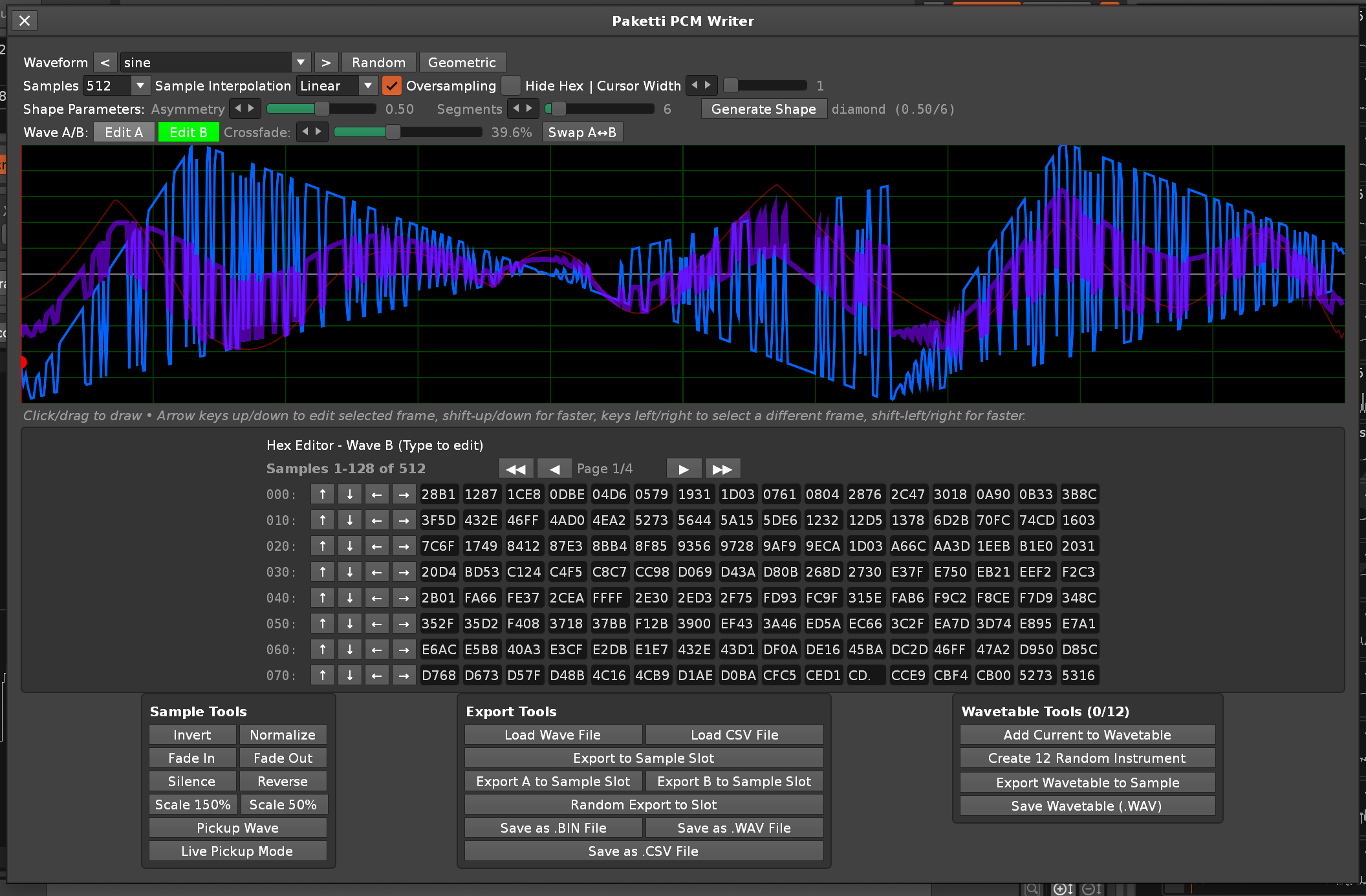
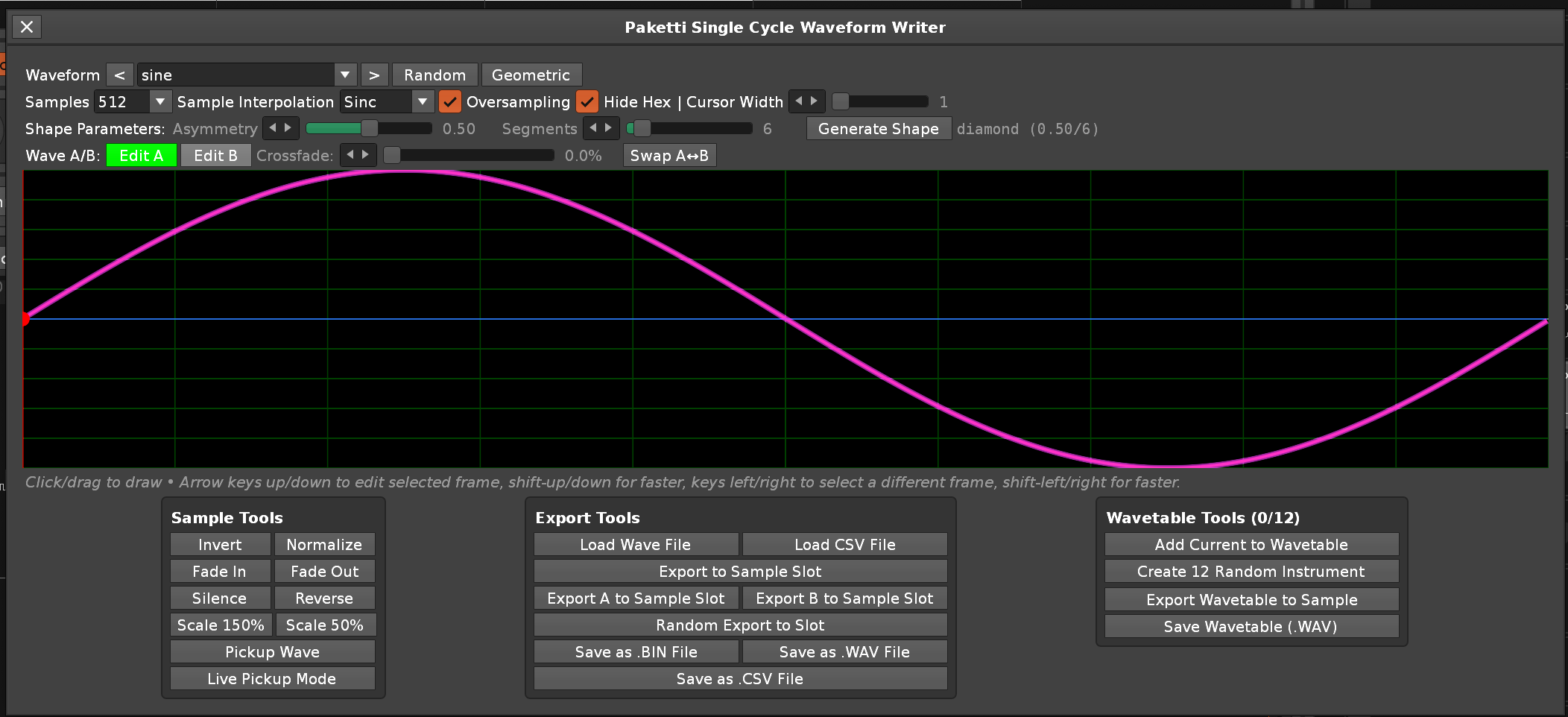
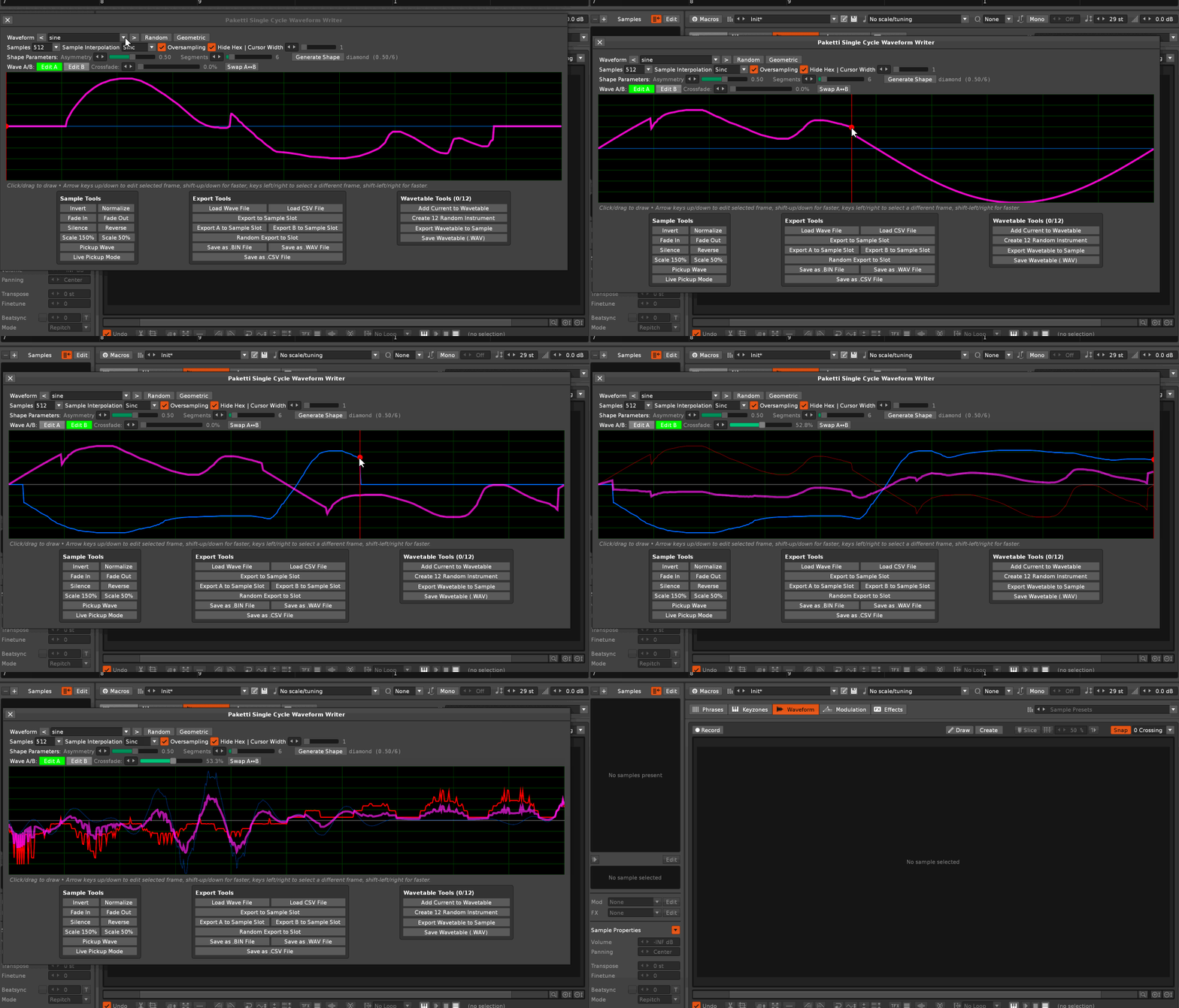
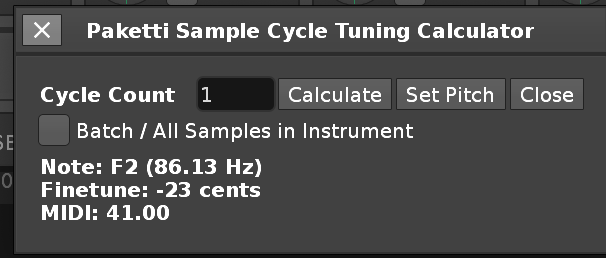
(Closes https://github.com/esaruoho/paketti/issues/878)
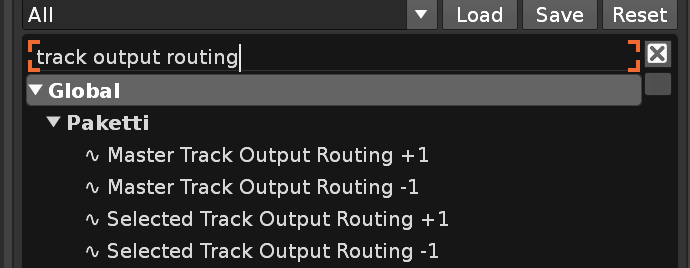
Unknown Pleasures (tkna).xrnc to the Paketti Theme Selector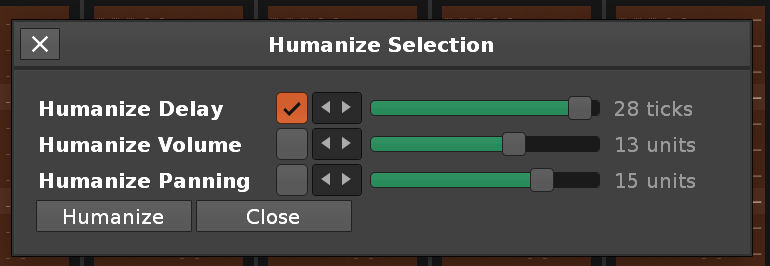 (Closes https://github.com/esaruoho/paketti/issues/311)
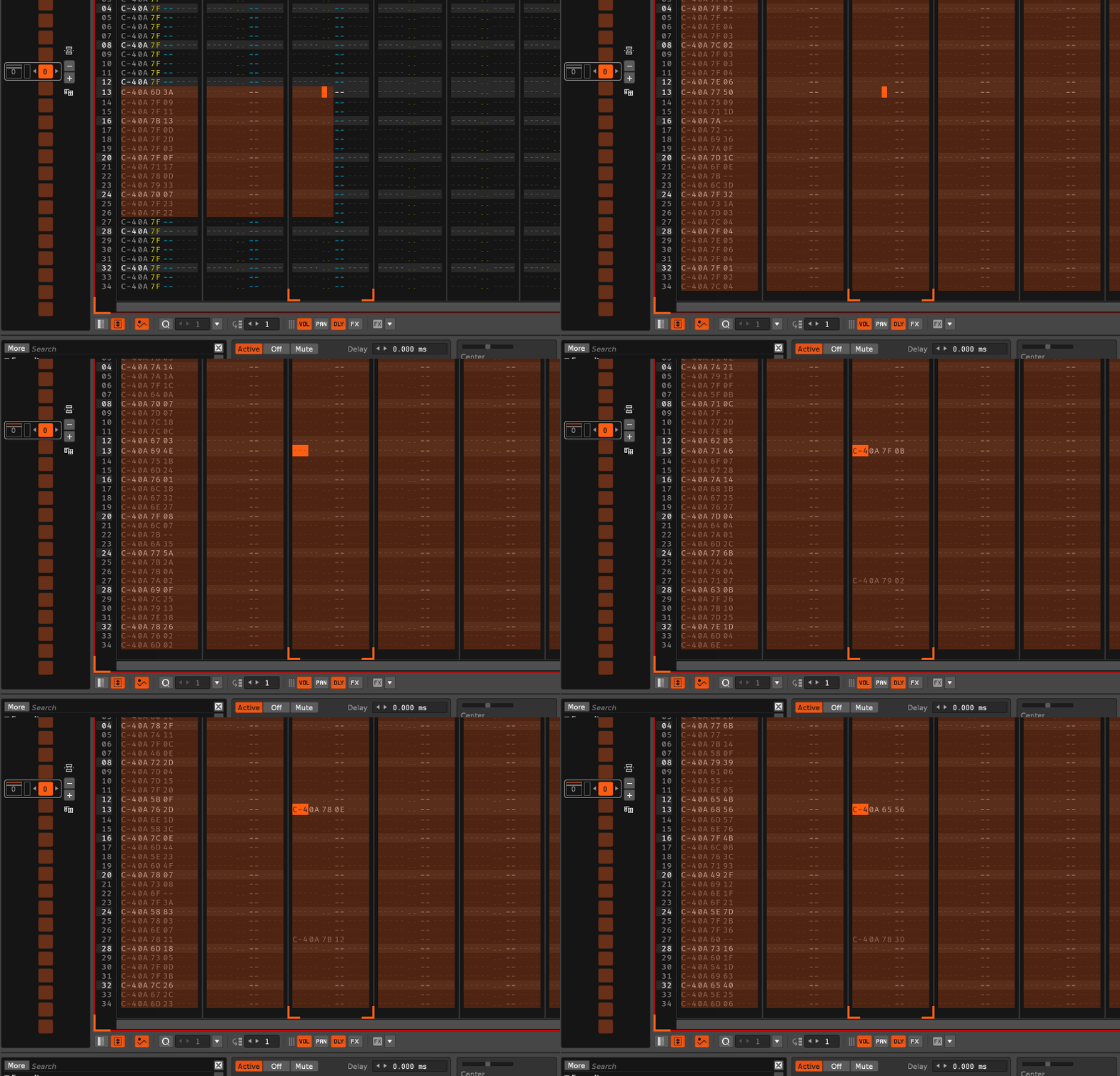
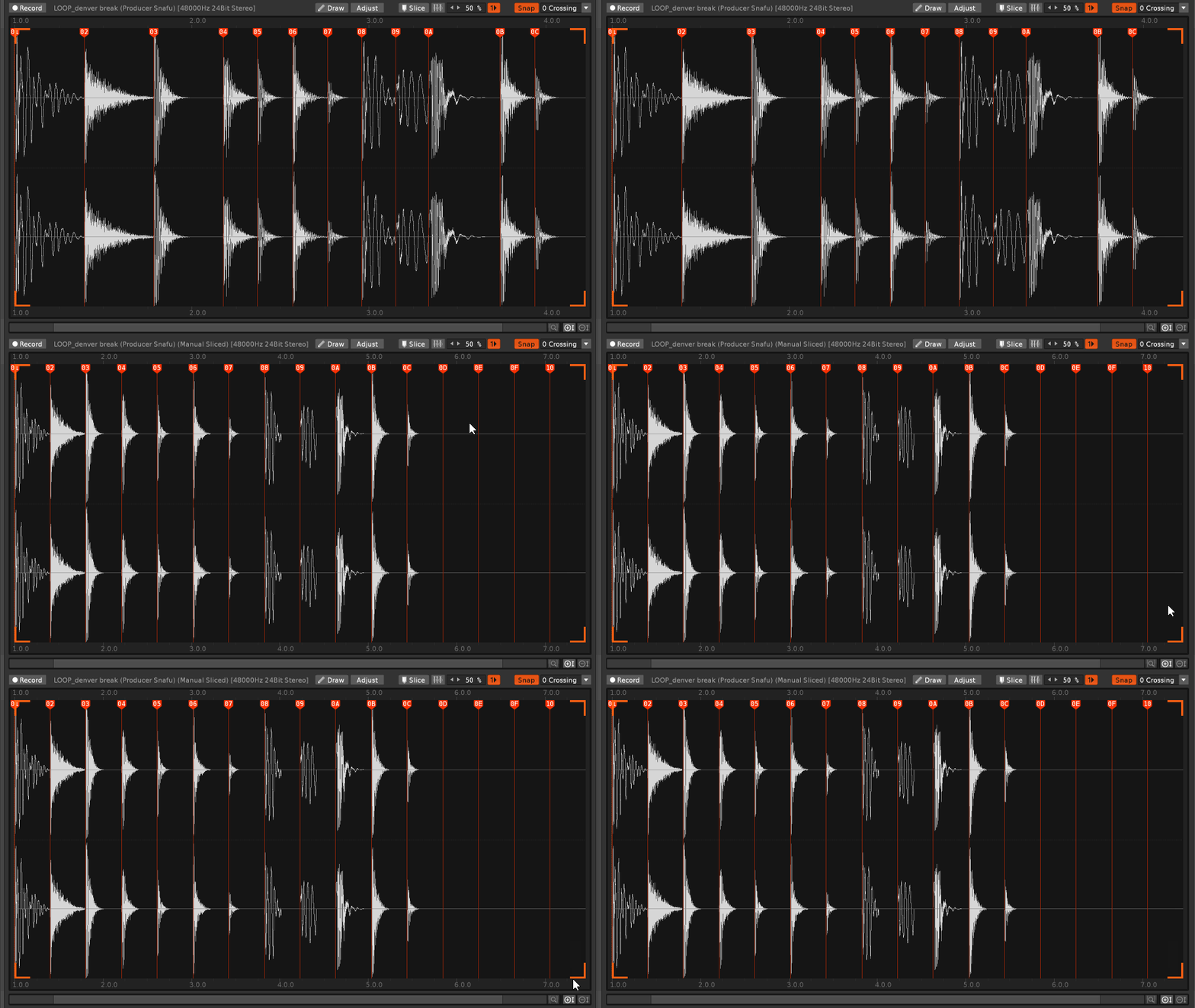
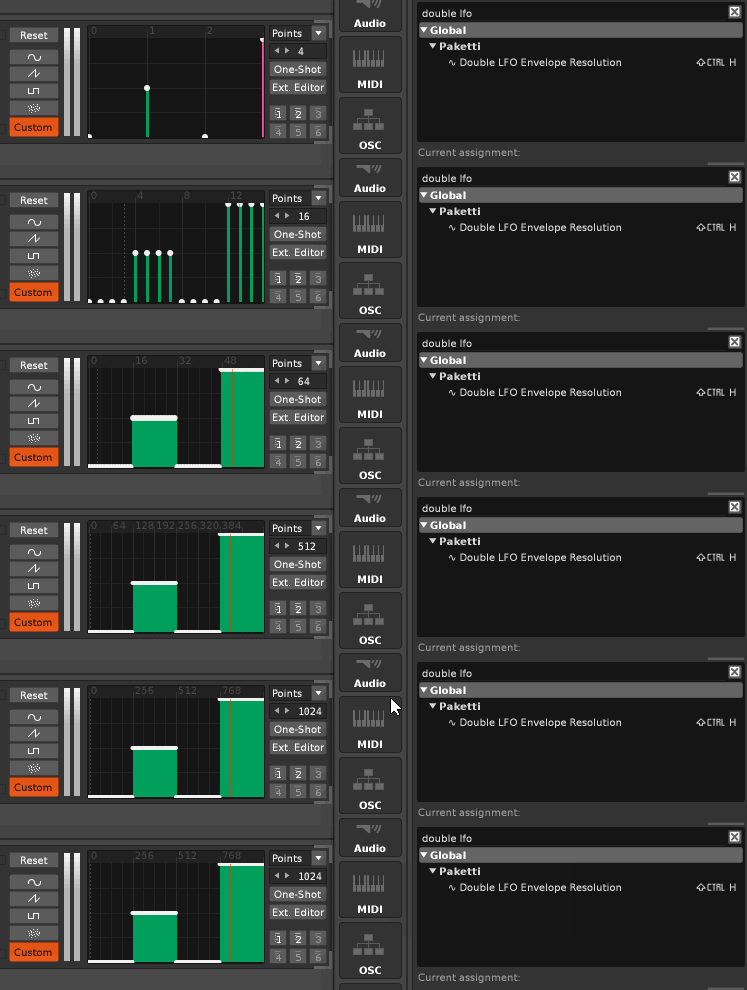
---
This shortcut will detect whether the LFO Device has an External Editor available, and let you toggle showing it on&off.
Shortcut that loads LFO in Custom mode with External Editor exposed. If LFO Custom already exists, same shortcut will hide or expose the External Editor.
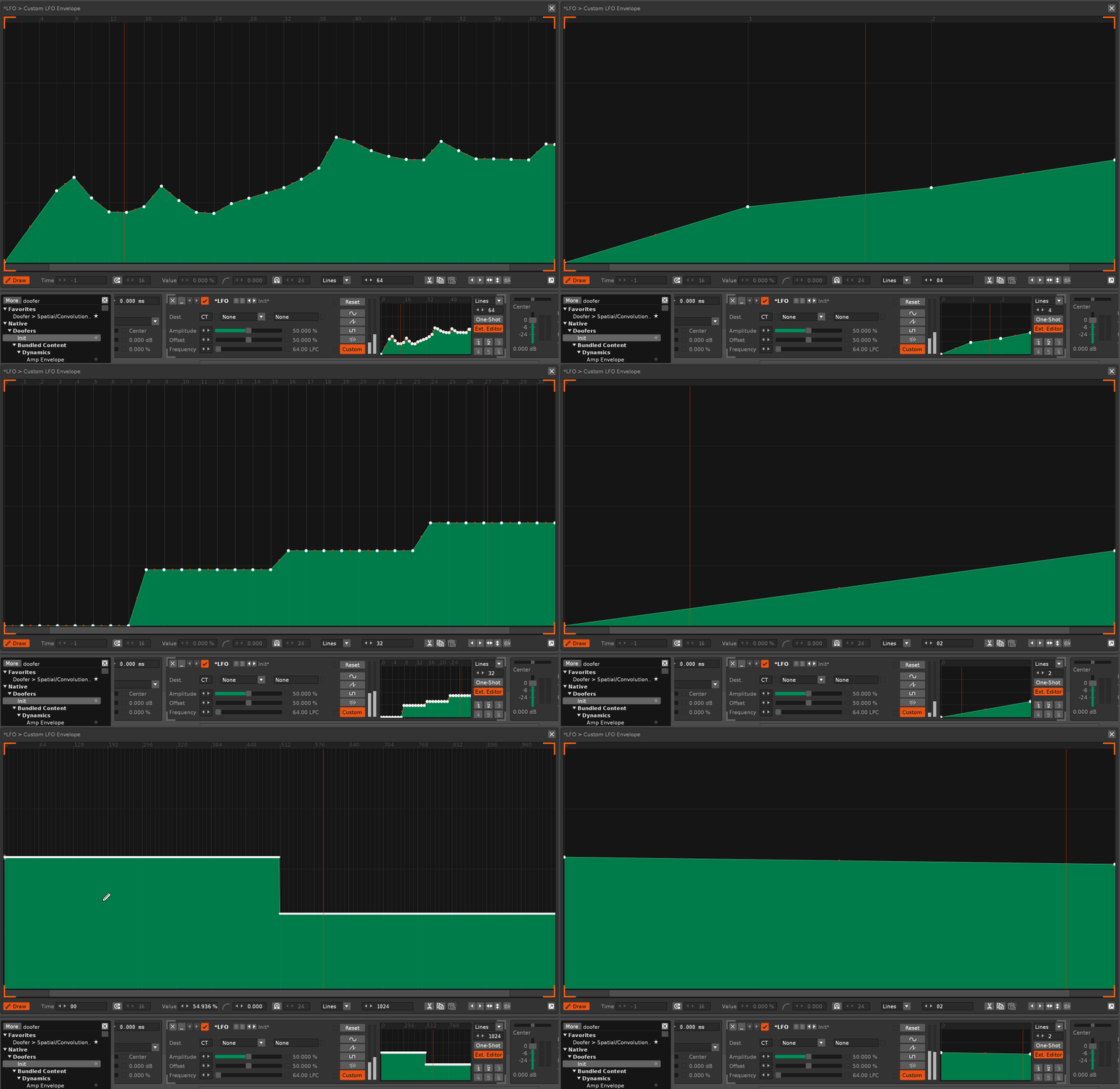
yes. you can now script within Notepad and run it.
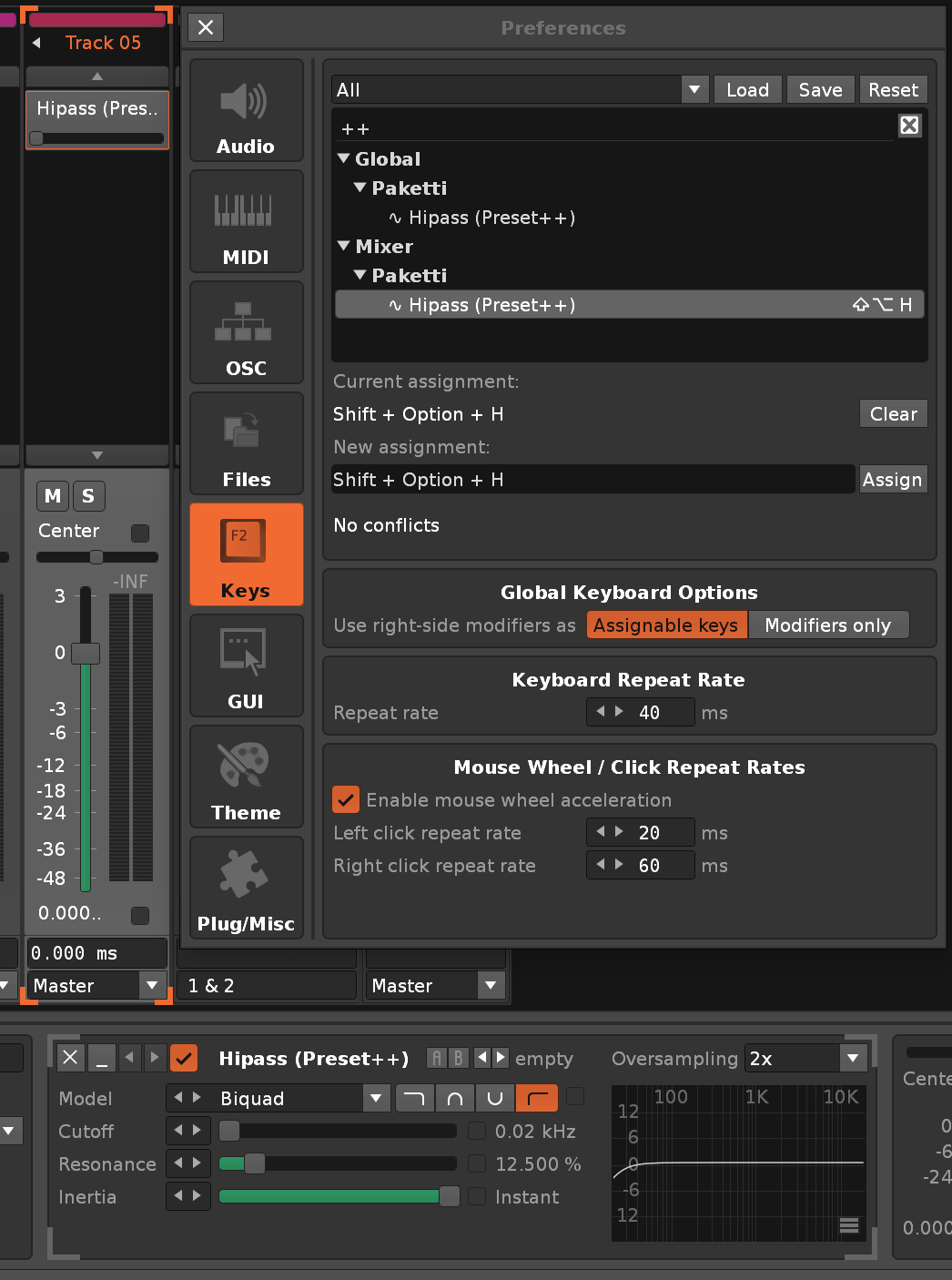
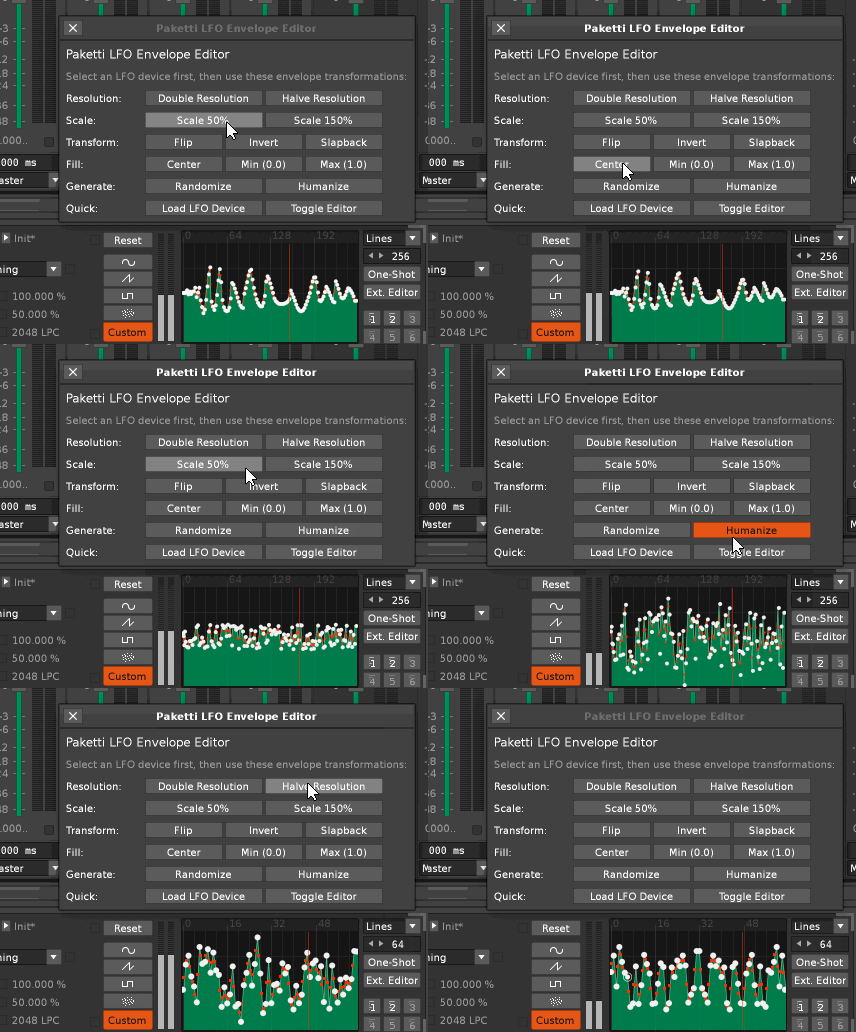
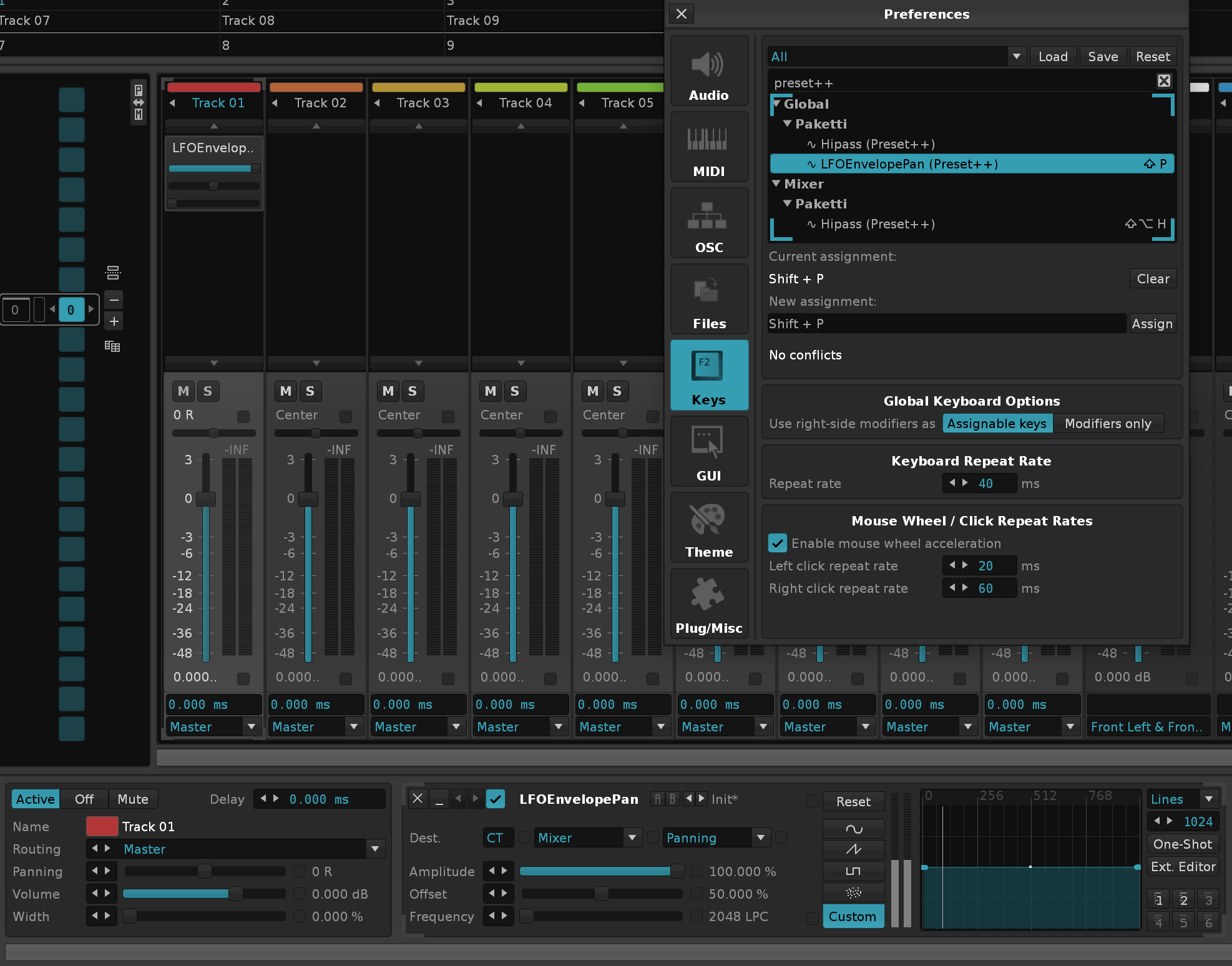
Apparently this is a feature in ModPlugTracker.
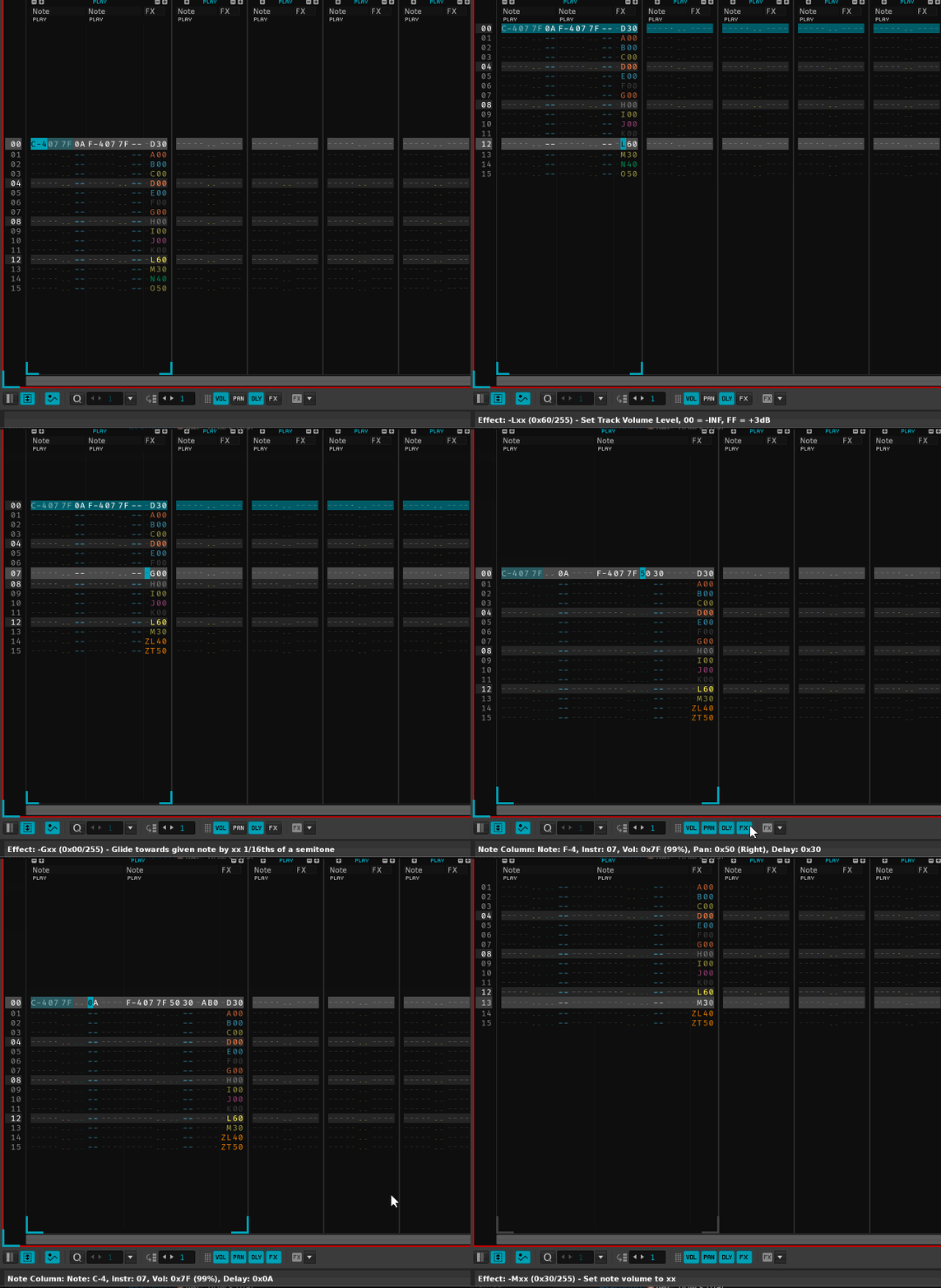
This will detect that you're in a new fully empty song, and randomize the BPM across 60-220.

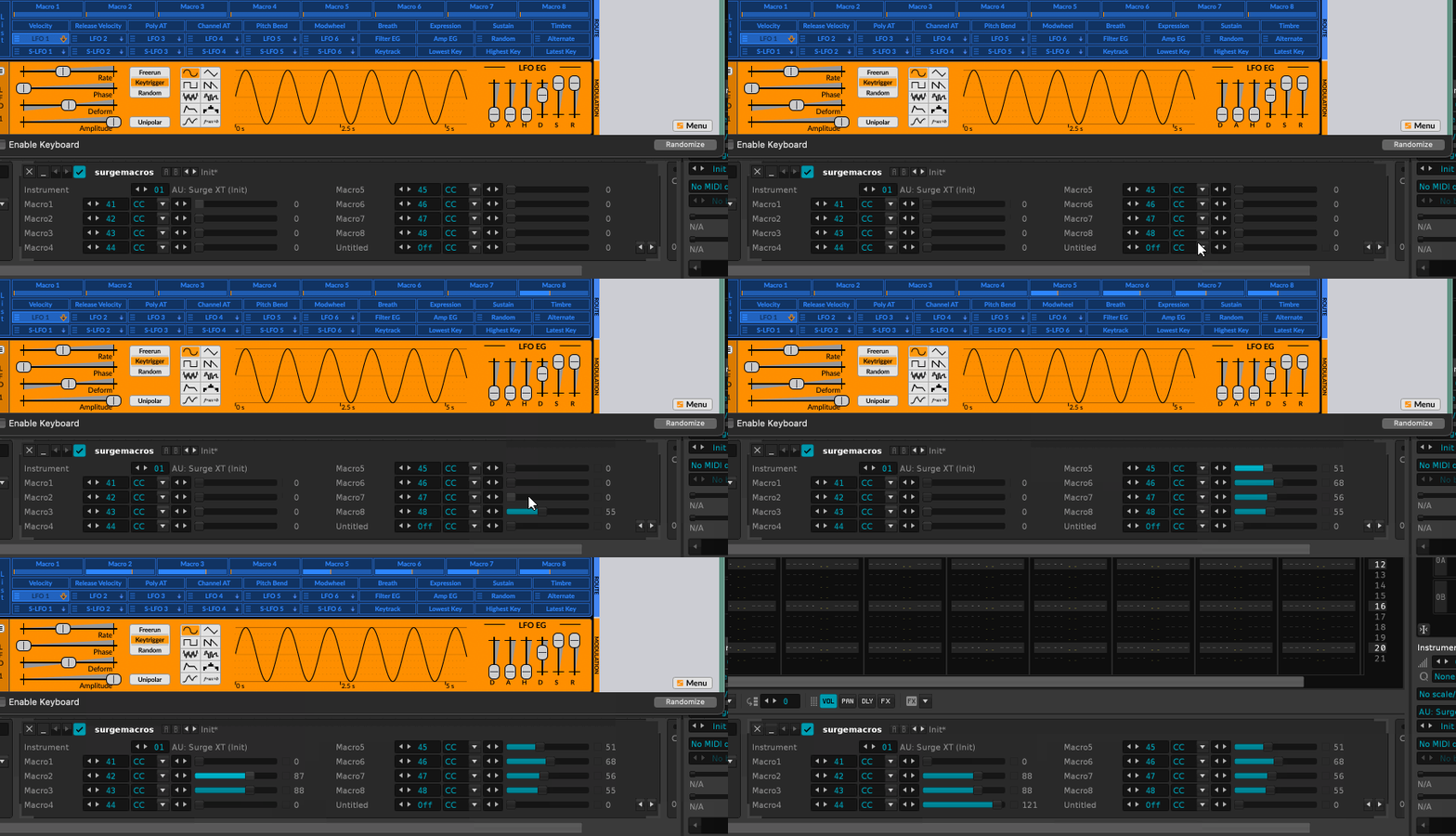
Closes https://github.com/esaruoho/paketti/issues/881
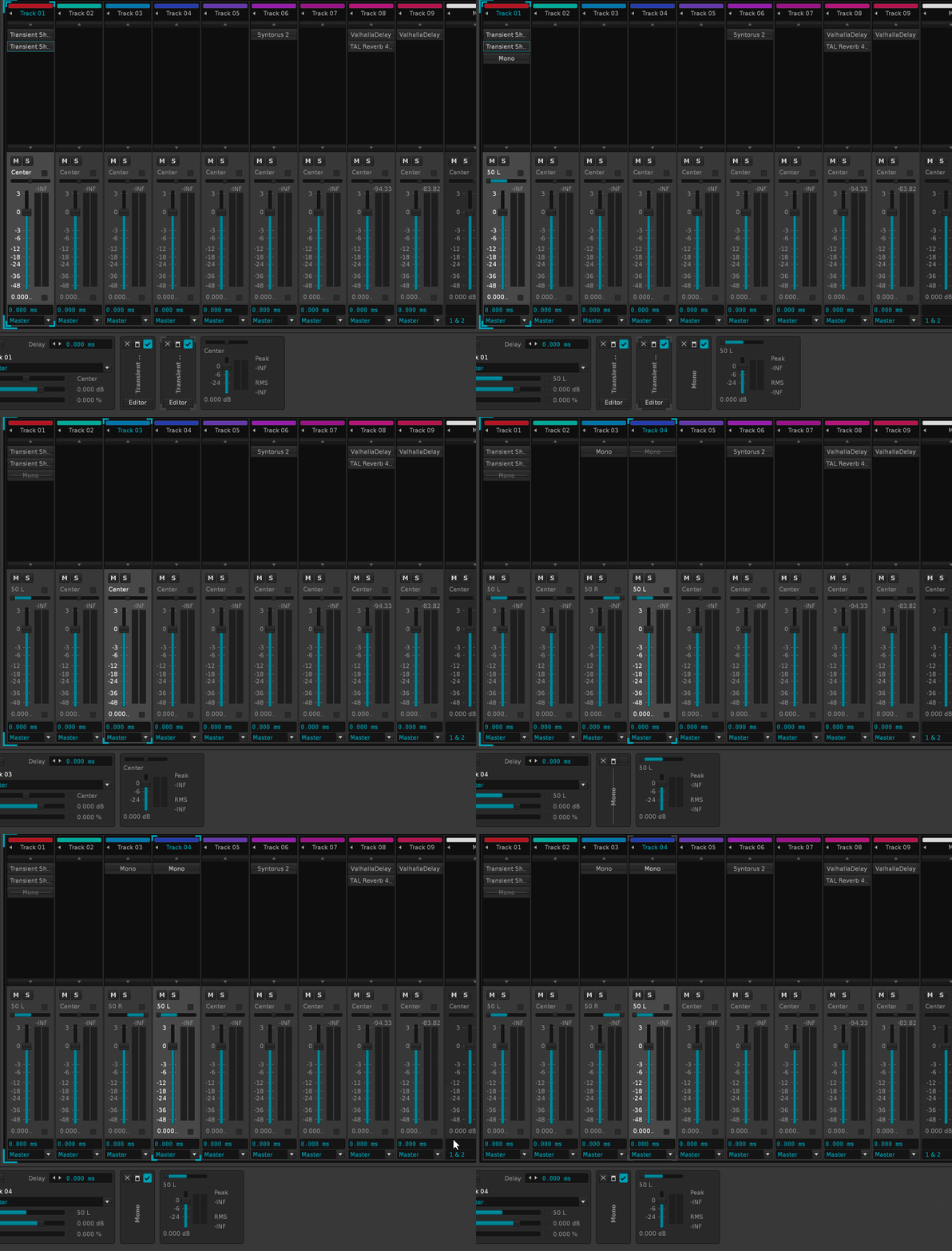
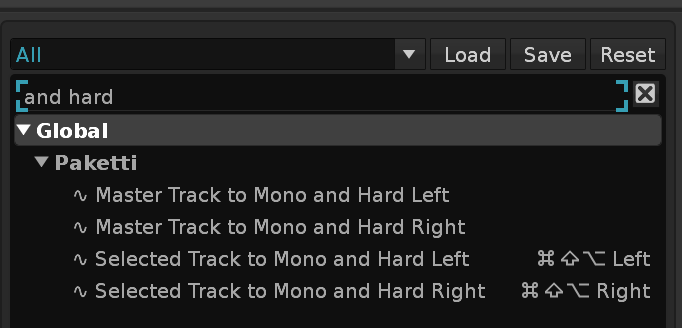
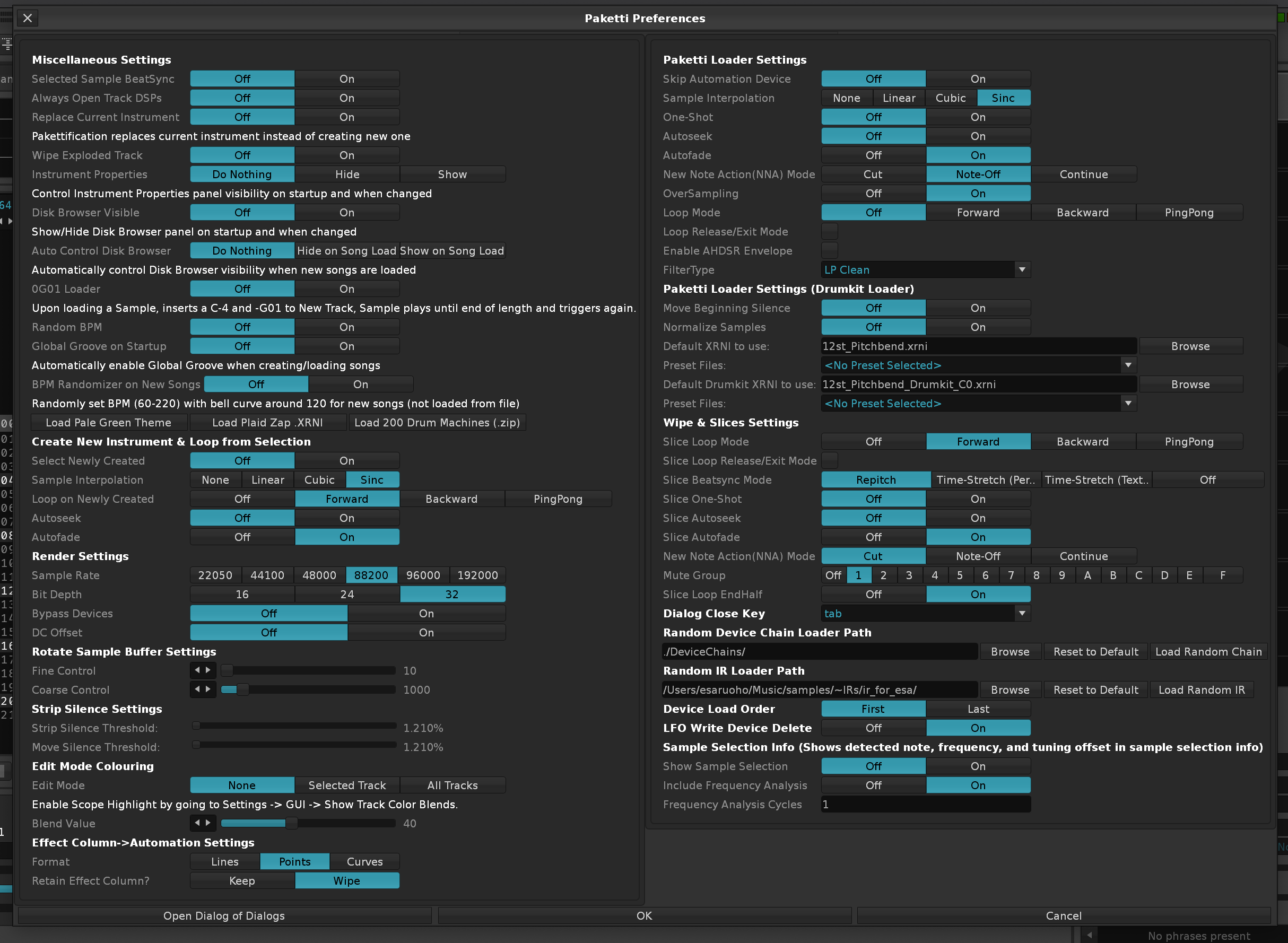
This will allow you to both import multiple .SFZs and export them as .XRNI to the folder the .SFZs are on. They are exported Pakettified. Then loaded as Pakettified. - Props to ryrun for the original gist github snippet.
This will: Halt playback and disable Follow Pattern - when triggered. - Stores the Follow Pattern + Row that was playing Then enter a mode of, whichever row your cursor is on, that whole row gets played. After you disable the Audition Mode, returns back to playing from the Row that was stored and re-enable Follow Pattern.
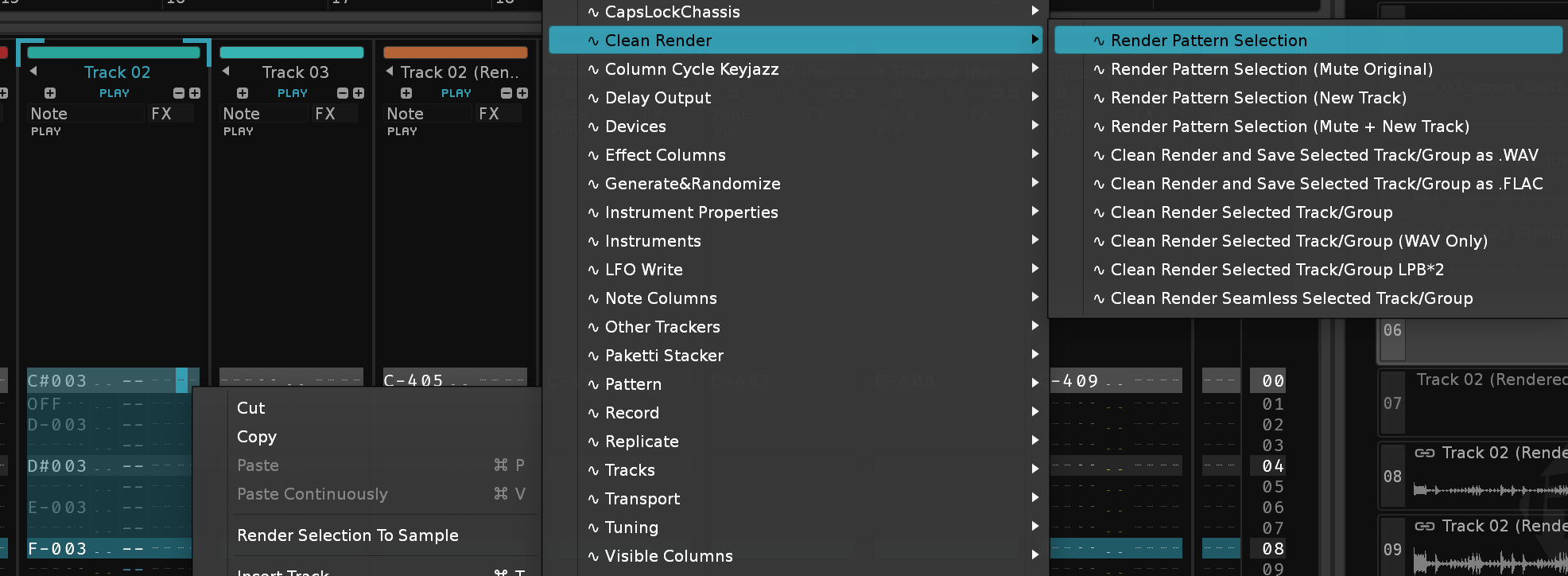
123[456] becomes [123]456. And the other will flip the samplerange forwards by selection range.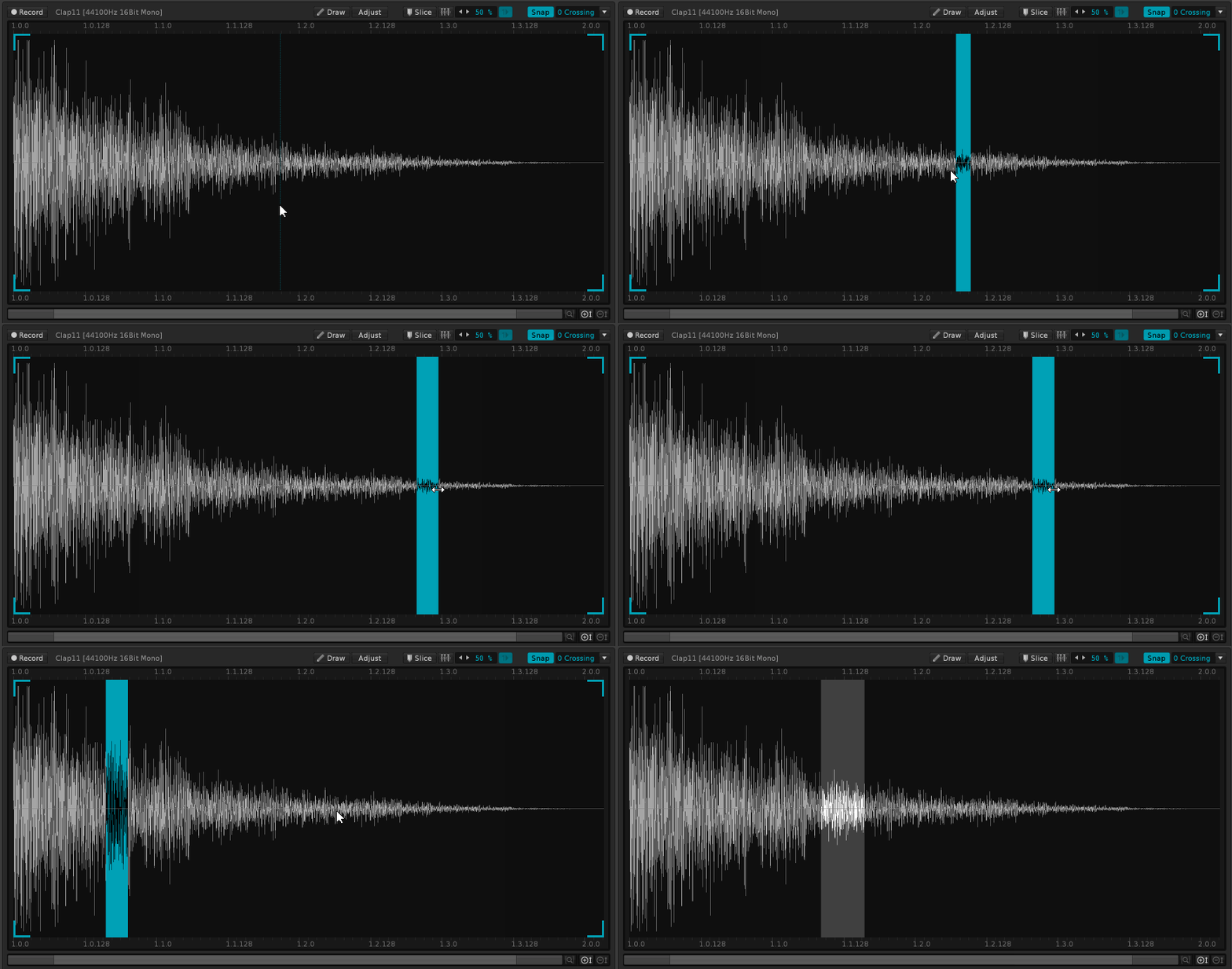
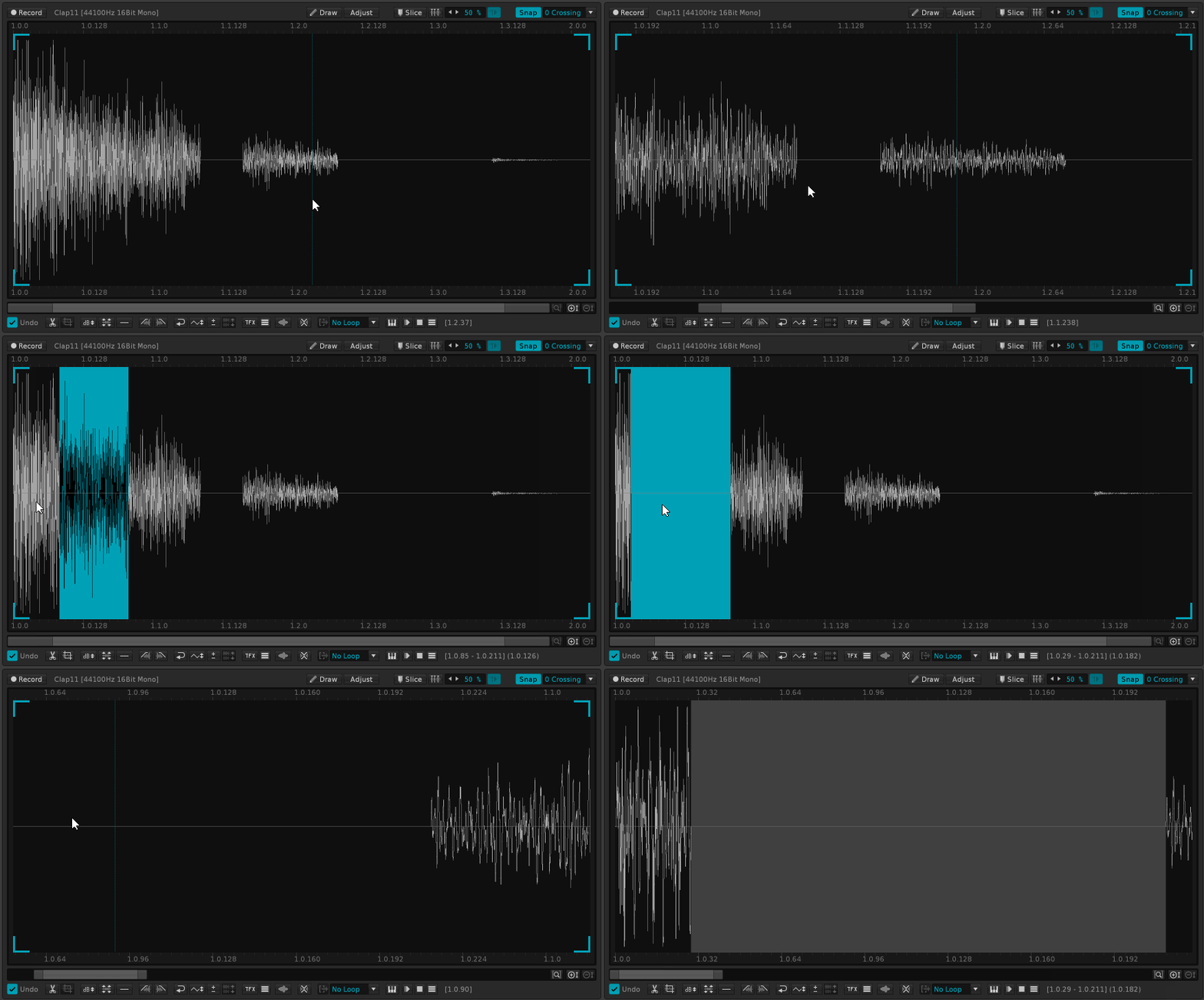
For setting the maximum minimum detune, and whether the detune fluctuates, or whether it's "hard sync" (surely the wrong term - but meaning if you set the finetune slider to 96, then all unison'd up samples are -96 to 96. And the original sample finetune is taken into consideration and calculated against.
Will now halt "Live Pickup Mode" for the duration of "Morph Sample" generation and "Export Wavetable to Instrument", to evade overwriting.
Also fixed a crash bug when "Export Wavetable to Sample" while on an Instrument that already has a sample.
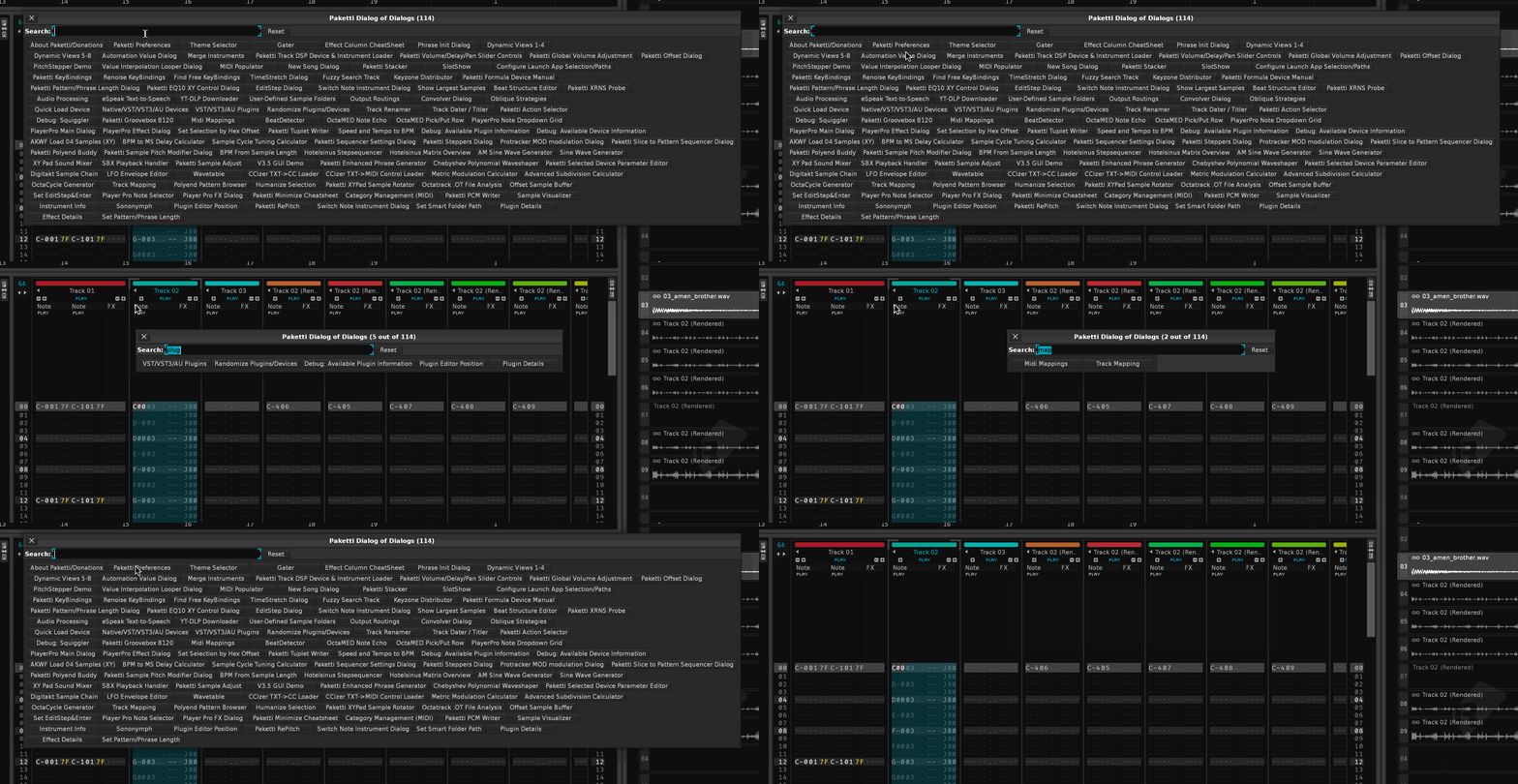
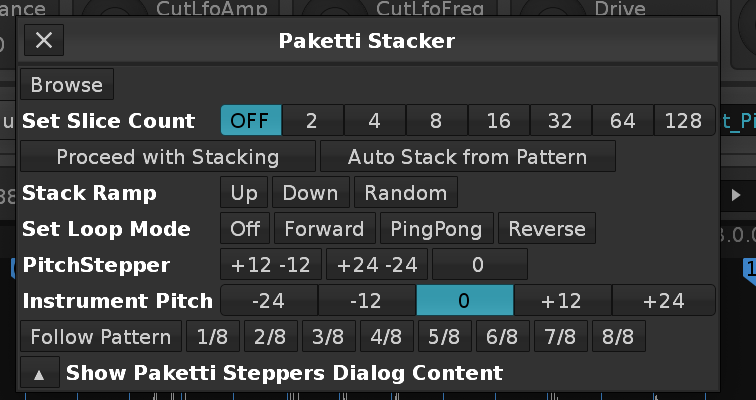
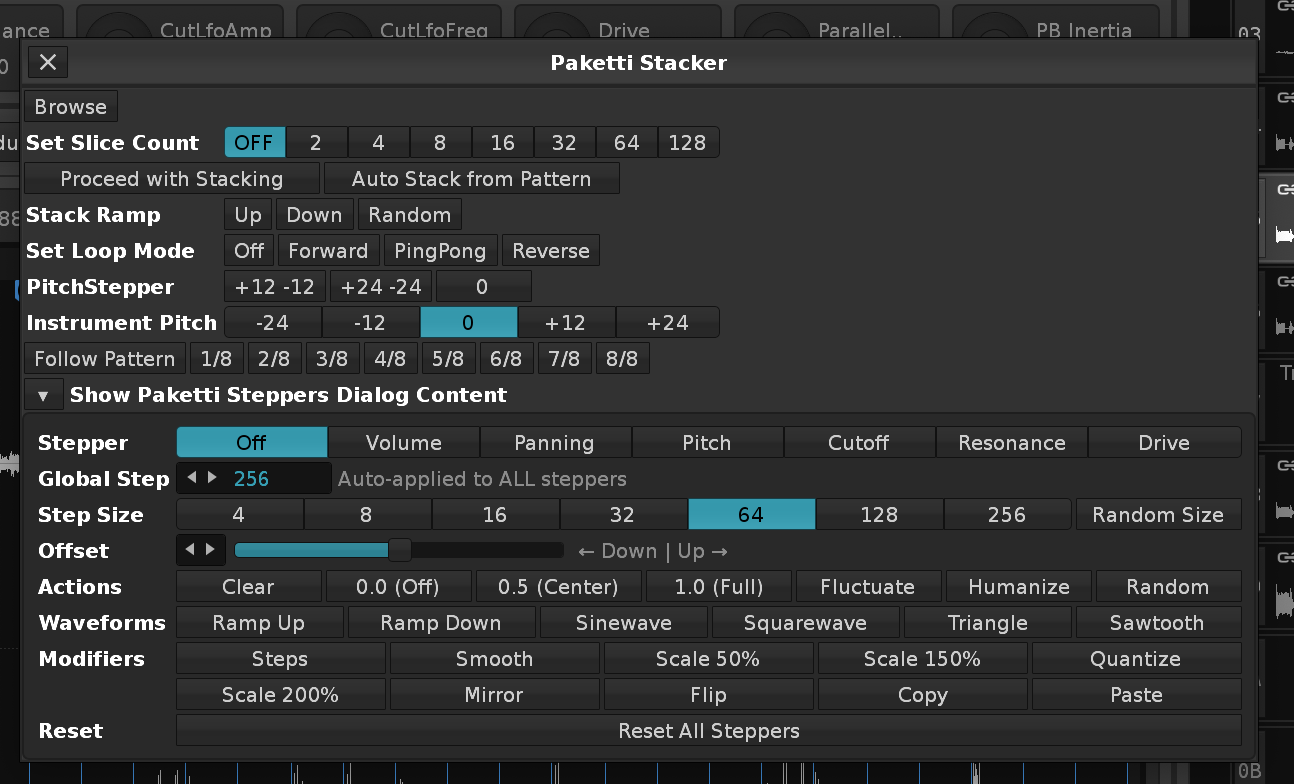
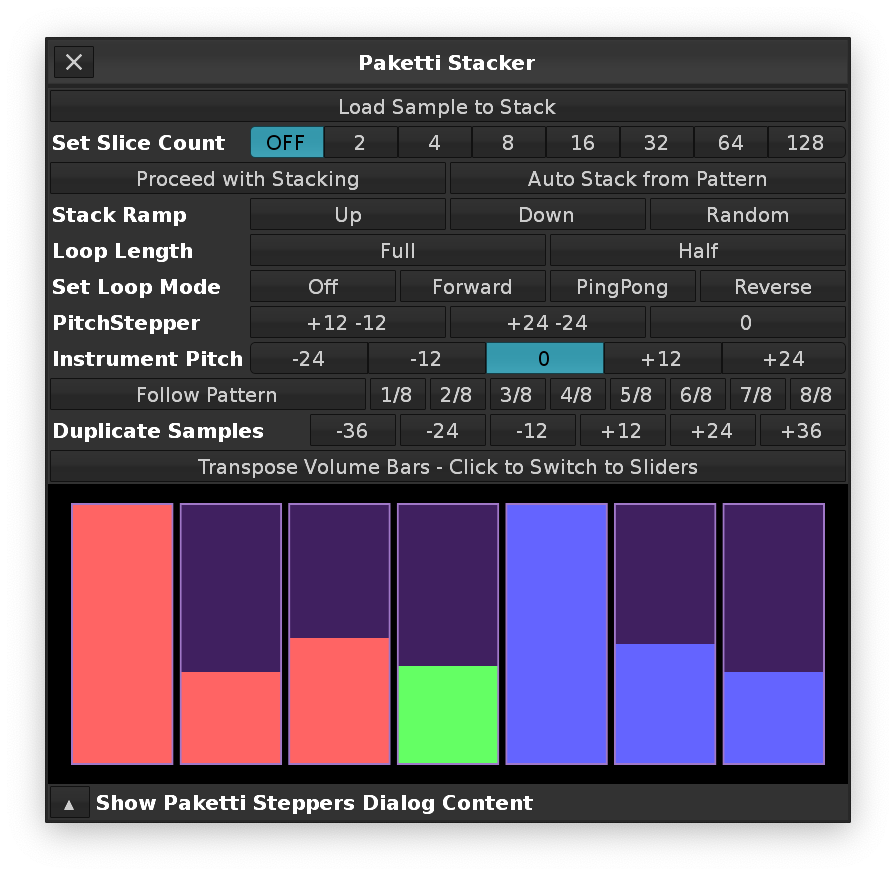
Benefits: If set to True, and, you have a Plugin on the Instrument, the Plugin is duplicated. If set to True, and you have a bunch of Stepper settings or Volume AHDSR - the content is duplicated. If set to True, and you have the 8 macros set up already with user-preferred settings, all are retained.
Highly experimental Render with tail - take your sample, run Experimental Render and the Macros, Selected Track TrackDSP and Sample FX Chain content is all rendered to the sample using a throwaway pattern - with extra silence padding added to the end of the sample so the tail is correctly rendered. The output is pakettified by default, so you're ready to go. Also compensates for headroom, and restores the headroom afterwards. (Closes https://github.com/esaruoho/paketti/issues/709, https://github.com/esaruoho/paketti/issues/248, https://github.com/esaruoho/paketti/issues/356)

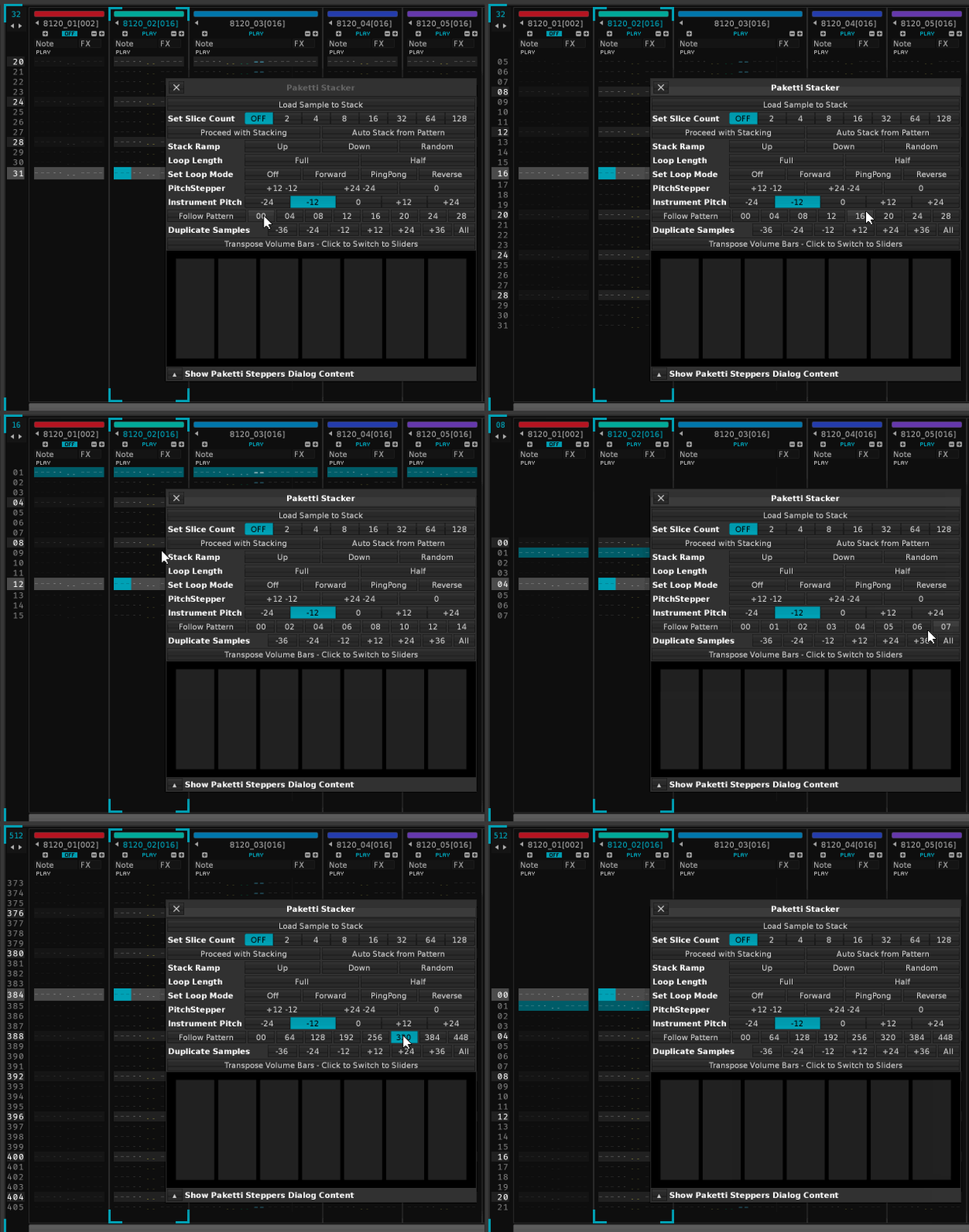
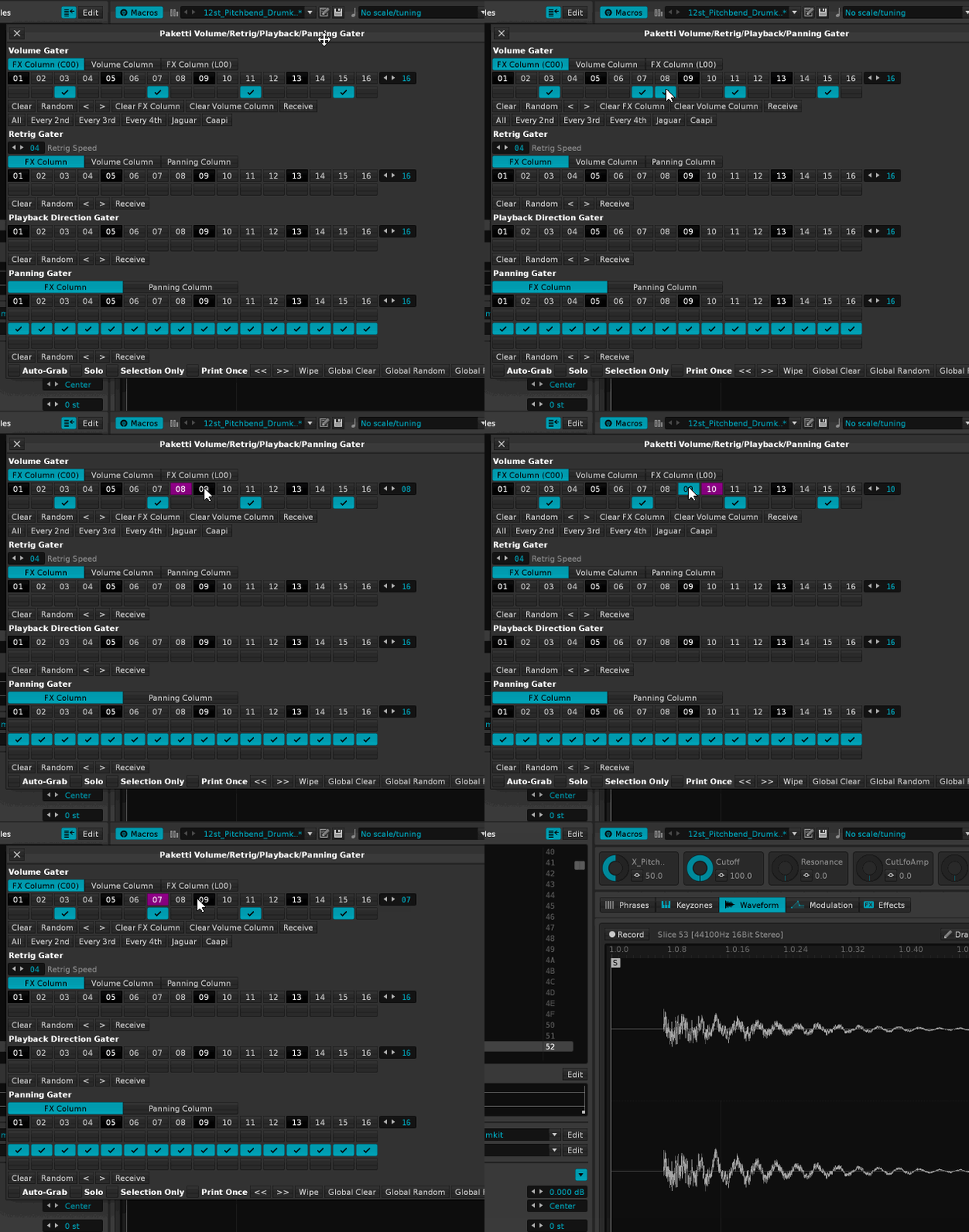
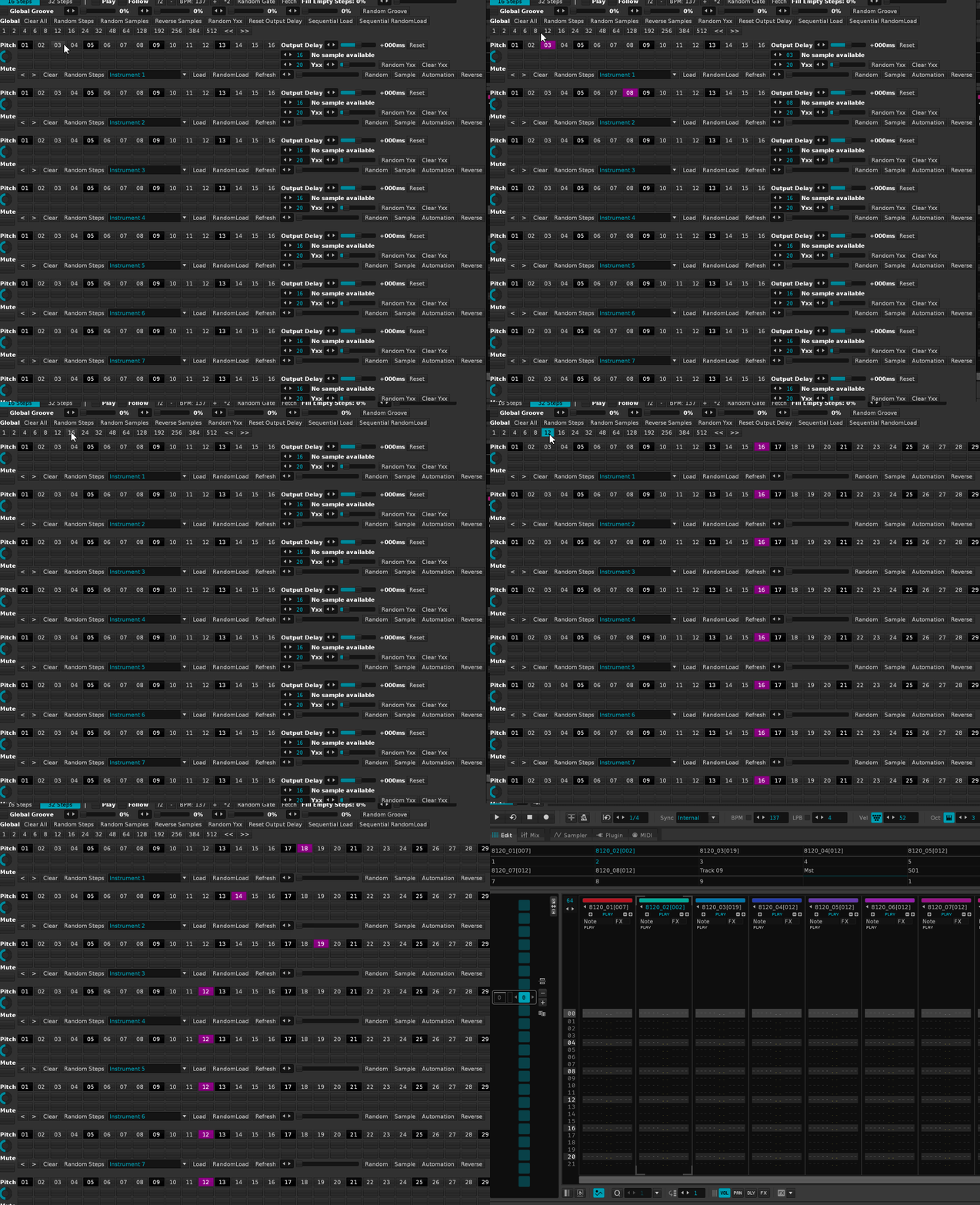
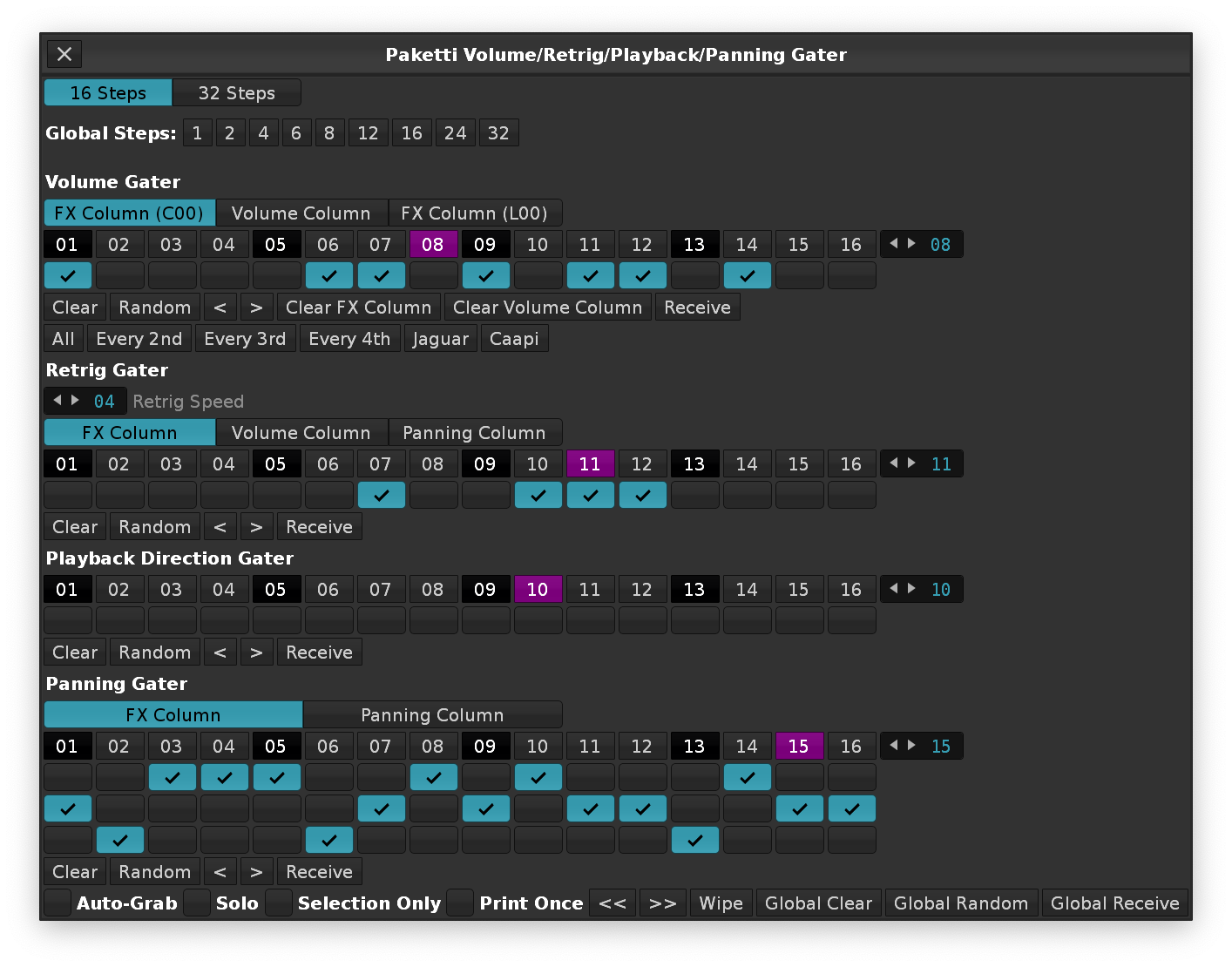
You can now use Single Cycle Waveform Writer to create "a type of wavetable" - The newly added "Write A&B" button will create Wave A as Sample Slot 1, Wave B as Sample Slot 2. The Wave A will be in Sample FX Chain 1, the Wave B will be in Sample FX Chain 2. The FX Chain 1 will have a LFO connected to Gainer, and the FX Chain 2 will also have a LFO connected to a Gainer. After the Gainer, for both FX Chains, there will be a Send device to FX Chain 3 - which is the "regular" Paketti FX Chain (followed by FX Chain 4 for Parallel Compression). After this, the Live Pickup Mode is enabled in the Single Cycle Waveform Writer - but with additional tweaks: Now, after this change, the Wave A Waveform drawing will write to Sample Slot 1, and Wave B Waveform drawing will write to Sample Slot 2. The Instrument is configured like so: The Modwheel controls the Reset of both LFO devices in Sample Chain 1 & Sample Chain 2. Both LFOs are set to "Infinite" Frequency - meaning, only the Modwheel will change the location of the LFO step. The Selected Track also gets a LFO, connected to Instr. Macro device's Modwheel. The Selected Track LFO Amplitude, Offset and Frequency, are exposed in the Mixer for easier availability, and the Dialog is automatically updated with three additional sliders - you guessed it, Amplitude, Offset and Frequency. This means that you can automate the LFO on the Selected Track - the device is helpfully renamed to Wavetable Mod *LFO, and thusly you can automate the crossfade / oscillation between the Wave A and Wave B waveforms. When the Single Cycle Waveform Writer is opened on an Instrument such as this - the Live Pickup Mode is automatically set, and the Three sliders on the Dialog are shown to the User.
Additional bonus: Since you now have a FX Chain for Wave A, and a FX Chain for Wave B, the Wave A Chain1 and Wave B Chain2 can have effects loaded in and there will be automatable crossfading between the actual Chain output (such as effects) of the Waves.
This lets you create a song's sections, pattern row counts and pattern names.
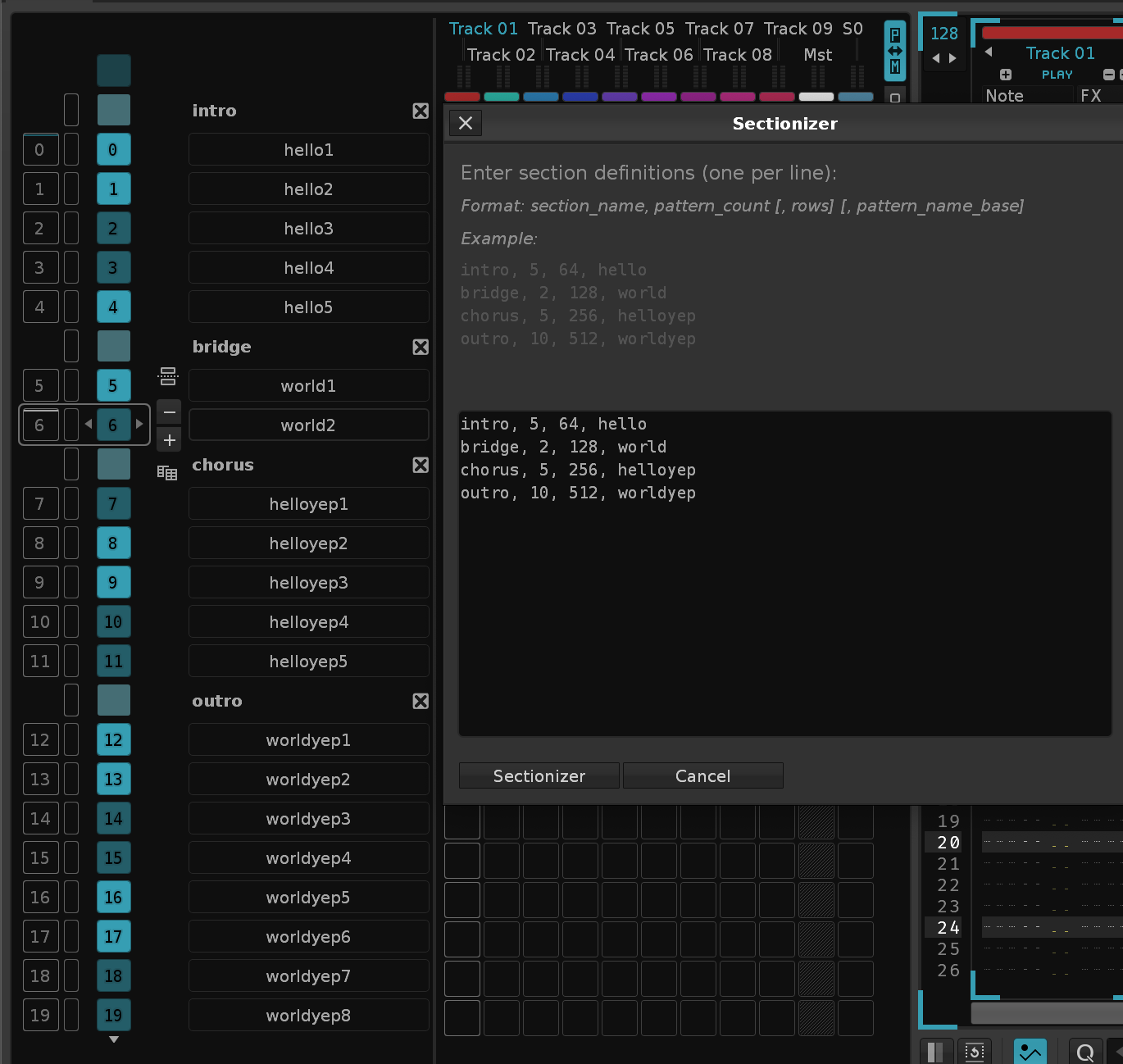
I’m a big fan of the age-old, 32-bit only, never-made-available for macOS, DiscoDSP EQ30. You can just draw with a mouse and get a bunch of sliders moved around. Hold the left mouse button down and paint → a max of 30 EQ Bands are within your grasp with a single click + drag. So here’s a Renoise v3.5 only hack for making it happen, using 4 EQ10’s. If you have any ideas, do let me know. If you can think of other Renoise Native devices I could tweak and hack like this, do let me know, too.
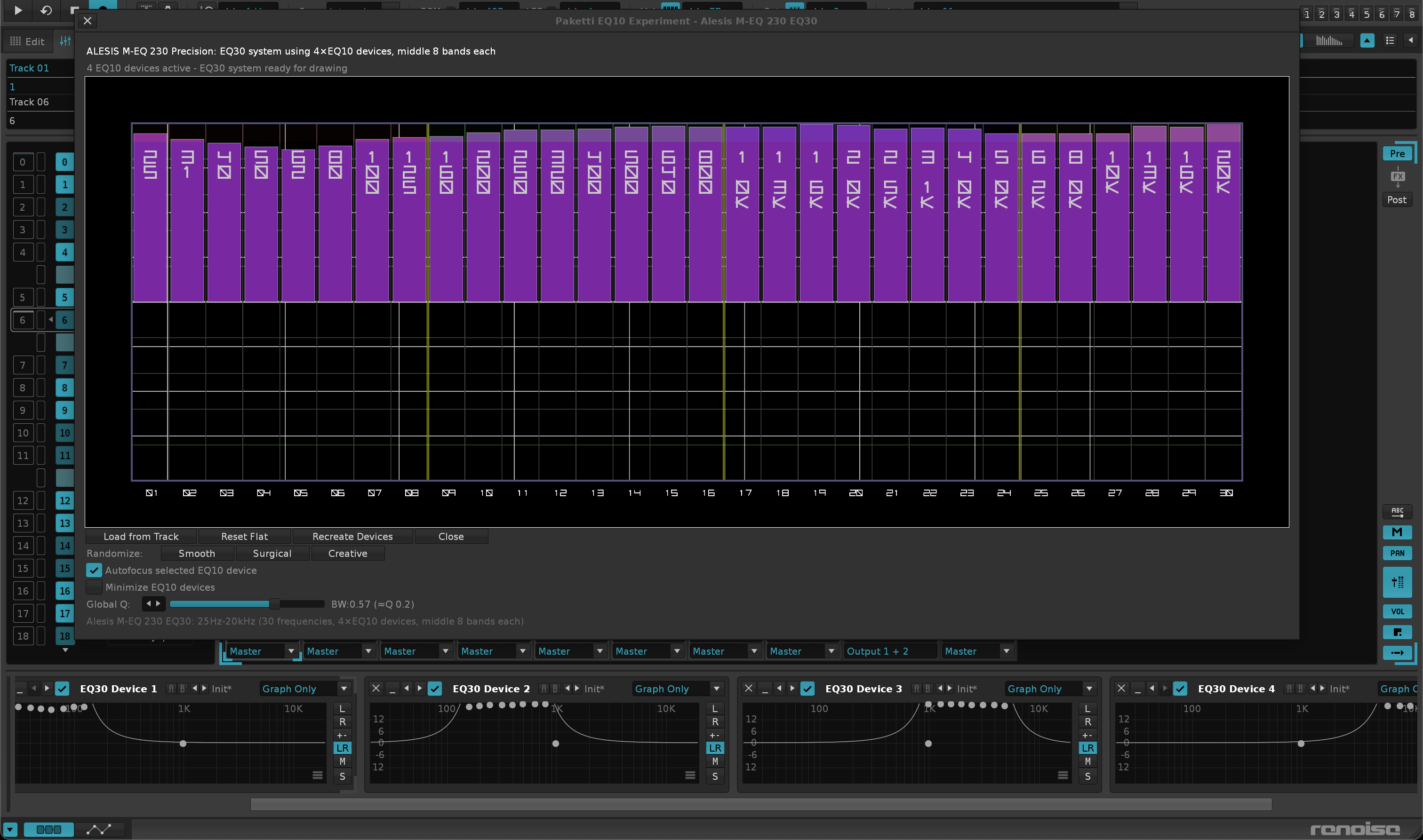
So now with V3.5 Canvas flavor - and I've added SubColumn improvements too - meaning, you can write to Pan, Delay, Volume + Sample FX Columns. Enjoy.
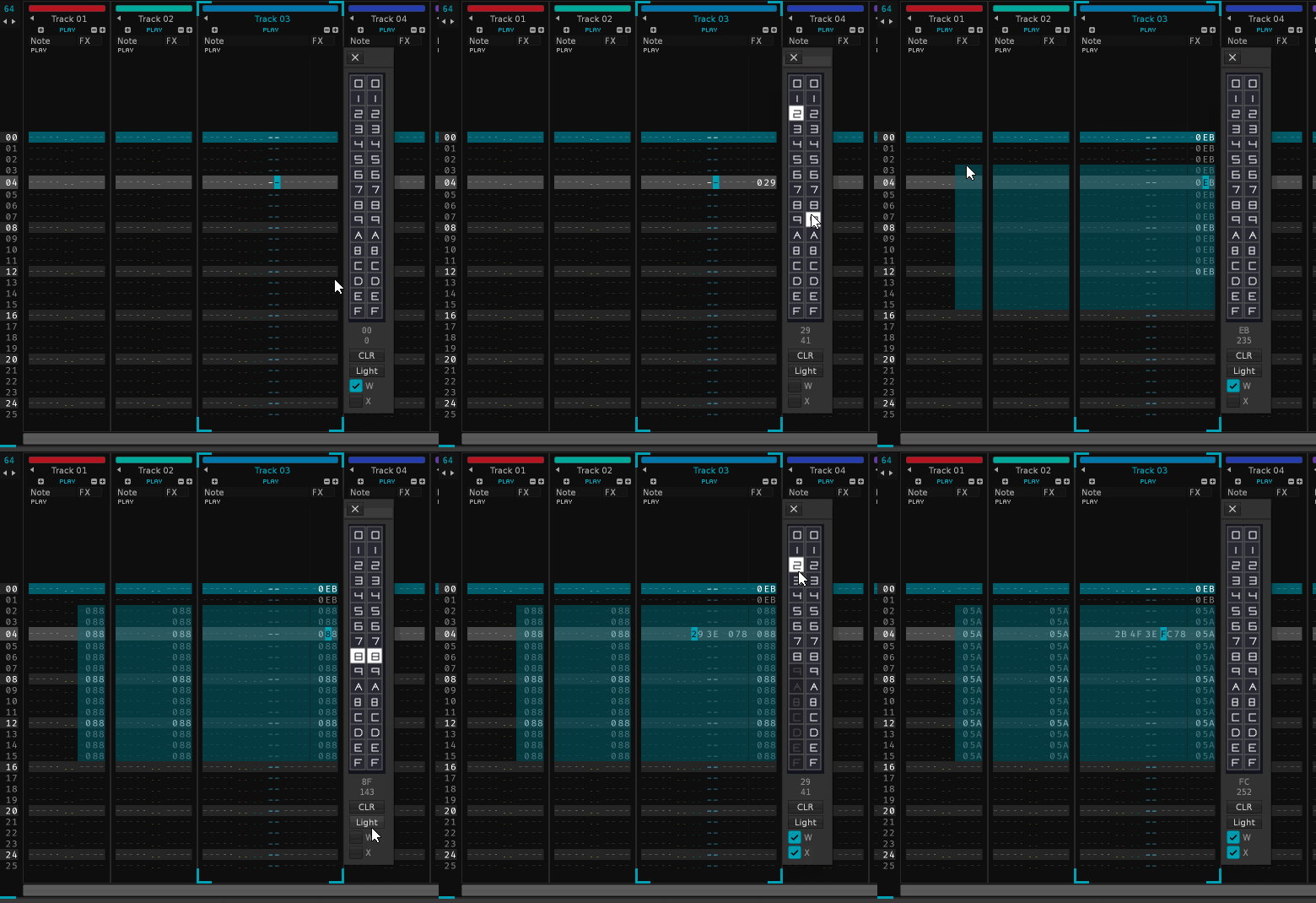
C#0 -> Now it detects the actual slicemarker correctly.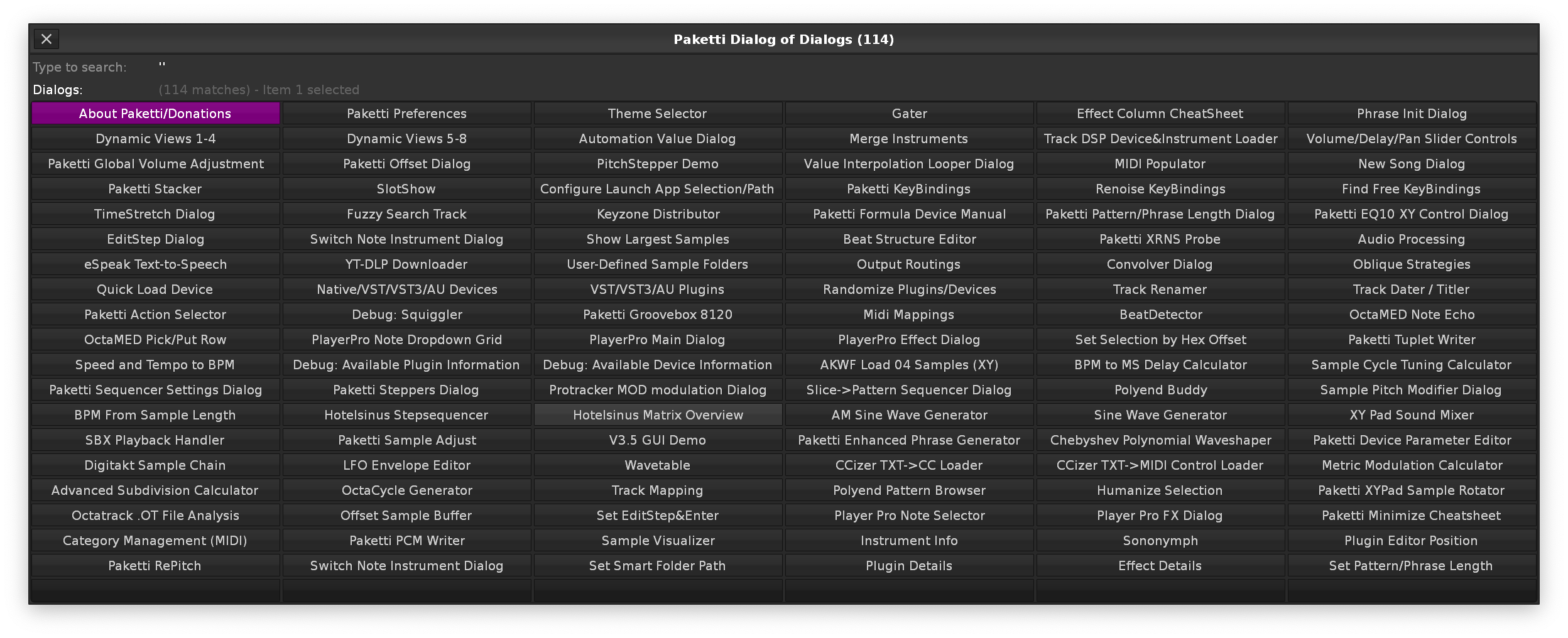
-, +, # which were all missing.Wavetable Mod *Lfo on the Selected Track.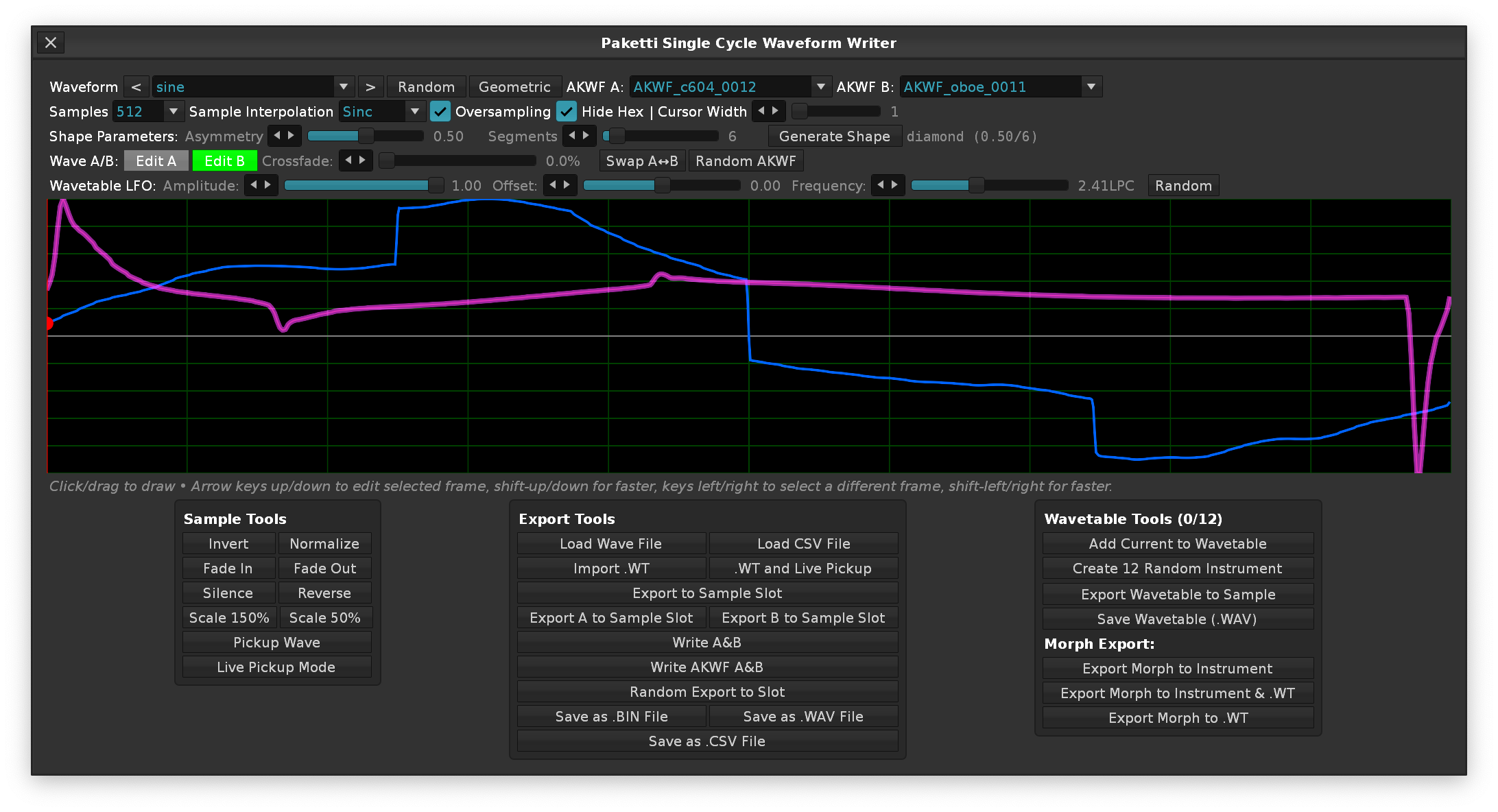
<do nothing> as an option for the Device Loader, in addition to External Editor / Parameter Editor. in Paketti Preferences. - so now you can load devices but not have the ExtEditor or Parameter Editor auto-open.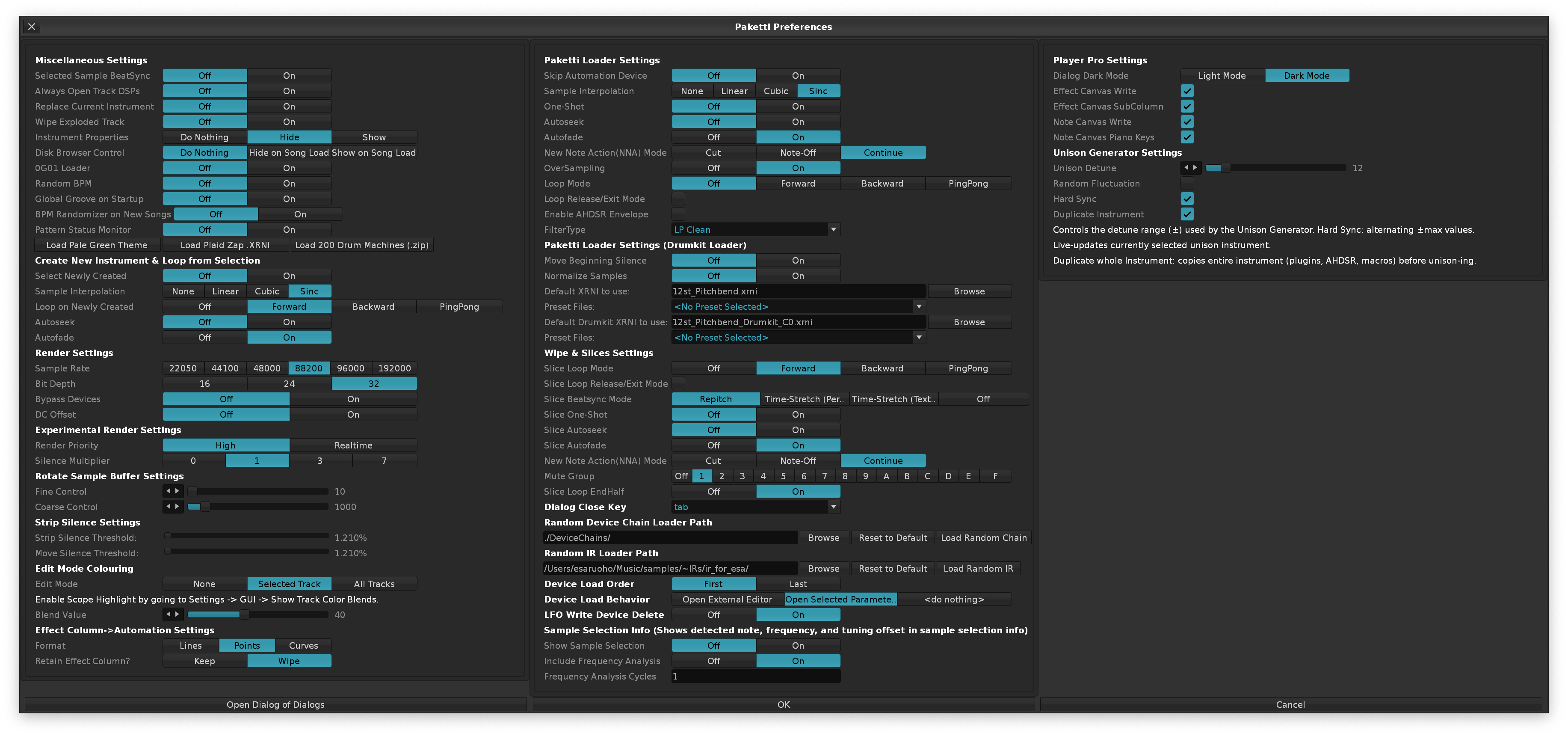
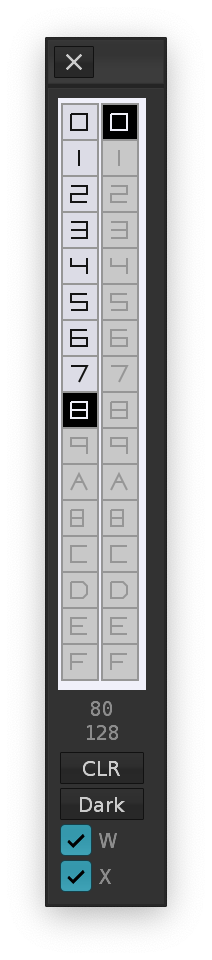
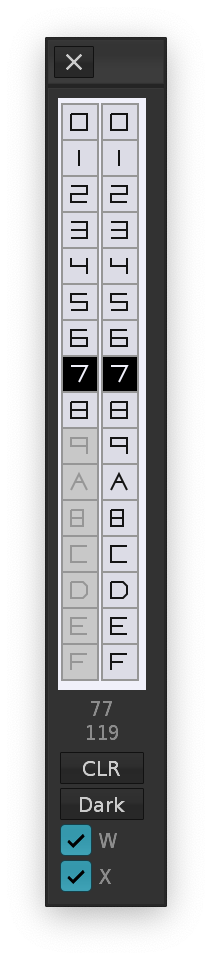
Default Pink Auto, Easily Embarrassed type, Neosponge, realp`
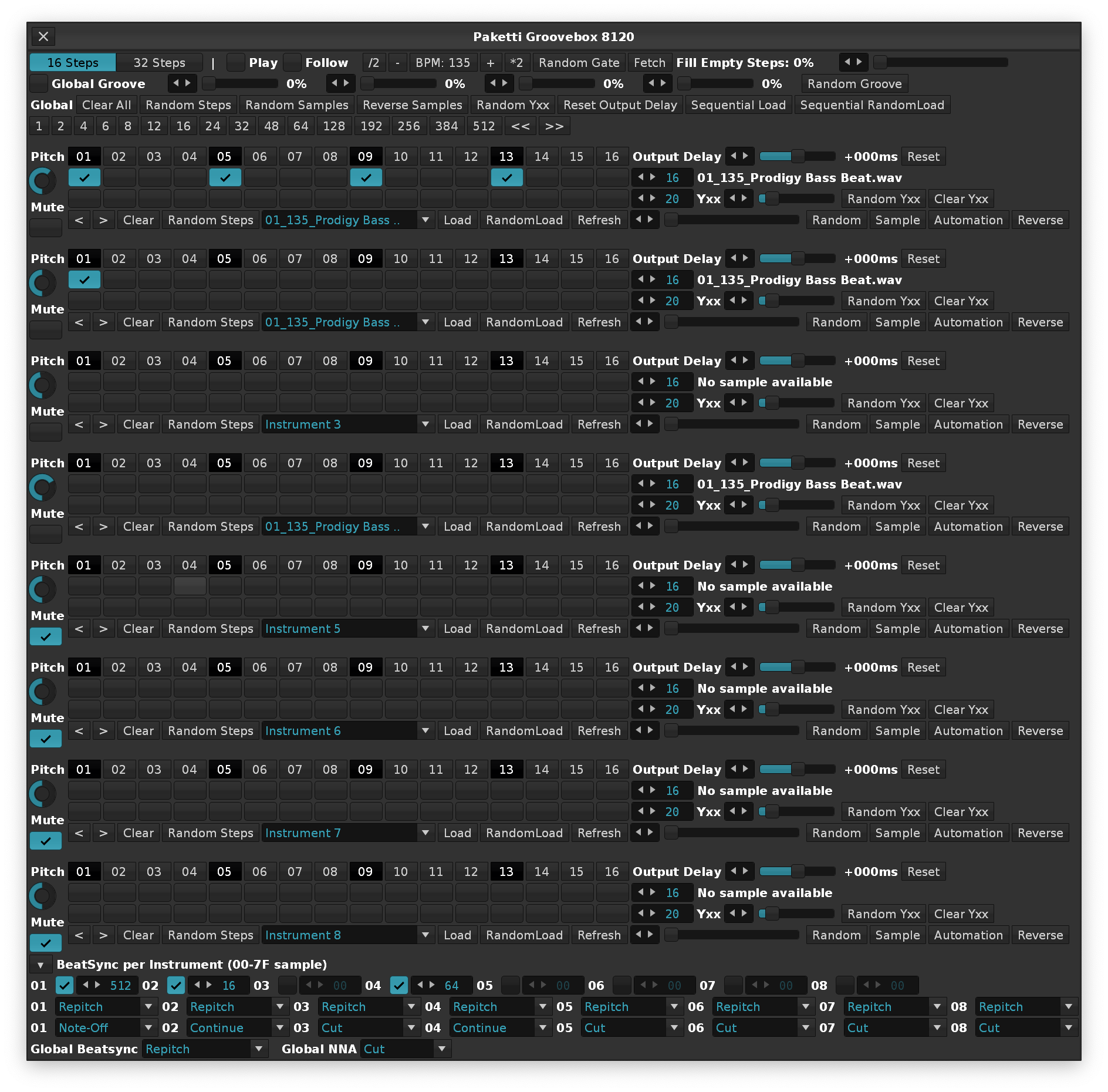 ---
---
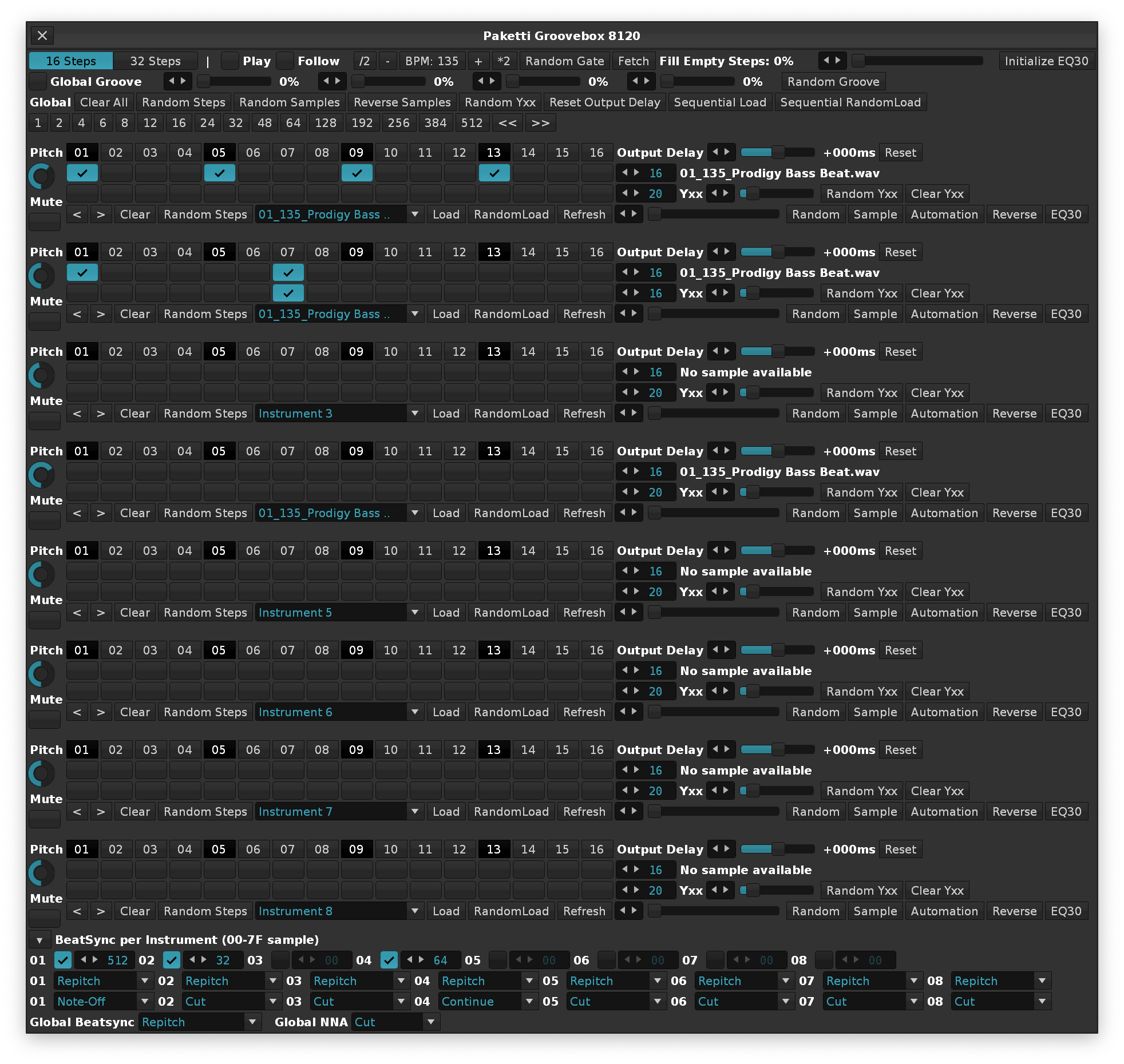

äöå!"?#%/()=§ and glyphs for shift, control, option, command, cursor updown left right.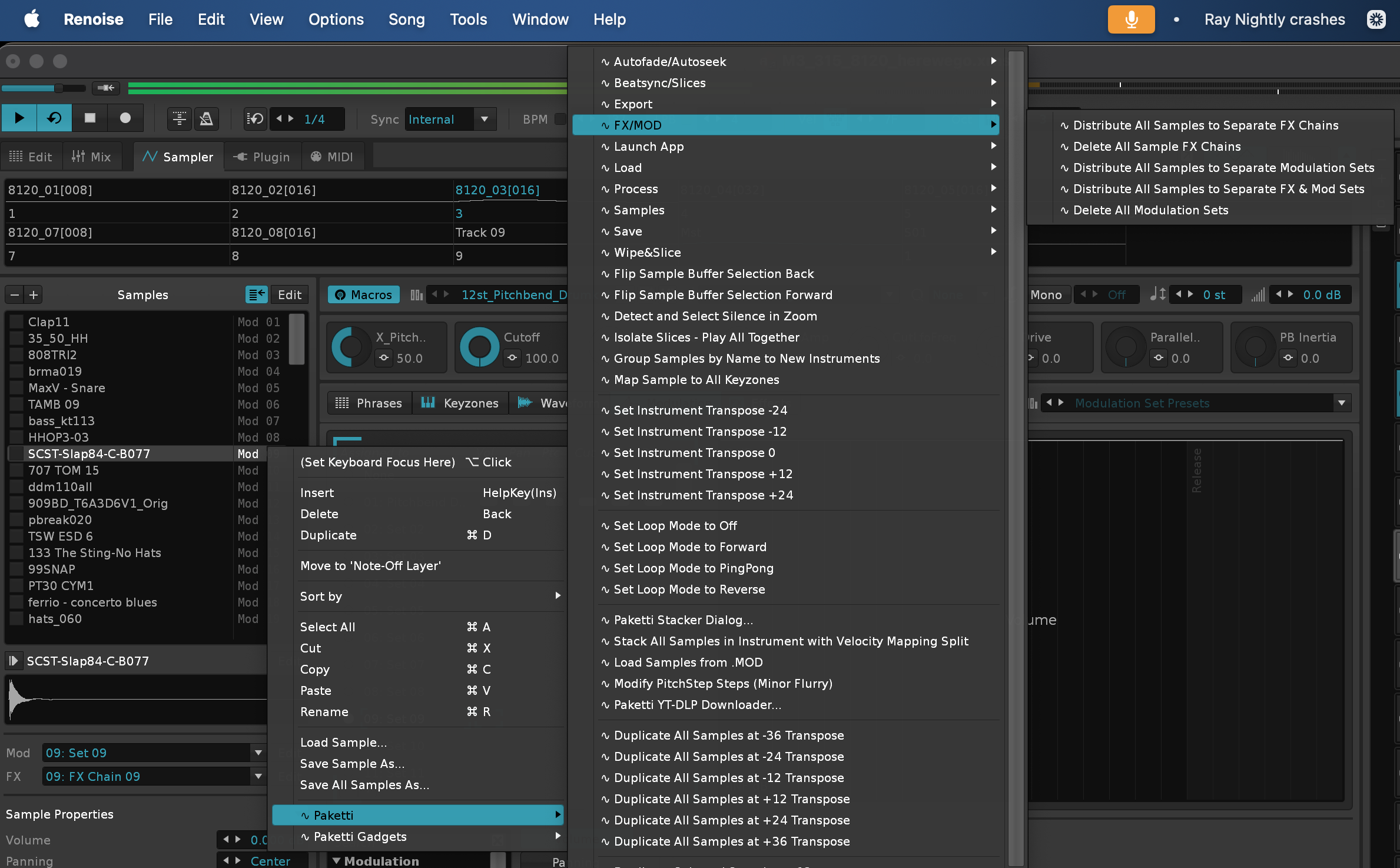
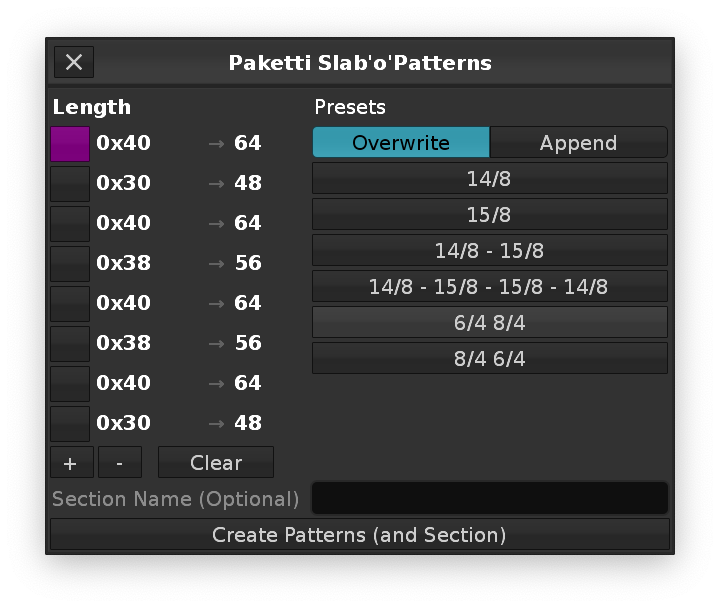
74 Cutoff
71 Resonance
75 Decay
12 EnvMod
18 DelayTime
19 DelayFeedback
17 Overdrive
16 AccentLevel
102 SlideStatus
104 Tuning
This will let you have the dialog open, play notes on the Computer Keyboard, press enter and the played notes are saved as a chord, which you can then output anywhere. The Smart Note Off feature is also there, adding a Smart Note Off to the end of the pattern. And if you have 4 or 8 chords put to Dump Slots, then you can also spread them across the pattern. I can think of no method that would be as fast - and as dynamic. If you have a 512 row pattern, and have 8 chords, you can slam them in, automatically, without thinking, every 64 rows. 64 row and 4 chords? every 16 steps. If you made an error, you can always use backspace to remove the newest note, or shift-backspace to wipe the whole Currently Pressed Notes. You can modify the Slot Phrasing (shifting them by octaves randomly) or do the very same thing for the current Selected Track's Pattern content for Selected Pattern. And you can access the Paketti Gater directly.
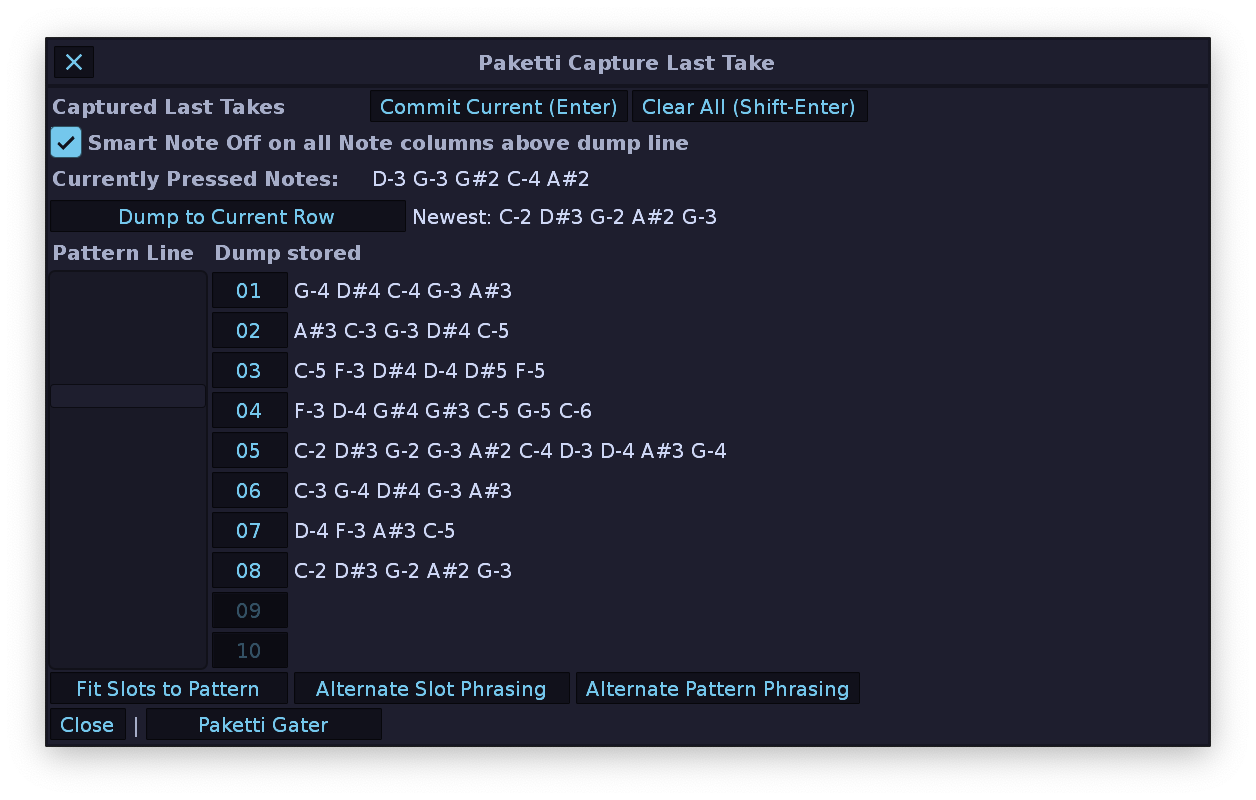
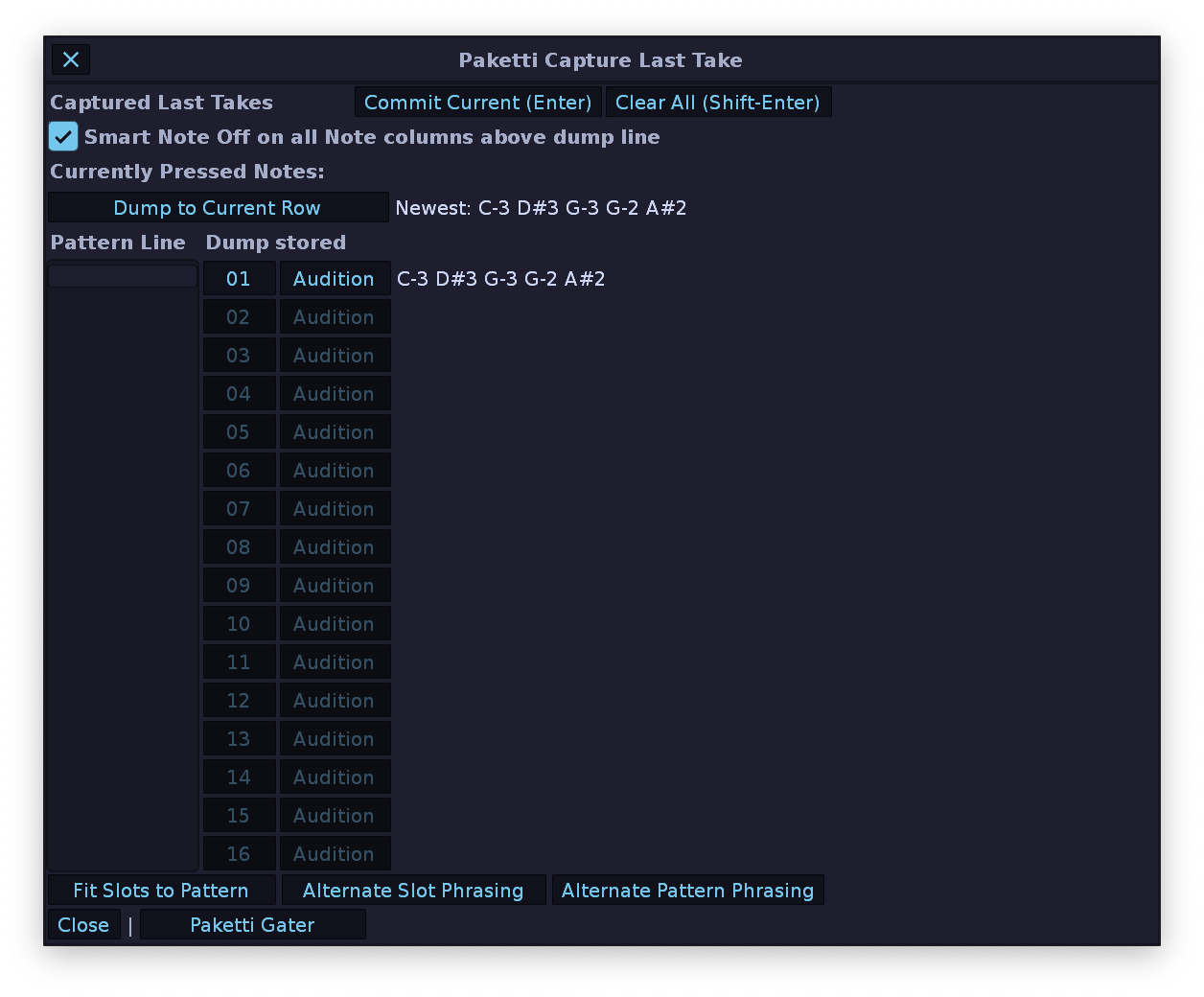
For those Reverse Cymbals - you can now have Paketti calculate the position + delay value for you, so you don't have to think about it. If there's something to tweak, tweak a bit. Enjoy!
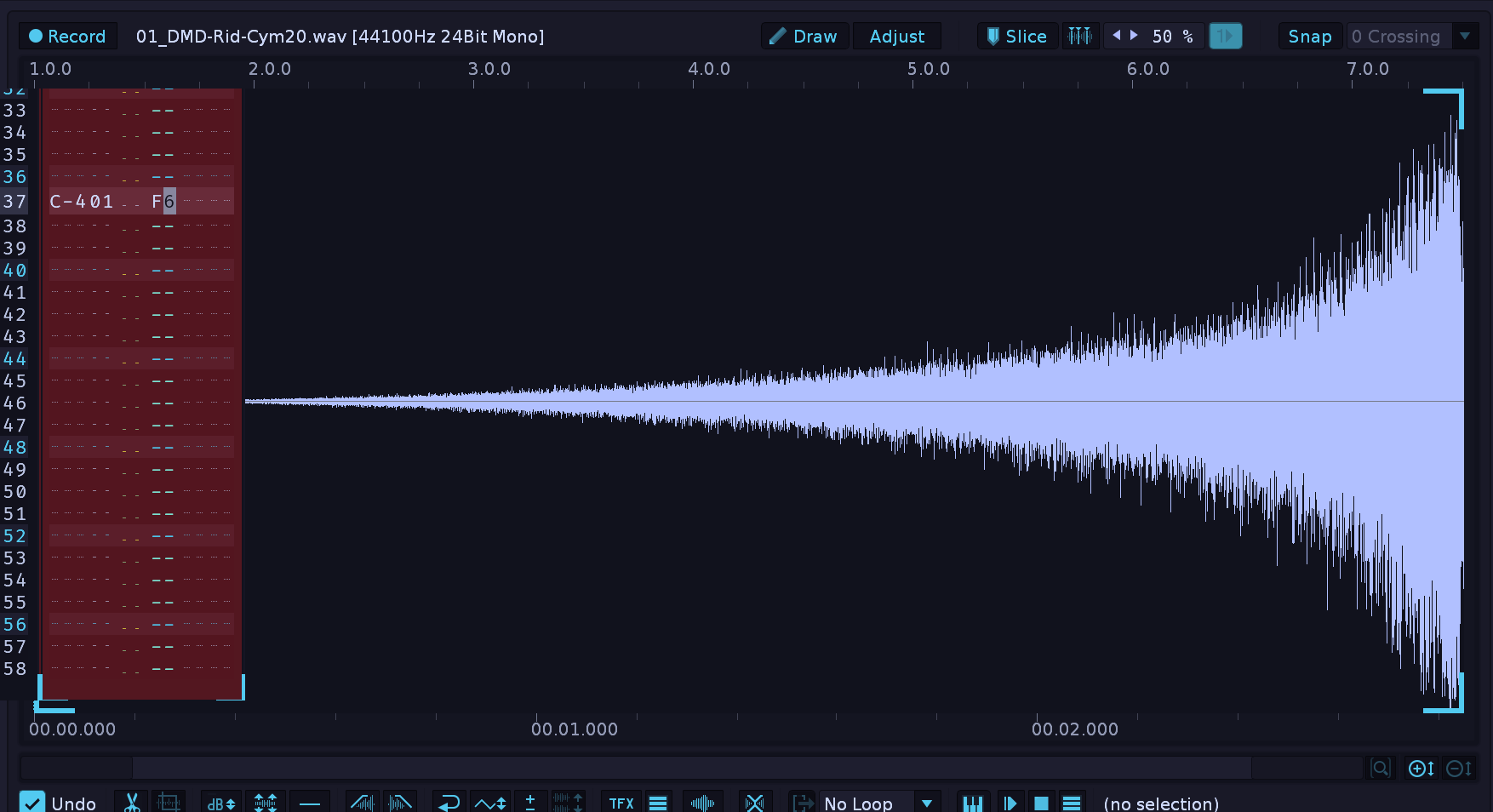
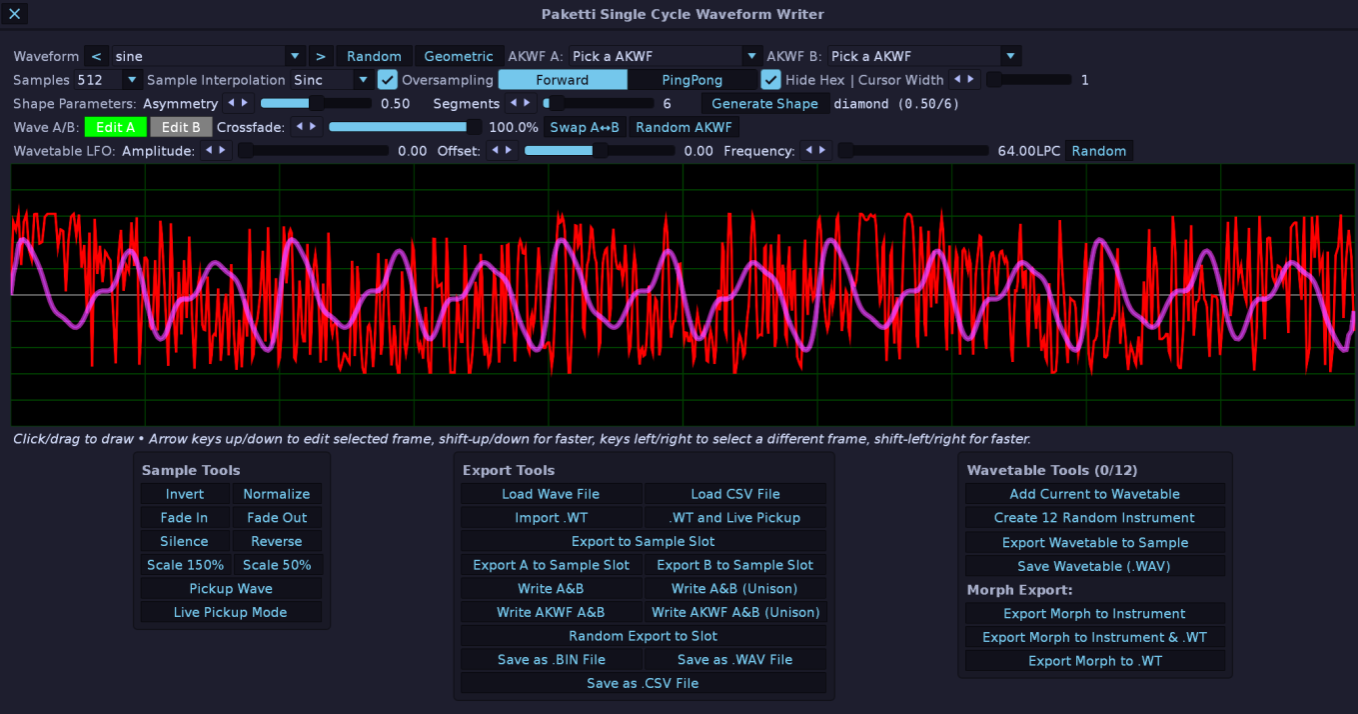
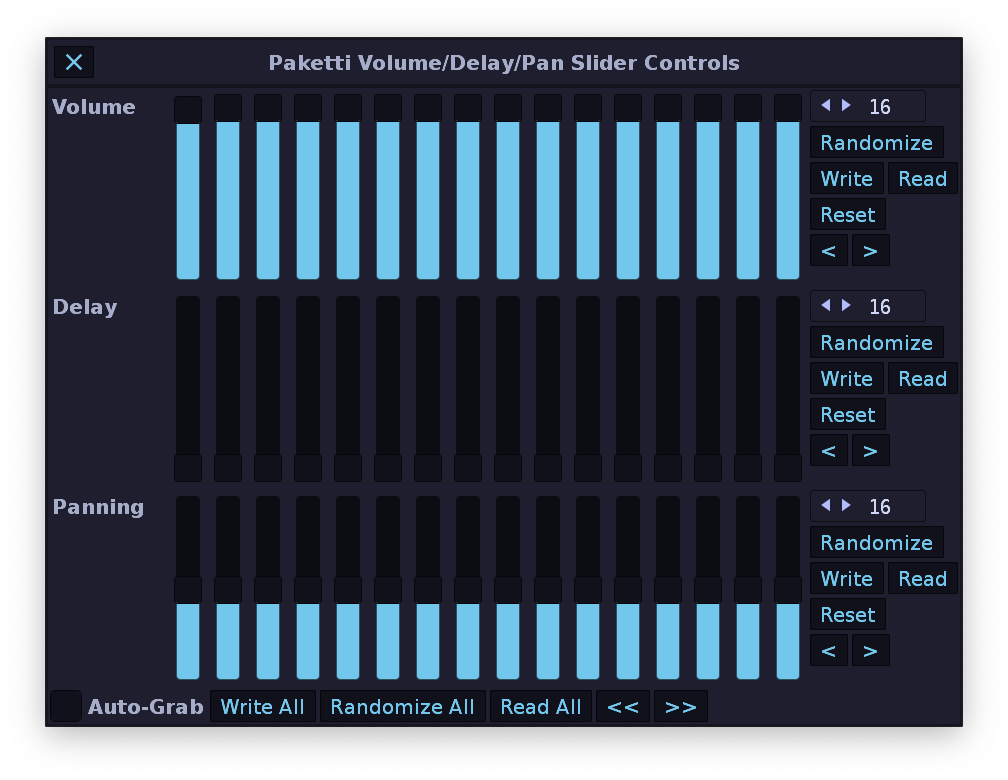
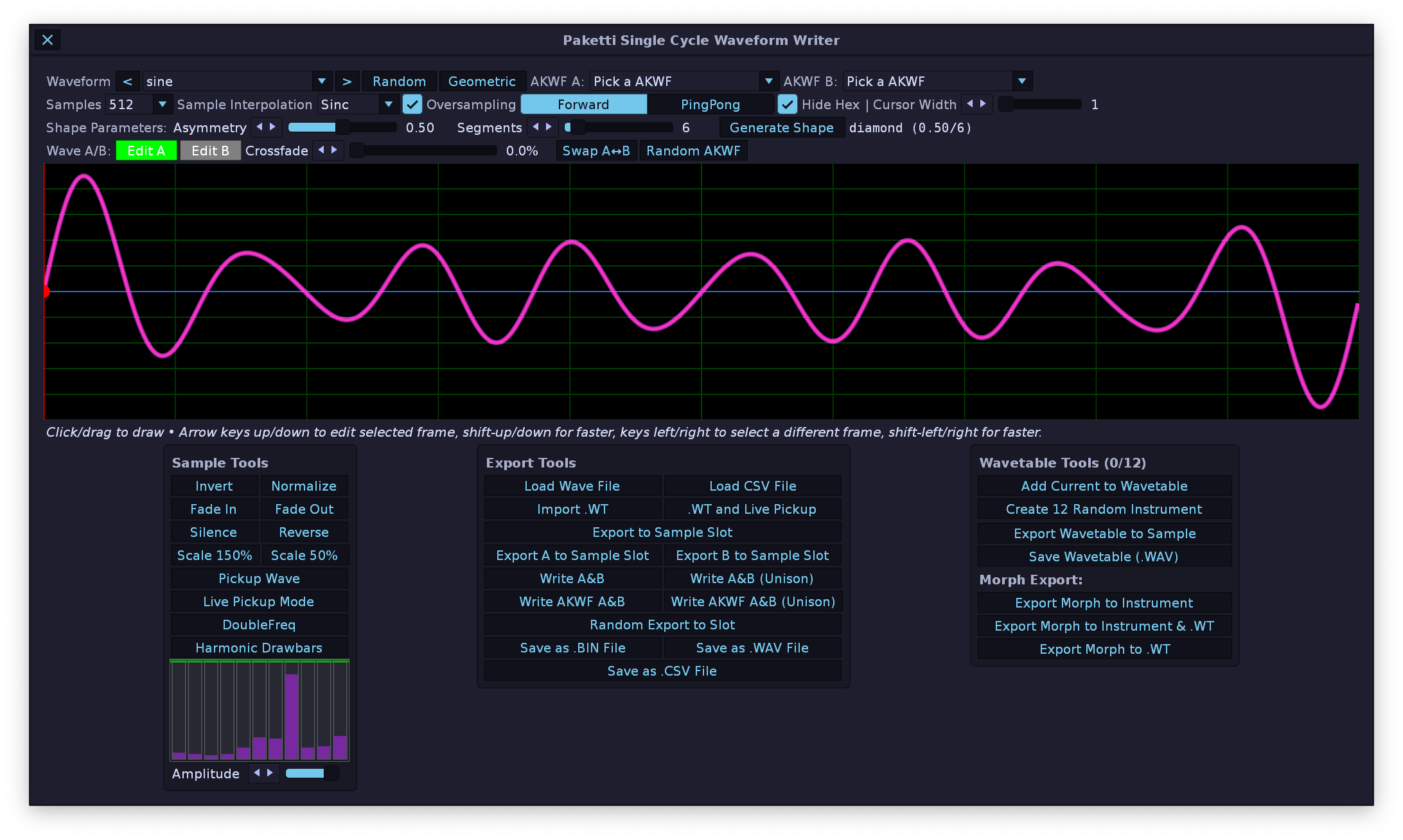
This feature will import the samples, loop-points and keymappings, for now. More incoming.

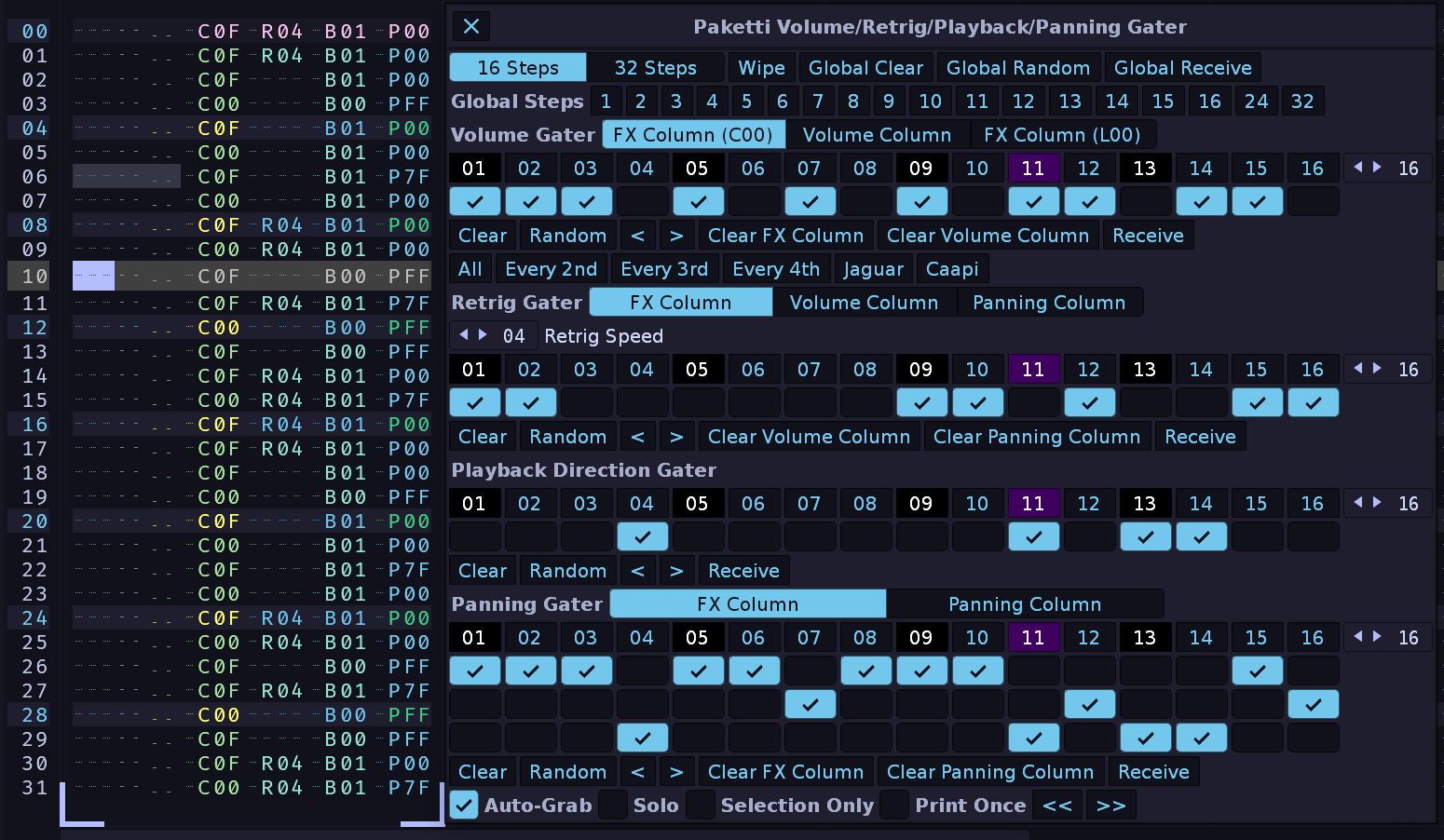
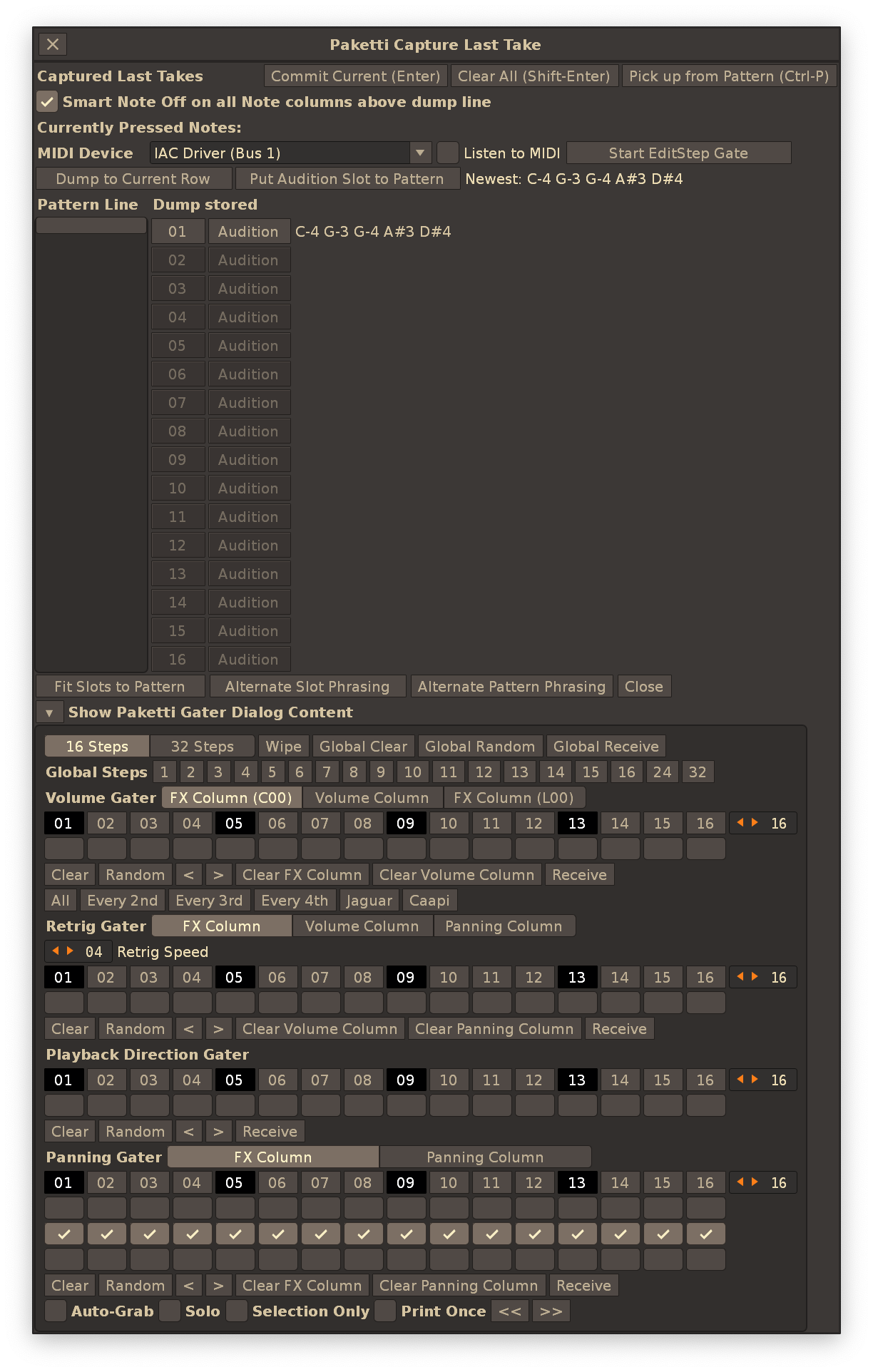
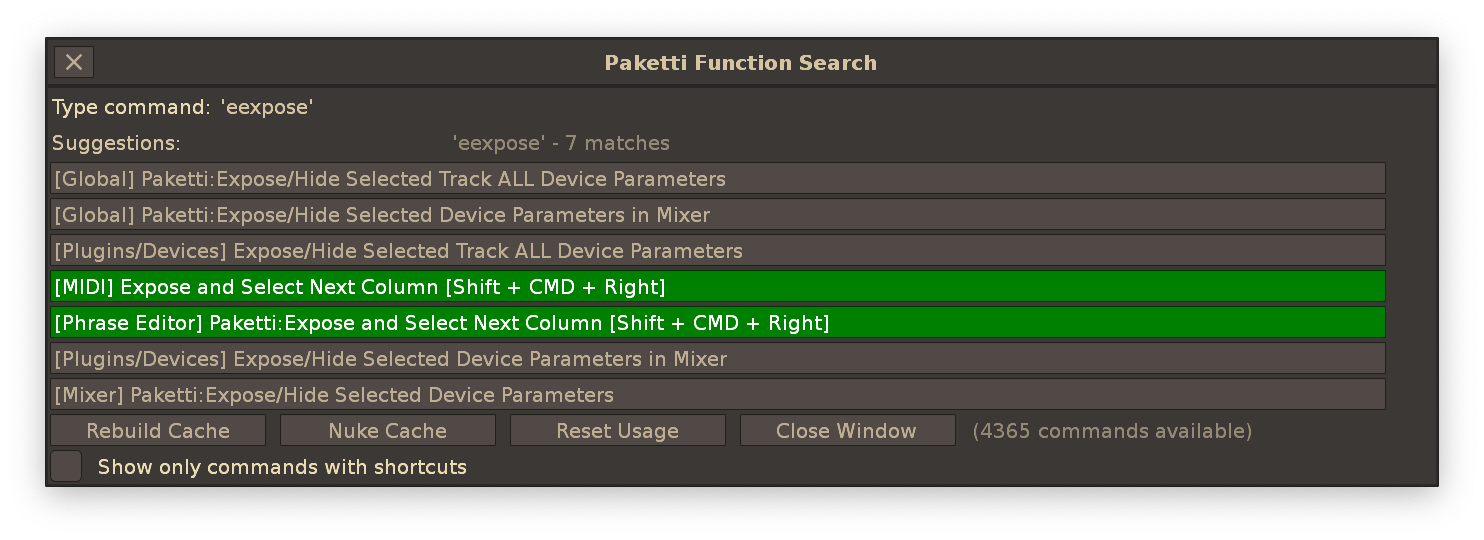
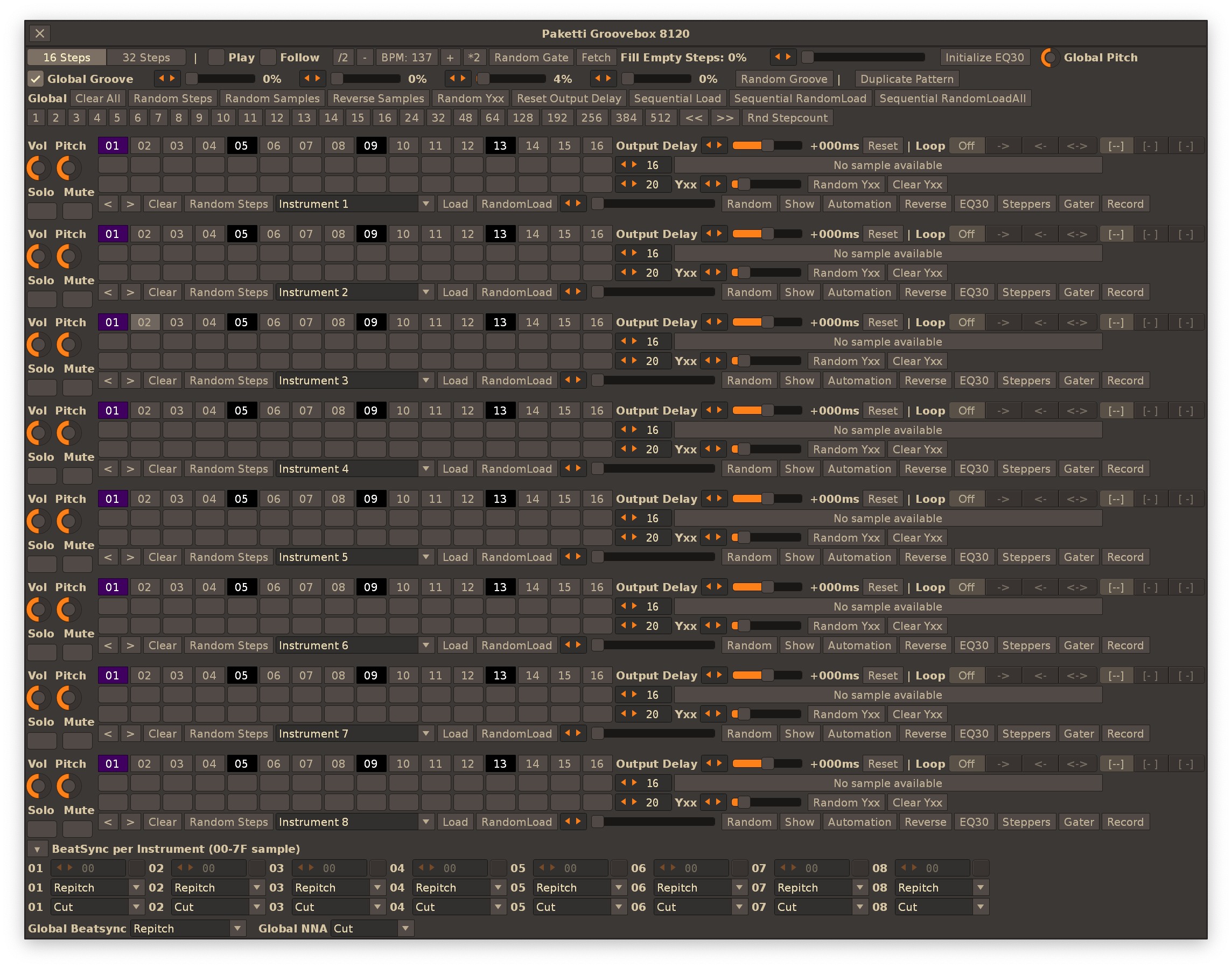
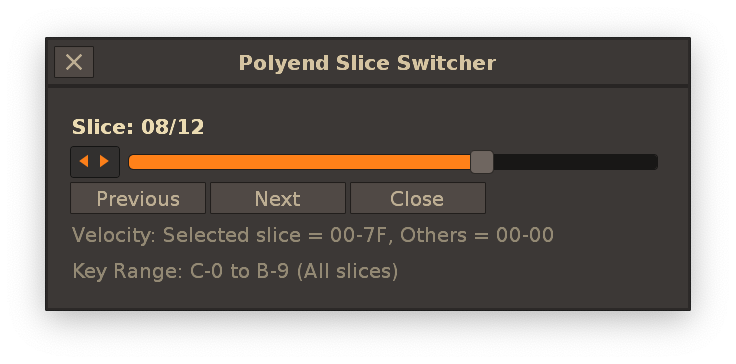
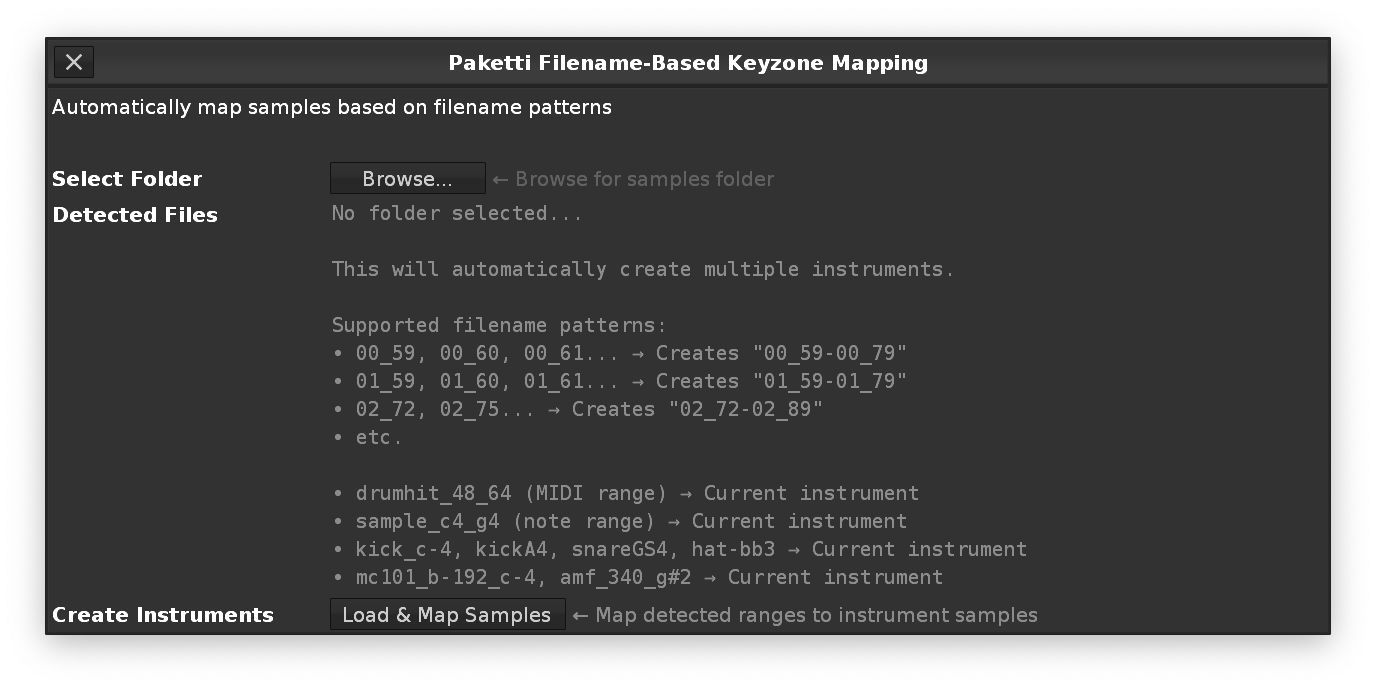
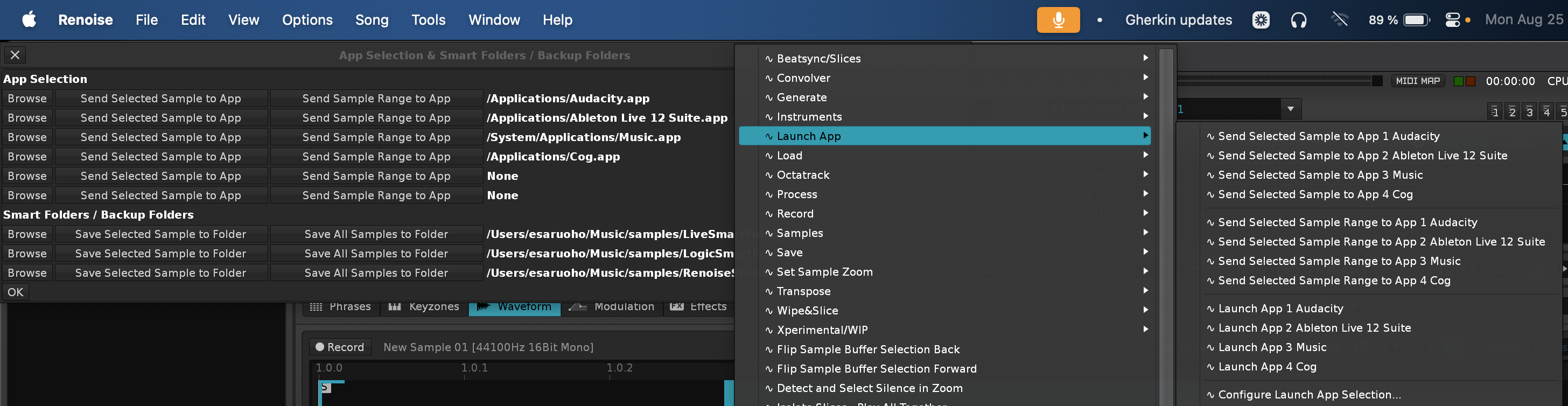
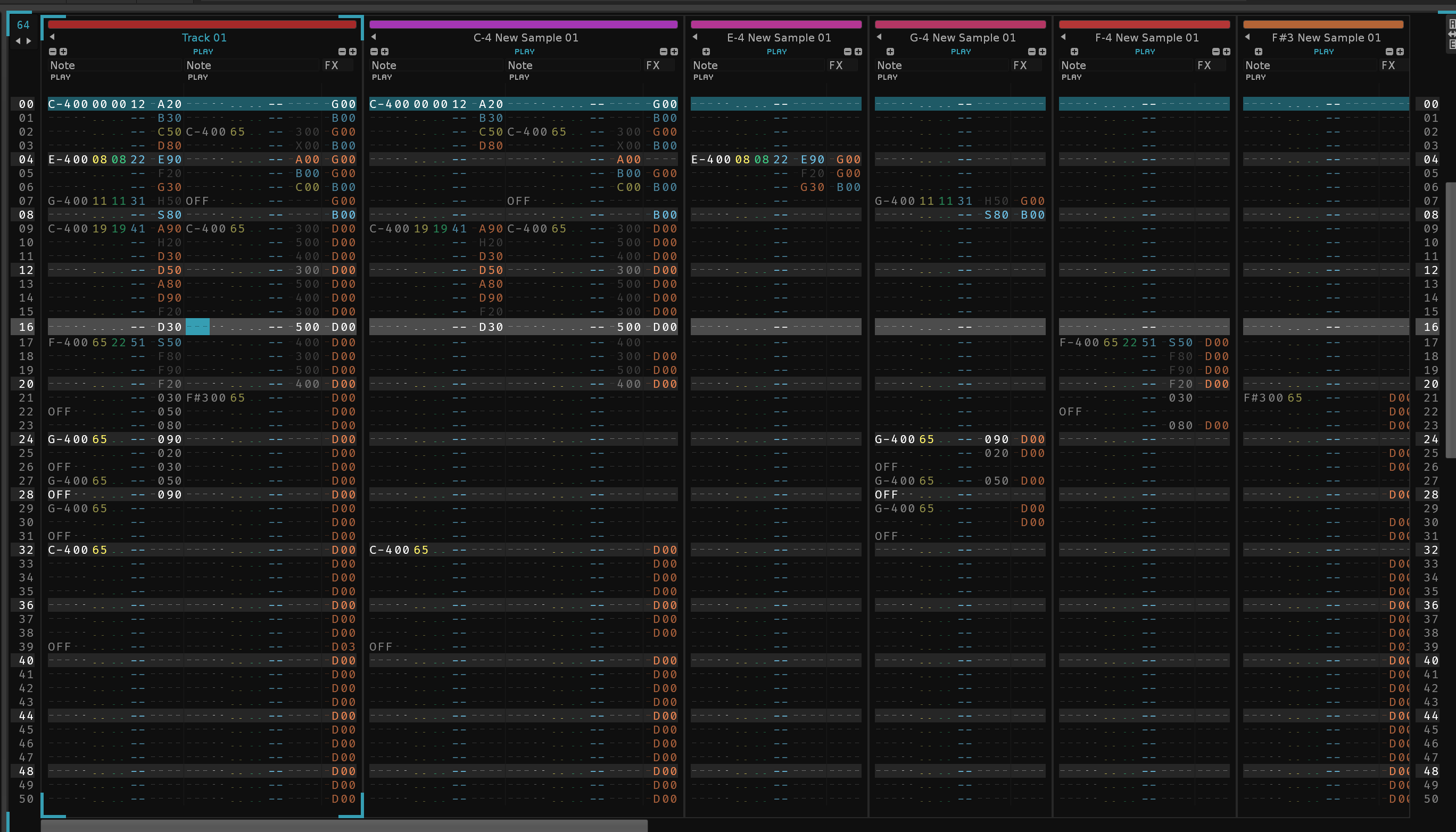
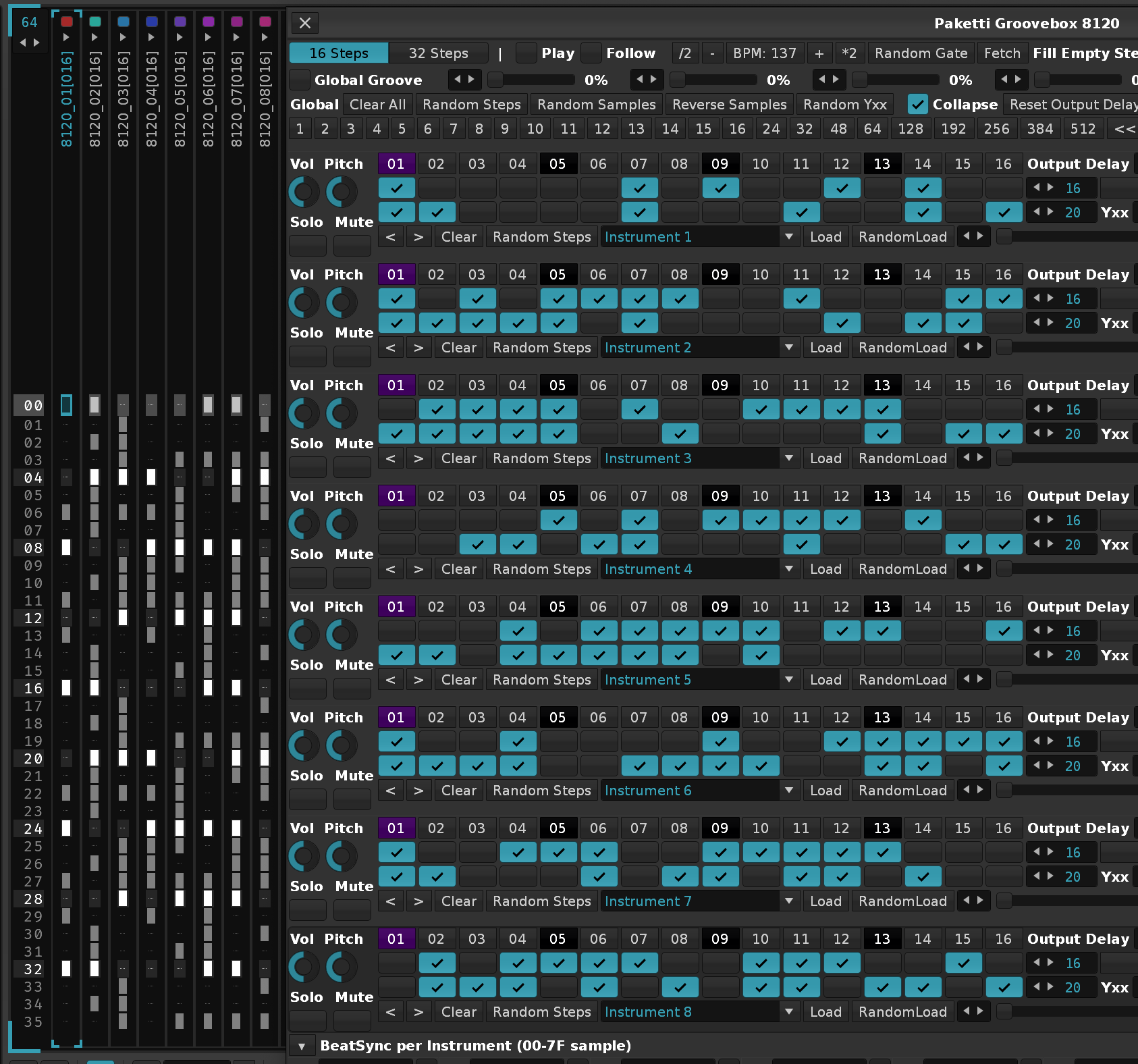
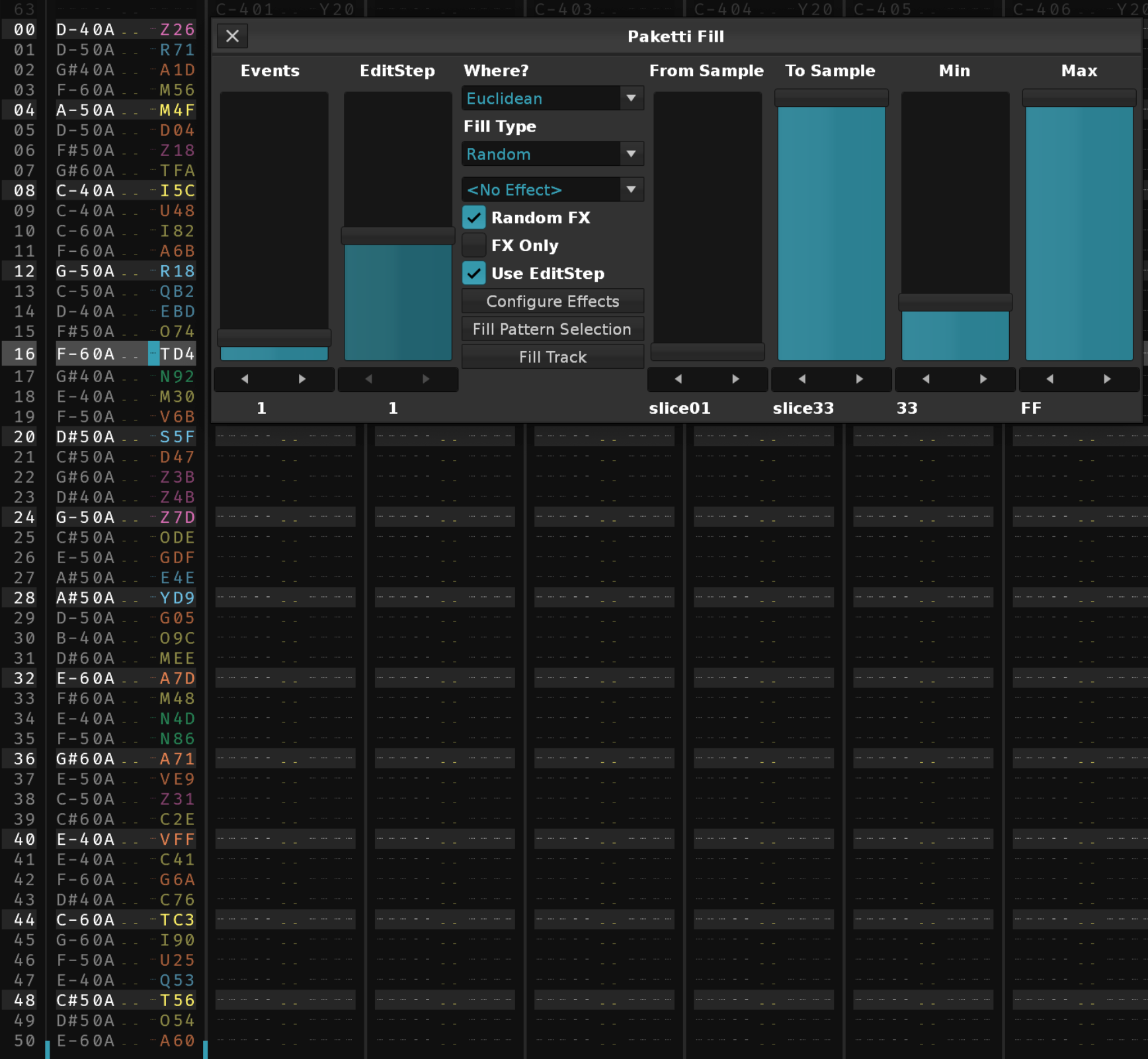
PERC WAV [2025-05-14 221922]_16beats_slice25-tmpSave.wav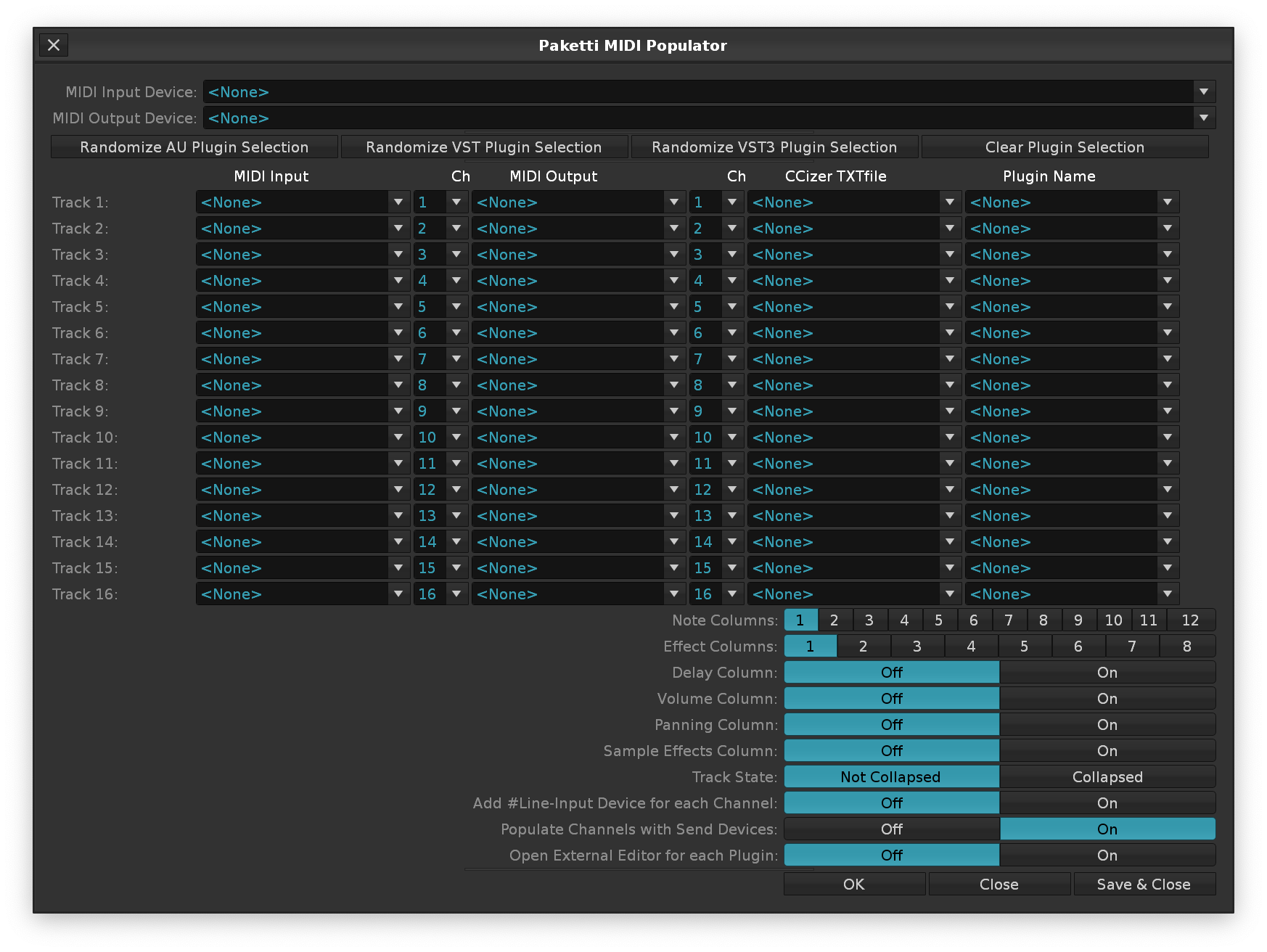




will now read the sample region selection and normalize only the selected channel selection, or, if nothing selected, the whole sample or slice.
This is a soft take / impression of the Anvil Studio: Audio Lab feature which allows you to draw a waveform, draw a pitch envelope and a volume envelope. Press enter, and you've got a sample.
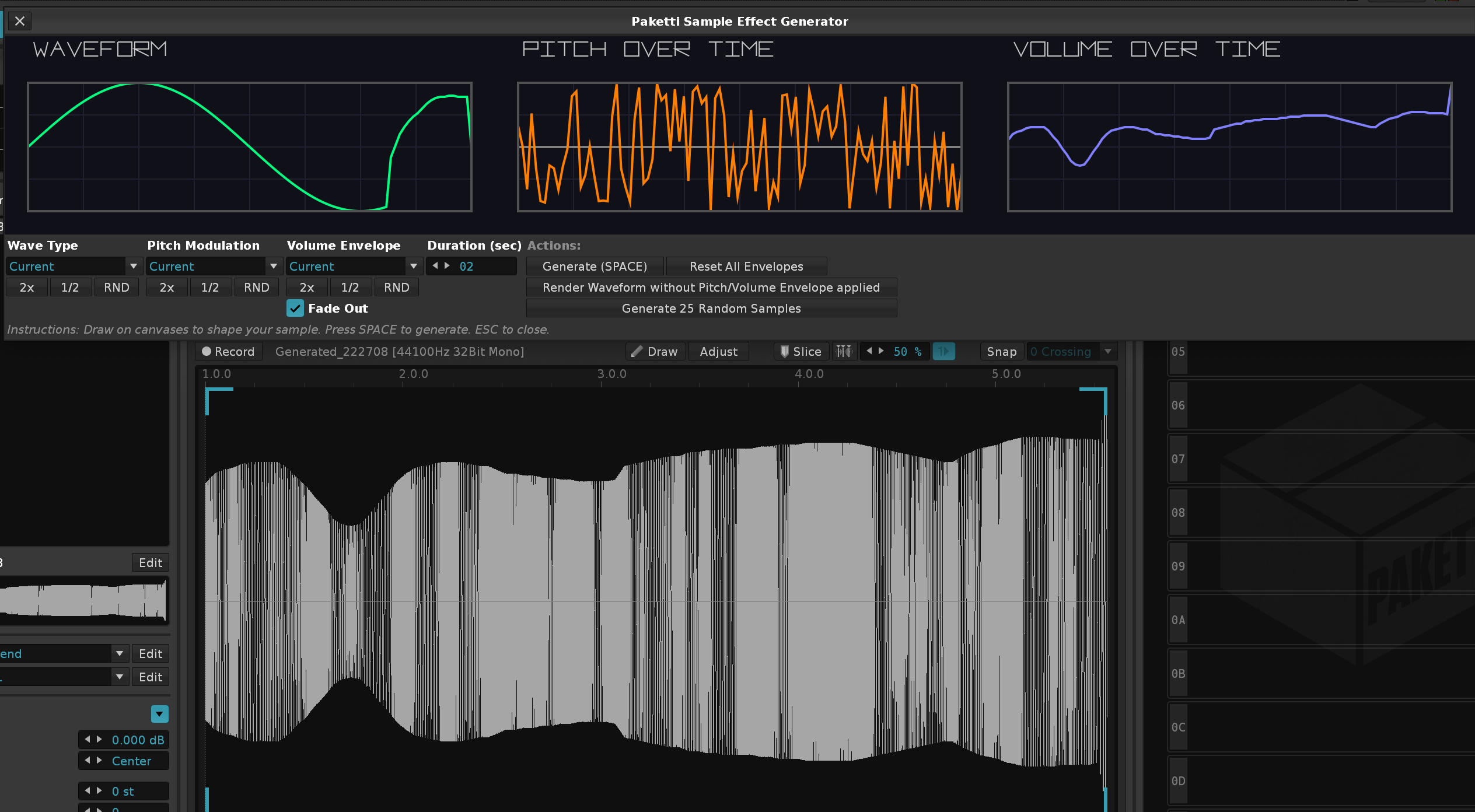
Added more waveforms (2 octave steps, 1 octave steps), tweaked the 2X / 1/2X to be less buggy, improved the interface, added Invert button for inverting, added a Live Audition mode, so basically, draw and let go of drawing and it is rendered. Added Paketti Loader Settings (Interpolation, Oversampling, Autofade, other settings).. Added Random Steps for pitch loops, tweaked the Fade out to be less clicky. Also tunes the sample to a440hz so it'll, if using Octave Steps, for instance, match with a plugin played on the same instrument. Also added Process Slicing to the 25 Random samples, and made it less random (not random,random,random for 25 samples - instead, randomly pick something from the dropdown menus for Waveform, Pitch and Volume.)
This will clear the current EQ30 automation across all envelopes, and Randomize by EditStep - and set the envelopes to Points so they don't interpolate, but instead step by EditStep.

This will clear the current Selected Device Automation Parameters, read EditStep and randomize Steps to all Parameters of the Device.
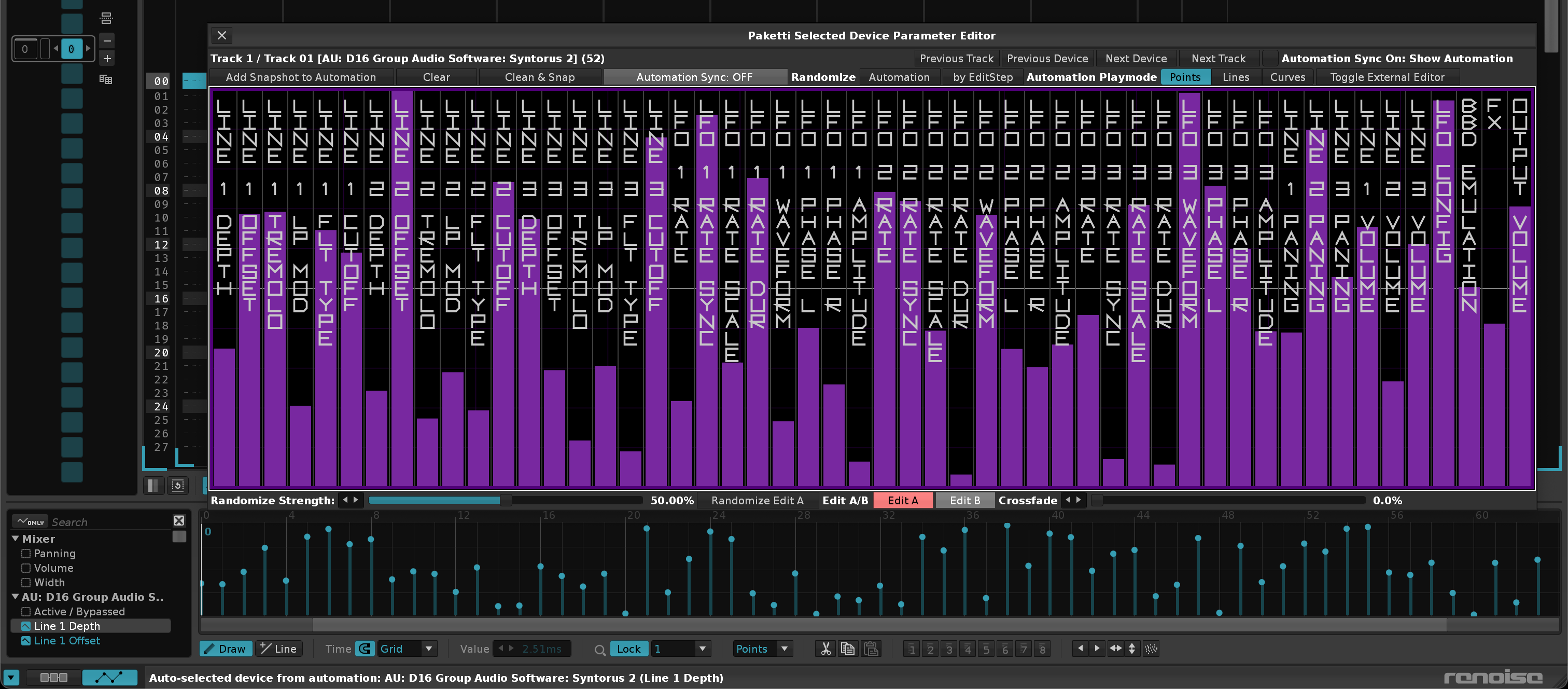
This shortcut will insert a Note Off 0C00 command to the selected Effect Column, or, if on Note Column, it'll appear on the first Effect Column.
This allows you to pick your favorite 8 slices, or the 8 sample offset values of your choice, and start stepsequencing with them. There's also mute / pitch control for each slice - the pitch is disabled if you hit Sample Offset. And re-enabled when you move back to Slice. It will flood the pattern full (so 16 steps? 512 row pattern? Fills it all). Also you can offset, just like with Paketti Gater + Paketti Groovebox 8120 + Paketti VolDelayPan - them so they keep going against eachother causing all kinds of polyrhythmic fun.
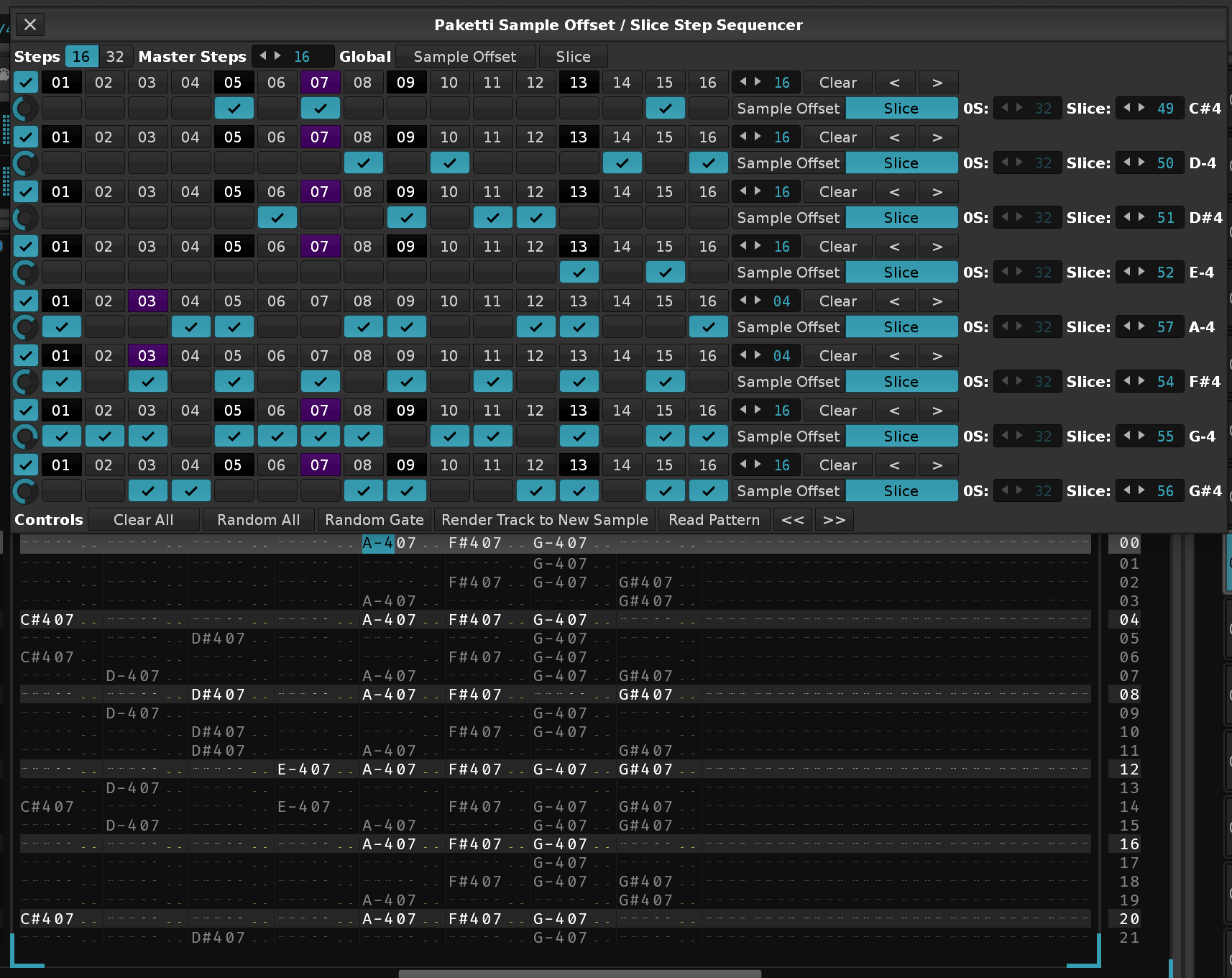
When going from 16 steps to 32 steps, duplicate the content instead of forcing the user to re-do it. Switching from using Sample FX Column for ZZ04 for defining StepCount, to. using Note Column naming for defining StepCount. Maximum Slice was off by one (C#4 to A#4? - allowed picking B-4 which did nothing), fixed. Writing "16step or 32step view?" to first note column (32_32) would mean StepCount 32 and View 32 Steps upon Dialog opening Changing tracks will update the Dialog to that track's settings.
Sample Editor will now show the Sample Offset you're modifying. Added +1 -1 Octave control for Sample Offset mode.
When opening the dialog with a non-sliced sample, default to Sample Offset. When opening the dialog with a sliced sample, default to Slice mode.
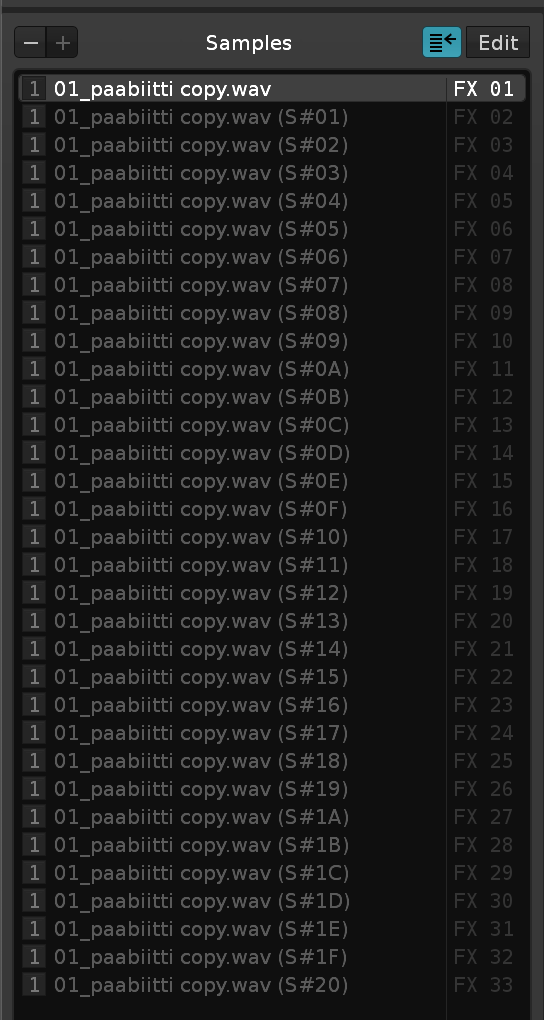
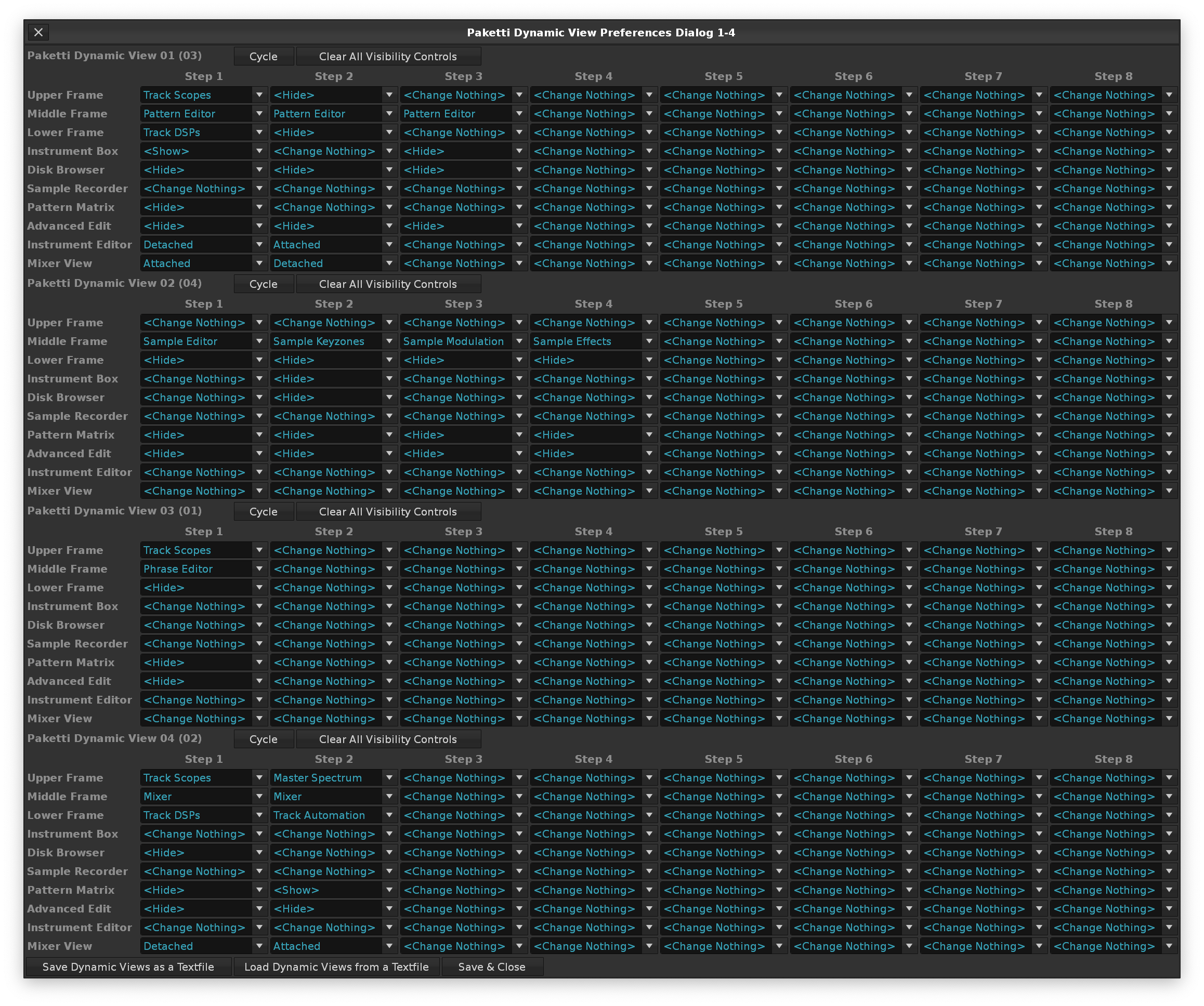
Selecting a row will now highlight that, just like with Groovebox 8120
Selecting a row, while on the Sample Editor, will show the Slice you've selected, so you can easily edit the length of it with other Paketti shortcuts
Selecting a row, while on the Sample Editor, while in Sample Offset mode, will dynamically show you where the Sample Offset starts the playback from.
Duplicate Pattern will duplicate the current pattern to a new one and continue playback from that.
Changing a pattern without changing the track, will result in the stepsequence being updated.
Show Velocity in an extra area of the dialog.
Velocity Draw
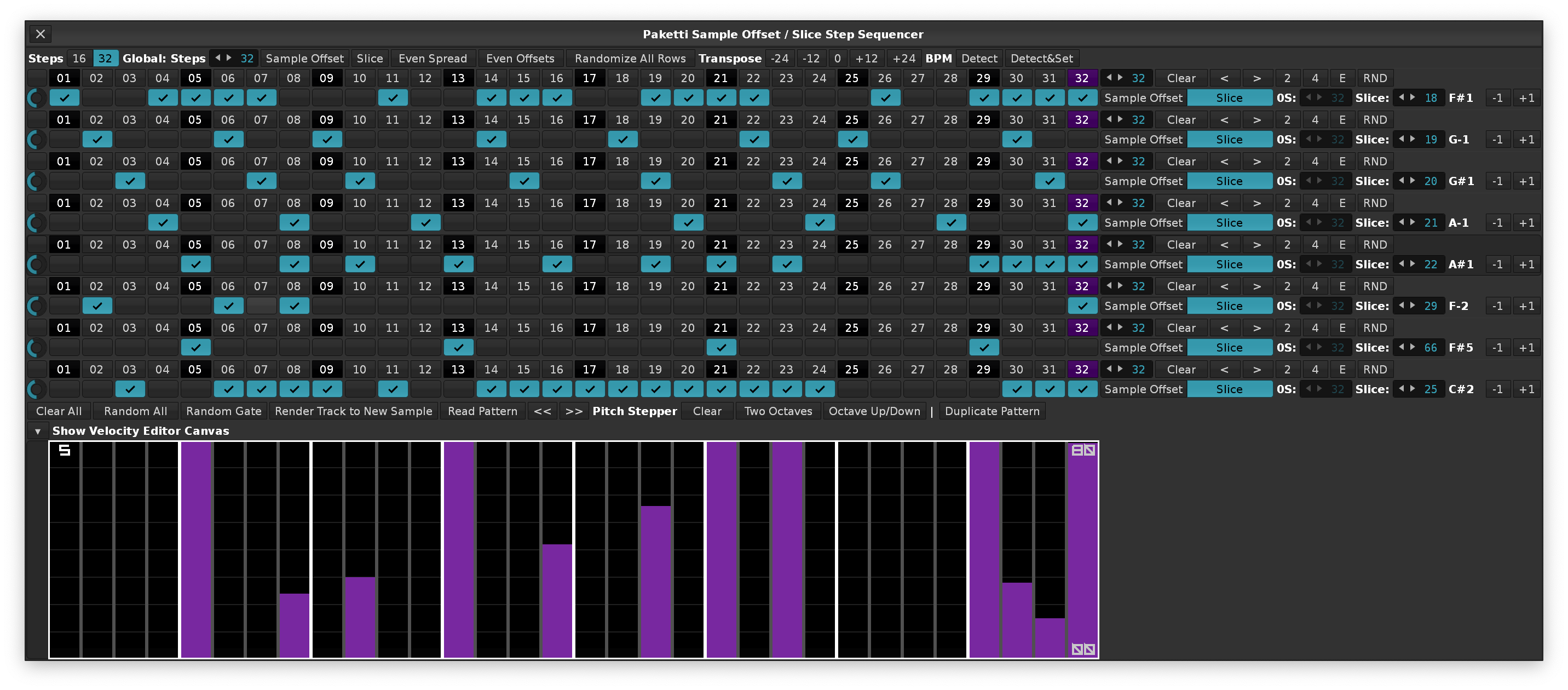
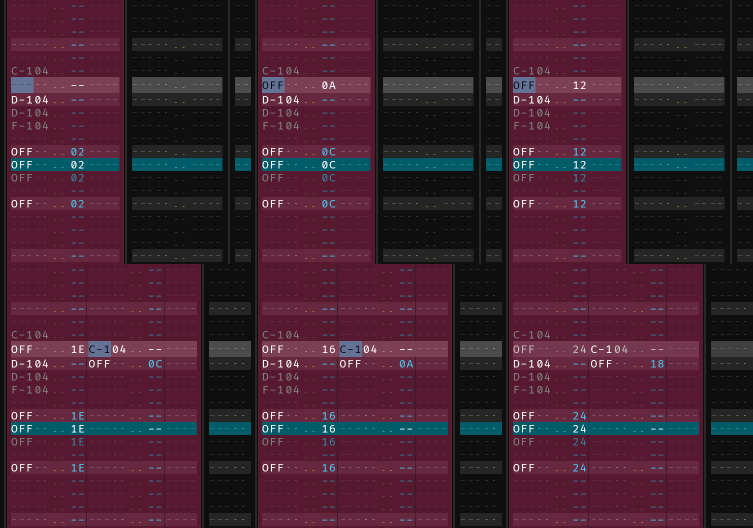
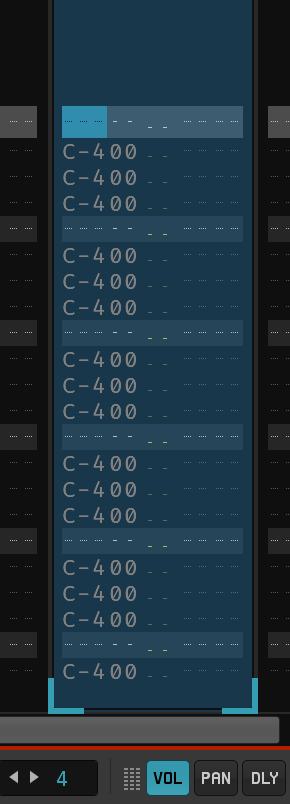
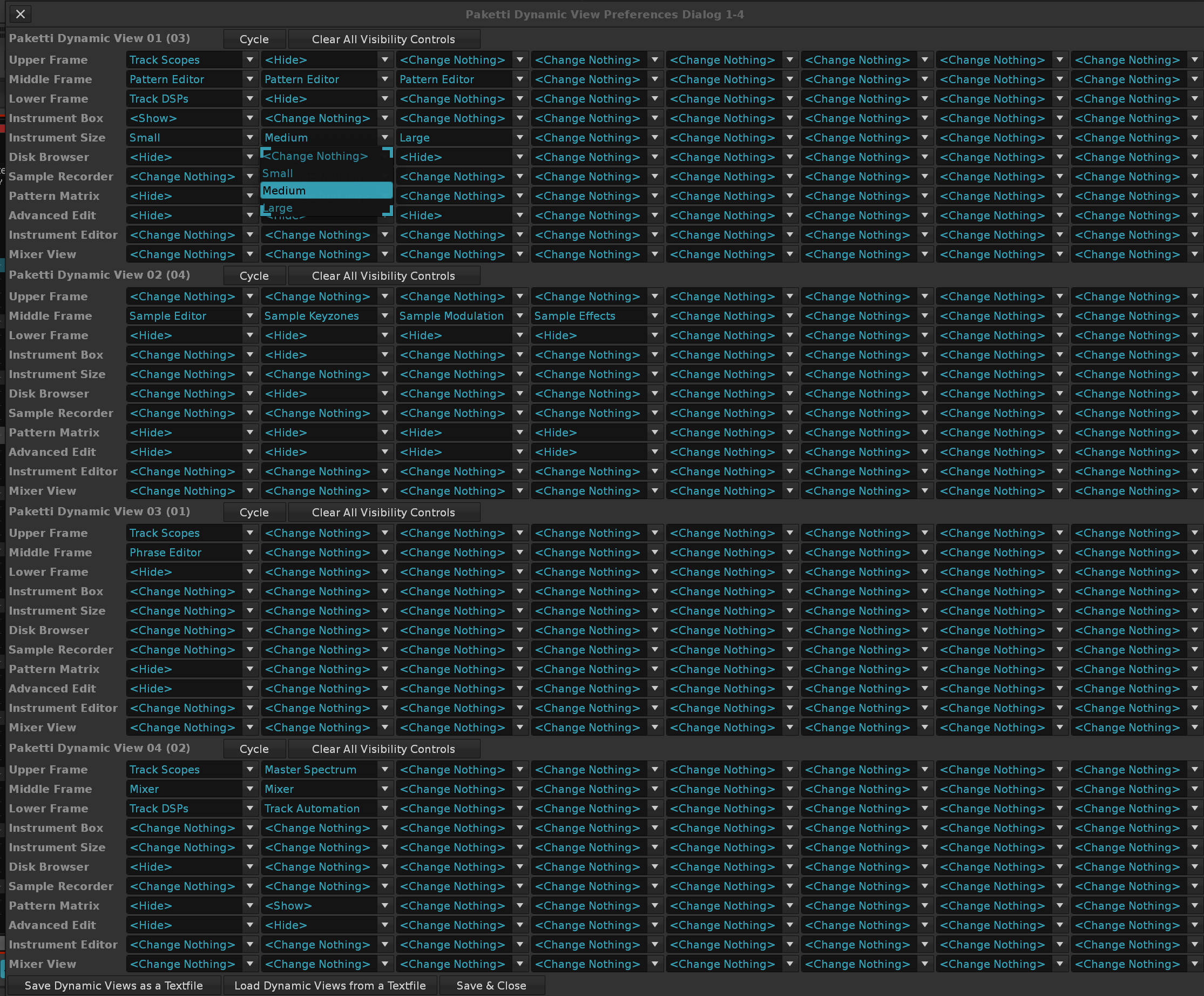
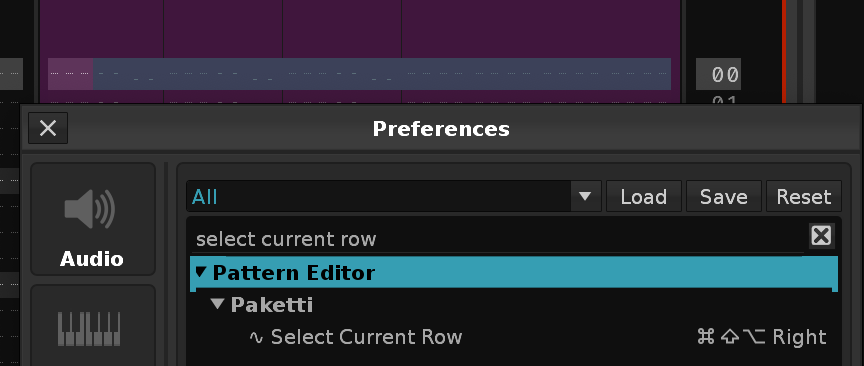
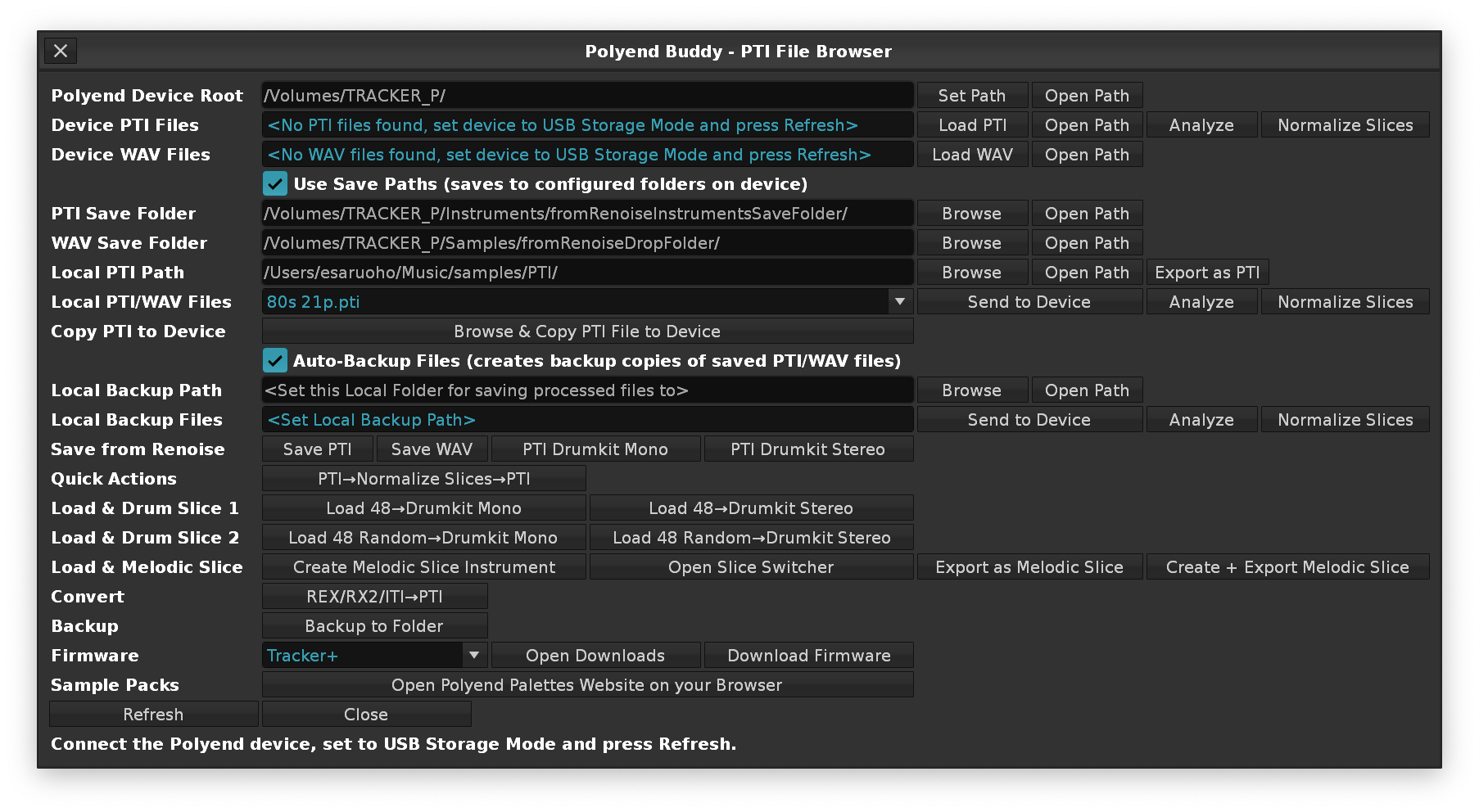
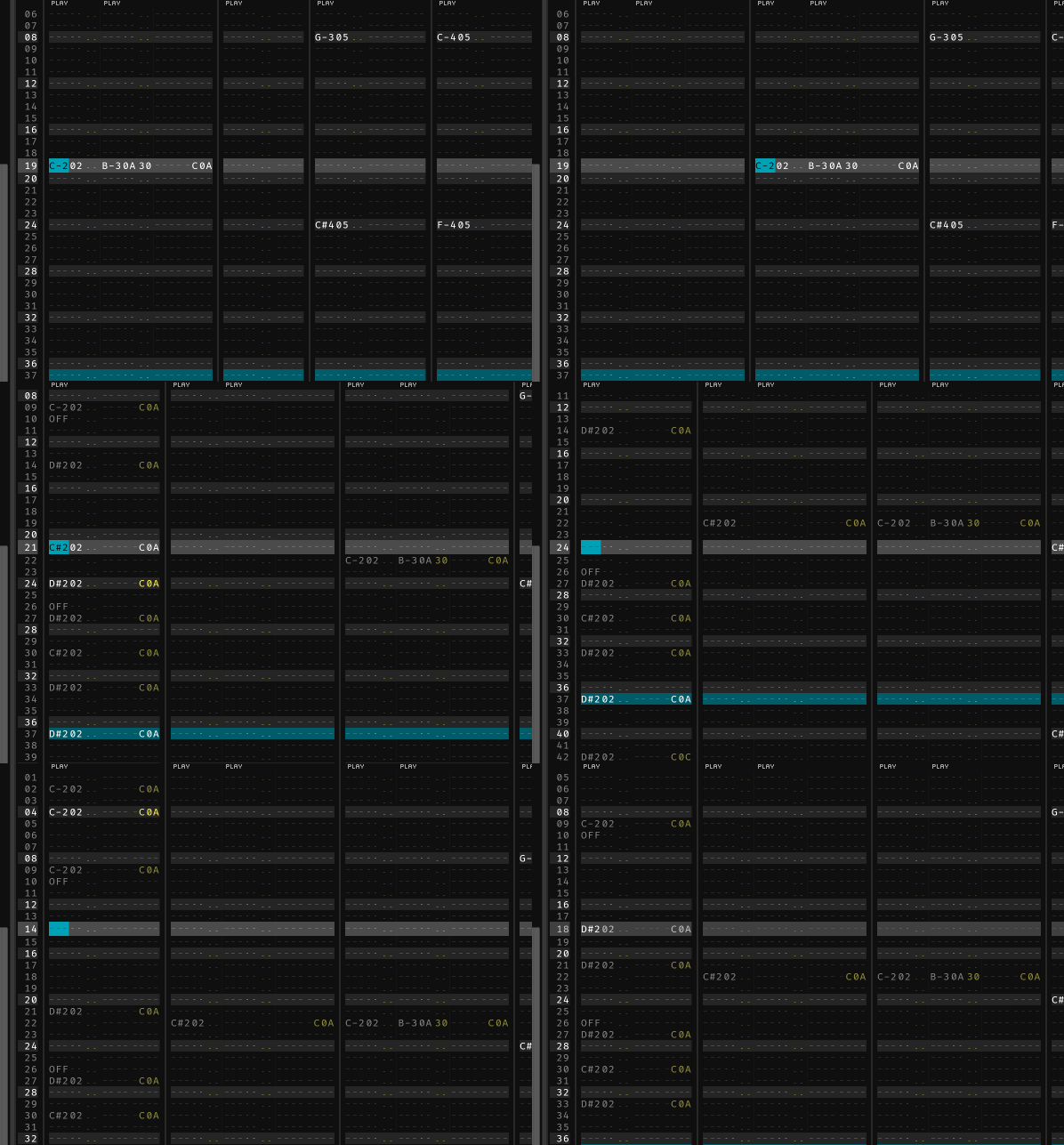
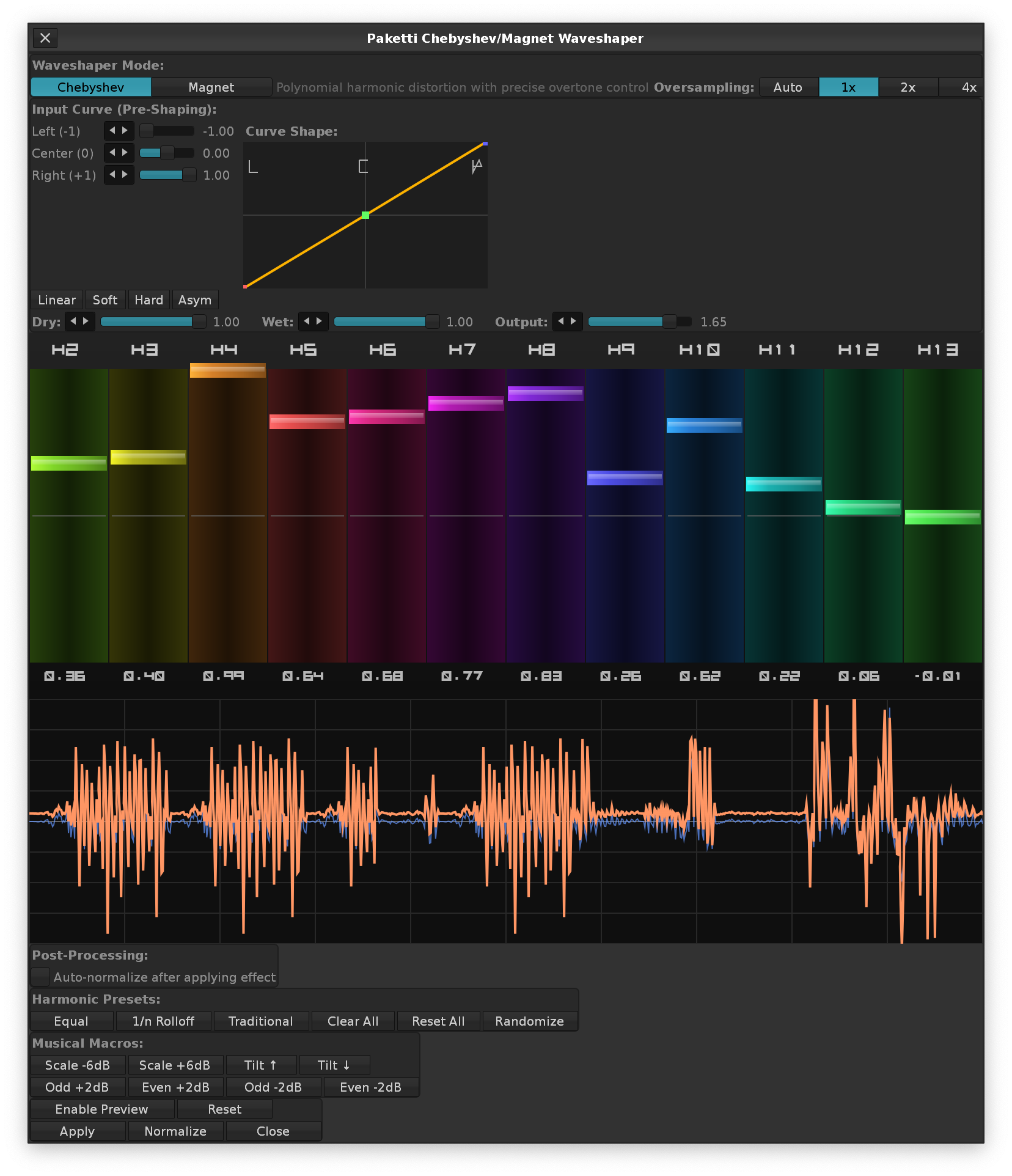
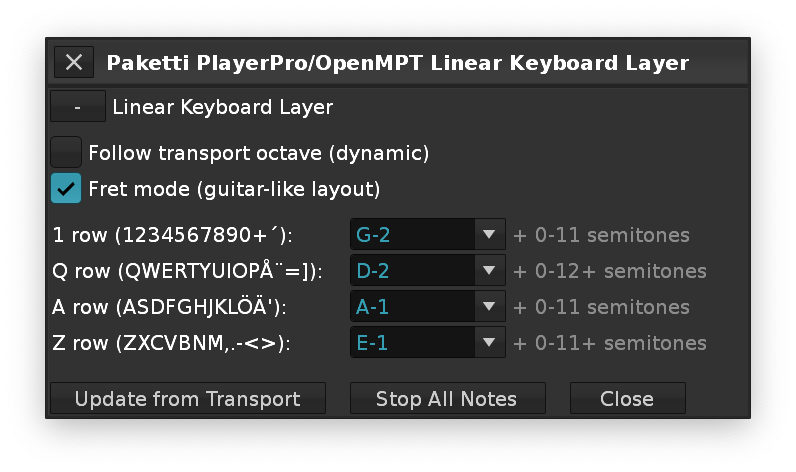
Automatic BPM-based Beat-slicing/audio preparing of your remix stens. Set BPM, decide the beat lengths (64, 32, 16, 8, 4) - Start the Process - and Paketti StemSlicer will do your automatic cutting for you. Afterwards, click on Load as Drumkit - and they appear sorted by original sample and length. The silence ones are skipped from being loaded.
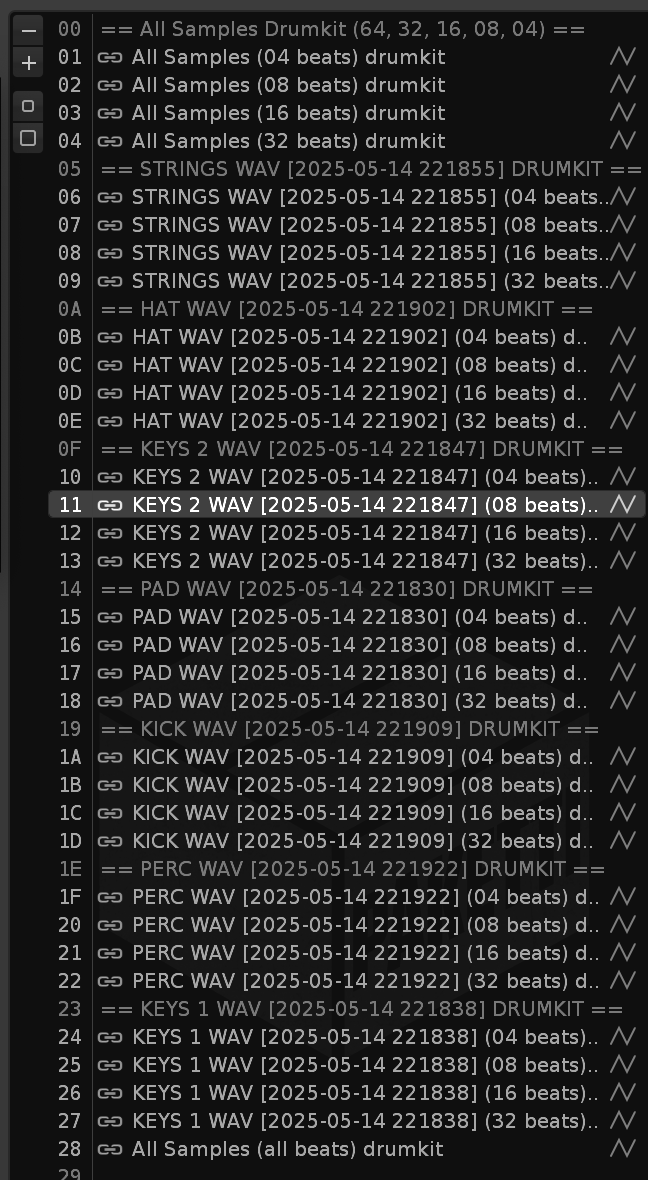
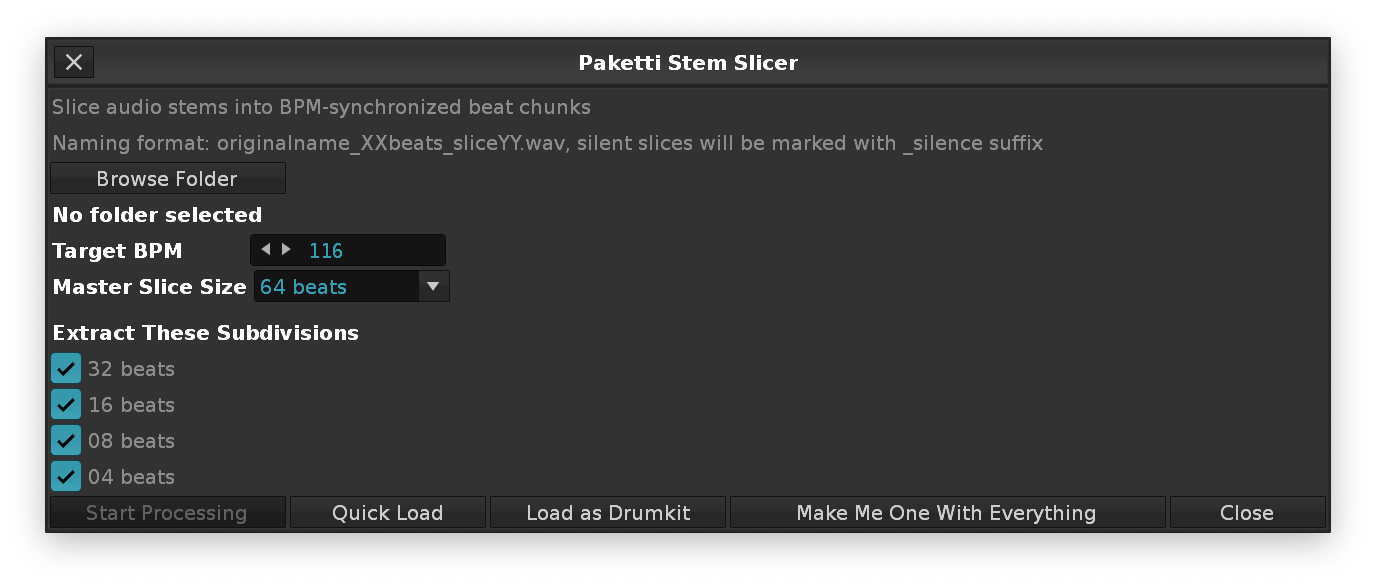
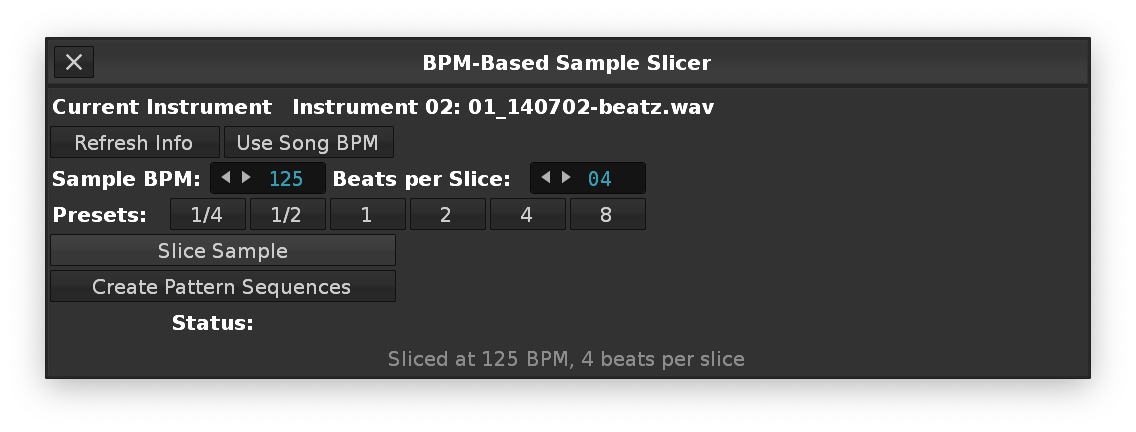
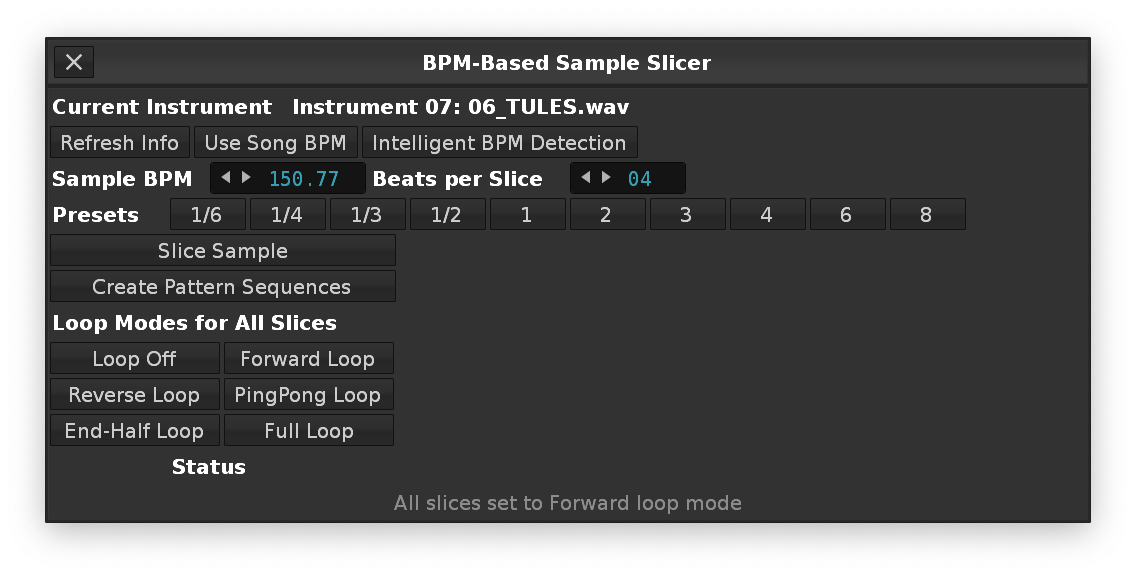
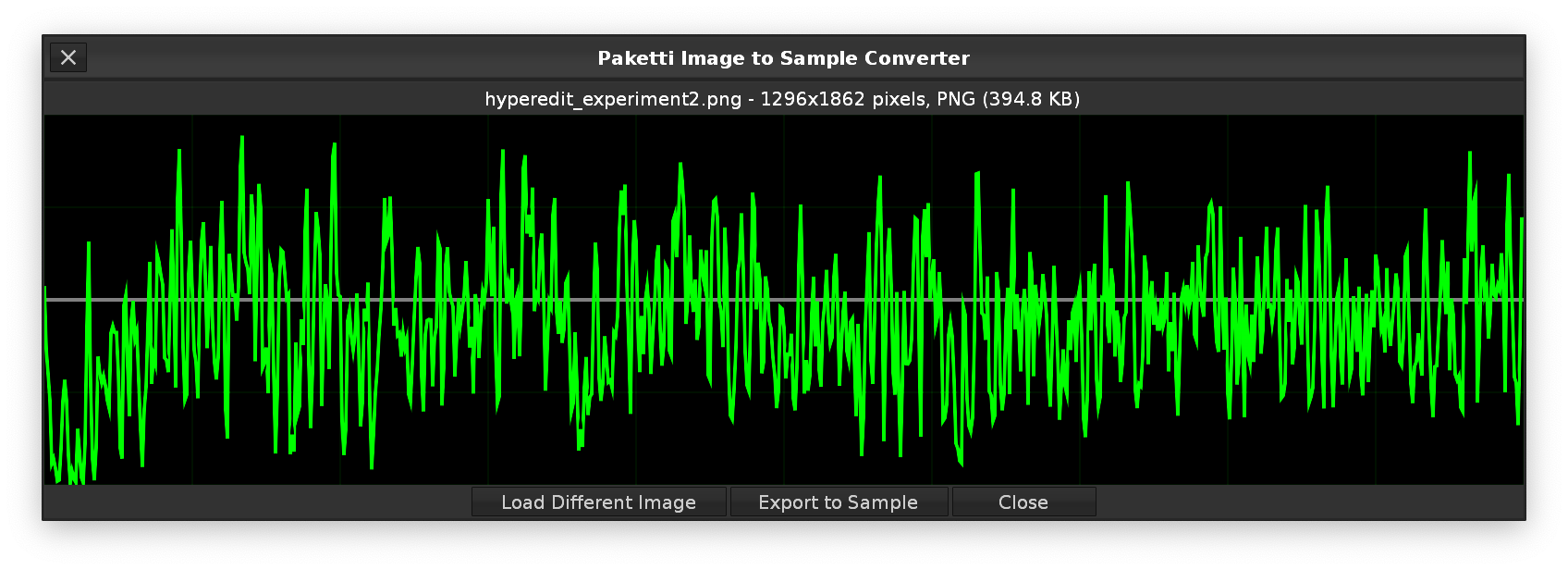
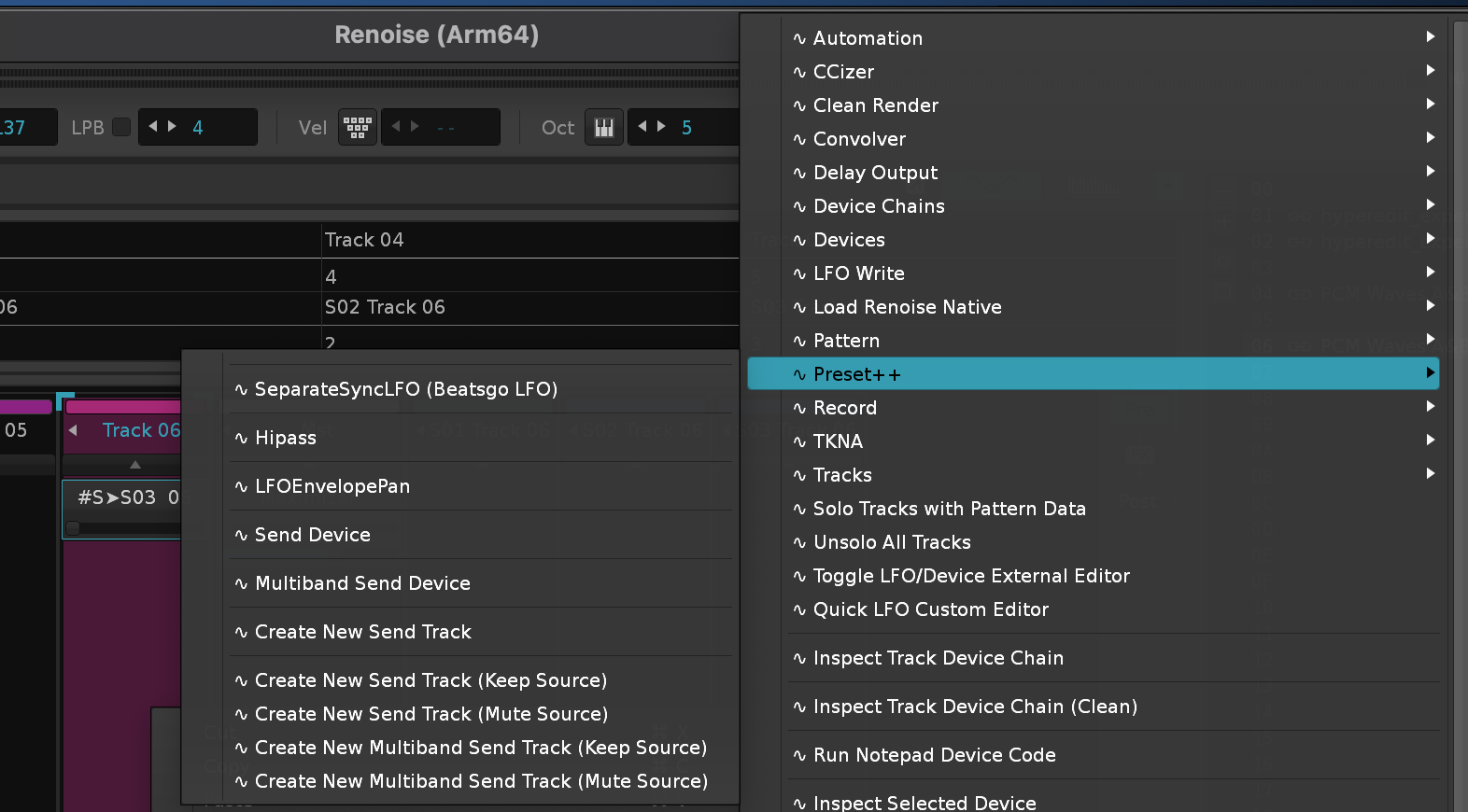
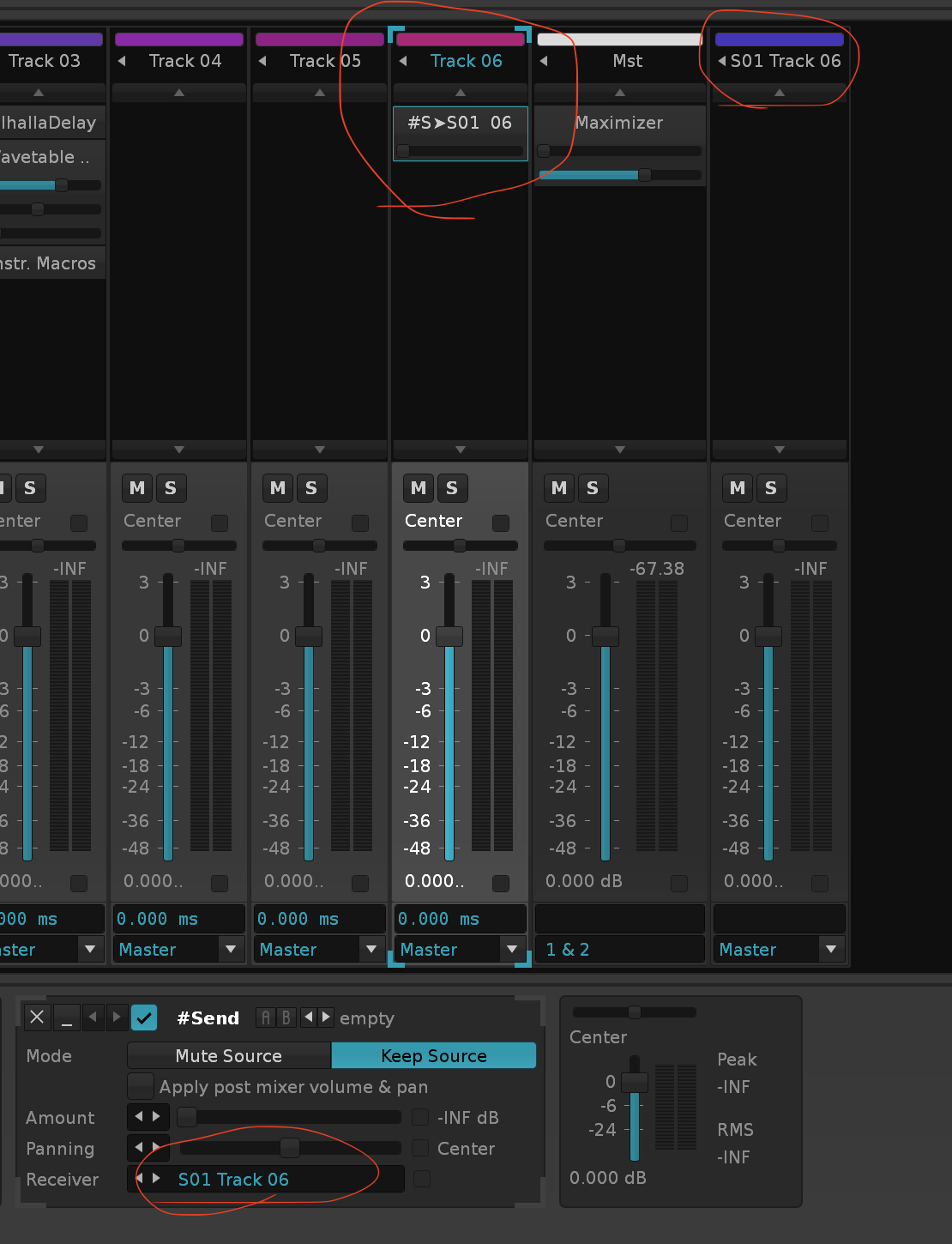
and if you're drawing to a canvas and press Space, the external editor will appear.
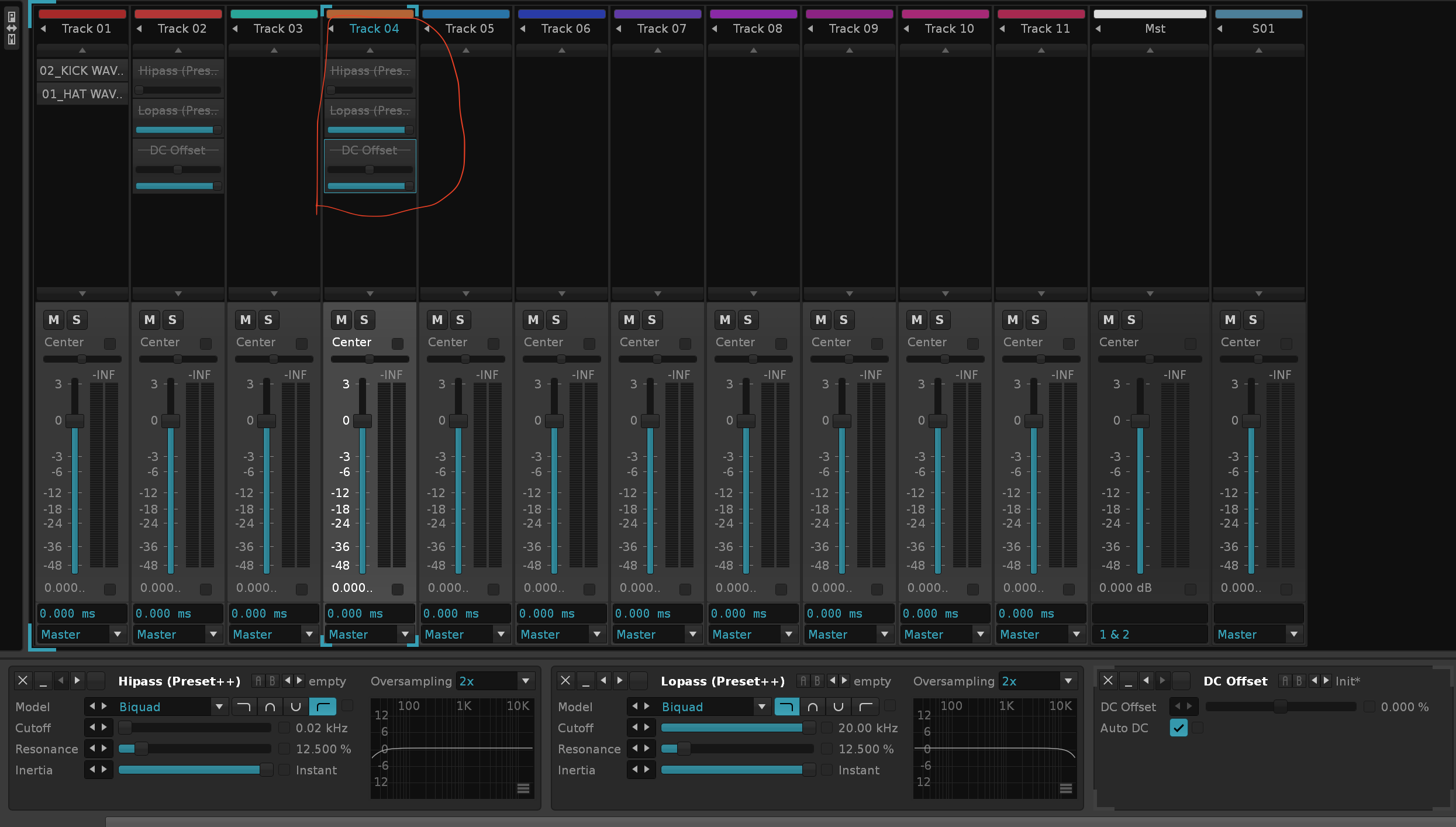
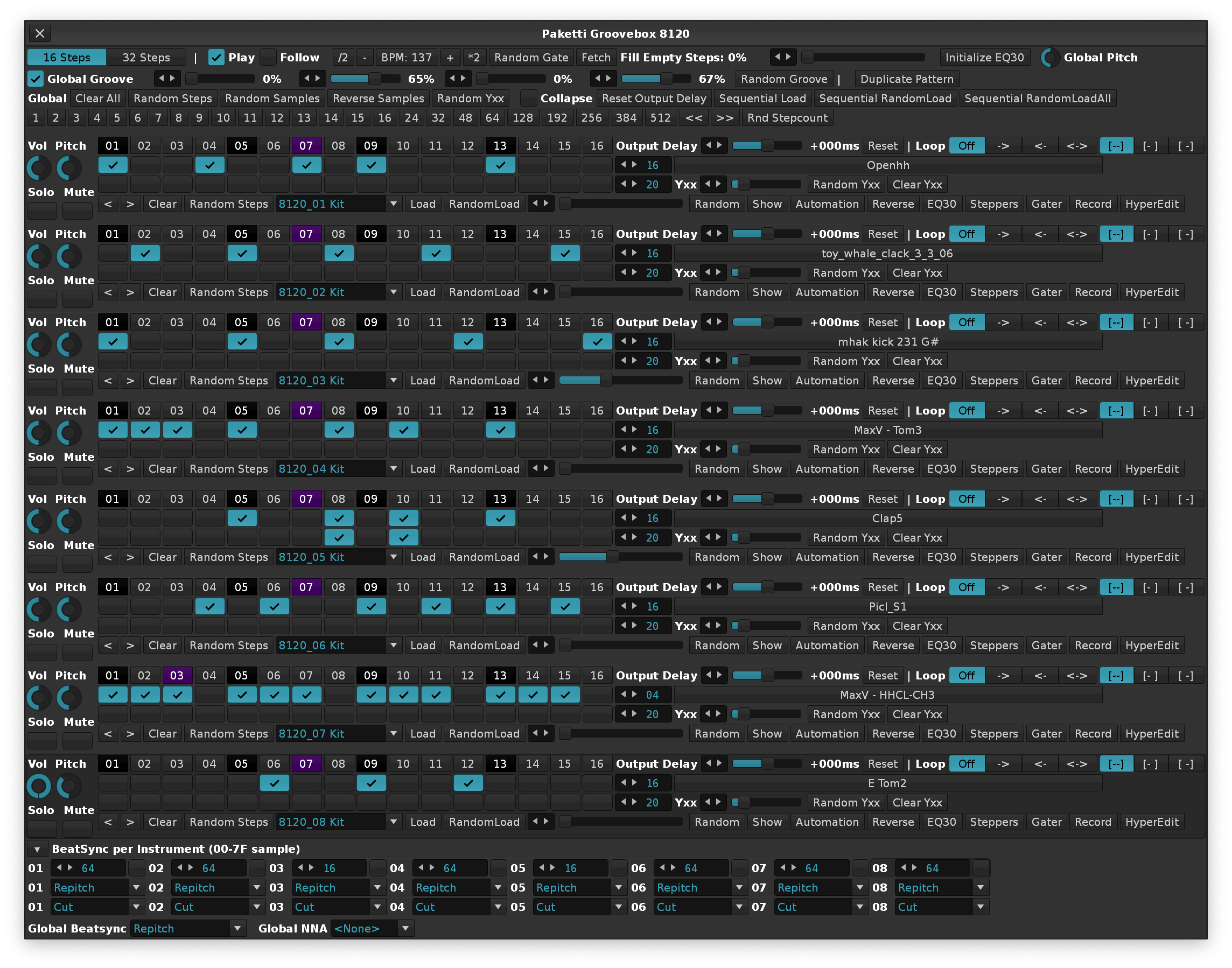
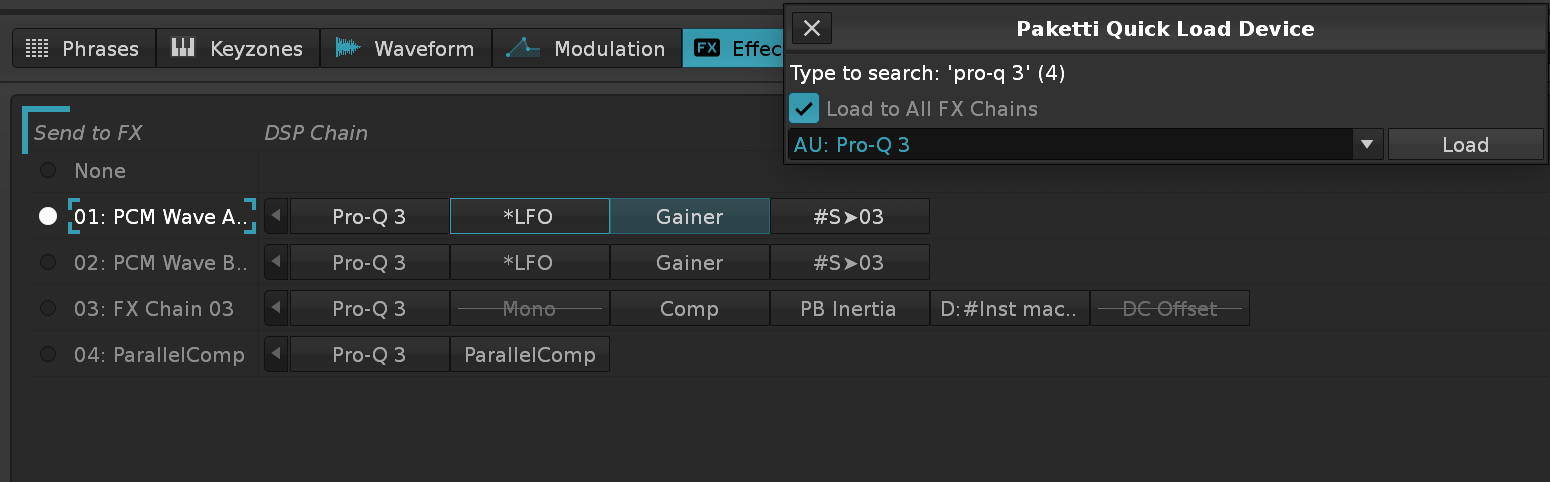
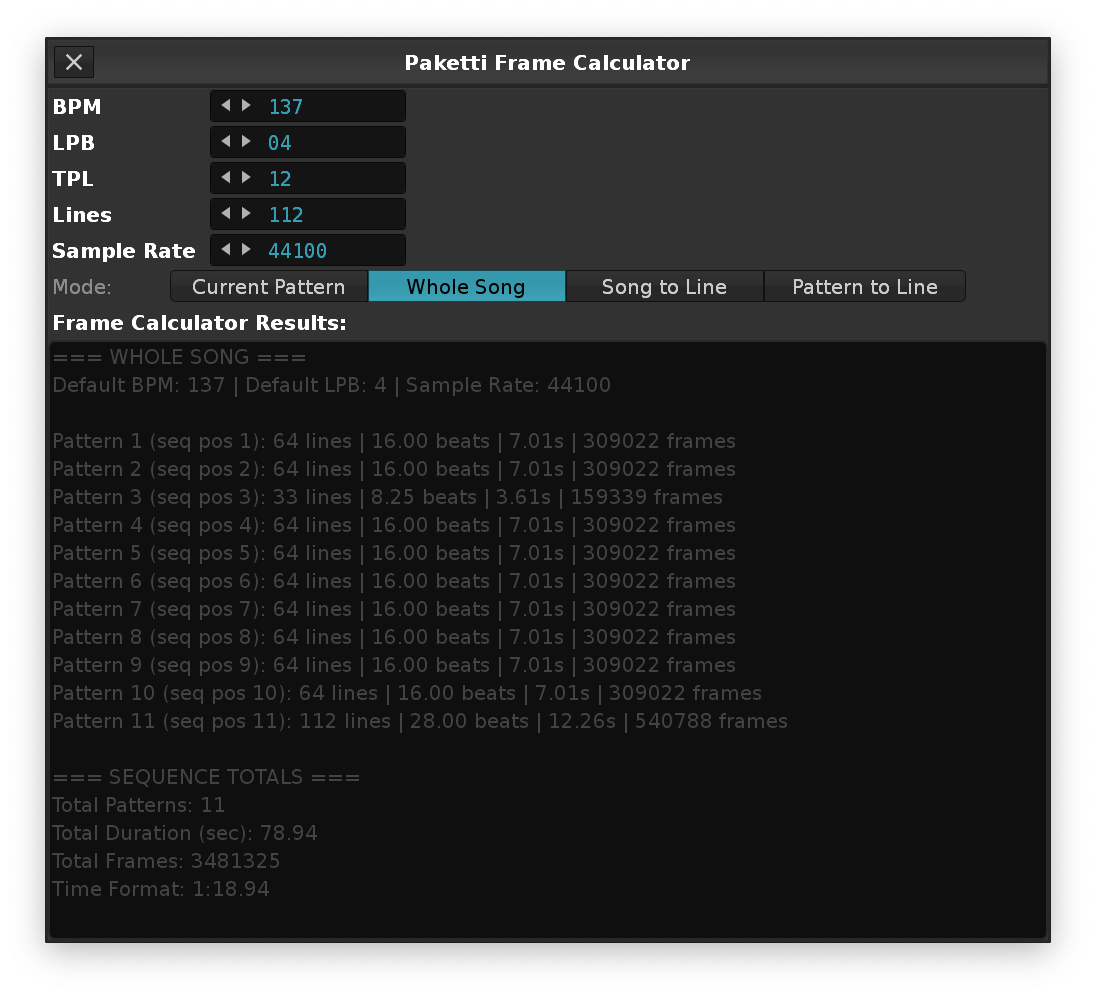
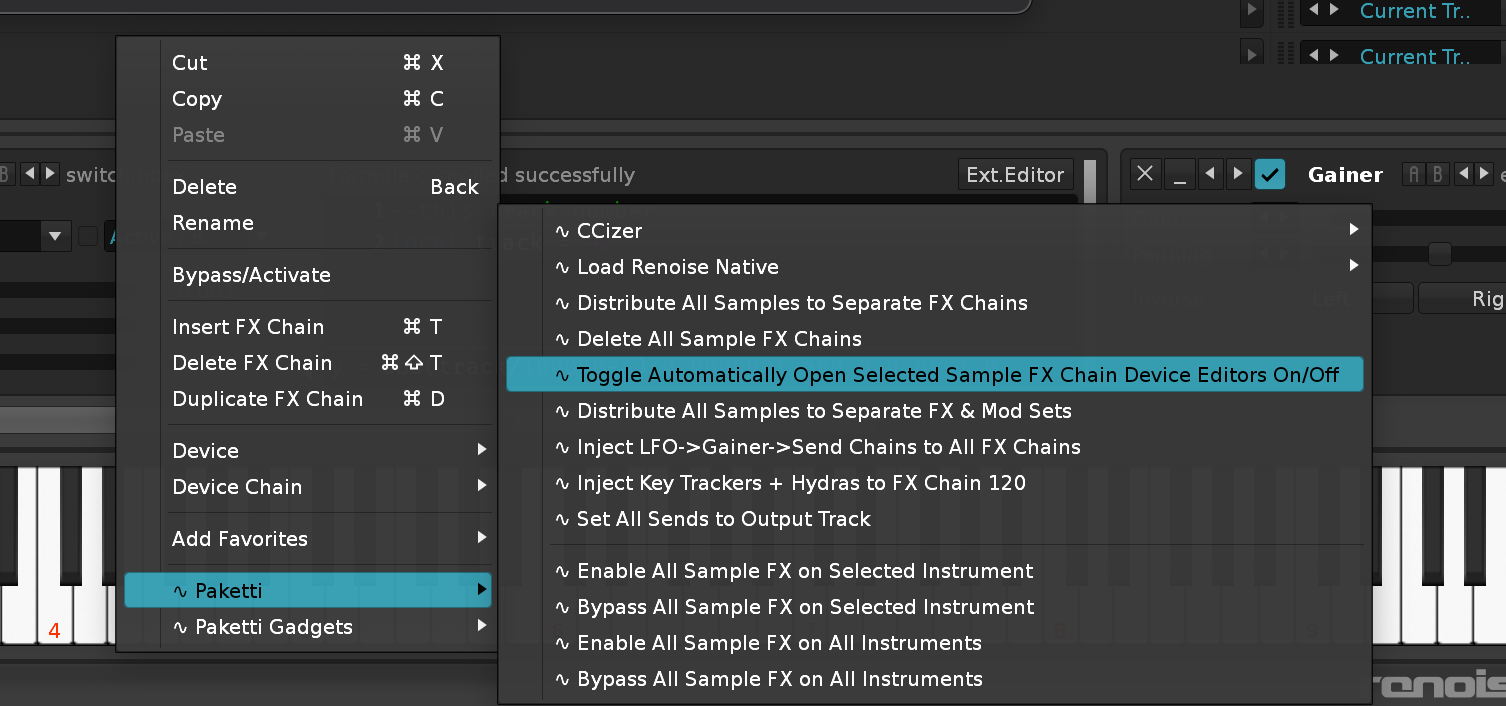
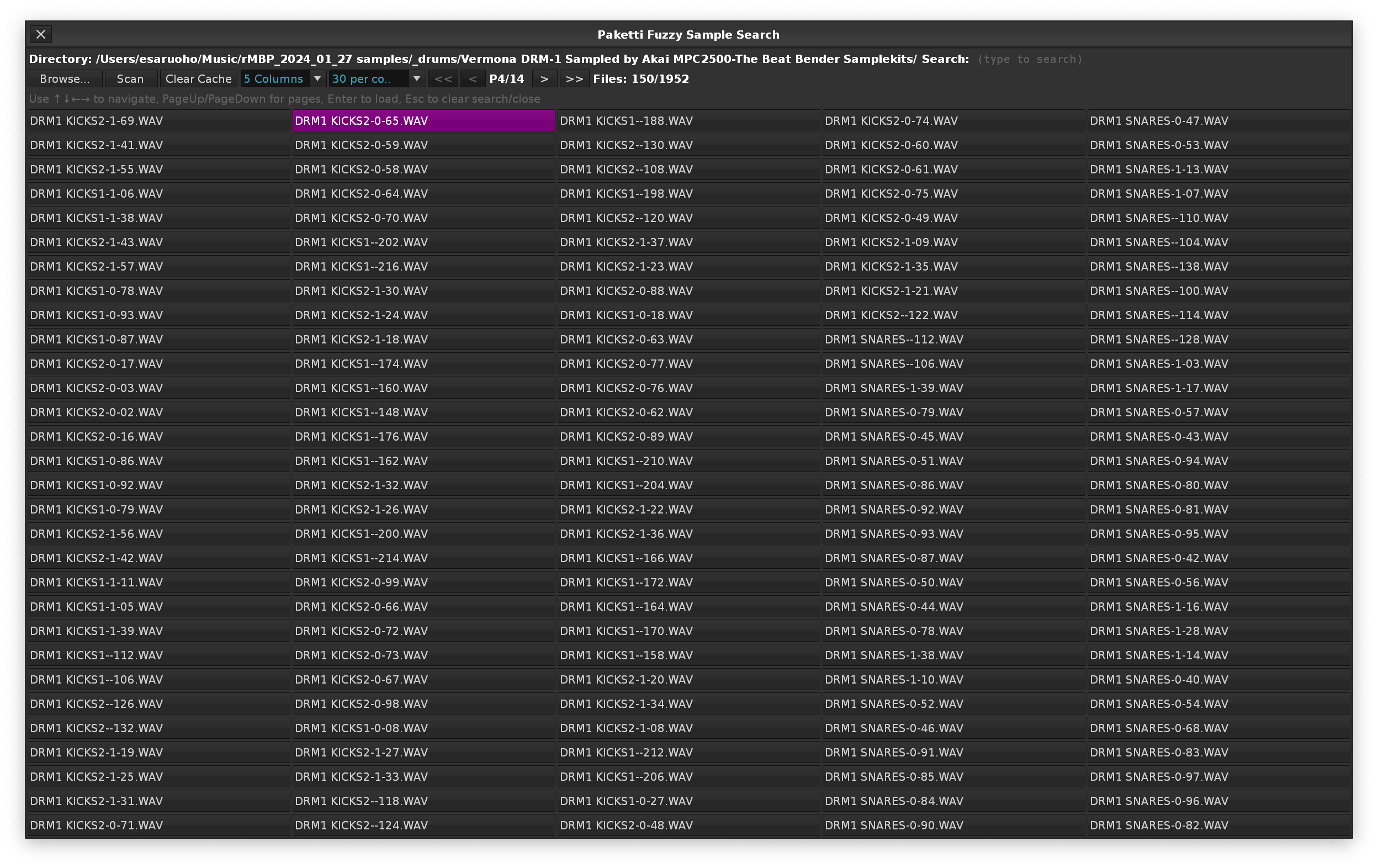

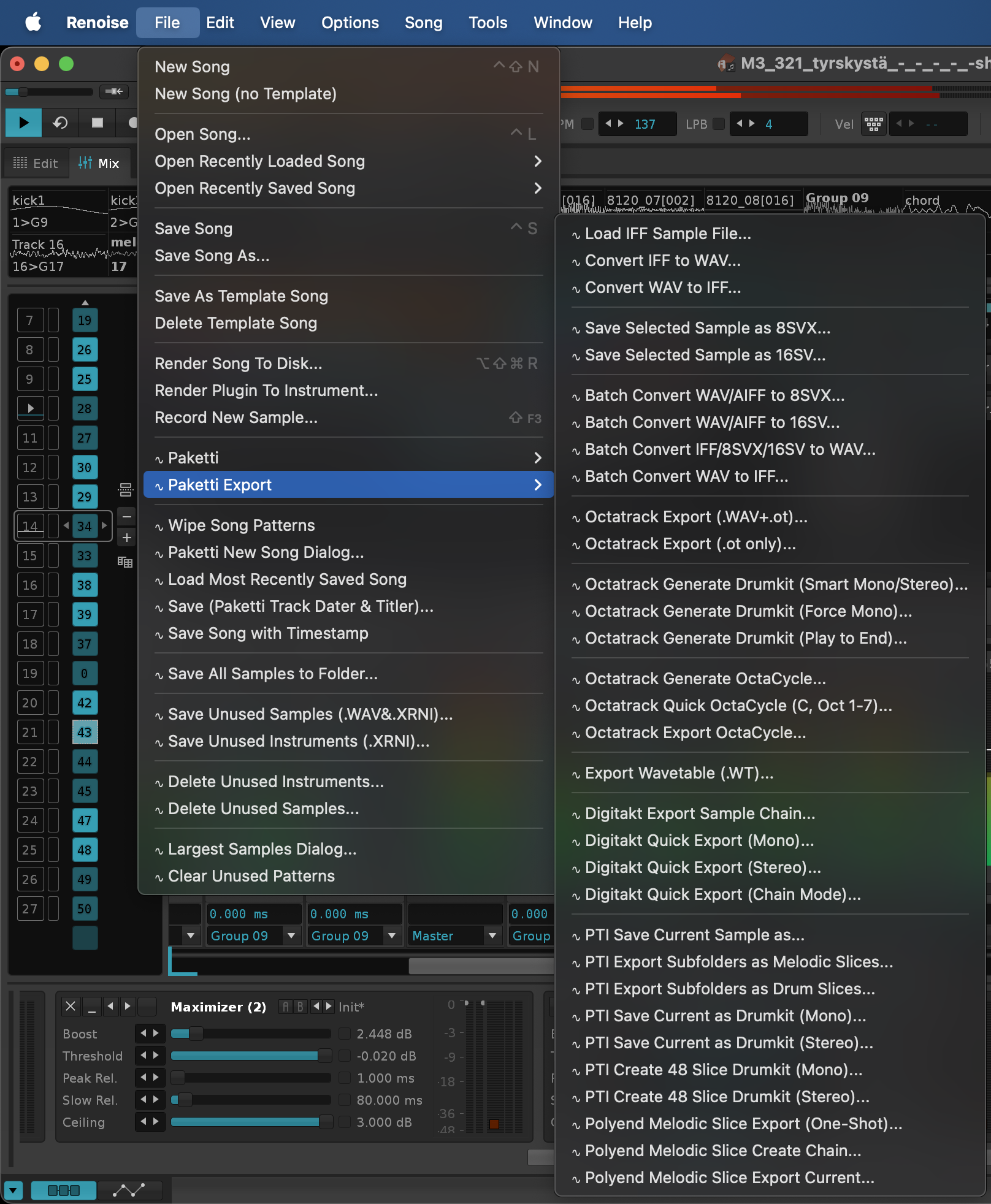

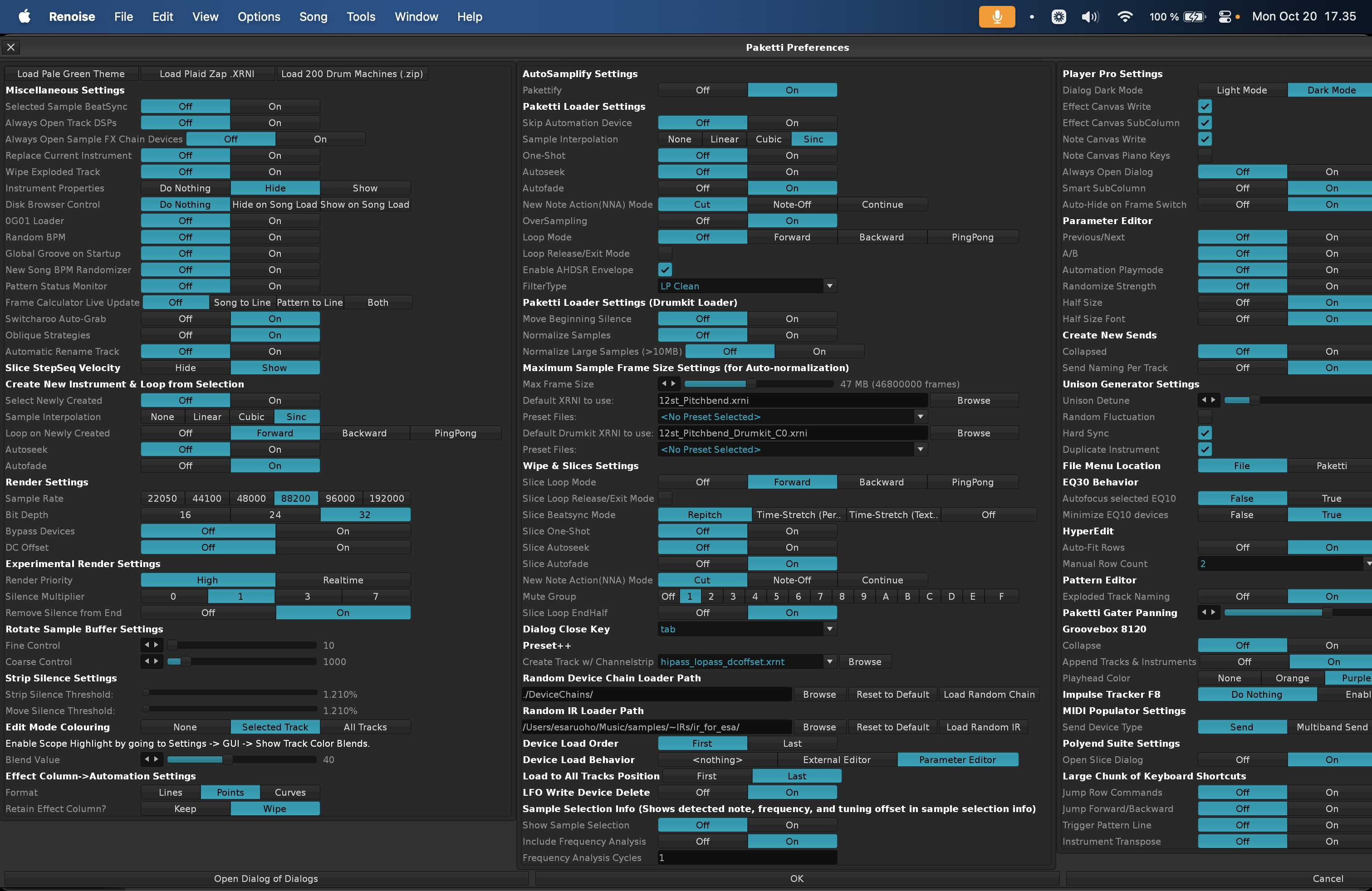
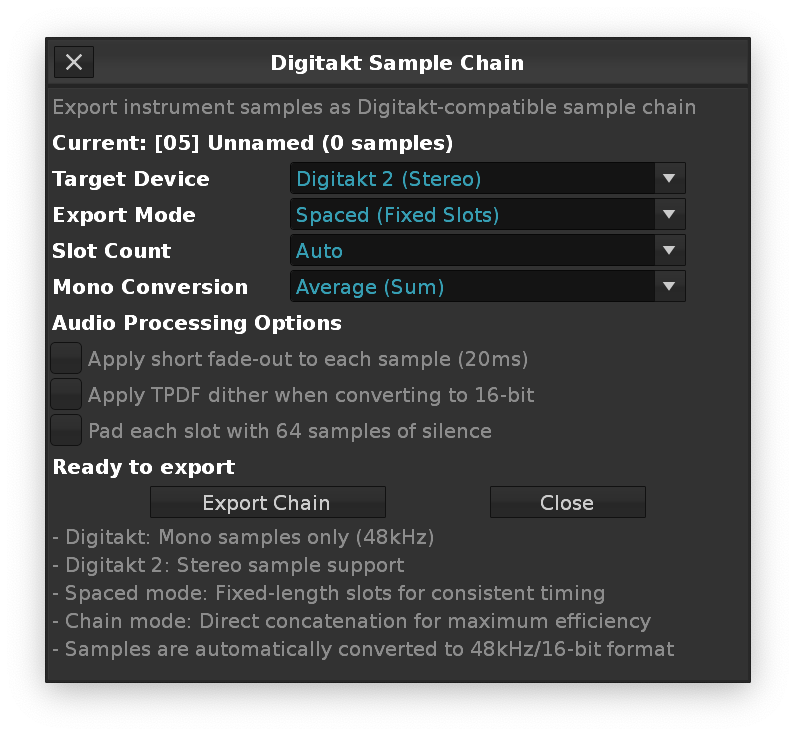
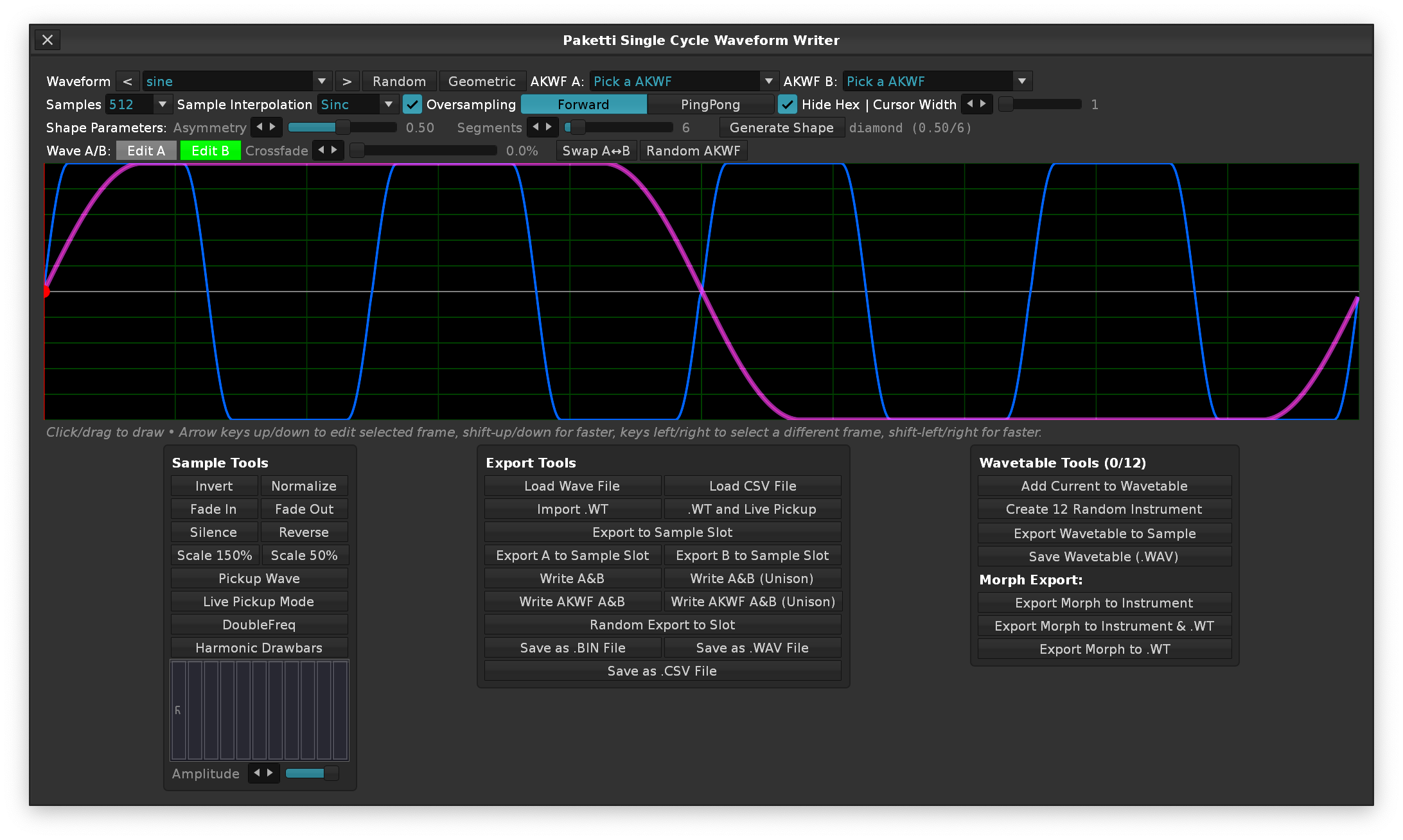
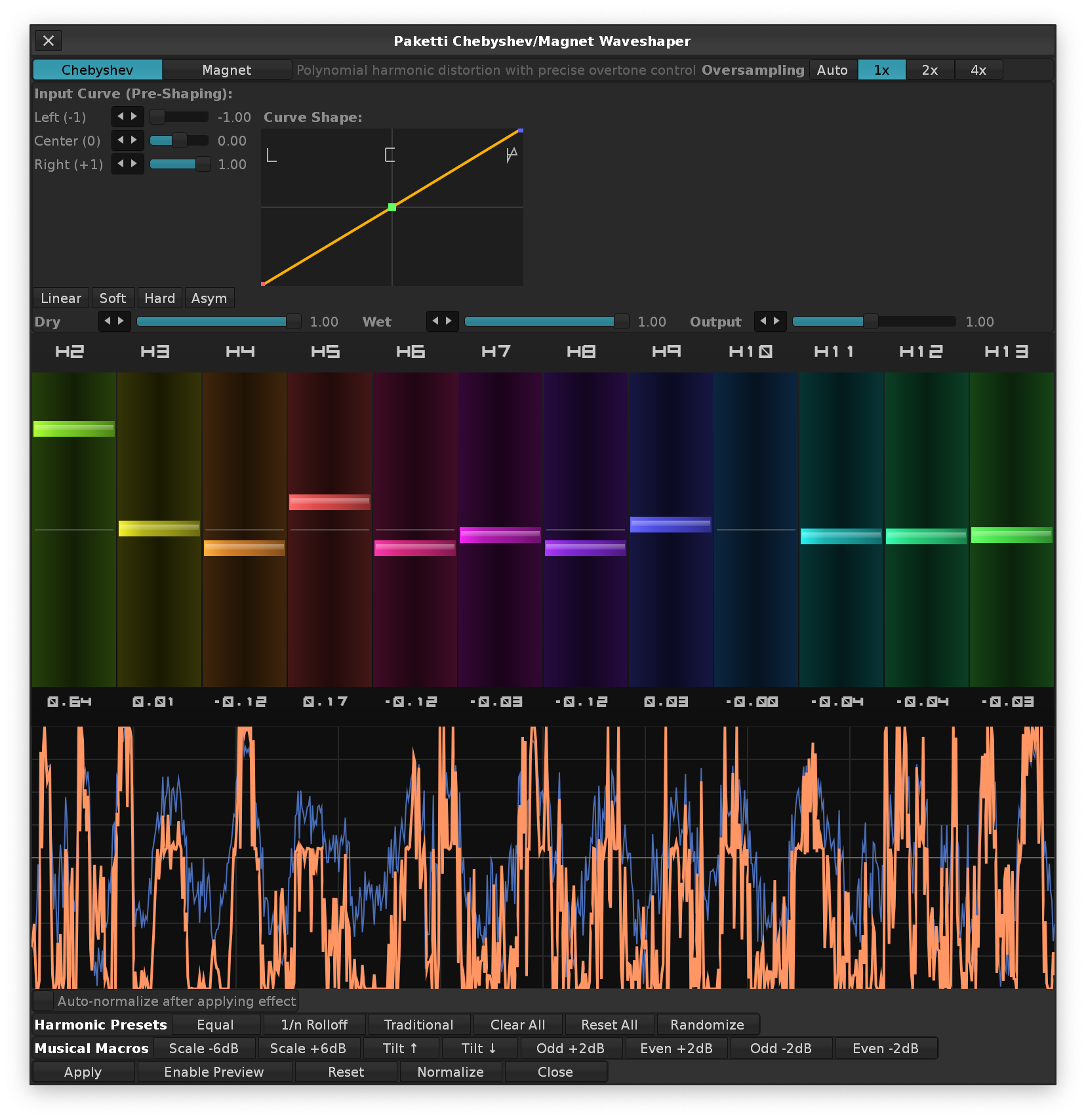
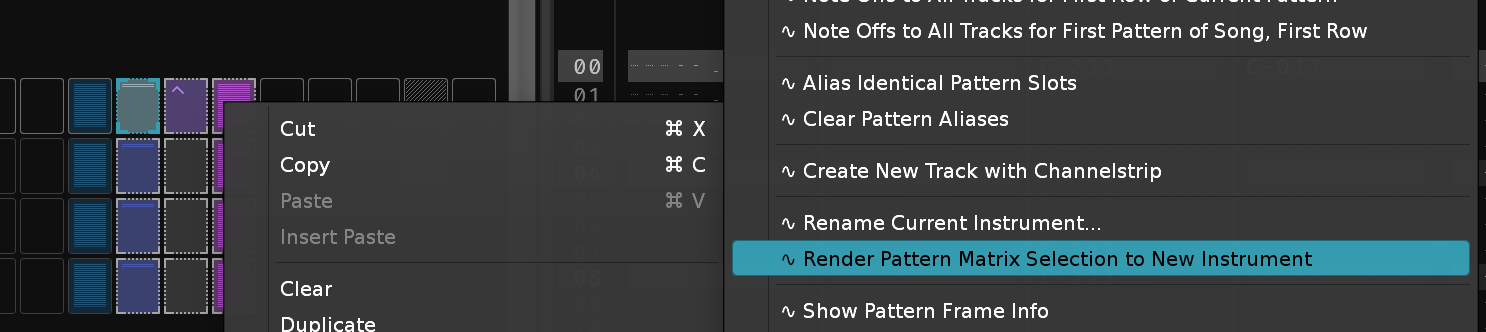
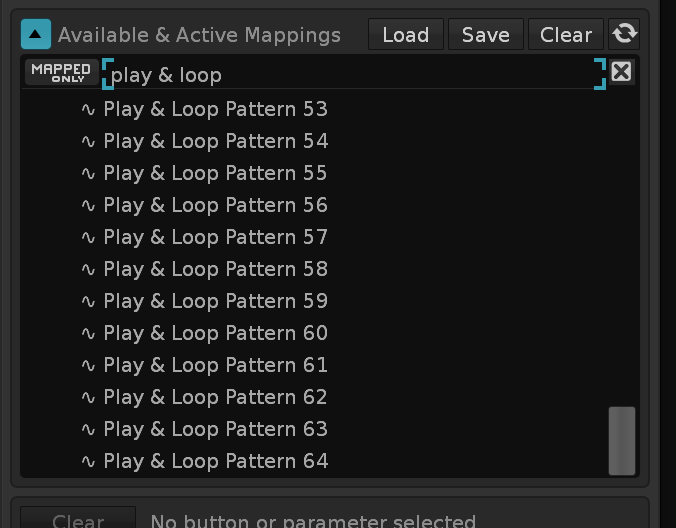
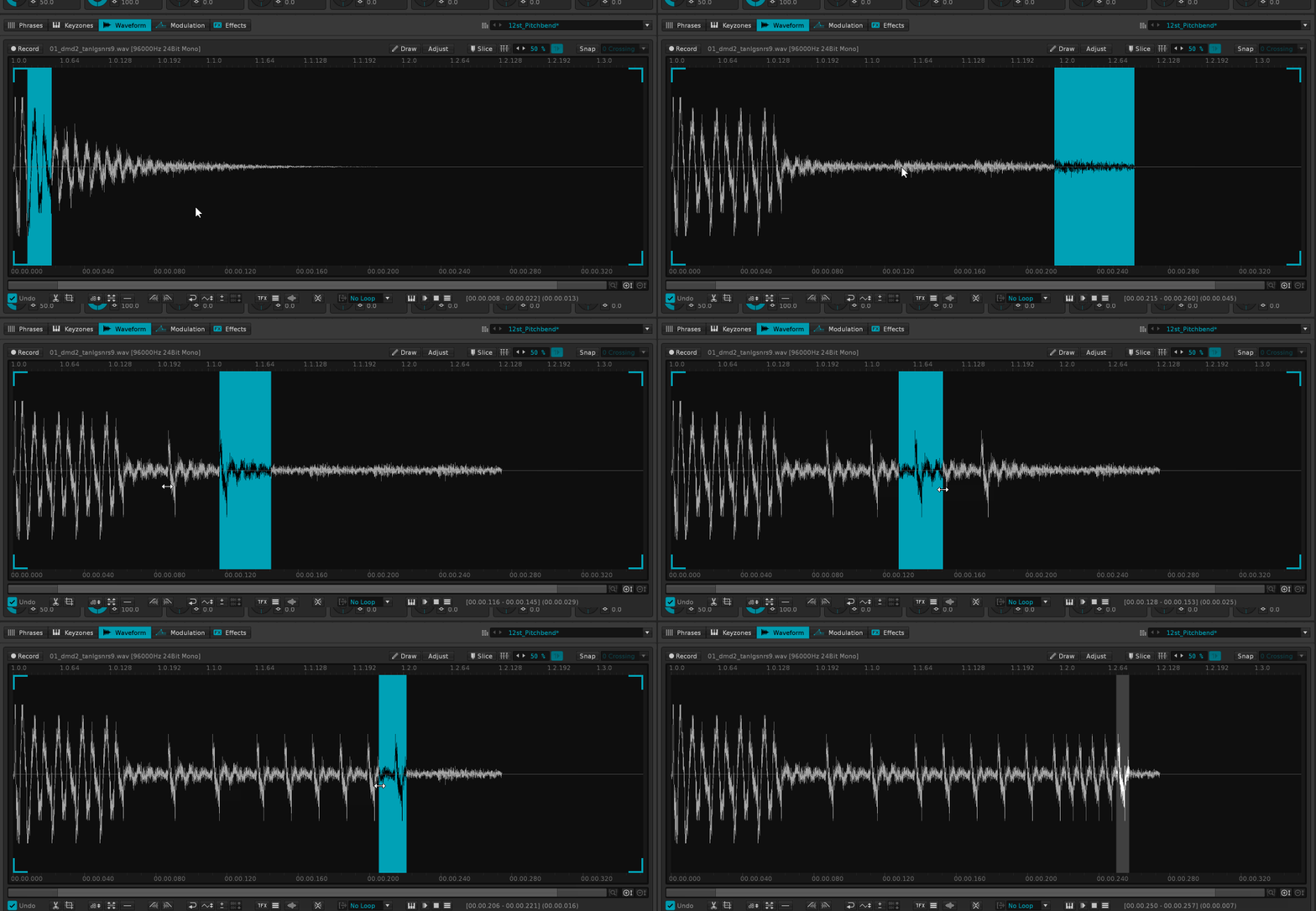
Wavetable Mod *Lfo device Slider changes.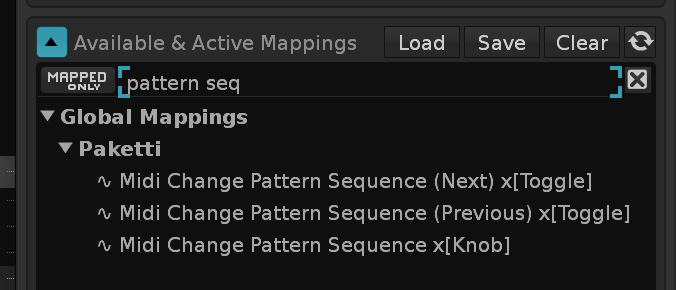
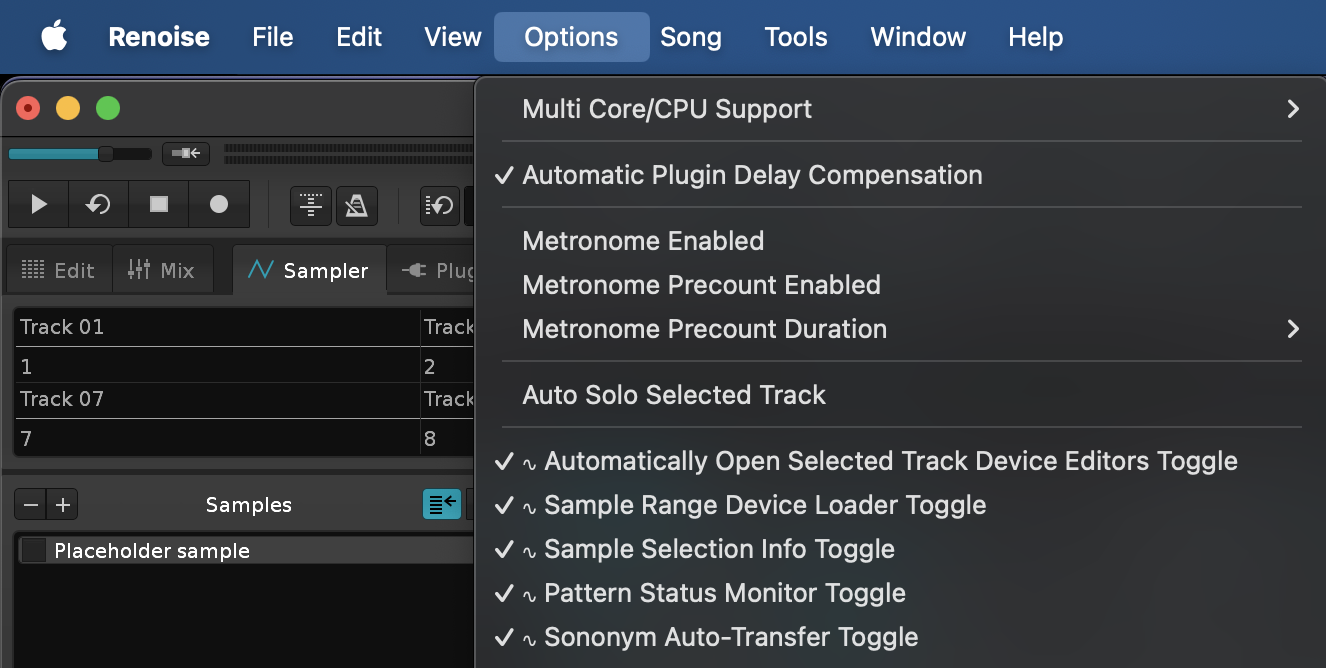
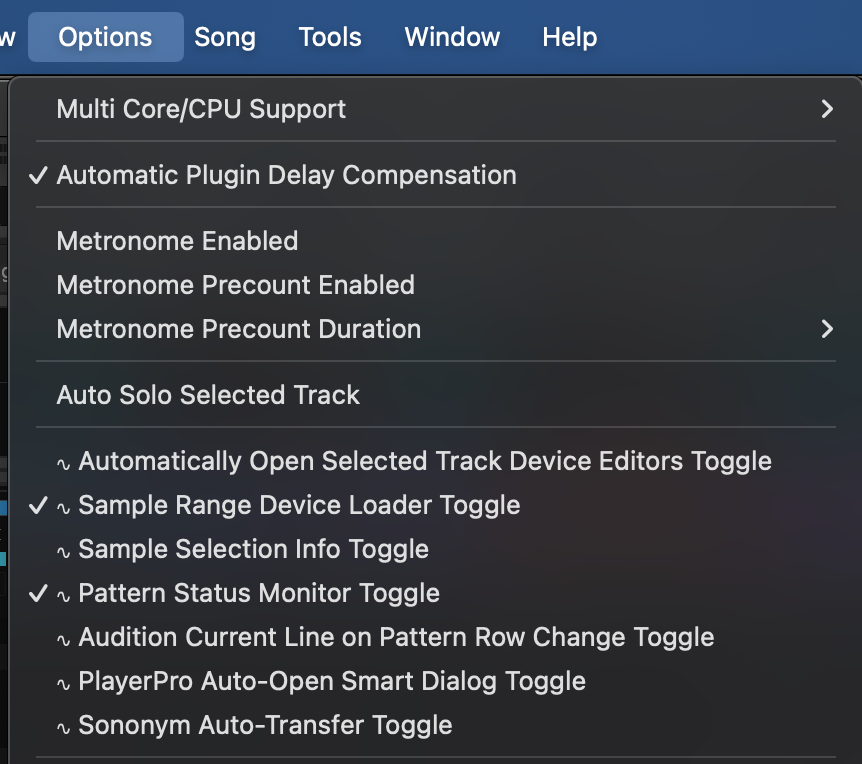
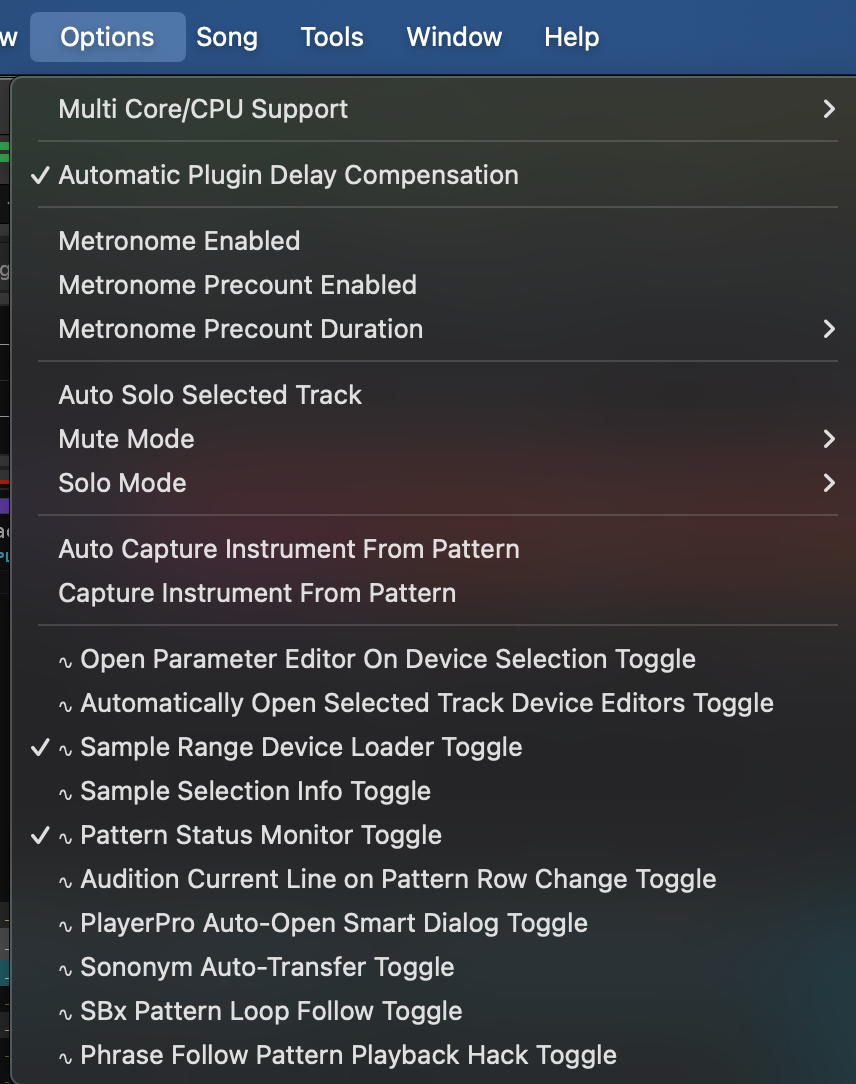
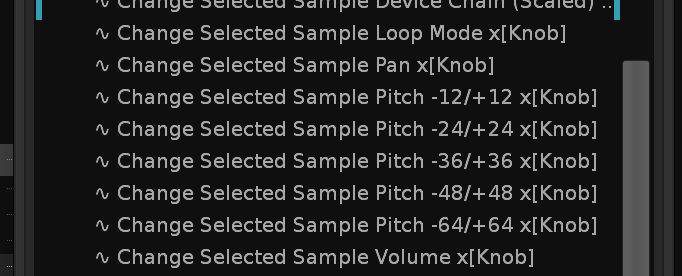
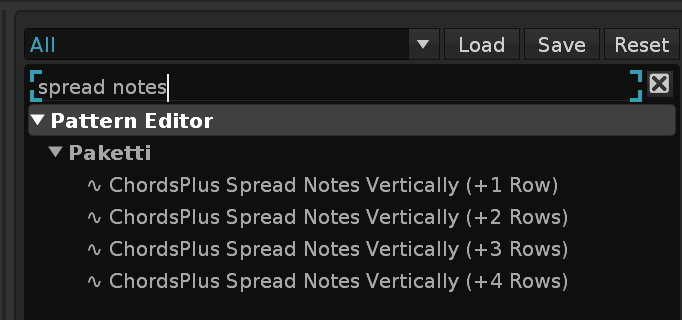
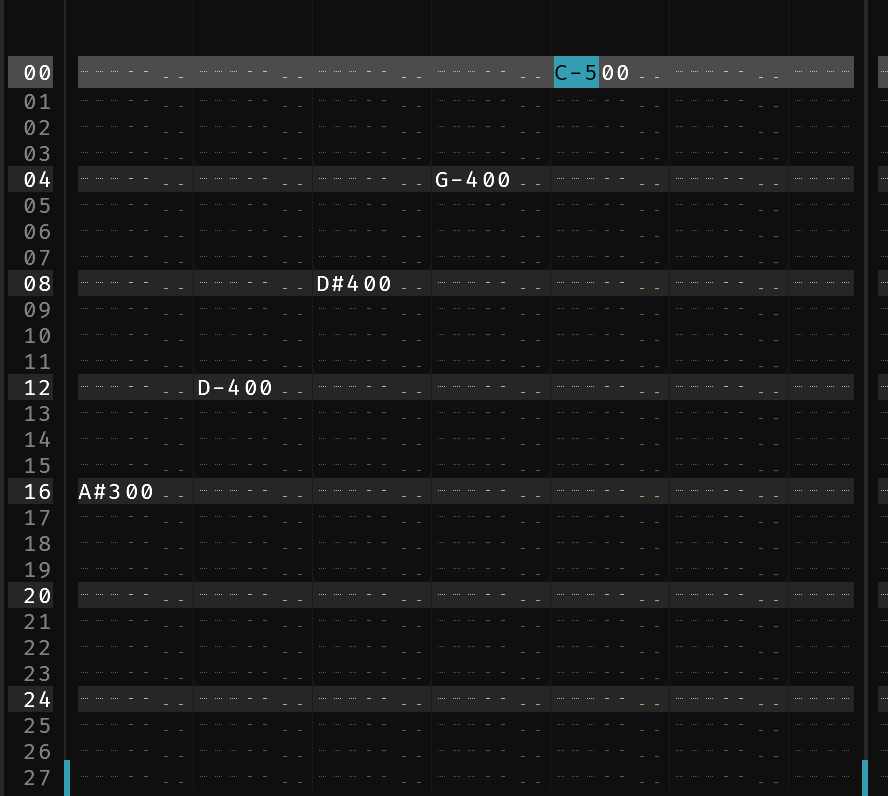
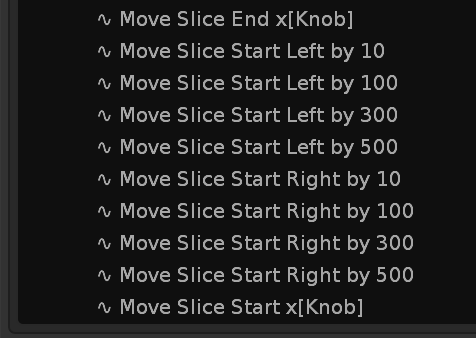
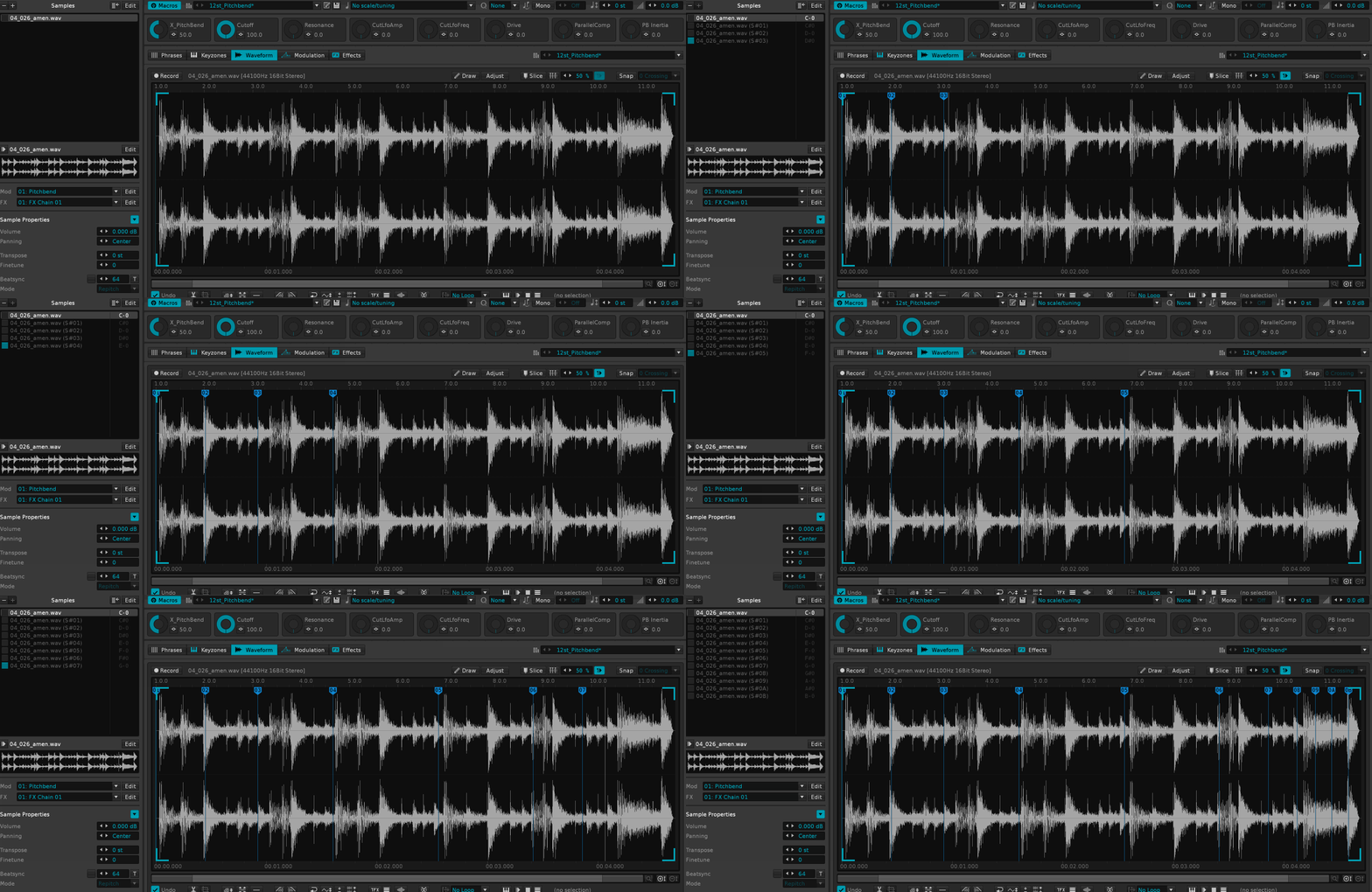
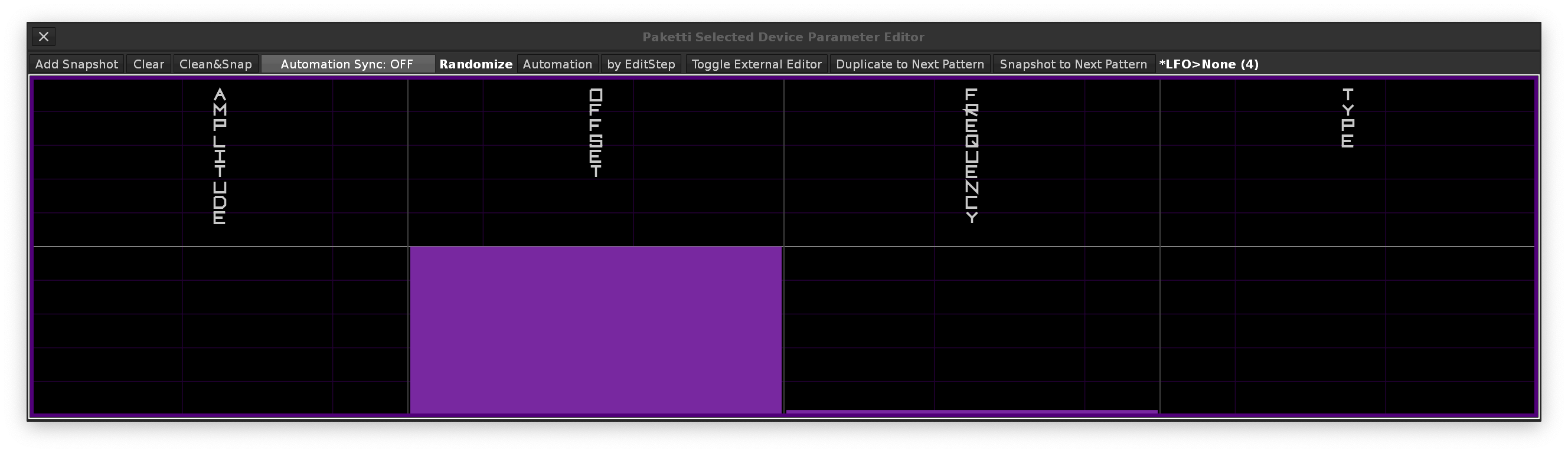
Wavetable Mod *LFO device is loaded, so it points to the correct instrument instead of the non-Unison'd instrument.
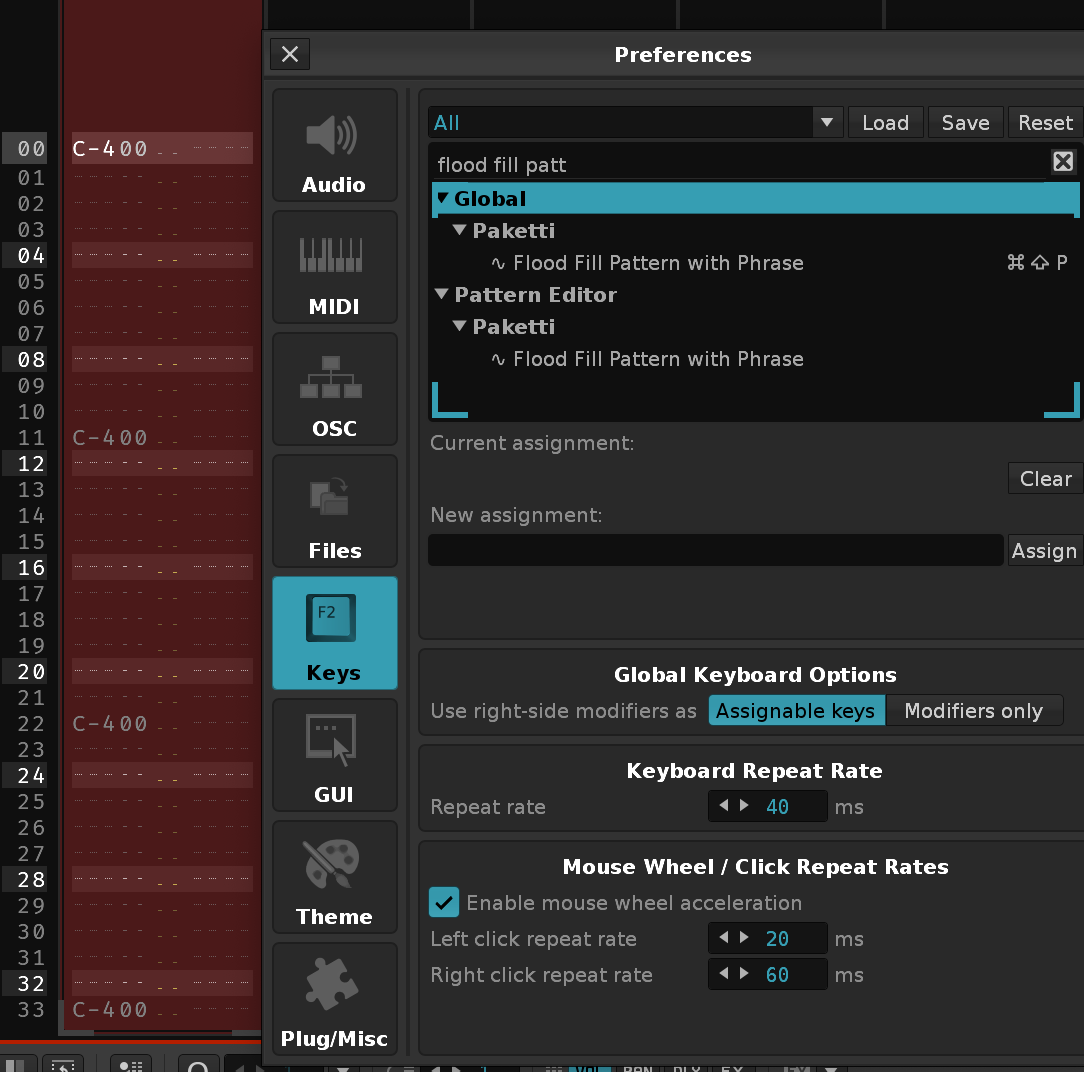
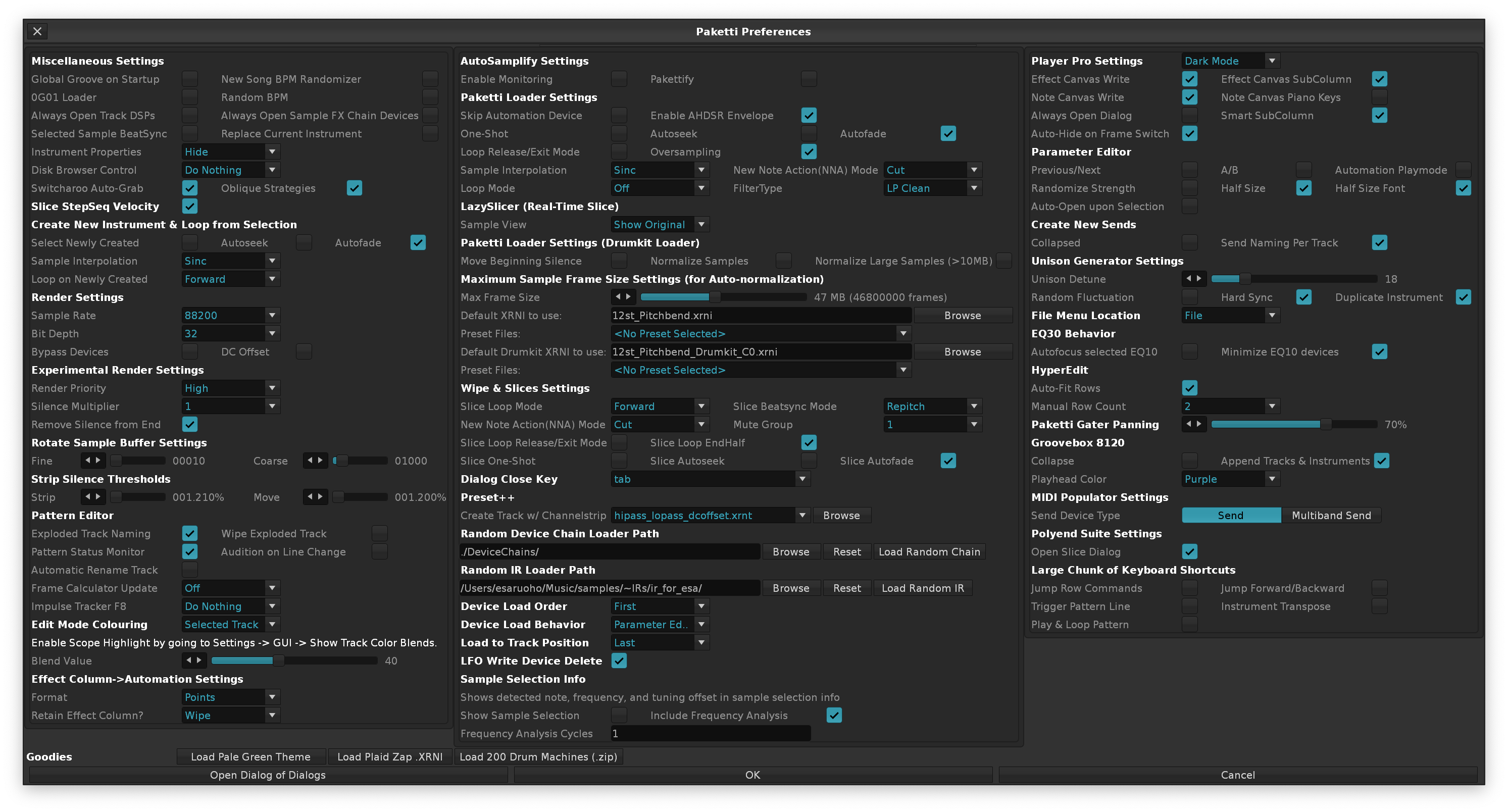
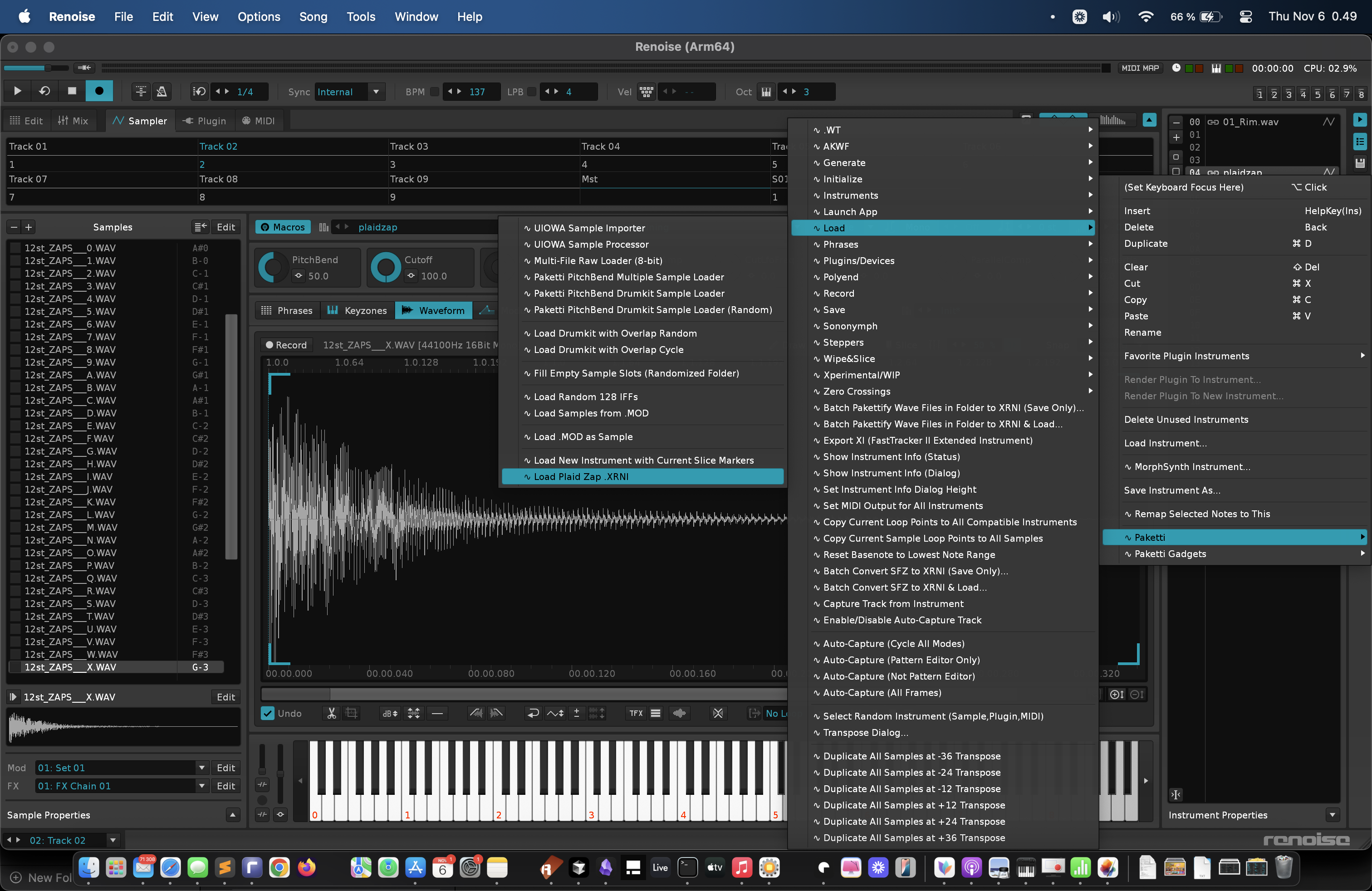
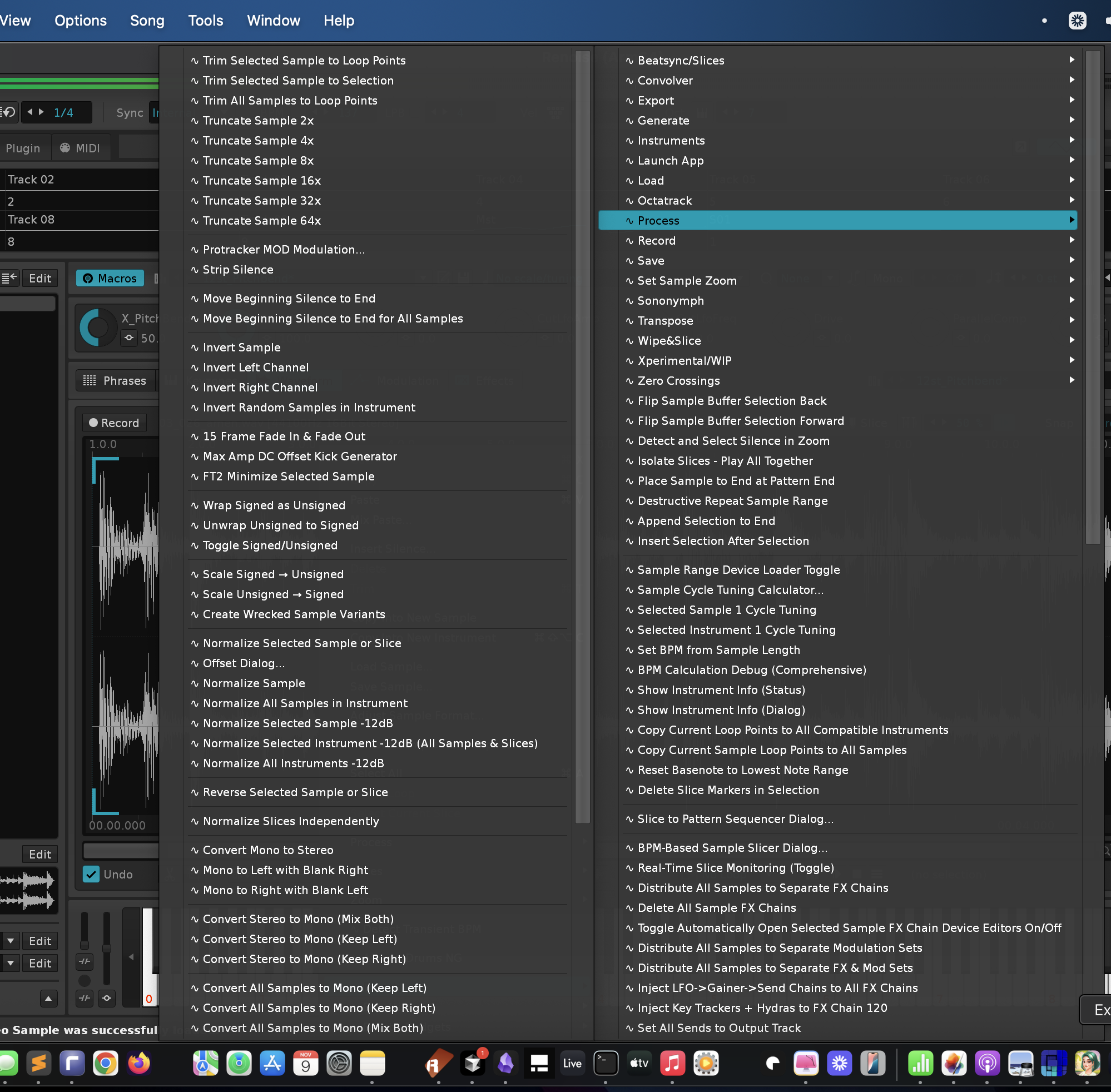
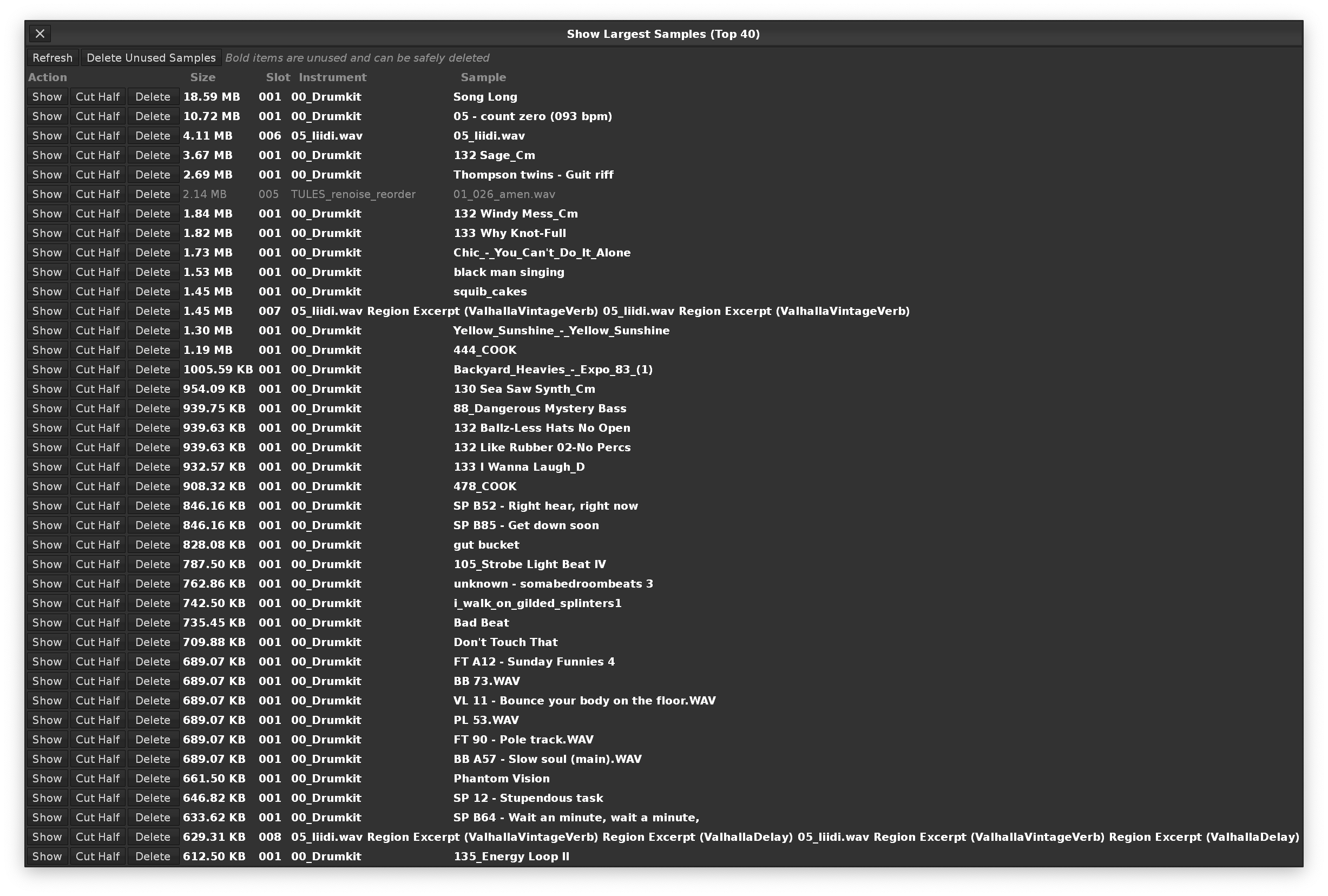
*Instr. Macros device with the same care, i.e., minimize it, just like the "First" order device of same name.
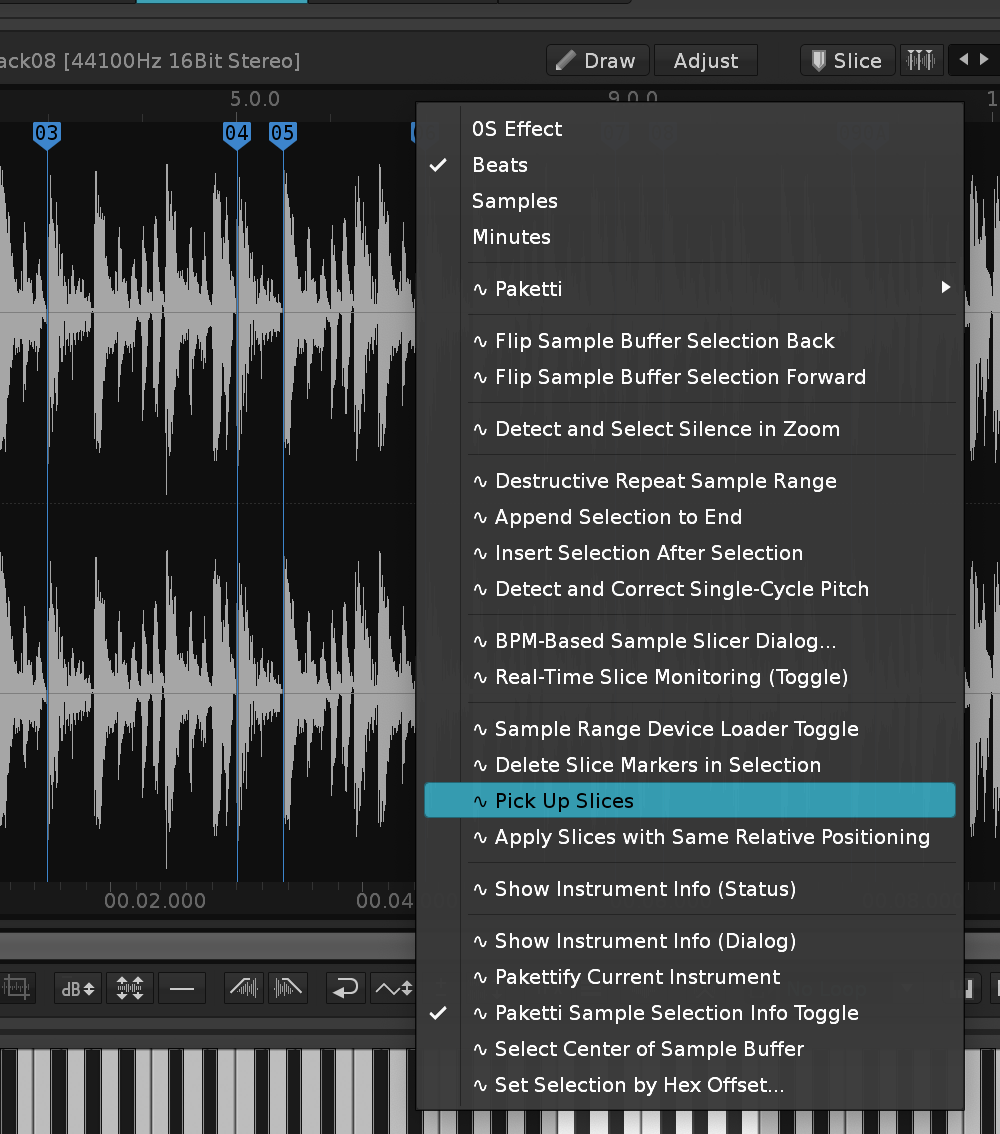
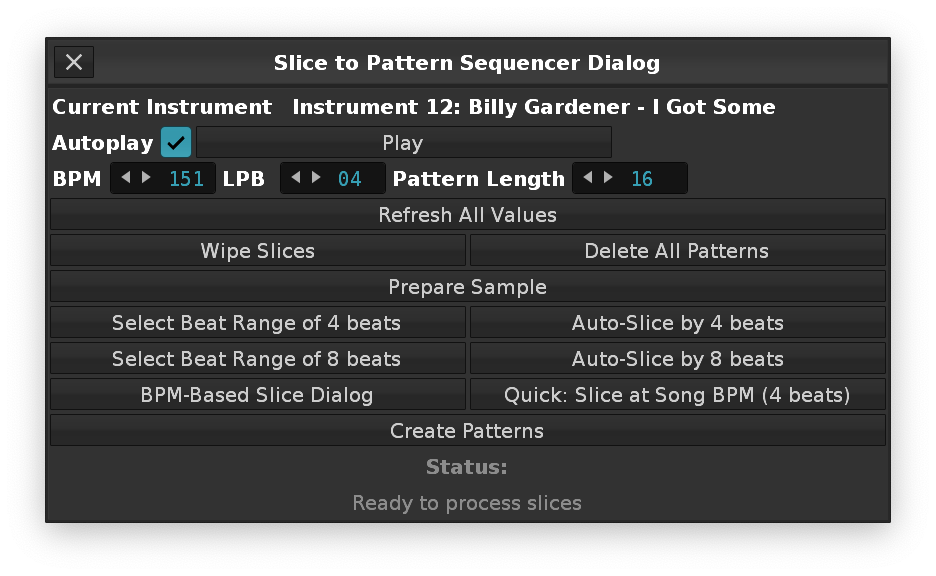
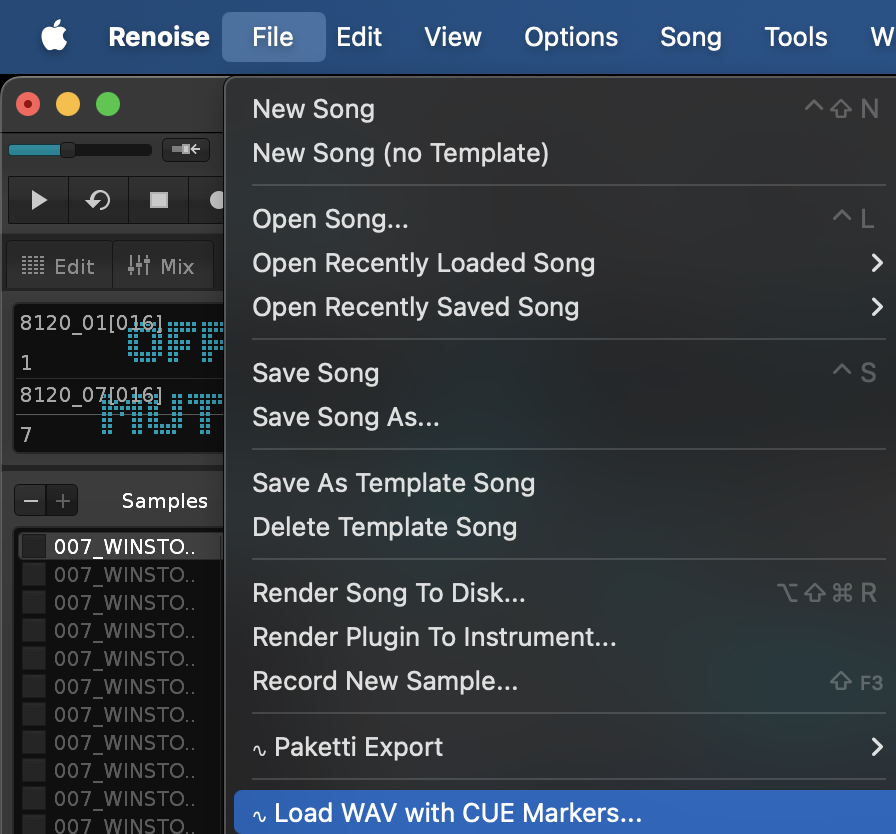
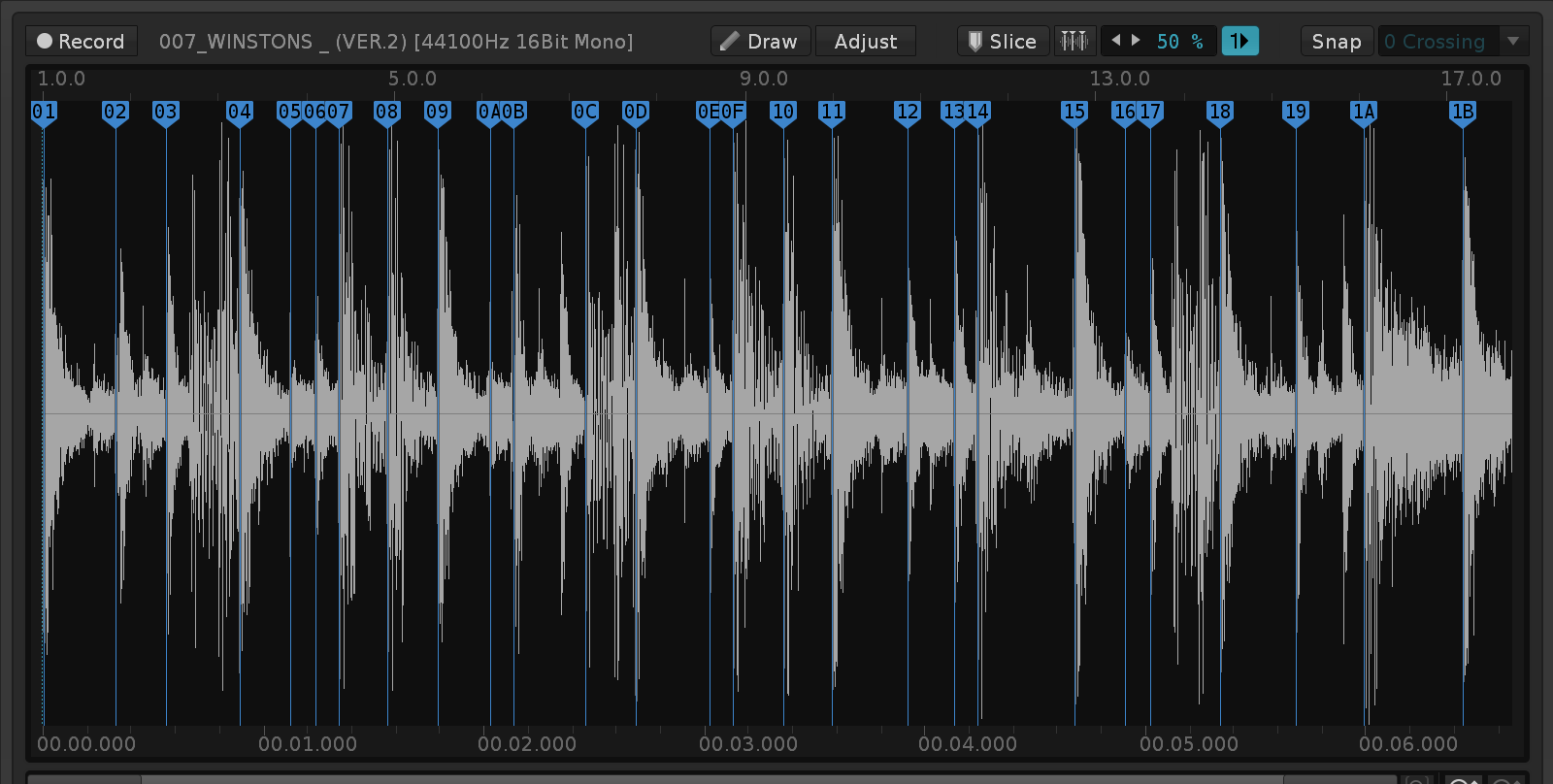
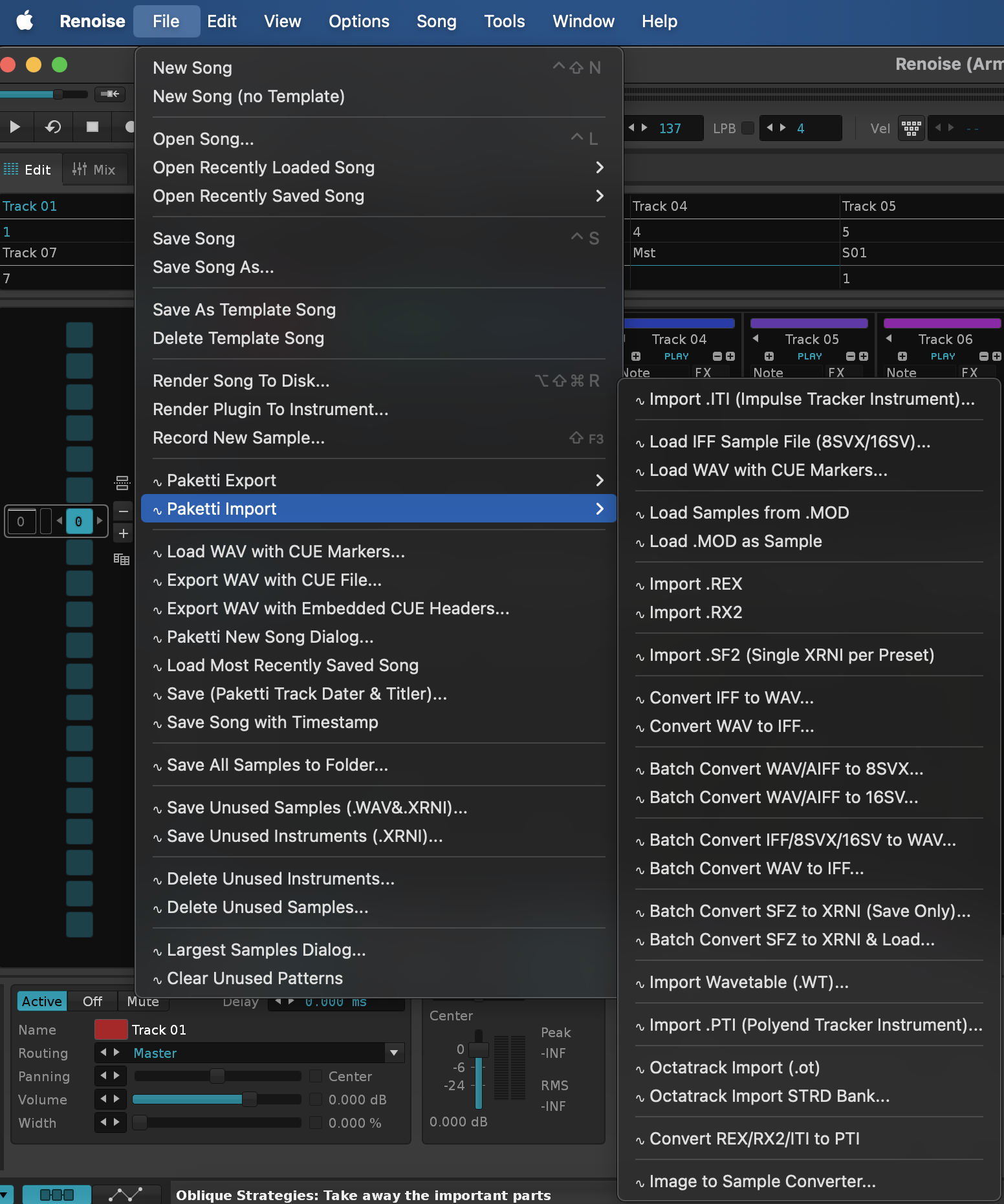
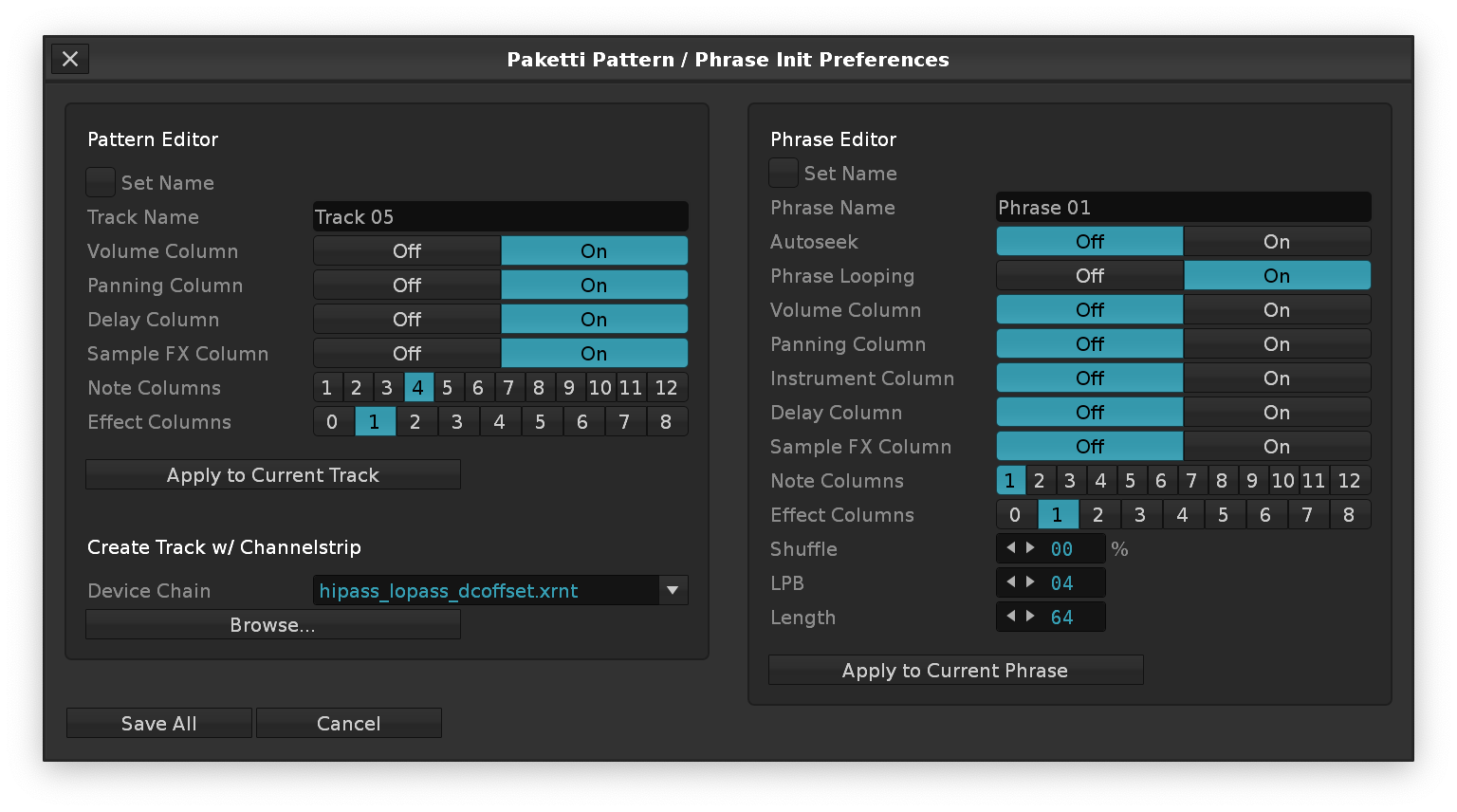
T# to S#if such is set.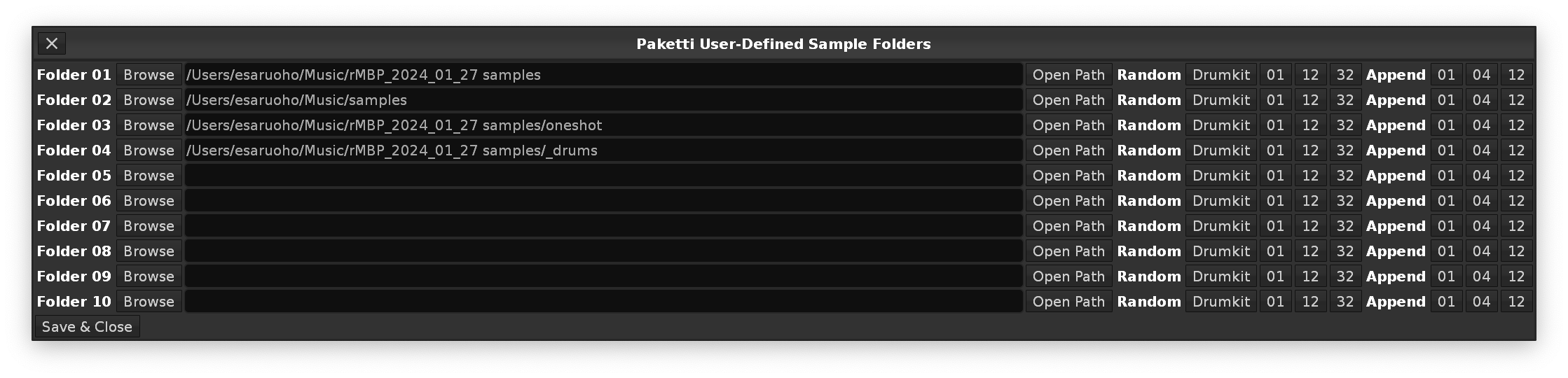
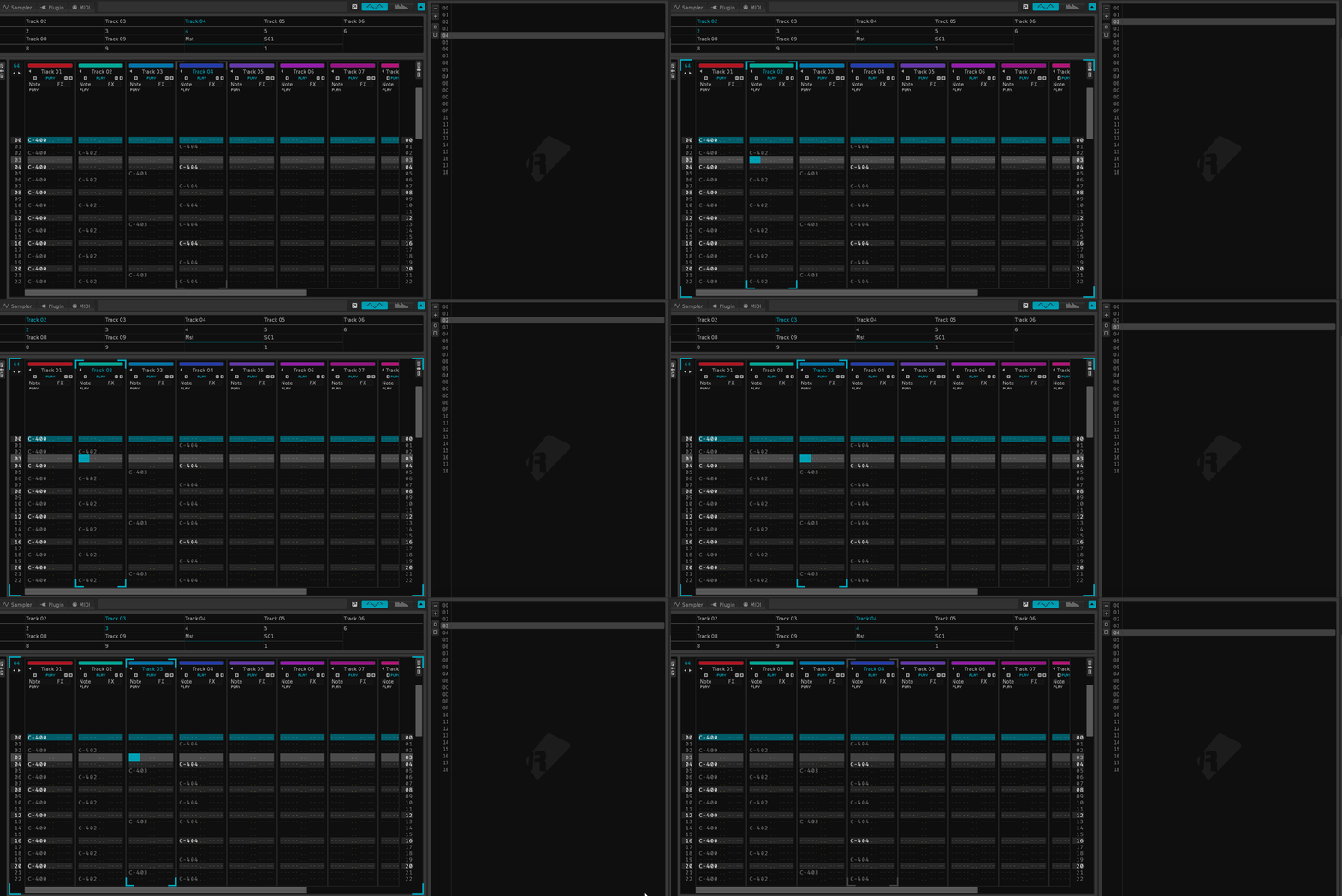
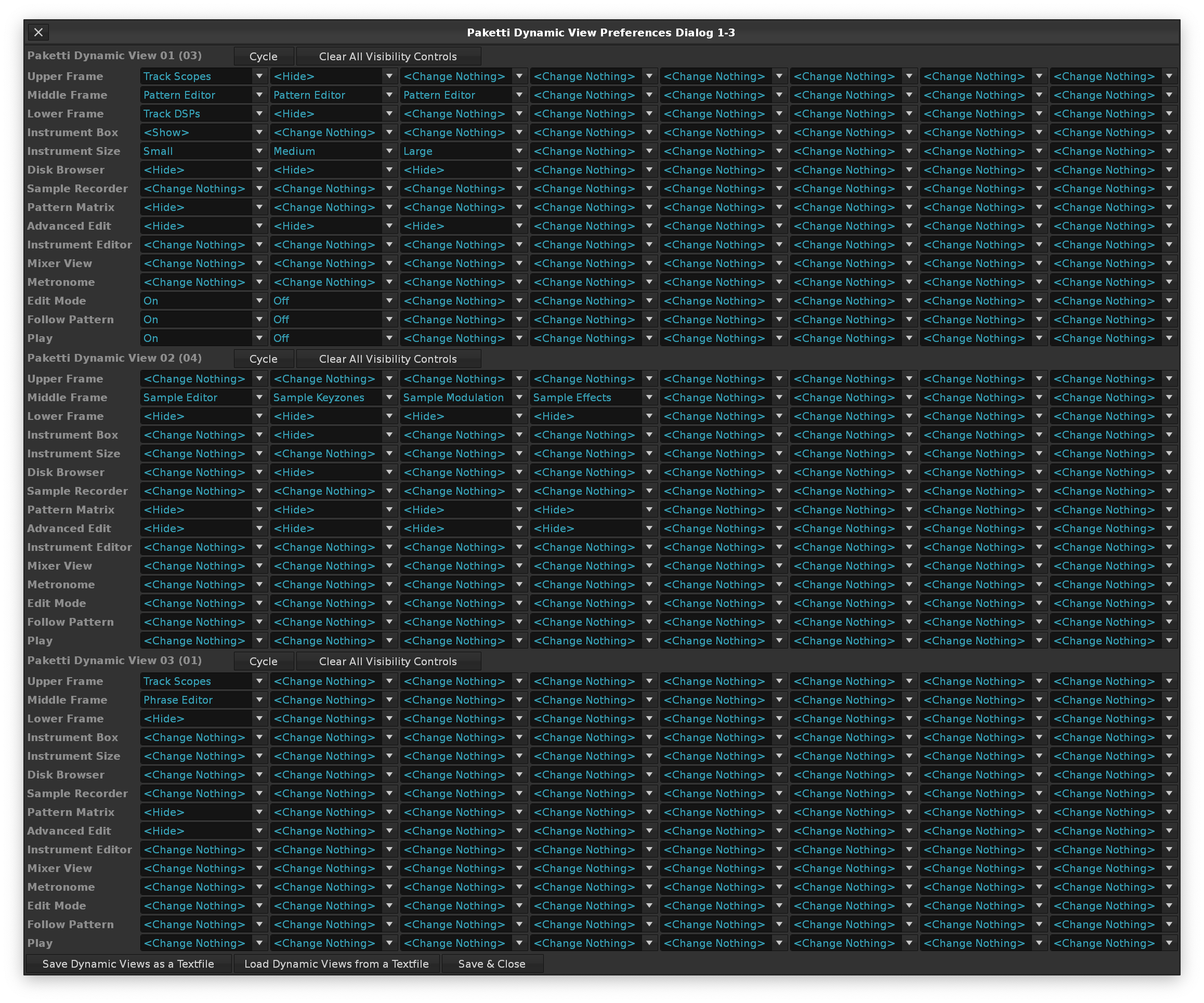
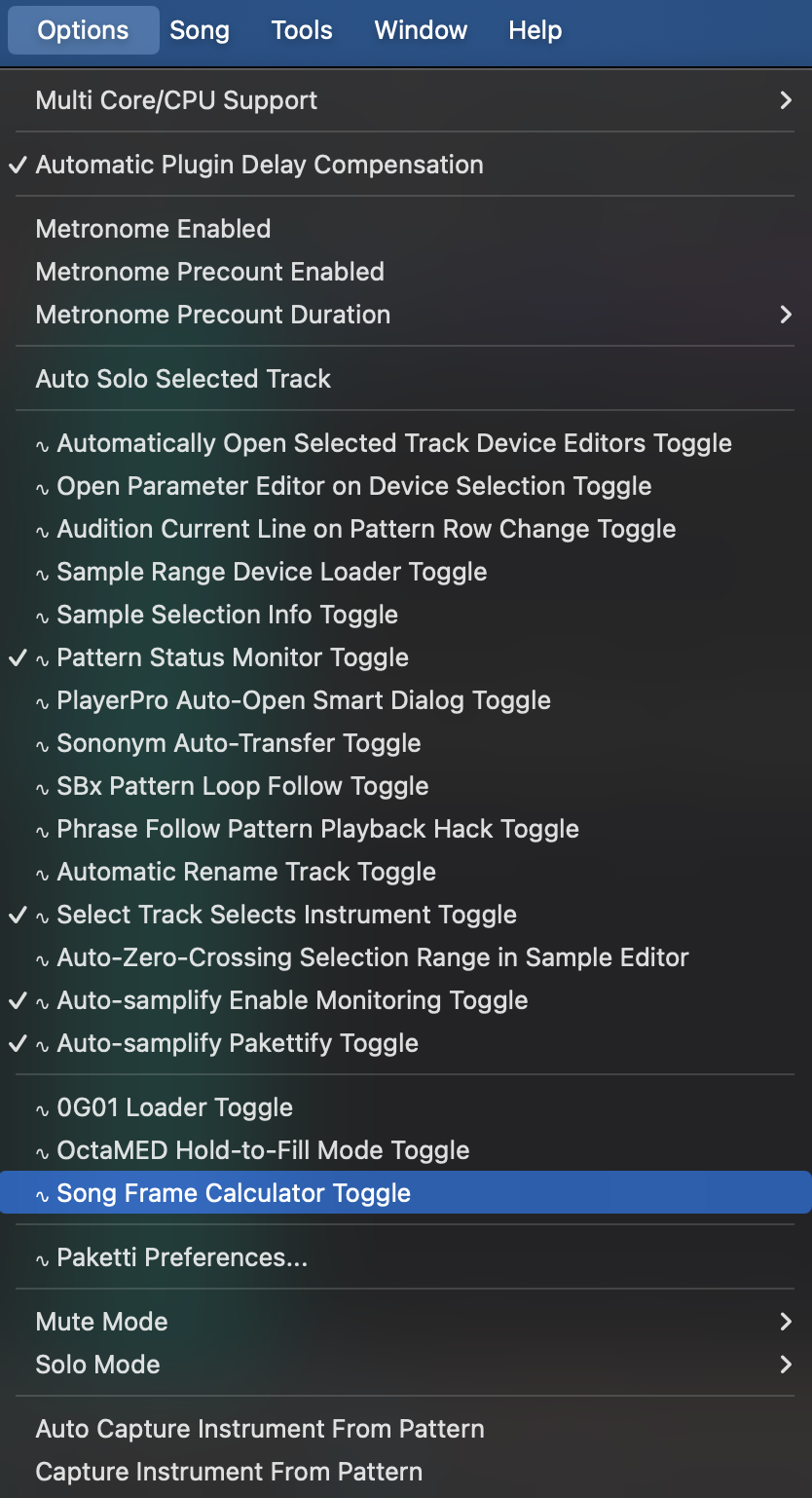
0Sxx to trigger the slices - this enables you to have 128-256 slices triggered. If less than 119 slices, then it defaults to using the keymapping notes instead of 0Sxx.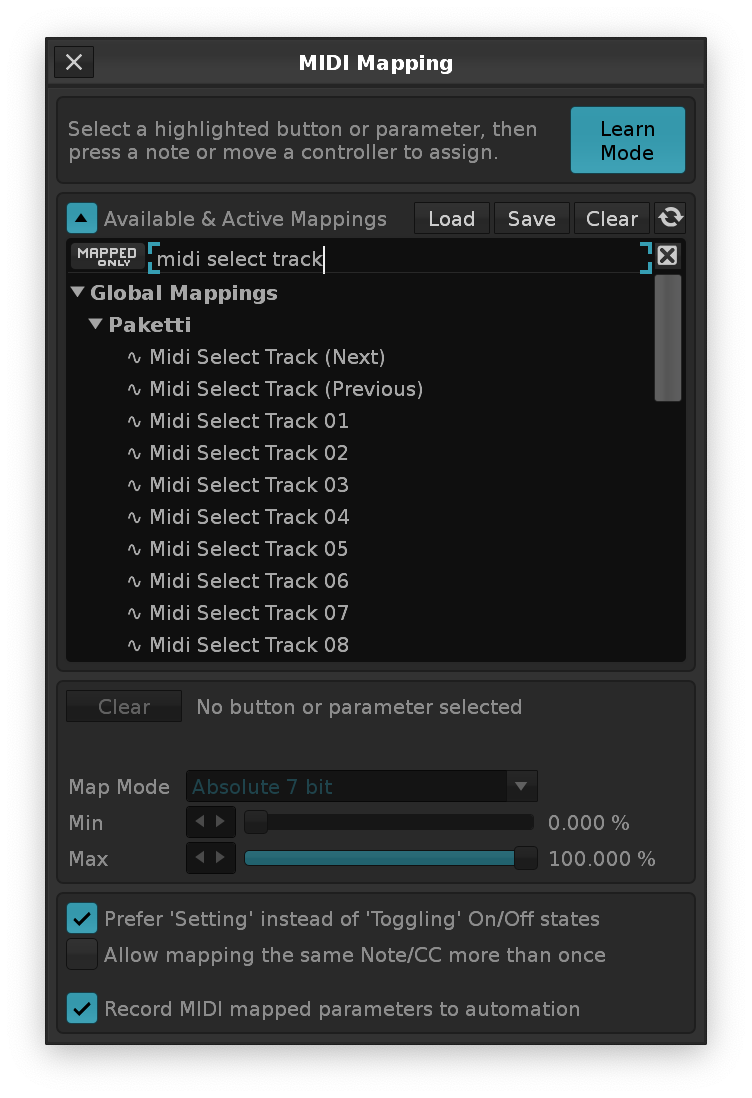

*Instr. Macros device to the tracks that are Sequentially Loaded.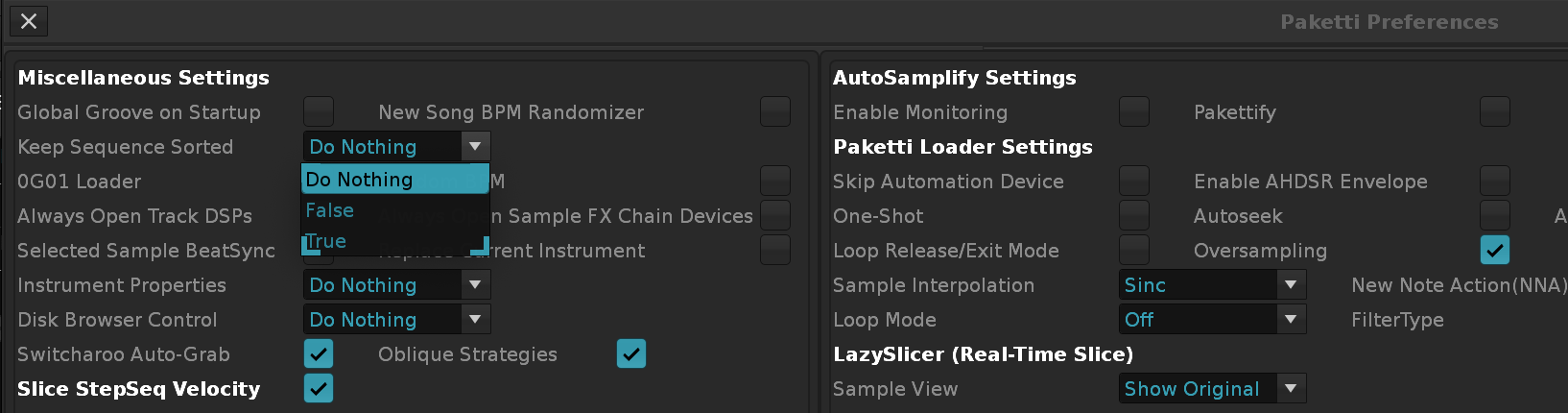
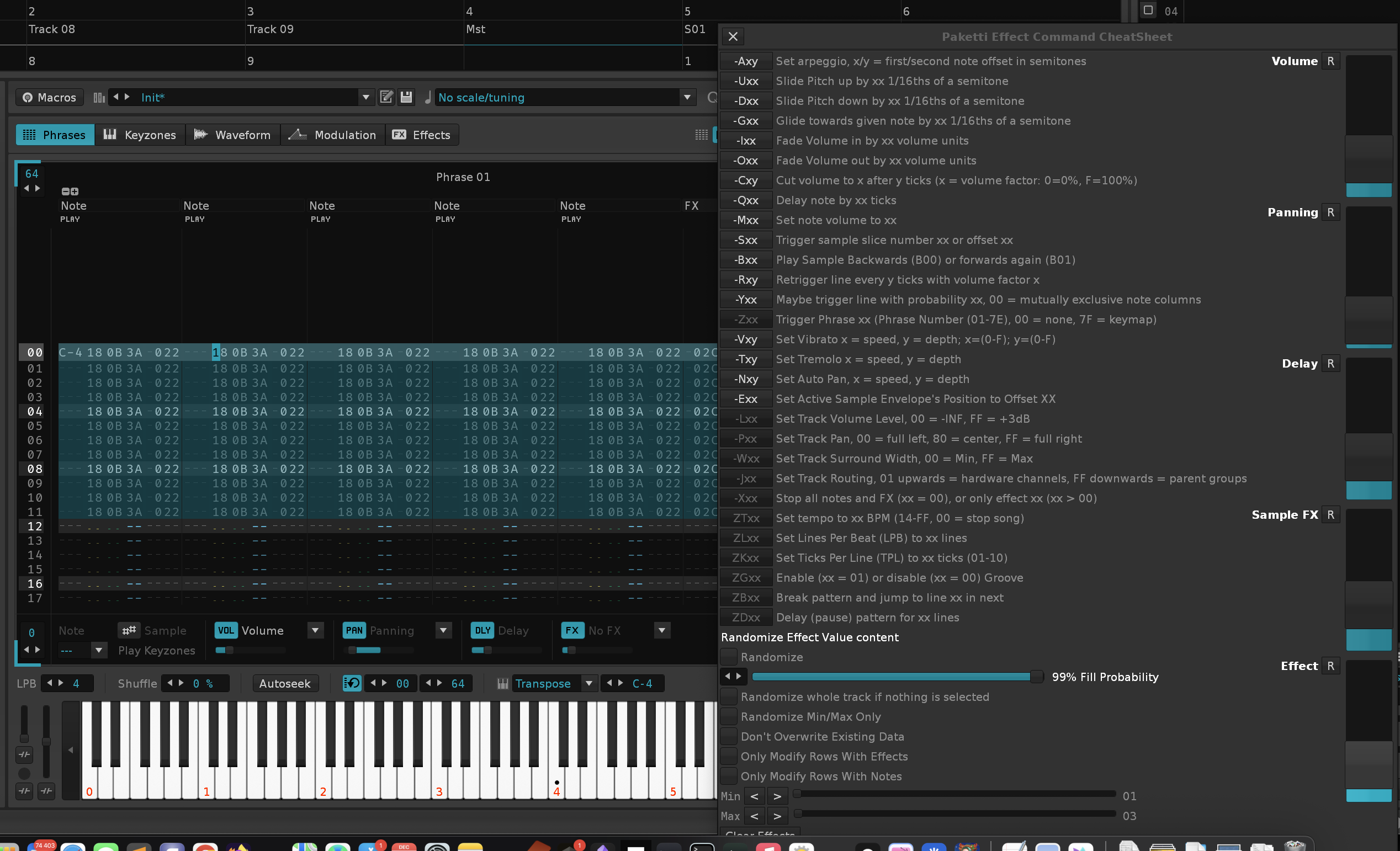
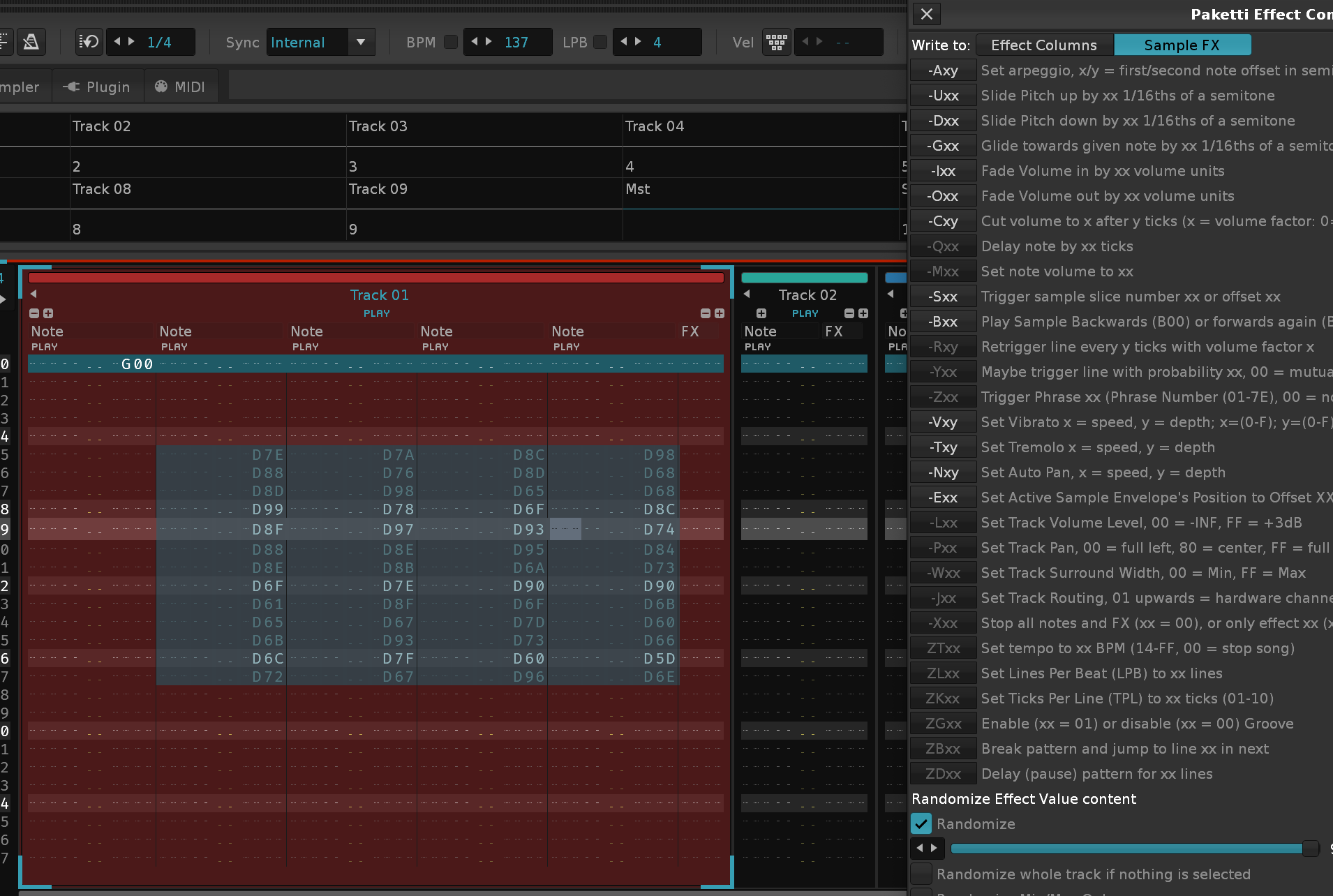
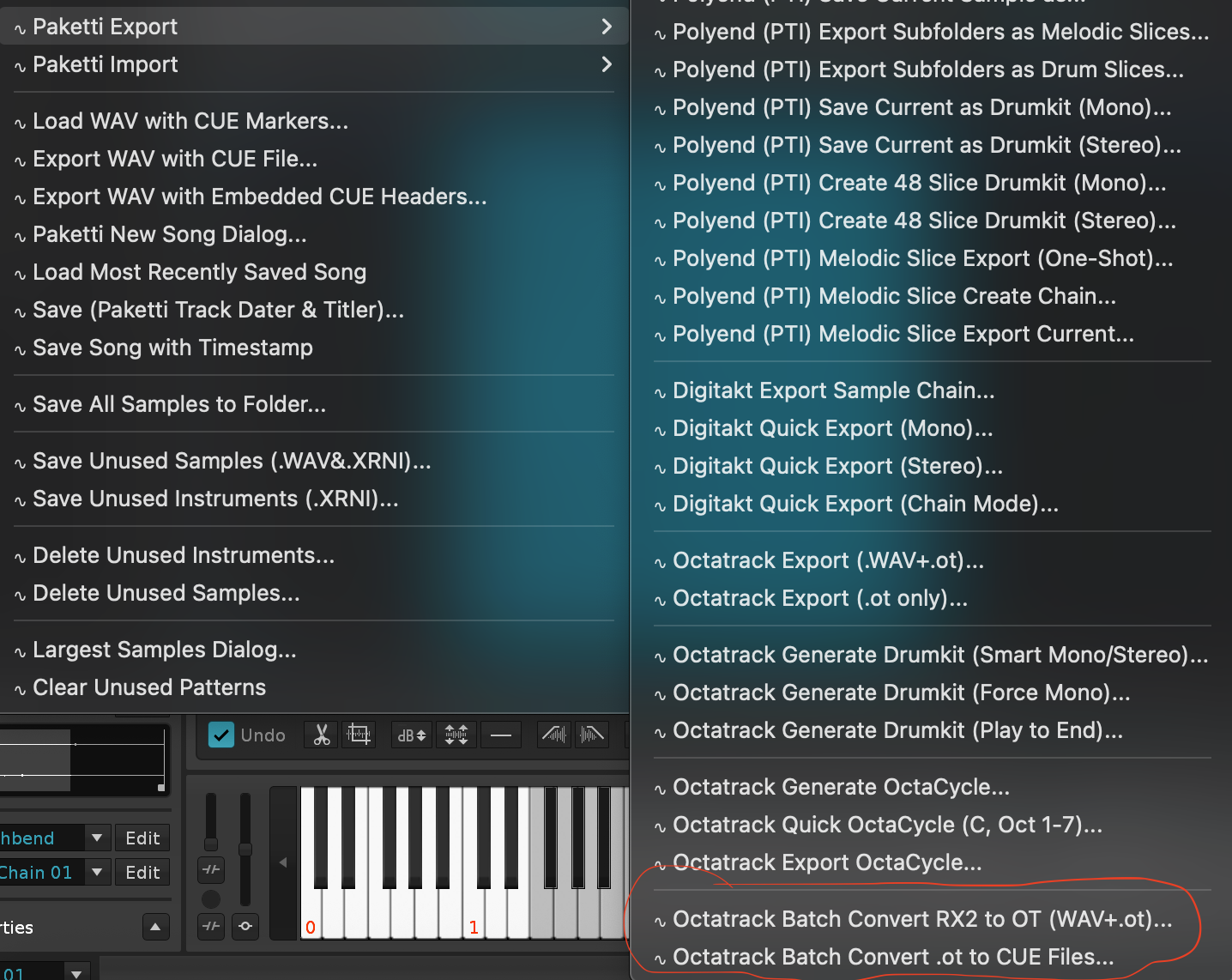
[ and ] format, so if you want to loop [] single pattern, that's what gets looped, if you have a multiple bunch of patterns, start with [ in the name and finish with ] in the name somewhere else.*Instr. Macros devices for each track, and read the BPM from the Wavefile header, or read the BPM from the folder the files are in, then calculate the length of the samples, and add the correct amount of patterns to the pattern sequence, and print, automatically, C-4 (instrumentnumber) 0G01 to every track that has been created, and enable Autoseek for each of the tracks.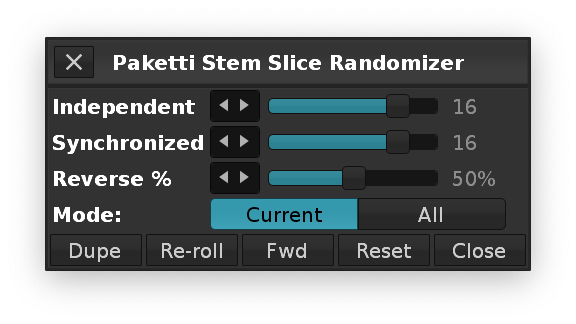
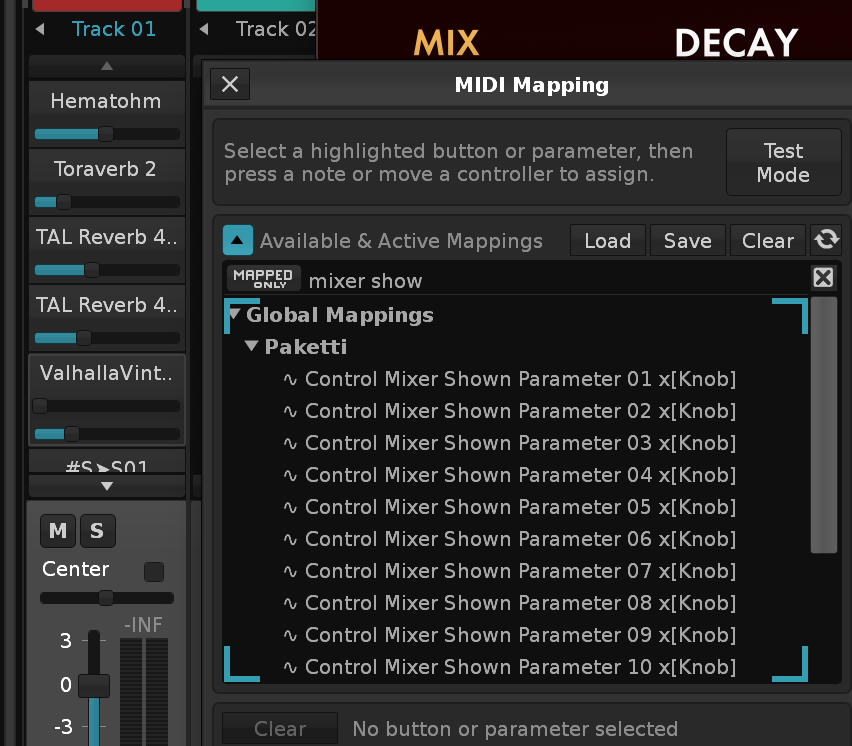
*Instr. Automation device to the newly created track, assigned to the newly created instrument.*Instr. Automation to the end of the Track DSP Chain for directly automating the device.*Instr. Automation Track DSP Device for editing + automating.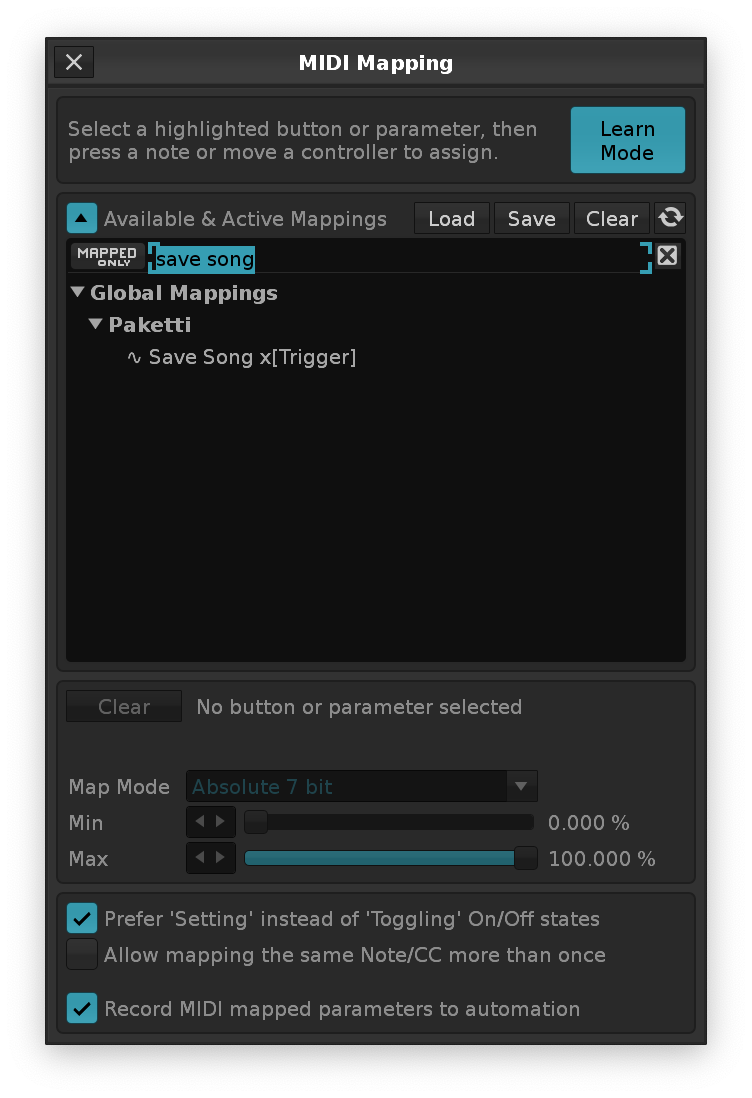
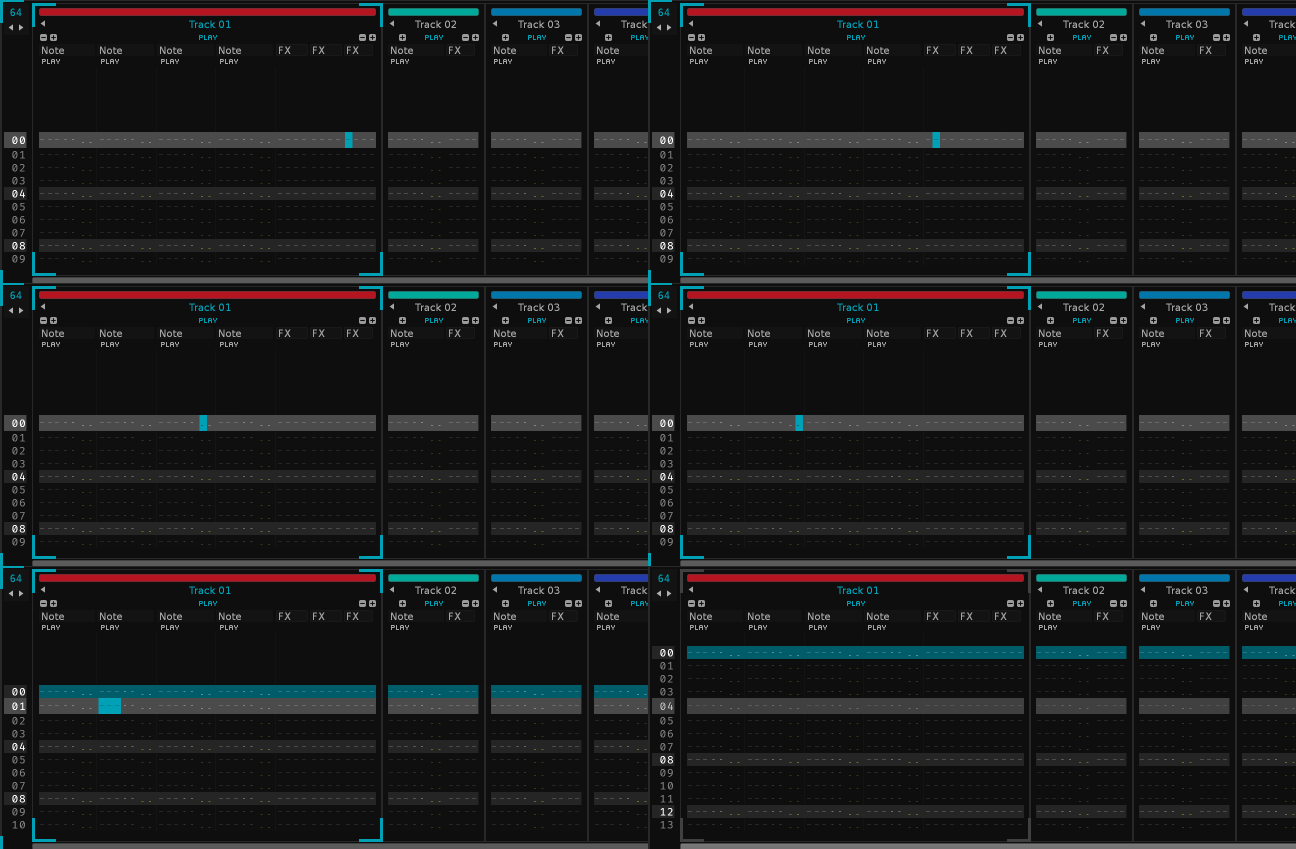
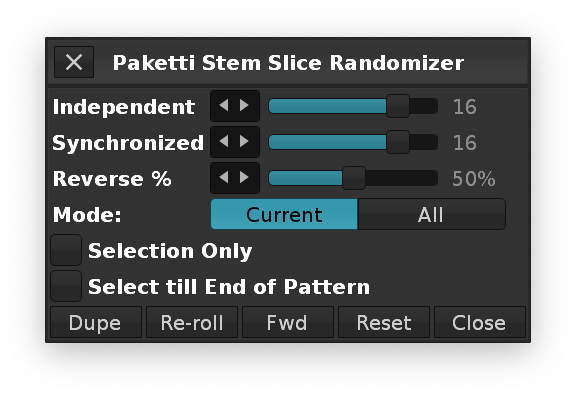
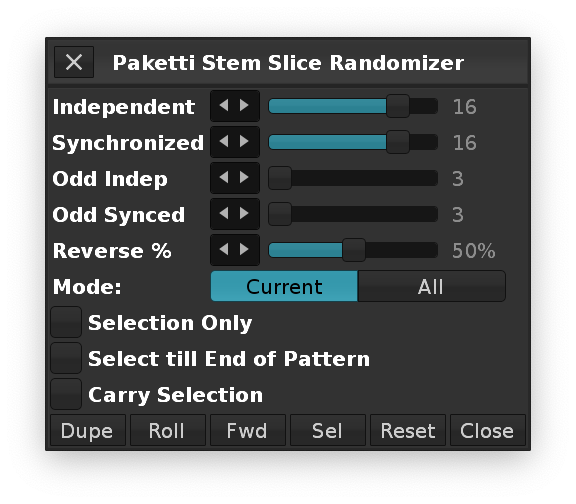
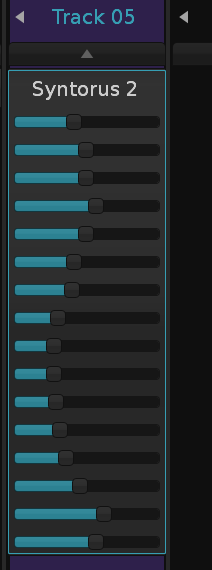
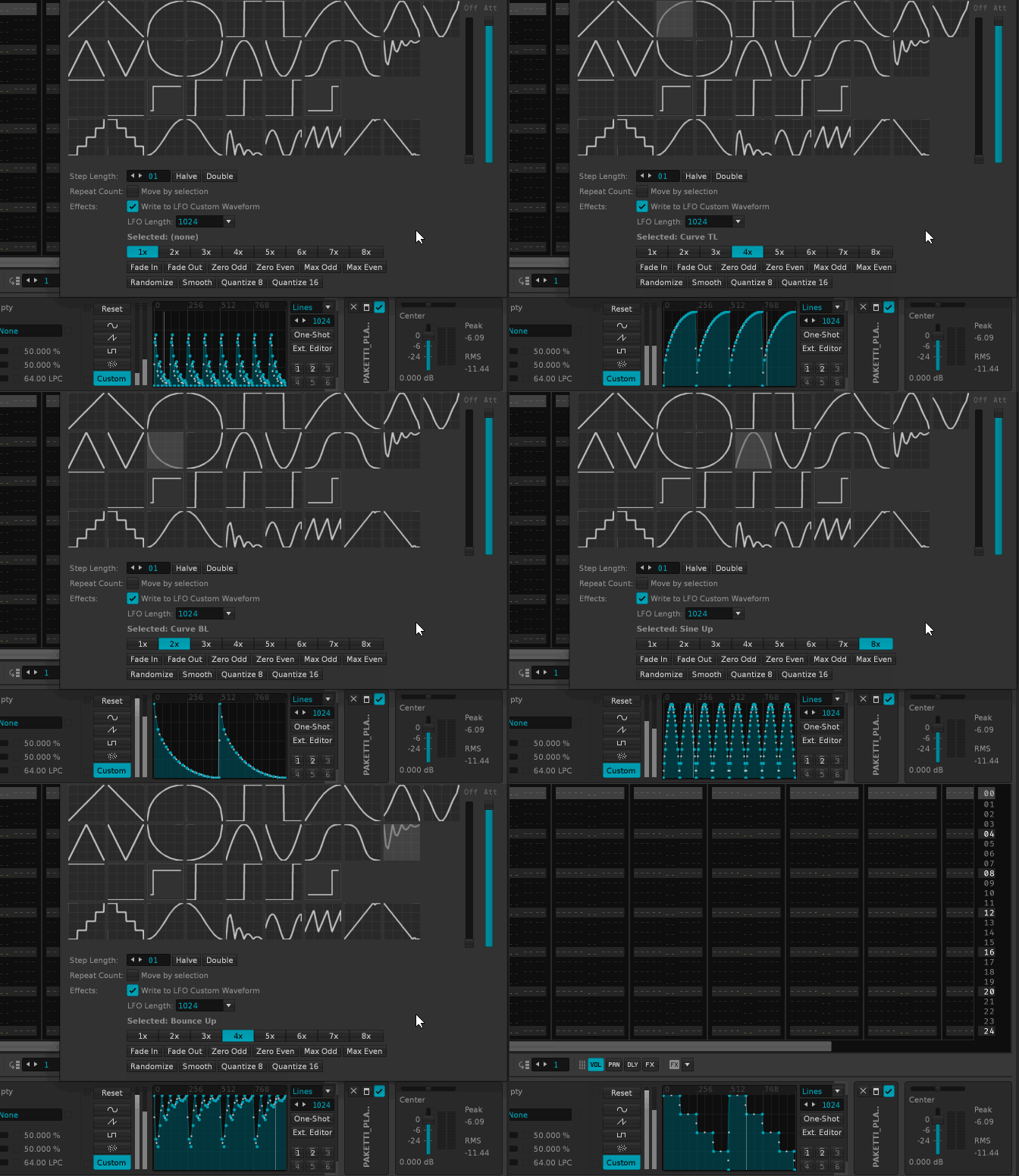
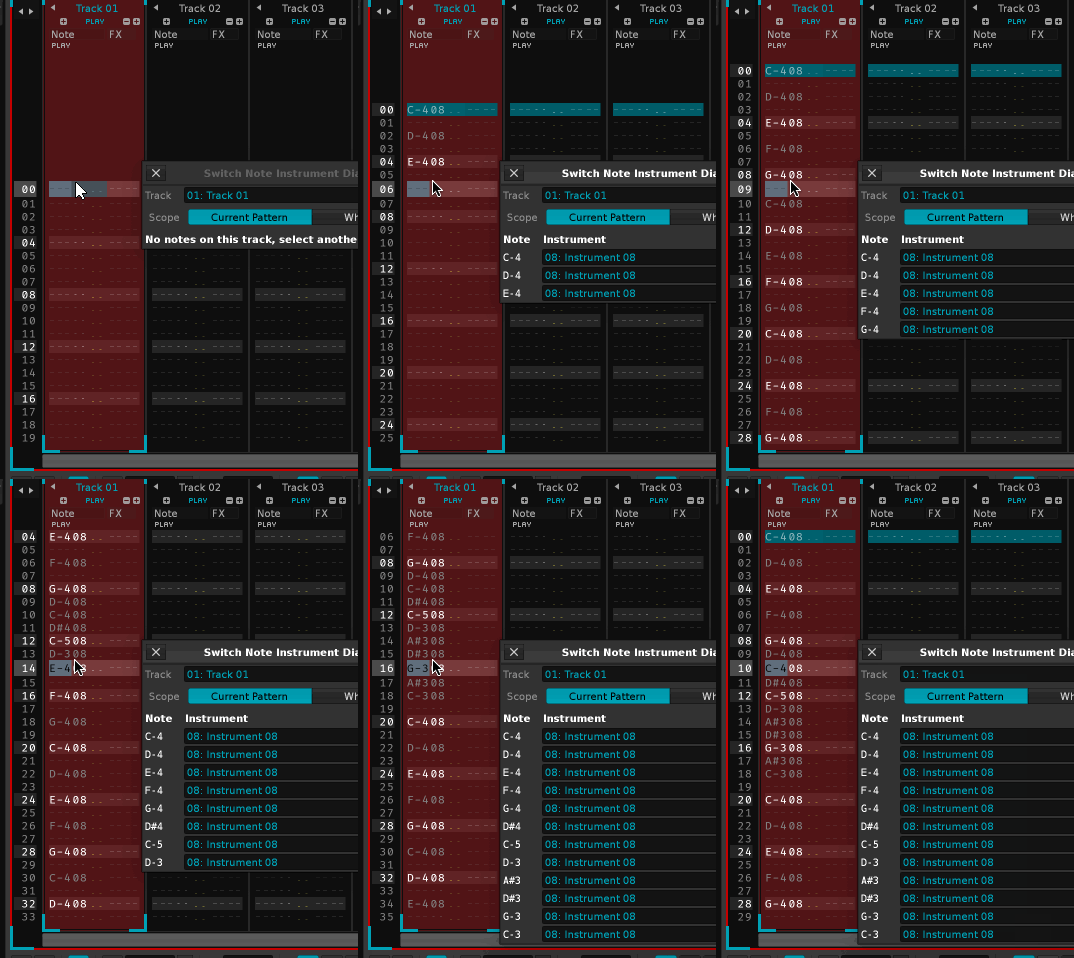
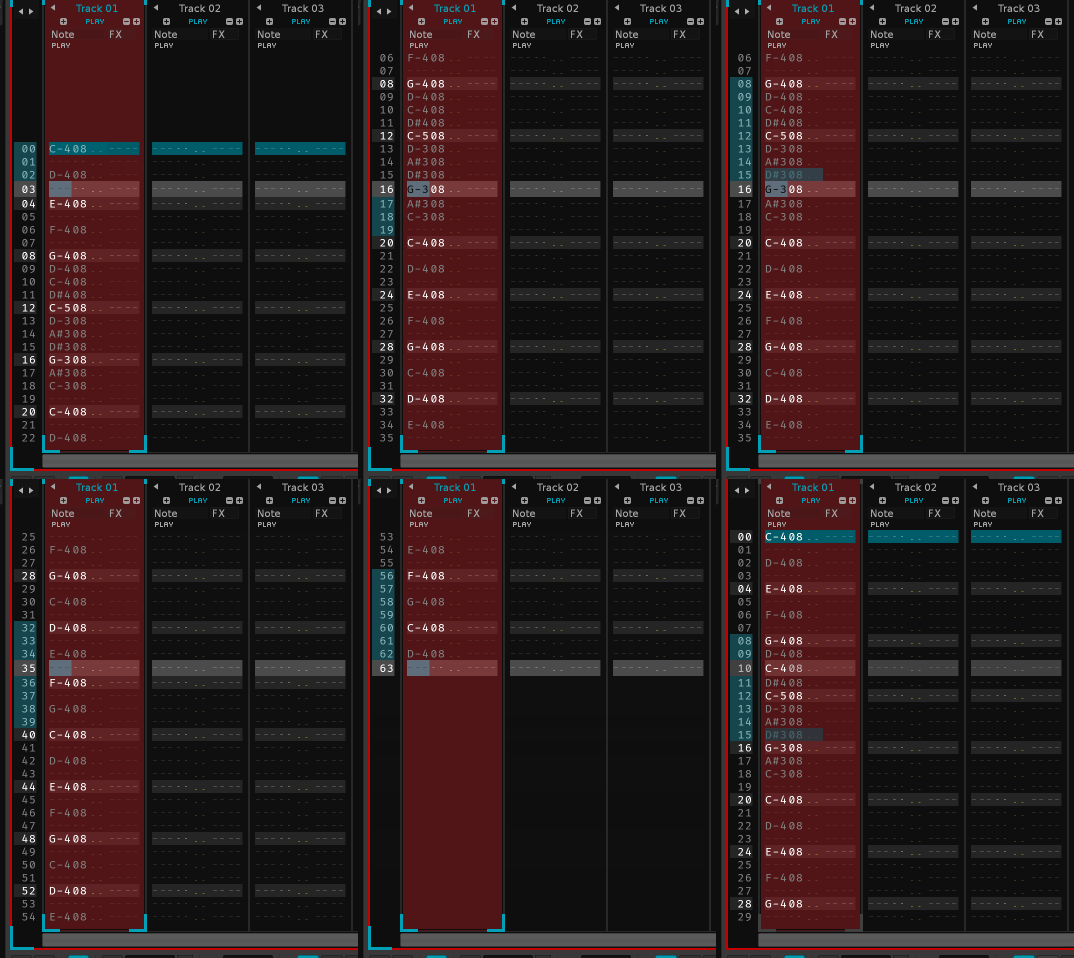
Global:Paketti:Toggle Metronome PrecountPaketti:Toggle Metronome PrecountGlobal:Paketti:Enable Metronome PrecountGlobal:Paketti:Disable Metronome PrecountPaketti:Enable Metronome PrecountPaketti:Disable Metronome PrecountGlobal:Paketti:Toggle Mute/Unmute All TracksPaketti:Toggle Mute/Unmute All TracksGlobal:Paketti:Toggle Mute/Unmute Remembered TracksPaketti:Toggle Mute/Unmute Remembered TracksGlobal:Paketti:Set EditStep & Quantization to 00 through ...to 32Global:Paketti:Increase EditStep & Quantization by 1Global:Paketti:Decrease EditStep & Quantization by 1Global:Paketti:EditStep & Quantization Power of Two AboveGlobal:Paketti:EditStep & Quantization Power of Two BelowPaketti:Set EditStep & Quantization to 00 through ...to 32Paketti:Increase EditStep & Quantization by 1Paketti:Decrease EditStep & Quantization by 1Paketti:EditStep & Quantization Power of Two AbovePaketti:EditStep & Quantization Power of Two BelowPattern Editor:Paketti:Jump to Pattern Fraction 01/02 through 16/16Paketti:Jump to Pattern Fraction 01/02 through 16/16Pattern Editor:Paketti:Save Cursor PositionPattern Editor:Paketti:Jump to Previous PositionGlobal:Paketti:Jump to Previous PositionPaketti:Save Cursor PositionPaketti:Jump to Previous PositionGlobal:Paketti:Move Section Loop (Next)Global:Paketti:Move Section Loop (Previous)Paketti:Move Section Loop (Next)Paketti:Move Section Loop (Previous)Pattern Editor:Paketti:Note Off All Columns in GroupPaketti:Note Off All Columns in GroupPattern Editor:Paketti:Mute Playing Note (Insert Note Off)Paketti:Mute Playing Note (Insert Note Off)Global:Paketti:Clone Sequence Without AutomationPattern Sequencer:Paketti:Clone Sequence Without AutomationPattern Matrix:Paketti:Clone Sequence Without AutomationPaketti:Clone Sequence Without AutomationGlobal:Paketti:Wipe Drumkit Sample FX AssignmentsPaketti:Wipe Drumkit Sample FX AssignmentsPattern Editor:Paketti:Invert Volume OnlyPattern Editor:Paketti:Invert Panning OnlyPattern Editor:Paketti:Invert Delay OnlyPattern Editor:Paketti:Invert Sample FX OnlyPaketti:Invert Volume OnlyPaketti:Invert Panning OnlyPaketti:Invert Delay OnlyPaketti:Invert Sample FX OnlyPattern Editor:Paketti:BPM Switcher Dialog...Paketti:BPM Switcher DialogPattern Editor:Paketti:Write Track Mute (0L00)Pattern Editor:Paketti:Write Track Unmute (0L80)Pattern Editor:Paketti:Write Track Solo via 0L00 (Mute All Others)Pattern Editor:Paketti:Write Track Unsolo via 0L80 (Unmute All)Paketti:Write Track Mute (0L00)Paketti:Write Track Unmute (0L80)Paketti:Write Track Solo via 0L00Paketti:Write Track Unsolo via 0L80Global:Paketti:Step Sequencer FX Randomizer Dialog...Paketti:Pattern Editor:Step Sequencer FX RandomizerMain Menu:Tools:Paketti:Pattern Editor:Step Sequencer FX Randomizer...Pattern Editor:Paketti:Step Sequencer FX Randomizer...Pattern Editor:Paketti:Interpolate Current Subcolumn ValuesPattern Editor:Paketti:Interpolate Column Values (Effect Column)Paketti:Interpolate Current Subcolumn ValuesPaketti:Interpolate Column Values (Effect Column)Pattern Editor:Paketti:Fill Effect Column Between NotesPattern Editor:Paketti:Fill Sample Effects Between NotesPaketti:Fill Effect Column Between NotesPaketti:Fill Sample Effects Between NotesPattern Editor:Paketti:Play Next Note LinePattern Editor:Paketti:Play Previous Note LinePaketti:Play Next Note LinePaketti:Play Previous Note LinePattern Editor:Paketti:Clever Note Off Wipe & Replace (Right After)Pattern Editor:Paketti:Clever Note Off Wipe & Replace (Right Before)Pattern Editor:Paketti:Clever Note Off Wipe & Replace (Half Before)Paketti:Clever Note Off Wipe & Replace (Right After)Paketti:Clever Note Off Wipe & Replace (Right Before)Paketti:Clever Note Off Wipe & Replace (Half Before)Pattern Editor:Paketti:Clever Note Off Delay +1Pattern Editor:Paketti:Clever Note Off Delay -1Pattern Editor:Paketti:Clever Note Off Delay +10Pattern Editor:Paketti:Clever Note Off Delay -10Paketti:Clever Note Off Delay +1Paketti:Clever Note Off Delay -1Paketti:Clever Note Off Delay +10Paketti:Clever Note Off Delay -10Pattern Editor:Paketti:Clever Note Off Reset DelayPaketti:Clever Note Off Reset DelayPattern Editor:Paketti:OctaMED Note Echo Dialog...Paketti:OctaMED Note Echo DialogPakettiSetEditStepAndQuantization() forcing quantize enabled when changing values. Now saves and restores the record_quantize_enabled state so changing EditStep/Quantization values no longer toggles quantize on/off. Status bar shows enabled state: EditStep: 8, Quantize: 8 (On) or (Off).Global:Paketti:Increase EditStep & Quantization by 1, Global:Paketti:Decrease EditStep & Quantization by 1, Global:Paketti:EditStep & Quantization Power of Two Above/Below, Global:Paketti:Set EditStep & Quantization to 00 through 32nudge_with_delay() now sets delay_column_visible = true for ALL tracks in the selection, not just the currently selected track.Pattern Editor:Paketti:Nudge with Delay (Down), Pattern Editor:Paketti:Nudge with Delay (Up)Pattern Editor:Paketti:Interpolate Column Values Exponential (Volume), Pattern Editor:Paketti:Interpolate Column Values Exponential (Panning), Pattern Editor:Paketti:Interpolate Column Values Exponential (Delay), Pattern Editor:Paketti:Interpolate Column Values Exponential (Sample FX), Pattern Editor:Paketti:Interpolate Column Values Exponential (Effect Column), Pattern Editor:Paketti:Interpolate Current Subcolumn Values ExponentialPaketti:Interpolate Column Values Exponential (...)Pattern Editor:Paketti:Jump to Pattern Position Dialog...Paketti:Jump to Pattern Position DialogGlobal:Paketti:Clone and Expand Pattern to LPB*2 (existing, now handles large patterns)visible_note_columns to match (minimum 1). Cleans up tracks with excess empty columns.Global:Paketti:Remove Unused Note ColumnsPaketti:Remove Unused Note ColumnsMain Menu:Tools:Paketti:Pattern Editor:Remove Unused Note ColumnsGlobal:Paketti:Remove Unused Effect ColumnsPaketti:Remove Unused Effect ColumnsMain Menu:Tools:Paketti:Pattern Editor:Remove Unused Effect ColumnsGlobal:Paketti:Remove Unused Columns (Note + Effect)Paketti:Remove Unused Columns (Note + Effect)Main Menu:Tools:Paketti:Pattern Editor:Remove Unused Columns (Note + Effect)Global:Paketti:Clear Unreferenced PatternsPaketti:Clear Unreferenced PatternsMain Menu:Tools:Paketti:Pattern Editor:Clear Unreferenced PatternsGlobal:Paketti:Contract Section Loop (Remove Last Section)Paketti:Contract Section Loop (Remove Last Section)Main Menu:Tools:Paketti:Pattern Sequencer:Contract Section Loop (Remove Last Section)Global:Paketti:Contract Section Loop (Remove First Section)Paketti:Contract Section Loop (Remove First Section)Main Menu:Tools:Paketti:Pattern Sequencer:Contract Section Loop (Remove First Section)Global:Paketti:Sequence Selection (Next)Global:Paketti:Sequence Selection (Previous)Paketti:Sequence Selection (Next)Paketti:Sequence Selection (Previous)Global:Paketti:Sequence Loop Selection (Next)Global:Paketti:Sequence Loop Selection (Previous)Paketti:Sequence Loop Selection (Next)Paketti:Sequence Loop Selection (Previous)Global:Paketti:Section Sequence Selection (Next)Global:Paketti:Section Sequence Selection (Previous)Paketti:Section Sequence Selection (Next)Paketti:Section Sequence Selection (Previous)Global:Paketti:Select, Add Entire Section to Schedule and Loop Section XXPaketti:Select&Add Entire Section to Schedule&Loop Section XXPattern Sequencer:Paketti:Sequences/Sections:Select, Add Entire Section to Schedule and Loop:Select, Add Entire Section to Schedule and Loop Section XXSample Editor:Paketti:Sample Buffer Selection Shift LeftSample Editor:Paketti:Sample Buffer Selection Shift RightSample Editor:Paketti:Sample Buffer Selection Shift LeftSample Editor:Paketti:Sample Buffer Selection Shift RightSample Editor:Paketti:Rotate Audio in SelectionSample Editor:Paketti:Rotate Audio in SelectionSample Editor:Paketti:Select 1 BarSample Editor:Paketti:Select 2 BarsSample Editor:Paketti:Select 4 BarsSample Editor:Paketti:Select 8 BarsSample Editor:Paketti:Select 1 BarSample Editor:Paketti:Select 2 BarsSample Editor:Paketti:Select 4 BarsSample Editor:Paketti:Select 8 Barsamplitude property that doesn't exist on AHDSR devices (it only exists on LFO devices). AHDSR envelope shape is fully defined by its Attack/Hold/Duration/Sustain/Release parameters.Global:Paketti:Batch Convert RX2 to XRNISample Editor:Paketti:Batch Convert RX2 to XRNI...Main Menu:File:Paketti Import:Batch Convert RX2 to XRNI...PakettiAutoSamplify.luaSample Editor:Paketti:Batch Convert SF2 to XRNI (Per Preset)...Main Menu:File:Paketti Export:Batch Convert SF2 to XRNI (Per Preset)...renoise.song() returns nil. Fixed by deferring the call through app_new_document_observable so it only runs after a song is fully loaded and ready.Paketti35.luaSlicing a sample via Paketti's Rough slicer would sometimes crash Renoise with std::logic_error: invalid slice sample_position index '0'. Two root causes in slicerough() (PakettiSamples.lua): a duplicate insert_slice_marker(1) call that attempted to place a marker at position 0, and slice marker positions calculated as tw * i that could round down to 0 on small samples. Fixed by removing the duplicate insert and clamping all slice marker positions to a minimum of 1.
Every entry above represents real development time — design, testing, debugging, refinement.
Paketti's continued development is sustained by supporters who believe in open-source music tools.
Thank you for using Paketti. — Esa